❌

Reading view

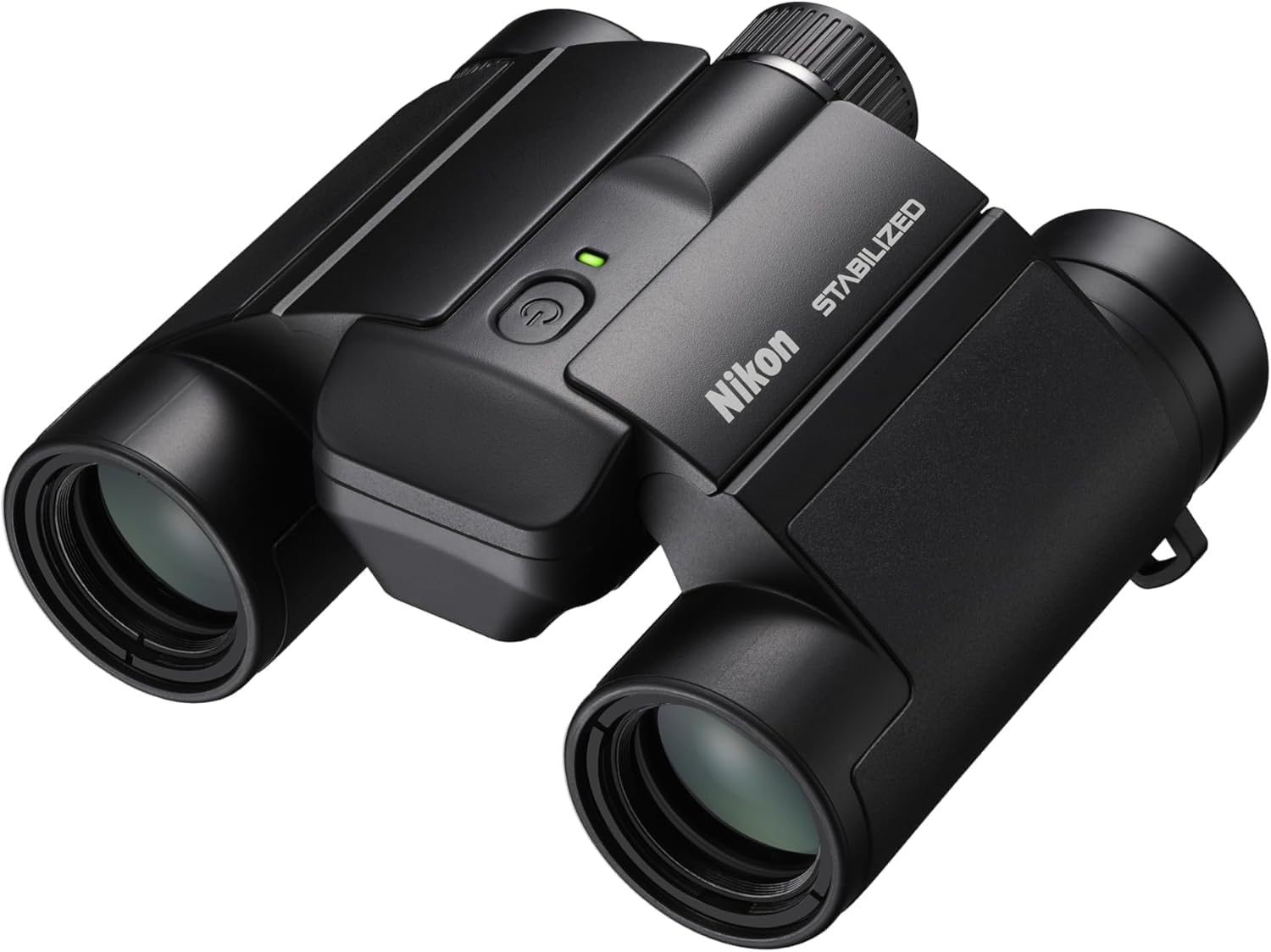
'I take the compact Nikon Stabilized 12x25 binoculars with me everywhere' — they now have $73 off, the best we've seen this year

Jase Parnell-Brookes has reviewed a huge range of skywatching optics, including the best telescopes, binoculars and image-stabilized binoculars. As our trusted authority and expert tester, when they recommend a product and you're in the market for it, their opinions and recommendations are worth paying attention to.

In their Nikon Stabilized 12x25 binoculars review, Jase reckoned they were without doubt the best compact image-stabilized (IS) binoculars they had ever tested. Right now they have $73 off and are at the best price we've seen since Black Friday 2025.

Get the Nikon S 12x25 binoculars, available for just $627 at Best Buy.

Jase awarded them with a perfect 5-star rating, which was mostly thanks to their excellent stabilization, their unobtrusive controls and incredibly small form factor. They also earned a place on our best binoculars guide as the best compact IS binoculars. This Best Buy deal is worthy of your attention if you're in the market for an incredibly versatile pair of binoculars that deliver still views in a compact body.

Save $73 on these pocket-sized image-stabilized (IS) binoculars from Nikon. They offer a strong 12x magnification and are portable enough to just slip into your pocket. In our review, we noted that the compact size and amazing IS system delivered amazing stargazing performance and earned them a perfect five-star review.

Read our Nikon Stabilized 12x25 Binoculars review.View Deal

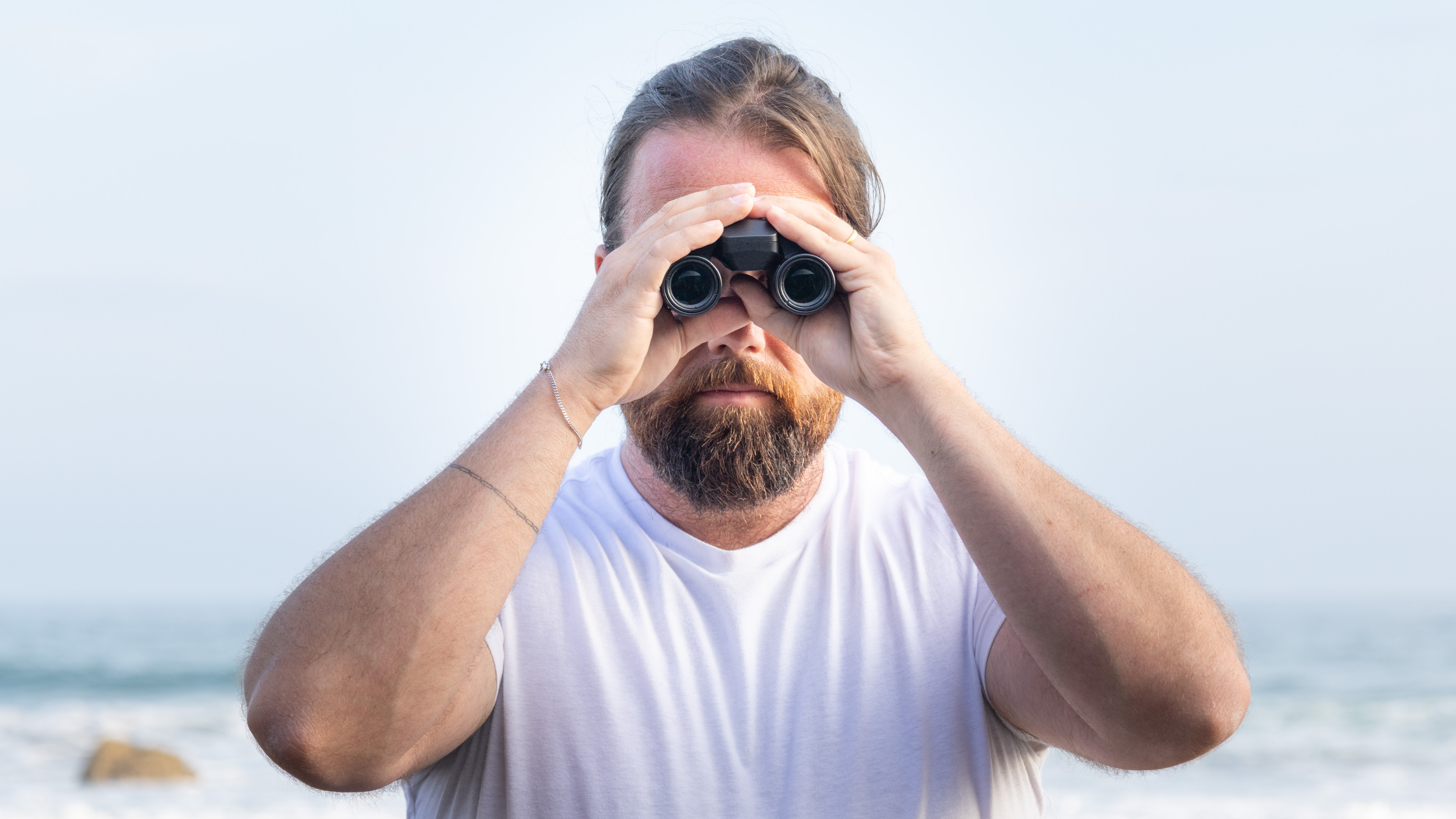
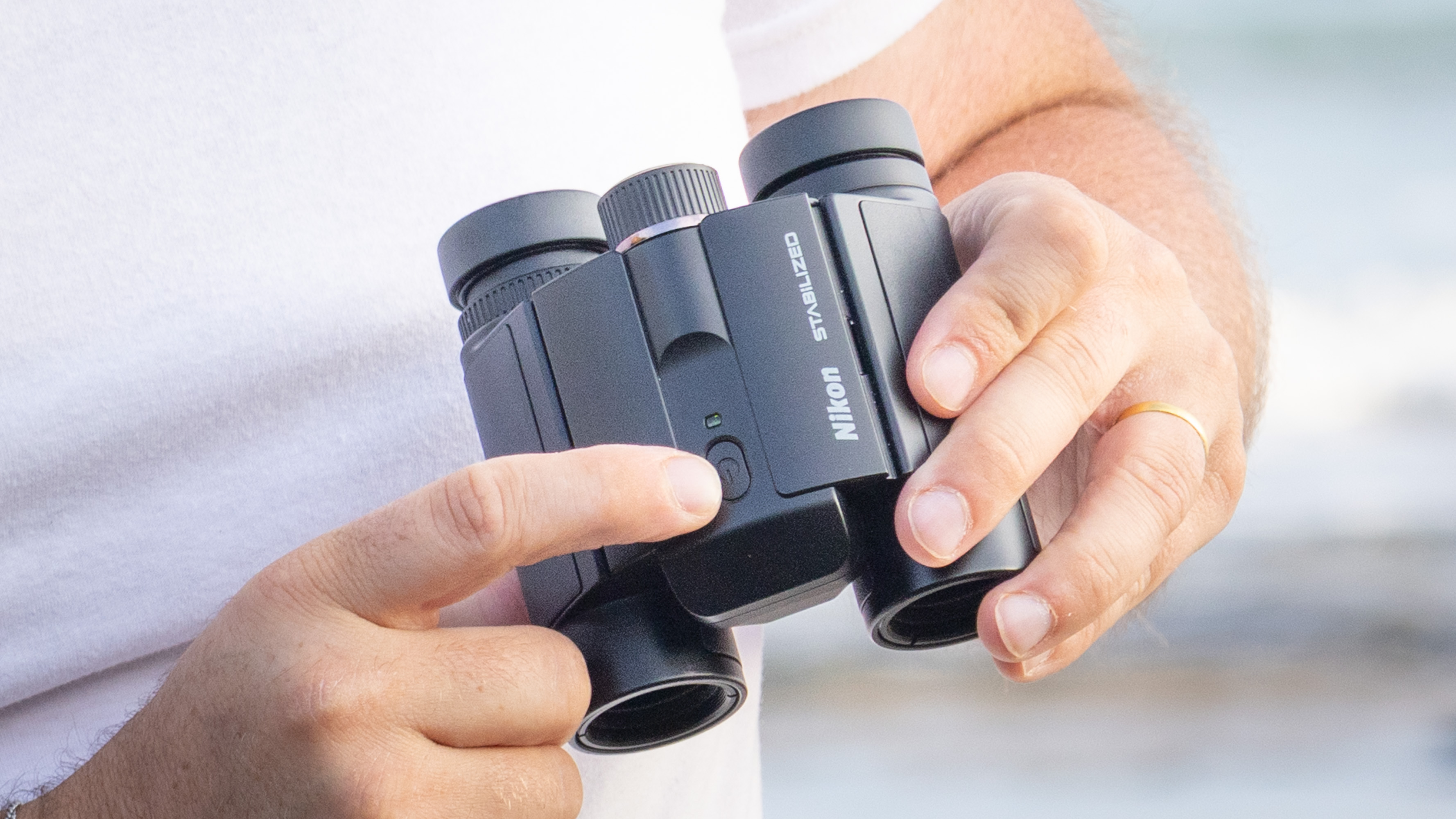
Nikon Stabilized 12x25 S binoculars held in the hands of the reviewer in front of breaking waves at the beach
The Nikon Stabilized 12x25 S binoculars are incredibly compact and are a handy pair to take wherever you go. Kimberley Lane
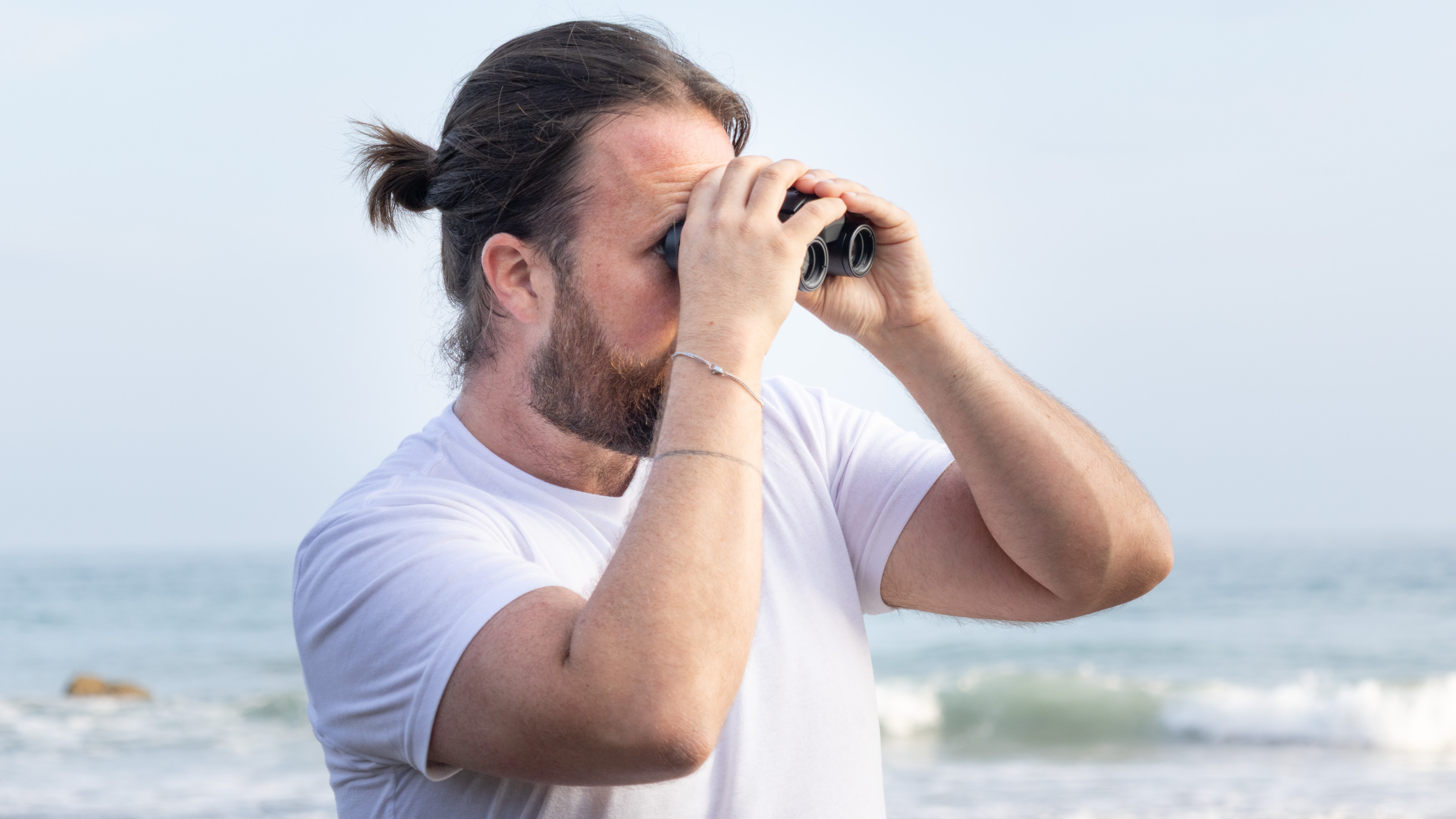
Nikon Stabilized 12x25 S binoculars held in the hands of the reviewer in front of breaking waves at the beach
The smaller objective lenses mean that the image looks a stop darker than viewing with the naked eye. Kimberley Lane
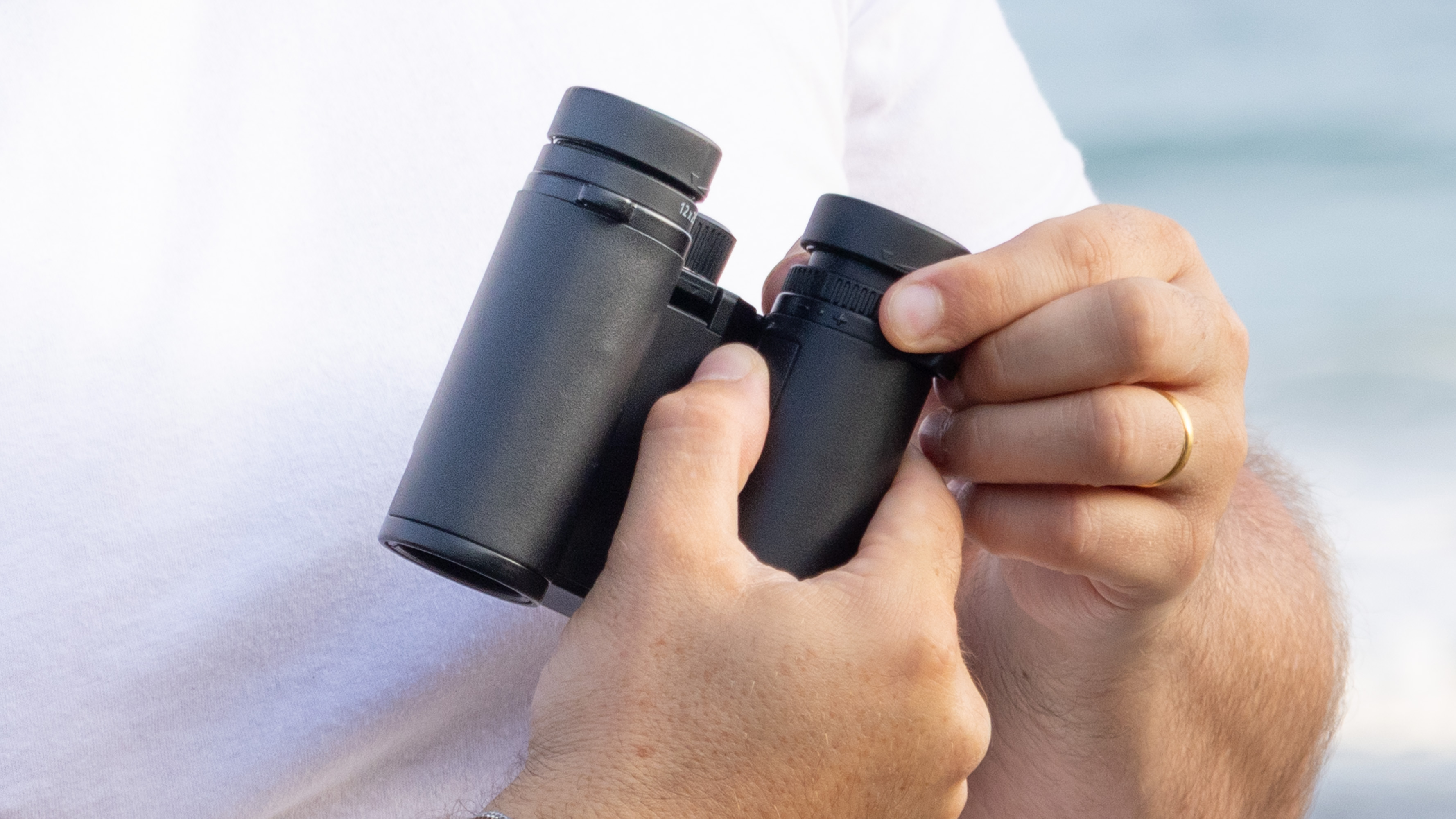
Nikon Stabilized 12x25 S binoculars held in the hands of the reviewer in front of breaking waves at the beach
The eyecups rotate freely to adjust the amount of eye relief. Kimberley Lane
Nikon Stabilized 12x25 S binoculars held in the hands of the reviewer in front of breaking waves at the beach
The binoculars are incredibly lightweight, considering their onboard image-stabilization system. Kimberley Lane

These image-stabilized (IS) binoculars punch well above their weight. Tipping the scales at a feathery 13.9 oz (395 g), they pack effortlessly into any bag, giving you rock-steady views wherever you roam. While the compact objective lenses yield a slightly dimmer view than the naked eye, they still deliver fantastic, crisp performance for casual stargazing.

In their testing, Jase managed to see the Andromeda galaxy (M31) with averted vision and the Orion nebula (M42), so these are worth taking out with you at night for a better look at the stars and some of the brighter deep sky objects.

They are also relatively cheap in the image-stabilized world where models can easily go for $1000 and up, depending on the model. Jase was happy to recommend these over another compact IS model, the Canon 8x20 IS binoculars, and they are actually lighter and smaller too. With their silky smooth steadying and clear views, they highly recommended them for anyone looking to get image-stabilized binoculars but doesn't want to spend big bucks.

Key features: 12x magnification, 25mm objective lens diameter, 4.5-degree angular field of view, 12.3mm eye relief, 13.9 oz (395 g) weight.

Product launched: November 2024

Price history: The Nikon Stabilized 12x25 binoculars usually retail for $699.95 on Amazon. This deal from Best Buy beats the Amazon price easily and, at just $626.95, is the best price we've seen since Black Friday 2025.

Price comparison: Best Buy: $626.95 | Newegg: $629.95 | Amazon: $699.95

Reviews consensus: Space: ★★★★★ | Digital Camera World: ★★★★

Featured in guides: Best binoculars, Best compact binoculars

✅ Buy it if: You are looking for an affordable way into image-stabilized binoculars and need a pair that you can slip into your pocket.

❌ Don't buy it if: You need really high magnification or bigger objective lenses. For more powerful image-stabilized binoculars, try the Canon IS 15x50 binoculars.

Check out our other guides to the best telescopes, binoculars, cameras, star projectors, drones, lego and much more.

  •  

Lost Vape Centaurus M120 S Kit Review: 5500mAh Battery, 120W Power and a More Practical Design

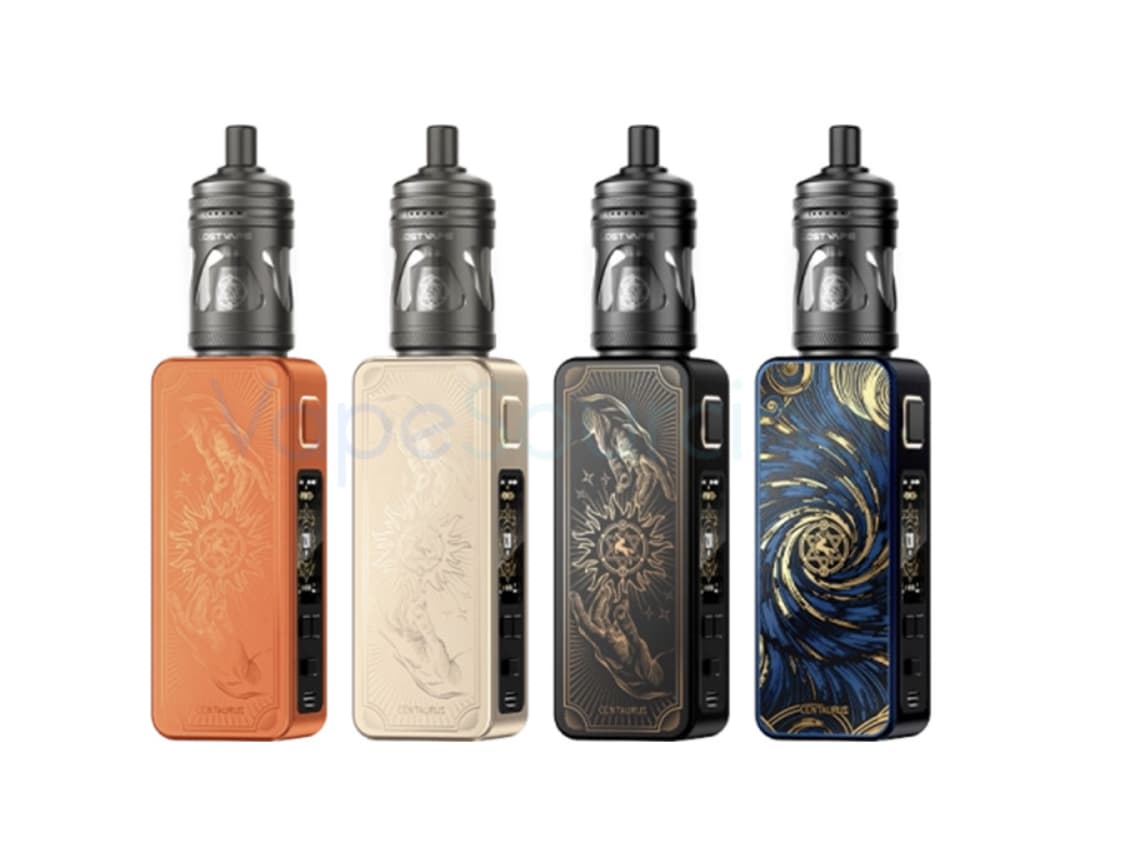
Lost Vape Centaurus M120 S Kit takes a different approach to the modern vape kit. Instead of competing mainly on extreme wattage or oversized hardware, it combines a built-in 5,500mAh battery, up to 120W of adjustable output, several vaping modes, and a relatively straightforward control system.

That combination makes the Centaurus M120 S interesting for adult vapers who want the flexibility of a higher-powered device without having to carry spare batteries.

The kit also introduces a redesigned Centaurus form factor, an interchangeable-panel design, an on/off switch, and a large color display. According to current product specifications, the mod measures 108.6 × 40.7 × 15.7mm and weighs around 120g, while the built-in battery supports USB-C charging at up to 2A.
The Battery Is the Main Story

The most important feature of the Centaurus M120 S is arguably not its 120W maximum output. It is the 5,500mAh built-in battery.

A 120W mod can be attractive on paper, but high power also places greater demands on the battery. The M120 S approaches the problem differently by giving users a large internal battery designed around extended daily use.

For moderate-power vaping, 5,500mAh gives the device a substantial energy reserve. Users who normally operate at lower wattages may not need to recharge as frequently as they would with a smaller internal-battery pod system.

The battery is also built into the device, so there is no need to purchase or carry a separate 18650 or 21700 cell.

That is an important distinction. The M120 S is aimed more at convenience and endurance than at the battery-swapping flexibility associated with traditional external-battery mods.
120W Gives the Kit Plenty of Headroom

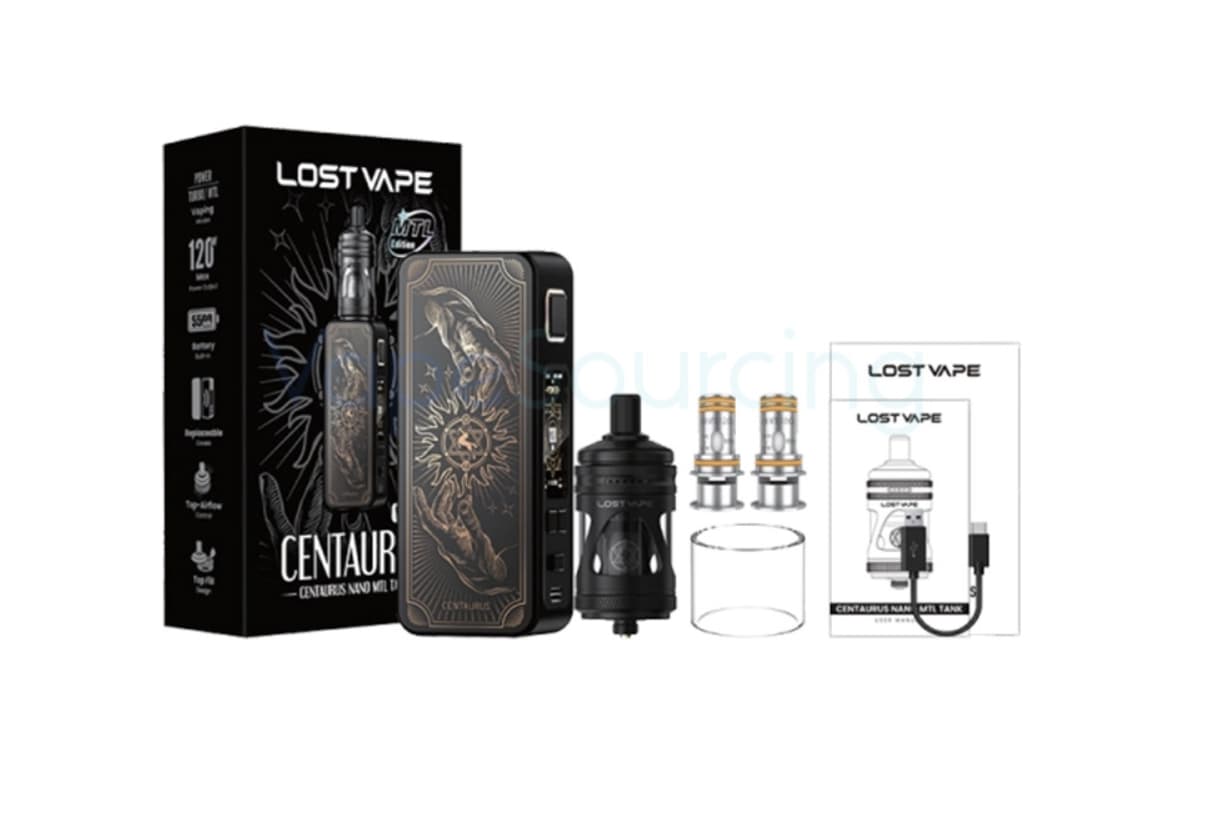
The Centaurus M120 S supports a power range of 5W to 120W vape device, giving it considerably more output headroom than a typical compact pod device.

However, the maximum number should not be interpreted as a recommendation to vape at 120W all the time.

The practical advantage of 120W is flexibility. A user can operate at a lower setting for a more controlled experience and still have additional power available when using compatible coils that require it.

This makes the M120 S more adaptable than a device designed around a narrow wattage range.

It is also worth remembering that actual performance depends on the coil, airflow, e-liquid, battery condition, and selected power level. Maximum output alone does not determine the quality of a vape.

Three Modes Change How the Device Feels

One of the more interesting aspects of the M120 S is its three operating modes: POWER, TURBO and MTL.

Rather than forcing every user into the same operating style, these modes give the device a broader range of possible applications.

POWER mode is the straightforward option for users who prefer direct control over their wattage.

TURBO mode is designed for users who want a more aggressive performance profile when their atomizer and coil setup are suitable for it.
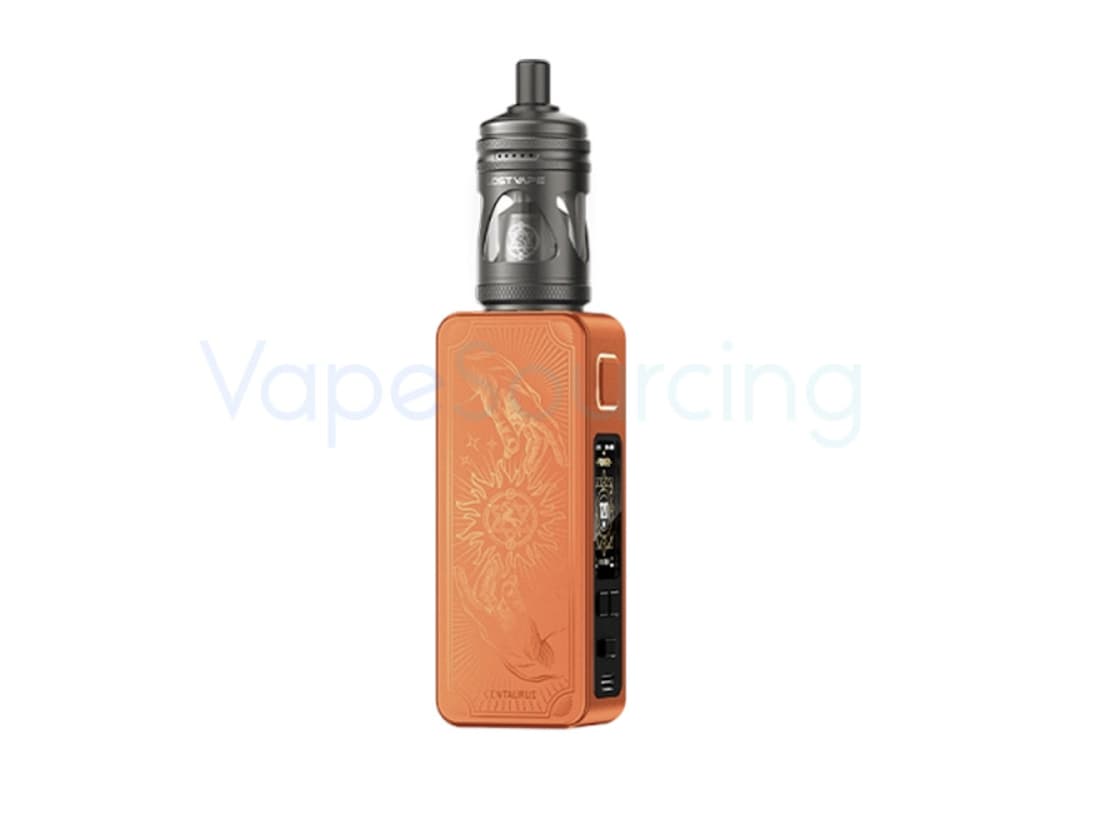
The inclusion of an MTL vaping is particularly notable. The Centaurus name has traditionally been associated with more powerful box-mod hardware, so having a dedicated mode for a tighter, mouth-to-lung-oriented experience makes the M120 S more versatile.

The important point is that these modes are not simply extra menu options. They give the device different ways of responding to the same hardware setup.

The 1.47-Inch TFT Screen Is More Than Decoration

The Centaurus M120 S uses a relatively large 1.47-inch TFT display, giving the device enough screen space to present important vaping information clearly.

A larger display can be useful on a high-output device because users may want to check wattage, battery status and other settings without navigating through complicated menus.

The screen also helps distinguish the M120 S from simpler pod-style devices, where information is often reduced to a few basic indicators.

For a device designed around adjustable power and multiple operating modes, having a readable interface is more useful than simply having a larger screen for visual appeal.

The On/Off Switch Is a Small Feature With a Practical Benefit

One of the details that deserves more attention is the physical on/off switch.

Many modern vape devices rely on button combinations or automatic sleep functions. The M120 S instead uses a dedicated switch for turning the device on and off.

That sounds simple, but it can make everyday handling more intuitive.

It also reduces the number of steps needed when the device is not being used. For people who regularly carry their device in a bag or pocket, having a clearly defined power switch can be more reassuring than relying entirely on software controls.

Interchangeable Panels Add Personality Without Changing the Hardware

The M120 S continues the Centaurus family’s emphasis on customizable exterior panels.

The interchangeable-panel concept allows the appearance of the device to be changed without replacing the entire mod. This is primarily an aesthetic feature, but it also gives the M120 S a more distinctive identity than a conventional rectangular box mod.

Lost Vape has used customizable panels across parts of the Centaurus family before, including the Centaurus M200, where the company describes the design as using changeable face panels.

For the M120 S, the approach fits naturally with the redesigned body.

The 4ml Tank Keeps the Kit Practical

The kit is offered with a 4ml tank, giving the overall package a useful balance between capacity and portability. Current product listings identify the Centaurus M120 S kit as a 4ml, 5,500mAh configuration.

A 4ml capacity is large enough for regular use without turning the tank into an unnecessarily bulky component.

Of course, actual e-liquid consumption will vary significantly depending on coil resistance, wattage, airflow and vaping frequency. Someone running a higher-power setup will naturally consume liquid faster than someone using a lower-power configuration.

That is why tank capacity should always be considered alongside power output rather than viewed as an isolated number.

This Is Not Trying to Be an Ultra-Small Pod

The M120 S measures 108.6 × 40.7 × 15.7mm and weighs approximately 120g, according to current specifications.

Those dimensions make it more substantial than a basic pod system, but that is not necessarily a disadvantage.

The larger body provides space for the 5,500mAh battery, display, controls and tank connection. In other words, the size is partly a consequence of what the device is trying to accomplish.

The more useful question is therefore not whether the M120 S is small enough to disappear in a pocket. It is whether the additional size is justified by the battery capacity and functionality.

For users prioritizing battery life and adjustable performance, the answer may be yes.

USB-C Charging Makes the Large Battery Easier to Live With

A large internal battery would be less useful if charging were inconvenient.

The Centaurus M120 S supports USB-C charging at up to 2A, providing a modern charging interface and making it easier to recharge from commonly available USB-C power sources.

It is still worth using an appropriate charger and cable and following the manufacturer’s charging instructions.

The advantage of USB-C here is mainly convenience: there is no need to remove the battery or use an external charger.

Who Is the Centaurus M120 S Really For?

The M120 S makes the most sense for adult vapers who want a device somewhere between a compact pod and a traditional high-powered dual-battery box mod.

It is particularly interesting for users who prioritize:

  • A large built-in battery
  • Adjustable output up to 120W
  • Multiple operating modes
  • A larger TFT display
  • USB-C charging
  • A physical on/off switch
  • Customizable exterior panels
  • A 4ml tank
  • A relatively manageable 120g body

It is less compelling for someone whose priority is an extremely lightweight pod that can disappear into a pocket.

The M120 S is ultimately built around battery capacity and versatility, not minimalism.

What Should You Consider Before Buying?

The built-in battery is both an advantage and a limitation.

There is no need to purchase external cells, but the battery cannot simply be swapped when its charge is depleted. Users who prefer carrying several charged batteries may therefore prefer a traditional external-battery mod.

The 120W output also does not mean every coil should be operated at high wattage. Coil specifications should always be followed, and the power level should be adjusted according to the installed coil and personal preference.

The tank and coil configuration also matters. A powerful mod can only perform as well as the atomizer setup attached to it.

Finally, buyers should check the vaping regulations that apply in their location before purchasing or using the device.

Lost Vape Centaurus M120 S Kit Specifications

Specification Details
Product Lost Vape Centaurus M120 S Kit
Maximum Output 120W
Power Range 5–120W
Battery Built-in 5,500mAh
Charging USB-C, up to 2A
Display 1.47-inch TFT
Operating Modes POWER, TURBO, MTL
Tank Capacity 4ml
Dimensions 108.6 × 40.7 × 15.7mm
Weight About 120g
Panels Interchangeable
Power Control On/Off switch
Manufacturer Lost Vape

The core mod specifications above are based on current product information for the Centaurus M120 S.

Final Verdict

Lost Vape Centaurus M120 S Kit is interesting because it does not rely on one exaggerated specification to define the product.

Its strongest combination is the 5,500mAh internal battery + 120W maximum output + three operating modes. That gives the device enough range to serve different vaping preferences while keeping the hardware relatively straightforward to operate.

The large TFT screen, physical power switch, USB-C charging and interchangeable panels add useful touches around that core design.

For adult users who want a higher-powered kit but would rather avoid external batteries, the M120 S presents a practical alternative. Its biggest appeal is not simply the 120W number; it is the attempt to combine substantial battery endurance with adjustable performance in a single, relatively manageable device.

Note: Vape products contain nicotine when used with nicotine-containing e-liquid, and nicotine is addictive. This product is intended only for adults of legal purchasing age. Always follow the manufacturer’s instructions and local regulations.

The post Lost Vape Centaurus M120 S Kit Review: 5500mAh Battery, 120W Power and a More Practical Design appeared first on IGeeKphone China Phone, Tablet PC, VR, RC Drone News, Reviews.

  •  

An unmissable $450 off, we rank this vintage-style Nikon as the best camera under $2000, but it is going fast

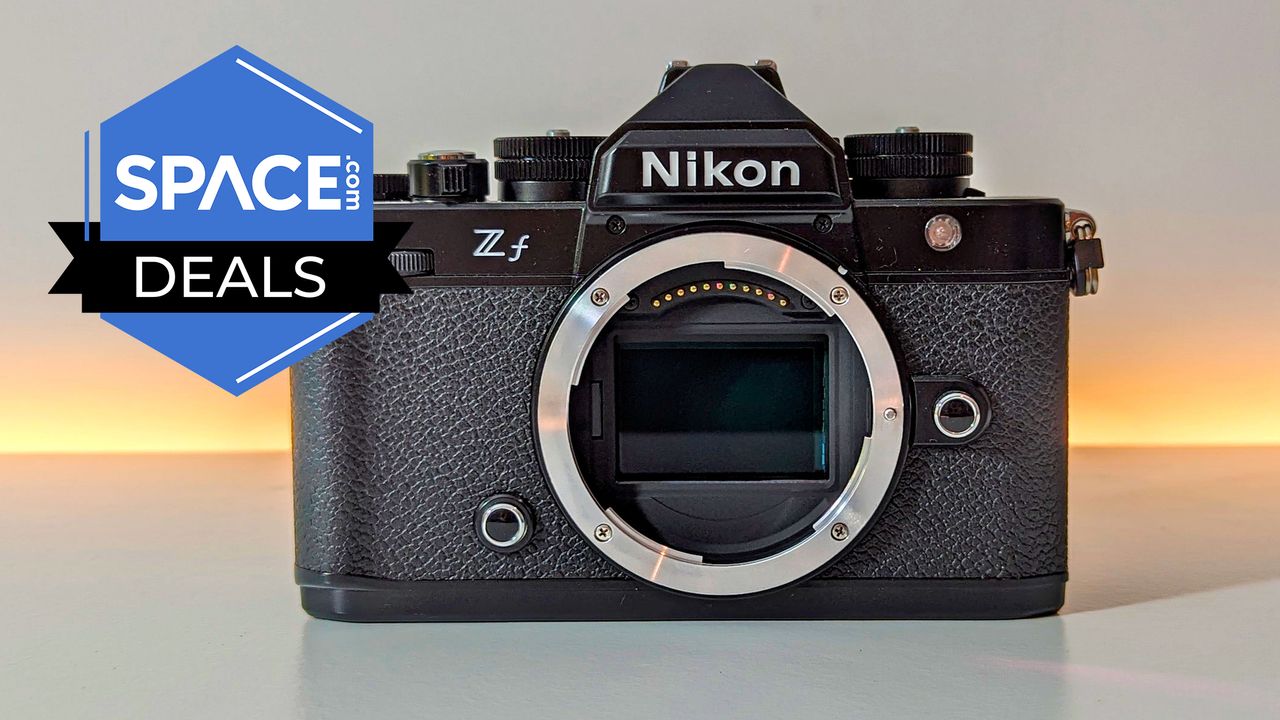
Looking for a quality camera that marries style and performance? Look no further than the Nikon Zf. Despite its vintage looks, it's one of the best Nikon cameras you can buy and with its excellent low-light performance, we also rank it as one of the best astrophotography cameras. Now, thanks to this deal, it's the cheapest it's been since last year's Black Friday.

Save $453 and get the Nikon Zf camera, on sale for $1,747 at Amazon.

In our Nikon Zf review, our expert called it "A great buy that offers excellent value for money when compared with some of the much more expensive Nikon models." Now less than $1,800, this is a steal for astrophotographers and photographers in general.

Save $453 on this impressively capable Nikon Zf camera. It isn't just a great low-light performer, it's an excellent all-rounder. Its retro-aesthetic is a bonus for those who miss the look and feel of film cameras. View Deal

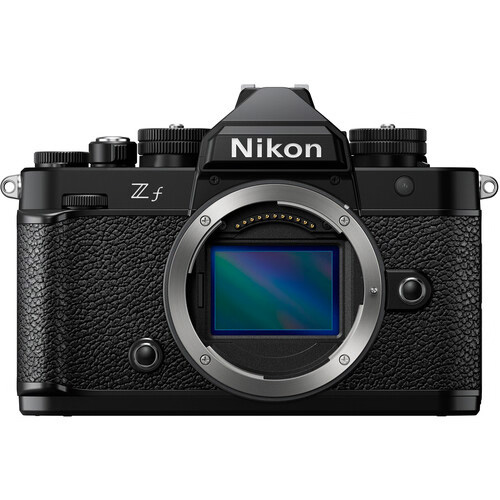
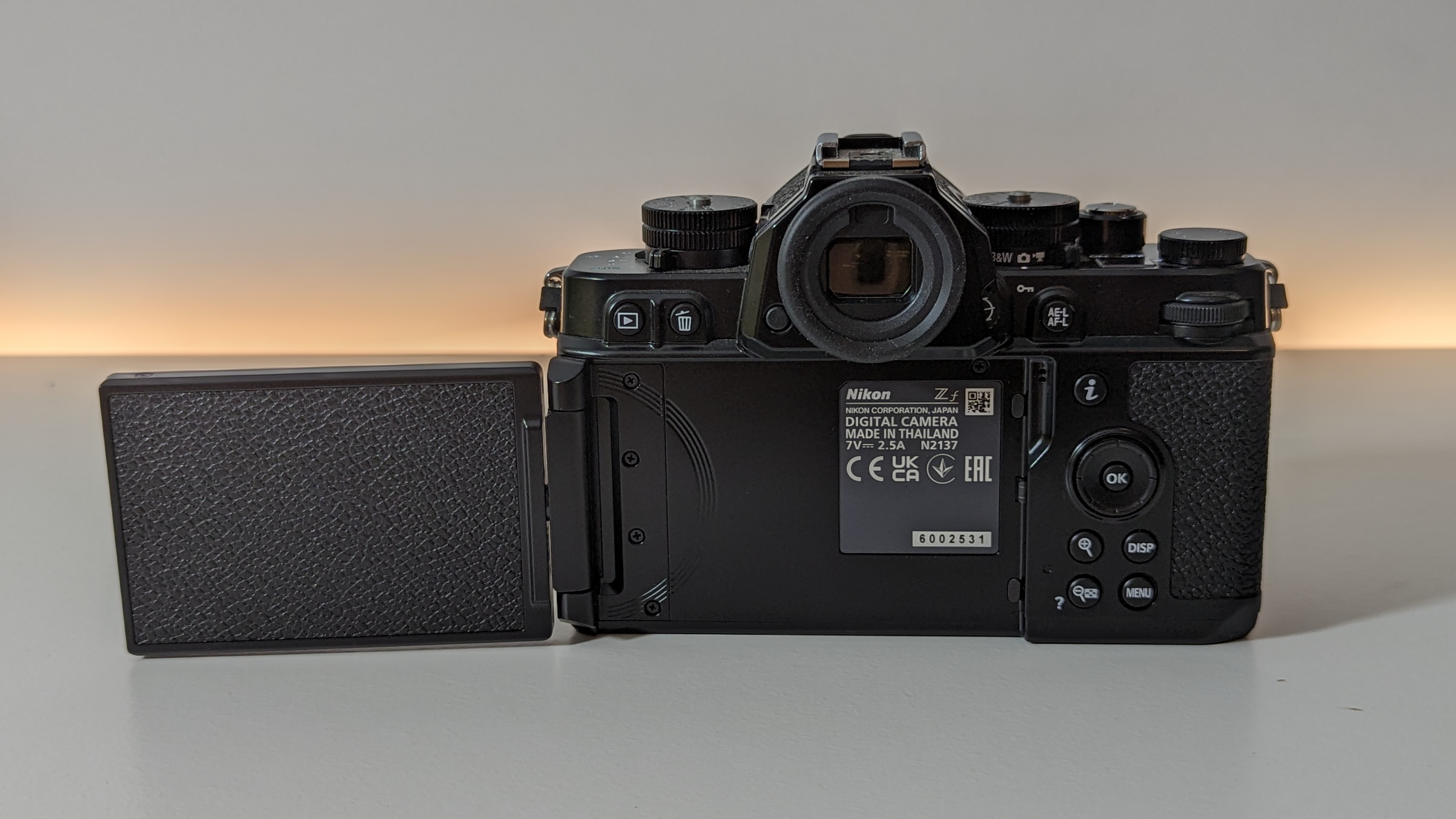
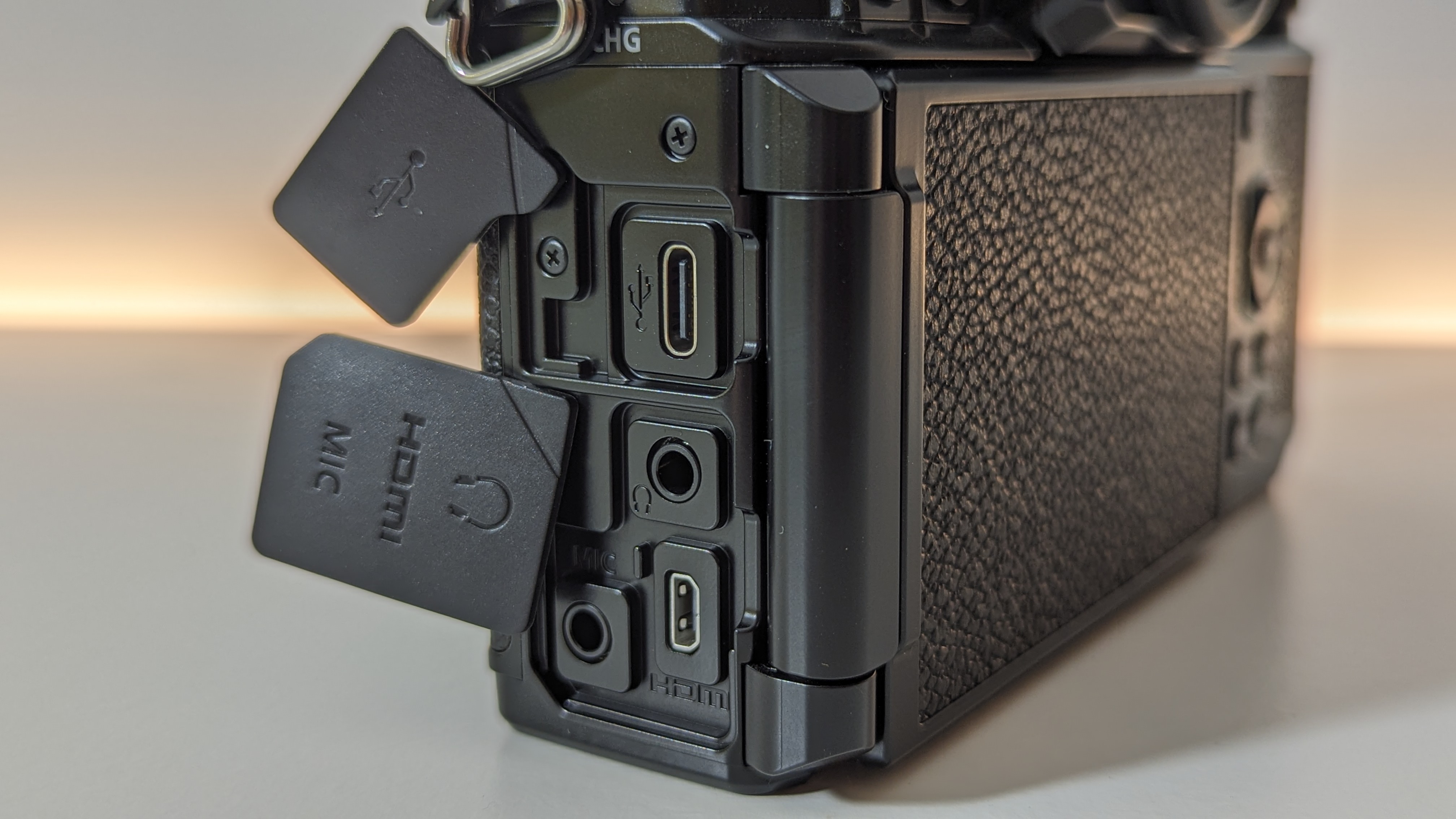
Nikon Zf review photo
Couple the Nikon Zf with a suitable lens and you've got a camera that excels at astrophotography. Future
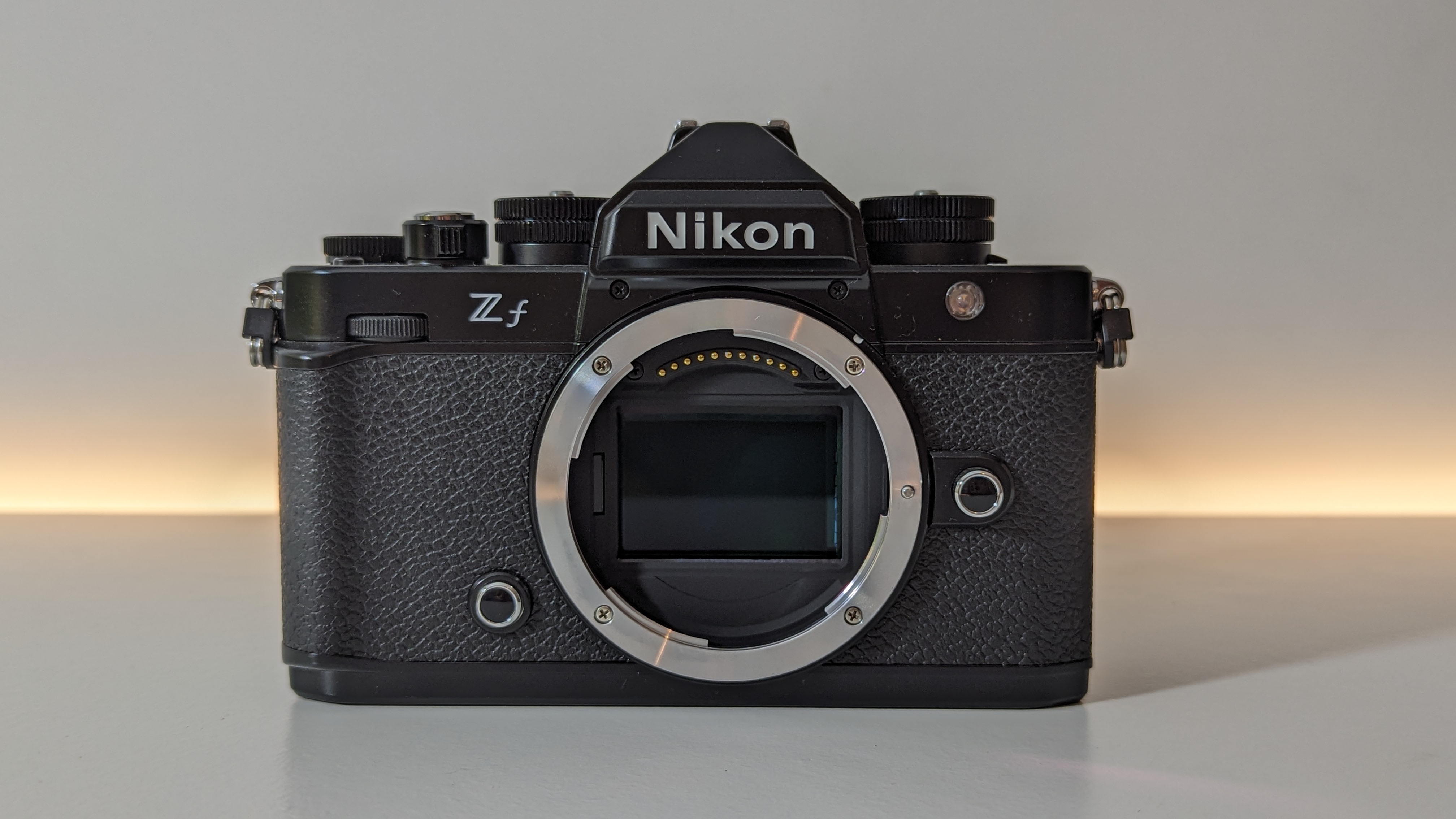
Nikon Zf review photo
Future
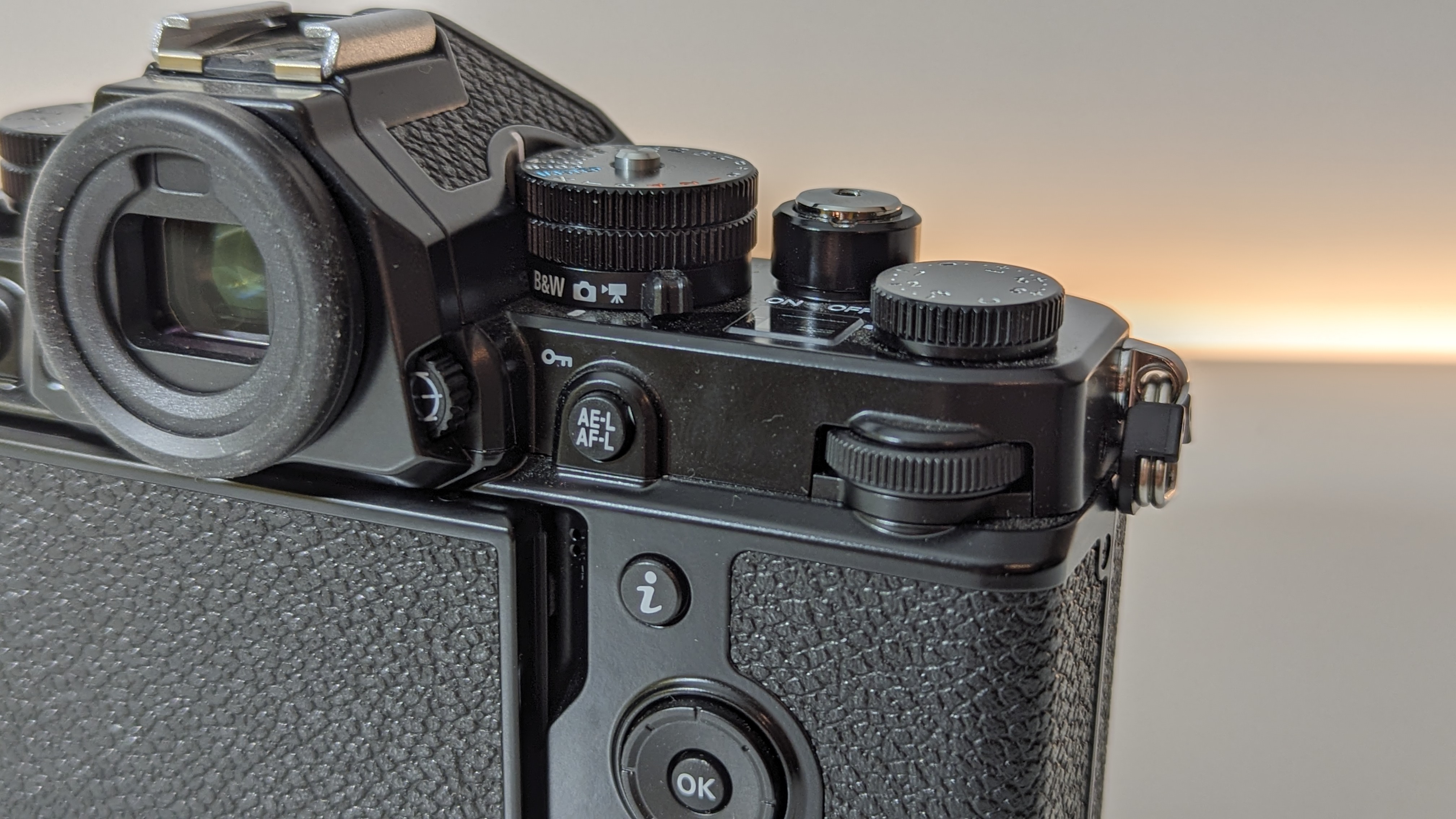
Nikon Zf review photo
Future
Nikon Zf review photo
Future
Nikon Zf review photo
Future

What's not to love about this Nikon Zf camera? We ranked it as the best camera under $2,000, before inflation pushed it past that price point, and this deal makes it the cheapest it's been since last Black Friday.

Not only does this full-frame mirrorless camera offer excellent low-light performance, so much so that we think it's one of the best cameras for astrophotography, it's a brilliant all-rounder too.

In their Nikon Zf review, expert Jase Parnell-Brookes awarded it four-and-a-half stars, discovering that its strengths go far beyond its vintage stylings, remarking that "It delivered an impressive dynamic range and performed well in various lighting scenarios."

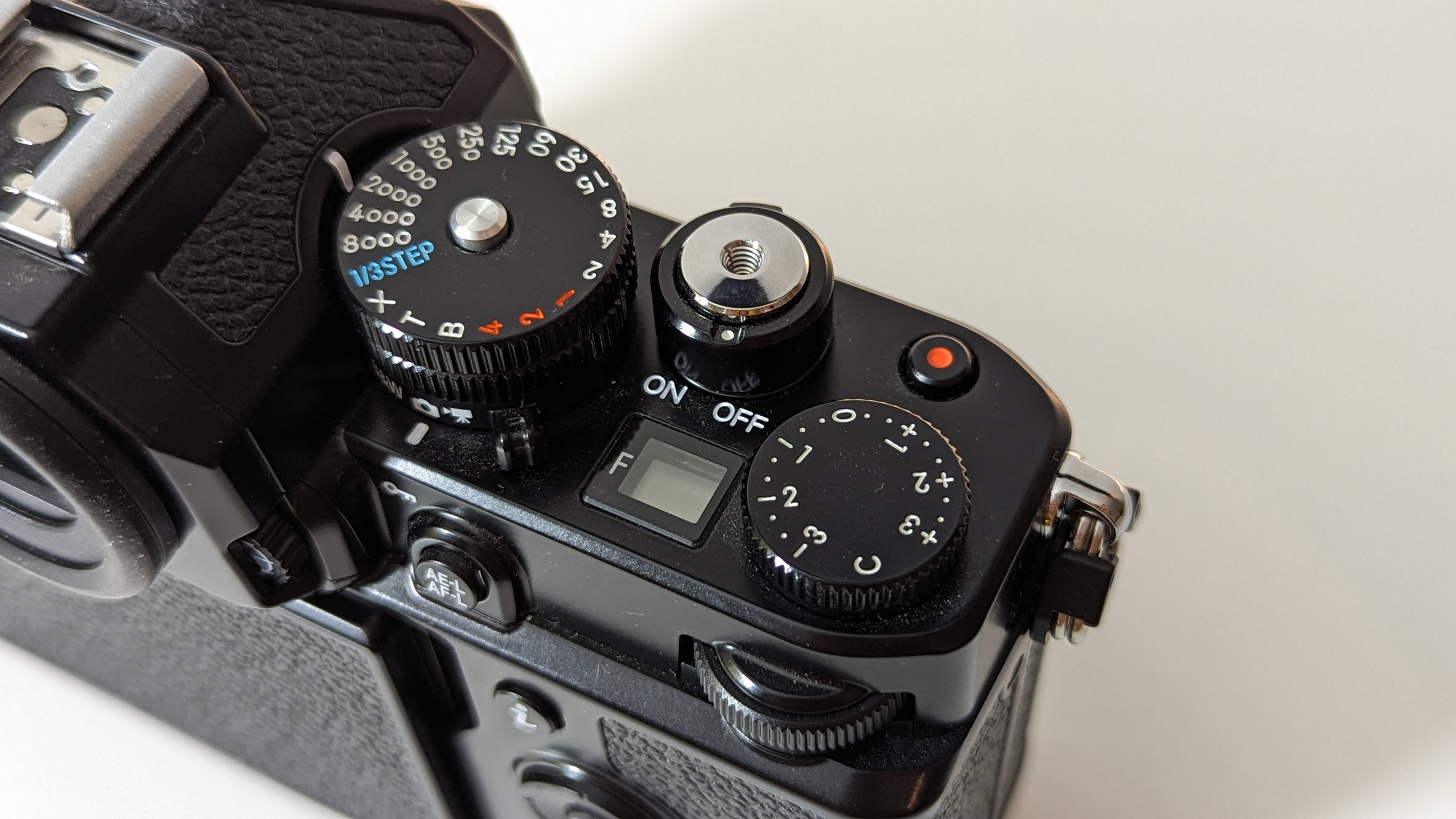
And, while you can point and shoot, the Nikon Zf is packed with controls designed to enhance your experience. From changing the ISO and ISO sensitivity, through to switch to black-and-white mode, you have complete control over your images. That much choice may seem daunting but the buttons and dials are intuitive enough that using them becomes second nature.

There are Nikon cameras out there that can beat its 24.5 MP images, but you'd have to spend significantly more. The Nikon Z8, for example, is over half as much again. If you want to make your money count, the Nikon Zf is the camera to buy. However, you'll have to hurry if you want to make the most of this deal. As we write this, there are just a handful of units left in stock.

Key features: 24.5 MP FX CMOS Sensor, Z mount, 100-64000 (expandable to 204,800) ISO, 4K UHD 30p video, 1 lb 9.1 oz / 710 g weight, 1SD UHS-II + MicroSD UHS-I card slots.

Product launched: September 2023

Price history: This is the cheapest this camera has been all year. It last dropped to around this price last Black Friday.

Price comparison: Amazon: $1747 | Adorama: $2197 | B&H Photo: $2047

Reviews consensus: Reviewing the Nikon Zf, we awarded it four-and-a-half stars praising, in particular, its low light performance and how it stacks up to Nikon's more expensive cameras. We were also impressed by its vintage appearance, replicating the look of a film camera. Its Amazon reviews are just as positive, with just a few purchaser complaining about its weight.

Space: ★★★★½ | TechRadar: ★★★★½ | Digital Camera World: ★★★★½

Featured in guides: Best astrophotography cameras, best Nikon cameras, best cameras under $2000

✅ Buy it if: You want a vintage-styled but powerful camera that will let you take stunning shots of whatever you point it at, the night sky included.

❌ Don't buy it if: You want maximum image detail. You can get better than the Zf's 24.5MP sensor; consider the Nikon Z8 instead.

Check out our other guides to the best telescopes, binoculars, cameras, star projectors, drones, Lego and much more.

  •  

Cheaper than Prime Day, this super-portable, beginner-friendly telescope is my number one choice for skywatching

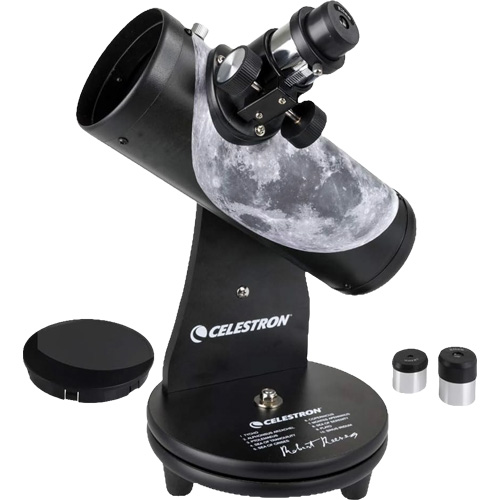
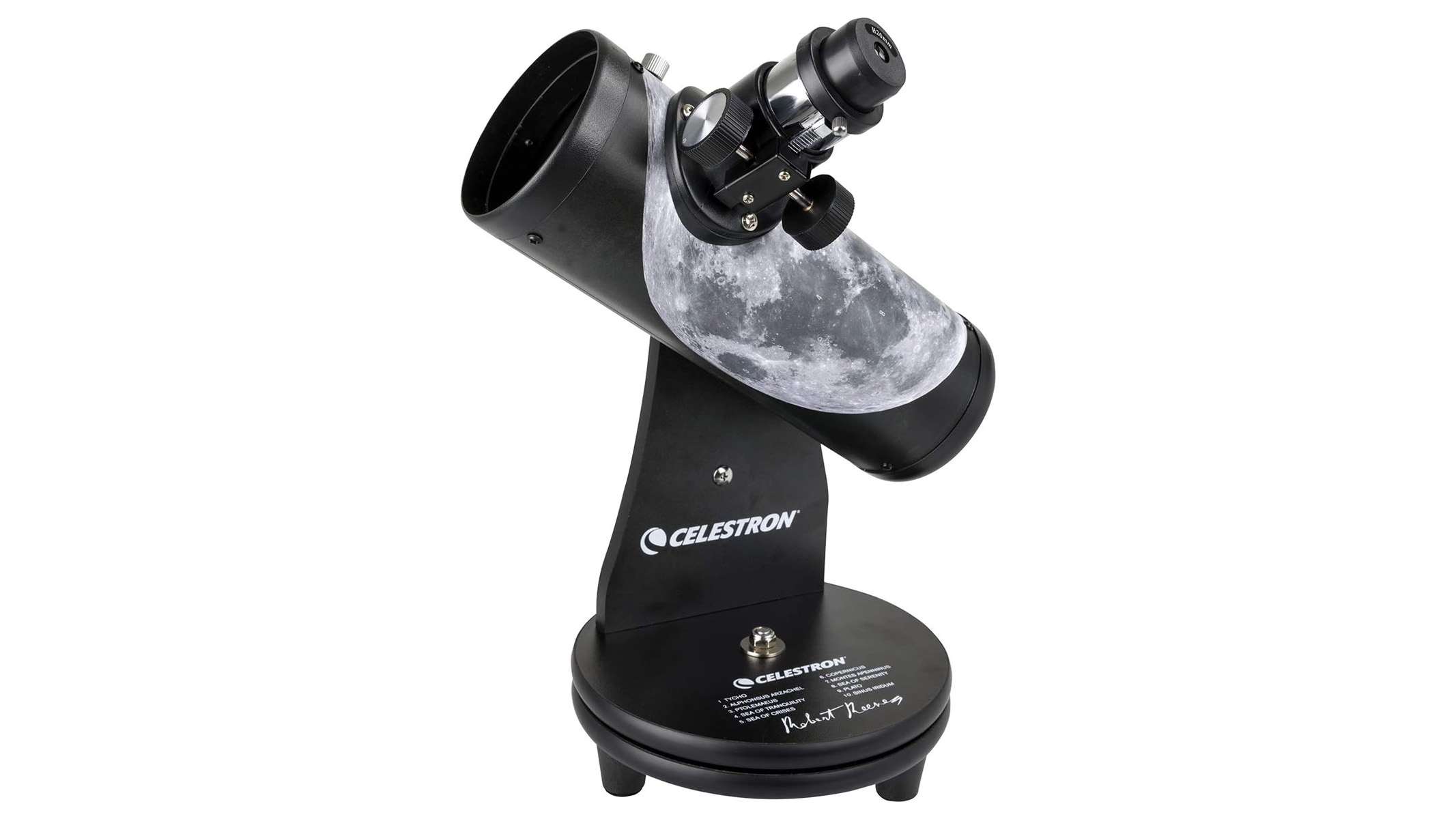
I've got three telescopes in my home, but the Celestron FirstScope is my first stop when it comes to stargazing. Now this super-portable, beginner-friendly tabletop scope is $60 at Amazon, even cheaper than Prime Day!

Save 20% on this moon-themed Celestron Firstscope at Amazon

What makes the Celestron FirstScope so fantastic? It's all down to ease of use and portability. There's next to no assembly and once you've unboxed it, you can pick it up in one hand and head outside.

Save $15 on this moon-themed Celestron Firstscope which, with 76mm aperture and tabletop mount, is ideal for quick stargazing sessions as well as introducing children to a new hobby. View Deal

Celestron Firstscope telescope on a white background

The Celestron Firstscope is a small but perfectly formed scope, great for a quick spot of skywatching. (Image credit: Celestron)

Even though I've got two bigger telescopes in my home, a Skyatcher Classic 200P and a Bresser Solarix 114/500, I wouldn't dream of parting with my Celestron FirstScope. This tabletop scope is so easy to use and so portable, you can just grab it, head outside and get stargazing.

No fuss, no mess, no scraping the door frame because folding the tripod down seems like too much work. It's also small enough that you can sling it in a backpack, ideal for hopping on your bike and pedalling away from light pollution.

It comes with 20mm and 4mm eyepieces, but you can also trade up to any of the best eyepieces. As a tabletop telescope you'll need to find something to rest it on but a wall or even a trash can will do. And if you're a beginner, or buying for children, you'll be delighted with how the FirstScope performs. We think it's the best tabletop telescope for kids.

And, despite its size, it offers respectable views of the night sky. Testing the scope for our Celestron FirstScope review, expert Gemma Lavender was able to view Jupiter, Venus, Saturn and the moon as well as the Pleiades. It may not be one of the best telescopes for deep space, but if you're new to stargazing, you'll find plenty to wow you.

The lack of a finderscope is slightly disappointing but you can purchase one separately and, even without one, this is an impressively capable telescope, at a price that won't break the bank. It really is that simple. Want to watch Saturn at opposition this Oct. 4? Grab your FirstScope, perch it on a table or wall, and home in on this ringed planet. It's excellent for moonwatching too, especially if you're short on time. We think this is the best tabletop telescope for kids and beginners will love it too.

Key features: Newtonian reflector with Dobsonian mount, 2.99-in (76mm) aperture, 11.81in (300mm) focal length, 20mm and 4mm eyepieces.

Product launched: March 2009

Price history: This is even cheaper than Prime Day, when the Celestron FirstScope dropped to $70.

Price comparison: Amazon: $64 | Walmart: $75

Reviews consensus: Reviewing the Celestron Firstscope, we awarded it four stars, saying "It exudes portability, ease of use and a price that's not going to break the bank." That sentiment still stands and its Amazon reviews are just as positive. At this price, it's a steal.

Space: ★★★★

Featured in guides: Best tabletop telescopes, best telescopes for kids

✅ Buy it if: You're a beginner, are buying for children or want a quick grab-and-go telescope

❌ Don't buy it if: You want to gaze into deep space. The FirstScope can see some star clusters but it's best used to view our own solar system.

Check out our other guides to the best telescopes, binoculars, cameras, star projectors, drones, Lego and much more.

  •  

Unforgetful 1.0

Marco Arment:

Unforgetful isn’t a new productivity system to learn.

[…]

This is designed for a small number of short-term tasks. What do you need to do today, tomorrow, this week, or this month?

[…]

If you want tagging, folders, archives, or other ways to organize or file away tasks, this isn’t the app you’re looking for.

Unforgetful is for people who know that if they file away a task, it never gets done.

I’m an OmniFocus person. I love tagging, folders, and archives; I never want to see a notification for a to-do item. I prefer pull to push. So this is absolutely not the right tool for me. But I like the fresh thinking behind this app and how the various design choices interact to make it an opinionated tool for the right type of person.

Marco Arment:

Calendar alarms changed my life. Events without alarms don’t happen.

[…]

Most of my Reminders interaction has always been via Siri and notifications. And that fits me very well, with three major exceptions:

  1. If I say “Remind me to buy milk,” but I forget to specify a time (or Siri misses it), Reminders will never notify me, and I’ll never check the app, so it’ll be lost.
  2. If I inadvertently dismiss a Reminders notification without snoozing it, Reminders will never notify me about it again, so it’ll be lost.
  3. When I do snooze a Reminders notification, which I do a lot, the snooze options suck.

He has good solutions to these and other problems. I’m tempted to try out Unforgetful just for the purported quick capture of dictated reminders, however there’s no watch app.

Listen to Accidental Tech Podcast to hear about unfortunate limitations of EventKit. Reminders itself is interesting to me in that the (private) data model is now so rich, but I’m put off by the UI, the lack of export, and the limited support for driving it from the keyboard.

Previously:

  •  

MacVoices #26209: Apple Stock Recovers, iCloud Is Required, and More iPhone Foldables

Apple’s stock rebounds after recent product price increases, prompting a discussion of customer loyalty, upgrade timing, refurbished options, and long-term confidence in the company. Chuck Joiner, David Ginsburg, Eric Bolden, Jim Rea, and Marty Jencius also examine why advanced Home features may require a 2TB iCloud+ plan, then debates Apple’s rumored foldable iPhone, including price, […]

💾

  •  

Vídeo: troquei a bateria do iPhone 15 Pro Max da minha esposa!

Há alguns anos, eu troquei a tela de um iPhone XR da minha esposa em parceria com a iFixit. Pois é, o desafio voltou — desta vez, em um aparelho bem mais recente e complexo: o iPhone 15 Pro Max dela, cuja bateria já estava com apenas 77% de saúde.

Aceitei o convite da iFixit para trocar a peça por uma nova, e topei documentar todo o processo em vídeo para vocês. Divirtam-se:

Para a troca, recebi da iFixit o kit de bateria para iPhone 15 Pro Max, que já vem com todas as ferramentas necessárias, e também o iOpener, aquele saquinho que se aquece no micro-ondas e ajuda muito a amolecer o adesivo que prende a tela ao aparelho.

Segui à risca o tutorial passo a passo da própria iFixit para a substituição da bateria, e depois o guia específico para reinstalar o adesivo em volta da tela.

Confesso que desta vez foi bem mais desafiador do que da última: entre um passo e outro, entre pausas para respirar e conferir o manual outra vez, levei quase 3h do início ao fim. Mas deu tudo certo, e a sensação de ver o aparelho funcionando perfeitamente com uma bateria novinha (e a esposa satisfeita) não tem preço. 😄

Meu muito obrigado à iFixit por mais essa parceria e pelas ferramentas certas para o trabalho. E aí, quem topa o desafio também? 😅

  •  

Apple é alvo de processo por brecha na Retransmissão Privada do iCloud+

Na semana passada, pesquisadores revelaram falhas de segurança nas configurações de proxy da Retransmissão Privada (Private Relay) do iCloud+, que também afetam navegadores baseados no WebKit que utilizam a API 1Application programming interface, ou interface de programação de aplicações. de proxy para privacidade, expondo o endereço IP dos assinantes do serviço. Pois bem, não demorou muito para que surgisse o primeiro processo relacionado ao caso.

A ação coletiva foi movida pelo escritório jurídico Clarkson, que você talvez lembre pelo envolvimento no processo sobre o adiamento dos recursos de inteligência artificial (IA) apresentados durante a WWDC24, o que resultou em um acordo o qual previu o pagamento de US$250 milhões a clientes em dezembro do ano passado.

Como sambemos, a Retransmissão Privada oferece proteção para ocultar o seu endereço IP e dificultar a ciência sobre os seus acessos na web por parte de provedores de internet e terceiros, direcionando o seu tráfego para duas camadas de proteção.

O novo caso menciona o problema na Retransmissão Privada que faz a sua barreira ser burlada nos iOS em qualquer site compatível com as Chaves-senha (Passkeys) — algo que acontece pois o dispositivo do usuário faz uma requisição web fora do próprio navegador sempre que o usuário faz login, ignorando o Private Relay — e acusa a Apple de publicidade enganosa, declarações falsas ou deturpadas e fraude.

[A Apple] sabia, ou deveria saber, que as declarações contestadas eram falsas, enganosas, fraudulentas e ilegais, no momento em que a ré fabricou, comercializou, anunciou, rotulou e vendeu as assinaturas [do iCloud+].

Convidada a comentar o caso pelo 9to5Mac, a Apple ainda não se pronunciou sobre o tema. Tim Giordano, um dos sócios do escritório, por outro lado, disse que a empresa traiu a confiança de usuários “expondo-os ao mesmo rastreamento, criação de perfis e segmentação sobre os quais a Apple os alertava”.

O texto completo da ação coletiva pode ser conferido nesse link [PDF].

Notas de rodapé

  • 1
    Application programming interface, ou interface de programação de aplicações.

  •  

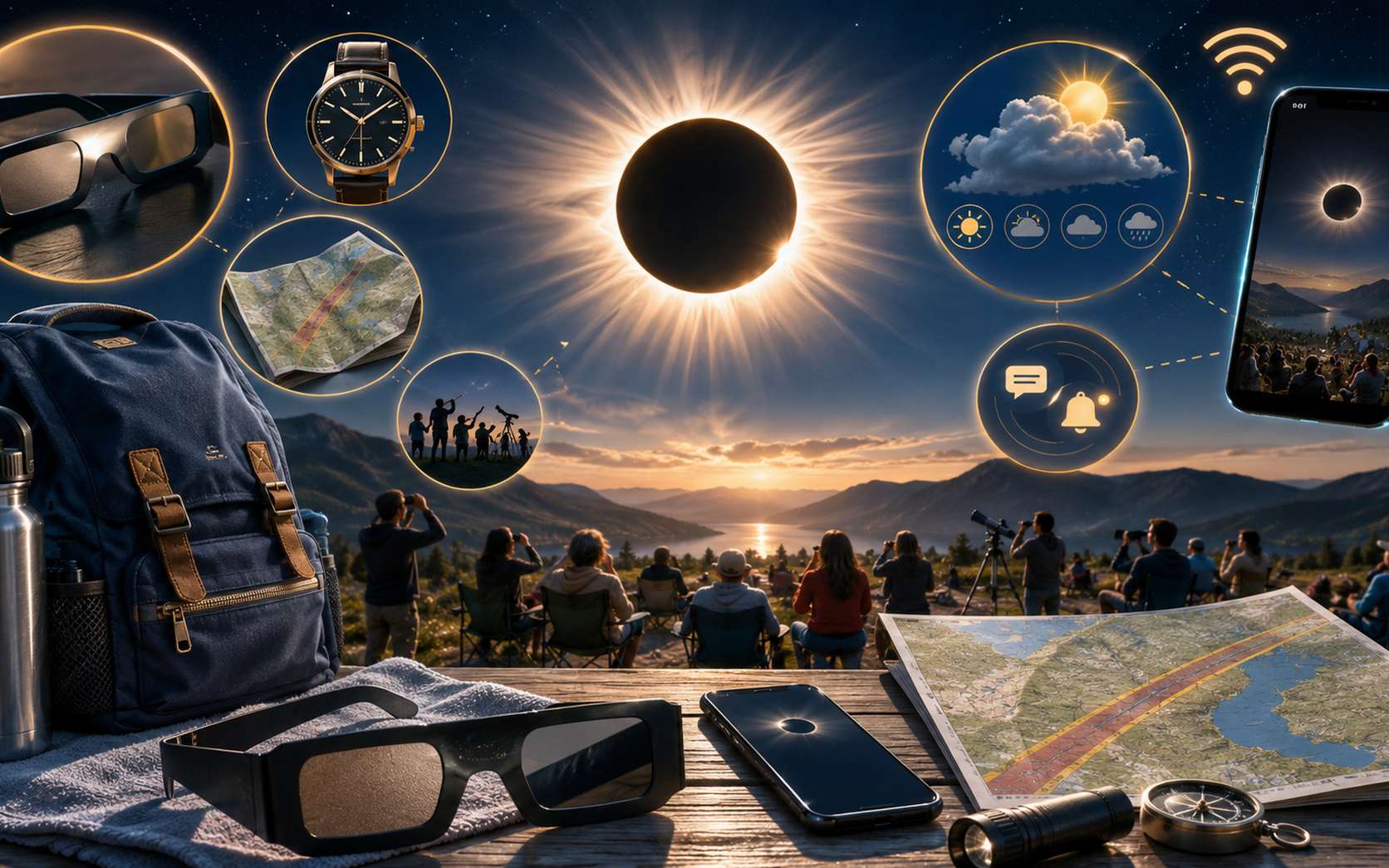
Éclipse du 12 août : 4 objets indispensables à préparer chez vous pour être prêts à 19 heures

Mercredi 12 août, la France assistera à une éclipse solaire partielle, dont le degré d'occultation variera de près de 90 % dans l’Est à 99,5 % à Biarritz. Horaires, carte, météo, lunettes, événements et direct : voici la check-list de dernière minute avant de vivre cet évènement exceptionnel.  

  •  

WebKit IP and DNS Leaks Affecting Proxies and Private Relay

Talal Haj Bakry and Tommy Mysk (Mastodon, Hacker News, MacRumors, Mac Power Users):

WebKit-based browsers on iOS and macOS can be configured to route all web traffic through proxy servers, which is how Tor browsers on iOS and our own Psylo work. We found three WebKit features — DNS prefetching, WebAuthn Related Origin Requests, and WebTransport — that bypass the configured proxy and send traffic directly from the device, which exposes the user’s real network. The same leaks also affect Apple’s iCloud Private Relay.
[…]

It must be noted that VPNs are not affected, since they tunnel the device’s entire network traffic at the system level.

[…]

We’ve addressed all three leaks in Psylo 1.3.1[…] Passkeys and WebTransport have legitimate uses, so both can be re-enabled at any time through per-silo toggles. This keeps Psylo leak-free out of the box, while users who need one of these features on a given site can opt in explicitly, with a clear understanding of the trade-off.
Psylo:

In an ideal world, we’d report the issues to Apple, they acknowledge the issue, and ship a fix in a timely manner. Unfortunately, our past experience with Apple tells us that reporting this issue would involve months of delays, inconsistent communication, and in some cases, denying the issue’s impact entirely.

We weren’t willing to wait months, or upwards of a year, sitting on bugs that undermine the core privacy guarantees of Psylo and iOS Tor browsers while saying or doing nothing.

[…]

Should we knowingly leave our users exposed while waiting for a system-level fix? We didn’t think that was acceptable or fair to our users. Or should we quietly ship our own mitigations without telling anyone? We didn’t think that was acceptable either. Security fixes deserve transparency, especially when they involve tradeoffs.

Psylo:

Soon after we published the blog, we sent a link to the blog and demo website to Apple in a security report to make them aware of it. Now the report is already in the status “We’re planning to address the issue you reported.” and a fix is planned for Fall 2026 🤯🤯🤯

Mysk:

It used to take months and months to reach this status. We got there in less than 24h

Running to the press always helps…

Previously:

Update (2026-08-11): Ben Lovejoy (MacRumors):

A class action lawsuit accusing Apple of false advertising, misrepresentation, and fraud has now been filed by Clarkson Law Firm – the same lawyers who previously obtained a $250M settlement over the delayed launch of Siri AI.

  •  

This ZWO astronomy camera is perfect for solar and lunar imaging

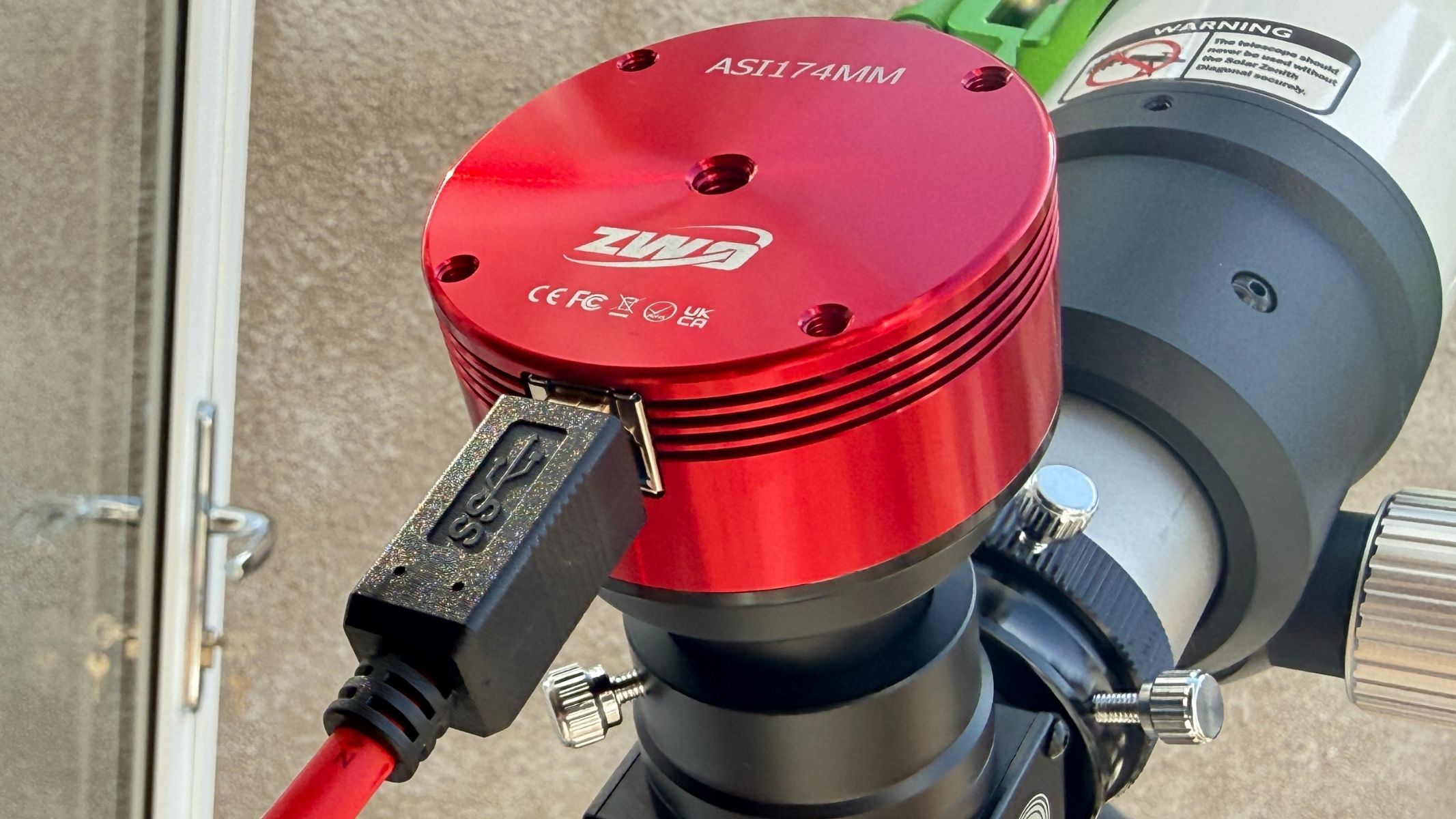
Originally launched a decade ago, the ZWO ASI174MM is a planetary astrophotography camera — something you insert into the eyepiece of a telescope to take images and video of deep-sky objects, planets, the moon and the sun. This one is very much geared towards the latter, with solar and lunar imaging its goal.

Specifications

Product type: Monochrome astronomy camera

Sensor: 1/1.2-inch Sony Exmor IMX174LLJ / IMX174LQJ CMOS

Resolution: 2.3MP, 1936x1216

Pixel size: 5.86µm

Shutter: Pregius global shutter

Maximum frame rate: 164.5fps at full resolution in 10-bit mode; 128.2fps at full resolution in 12-bit mode

Interface: USB 3.0 / USB 2.0

Guide port: ST4

Adapters: 2-inch / 1.25-inch / M42 x 0.75

Dimensions: 62 x 36 mm

Weight: 140g / 4.2 oz

Accessories: M42-to-1.25-inch nosepiece adapter, 1.25-inch cap, 2m USB 3.0 cable, 2m ST4 cable

At first glance, the specification looks simple: a 2.3MP monochrome Sony IMX174 sensor, 5.86µm pixels, USB 3.0 connectivity and a compact red aluminum body. The important details are the sensor size, speed and global shutter. For lunar and solar imaging, where you often want to capture large areas in high frame rate videos and freeze split-seconds of steady “seeing” — when turbulence in Earth’s atmosphere doesn’t degrade an image of an astronomical object — those traits matter more than headline megapixels.

The ASI174MM is especially attractive for solar imaging with an H-alpha telescope — a filter that blocks all wavelengths of light other than H-alpha, which is emitted by hydrogen atoms. That’s because its 5.86 μm pixels match the focal ratios typical of solar telescopes, yielding sharp, efficient detail. Its relatively large sensor can cover more of the solar disc than many small planetary cameras, while its high frame rate supports the usual lucky-imaging workflow of capturing video, selecting the best frames and stacking them for sharper images.

ZWO ASI174MM astronomy camera: Design

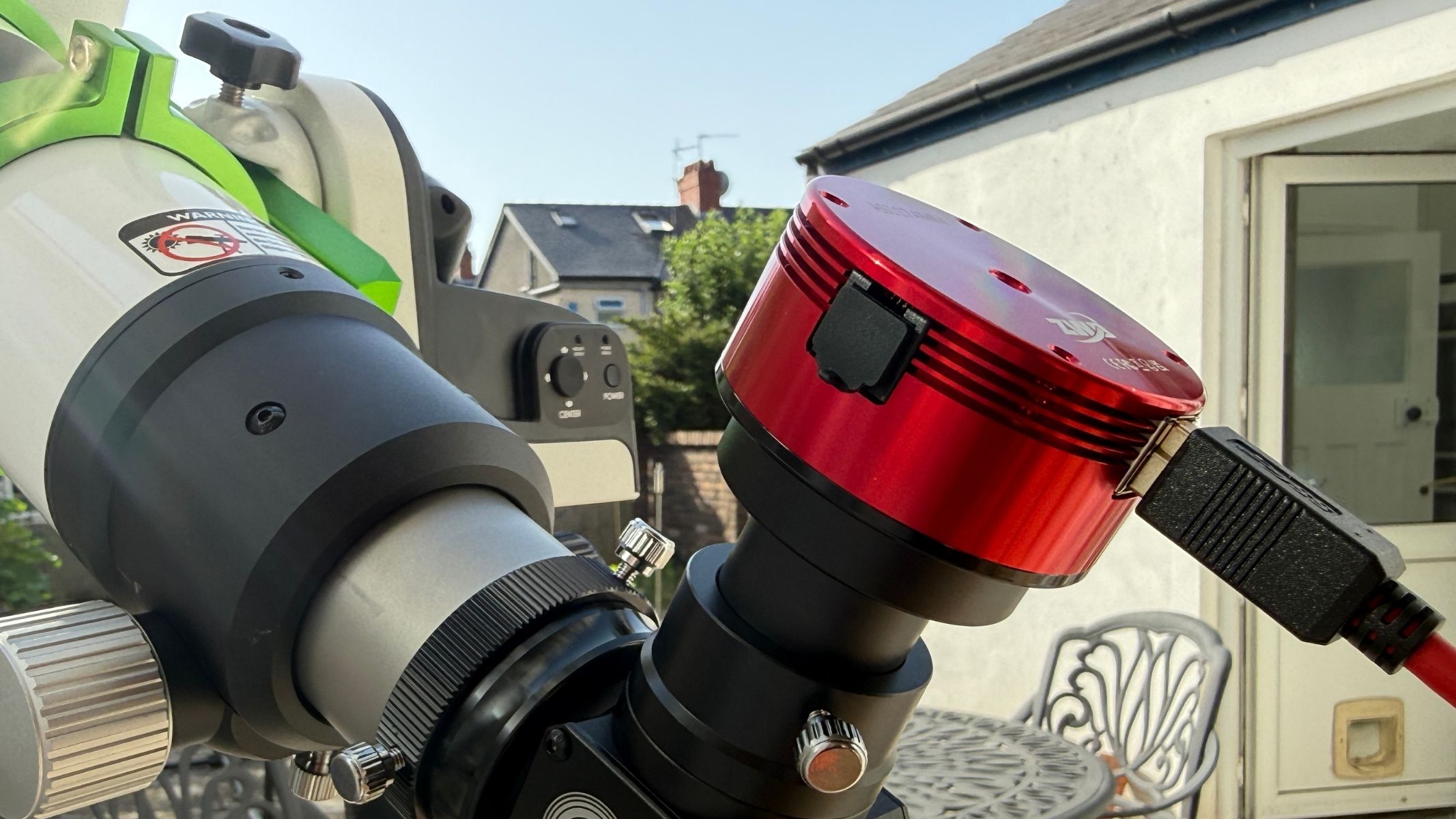
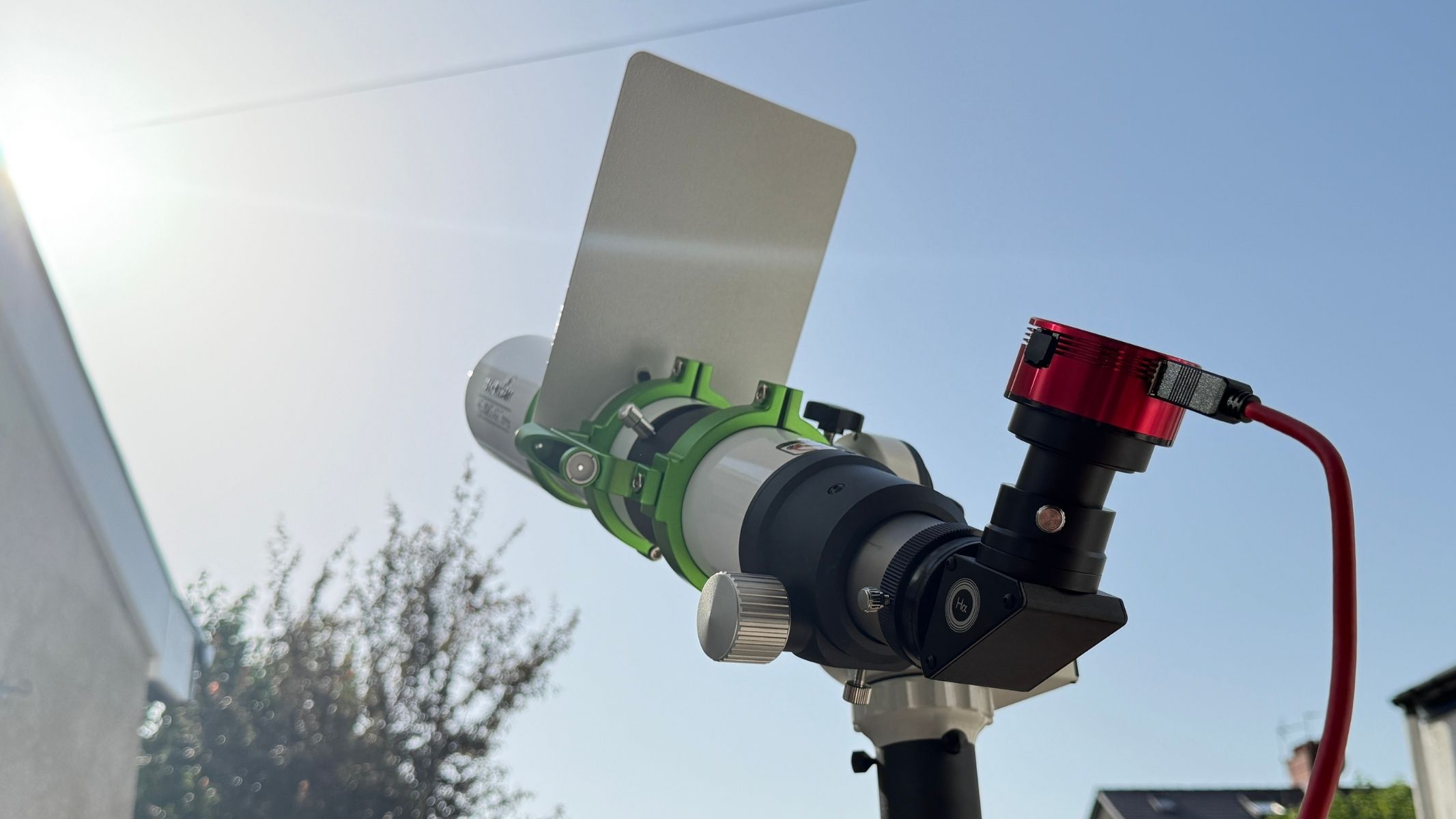
A close-up of the ZWO ASI174mm Mono camera on the Sky-Watcher Heliostar 76Ha solar telescope.

Large 5.86µm pixels help with solar and lunar capture. (Image credit: Jamie Carter)
  • Compact aluminum camera body
  • USB 3.0 and ST4 guide port included
  • Useful adapter bundle

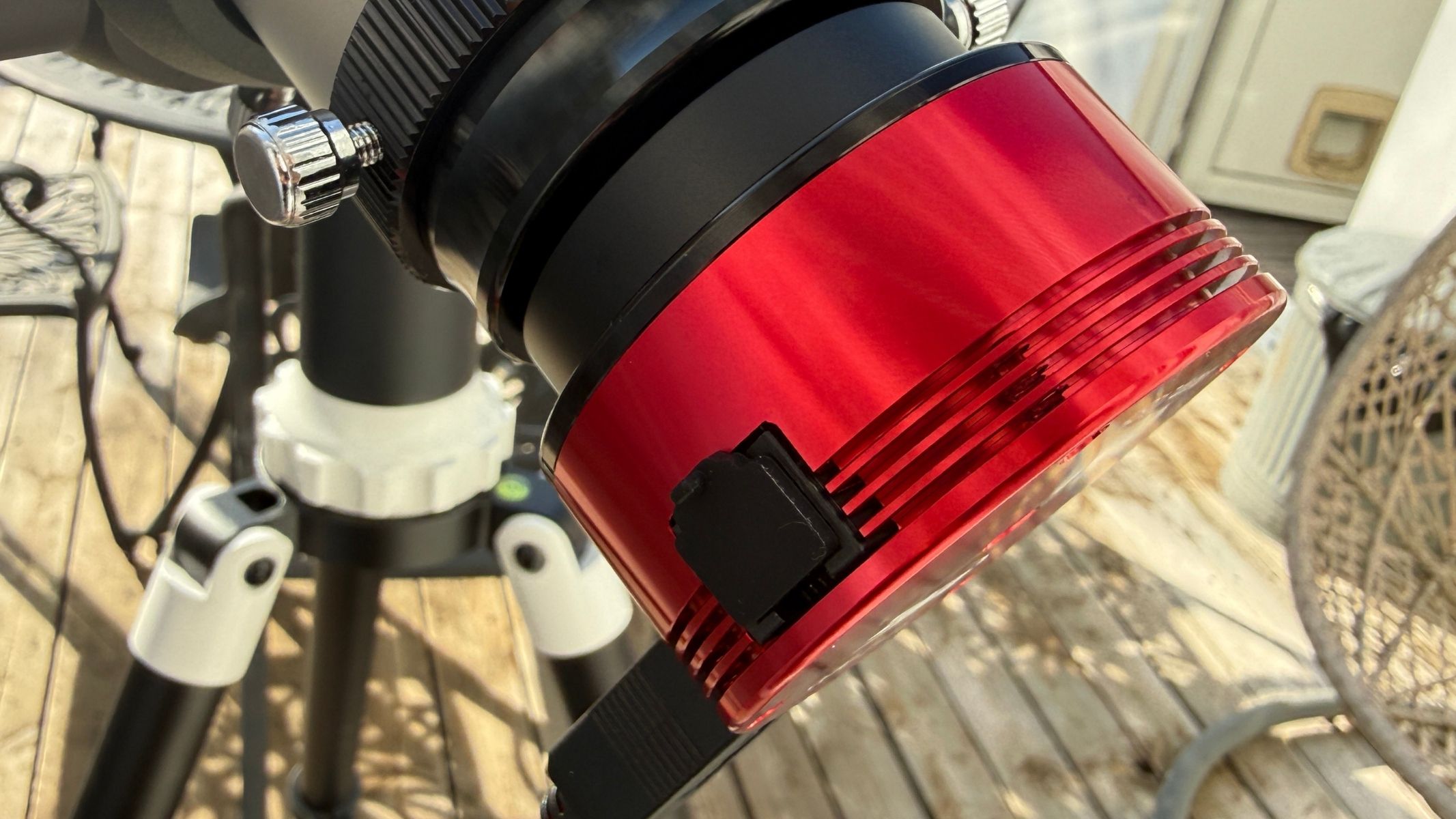
The ZWO ASI174MM has a compact, lightweight and practical design that’s ideal for use as a camera attached to a telescope. Its small cylindrical aluminum body adds very little strain to a focuser, solar diagonal or off-axis guider, which is particularly useful when working with solar telescopes.

The ZWO ASI174mm mono camera attached to the bottom of the Sky-Watcher Heliostar 76Ha solar telescope.

The compact aluminum body weighs just 140g. (Image credit: Jamie Carter)

Usefully, the camera includes a high-speed USB 3.0 connection, which is important because the ASI174MM’s main strength is capturing and transferring many video frames very quickly. It can also be used over USB 2.0, but doing so gives up much of the performance that makes the camera appealing in the first place.

A close-up of the ZWO ASI174mm Mono camera attached to the Sky-Watcher Heliostar 76Ha solar telescope.
The 2.3MP resolution is modest, but well suited to bright solar system targets. Jamie Carter
ZWO ASI174mm mono camera connected to the bottom of the Sky-Watcher Heliostar 76Ha solar telescope Sky-Watcher SolarQuest mount.
It’s a tough, practical performer for imaging the sun and moon. Jamie Carter

An ST4 guide port adds extra flexibility. Although the ASI174MM is primarily sold as a planetary camera, it can also be used as a guide camera (mounted on top of a main imaging scope to capture a wide field of view), especially with off-axis guiders (a device that sits between a main camera and the telescope to precisely track stars), where the larger sensor helps find guide stars more easily than smaller-chip models.

ZWO ASI174MM astronomy camera: Performance

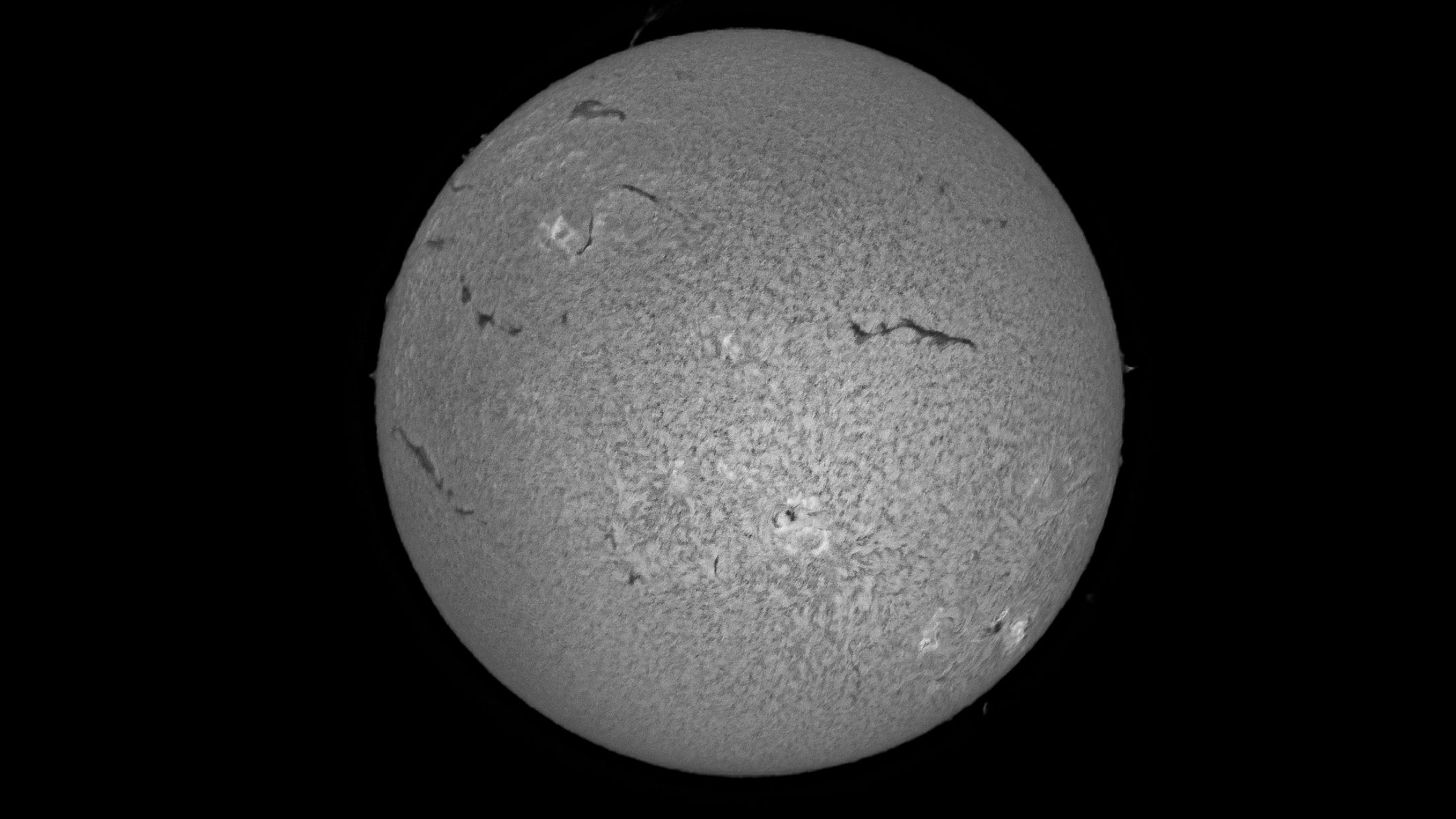
The solar disk in wrinkled grey colour, surrounded by black background, as imaged by the ZWO ASI174mm mono camera.

A mono image of the sun using data captured by the ZWO ASI174MM. (Image credit: Jamie Carter)
  • Excellent for solar and lunar video capture
  • Global shutter is a real advantage
  • Large pixels favor longer focal lengths

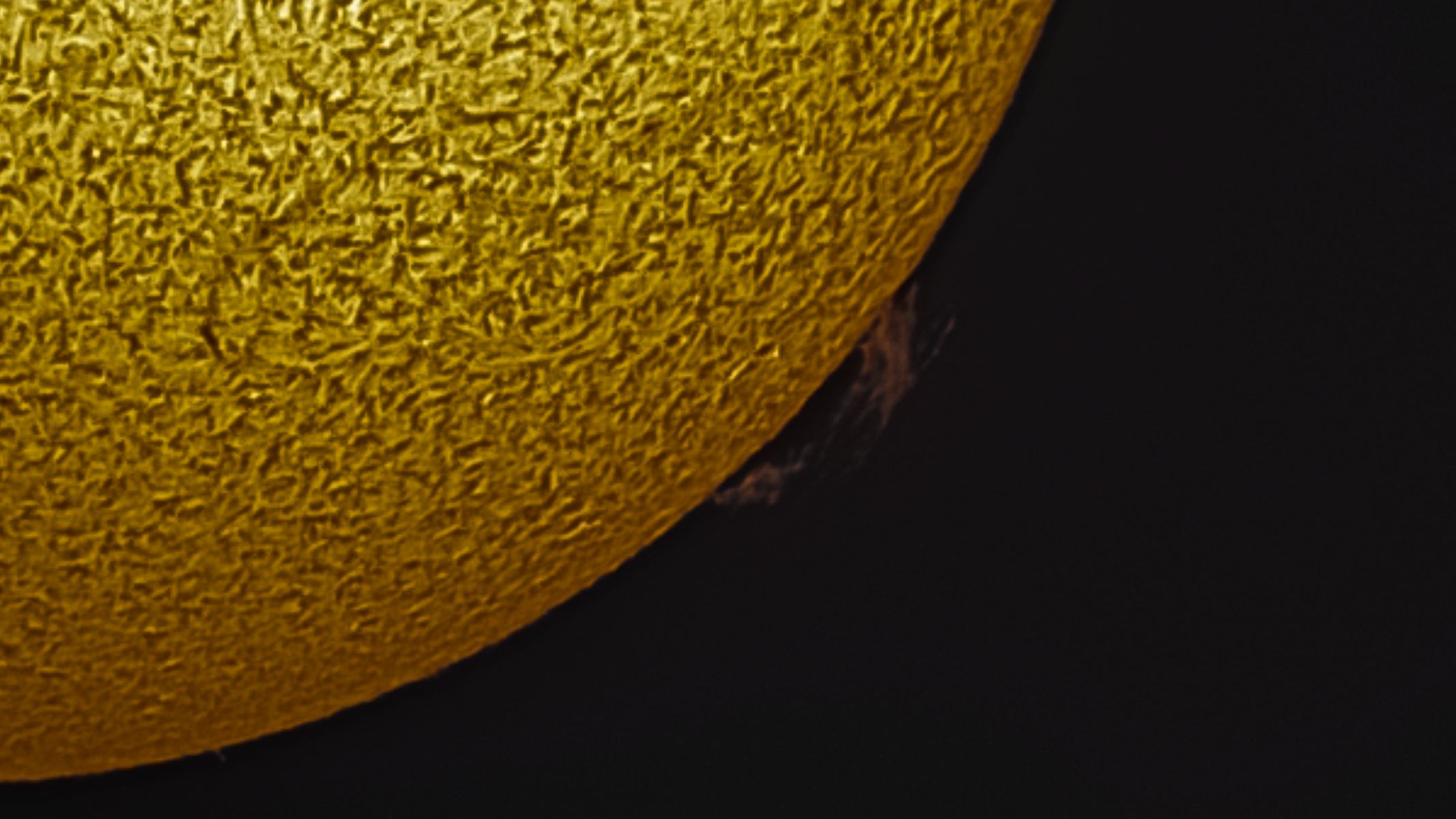
A portion of the solar disk in wrinkled gold and black bacground, as imaged by the ZWO ASI174mm mono camera.

A prominence on the sun captured using the ZWO ASI174MM. (Image credit: Jamie Carter)

The ASI174MM’s combination of a relatively large 1/1.2-inch sensor, 5.86µm pixels, and fast video capture makes it particularly well-suited to imaging the sun and moon. Compared with planetary cameras built around smaller sensors, it records a considerably larger area of the telescope’s field of view, reducing the number of panels needed for mosaics and making it easier to locate and frame a target.

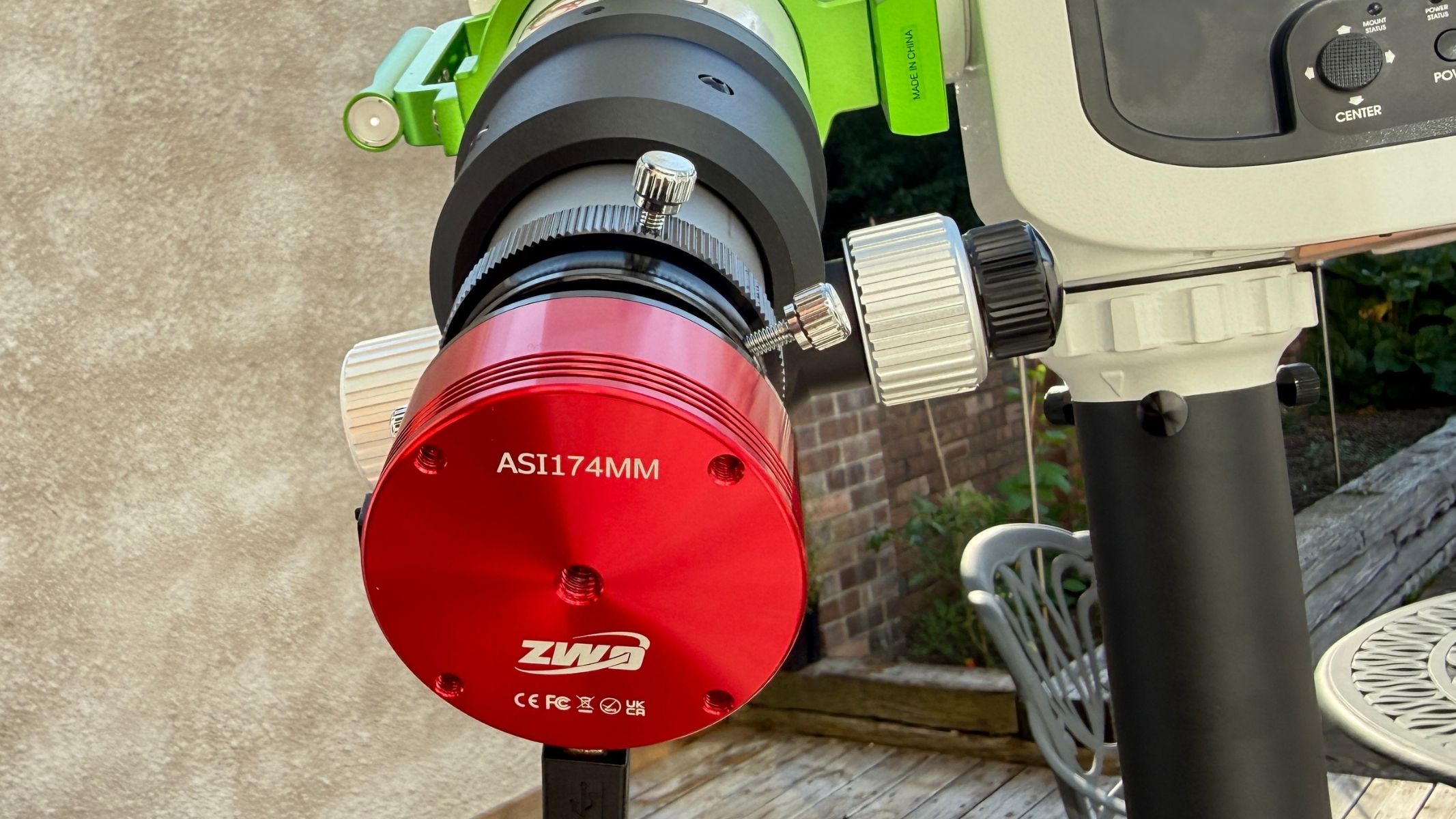
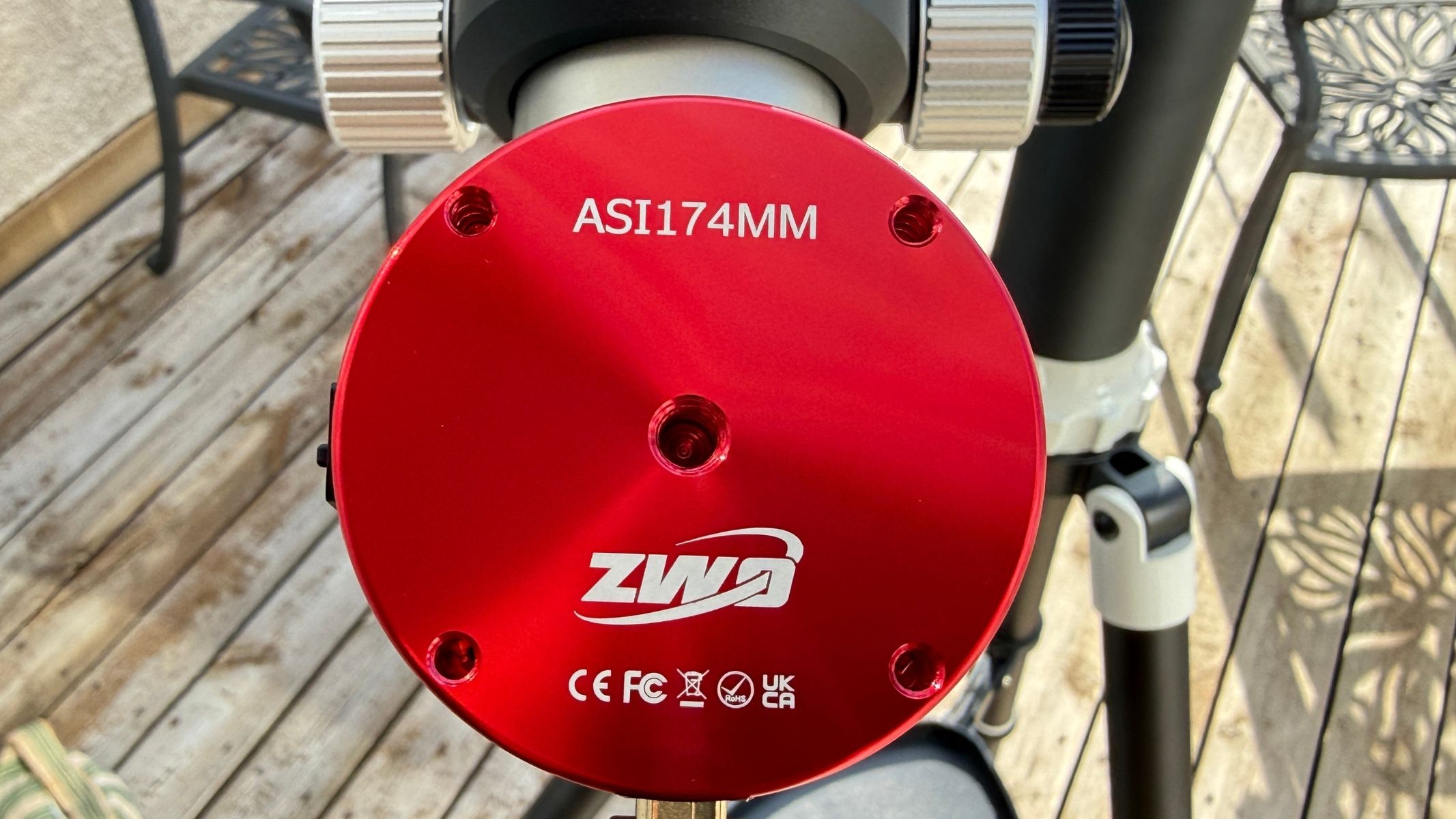
The back of the ZWO ASI174mm Mono camera .

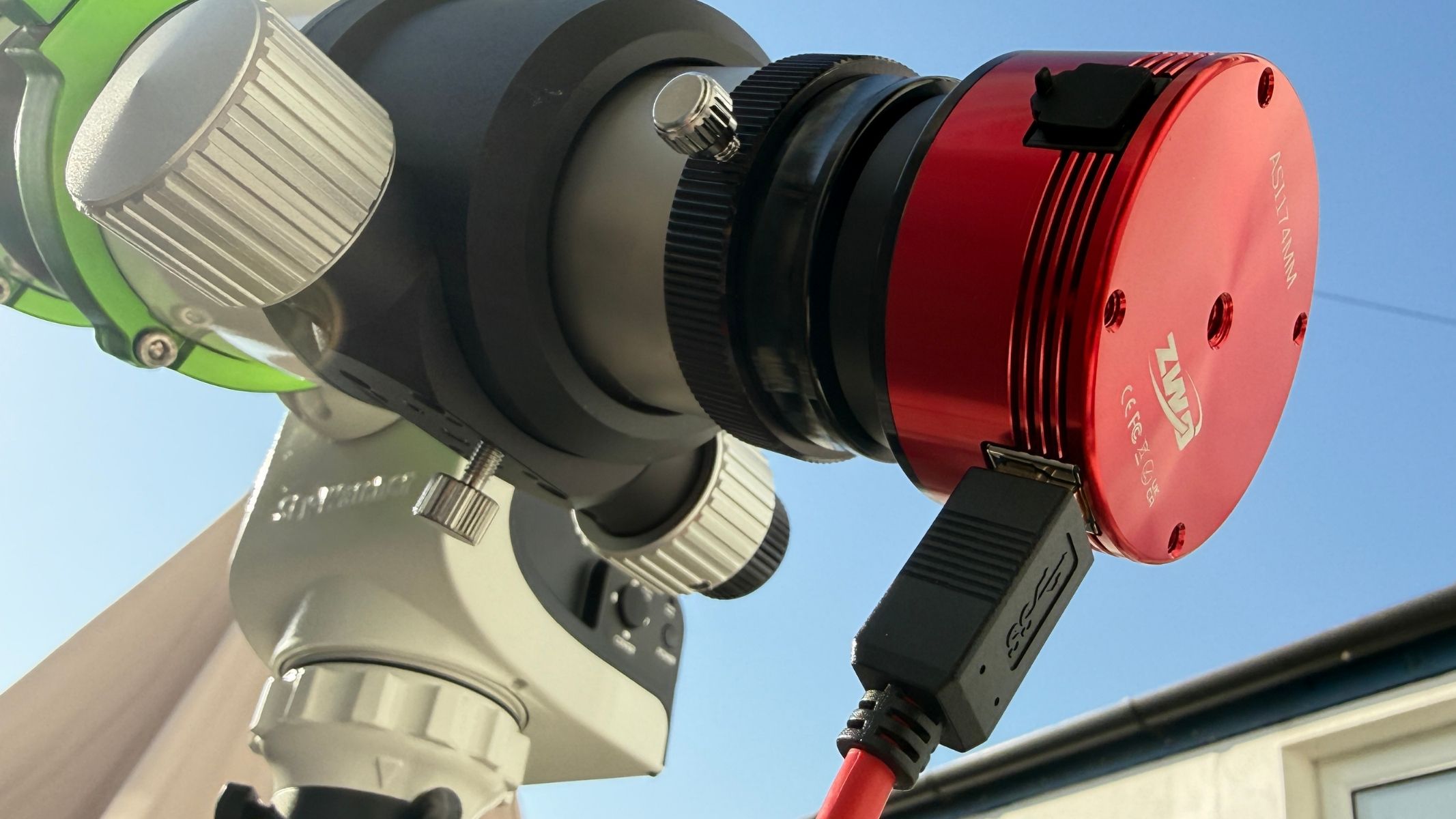
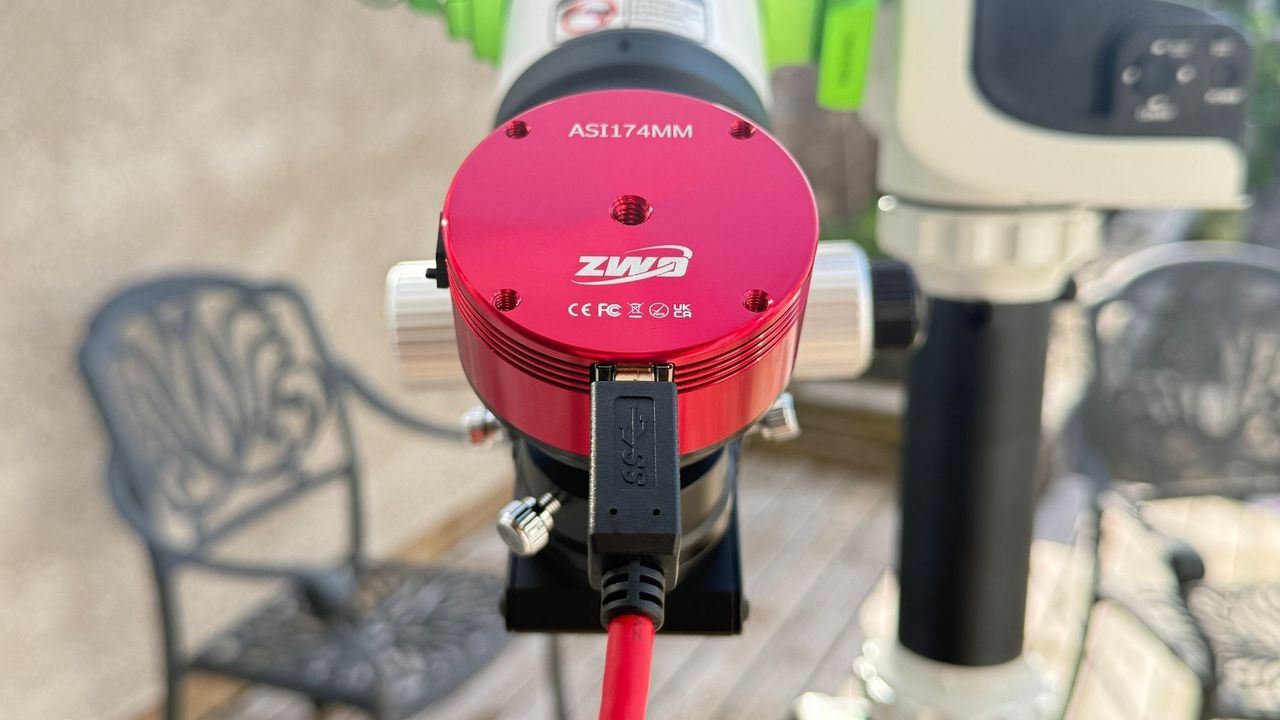
At full resolution, the ASI174MM can capture over 100 frames per second. (Image credit: Jamie Carter)

That larger sensor is especially useful for solar imaging, which is what we tested it with. The exact field of view depends on the telescope’s focal length, but the ASI174MM can capture larger active regions — and, with some setups, most or all of the solar disc — without immediately requiring a mosaic. For example, we tested it with the Sky-Watcher Heliostar 76Ha solar telescope, for which it is a natural match, where prominences, filaments, sunspots and rapidly changing structures on the solar surface need to be recorded at high speed.

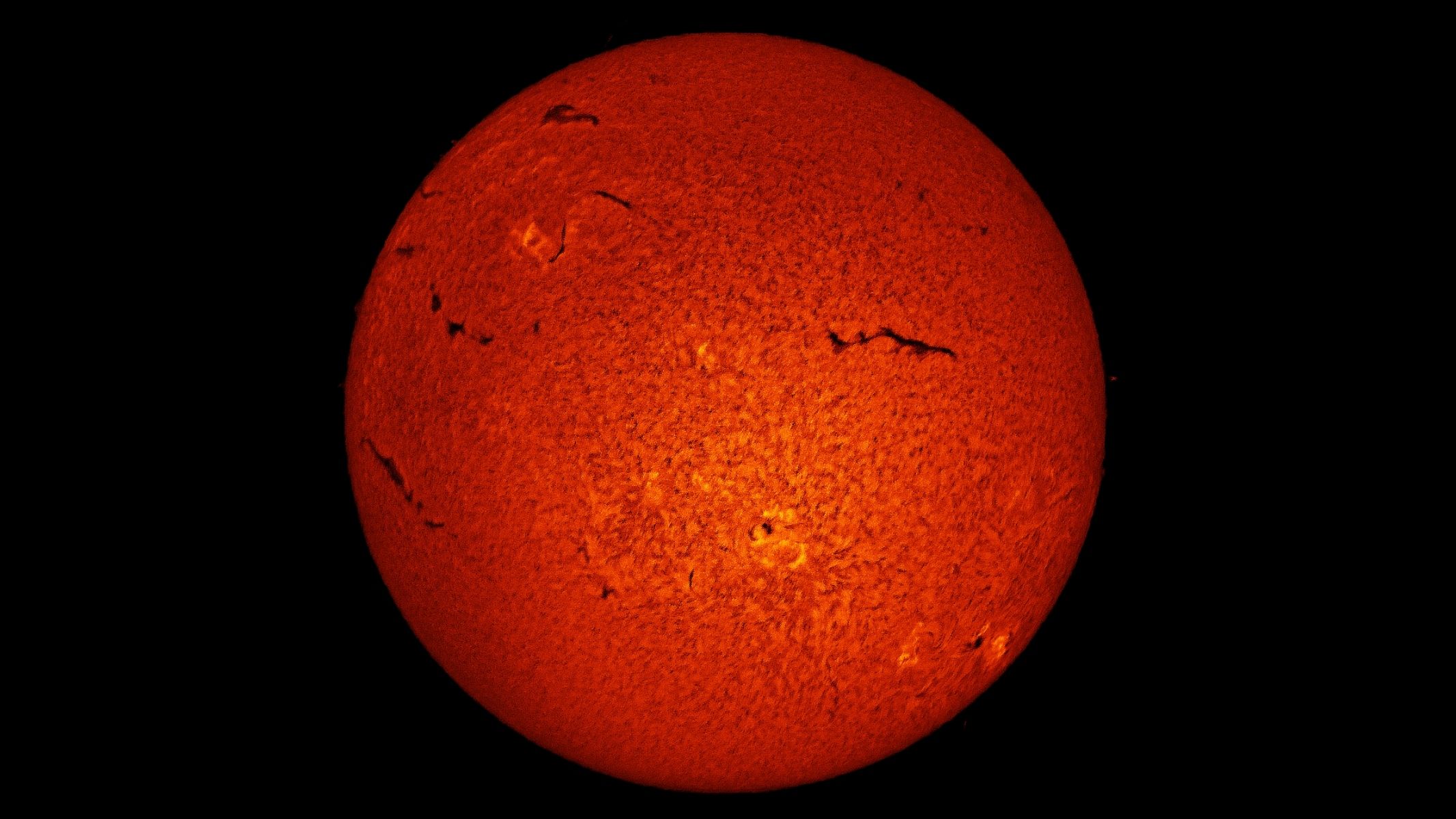
The solar disk in deep orange with wrinkles, surrounded by a black background, as imaged by the ZWO ASI174mm mono camera.

A mono image of the sun using data captured by the ZWO ASI174MM. (Image credit: Jamie Carter)

The camera’s global shutter is another advantage for solar imagers. A rolling shutter (the standard choice for deep-sky imaging) records an image progressively, one row of pixels at a time, to produce a low-noise, high-dynamic-range image. However, atmospheric turbulence, which slightly shifts the image, can cause distortion. A global shutter exposes the entire sensor simultaneously, helping the ASI174MM preserve the shape of solar and lunar features more accurately from frame to frame.

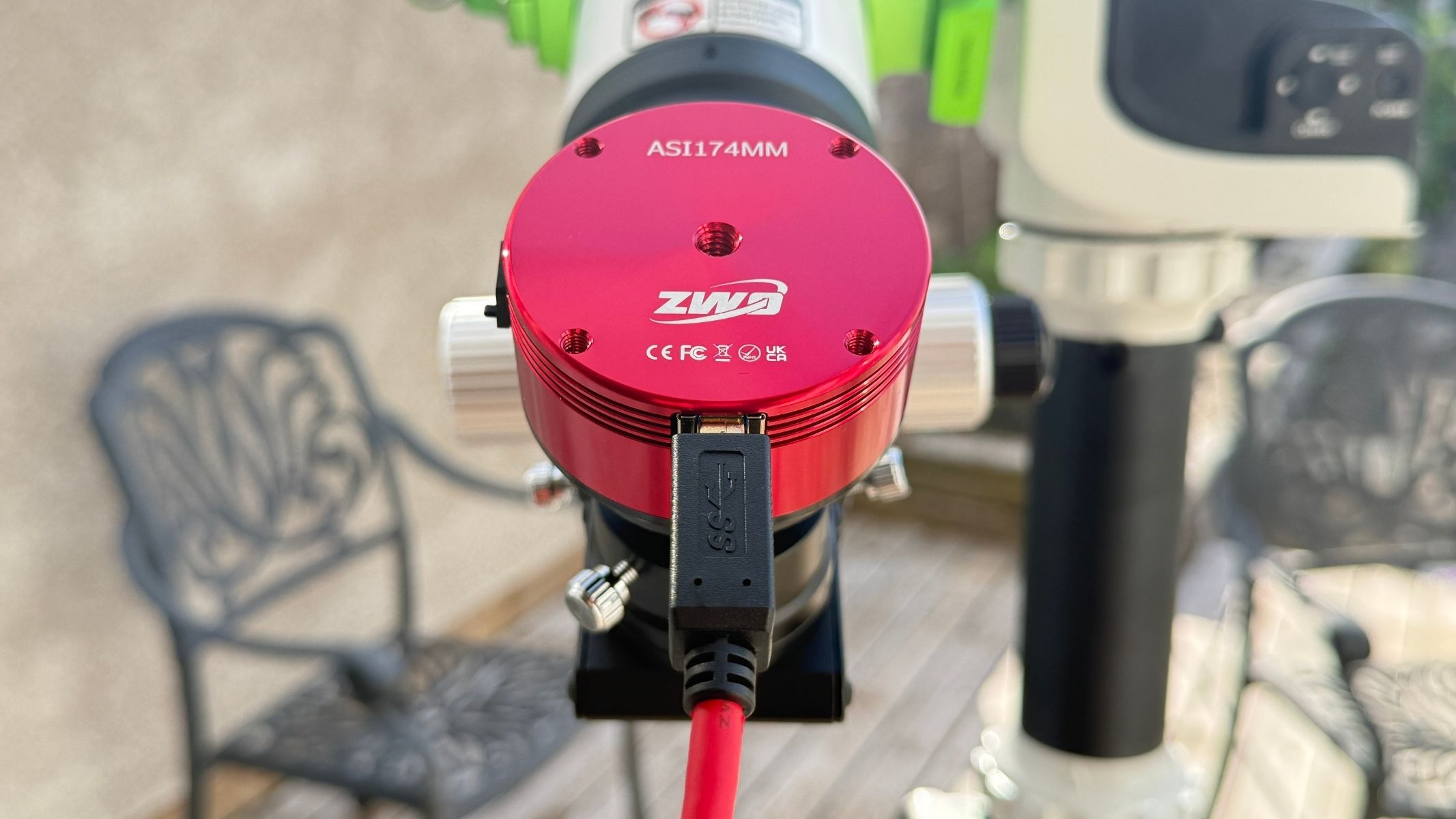
A close-up of the back of the ZWO ASI174mm mono camera with a wire connected to it.

The ASI174MM works well with solar telescopes, lunar rigs and longer focal-length scopes. (Image credit: Jamie Carter)

High-speed capture also supports lucky imaging. Instead of trying to produce one perfect exposure, the camera records thousands of short exposures in rapid succession. Software then identifies and stacks the sharpest frames — the brief instants when Earth’s turbulent atmosphere becomes relatively steady.

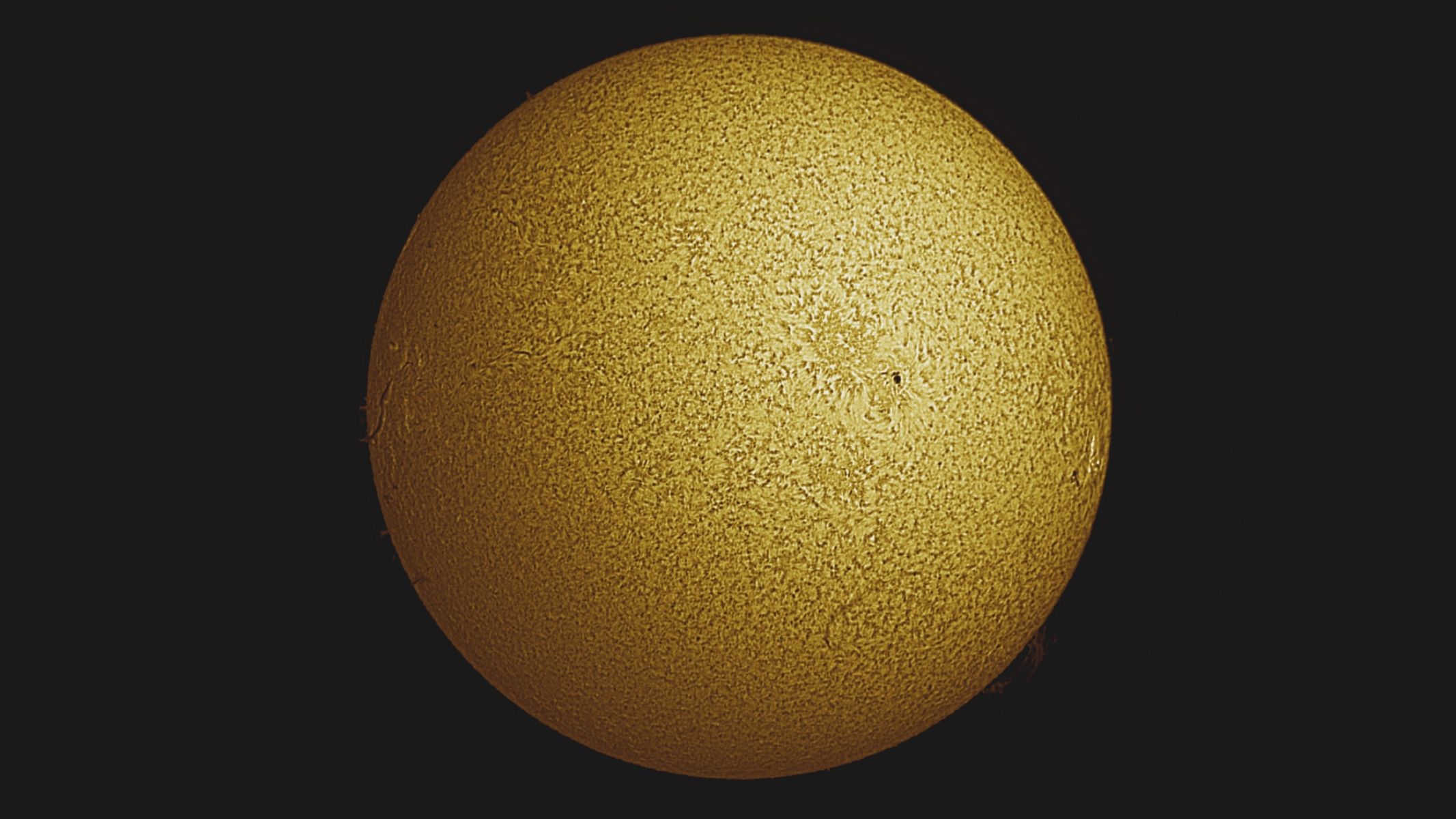
The entire solar disk in wrinkled gold colour surrounded by black background, as imaged by the ZWO ASI174mm mono camera.

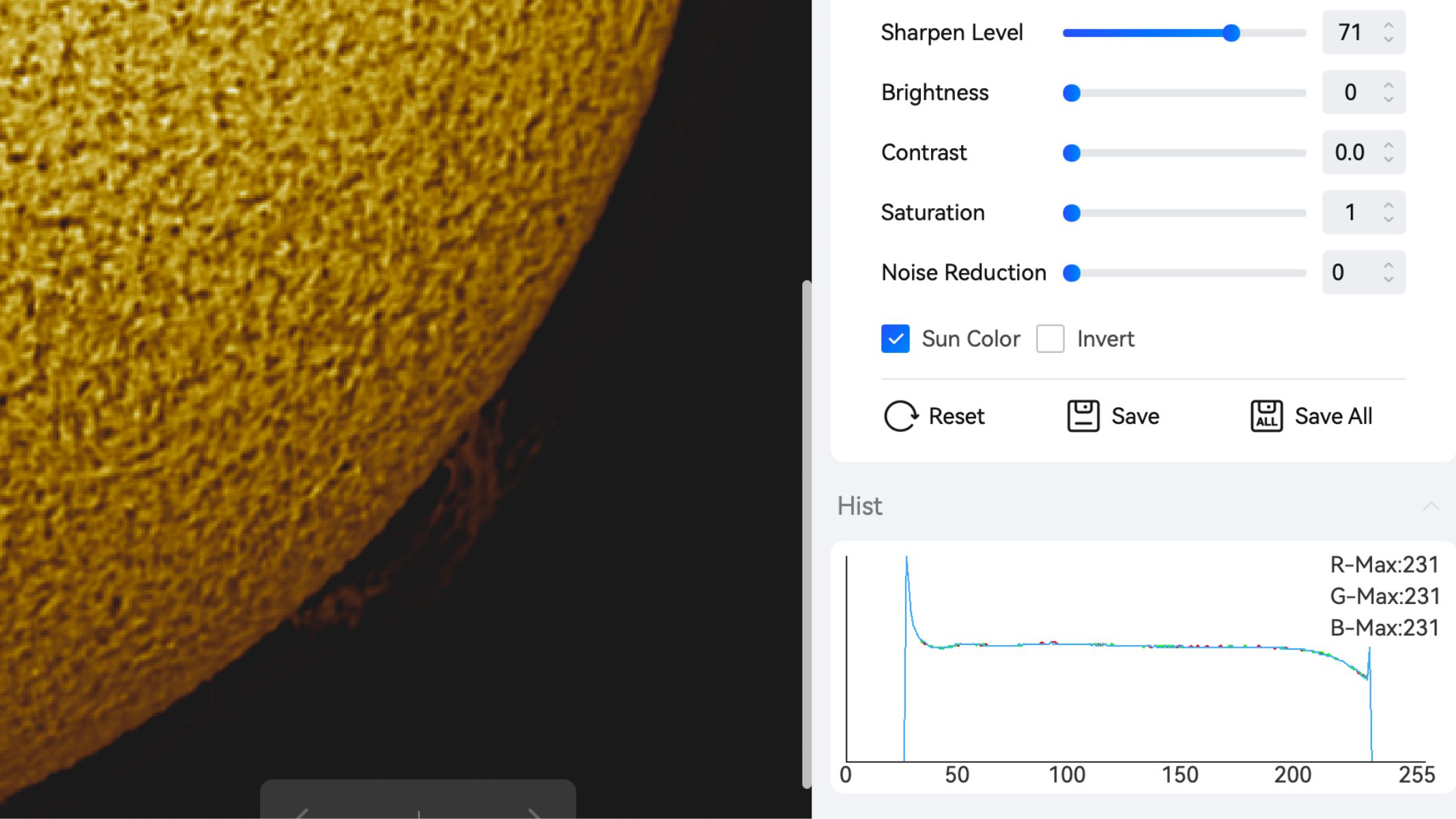
A colorized image of the sun via the ASIStudio software. (Image credit: Jamie Carter)

While it’s ideal for solar imaging, the ASI174MM is much less convincing as a conventional deep-sky camera. Long exposures can reveal pronounced amp glow towards one side of the frame, while the uncooled sensor becomes increasingly noisy as exposure times increase. Calibration with dark frames can reduce these effects, but it adds complexity and cannot turn the ASI174MM into a modern cooled deep-sky camera. It can be used for short-exposure imaging, guiding and some specialist applications, but solar, lunar and planetary video remain its natural strengths.

ZWO ASI174MM astronomy camera: Functionality

Screenshot of stacking software on a Macbook showing entry tables, graphs and a detailed image of the sun.

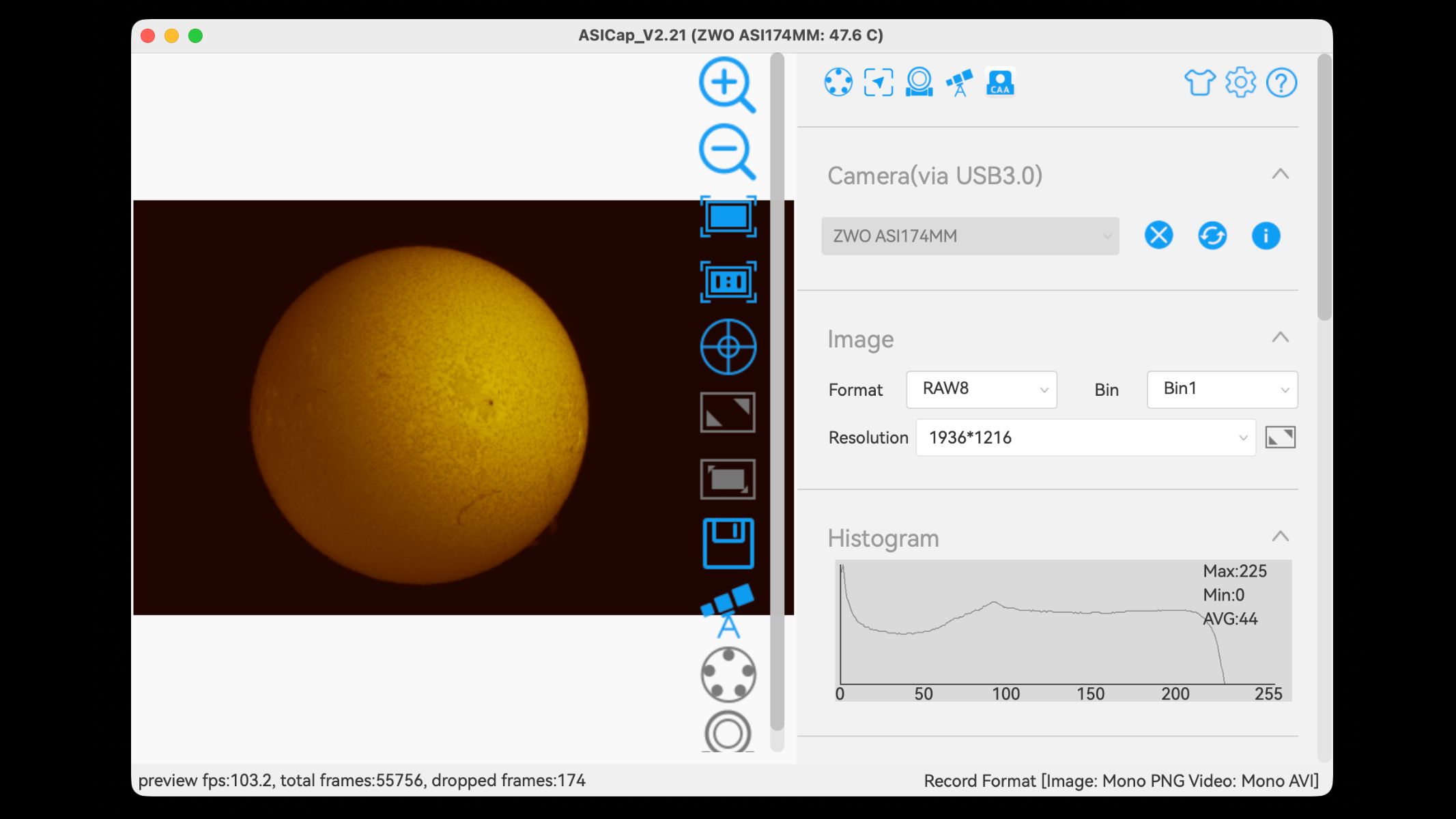
The sun through the ASICap software. (Image credit: Jamie Carter)
  • Captures good data
  • ZWO software works well
  • Little guidance available

The ASI174MM fits neatly into the established workflow for solar, lunar and planetary imaging: capture a high-speed video, identify the sharpest frames, align and stack them, then sharpen and process the image. Its fast USB 3.0 connection enables high data transfer rates, while region-of-interest controls allow the user to record only a selected portion of the sensor. Reducing the size of the recorded area can substantially increase the frame rate, which is particularly useful when imaging an individual sunspot.

The ZWO ASI174mm mono camera connected to the Sky-Watcher Heliostar 76Ha solar telescope and Sky-Watcher SolarQuest mount.

USB 3.0 connectivity allows fast frame rates for lucky imaging. (Image credit: Jamie Carter)

Several free applications can control the camera and record these videos, including SharpCap and FireCapture. AutoStakkert! is widely used to analyze, align and stack solar, lunar and planetary frames, while programs such as ImPPG, RegiStax, Siril, Adobe Photoshop and GIMP can be used for sharpening, contrast adjustment and final processing. Windows users have the widest choice of third-party astronomy software.

However, ZWO also provides its own free ASIStudio software suite. For the ASI174MM, the most relevant applications are ASICap, which controls the camera and records lossless SER or AVI video, and ASIVideoStack, which analyses and stacks the resulting frames (and can also be used for post-processing). ASIStudio is available for both Windows and macOS.

A screenshot of stacking software and a zoomed in solar photograph.

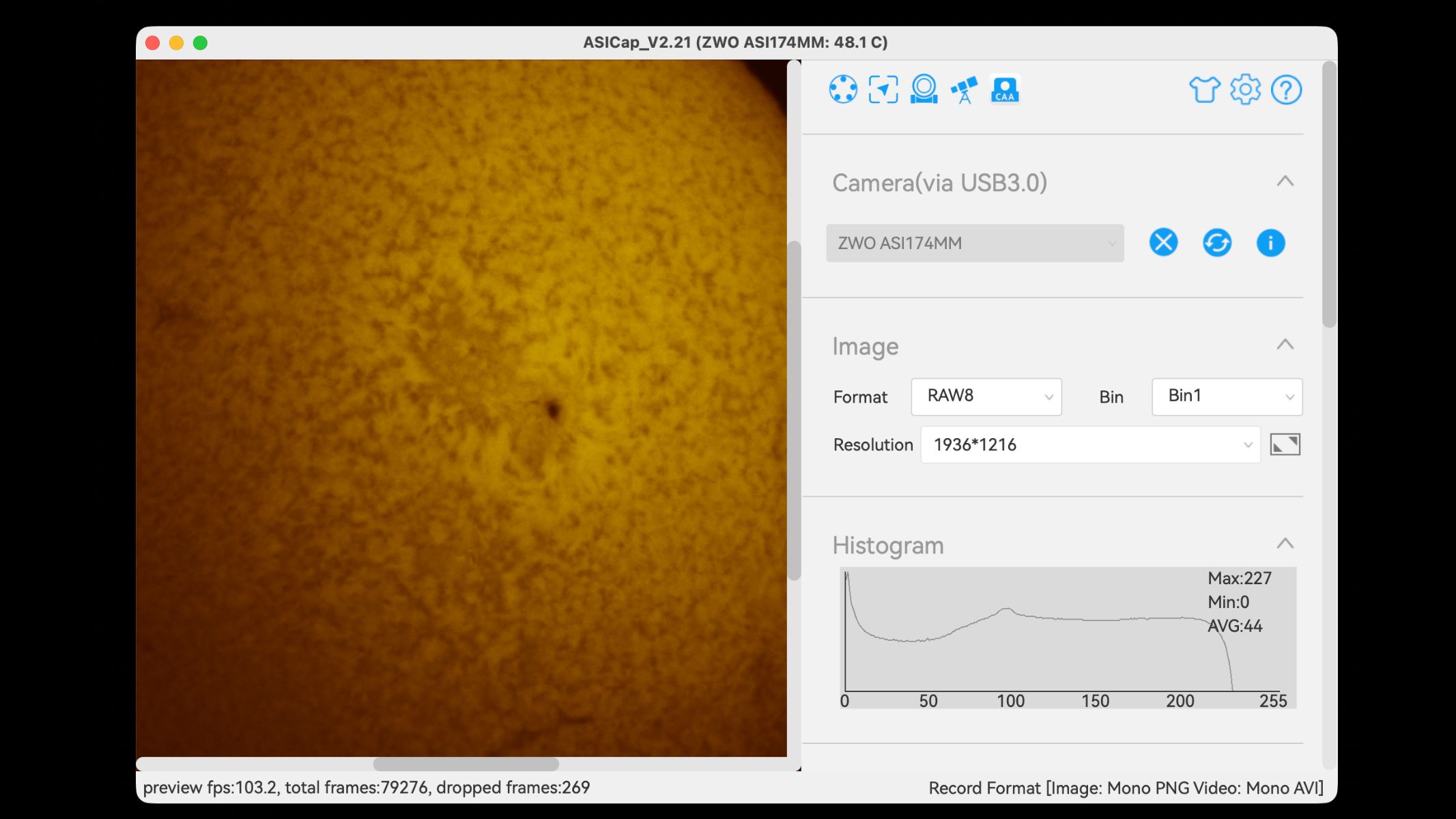
A sunspot on the sun through the ASICap software. (Image credit: Jamie Carter)

The basic capture process is straightforward. After connecting the ASI174MM to ASICap, exposure time and gain are adjusted until the brightest areas of the sun or moon remain below saturation. Because this is a monochrome camera, the live view can be shown either in grayscale or with false color applied for easier viewing. A video containing around 1,000 to 3,000 frames is then recorded, though the ideal number depends on the target, seeing conditions and available storage.

Storage requirements are significant. Uncompressed high-frame-rate video from the full sensor can consume several gigabytes in a matter of seconds, so a fast computer, a USB 3.0 connection and plenty of free drive space are essential.

A screenshot of image stacking software on a Macbook.

Stacking using the ASIVideoStack software. (Image credit: Jamie Carter)

Once a video is loaded into ASIVideoStack, the software can assess frame quality, align the image and combine a chosen percentage of the sharpest frames. The finished stack can be exported in formats including JPEG and FITS. JPEG is convenient for immediate sharing, but FITS preserves more of the original image data and is better suited to serious post-processing.

A screenshot of editing software with a solar photograph and exposure adjustments sliders.

Image editing using the ASIVideoStack software. (Image credit: Jamie Carter)

The workflow is functional rather than polished. There is relatively little guidance for beginners and obtaining the best results requires experimentation with exposure, gain, frame rate, focus, stacking percentages and sharpening settings. It can take many attempts to determine which combination works best with a particular telescope and observing conditions. For that reason, it’s wise to archive the video files, which can be revisited and processed later as processing skills/software improves.

How we tested the ZWO ASI174MM

The Sky-Watcher Heliostar 76Ha solar telescope pointing at the sun, connected to the Sky-Watcher SolarQuest mount and ZWO ASI174mm mono camera.

Its Sony IMX174 sensor gives a wider field than many smaller planetary cameras. (Image credit: Jamie Carter)

We tested the ZWO ASI174MM planetary camera for two weeks and used it in conjunction with the Skywatcher HelioStar 76mm solar telescope and Solar Quest mount to image the sun in H-Alpha (Hα).

Should I buy the ZWO ASI174MM?

Buy it if:

✅ You mainly image the sun or moon: The ZWO ASI174MM astro cam excels in solar, planetary and lunar imaging, so if these are your main astrophotography targets, it's the perfect choice.

✅ You have an H-Alpha telescope: If you have a solar telescope and want to move on from observation to start imaging the sun with it, you will need a monochrome astrocam like the ZWO ASI174MM.

Don't buy it if:

❌You want a dedicated deep-sky imaging camera: This model exhibits severe amp glow for exposures longer than a few seconds and lacks thermoelectric cooling (TEC) needed for noise reduction.

❌You need high megapixel resolution: The low resolution is another reason it fails as a deep-sky imaging camera as you would want a higher resolution model for detail in star clusters and galaxies.

Buy the ZWO ASI174MM if your main targets are the sun and moon, especially if you want a monochrome camera with a larger-than-average sensor, fast frame rates and a global shutter. It remains particularly suited for H-alpha solar imaging, where monochrome capture, speed and sensor area matter.

If this product isn’t for you

If you want a cheaper first planetary camera, a smaller-sensor ZWO ASI120-series-style camera may be enough for basic lunar, planetary and guiding use, though it will not offer the same field of view.

If you want a more modern planetary camera, look at newer monochrome planetary models like the ZWO ASI585MM with lower read noise, smaller pixels or higher resolution, depending on your telescope’s focal length.

If your goal is deep-sky imaging, a cooled astronomy camera is a better choice than the ASI174MM. We have reviewed the ZWO ASI533MC Pro and the ASI183MC Pro and gave both of them nothing less than four and a half stars for beautiful deep-sky astrophotography.

  •  

Sky-Watcher SolarQuest mount head review

Specifications

Resolution: 2,073,600 counts/rev; 0.625 arc-second

Slewing speeds: 16x and 1200x

Payload capacity: 8.8 lbs/4kg

Dovetail saddle: 45mm Vixen-style

Controls: Power button and 8-way sliding switch

Power: 8x AA batteries (not supplied)/external 12V DC via adaptor panel

Mount head weight: 2.9 lbs/1.3kg

Total weight with optional tripod: 8.8 lbs/4.05kg

Tripod: 31.7-59.8 inches/80.5-152cm adjustable aluminum tripod with accessory tray, bubble level and 3/8-inch screw fitting

Finding the sun sounds easy, right? Many people think of the sun as big and bright, but it’s actually rather small in the sky — it’s got an angular diameter of just half a degree, in fact, the same as the moon. Put an all-important solar filter on a telescope, and you’re left with the challenge of finding a tiny orange or white circle in a sea of black. Even if you manage to find the sun, nudging a solar telescope back into position every few minutes to keep it in the field of view quickly gets irritating.

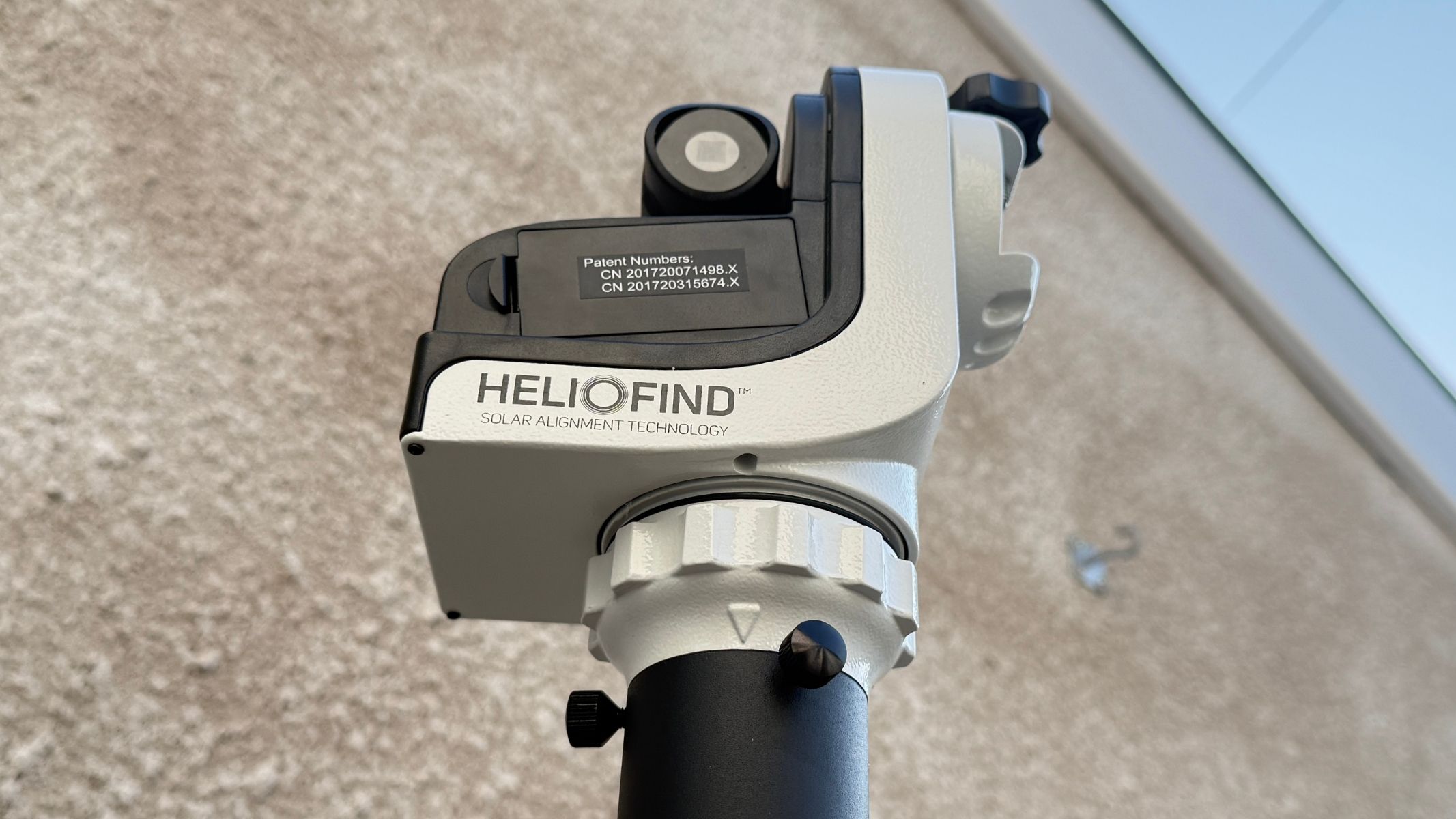
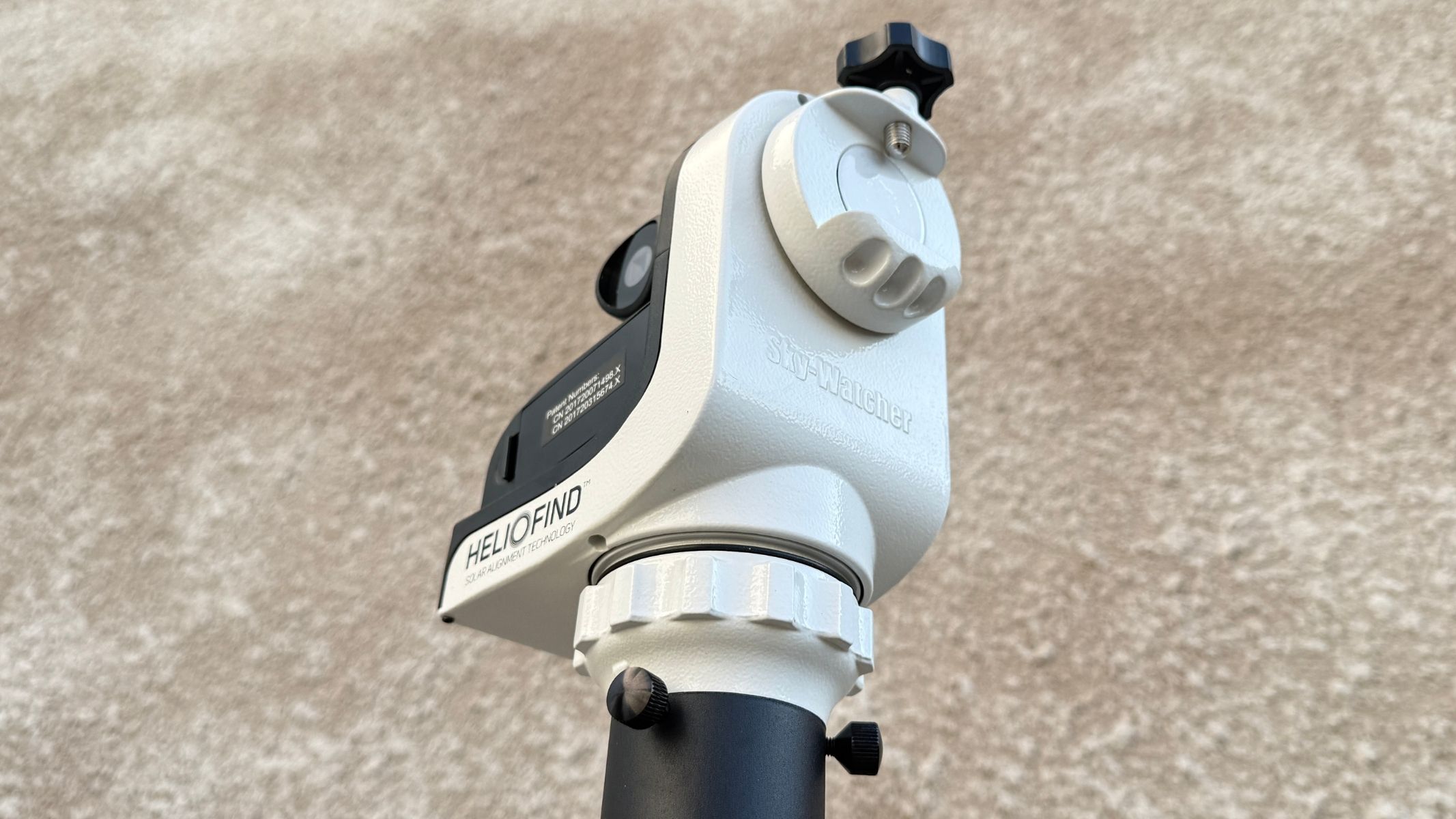
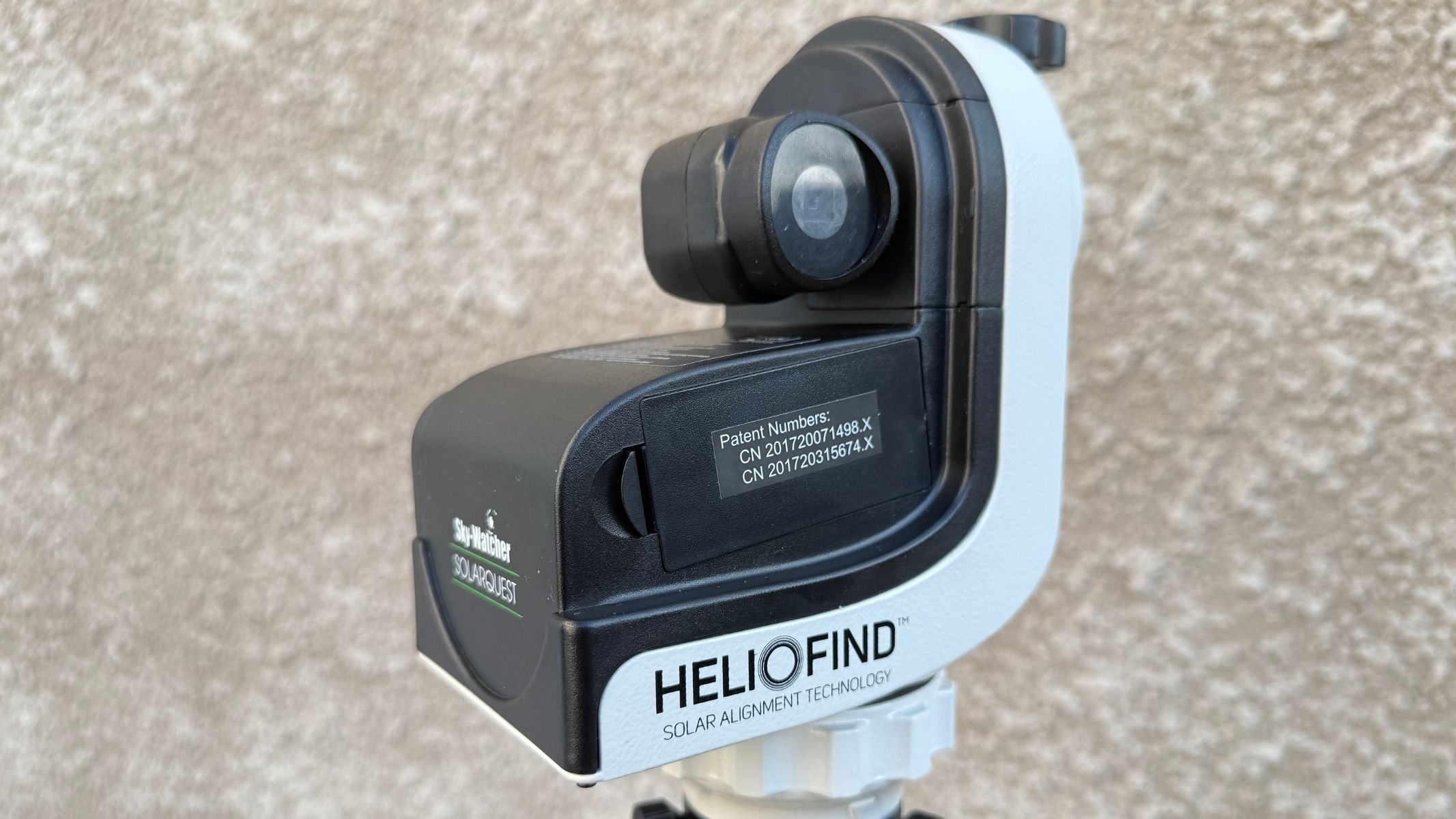
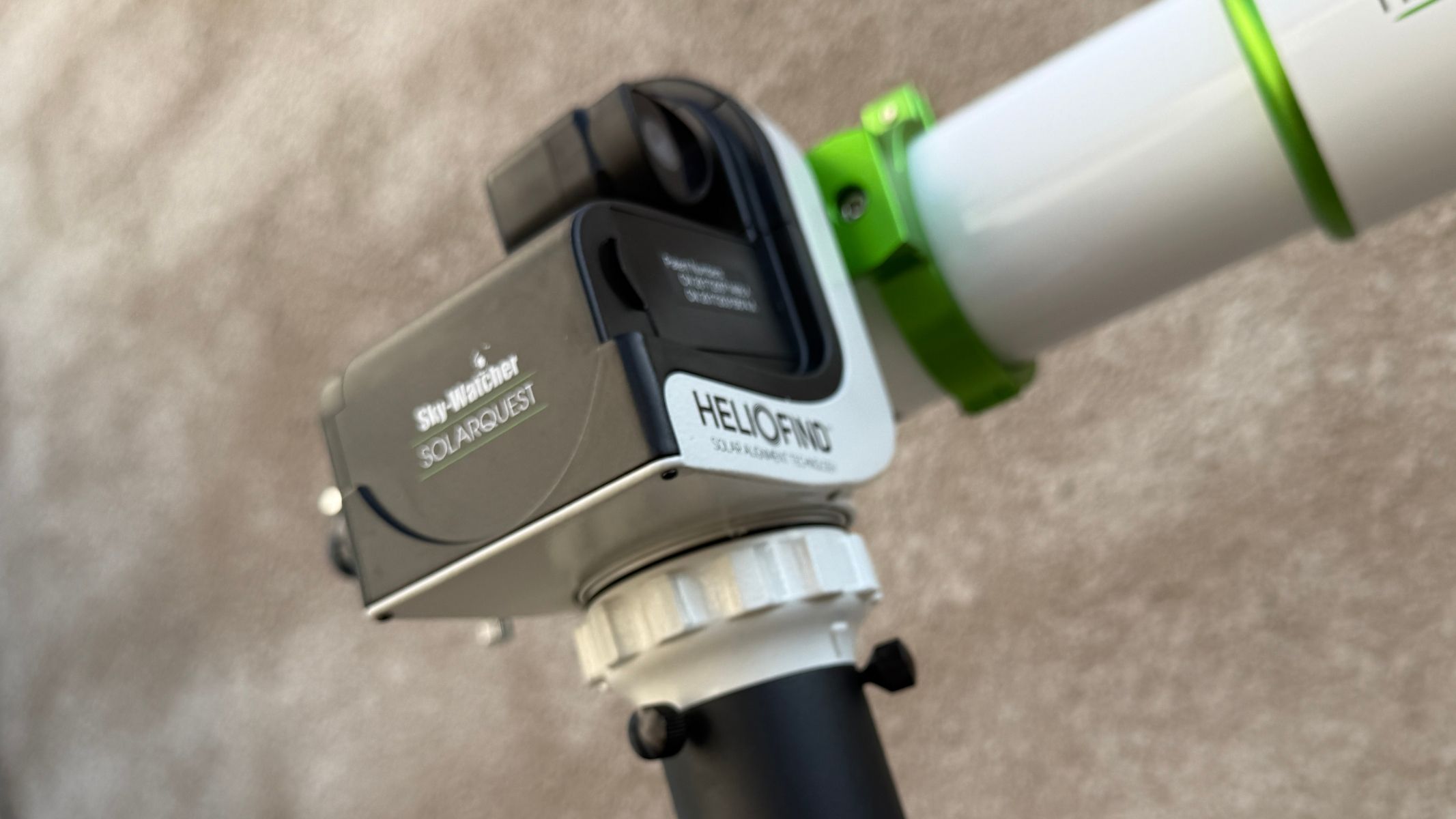
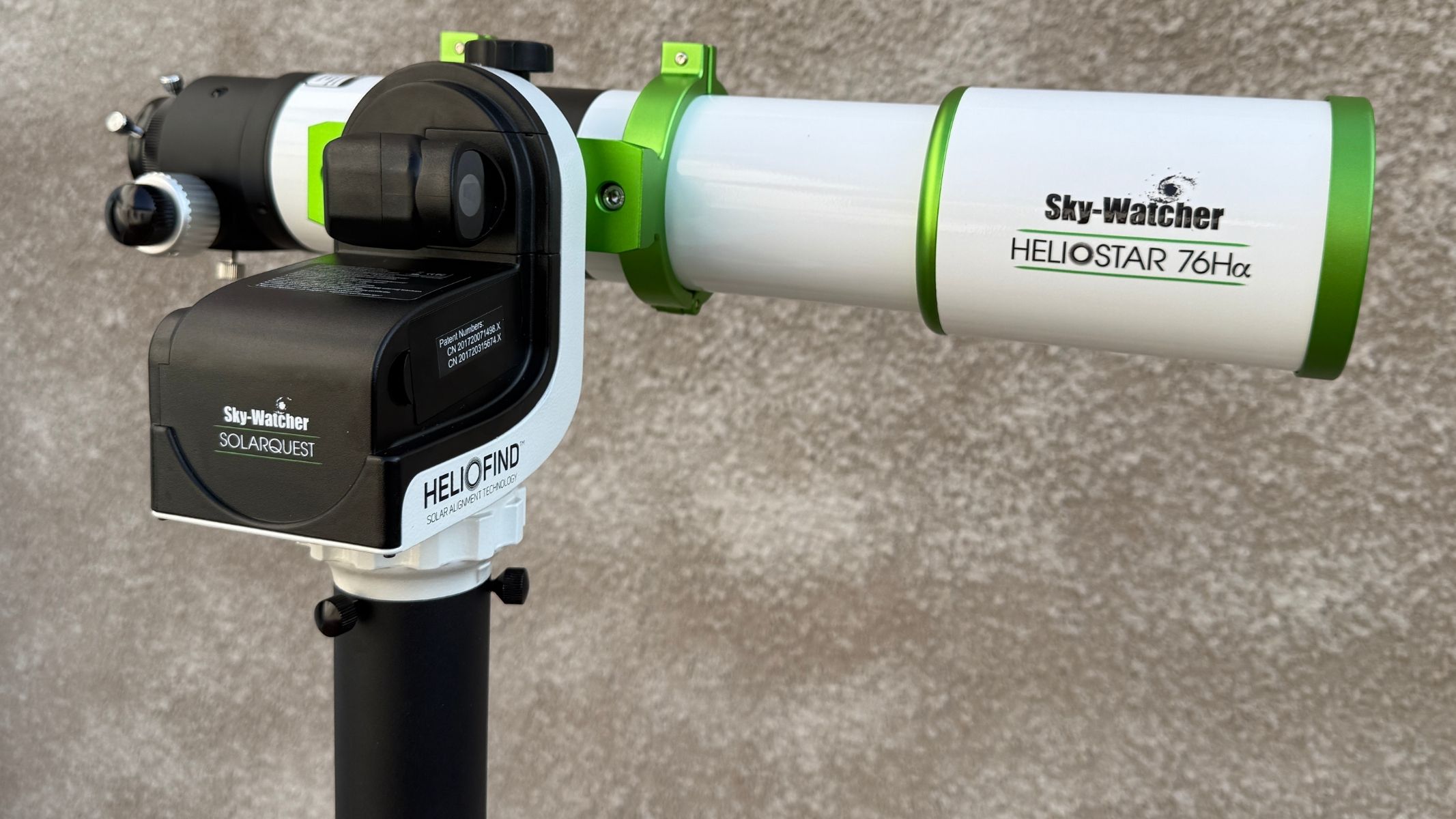
A close-up of the Sky-Watcher SolarQuest solar telescope mount, showing text reading 'HelioFind' along the side of it.

Dual-axis alt-az tracking keeps the sun in view during observing sessions. (Image credit: Jamie Carter)

Cue the Sky-Watcher SolarQuest mount, a simple grab-and-go product that exists to solve exactly that problem. Costing around $585/£259-£359 (the latter with a tripod), it is not a general Go-To astronomy mount and it is not trying to be one. It is best understood as a dedicated solar tracking platform for small solar telescopes. That could range from regular telescopes wearing solar filters, most likely during a solar eclipse, to dedicated solar telescopes such as white-light-filtered refractors and H-alpha (Hydrogen-alpha) telescopes designed specifically for viewing the sun.

Sky-Watcher SolarQuest mount head: Design

A close-up of the Sky-Watcher SolarQuest solar telescope mount, showing the telescope attachment, against a white textured wall.

Its 8.8-lb payload suits compact white-light and H-alpha solar scopes. (Image credit: Jamie Carter)
  • Lightweight and compact mount head
  • Simple controls make it beginner-friendly
  • Vixen-style saddle suits small solar scopes

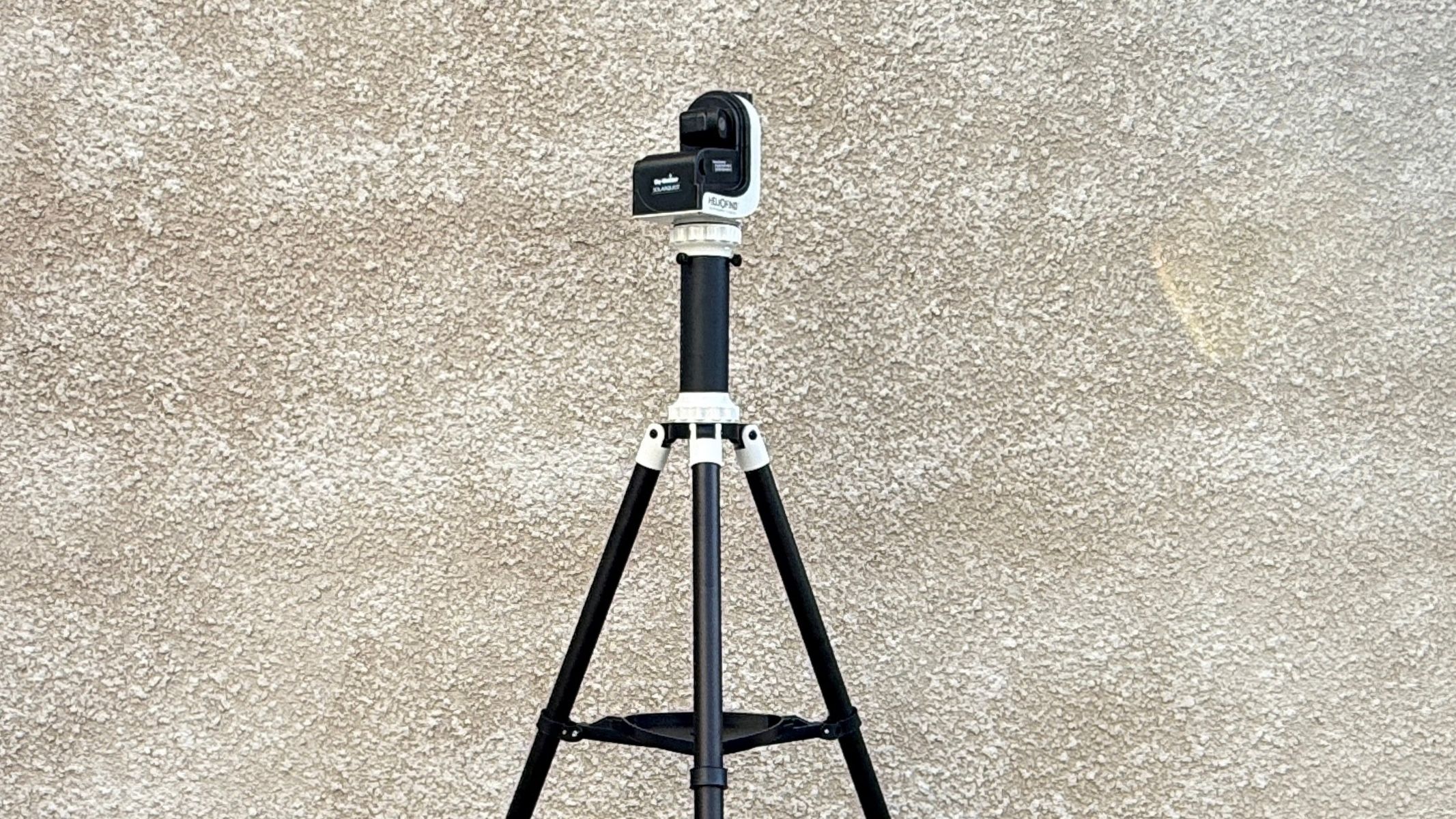
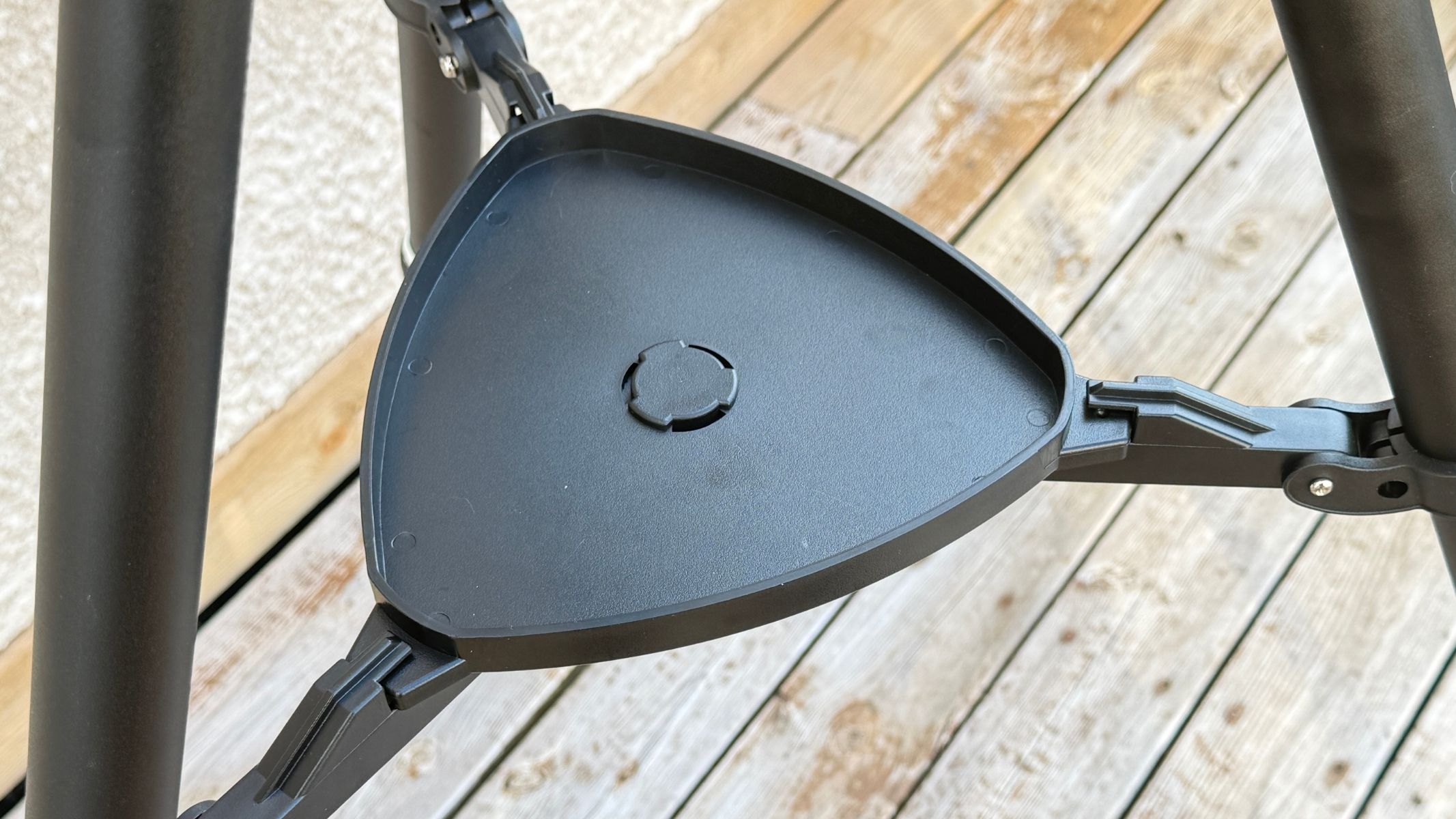
The SolarQuest mount head weighs just 2.9 lbs/1.3 kg, accepts standard 45mm Sky-Watcher/Vixen-style dovetails and can be fitted to a tripod using a 3/8-inch screw. Meanwhile, the optional tripod is lightweight and easily adjustable, with a bubble level and accessory tray. Whatever tripod you use, it’s imperative to get it stable before using the SolarQuest because its ability to track the sun successfully depends on it.

The Sky-Watcher SolarQuest solar telescope mount and tripod against a textured white wall.
The Sky-Watcher SolarQuest comes with an optional sturdy tripod.Jamie Carter
The accessory tray on the tripod on the Sky-Watcher SolarQuest solar telescope mount
The tripod comes with a handy accessory tray.Jamie Carter
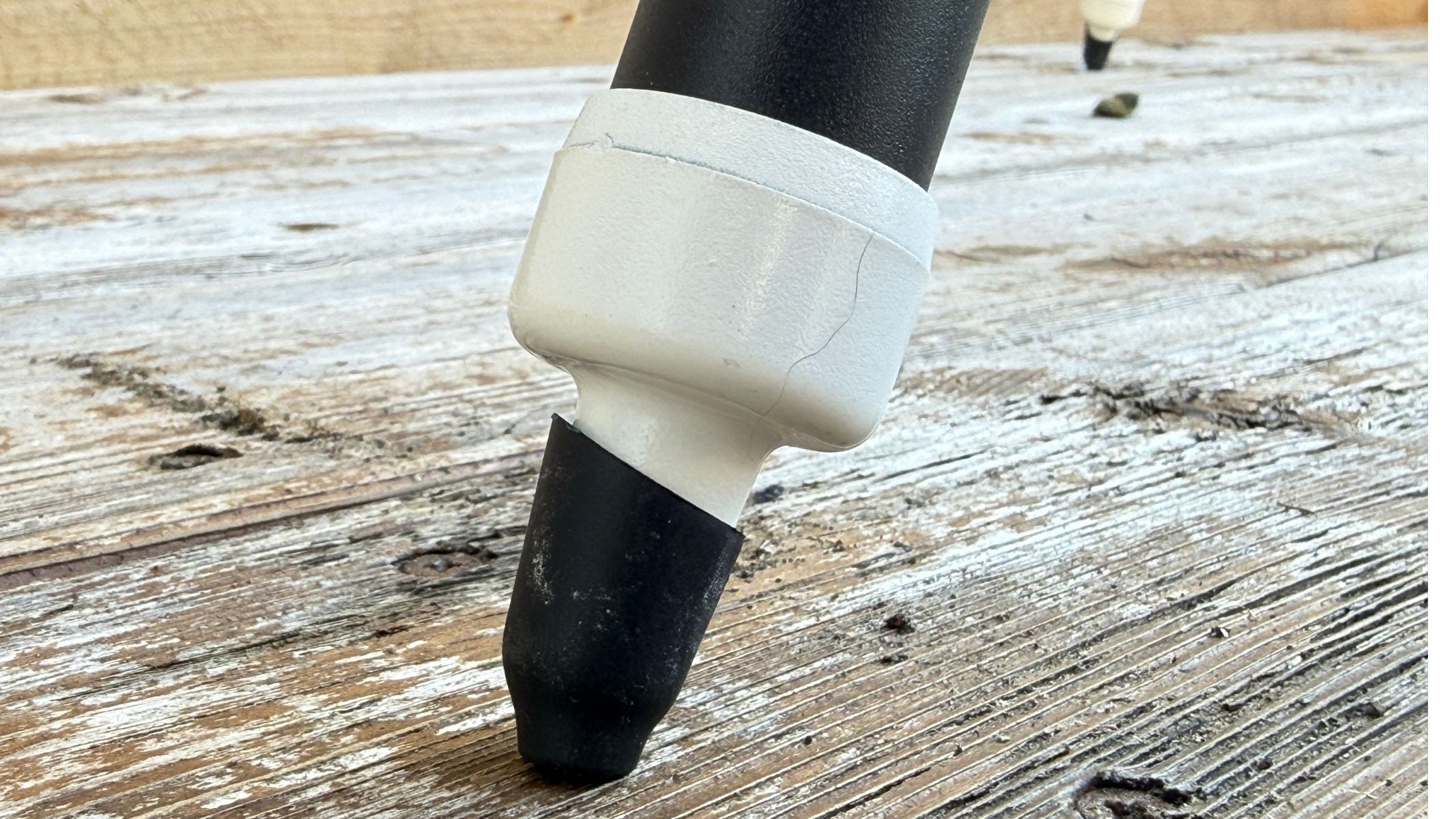
The feet of the tripod on the Sky-Watcher SolarQuest solar telescope mount, standing on a wooden surface.
The optional tripod includes grippers to keep the rig steady.Jamie Carter

With the optional aluminum tripod — which we used in our review — the total setup is still only around 9.9 lbs/4.05 kg, making it easy to set up inside and carry into the garden. Eclipse chasers travelling abroad will easily be able to store it in a carry-on camera bag.

A close-up of the Sky-Watcher SolarQuest solar telescope mount against a white textured wall.
HelioFind technology makes solar alignment fast and beginner-friendly. Jamie Carter
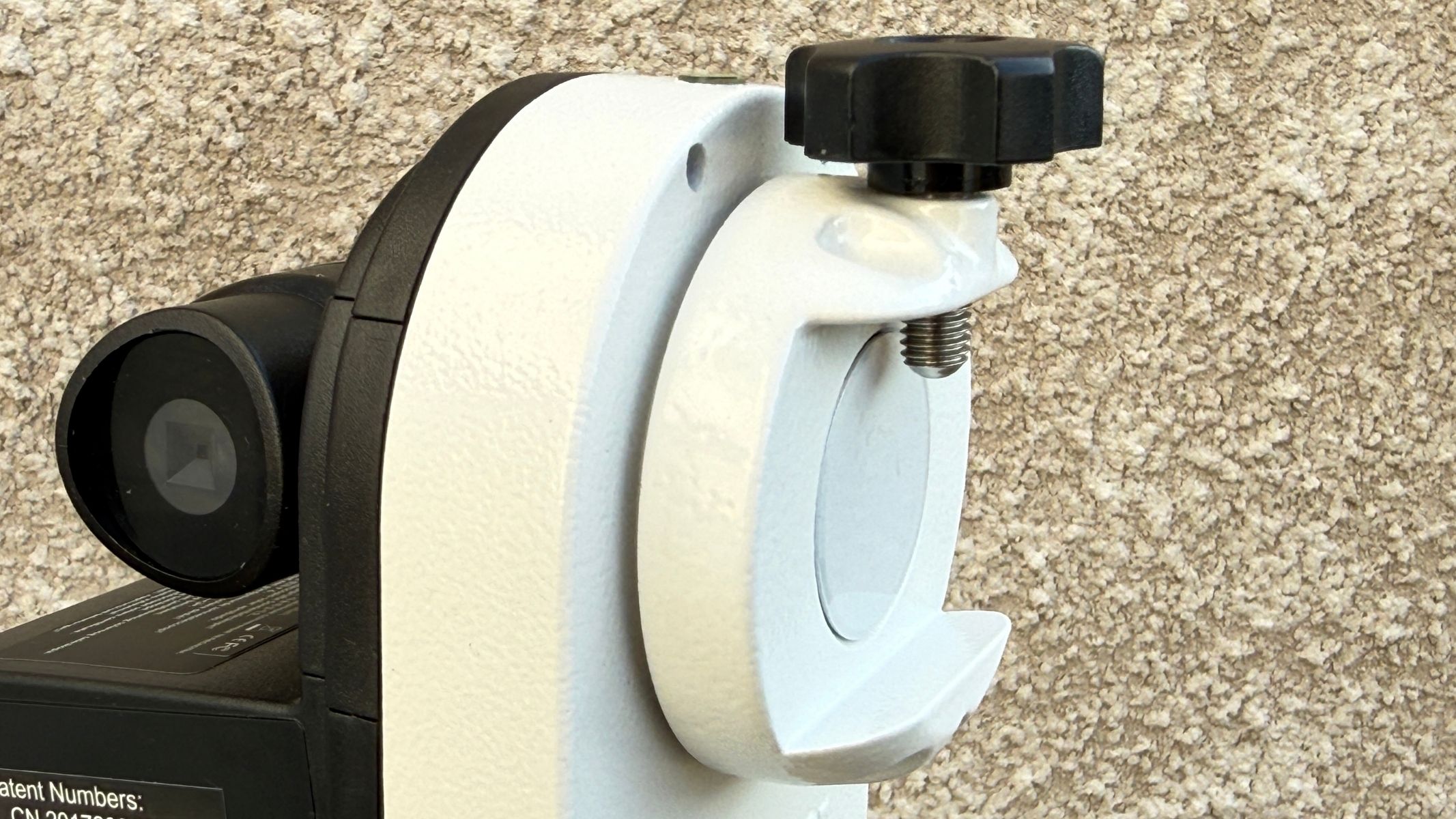
A close-up of the Vixen-style saddle on with Sky-Watcher SolarQuest solar telescope mount.
A Vixen-style saddle accepts many small solar telescopes and spotting scopes. Jamie Carter

The mount itself has very few controls: A power button and an 8-way sliding switch. A long press of the power button finds the sun, with the second used to make manual adjustments. There are no menus and no alignment tasks.

Sky-Watcher SolarQuest mount head: Performance

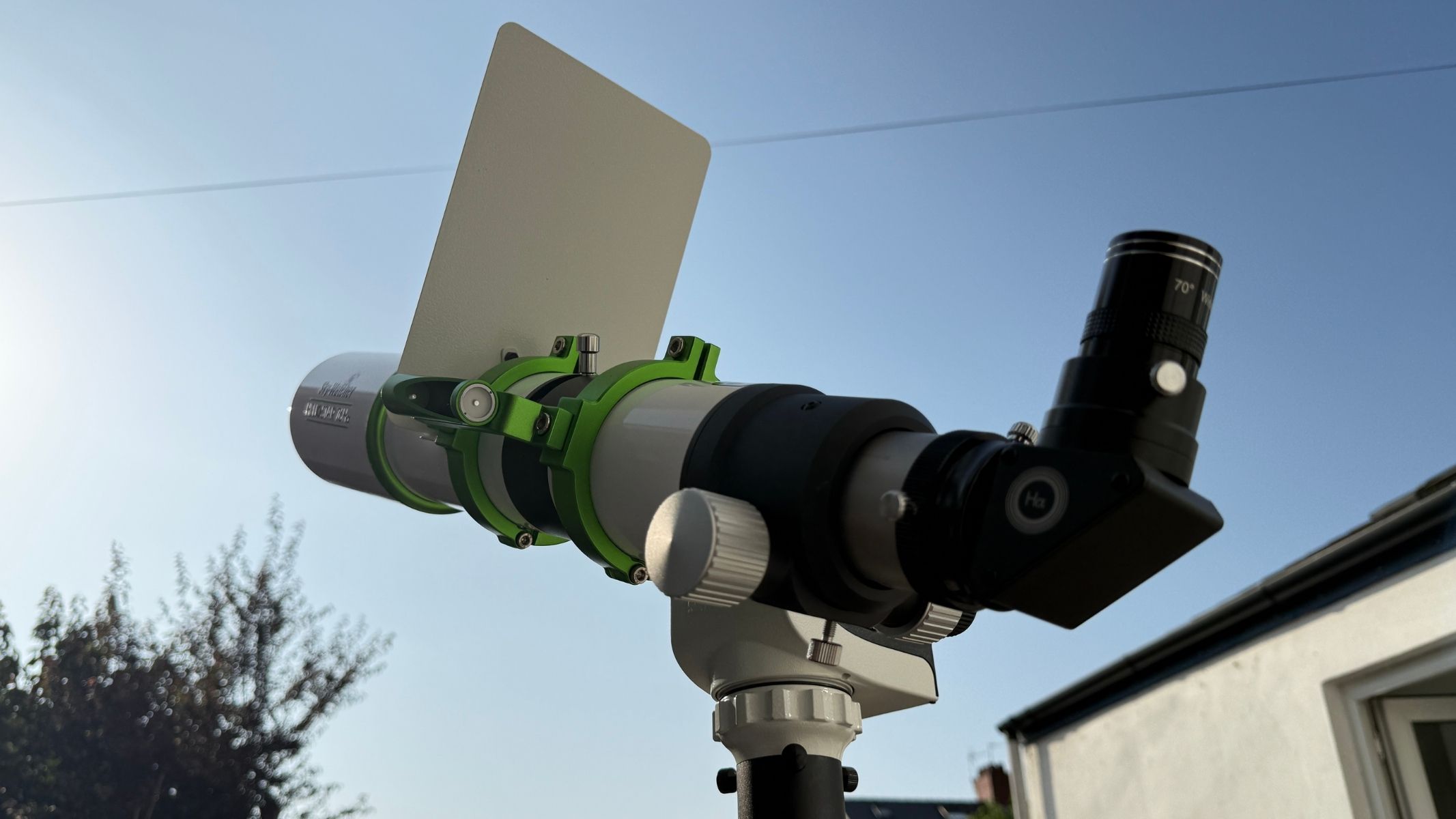
The Sky-Watcher SolarQuest solar telescope mount with the Sky-Watcher Heliostar 76mm solar telescope attached and pointing at the sun.

Its job is simple: Find the sun and keep it centered. (Image credit: Jamie Carter)
  • Finds the sun automatically in clear conditions
  • Fine-tuning controls keep the sun centered
  • Works well with solar telescopes

At first glance, the promise of the Sky-Watcher SolarQuest mount head is so simple: you level the tripod using its built-in bubble or spirit level and point the attached telescope somewhere to the left of the sun. You then long-press the power button and step back. The built-in GPS calculates the date, time, and location, as well as the sun’s altitude and azimuth. The mount levels the telescope, pauses, then slews to the right altitude. Then its photodiode solar sensor (a small camera) hunts for the solar disc and locks on. In practice, the system gets impressively close to that ideal — but with some small caveats.

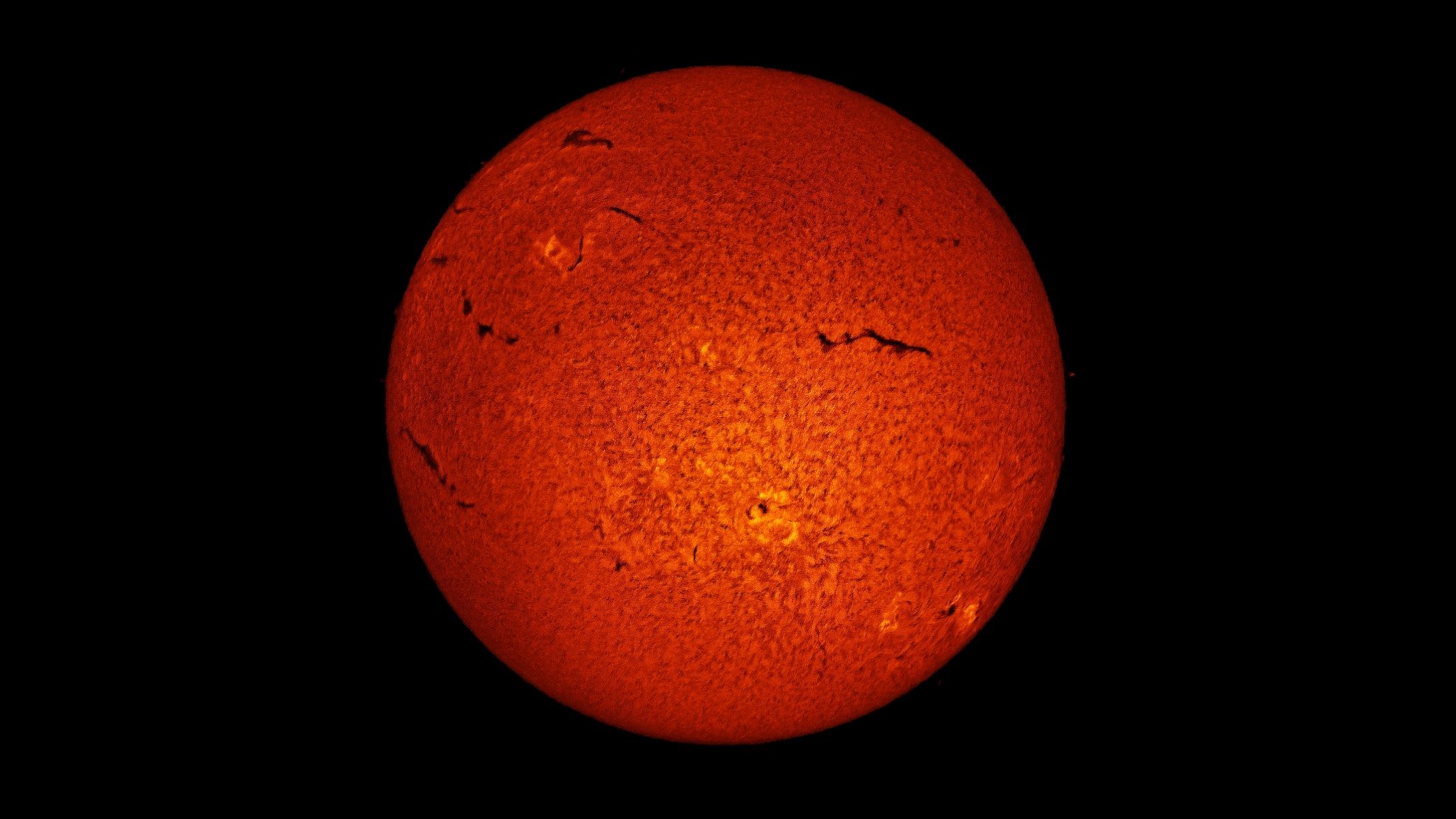
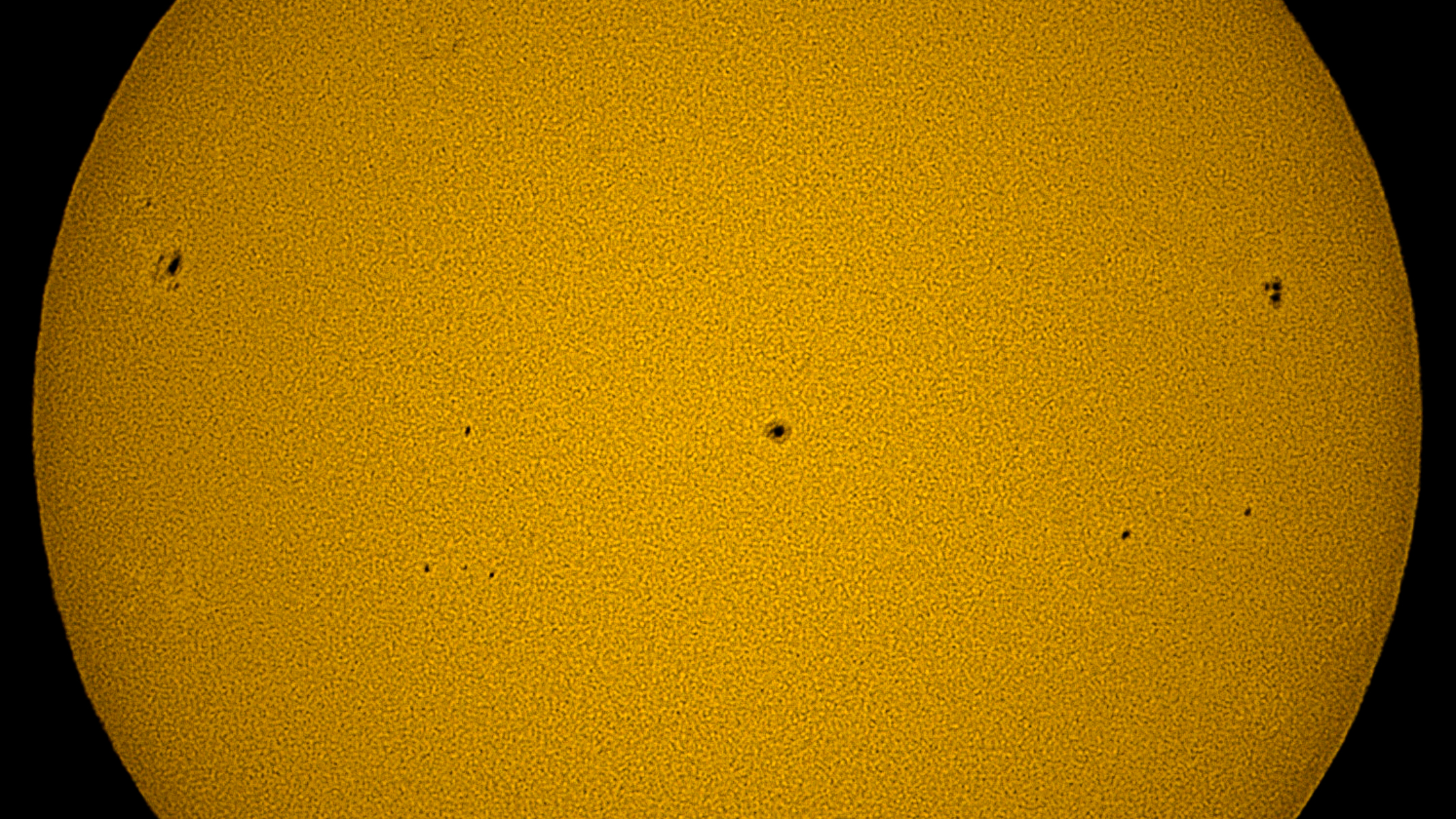
A deep orange image of the sun taken with the Sky-Watcher Heliostar 76mm, Sky-Watcher SolarQuest solar telescope mount and a ZWO ASI174mm mono astronomy camera.

A colorized image of the sun taken with a ZWO planetary camera on an H-Alpha telescope mounted on the SolarQuest. (Image credit: Jamie Carter)

The sun needs to be in a clear sky, but it doesn’t have to be high. We reviewed the SolarQuest during a summer heatwave, when getting up very early was the only sensible way to observe the sun. Having got up early to take advantage of the cool morning air before the sun rose too high, we feared the SolarQuest would fail to find such a low sun. Luckily, there were no such issues, with SolarQuest taking just under 60 seconds to be perfectly aligned with the sun.

A close-up of part of the Sky-Watcher SolarQuest solar telescope mount.

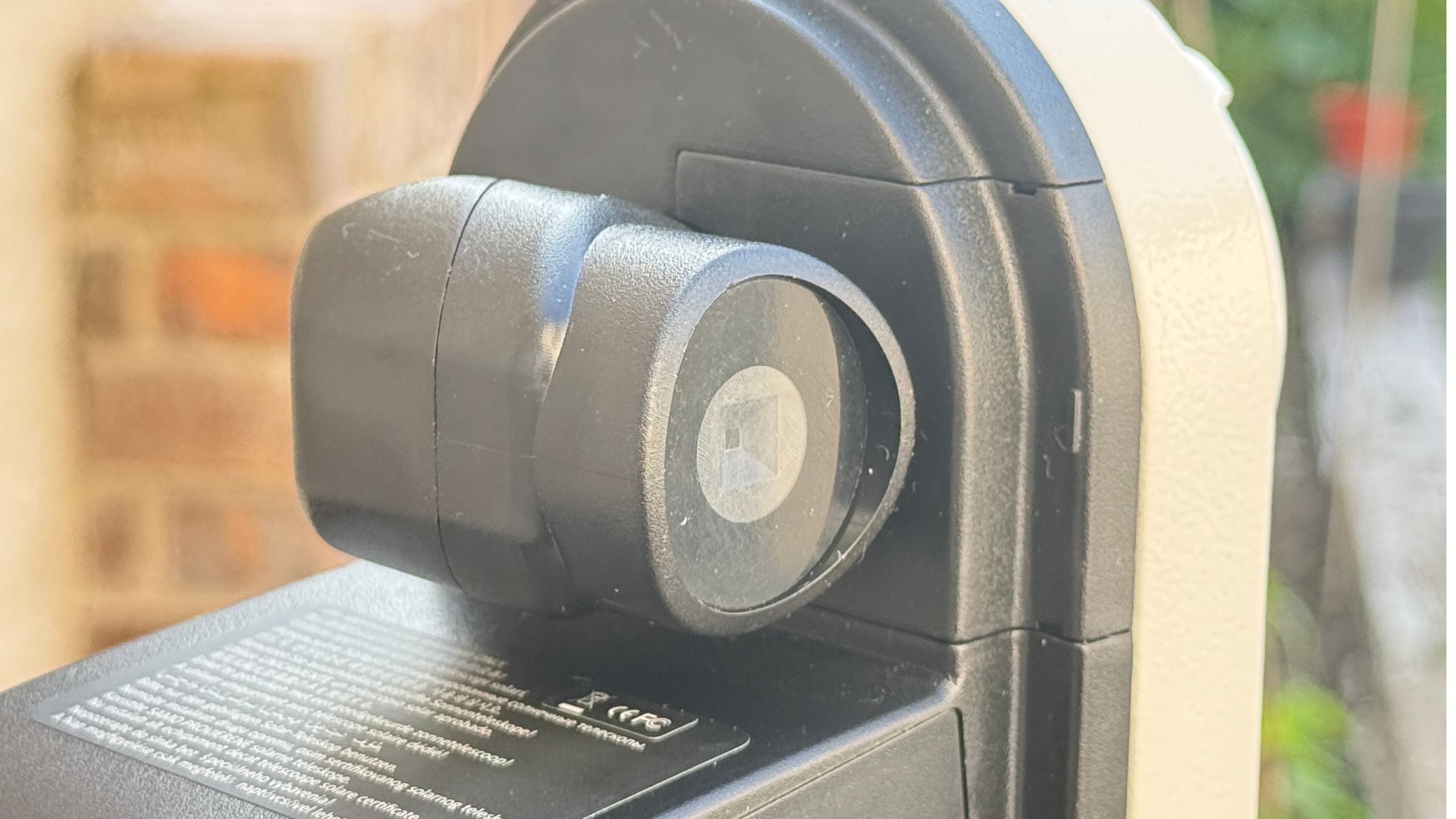
The solar sensor uses four photodiodes to lock onto the sun. (Image credit: Jamie Carter)

For visual observing, that’s transformative. Instead of spending the first part of a session aligning, shadow-aiming and nudging a scope into position, you can be looking at the sun within minutes. However, we did have to use the joypad on the SolarQuest to center the sun. Happily, the controls are very sensitive and move slowly, so we were able to have a perfect view of the sun in under two minutes from pressing the power-on button. That’s impressive.

Sky-Watcher SolarQuest mount head: Functionality

A close-up of the Sky-Watcher SolarQuest solar telescope mount with the Sky-Watcher Heliostar 76mm solar telescope attached.

Built-in GPS calculates the sun’s position automatically. (Image credit: Jamie Carter)
  • Accurately tracks the sun
  • 8x AA batteries are old-fashioned
  • Payload is a limiting factor

Tracking accuracy is very good, with a tiny adjustment on the joypad required perhaps every few hours. Since it largely follows the sun’s path through the sky, it should be suitable for a total or deep partial solar eclipse, when a crescent sun could confuse the sensor (to be sure, you could cover the sensor during totality so it doesn’t hunt for the sun and try to realign during an eclipsed crescent sun).

However accurate it is, this is an alt-az mount. It can track the sun well but it cannot remove field rotation during much longer imaging sessions. For visual use and almost all solar use — including casual video capture — that is not a major issue. However, for long-duration solar imaging and creating time-lapses, it’s a limitation to keep in mind.

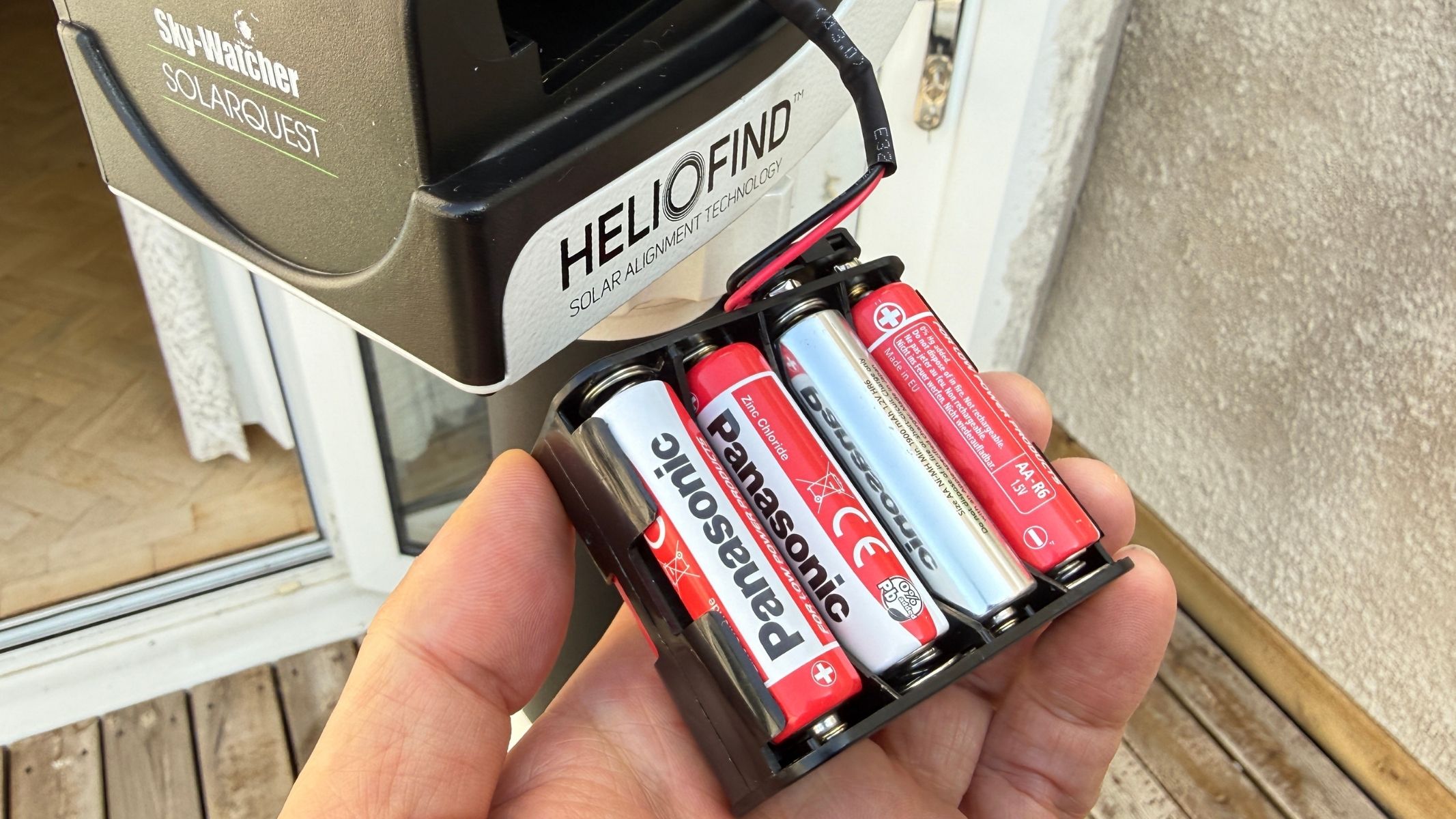
A hand holding the a battery compartment with batteries inside, next to the Sky-Watcher SolarQuest solar telescope mount.

The battery compartment takes eight AA batteries, though external power is available. (Image credit: Jamie Carter)

One practical complaint is the battery compartment. Pop open the door (which detaches and becomes easily lost) and inside is a small plastic cradle that takes eight AA batteries. As if needing to take a trip to a store before being able to use the SolarQuest wasn’t annoying enough, it occurred to me that if I was going to an eclipse, I would need to travel with at least eight more AA batteries as spares — and possibly another 16x for true peace of mind. Not a pleasant prospect. Should any gadget like this be AA battery-powered in the age of Lithium-ion and USB-C? A resounding no. The box includes a 12V DC connection but there’s no cable. It all seems poorly thought through and old-fashioned.

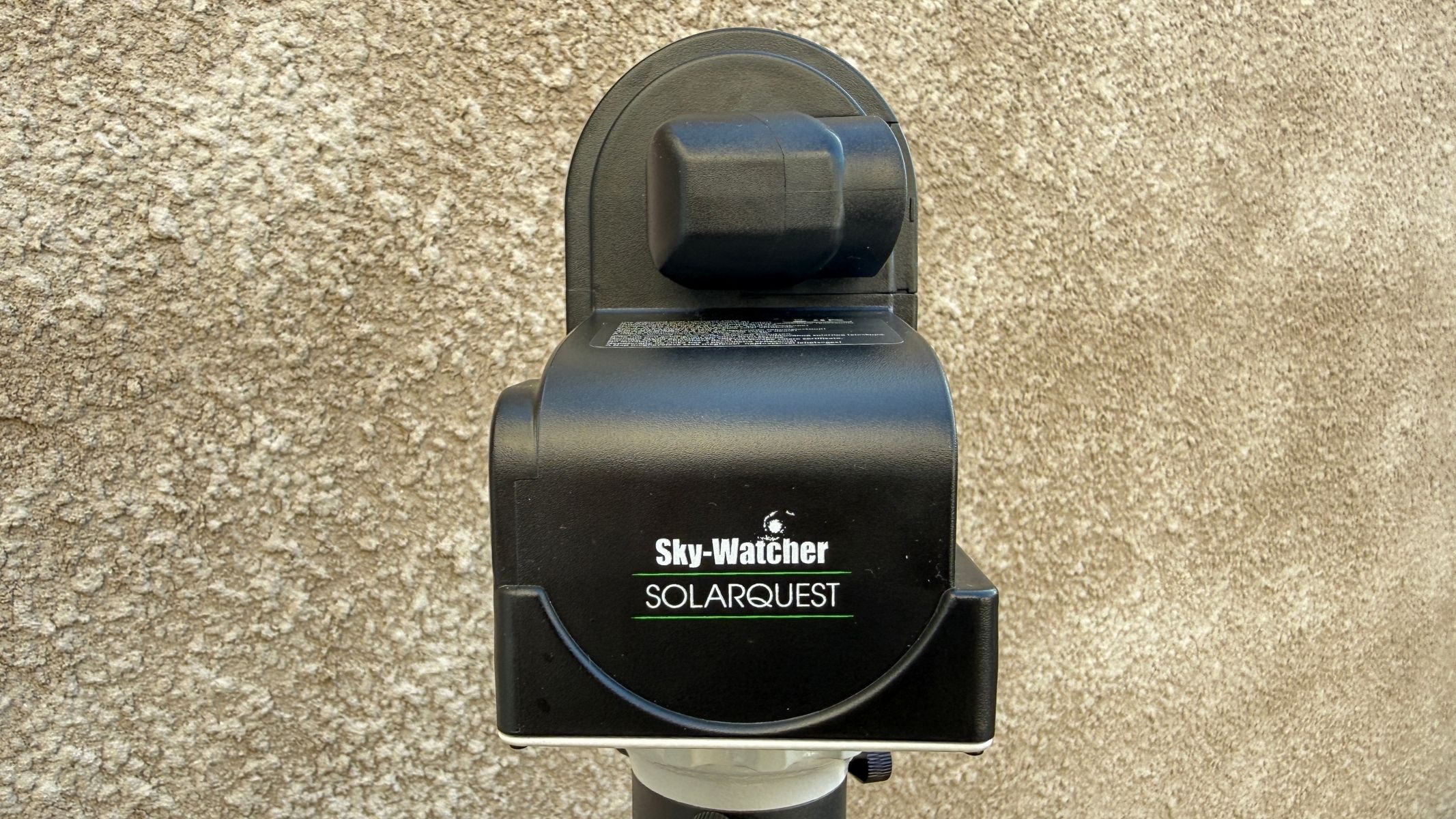
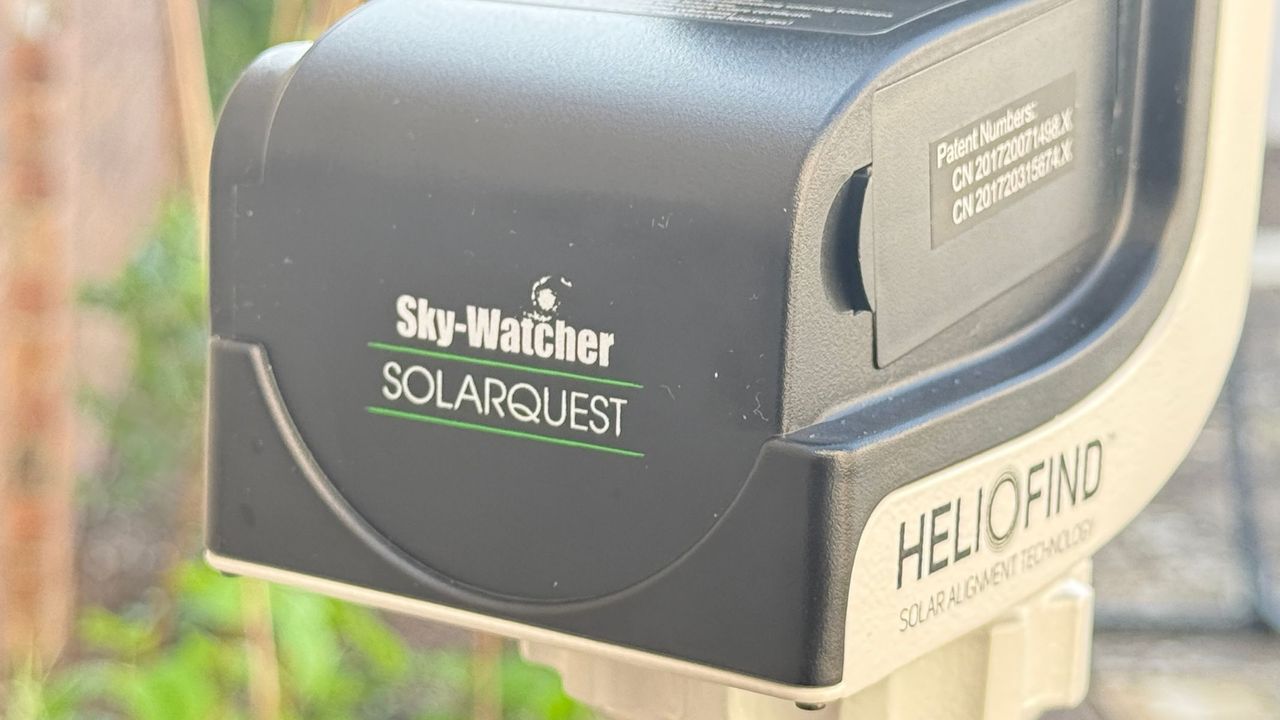
The Sky-Watcher SolarQuest solar telescope mount, showing the Sky-Watcher SolarQuest logo.

The mount head weighs just 2.9 lbs, making it easy to carry outside. (Image credit: Jamie Carter)

However, the main practical limitation of the SolarQuest is its 8.8 lbs (4 kg) payload, which sets it apart as an accessory for small solar telescopes. At its best when speed and simplicity matter, SolarQuest is a travel-friendly mount ideal for beginners and eclipse chasers seeking to remove a common frustration from solar observing — finding and tracking the sun — without adding complexity. It almost totally succeeds.

How we tested the Sky-Watcher SolarQuest mount head

Sideview of the Sky-Watcher Heliostar 76mm H-alpha solar telescope attached to the Sky-Watcher SolarQuest mount.

We tested the Sky-Watcher SolarQuest mount with the Sky-Watcher Heliostar 76mm H-alpha solar telescope. (Image credit: Jamier Carter)

We tried the SolarQuest for about two weeks with both a Celestron Regal M2 spotting scope (with a solar filter attached) for white-light observations of the solar disk and a Skywatcher HelioStar 76mm solar telescope. The latter was used to get some images of the sun in H-Alpha (Hα), in conjunction with a ZWO ASI174MM planetary camera.

Should I buy the Sky-Watcher SolarQuest mount head?

Buy it if:

✅ You want to get into casual backyard solar observing: The SolarQuest mount is great for those who have a small solar telescope or a regular telescope with a solar filter and want to start observing the sun more.

✅ You want fast, automatic solar finding and tracking: The SolarQuest mount makes solar observation super easy and super quick so finding the sun isn't a chore and allows you to focus on observation.

Don't buy it if:

❌You want a mount for nighttime astronomy as well: It has one job, to find the sun, and doesn't work for finding any targets in the dark night sky.

❌You don’t want to travel with lots of spare AA batteries: The mount is powered by eight AA batteries and if you are carrying spares, this means a lot of extra weight to carry around when travelling to observation locations.

If you need something to support a solar or solar-filtered telescope under 8.8 lbs/4kg, the SolarQuest should be on your radar. It quickly finds the sun and tracks accurately, removing the need for manual alignment. It’s also really compact, operates quietly and has very simple controls.

The included instructions are poor, the way it’s battery-powered is far from ideal, and it’s limited by its payload capacity, but it’s so easy to use and quick to work that it’s hard to criticize the SolarQuest too harshly — it’s a slick and simple accessory.

If the Sky-Watcher SolarQuest mount head isn’t for you

There are very few dedicated solar trackers like the Sky-Watcher SolarQuest. However, some star trackers do have a mode where you can choose the sun as the star to track, including the Benro Polaris. Once you’ve entered the sun in the frame using the virtual joystick, the Polaris can automatically track it. Another alternative is an equatorial mount, which, when well aligned, can handle solar observing for longer periods and/or for making time-lapse sequences.

  •  

How to safely observe eclipses and the solar surface with a smart telescope

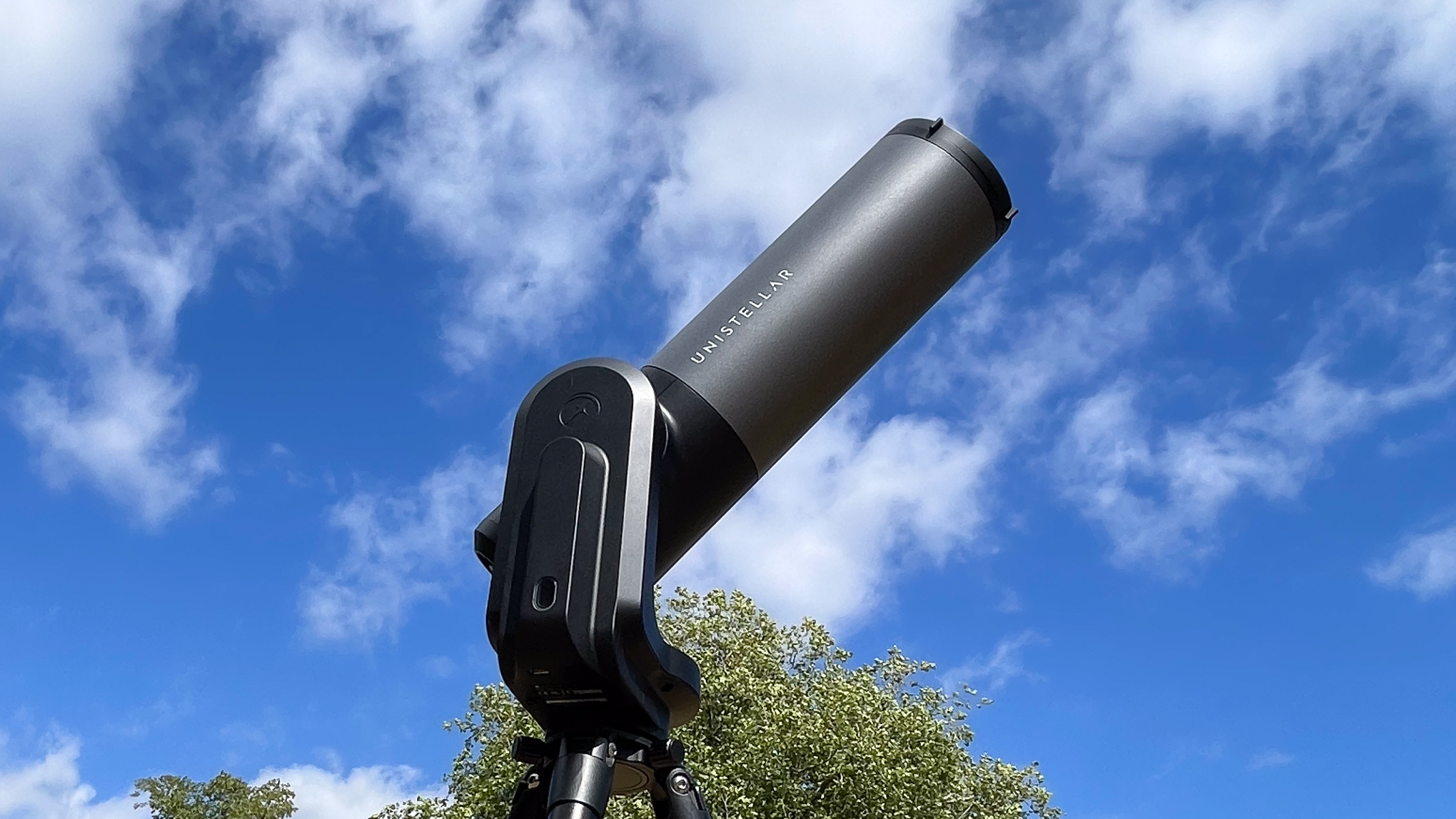
Solar observation can be tricky or underwhelming when trying to observe with handheld methods such as using solar eclipse glasses and solar binoculars. Hunting for the sun with binoculars can be tricky due to the essential ISO 12312-2 rated solar filters on the glass blocking all vision except for the solar disk itself. This is where a smart telescope like the entire Unistellar range can help; it automatically finds and tracks the solar disk from a few presses on your smartphone.

Need a smart telescope? Skip ahead to pick from our list of recommendations to suit all budgets.

A closeup of the yellow solar surface, showing three dark sunspots, as imaged by the Unistellar eQuinox 2 smart telescope.
With some light adjustments in Adobe Lightroom, the details on the solar surface really pop out on the photograph from the eQuinox 2. Harry Bennett / Future
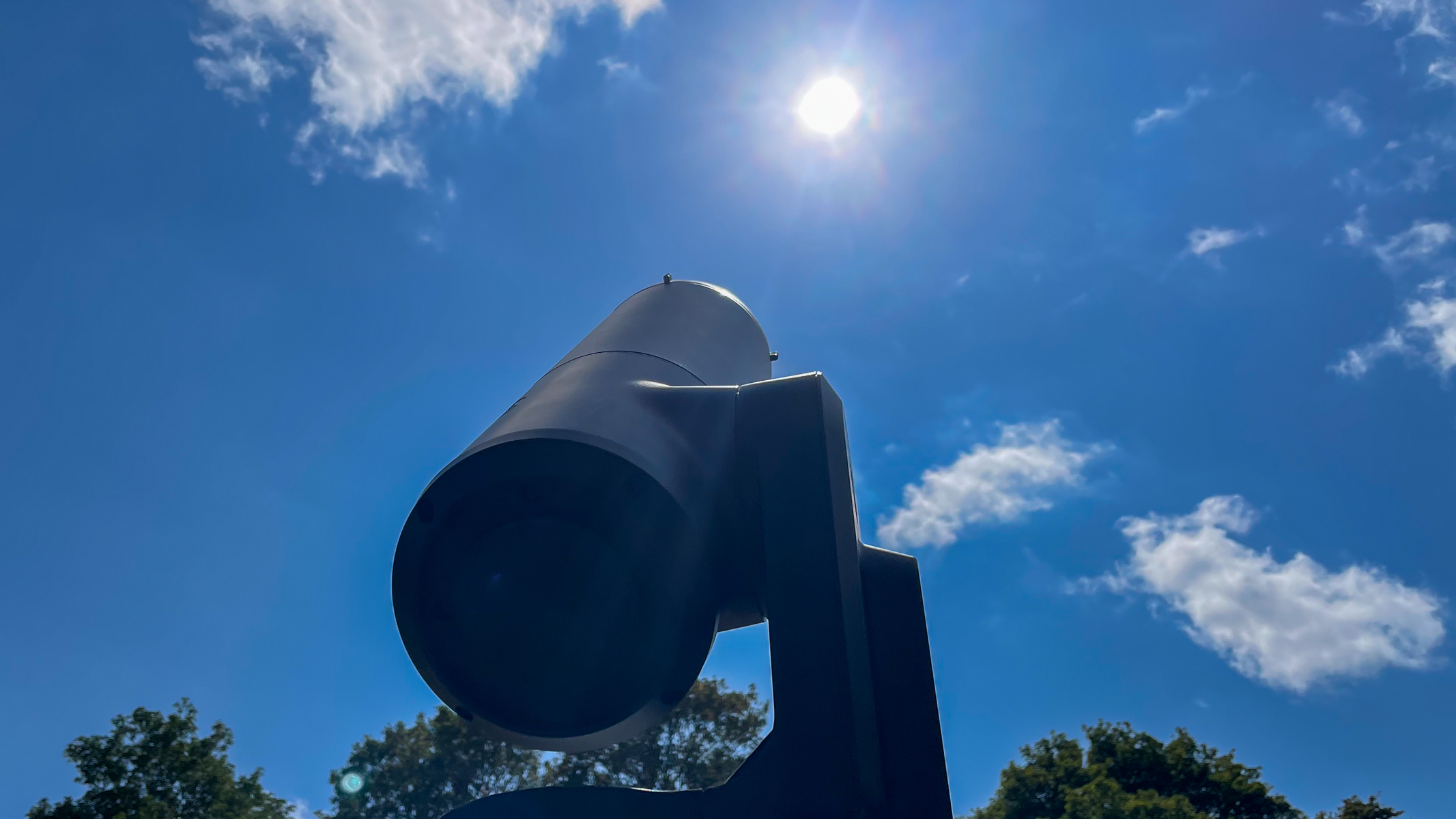
A Unistellar eVscope 2 pointing at the sun in the blue sky.
All it takes is a few seconds to stack frames on a smart telescope and get more detail on the solar surface.Harry Bennett / Future

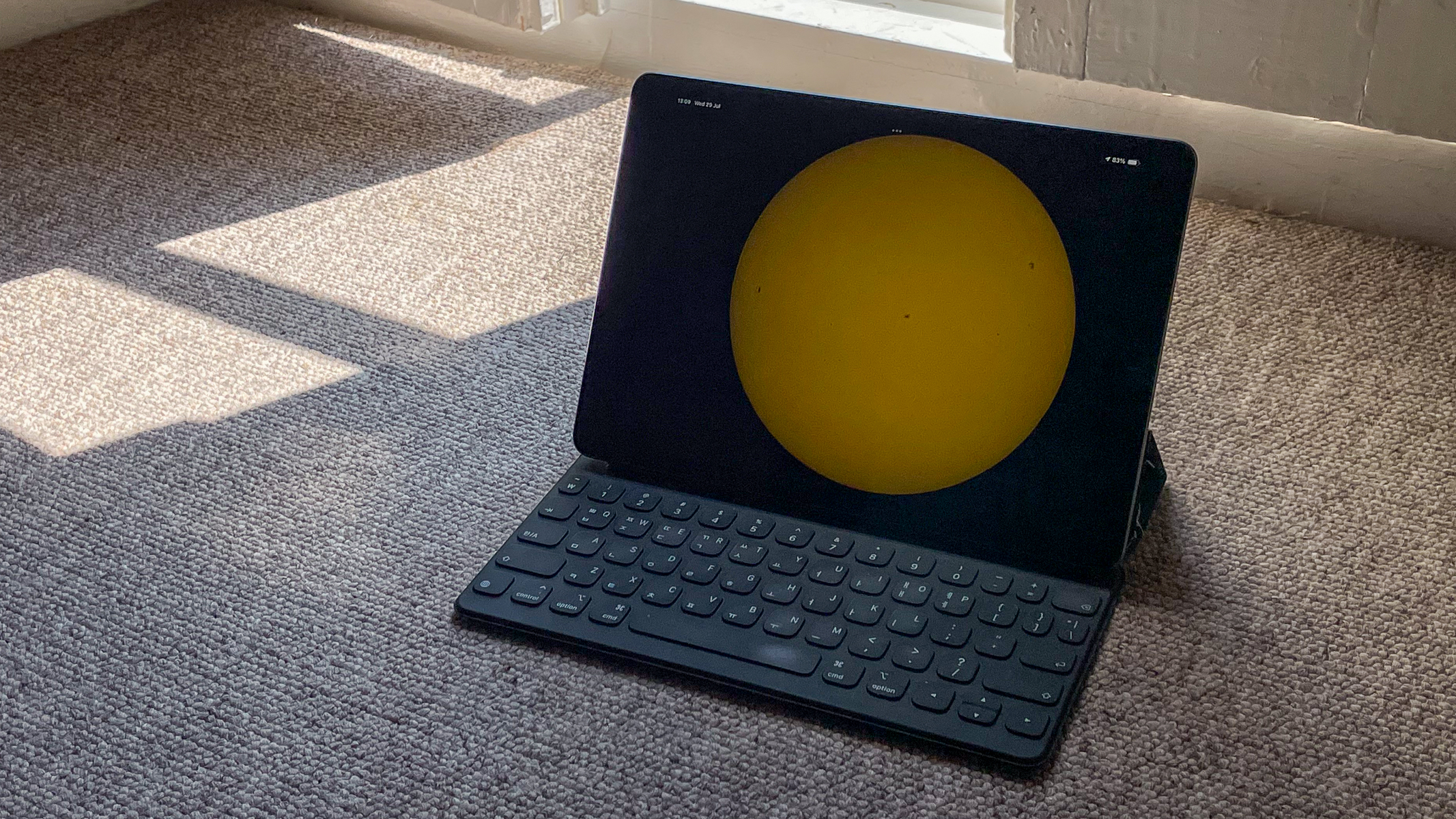
All you need is to attach the correct Unistellar solar filter for your model, click Go-to on the Sun and the telescope will slew to the solar disk. If connected to a tablet or larger screen, you can get a much bigger image of the sun to share with groups and family. This also allows you to watch the observation from a shaded spot and get comfortable without needing to stay out under the beating sun.

An iPad screen showing the solar disk from the Unistellar app against some shadowed carpet.

(Image credit: Harry Bennett / Future)

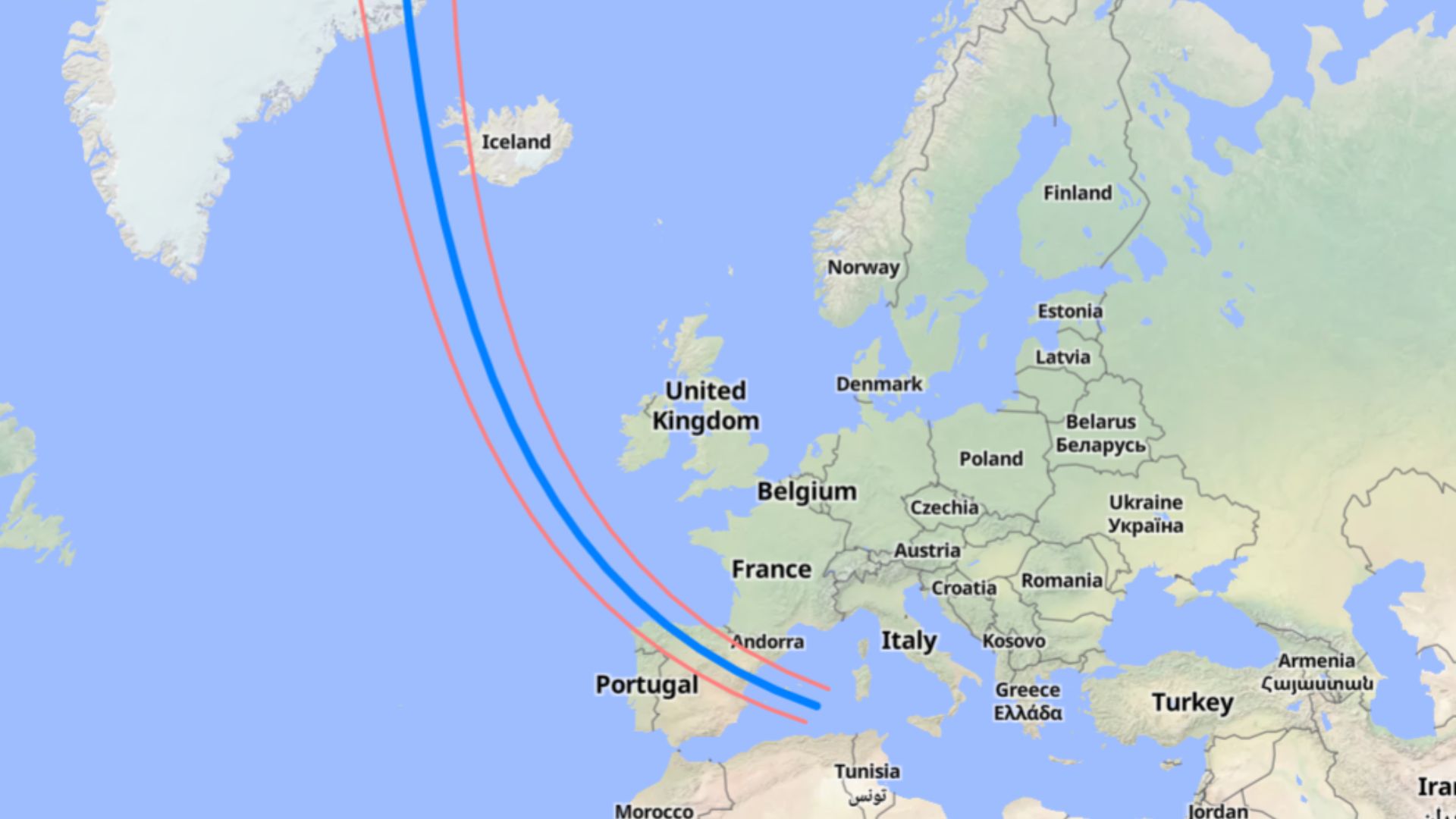
Smart telescopes not only find and track the solar disk but they can image it too. Using built-in image focusing, stacking and processing, the telescope delivers a sharper image within seconds and reveals solar details like sunpots on the surface. If you don't want to miss getting a shot of the next solar eclipse, you can use the solar observation mode to capture the sun at all stages of the eclipse from your smart telescope. At the time of writing, the next total solar eclipse is coming on Aug. 12, 2026 and will be mainly visible in Greenland, western Iceland and northern Spain. Partial eclipses will be visible in some other European countries, parts of Canada and New York City.

eclipse 2026

The entire path of totality for the 2026 total solar eclipse. (Image credit: Created using MapHub.net. Source: Esri, Maxar, GeoEye, Earthstar Geographics, CNES/Airbus DS, USDA, USGS, AeroGRID, IGN, and the GIS User Community)

What to do: A generalist step-by-step for most smart telescopes

  • 1. Turn your smart telescope on
  • 2. Link the smart telescope to a smartphone or tablet
  • 3. Install the solar filter if the model requires a separate attachment
  • 4. Select the sun on the app and wait for the location
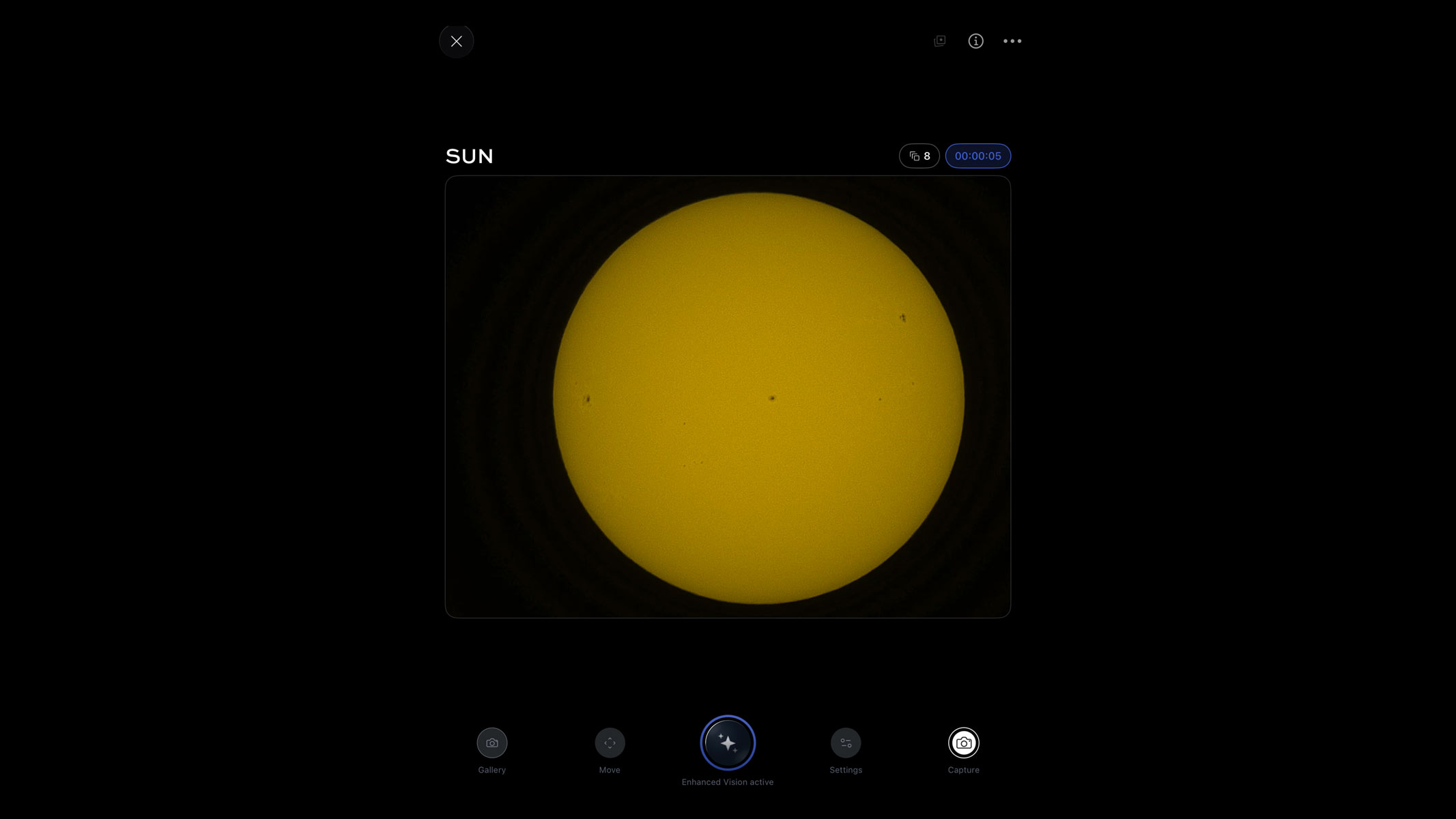
  • 5. Focus the image if needed and then use enhanced vision for more detail

What do you need?

A Unistellar eVscope 2 against a cloudy blue sky.

The eVscope 2 can easily find the solar disk once selected. (Image credit: Harry Bennett / Future)

For solar observation with a smart telescope, the first thing you will need is a smart telescope. While I'm going over how to use a Unistellar eVscope 2 for solar imaging and observation, most of the other smart telescope brands have models that are capable of this too, like the Dwarflab Dwarf Mini 3 and Vaonis Vespera II. If you are used to using a traditional telescope, bear in mind that you will need a smart device to operate the smart telescope and observe your targets. Most smart telescopes come with a tripod, so you shouldn't have to worry about getting one extra but it is an essential piece of equipment.

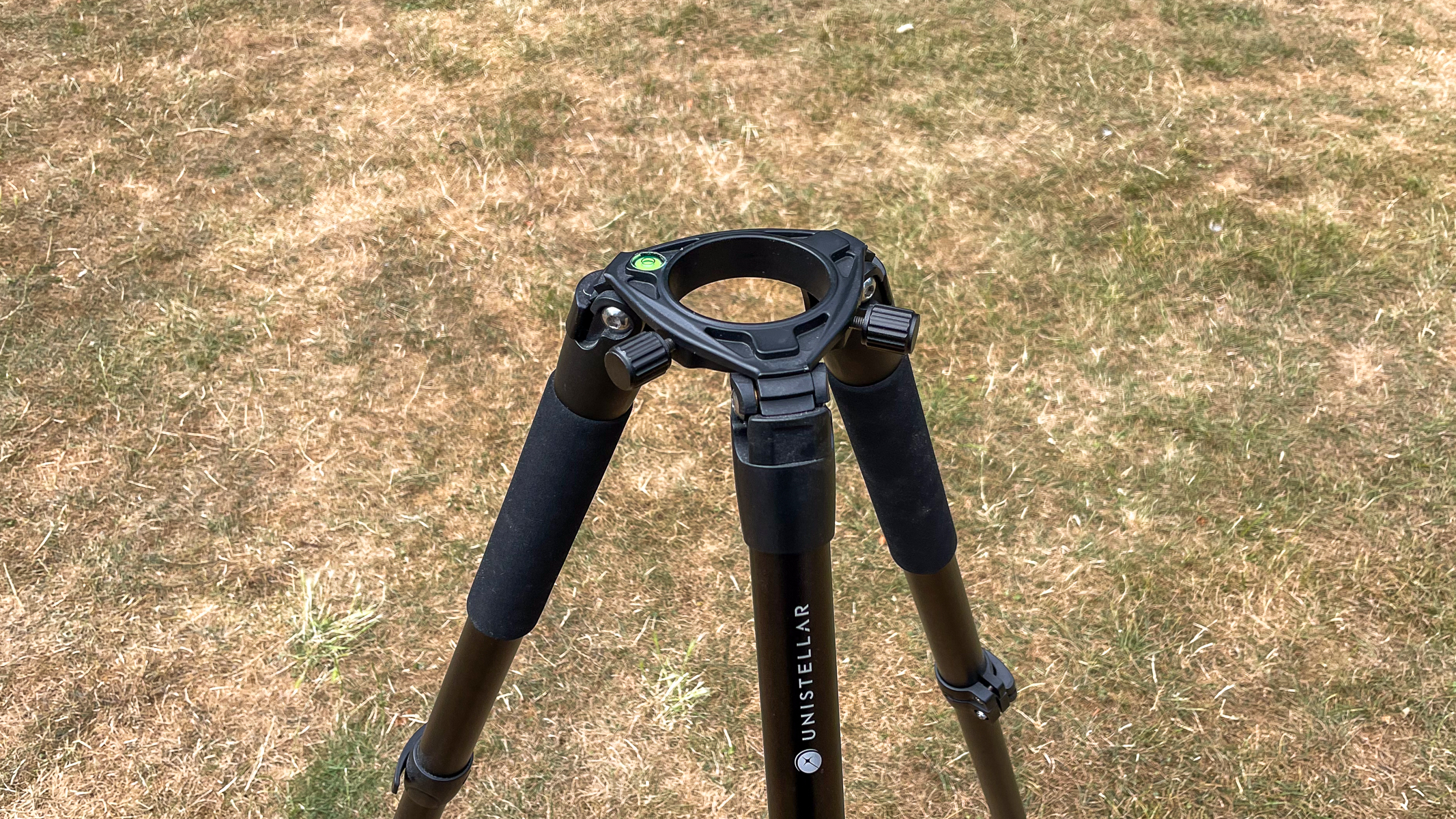
The Unistellar tripod against some grass.

Make sure the bubble level on the tripod is centered so your setup is flat. (Image credit: Harry Bennett / Future)

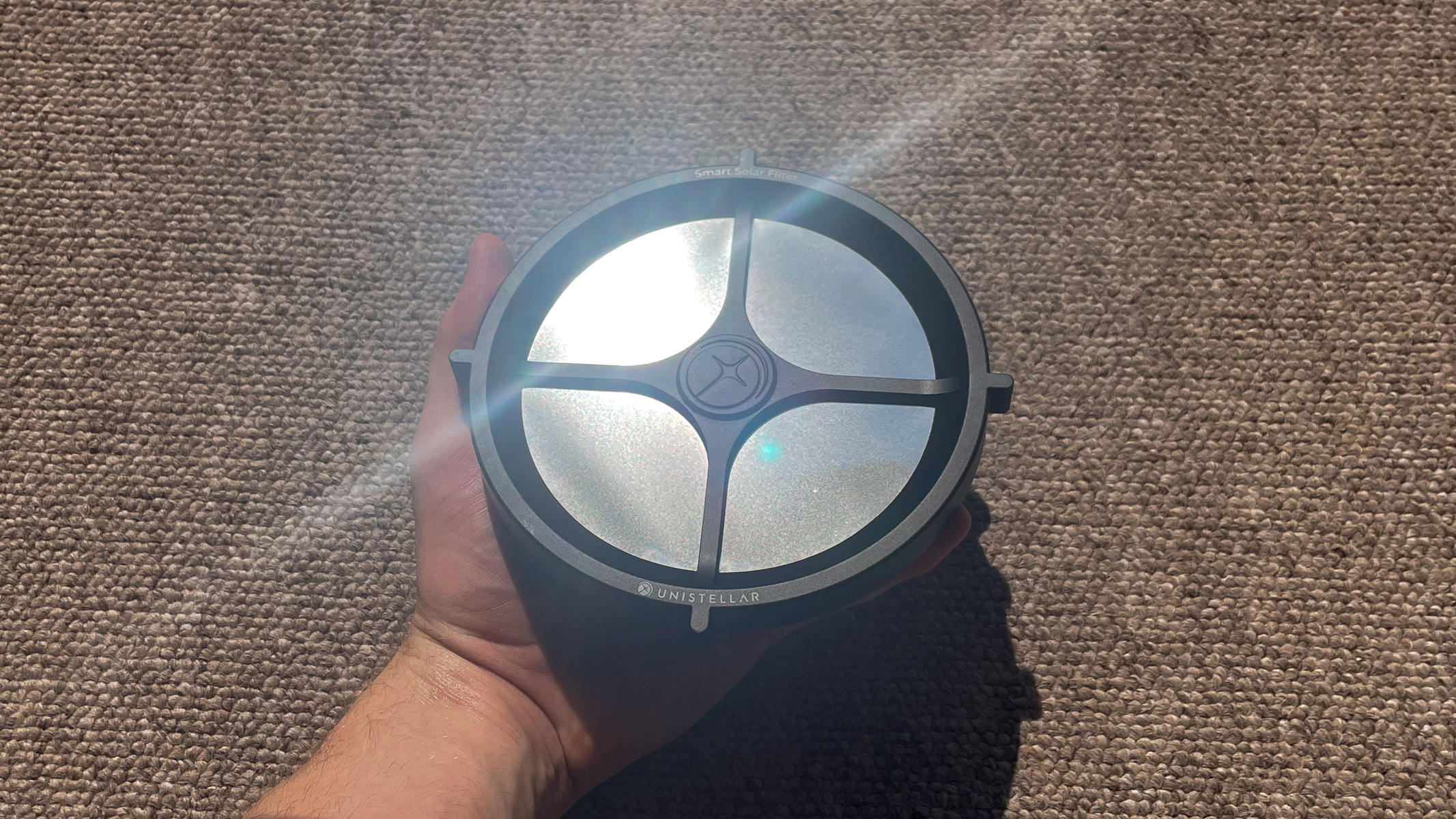
Next, you need a solar filter for your telescope. This is to protect the image sensors in the body of the telescope and drastically reduce the amount of light entering the aperture, so that you don't get a highly overexposed image. Many brands sell these solar filters separately and in the case of Unistellar, you have to make sure you get the right one for your model. There is a solar filter for their Odyssey range and then another filter for their pro range, which features the eQuinox 2 and eVscope 2 models.

A hand holding the Unistellar eVscope 2 solar filter shining in the sunlight.

Some smart telescope companies sell their solar filters separately, like Unistellar, Vaonis and Celestron. (Image credit: Harry Bennett / Future)

Finally, you will also need access to somewhere with a good view of the sun, so a park, garden or open space is ideal. Solar imaging is best done in mid-to-late morning before the sun has heated up our atmosphere, which causes disturbance in the image. This is especially important if you are looking to get crisp shots of sunspots.

Observing and imaging the sun

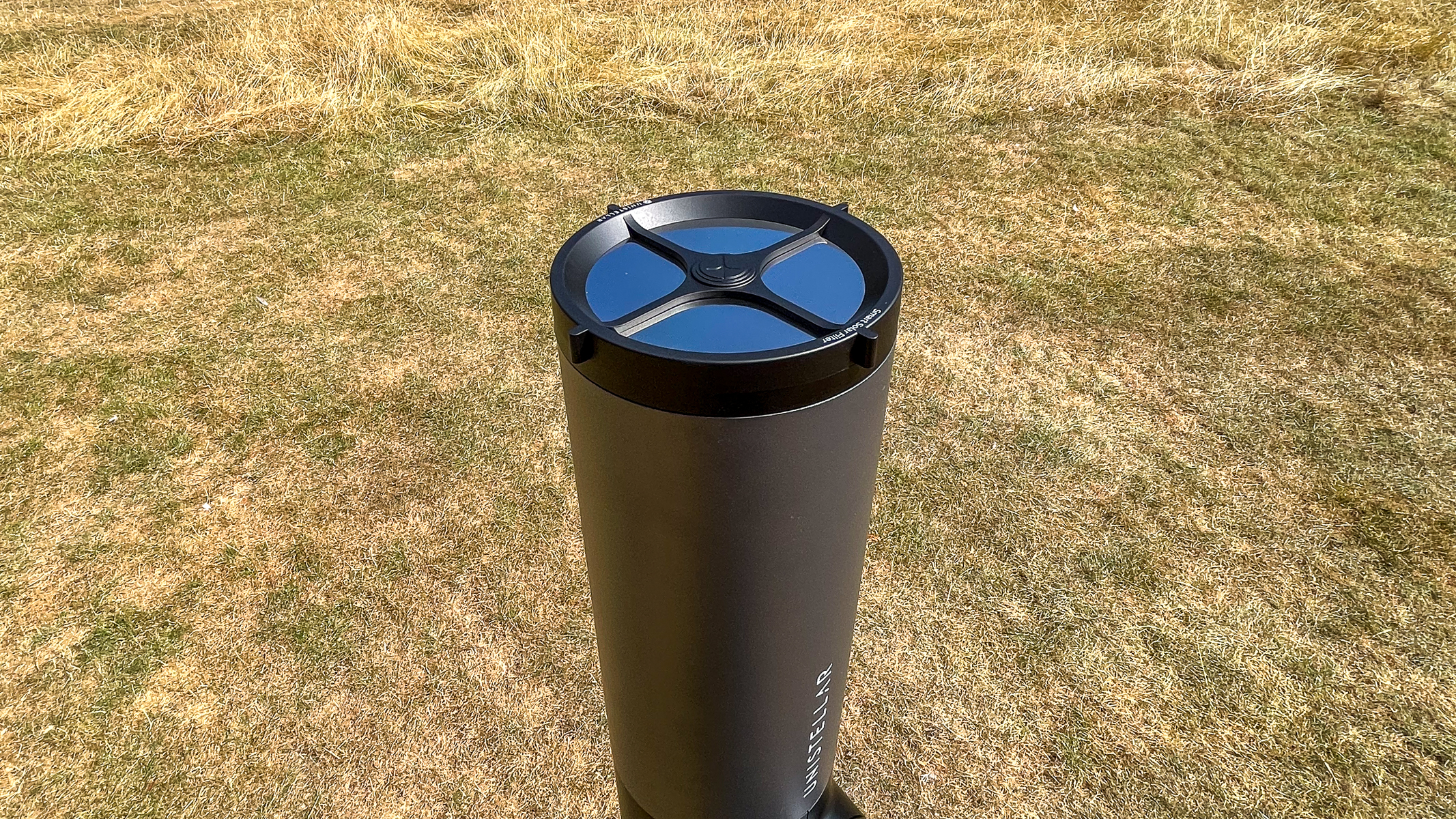
The Unistellar eVscope 2 with solar filter, pointing straight up with grass in the background.

The solar filter prevents the sun from damaging the image sensor in the smart telescope. (Image credit: Harry Bennett / Future)

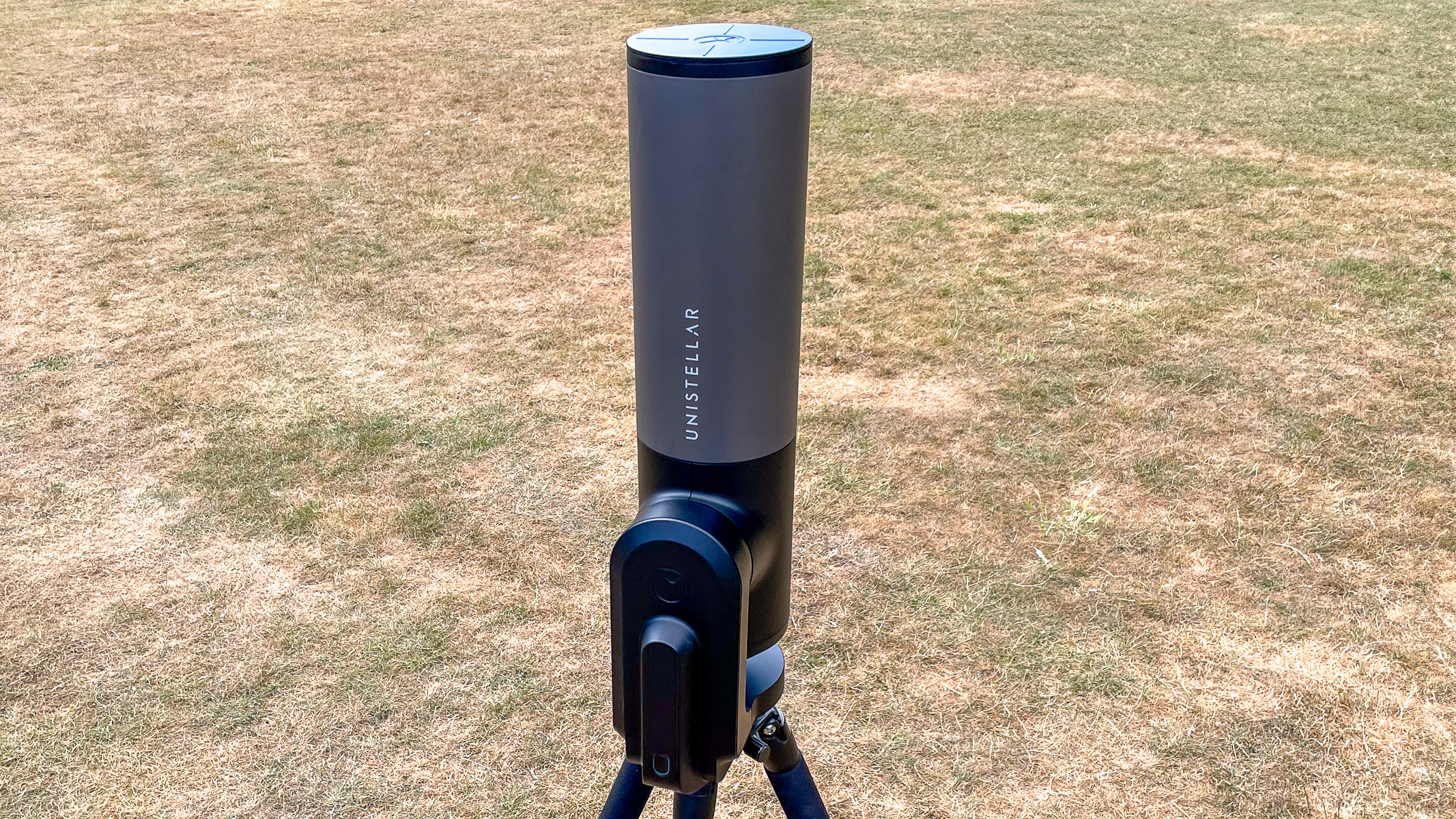
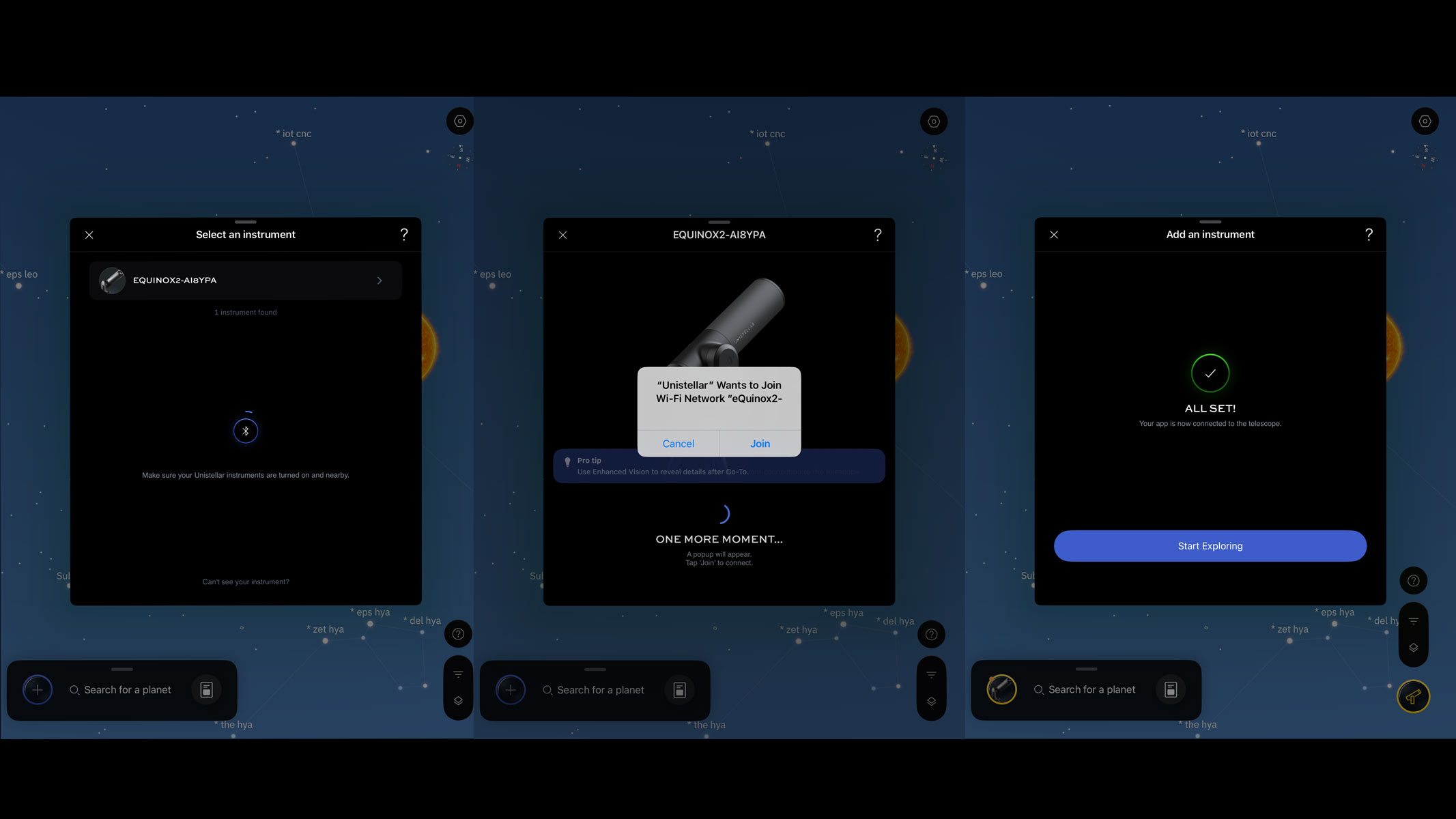
Make sure your tripod is level, with your smart telescope properly attached, then turn it on and remove the dust cap. Open your preferred app and add your device by following the on-screen instructions.

The Unistellar eVscope 2 pointing straight up with grass in the background.
The Unistellar eQuinox 2 is easy to set up in a yard or open space.Harry Bennett / Future
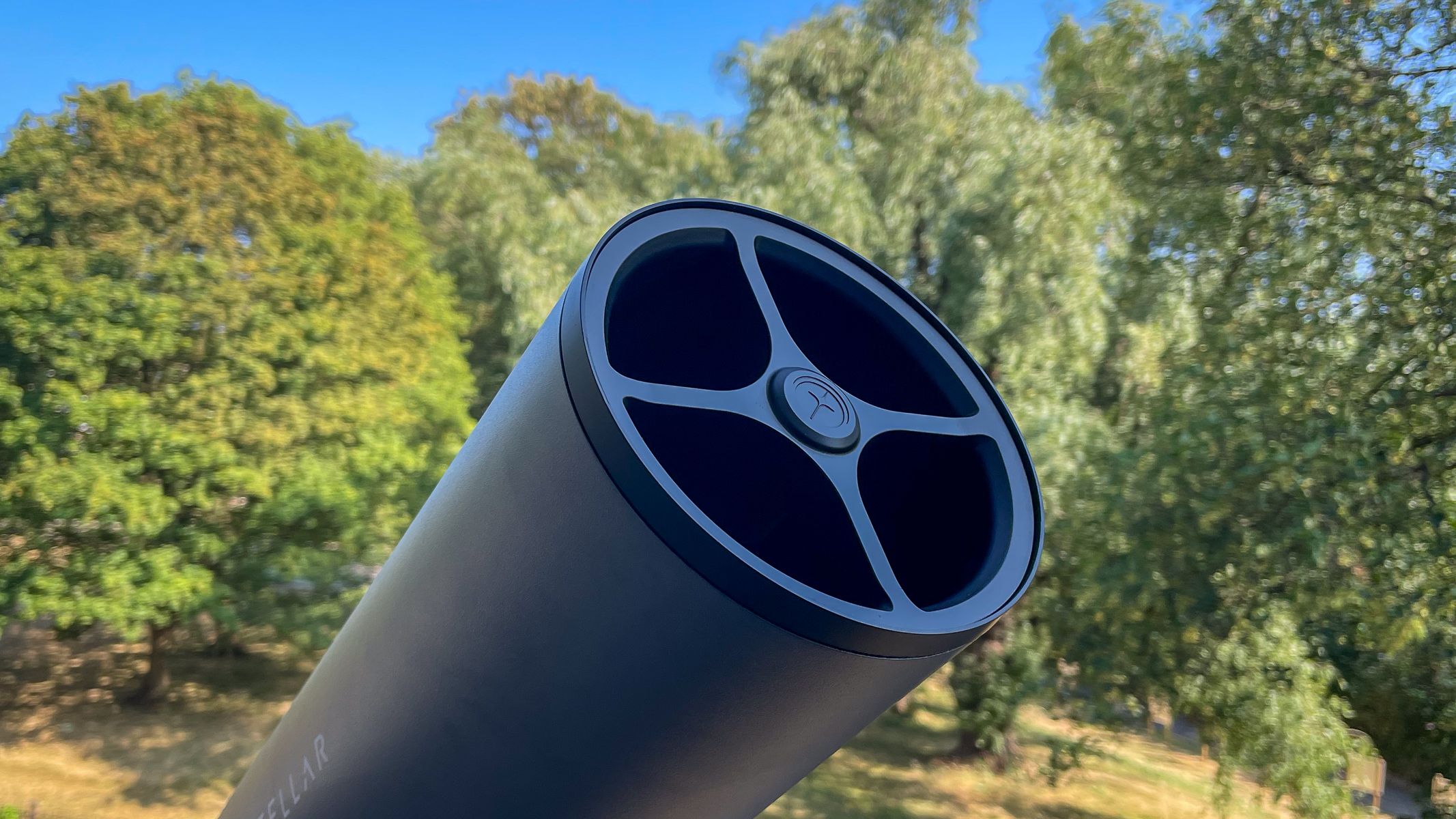
The Unistellar eVscope 2 without solar filter attached with trees in the background.
Used with a solar filter, smart telescopes allow you to track night sky objects and grab sharp images. Harry Bennett / Future
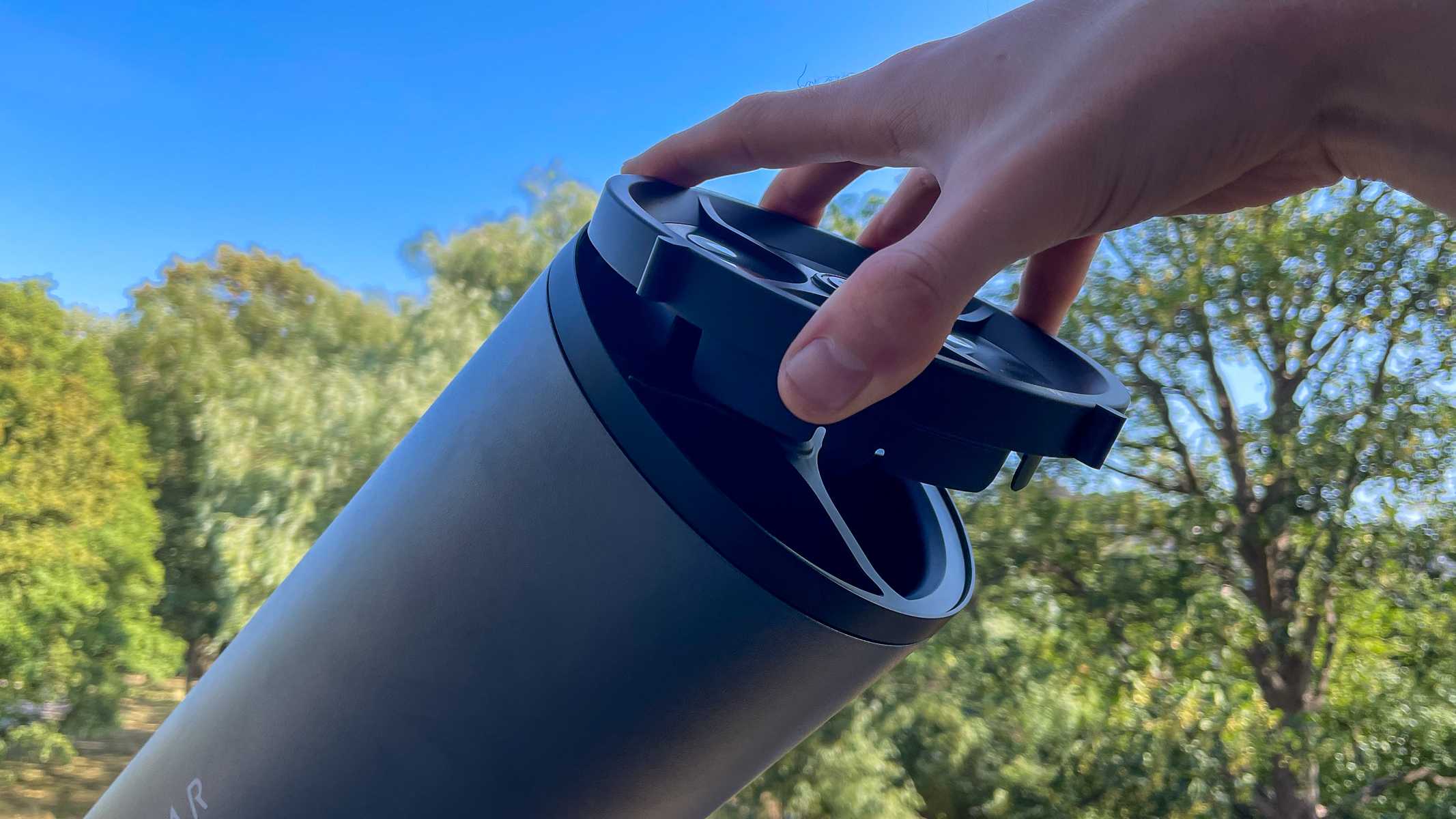
A hand attaching the solar filter to a Unistellar eVscope 2 with trees in the background.
The solar filters are easy to attach to the aperture on the eQuinox 2. Harry Bennett / Future
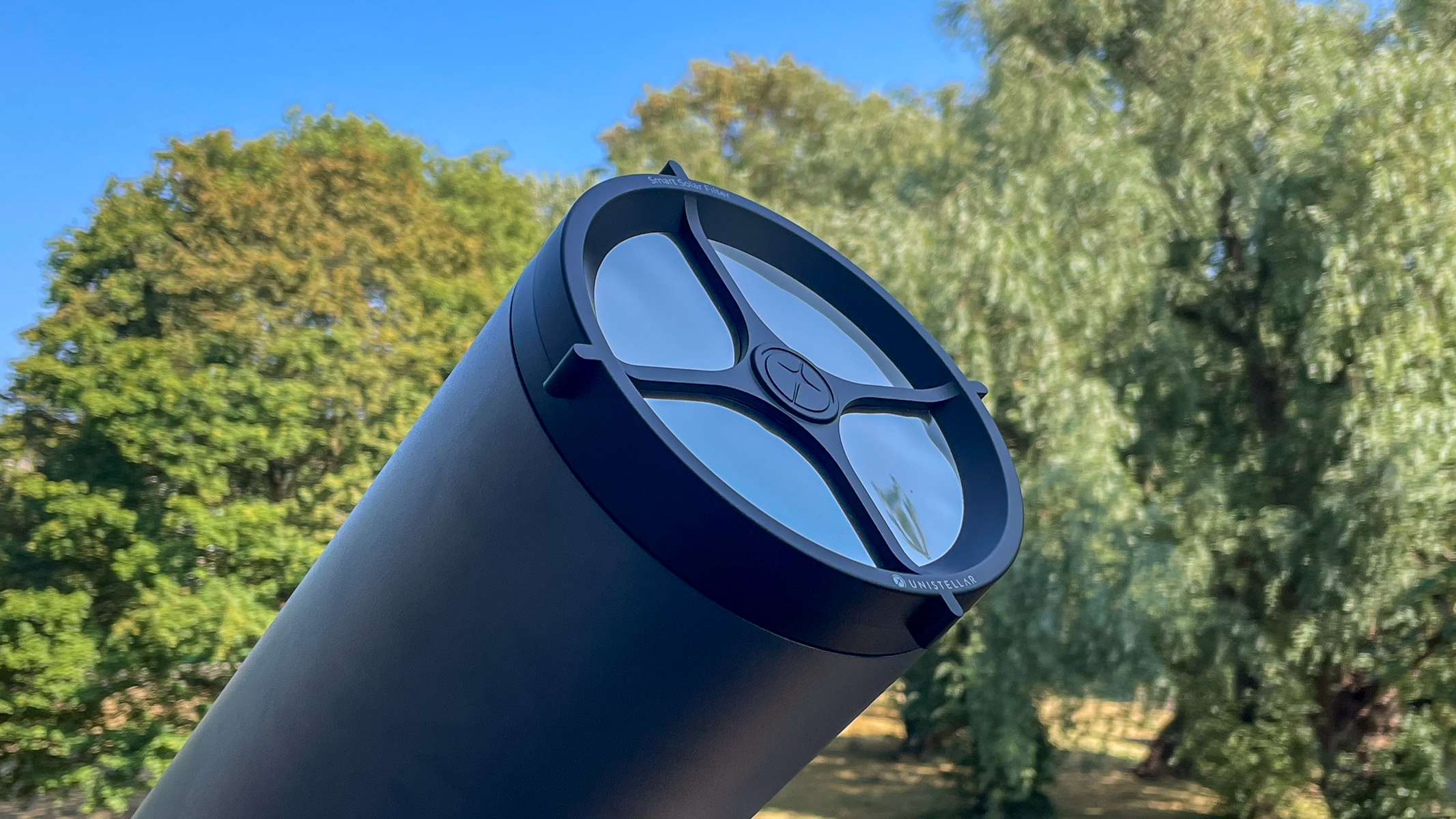
A Unistellar eVscope 2 with solar filter attached with trees in the background.
With the solar filter attached, the eQuinox 2 is ready for solar observation and photography. Harry Bennett / Future

Next, you should inspect your solar filter for any tears or holes, as any exposure to the sun without the filter can permanently damage the sensor. Installation is easy as you just clip the filter onto the end of your smart telescope.

Screenshots of the Unistellar app showing how to connect your smart telescope.

On the Unistellar app, on-screen instructions guide you through connecting to the device. (Image credit: Unistellar)

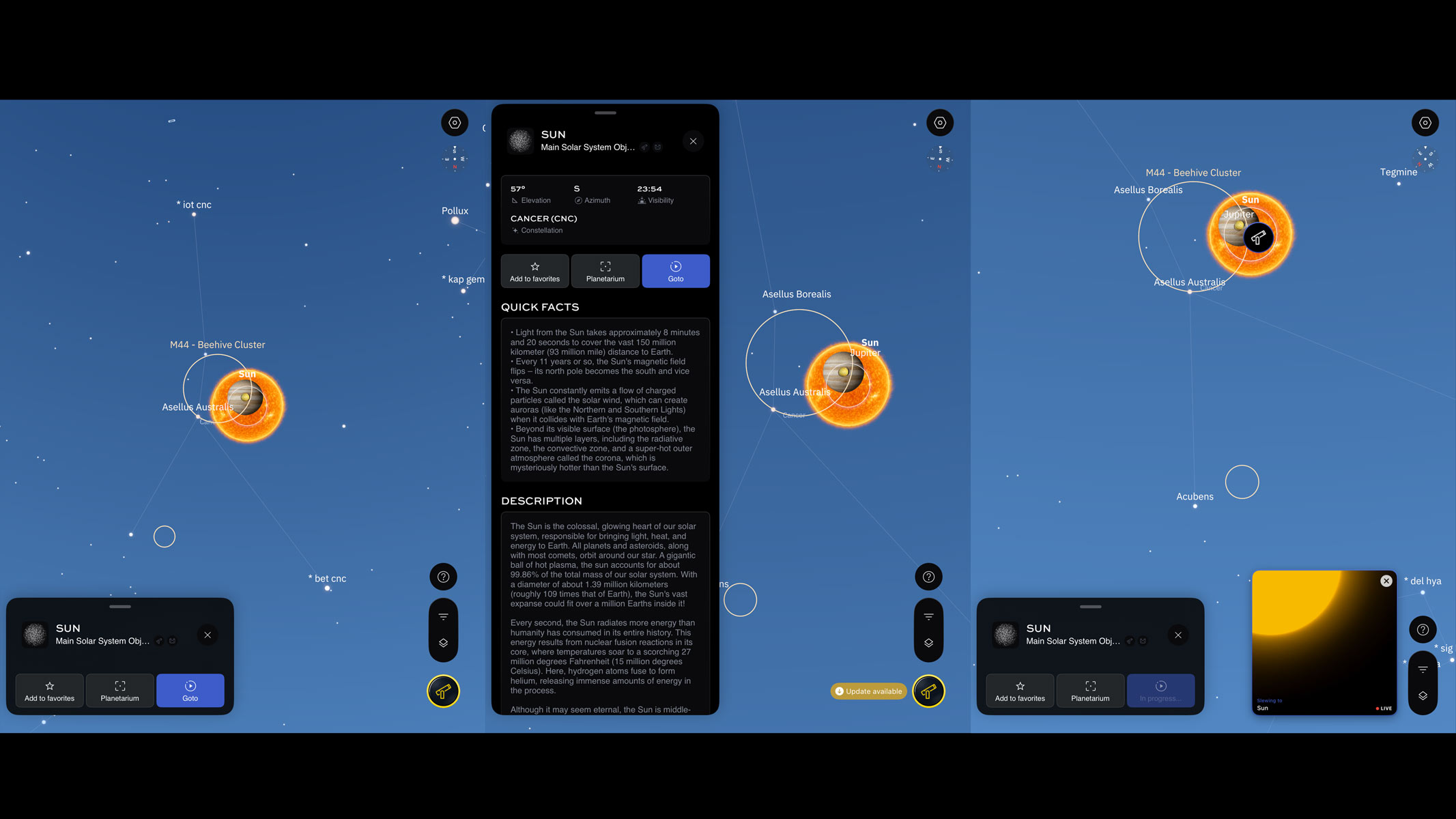
After the device is connected, go to the list of sky targets in your app and it will allow you to browse or search for the sun. Click on it to bring up the go-to functions and if you are interested, more astronomical information about your chosen target.

Screenshots of the Unistellar app showing the planetarium with the sun and app functions.

In the Unistellar planetarium, you simply just select the sun and click GoTo to start target location. (Image credit: Unistellar)

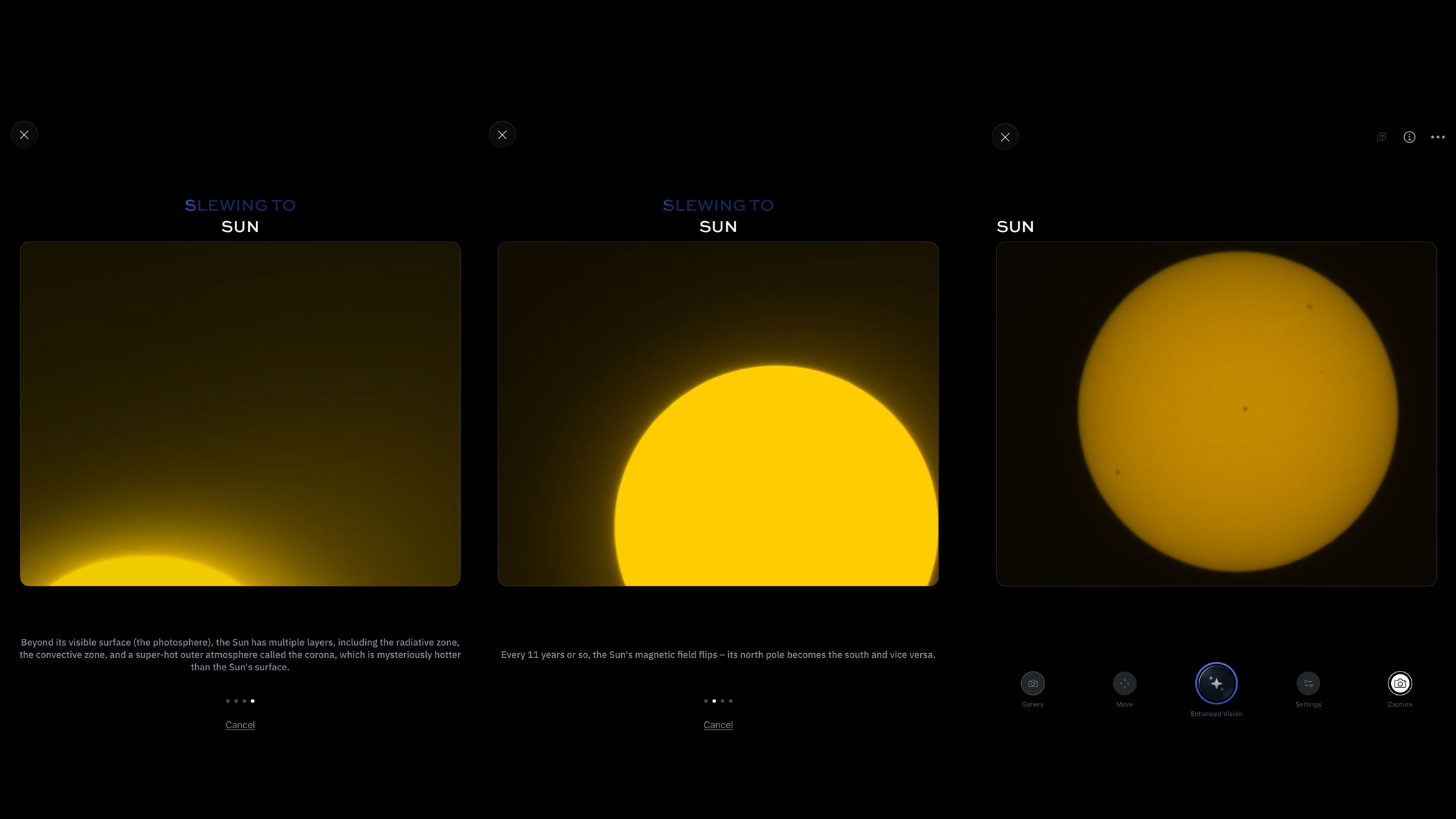
Clicking on go-to for the sun brings up a series of slides to guide you through how to safely observe the sun with your device. The app also recommends positioning your telescope mount in the direction of the sun with the motor on your right to avoid any issues or delays in slewing.

Screenshots of the Unistellar app showing the solar disk.

While not rapid, the eQuinox 2 finds the sun within a minute or two, with extra time spent centering the solar disk. (Image credit: Unistellar)

After pressing go, the smart telescope should move and slew towards the sun. It can take a little while but it is rather exciting as you see the edges of the solar disk flash on the screen as the telescope gets closer and centers the image.

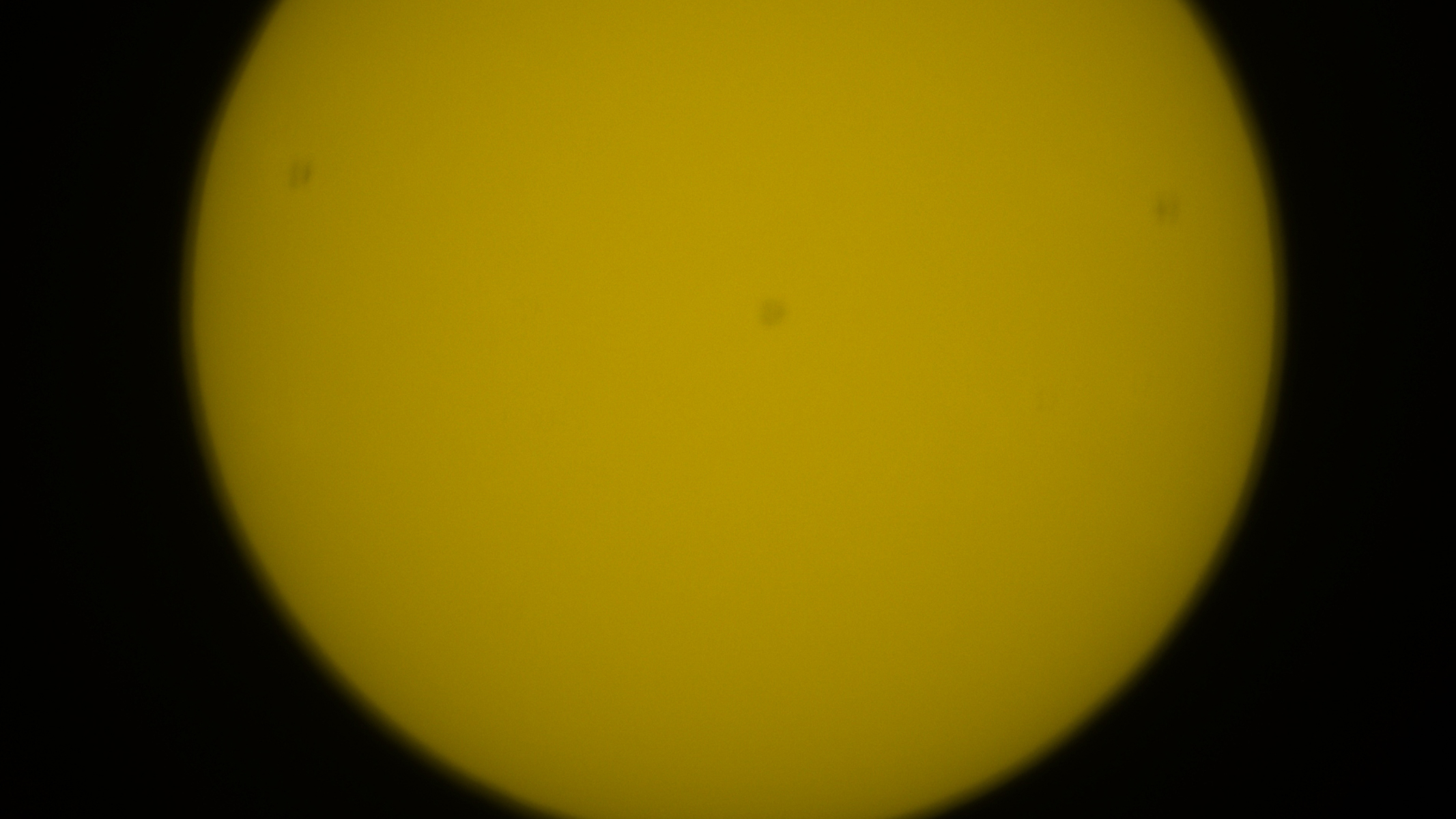
Part of the solar disk with unfocused sunspots.
Once I found the solar disk, I saw that the sunspots were out of focus.Harry Bennett / Future
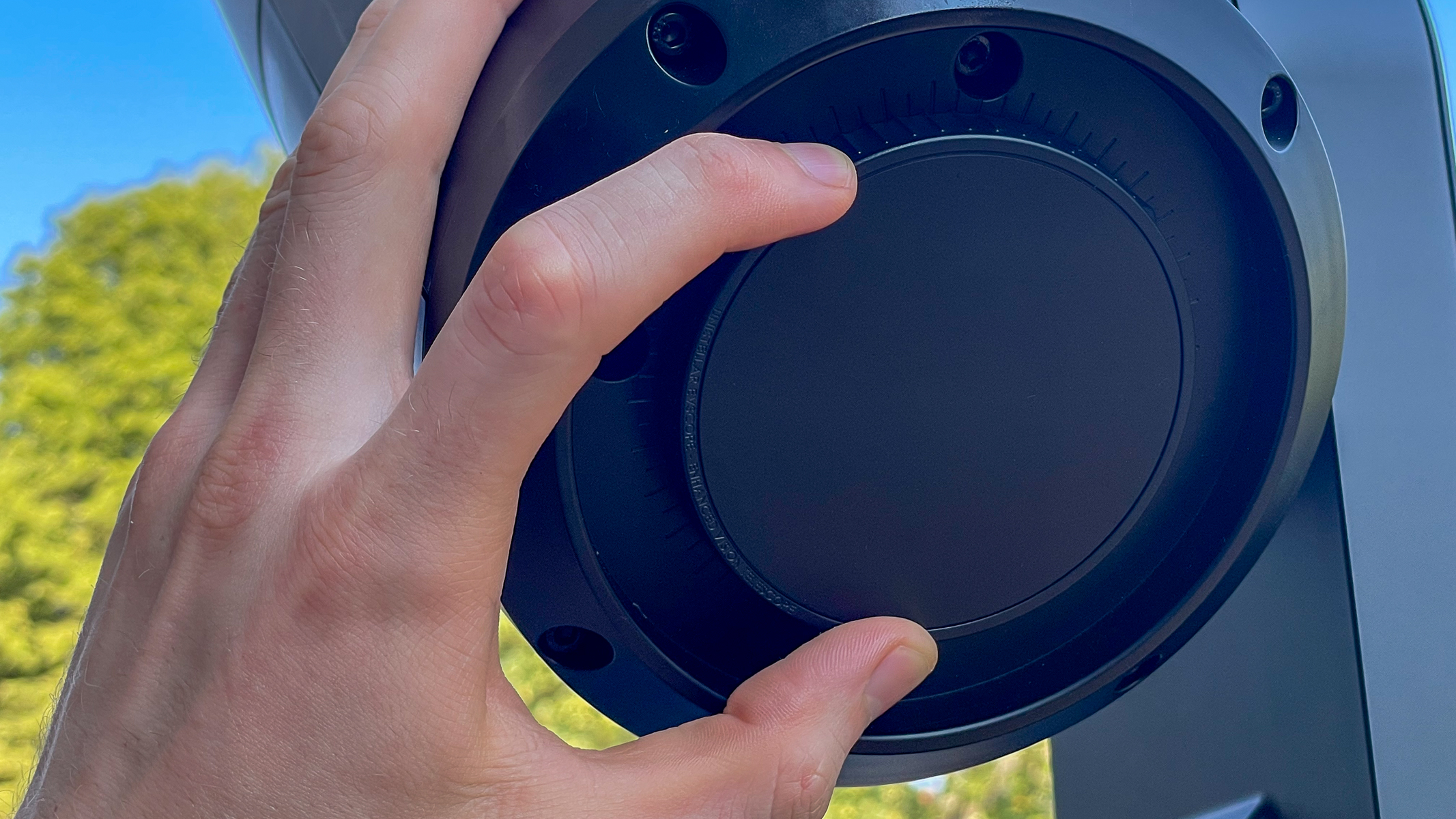
A hand adjusting the focus wheel on the bottom of a Unistellar eVscope 2.
Using the focus wheel on the bottom of the Unistellar eQuinox 2, I incrementally adjusted the focus.Harry Bennett / Future
Part of the solar disk with sunspots in focus
When focusing the sunspots on the eQuinox 2, they only get darker and slightly sharper, but sharp focus is not achieved until stacking. Harry Bennett / Future

For smart telescopes with manual focusing, you will need to make sure that your image is in focus. Now on a bright sunny day, this can be tricky to see on a smart device screen but it is essential to getting a sharp image of sunspots. Using the wheel at the bottom of the eQuinox 2, I gradually adjusted the focus in small increments to allow for live image delay on my tablet. I used the sunspots as a guide for my focus, but it was still difficult because they don't become crystal clear during focusing, they just get slightly more defined and darker.

Screenshot of the Unistellar app showing the solar disk.
Selecting enhanced vision on the Unistellar app starts stacking exposures and develops enhanced sharpness on the sunspots. Unistellar
The solar disk in orange, showing dark sunspots.
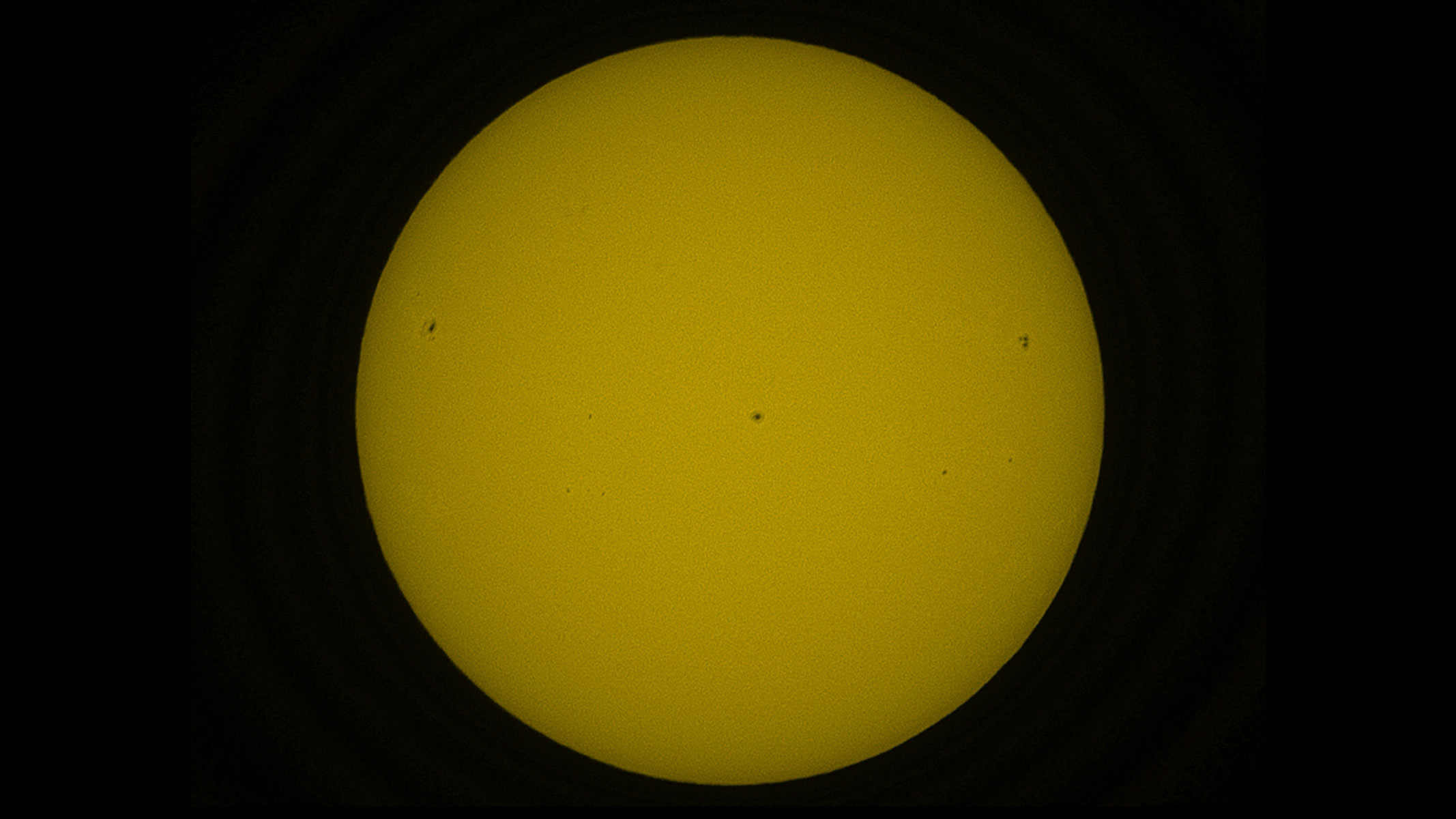
By stacking frames sunspots and surface details become sharper.Harry Bennett / Future

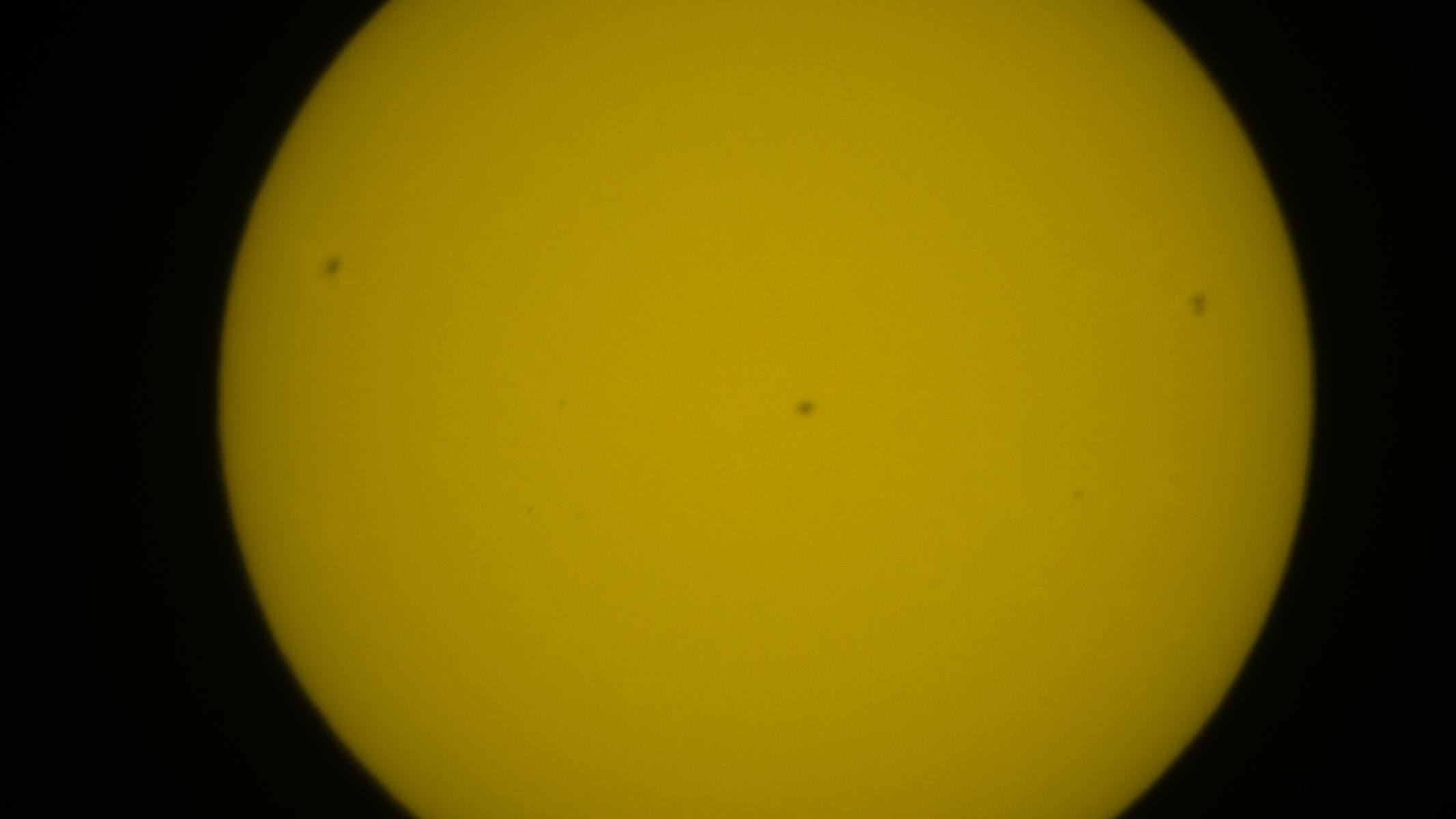
The real detail on the surface comes after you click enhanced vision mode or equivalent on the app, which starts live stacking of exposures of a few milliseconds and reveals a much more textured view of the solar surface. The sunspots get much sharper edges and you are able to see both the umbra and penumbra on some of them. In my imaging session, I got an image displaying the larger active regions of 4498, 4496 and 4492 as well as some smaller regions.

Observing an eclipse with your smart telescope

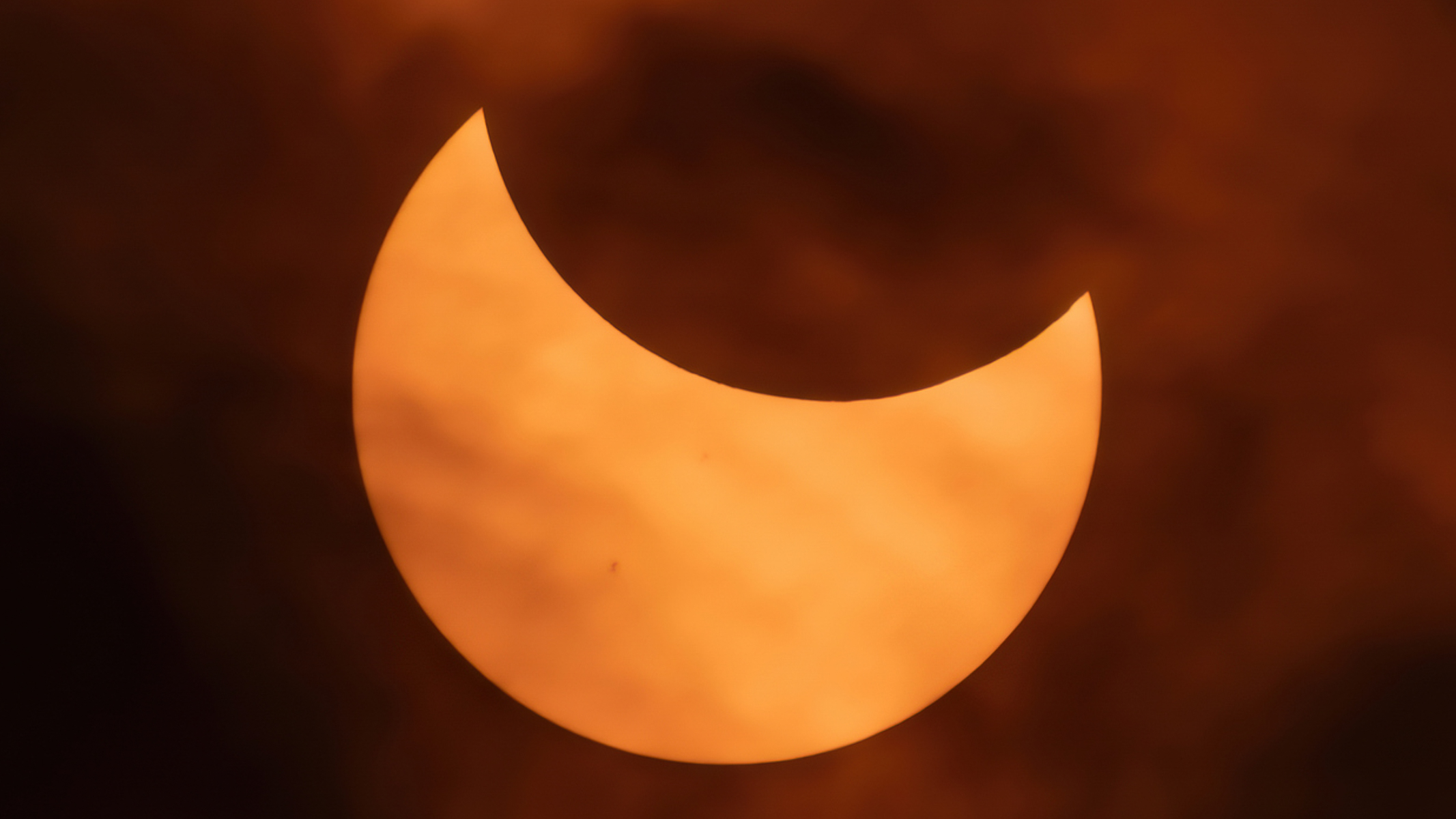
An image of the orange solar disk being partially eclipsed by the black lunar disk, with some clouds.

Using a smart telescope can make capturing a great shot of the solar eclipse easy and painless. (Image credit: Hector Knudsen / Getty Images)

You should prepare well in advance if you are planning to observe a solar eclipse and test out the kit there before the big day. You don't want to be learning how to use your device on the day of the eclipse. Practice setting it up for solar observation a good few times before the day of the eclipse.

Using one of the best stargazing apps or the official Unistellar eclipse page, you can find out where the eclipse will be visible from and the time of maximum coverage in that location, so you can plan accordingly. The Aug. 12, 2026 total solar eclipse is just before sunset will be very low on the horizon, so you would need to find somewhere with a good view of the sunset and, ideally, do a practice run a week before. Setting up a few hours before the actual eclipse is necessary to avoid any last-minute disruptions and to get your telescope trained on the sun before the lunar disk starts to eclipse it. This is assuming that the skies are completely clear and free of clouds, but this is definitely something you should check before hauling your kit to a remote location. I use the Met Office Cloud cover map for the UK but other sites offer US and international coverage such as and Ventusky, SAT24 and Astrospheric.

Our top smart telescope recommendations to suit all budgets

  •  

Vídeo: a Apple TV 4K também ganhará boas novidades no tvOS 27!

O tvOS 27 chegará neste ano com uma leva de novidades para a Apple TV 4K que, embora discretas se comparadas às de outros sistemas da Maçã, trazem melhorias bem-vindas ao dia a dia de quem usa o aparelho — do app Podcasts redesenhado a ajustes de performance por todo o sistema.

Preparamos um vídeo reunindo e demonstrando as principais mudanças da atualização. Confira abaixo:

Entre os destaques está o novo app Podcasts, que ganhou redesenho completo com suporte a programas em vídeo, alinhando a Apple TV às demais plataformas da empresa. O Apple Music também recebeu atenção: agora conta com suporte a áudio Hi-Res Lossless e com o recurso AutoMix, que cria transições automáticas entre as faixas.

Outras novidades incluem ajuste de tamanho de texto, verificação do status do AppleCare diretamente nos Ajustes (Settings) e atualização remota da Apple TV pelo app Casa (Home). O sistema também trará suporte a legendas geradas por IA on-device e melhorias no HomeKit Secure Video, agora com suporte à resolução 4K.

No quesito performance, a Central de Controle ficará mais responsiva, o AirPlay estará mais rápido, as animações ficarão mais suaves em todo o sistema e segundo a Apple os apps abrirão até 30% mais rápido, além de o sistema vir com diversas correções de bugs.

Vale lembrar que o tvOS 27 não é mais compatível com as Apple TVs HD e 4K de primeira geração, funcionando apenas nos modelos 4K de segunda e terceira gerações.


Apoio: NordVPN

Logo - NordVPN

Proteja sua vida digital com a NordVPN, a VPN mais rápida e confiável do mercado. Navegue com segurança em redes Wi-Fi públicas, mantenha sua privacidade online e acesse conteúdos de qualquer lugar do mundo sem restrições. Assine agora a NordVPN e descubra por que milhões de usuários — incluindo nós, do MacMagazine — confiam nela para uma internet mais livre e segura. Aproveite a oferta exclusiva com mais de 70% de desconto e 4 meses grátis!

Apple TV 4K (3ª geração)

Armazenamento: 64GB ou 128GB
Conectividade: Wi-Fi ou Wi-Fi + Ethernet
R$ 2.299,00

NOTA DE TRANSPARÊNCIA: O MacMagazine recebe uma pequena comissão sobre vendas concluídas por meio de links deste post, mas você, como consumidor, não paga nada mais pelos produtos/serviços usando os nossos links de afiliado.

  •  

Apple’s iCloud Private Relay can leak your real IP address through passkey logins, researchers warn

iCloud

Apple’s iCloud Private Relay is designed to hide users’ IP addresses from websites and even from Apple itself while browsing in Safari. But according to security researchers Talal Haj Bakry and Tommy Mysk, the feature does not always work as intended because of issues in Apple’s WebKit browser engine.

The problem centers on passkeys, the password-free authentication method that is becoming more widely used. When a user authenticates with a passkey, the request is handled outside the browser itself. Private Relay only protects traffic within Safari (as an iCloud+ feature) and does not function like a full-device VPN. As a result, the authentication request can expose the user’s real IP address to the website or service.

Because the vulnerability sits in WebKit, the engine that powers every browser on iOS, the IP leak is not limited to Safari. Privacy-focused browsers such as OnionBrowser and the researchers’ own Psylo browser can also reveal a user’s IP when passkeys are used.

Re: Responsible Disclosure

We found ourselves in a bit of a dilemma with these DNS and IP leaks in WebKit and how to handle them responsibly.

We first became aware of a DNS leak in Psylo in late June 2026 after a user reported it. During our investigation, we found two… https://t.co/5kFu0jtUsJ

— Mysk 🇨🇦🇩🇪 (@mysk_co) August 5, 2026

The researchers have already notified OnionBrowser and the Tor Project of their findings and suggested fixes. Apple has told 404 Media that it is investigating the report. However, Bakry and Mysk noted that Apple’s response times for similar privacy issues can be lengthy; a previously reported problem with the Hide My Email feature that allowed real email addresses to leak behind aliases was not fully fixed for about a year after it was disclosed.

MacDailyNews Take: Until a fix arrives, users who rely on Private Relay for anonymity should be aware that logging in with passkeys on iOS may still reveal their IP address.


‎
Please help support MacDailyNews — and enjoy subscriber-only articles, comments, chat, and more — by subscribing to our Substack: macdailynews.substack.com. Thank you!

Support MacDailyNews at no extra cost to you by using this link to shop at Amazon.

The post Apple’s iCloud Private Relay can leak your real IP address through passkey logins, researchers warn appeared first on MacDailyNews.

  •  

Fitbit Now Syncs With Apple Health

Juli Clover:

Google Health (previously the Fitbit app) collects fitness, sleep, and wellness data from a connected wearable device. Steps, distance traveled, heart rate, sleep, and more can now be added to Apple Health. As noted on Reddit, some data such as HRV doesn't transfer over.

[…]

Syncing can be enabled after downloading the update by selecting Connections, choosing Apps and services, and then adding Apple Health.

My wife is a longtime Fitbit user. A few weeks ago, some family and friends started a friendly competition to see who could get the most steps. They’re all Fitbit users, too. Then she wanted to start comparing step counts with me, but I have an Apple Watch. I thought this would be no problem because the Health app has a sharing feature, and Fitbit and HealthKit have both been around forever. I was shocked to learn that there has never been any syncing. I don’t really understand the reason for this, as it seems like it would make the Fitbit more valuable.

It looks like the syncing part is now solved, but we still can’t automatically compare our steps. We’ve both tried inviting each other to share step counts and some other metrics multiple times over the last several weeks, and it has never worked. Either the invitation doesn’t arrive or the app just spins forever when trying to accept it.

Previously:

  •  

Heading to Europe or the U.K. for the Aug. 12 solar eclipse? Best eclipse glasses to buy before you leave — or after you arrive

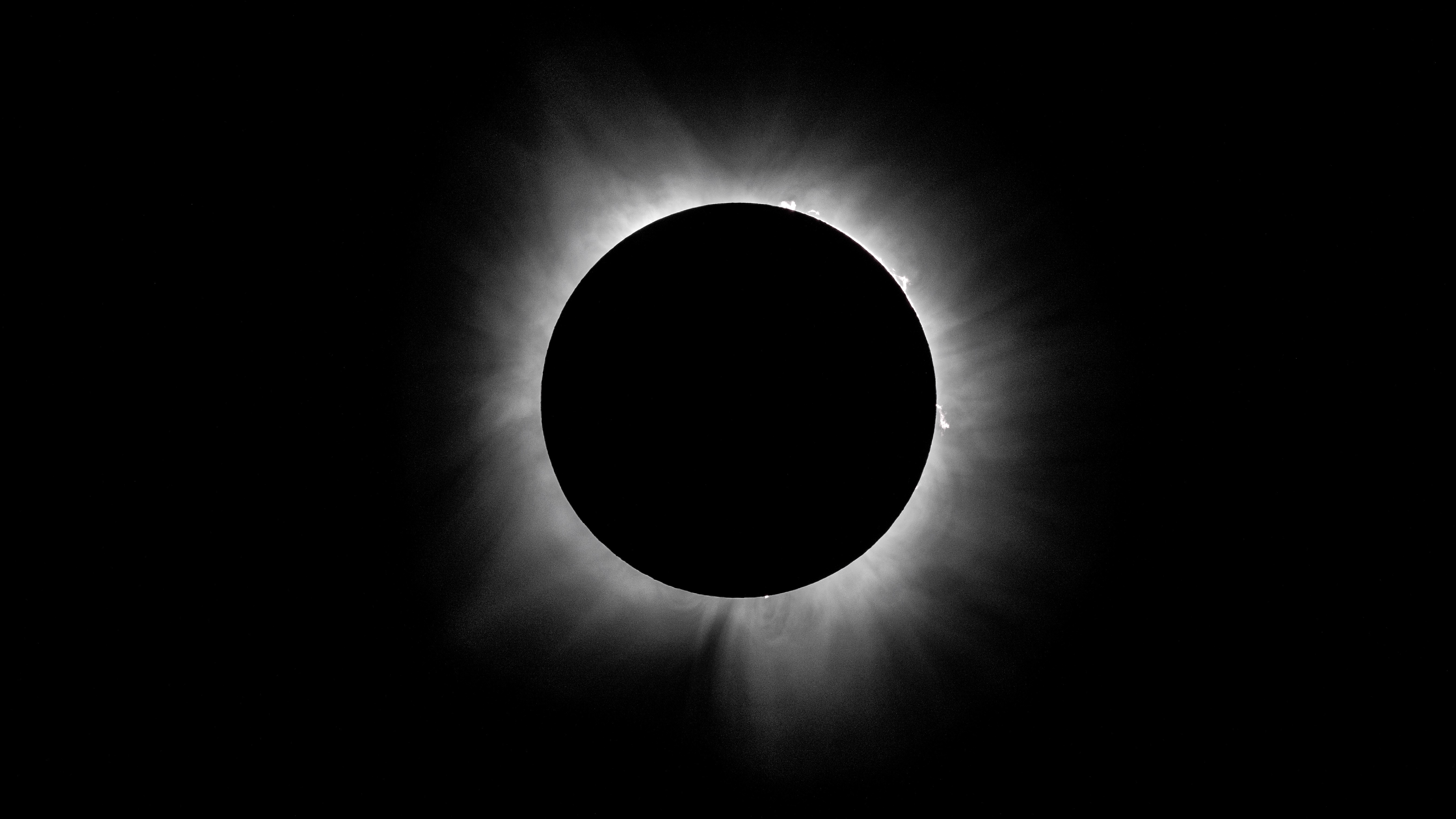
The Aug. 12 total solar eclipse is nearly here, and if you’re hoping to observe totality, you will likely be heading to Greenland, Iceland, or Spain. The UK gets a solid 90% show, while the US only catches a small partial solar eclipse.

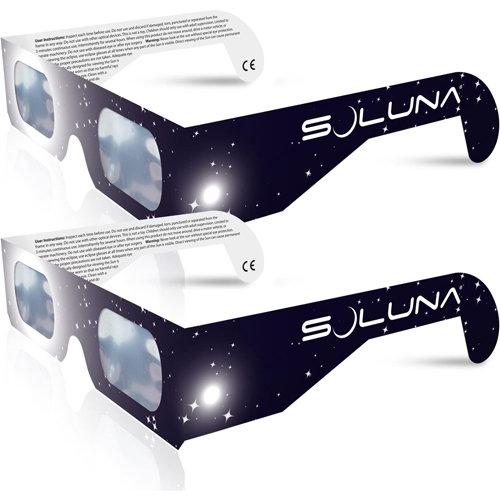
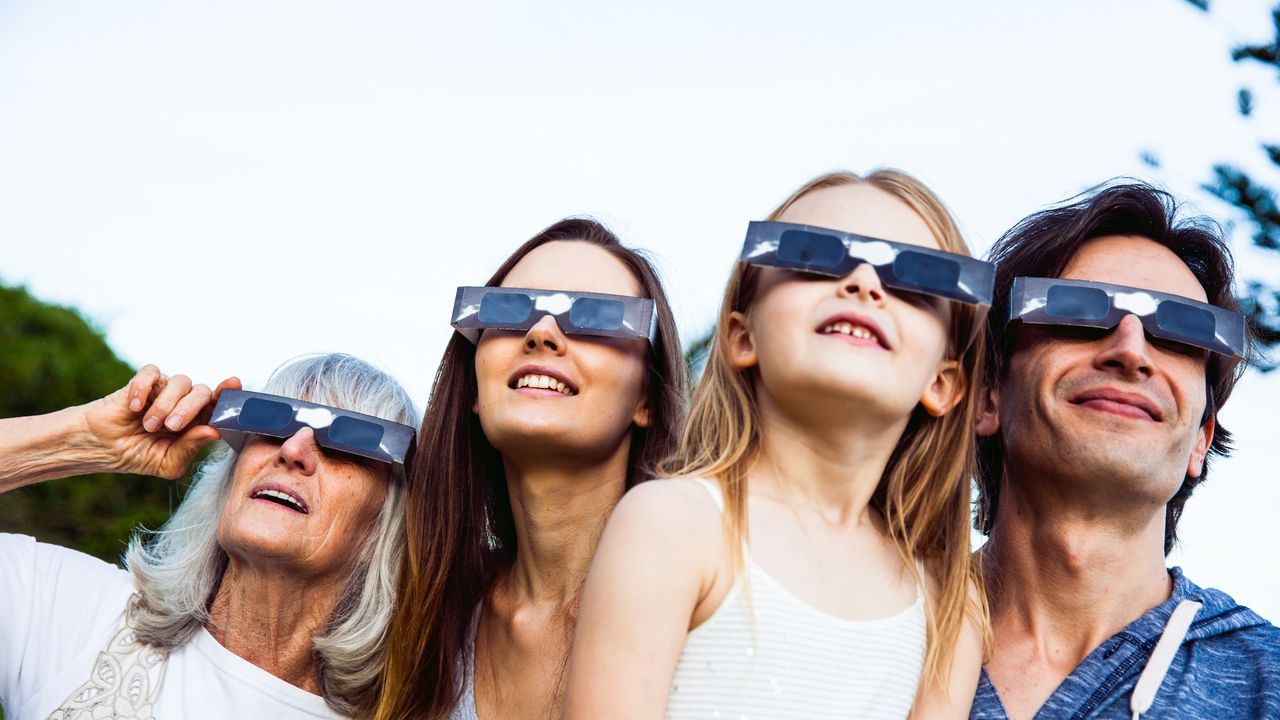
Wherever you're watching it from, do not look directly at the sun without ISO 12312-2 certified solar eclipse glasses — standard sunglasses aren't safe and won't save your retina.

Not sure which to buy? We’ve rounded up legitimate, safe options that you can order right now from the US, UK, and European retailers, so you can stay safe and enjoy the eclipse whether you're staying put, about to travel, or already abroad.

Best solar eclipse glasses in Europe

Below are our recommended options to buy safe solar eclipse glasses if you're already traveling abroad to see totality.

Best US solar eclipse glasses

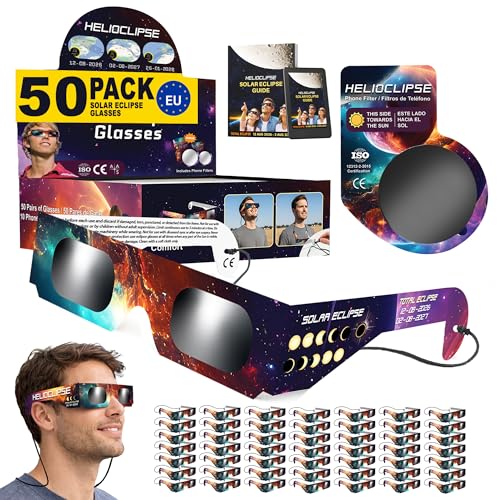
If you're planning on having an eclipse party, these solar eclipse glasses from Helioclipse will have you covered with packs of 6 / 12 / 25 / 50 and 100 available. They are fully ISO 12312-2 compliant and come with smartphone filters for taking photos of the eclipse.View Deal

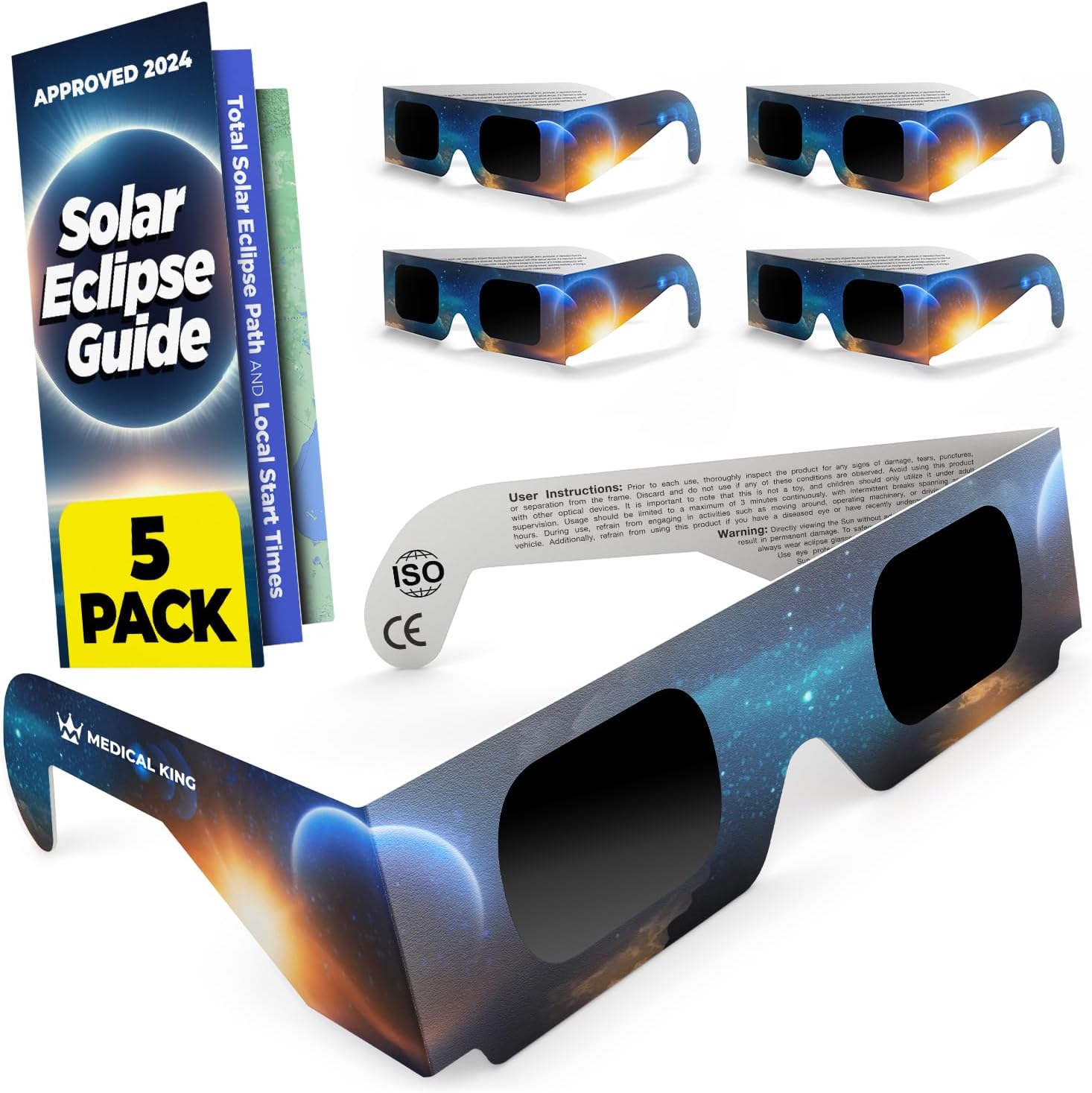
Save 31% on this five pack of solar eclipse glasses from Medical King. They are ISO 12312-2 certified and the glasses can be cut into filters for your smartphone camera to grab a photo of the eclipse. View Deal

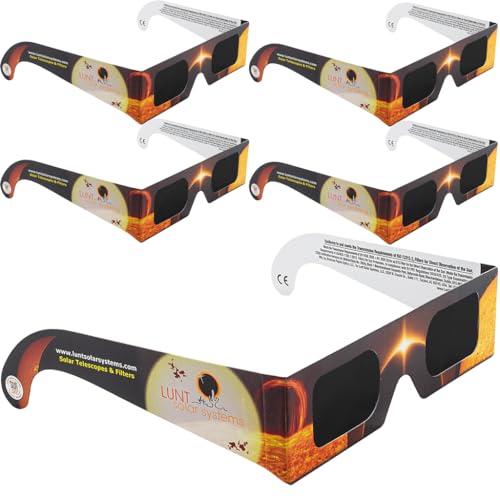
Lunt Solar Systems are a well trusted brand in the area of solar observation, we gave their Lunt 8x32 sunoculars five stars.

Grab a five pack of their American Astronomical Society (AAS) certified and ISO 12312-2 compliant solar eclipse glasses.View Deal

Best UK solar eclipse glasses

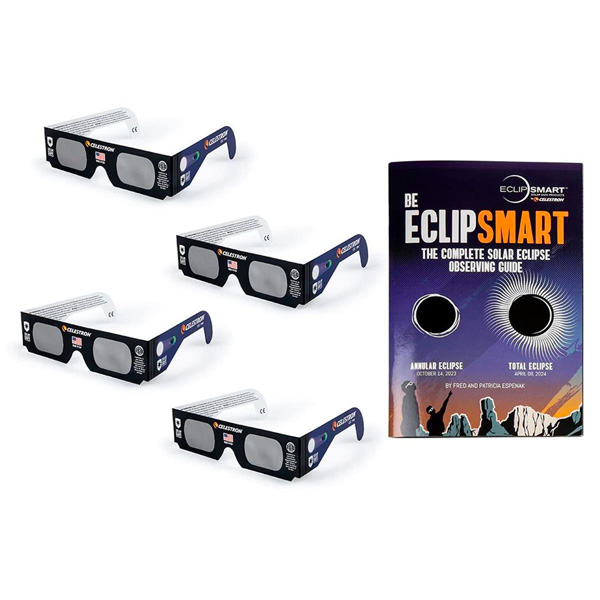
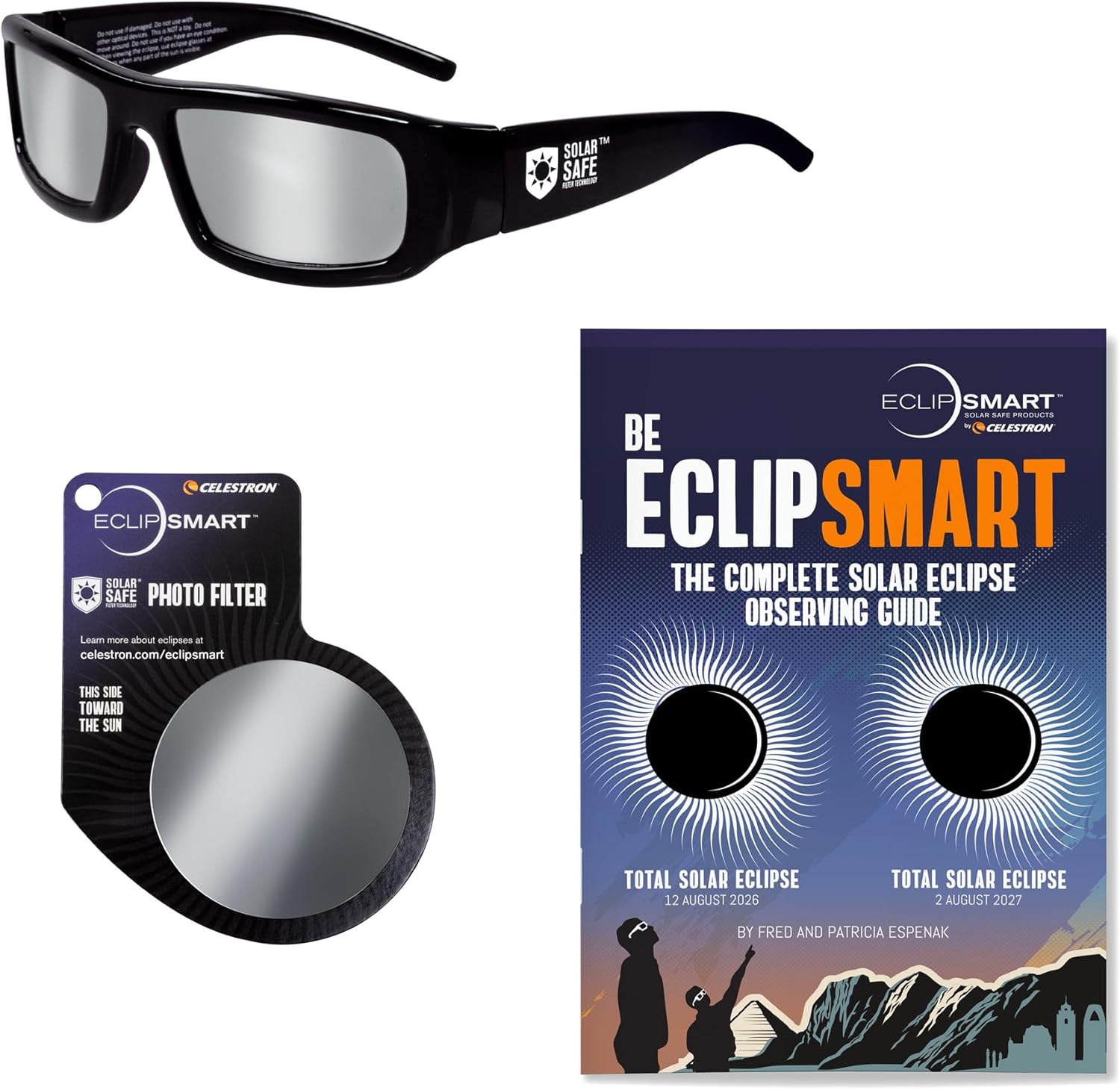
Celestron is a huge name in optics, and while its solar glasses may not be the absolute cheapest, you're assured of quality and eye safety. £12.99 gets you a four-pack of cardboard-framed ISO-certified eclipse glasses, alongside a mini-book of eclipse information. View Deal

Another Celestron offering, this includes a mobile phone filter, the aforementioned Celestron mini-book and a pair of solar eclipse glasses. The difference, apart from the price, is that these have plastic frames and so should prove hardier, particularly if you're going to keep them around for the 2027 partial solar eclipse. View Deal

Get a pair of Soluna solar eclipse glasses for just £2.99, a saving of £2.00. Purchasers report that the cardboard's not the strongest but they provide proper eye protection (as always, ISO 12312-2:2015 is the standard to watch out for). View Deal

The sun's corona shines from behind the lunar disk in a black sky at totality during the 2024 eclipse.

For those traveling to some parts of Europe, Greenland or western Iceland, observing the total solar eclipse in safety is important, so use a pair of solar eclipse glasses. (Image credit: Photo by Brandon Bell/Getty Images)

The 2026 total solar eclipse is coming on Aug. 12 but if you are in the USA, you won't be able to experience totality. A minor partial eclipse is visible from some states, with the best coverage in parts of Alaska and New England. You might be getting ready to travel to one of the spots that will reach totality, like Greenland, western Iceland and northern Spain. Even places in the UK will be getting their best solar eclipse since the 1999 total solar eclipse over Europe, with the moon obscuring around 90% of the sun.

If you are planning on watching it at all, you will need at the very least, a pair of solar eclipse glasses. They need to be rated ISO 12312-2 so that they block 99.999% of the sunlight and keep observation safe. Looking at the sun without proper protection can result in permanent blindness and vision problems. If you are after some sharp images of the sun, you will even need filters and solar viewing gear for your smart telescope, camera or solar binoculars.

So whether you are staying in the USA for a small but partial eclipse or travelling to Europe for a more dramatic show, we have found the best solar eclipse glasses to grab before the event. We have included retailers from America and Europe, including the best eclipse glasses in the UK. You should always check your eclipse glasses before use to make sure there are no holes or tears in them. Make sure you buy from a reputable brand and if you are unsure in any way about their eye protection ability, don't use them.

  •  

Falhas no WebKit podem revelar IP e DNS de usuários de navegadores proxy e da Retransmissão Privada do iCloud+

Três brechas na configuração de proxy do WebKit, que também afetam a Retransmissão Privada (Private Relay) do iCloud+, foram descobertas, permitindo que o endereço IP de usuários da Apple seja exposto a terceiros. O comportamento afeta todos os navegadores para iOS que dependem de conexões proxy para ocultar o IP do iPhone.

A falha foi localizada pelos desenvolvedores Talal Haj Bakry e Tommy Mysk, fundadores do navegador com foco em privacidade Psylo. Eles explicaram como a exposição da informação do usuário ocorre em uma postagem no blog oficial de Mysk:

Navegadores baseados em WebKit no iOS e no macOS podem ser configurados para encaminhar todo o tráfego web por servidores proxy. […] Em teoria, toda conexão de rede iniciada por uma página deveria passar pelo proxy configurado, de modo que os sites enxergassem apenas o endereço IP do proxy. No entanto, descobrimos que três recursos do WebKit ignoram essa configuração e enviam tráfego diretamente do dispositivo.

As três ferramentas mencionadas ao longo do boletim incluem a pré-busca (prefetching) de DNS, que resolve o endereço pelo caminho normal de DNS do dispositivo em vez de pelo proxy, expondo os servidores DNS reais do usuário; o Related Origin Requests (ROR) do WebAuthn, que faz com que o serviço de credenciais do sistema busque, diretamente do dispositivo, um arquivo de validação hospedado no domínio de origem, expondo o endereço real do usuário; e o WebTransport, que ignora o proxy ao estabelecer uma conexão HTTP/3 direta.

No caso do Safari, o recurso Retransmissão Privada do iCloud+ também é afetado pela falha; embora projetado para ter dois servidores intermediários para o tráfego e as consultas de DNS, os recursos listados ocorrem fora desse mecanismo de proteção, expondo o usuário de qualquer maneira.

Isso afeta também navegadores que utilizam a API 1Application programming interface, ou interface de programação de aplicações. de proxy para privacidade, como o Onion, que foi alertado sobre o problema junto do Tor Project. O relatório pontua, no entanto, que a única exceção quanto à exposição desses dados com algum desses recursos é o nível de segurança “Silver” do Onion Browser, que desativa o WebTransport por meio do Modo de Isolamento (Lockdown Mode).

As conexões por VPN 2Virtual private network, ou rede privada virtual. não são afetadas pela falha de segurança, visto que o tráfego do dispositivo passa pelo túnel do provedor da rede privada virtual.

O relatório conclui informando que o problema foi resolvido na versão mais recente do Psylo, que desabilitou por ora o funcionamento do WebTransport e do WebAuthn, além de bloquear a dica de pré-busca de DNS.

via AppleInsider

Notas de rodapé

  • 1
    Application programming interface, ou interface de programação de aplicações.
  • 2
    Virtual private network, ou rede privada virtual.

  •  
❌