❌

Reading view

iPhone 18 Pro e Pro Max ufficiali: nuovi colori, Siri AI e tanto altro

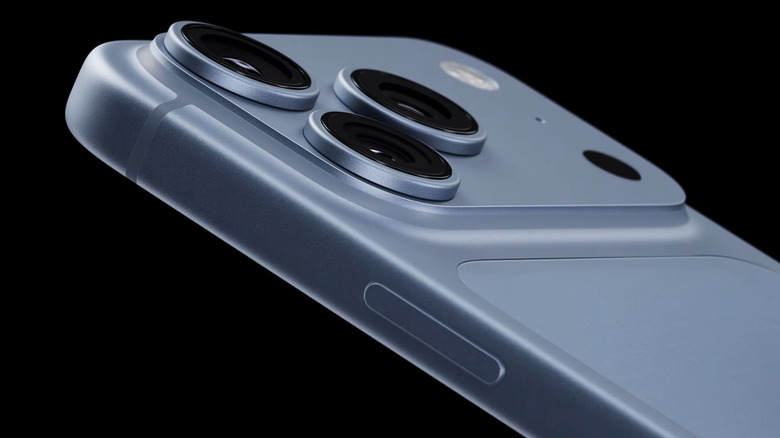
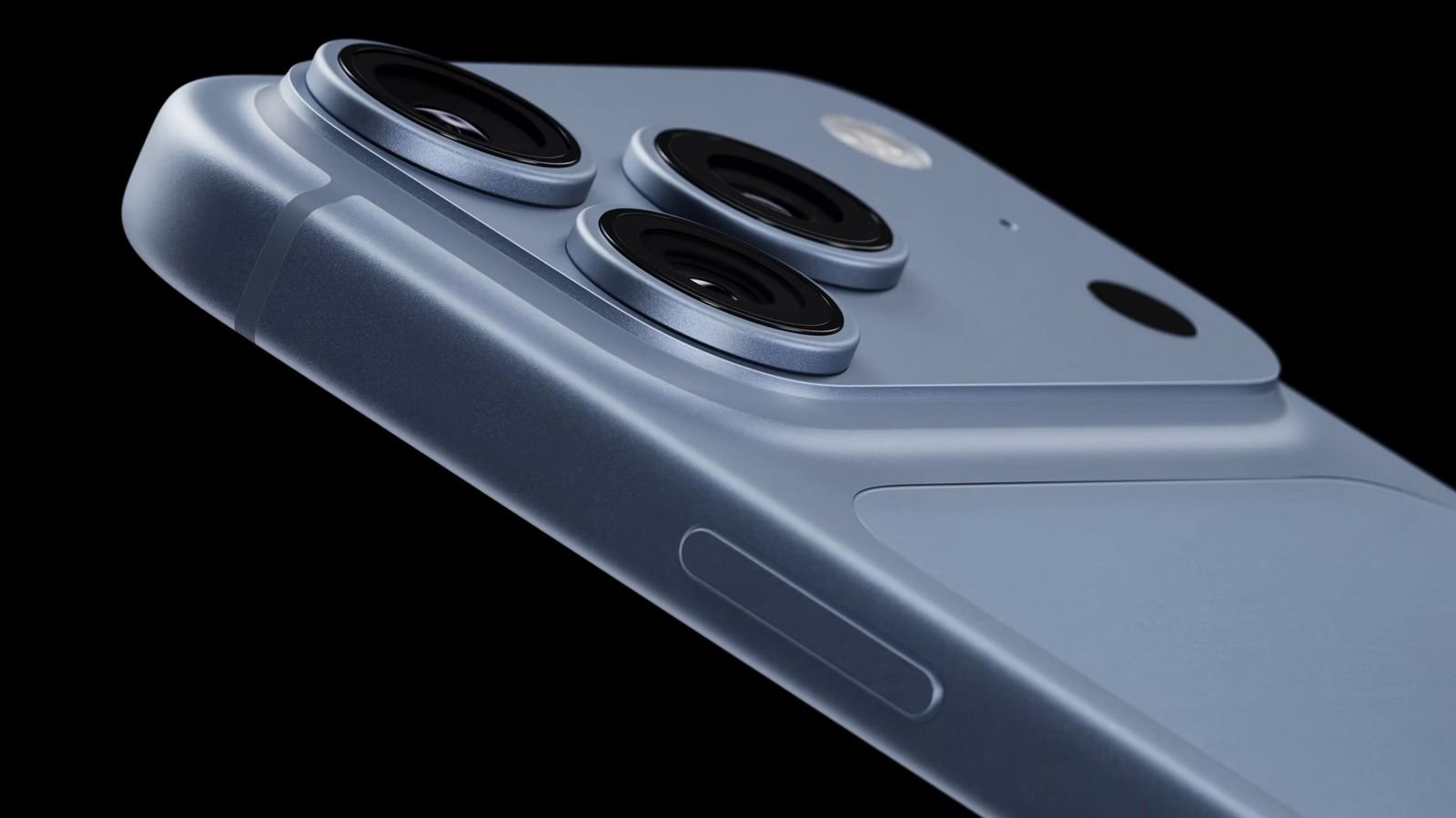
Apple parte a razzo durante il suo nuovo evento, annunciando iPhone 18 Pro e 18 Pro Max. Esteticamente è molto simile a quanto visto nella precedente generazione, ma spiccano soprattutto i nuovi colori: un nero molto profondo, il Burgundy sul rosso / viola / ciliegia, argento e il Glacier Blue che è un azzurro ghiaccio molto tendente al bianco. Le novità più di sostanza di cui si è parlato prima riguardano la piattaforma hardware: Apple parla soprattutto di intelligenza artificiale (naturalmente chiamata Apple Intelligence), nello specifico Siri AI, finalmente al debutto, ma anche CPU e GPU, più potenti che mai.

Il SoC è l'Apple A20 Pro, con CPU a 6 core (2 super core, fino a +20% veloci), realizzato su nodo produttivo di classe 2 nm (non è stato specificato espressamente ma è praticamente certo che si parli del nodo produttivo TSMC). La GPU è a 7 core, e può essere più veloce fino al 40%. La nuova NPU, il coprocessore AI, arriva a 32 core, con il doppio della potenza di elaborazione. Apple promette un'efficienza termica radicalmente migliore grazie a una tecnologia di packaging che connette direttamente il processore e la memoria alla vapor chamber, che tra l'altro è stata ampliata fino a 3 volte rispetto a quanto visto nella precedente generazione.

Grazie al nuovo chip Apple è riuscita a migliorare radicalmente anche l'autonomia: il colosso di Cupertino promette che l'autonomia del più compatto iPhone 18 Pro sarà superiore a quella di iPhone 17 Pro Max dell'anno scorso, con 36 ore di riproduzione locale continuativa di video, mentre il Pro Max arriverà addirittura a 45 ore. Per un uso tipico "misto", Apple dichiara rispettivamente 24 e 30 ore. Non ha specificato la capacità della batteria, ma sospettiamo che sia uguale all'anno scorso. La ricarica cablata è anche più rapida: l'iPhone può raggiungere il 50% di carica in circa 15 minuti, e 5 minuti di ricarica via cavo garantiscono 6 ore di riproduzione video.


Il TOP più piccolo e completo del mercato? Samsung Galaxy S25, compralo al miglior prezzo da Rimediashop.it a 444 euro.

CLICCA QUI PER CONTINUARE A LEGGERE

  •  

Apple announces the iPhone 18 Pro and 18 Pro Max

Apple announced the iPhone 18 Pro and iPhone 18 Pro Max at its event on Wednesday. The 18 Pro and Pro Max come in deep black, silver, "glacier," and burgundy, with color-matched back glass. They also have a new A20 Pro chip and purportedly the longest battery in an iPhone.

During Wednesday's presentation, Apple highlighted how the new phones are well-equipped to work with Apple Intelligence and Siri AI, including Siri AI's more expressive voices.

The A20 Pro has a "brand new architecture" built on 2nm technology, like the M6 chips. It has a 6 core CPU with 2 "desktop-class" super cores and 4 efficiency cores. It also has a "significantly a …

Read the full story at The Verge.

  •  

Apple’s John Ternus era begins: ‘It is great to be here’

Apple's latest product event began with something the company hasn't seen in more than a decade: a new CEO at the helm. And he got a standing ovation.

"First of all, thank you, it is great to be here," John Ternus said as he opened Wednesday's event excited about Apple's future in what is his first product launch since succeeding Tim Cook as chief executive. "I think you're gonna like what you're gonna see," he said.

The remarks offer an early glimpse at how Ternus plans to present himself as he settles into a role long defined by his predecessor and steers one of the world's most closely watched companies.

Ternus is a seasoned product ex …

Read the full story at The Verge.

  •  

Visible wants to give you 50% OFF its best unlimited plan for an entire year — here's the deal

It's no secret that Visible is one of my favorite wireless providers, but deals from the Verizon-owned carrier can seem uncommon when you compare it to the competition. Fortunately, quality matters more than quantity, as evidenced by this Visible deal that gives you a year of the top-rated Plus Pro plan for only $225 upfront when you use the code SAVEHALF at checkout.

That's a 50% discount on one of the best unlimited plans that I've ever used, shaking out to just $18.75 per month. The only catch is that you have to pay for the full year of wireless upfront, but if you can afford it, this offer presents one of the most cost-effective ways to get unlimited wireless powered by Verizon. Plus, imagine how it'll feel to drop one payment and not worry about your phone bill again until late 2027?

Score 50% off a year of Visible's best unlimited plan with this promo code

Get a year of the Visible Plus Pro plan for only $225 upfront when you use the code SAVEHALF at checkout

Need a new wireless provider? Sign up for a year of Visible's Plus Pro plan and you'll get a whopping 50% off your order when you use the code SAVEHALF at checkout. That knocks the price of the popular unlimited plan down to just $18.75 per month for 12 months. View Deal

To claim the savings, simply go to Visible's website, switch to the annual plan options, and choose one year of the Visible Plus Pro plan. Use the code SAVEHALF during checkout and the discount will be automatically applied. It's as simple as that.

The plan in question gives you unlimited talk, text, and premium data on Verizon's 5G Ultra Wideband network, plus you get an unlimited mobile hotspot and 4K UHD streaming support.

The Visible Plus Pro plan also comes with a bunch of international benefits that might surprise you, including unlimited calling to over 85 countries, unlimited texting to over 200 countries, and 24 Global Pass days every year at no additional charge. There's a reason I selected it as one of the best wireless plans for international travel in 2026.

Sure, not everyone is going to want to pay for a year of wireless in advance, but if you're looking for a new mobile provider and you have $225 of cash lying around, here's your chance to get some great coverage with very little hassle.

Not sold on Visible yet? It's worth mentioning that the carrier also offers a free trial that gives you 15 days to explore the service with zero commitment.

  •  

Samsung supera Apple pela primeira vez em ranking de “intimidade” com consumidores

A MBLM divulgou seu estudo anual mais recente sobre as marcas que tem as “conexões mais íntimas” com seus clientes — avaliando o grau de apego dos consumidores a empresas específicas.

Embora geralmente bem colocada nesse ranking, neste ano a Apple não ficou em uma posição muito prestigiada: a empresa está agora na sétima colocação da lista (e em segundo lugar no ranking do setor).

Com isso, pela primeira vez, ela foi ultrapassada pela sua rival Samsung (que ocupa a terceira posição geral e a primeira em tecnologia).

Top Brand Intimacy Rankings 2026

Na avaliação da MBLM, a Apple tem um quociente de relacionamento de 55,5, sendo que seu arquétipo mais forte é o “ritual”.

A Apple tem 15% dos usuários na fase de compartilhamento, 7% na de vínculo e 4% na de fusão. Dos consumidores que escrevem sobre a Apple, 25,5% têm algum tipo de intimidade com a marca.

A MBLM faz essa medição examinando as conexões emocionais dos usuários com uma marca, incluindo as características de seu vínculo em categorias como nostalgia, indulgência e identidade. O estudo deste ano abrangeu 425 marcas em 23 setores.

via AppleInsider

  •  

iPhone Duo em estreia, modelos Pro (com preços mais altos) e wearables inteligentes entre as novidades da Apple

A revelação do iPhone Duo, o primeiro smartphone dobrável da empresa da maçã, foi um dos pontos altos do mais recente Apple Event. A ele juntam-se os novos iPhone 18 Pro e Pro Max, com subidas de preço, além de novidades nos auriculares e smartwatches.

The post iPhone Duo em estreia, modelos Pro (com preços mais altos) e wearables inteligentes entre as novidades da Apple appeared first on Tek Notícias.

  •  

All the news from Apple’s ‘Surprise and shine’ event

Glowing prismatic version of the Apple logo, from a screenshot from an upcoming Apple event.

Apple’s hosting its “Surprise and shine” launch event on September 9th at 1PM ET / 10AM PT, where it’s expected to announce the first phones in its iPhone 18 lineup — including Apple’s first foldable, the rumored “iPhone Duo.”

This event will also be John Ternus’ first as Apple’s CEO after taking over for Tim Cook on September 1st. Ternus was previously Apple’s head of hardware engineering, and he spotlighted upcoming hardware launches in his first staff memo as CEO. All eyes will be on Ternus for a big first announcement to kick off the new leadership era at Apple.

Aside from new iPhones, the September 9th event could also include new Apple Watches and AirPods, and we’re keeping our eyes peeled for other possible surprises, like an updated Apple TV or new smart home hardware. 

Follow along here for all the latest news and updates.

  •  

iPhone 18 live blog: On the ground at Apple’s biggest event

John Ternus, now Apple’s CEO, at WWDC in 2019 as the company’s VP of hardware engineering. | Photo by Brittany Hosea-Small / AFP via Getty Images

It's not just time for any old Apple event, but one that's expected to usher in a new era for the company. This is the first iPhone keynote to be led by Apple's newly anointed CEO John Ternus, and all signs and rumors have been pointing to it being the one that also debuts a foldable iPhone. Ternus has already billed this as "a huge launch . . . that's going to be phenomenal." What bigger and flashier way to step into the limelight than with a new halo product of an iPhone?

We're also likely to hear about OS updates, Apple Watches, and possibly some AirPods. But this might be an unconventional event in more ways than one. It's also possible …

Read the full story at The Verge.

  •  

Google search embraces live NFL football

Go, go escargots! | Image: Google

Google is introducing a new Live Game Feed to keep you updated on NFL games as the regular season kicks off tonight. Look for the red "Live" icon and you'll see a recap of the ongoing game, play-by-play updates, top commentary on social, video highlights, and "AI-powered insights." It's available now on mobile in English, with support for college games and more languages coming later this month.

Search on mobile is also getting a new carousel that lets you flip through scores for other games currently in progress. Stats are improving too, now showing which players lead in categories like passing touchdowns and rushing yards, as well as impr …

Read the full story at The Verge.

  •  

En 1995, une canicule a tué 739 personnes en une semaine, l'enquête a révélé autre chose

Des camions frigorifiques stationnés devant les morgues, faute de place pour les corps : en juillet 1995, une semaine de canicule fait 739 morts à Chicago. Les analyses menées ensuite ont désigné un facteur aggravant que personne n'avait anticipé, et qui n'a rien de météorologique.

  •  

Hubble and Webb Team Up to Spy Tiny Frozen Worlds beyond Neptune

This artist’s concept depicts a trans-Neptunian object. Image credit: NASA / ESA / Leah Hustak, STScI.

For the first time, astronomers combined Hubble and Webb space telescopes to hunt down some of the smallest, faintest objects ever spotted in the outer Solar System.

The post Hubble and Webb Team Up to Spy Tiny Frozen Worlds beyond Neptune appeared first on Sci.News: Breaking Science News.

  •  

Il video del CEO di Apple svela il segreto di iPhone 18 Pro a poche ore dal lancio

A poche ore dall'evento Apple dedicato ai nuovi iPhone, l'attenzione si sposta su un video condiviso sui social dal CEO John Ternus. Il post sembra nascondere alcuni indizi sulla tanto vociferata apertura variabile per la fotocamera di iPhone 18 Pro e Pro Max.

Il fascio di luce che attraversa l'apertura esagonale variabile sopra l'obiettivo ricorda il movimento di un diaframma meccanico: un indizio quasi inequivocabile dell'innovazione in arrivo sui modelli Pro. Un'apertura variabile consentirebbe di modulare la luce sul sensore e gestire meglio la profondità di campo. Resta tuttavia da vedere l'effettivo impatto pratico, considerate le dimensioni ridotte dei sensori fotografici integrati negli smartphone.

pic.twitter.com/CLu9eRDP5b


Il TOP più piccolo e completo del mercato? Samsung Galaxy S25, compralo al miglior prezzo da Rimediashop.it a 444 euro.

CLICCA QUI PER CONTINUARE A LEGGERE

  •  

How to Arrange App Icons on iPhone 17: The Ultimate Home Screen Organization Guide

A new iPhone 17 can feel surprisingly messy after only a few days of downloading apps. Social media, shopping apps, games, work tools, streaming services and utilities can quickly turn the Home Screen into a collection of icons that takes longer to navigate than it should.

The good news is that you do not have to accept Apple’s default arrangement. You can move app icons, create folders, place apps on different Home Screen pages, hide pages you rarely use and decide where newly downloaded apps should appear.

More importantly, a well-organized iPhone 17 does not need to follow a complicated visual system. The best layout is the one that matches how you actually use your phone.

Start With the Apps You Use Every Day

Before moving anything, think about which apps you open without searching for them.

For many people, these might include Messages, Phone, Safari, Camera, Maps, Photos, Music, Mail or a frequently used social media app. These are the apps that deserve the easiest positions to reach.

Instead of arranging every icon alphabetically, consider giving your most-used apps the most convenient locations.

A simple approach is to keep essential apps on the first Home Screen and move less frequently used apps to later pages. This reduces visual clutter while keeping important functions immediately accessible.

Apple allows apps and widgets to be placed in different positions on a Home Screen, including along the top, bottom or sides of the display.

How to Move App Icons on iPhone 17

Moving an app is straightforward, but you can use the process to completely redesign your Home Screen.

Touch and hold an empty area of the Home Screen until the app icons begin to jiggle. You can then drag an app to a new position on the same page.

If you drag an app toward the edge of the display, you can move it to another Home Screen page. When you have finished arranging everything, tap the Home Screen background to exit editing mode.

A Better Way to Position Apps

Do not feel that every available space has to be filled.

You can deliberately leave areas open to make a wallpaper photo more visible or create a cleaner visual layout. Apple’s current Home Screen customization also allows users to change icon appearance, including light, dark, clear and tinted styles.

This means your iPhone 17 Home Screen can be both functional and visually organized.

Create Folders for Apps You Don’t Need Constantly

Folders are useful when you have several apps that belong to the same category.

To create one, enter Home Screen editing mode and drag one app directly onto another. iPhone will create a folder that can hold additional apps. You can then give the folder a name that makes sense to you.

Instead of creating dozens of folders, keep the categories broad.

For example:

  • Social — Instagram, Facebook, Threads and similar apps
  • Work — email, documents, cloud storage and meeting apps
  • Shopping — Amazon, eBay and other shopping services
  • Entertainment — Netflix, YouTube, Spotify and streaming apps
  • Travel — airline, hotel, maps and transportation apps
  • Games — games you play occasionally

The goal is not to create a perfect filing system. It is to make an app easier to find when you cannot remember exactly where you placed it.

Use the Dock for Your Most Important Apps

The Dock is valuable Home Screen space because it remains available while you move between Home Screen pages.

Think of it as your permanent quick-access area.

Rather than putting four apps there simply because they came with your previous phone, choose the apps you use repeatedly throughout the day.

For example, a practical setup could include:

Phone | Messages | Safari | Camera

Another user might prefer:

Messages | Maps | Music | Mail

There is no universal best Dock arrangement. Your usage habits should determine it.

Organize Home Screen Pages by Purpose

If you have a large number of apps, forcing everything onto one screen can make the iPhone 17 harder to use.

A better strategy is to give each page a purpose.

For example:

Page 1 — Daily use
Communication, browser, camera, maps and other essential apps.

Page 2 — Work and productivity
Email, notes, cloud storage, office apps, calendars and task managers.

Page 3 — Entertainment
Streaming, music, games and social media.

Page 4 — Occasional apps
Travel, shopping, finance, utilities and apps you rarely open.

Apple lets you reorder complete Home Screen pages, so you can put your most useful page first rather than rebuilding the entire layout from scratch.

Hide Home Screen Pages You Rarely Use

You may not need to delete apps simply because you do not want to see them every day.

If a page contains apps you rarely use, you can hide the entire Home Screen page while keeping the apps available through the App Library.

To manage your pages, touch and hold the Home Screen background, tap the page indicator near the bottom, and then select or deselect the pages you want visible.

Hidden pages can be brought back later.

This is particularly useful if you want a minimalist iPhone 17 Home Screen without removing apps you occasionally need.

Let the App Library Handle the Apps You Rarely Open

The App Library can take over some of the organizational work.

Swipe left past your Home Screen pages to reach it. iPhone automatically organizes installed apps into categories, while frequently used apps are positioned for easier access. You can also search for an app by name.

This creates an important distinction:

Home Screen = apps you want to see.

App Library = apps you want to keep.

Once you adopt this approach, you do not need to give every installed app a permanent position on the Home Screen.

Stop New Apps From Filling Your Home Screen

One of the easiest ways to keep your iPhone 17 organized is to control where new apps are installed.

Go to:

Settings → Home Screen & App Library

You can choose whether newly downloaded apps are added to the Home Screen or placed in the App Library only.

Choosing App Library Only can be useful if you regularly download apps but do not want every new installation to disturb your carefully arranged Home Screen.

You can still move an app from the App Library back to the Home Screen whenever you decide that it deserves a permanent place.

Build Your Layout Around How You Hold the iPhone

There is another detail that is easy to overlook: thumb reach.

If you usually operate your iPhone 17 with one hand, putting frequently used apps closer to the lower portion of the display can make them easier to reach.

You do not have to create a symmetrical Home Screen.

Place important apps where your thumb naturally lands. Put less important apps farther away or inside folders.

This approach is often more practical than copying a visually attractive Home Screen layout from someone else.

Use Widgets Without Letting Them Take Over

Widgets can provide useful information without opening an app, but adding too many can make the Home Screen harder to navigate.

Consider keeping only widgets that provide information you genuinely check.

Examples include:

  • Weather
  • Calendar
  • Reminders
  • Battery information
  • Music
  • Maps or travel information

Apple also allows Home Screen widgets and app icons to be customized together, including appearance and color options.

A useful rule is simple: if a widget does not save you time, remove it.

Try a Minimalist iPhone 17 Layout

If you want a cleaner Home Screen, you do not need dozens of folders.

One minimalist setup could look like this:

First page:
Your essential daily apps plus one or two useful widgets.

Second page:
Work, productivity and communication tools.

Third page:
Entertainment and social apps.

Everything else:
App Library.

This arrangement keeps the first screen useful without requiring you to constantly reorganize icons.

What If Your Home Screen Becomes a Mess?

You do not have to manually move hundreds of icons back into place.

iPhone includes an option to reset the Home Screen layout. According to Apple, resetting the Home Screen removes folders and places downloaded apps alphabetically after the apps that came with the iPhone.

You can find this option under:

Settings → General → Transfer or Reset iPhone → Reset → Reset Home Screen Layout

Use this carefully, because it is a reset rather than a temporary rearrangement.

The Best iPhone 17 Home Screen Is the One You Don’t Have to Think About

There is no single perfect app arrangement for the iPhone 17.

The most useful setup is usually based on three principles:

Keep frequently used apps close.

Move occasional apps into folders or the App Library.

Keep the first Home Screen simple enough to navigate instantly.

Once your apps are arranged around your actual habits rather than their download order, the iPhone 17 becomes easier to use. You spend less time searching through pages and more time getting directly to the feature or app you need.

If your Home Screen starts becoming crowded again, do not reorganize everything from scratch. Move the apps you use most often back to the front, hide unnecessary pages and let the App Library handle everything else.

That makes Home Screen organization an ongoing system rather than a one-time cleanup job.

The post How to Arrange App Icons on iPhone 17: The Ultimate Home Screen Organization Guide appeared first on IGeeKphone China Phone, Tablet PC, VR, RC Drone News, Reviews.

  •  

56 iPhones e quase 20 anos de história da Apple reunidos numa coleção em leilão avaliada até 80 mil euros

No mesmo dia em que a Apple revela o iPhone 18 e o primeiro modelo dobrável da marca, a Catawiki tem em leilão uma coleção inédita, composta por 56 iPhones, todos eles modelos lançados desde 2007. Este leilão está avaliado entre os 65 mil e os 80 mil euros.

The post 56 iPhones e quase 20 anos de história da Apple reunidos numa coleção em leilão avaliada até 80 mil euros appeared first on Tek Notícias.

  •  

Oferta: iPhone 17 Pro (256GB) por R$8.229,99 à vista!

O iPhone 17 Pro (ainda) é o smartphone mais avançado da Apple! Entre as suas especificações técnicas, podemos destacar a tela Super Retina XDR de 6,3 polegadas, o conjunto de três câmeras (com um sistema Fusion de 48 megapixels nas três lentes) e o processador A19 Pro, além da presença do Controle da Câmera (Camera Control) e do botão de Ação (Action Button).

Mesmo com a nova linha de iPhones prestes a ser anunciada em poucas horas, é certeza de que eles chegarão muito mais caros que os modelos atuais, devido à escassez dos chips de memória.

Por isso, as grandes varejistas já começam a “queimar” o estoque dos modelos que devem sair de linha — caso do iPhone 17 Pro. Mesmo sendo descontinuado, esse smartphone certamente durará muitos e muitos anos graças às atualizações de software.

O Mercado Livre, por exemplo, está com uma promoção excelente para esse modelo! Trata-se da versão de 256GB, na cor azul-intenso. Ele está saindo por R$9.144,43 em até 10x no cartão de crédito.

iPhone 17 Pro de 256GB

Parcelado: de R$11.499,00 por R$9.144,43 em até 10x
À vista no Pix: de R$10.349,10 por R$8.229,99

💰Produto vendido pela loja oficial; aplique o cupom na página 🛒https://t.co/4NC0IAYhEl

— MM Ofertas (@MMOfertas) September 9, 2026

Se levarmos em conta que o preço tabelado desse modelo aqui no Brasil é de R$11.499 nessa mesma modalidade de pagamento, estamos diante de um desconto de 20%.

À vista no Pix, ele cai para R$8.229,99 — um desconto também de 20% em relação ao valor à vista da Apple, de R$10.349,10.

Para chegar a esses valores, basta aplicar o cupom que aparece na página do produto.

Todos os descontos de promoções divulgadas pelo MacMagazine são calculados com base nos preços sugeridos pela Apple ou por outras fabricantes. Pode ser que um determinado produto seja comumente encontrado por valores inferiores em redes varejistas, mas a nossa base de comparação é sempre em cima das tabelas oficiais.

Aproveite! 📱

Fique sempre por dentro das ofertas!

Se você não é louco, é claro que gosta de economizar. E, para isso, o MacMagazine tem diversas opções para ajudar você a conseguir comprar o seu produto Apple pagando menos!

Você pode usar a nossa extensão para os navegadores Chrome/Opera/Edge, acompanhar as ofertas pelo MM Fórum, pelo Facebook, pelo X, pelo Threads, pelo Bluesky, pelo Mastodon ou por um canal no Telegram. Escolha a melhor opção para você — ou todas, para depois não se arrepender — e economize! 😉

NOTA DE TRANSPARÊNCIA: O MacMagazine recebe uma pequena comissão sobre vendas concluídas por meio de links deste post, mas você, como consumidor, não paga nada mais pelos produtos/serviços usando os nossos links de afiliado.

via Tecnoblog

  •  

Sidération en mathématiques : OpenAI dit avoir résolu « l’un des sept problèmes du prix du millénaire », mais la polémique enfle

OpenAI affirme être parvenu à résoudre l’un des plus célèbres problèmes encore ouverts des mathématiques. Une prouesse qui repose sur une utilisation massive d’un tout nouveau modèle l’intelligence artificielle. Mais cette avancée est déjà entachée par une polémique…

  •  

MacVoices #26252: Live! – Tim Cook, John Ternus, and Apple’s Changing of the Guard

The MacVoices Live!  examines Apple’s transition from Tim Cook to John Ternus, weighing Cook’s legacy, Apple’s dramatic financial growth, Vision Pro, and criticism of his tenure. They consider what Ternus’ engineering background could mean for hardware and software, while discussing Phil Schiller, Eddie Cue, other executive changes, succession planning, and the importance of preserving institutional […]

💾

  •  
❌