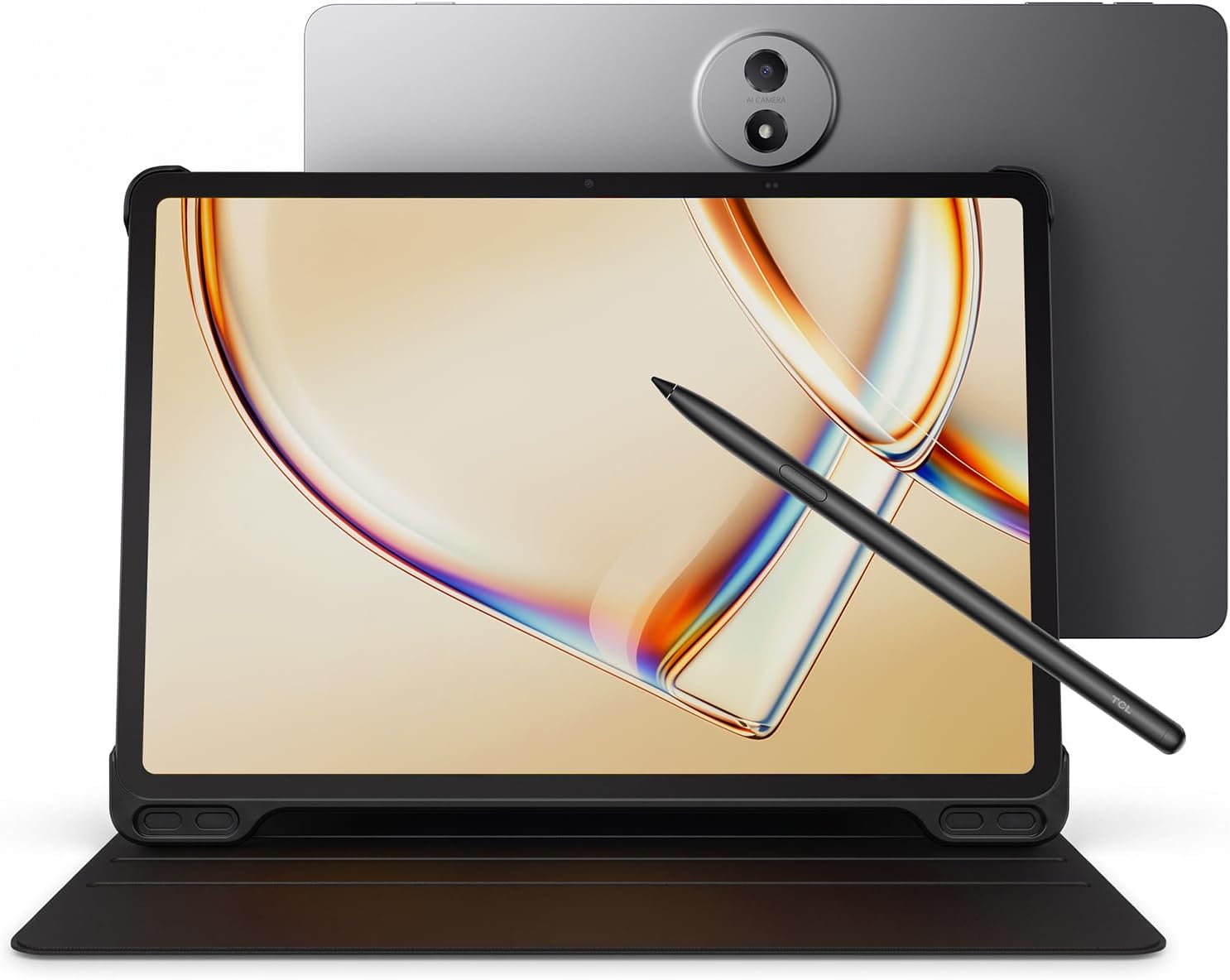
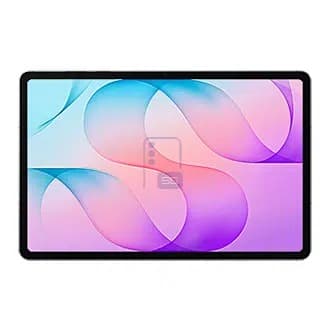
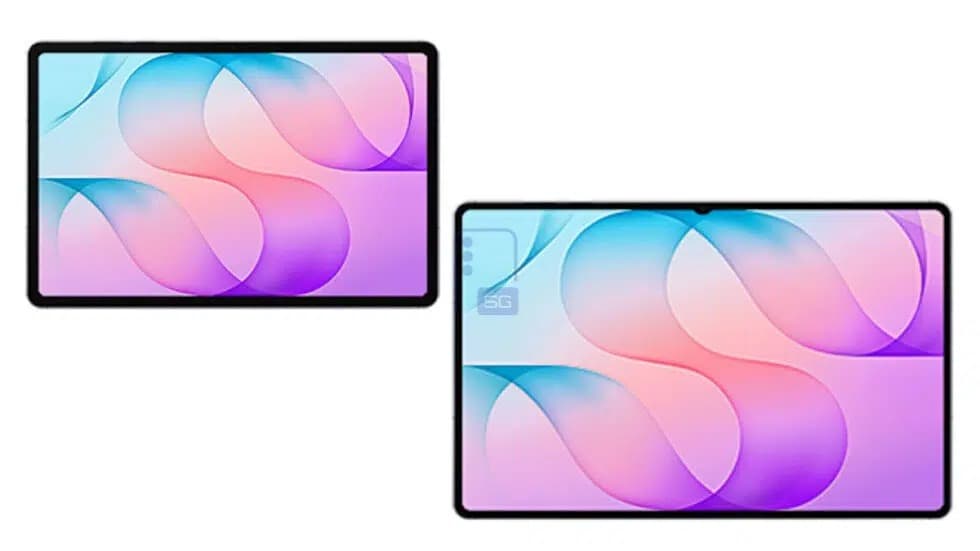
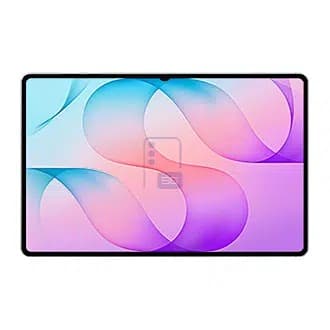
Lenovo Legion has officially announced the release of the AI tablet Lenovo Legion Y700 Infinity on August 25th at 19:00. Judging from the previous promotion schedule, the Lenovo Legion Cloud Gaming handheld device C700 is also expected to make an appearance at the same event.
This gaming tablet is now available for pre-order. Pre-order users can enjoy a series of exclusive first-sale benefits worth up to / over 2,000 yuan, including 6-month interest-free financing, value-added exchange and replacement services, screen breakage insurance, battery extended warranty, etc.
Previous promotional information indicates that the Infinity model Y700 will be equipped with the Qualcomm 5th-generation Snapdragon 8 Supreme Plus mobile platform, featuring an 8.4″ WQXGA 165Hz OLED screen with uniform width on all four sides, LPDDR5T-10667 memory and UFS 4.1 Pro storage, support for built-in SIM cards and removable SIM cards, and a three-stage RGB ring 50MP rear camera.
At Kurd Qaburstan in northern Mesopotamia, archaeologists are finding the kind of evidence that allows a destroyed city to be read from several directions at once. Cuneiform tablets, administrative sealings, a fortified wall and human remains are appearing together in layers associated with the ancient city of Qabra. The project, led by researchers from the […]
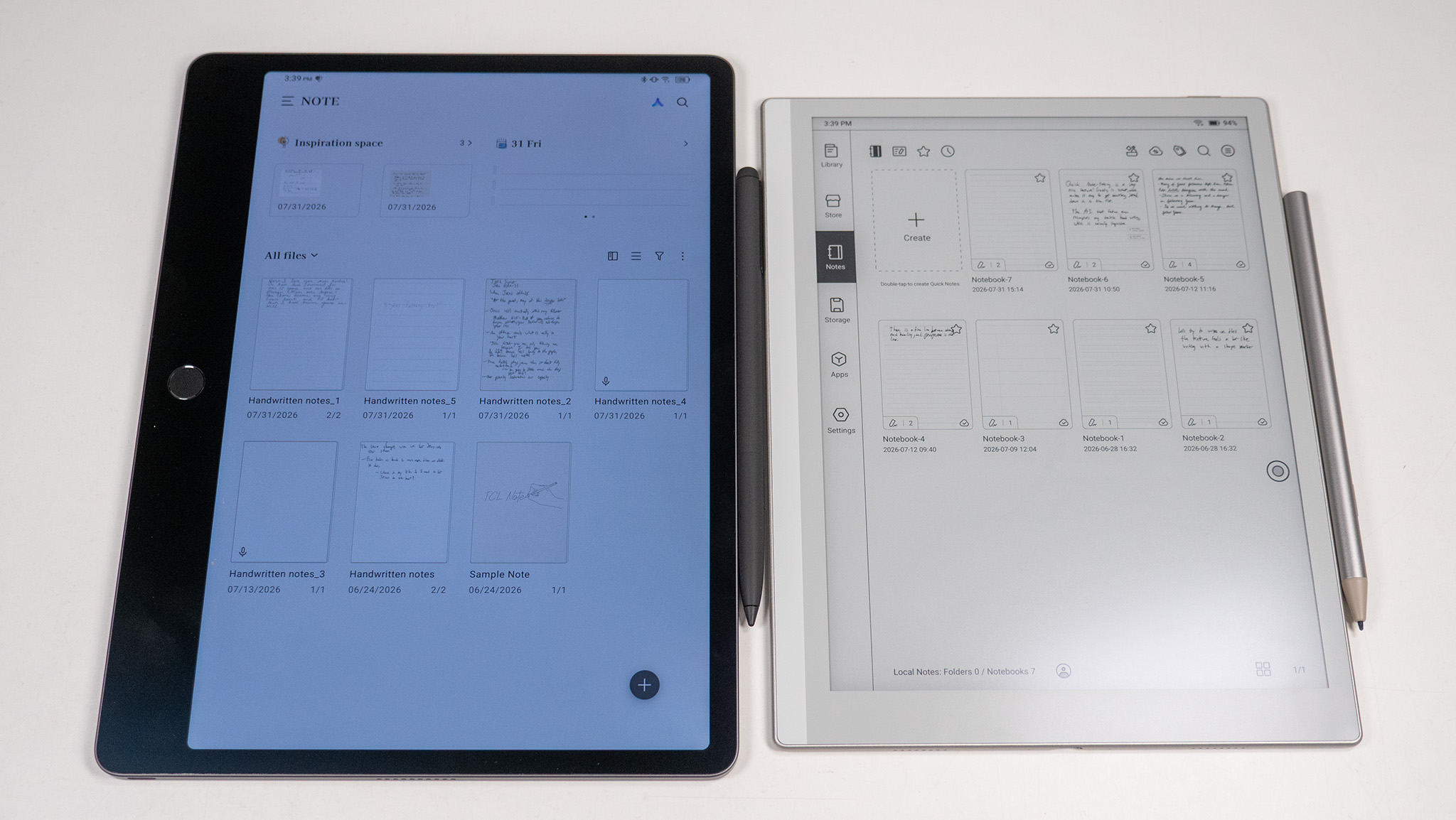
Whether you're just starting high school or finishing up your college Master's Program, a good note-taking tablet can make all the difference in class success. The latest note-taking tablets from companies like TCL and Boox sport technology that looks and feels a lot like paper, but each gives you all the best features of a modern smart device.
If you've never used a digital note-taking device, know that these are tablet-sized (not e-reader size), so you probably won't want to hold them up for long periods. They are also both powered by Android and include the Google Play Store, so you can download all your favorite apps.
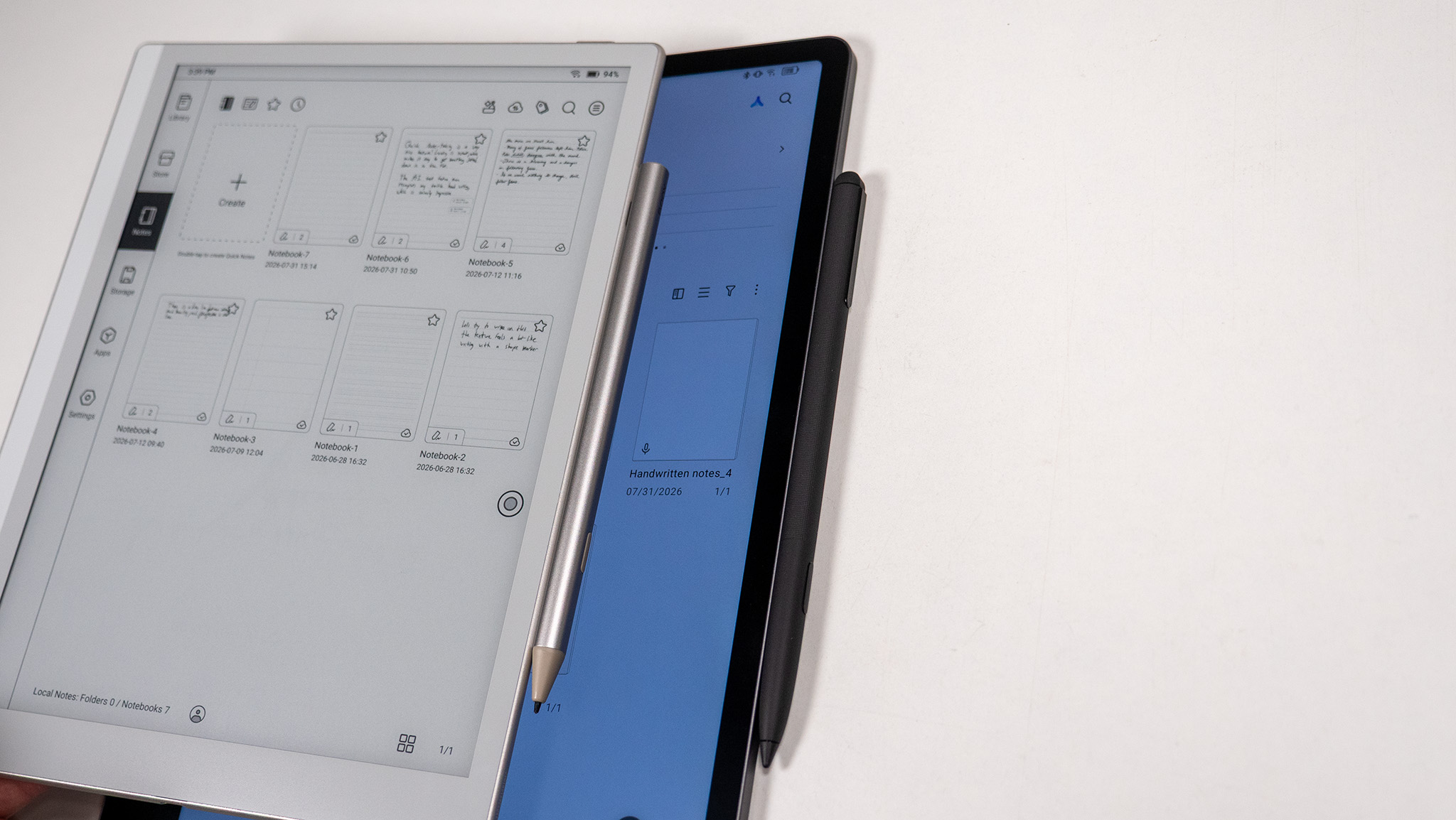
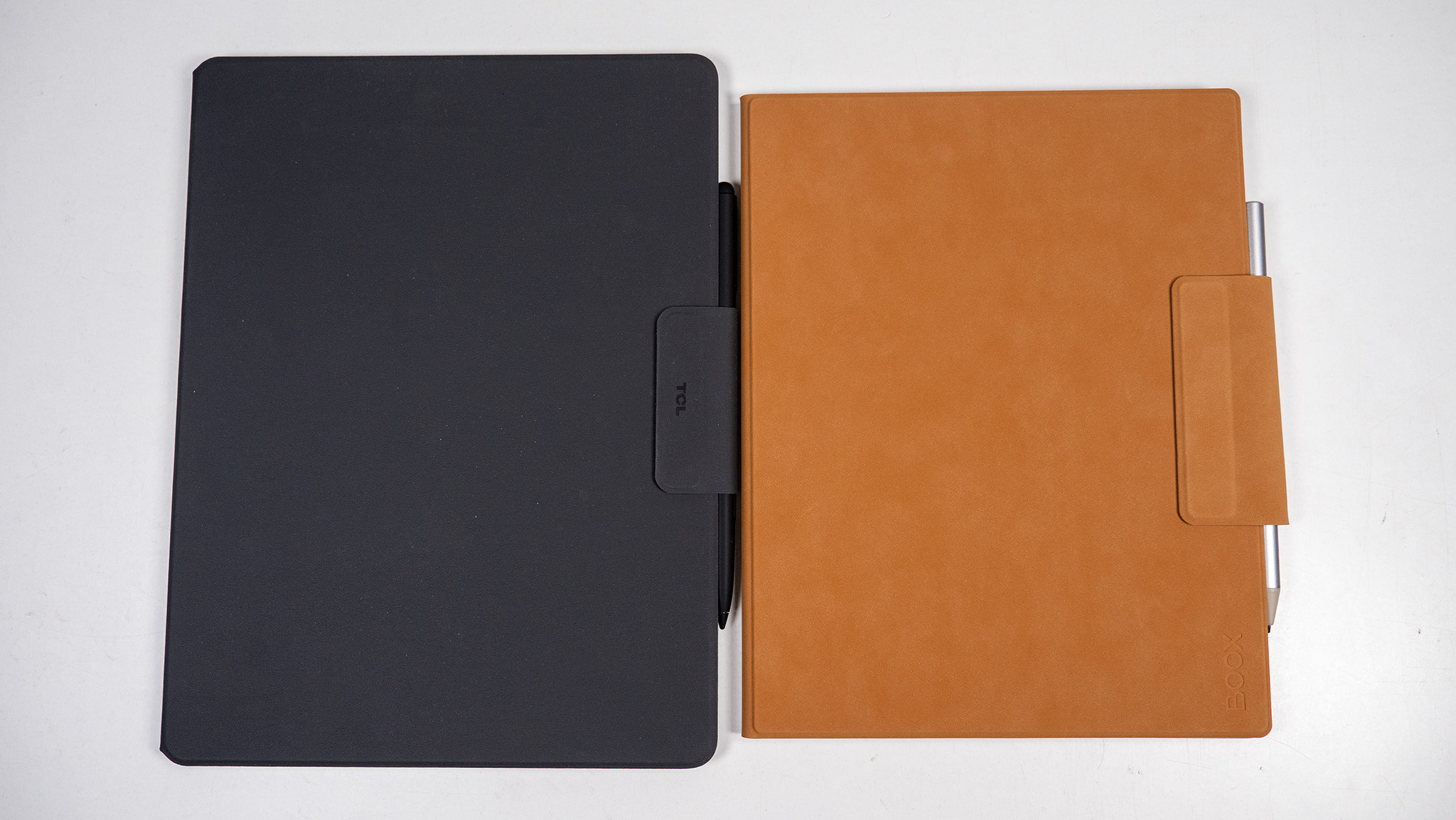
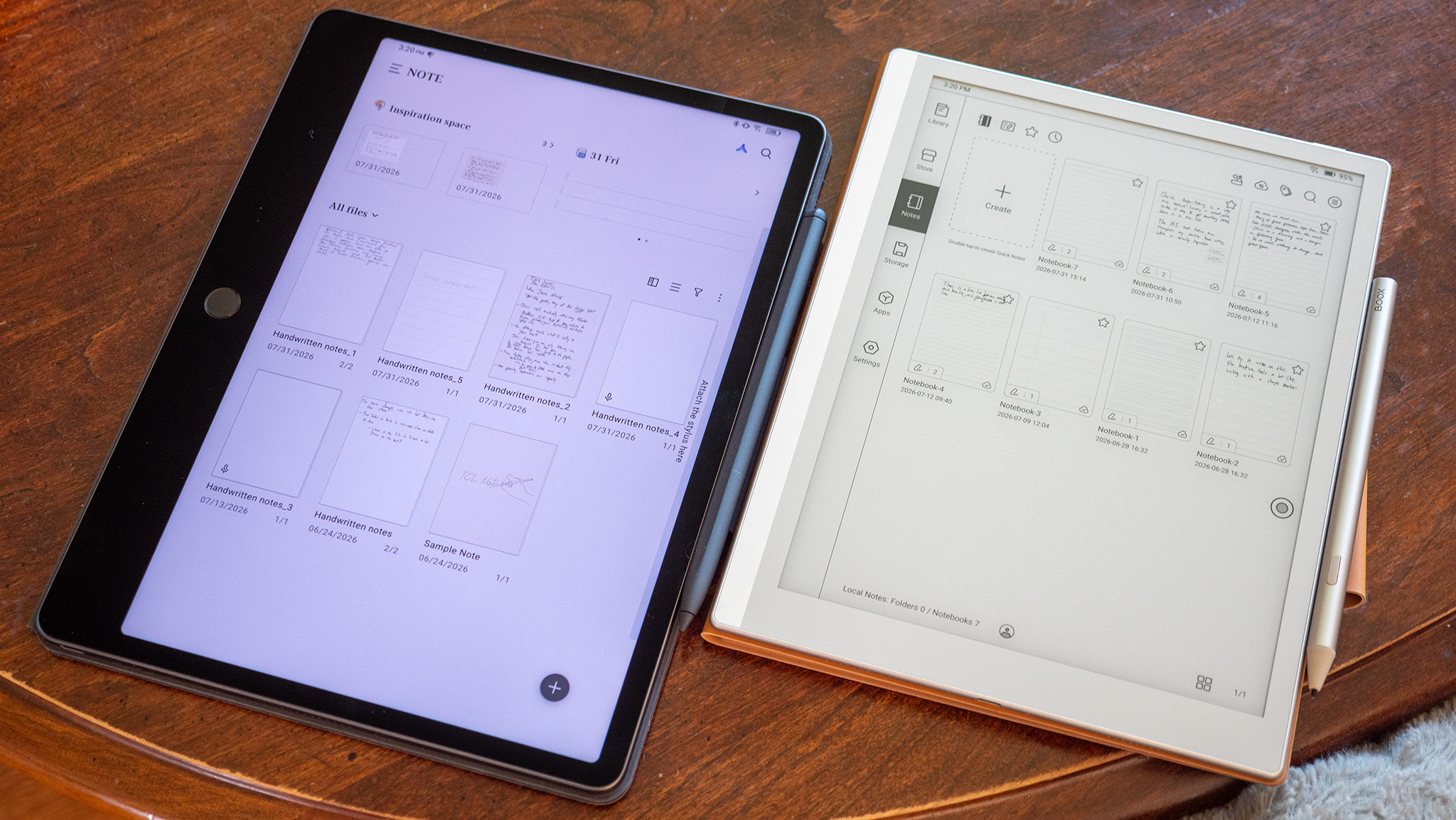
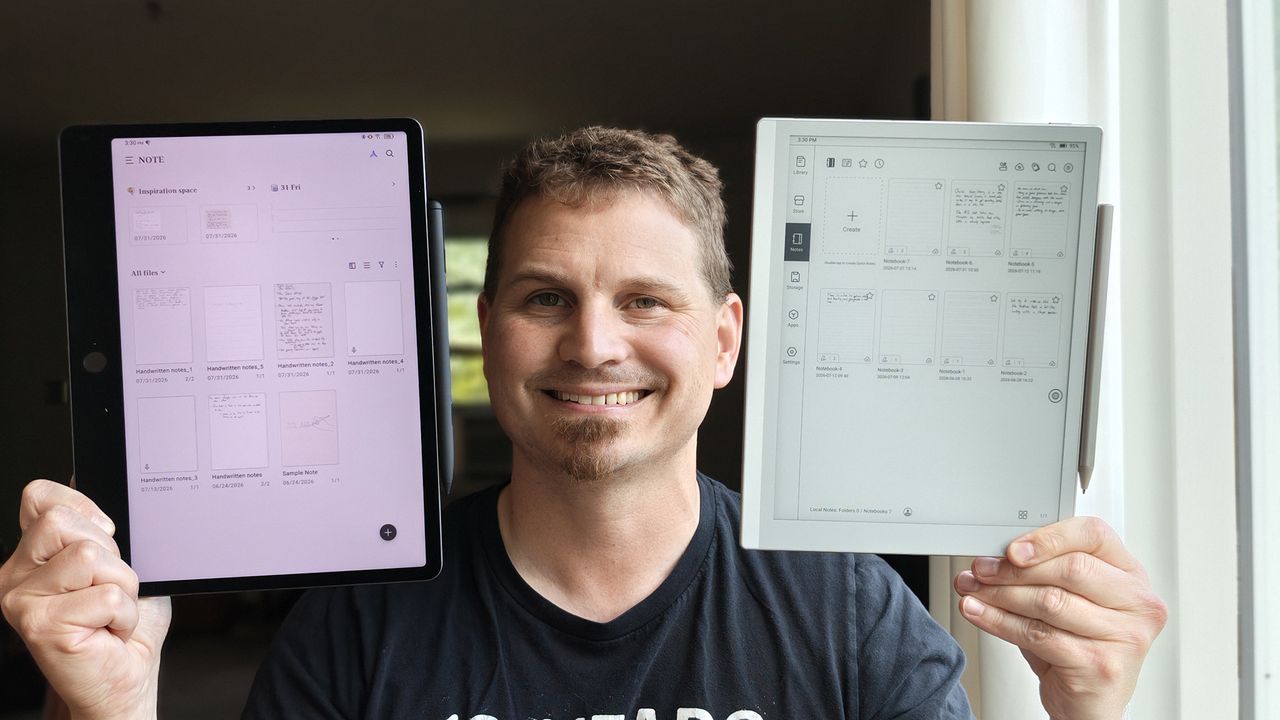
The TCL Note A1 NXTPAPER and the Boox Go 10.3 Gen II both ship with styluses that magnetically attach to the side of the tablet, so you can take notes anytime you need to. Whether that's bedside journaling or attempting to jot down everything important during a lecture, both tablets will give you quick access to recording and handwritten notes, and I've spent the last week putting these two through rigorous tests to find out which should be in your backpack this year.
Not all ePaper is created equally
(Image credit: Nicholas Sutrich / Android Central)
E Ink is the most common type of ePaper display you'll find today, but TCL's NXTPAPER displays give it a run for its money in several ways. The TCL Note A1 features a special type of NXTPAPER display that works just as well for black-and-white notes as it does for YouTube videos.
The matte display is wonderful for cutting glare from those annoying overhead classroom lights, and the fluid 120Hz refresh rate feels fast and smooth. This makes using apps feel like any normal Android tablet, and it may prove nicer for note-taking for people who want something smoother than E Ink.
While these tablets are primarily designed for handwriting, you can also use any virtual keyboard you choose. I always love using Gboard, but typing on it always feels slow on E Ink. NXTPAPER is fast and fluid and feels like typing on a normal tablet.
Nicholas Sutrich / Android CentralNicholas Sutrich / Android Central
But that's about where the positives end and where the Boox Go 10.3 Gen II's E Ink display takes over. One of the inherent advantages of E Ink is that it doesn't need a backlight to illuminate the screen. It's got one just in case you need it, but I rarely find that I need to use it.
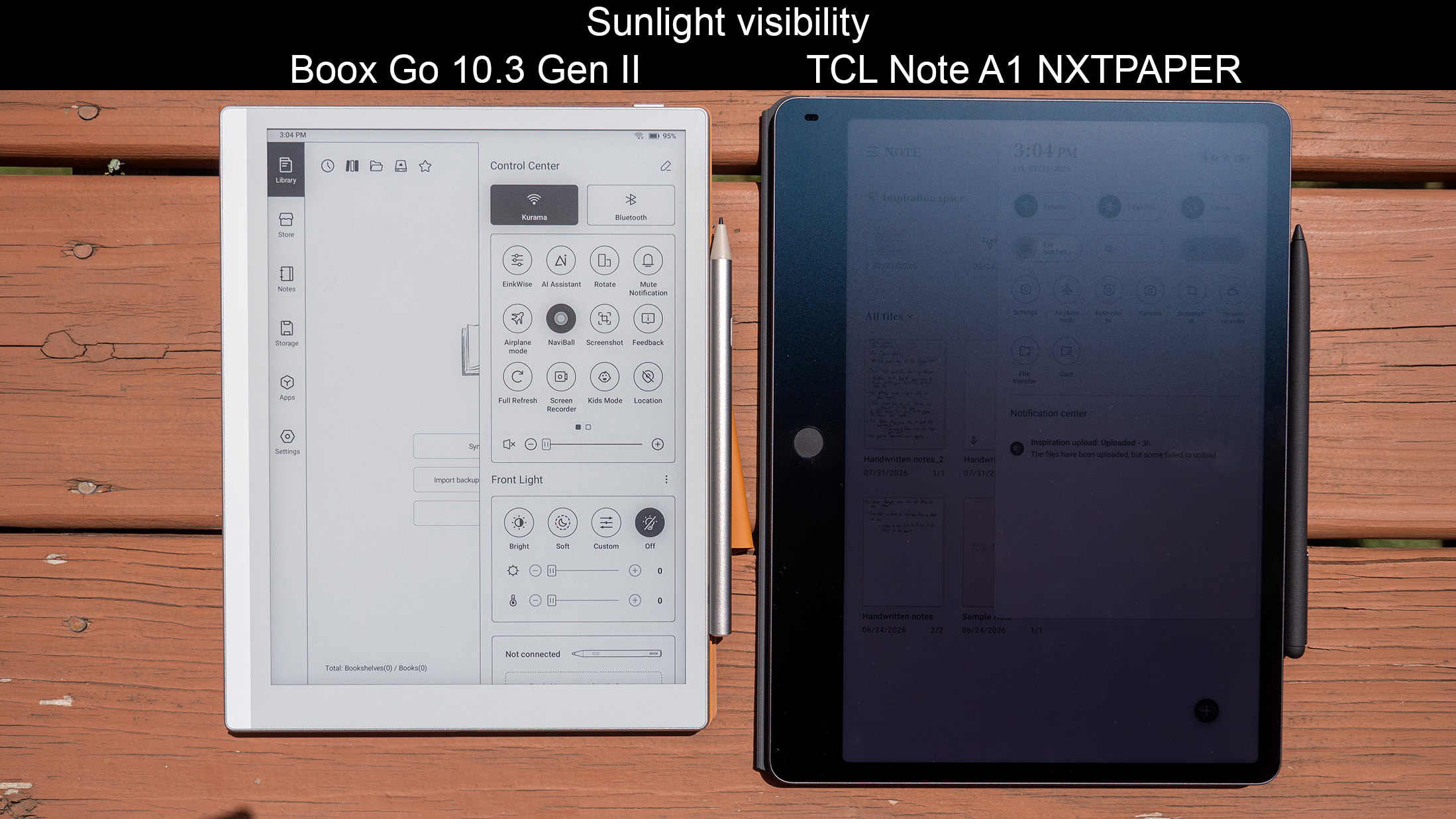
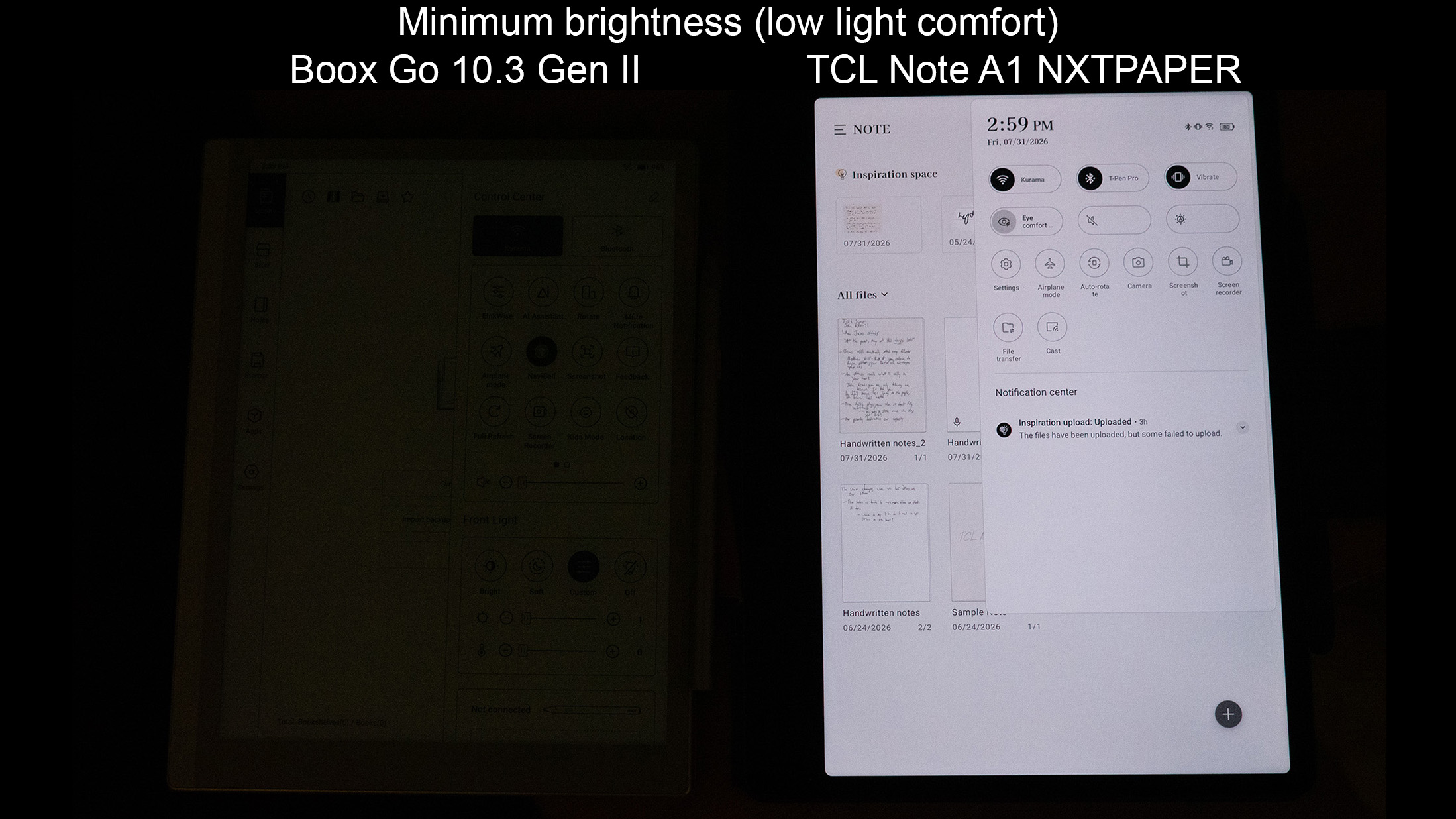
If I'm taking notes outside, the Boox Go is the clear winner. That black-and-white E Ink display perfectly absorbs and reflects sunlight, so you can see the display even better in direct sunlight than elsewhere. The built-in front light also gets extremely dim when you need it, which I found important for lecture rooms that can sometimes be too dim.
The TCL Note A1's display is really only easy to see in moderate indoor lighting. It doesn't get bright enough to see outdoors, and it doesn't get dim enough to comfortably use in a low-lit room. There's also no dark mode, curiously enough, which probably would have helped a lot in those dim rooms.
Both displays' lights are fully flicker-free, but TCL's NXTPAPER display uses something called temporal dithering to enhance the colors. This effect can give some people splitting headaches, and since there's no way to disable it, I can't recommend the tablet for anyone sensitive to dithering.
That makes the Boox Go 10.3 Gen II the best display of the two, despite the advantages that color and a faster refresh rate on the NXTPAPER might otherwise seem.
Note-taking gets leveled up
(Image credit: Nicholas Sutrich / Android Central)
Displays affect more than just readability, too. Boox's E Ink technology looks a lot more like traditional paper and pen, but typing on the display isn't as nice since the refresh rate is lower. Likewise, typing on the TCL Note A1 feels smoother, but I wouldn't say there's any meaningful latency difference when writing.
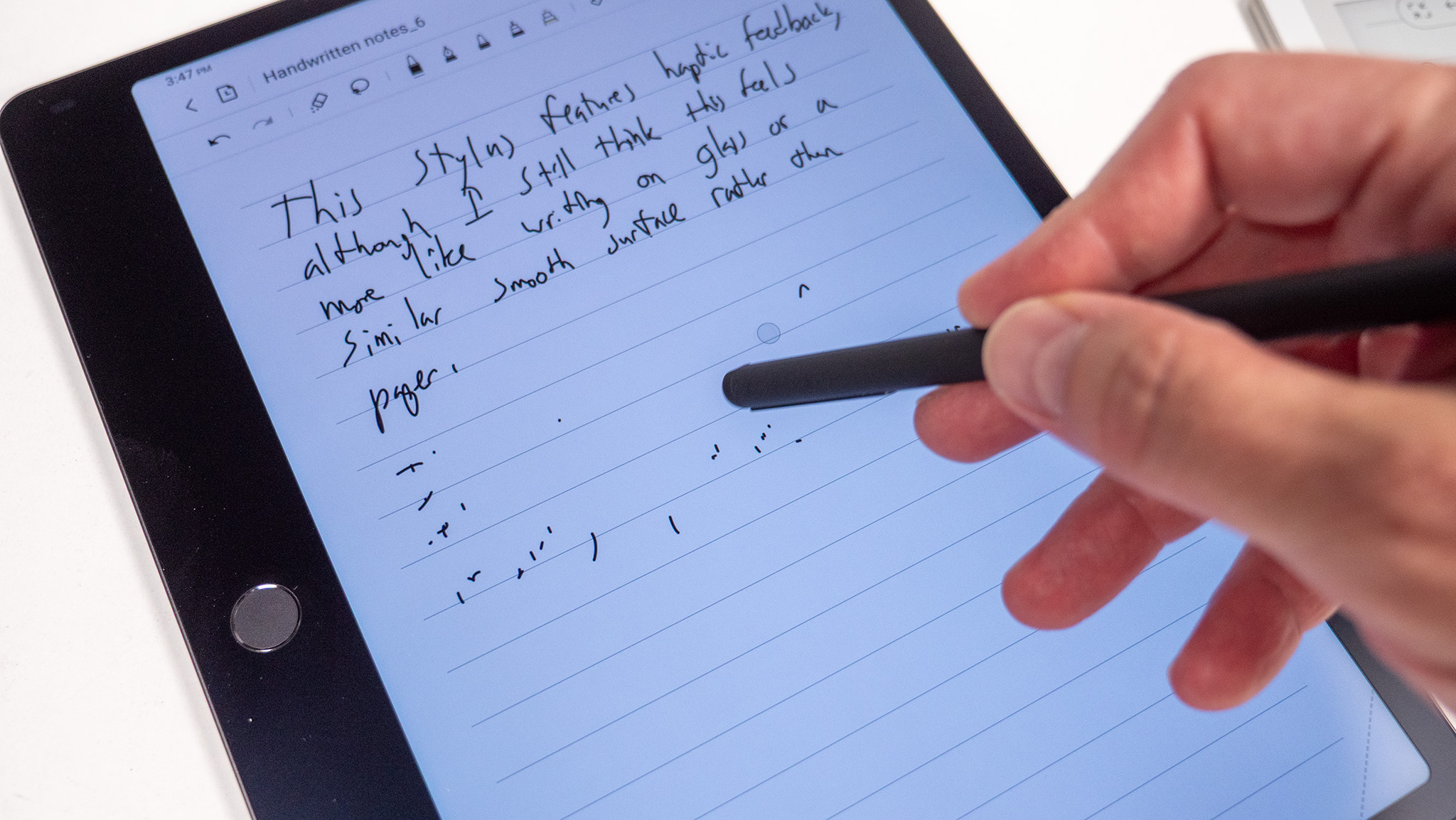
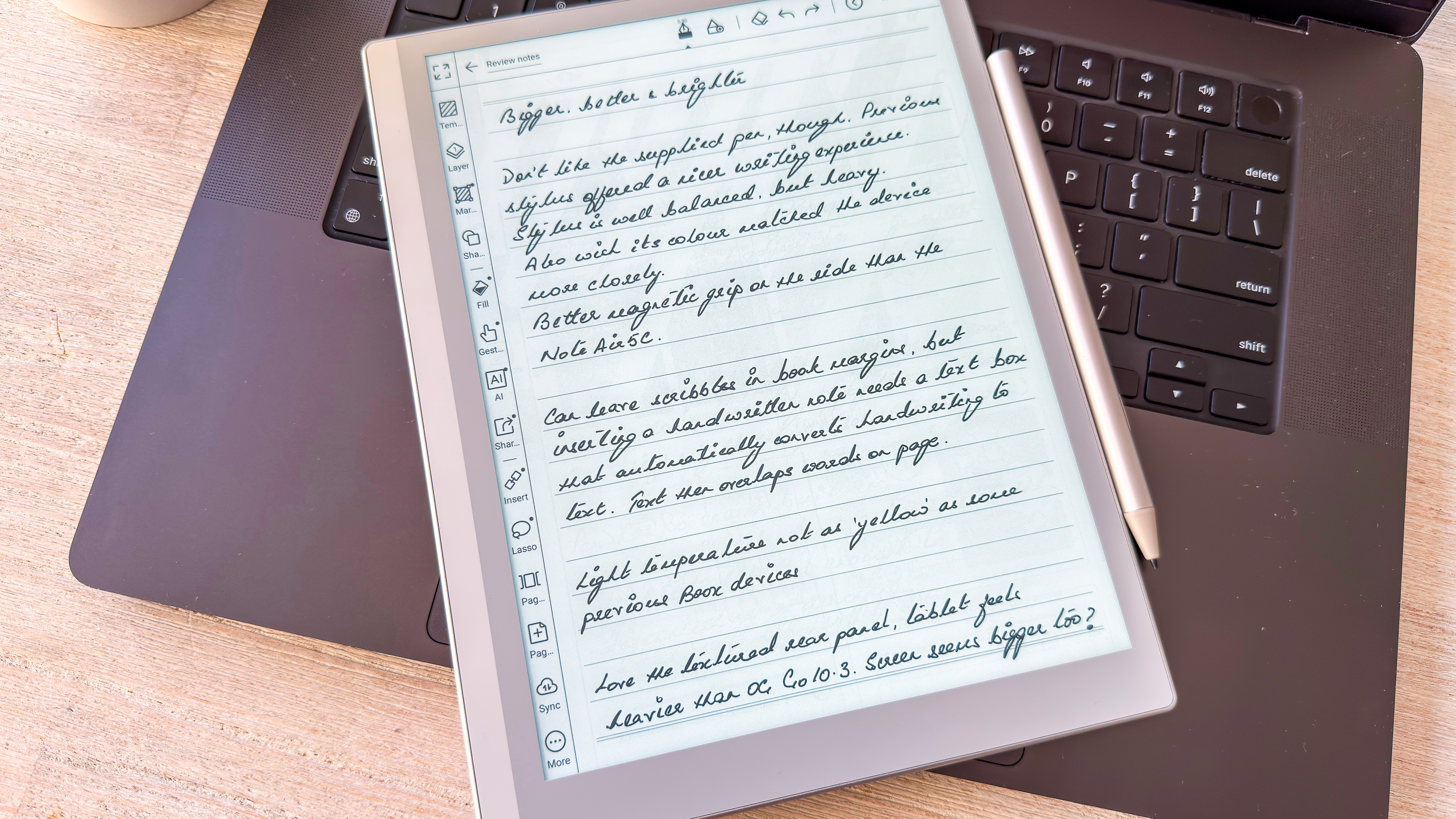
In fact, I far prefer writing on the Boox Go 10.3 Gen II because the stylus feels like writing with a marker, and the display's textured surface also feels uniquely wonderful to swipe on. TCL's Note A1 stylus offers an incredibly unique built-in haptic engine (yes, into the stylus!), but writing on the screen still feels too much like writing on glass for my liking.
Taking notes is faster on the Boox Go, and I find the default note styles and options are better than TCL's. Both companies offer some great template options to get you started, as well.
Nicholas Sutrich / Android CentralNicholas Sutrich / Android Central
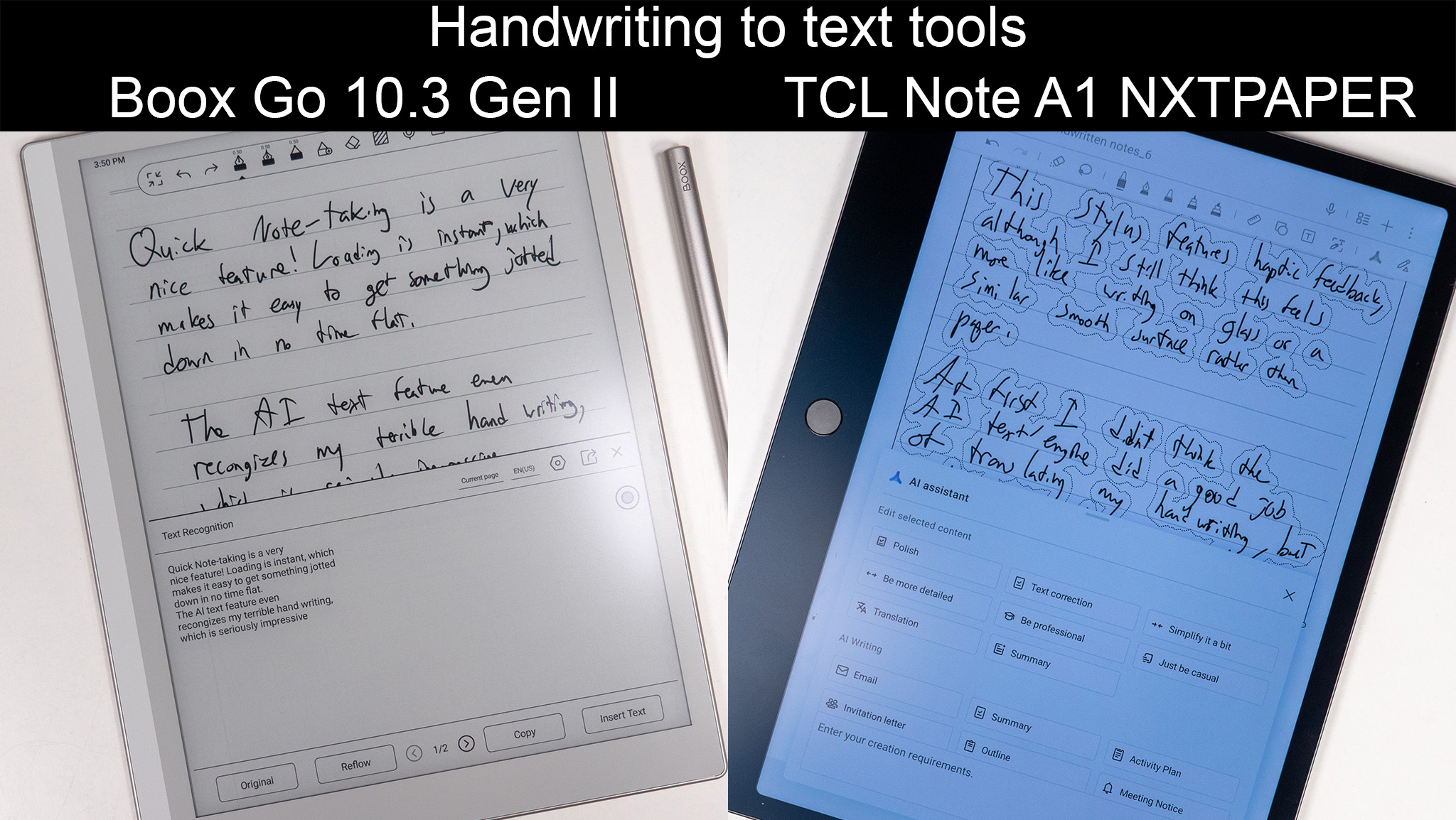
Boox also offers a superb handwriting-to-text engine that even understands my terrible chicken-scratch writing. TCL offers some truly fantastic AI writing tools built in, but curiously doesn't offer a direct handwriting-to-text option — the only way to achieve this is to have TCL's AI rewrite your notes, which isn't always preferable.
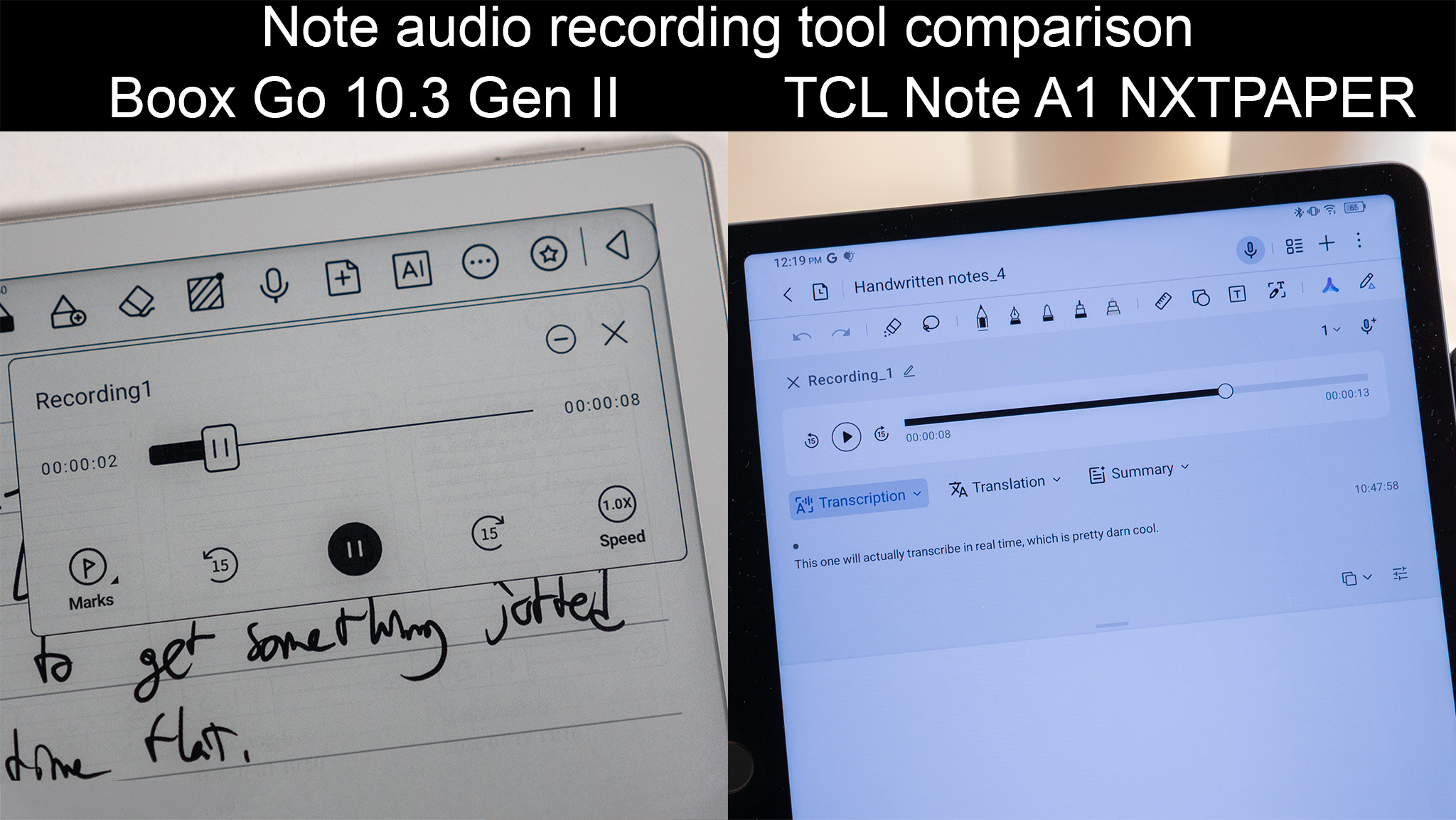
But TCL offers a suite of AI tools that Boox simply does not. If you're a student who enjoys utilizing AI to help give you better writing, summarize your notes, make things searchable, or even add live transcription of lectures to your notes, TCL is the easy winner in this category. The Boox Go can record audio directly to a note, but there's no transcription option at all, something I thought was very odd in this day and age.
Lastly, the Boox Go 10.3 Gen II passes all Google Play Integrity tests, which means any apps that require an extra layer of security (think banking apps) run just fine on it. TCL's Note A1 doesn't pass any of them, which I thought was curious. I haven't run into issues with normal apps on TCL's tablet, but there are undoubtedly some more secure ones that simply won't work on it.
Boox to replace your notebooks
(Image credit: Nicholas Sutrich / Android Central)
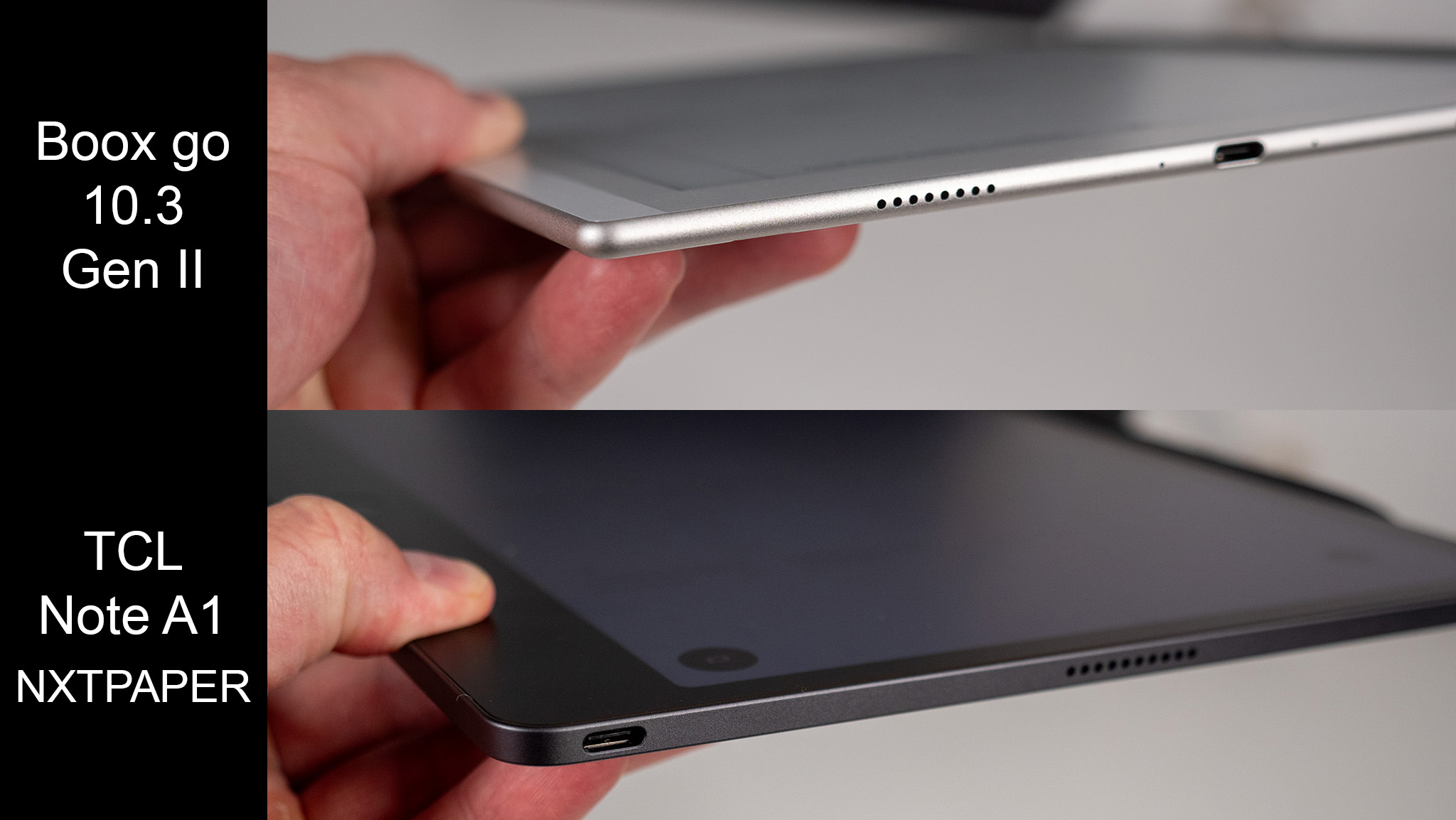
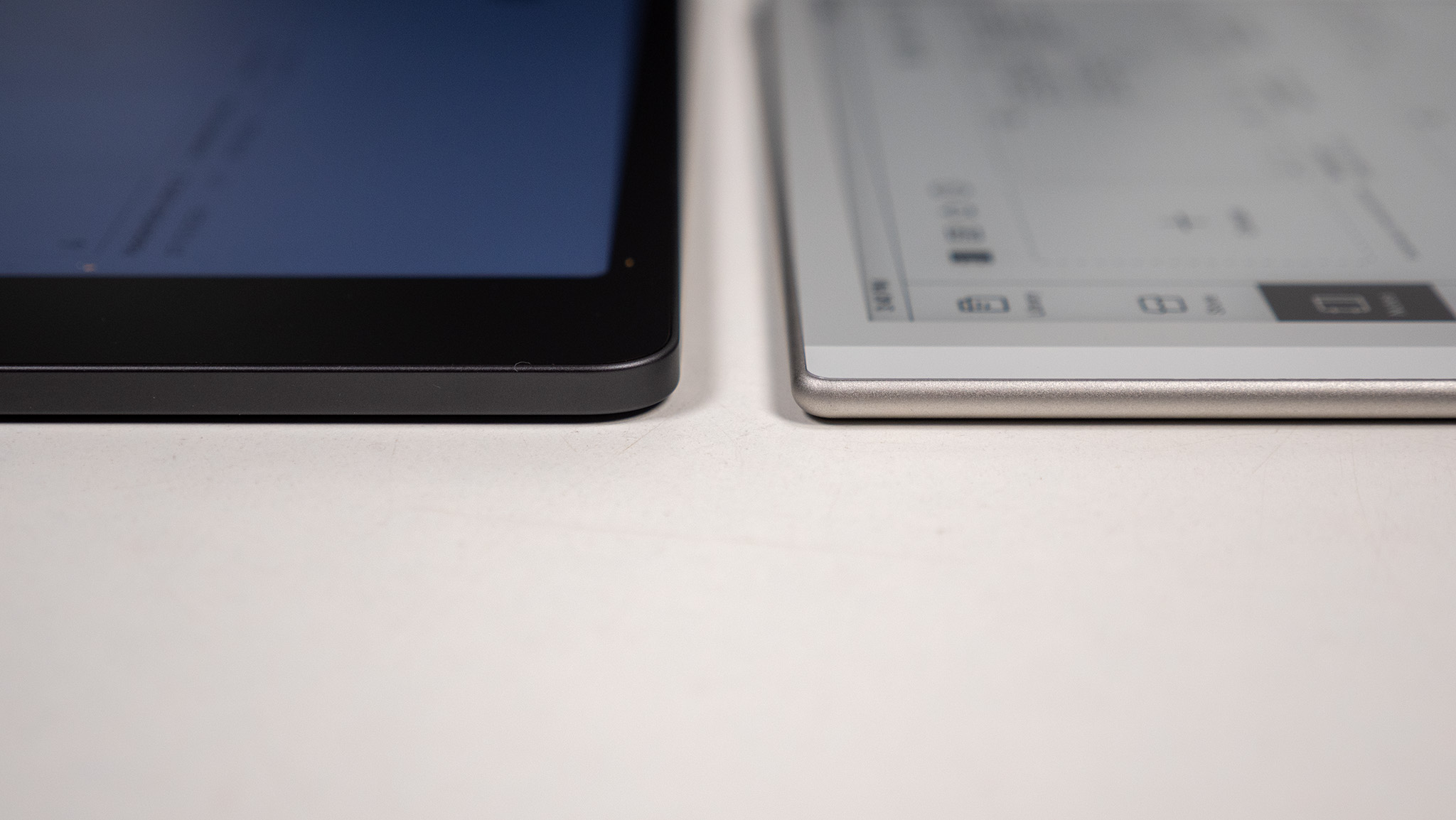
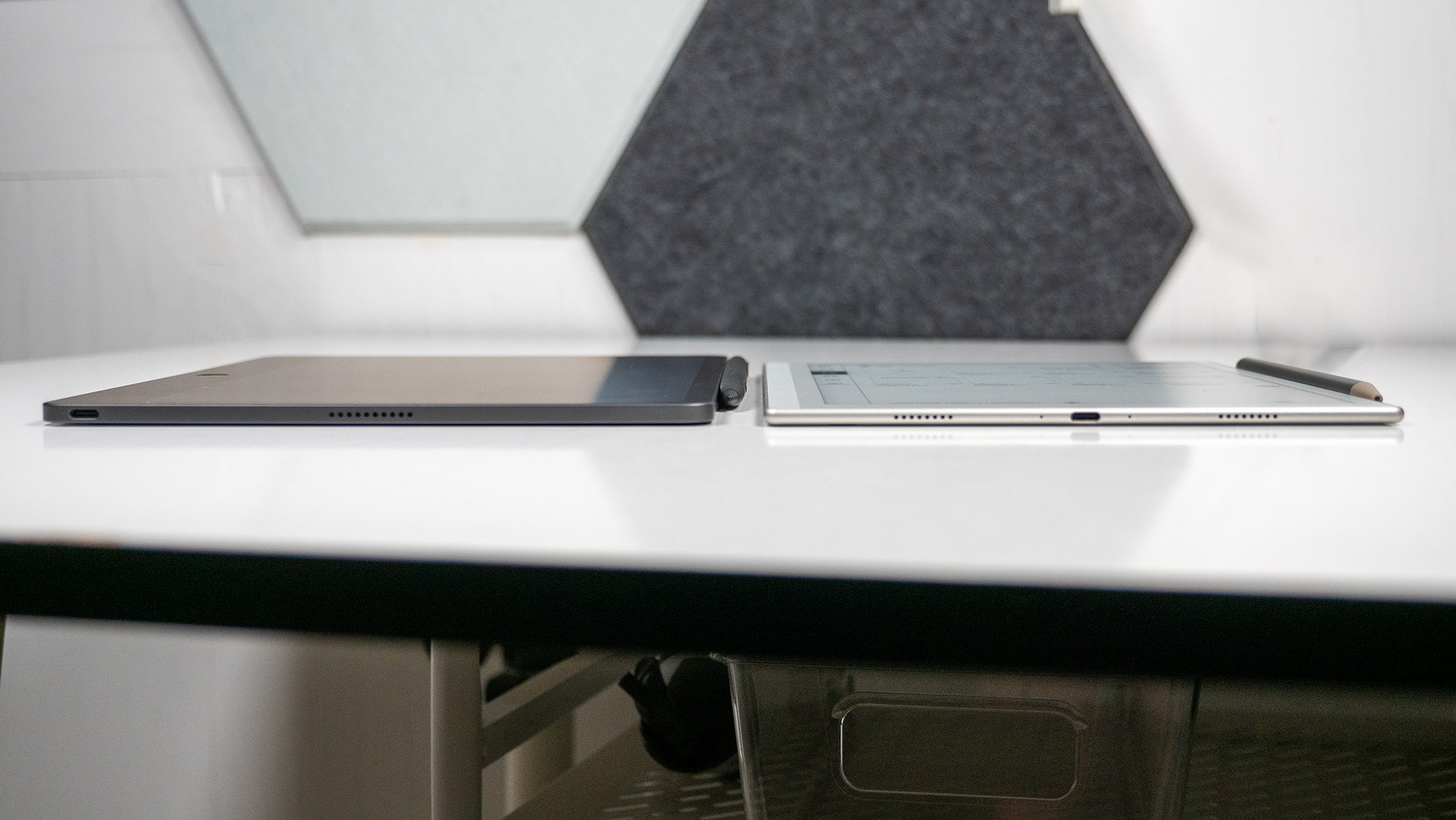
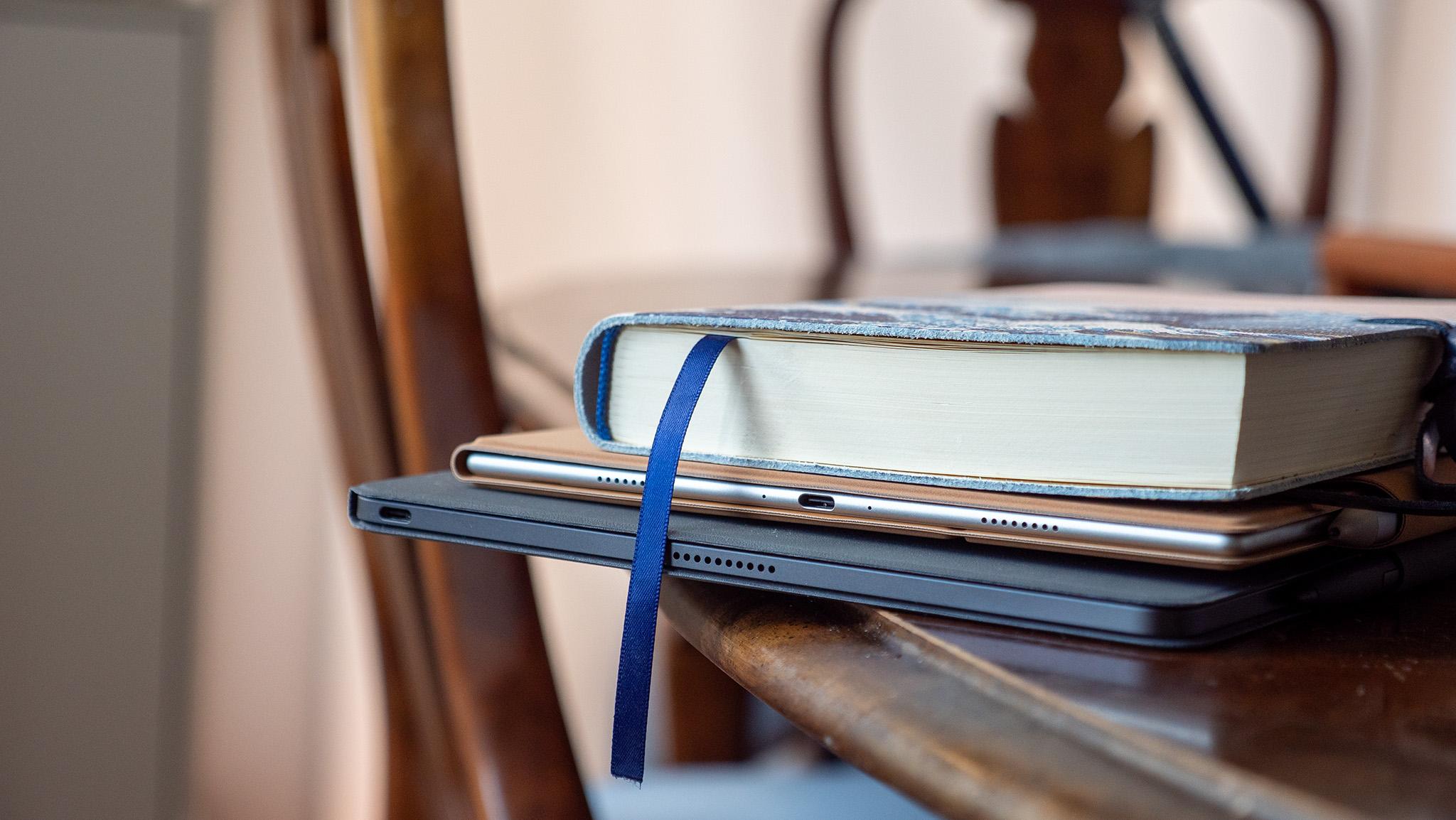
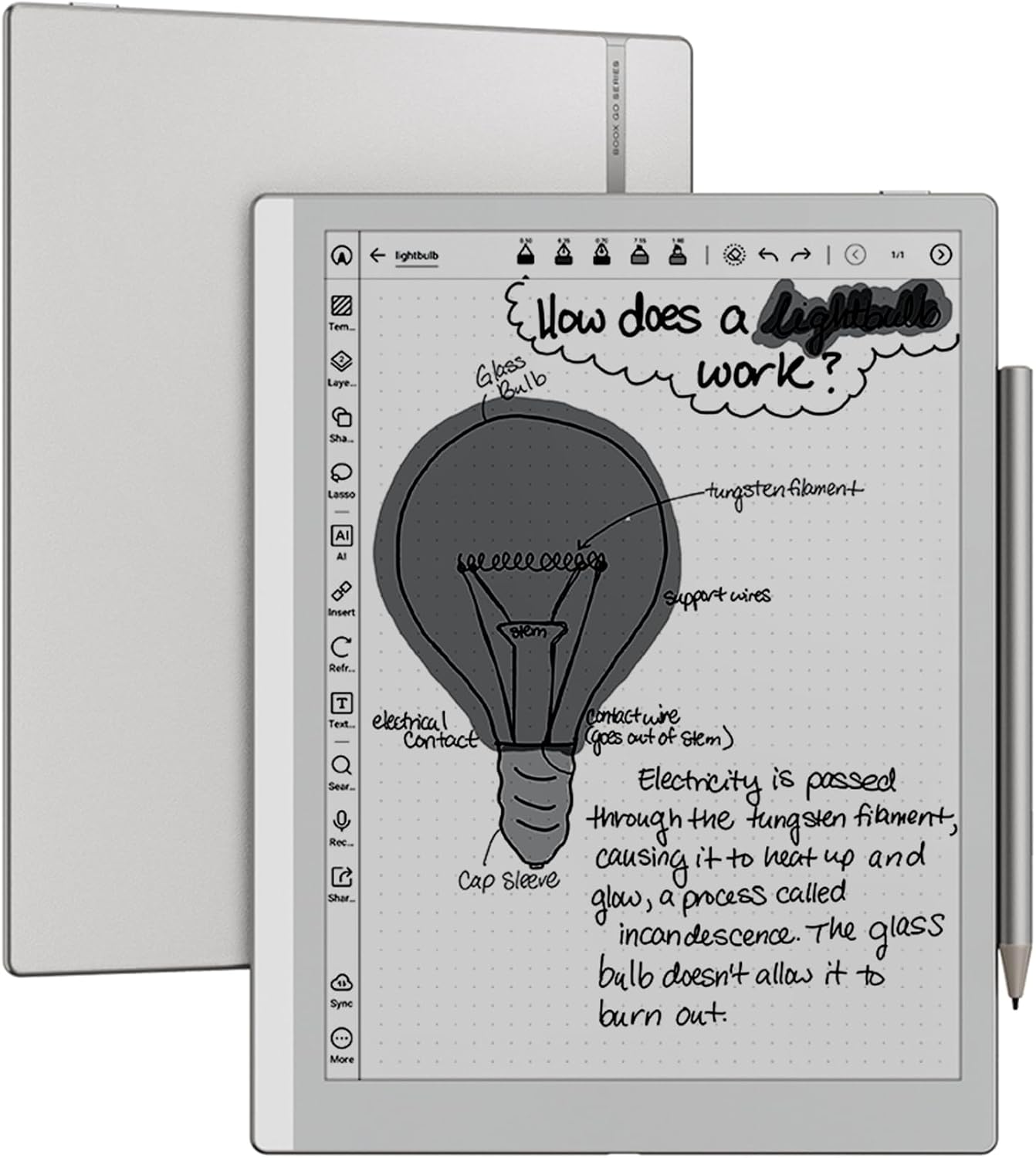
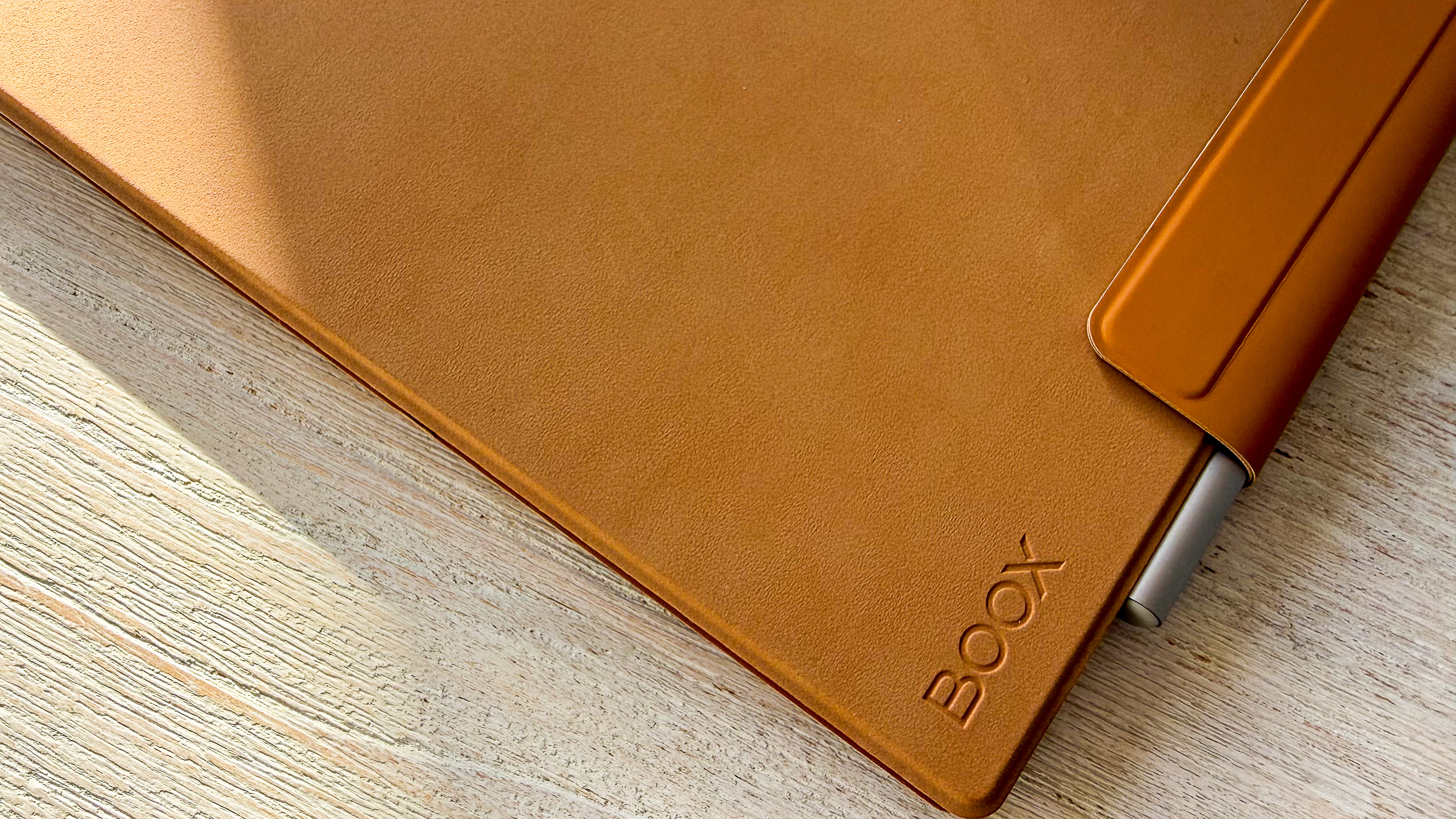
While the TCL Note A1 offers far better built-in AI tools and a faster refresh rate, I like everything else about the Boox Go 10.3 Gen II better. This even includes the hardware design, as the TCL Note A1 feels like a heavy iPad while the Boox Go is sleeker, lighter, and more ergonomic, with curved sides that rest comfortably in my hands, a lighter overall weight, and a luxurious vegan leather back.
Boox and TCL are running a back-to-school sale this month to sweeten this deal further. The Boox Go bundle I'm using is currently $40 off, while the TCL Note A1 is $50 off. This still makes the Boox Go 10.3 Gen II $100 cheaper than the TCL Note A1, and that's easily enough of a reason for me to recommend it.
Boox
Go 10.3 Lumi Gen II
Boox's latest E Ink tablet ships with a brilliant stylus that feels like writing on paper with a marker. It's got an impressively light and thin frame, with ergonomic curves and a vegan leather back. With support for 26 file formats, great note-taking software, and full Google Play Support with Android 15 built-in, you'll love toting this around school instead of 45lbs of books on your back.
TL;DR: the TCL Tab A1 Plus NXTPAPER tablet just dropped in the United States, and it already has a $100 discount at Amazon.
It took a while for TCL to release its newest Android tablet in the United States, but now the Tab A1 Plus NXTPAPER is here with an impressive launch discount in tow.
For a limited time, you can score $100 off the 256GB device by clipping the coupon on Amazon's product page. If you want to save even more, you can go with the 128GB version and pay as little as $219 for the device (provided you have an Amazon Prime account).
It's rare for a brand new tablet to receive a straight discount at launch — especially since the Tab A1 Plus was already pretty affordable — but TCL has never been one to play by the rules.
TCL has produced a lot of cheap tablets, but the Tab A1 Plus NXTPAPER might be its greatest creation yet. The device boasts an eye-friendly display with smooth performance and an included stylus, and you can already save $100 by clipping the coupon at Amazon.View Deal
Whether you need a new tablet for Back to School season, a presentation at work, or as a road trip companion, the TCL Tab A1 Plus NXTPAPER is a great pick that won't break the bank.
Straight out of the box, the device boasts a unique 12.2-inch display that's specifically designed to reduce eye strain, letting you instantly switch into Ink Paper or Color Paper mode as needed.
The tablet comes with a stylus for drawing and taking notes, a solid Snapdragon processor, and a huge 10,000mAh battery, all of which are rare specs for a device in this price range. You also get stereo speakers, some onboard AI features, and 256GB of storage (up to 2TB when you expand using microSD).
The Tab A1 Plus may not be the most powerful Android tablet ever built, but if you're concerned about eye strain and you want a device that offers good old-fashioned bang for the buck, it's pretty unmatched. And with a $100 launch discount knocking the price down to only $299.99, the TCL device is really starting to feel like a no-brainer purchase in 2026.
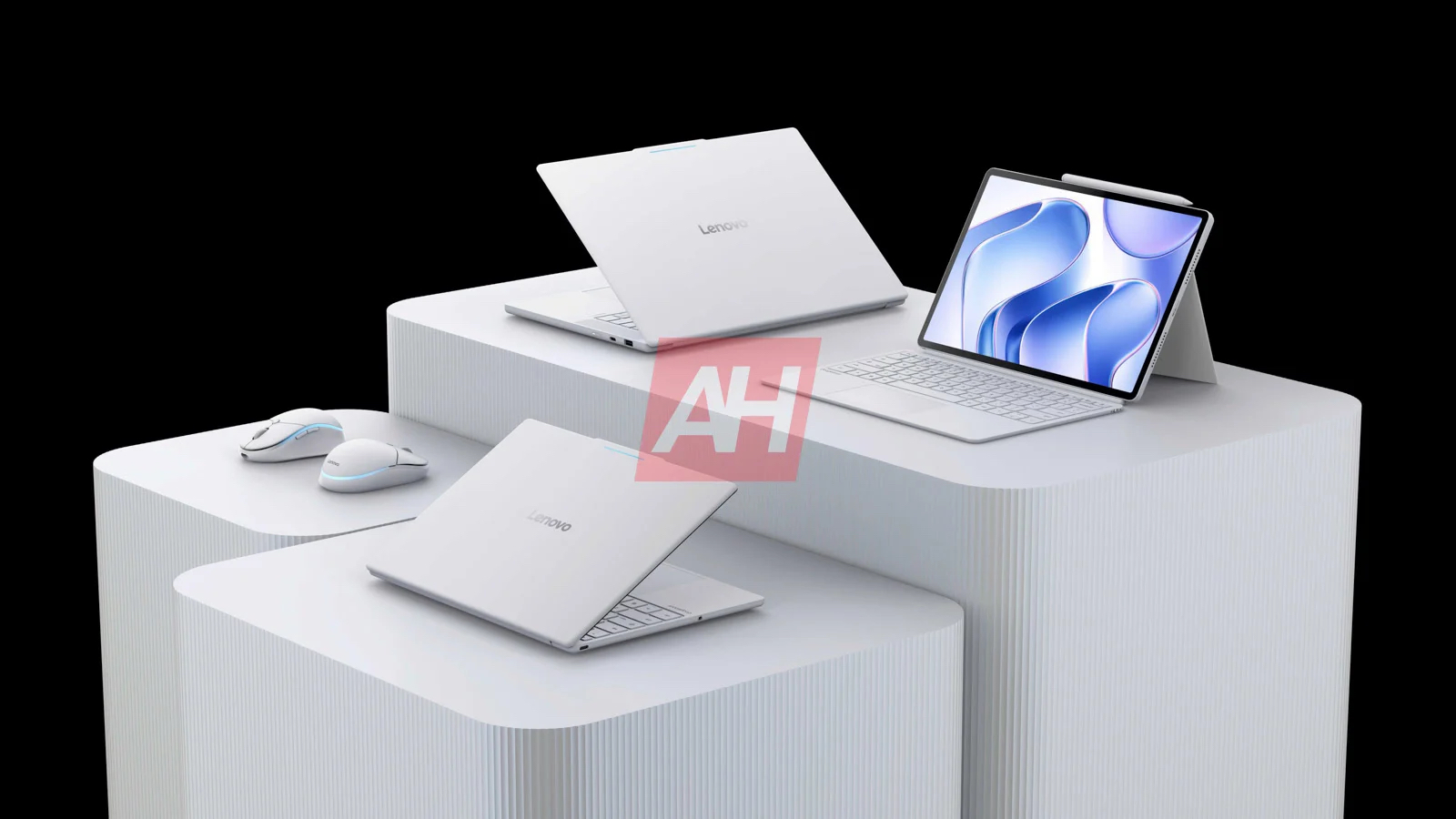
A new leak reveals Lenovo's first Googlebook lineup, including two laptops and a detachable 2-in-1 tablet.
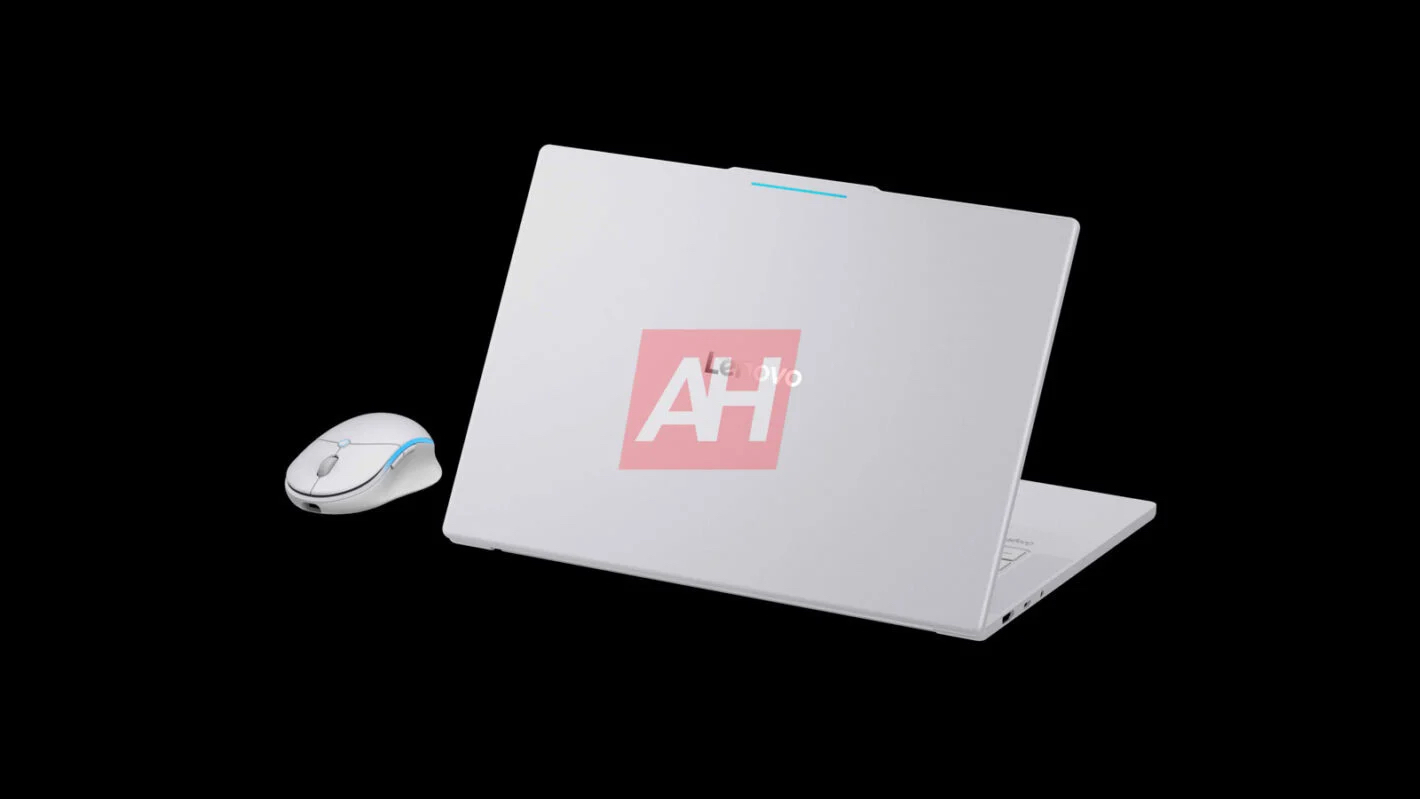
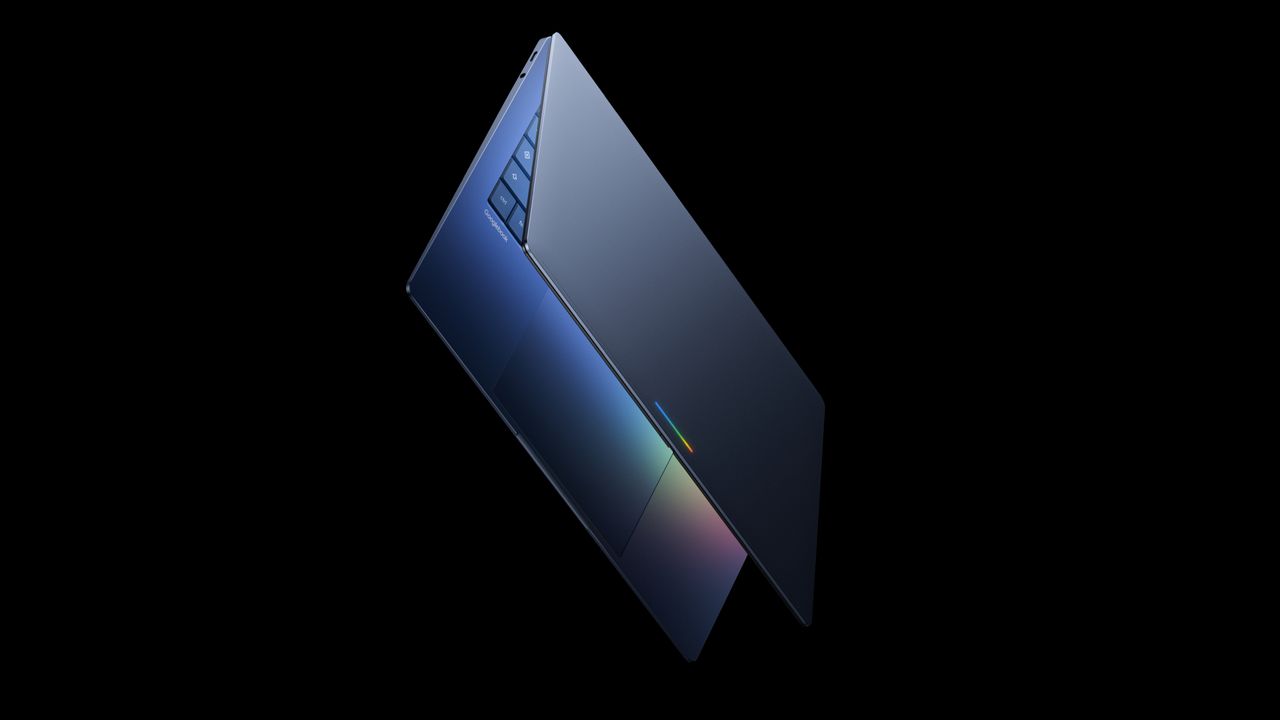
The leaked devices feature Google's new Pixel Glow Bar design and a familiar Chromebook-inspired look.
Lenovo's 2-in-1 Googlebook appears to support a keyboard case, kickstand, and stylus for productivity.
Lenovo is set to launch its first lineup of Googlebook devices later this year, and a new leak has given us our first look at all of them.
Earlier this year, Google unveiled its vision for Googlebook, a new Android-based laptop platform with Gemini and AI at its core. At the time, the company confirmed that the first wave of Googlebook devices would come from partners including Acer, ASUS, Dell, HP, and Lenovo.
Now, a new leak from Android Headlines appears to reveal what Lenovo has been working on.
According to the leak, Lenovo is preparing three Googlebook devices in total: two laptops and a 2-in-1 tablet.
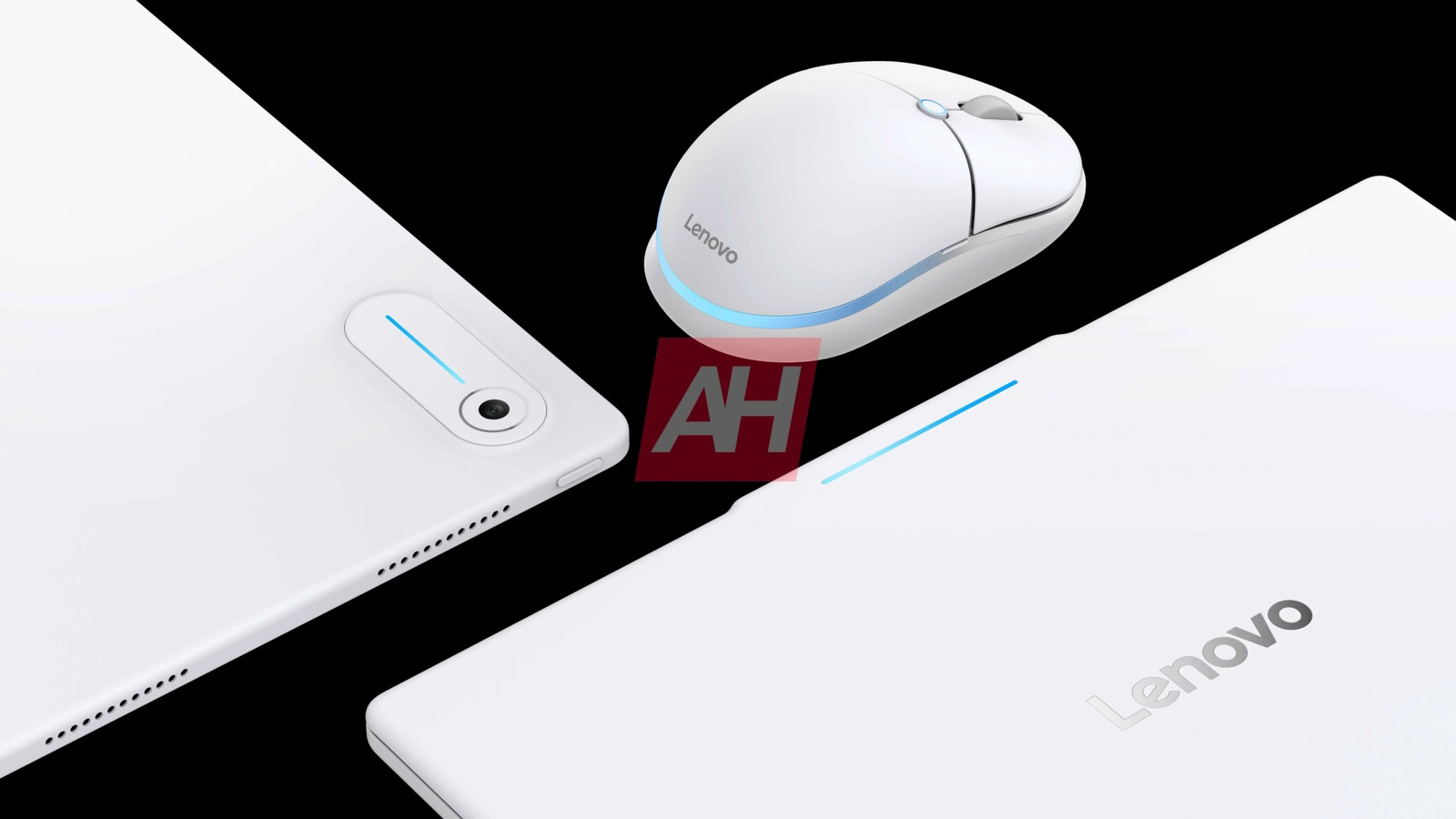
The laptops look fairly similar to Lenovo's existing Chromebook lineup. Based on the leaked renders, one of them features a white finish with Lenovo branding on the lid, along with what appears to be Google's new Pixel Glow LED near the top. The larger model also seems to include both a USB-A port and a USB-C port, while the speaker grilles are positioned along the sides.
The leak also gives us our first look at Lenovo's Googlebook 2-in-1 tablet. It resembles a fairly typical Android tablet paired with a keyboard cover and kickstand case, with support for a stylus as well. The Googlebook branding is visible next to the trackpad, while the Pixel Glow Bar appears to have been integrated into the camera housing on the back.
Lenovo hasn't confirmed when these devices will be officially announced. However, since Google previously said the first Googlebooks would arrive this fall, it's likely we won't have to wait much longer.
There's also no word on pricing yet. That said, with RAM prices continuing to climb throughout the year, I wouldn't be surprised if Lenovo positions these devices firmly in the premium segment.
Igeekphone News August 8, 2026 — Samsung’s next-generation flagship tablet lineup is reportedly getting closer to launch, with new renders of the Galaxy Tab S12+ and Galaxy Tab S12 Ultra now surfacing online. The leaked images suggest that Samsung will largely retain the design language introduced with the previous Galaxy Tab S11 series, while upgrading the internal hardware and software.
According to a report from Sammyguru, the renders provide a clear look at the front design of both upcoming tablets, as well as a new set of Samsung wallpapers. The Galaxy Tab S12 series is expected to make its official debut in September 2026 as part of Samsung’s annual flagship tablet refresh.
Familiar Galaxy Tab S11-Inspired Design
Based on the leaked renders, the Galaxy Tab S12+ and Galaxy Tab S12 Ultra will retain much of the visual identity of their predecessors.
The front panels appear largely unchanged, with Samsung continuing to use slim bezels and a minimalist tablet design. There are reportedly no major changes to the overall screen proportions or front-facing appearance.
For users familiar with the Galaxy Tab S11 family, the new tablets may therefore look immediately recognizable rather than representing a major redesign.
The Ultra Model Keeps Its Notch
One of the more interesting details concerns the Galaxy Tab S12 Ultra.
Earlier rumors suggested that Samsung could abandon the notch used by the previous Ultra model and move to a punch-hole camera design. However, the newly leaked renders indicate that Samsung may once again retain the notch for the front-facing camera system.
If accurate, Samsung will have chosen continuity over a cleaner full-screen appearance for another generation. That could also mean a more significant front-camera redesign may not arrive until a future Galaxy Tab Ultra model.
New Blue-Purple “S” Wallpaper
While the hardware design appears familiar, Samsung is expected to introduce a new collection of wallpapers with the Galaxy Tab S12 series.
The leaked wallpaper features a bright blue-to-purple gradient with a prominent letter “S” positioned in the center. Compared with the more restrained visual themes commonly associated with Samsung’s flagship tablets, the new design appears more colorful and dynamic.
Samsung typically introduces new wallpapers alongside its major flagship products, making the appearance of these images another indication that the Tab S12 series is moving toward its official launch.
MediaTek 9500 Expected to Power the Series
Under the hood, both the Galaxy Tab S12+ and Galaxy Tab S12 Ultra are expected to receive a significant performance upgrade.
Reports indicate that Samsung could equip both models with the MediaTek Dimensity 9500 processor. If confirmed, this would represent a notable change from previous Galaxy Tab flagship generations and could give the tablets strong performance for demanding applications, gaming, multitasking, and creative workloads.
The tablets are also expected to run One UI 9, Samsung’s latest Android-based software platform.
Samsung could further strengthen the long-term appeal of the devices by offering extensive software support. According to the current reports, the Galaxy Tab S12 series may receive up to seven generations of Android OS upgrades and seven years of security updates.
12.4-Inch and 14.6-Inch AMOLED Displays
The two tablets will continue to target different size preferences.
The Galaxy Tab S12+ is expected to feature a 12.4-inch Dynamic AMOLED 2X display with a 120Hz refresh rate. This configuration should provide smooth animations and scrolling while maintaining the high-contrast visuals associated with Samsung’s premium AMOLED panels.
Meanwhile, the flagship Galaxy Tab S12 Ultra is expected to retain the enormous 14.6-inch display used by its predecessor.
The Ultra’s large panel continues to make it one of the more laptop-like Android tablets on the market, particularly for users who want a large workspace for multitasking, digital drawing, video editing, or productivity applications.
Large Batteries for Long-Session Use
Battery capacity is another area where Samsung is expected to maintain its focus on endurance.
The Galaxy Tab S12+ is reportedly set to feature a 10,600mAh battery, while the Galaxy Tab S12 Ultra could pack an even larger 11,600mAh battery.
Combined with the efficiency improvements of a newer flagship processor, the large batteries should help the tablets handle extended periods of video playback, productivity, gaming, and web browsing.
Actual battery life will naturally depend on display brightness, refresh rate, connectivity, applications, and other usage conditions.
S Pen Expected to Remain Included
As flagship members of Samsung’s Galaxy Tab S family, both tablets are expected to support the company’s S Pen stylus, with the accessory reportedly included in the retail package.
The S Pen remains an important part of Samsung’s premium tablet ecosystem, particularly for note-taking, sketching, handwriting, document annotation, and creative work.
For international buyers comparing premium tablets with Apple’s iPad Pro and other high-end Android devices, the inclusion of a stylus could remain one of Samsung’s strongest differentiating features.
Expected Galaxy Tab S12+ vs. Tab S12 Ultra Specifications
Feature
Galaxy Tab S12+
Galaxy Tab S12 Ultra
Display
12.4-inch Dynamic AMOLED 2X
14.6-inch display
Refresh rate
120Hz
120Hz expected
Processor
MediaTek Dimensity 9500
MediaTek Dimensity 9500
Operating system
One UI 9
One UI 9
Battery
10,600mAh
11,600mAh
Stylus
S Pen expected
S Pen expected
Colors
Gray, Silver
Gray, Silver
Android updates
Up to 7 generations
Up to 7 generations
Security updates
Up to 7 years
Up to 7 years
Expected launch
September 2026
September 2026
Samsung Galaxy Tab S12 Series: What to Expect
If the current leaks prove accurate, Samsung’s Galaxy Tab S12 generation will focus more on internal upgrades than a major visual redesign.
The familiar Tab S11-inspired appearance could make the new tablets feel evolutionary, but the combination of the Dimensity 9500 chipset, One UI 9, large AMOLED displays, substantial batteries, long-term software support, and S Pen integration could still make them compelling flagship Android tablets.
The continued use of the Ultra model’s notch is perhaps the biggest disappointment for buyers hoping for a cleaner display design. However, Samsung may be saving a more substantial camera and display redesign for a future generation.
Expected Launch in September
Samsung is reportedly preparing to launch the Galaxy Tab S12 series in September 2026, meaning the official announcement could be only weeks away.
The company has not yet confirmed the launch date, pricing, complete specifications, or availability for individual markets. As a result, the details currently circulating should be considered unofficial until Samsung makes a formal announcement.
For international consumers, regional pricing and configurations will be particularly important. Samsung’s flagship tablets typically launch across multiple markets, but storage options, connectivity variants, and pricing can vary by region.
Final Thoughts
The leaked Galaxy Tab S12+ and Galaxy Tab S12 Ultra renders suggest that Samsung is taking an evolutionary approach to its next flagship tablet generation. Rather than introducing a dramatic redesign, the company appears set to refine the existing formula with a new processor, updated software, refreshed wallpapers, large batteries, and continued S Pen support.
With a 12.4-inch Galaxy Tab S12+ and a 14.6-inch Galaxy Tab S12 Ultra, Samsung could once again target both mainstream premium-tablet users and consumers looking for a large-screen productivity machine.
If the rumored September launch schedule holds, more information about pricing, configurations, performance, and global availability should emerge soon.
ⓘWe may earn a commission when you buy through our links. This helps support MacSources and keeps our content free. Thank you!
A lightweight Copilot+ PC laptop with an excellent OLED display and impressive everyday performance
I’m not a huge computer user, but I definitely appreciate having a good system available for different types of work. I was instantly impressed with the ASUS Zenbook A14 because of its compact design and premium gold finish. While many compact systems require compromises in performance, display quality, or battery life, ASUS continues to refine its Zenbook lineup with machines that deliver a premium experience in a highly portable package. After spending time setting up the system, running everyday workloads, and putting it through several benchmark tests, I came away impressed with just how polished the overall experience is.
About ASUS Zenbook A14
The ASUS Zenbook A14 is a 14-inch Windows laptop built around Qualcomm’s latest Snapdragon X2 Elite platform. It combines an OLED touchscreen display with modern AI capabilities, long battery life, and an emphasis on portability.
Although the chassis doesn’t use aluminum construction, it still feels well-built and lightweight enough to carry throughout the day. ASUS has paired the hardware with a vibrant OLED panel, comfortable keyboard, quality speakers, and USB-C charging, making it an attractive option for students, business users, and anyone looking for a premium ultraportable Windows laptop.
Features and Specifications
14-inch 2K OLED display
Qualcomm Snapdragon X2 Elite processor
Copilot+ PC with AI capabilities
USB-C charging with included 100W power adapter
Comfortable backlit keyboard
Precision touchpad
Premium speaker system
Lightweight portable design
Windows 11
Design
The first thing that stood out was how lightweight the Zenbook A14 feels. Even though the exterior isn’t made from aluminum, it still feels well-built and sturdy. The textured finish gives it a premium appearance while also resisting fingerprints better than many metal laptops.
The laptop is easy to carry with one hand, making it an excellent option for students, commuters, or anyone who frequently works away from a desk.
Opening the lid immediately reveals one of the Zenbook A14’s strongest features: its beautiful 14-inch OLED display. Colors are vibrant, blacks are truly deep, and text remains crisp whether I’m writing articles, browsing the web, or streaming video. The display makes everything look better, and after spending several days working on it, I appreciated just how comfortable it was during extended use.
Setup Experience
The initial Windows setup process was straightforward and familiar. Like most Windows laptops, the first boot included the usual account setup, privacy options, and software configuration.
After completing the initial setup, Windows downloaded and installed a significant number of updates. From start to finish, the entire process took close to an hour, which was longer than I anticipated. While somewhat time-consuming, this isn’t unusual for a brand-new Windows computer, especially one installing multiple system and firmware updates.
The laptop includes a 100W USB-C power adapter, allowing charging through its USB-C connection without requiring a proprietary charger.
Keyboard and Audio
One of my favorite aspects of the Zenbook A14 is its keyboard. Although it doesn’t include a dedicated numeric keypad, the key spacing feels excellent, and each key provides a satisfying amount of travel. The keyboard quickly became comfortable to type on.
To get a better idea of its usability, I completed an online typing test and reached 86 words per minute with 99% accuracy. My typical typing speed usually falls between 73 and 75 WPM, making this one of the most comfortable laptop keyboards I’ve used recently.
The speakers were another pleasant surprise. Small laptops often struggle to produce rich, full sound, but ASUS has done an excellent job here. Audio sounds clear, dialogue is easy to understand, and music has far more presence than I expected from a laptop this size. Volume output is also impressive. I rarely found myself increasing the volume beyond 14 to 16 during everyday listening.
Performance
Everyday performance feels fast and responsive. Applications launch quickly, multitasking remains smooth, and the system handles office work, web browsing, streaming media, and general productivity without hesitation.
To see how the hardware performs under more demanding workloads, I ran several benchmark tests.
Geekbench 6
Single-Core: 3,653
Multi-Core: 18,445
OpenCL: 39,475
The Geekbench 6 results demonstrate excellent overall system performance. The strong single-core score translates into a responsive Windows experience, with applications opening quickly and everyday tasks feeling fluid.
The impressive multi-core performance provides plenty of horsepower for heavier workloads such as photo editing, content creation, video rendering, and multitasking. Meanwhile, the OpenCL score indicates capable GPU acceleration for applications that can leverage graphics processing during creative workflows.
Geekbench AI
Single Precision: 1,779
Half Precision: 3,042
Quantized: 6,594
As AI features continue becoming integrated throughout Windows and productivity software, Geekbench AI provides useful insight into how well modern hardware handles machine learning workloads.
The Zenbook A14 produced strong results across all three precision tests. The particularly high quantized score suggests excellent efficiency when running optimized AI models, making the system well-equipped for current and future AI-assisted productivity features without requiring a discrete graphics processor.
FurMark Benchmark
Score: 2,404 points
FurMark is designed to place sustained stress on a system’s graphics hardware and cooling solution. While this workload is far more demanding than typical day-to-day usage, it provides a useful indication of thermal stability during extended heavy loads.
The Zenbook A14 maintained stable performance throughout testing, suggesting that the cooling system is capable of handling prolonged workloads without significant instability.
Final Thoughts
The ASUS Zenbook A14 delivers an impressive balance of portability, comfort, and performance. The OLED display is one of the best features of the laptop, offering excellent image quality for both work and entertainment. The keyboard is exceptionally comfortable to type on, the speakers outperform expectations for a laptop this size, and overall system responsiveness makes everyday computing enjoyable.
Combined with strong benchmark performance, the Zenbook A14 proves to be a capable machine for productivity, media consumption, and light creative workloads. Users looking for a compact Windows laptop that feels refined without sacrificing performance will find a lot to like here.
Em seu relatório mais recente sobre o mercado de tablets, a Omdia aponta para uma queda nas vendas de iPads no segundo trimestre deste ano — embora a Apple permaneça na liderança isolada entre as empresas que mais comercializam esse tipo de dispositivo.
Segundo os dados, a Maçã enviou 13,5 milhões unidades de seus tablets no período, enquanto no segundo trimestre do ano passado foram 14,5 milhões — o que representa uma queda de 7,5%, seguindo a tendência do mercado como um todo, que caiu 9,9%.
Embora tenha vendido menos, a Apple ampliou sua participação no mercado, sendo responsável por 37,8% das vendas de tablets — seguida por Samsung (16,3%), Lenovo (11,1%), Xiaomi (8%) e HUAWEI (7,7%), enquanto outras fabricantes somaram 19,1% no período.
Segundo a empresa de pesquisas, o iPad padrão foi o responsável pela maior parte das vendas da Apple, embora os modelos Air e mini tenham também contribuído com uma participação menor. Não foram mencionados dados referentes aos modelos do iPad Pro.
É algo curioso, uma vez que a Omdia aposta em um investimento maior em modelos premium de tablets nos próximos meses devido à crise atual no fornecimento de componentes.
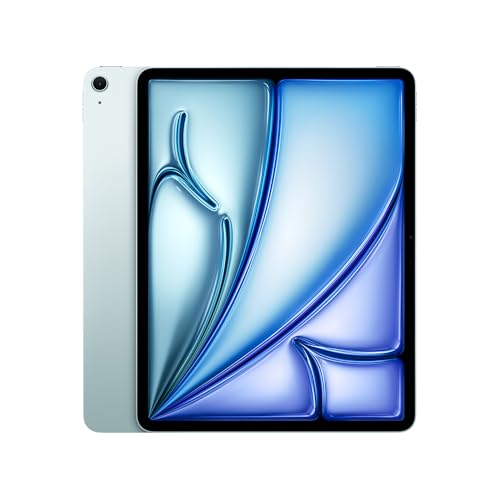
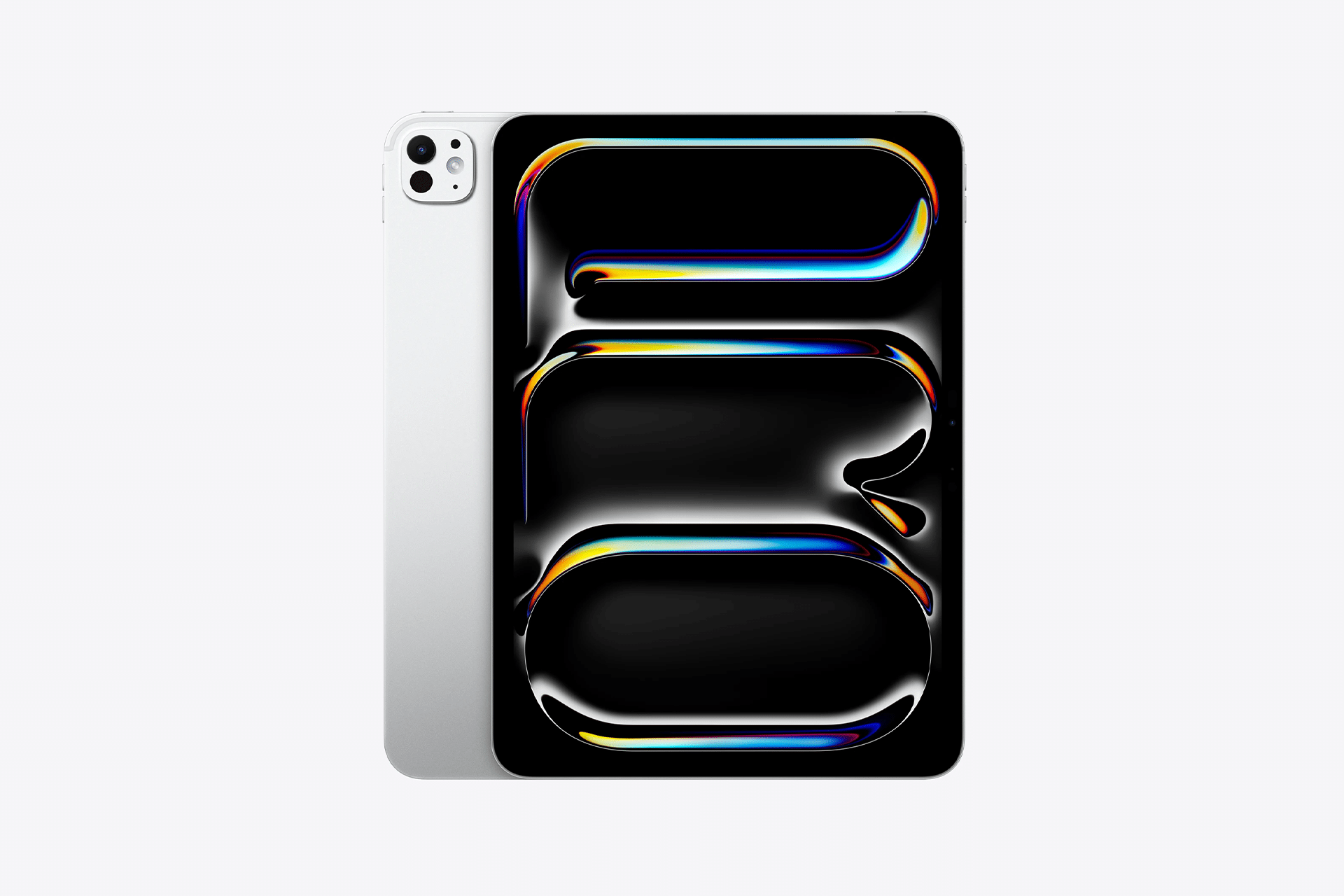
iPad Pro de 13″
Cores: preto-espacial ou prateado Armazenamento: 256GB, 512GB, 1TB ou 2TB Vidro: convencional ou nano-texture Conectividade: Wi-Fi ou Wi-Fi + Cellular
NOTA DE TRANSPARÊNCIA: O MacMagazine recebe uma pequena comissão sobre vendas concluídas por meio de links deste post, mas você, como consumidor, não paga nada mais pelos produtos/serviços usando os nossos links de afiliado.
I love reading — or at least that’s what I tell myself. In reality, I’ve always had a very on-and-off relationship with it, going from devouring books in days to barely opening one for weeks or months on end.
But one constant I’ve realized is that I don’t tend to prioritize reading — if there’s a show I’m binging, a new game I can’t stop thinking about, or simply lots of social engagements to attend, books will generally get put aside until I have more time on my hands.
But then something occurred to me — while I don’t always have long stretches of time that I’m happy to devote to reading, my days are full of short periods that aren’t being filled, like while I’m waiting in line or at a train station, or simply waiting for the kettle to boil. And then there are times when I’m on a train or in a cafe and might want to read, but don’t have a book with me as I travel light.
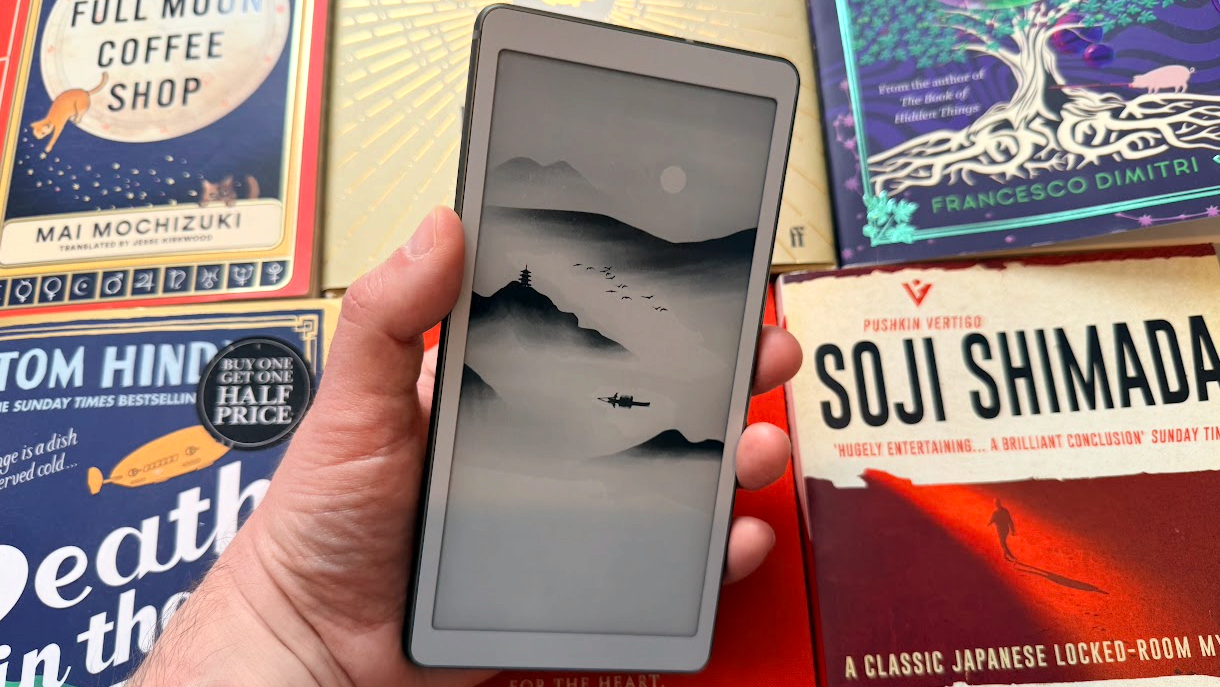
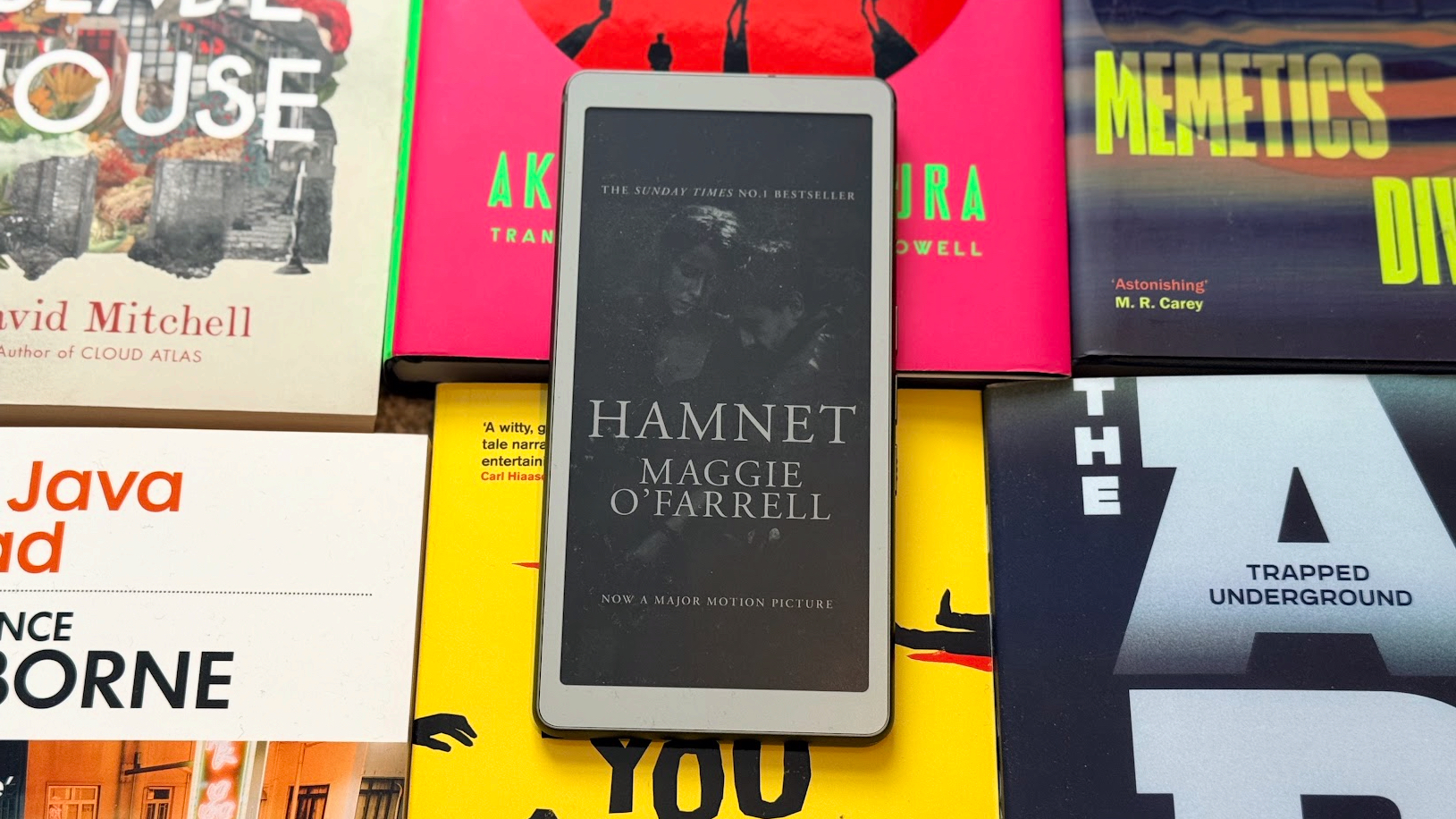
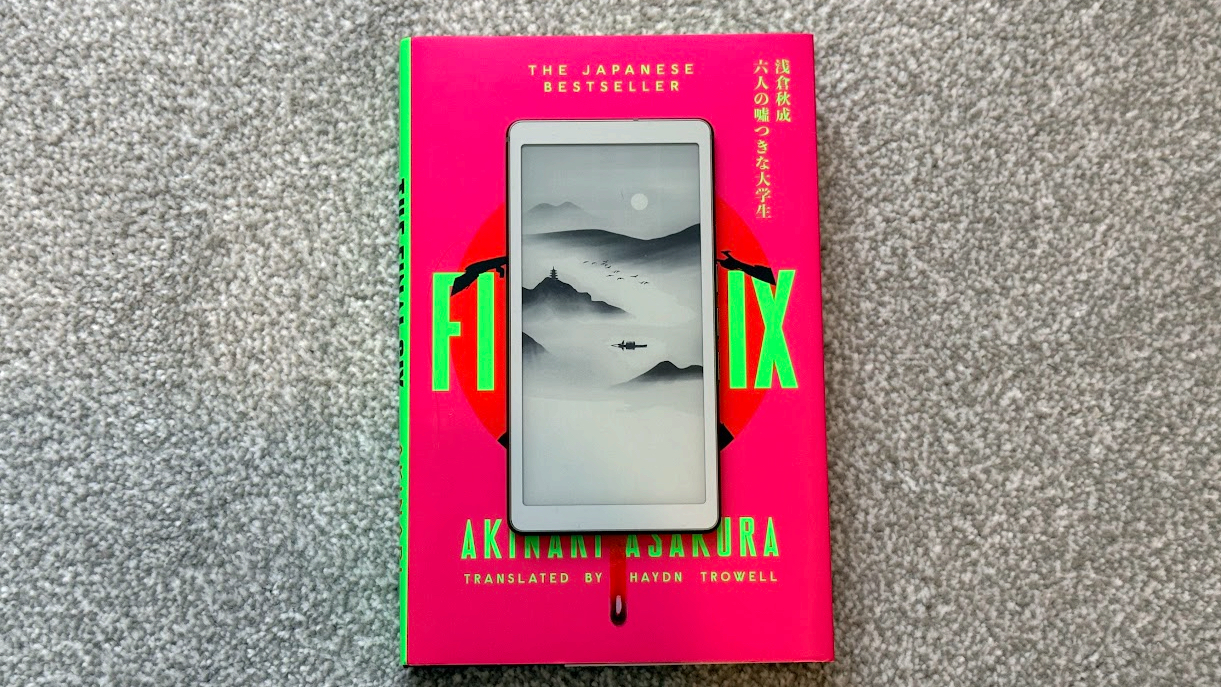
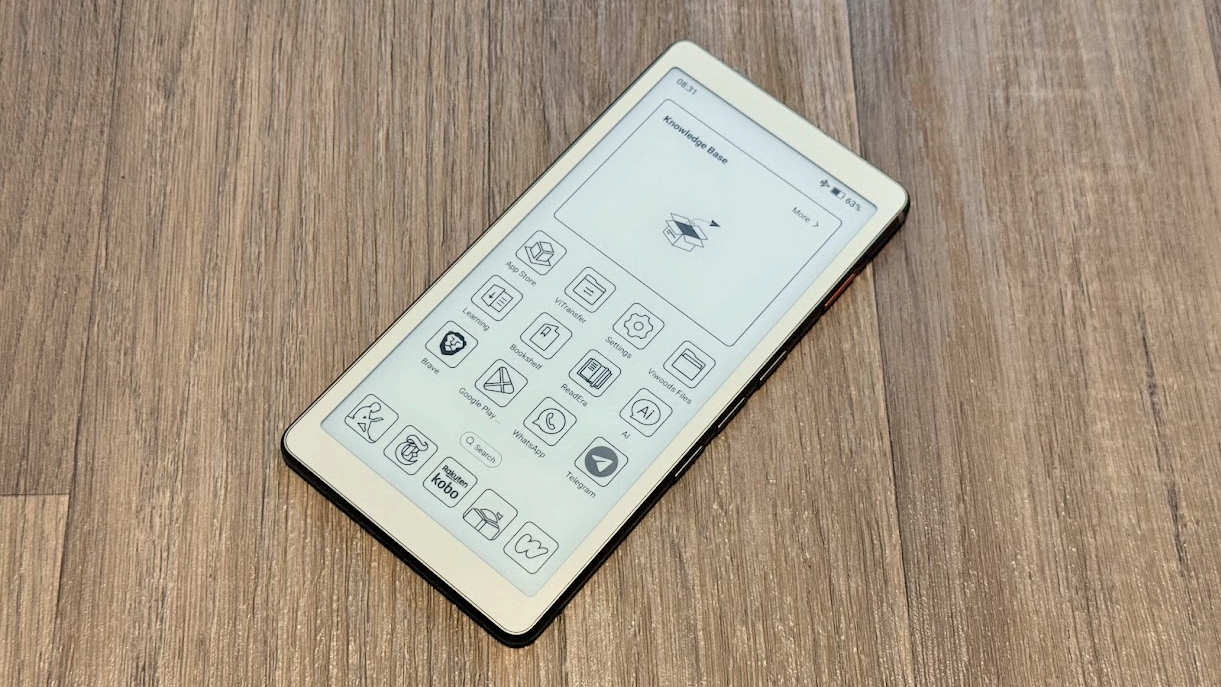
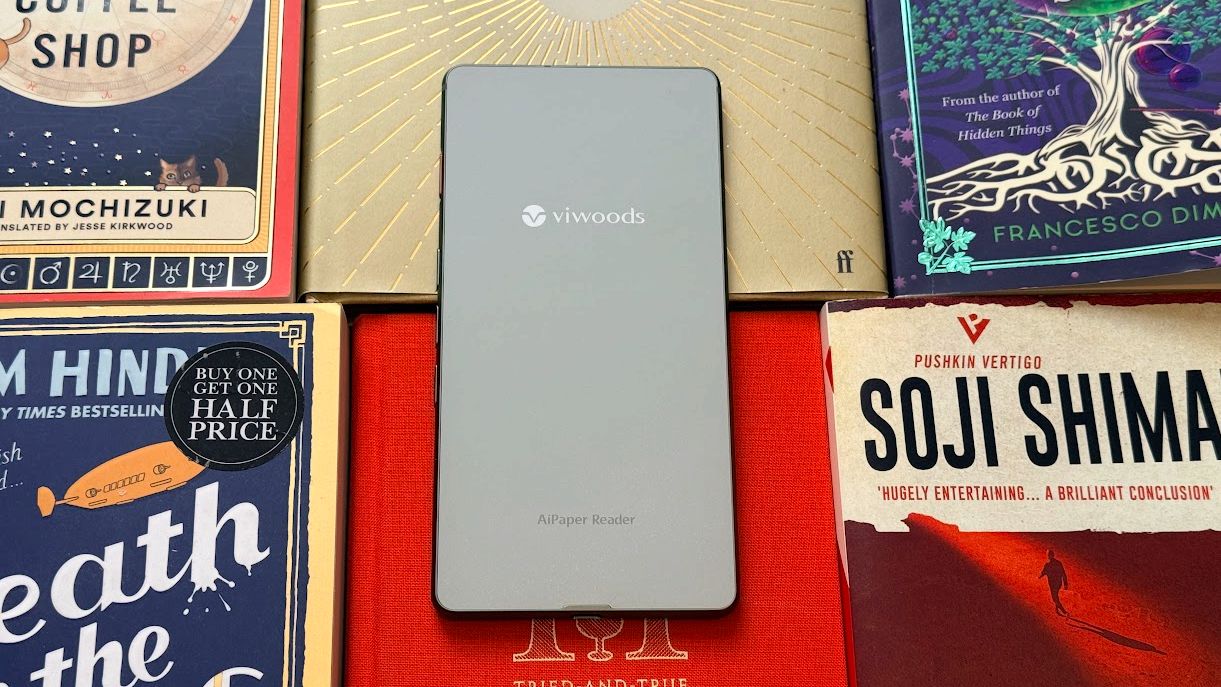
With all that in mind, back in late January, I bought the ViWoods AiPaper Reader — a pocket-sized Android ereader that’s small enough to carry with me everywhere alongside my phone — in the hopes that it would get me reading during periods that might otherwise be dedicated to podcasts or simply spent sitting or standing in slightly bored silence.
At the same time, I also had some hope that, since this ereader has full access to the Google Play Store, it might help cure my smartphone addiction — as doomscrolling was likely to be less desirable on an E Ink screen.
A tiny device that was a big reading success
(Image credit: TechRadar)
Before buying the ViWoods AiPaper Reader, I hadn’t read much in a while — I had dozens of unread books on my Kindle Colorsoft and big stacks of physical books silently judging me. I might start one, but it wouldn’t stick — life would get in the way, or it wouldn’t immediately grab me enough to reach for it again.
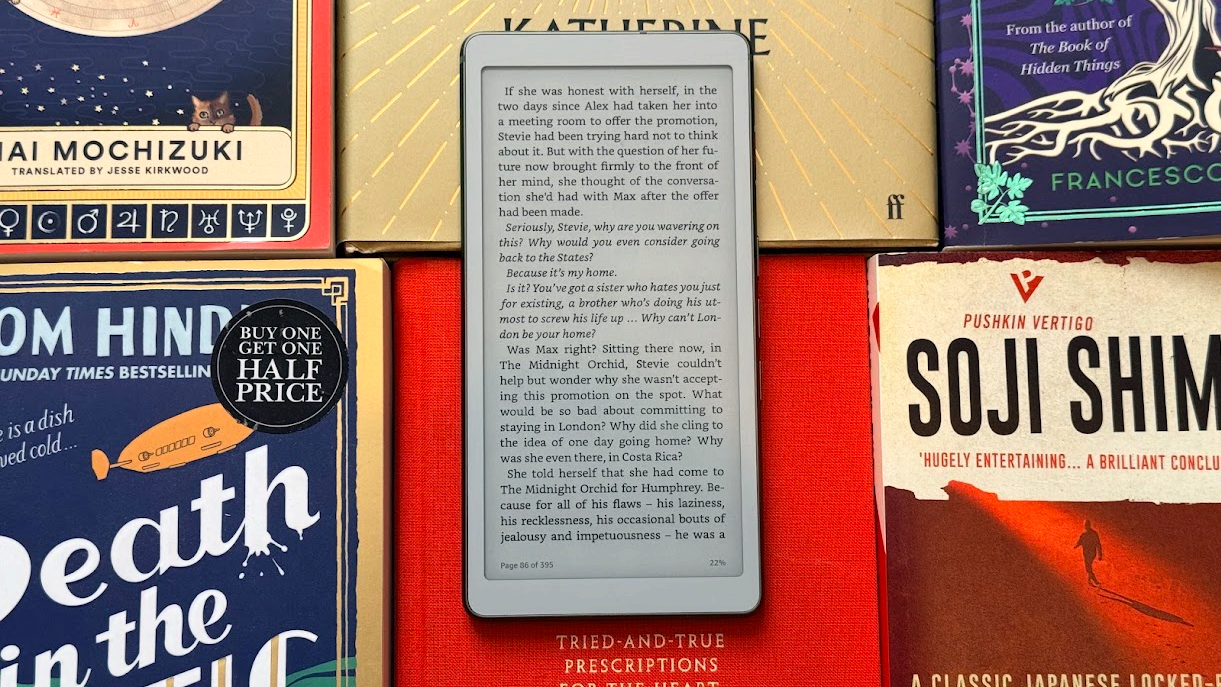
But the ViWoods AiPaper Reader changed that. I loaded up the Kindle app on it and got in the habit of keeping it in my pocket, alongside my phone. Then, almost any time I would previously have switched on a podcast — such as when on a train or in small empty moments of my day — I’d reach for this instead.
It didn’t matter whether I had two minutes or two hours; I’d aim to read something, and because the AiPaper Reader was always in my pocket, there was no excuse not to. I didn’t even have to go to my shelves to grab a book.
It allowed me to build a consistent reading habit and make progress with books even on days when I didn’t have much time, or wasn’t massively in the mood to read. After all, reading a couple of pages while boiling the kettle is still better than nothing, and it all adds up. And best of all, because this device got me back into reading, I’m now more inclined to read my paperbacks than I have been for some time.
Was it all smooth sailing? No, there have been some days and even a few weeks where I would stop carrying the ViWoods AiPaper Reader with me. But so far, I’ve always found it easier to go back to than a larger ereader or a physical book.
An imperfect light and unnecessary AI
(Image credit: TechRadar)
This isn’t the perfect pocket-sized ereader. It has a front light but not a warm light, which can make reading at night a bit less comfortable than on some of the best ereaders — especially as the brightness is adjustable, the minimum level is still quite bright.
There’s also the AI-shaped elephant in the room, which even if you know nothing about this device, you’ve probably been wondering about from its name.
Like so much recent tech, the ViWoods AiPaper Reader is trying to cash in on the AI craze; there's a dedicated AI button that you can press to speak to an AI chatbot, with models from OpenAI, Google, DeepSeek, and Qwen all built in.
(Image credit: TechRadar)
These platforms can be used either as general-purpose AI chatbots or in combination with ViWoods' own apps to, for example, look up definitions of words in the books you’re reading. But personally, I’m tending to just use the Kindle app for reading, which can’t directly communicate with the AI.
Plus, using the ViWoods' AI functionality requires a Wi-Fi connection, which drains the battery faster than I want from an ereader, and it’s slower to interact with than just pulling up Gemini on my phone.
Beyond AI, some of the other software available on the ViWoods isn’t perfect, either, as while it runs a fairly recent version of Android in Android 16, there’s no promise of any version updates, and ViWoods’ own interface leaves a little to be desired. For example, there's little explanation of how some features work, and many important settings are hidden away in an ‘advanced settings’ submenu. There’s also an 11-step process to actually authorize and activate the Google Play Store on this device, despite it running Android.
Those gripes aside, I’ve generally been impressed by the ViWoods AiPaper Reader. Its 6.13-inch Carta 1300 screen is big and crisp enough to comfortably read on, its battery lasts me anywhere from a few days to a few weeks depending on how much I’m using it, and it looks like a genuinely premium device, with a slim, sleek design that’s almost up to the standards you’d expect from a premium brand like Apple.
This didn’t cure my addiction
(Image credit: TechRadar)
While the ViWoods AiPaper Reader got me reading again, it was less successful at breaking my doomscrolling habit — though not a complete failure.
I figured that, since it runs Android apps, I could keep my phone in another room when I’m at home, and use the ereader for most things, with its monochrome E Ink screen sure to leave me reaching for it less.
And it somewhat worked for that — when I was disciplined about actually keeping my phone out of reach. But after a while, I got out of the habit, and even when I did keep my phone elsewhere, I’d sometimes encounter things I genuinely wanted it for, like penning a long message. So this wasn’t the perfect solution for me.
(Image credit: TechRadar)
I’d perhaps have more luck if I fully replaced my phone with a device like this — and the ViWoods AiPaper Reader does have a SIM card slot, so it can fulfil most smartphone functions. But it lacks speakers and cameras, so you’d be making some unfortunate sacrifices.
Were I serious about that idea, I might invest in something like the Mudita Kompakt instead, as that’s designed specifically as a minimalist E Ink phone. So, if you’re looking primarily for something to break your smartphone habit, I’d suggest a device like that instead (or, perhaps, the similarly distraction-free Balance Phone).
Still, as a secondary function on a device I’m mostly using for books, the ViWoods AiPaper Reader has not been a total failure.
Now, if you’ll excuse me, I’ve got some reading to do.
Apple’s next iPad lineup refresh could begin this fall with a new iPad mini, followed by updates across the rest of the tablet family during 2027. The reported schedule would give Apple a rolling series of launches rather than one event covering every iPad at once.
Bloomberg’s Mark Gurman reports that Apple is preparing replacements for the iPad mini, entry-level iPad, iPad Air and iPad Pro. The compact model is expected to arrive first, potentially as early as October, while the remaining tablets would follow over the next several months.
Apple has not announced any of the devices, and release timing can change. The report nevertheless gives prospective buyers a clearer picture of where each current model sits in its cycle. The first update could also bring one of the most requested display improvements to Apple’s smallest tablet.
iPad Lineup Refresh Starts With the Mini
The iPad lineup refresh is expected to begin with the iPad mini, which has received fewer updates than Apple’s larger tablets. The current design remains popular because it offers an 8.3-inch screen in a device small enough to hold comfortably with one hand, place in a small bag or use as a portable reading and note-taking tool.
The next model is reportedly moving to an OLED display. That would give the iPad mini deeper black levels, stronger contrast and more vivid color than its current LCD panel. OLED would be particularly noticeable when reading in dark environments, watching video or working with images.
The new display is expected to measure approximately 8.4 inches without producing a major change to the overall design. Apple may retain a 60Hz refresh rate rather than bringing the 120Hz ProMotion technology used by the iPad Pro. That could disappoint buyers hoping the mini would become a compact Pro model, but OLED alone would represent a visible upgrade.
Reports have also pointed to an A19 Pro chip. That would give the smaller tablet more performance for games, creative apps, Apple Intelligence and longer-term software support. The current iPad mini already occupies an unusual position between a reading device and a compact professional tool. A stronger chip and OLED screen would push it further toward the second category.
Price may become the less attractive part of the update. Apple could raise the starting cost as display and memory expenses increase. Buyers interested mainly in portability may accept a higher price, but the iPad mini would need to avoid moving too close to the iPad Air.
The Entry-Level iPad May Stay Familiar
Apple’s least expensive iPad is expected to receive a more modest update in early 2027. The company reportedly plans to preserve the current design while replacing the processor with a newer chip.
That would fit the role of the entry-level model. Apple uses it for education, families, basic productivity, streaming, games and first-time tablet buyers. A dramatic redesign could increase the cost without improving the tasks most customers use it for.
The processor update could bring Apple Intelligence compatibility, depending on the chip and memory configuration Apple chooses. The current model’s position outside some advanced AI features creates an increasingly visible separation from the rest of the lineup.
A newer chip would also extend the useful life of the device. Entry-level iPads are often kept for several years, passed between family members or deployed in schools and businesses. Long software support can be more valuable in that segment than a thinner body or new camera arrangement.
Anyone considering the current base iPad should decide whether price or longevity has greater value. The current model remains suitable for ordinary use, particularly when discounted. Buyers who want the longest possible support window may prefer to wait.
iPad Air Could Receive the Larger Display Upgrade
The iPad Air is also expected to receive an update in 2027, with OLED display technology reportedly planned for the range. That would narrow one of the most obvious visual differences between the Air and the iPad Pro.
Apple currently positions the Air as the balanced choice: stronger than the entry model, less expensive than the Pro and available in 11-inch and 13-inch sizes. It supports Apple Pencil Pro and Magic Keyboard while offering M-series performance for demanding apps.
An OLED display would make that value proposition more aggressive. The Air could offer improved contrast and image quality without requiring buyers to move to the Pro tier. Apple would still have several ways to distinguish the Pro, including ProMotion, brighter displays, thinner hardware, advanced cameras and newer processors.
The processor is likely to receive another M-series upgrade as well, though the exact chip remains uncertain. For most users, the Air already has far more processing power than routine tablet work demands. The screen may provide the stronger reason to wait.
The risk for Apple is pricing. OLED panels could push the Air upward, especially in the 13-inch configuration. If the gap between Air and Pro becomes too narrow, buyers may move directly to the flagship. Apple will need to preserve a convincing middle tier.
iPad Pro May Focus on Power and Accessories
The next iPad Pro is reportedly planned for spring 2027. Apple may use a new M-series processor while leaving the current thin design largely intact.
That would make the Pro refresh more evolutionary than transformative. The current generation already includes OLED displays, high-end performance, Face ID, ProMotion and support for Apple Pencil Pro and Magic Keyboard.
Apple is also reportedly preparing two updated Apple Pencil models. Those accessories could arrive alongside the next iPad Pro, with changes potentially related to battery design and regulatory requirements.
The larger question is what additional processor power will do for the tablet. iPadOS 27 has expanded multitasking and window management, but buyers continue to evaluate the Pro against MacBook models at similar prices. A faster chip alone will not settle that comparison.
Apple may rely more heavily on AI, professional applications and accessory integration to justify the update. The Pro has become a platform for illustration, video editing, music production, 3D work and specialized enterprise apps. New hardware needs to strengthen those uses rather than simply win another benchmark.
Should Buyers Wait?
The answer depends on the model. Prospective iPad mini buyers have the strongest reason to pause because the reported fall update could introduce a substantially better display within months.
Entry-level buyers can still consider the current iPad when pricing is attractive. Its expected replacement appears focused on performance rather than design. Waiting becomes more sensible for anyone who wants Apple Intelligence support or maximum longevity.
The current iPad Air remains a capable option, particularly for users who need a tablet now. OLED would improve the experience, but a 2027 release leaves a longer wait. The same logic applies to the iPad Pro. Its successor may be faster, though the existing model already covers demanding work comfortably.
Apple’s gradual schedule could keep the iPad in the hardware conversation from fall through spring. It also means there will be no single perfect moment when every model is equally new.
The iPad mini may open the cycle because it has the most obvious opportunity for visible improvement. After that, Apple can use the base iPad for reach, the Air for broader OLED adoption and the Pro for its latest silicon and accessories.
The tablet lineup is not expected to change all at once. It may instead evolve model by model, giving buyers repeated reasons to reconsider which iPad fits their needs.
It was the news none of us wanted to hear, but at the turn of the new financial year in Australia, Apple made the move to raise Australian prices across its entire product lineup. The tech giant has often been better than other tech companies at absorbing increased supply-chain costs, but the current RAM and component crisis meant it could no longer hold out.
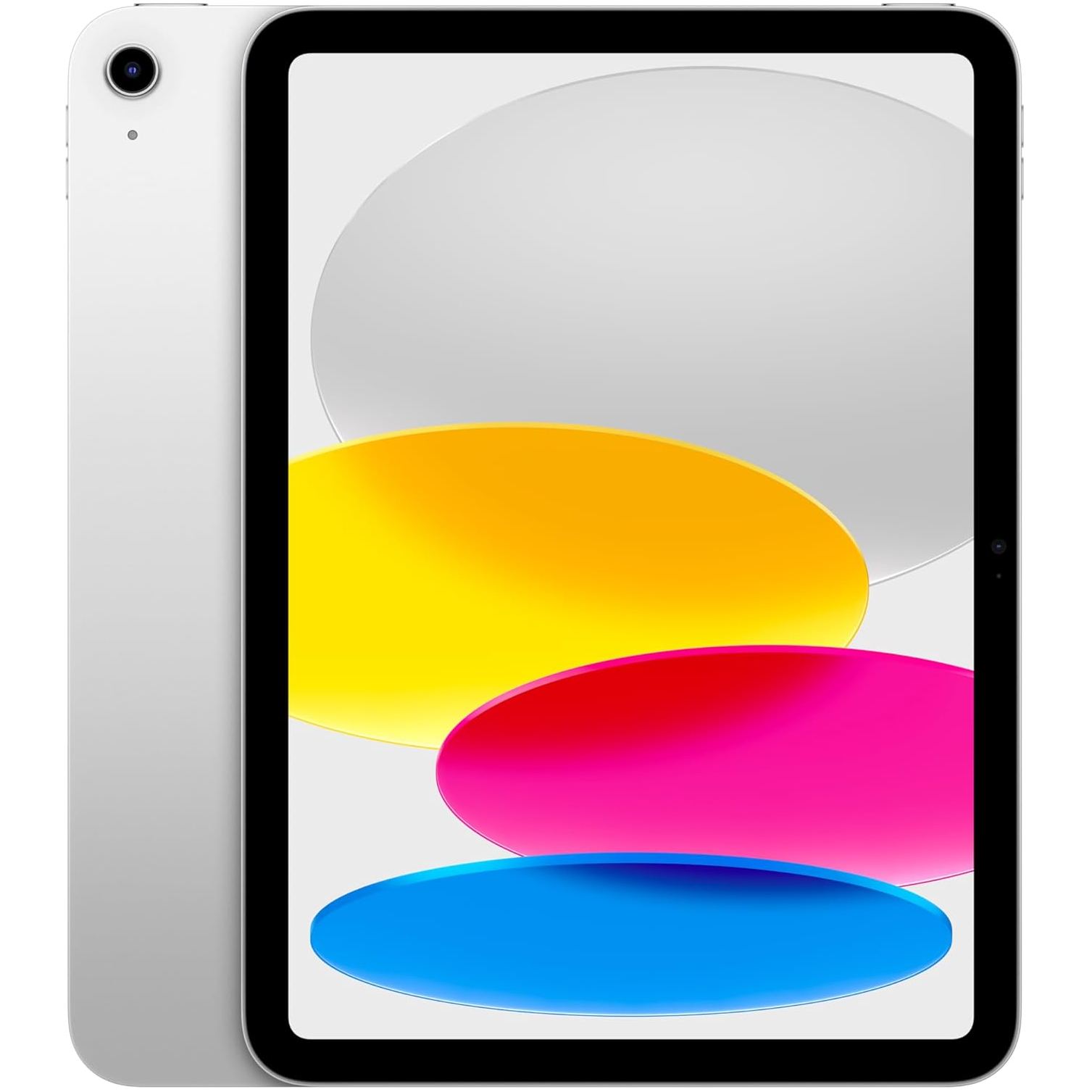
Perhaps the biggest and most upsetting increase affected the delightfully affordable MacBook Neo, but even the iPad wasn’t immune, with the company’s entry-level iPad (A16) seeing its price surge to AU$749, an increase of AU$150.
If you were hoping to grab one for yourself, but were put off by the increase (we wouldn’t blame you), then Amazon could have just answered your prayers, as it has knocked it back down to its pre-increase price of AU$599.
Beating its Prime Day price by a cool AU$70, now is prime time (pardon the pun) to scoop up Apple’s most affordable iPad at a price that’s slightly easier to stomach. The A16 chip is a good fit for streaming, browsing, note-taking, video calls and light productivity, while our iPad 11-inch (2025) review found it zippy for everyday apps. It doesn’t support Apple Intelligence, but that’s unlikely to bother most casual tablet buyers.View Deal
OK, so this might not be the absolute best iPad discount ever — it dropped to AU$499 during the recent EOFY sales — but for Amazon to bring the asking price back down to its longtime RRP is worth shouting about.
At its previous full price of AU$599, we could confidently say that the iPad 11-inch (2025) ranks as the best iPad for most people and the best cheap tablet overall.
Not only does the aforementioned A16 chip mean it’s quick in use, but a 10-hour battery life and crisp 10.9-inch screen make it a stellar choice for scrolling, streaming, video calling and light gaming.
Amazon has only discounted the 128GB variant, and while the Cellular model also gets a discount, it’s nowhere near as impressive as the Wi-Fi-only alternative. Do note, however, that the AU$150 saving only applies to the silver and pink models. The blue colourway is down to AU$699, while yellow has been left untouched.
I don’t expect this discount to last forever, and it’s anyone's guess if and when it’ll receive a similar saving in the future. If you missed out during EOFY and weren’t taken by the Prime Day price, this is an opportune time to pounce.
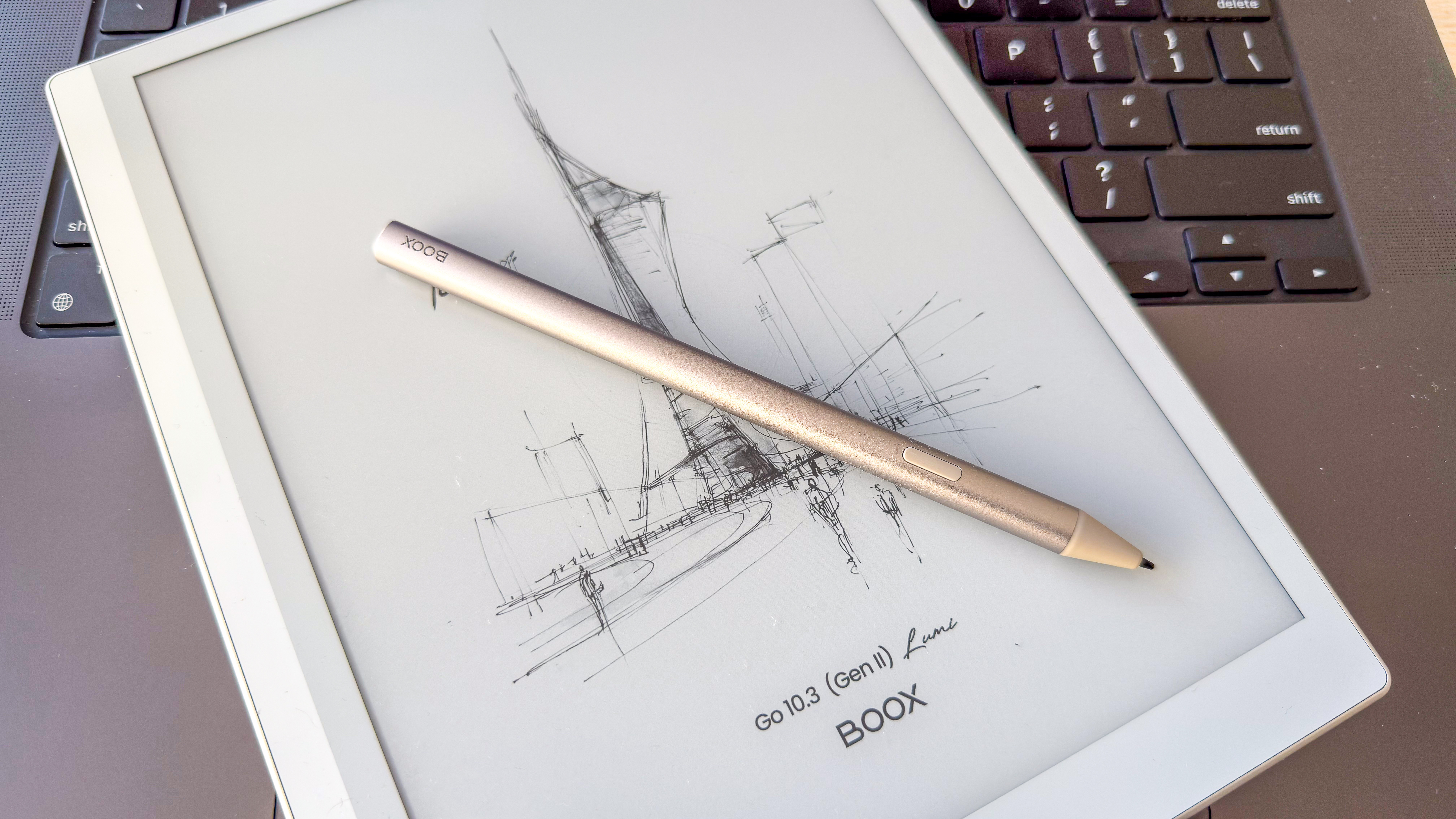
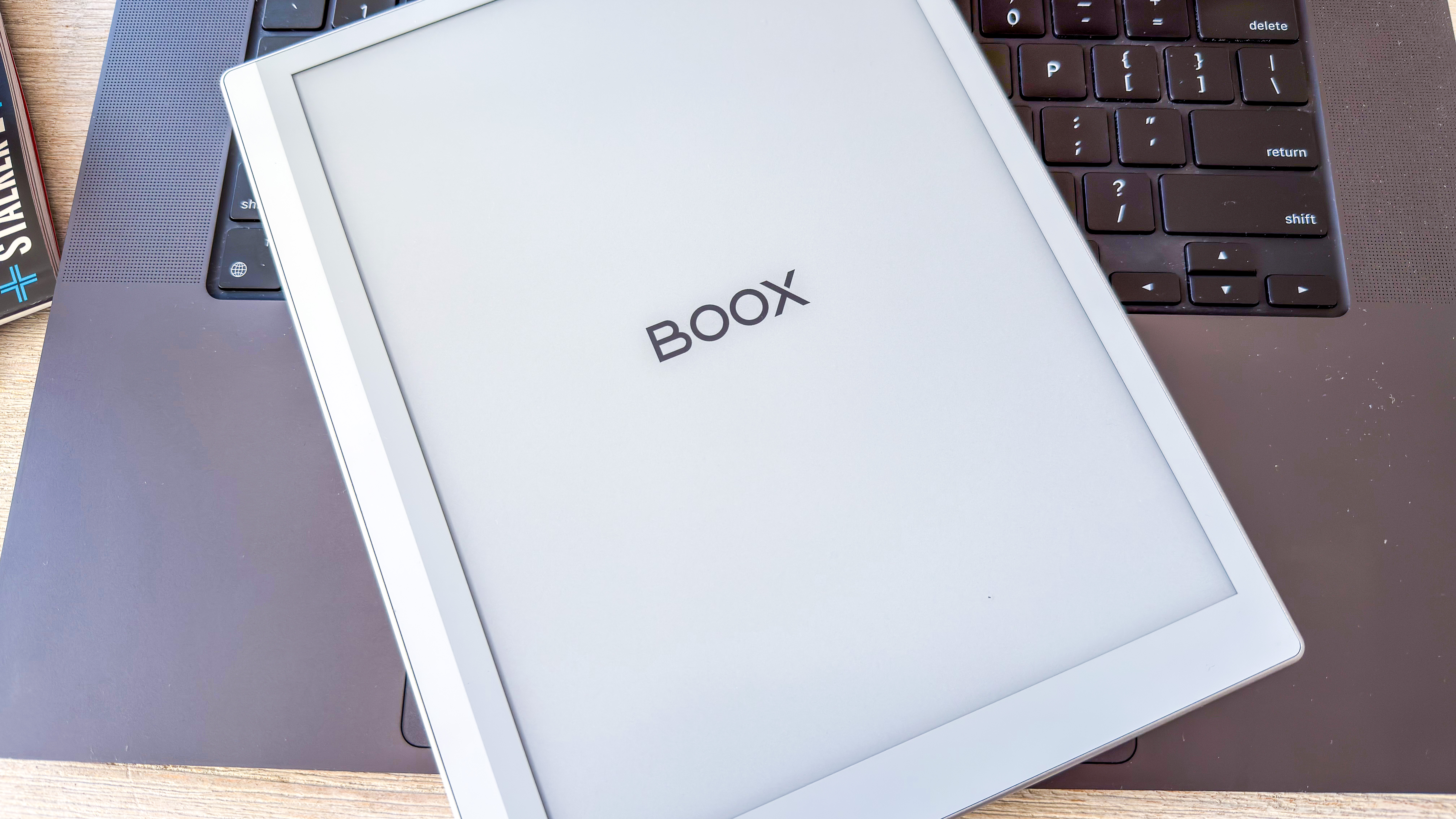
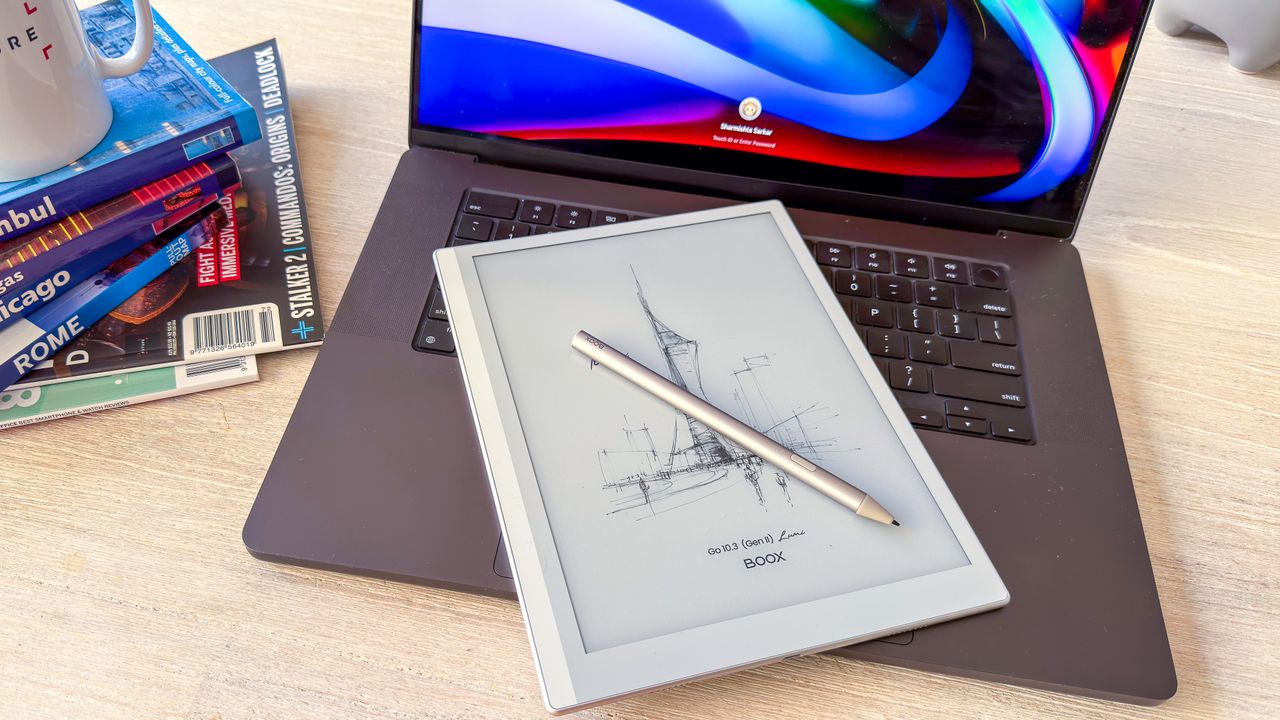
As far as epaper writing tablets go, Boox has some of the most versatile options thanks to their Android-based operating systems, and the Boox Go 10.3 (Gen II) Lumi is arguably the best of them despite its rather mouthful of a name — I’m just going to call it the ‘Lumi’ from here on in.
I was already a fan of the original model, calling the reMarkable dupe a pleasure to use in my Boox Go 10.3 review — and by just adding a light and making the battery consumption more efficient, the Chinese ereader maker has made the Gen II model better.
Despite the screen being a touch slower than I’ve experienced with other devices like the 2024 and 2025 Kindle Scribes, the light adds a lot of contrast to the screen, making it easier to read on, whether that’s an ebook or a handwritten note. Now, I have to mention that there is a Gen II without a frontlight as well but, in my opinion, having the screen lit up just makes the epaper writing tablet that much more usable in any situation. With a frontlight, it also becomes a true Kindle Scribe alternative — again, thanks to its Android-based OS that gives the user access to the Google Play Store.
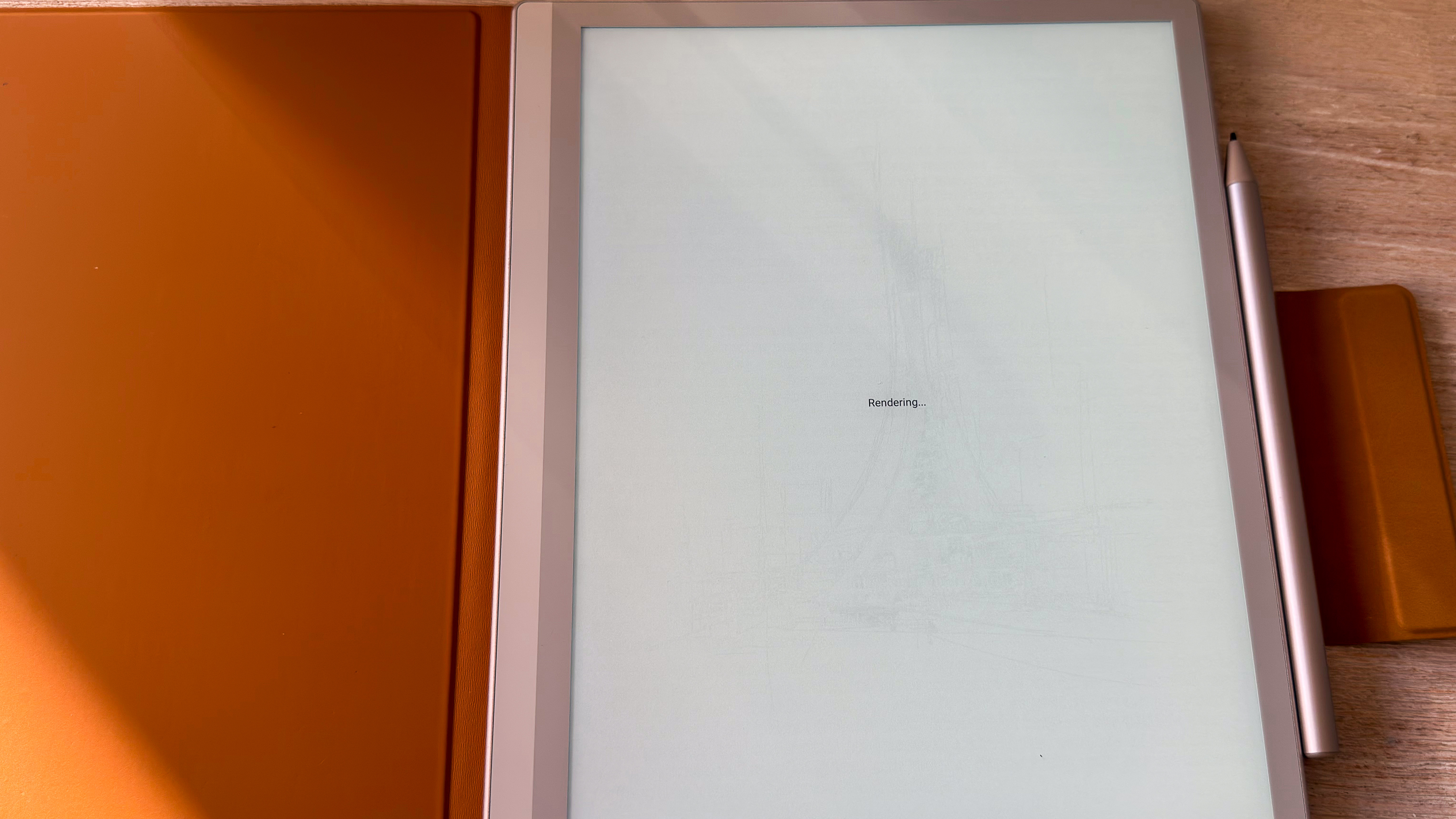
However, the aforementioned slow display is a disappointment as every time I woke up the Lumi to read or write, there would be a couple of screen refreshes (clearly marked as ‘Rendering’ when directly waking up to the native library application) before it settled down. Page turns, though, are fine but, again, Amazon’s 2025 Kindle Scribes are just that little bit faster at this as well. Long story short, screen performance doesn’t seem to have improved over the Gen I Go 10.3.
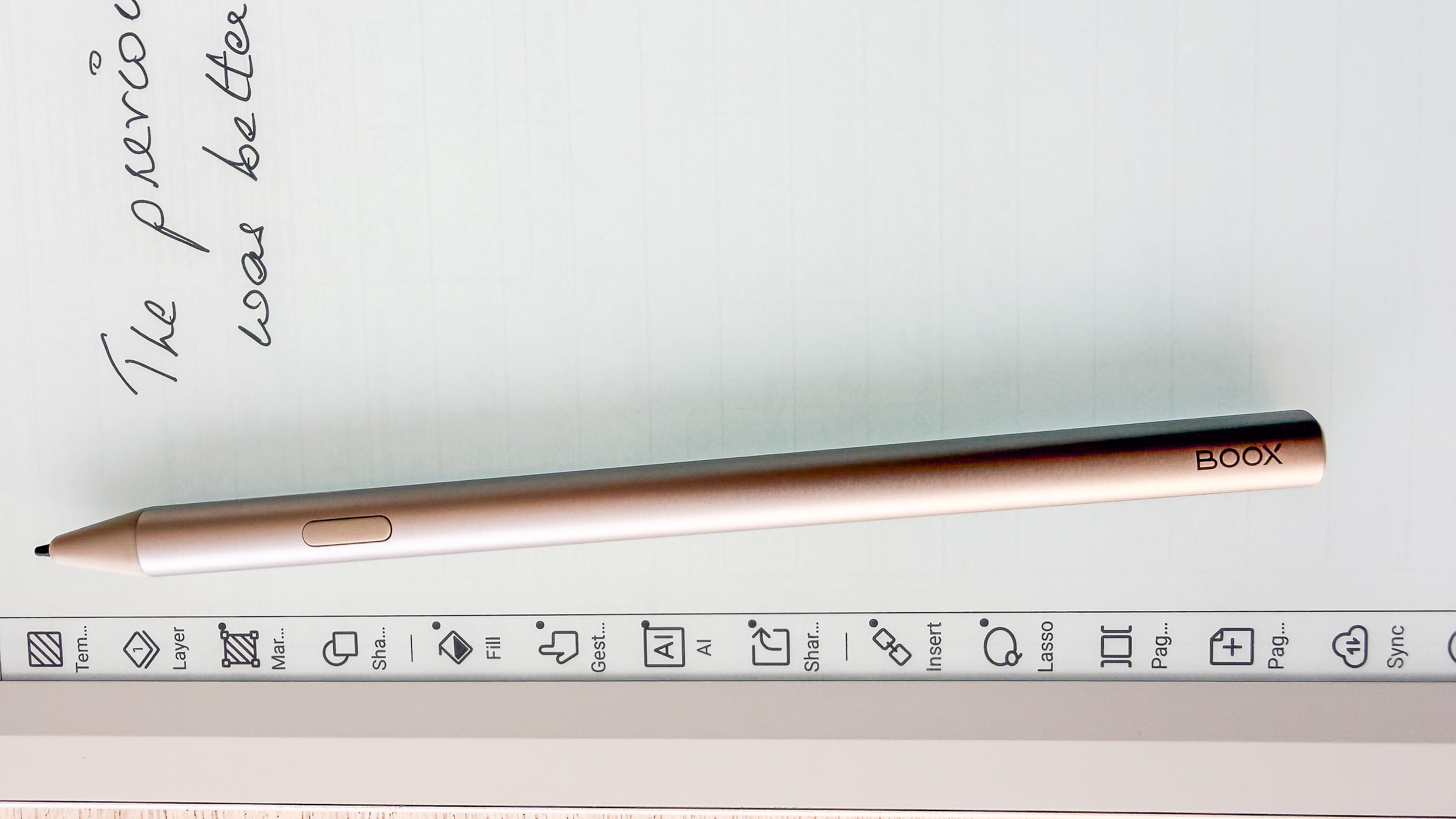
While I can live with the slower screen, I can’t fathom why Boox would retire the stylus that came with the original Go 10.3 as it was a lot better than the supplied InkSense Plus pen. The new stylus isn’t as smooth to write with, and is heavier, detracting from the all-important writing experience.
So as much as I’d love to say the Lumi is an improvement over its predecessor — and it is in a couple of ways — it just seems like Boox has taken two steps forward (with the frontlight and battery life) but one step back with the stylus.
(Image credit: Sharmishta Sarkar / TechRadar)
Boox Go 10.3 Gen II Lumi review: price & availability
Announced March 2026
List price: $449.99 / £429.99 / AU$729
Available directly from the Boox Shop and third-party retailers
With the addition of the frontlight, the price of the Boox Go 10.3 (Gen II) Lumi is a lot higher than the launch price of the original Go 10.3 — you’re looking at shelling out $449.99 / £429.99 / AU$729 for the former, which is about $70 / £50 / AU$120 more than what the latter was when it was released in 2024.
That’s quite steep, although considering how expensive every bit of tech is getting thanks to RAM shortages, I’m not really surprised. It’s still competitively priced considering the 3rd-generation Amazon Kindle Scribe (2025 release with frontlight) retails for $499 / £449.99 / AU$849 for the 32GB flavor, while you get double the storage with the Lumi. Throw in the versatility of Android and it’s arguably better value (even compared to any of the reMarkables), but given its overall performance and user experience compared to the competition, I’d be hesitant to recommend it.
If the frontlight isn’t important, you can opt for the Gen II version without it, which will set you back $419.99 / £399.99 / AU$689. Prices for both Boox Gen II devices include the InkSense Plus stylus and a magnetic sleep case.
• Value score: 4 / 5
(Image credit: Sharmishta Sarkar / TechRadar)
Boox Go 10. Gen II Lumi review: specs
Display type:
Undisclosed E Ink Carta HD panel
Screen size:
10.3 inches
Resolution:
300ppi
Processor:
2GHz octa-core Qualcomm Snapdragon 690
Frontlight:
Yes (warm and cold)
Storage:
64GB (non-expandable)
Battery:
3,700mAh
Speaker:
Dual (stereo)
Water protection:
None
Software:
Android 15
Connectivity:
Wi-Fi (2.4GHz + 5GHz); Bluetooth 5.1 USB-C
File support:
20 document, 4 image, 2 audio
Dimensions:
235 x 183 x 4.8mm (9.3 x 7.2 x 0.19 inches)
Weight:
364g (without case and stylus)
Boox Go 10. Gen II Lumi review: design & display
Good-looking, lightweight epaper tablet, but clunky stylus
10.3-inch E Ink display with good contrast
Textured rear panel adds good grip
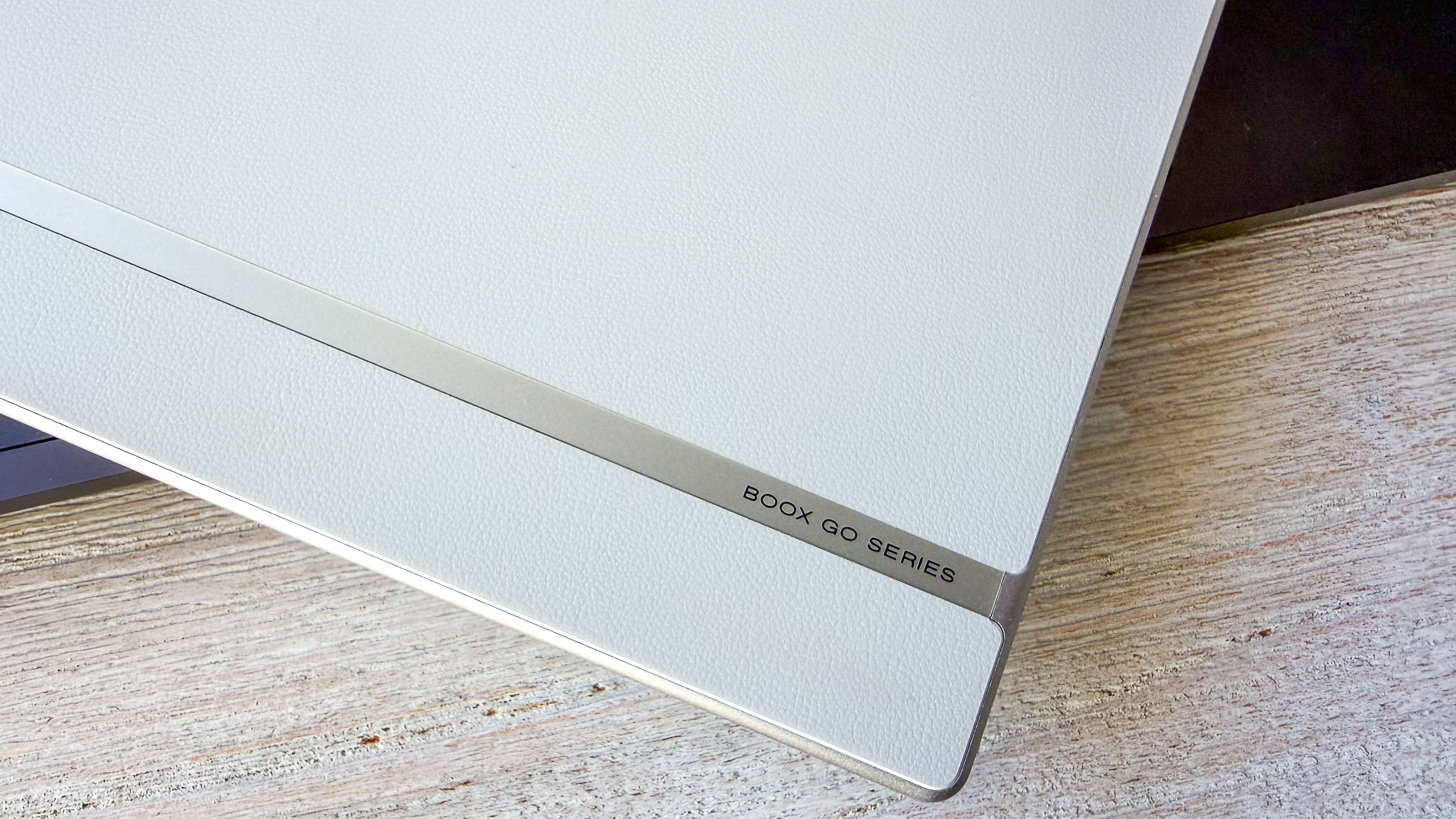
With its eggshell-white body and metallic trim, I thought the first-gen Boox Go 10.3 was a pretty tablet, so I’m glad to see that the Gen II version hasn’t been changed — except for a slightly more textured rear panel that affords a little more grip, which is important for a slim device like the Go series slates. I should note here that both Gen II Go 10.3 tablets are identical physically but, without LEDs on the unlit version, it’s about 14g (0.5oz) lighter.
While the slimness doesn’t make for fantastic ergonomics, the Lumi weighing only 364g is, in fact, lighter than the Gen 1 model that tipped the scales at 375g without screen lights. It is about 0.2mm thicker than the previous Go 10.3, but that’s neither here nor there.
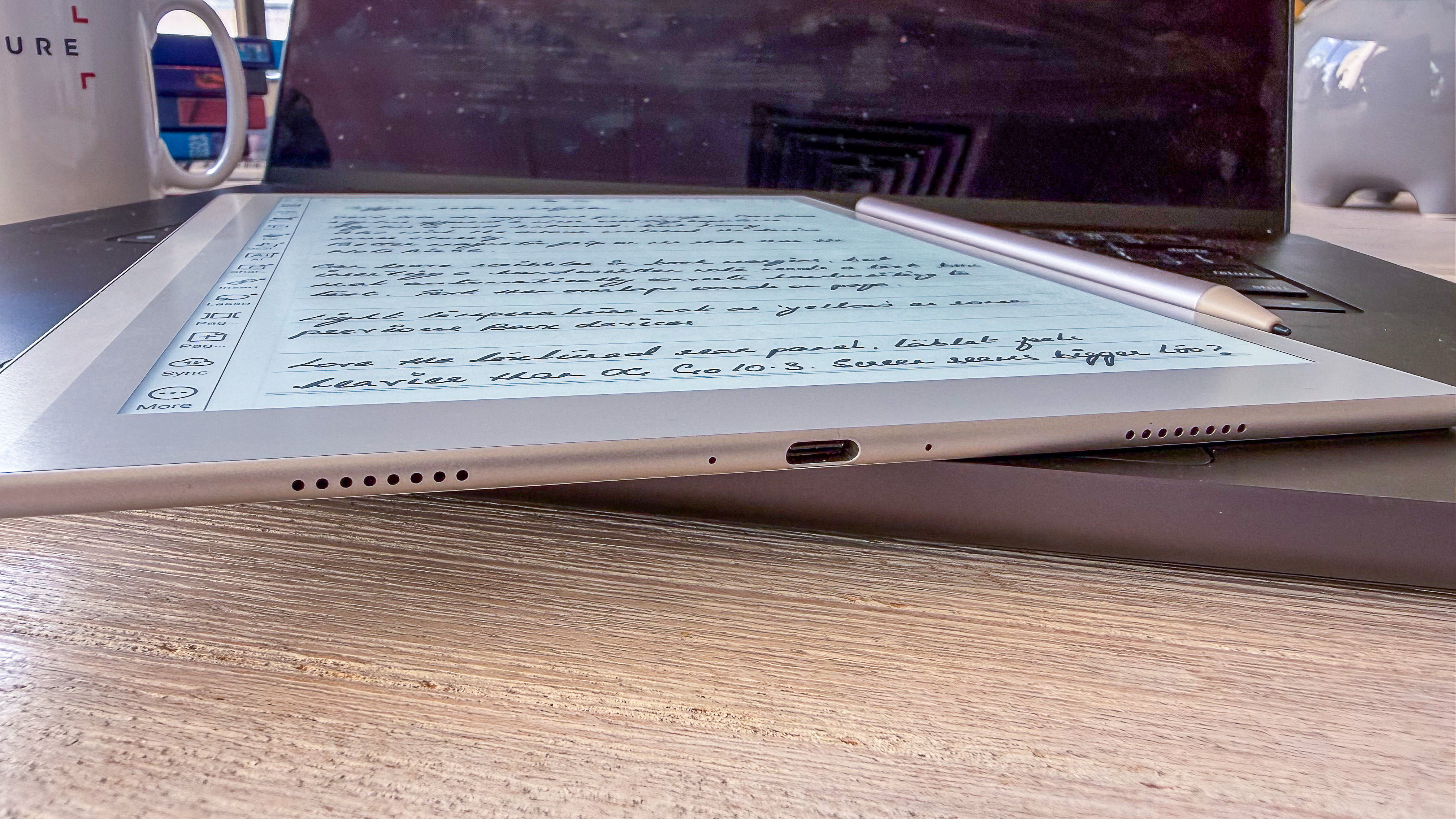
It’s still a beautiful device and, despite the thinness, there are dual speakers on either side of the USB-C port on the bottom edge, as does a mic. The only button is for power/sleep on the top edge. There’s no microSD tray here, though, for additional storage. One larger bezel allows plenty of room for your hand, although holding such a slim device, no matter how light, isn’t necessarily ergonomic. If you add in the sleep case, however, it just becomes heavier.
I should talk about the case here, really quick — it’s a faux suede cover that unfortunately comes with the removable flap that I utterly detest. The brown suede material starts to lose its luster within days of use, so I can’t attest to its longevity, but I can’t fathom why Boox has to make the magnetic flap removable. This has been the case with the last few Boox devices I’ve tested and I find it rather annoying — the magnet is quite strong and the flap tends to entirely come away when you unfold it to close the case or secure the stylus to the side of the tablet.
(Image credit: Sharmishta Sarkar / TechRadar)
Speaking of which, the magnetic hold of the stylus is good but, as with nearly every such device, it’s not strong enough to keep the pen secure during travel, so you do need to depend on the case.
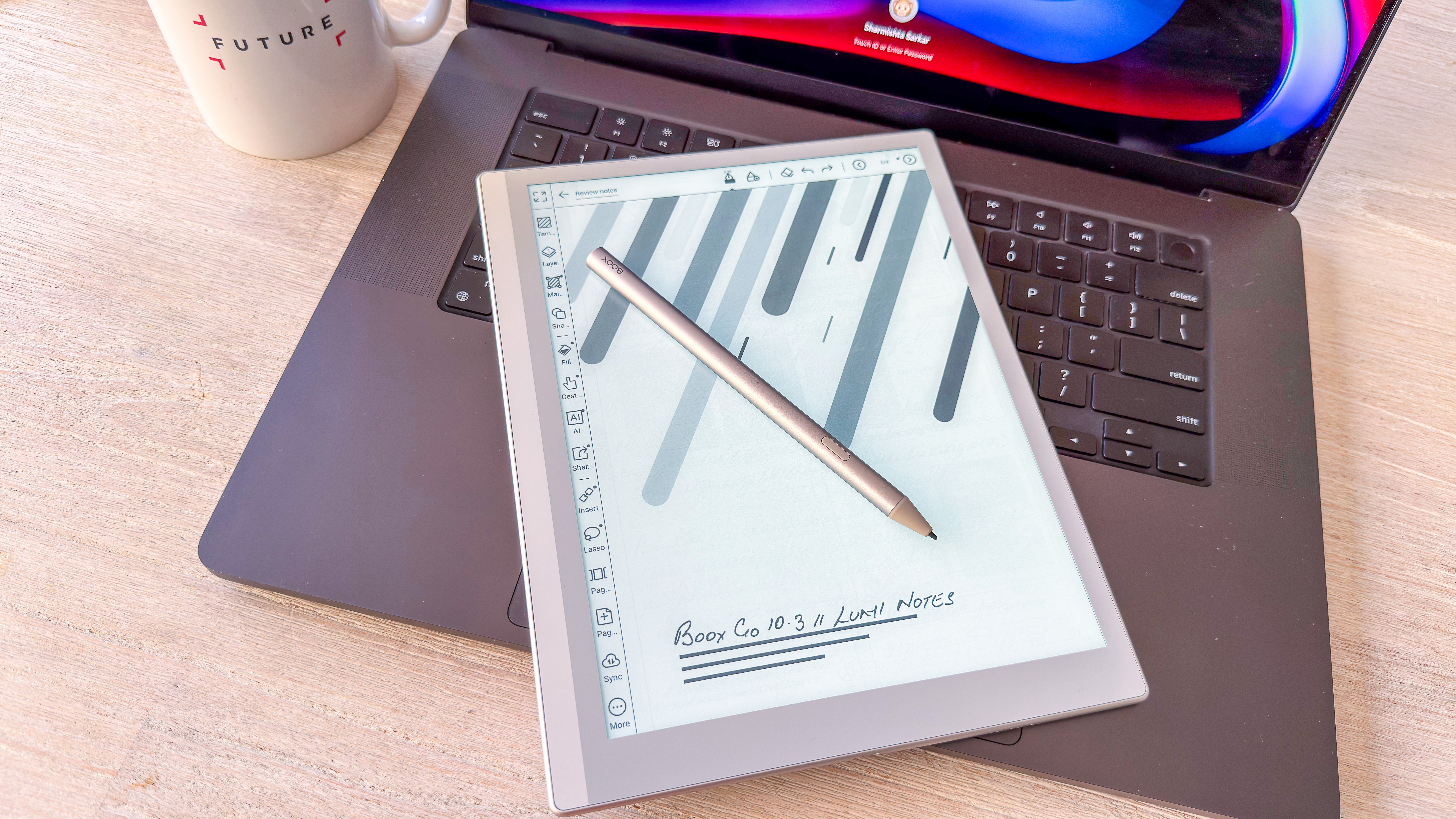
Boox has also changed the pen, now offering the InkSense Plus stylus that has a thicker tip that just isn’t as smooth as the previous stylus. It’s also slightly heavier than the older pen, which makes it feel clunky in the hand that, in my opinion, doesn’t lend itself well to controlled mark making on the screen. And as I’ve discussed elsewhere, the stylus can make or break the user experience for epaper tablets. Sadly Boox is moving away from using EMR support on its screens (just like reMarkable), so you can’t use a third-party pen on the Lumi.
Boox hasn’t revealed what E Ink screen technology it’s using here, but the 10.3-inch display isn’t bad, with a 300ppi resolution. It’s not as yellow (warm) as I’ve seen on other Boox devices and the frontlight’s incremental adjustments for both brightness and temperature are excellent, adding wonderful contrast to the text or writing on the screen that makes the Lumi a far better reading tablet than its predecessor.
• Design & display score: 4 / 5
(Image credit: Sharmishta Sarkar / TechRadar)
Boox Go 10. Gen II Lumi review: Software
Runs a custom Android 15-based operating system
A relatively clean user interface, but it takes getting used to
Plenty of good native apps, but access to the Google Play Store makes it very versatile
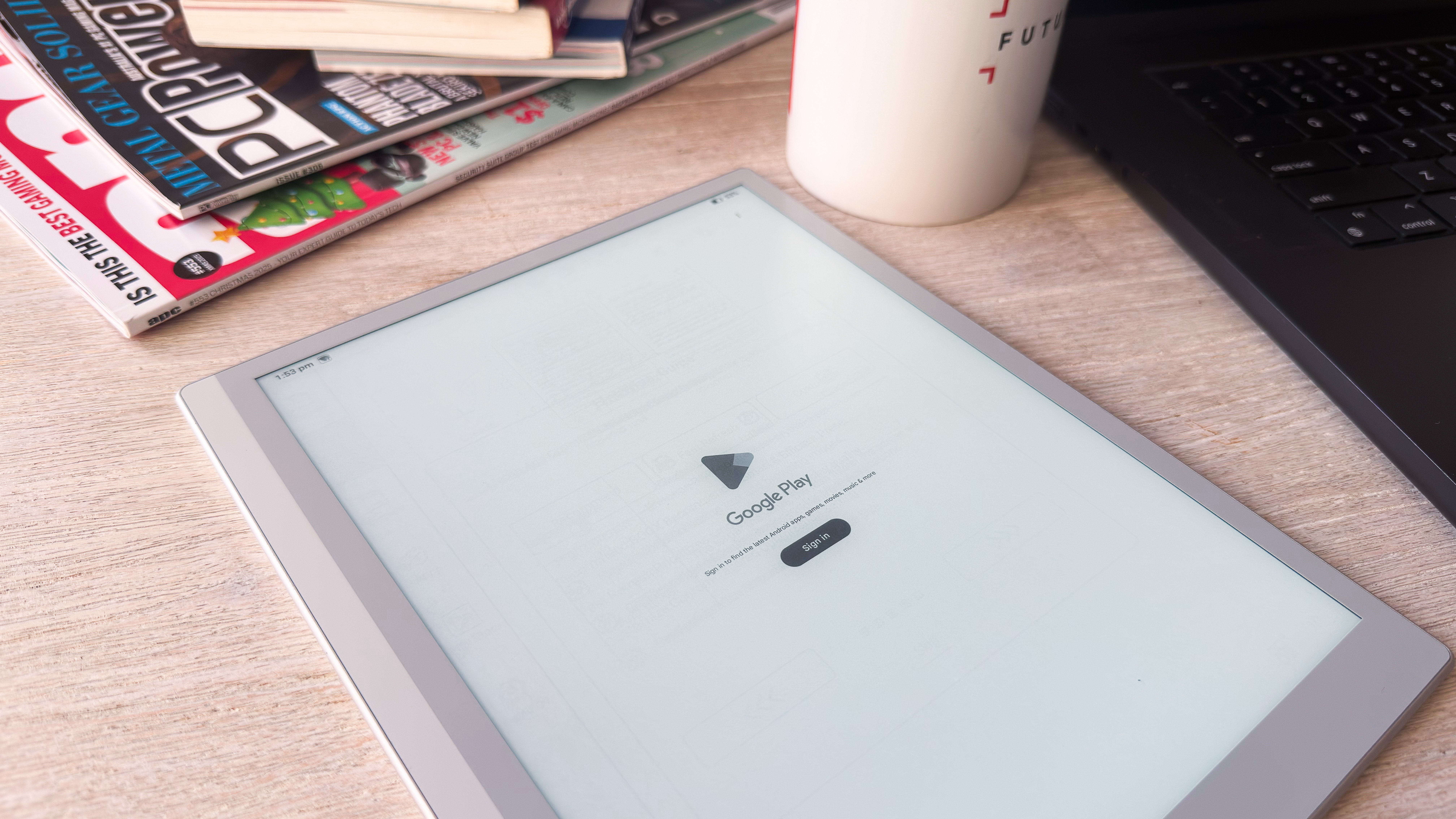
Where the original Go 10.3 released in 2024 was using Android 12, the Lumi (and its cheaper sibling) have been upgraded to Android 15, although the software is a very trimmed-down custom version of Google’s operating system. You still get unfettered access to the Google Play Store, so you can, in theory, use any Android app, but e-ink tablets weren’t meant for streaming content or playing games on.
That said, nearly every Boox device comes pre-loaded with native apps that are quite good in their own right and have been improved over time as well, making them more streamlined than before. That’s not to say the UX is easy — if you’ve never used a Boox device before, it will take time to wrap your head around it all as there are still little adjustments that are hidden in sub menus.
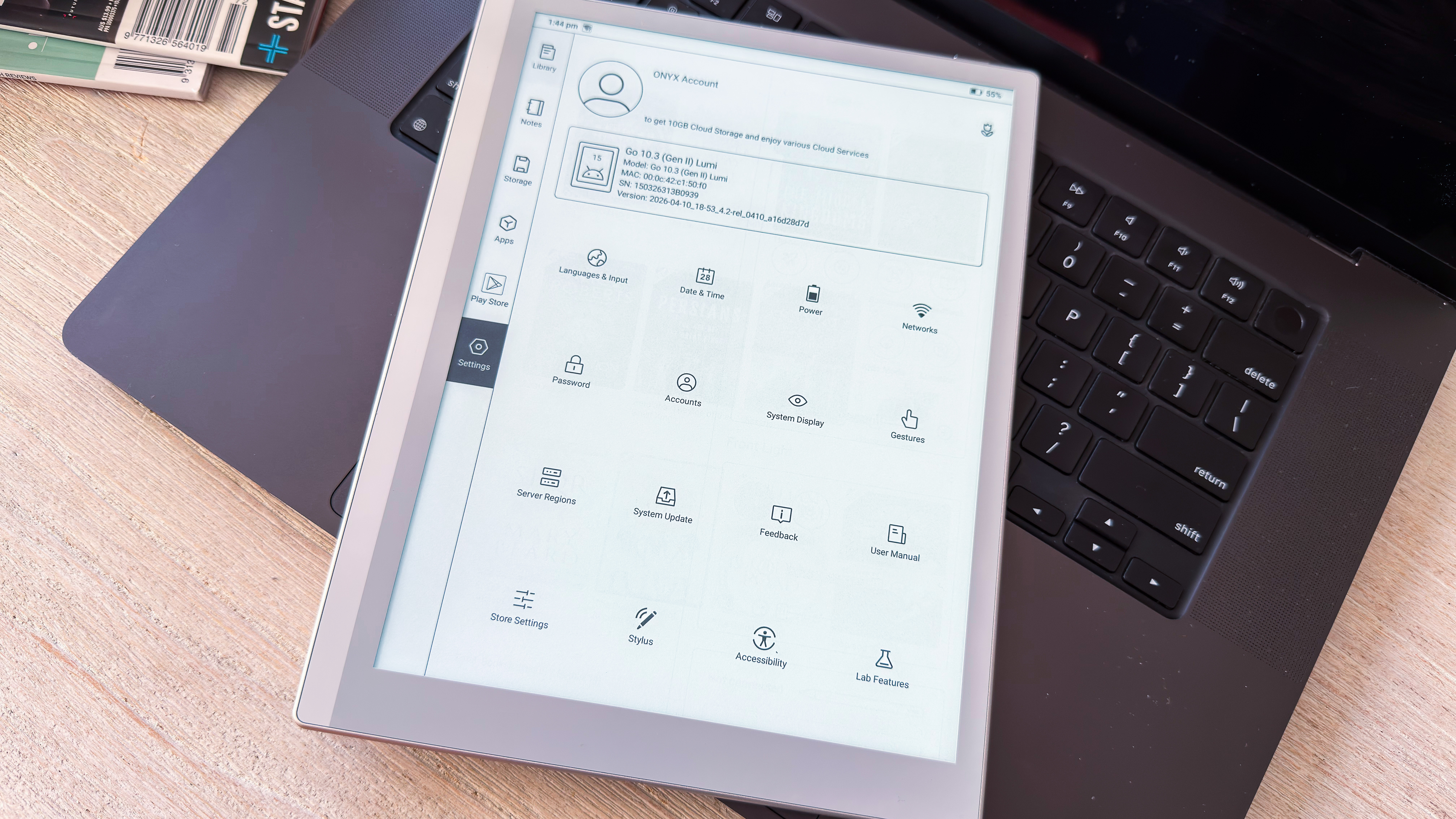
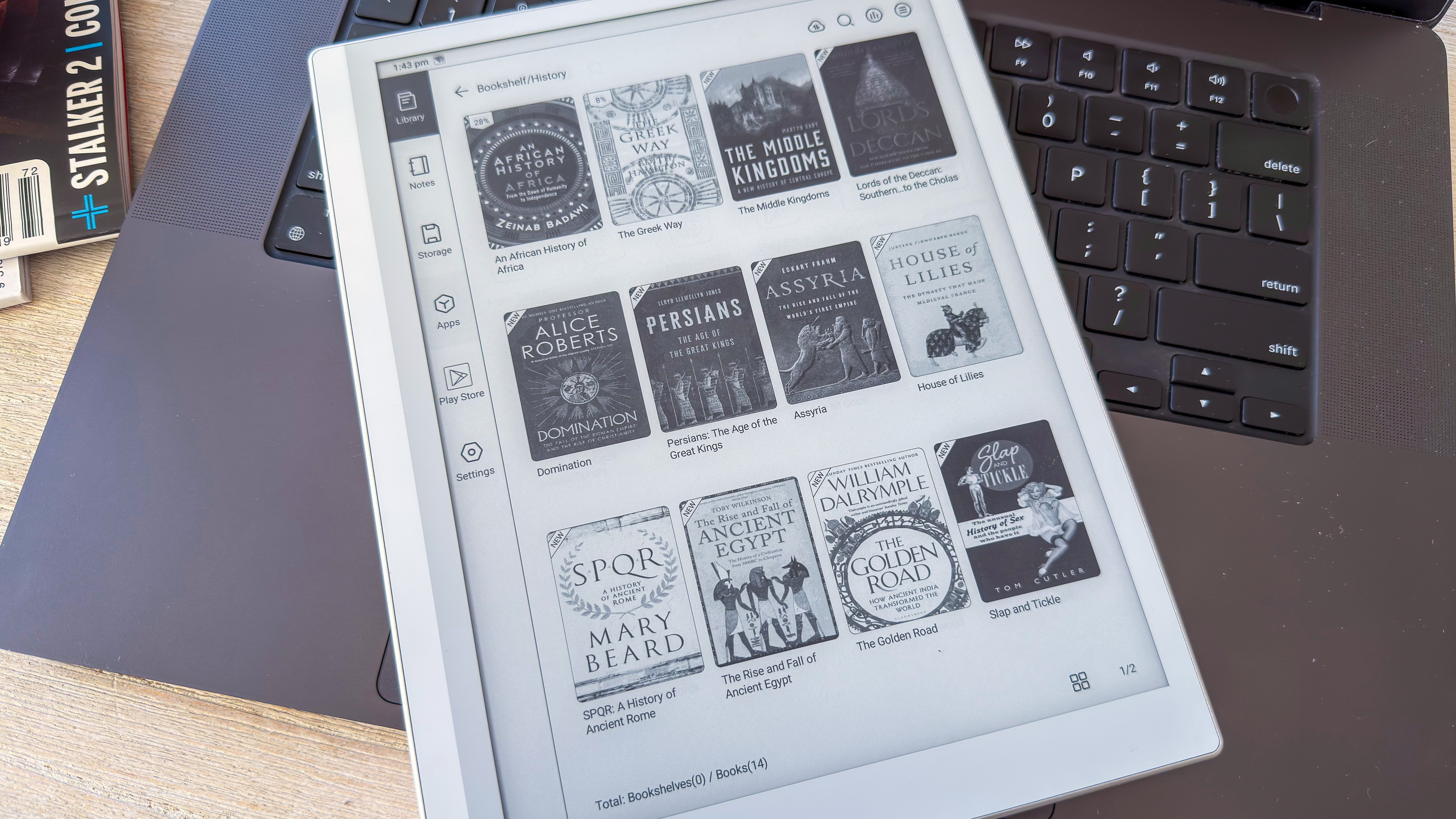
What’s different with the Go series compared to other Boox tablets is the home screen navigation — the main menu is arranged vertically on the left, with the Library being your default view. You can change the main menu items in Settings, though, either adding or removing applications.
Customizing the user experience has never been Boox’s problem, which means you can choose between several options for System Display or Gestures, and even tweak individual native apps as you see fit — even the NaviBall is optional to use and can be configured to trigger a plethora of functions.
(Image credit: Sharmishta Sarkar / TechRadar)
The Control Center hasn’t changed much over the last couple of years, but I’m still not sure access to an AI assistant is necessary on an e-ink device, but perhaps some power users would appreciate it.
As always, you can sign into a fair few cloud services, including Google Drive and Dropbox, get full support for EverNote and OneNote, or download any other productivity application you might need, but keep in mind that not all third-party apps will be optimized for this device.
One of the things I really like about Boox’s premium note-taking tablets is OTG (on the go) support. This means I can plug in an external hard drive or portable SSD directly into the USB-C port to transfer files. In fact, it’s what I predominantly use even though BooxDrop is a handy app for cloud transfer. I don’t even bother signing into my Google Drive account on a Boox these days.
There really isn’t very much to complain about from a software standpoint — it’s the writing experience that takes a tumble here.
• Software score: 4.5 / 5
(Image credit: Sharmishta Sarkar / TechRadar)
Boox Go 10. Gen II Lumi review: User experience
Good screen contrast with lights makes for a lovely reading experience
The supplied pen, however, isn’t as nice as the older version for writing
A device might look lovely and come with the nicest software, but ultimately its user experience determines its value. And that’s the case with the Go 10.3 Gen II Lumi — it does a lot right, like its reading experience is lovely, but its main functionality of writing is a little bit of a letdown.
Reading
Like I said, reading on the Lumi is lovely — the frontlight makes the text stand out, adding contrast where previously, on the Gen 1, it was disappointing. Page turns are quick enough too with the screen quite responsive to taps and gestures.
And yet I feel it’s a little slow for an epaper tablet that was released in 2026. For example, every time I woke up the Lumi during my months-long testing, it took a while to ‘render’ an ebook from its native library app.
It very much seemed like it was refreshing the app twice before finally rendering the page. On the other hand, the 3rd-generation Kindle Scribe released in 2025 takes a second or two to open but doesn’t flicker or ‘refresh’ the page — it’s a lot smoother on waking up. As are the Kobo Libra Colour and Kindle Paperwhite from 2024.
Boox doesn’t reveal what E Ink screen tech its using, but other than its slight slowness on waking up, I can’t complain about the reading experience. All books and images rendered on screen have been sharp and clear, particularly with the frontlight on.
Writing
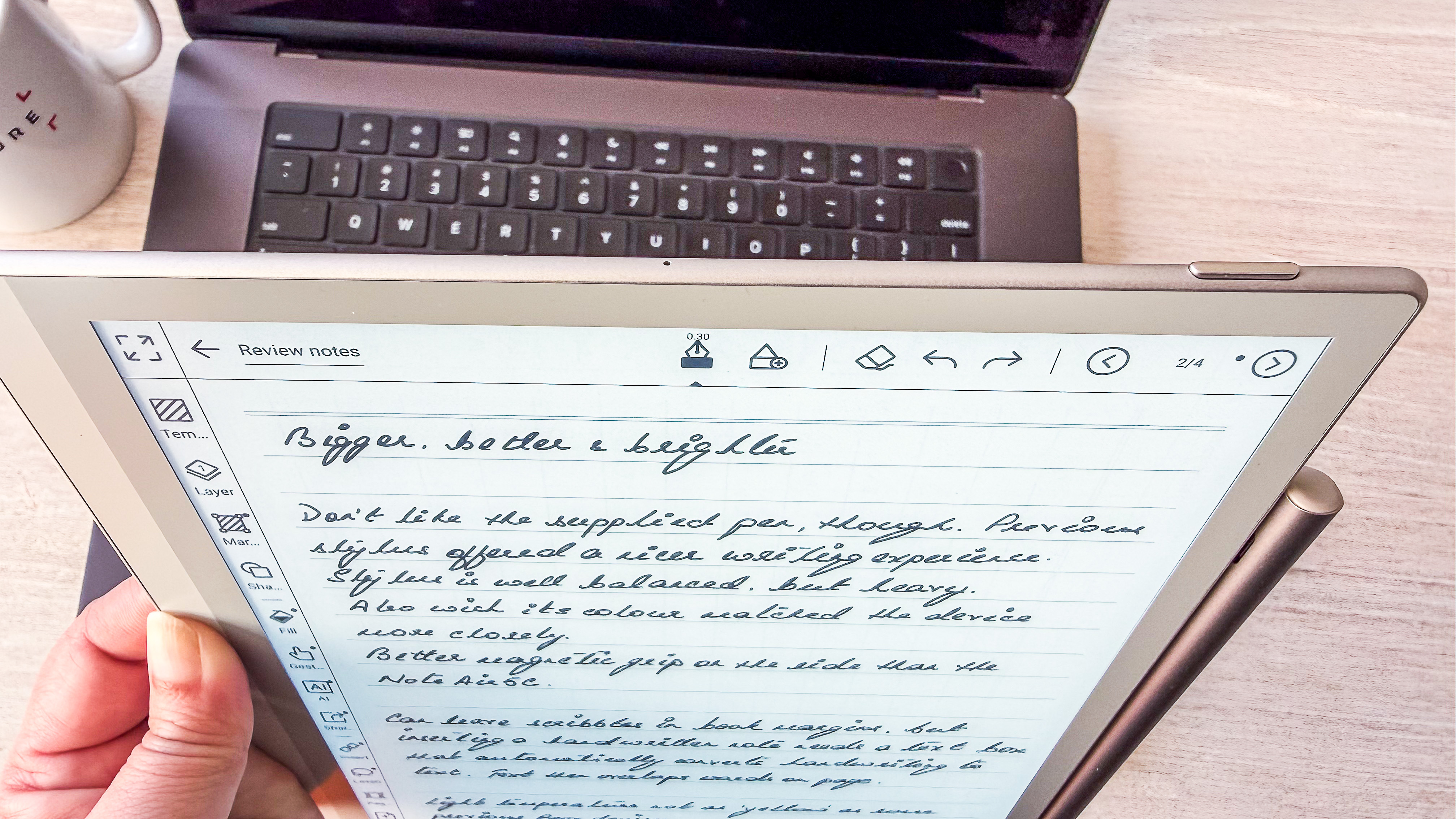
The same kind of contrast with the frontlight on is available on the Notes app too where handwriting looks sharp and clear on screen. However, the physical act of writing on the Lumi isn’t as good as it has been on the Gen 1 because Boox decided to change the stylus.
The previous pen had a thinner nib that moved over the screen quite well. The new InkSense Plus stylus is heavier and the slightly thicker tip feels like it needs to be dragged to make a mark — it feels clunkier in comparison.
Boox has also stepped away from using EMR screens, which means you can’t swap that pen out for another. I tried using one of Boox’s own older pens (used to be supplied with the Note series) and it didn’t work. That’s a real shame as writing is the Lumi’s principal function and the experience of doing so is disappointing.
The native Notes application, though, is full featured — in fact, for the average user it’s probably overkill — and would be ideal for students, teachers and researchers.
• User experience score: 3.5 / 5
Boox Go 10. Gen II Lumi review: Performance
Generally good performance except on waking up
A lot of ghosting visible, especially in the Notes app
Exceptional battery life for an Android device
The Lumi's overall performance is a mixed bag. While it uses a better chipset (Qualcomm Snapdragon 690) compared to the original Go 10.3 (Snapdragon 680), it hasn't really made much of a dent in the speed with which the Lumi performs the tasks at hand.
That's not a complaint — it's an observation. However, Amazon's newest Kindle Scribes are just that much faster at things, like page turns are so quick they barely register that they've moved and the lag between pen input and the mark on screen is barely discernible. On both counts the Lumi is just that smidgeon slower that you can notice if you use it side by side with the 2025 Kindle Scribe (3rd generation).
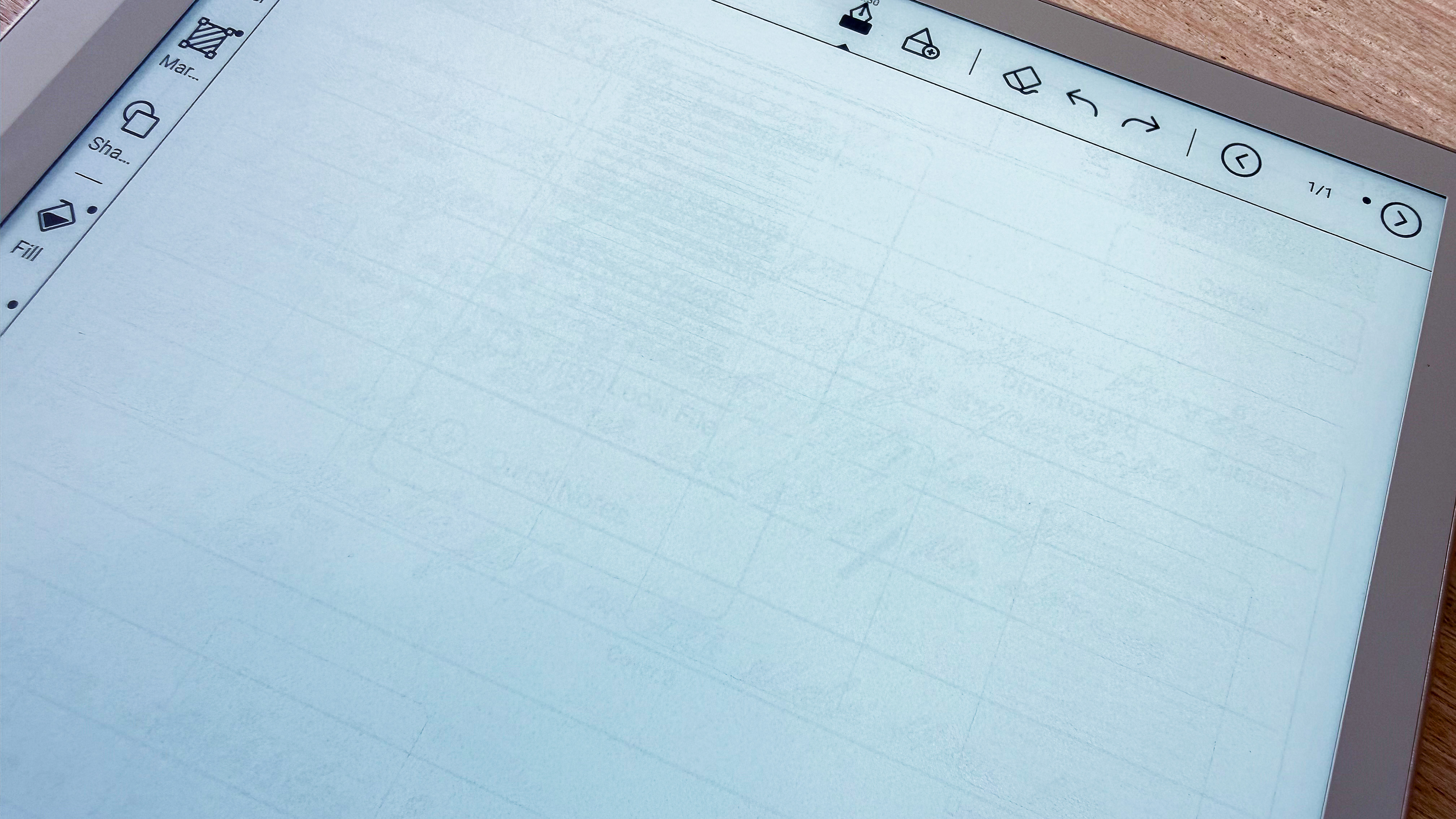
The slow waking up of the screen is also something that has bothered me, and I've already mentioned how disappointing the writing experience is, but I'm also surprised at how much ghosting there still is on Boox devices, including the Lumi, something Amazon has managed to completely eliminate on its Kindles. You'll be able to notice the ghosting on nearly every single image I have in this review (including in the gallery below).
Where the Lumi really shines (pardon the pun) is with battery life. It still uses the same 3,700mAh battery pack that was in the Gen 1 model and yet whatever software adjustments Boox has made has pushed battery life to weeks rather than days. It's the first Android digital notebook I've used to have such an impressive battery life, one that can match the Kindle Scribes, albeit dependent on use.
In my case, an hour of reading and 30 minutes of writing per day gave me 17 days of use with frontlight at medium brighness and a similar warmth setting, plus Wi-Fi on at all times (but not Bluetooth). Using cloud services and didn't make any dent on the battery usage, although excessive online browsing did drain a little extra but not by all that much.
Topping up was average, with the 3,700mAh pack going from 19% to full in just under two hours when plugged into a wall charger via a high-quality USB-C cable.
• Performance score: 3.5 / 5
(Image credit: Sharmishta Sarkar / TechRadar)
Should I buy the Onyx Boox Go 10.3 (Gen II) Lumi
Attribute
Notes
Score
Value
It's cheaper than the 3rd-gen Kindle Scribe, but you'll get better performance elsewhere
4 / 5
Design & display
It's a beautiful device with reMarkable 2 vibes, and a frontlight makes a world of difference. However, the display just seems to lack the oomph factor I've seen in newer epaper tablets.
4 / 5
Software & apps
With an Android-based software allowing for versatility, and a nicer user interface than previous Boox UIs, it's hard to fault the Lumi. It's not perfect, but it ain't bad.
4 / 5
Writing & productivity
It's fantastic to read on, with brilliant contrast when the light is on, but the supplied pen is a major letdown when it comes to writing.
3.5 / 5
Reading
Without a frontlight, it's not the ideal ereader
3.5 / 5
Performance
On its own, the Lumi performs well for most users, but it's hard to give it full praise when there are faster E Ink displays being used on competitive digital notebooks, but the battery life is the best for an Android epaper tablet.
3.5 / 5
Buy it if...
You want a thin, light digital notebook with frontlight
There are more epaper writing tablets without a frontlight now than with, and trust me when I saw that can make a difference to usability, especially at nighttime and in bright sunlight.
You want the versatility of the Google Play Store on your digital notebook
It's not the only Android-toting epaper writing tablet, but it's well priced compared to some of the competition.
Don't buy it if...
You'll be doing a lot more writing than reading
The Lumi's main function is as a writing tablet and, given the disappointing stylus supplied with it, it's hard to recommend when there are competitors offering a better experience.
You want the best performance out of your digital notebook
It's not that the Lumi is bad; it's just that there are better options out there that have more responsive screens with next-to-no ghosting.
You need plenty of storage
64GB is a very good amount of storage that you'll get on the Lumi, but power users with large files saved on the device might need more, and there's no microSD card tray here. For that, I'd recommend Boox's Note series over the Go.
Also consider
I like the Lumi, but I don't I love it. If, like me, you'd be keen to check out other options, the two below are the ones I'd recommend, both of which are cheaper but aren't Android based.
Amazon Kindle Scribe (2nd gen)
It might have been succeeded by the 3rd-gen Scribe that's bigger and better, but it's still available to buy and still makes for an excellent e-ink writing tablet with a lovely screen and, importantly, regularly discounted now since it's an older model. Read our full Amazon Kindle Scribe (2024) review for more details
reMarkable Paper Pure
It's not as full featured as an Android-based epaper writing tablet, but this reMarkable offers you a distraction-free slate to unleash your creativity. It's essentially the reMarkable 2 in a new body with 32GB of storage. Read our in-depth reMarkable Paper Pure review to learn more
How I tested the Onyx Boox Go 10.3 (Gen II) Lumi
(Image credit: Sharmishta Sarkar / TechRadar)
I've tested a range of ereaders and epaper writing tablets for TechRadar, so I'm well suited to compare the Boox Go 10.3 (Gen II) Lumi with its competitors.
As with all such devices I've previously tested, the first thing I did with the Lumi was to sign into the Google Play Store and down the Kindle and Kobo apps. I then used OTG support to transfer ebooks to the device directly from a portable SSD via the USB-C port, but I also used BooxDrop and cloud transfer from Google Drive to test various services.
The Lumi then became my daily ereader and note taker for 4 weeks, using it an average of 2-3 hours a day to read and write. I'm not an artist, so drawing was out of the question.
Out of curiosity, I also downloaded Geekbench 6 to benchmark the CPU (the app is available on the Play Store). I sideloaded a few MP3 files to test the onboard speakers.
Amazon Prime Day is often the best time of year to find a discounted Kindle, but if you've opened the listing page only to feel overwhelmed by the various models to choose from, then I have a quick quiz that might help you out.
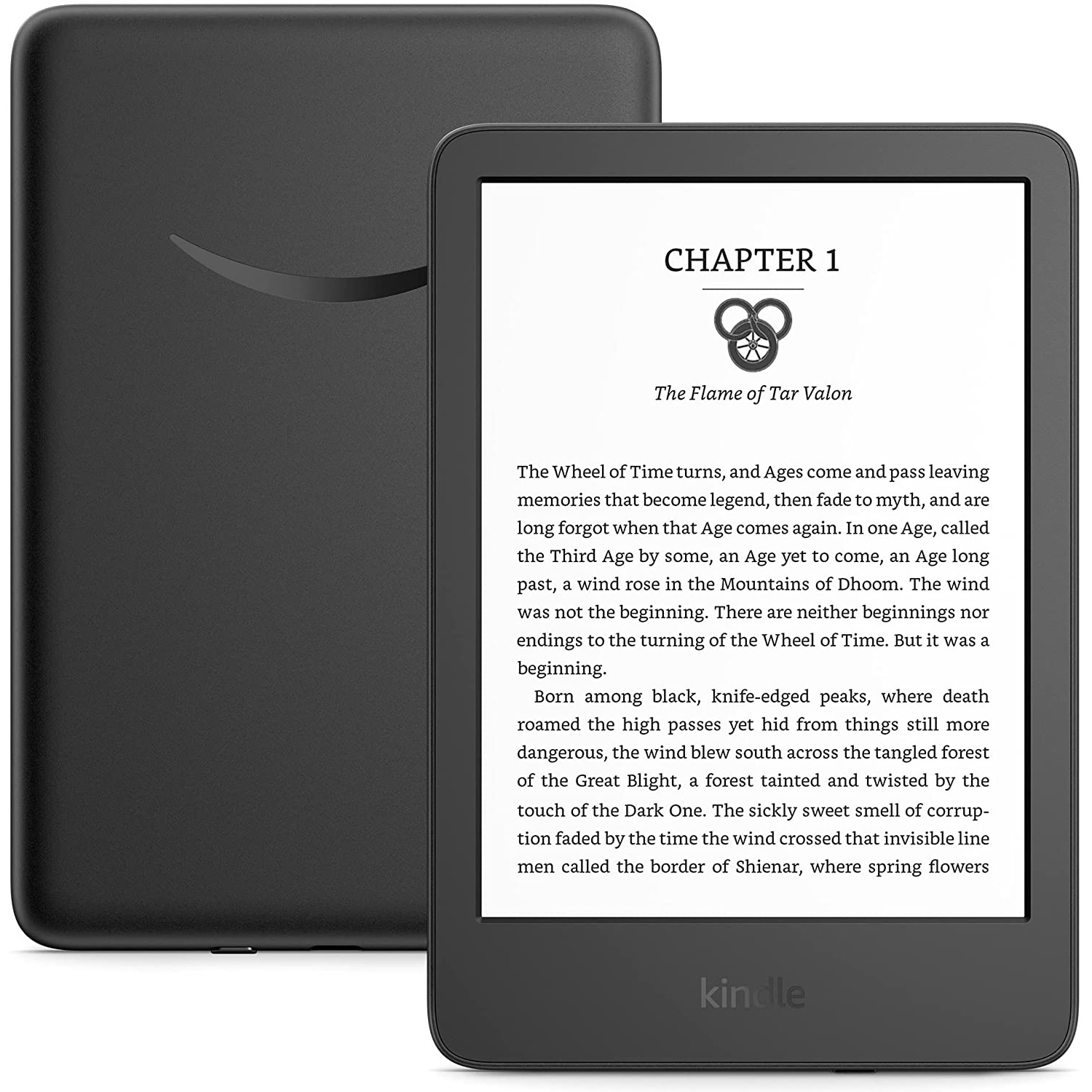
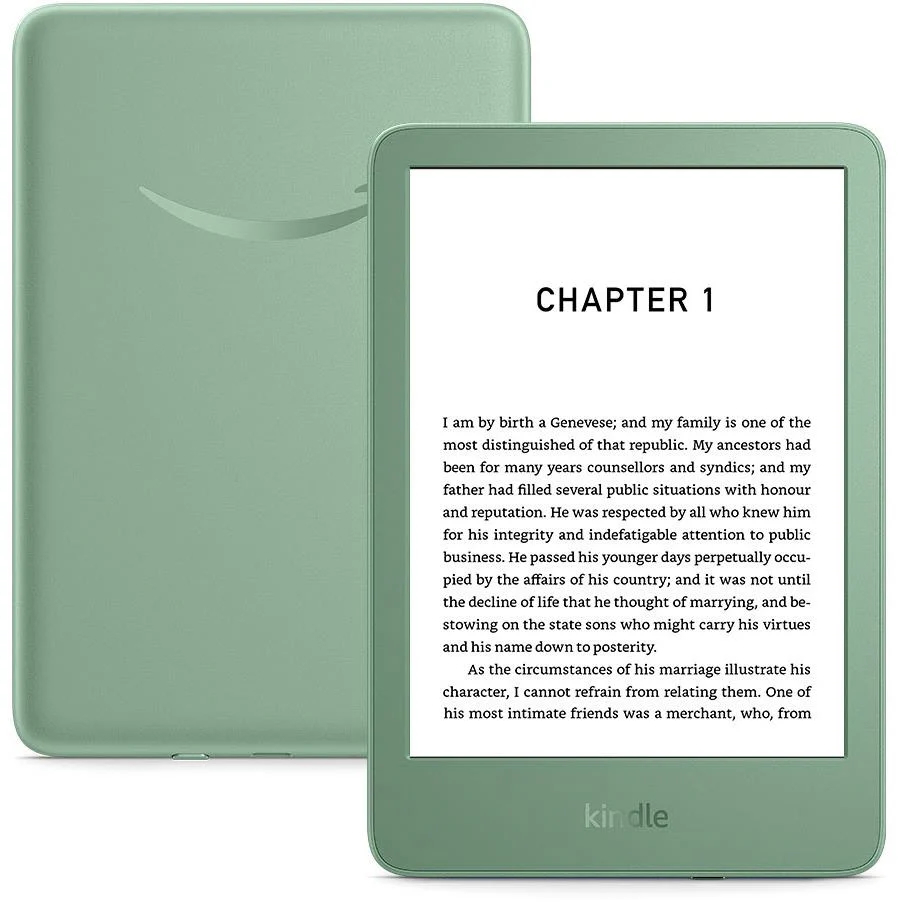
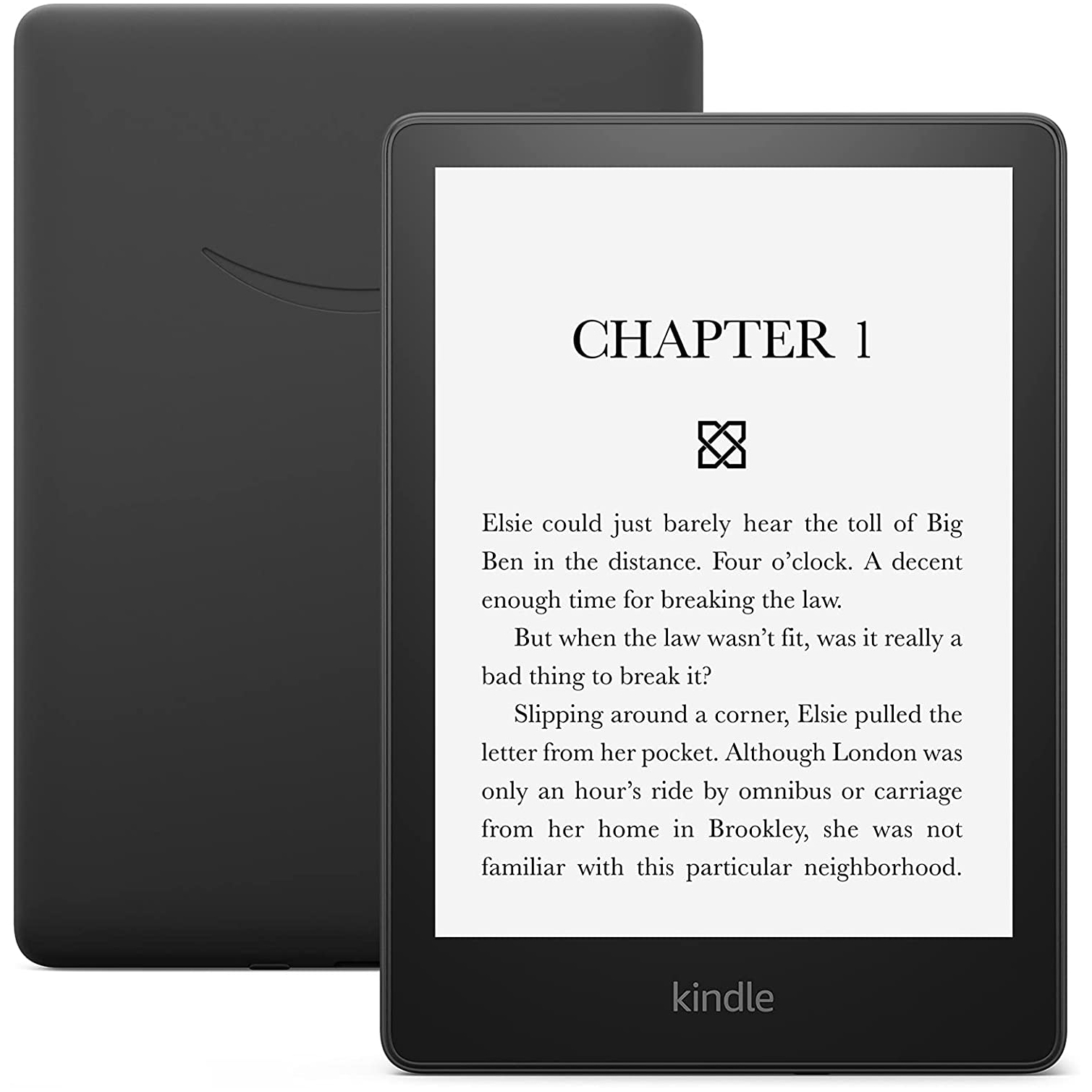
I've owned the standard version of Kindle for years, and it's not faltered once for what I need it for. Reliable and sturdy, it's one of the best tech gifts I've ever been given. It's also the cheapest model in the range, so you won't feel like you're wasting money if you still enjoy the charms of physical books. Right now, you can find the standard Kindle on sale at Amazon for $84.99 (was $109.99) in the US and for £75.99 (was £94.99) in the UK.
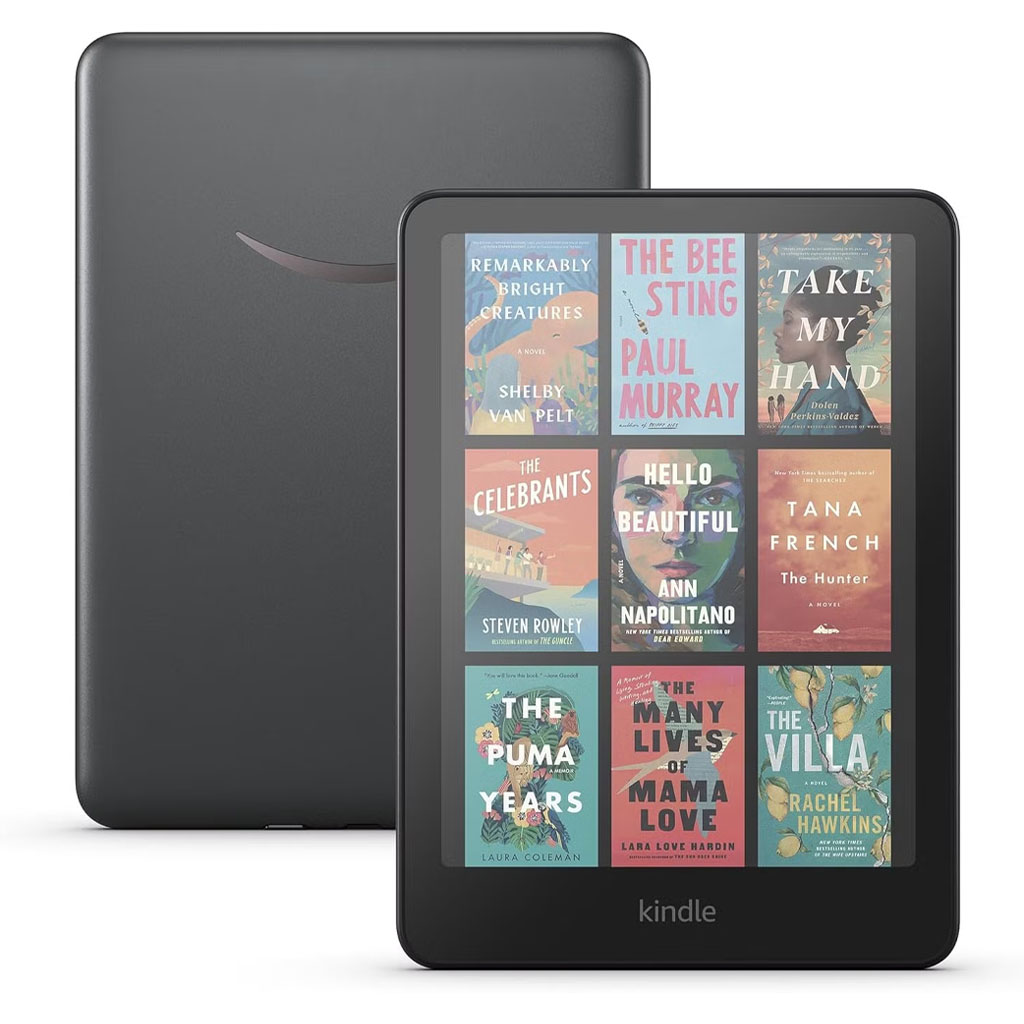
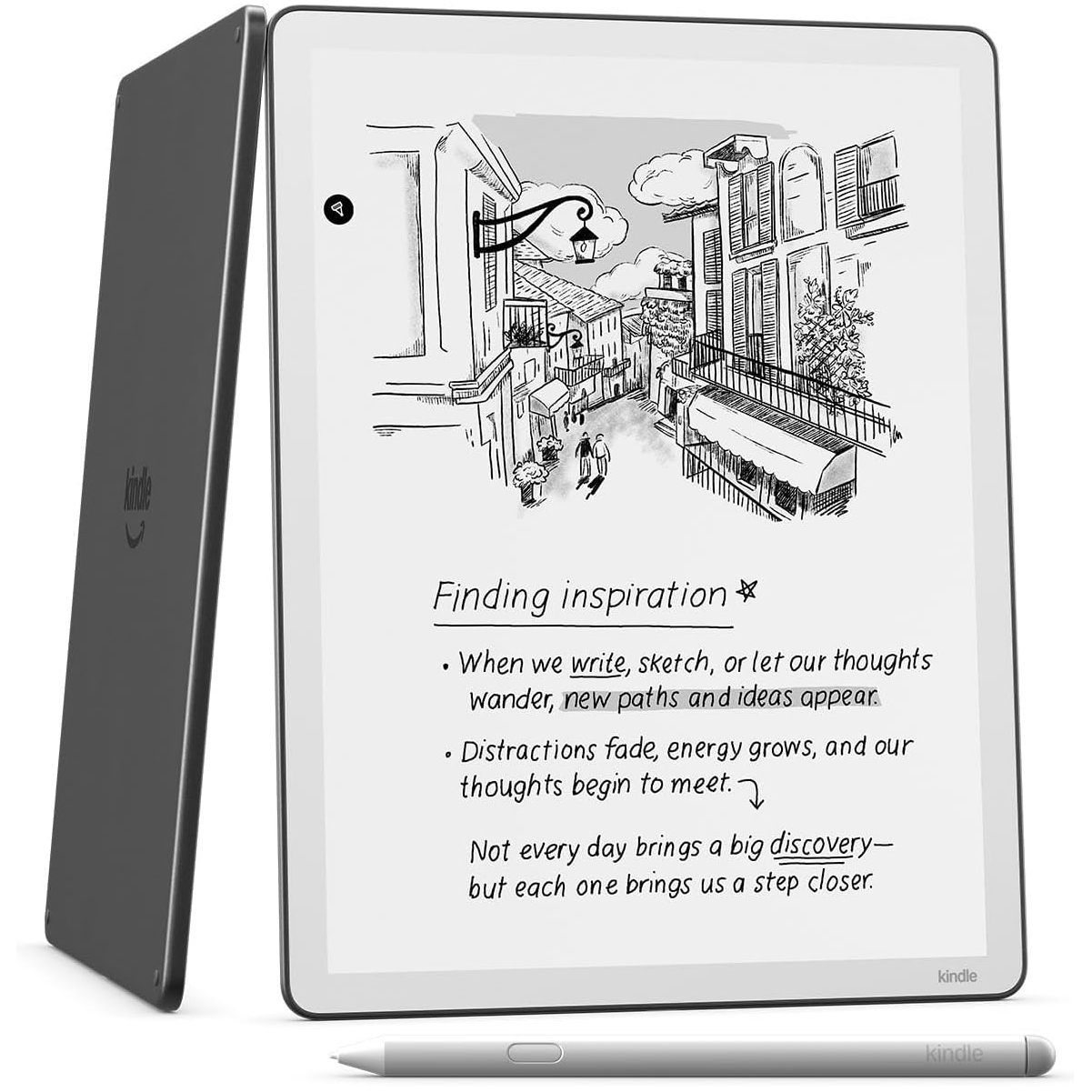
But if you've got a bigger budget, it's worthwhile looking at Amazon's most popular model, the Kindle Paperwhite, which is ideal for your next beach holiday with its waterproof design. Want the ability to journal? You're better off with the Kindle Scribe. Love reading graphic novels? You'll need the Kindle Colorsoft.
If you don't have time to read our guide to Amazon's excellent e-reader range to see how each model's specs compare, just answer four simple questions in the quiz below, and it'll recommend a Kindle based on the deals available at the time of writing.
Today's best Kindle deals in the US
The latest version of the standard Kindle is on sale as part of the annual Prime Day sale. It's a basic ereader, but it still boasts a four-week battery life and space for thousands of books. Given it's $40 cheaper than the Paperwhite, this is clearly a better pick for the infrequent reader who's after a more budget-friendly option. At $85, this Prime Day deal matches the record-low price for the ereader, but is far from the bigger discounts I've seen in previous years.
Prime Day discounts on the 2024 Kindle don't come as generously as they do during Black Friday, but you won't come across a better deal at any other time of year. For Amazon's most recent standard version Kindle, $85 isn't the worst price for an e-reader that covers the basics, but it has been cheaper in the past.
Amazon Prime Day features an OK, if a little disappointing, deal on the latest Kindle Paperwhite. We found in our Kindle Paperwhite review that it's packed with features to suit all avid readers, including a 12-week battery life, glare-free 7-inch screen, adjustable warm light, and storage space for thousands of books. This is a good buy and one of the best ereaders out there; it's just a shame that the days of even bigger discounts are well in the past.
The Kindle Colorsoft is down to its lowest price as part of Amazon Prime Day. As Amazon's first colored Kindle, it's a must-have for people who love reading travel guides, graphic novels, and other genres with a lot of images and photographs. It's USB-C and wireless charging compatible, lasting up to 8 weeks on a full battery.
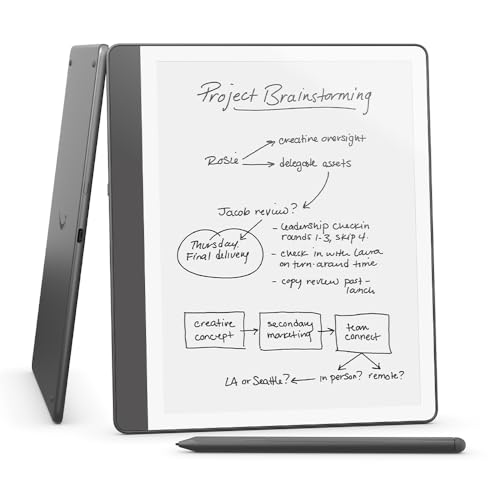
This updated version of the Kindle Scribe hasn't been discounted since launch, so this Prime Day is a great time to bag a deal. The Scribe combines some of the best features of the Kindle Paperwhite, such as the glare-free and auto-adjusting display, along with the option to take notes, comment on documents, and doodle using the included stylus pen. Our Kindle Scribe review was down on some missing features that have been added in recent updates, so now this is a better value for a multi-functional device.
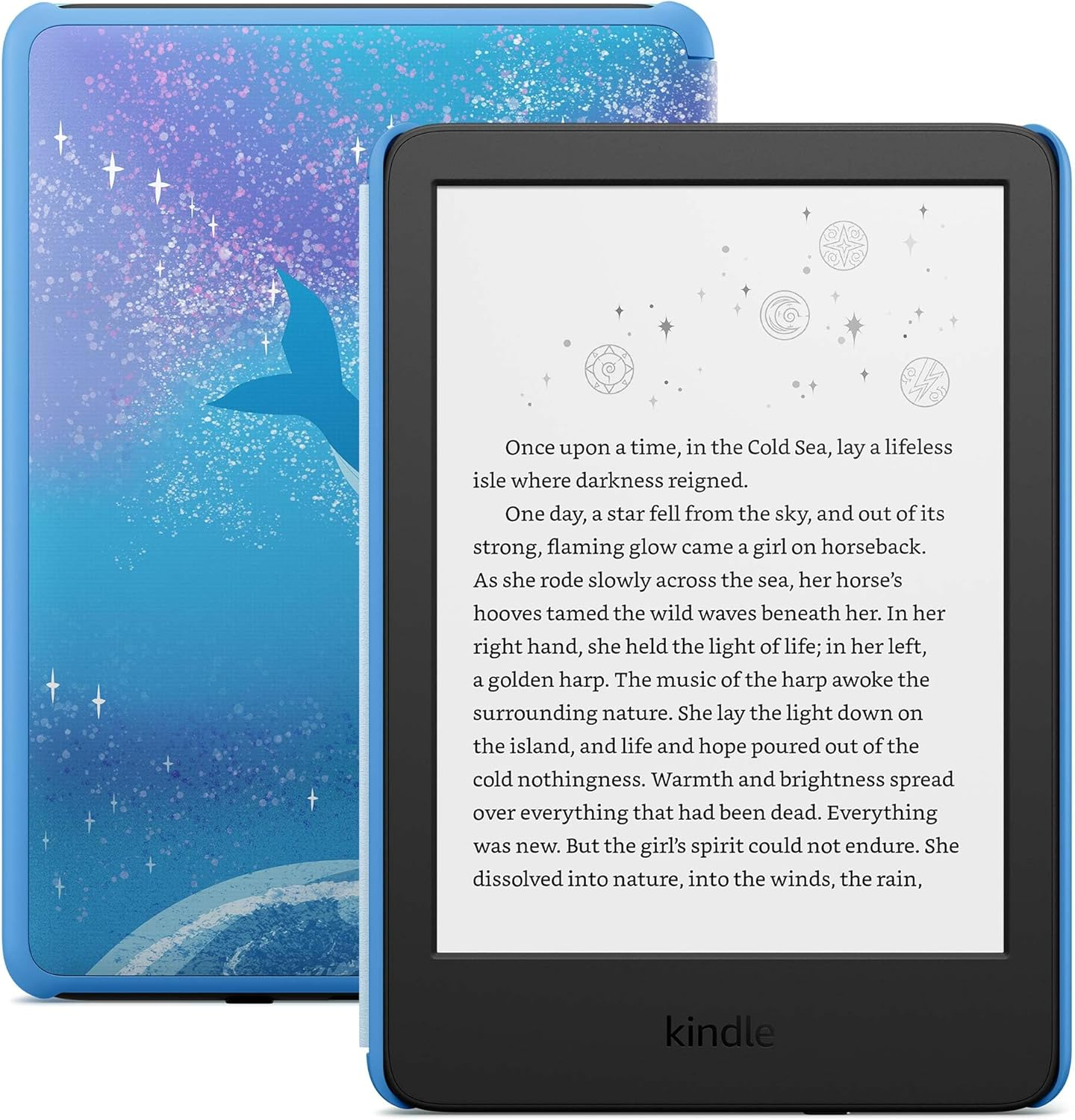
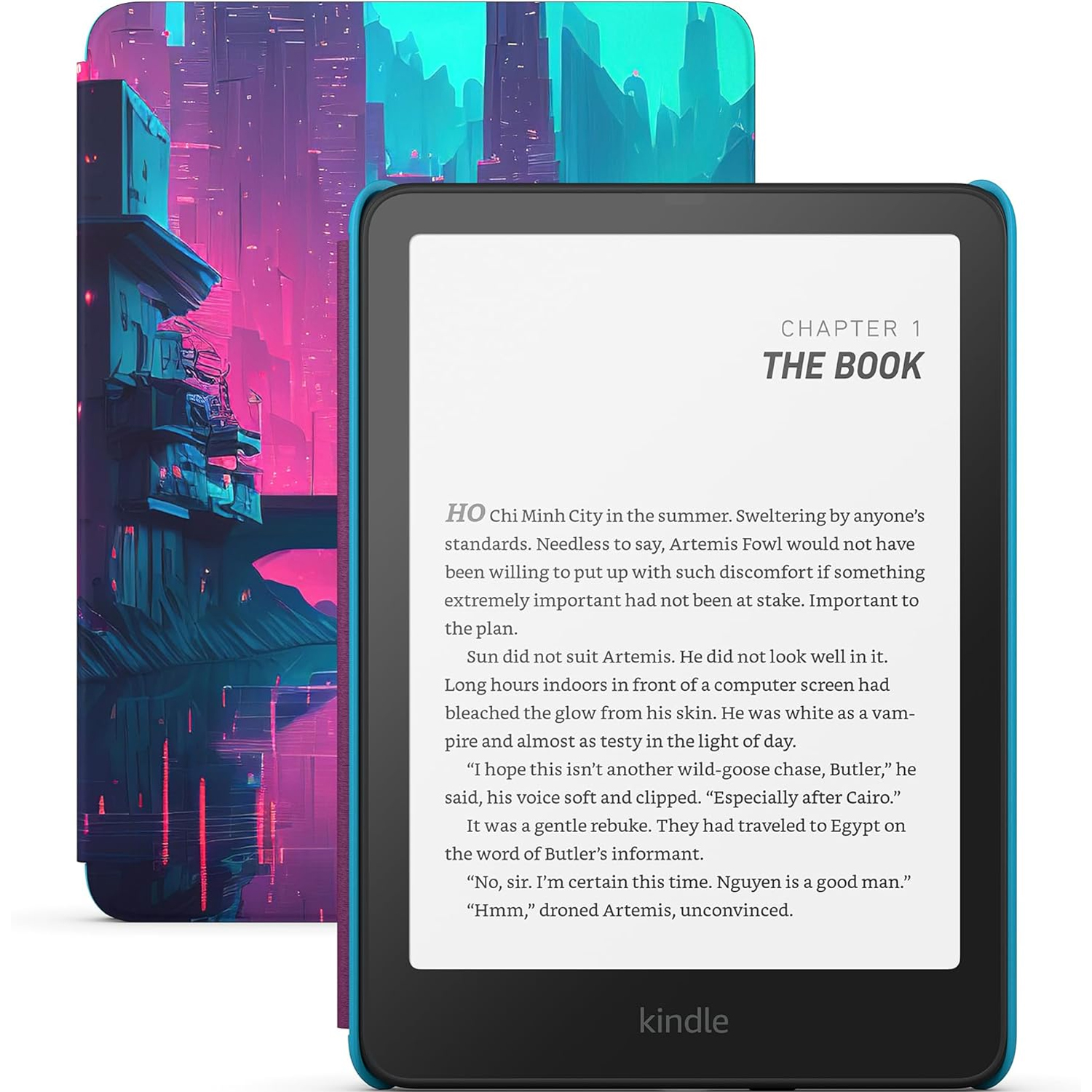
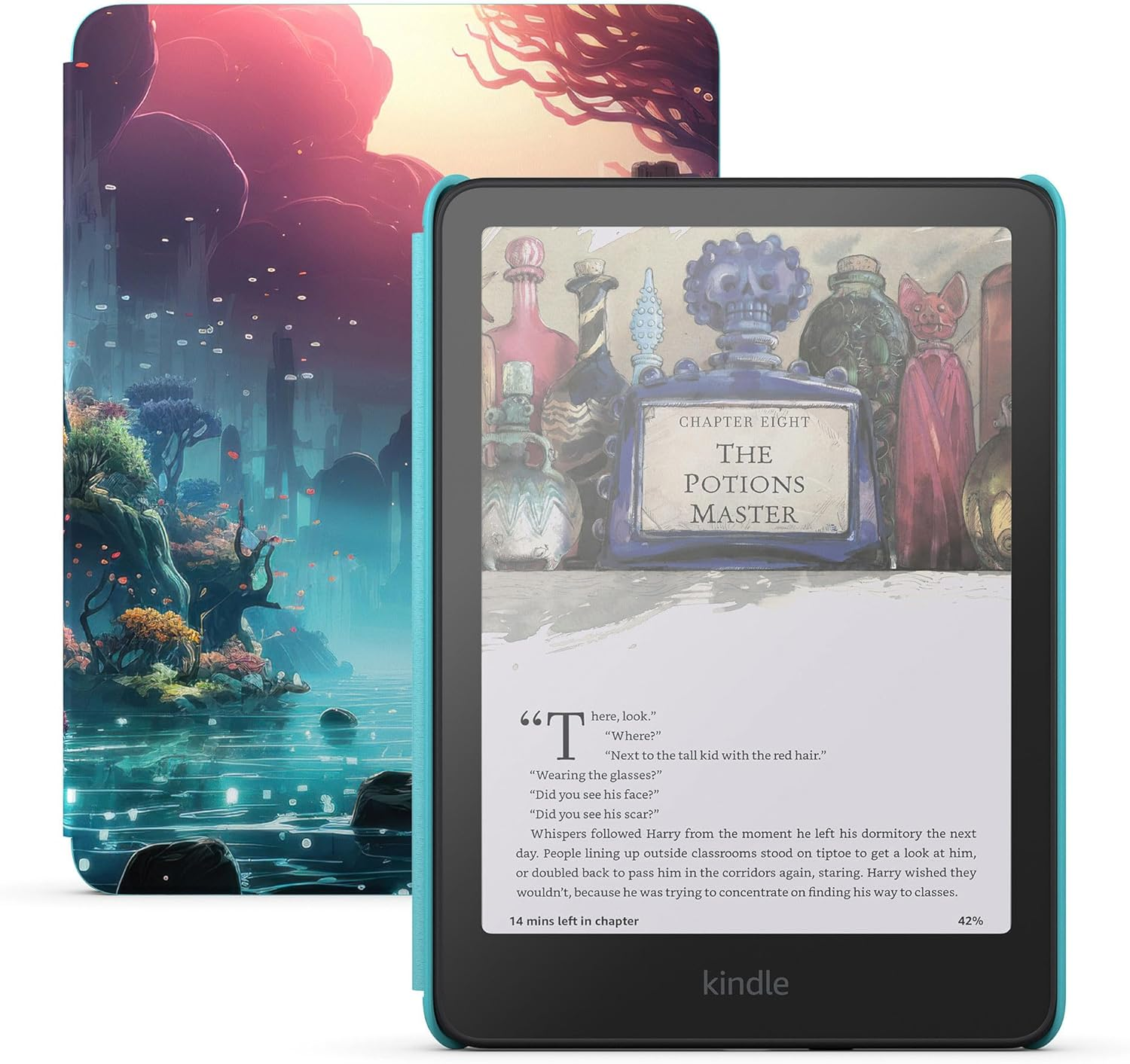
The cheapest Kindle deal on Amazon right now is this excellent discount on the latest Amazon Kindle Kids version. Simply put, this model is functionally the same as the standard Kindle but comes with a Kid-friendly cover, a six-month trial for Amazon Kids Plus, and an extended two-year warranty. Regardless of whether you're a small or big kid, this is a great deal on the baseline Kindle.
Similar to the above deal on the standard Kindle, the cheapest Kindle Paperwhite deal available at Amazon today is on the Kids Edition variant. Again, the device is functionally the same as the standard Kindle Paperwhite, but you get a themed cover, a six-month trial of Amazon Kids+, and an extended warranty. The main selling point for the Paperwhite over the standard Kindle is that it's waterproof and features a larger seven-inch display.
The Kindle Colorsoft Kids has reached $189 on two occasions before, but today's deal is a brand-new record-low price on the latest model. While the Colorsoft is pricier than the others, as the name suggests, it has a color display that's fantastic for graphic novels and kids' books. Otherwise, it's very similar to the Paperwhite in that it's waterproof, comes with 12 months of Amazon Kids+, a themed cover, and a two-year guarantee.
The latest version of the standard Kindle is on sale as part of the annual Prime Day sale. It's a basic ereader, but it still boasts a four-week battery life and space for thousands of books. Given it's £55 cheaper than the Paperwhite, this is clearly a better pick for the infrequent reader who's after a more budget-friendly option. At £80, though, this Prime Day deal is a little underwhelming, given it's been as low as £69.99 before.
Likewise with Amazon UK, the 2024 Kindle generally gets a better deal at Black Friday, but Prime Day is a very close second. Given it's £55 cheaper than the Paperwhite, this is clearly a better pick for the infrequent reader who's after a more budget-friendly option.
Amazon has brought back its decent — but not spectacular — Black Friday deal on the latest Kindle Paperwhite for Amazon Prime Day. We found in our Kindle Paperwhite review that it's packed with features to suit all avid readers, including a 12-week battery life, glare-free 7-inch screen, adjustable warm light, and storage space for thousands of books. This is a good buy and one of the best ereaders out there; it's just a shame that the days of even bigger discounts are well in the past.
The Kindle Colorsoft just fell to its lowest-ever price as part of this year's Amazon Prime Day sale. As Amazon's first colored Kindle, it's a must-have if you love reading travel guides, graphic novels, and other genres with a lot of images and photographs — or just want to view your entire ebook library in its full colour glory. The ereader is also USB-C and wireless charging compatible, lasts up to eight weeks on a full battery, and has enough storage for thousands of books.
A notetaker's best friend, the Kindle Scribe is great for students, avid readers and productivity users alike, offering a satisfying and slick screen on which to doodle and annotate. We scored it 4.5 stars in our review.
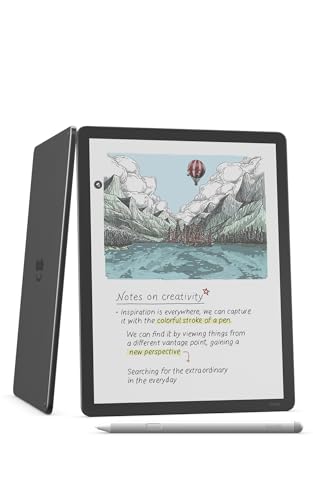
While we scored it a respectable 4 stars in our review, a major sticking point for the Scribe Colorsoft is its value proposition. There's nowhere near enough going for it to justify this e-reader costing more than a MacBook Neo.

 Login
Login