Con cucine aperte sul soggiorno, lavanderie vicine alle camere da letto e case sempre più spesso utilizzate anche come luogo di lavoro, il rumore degli elettrodomestici sta assumendo un ruolo crescente in fase di scelta, paragonabile a consumi e prestazioni. Samsung lo ha appreso tramite indagini di mercato e si è impegnata su questo aspetto con le sue lavatrici e asciugatrici più recenti.
Secondo una ricerca di marzo commissionata a Verve e citata dall’azienda, un consumatore europeo su quattro considera la rumorosità della lavatrice un problema concreto. Non sorprende quindi che una parte dello sviluppo dei nuovi elettrodomestici si stia concentrando sulla riduzione di vibrazioni e rumori, soprattutto durante le fasi più critiche in tal senso, e cioè centrifuga e asciugatura. Alla base del lavoro di Samsung ci sono motori e compressori Digital Inverter, progettati per ridurre attriti e vibrazioni rispetto alle soluzioni tradizionali. L’azienda indica livelli di rumorosità fino a 72 dB per alcune lavatrici e 60 dB per le asciugatrici, valori che naturalmente dipendono da modello, programma e fase del ciclo. La riduzione della rumorosità si inserisce in una piattaforma più ampia dedicata alla gestione automatizzata del bucato.
La tecnologia Ecobubble miscela acqua, aria e detergente per generare una schiuma che penetra nei tessuti anche a basse temperature. L’obiettivo è mantenere buone prestazioni di lavaggio riducendo, a parità di risultato, la necessità di utilizzare acqua molto calda. Con AI Wash+, invece, la lavatrice può analizzare parametri come peso del carico e livello di sporco per regolare automaticamente quantità d’acqua, detergente e numero di risciacqui. Un altro tassello dell’approccio Samsung è rappresentato da SmartThings, l’app che permette di controllare da smartphone le lavatrici Wi-Fi compatibili. Da qui è possibile verificare l’avanzamento del ciclo e ricevere notifiche, per esempio quando il detergente nell’EcoDosatore sta terminando oppure quando è consigliata la pulizia del cestello.
Ceiling lights are usually one of those home products that disappear into the background once they are installed. BlitzWill BW-CLT2, however, takes a different approach by combining a conventional main ceiling light with a separate RGB ambient-lighting effect.
The result is a fixture designed to handle two different jobs: providing practical illumination for everyday activities while also giving a room a more customizable atmosphere when bright white lighting is not what you want. The BlitzWill BW-CLT2 is designed to replace a conventional ceiling fixture with a more flexible smart home lightingsetup.
The 40cm BlitzWill BW-CLT2 supports adjustable color temperature from 2700K to 6500K and can be controlled through an app, voice commands, or a remote control. It also supports DIY scene settings, giving users more control than a basic on/off ceiling lamp.
One Ceiling Light, Two Different Lighting Roles
The combination of adjustable white light and RGB effects also makes the BW-CLT2 more versatile than a basic smart LED ceiling light.
For normal use, the primary light can provide the room’s everyday illumination. The adjustable 2700K–6500K range gives users the flexibility to move between warmer and cooler-looking white light depending on the time of day or the atmosphere they want.
The RGB section serves a different purpose. Instead of replacing the main light, it can be used to add color around the room and create a softer background effect.
That separation makes the design more practical than an RGB-only lamp. You can keep the main light focused on visibility while using the colored lighting to change the mood.
2700K to 6500K Gives More Control Over the Room
A fixed-color ceiling lamp can work perfectly well, but it gives you little flexibility once the fixture is installed.
The BW-CLT2 takes a more adaptable approach with a 2700K–6500K adjustable color-temperature range. Warmer settings can suit relaxed evening use, while cooler white light can be more appropriate when you need a brighter, more functional environment.
This makes the light suitable for spaces that serve multiple purposes. A bedroom, study, living room, or gaming area can all require different lighting at different times.
Rather than buying separate lights for different situations, the BW-CLT2 puts those adjustments into one ceiling fixture.
Smart Controls Make Daily Adjustments Easier
Another advantage is that the BW-CLT2 is not limited to a physical wall switch.
The product supports app control, voice control and a dedicated remote, giving users several ways to change the lighting.
App-based control is particularly useful for people who prefer adjusting lighting from a phone, while the remote provides a more traditional option for quick changes.
The combination also means the light does not have to be treated as a purely decorative smart-home gadget. It can still be operated in a straightforward way when you simply want to change the lighting without opening an app.
DIY Scenes Are More Useful Than They Sound
The BW-CLT2 also includes a DIY scene mode, which is one of the features that separates it from a basic adjustable LED ceiling lamp.
Instead of repeatedly changing brightness, color temperature, or RGB effects manually, users can create lighting combinations suited to particular situations.
For example, one setup could prioritize a brighter white light for working, while another could use warmer illumination with RGB ambience for watching movies or relaxing.
The important point is not simply that the lamp has RGB lighting. It is that the different lighting elements can be used as part of a more personalized room setup.
Is the 40cm Size a Good Fit?
At 40cm, the BW-CLT2 occupies a middle ground between small decorative fixtures and larger ceiling panels.
That makes it potentially suitable for bedrooms, smaller living spaces, studies, gaming rooms, and other areas where a large ceiling fixture may look excessive.
However, buyers should consider the dimensions of their room before choosing it. A 40cm fixture may be a sensible fit for a compact or medium-sized space, while a much larger room could require additional lighting.
What Buyers Should Consider
The BW-CLT2 makes the most sense for people who want more than basic ceiling illumination.
Its strongest feature is arguably the combination of practical white lighting and RGB ambience. The adjustable 2700K–6500K range handles everyday lighting needs, while the RGB system and DIY scenes add a more decorative element.
It is also worth remembering that smart-lighting features are most valuable when you actually plan to use them. If you only need a simple ceiling lamp that stays at one brightness and color, a conventional LED fixture may be enough.
For users who want to experiment with room lighting, however, the BW-CLT2 offers considerably more flexibility in a single fixture.
BlitzWill BW-CLT2: A Flexible Upgrade for a Smart Home
BlitzWill BW-CLT2 Smart Ceiling Light is less about adding another colorful gadget to a room and more about combining several lighting functions into one ceiling fixture.
Its 40cm form factor, adjustable 2700K–6500K white lighting, RGB ambience, multiple control methods, and DIY scene support give it a broader role than a standard ceiling lamp.
Banggood’s EU-direct listing currently shows the BW-CLT2 at around $52.99, although the final price can change with promotions, region, taxes, and availability.
For shoppers looking to make a room more adaptable without filling the ceiling with multiple lighting fixtures, the BW-CLT2 is an interesting option worth considering.
The first I heard of Kleva Range was earlier this year, when a colleague mentioned it has a heck of a lot of home appliances and kitchenware in its catalogue. As a floorcare expert, the Krapof Auto Clean Self Empty Slim Power Vac caught my attention, especially since it listed an industry-leading spec — a whopping 450AW of suction, which beats out Samsung Bespoke Jet AI Ultra with its 400AW. Other powerful cordless stick vacuums I've tested are the Dreame Z50 Station with 330AW of suction, while the Dyson V16 Piston Animal has 315AW.
With the Krapof (surely that's a tongue-and-cheek take on a name?), it's not the suction that stands out, but how compact and lightweight it actually is. The vacuum weighs 2.3kg with the floorhead attached, while the self-cleaning docking station adds just another 5kg. That's a very lightweight package. It's also very compact, with the appliance taking up an area of just 25.5cm x 21.7cm — about the same footprint as Samsung's Clean Station but smaller than Dreame's Z-series auto-emptying docks or some free-standing docks like Dyson's.
(Image credit: Sharmishta Sarkar / TechRadar)
While the Krapof Slim Vac (as I shall call it from here on in) is quite short, even for short people like me (I stand just five-feet tall), thankfully the wand is telescopic and should suit most people.
Otherwise it's not all that different from so many other self-emptying stick vacuums on the market. However, unlike many of them, the dock has options for you to set auto self-emptying when the stick vac is placed back for charging or trigger it manually, although the former didn't always work during my testing, requiring me to press the Start/Stop button on top of the dock.
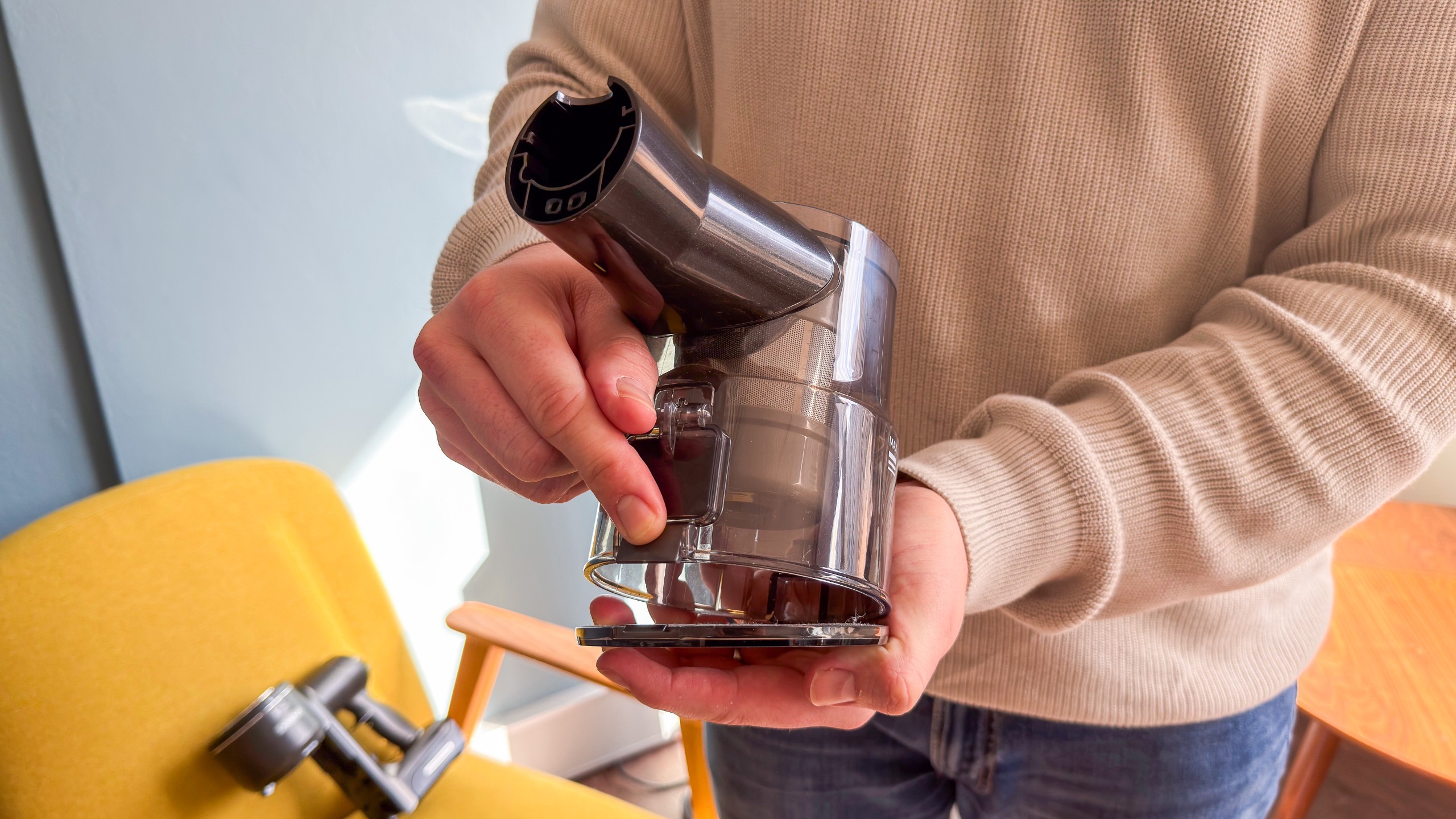
You can, however, empty it manually as well as directly into a bin if you wish, which could save you cash in the long run on buying replacement dust bags — just keep the self-emptying function in the dock turned off and press a button on the lower part of the dust canister in the handheld unit to lower the trapdoor.
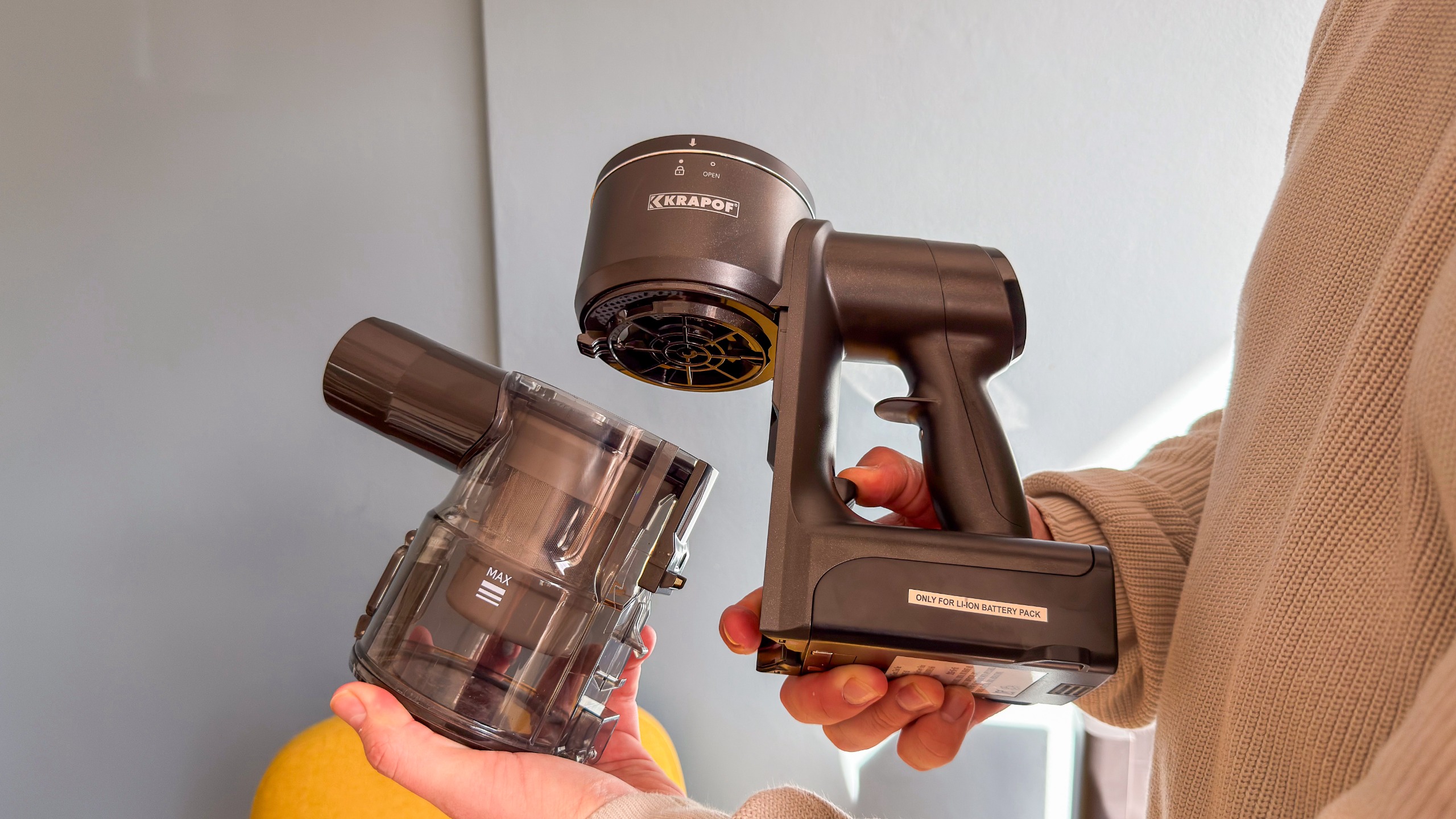
You can also clean out the inside by twisting the top to remove and access the filter. Dismantling fully isn't the easiest task, though, but it at least means you can maintain the vacuum well to increase its lifespan and keep it in tiptop condition.
One thing to note about the stick vacuum while it's docked and charging is that the top display will be upside down when you stand before the appliance, but it's fine when you take off the dock to use. So if you see the percentage sign of the battery indicator before a number like 85, assume it means it's a 58%.
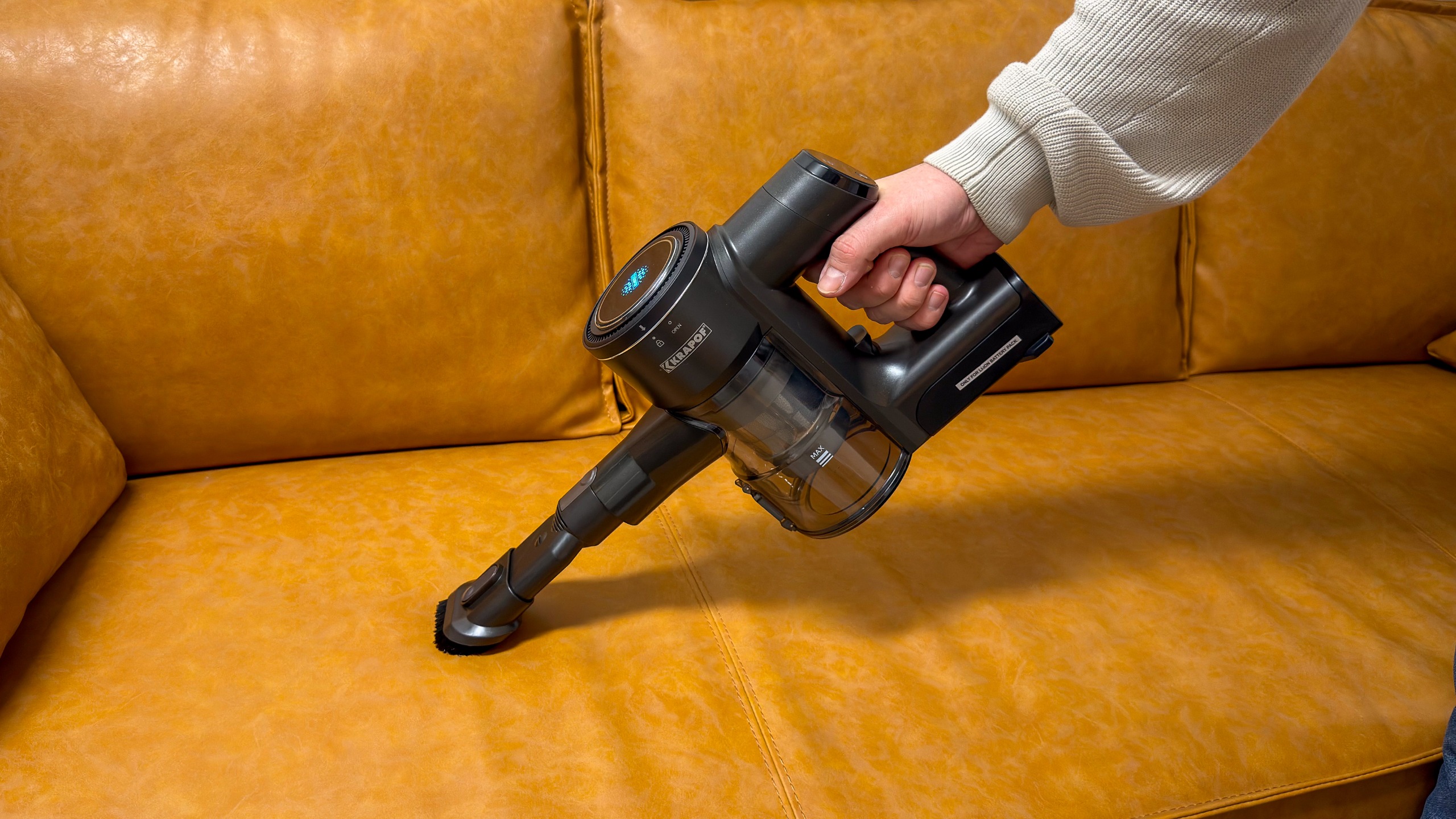
What I do appreciate about the self-emptying charging station is that it has dedicated space to store the two extra attachments that ship with the vacuum (a crevice tool and a brush) — they just clamp onto two stumps on the side of the dock's base.
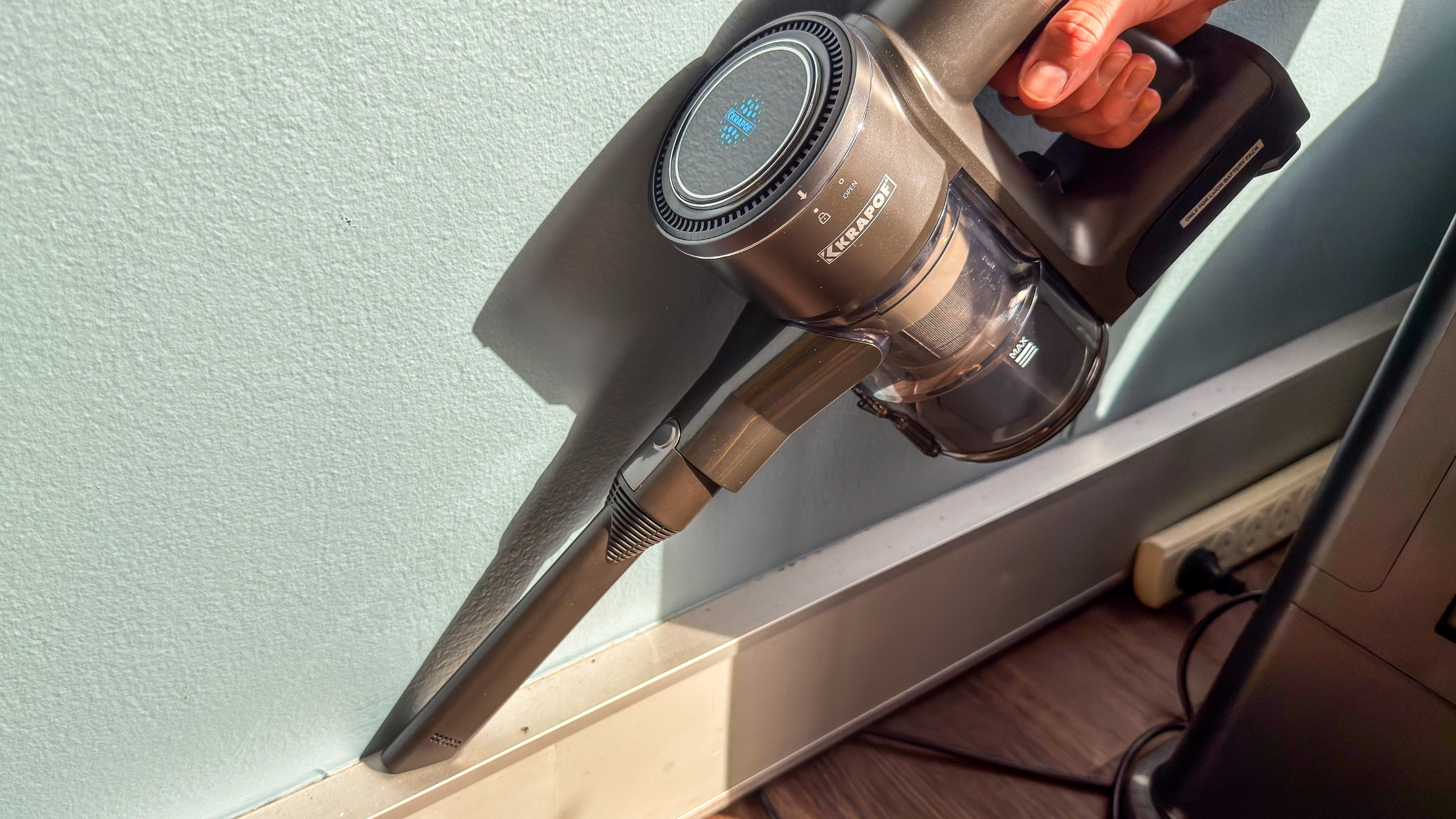
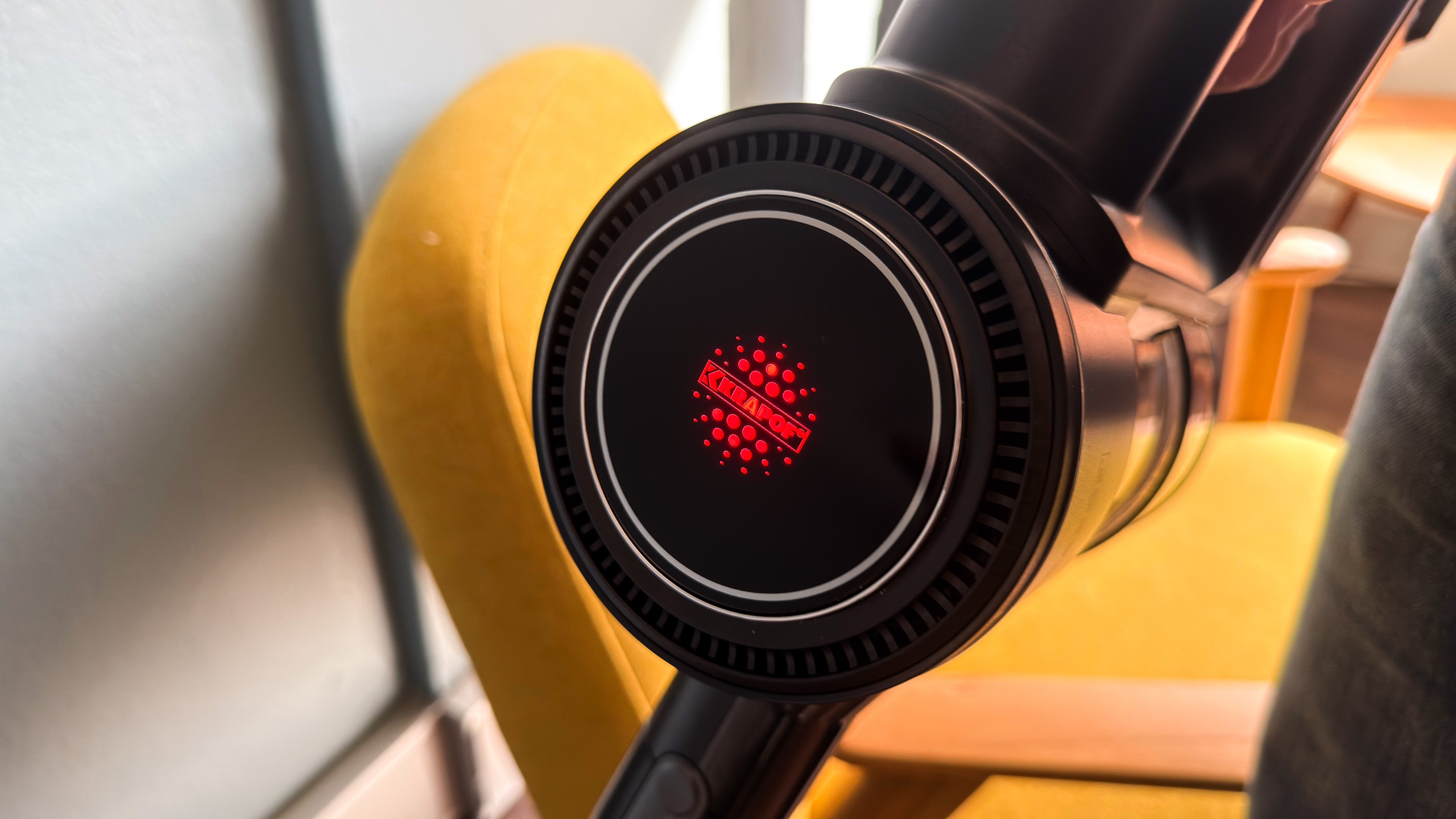
The Krapof Slim Power Vac has three suction settings, which can be accessed by pressing the +/- icon on the touchscreen when needed, but in its default Auto settings, dynamic suction sets in and the power increases or decreases depending on how much dirt the vacuum senses. The change in suction in denoted by the colour of the Krapof logo on the front of the handheld unit, going from green to blue to red as you shift from lowest to highest power settings.
Interestingly, despite claiming to have a whopping 450AW of suction, the Krapof Slim Power Vac is not very loud and, to be honest, it doesn't even perform as well as the 400AW Samsung Bespoke Jet AI Ultra or the 280AW Dyson Gen5detect. I suspect a lot of that has to do with the overall design of the stick vacuum, which also means its disappointing performance is down to a floorhead that tends to scatter visible particles, even those as small as chia seeds.
So while it's perfectly good for invisible dust, other household spills like cereal (even small bits of oats), tea leaves, grains of rice or other dry spills get pushed around by the edges of the floorhead (as you can see from the video below). That means you're cleaning parts of the floor you've probably already vacuumed, doubling your work and making cleaning more of a chore than it really ought to be.
The scattering happens on both hard floors and carpets, so it's really not dependent on floor type and definitely got to do with the design. Furthermore, the floorhead's best suction is the forward motion, which is disappointing given its price tag and the fact that other models that cost about the same can suck equally well when moving front or back.
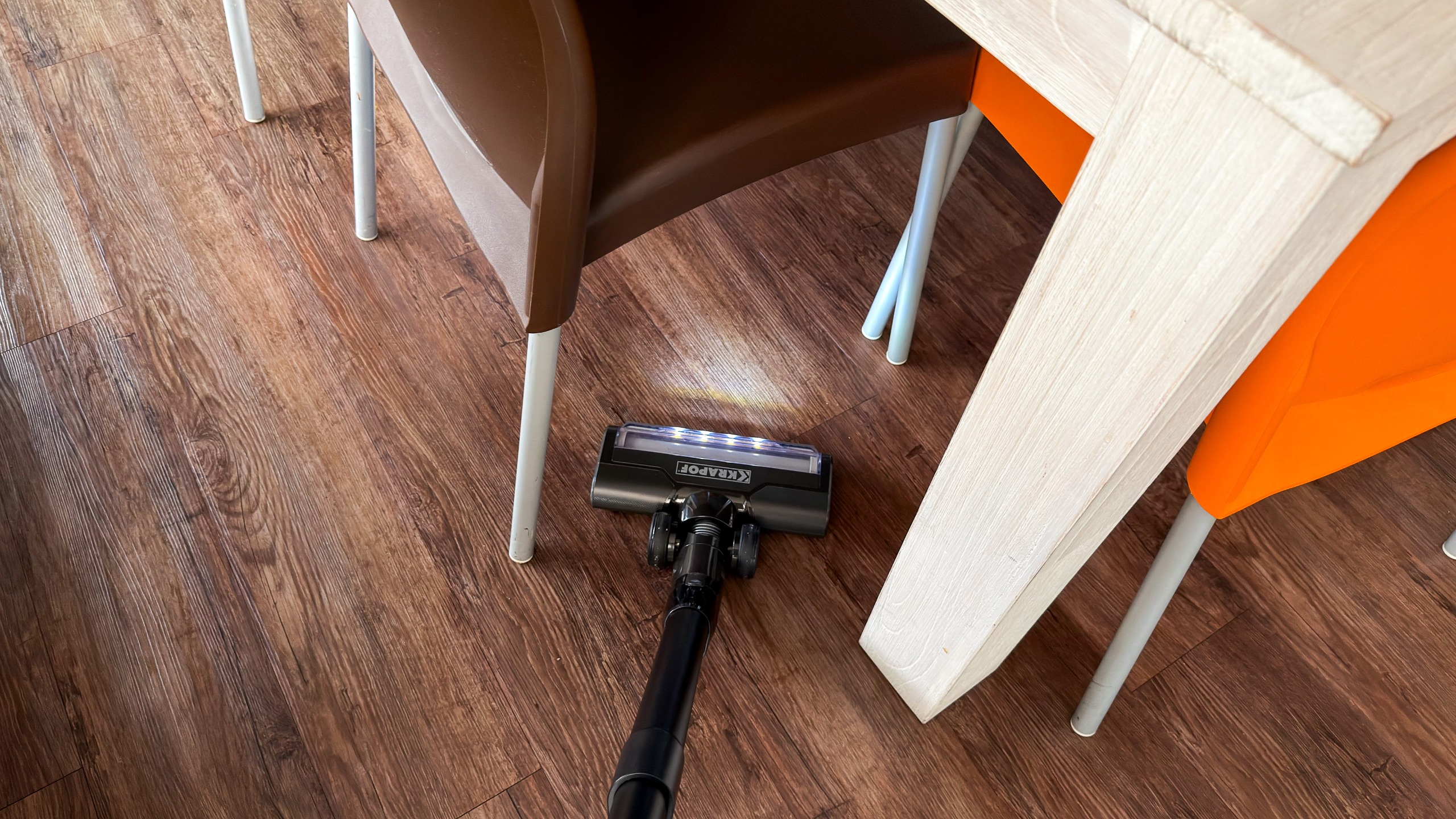
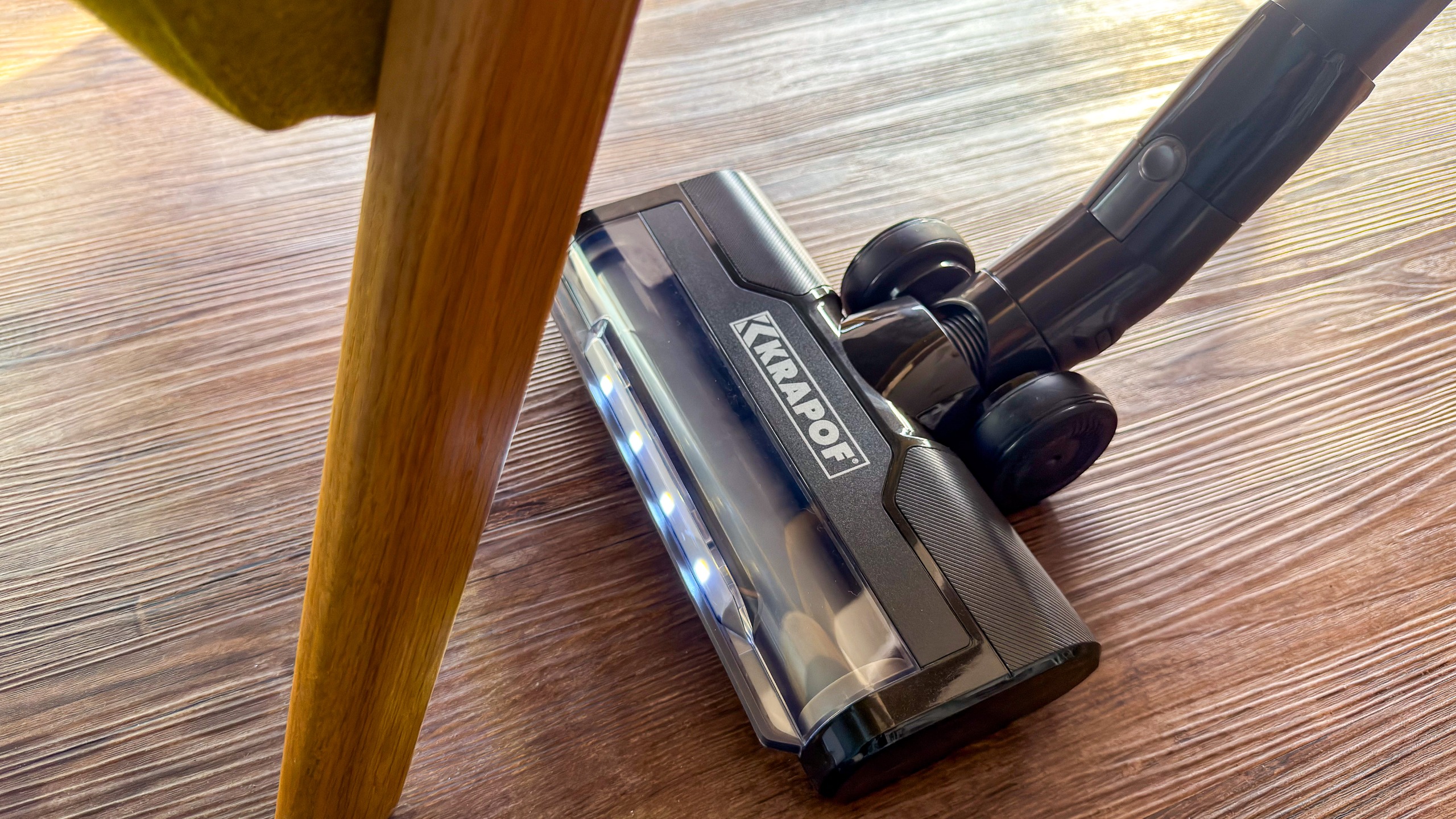
The floorhead has headlights built in, but they're not very bright and, in a well-lit room, aren't useful at all. Even under furniture, I didn't think the lights helped illuminate dust but highlighted long-forgotten lost items under furniture.
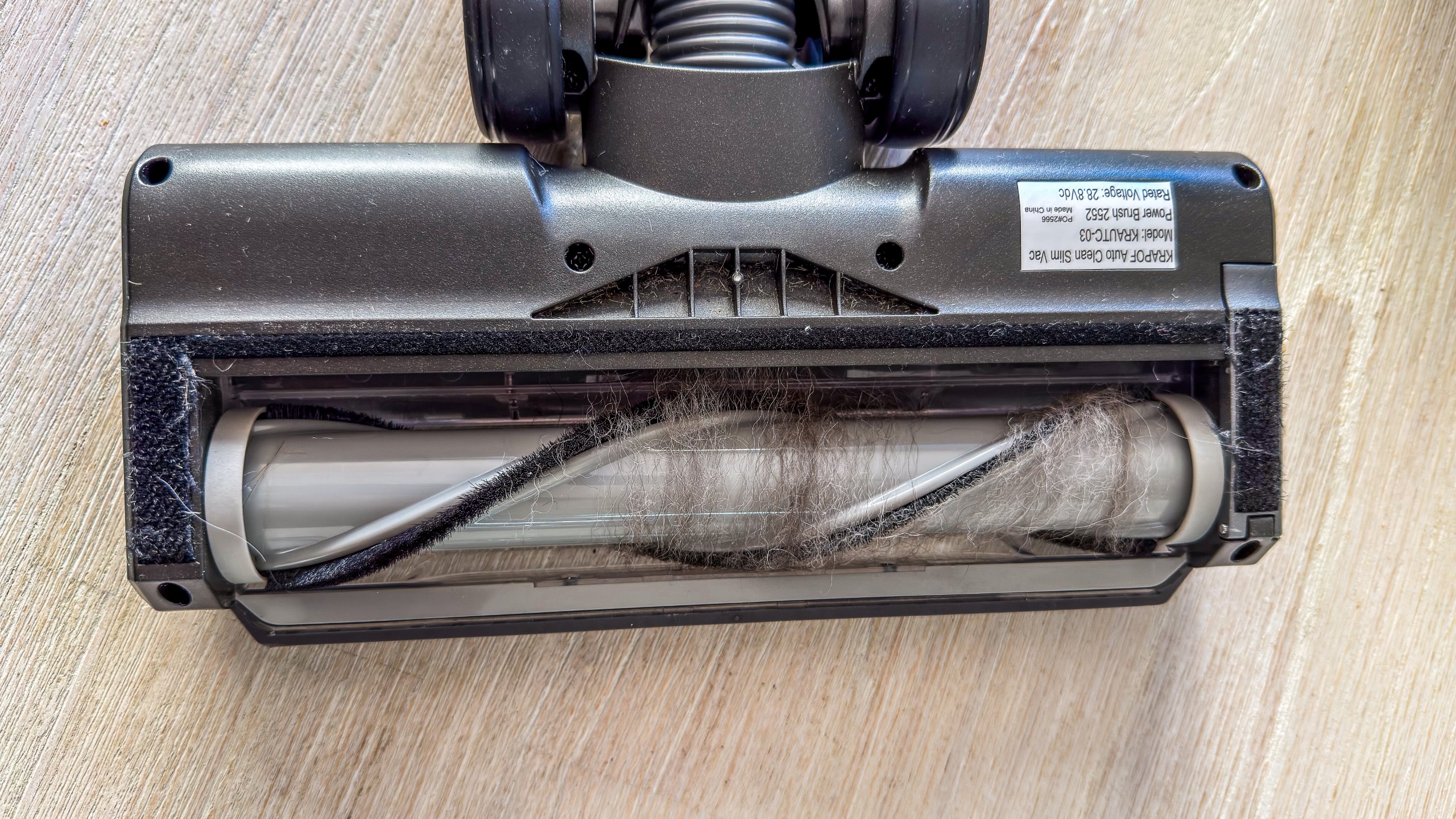
Another disappointing aspect of the main floorhead is the amount of hair and fur that gets entangled in the bristles. So if you have pets, I definitely wouldn't recommend it. That said, if you exclusively have just hard floors, a separate roller is included in the box that can be used in the floorhead to avoid bristle damage if your wood floors are sensitive, and this minimises the entanglements, but you will need to clean out the brush if you use the main floorhead as your primary cleaning tool.
This also means that your regular maintenance of the appliances increases as performance will be affected if you don't keep the floorhead free of human hair and pet fur.
(Image credit: Sharmishta Sarkar / TechRadar)
As disappointing as I may have found the scattering of dirt and the hair tangles, battery life at least is quite standard here. Depending on how often dynamic suction gets triggered, you can eke out about 35 minutes of vacuuming on the default Auto mode, but if it's just daily dust, you can get a more with the LED floorhead attached.
This matches Kleva's claims of getting up to 30 minutes on the 'standard' setting, but switch to the non-motorised attachments and you'll get up to 80 minutes on the lowest Eco power setting.
Decent battery life, however, does not make up for the fact that this vacuum cleaner, while fine for some basic tasks, will struggle and make you work harder rather than easing the task of cleaning your floors. At the end of the day, I found it to be a frustrating experience overall and, for its price, find it hard to recommend over options like the Samsung Jet 95S or the Shark PowerDetect Clean & Empty if you really want a self-emptying option. In fact, I would even recommend a discounted Dyson V8 Cyclone and the additional purchase of the Auto-empty Dok. Despite lower suction, any of these three will offer a much smoother experience.
What surprises me even more is the number of glowing user reviews online, but the vast majority on Product Review seem to be incentivised ones, so please don't fall for the hype.
List price of AU$899 but usually discounted to around AU$649
For a stick vacuum that claims to offer industry-leading suction and a self-empty function, the Krapof Slim Power Vac is well priced even at its RRP of AU$899. However, it's only directly sold via the Kleva Range website and is typically available with a discount that saves you AU$250.
However, given its design flaws that affect the overall user experience, even the discounted price of AU$649 is a bitter pill to swallow as you can opt for a lower-specced and more reliable vacuum for about the same price or lower.
Take, for example, the Dyson V8 Cyclone which, with its 150AW of suction feels overpriced at AU$649 and no self-emptying. However, it regularly drops to around the AU$450 mark, then add on the cost of purchasing Dyson's Auto-empty Dok for about AU$250 and you'll get just as good a clean with a much easier vacuuming experience for AU$700.
If I had to score the Krapof on value alone, it'd be a rather low number.
(Image credit: Sharmishta Sarkar / TechRadar)
Krapof Auto Clean Self Empty Slim Vac review: specs
Weight:
2.3kg (with LED floorhead)
Dimensions (vacuum + dock):
95 × 25.5 × 21.7 cm
Bin capacity:
0.5L
Max suction:
450AW
Max runtime:
80 minutes
Charge time:
5 hours
Attachments:
Crevice tool, Duster brush
Should I buy the Krapof Auto Clean Self Empty Slim Vac?
Buy it if...
You need a vacuum for just daily dust pickup
For tackling the easy tasks, this stick vac is well equipped and even comes with different brushes to help suck up dust from hard floors and carpets.
You need a lightweight stick vacuum
At about 2.3kg with the floorhead attached, it's even lighter than the Samsung Jet 95S that I claimed was a pleasure to use for being lightweight. The Krapof Slim Power Vac is also easy to manoeuvre, although note that the handheld part pivots more than the floorhead, so it may not always go in the direction you want it to.
Don't buy it if...
You have pets that shed
It's hard to recommend the Krapof Slim Power Vac for a pet-friendly home as the floorhead tangles both fur and human hair, requiring constant maintenance to keep the appliance clean.
You have messy kids or butter fingers
If you're home is prone to crumbs, scattered kitty litter or any dry spill with particles larger than dust, you'll find the scattering frustrating.
Krapof Auto Clean Self Empty Slim Vac review: alternatives
Shark PowerDetect Clean & Empty
It's been our top pick for the best stick vacuum in Australia for a long time until Samsung's Jet 95S dethroned it, but the latter is now harder to find on the market. For about the same price as the Krapof, you won't get the 450AW of suction, but you will get a good clean and self-emptying. Sadly, though, this Shark is a relatively heavy one. Read our in-depth Shark PowerDetect Cordless review for more information
Dyson V8 Cyclone
It might have only 150AW of suction, but if you wait for a good discount (which is gets often these days) and then use the savings to buy the optional Auto-empty Dok, you'll get a very capable stick vacuum with self-emptying that works well on both carpets and hard floors, plus has no issues tackling hair or fur. Read our full Dyson V8 Cyclone review to learn more
How I tested the Krapof Auto Clean Self Empty Slim Vac
(Image credit: Sharmishta Sarkar / TechRadar)
The Krapof Auto Clean Self Empty Slim Power Vac was tested in TechRadar's Sydney office which has large open spaces of hard floors and low-pile carpet. While regular dust suction was tested every two days on hard floors where particles are more visible then on darker carpet, I also used mixtures of various pantry staples to emulate different particle sizes. Tea from a bag is fine dust, while chia seeds are small. Along with them, I added in quick-cook oats which are smaller than regular rolled oats, plus pieces of freeze-dried raspberries.
One of my colleagues also kindly brought in fur from her two dogs for me to test this vacuum for pet households, which I scattered on both the hard floor and on the low-pile carpet in the office.
Battery tests were conducted with the main motorised floorhead with dynamic suction and without by leaving the machine running in one spot. The latter was also done using the crevice tool attached to the handheld unit.
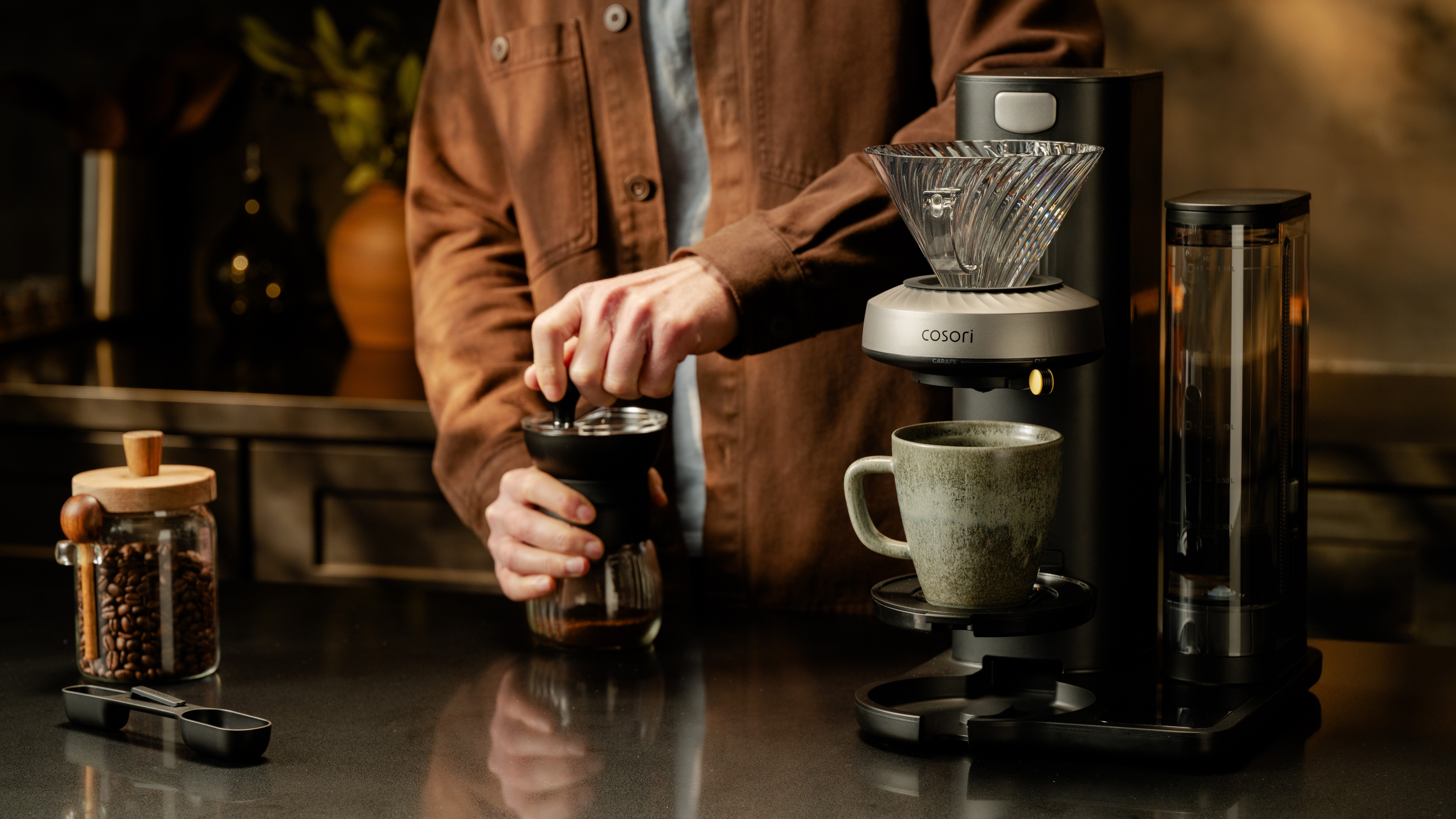
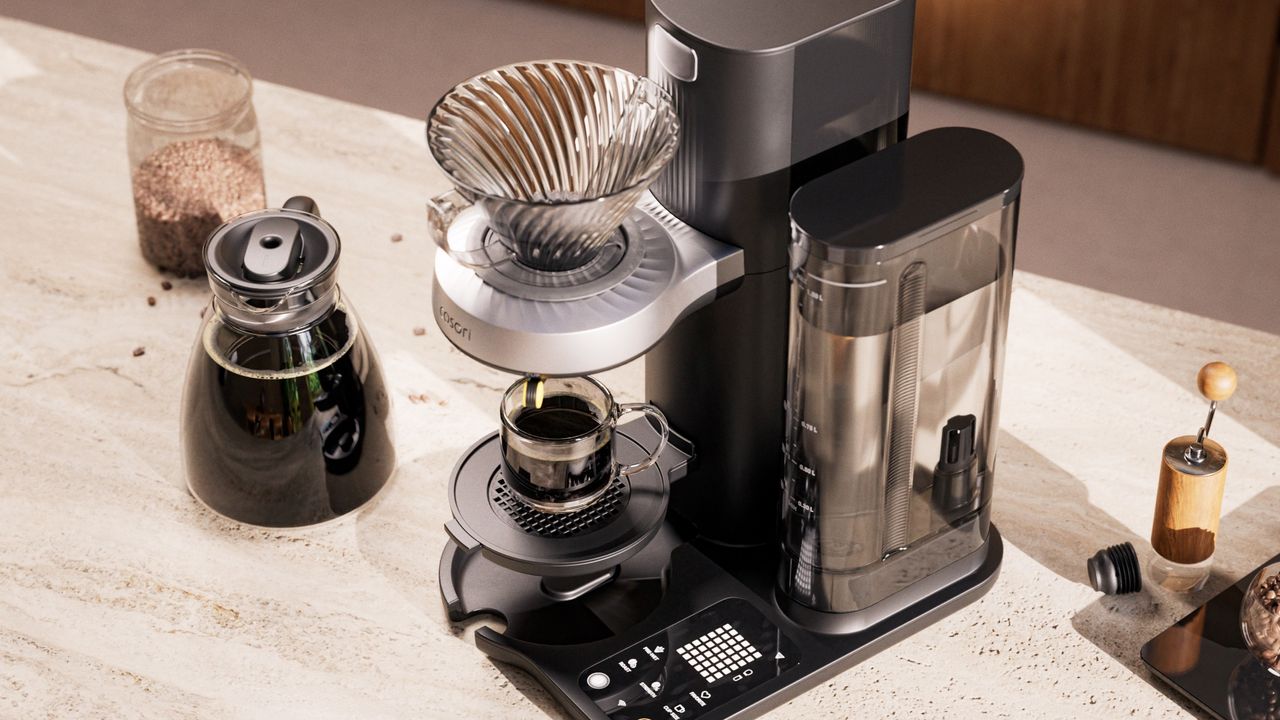
Cosori may be better know for making some of the best air fryers we've tested over the years here at TechRadar, but now its engineers have taken on a new challenge: pour-over coffee. Getting a perfectly-extracted pour-over coffee calls for just as much skill and care as espresso, and the new Cosori Juni aims to replicate that technique mechanically with a system that mimics the movements of a trained barista within the brewer.
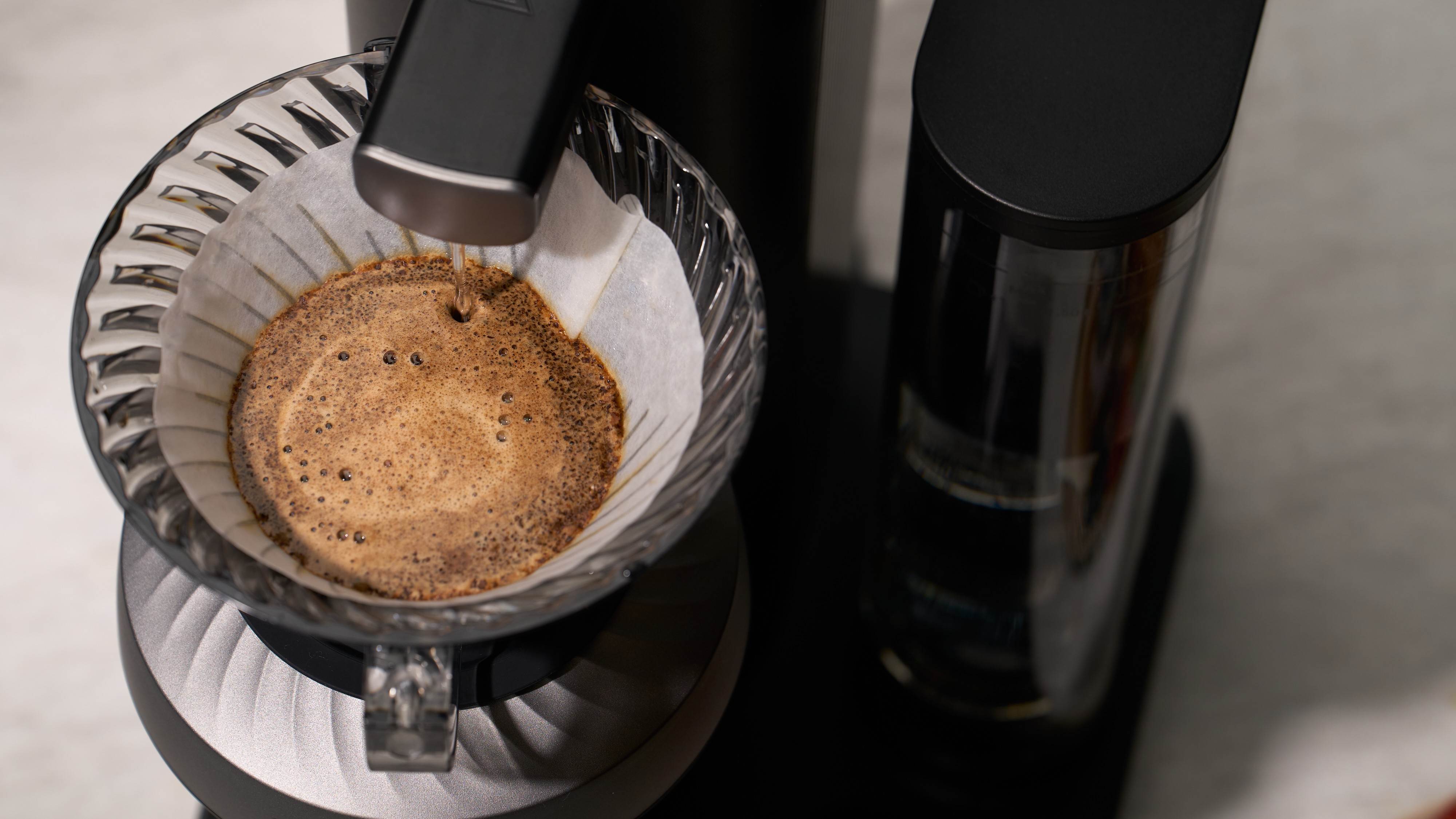
Unlike most drip coffee makers, which shower water over the basket of ground coffee in an attempt to achieve an even extraction, the Juni uses a rotating basket and an extendable nozzle to recreate the movement and speed of a barista wielding a goose-neck kettle.
According to Cosori, this mechanical process creates a 360-degree spiral flow that evenly saturates the coffee grounds while avoiding creating channels that would cause uneven extraction. Better yet, the process is consistent and repeatable, so once you've found the ideal brew settings for your preferred beans, you can be sure you'll get exactly the same flavor profile every time.
"The physics weren't the difficult part," says Pierce Barnard, Head of Product Innovation at Cosori. "The real work was understanding the human element: spending 18 months studying and mapping how skilled baristas move across the coffee bed and translating that motion into a system that can deliver the same result, every single morning."
The Juni aims to recreate the movements of a skilled barista as it pours water over the basket (Image credit: Cosori)
The Cosori Juni can handle as much or as little of the brewing process as you like, whether you want to keep things simple of refine the brewing technique and temperature to suit your chosen coffee. The Juni can even use AI to help you pick the optimal settings, and warn you if you've not picked the ideal brewing profile. Just scan your bag of coffee beans, and the machine will generate a brewing profile based on the bean type and your chosen cup-size, then invite you to tinker with factors like agitation, temperature flow rate, and pause time.
It's not yet clear whether the Juni will only be able to scan a particular brand of coffee, as is the case with the Lavazza Assoluta espresso machine I tested earlier this year, which can only adapt its brew settings to Lavazza's own beans.
Alternatively, manual mode lets you take control yourself, though if you want a little guidance then the machine's AI can still warn you if any of the settings you've picked are likely to result in an under- or over-extracted drink. For simplicity, there are also one-touch presets for different coffees and roasts.
(Image credit: Cosori)
If you don't like the idea of such tinkering first thing in the morning, don't worry. Like most of the best drip coffee makers I've tested, the Juni has a timer, but Cosori has gone one step further by letting you set different times for each day of the week, and even allows you to set a reminder to prepare the machine the night before.
Despite its complexity, the Cosori Juni costs a reasonable $299.99 (about £220 / AU$430), which is significantly less than the similarly technical Fellow Aiden Precision Coffee Maker, which has a list price of $365 / £365 (about AU$580). I'm hoping to put it to the test soon, to see how the two advanced brewers compare.
One chunky, powerful mopping and vacuuming robot...
... with a regular, small robovac docked in its hat, for detail work
When it comes to robot vacuums, size matters. Robovac makers need their bots to be powerful, but also small enough to get into tight spots. The two things are often incompatible.
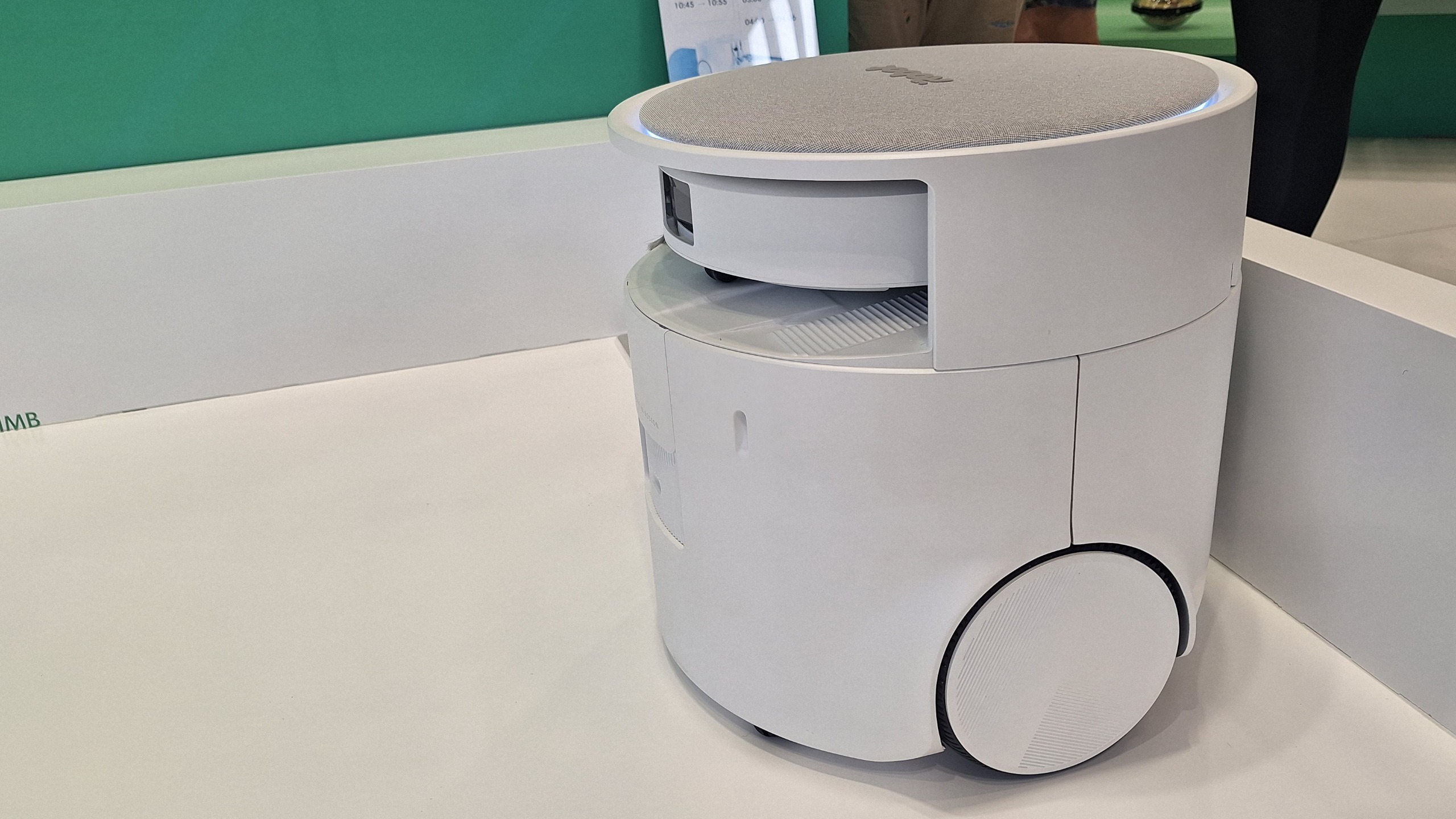
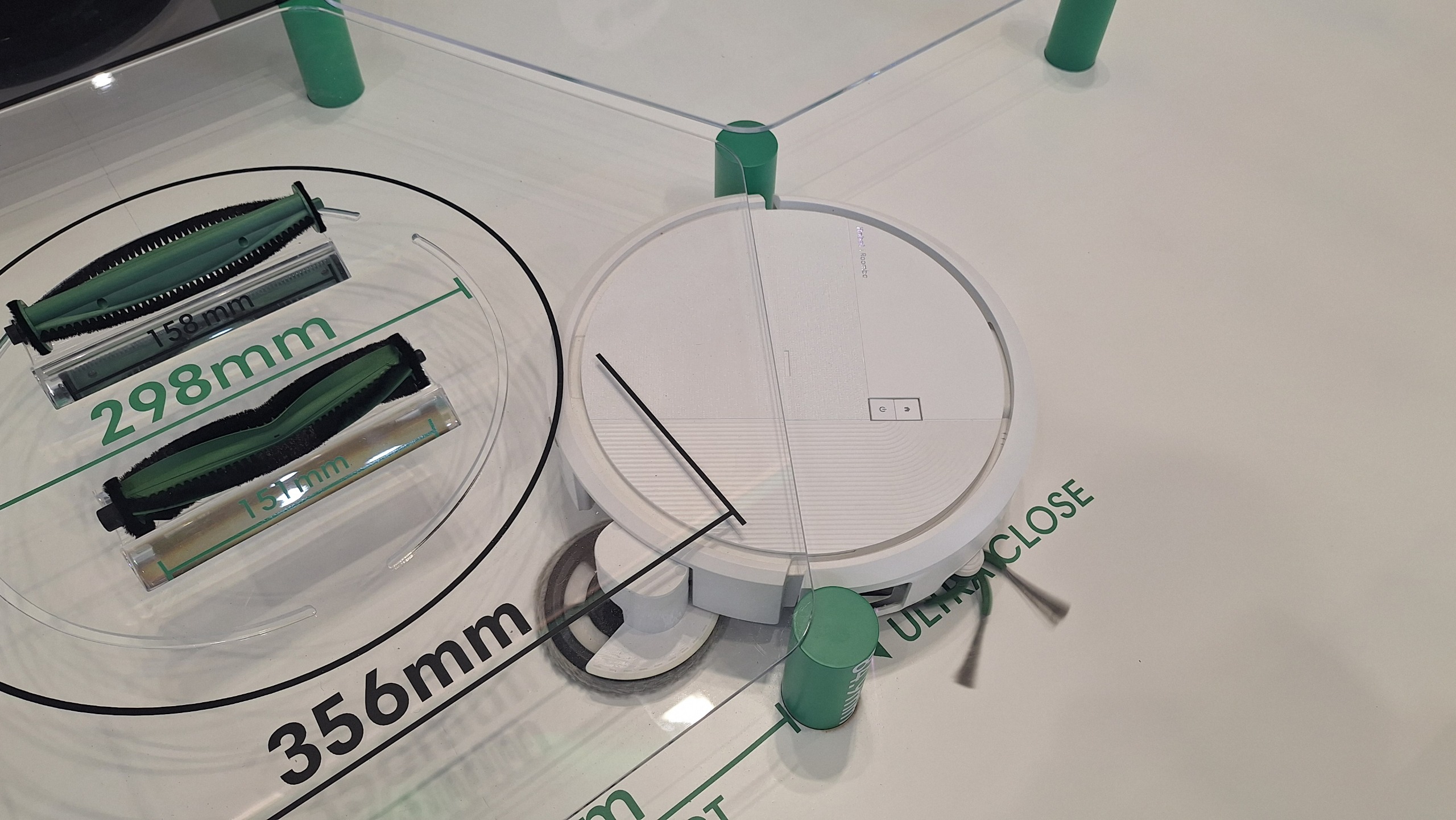
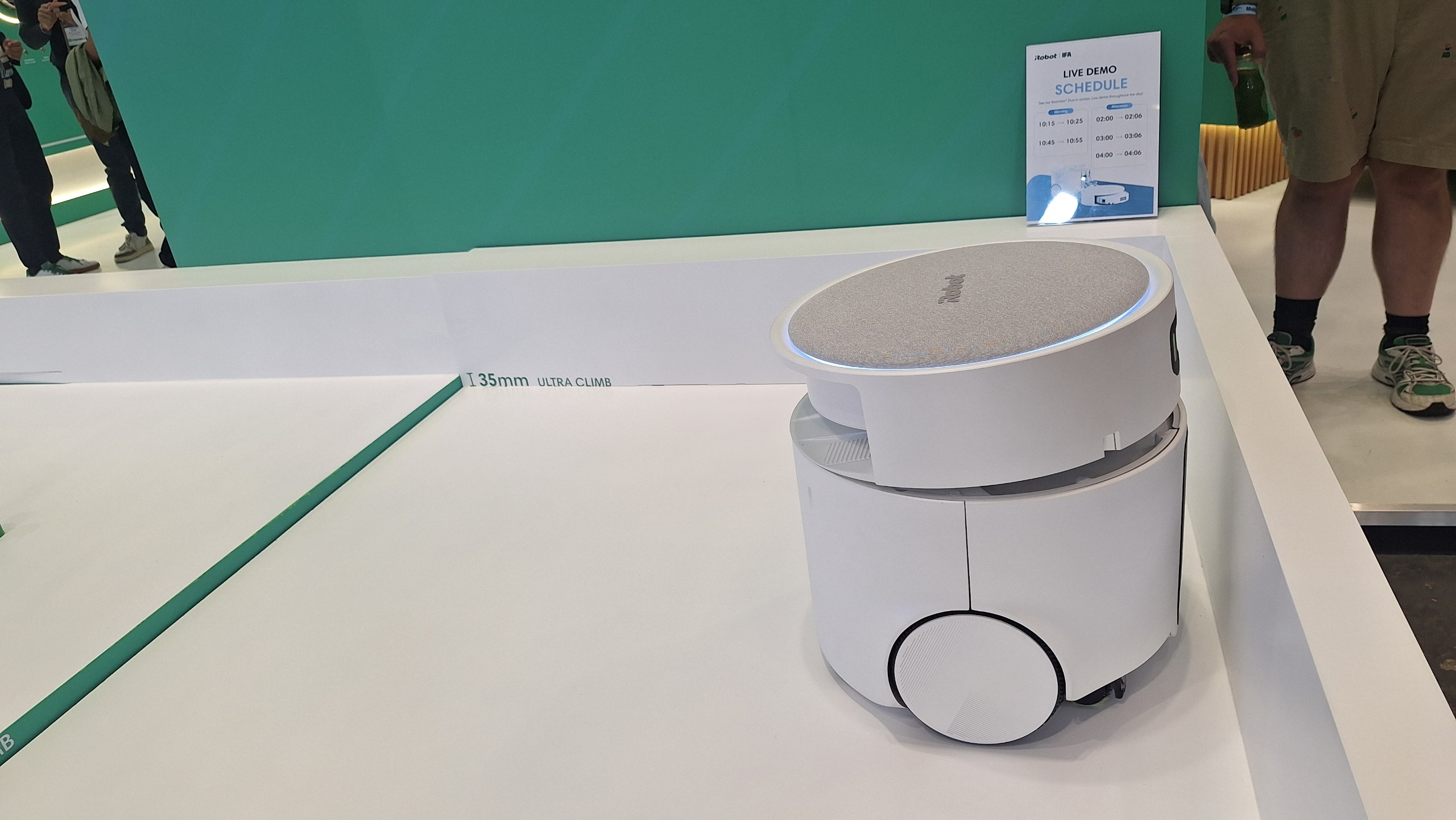
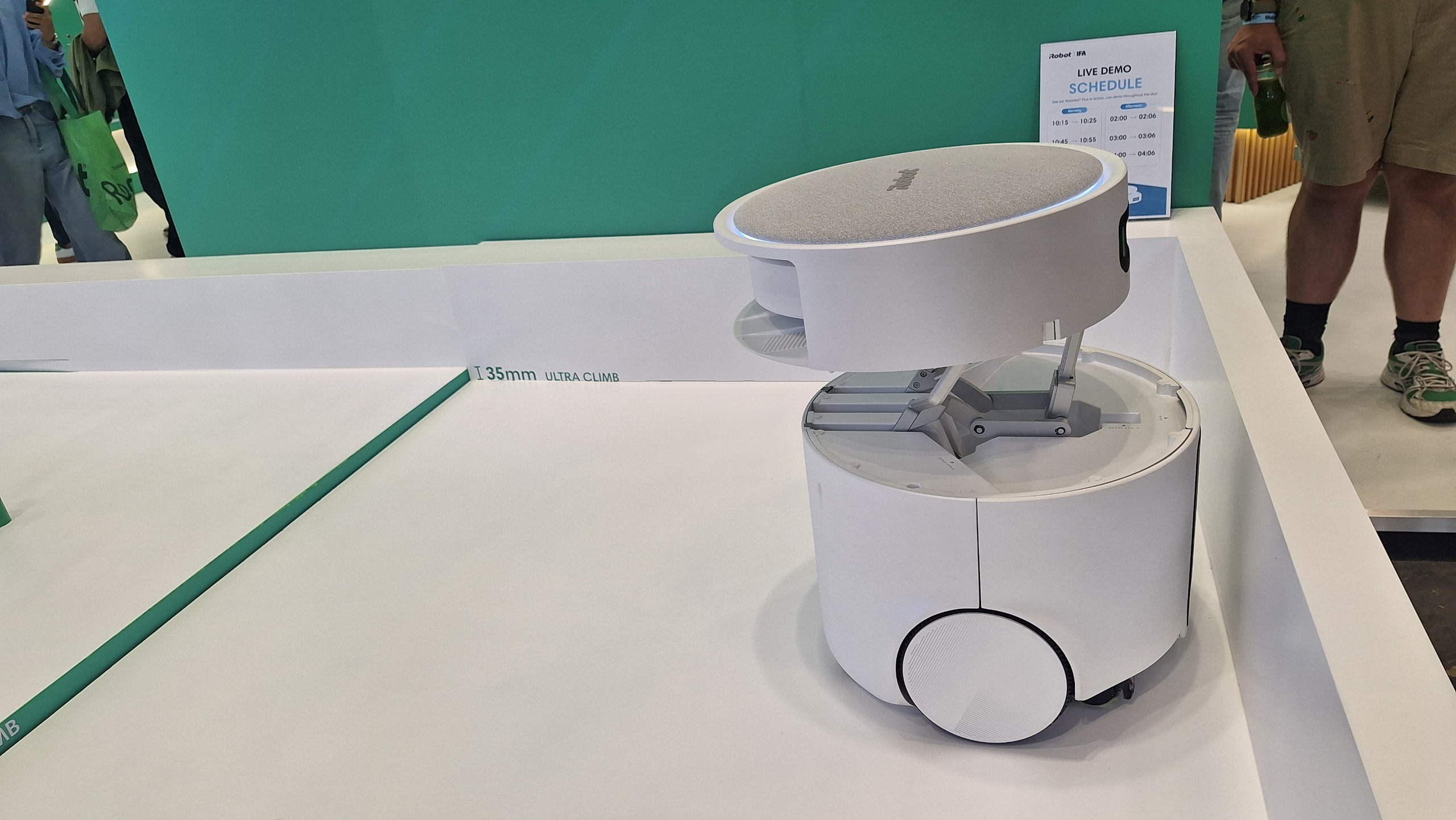
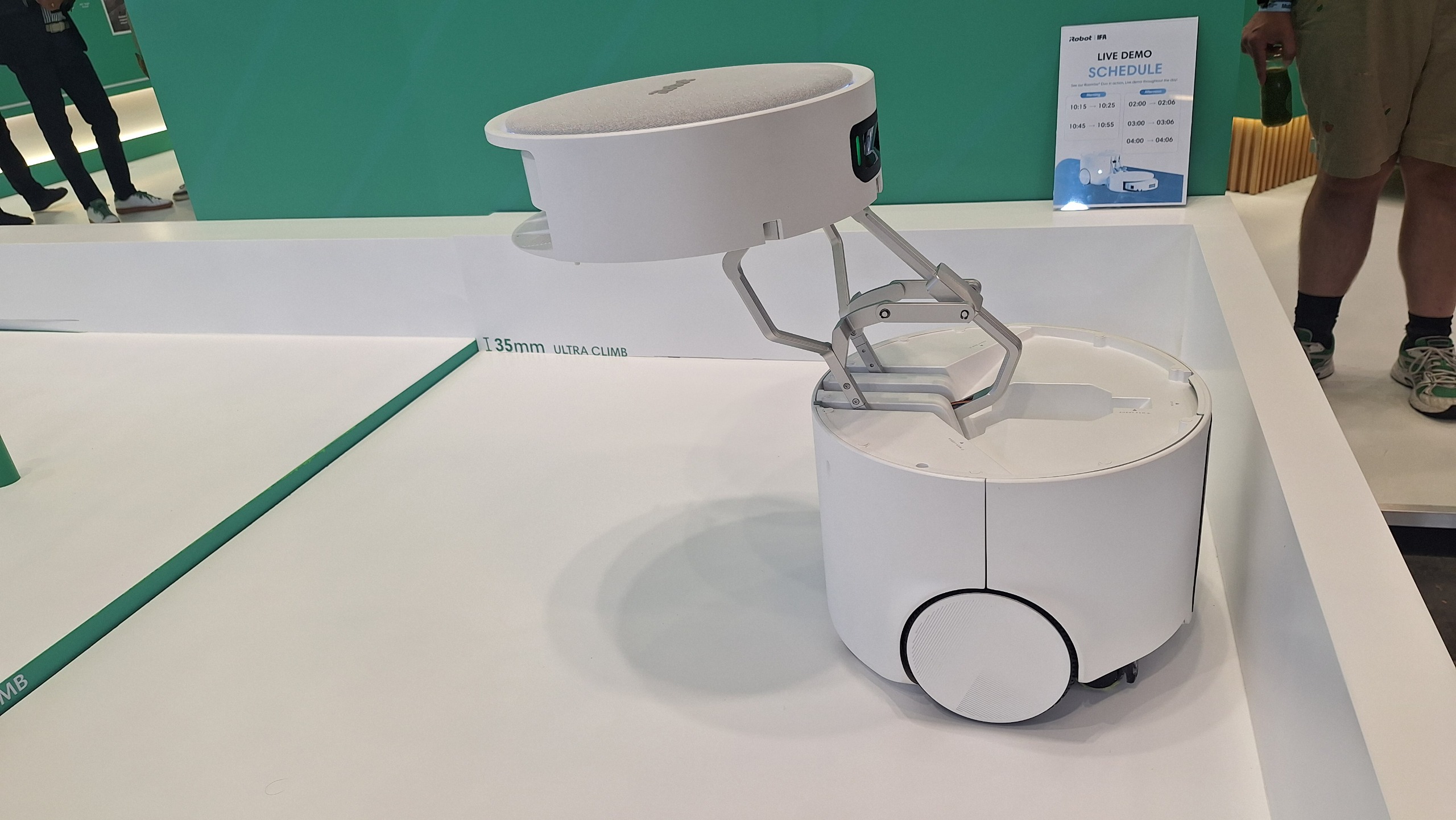
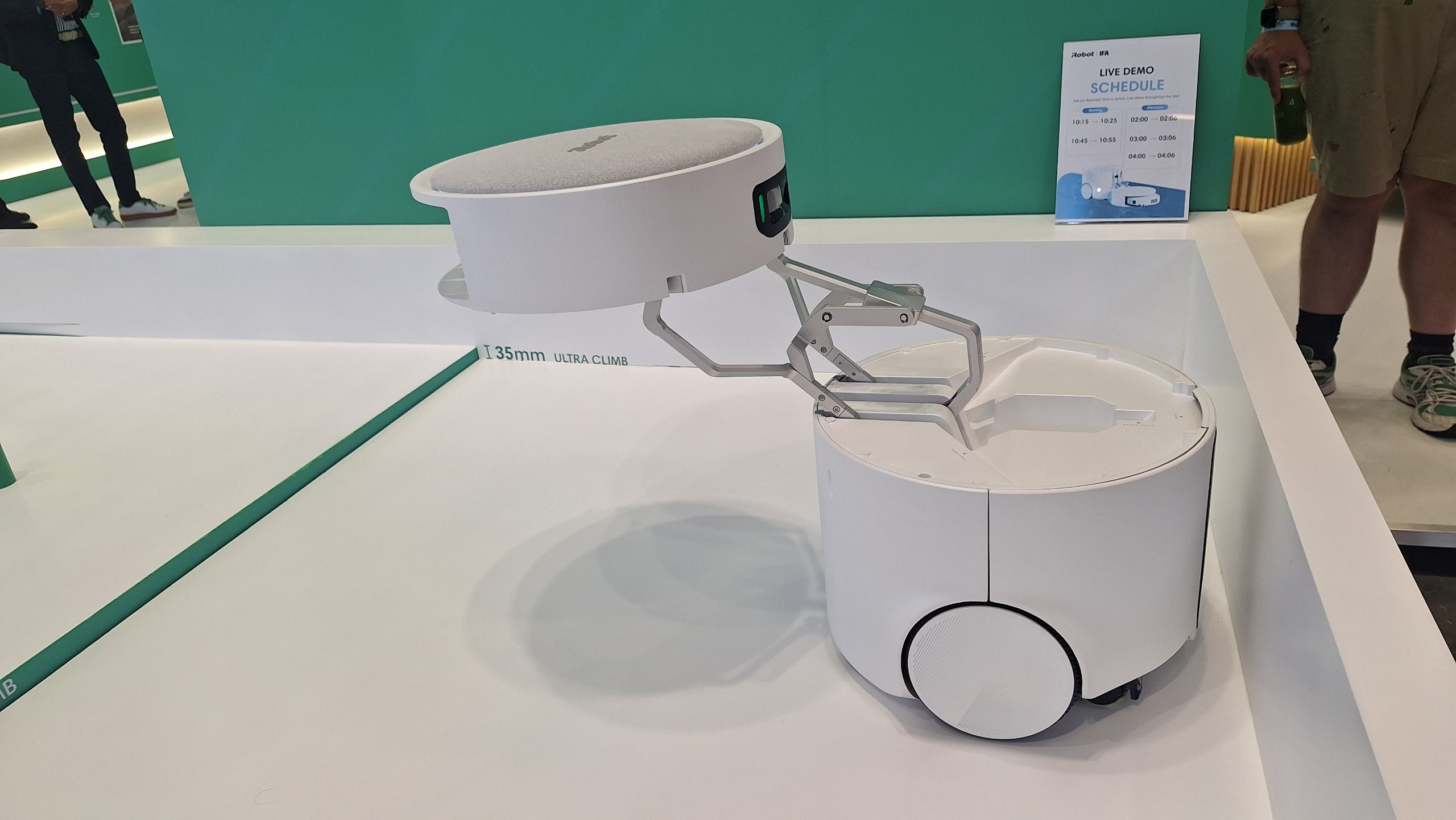
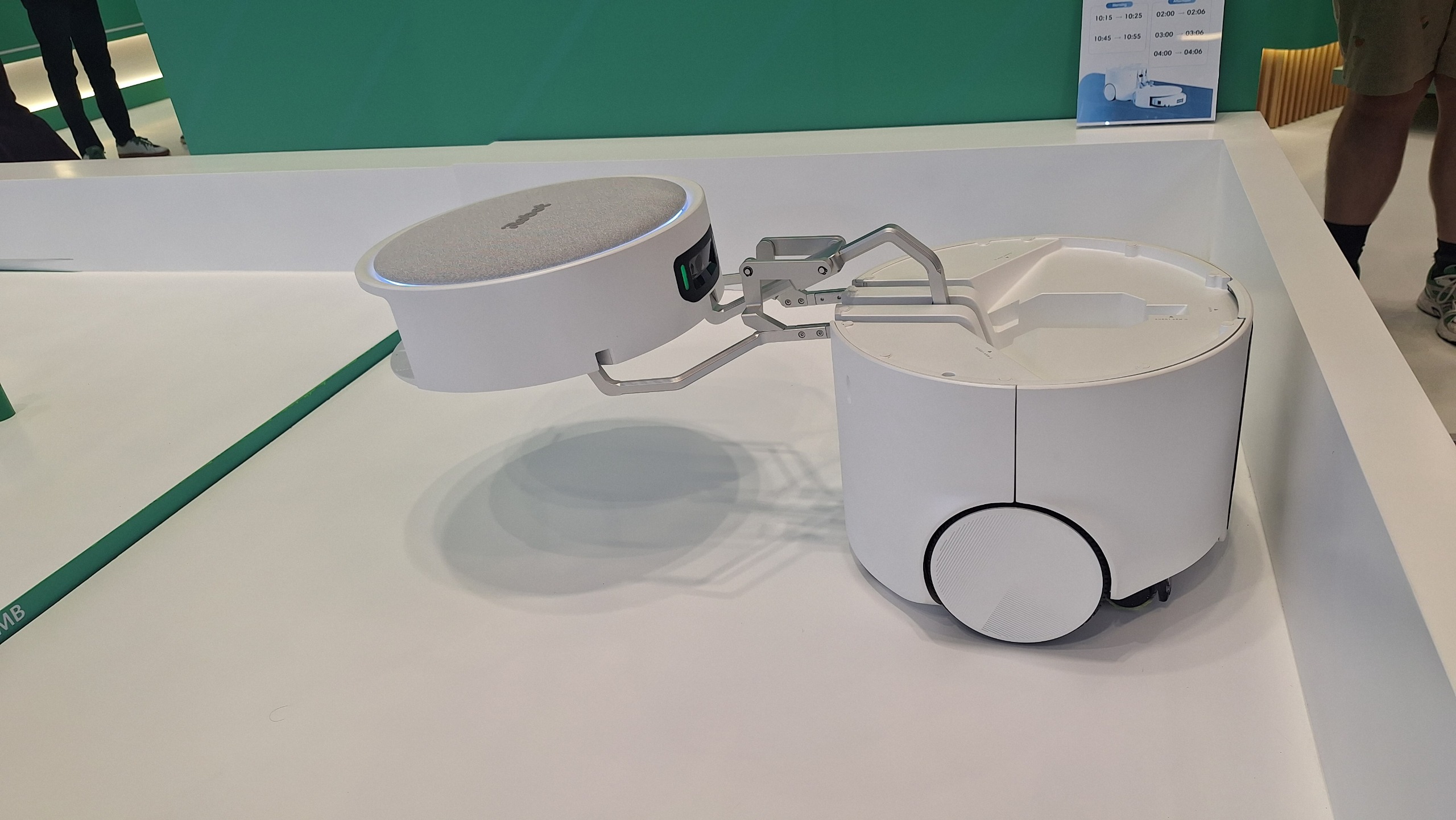
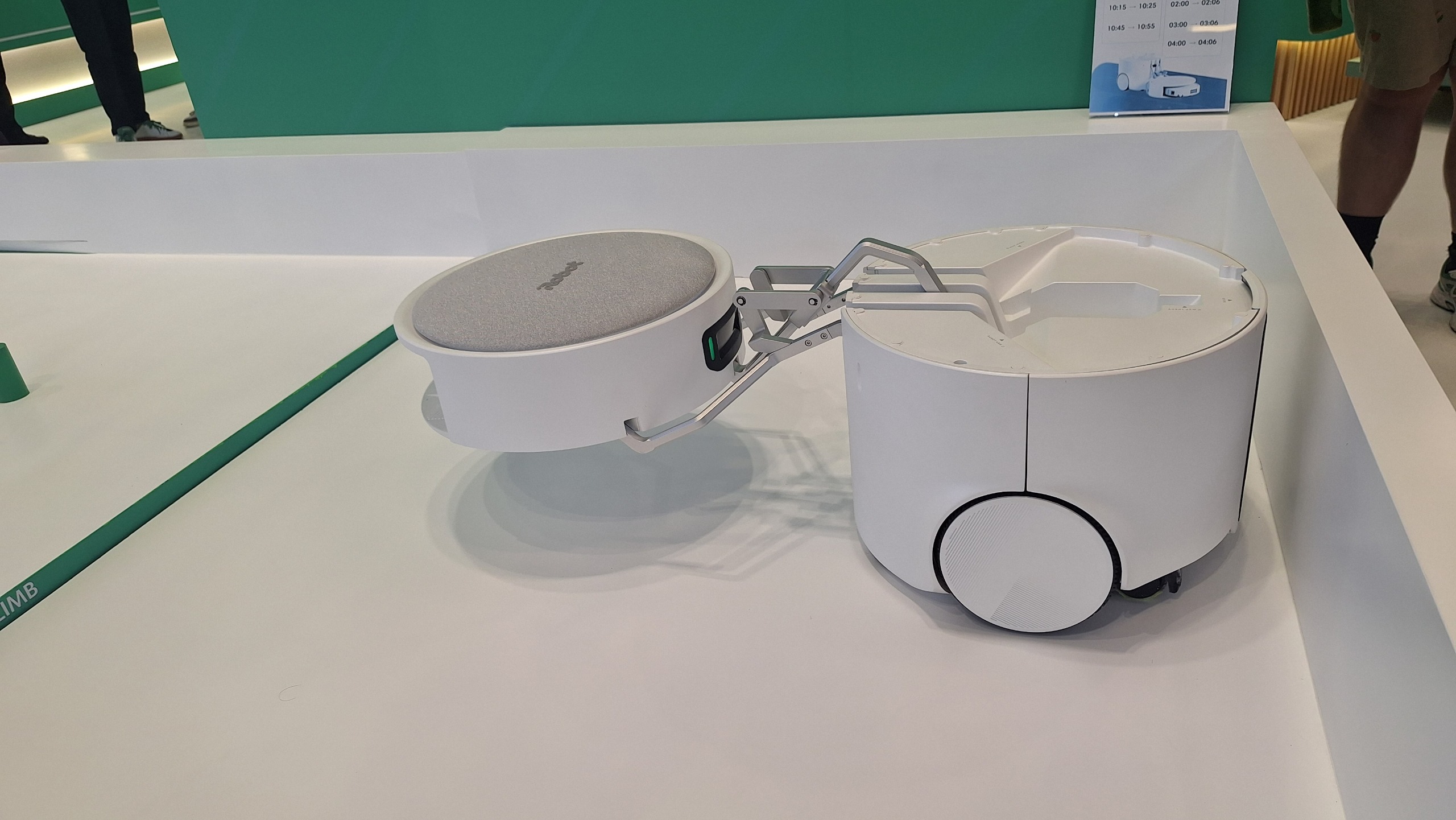
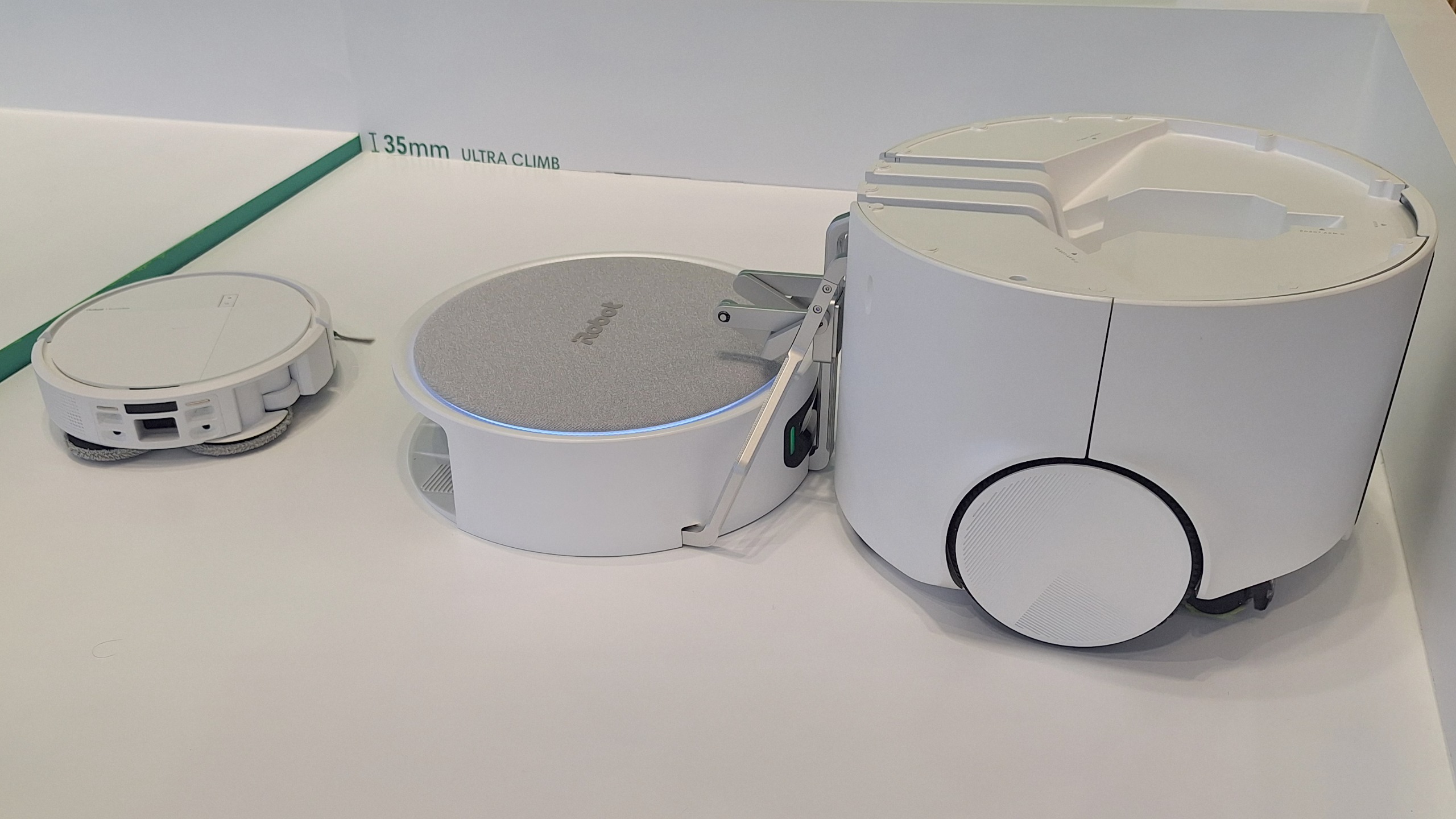
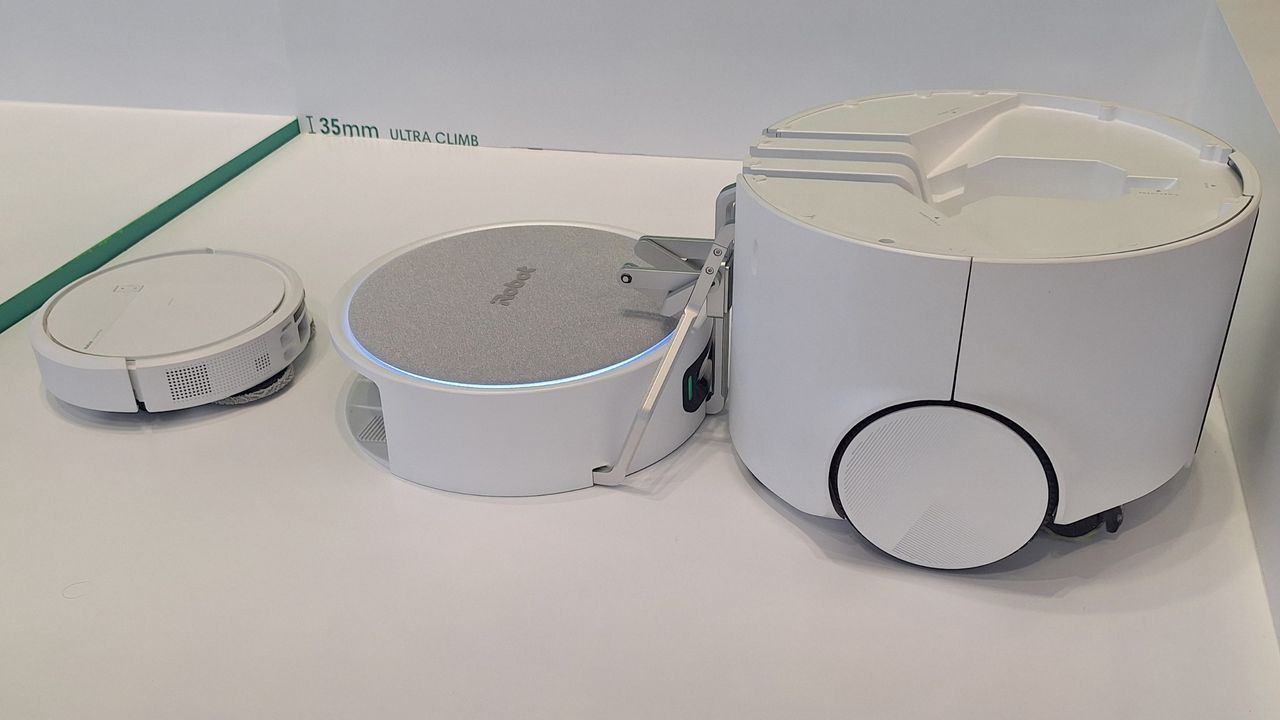
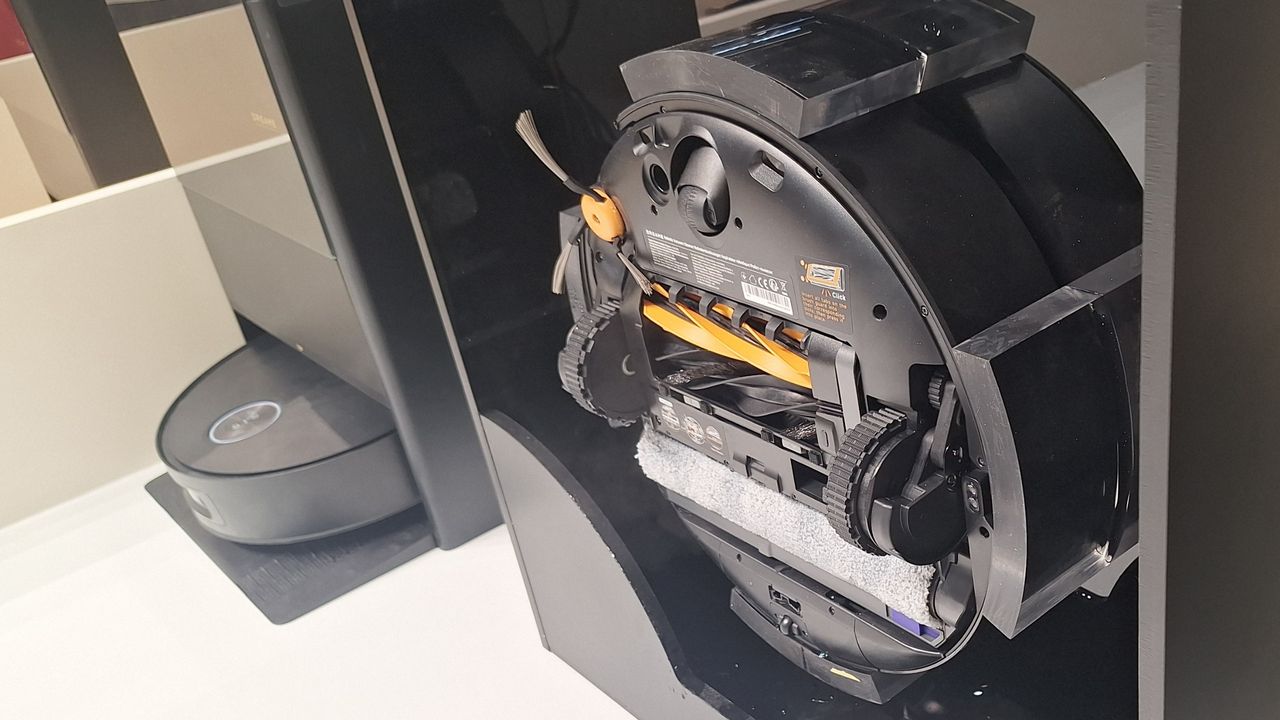
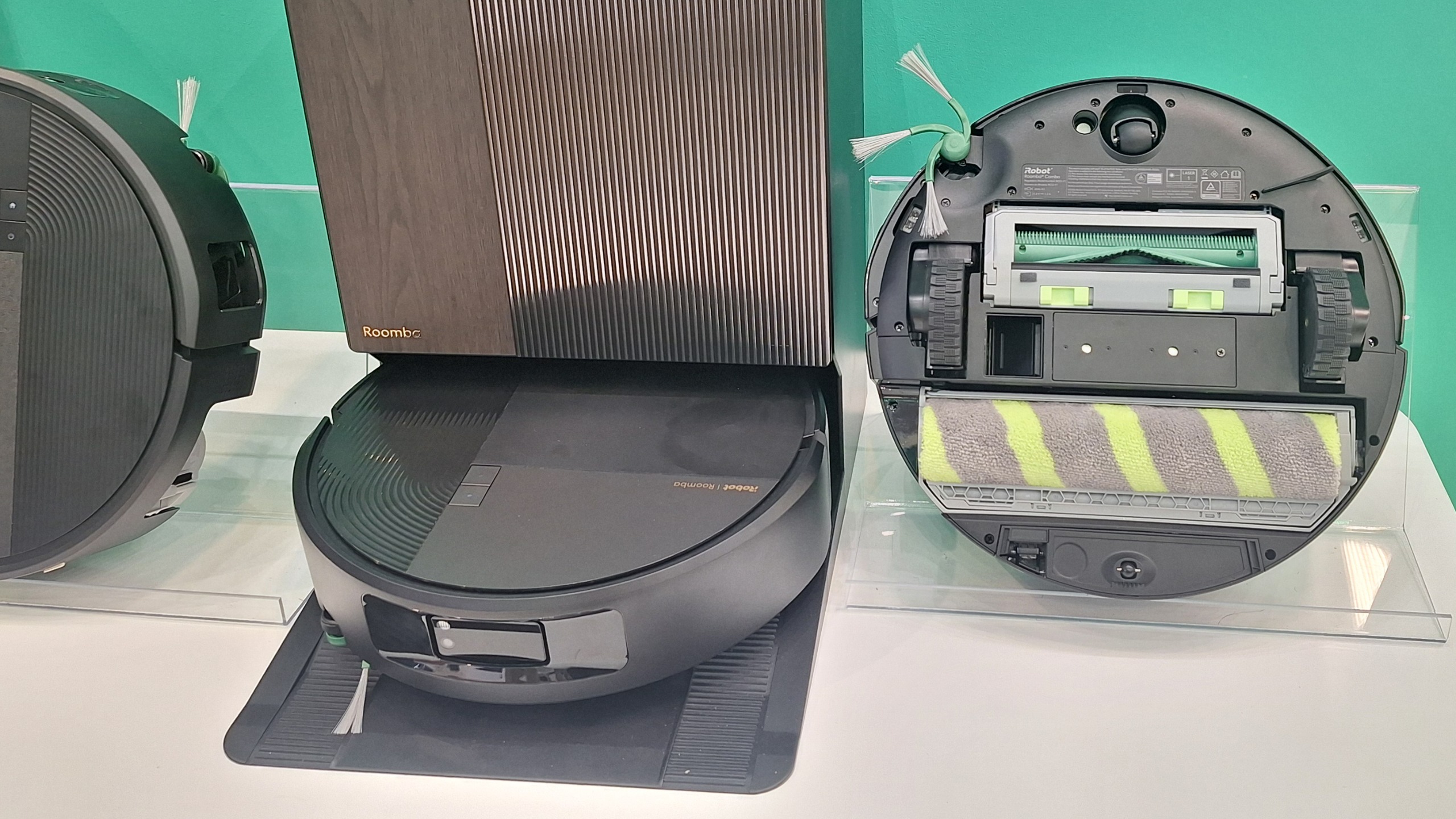
iRobot has come up with an imaginative solution. The iRobot Roomba Duo is a two-in-one bot in the truest sense. In its full form, it's a big, chunky floor cleaner, with a bulky body is large enough to contain everything you need for serious cleaning oomph. Then, in the upper part hides a regular robot vacuum that's compact enough to take care of detail work.
(Image credit: Future)
I spoke to Adam Pope, Chief Engineer & Vice President of Product Planning & Development at iRobot, to get some more insight into the unusual creation.
"The large base robot is really for heavy-duty cleaning," he tells me. "It's big enough to be able to have lots of water inside, and it can also have stronger vacuum. It's designed for heavy-duty cleaning and more open spaces and high-traffic areas in your home. You get that heavy-duty clean that you might use a stick vac or a wet-dry vac on today."
(Image credit: Future)
He explains that on top of all that, the base also deploys the companion bot — which is similar to the Roomba Plus 575 robot. That smaller robovac will clean under furniture, around chair legs, in corners and essentially "all those other spaces that the larger robot can't get to".
"They work together," he adds. "They each have their own job, and they kind of split the job up and go do those activities."
I saw a demo of the iRobot Roomba Duo in action at IFA 2026. The dock was lifted off the top of its cleaner base — like someone taking their hat off — and lowered gently to the ground, where the smaller robot vacuum exited. This then went on to successfully complete an obstacle course that looked far too tight for it to navigate, before returning to its hutch, to be lifted back to its charging home on top of the base bot.
FutureFutureFutureFutureFutureFutureFuture
Unfortunately, for those who like the sound of this, the iRobot Duo isn't going on sale quite yet. "It's a cool little innovation concept we're just showing here at IFA to see how the market reacts to it and if there's interest in that type of product," Pope tells me.
I suggest it's quite difficult to stand out in the robot vacuum market these days, given the speed at which brands are releasing new models. "There's a lot of spec war in that category," he responds. "Not as much innovation as we'd like to see. So this was our way of trying to get something different, something new. But it still does the job — the job that customers actually need."
John Ternus: 'I started the day with the idea of a personal hub'
This, during Apple's famous 'one more thing' moment, to close its event
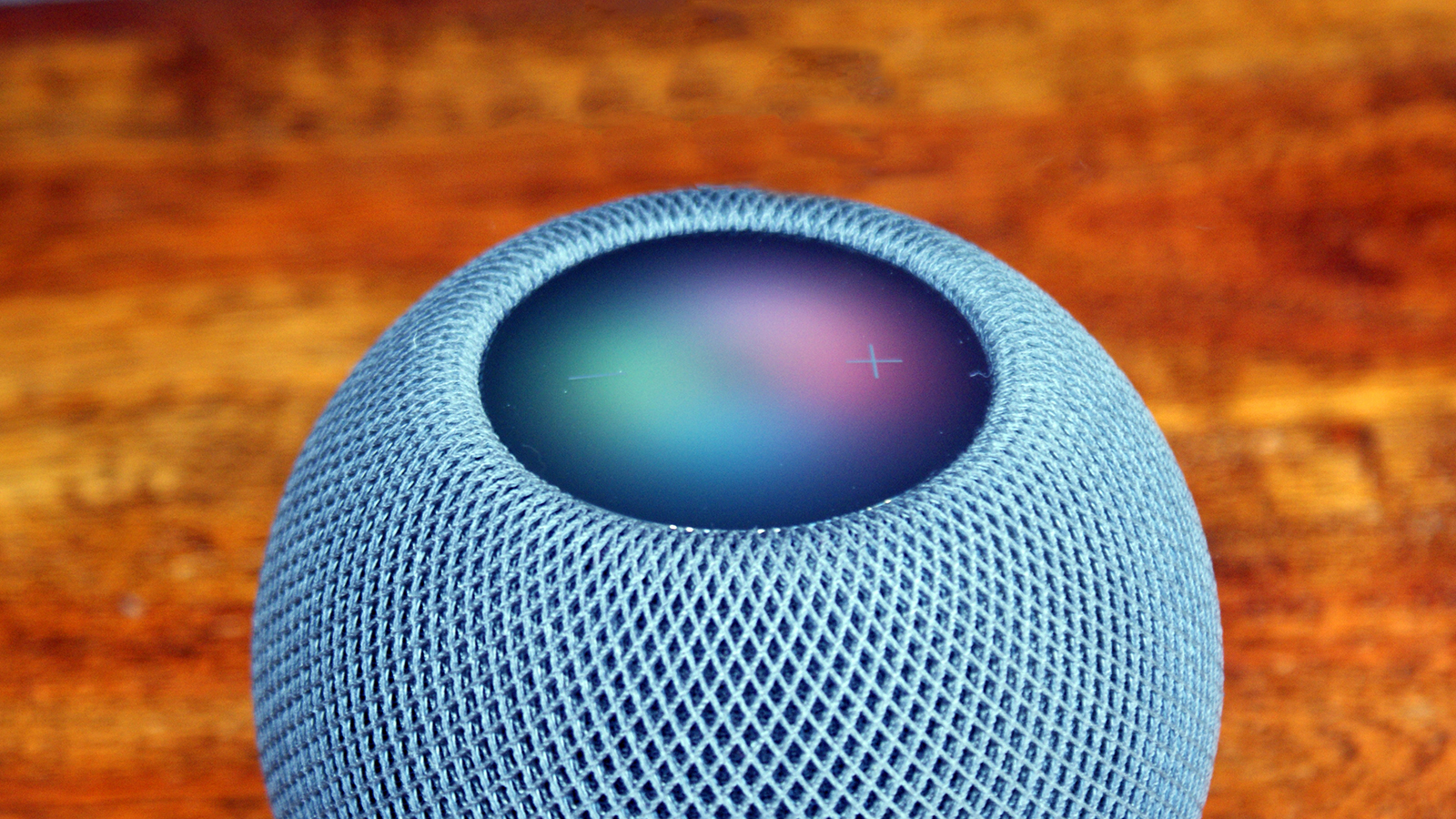
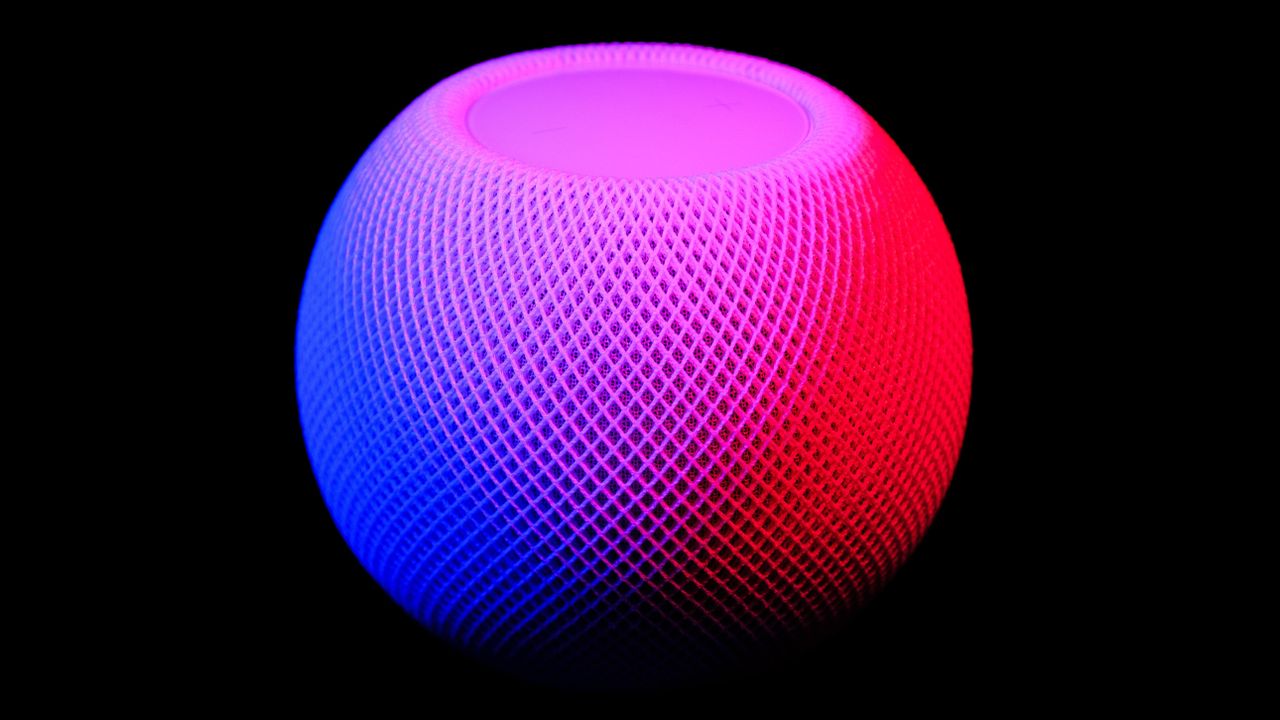
And yet, no HomePod mini 2 — which feels like an oversight
Whether you followed our Apple event coverage or simply streamed the event itself (and referred back to us later for a rundown of what you saw) you'll know that alongside a cracking duo of AirPods 5 new releases and of course our first folding iPhone, Apple's John Ternus seemed to continually tease the idea of a "personal hub" to act as the remote for your life.
At one point during the event, before announcing those ice-white buds, Mr. Ternus also stood in front of a spherical array of speakers (imagine standing right in the center and streaming a bit of Rage Against the Machine…), so I felt sure Apple's "one more thing" moment would be the much-rumored, hotly anticipated HomePod mini 2, which we've been waiting on (and writing about) for quite some time now.
Most of us agreed that Apple's delay in releasing its second-generation HomePod mini would be intrinsically tied to everyone at Apple Park waiting, with bated breath, for the company's overhauled, AI-powered Siri assistant to be fully finished and worthy of some new products.
And so I sat there, waiting for the "Behold, Apple's new and improved softball-sized wireless speaker (now in colors fit to grace any softball pitch), the HomePod mini 2! What's new? The chipset, the improved chattiness and the snappier responses".
And then, Ternus' people would wax lyrical about the fact that even six years after the original launched, the 2020 pricing of the new HomePod mini 2 had been put on lockdown (see what I did there?), so the price rise from $99 / £99 / AU$129 to $129 / £129 / AU$199 that was enacted in late June of this year would be reversed — just like the better-value AirPods 5. These, after all, just arrived with wireless charging, ANC and volume-swipe stems for $149 / £149, less than the $179 / £179 of the previous version!
But no.
What else might Apple have unveiled in its compact, Siri-powered "hub" speaker no-show? Oh, maybe an upgraded S9 chip, to replace the original HomePod mini's S5 chipset. Then perhaps deeper integration with Apple Intelligence for a chattier, more context-aware Siri that actually could become a voice to talk to, about music (music commands are all I use Siri for, when I use it at all).
How about stronger Wi-Fi or 2nd-gen Ultra-Wideband (UWB 2) for improved Handoff — something Apple did note at the event?
It seems that what Ternus said after his opening "I started the day with the idea of an intelligent personal hub" bit was most important. What was the end of the sentence? It was " …and why there's no product in the world better-designed to be that hub than iPhone". Ah. There's the rub. Folding phones.
I understand Apple's desire to get a foldable out there, but I have to disagree. A speaking speaker hub that plays music as well as the HomePod mini can, and is able to simply accept your iPhone-and-AirPods audio in one smooth audio handoff as you step in the door? That would be a hub that made your home a better place to be.
And if we look at the definition of the word — a hub is the central component of something — isn't home where the heart is for many of us? So wouldn't a HomePod mini 2 be a great intelligent personal hub, Mr. Ternus?
It’s “Surprise and Shine” day today! It’s been previously reported that Apple has a release schedule chock-full of products for the rest of this year. It starts today with new iPhones, AirPods, and Apple Watches.
What about the other rumored products, like the touchscreen MacBook, or the updated HomePod and the home hub? Well, before you shrug and exclaim, “That’s it?” at the end of today’s event, you should know that’s not it, according to a post by Bloomberg’s Mark Gurman.
IF you don't see the Apple TV, HomePod mini, home display and touch MacBook today, don't worry. It's only September.
If you’re not familiar with Gurman’s work, he has very good sources and his reporting tends to be spot on. Of all the people who report Apple leaks, he’s the most reliable. So while Gurman doesn’t directly say it, the touchscreen MacBook, HomePod mini, home hub (that he called “home display”), and Apple TV will be coming later this year.
Apple has held October and November releases before, so it’s not unprecedented. By the sound of his post, Gurman likely knows more about these releases, but he’s going to save reporting on those for later. After all, he has to save some surprises for his weekly newsletter so you’ll want to read it.
Those are products for another day. We have “Surprise and Shine” today, and you can track the event through the Macworld live blog, if you are unable to watch it.
The Aqua20 Pro Ultra Roller X Complete is Dreame's new flagship robovac
World's first robovac to use heated steam at 180°C as part of its mop system
Can also clear double-step thresholds up to an impressive 3.9in / 10cm
When I spoke to a load of major robot vacuum brand execs about where they thought robovacs were heading in the next five-to-10 years, a common theme cropped up: the desire to close the performance gap between manual and robotic floor cleaners. That's not just the vacuuming power, but the mopping prowess too.
And so, at IFA 2026, we have the world's first robot vacuum with steam cleaning powers: the Dreame Aqua20 Pro Ultra Roller X Complete. It's an exciting prospect, but based on the demo I saw, I'm not sure I'd be throwing out my manual steam cleaner any time soon.
The Aqua20 Pro Ultra (I'm not typing the full name each time) vaporizes water into 356°F / 180°C steam, which is pushed out through four outlets along the roller edge. This steam is designed to loosen tough, dried-on stains. The roller then gently scrubs them away, using hot water.
On the demo I saw, the steam function seemed quite gentle — there wasn't enough to be visible on a still photo, although you can see it in the video clip above. My first concern about the system is that there might not be enough steam to really make an impact.
The second is that because the heating happens inside the bot itself, using it has a big impact on battery life. I spoke to Dawn Chen, a Director at Dreame, and he confirmed that with the steam function on, the robot's runtime is around 30 to 40 minutes, compared to around four hours with it off. Steam needs to be switched on and off manually, in the app, and can only be used for a zone that's less than 10 square meters in size. Chen explained that the function is meant for spot-cleaning only; to tackle stubborn and dried on stains.
That runtime is fairly limiting. It makes it difficult to use the steam function as part of a more extensive cleaning session, which is a situation I expect will be common.
Making it work
The process of adding the steam function caused Dreame a few headaches. "During this R&D process, we faced two main problems. The first is about the limescale. Because we are turning the water into steam, this process will produce a lot of limescale," Chen explained. "To solve this problem, we added some limescale remover inside the robot, in the pipeline."
The second — and perhaps bigger — challenge was to do with controlling the temperature inside robot itself. "Because we put this kind of heat inside the robot body, the heat it produces will affect other components, especially the electronic components inside the robot body," Chen told me.
To address the issue, the engineers had to add internal insulation to protect the different components. And that was easier said than done — Dreame had to completely redesign the inside of the robovac to add the steam components, and insulation, while still maintaining the streamlined shape and size.
(Image credit: Future)
All the talk of limescale and preventing damage to internal components instills a certain amount of fear in me. I can't help but wonder if iRobot might have had the better approach — that brand's new Roomba Max 875 expels warm mist rather than steam, and the active heating happens in-dock rather than on-bot.
The demo showed a much denser cloud of mist than Dreame's bot was expelling, and because the Rooma bot itself isn't doing any active heating, using the mist function has a minimal impact on battery life. Of course, the really important thing is how effectively each robot cleans, and we won't know that until we've had a chance to test them.
Other upgrades
Back to the Aqua20 Pro. Aside from the headline steam feature, you'll also find an upgraded 'Proleap' system that can now bump the bot over single steps up to 2in / 5cm, or double steps up to 3.9in / 10cm. That's the tallest threshold clearance I've seen from any brand (so far) although in the demo it sometimes took a couple of run-ups to make it over.
Dreame has also added enhanced AI vision with adaptive learning — so the robovac can apparently react to moving objects and re-plan its route, in real time, in response.
The roller can kick out from the side of the robovac by up to 8cm / 3in — much further than its predecessor, the Aqua10 Ultra Roller Complete — to get nice and close to the edges of rooms. To avoid unwanted dampness while all this is going on, the main vacuum roller and side sweeper can both lift (by 5mm and 10mm respectively) while the mopping is happening. The roller can also lift 15mm when the bot is traversing carpet.
The Dreame Aqua20 Pro Ultra Roller X Complete is due to launch on September 21 in Germany, Austria, Spain, Portugal, and Switzerland, followed by a number of other European countries. I don't have a launch date for the UK yet, but Chen promises it'll arrive before the end of the year. Due to FCC regulations, launch in the US is unconfirmed.
Aldi is bringing back its cheap KitchenAid-rival stand mixer
It's available in-store from September 13
It costs £35, and packs four attachments and eight speed settings
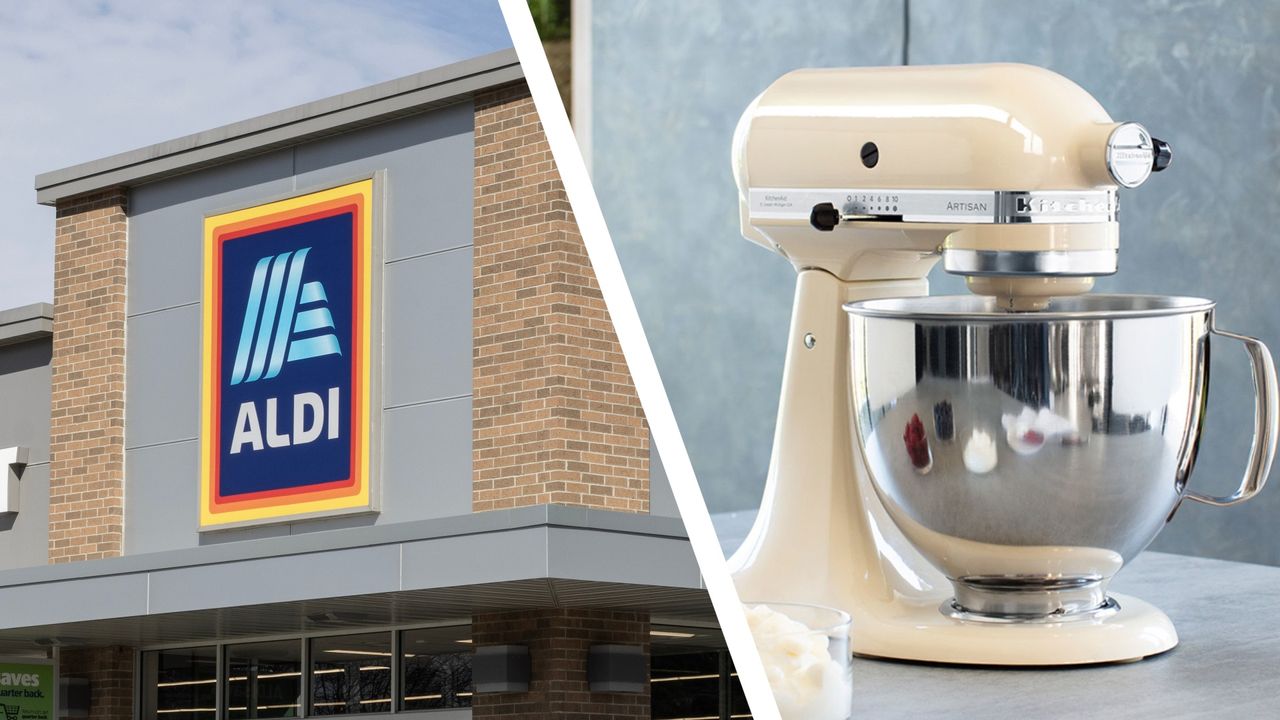
Aldi is replenishing its Specialbuys range once again, and this time it’s bringing back an old friend — its popular classic stand mixer that's a cheaper alternative to KitchenAid and Kenwood appliances.
Returning to shelves this weekend (September 13), Aldi’s £35 stand mixer will be available to purchase again after its last in-store appearance some six months ago. The mixer also arrives just in time for the long-awaited return of Bake Off, so you can aim to take your baking skills from novice level to being worthy of the ‘Hollywood handshake’.
For its cheap price, Aldi’s stand mixer packs all the basics you need for home baking and comes in two colors — a soft, baby green, and a vibrant red. So, if you’re not too worried about missing out on premium features, it’s enough to get you by.
Firstly, it comes with four dishwasher-safe attachments including a beater, whisk, dough hook, and splash guard, adding a dash of versatility to its baking options. And because of its swivel motor head, it makes it easier for swapping out attachments and general bowl access.
Speaking of its mixing bowl, this is where Aldi’s appliance wins over the likes of its big dog rivals. Compared to the KitchenAid Artisan Plus’ 4.7-liter bowl, Aldi’s slightly bigger 5-liter capacity allows for baking in large batches, ideal for if you’ve got a big family of hungry mouths to feed or whether you’re a keen meal prepper who wants to get ahead on your weekly delicacies.
It doesn’t fall short on its speed functions either, packing eight different settings so you can combine ingredients at the correct speed needed for your recipes. Additionally, the pulse function is a handy tool for when you need short bursts of high power, giving you added control.
Aldi is stacked with affordable versions of premium appliances — it hasn’t long launched a cheap Dyson-style stick vacuum and £20 air fryer — but there’s a reason why its products fall on the cheaper end of the spectrum. It doesn’t boast the advanced features that set KitchenAid mixers hundreds of pounds higher and it uses more power (420W), but aside from this, Aldi’s version is certainly enough to get you by if you’re not worried about missing out on the finer details.
As mentioned Aldi will be relaunching its stand mixer on September 13, and if you’re a seasoned Specialbuys customer by now, you’ll know that once its stand mixer has been cleared from the shelves, your chances at scoring one will be slim.
The Ninja Crispi DualZone is an air fryer designed to cook two foods at once
It has two glass containers that you can take from fridge or freezer to table
It's on sale in the UK today (September 9) for £299.99
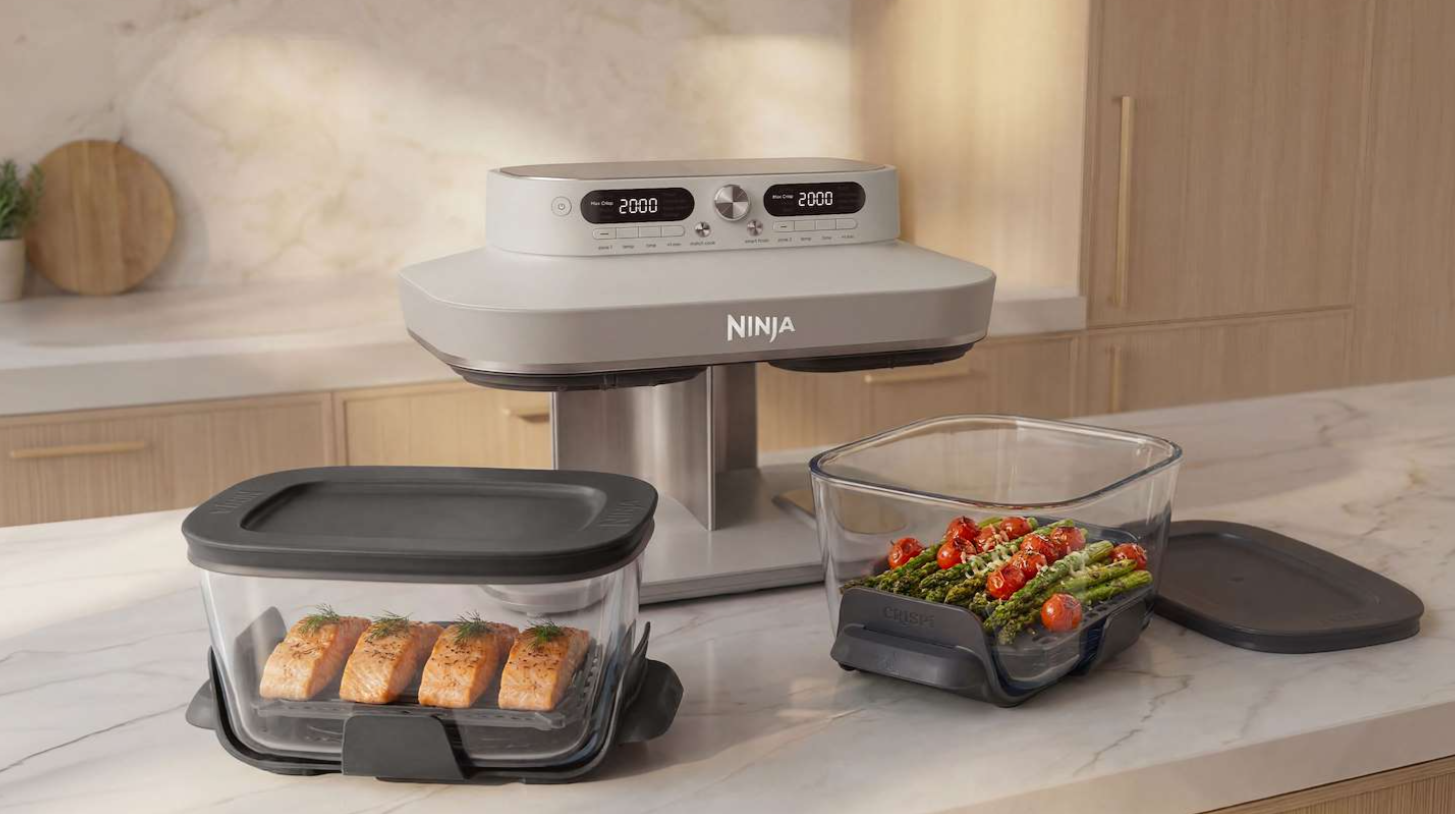
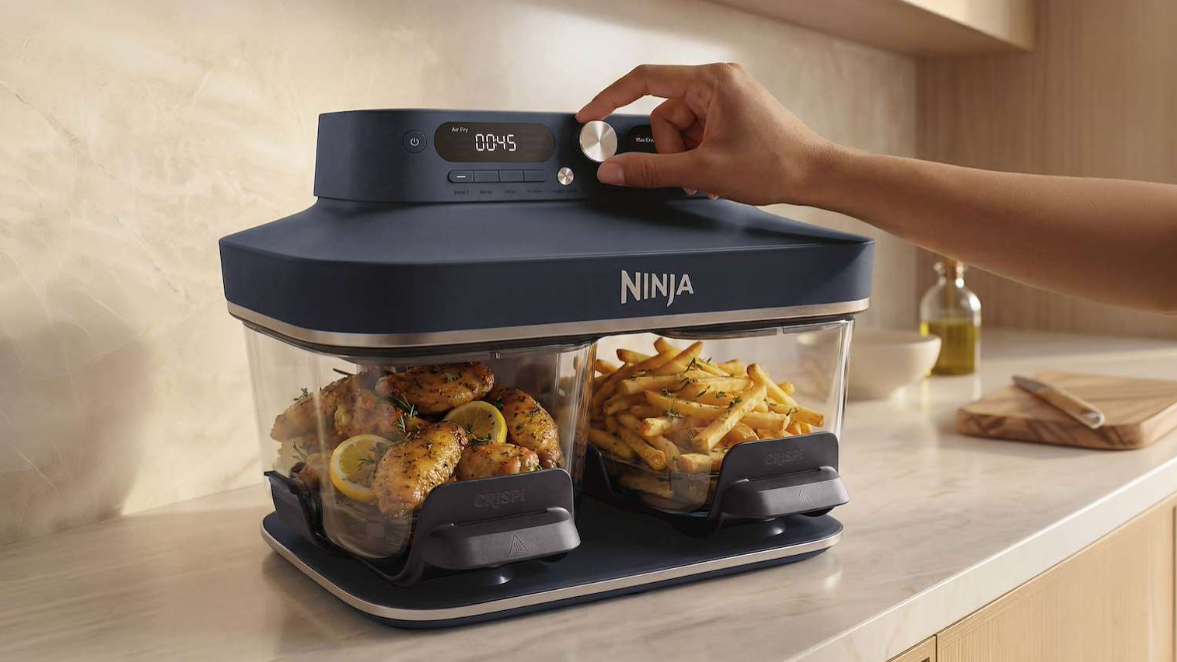
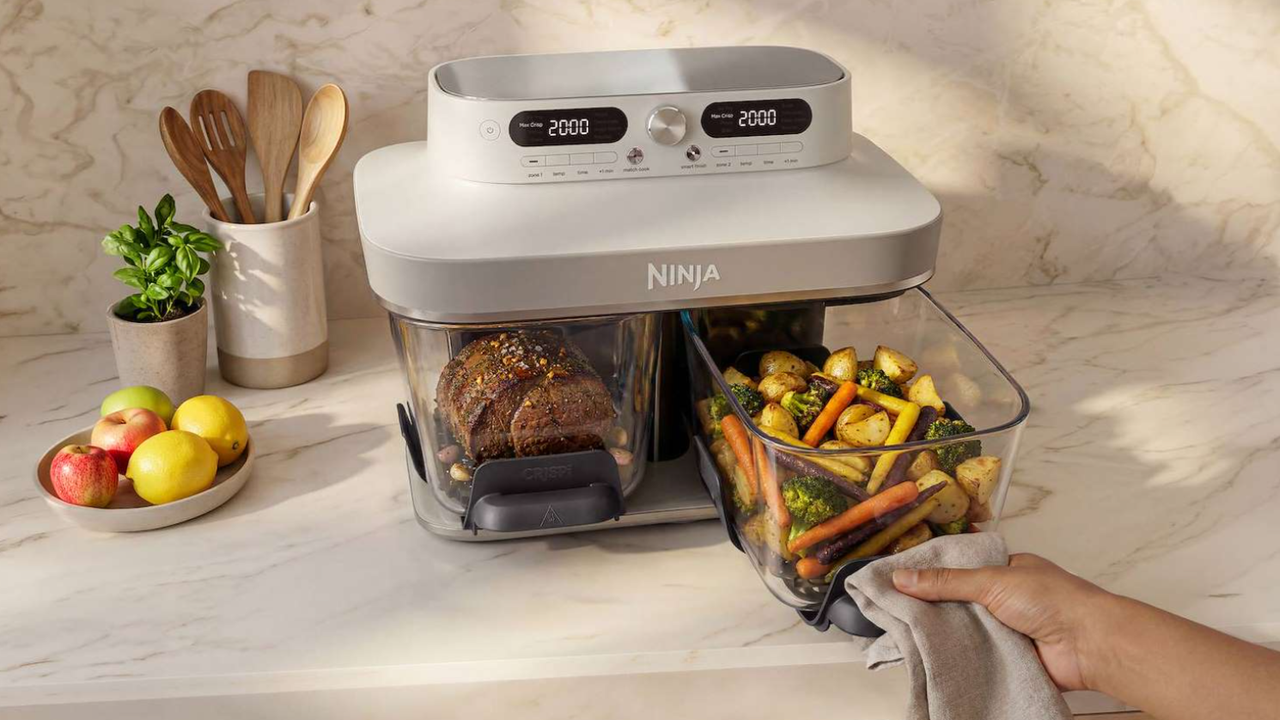
Ninja has launched another version of the Crispi glass air fryer — this time with a pair of cooking zones so you can prepare two different foods at once, and time them to finish at the same time so your meal is ready to serve with no effort on your part.
Like the original portable Ninja Crispi and the family-sized Ninja Crispi Pro, the Ninja Crispi DualZone Air Fryer has non-toxic glass dishes with resealable lids, which you can use to store, cook, and serve food without any mess. The two CleanCrisp containers have a capacity of 3.8 litres each, and are thermal shock-resistant so you can start cooking your food direct from the freezer, and immediately place the dishes on cold stone work surfaces once your meal is ready.
Like the Ninja Crispi Pro, the Crispi DualZone has eight cooking modes (Air Fry, Bake, Max Crisp, Roast, Dehydrate, Re-crisp, Keep Warm, and Prove), and the twin cooking zones mean you can use two different settings at once.
SharkNinjaSharkNinja
Once you're done, the glass containers, crisper plates, and lids are all dishwasher-safe, unlike conventional air fryer baskets, which require careful hand-washing to avoid damaging their non-stick coating.
The Ninja Crispi Dual Zone air fryer is available to buy now direct from SharkNinja for £299.99 in the UK, and comes in three colours: Cyberspace (dark blue), Bone (off-white), and Rose Quartz (pastel pink). We'll be putting it to the test soon to see how it compares with traditional dual-zone air fryers, and the rest of the Ninja Crispi range.
iRobot has unveiled its new flagship Roomba Max 875 Combo
It sprays out heated mist to dislodge dried dirt from hard floors
There's a seal around the vacuum to maximize pickup power
iRobot has revealed its latest flagship robot vacuum, and I've just seen it in action at IFA 2026. The Roomba Max 875 Combo is a combination robovac-and-mop, and boasts some intriguing features on both of those floorcare prongs.
One that caught my attention in particular is the mopping setup. Robot vacuum mopping has historically been rather underwhelming, but the latest models are showing some significant improvements. iRobot's Roomba Max 875 Combo's USP is its 'ThermaMist' function. I got the low-down from Adam Pope, Chief Engineer & Vice President of Product Planning & Development at iRobot.
"The ThermaMist is a pretty interesting technology," he tells me. "It's an ultrasonic warm mist, meant to pre-treat stains. So it'll detect stains and pre-treat them before it mops. The customer can also activate it in a certain area if they want to just do that whole area.
"The heat gives you a little better power to break up some of the oily or sugary stains that might be sticky. So that's the reason that we have the heat in there, really, try to help break those up."
Unlike on Dreame's new mist-expelling robovac, which heats the water on the robot itself, here the heating happens in the dock. From an engineering perspective, what's interesting is that the on-bot process of creating ultrasonic mist also naturally generates warmth.
"The dock can put hot water in the robot, but the actual ultrasonic ThermaMist part of that process, it does actually heat the water as it's coming out," explains Pope. "When [the water] goes through that process, it comes out warm, even if there's room temperature water in the robot."
The fact there's no active heater on the robot itself is good news for battery life. "With the ThermaMist on, it's going to have a small impact on the battery life, but not a large one, because the process of heating is part of the ultrasonic component," Pope confirms. "It's not like there's a special heater that you're running all the time."
Unfortunately, iRobot wasn't demoing the ThermaMist feature when I visited the booth. However, based on the video (above) I was sent over later, it looks promising — there's a good amount of mist created, and it's being delivered evenly. In theory it sounds like a truly interesting innovation, and one that has plenty of potential to deliver strong mopping results.
(Image credit: Future)
iRobot has also extended the mop, which is larger in diameter and spins faster than its predecessors, for extra scrubbing power. It can kick out to one side to get close to the edges of rooms, and there's a shield that will slide under the roller as extra protection against unwanted sogginess when the bot is moving over carpet.
Sealing the deal
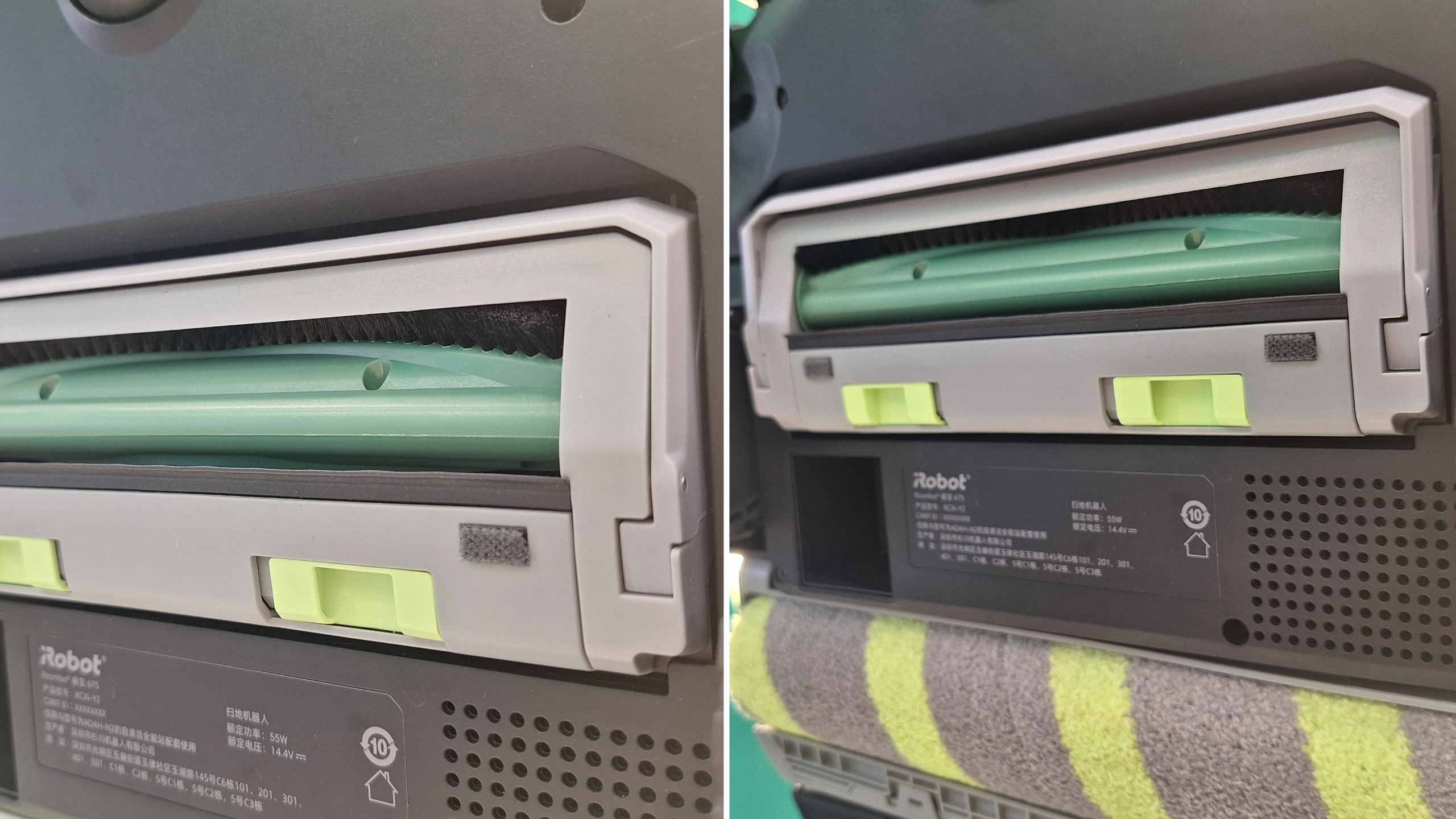
There's interesting innovation on the vacuuming front too. iRobot has added a 'SealForce' system, which is essentially a kind of skirt around the suction inlet on the Max 875 Combo, which lowers to form a loose seal against the carpet fibers.
"The SealForce brings a component of the cleaning head down to the floor, so you get all that airflow going right through the deep fibers of the carpet, trying to pull everything deeply out of the carpet, or even out of crevices, grout lines, that sort of thing," says Pope. "It's really kind of applying the suction where you need it most."
In the demo, the 'SealForce' seal wasn't as dramatic as I had been expecting. You can see the moving frame around the suction inlet below, and in the right-hand photo it's about as extended as it gets. That small shift could be enough to make a big difference to the suction, through — we'll need to test it out to find out.
(Image credit: Future)
iRobot is traditionally shy about publishing its suction specs, but here it has done: the Roomba Max 875 Combo offers 35,000Pa, which is right up there with the highest numbers you'll find anywhere. I'm increasingly of the opinion that it doesn't really matter anyway. The suction is only as effective as the wider design you put it into — and if it works as intended, this seal could make a big difference to the Max 875's pickup power.
Saving grace
The past few years have been a rocky time for once-supreme robot vacuum brand iRobot. Its bots have fallen behind the pack when it comes to features, so it's exciting to see the company starting to find its footing again when it comes to innovation.
What about the US? Due to the new FCC ban on foreign-made "advanced" robots, the Max 875's launch is on pause for now. iRobot was founded in the US, but at the start of the year it was taken over by Chinese manufacturing company Picea. However, this takeover isn't to blame for the fact the brand can't now sell its new products in the US; the ban refers to where the product is manufactured, and Roomba bots have long been made outside of the US.
In terms of future plans, Pope has this to say: "We're working through with our advisors on how we continue to sell in the US. So we have multiple plans that we're working through and multiple strategies that will come to fruition, and we'll still be able to bring cool technology to the US as well."
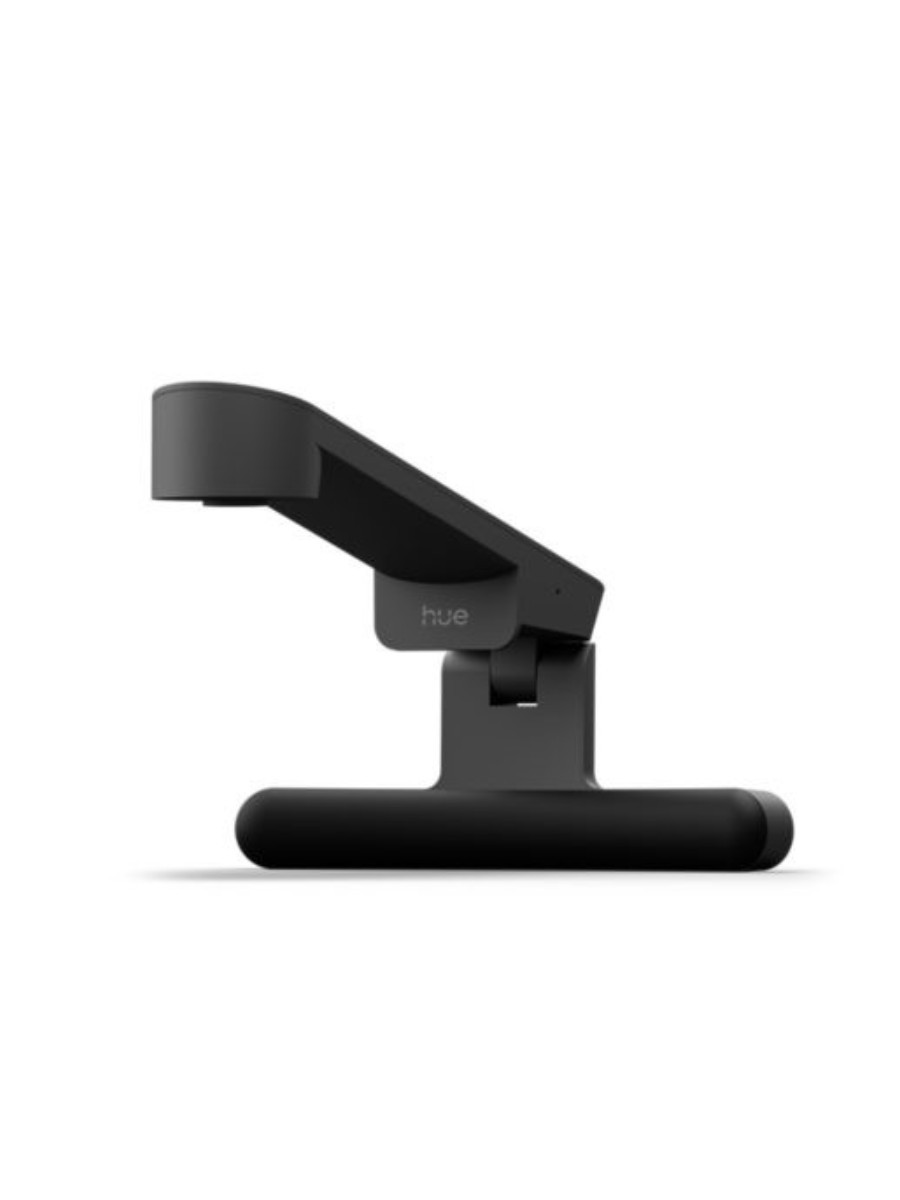
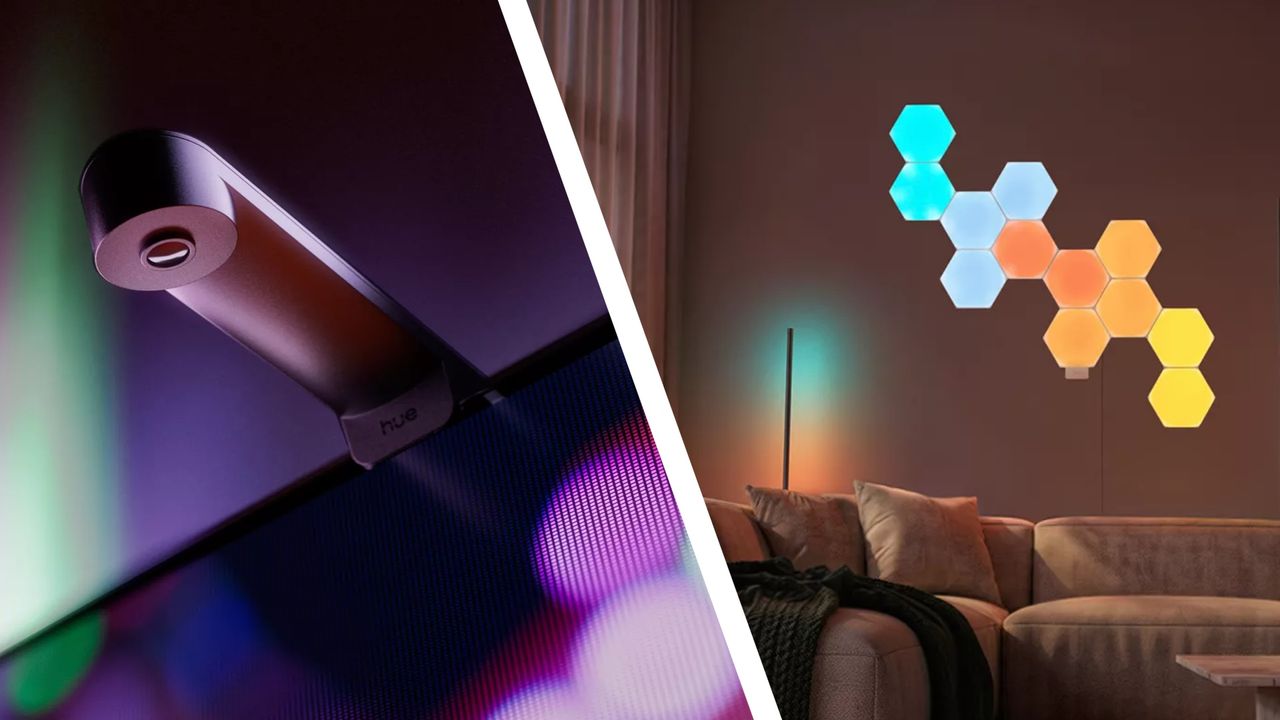
Last week, Philips Hue showed off a huge collection of new smart lights and accessories to decorate your home and make your TV-watching experience more immersive. There were so many new launches, in fact, that you might have struggled to keep up with them all. To help, I've rounded all the coolest new releases for you in one place — complete with links to the official Hue store so you can pick them up yourself, or register for updates when they go on sale if they're not yet available.
My personal favourite is the new Philips Hue Play Screen Sync, which lets you synchronise Philips Hue Play lights with the action on your TV screen, regardless of its source (unlike a Philips Hue Play HDMI Sync Box, which only works if you're using HDMI input). The Screen Sync uses a fisheye camera to capture what's on screen, and then uses your smart lights to extend the colours into the rest of your room.
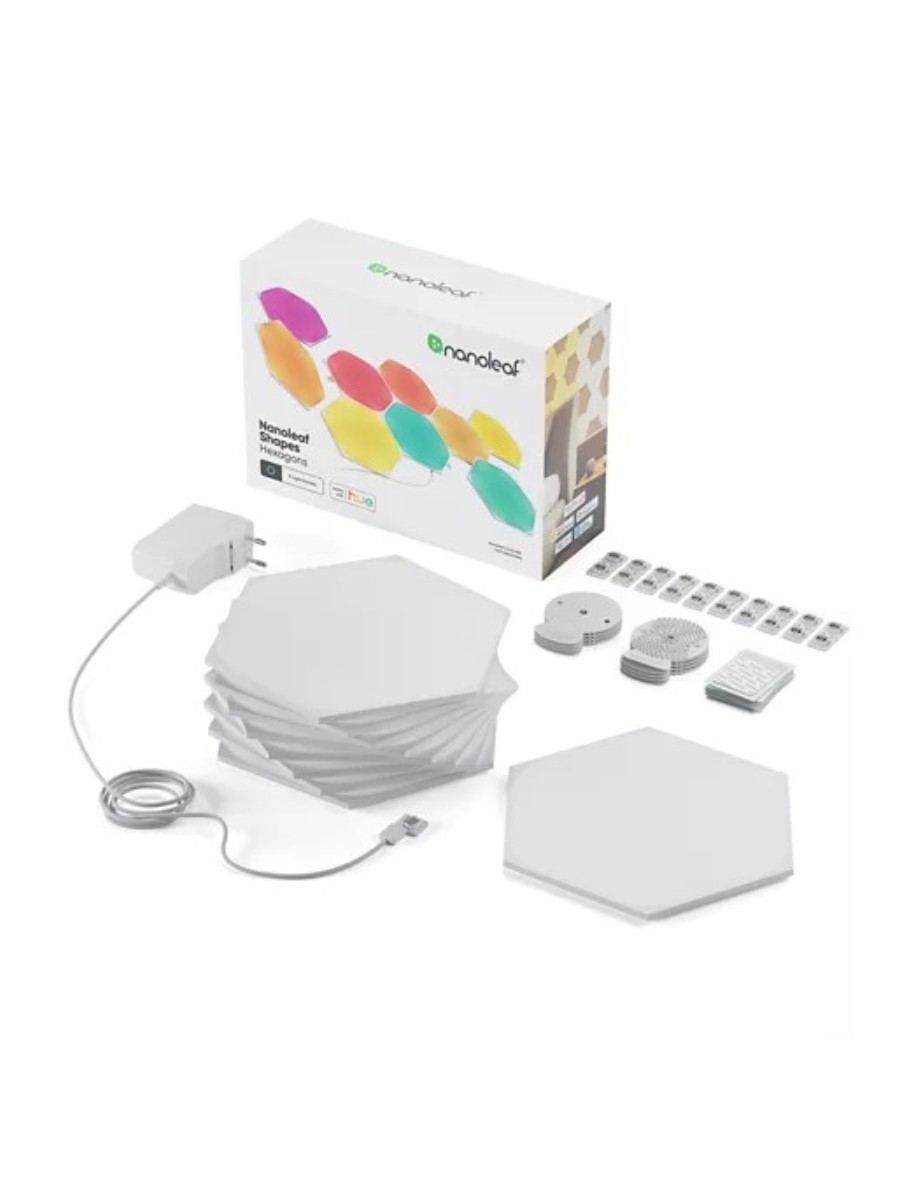
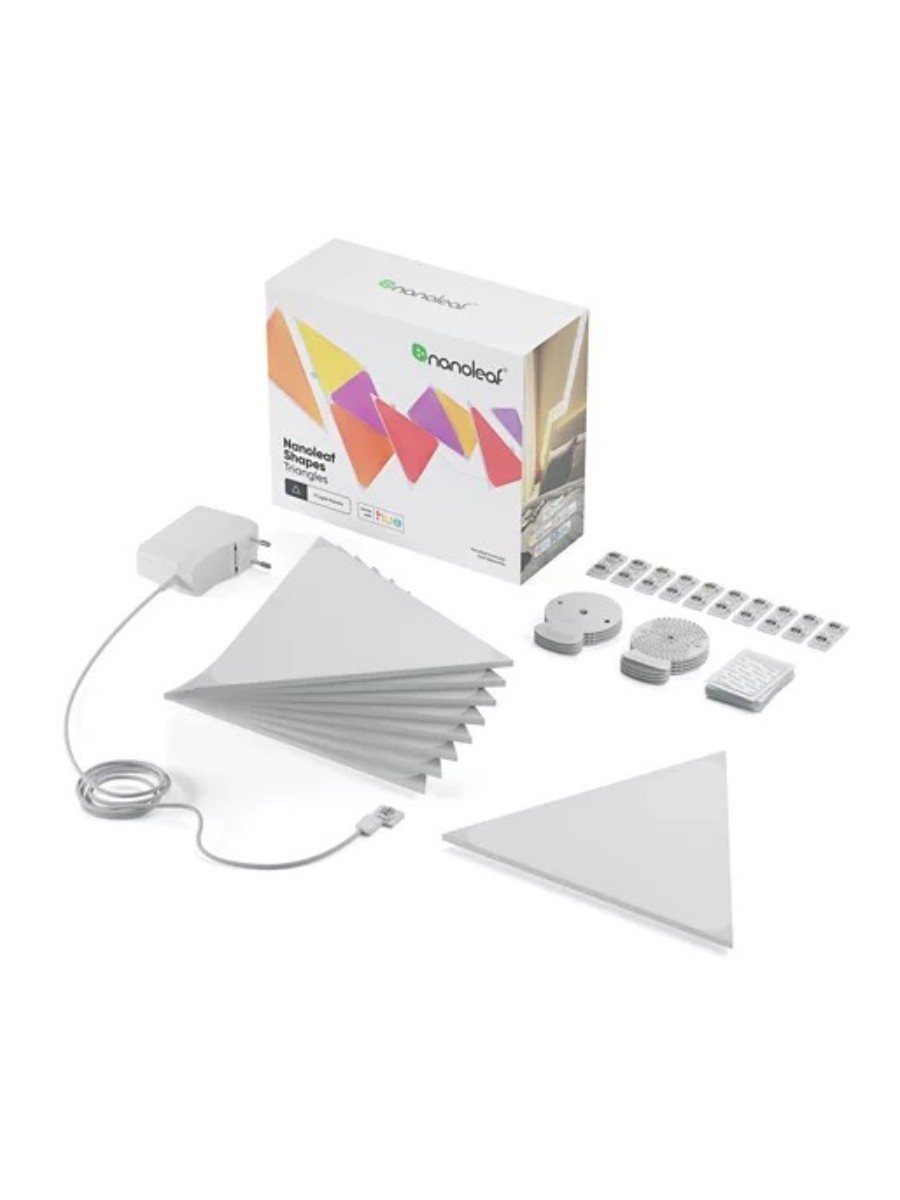
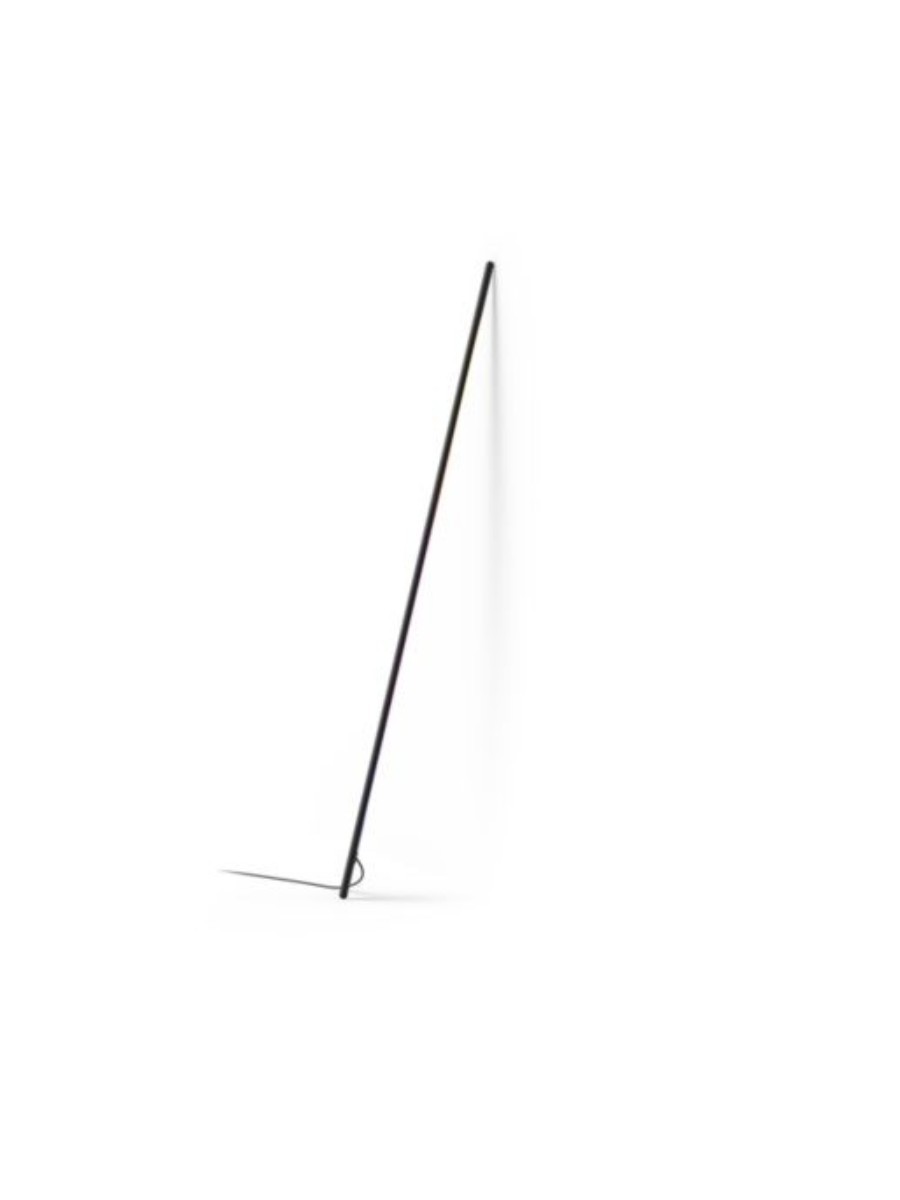
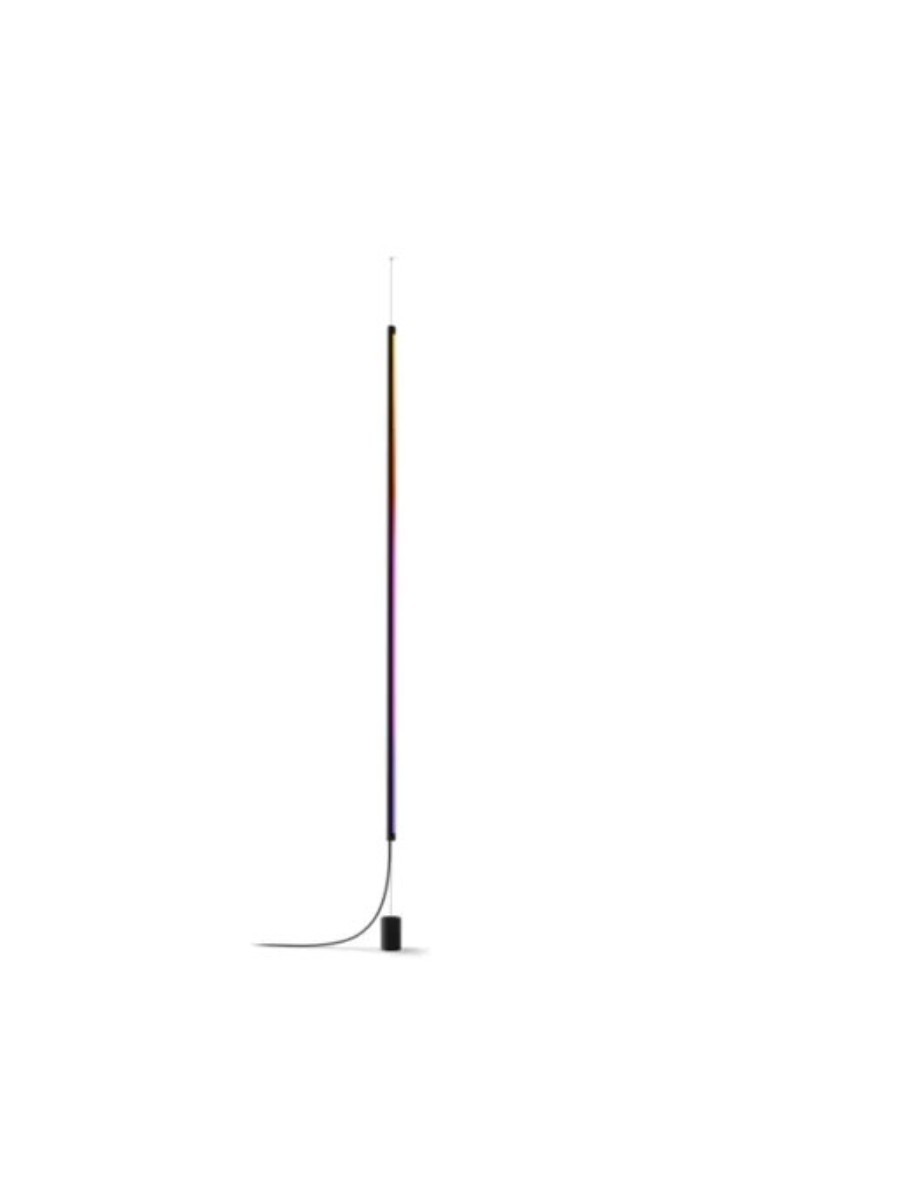
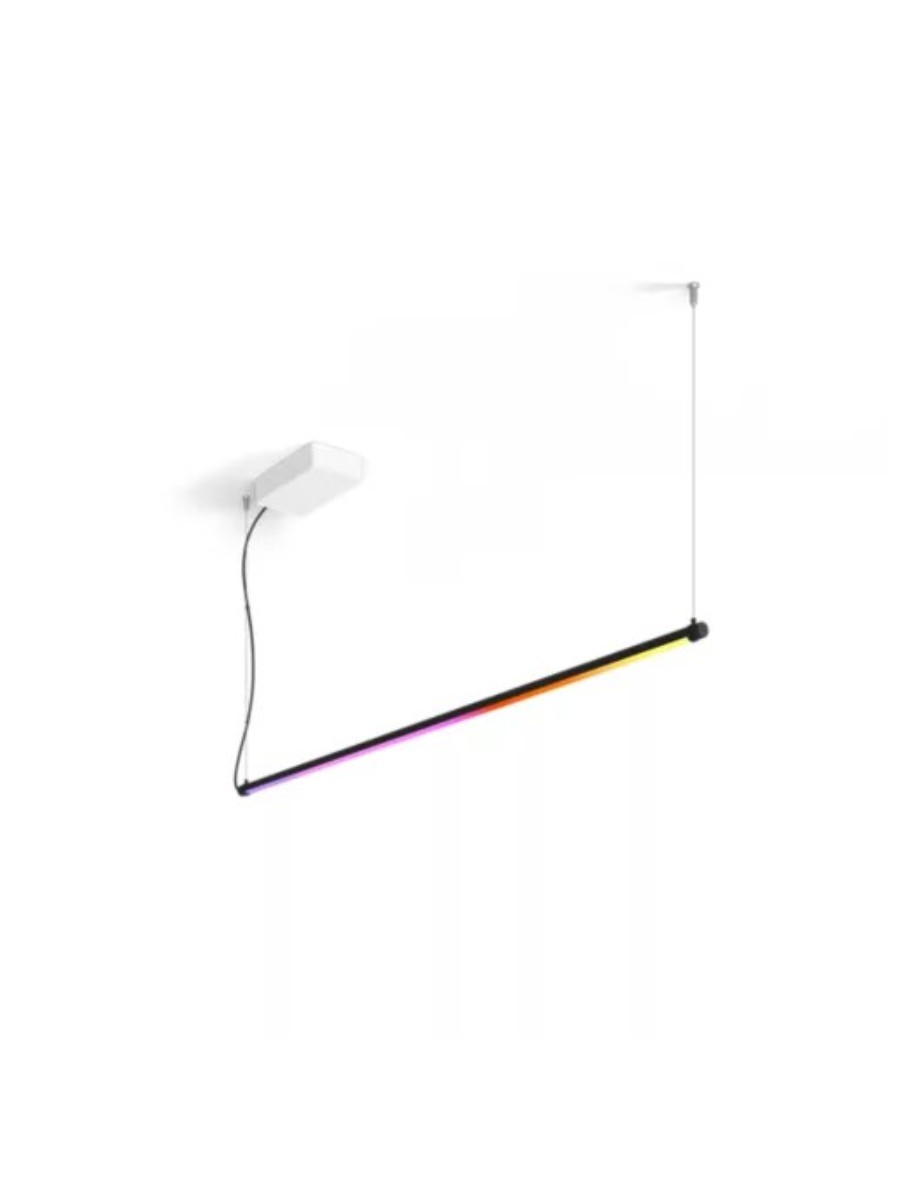
Philips Hue has also partnered with smart lighting company Nanoleaf to bring you two colour-shifting Wall Panel Starter Sets, which you can mount on your wall in any configuration you like, and if you want something more architectural, take a look at the new Liane 360-Degree Rope Light, and Signe Gradient Pole. Scroll on for all the details.
A Apple parece estar preparando seus sistemas para a nova leva de produtos que será lançada em breve. A menos de 24 horas do evento “Surprise and shine” (“Surpreendente e brilhante”), a empresa adicionou nada menos que 37 novos identificadores de hardware ao seu backend, abrangendo iPhones, iPads, Macs, Apple Watches e outros dispositivos.
A descoberta foi feita por Aaron Perris. No X, ele compartilhou todos os identificadores, sendo sete deles relacionados a iPhones.
A bunch of upcoming Apple device identifiers have been found on Apple’s backend. Interestingly, there are 7 iPhone models listed. We only know of 6.
O número chama atenção pois, até o momento, os rumores dão conta de seis modelos compondo a futura linha: “iPhone 18 Pro”, “iPhone 18 Pro Max” e “iPhone Ultra”, além dos “iPhone 18”, “iPhone Air 2” e “iPhone 18e” — os três últimos, segundo as notícias, só serão lançados no ano que vem.
Isso, porém, não significa necessariamente que a Apple esteja preparando um sétimo iPhone do qual nunca ouvimos falar. O identificador pode muito bem ser simplesmente uma variante de um dos modelos já esperados — como, por exemplo, uma configuração específica do “iPhone Ultra” destinada à China.
Além dos iPhones, a lista inclui nove identificadores de Macs, oito de iPads, nove de Apple Watches, um de Apple TV e três associados à categoria “HomeAccessory”, utilizada internamente pela Apple para produtos domésticos.
Lembrando que, no evento de amanhã, a Apple muito provavelmente lançará produtos como o “Apple Watch Series 12”, o “Apple Watch Ultra 4”, uma nova geração da Apple TV e, quem sabe, o aguardado hub inteligente para a casa — além dos iPhones, é claro. Novos Macs (como um iMac com chip M6 e a estreia dos “MacBooks Ultra”) e iPads (como o iPad mini com tela OLED), contudo, não são esperados para esta semana.
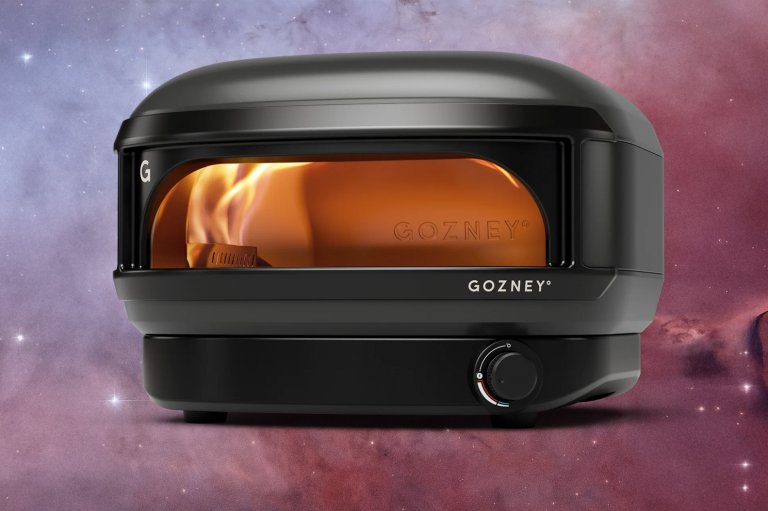
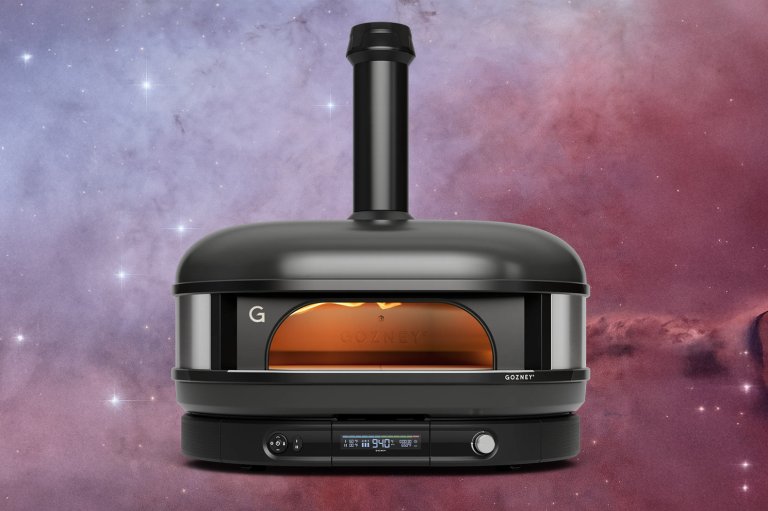
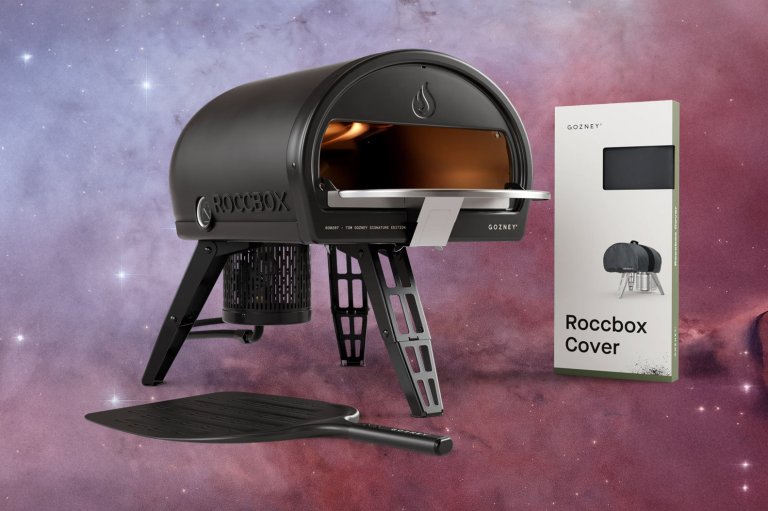
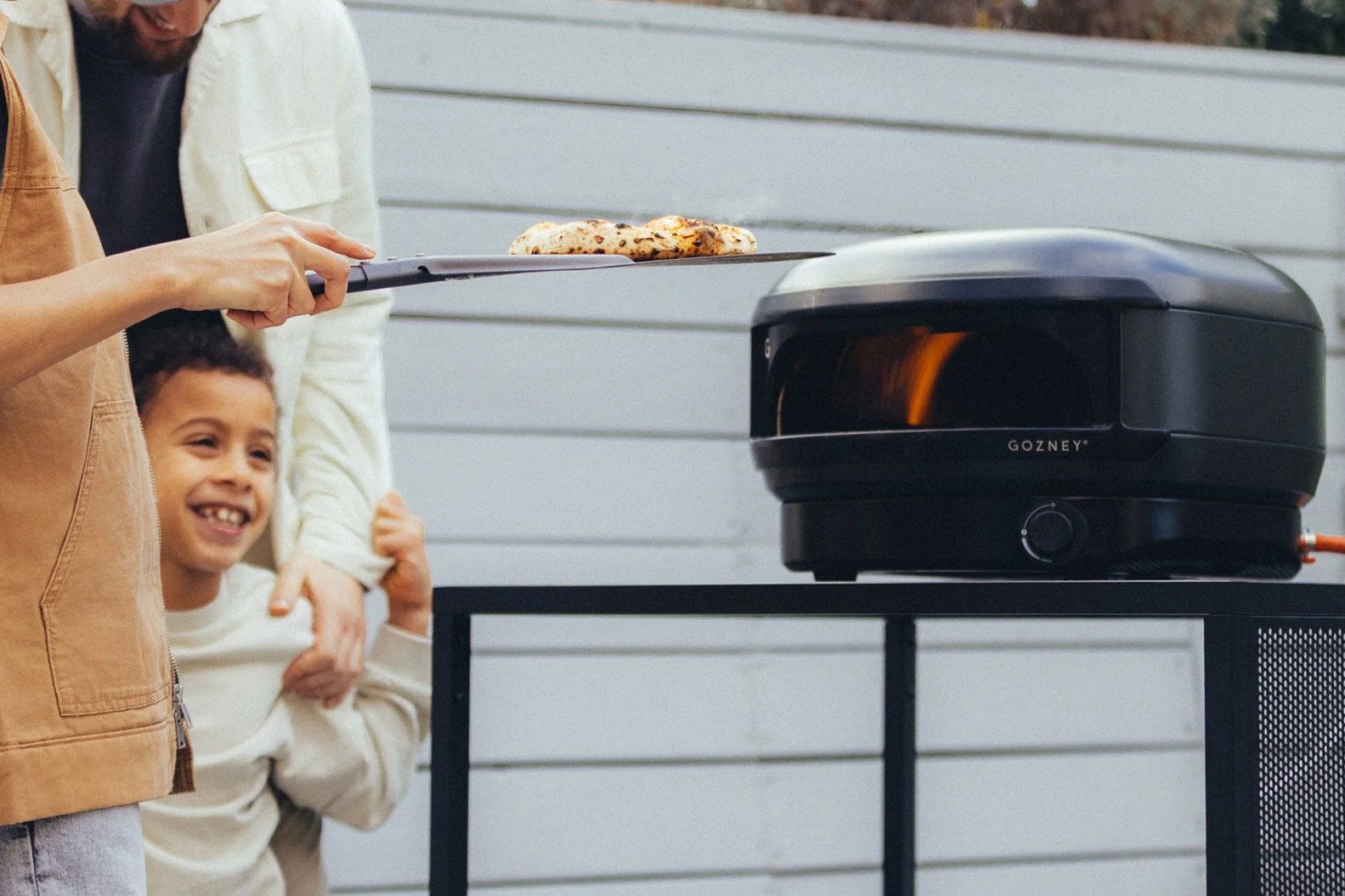
I have been using my outdoor pizza oven all summer and it has really cut down on my takeout budget and increased my popularity with the neighbors. They put up with my loud death metal as long as I provide them with perfectly cooked Neapolitan pies. Gozney makes some of our favorite pizza ovens, especially if you’re looking for something on the high-end. The company kept its Gen 2 Dome pizza ovens at full price through the spring and summer, and the only sweetener during its May sale was a free accessory thrown in with the oven. That has changed. The End of Summer Sale puts a direct cut on both Gen 2 Domes, the new Arc Lite, and every bundle built around them. In May, those three got a free accessory instead of a price cut while the Arc and Roccbox went $100 off, so this is the first price drop I’ve seen on any of them. The lineup is short, 12 items in the sale collection plus a handful of older Roccbox and Dome parts still marked down, so if you’ve been holding out on a Gozney since it took the pro-grade spot in our best pizza ovens guide, the math finally works.
Gozney Arc Lite Gas Pizza Oven $349.99 (was $399.99)
The first discount on Gozney’s newest and smallest oven
If you have a balcony or a small patio and want the Gozney flame without the Gozney footprint, the Arc Lite is the one to buy. It’s a propane-only oven that cooks a 12-inch pie, and Gozney rates it for 950 degrees with the same side-mounted rolling flame the bigger Arc ovens use. The whole thing is under 17 inches wide and weighs about 26 pounds, so it lives on a table rather than needing its own stand. Gozney launched it this year, held it at $399.99 with a gift-with-purchase during the May sale, and this $50 cut is the first time the price itself has moved.
The Dome XL (Gen 2) is a serious upgrade. It’s the oven for anyone who cooks for a crowd, or who wants to roast a chicken and a tray of vegetables next to the pizza instead of after it. Gozney says the deck is 90 percent bigger than the original Dome and fits three 10-inch pies at once, and the Hybrid Fuel version burns wood, charcoal, or propane depending on the night. The $500 cut applies to the propane model in either color. The natural gas version stays at $2,999.99, so if you’re plumbing it into a house line, the sale doesn’t help you. The oven weighs about 161 pounds, and the matching Dome Gen 2 Series Stand is $100 off at $399.99 if you don’t already have a masonry counter waiting for it.
The legs fold, the burner detaches, and the outside stays cool enough to grab, which makes this perfect for taking to a tailgate party or cookout. The Roccbox Essentials Bundle adds the cover, the mantel that gives you a shelf in front of the mouth, and the placement peel, which is everything you need to start cooking and nothing you’d skip. I added up the four pieces at Gozney’s own sale prices and got $497.96, so the bundle is the one place in this sale where the package saves you money beyond the oven discount. Most of the other bundles are the sale price of the oven plus full price on the extras.
Gozney pizza oven deals
The standard Dome (Gen 2) drops under $2,000 for the first time I’ve seen, with the same propane-only catch as the XL. The Roccbox isn’t in the sale collection, but it’s still $100 off on its product page, and it’s the better pick than the Arc Lite if you plan to move the oven more than you plan to look at it. The Arc, Arc XL, and Tread sit this one out at full price.
Every Dome bundle here is the discounted oven plus the stand at its $399.99 sale price, with the Essentials versions adding a Pro Placement Peel at full price. You aren’t saving extra by bundling, but you are getting one pallet delivery instead of two, and the stand is the piece most people end up buying anyway since the oven needs a surface rated for its weight.
All three Arc Lite bundles carry the same $50 oven discount with the cover and peels at regular price. The Basic Bundle is the sensible one, since the cover is the accessory you’ll actually miss, and you can pick peels that fit how you cook rather than the pair Gozney chose.
These aren’t part of the End of Summer collection, but Gozney still has its older Roccbox and original Dome accessories at half off. If you already own a Roccbox, the peel at $42.99 is the buy, and the mantel turns the front of the oven into a landing pad for the pie you just pulled.
A look inside UGREEN’s push beyond charging and storage, as HomeAgent aims to make the smart home more connected, proactive, and personal.
For years, home security cameras have largely been designed around the things we do not want to happen. A camera watches for an intruder, detects a package, alerts you when someone approaches the door, or records an unexpected event.
UGREEN wants to change that.
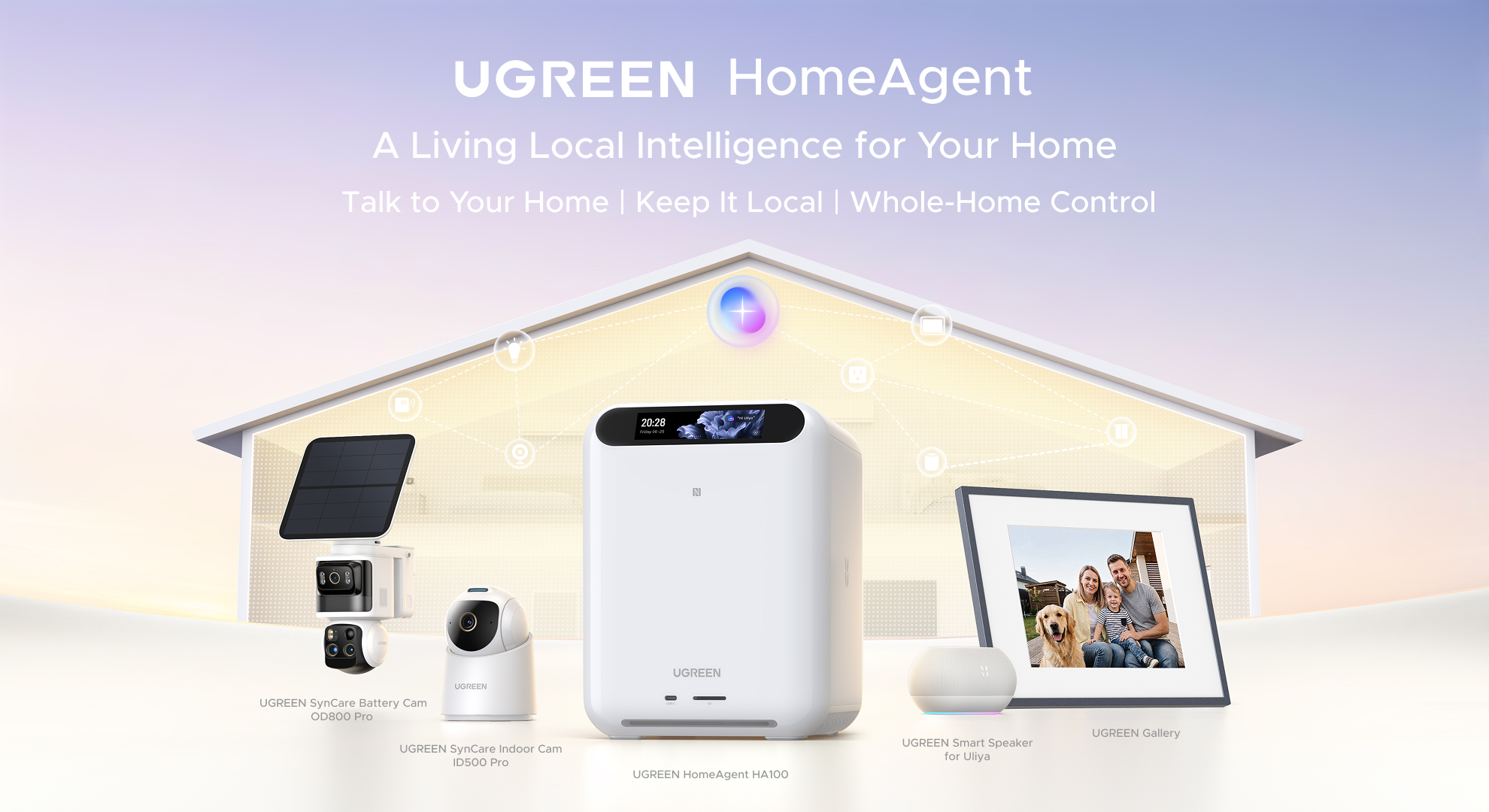
At its Smart Living Launch Event at Gillette Stadium in Foxborough, Massachusetts, on September 1, the company introduced HomeAgent, a new AIoT ecosystem designed to bring local storage, artificial intelligence, home automation, security, and everyday memories together under one system.
The event was not simply a product launch. It was an opportunity to see how UGREEN envisions its products working together, and perhaps more importantly, how the company thinks technology should fit into our lives.
That vision can be summed up in three ideas UGREEN repeatedly returned to throughout the event: Activate. Proactive. Trusted.
Rather than adding another collection of smart devices that each require their own app and setup process, UGREEN is attempting to build a system that understands what is happening in the home and can respond without requiring constant interaction from the user.
Stepping Into UGREEN’s Smart Living Vision
The event was divided into two primary areas. One side of the space was arranged around the stage, where UGREEN presented its vision for the future of the smart home. The other side was dedicated to hands-on demonstrations of the products and technologies introduced during the event.
The atmosphere was surprisingly relaxed. The UGREEN team was welcoming and genuinely appreciative of the media and clients who had attended. Representatives were readily available throughout the event, which made it easy to stop, ask questions, and spend time with the products rather than simply moving from one presentation station to another.
That was important because UGREEN is entering a much broader category than the one most people traditionally associate with the company.
UGREEN has built a significant business around charging accessories, connectivity products, and storage. The company says it now has more than 300 million users across more than 180 countries and regions. Its expansion into AIoT represents a significant shift in how it wants those products to work together.
The stage presentation laid out that strategy before giving attendees a chance to experience it firsthand.
The Presentation: From Accessories to an AIoT Ecosystem
UGREEN’s presentation began by looking at the company’s growth and evolution, including its expansion into network-attached storage and AI-powered computing.
But the focus quickly moved to the home.
One of the more interesting ideas behind HomeAgent is that UGREEN believes cameras should be capable of doing more than recording problems. A security camera might tell you that someone entered your yard, but it could also recognize a moment worth remembering.
That distinction became important throughout the presentation.
HomeAgent is designed to serve as a local AI hub that brings together storage, computing, security, and control. Instead of sending everything to the cloud, the system is built around processing and storing much of that information locally.
The result is intended to be a smart home that can respond to what is happening without constantly relying on a remote server.
UGREEN demonstrated HomeAgent interacting with cameras and other smart-home devices, including examples such as controlling lights and curtains, checking on pets, and searching through camera footage.
In one demonstration, the system was able to answer questions about where a pet had been and when it had appeared on camera. Another demonstration showed voice commands being used to control devices around the home.
The idea is less about having a collection of smart products and more about having a central system that understands those products.
HomeAgent Is the Center of the System
UGREEN introduced three HomeAgent platforms.
The HA100 is positioned as the entry point to the HomeAgent experience, combining local storage, AI processing, security, and smart-home control in a single device.
The HA100 Pro takes that concept further with more powerful hardware and faster networking, targeting users who want to run more demanding AI workloads.
At the top of the range is the MasterAgent MA100, which UGREEN says is its first agentic AI local hub powered by NVIDIA Jetson Thor T5000 technology.
The hardware differences are substantial, but the larger story is what UGREEN wants these devices to become. Rather than another computer that happens to sit in the home, HomeAgent is intended to become the place where the home’s data and connected devices come together.
That is where the company’s AIoT strategy starts to become interesting.
The Round Table: The Smart Home Should Not Feel Like Work
After the main presentation, UGREEN held a round-table discussion that moved away from individual products and toward some of the challenges that have prevented the smart home from becoming as seamless as companies have promised.
One of the biggest problems is fragmentation.
A typical smart home can easily turn into a collection of individual ecosystems. There may be one app for cameras, another for lighting, another for a thermostat, another for a door lock, and another for a robot vacuum.
Every device has its own account, setup process, interface, and way of communicating with the user.
For someone who enjoys technology, that may be manageable. For everyone else in the household, it can quickly become frustrating.
The discussion emphasized the idea that smart-home technology should understand what the user is trying to accomplish rather than forcing the user to understand how every individual device works.
There was also considerable discussion about local AI. Processing information locally can reduce dependence on cloud services, improve responsiveness, and provide greater control over sensitive information. For a system dealing with cameras, family members, conversations, and activity inside the home, that distinction matters.
The discussion also touched on something that is easy to overlook when companies talk about smart-home technology: the person who has to make everything work.
In many households, there is one person who becomes the unofficial technology expert. That person sets everything up, connects the devices, fixes problems, explains how everything works, and often becomes the household help desk. A truly smart home should reduce that burden rather than increase it.
One of the most memorable ideas from the discussion was that technology should know when to appear and disappear.
That may be one of the most useful ways to think about UGREEN’s approach. The best smart-home technology should be visible when it is useful and almost invisible when it is not.
Walking Into the Demo Area
After the presentation and round table, the event shifted from talking about the smart home to showing it.
The demo area was organized almost like a collection of rooms and experiences rather than a traditional product showroom.
HomeAgent devices were displayed along a side wall, where attendees could open the units and get a closer look at their internal storage configuration.
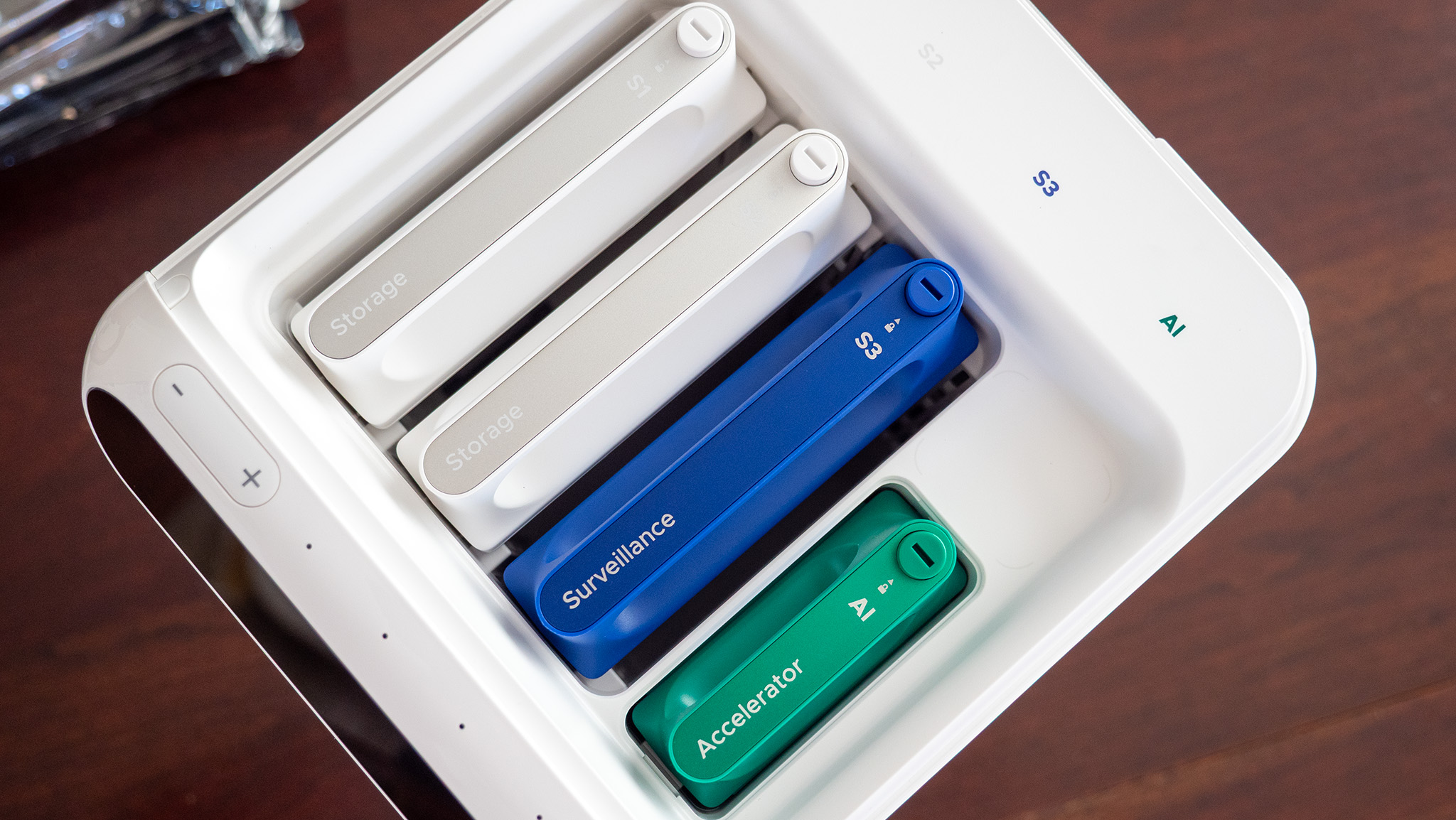
The HA100 units had three drive bays populated for the demonstration, with two labeled for storage and one labeled for surveillance. The MA100 demonstration unit had four drives, with three designated for storage and one for surveillance.
There were also dedicated slots for AI acceleration hardware.
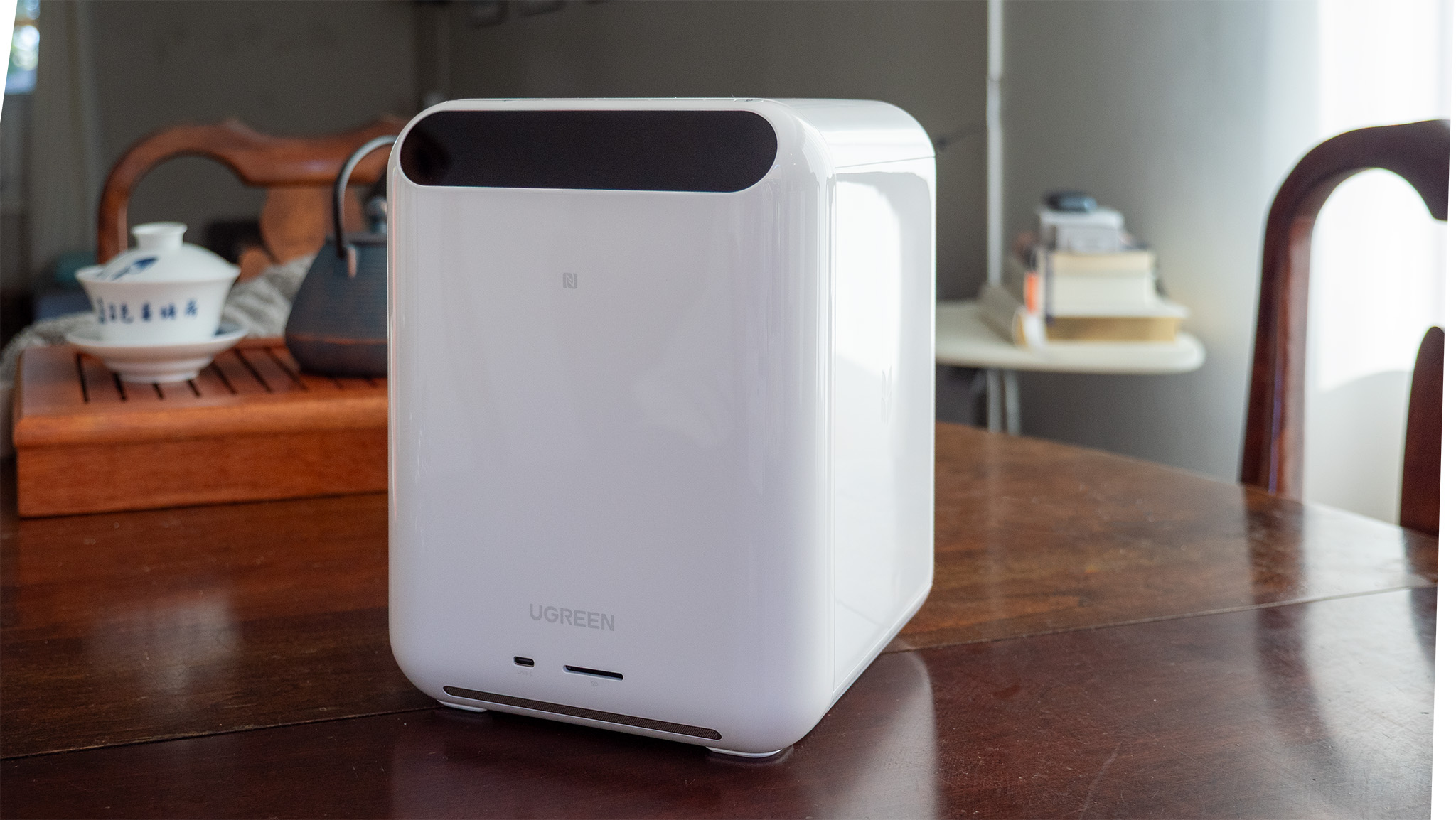
Visually, the HomeAgent devices reminded me of compact NAS systems, although their more vertical design gives them a different presence. The HA100 could also easily be mistaken for a small printer sitting in a home office.
But the most interesting part of the HomeAgent demonstration was not the hardware.
It was what was happening around it.
A Smart Home You Can Walk Through
UGREEN created a miniature living environment for the demonstration, complete with a living room and nursery.
The nursery included a baby doll positioned in a crib. UGREEN representatives could trigger a simulated crying event, which HomeAgent could recognize. The system could then announce that the baby was crying through the connected smart-home system.
That demonstration illustrates an important difference between traditional security cameras and the type of system UGREEN is trying to build. The camera is not simply recording footage. The system is interpreting what it sees and turning that information into something useful.
The living room contained smart lighting and curtains that could also be controlled through HomeAgent. I saw those controls work earlier in the day, although my own attempt later in the event did not go as smoothly.
A printed card beside the HA100 encouraged attendees to try several voice commands, including turning the living room light on or off and opening or closing the curtains.
When I tried the system myself, HomeAgent successfully recognized the “Hi Uliya” wake phrase. However, it was not able to complete the command I gave it and instead indicated that the requested function had not been programmed.
At another point, I was told that the curtain’s battery had been drained.
That experience is worth mentioning, but I would not consider it a failure of the product. This was a launch-event demonstration environment rather than a production HomeAgent system installed in a home for extended testing. More importantly, I had already seen the connected-home controls work earlier in the day.
For me, the experience reinforced how important the final software and setup experience will be. If HomeAgent can reliably make those interactions as simple as UGREEN demonstrated, the concept is compelling.
From Security to Prevention
The outdoor camera demonstration offered another example of how UGREEN is approaching smart-home security. A small artificial pathway led toward a front door, with markers indicating the camera’s movement-detection area.
As someone crossed one of the marked areas, a recorded warning announced that the person was entering private property. Moving farther into the monitored area triggered an alarm, followed by another message indicating that a recording of the trespassing person had been sent.
I do not know whether those exact messages are customizable in the final product, but as a demonstration, they were effective.
Instead of simply recording someone after they reached the property, the system was designed to recognize the movement and actively respond.
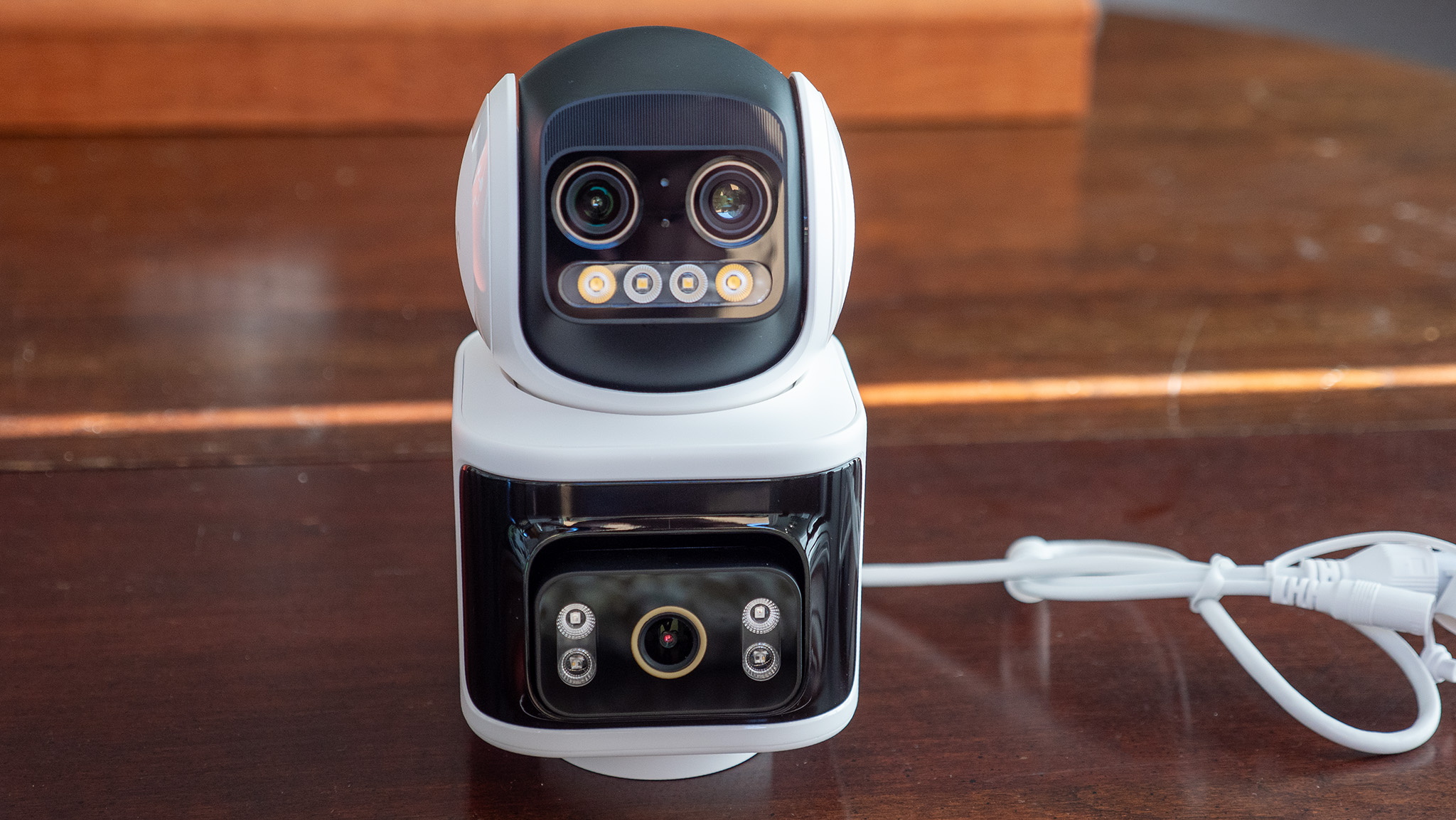
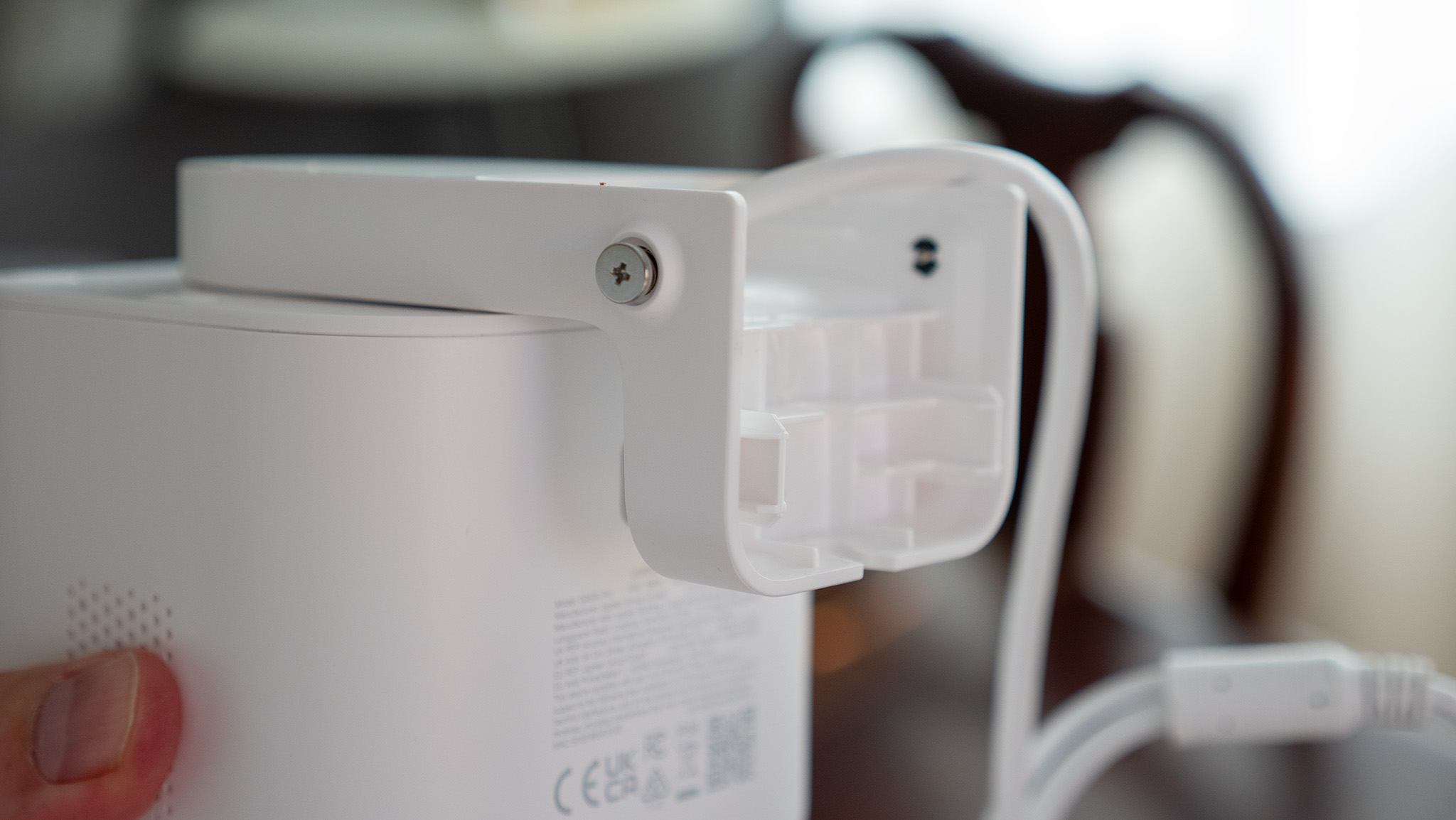
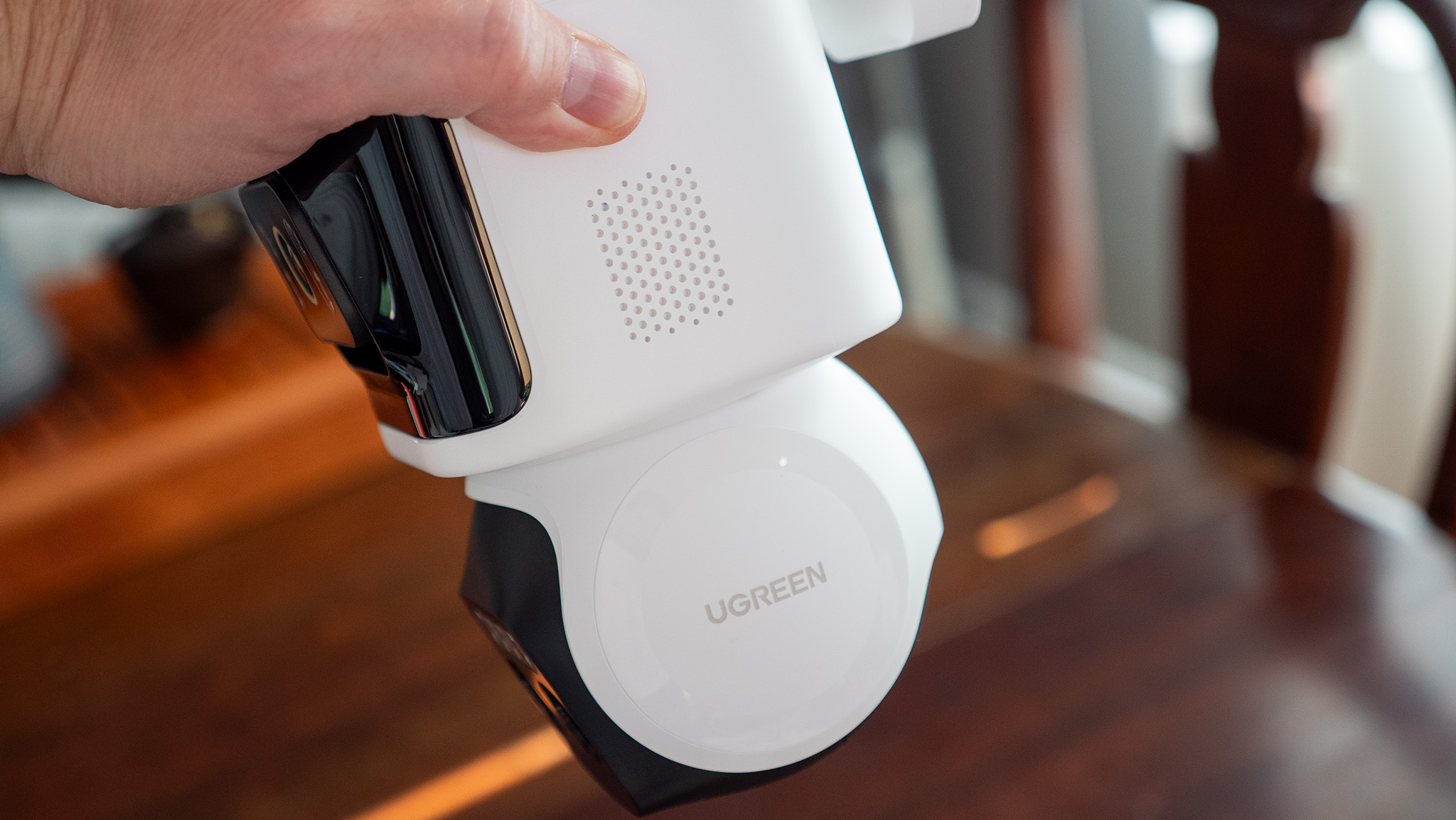
UGREEN’s SynCare camera lineup includes an indoor camera along with PoE and battery-powered outdoor cameras, giving the HomeAgent ecosystem multiple ways to bring visual information into the local AI system.
The company’s larger goal is to have that information become useful beyond simple notifications. HomeAgent can recognize people, vehicles, pets, packages, and unusual activity, while AI Highlights are designed to identify meaningful moments in recorded footage and photo libraries.
That is where UGREEN’s original idea about cameras remembering the good things becomes more interesting. A camera could still tell you when something goes wrong. But it could also help surface the moments you actually want to remember.
Gallery Looks Beyond Security
Another product that caught my attention in the demo area was the Gallery E-Paper Smart Frame. The frame itself looked lovely, although I did not get an opportunity to see the Gallery software in operation during the event.
The concept fits naturally with UGREEN’s broader vision. If HomeAgent can identify meaningful photographs and moments, having a dedicated display for those memories makes more sense than simply keeping them buried in a camera roll. Of course, the software experience will be critical.
There are already products designed to turn digital photos into something more like a traditional picture frame. If UGREEN can make Gallery intuitive and easy to use while integrating it directly with HomeAgent, it could offer a compelling alternative.
That will ultimately come down to how well the hardware and software work together.
A Little Help From Bambu Lab
One of the more unexpected details in the demo area was a Bambu Lab 3D printer. UGREEN and Bambu Lab announced a new partnership centered around creating custom 3D-printed accessories and designs for UGREEN’s new products.
The partnership involves creators from Bambu Lab’s MakerWorld platform designing models inspired by UGREEN’s products. Penny Peng, a UGREEN PR Manager, introduced herself toward the end of the event when the crowd had thinned out, and we had an opportunity to talk about the partnership.
She explained that the collaboration could result in practical and playful designs that work with UGREEN’s products, such as a small pet house or bed that can accommodate a camera or a custom case designed for the HA100.
It is a small detail compared with the larger HomeAgent announcement, but it reflects something interesting about UGREEN’s approach. The company is not only thinking about the hardware it sells. It is beginning to think about the ecosystem surrounding that hardware and how users might personalize it.
In the Middle of It All Was MagFlow
While HomeAgent was clearly the focus of the event, UGREEN also introduced a new generation of MagFlow charging products. The MagFlow lineup includes a magnetic power bank, a 3-in-1 desktop charging stand, and a foldable 2-in-1 wireless charger.
The charging products were positioned in a central kiosk with a two-sided table, making them easy to pick up and examine. That turned out to be particularly useful for me because my phone was nearly dead. My iPhone was at 1% when I put it on the UGREEN MagFlow Pro 3-in-1 Magnetic Wireless Charging Stand 25W. After approximately 10 minutes, the phone had reached 18%.
That is obviously not a controlled charging test, but it was a convenient real-world demonstration during an event where I needed to keep my phone alive. I was also impressed by how quiet the charger was.
The MagFlow Pro uses active cooling, and I have another charging stand with a fan that works well but is noticeably loud. By comparison, the MagFlow Pro was remarkably quiet during my time with it. That alone made an impression on me.
If a charging stand is sitting on a desk next to you all day, cooling performance is useful, but so is not having to listen to a fan constantly running. UGREEN says the MagFlow Pro 3-in-1 combines Qi2 25W magnetic charging with active cooling and can simultaneously charge an iPhone, Apple Watch, and AirPods.
The new MagFlow Pro Magnetic Power Bank takes the cooling concept into a portable form, while the MagFlow 2-in-1 Foldable Magnetic Wireless Charger is designed for travel and can also function as a magnetic phone stand.
What the Event Says About UGREEN
Walking through the event, it became clear that UGREEN is trying to connect several parts of its business that previously felt more independent. Storage, charging, smart-home devices, cameras, displays, and AI are becoming pieces of a larger ecosystem. That is an ambitious direction.
The potential advantage is obvious. Instead of having a camera from one company, storage from another, lights from a third, and a collection of separate apps to manage everything, a local AI hub could become the central point through which those devices communicate.
Personally, that is one of the most appealing aspects of what UGREEN is proposing. I do not particularly like having a separate app for every smart-home product in my house. I want technology to make my life easier, not give me another collection of passwords, accounts, notifications, and interfaces to manage.
If UGREEN can make HomeAgent actually unify the home in the way it demonstrated, that would be a significant improvement over the fragmented smart-home experience many people deal with today. But the word if is important.
The success of HomeAgent will depend on much more than powerful hardware. It will depend on interoperability, reliability, ease of setup, communication between devices, software updates, customer support, and how well the system handles the unexpected situations that inevitably occur in a real home. UGREEN appears to recognize that.
During the round-table discussion, a UGREEN user-group manager noted that communication with the company after initial setup is one of the complaints users have raised. Customer experience was identified as an area receiving significant attention.
That is encouraging because an ecosystem this ambitious will require more than good hardware. It needs to be easy to live with.
Pricing and Availability
UGREEN provided the following MSRP and launch pricing for the new AIoT products at the event:
Product
MSRP
Launch Pricing
HomeAgent HA100
$1,799
$899 Super Early Bird
HomeAgent HA100 Pro
$5,999
$2,999 Super Early Bird
MasterAgent MA100
$19,999
$9,999 Super Early Bird
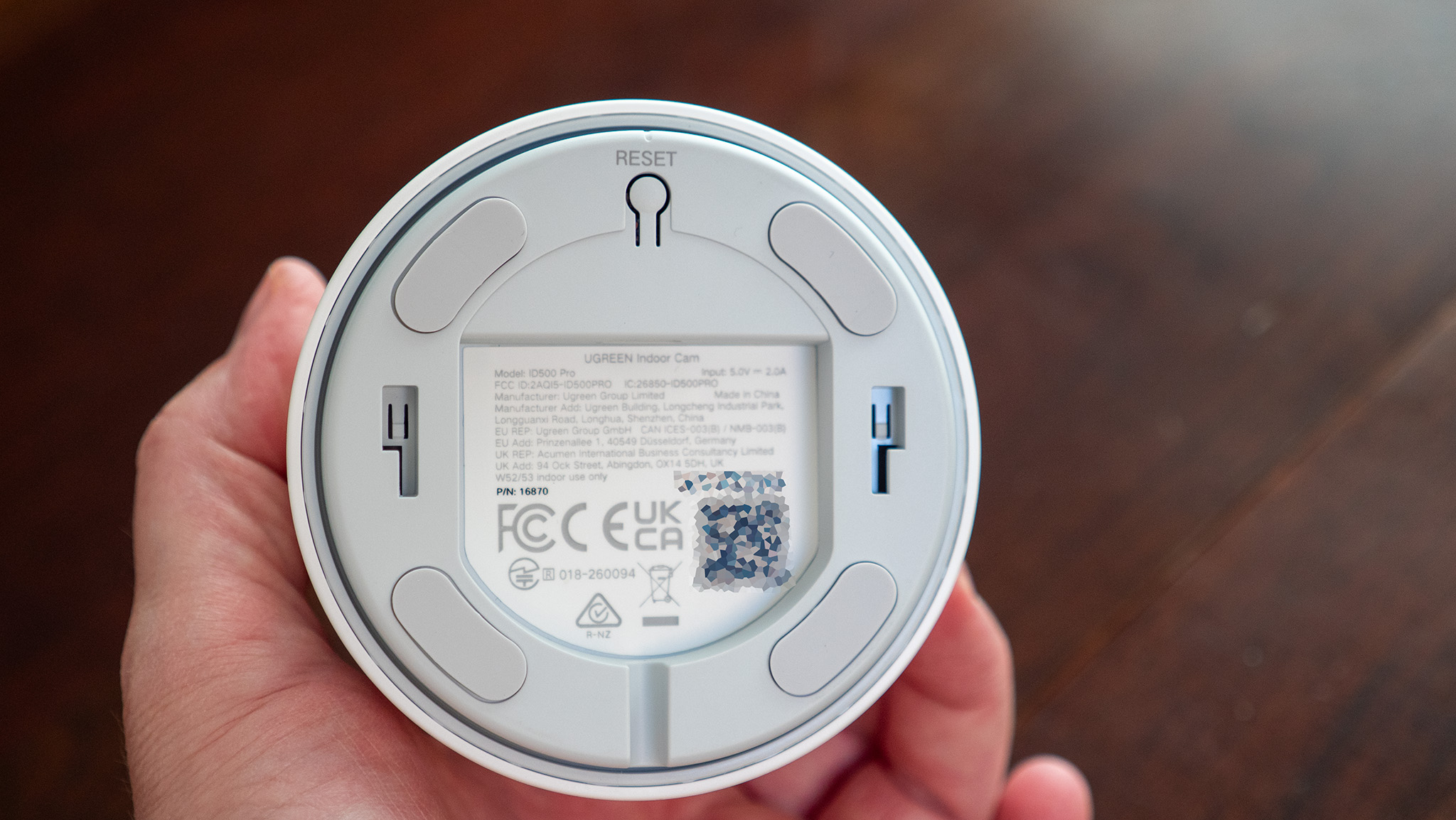
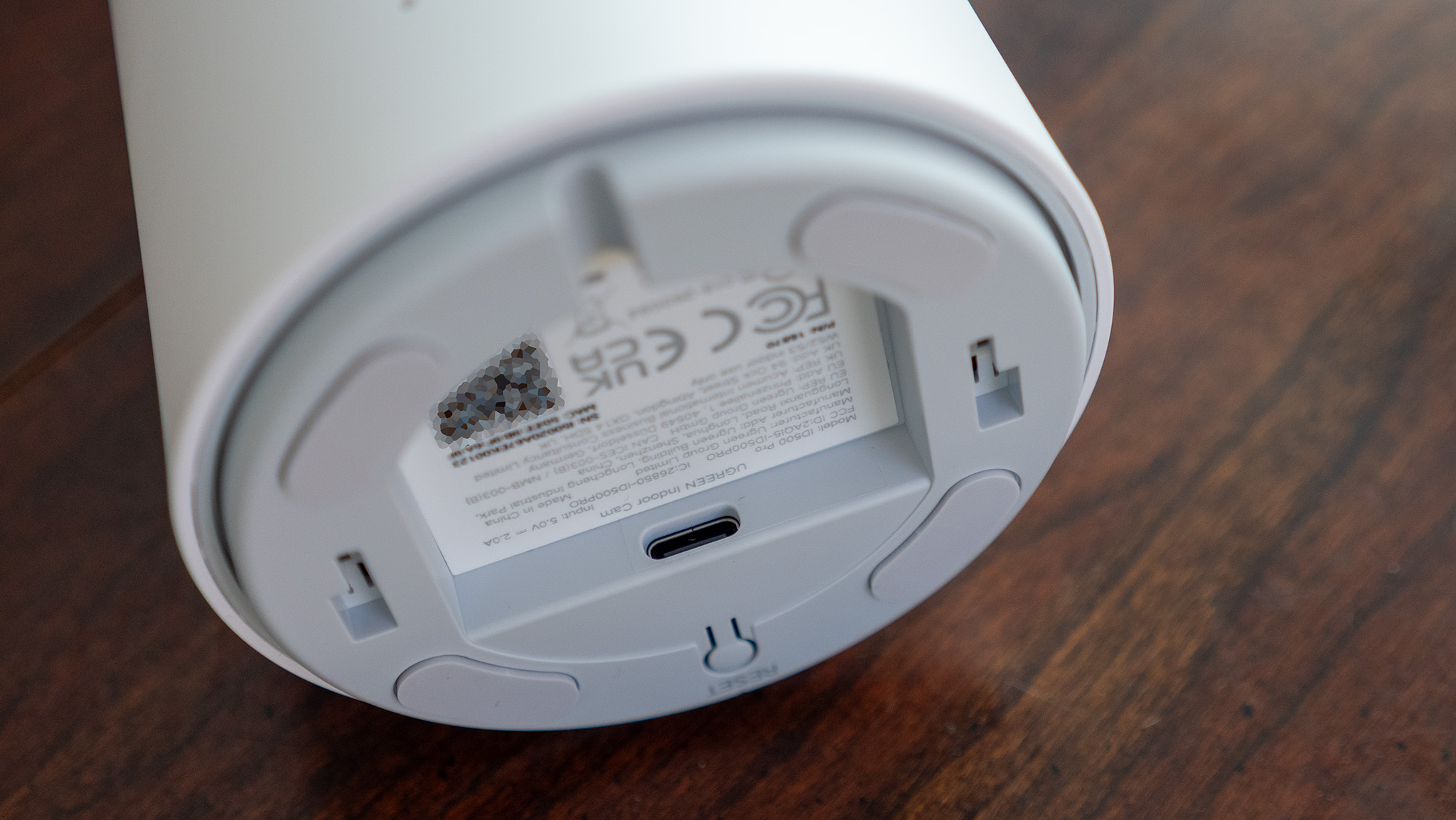
SynCare Indoor Cam ID500 Pro
$149
$89 Early Bird
SynCare PoE Cam OD600 Pro
$269
$159 Early Bird
SynCare Battery Cam OD800 Pro
$399
$199 Early Bird
Smart Speaker for Uliya
$99
$69 Early Bird
Gallery E-Paper Smart Frame
$439
$299 Early Bird
Pre-orders for the HA100, HA100 Pro, and MA100 are scheduled to open September 3 through UGREEN’s AIoT Official Store, ahead of the Kickstarter launch planned for October 27. UGREEN says a deposit starting at $50 can secure the Super Early Bird pricing.
The new MagFlow products are available now:
MagFlow Pro Magnetic Power Bank 10,000mAh 25W: $149.99
MagFlow Pro 3-in-1 Magnetic Wireless Charging Stand 25W: $159.99
MagFlow 2-in-1 Foldable Magnetic Wireless Charger 25W: $59.99
UGREEN says the MagFlow products are available through its official store and Amazon.
Final Thoughts
UGREEN’s Smart Living Launch Event was ultimately less about introducing a handful of individual products and more about showing where the company wants to go next.
HomeAgent is the centerpiece of that strategy, bringing together local storage, AI processing, cameras, smart-home controls, and personal data.
The most compelling part of the concept is not necessarily the ability to tell your lights to turn on with your voice. We already have products that can do that.
The more interesting question is whether HomeAgent can understand what is happening in the home and take useful action without requiring the user to constantly tell it what to do.
That is a much harder problem.
UGREEN is also making a deliberate argument for local AI, particularly when dealing with the intimate data generated inside a home. Keeping more processing and information local could address some of the privacy, latency, and cloud-dependency concerns that come with connected-home technology.
My hands-on experience at the event was limited, and the demonstration environment was not representative of a long-term home installation. I was able to see UGREEN successfully demonstrate several of HomeAgent’s capabilities, while my own attempt to control the living-room devices was limited by the demo setup.
That leaves plenty of questions for a full review once production hardware and software are available. Still, the direction is easy to understand. The smartest home may not be the one filled with the most devices. It may be the one where those devices finally stop feeling like separate products.
If UGREEN can make HomeAgent deliver on that promise, the company’s move from charging and storage into AIoT could become one of its most significant expansions yet. And perhaps the best smart-home experience is one where technology knows when to appear, when to disappear, and quietly makes life easier in between.
UGREEN just announced its first line of smart home products, including a trio of cameras (two outdoor, one indoor), a smart speaker, an ePaper smart frame, and an AI-powered NAS to keep everything safe and local.
If there's one thing you need to know from all this, it's that UGREEN has put a lot of thought into this product. From the incredibly easy-to-use hardware design to the cables themselves, the app's features, and the entire UGREEN HomeAgent family is a marvel of planning and execution.
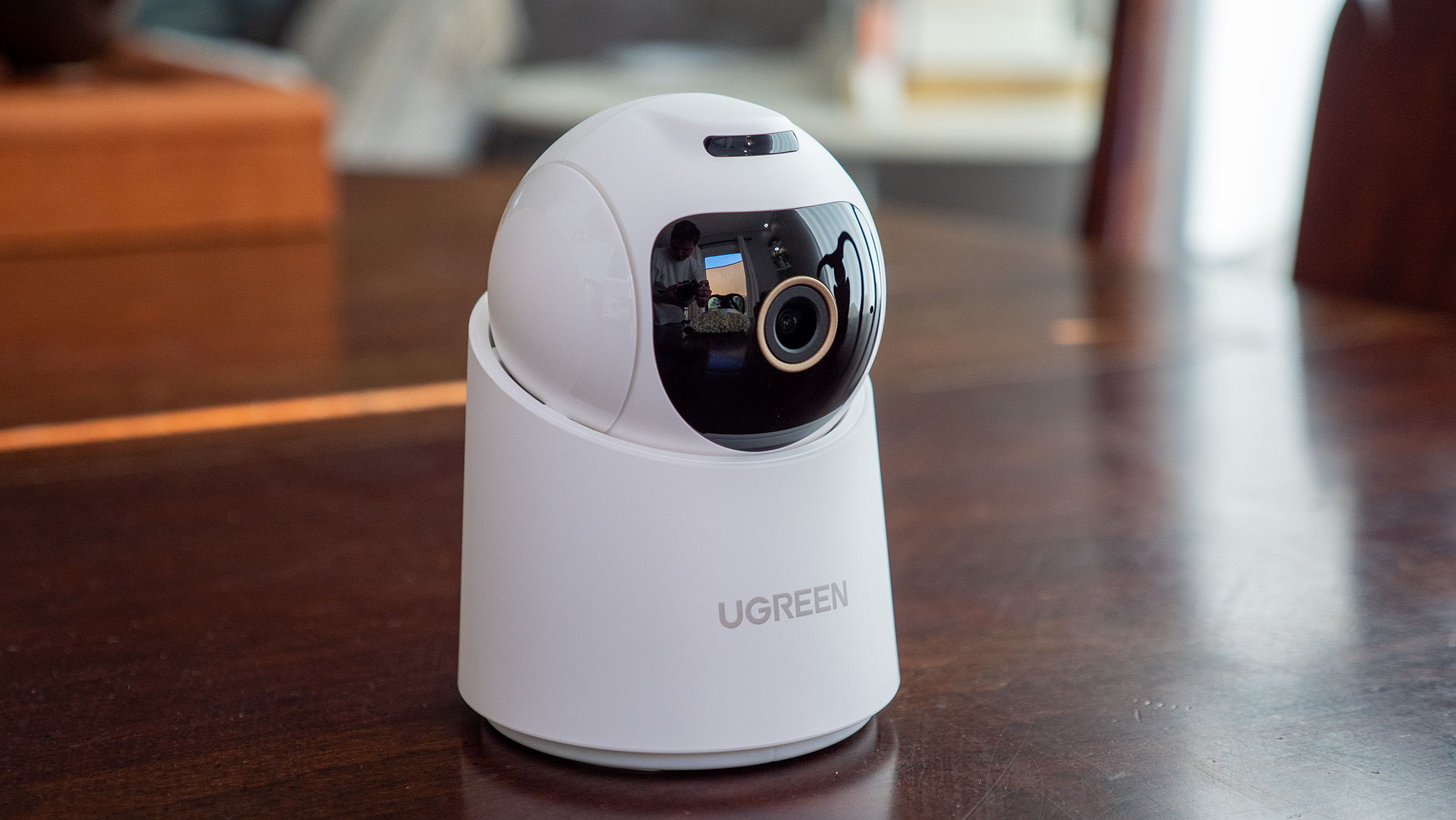
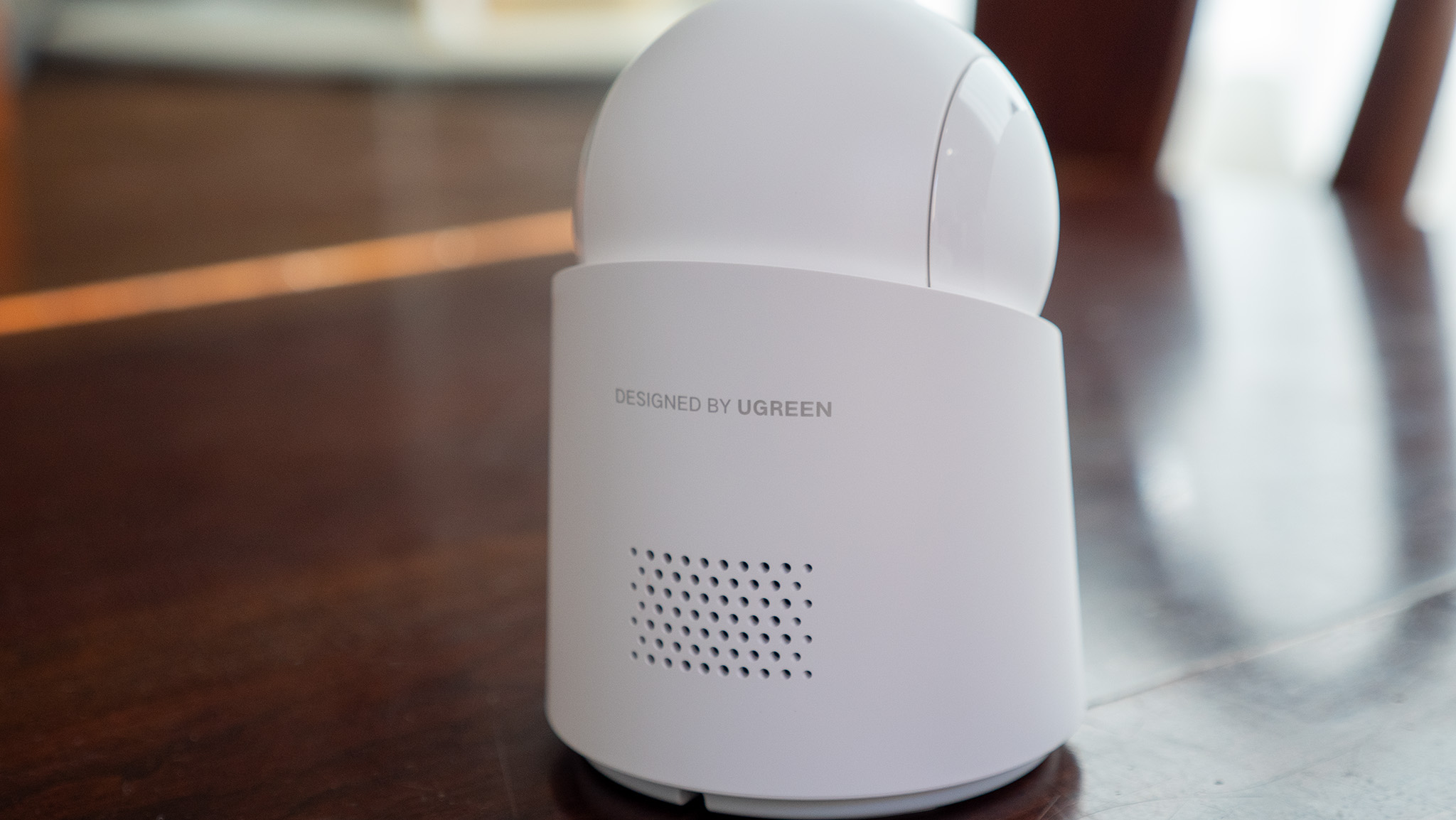
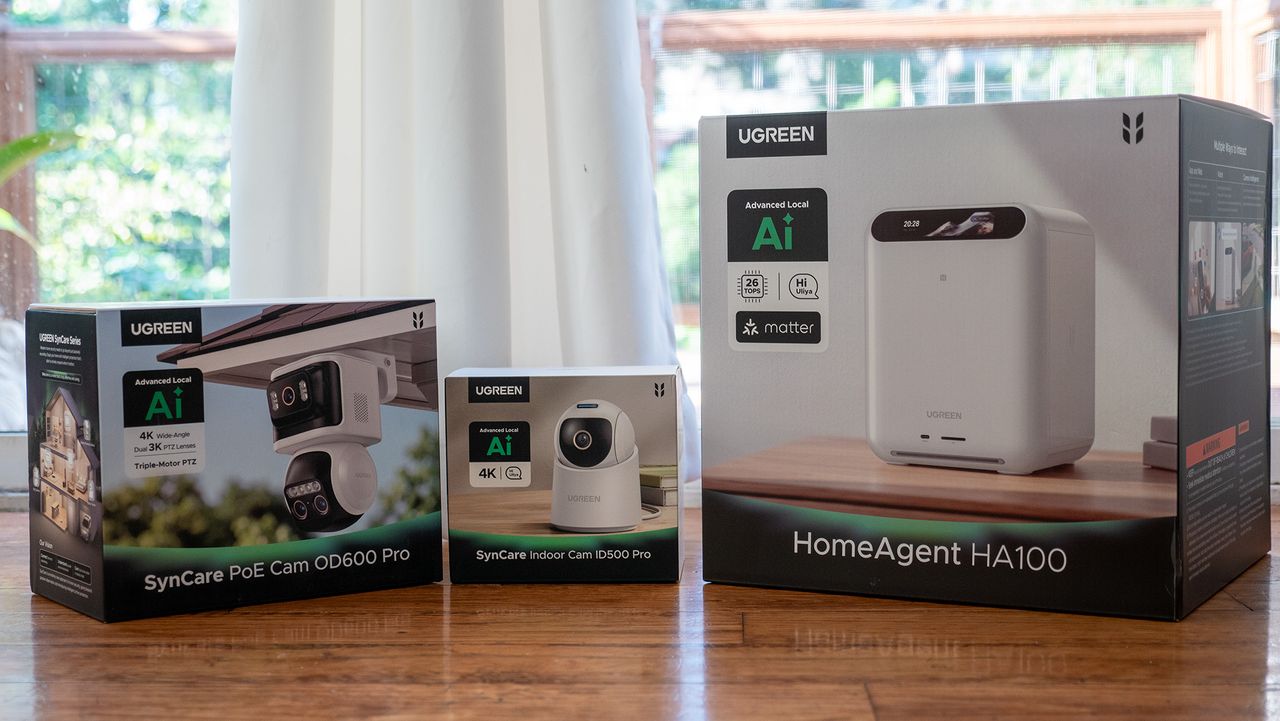
I received the UGREEN HomeAgent HA100 NAS, SynCare PoE Cam OD600 Pro, and SynCare Indoor Cam ID500 Pro ahead of UGREEN's Boston-based event and got to spend some time with these products for this hands-on report. UGREEN is launching the HomeAgent HA100 crowdfunding program on September 4, including a 50% discount for early backers until October 27.
You've never used a NAS like this
(Image credit: Nicholas Sutrich / Android Central)
As someone with 15 years of professional IT experience, I've spent plenty of time with big ol' NAS boxes in server racks. Usually, they're a pain in the butt to set up, and while they're mostly a set-it-and-forget-it affair, they're rarely designed to be user-friendly. A home NAS has to be very different from this approach, and it's clear UGREEN went back to the drawing board for the HomeAgent HA100.
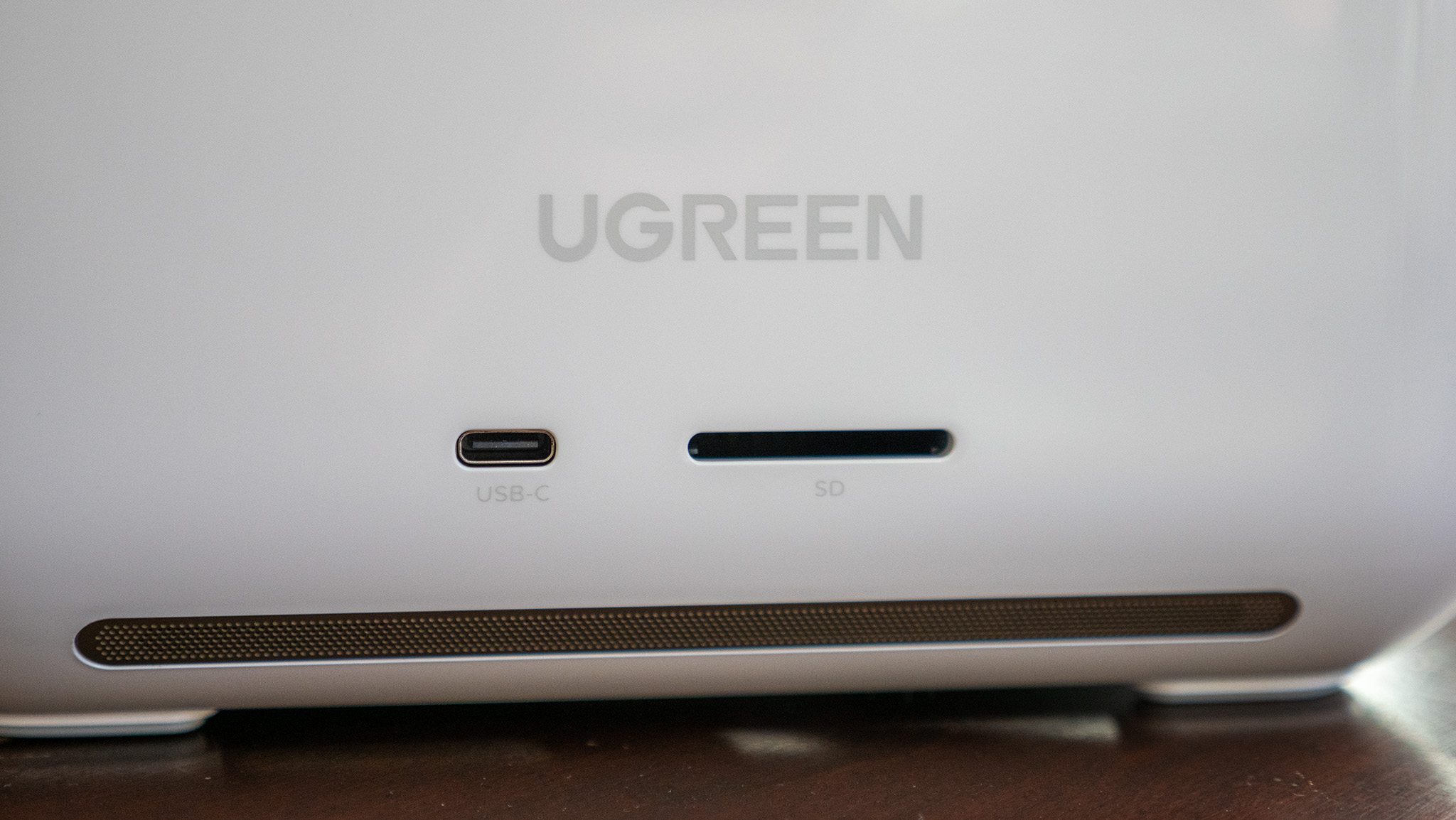
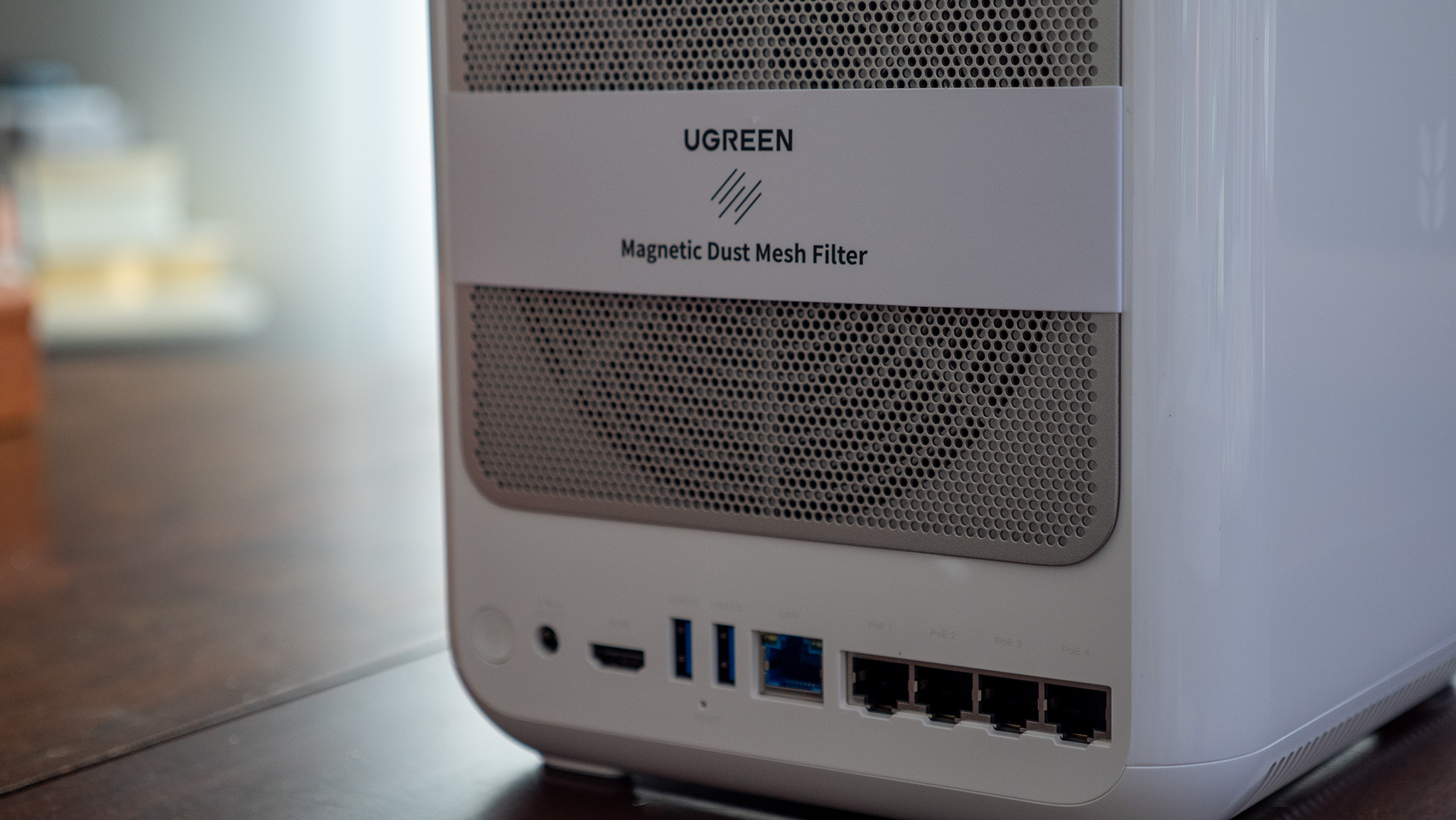
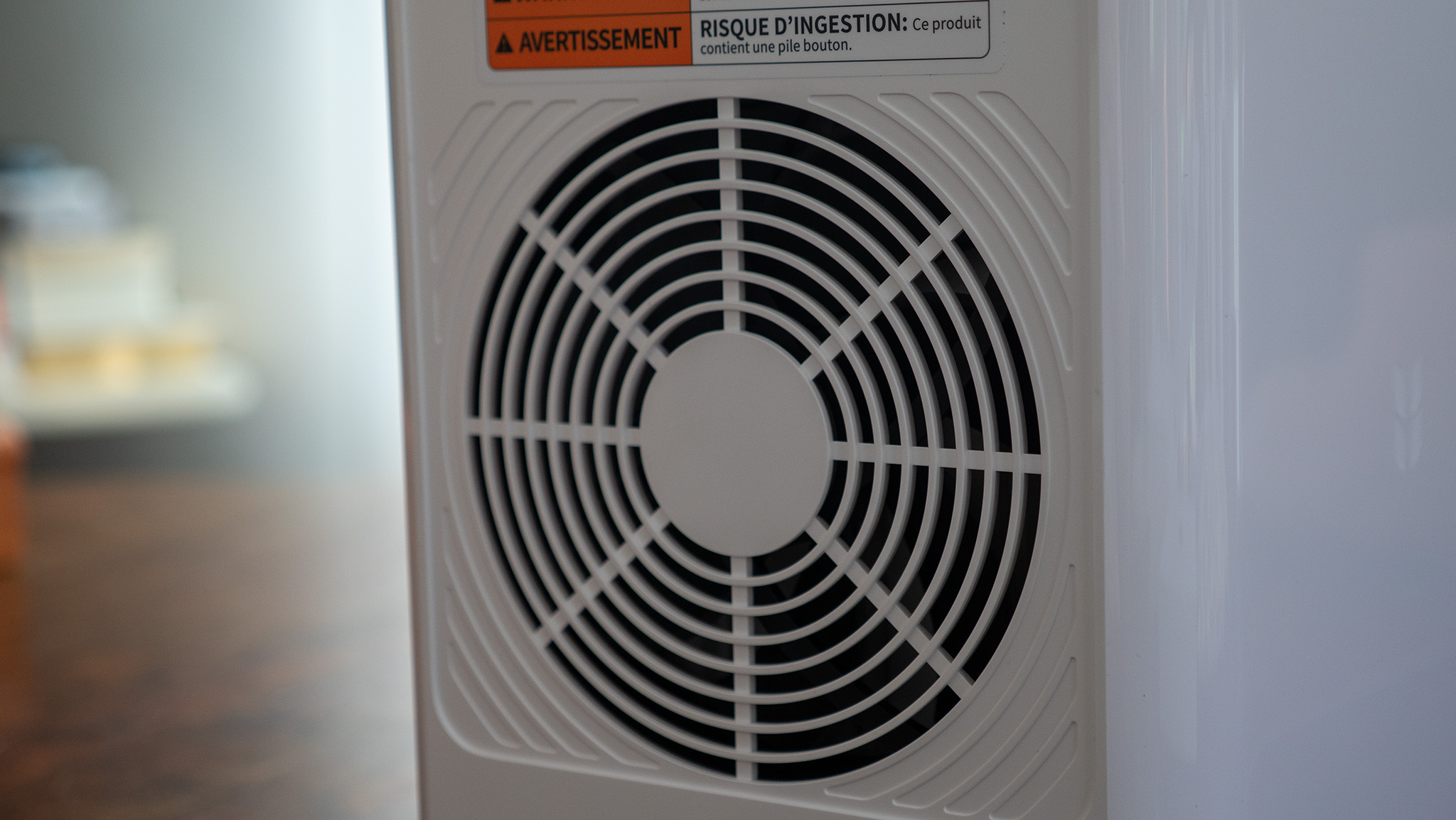
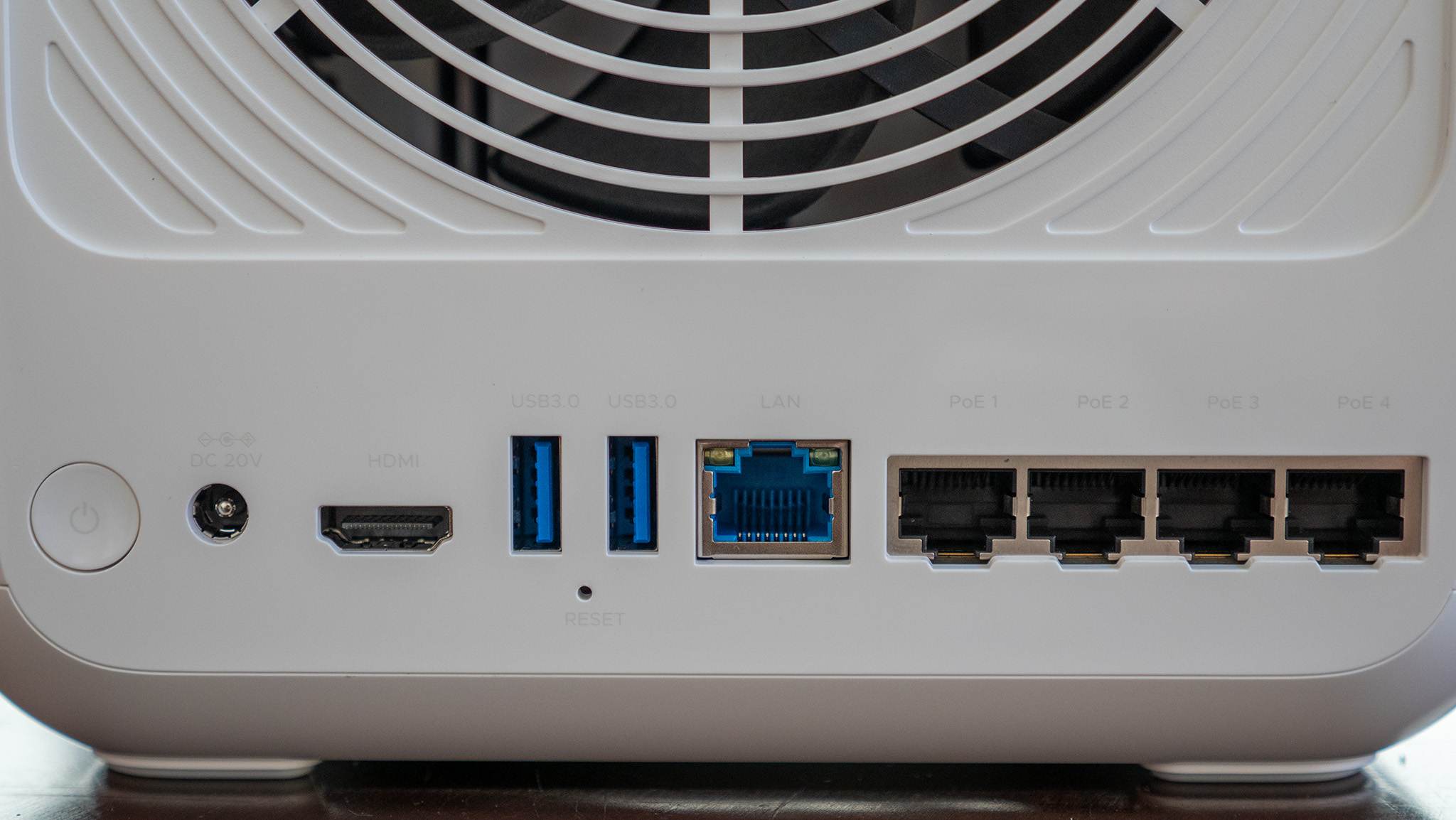
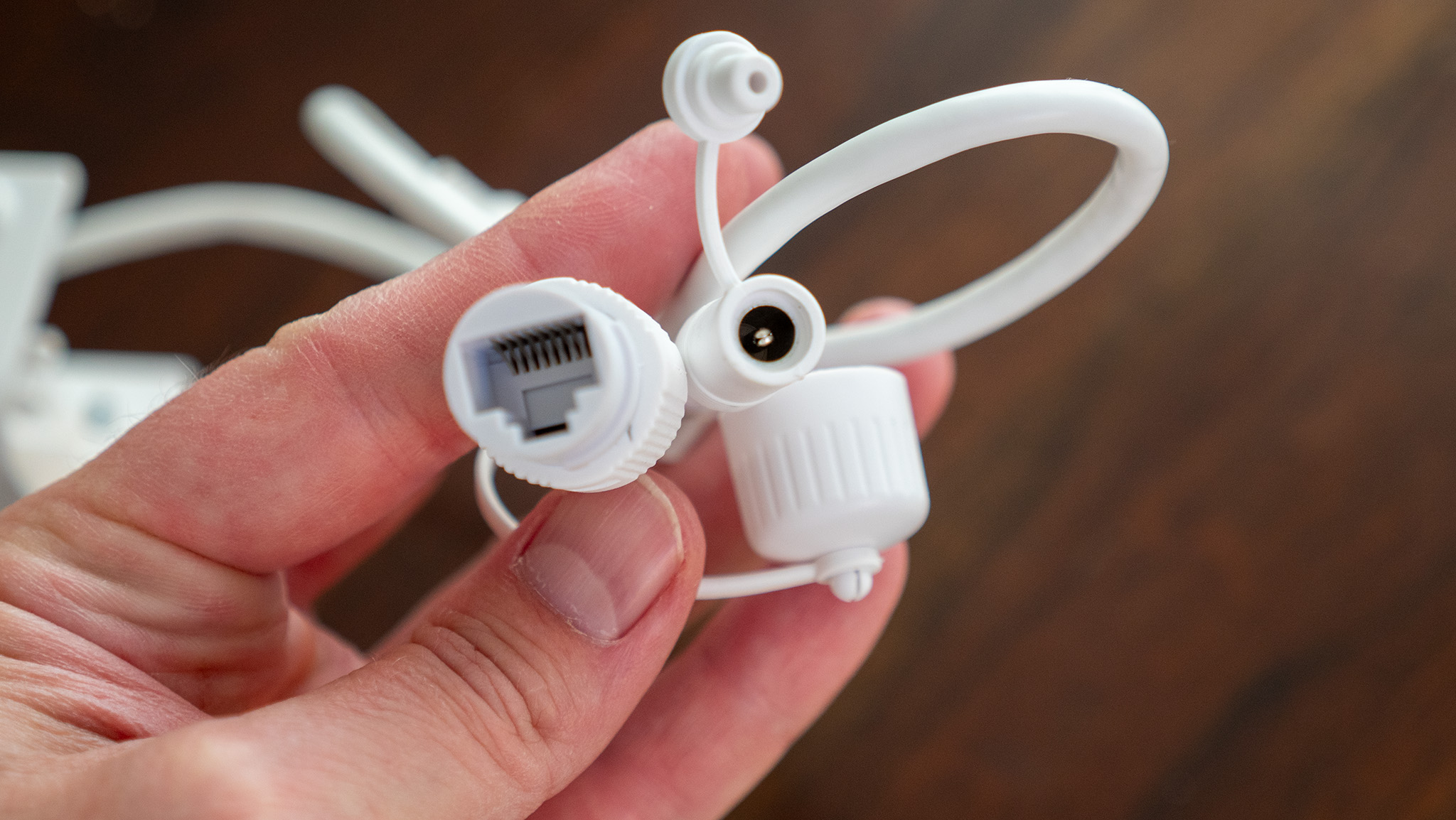
Everything here is as self-explanatory and user-friendly as you can imagine. I specifically did not read the manual just to see if I could figure it out, and I was able to get the entire package set up in less than 5 minutes once I unboxed everything. A bevy of ports lines the back of the unit, located right underneath the cooling fan with a nifty magnetic filter that's dead easy to remove and clean.
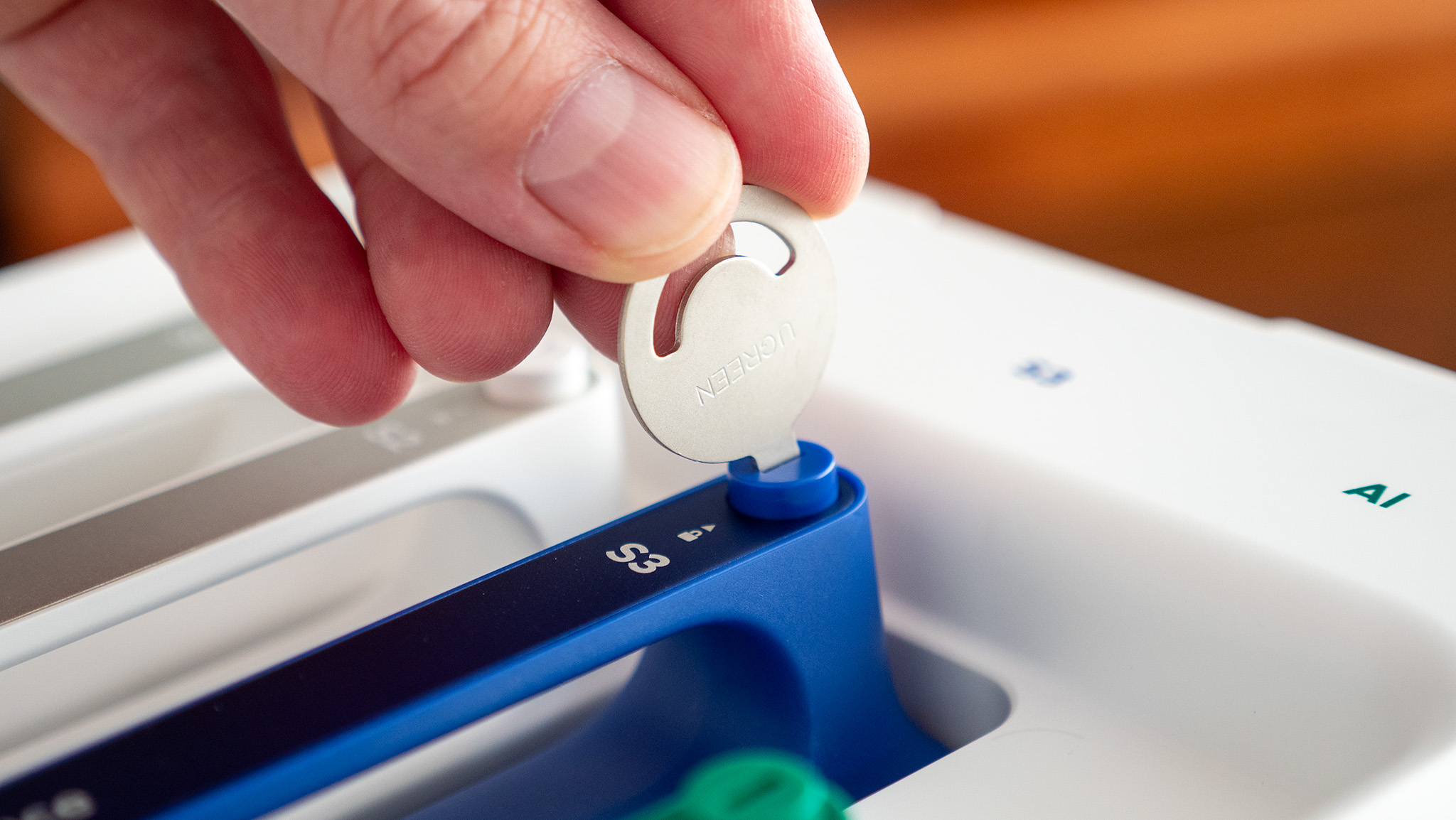
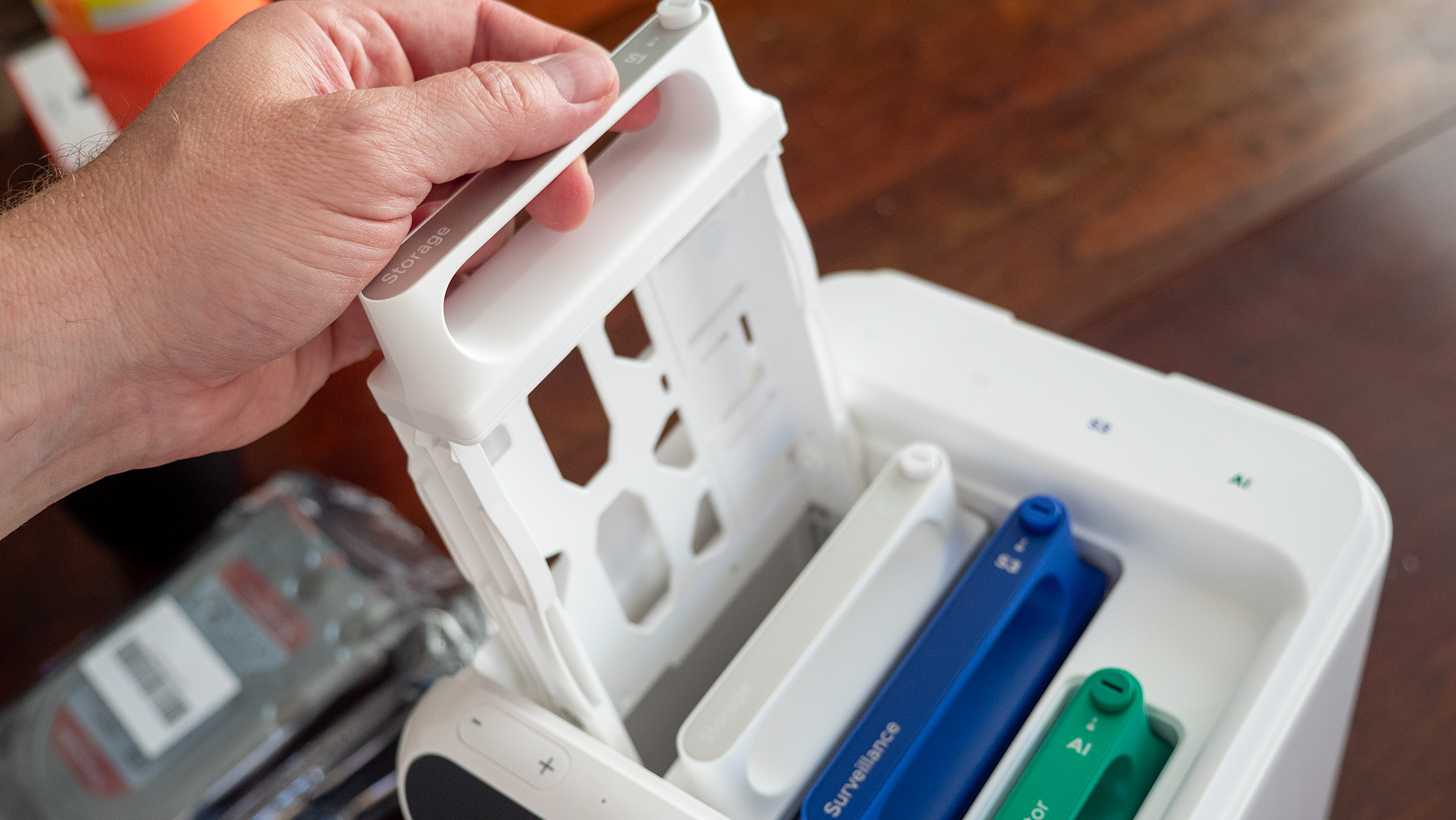
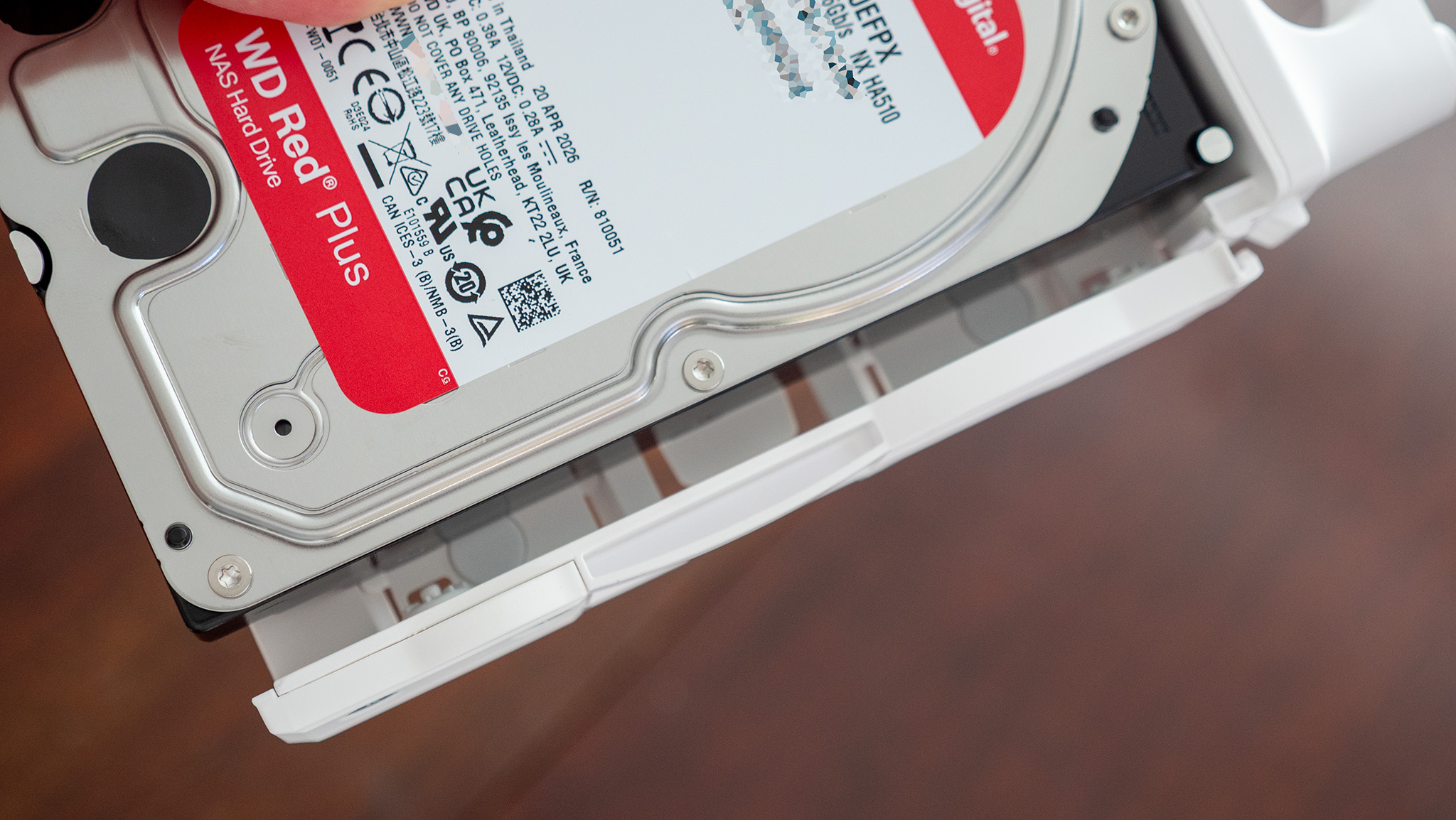
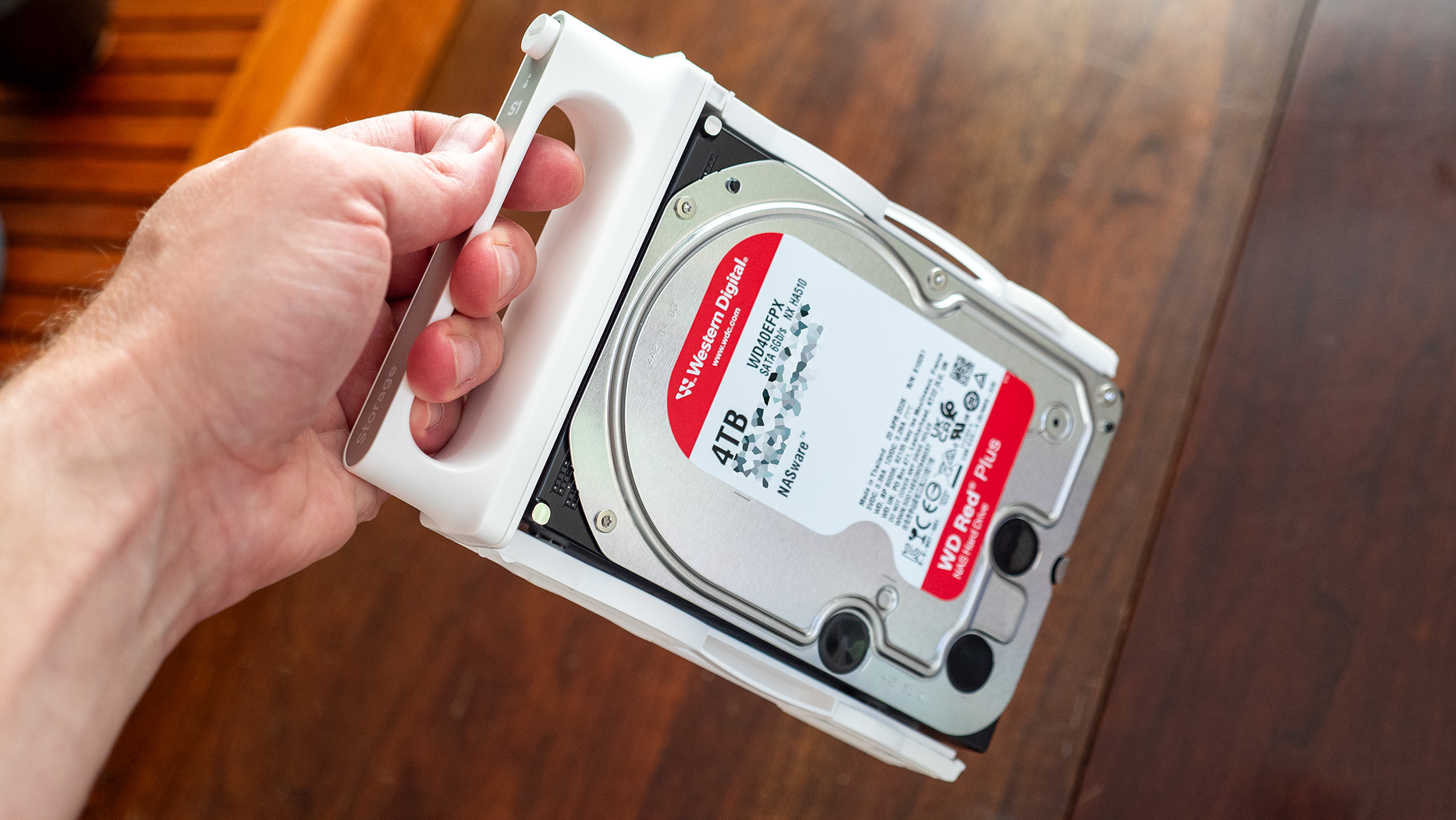
Underneath the simple magnetic lid is a storage bay for three HDDs of your choice. Standard 3.5" models pop in with no screwdriver needed, while a 2.5" drive will need one of the small brackets included in the box. The drives pop in with a satisfying click and are removed with a simple button on top. They can even be locked into place with an included "key," which can be swapped out with a butter knife if you happen to lose it.
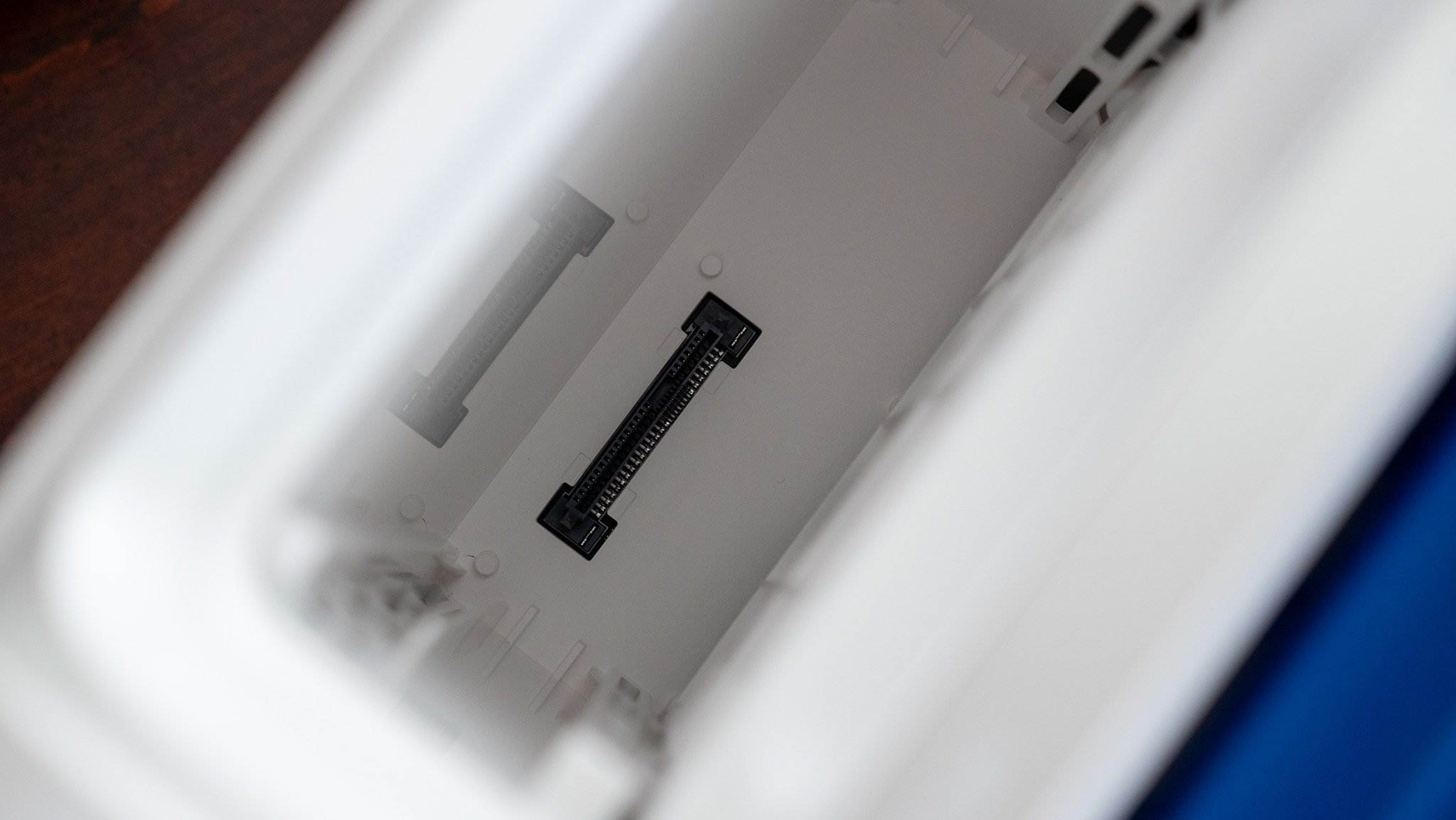
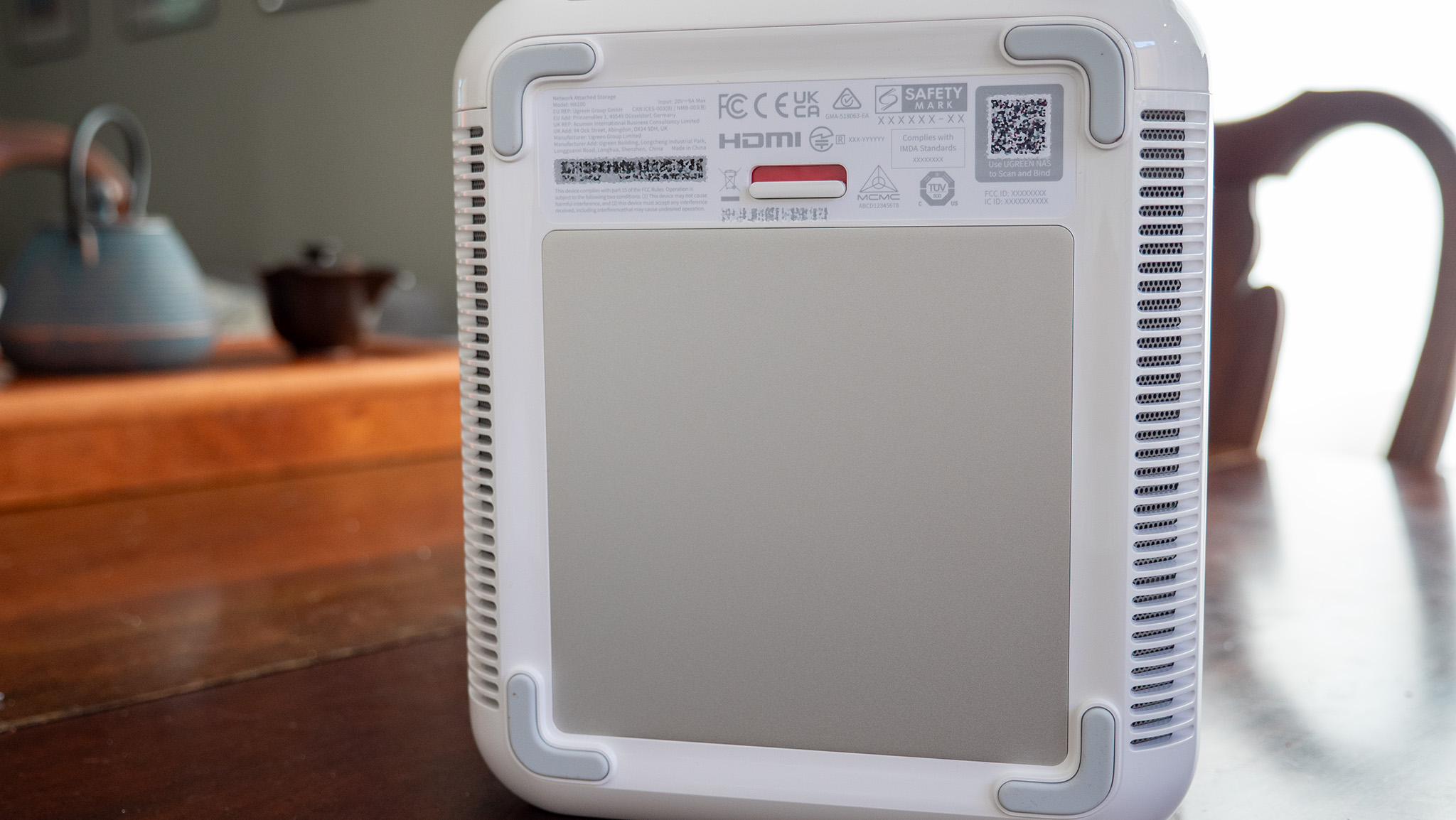
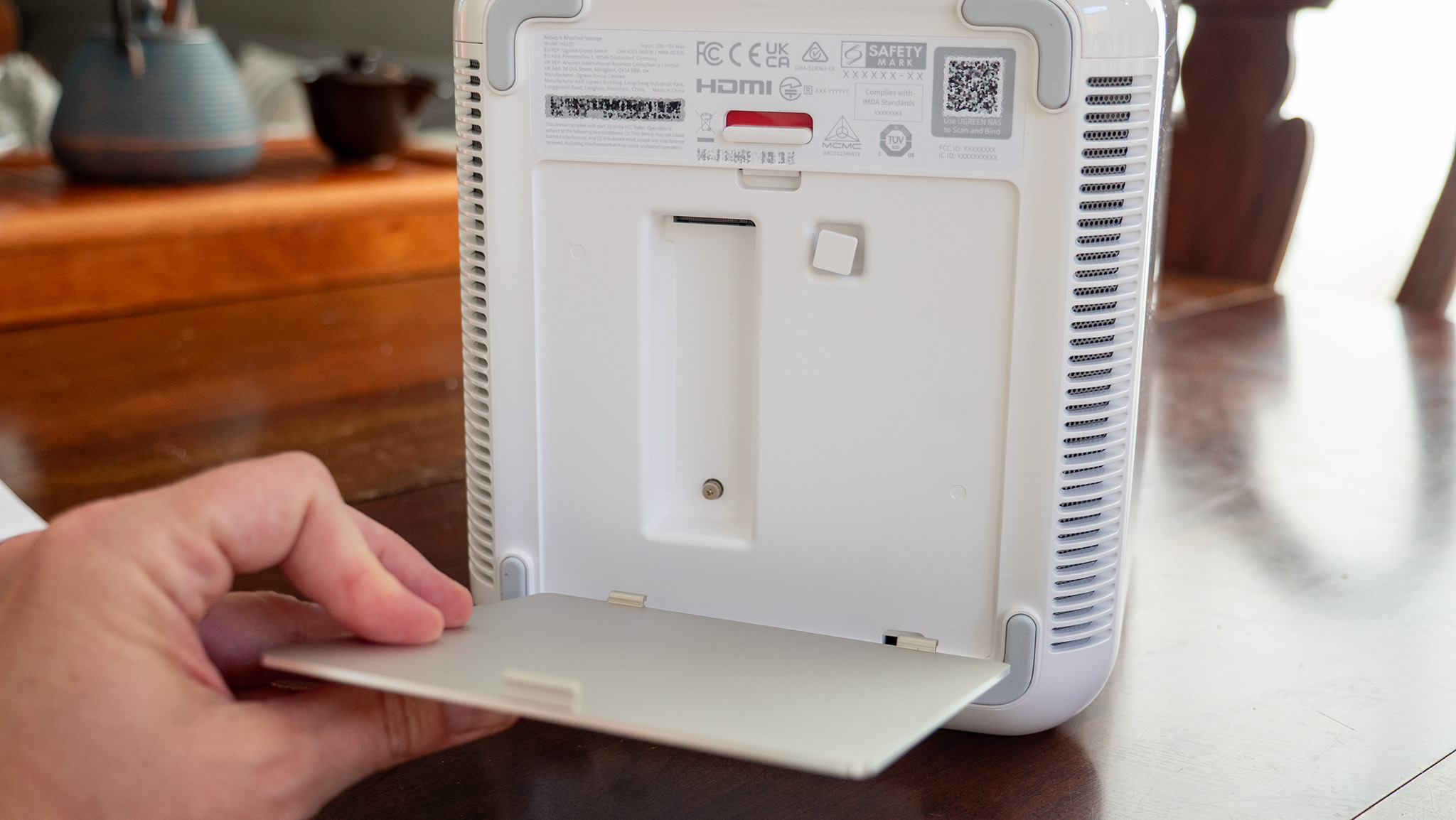
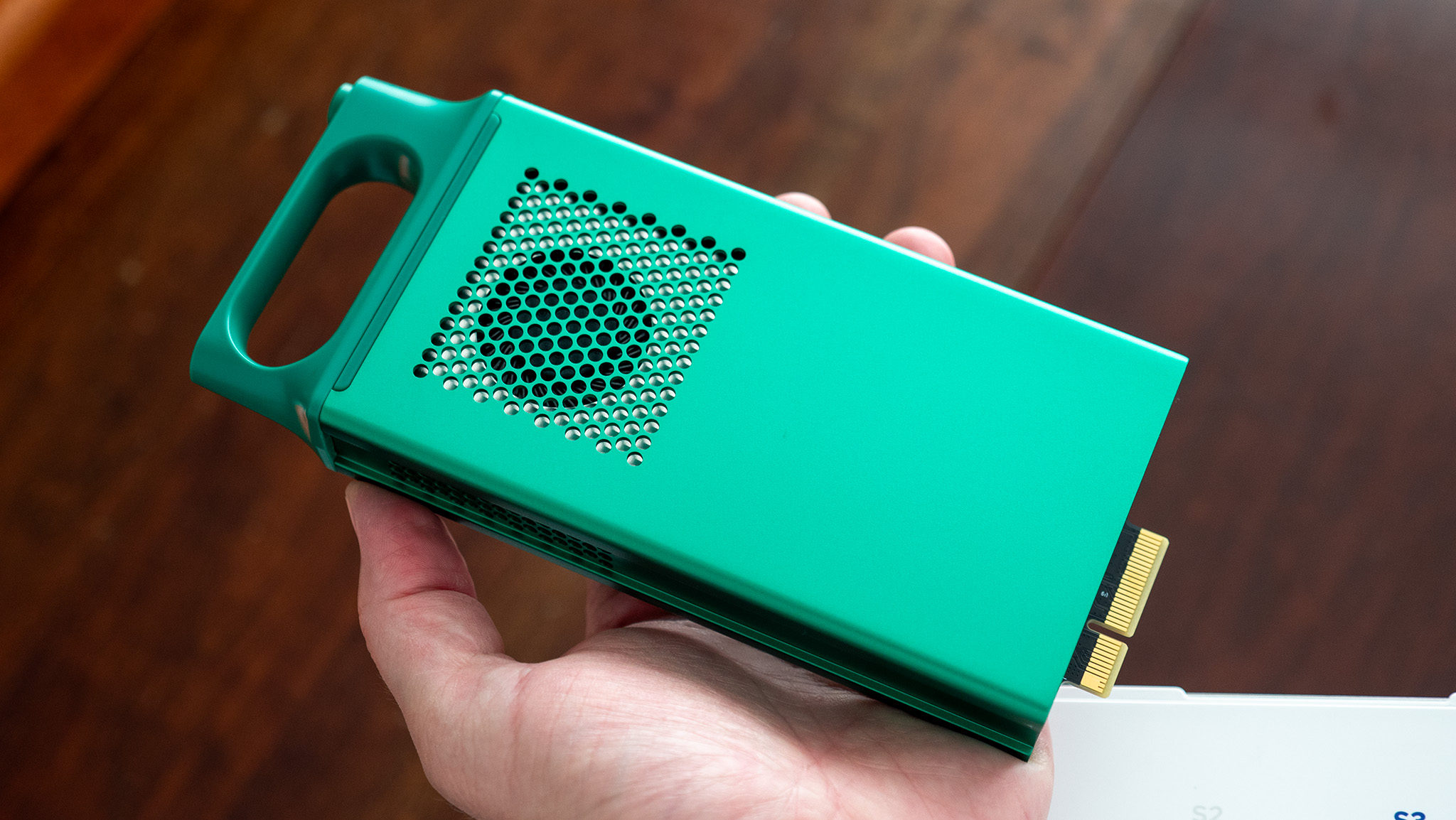
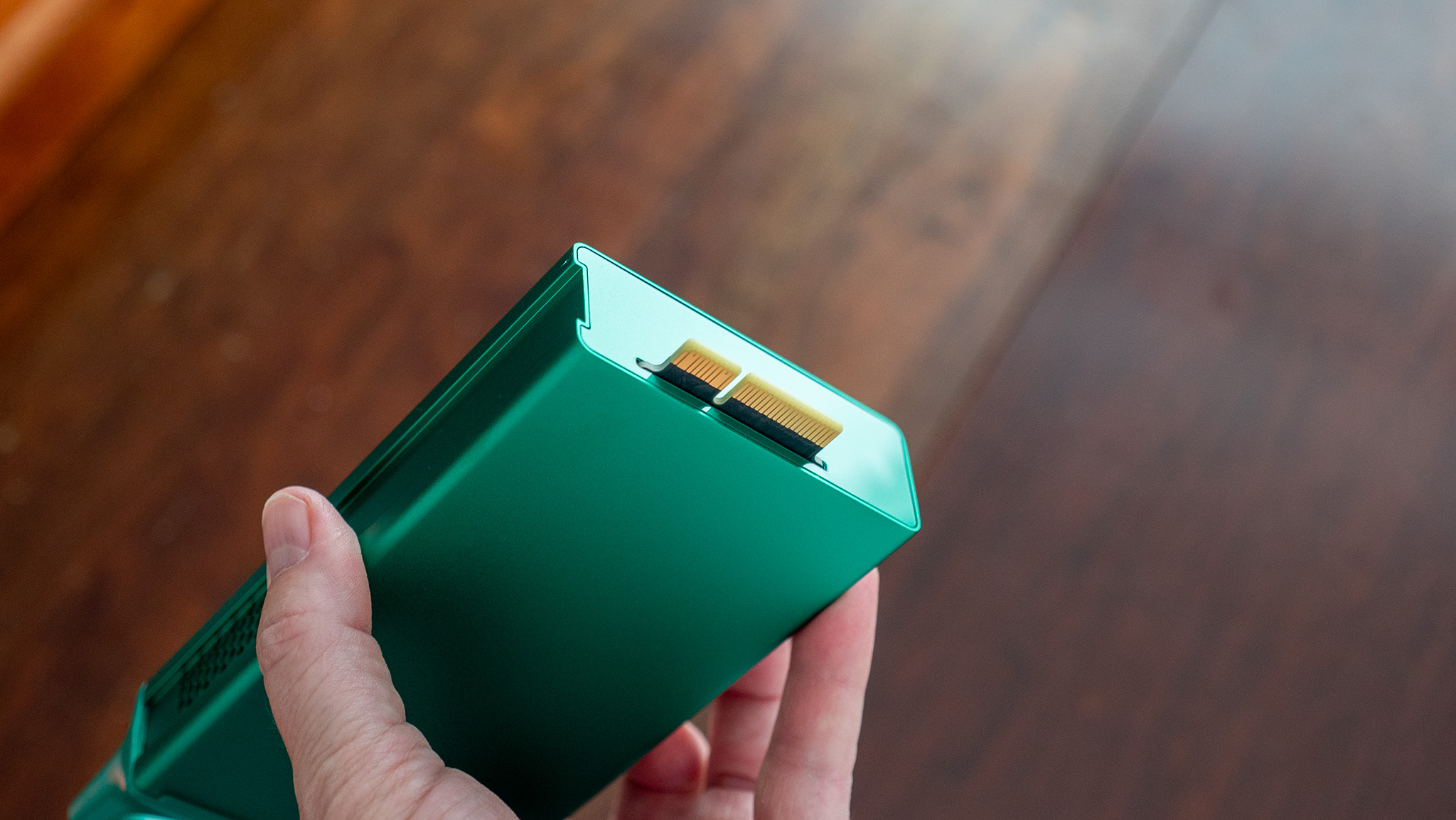
My unit shipped with an AI Accelerator unit already installed, but UGREEN sells models without this compute module for a lower cost. Adding an M.2 SSD is a little trickier since you'll have to flip the unit over and install it below, then add some thermal tape to keep things cool, but I imagine most people won't need M.2 performance anyway.
The front of the unit sports a touchscreen that only requires you to select a language to move forward. The unit is paired with the UGREEN NAS app and just requires you to select it from the list of LAN models found on your network. Since this NAS is hardwired to my router, it was as simple as opening the app on my phone and tapping the HA100 in the list.
Nicholas Sutrich / Android CentralNicholas Sutrich / Android CentralNicholas Sutrich / Android CentralNicholas Sutrich / Android Central
UGREEN's HomeAgent line supports all Matter-compatible smart home devices, with Zigbee compatibility coming soon. It's also got full voice command support via UGREEN's Uliya agent, which is built into the NAS and can be used immediately since the NAS has microphones and speakers on the unit.
My NAS is located behind my couch, so it's easy to ask Uliya to toggle my lights and switches without having to worry about adding the dedicated speaker to my house, although I may end up getting a secondary speaker for the bedrooms.
Nicholas Sutrich / Android CentralNicholas Sutrich / Android Central
Central to this unit's purpose is the all-local-all-the-time philosophy. That AI Accelerator unit is a mini computer that acts similarly to something like Gemini, albeit much more focused than a normal LLM. This one is made specifically for smart home control and to intelligently manage your media.
On the smart home side, it can keep track of familiar faces, understand the difference between a dog and a package, alert you if your chickens get in the front yard (yes, that's a problem for me), or even wake you if your baby starts crying in the middle of the night. I'll need time to assess how well each of these works, but it certainly sounds a lot like the smart home I've long dreamed of.
And with the pictures and video you can store on the NAS (both from smart home cameras and your smartphones), the AI Accelerator will group events, places, people, and other categories similarly to Google Photos, all without requiring you to pay a monthly fee to store data or for processing.
To say I'm extremely excited about these products is an understatement. From the looks of things so far, this does everything I've wanted a smart home to do and then some. Local control and storage are particularly attractive to me, especially since I stopped using Eufy years ago after all those old scandals.
Nicholas Sutrich / Android CentralNicholas Sutrich / Android CentralNicholas Sutrich / Android CentralNicholas Sutrich / Android Central
Now, I've got a proper replacement solution that includes all that awesome local processing, plus the ability to control all my other smart home products using just my voice (thank you, Matter), all without requiring an internet connection. Pinch me, because this feels too good to be true, yet here it is in my living room.
Ugreen has a full roadmap for additional upgrades, including Zigbee device compatibility, a suite of additional voice commands the company is building, and more, which it'll be building out as the crowdfunding project continues through the end of the year.
Ads and tracking have turned TVs into privacy nightmares. Both are so widespread among smart TVs that I’ve written a guide for avoiding them. One recommendation in that guide is to use a computer monitor. But in recent years, monitors have become more capable of pushing ads and tracking users.
Without more straightforward approaches from vendors, such as easily comprehensible privacy policies and avoiding inappropriate ads, monitors are dangerously encroaching into smart-TV-like territory.
LG monitors’ McAfee ads
LG lost some trust after a recent report that some of its monitors installed McAfee pop-up ads onto connected computers. Since at least 2024, some of these displays installed an app, LG Monitor App Installer, onto connected computers under the cover of driver updates installed through Windows Update.
The MacVoices Live! panel examines Spotify adopting Apple-backed video podcast technology, Instagram’s disappearing posts and why anyone would want them, and Microsoft expanding Copilot everywhere, whether it is a good idea or not. Chuck Joiner, David Ginsburg, Jeff Gamet, Guy Serle, Web Bixby, Eric Bolden, Marty Jencius, and Jim Rea also look at the risks of putting AI mini data centers in homes, and Plex’s major lifetime Pass price hike.

 Login
Login