❌

Reading view

iPad Lineup Refresh Could Start This Fall

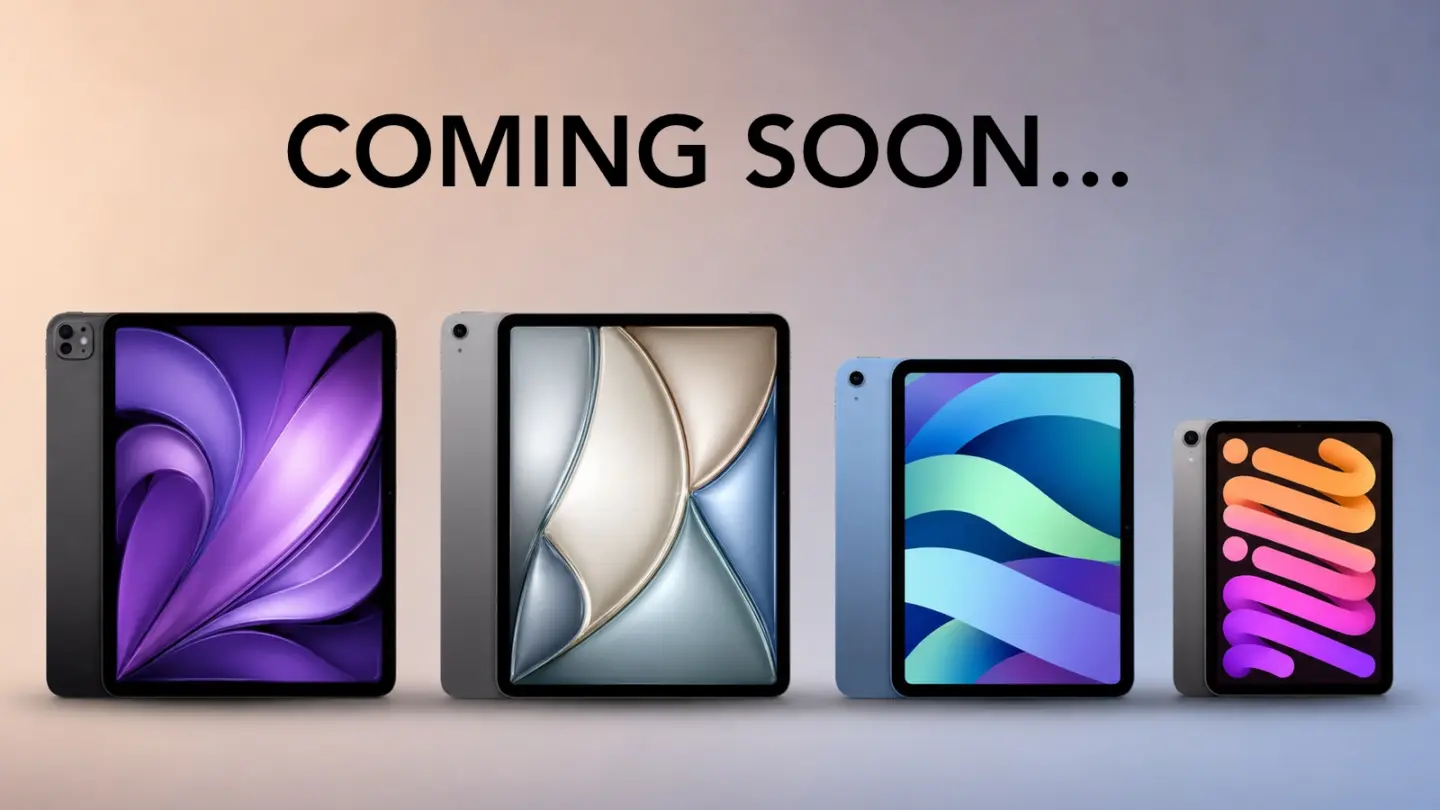
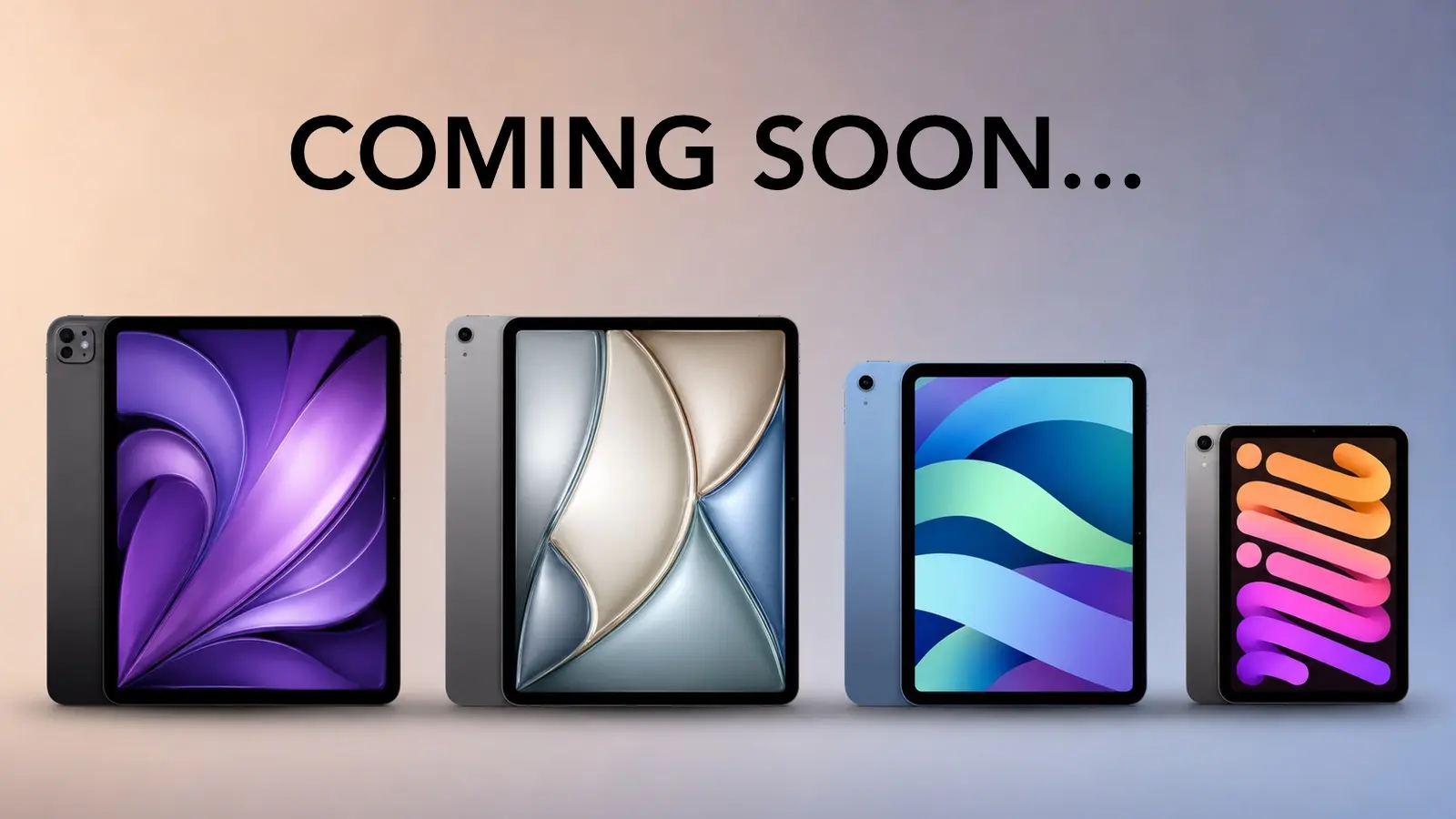
Apple’s next iPad lineup refresh could begin this fall with a new iPad mini, followed by updates across the rest of the tablet family during 2027. The reported schedule would give Apple a rolling series of launches rather than one event covering every iPad at once.

Bloomberg’s Mark Gurman reports that Apple is preparing replacements for the iPad mini, entry-level iPad, iPad Air and iPad Pro. The compact model is expected to arrive first, potentially as early as October, while the remaining tablets would follow over the next several months.

Apple has not announced any of the devices, and release timing can change. The report nevertheless gives prospective buyers a clearer picture of where each current model sits in its cycle. The first update could also bring one of the most requested display improvements to Apple’s smallest tablet.

iPad Lineup Refresh Starts With the Mini

The iPad lineup refresh is expected to begin with the iPad mini, which has received fewer updates than Apple’s larger tablets. The current design remains popular because it offers an 8.3-inch screen in a device small enough to hold comfortably with one hand, place in a small bag or use as a portable reading and note-taking tool.

The next model is reportedly moving to an OLED display. That would give the iPad mini deeper black levels, stronger contrast and more vivid color than its current LCD panel. OLED would be particularly noticeable when reading in dark environments, watching video or working with images.

The new display is expected to measure approximately 8.4 inches without producing a major change to the overall design. Apple may retain a 60Hz refresh rate rather than bringing the 120Hz ProMotion technology used by the iPad Pro. That could disappoint buyers hoping the mini would become a compact Pro model, but OLED alone would represent a visible upgrade.

Reports have also pointed to an A19 Pro chip. That would give the smaller tablet more performance for games, creative apps, Apple Intelligence and longer-term software support. The current iPad mini already occupies an unusual position between a reading device and a compact professional tool. A stronger chip and OLED screen would push it further toward the second category.

Price may become the less attractive part of the update. Apple could raise the starting cost as display and memory expenses increase. Buyers interested mainly in portability may accept a higher price, but the iPad mini would need to avoid moving too close to the iPad Air.

The Entry-Level iPad May Stay Familiar

Apple’s least expensive iPad is expected to receive a more modest update in early 2027. The company reportedly plans to preserve the current design while replacing the processor with a newer chip.

That would fit the role of the entry-level model. Apple uses it for education, families, basic productivity, streaming, games and first-time tablet buyers. A dramatic redesign could increase the cost without improving the tasks most customers use it for.

The processor update could bring Apple Intelligence compatibility, depending on the chip and memory configuration Apple chooses. The current model’s position outside some advanced AI features creates an increasingly visible separation from the rest of the lineup.

A newer chip would also extend the useful life of the device. Entry-level iPads are often kept for several years, passed between family members or deployed in schools and businesses. Long software support can be more valuable in that segment than a thinner body or new camera arrangement.

Anyone considering the current base iPad should decide whether price or longevity has greater value. The current model remains suitable for ordinary use, particularly when discounted. Buyers who want the longest possible support window may prefer to wait.

iPad Air Could Receive the Larger Display Upgrade

The iPad Air is also expected to receive an update in 2027, with OLED display technology reportedly planned for the range. That would narrow one of the most obvious visual differences between the Air and the iPad Pro.

Apple currently positions the Air as the balanced choice: stronger than the entry model, less expensive than the Pro and available in 11-inch and 13-inch sizes. It supports Apple Pencil Pro and Magic Keyboard while offering M-series performance for demanding apps.

An OLED display would make that value proposition more aggressive. The Air could offer improved contrast and image quality without requiring buyers to move to the Pro tier. Apple would still have several ways to distinguish the Pro, including ProMotion, brighter displays, thinner hardware, advanced cameras and newer processors.

The processor is likely to receive another M-series upgrade as well, though the exact chip remains uncertain. For most users, the Air already has far more processing power than routine tablet work demands. The screen may provide the stronger reason to wait.

The risk for Apple is pricing. OLED panels could push the Air upward, especially in the 13-inch configuration. If the gap between Air and Pro becomes too narrow, buyers may move directly to the flagship. Apple will need to preserve a convincing middle tier.
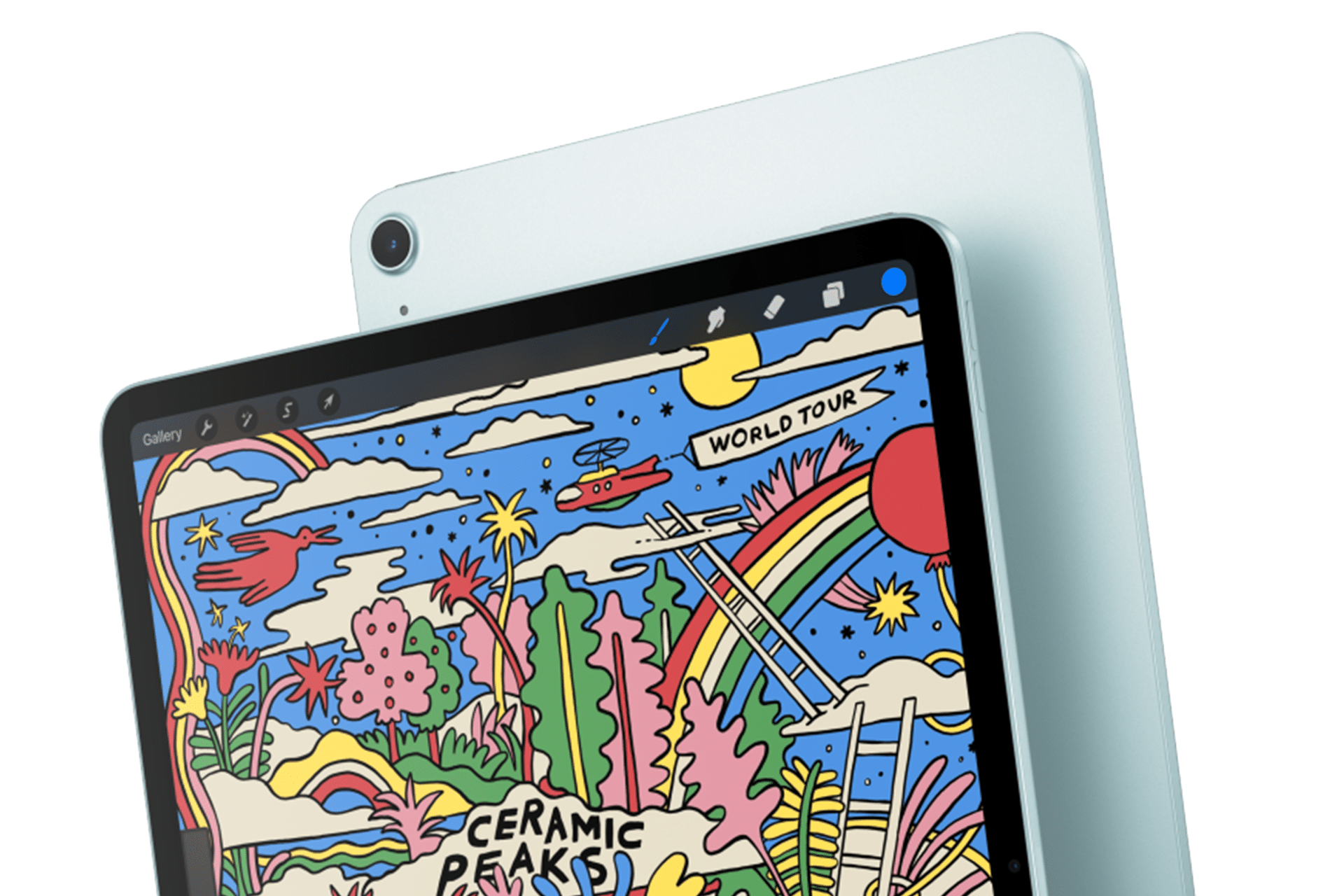
An iPad Air 2025 displays a stylized drawing with rainbows, clouds, plants, and a red sun. The vibrant illustration features "Ceramic Peaks" and "World Tour." The tablet is showcased from the front angle, slightly overlapping its sleek back.

iPad Pro May Focus on Power and Accessories

The next iPad Pro is reportedly planned for spring 2027. Apple may use a new M-series processor while leaving the current thin design largely intact.

That would make the Pro refresh more evolutionary than transformative. The current generation already includes OLED displays, high-end performance, Face ID, ProMotion and support for Apple Pencil Pro and Magic Keyboard.

Apple is also reportedly preparing two updated Apple Pencil models. Those accessories could arrive alongside the next iPad Pro, with changes potentially related to battery design and regulatory requirements.

The larger question is what additional processor power will do for the tablet. iPadOS 27 has expanded multitasking and window management, but buyers continue to evaluate the Pro against MacBook models at similar prices. A faster chip alone will not settle that comparison.

Apple may rely more heavily on AI, professional applications and accessory integration to justify the update. The Pro has become a platform for illustration, video editing, music production, 3D work and specialized enterprise apps. New hardware needs to strengthen those uses rather than simply win another benchmark.

Should Buyers Wait?

The answer depends on the model. Prospective iPad mini buyers have the strongest reason to pause because the reported fall update could introduce a substantially better display within months.

Entry-level buyers can still consider the current iPad when pricing is attractive. Its expected replacement appears focused on performance rather than design. Waiting becomes more sensible for anyone who wants Apple Intelligence support or maximum longevity.

The current iPad Air remains a capable option, particularly for users who need a tablet now. OLED would improve the experience, but a 2027 release leaves a longer wait. The same logic applies to the iPad Pro. Its successor may be faster, though the existing model already covers demanding work comfortably.

Apple’s gradual schedule could keep the iPad in the hardware conversation from fall through spring. It also means there will be no single perfect moment when every model is equally new.

The iPad mini may open the cycle because it has the most obvious opportunity for visible improvement. After that, Apple can use the base iPad for reach, the Air for broader OLED adoption and the Pro for its latest silicon and accessories.

The tablet lineup is not expected to change all at once. It may instead evolve model by model, giving buyers repeated reasons to reconsider which iPad fits their needs.
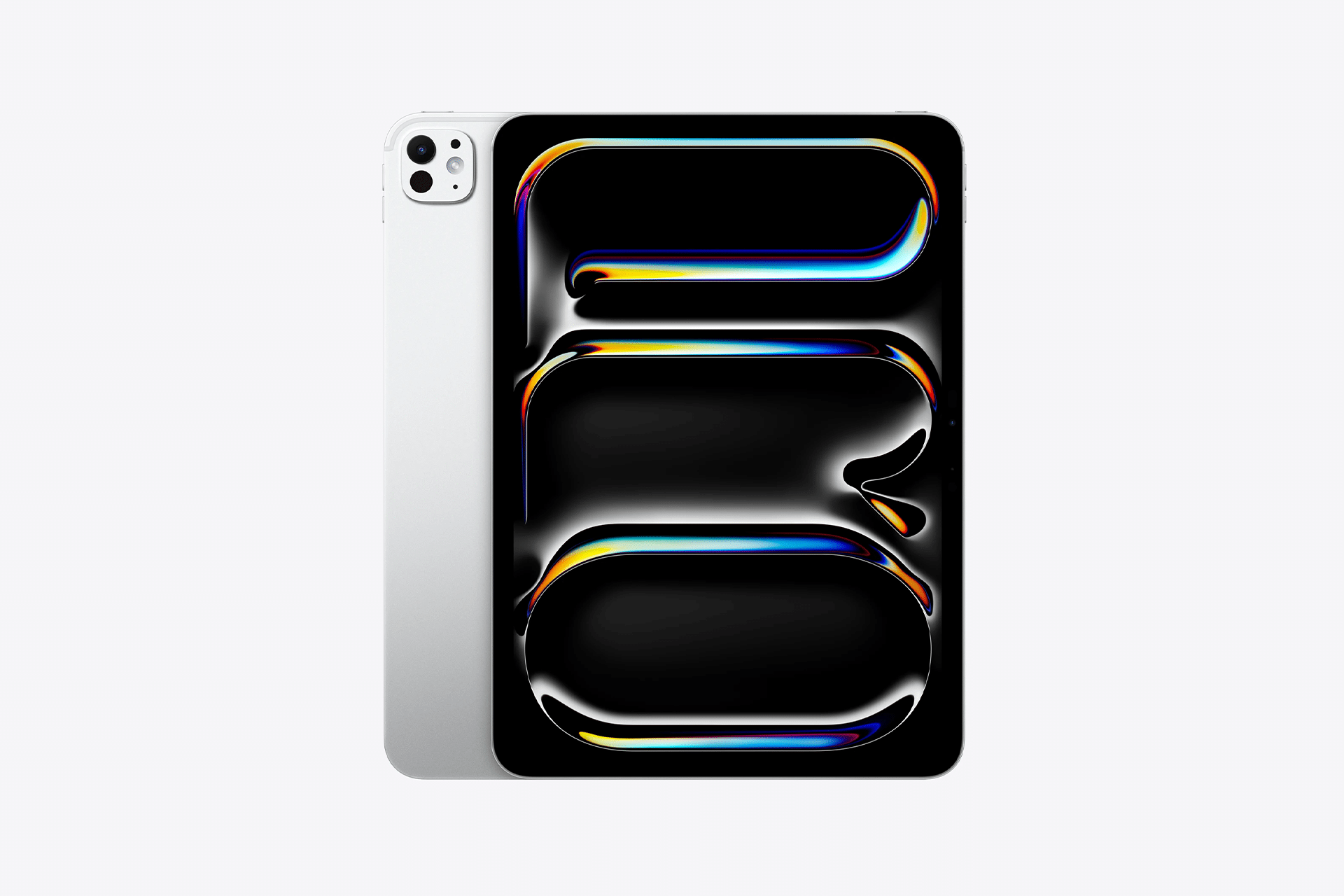
A silver tablet from the M5 lineup with a black screen displaying colorful, abstract, glossy shapes in blue, yellow, and orange hues sits on a plain white background. The tablet’s rear camera is visible, showcasing modern iPad innovation.
Image Credit: Apple Inc.

The post iPad Lineup Refresh Could Start This Fall appeared first on AppleMagazine.
  •  

AppleCare+ Pricing Rises for Mac and iPad

AppleCare+ pricing has gone up for new Mac and iPad customers, adding another small cost increase to the Apple ownership equation. According to Bloomberg, Apple has raised monthly and annual AppleCare+ rates for new Mac and iPad plans, with the change applying to new coverage rather than existing plans already active on customer devices.

The increase is modest on paper. Reports indicate Apple has raised monthly AppleCare+ rates by 50 cents and annual plans by $5 for affected Mac and iPad products. For example, AppleCare+ for the 13-inch MacBook Air is now listed at $7.99 per month or $79.99 per year, up from $7.49 per month and $74.99 per year. The Mac mini now starts at $4.49 per month or $44.99 per year, while the 16-inch MacBook Pro costs $15.99 per month or $159.99 per year.

The numbers are not dramatic alone. The context is harder for buyers. Mac and iPad prices have already been under pressure from component costs, financing changes and longer upgrade cycles. AppleCare+ is optional, but for many customers buying expensive laptops and tablets, it is part of the real purchase price.

AppleCare+ Pricing Adds to the Ownership Cost

AppleCare+ pricing is one of those costs many buyers do not fully consider until checkout. The device price gets attention first. Then come storage upgrades, cellular connectivity, keyboard accessories, Apple Pencil, taxes, financing, software subscriptions and protection coverage.

For a MacBook Air, an extra 50 cents per month may not change the decision. For a MacBook Pro, iPad Pro or a family buying multiple devices, the increases add up over time. Annual plans rising by $5 also signal that Apple is comfortable nudging protection costs higher even when the change is small enough to avoid a major backlash.

AppleCare+ remains valuable for users who carry devices daily or depend on them for work. Macs and iPads are portable, expensive and often used in places where accidents happen: classrooms, coffee shops, airports, offices, studios, kitchens and family rooms. A cracked iPad screen or damaged MacBook display can be expensive without coverage.

Apple’s pitch is convenience as much as insurance. AppleCare+ includes priority support, battery service when capacity drops below Apple’s threshold, and reduced service fees for accidental damage. For iPad, AppleCare+ can also cover Apple-branded keyboard accessories and Apple Pencil damage under service-fee terms.

That makes the plan attractive. It also makes the higher price easier for Apple to defend.

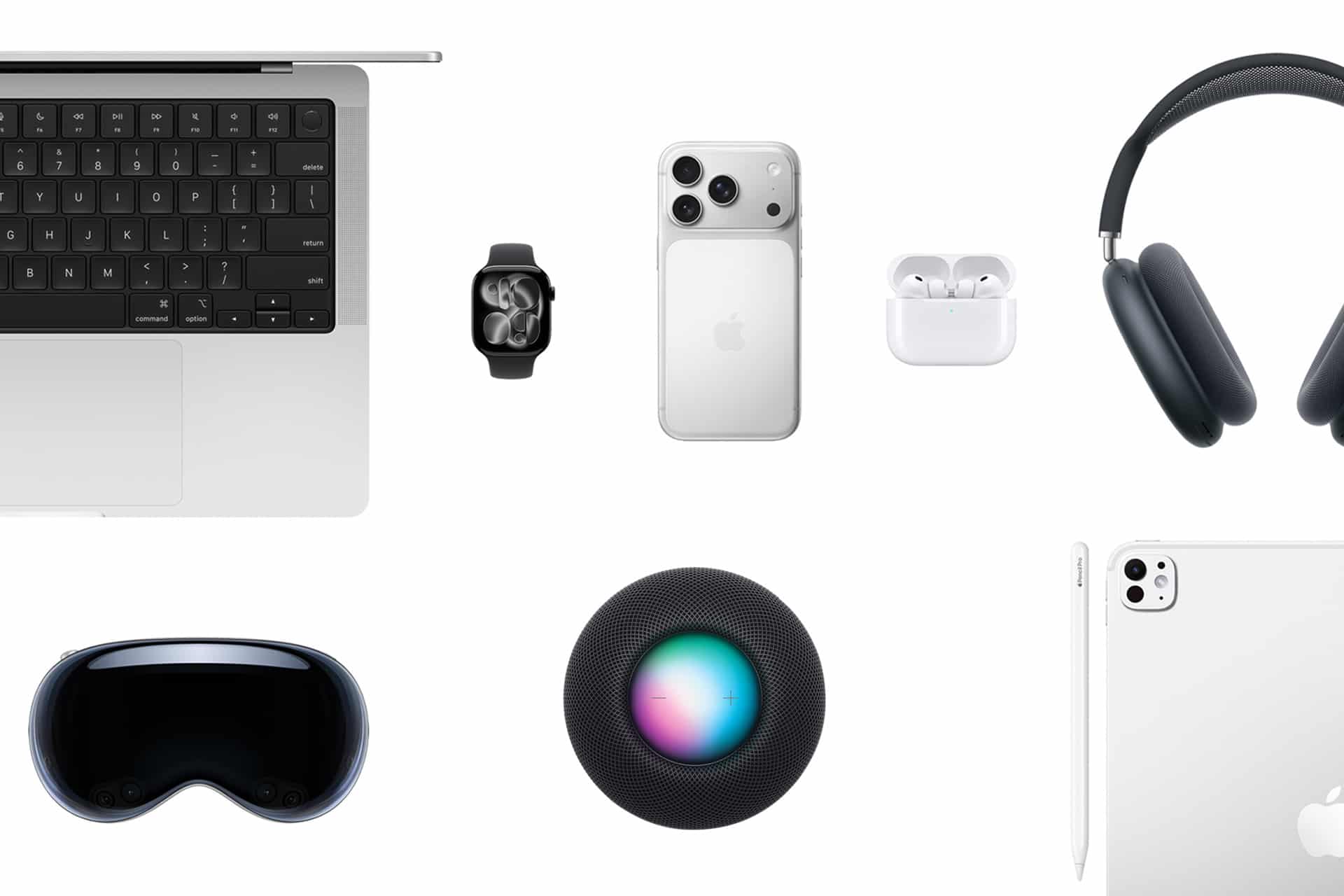
A flat lay of Apple active devices on a white background, including a MacBook, Apple Watch, iPhone, AirPods, AirPods Max headphones, HomePod, iPad, and Apple Vision Pro headset.
Image Credit: Apple Inc.

New Customers Feel the Change First

The latest increase applies to new Mac and iPad AppleCare+ customers. Existing customers with active plans are not the immediate target of the reported change. That distinction helps Apple avoid angering subscribers who already signed up at previous rates, while still lifting revenue from new device buyers.

This approach fits Apple’s broader shift toward recurring coverage. Apple has been moving AppleCare+ further into monthly and annual subscription-style plans, with AppleCare One offering a bundled option for multiple products. The protection plan is no longer only a one-time add-on at purchase. It is increasingly part of Apple’s services layer.

That matters because Apple’s services business depends on recurring payments. AppleCare+ may not get the same attention as iCloud, Apple Music or Apple TV, but it is another way Apple extends the customer relationship beyond the hardware sale. A Mac or iPad purchase becomes not only a device transaction, but also a support and repair subscription.

The price increase strengthens that pattern. A small rise across a large base of new buyers can support services revenue without changing the product lineup.

Mac Buyers Should Compare Plans

Mac buyers now have more reason to compare AppleCare+ options before adding coverage. Apple’s Mac plans vary by model because repair risk and device cost vary. A Mac mini plan starts lower because the device is stationary and less likely to face drops or screen damage. A 16-inch MacBook Pro costs more because it is a high-value portable machine with expensive components.

For a buyer choosing a MacBook Air, AppleCare+ may be easier to justify if the laptop travels daily. Students, journalists, consultants, photographers, editors and business travelers are more exposed to accidental damage than someone who leaves a Mac mini on a desk.

For MacBook Pro buyers, the decision often depends on work dependency. If the Mac is the primary income tool, AppleCare+ can be less about repair math and more about reducing downtime. Access to Apple support and lower repair costs can be worth the subscription if the device is central to daily work.

Still, users should compare the plan cost with their own risk. A careful desktop Mac user may not need the same coverage as a frequent traveler. AppleCare+ is useful, but it should not be automatic for every buyer.

iPad Buyers Face a Different Calculation

iPad AppleCare+ has its own logic because iPads are more physically exposed than Macs in many homes. They are passed between family members, used by children, carried around the house, taken to school, placed in bags and paired with accessories that raise the total cost of ownership.

For iPad Pro and iPad Air buyers, AppleCare+ can make sense because screen repairs and accessory damage can be costly. Apple’s current AppleCare+ terms for iPad include service fees for screen damage, other accidental damage and covered accessories. That can make the plan appealing for users who buy Magic Keyboard, Apple Pencil Pro or a high-end iPad Pro.

The decision becomes more complicated for entry-level iPad buyers. A lower-cost iPad may not justify years of coverage for every user, especially if it stays mostly at home. Families, however, may see the protection differently. An iPad used by children faces more risk than a laptop used carefully by one adult.

The new pricing does not change the core question. It makes the answer slightly more expensive.

AppleCare | Apple Warranty Check: The image features a logo with a red apple symbol and a leaf on top, associated with Apple Inc. Below the logo, the text reads "AppleCare+ Products" on a square white background. The backdrop is draped with soft white fabric.
AppleCare Products | Warranty Check

AppleCare One Becomes More Relevant

AppleCare One gives Apple another way to soften individual plan increases. The bundle starts at $19.99 per month for up to three eligible products, with additional devices available for $5.99 per month each. It includes AppleCare+ benefits and adds theft and loss coverage for eligible iPhone, iPad and Apple Watch products.

For users with only one Mac or one iPad, AppleCare One may not be the best fit. For users with multiple devices, it can become more attractive as individual plans rise. A person with an iPhone, iPad and Mac may compare three separate AppleCare+ plans against the bundle and find the monthly difference easier to justify.

That is likely part of the strategy. Apple can raise individual plan prices modestly while giving heavier ecosystem users a bundled option. The company has used similar logic across services with Apple One, where the value increases as users subscribe to more Apple products.

The same principle now applies to protection. The deeper a customer is inside Apple’s hardware ecosystem, the easier it becomes to turn support coverage into a monthly bundle.

Small Increase, Larger Signal

AppleCare+ pricing increases may be small, but they arrive during a period when Apple is asking customers to absorb more costs across the ecosystem. Device prices, component pressure, cellular financing, AI hardware demands and service subscriptions all affect the total ownership picture.

The AppleCare+ change fits that pattern. Apple is not dramatically changing the service. It is raising the price slightly while keeping the value proposition intact: lower repair costs, battery service, accidental damage coverage and Apple support.

For buyers, the best response is not panic. It is math. Compare the plan price with the device cost, repair risk, usage pattern and whether multiple Apple products would make AppleCare One more efficient. Someone buying a MacBook Pro for travel may want the protection. Someone buying a Mac mini for a desk may not. A family iPad may be a stronger candidate than a carefully handled personal tablet.

AppleCare+ remains a useful safety net. It is just a slightly more expensive one for new Mac and iPad buyers, and that makes the real cost of the device a little higher than the number on the product page.

The post AppleCare+ Pricing Rises for Mac and iPad appeared first on AppleMagazine.
  •  

A Month with Logitech’s Innovative Mobi Fold Travel Mouse

I can’t recall the last time I was truly excited about a mouse. I primarily use a trackpad whether I’m at my desk or using a laptop. The trouble with a trackpad-only setup, though, is that I sometimes wind up with wrist and elbow pain. That’s why I keep a Logitech MX Master 4 mouse on my desk to balance out the stress on my arms.

But that only works if I’m at my desk. More and more, I’ve been turning to a MacBook Pro for working away from my desk at home or elsewhere. Those locations are always less ergonomic than sitting at my desk, causing wrist and elbow pain more quickly. Still, I’ve never made it a habit to bring a mouse with me, especially when I’m away from home, because it’s more than I want to carry – that is, until Logitech’s latest mouse, the Mobi Fold, came along.

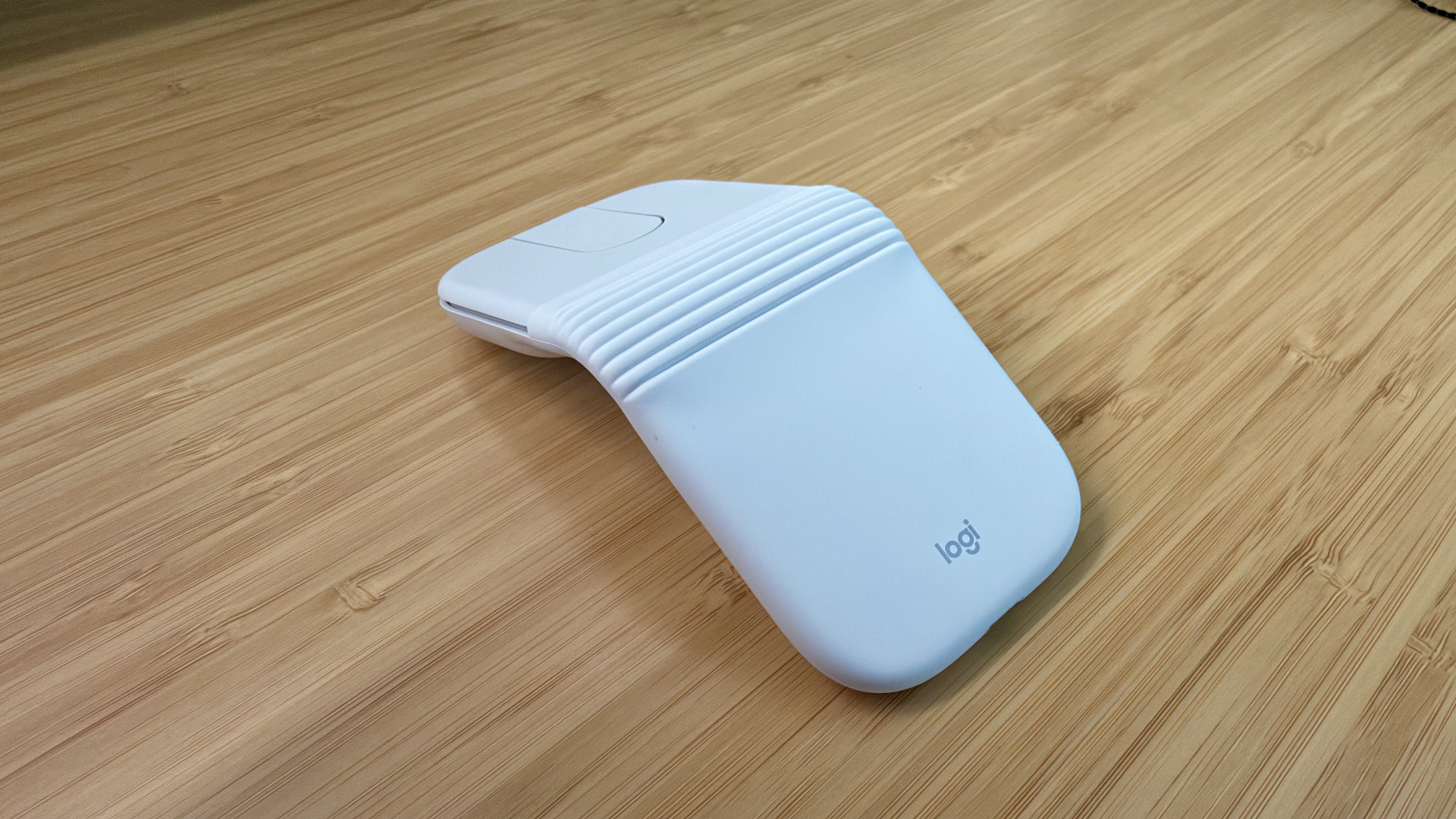
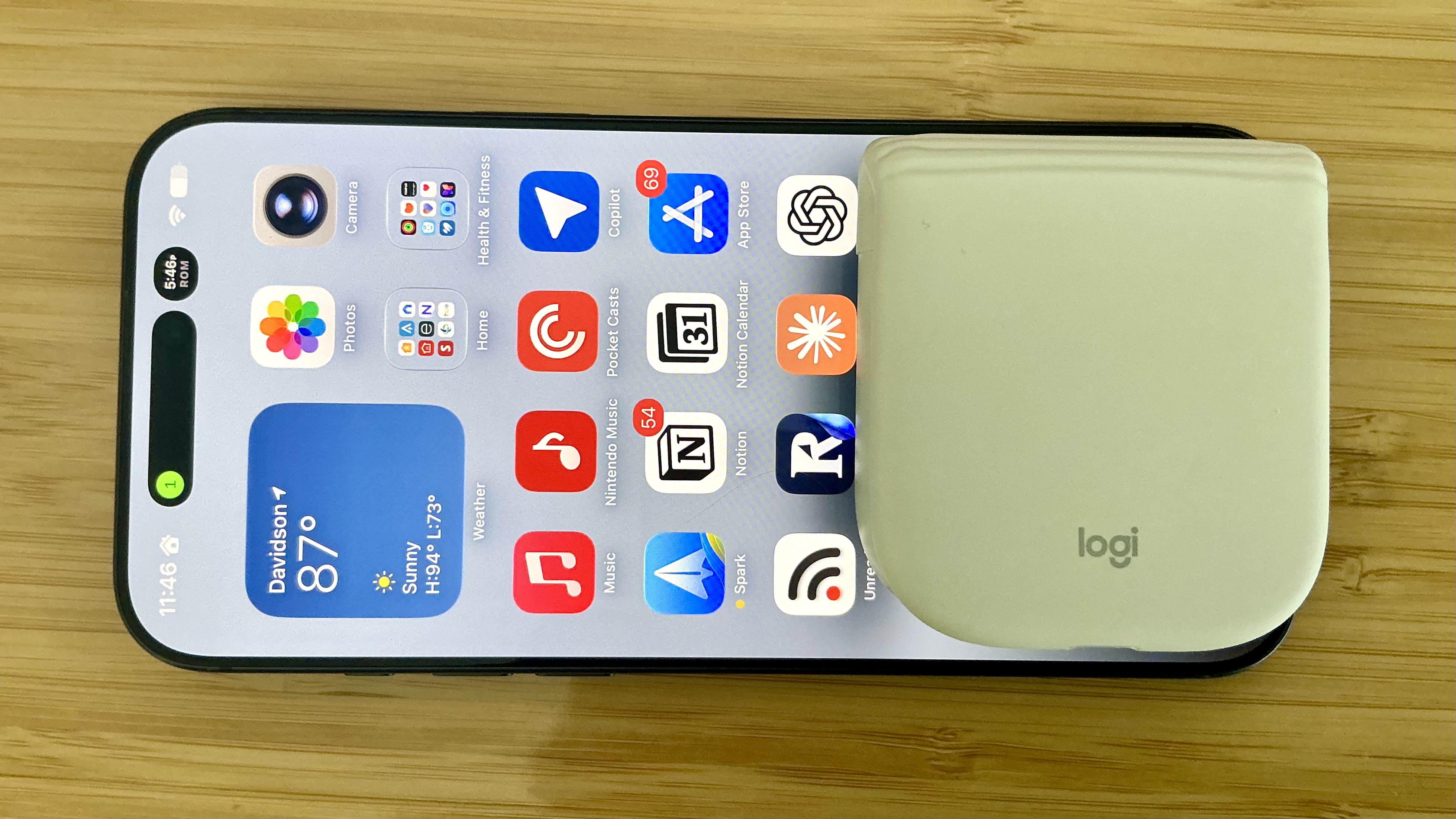
The Logitech Mobi Fold is an impossibly small mouse that folds completely in half, reducing its footprint to about ⅓ the size of my iPhone 17 Pro Max and about twice its thickness. Unfolded, it’s close to the length of the MX Master 4 but narrower. The Mobi Fold is impressively full-featured, too, making it an excellent all-around travel mouse worth taking a closer look at.

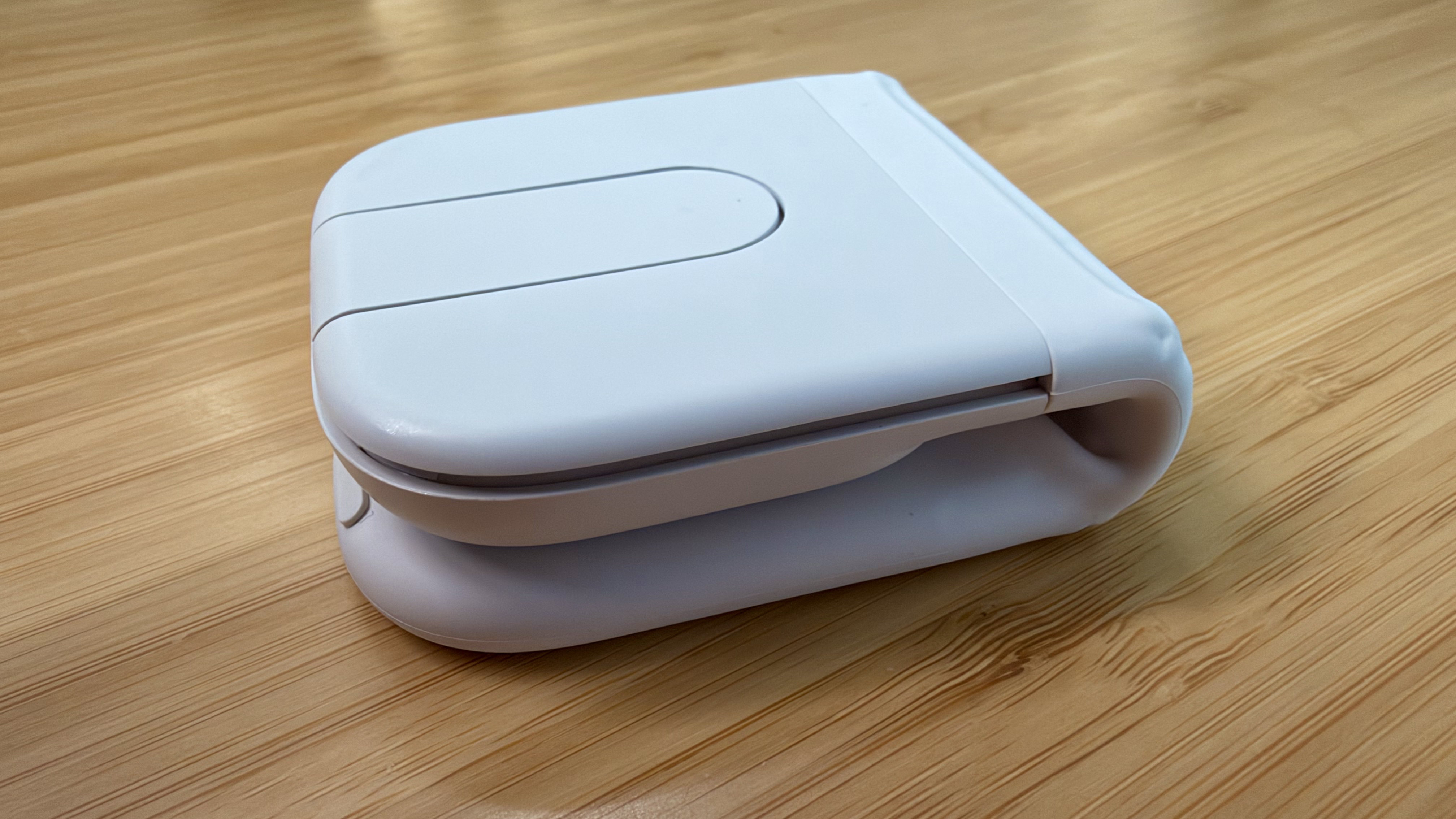
Folded, the Mobi Fold doesn't look much like a mouse.

Folded, the Mobi Fold doesn’t look much like a mouse.

I’ve been testing the Mobi Fold for about a month, and my favorite thing to do with it is fold it up, show it to someone, and ask them to guess what it is. No one has guessed correctly because a folding mouse just isn’t a thing most people have encountered before. Instead, the most common guess is that the Mobi Fold is a small battery for charging an iPhone, until I unfold it and the shape becomes more familiar.

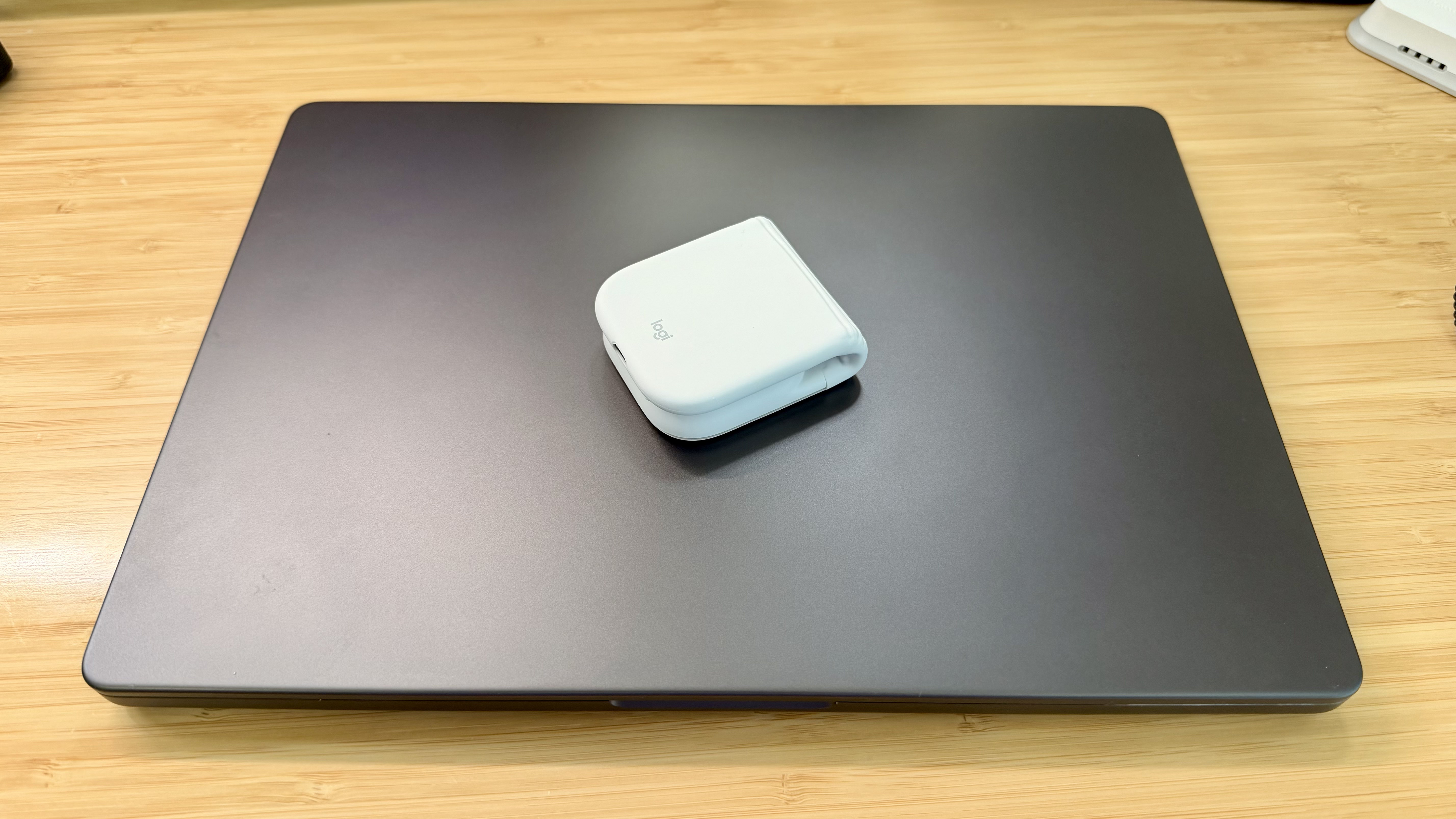
The Mobi Fold is tiny.

The Mobi Fold is tiny.

Really tiny.

Really tiny.

The Mobi Fold is powered by a rechargeable battery that Logitech says lasts for up to 33 days (and up to 22 hours on a one-minute quick charge). The device also turns itself on and off automatically when unfolded and folded, which I love. Plus, the Mobi Fold can connect to up to three devices, and it supports both Bluetooth connections and Logitech’s Bolt dongle (sold separately).

The Mobi Fold’s surface is a soft-touch plastic that feels comfortable in your hand, and it has three buttons arrayed across the front. The middle button doubles as a trackpad, allowing you to drag a finger across its surface to scroll and perform gestures like a double tap for zooming in and out of a webpage.

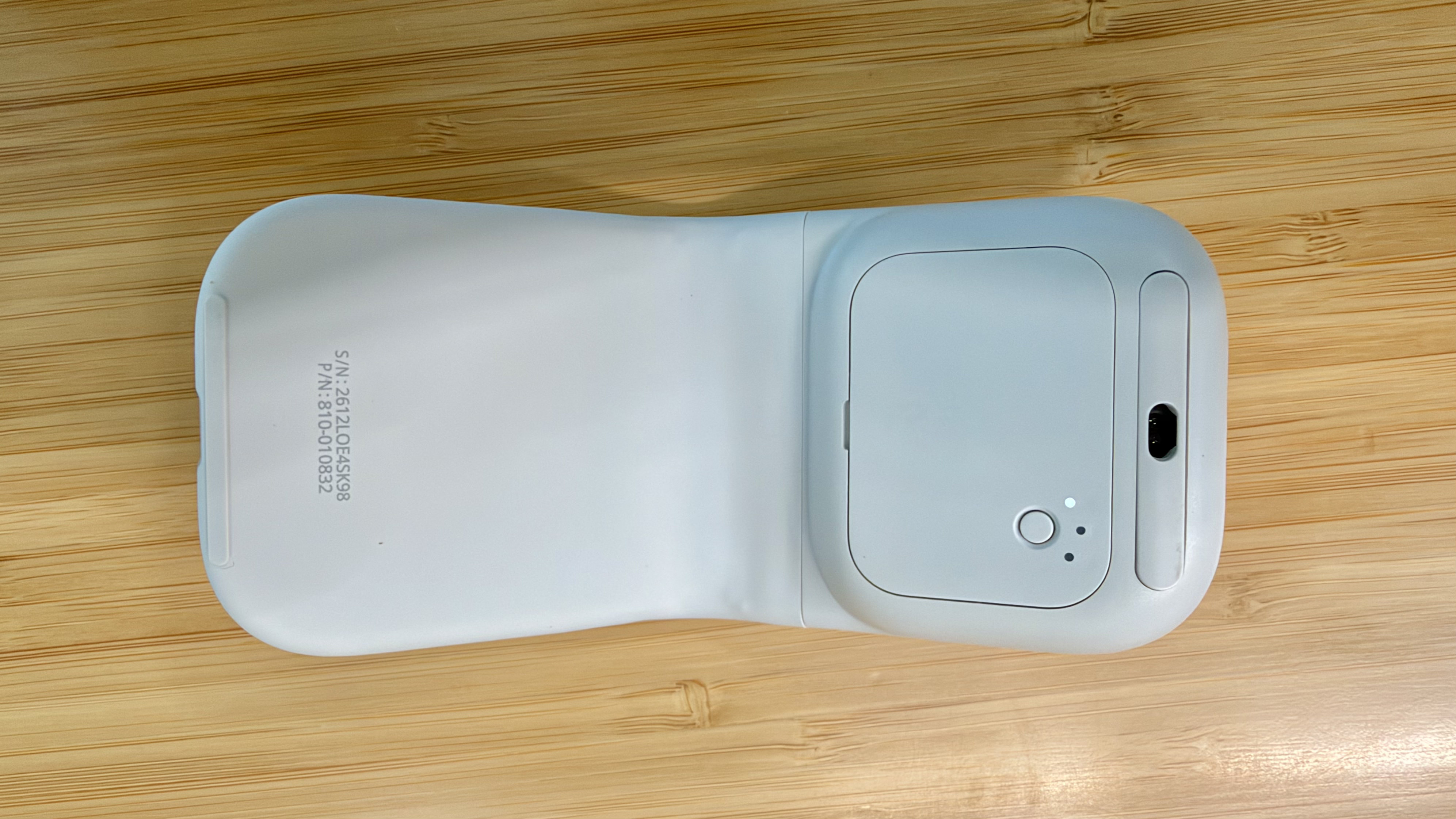
The Mobi Fold pairs with up to three devices.

The Mobi Fold pairs with up to three devices.

By default, tapping the front of the middle button navigates forward, while tapping the back navigates back in a browser. However, as with other Logitech mice, you can program the Mobi Fold’s buttons and gestures to:

  • perform different actions depending on the app you’re using,
  • control system settings like brightness and volume,
  • perform macro-like smart actions, and
  • display the Logitech Actions Ring, a customizable set of actions that are overlayed on your work environment.

That’s a lot of customization for a diminutive mouse, which I appreciate. However, because the Mobi Fold is typically my “long work sessions at the coffee shop” mouse, I’ve found that all I really need is its traditional point-and-click functionality.

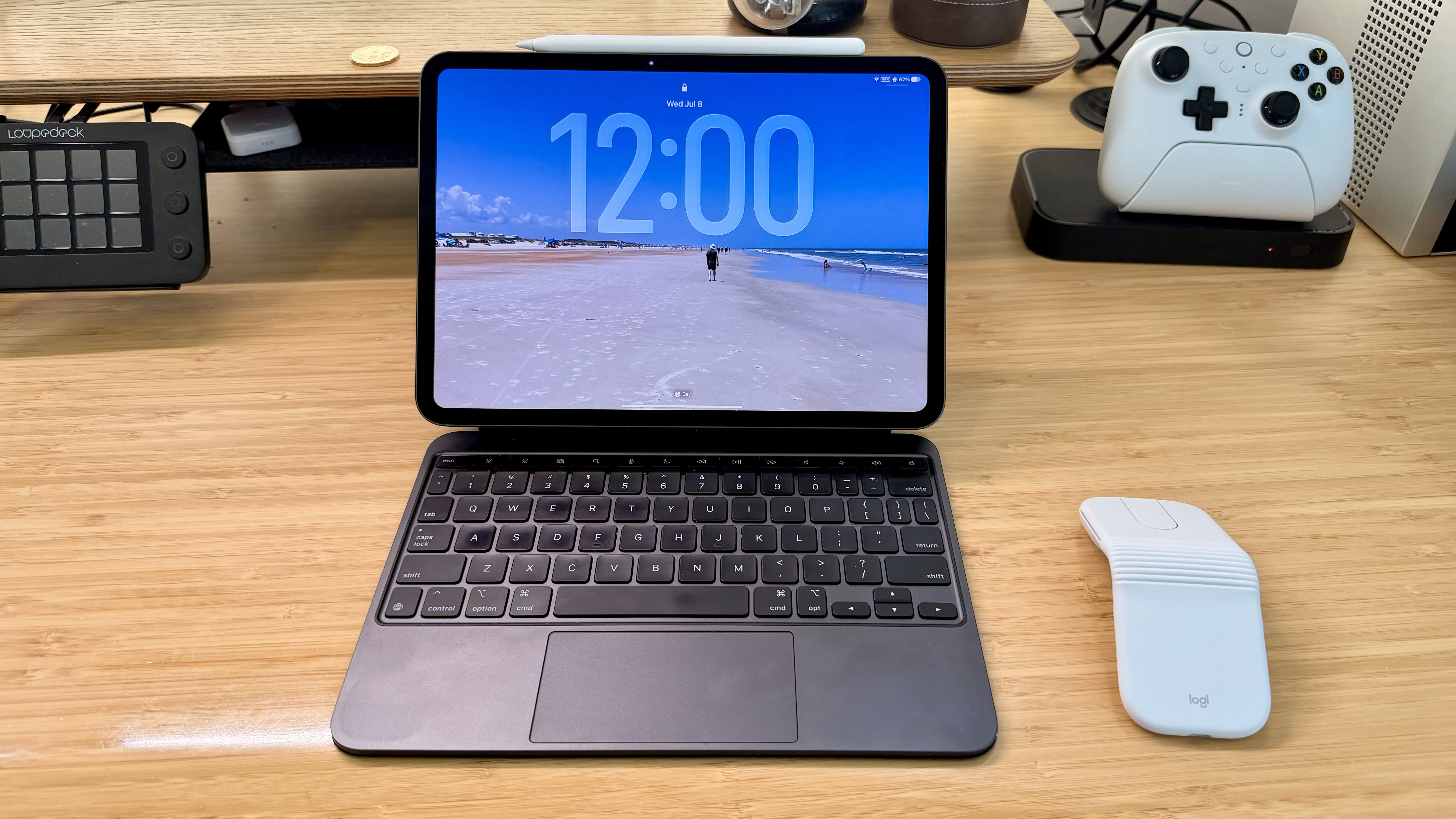
The Mobi Fold makes a good companion to an iPad.

The Mobi Fold makes a good companion to an iPad.

Ultimately, the Mobi Fold isn’t going to replace the MX Master 4 sitting on my desk, but it’s not meant to. I’ve fallen for the Mobi Fold just the same because its compact size and light weight make it a no-brainer to carry with me. I’ve also been pleasantly surprised at just how comfortable the Mobi Fold is to use, unfolding into a sturdy, angular shape that feels good in hand, unlike, say, Apple’s shallower Magic Mouse.

As a result, I really can’t recommend the Mobi Fold enough for on-the-go use with a Mac laptop or iPad. The combination of features in such a small, portable package sets it apart from every other mouse I’ve used and makes it well worth its $79.99 price tag.

The Mobi Fold is available in Graphite, Lilac, Off White, and Sand colors, both directly from Logitech and from Amazon.

  •  
❌