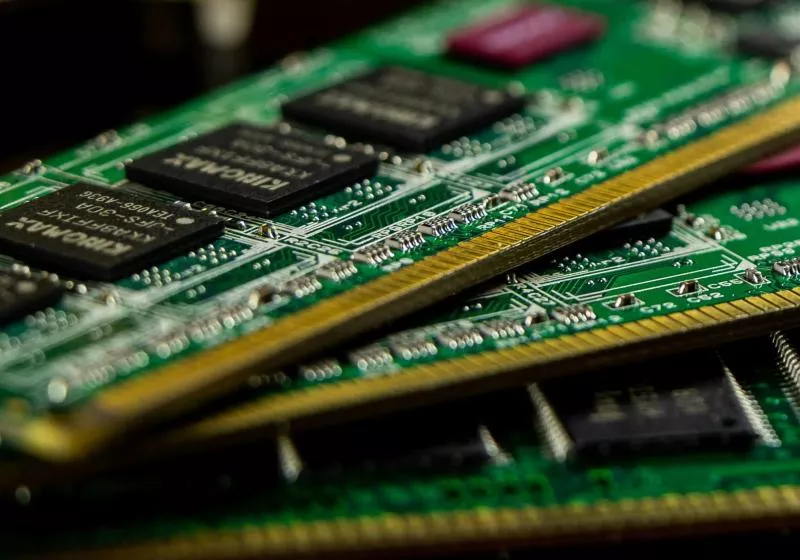
According to computer science researcher and software performance expert Daniel Lemire, skyrocketing memory prices are a "historical anomaly," with the unprecedented increases effectively erasing decades of steady, exponential cost reductions.
Head Coach Kyle Shanahan of the San Francisco 49ers | Image: Michael Zagaris / San Francisco 49ers / Getty Images
Four weeks ago, San Francisco 49ers coach Kyle Shanahan was involved in an accident near downtown Palo Alto. At the time Shanahan said only that the accident was his fault. But during a recent press conference he shared more details about the incident, including the fact that he had his Tesla's Autopilot engaged at the time. Shanahan was not passing the buck, however, saying it was his fault regardless of whether or not Autopilot was engaged.
"I've had Autopilot for nine years, so I'm pretty comfortable with it and, you know, who knows what happened when I turned around? Whether it malfunctioned or whether I knocked it off? That's somethi …
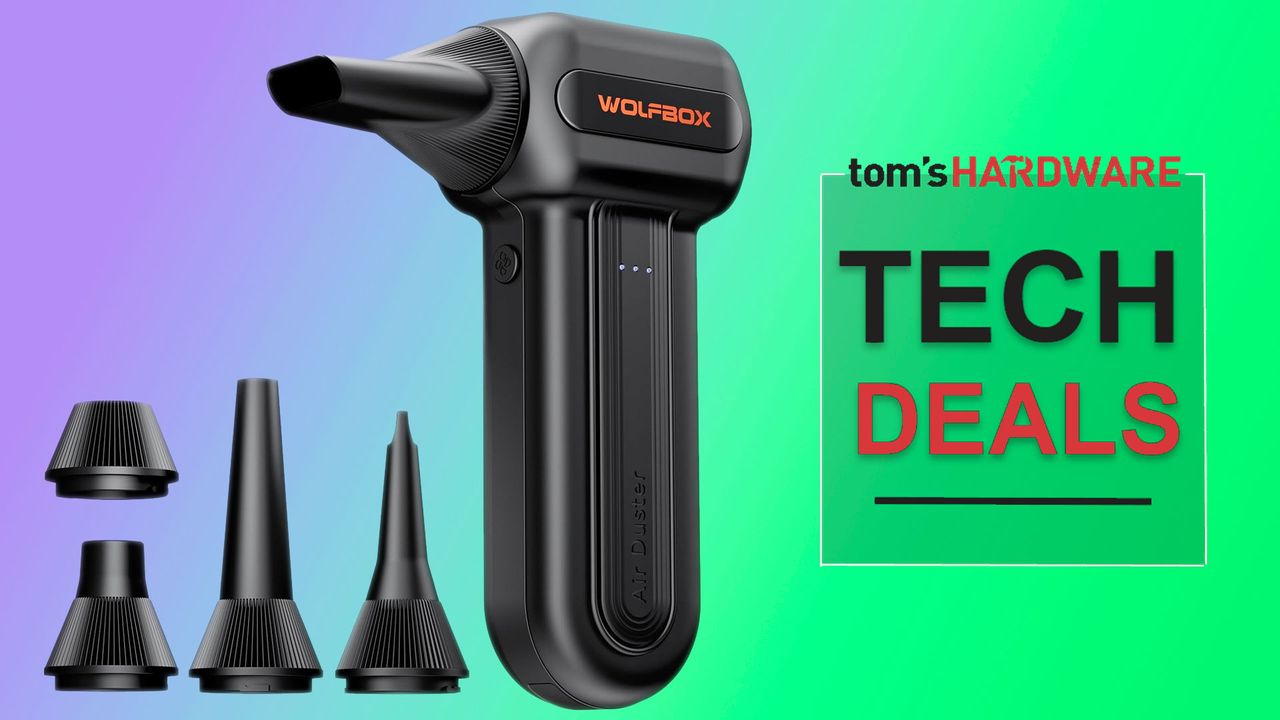
Your beloved PCs deserve a regular clean as part of their maintenance schedule. If you miss a seasonal clean or two it is easy for dust to build up and transform from a slight blemish on the system's appearance to something that actually hinders cooling and performance. For all your dusty electronics cleaning tasks, a capable air duster can save the day, and we've spotted a limited-time deal on the powerful Wolfbox MF60 Compressed Air Duster. It is at one of its best prices ever, reduced by 39% from $49.99 to $30.39, for a limited time on Amazon.
No matter how clean you keep your home, electrical equipment always attracts dust. With PC airflow cases pulling in air from outside to keep components cool, there's always a fresh intake of detritus every time it is used. Laptop fans can be an even worse dust magnet if they are regularly carried around in bags, rested on soft furnishings - an issue exacerbated by the small fans and vents on portables.
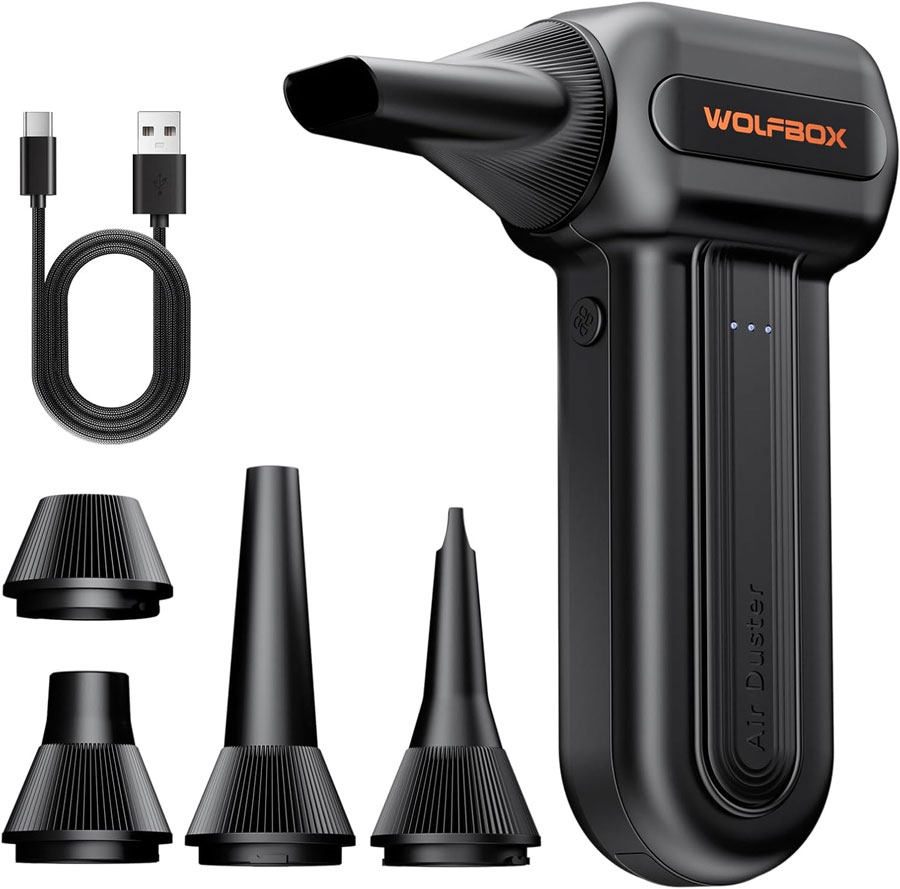
This is where a capable dust buster can be useful. It can make maintenance effortless and convenient. The Wolfbox MF60 Compressed Air Duster, for example, is a cordless rechargeable device weighing just half a pound. Users can select one of its three fan speeds, and its brushless motor will kick in to deliver up to 72.4 m/s wind speed using its 110,000 RPM fan.
All-time low price
The Wolfbox MF60 Compressed Air Duster is a cordless rechargeable device weighing just half a pound. It offers three fan speeds, and its brushless motor will kick in to deliver up to 72.4 m/s wind speed blasts using its 110,000 RPM fan setting. It can air dust for up to 240 minutes between charges.View Deal
For less strenuous dust busting work, or on more delicate items, users can dial in the fan at 25K RPM, or 60K RPM. On the lowest setting you'll get up to 240 minutes of air dusting from a single charge. Charging up from empty to full will take 3.5 hours. A USB charging cable is supplied in the box.
Another attraction of the Wolfbox MF60 Compressed Air Duster is the nozzle selection in the box. These include a flat nozzle for blowing dust off PC cases and desks, a long nozzle for deep cleaning computer keyboards and car vents, a round all-purpose nozzle, and there's a swim ring/air mattress nozzle for outdoor inflation and camping.
Samsung lo ha confermato ufficialmente: i Galaxy Tab S12 stanno arrivando, e lo stesso vale per Galaxy S26 FE (con buone probabilità che il lancio sia congiunto o quasi). Ma non ha detto esattamente ancora quando, né ha rivelato nulla su specifiche e design: per fortuna, però, rumor e leak non mancano. E col debutto che si fa sempre più vicino - settembre dovrebbe essere il mese giusto, guardando alle tempistiche con cui l'azienda ha lanciato i predecessori - l'identikit di Galaxy Tab S12 Ultra e Galaxy Tab S12+ si fa sempre più nitido e dettagliato.
L'immagine condivisa oggi dal portale Sammyguru ci fornisce conferme del design del modello Ultra, che era già filtrato in alcuni render a luglio, e anche di quello di Galaxy Tab S12+.
In entrambi i casi abbiamo una vista frontale: e intendiamoci, in questo senso tutti i tablet sono uguali o quasi. Di sicuro questi nuovi modelli sono in perfetta continuità con la generazione precedente: si può giusto giudicare ad occhio lo spessore delle cornici, che sembra invariato rispetto a Galaxy Tab S11 Ultra e Galaxy Tab S11+.
We've seen a keyboard with a built-in macro pad, and a keyboard with a touchscreen and a separate, add-on numberpad, but what if you want a keyboard with a numberpad and a built-in macropad without having to spend an extra $100?
I guess that's why there's the Turtle Beach KB5 — a full-size, wired mechanical keyboard with low-profile switches, an 8,000 Hz polling rate, and a built-in 2.4-inch touchscreen that functions as a mini macro pad (with six buttons). It's got the built-in numberpad, unlike the Corsair Galleon 100 SD and the Turtle Beach KB7, as well as the touchscreen / macro pad, though its version is about half the size. Still, maybe that's all you really need. The KB5 is also significantly cheaper than both of those keyboards, which retail for $300 and $200, respectively.
The Turtle Beach KB5 is available now, in black, for $149.99.
Design and Construction of the KB5
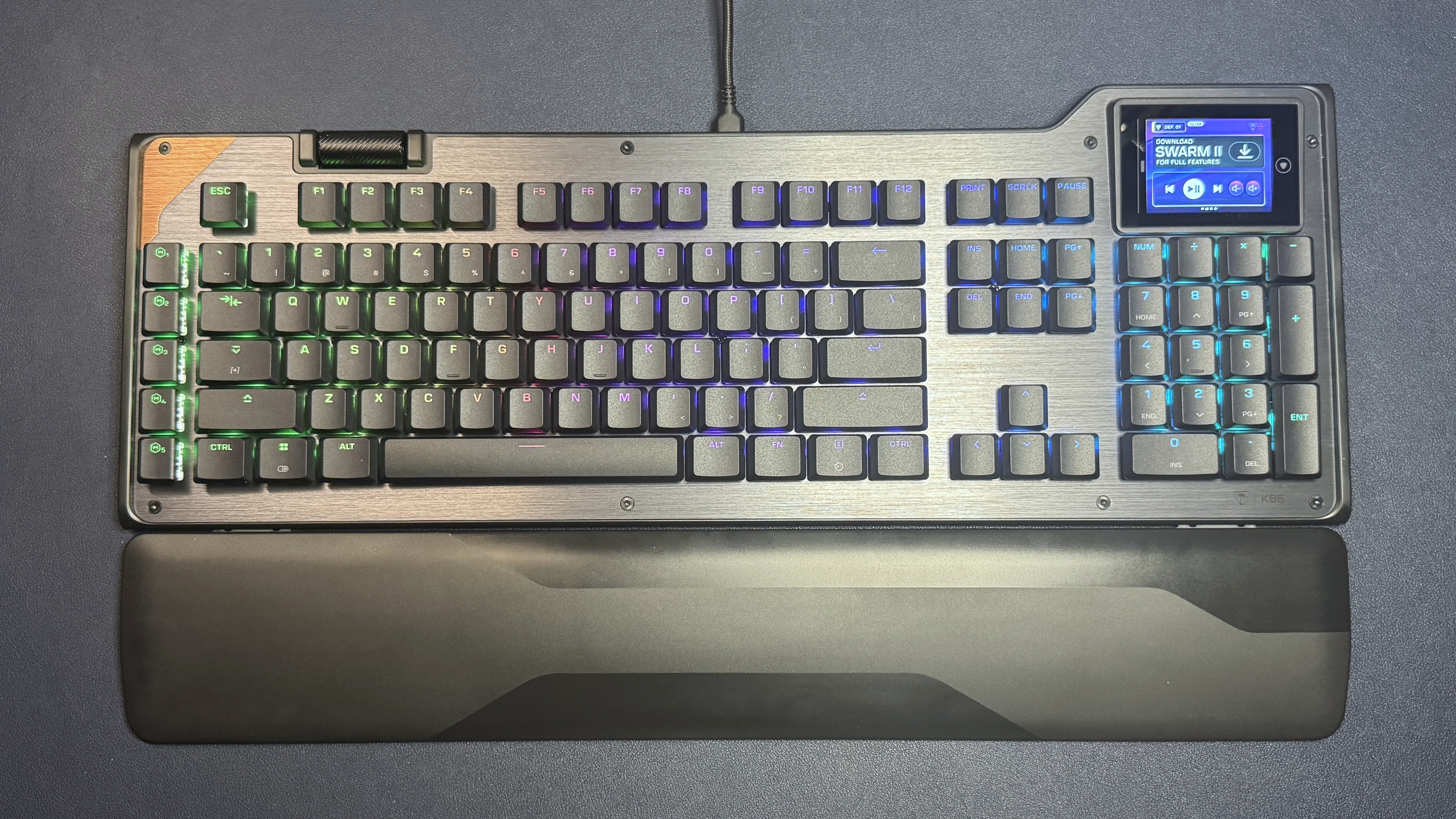
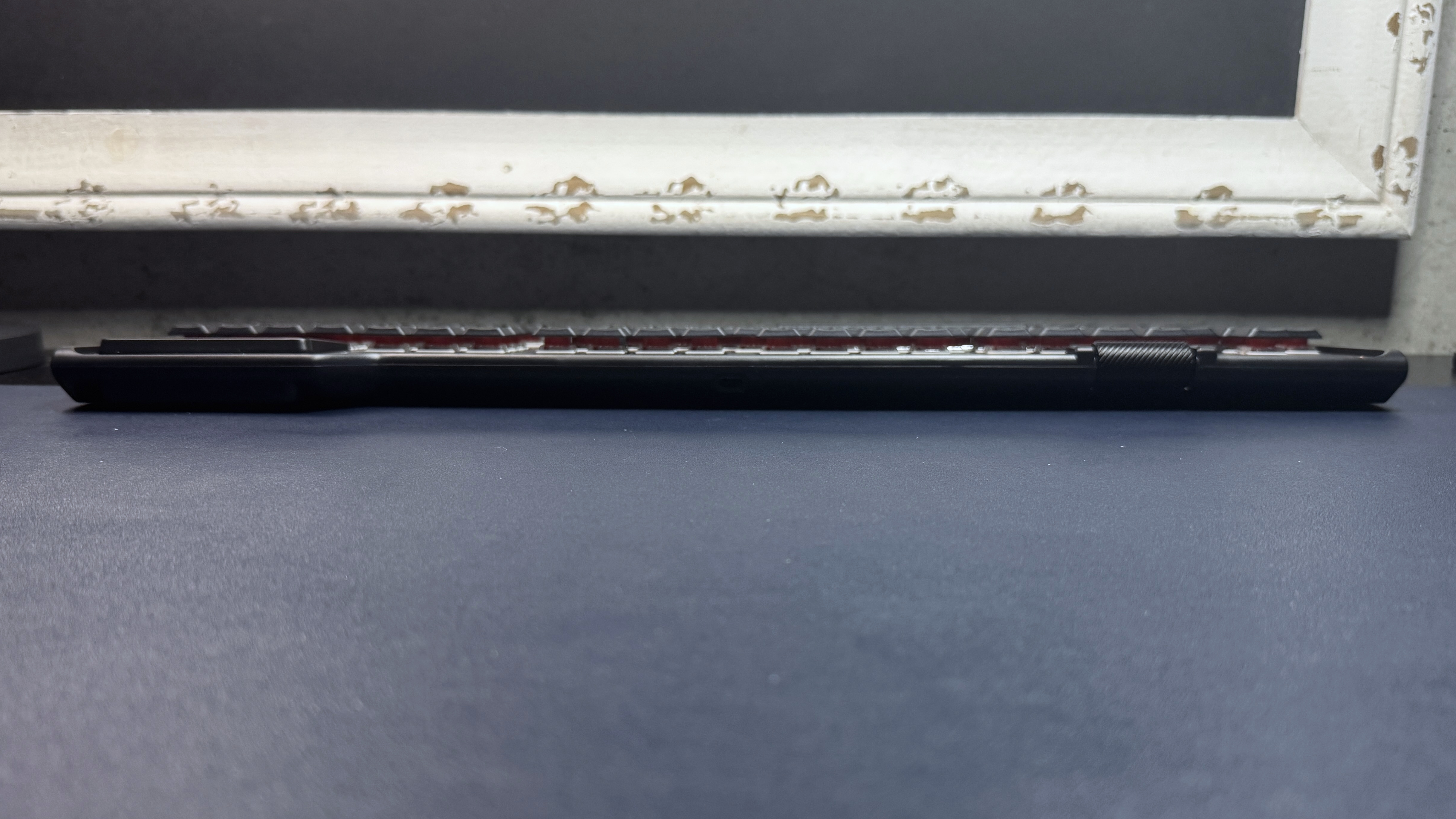
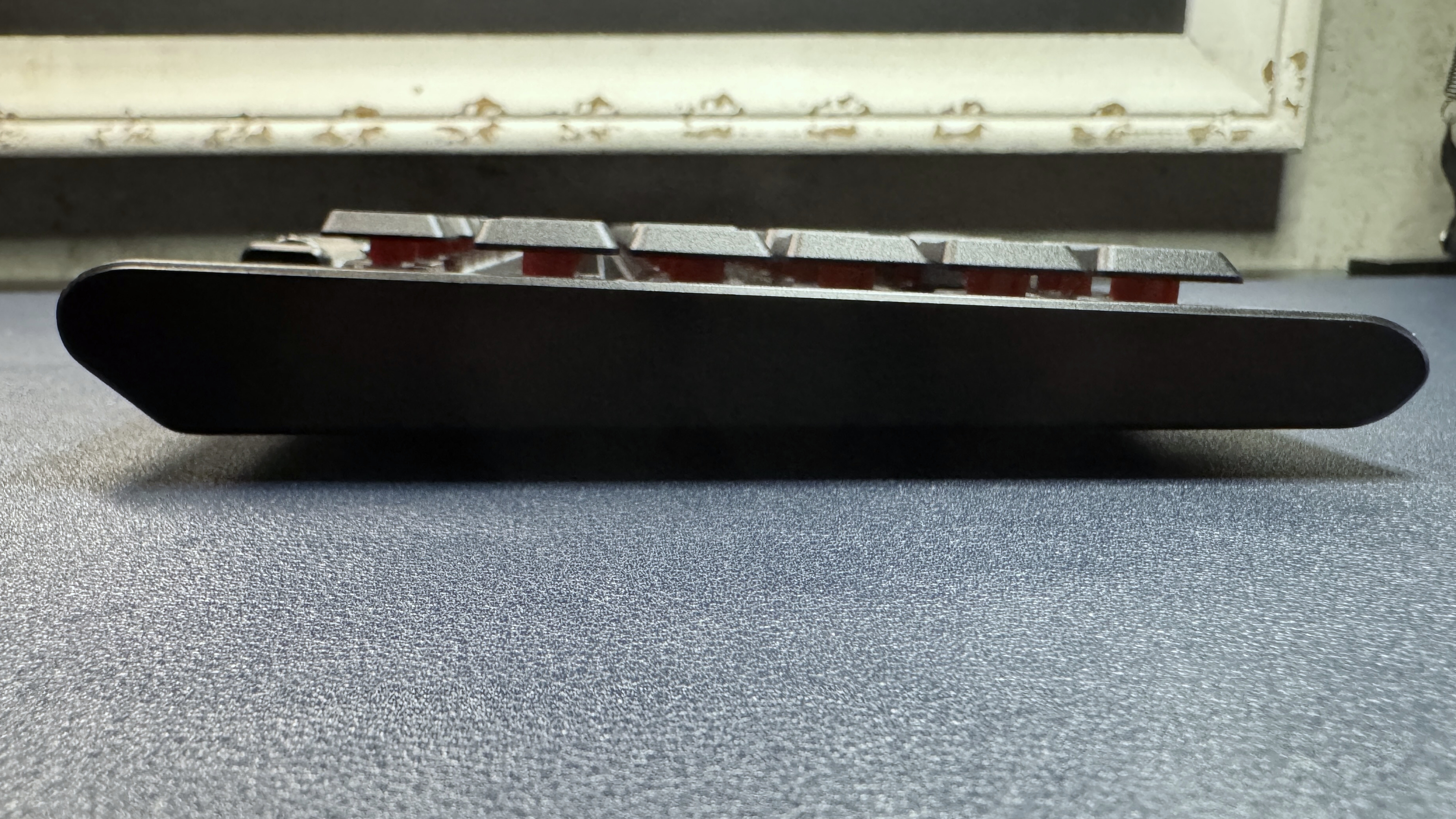
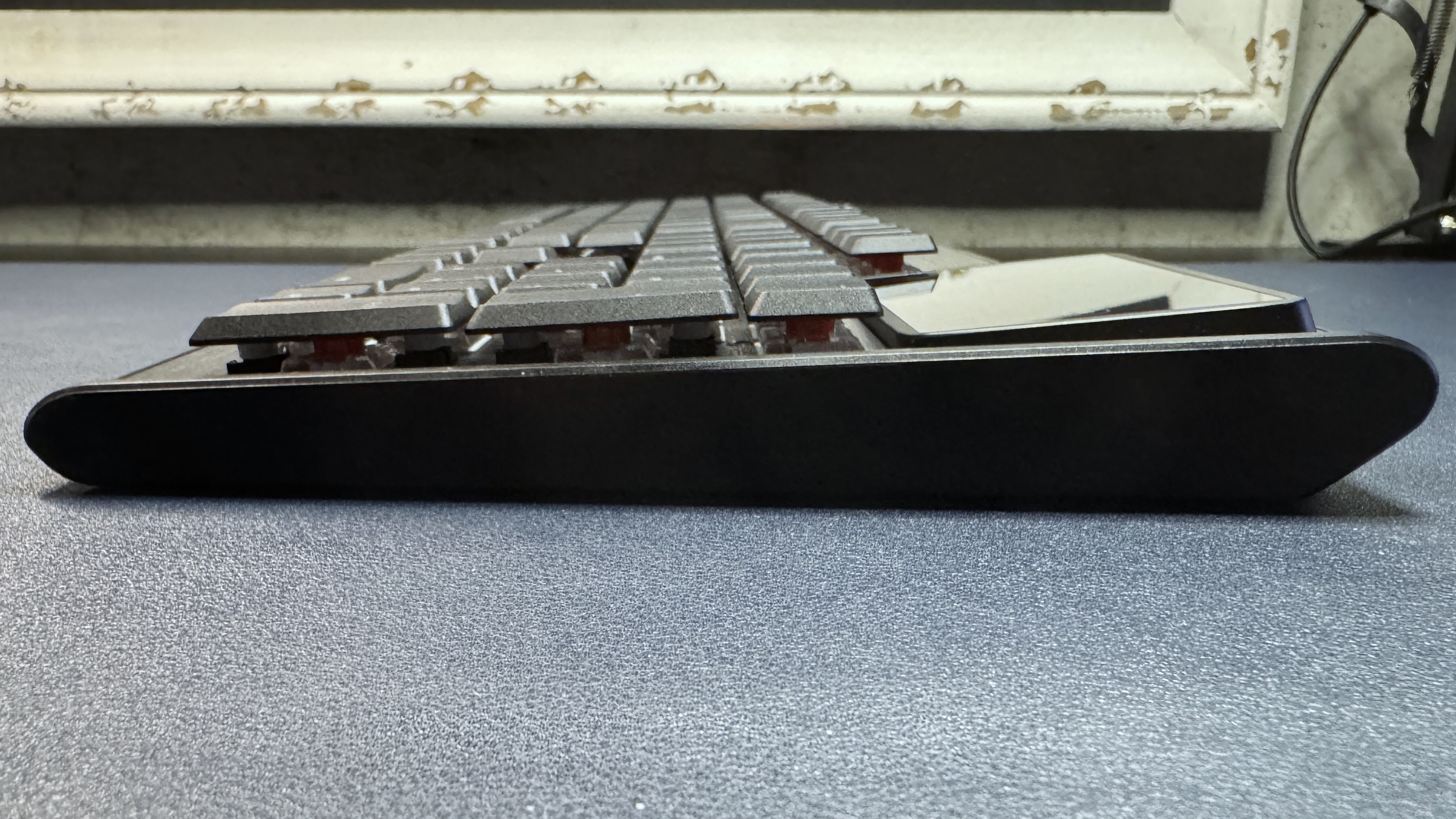
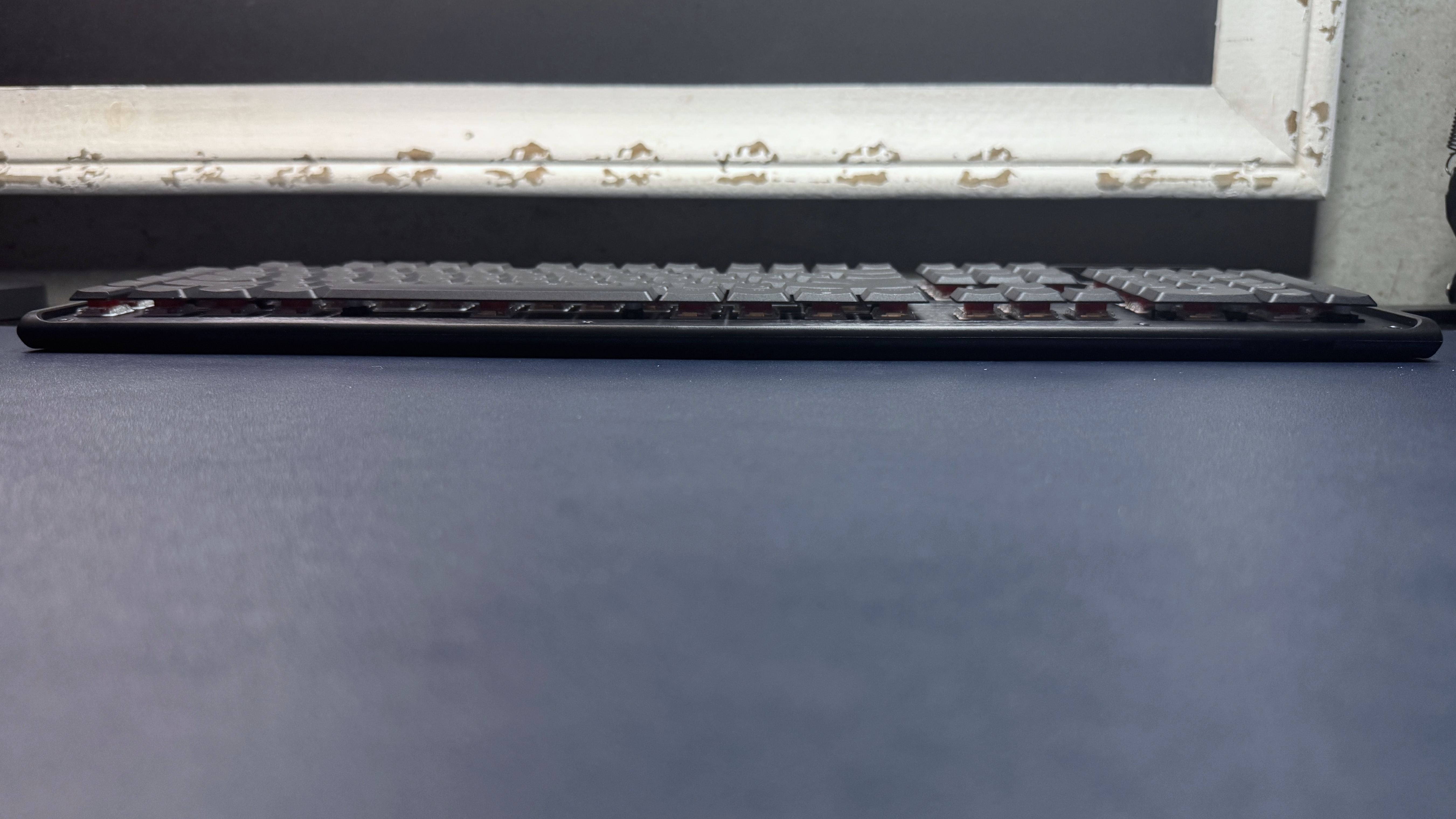
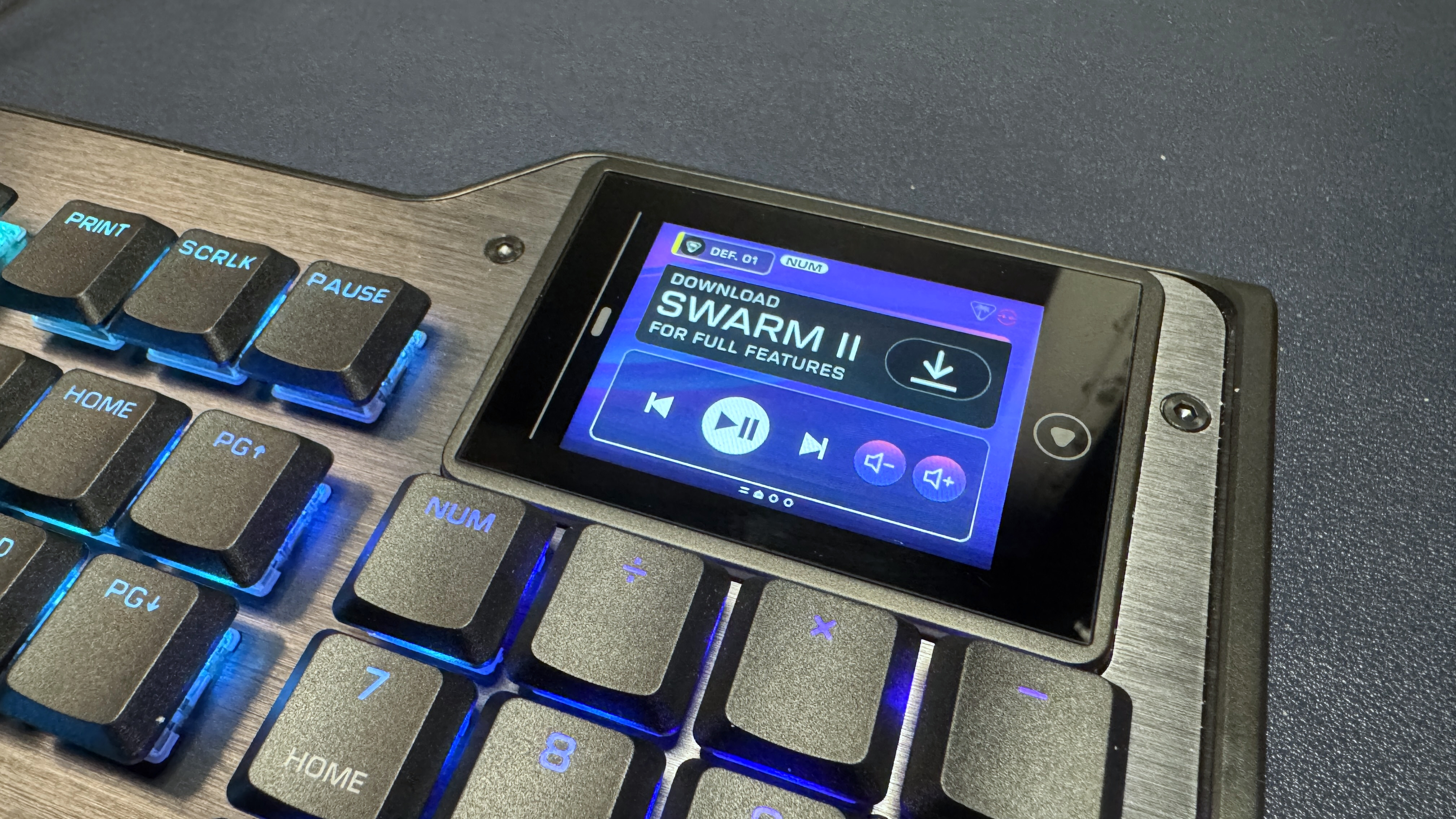
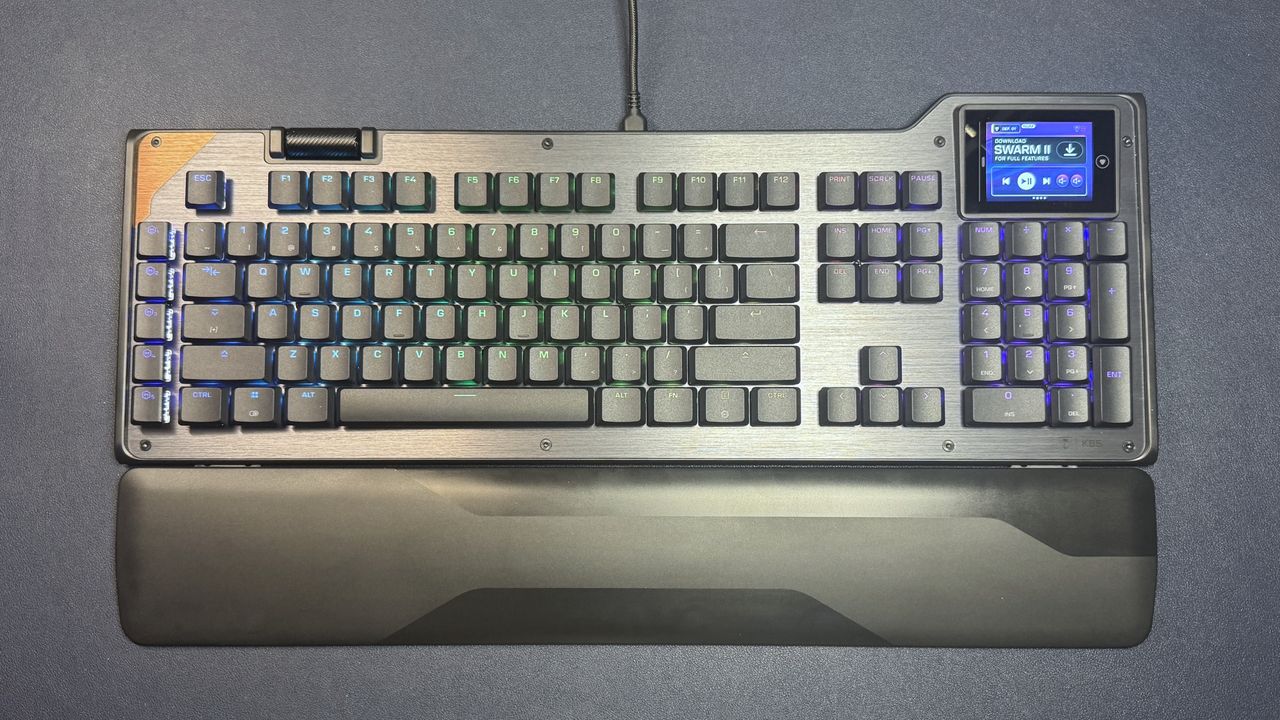
The KB5 is a full-size low-profile wired mechanical gaming keyboard with extra macro keys, a volume roller, and a full-color 2.4-inch touchscreen in the upper-right corner (above the 10-key numberpad). It has a roomy layout and is slightly larger than the average full-size keyboard, measuring approximately 18.78 inches (477 mm) wide by 6.89 inches (175 mm) deep. It's 1.06 inches (27mm) thick at its thickest point, including the keycaps.
(Image credit: Tom's Hardware)
The KB5 has a silver brushed-aluminum top plate with a coppery accent in the upper-left corner. It has a sturdy metal roller bar on the top toward the left side — though it's not really close enough to the left side to be in the corner, and I found it a bit awkward to have to reach over my function row to use the roller. I would have preferred it in a corner or even on the side, like the volume roller on the NZXT Function 2. It's a nicely-built roller, however — thick, metal, clickable, and with etched diagonal lines for grip.
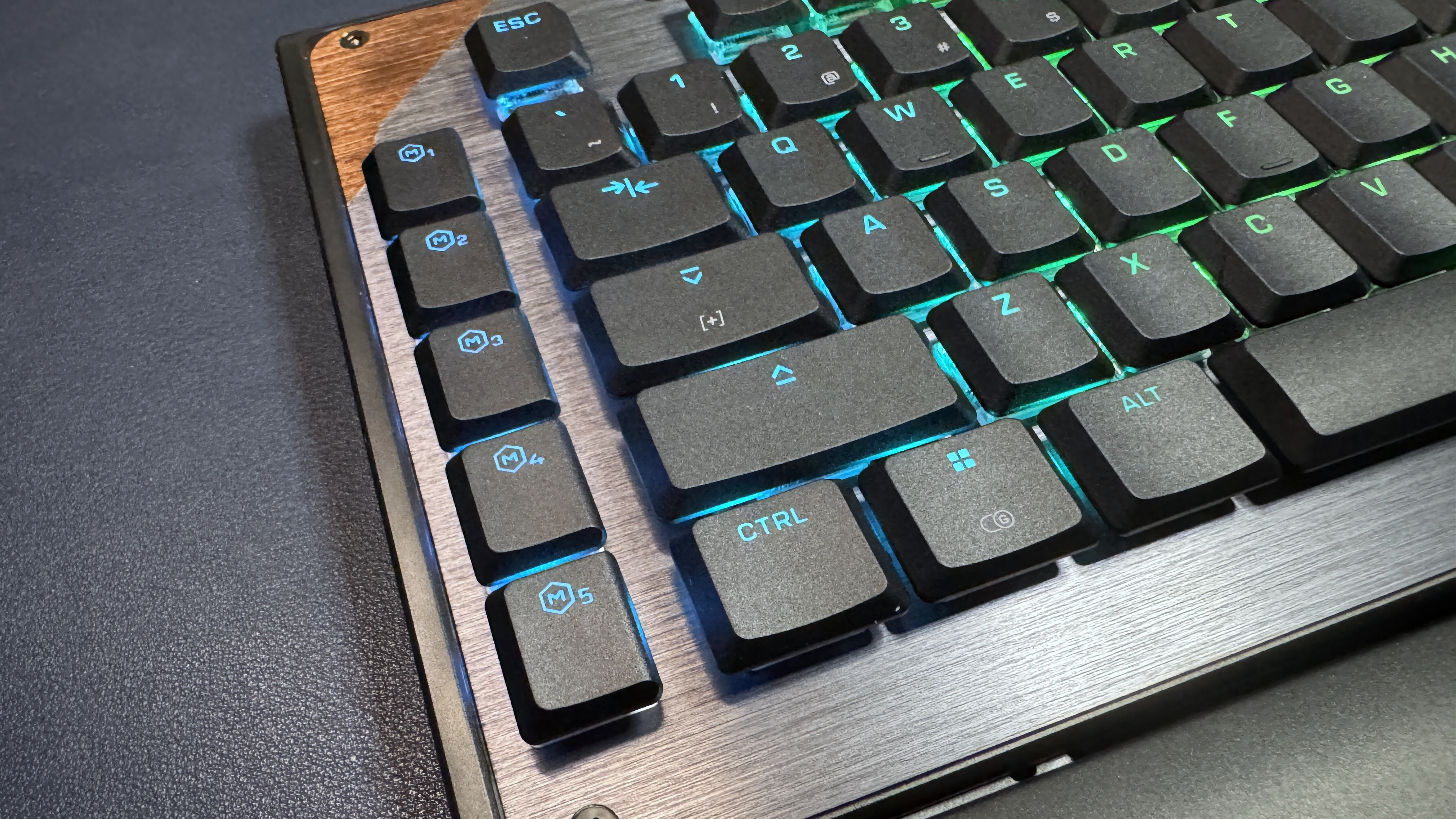
The keyboard also has a row of five macro keys on the left side, as well as a 2.5-inch color touchscreen in the upper-right corner, above the 10-key numberpad. The touchscreen bumps up past the rest of the keyboard — the touchscreen side is just under 7 inches deep, while the other side is about 6.25 inches deep — so it doesn't cut into your keys. The KB5 has a full function row, a full 3x2 navigation cluster, arrow keys, and a full 10-key numberpad, along with the standard alphanumeric keys.
Tom's HardwareTom's Hardware
The KB5 features Turtle Beach's (formerly Roccat's) signature aesthetic — an open board with flat, shallow keycaps that leave the switch exposed, which makes for both easy cleaning and brighter, more visible RGB lighting. The keycaps are low-profile double-shot PBT, with shine-through legends; the board comes with four textured keycaps that you can use to replace the W/A/S/D keys (or, I guess, any four keys) for better recognition.
Tom's HardwareTom's HardwareTom's Hardware
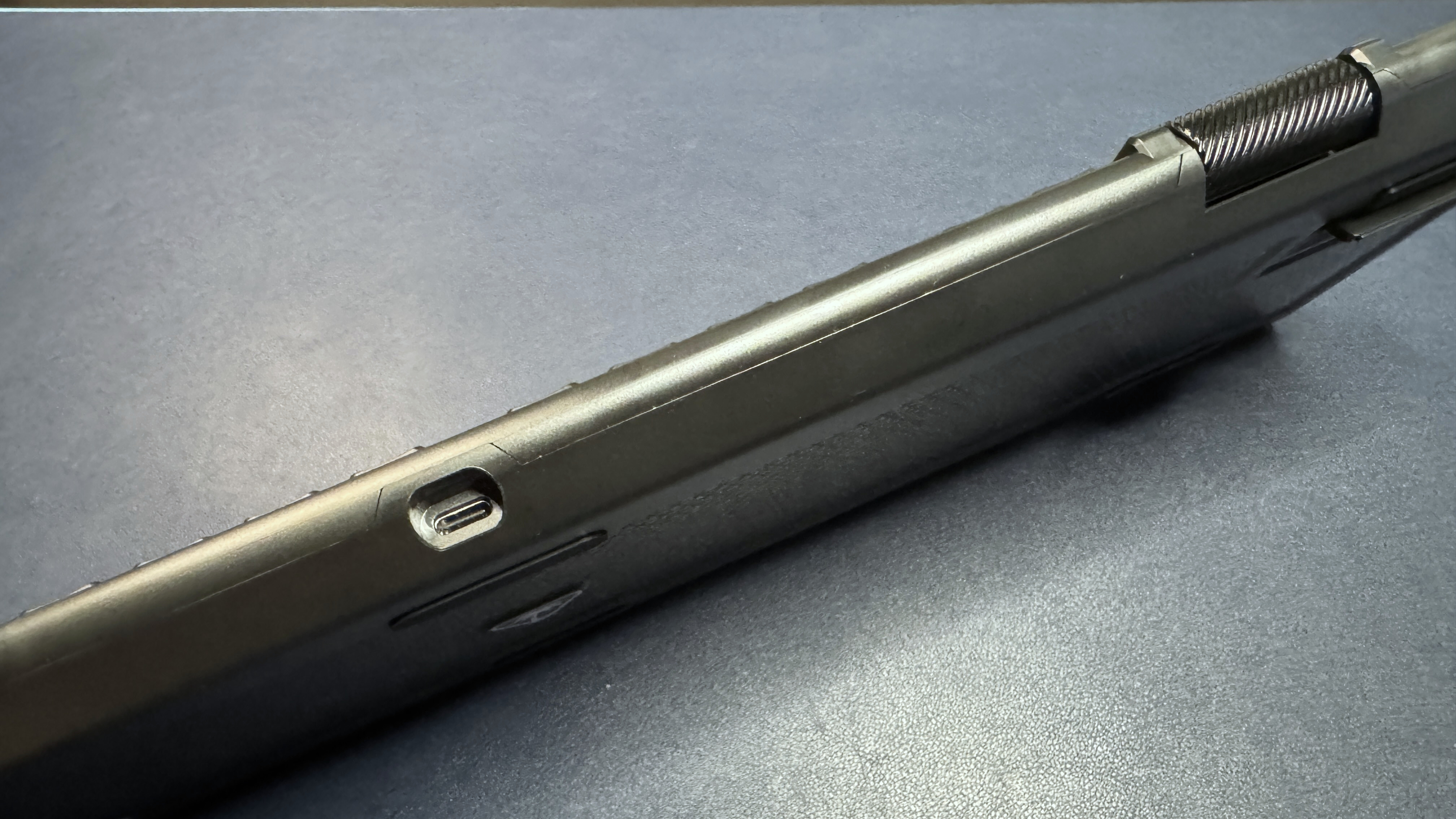
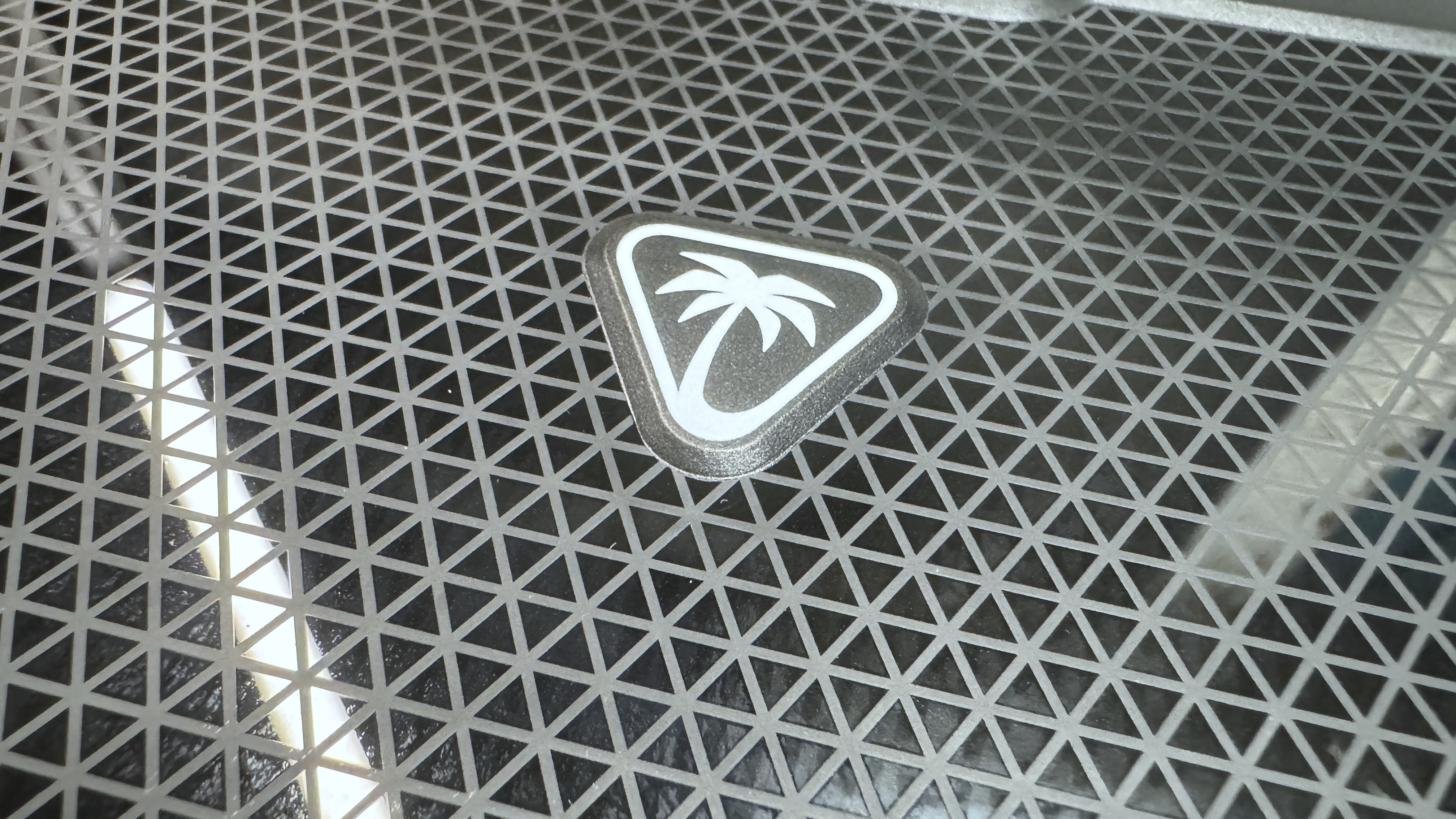
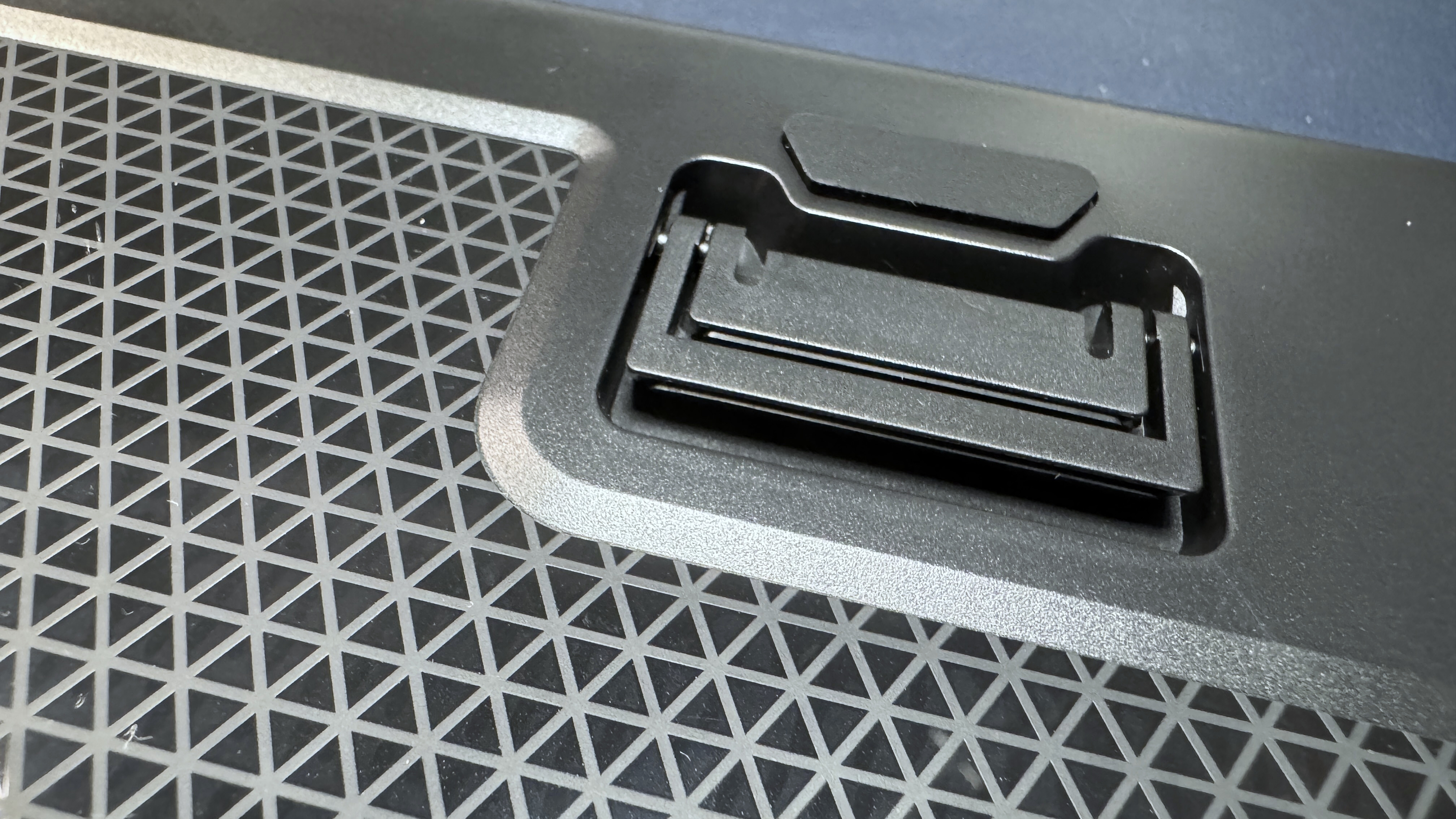
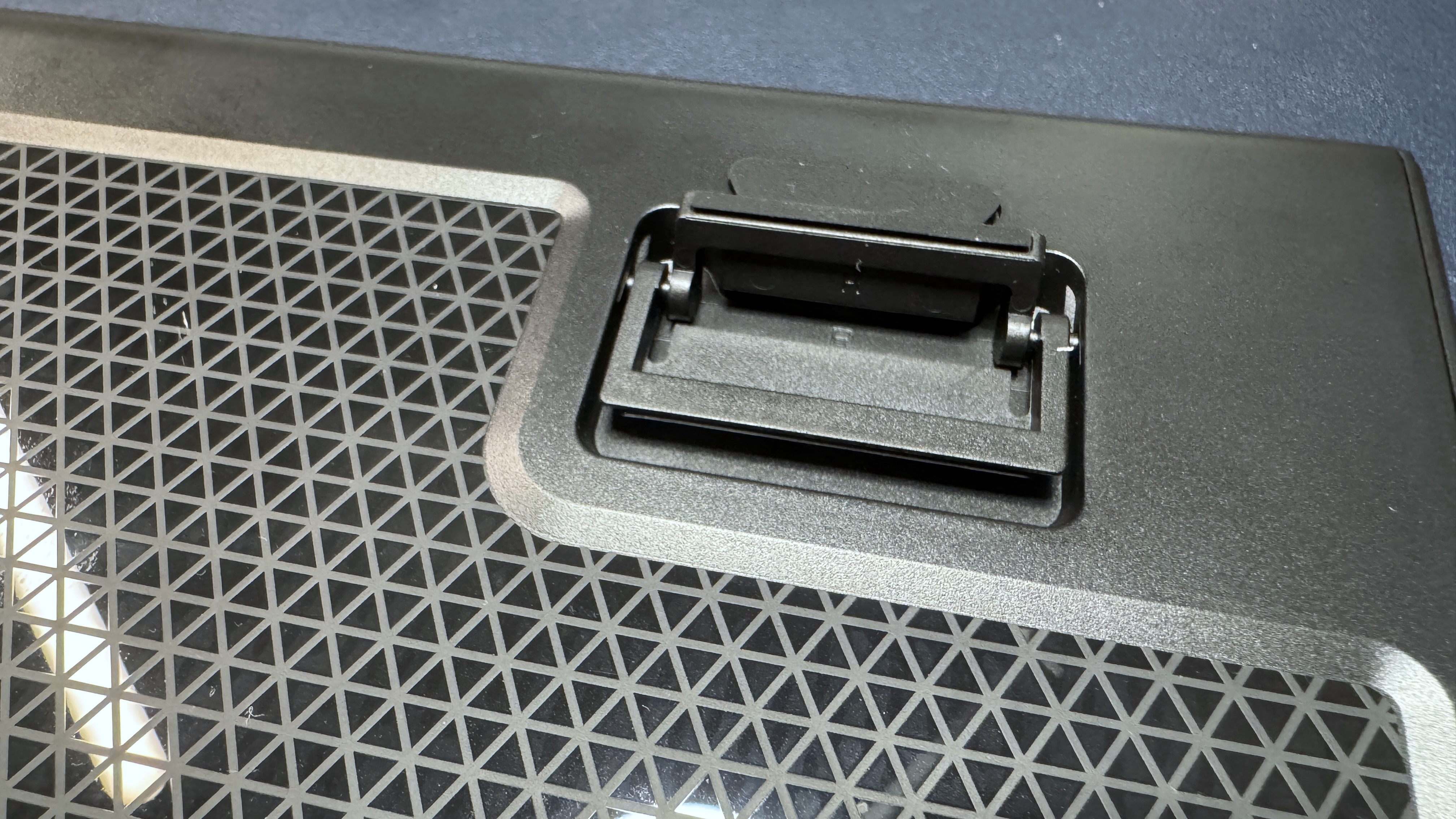
The bottom of the board is plastic, with six rubber anti-slip pads and two sets of plastic flip-out feet for angling the keyboard toward you. It's a fairly lightweight keyboard, weighing just under 2 pounds (1.96lbs / 887g), not including the wrist rest (which weighs an additional 7.5 ounces / 213g). This is about the same as the Logitech G515 Lightspeed, though the G515 is a TKL while the KB5 is full-size (plus a touchscreen and macro keys).
(Image credit: Tom's Hardware)
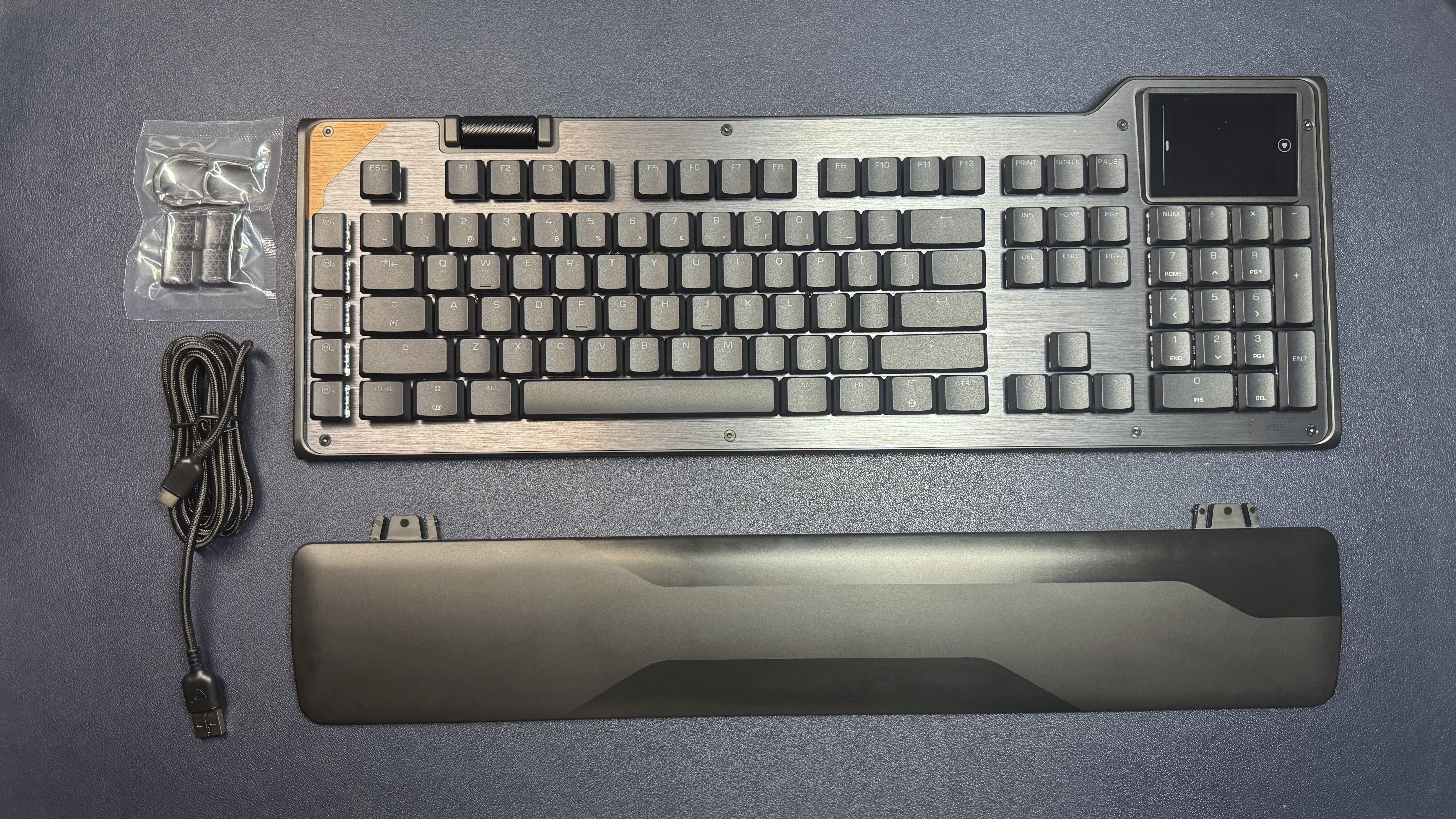
In the box, the KB5 comes with a plastic wrist rest, a 5.9-foot (1.8m) USB-C to USB-A cable, four textured keycaps for replacing the W / A / S / D keys, and a keycap puller.
Specs
Size
Full-size
Number of keys
109
Switches
Titan Low-Profile (linear)
Backlighting
Yes
Onboard Storage
Yes
Dedicated Media Keys
Yes (volume roller, touchscreen)
Game Mode
Yes
Additional Ports
0
Connectivity
Wired (USB-C)
Cable
5.9ft / 1.8m USB-C to USB-A
Keycaps
ABS
Construction
Plastic chassis Aluminum top plate
Software
Swarm II
Dimensions (LxWxH)
18.78 x 6.89 x 1.06 inches / 477 x 175 x 27 mm
Weight
1.94lbs / 880g
MSRP
$149.99
Release Date
May 2026
Typing and Gaming Experience on the KB5
The KB5 comes with Turtle Beach's Titan low-profile linear switches, which are rated for up to 50 million keypresses and have an actuation point of 1.2mm and a force of 42gf. These are traditional low-profile mechanical switches — not magnetic Hall Effect switches like you'll find on the KB7 (and KP7). They're linear, which means a smooth keypress with no audible or tactile bump, and they're pre-lubed so they're pretty smooth.
While I'm not a huge fan of linear switches, the KB5's are quick and stable, and you get a decent little 'thunk' when you bottom out on the keyboard's aluminum top plate. The typing experience is very similar to that of the KB7, which is to say that it's very pleasant for a mainstream gaming keyboard with low-profile linear switches.
The keyboard has flat, shallow keycaps made of double-shot PBT. They have a slightly matte texture and should resist shine better than ABS keycaps, but I'm not fully convinced that'll be the case (maybe they just feel cheaper because they're thinner, overall, than regular keycaps, though). The keycaps are wide, with slightly curved tops, and the keyboard is roomy — I didn't have any problem getting used to the layout for the most part, though the extra row of macro keys on the left did throw me off a few times (this happens whenever there's an extra row of macro keys).
Tom's HardwareTom's Hardware
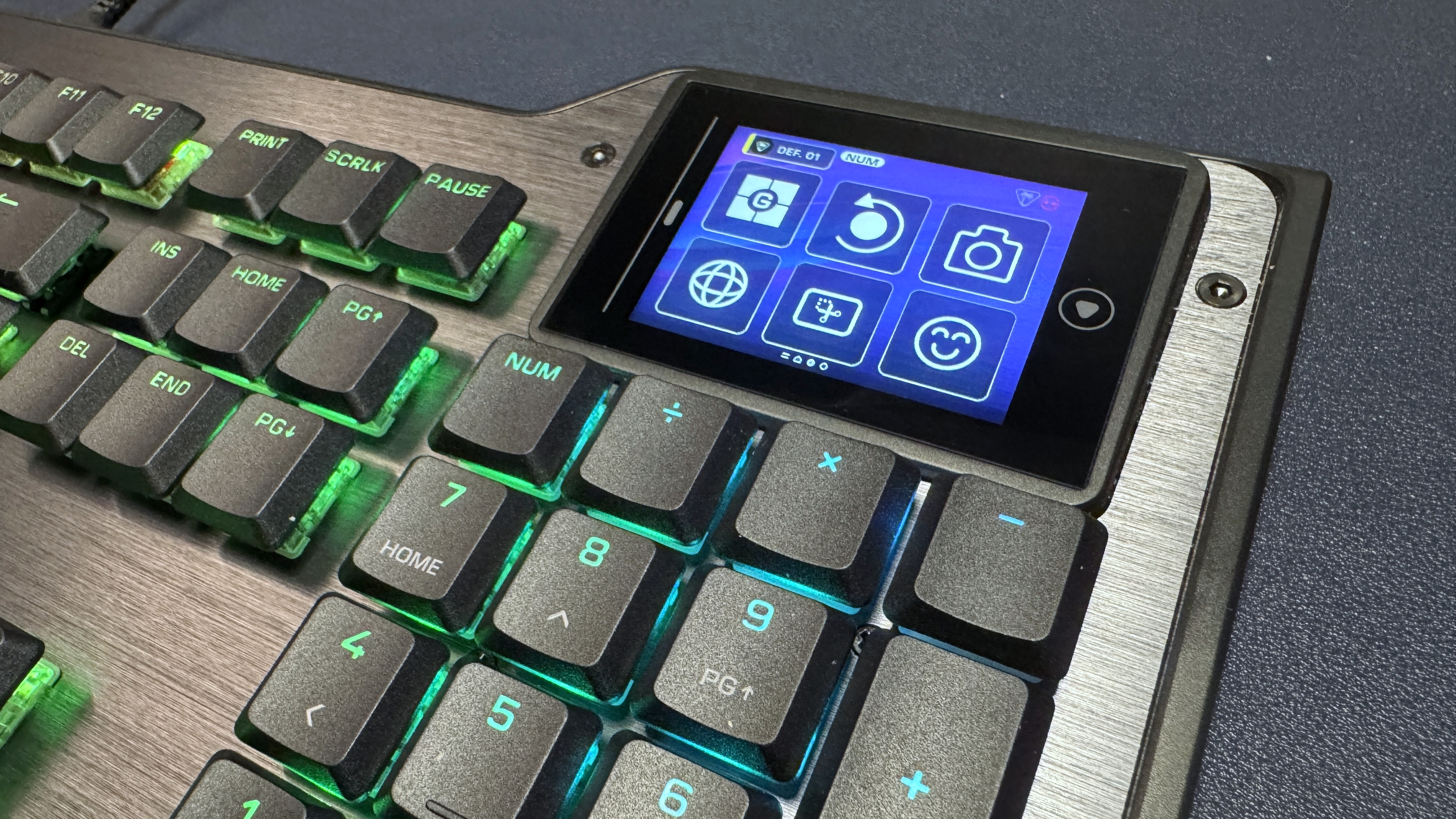
The touchscreen is located above the numberpad, and is fairly responsive. It responds to both taps and swipes (you can swipe through "pages" of controls / buttons), and I found the 2 x 3 layout a little more intuitive to navigate than the KB7's much larger layout — though still not as intuitive as it would be with tactile buttons, like the Corsair Galleon 100 SD has. In addition to the six customizable "buttons" on the touchscreen, there's also some other info displayed at the top — your current profile (you can switch between profiles by tapping this) and some keyboard info (e.g. numlock, caps lock, scroll lock).
The KB5 is also a solid keyboard for gaming, thanks to its quick, responsive linear switches and 8K polling rate. While it doesn't have magnetic switches like its pricier sibling, it does implement Turtle Beach's ReacTap, which is a software solution similar to simultaneous opposing cardinal directions (SOCD).
Features and Software of the KB5
Like all Turtle Beach products, the KB5 ships with firmware from 2001 (or at least it feels like it) and requires at least 16 mandatory updates before it can be used with the brand's Swarm II software. I'm exaggerating, of course — but not much.
Tom's HardwareTom's Hardware
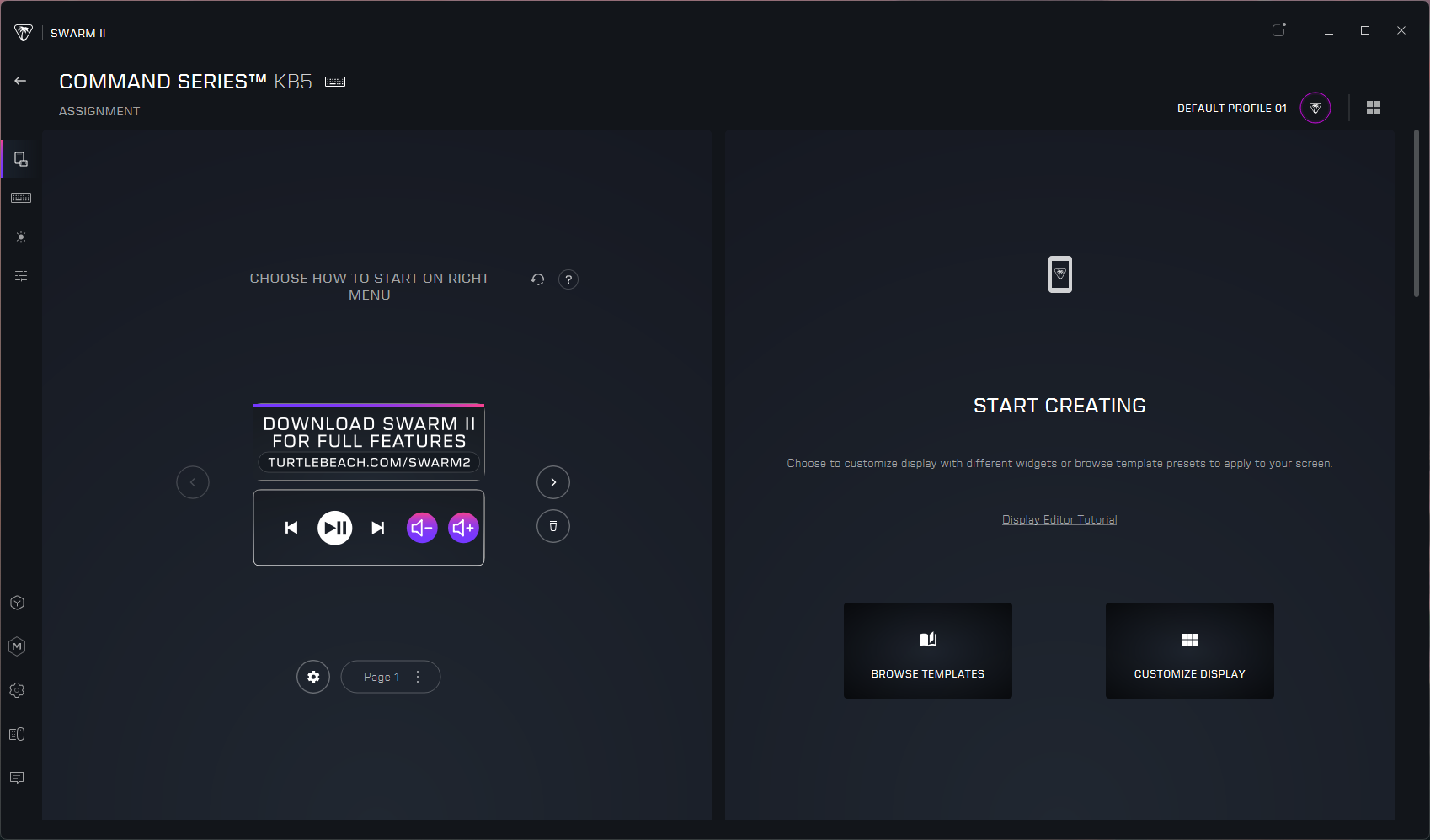
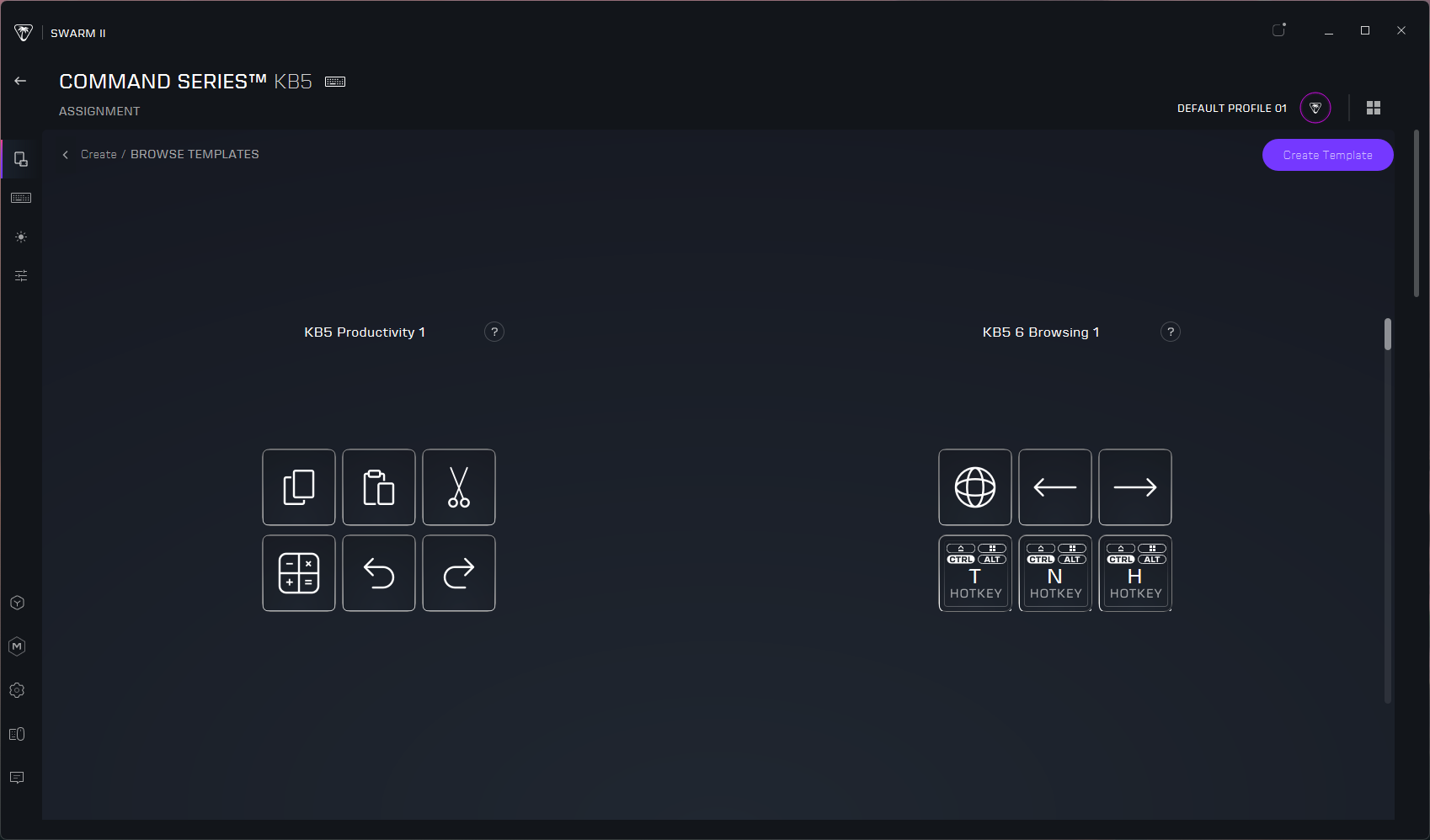
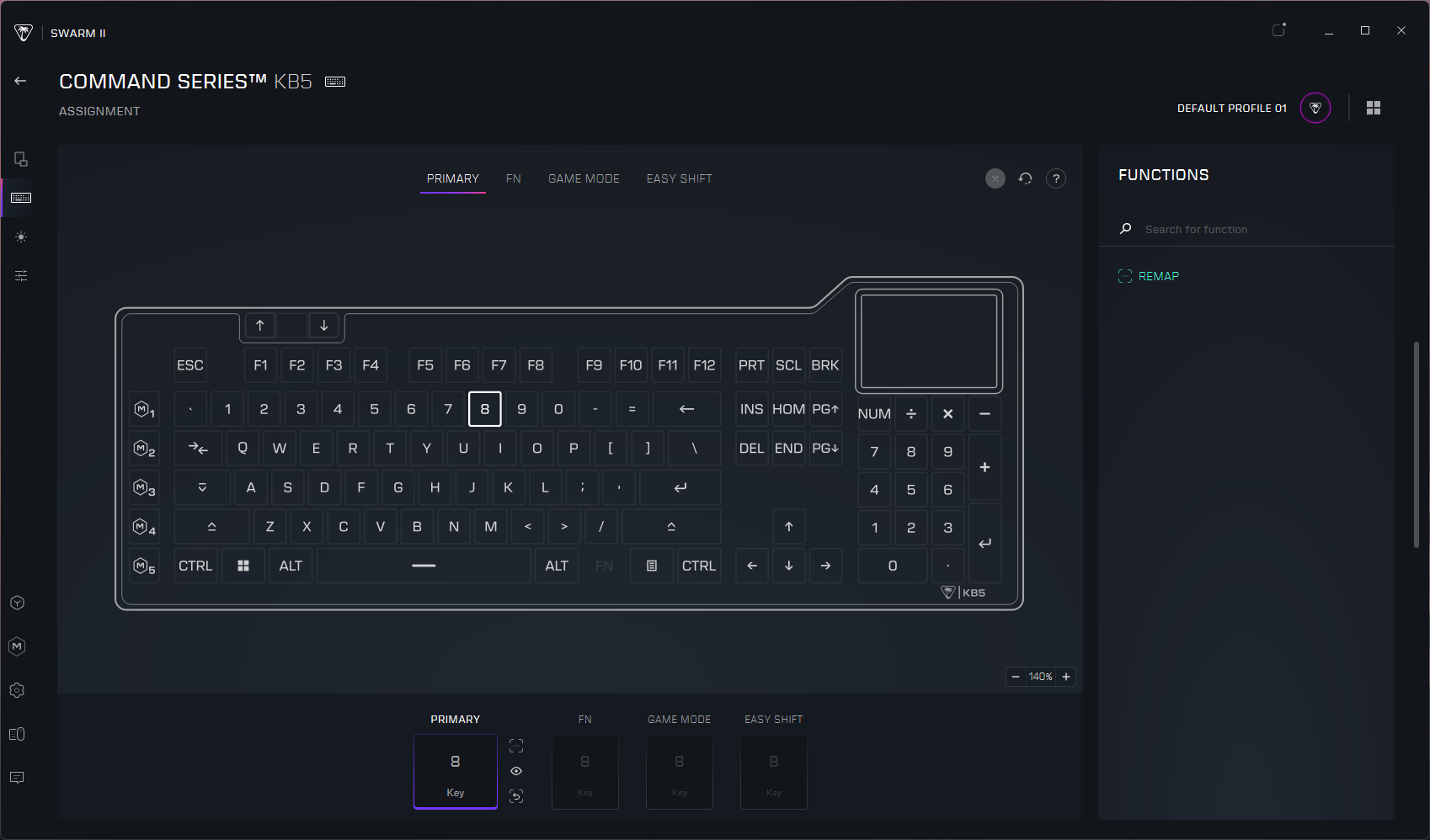
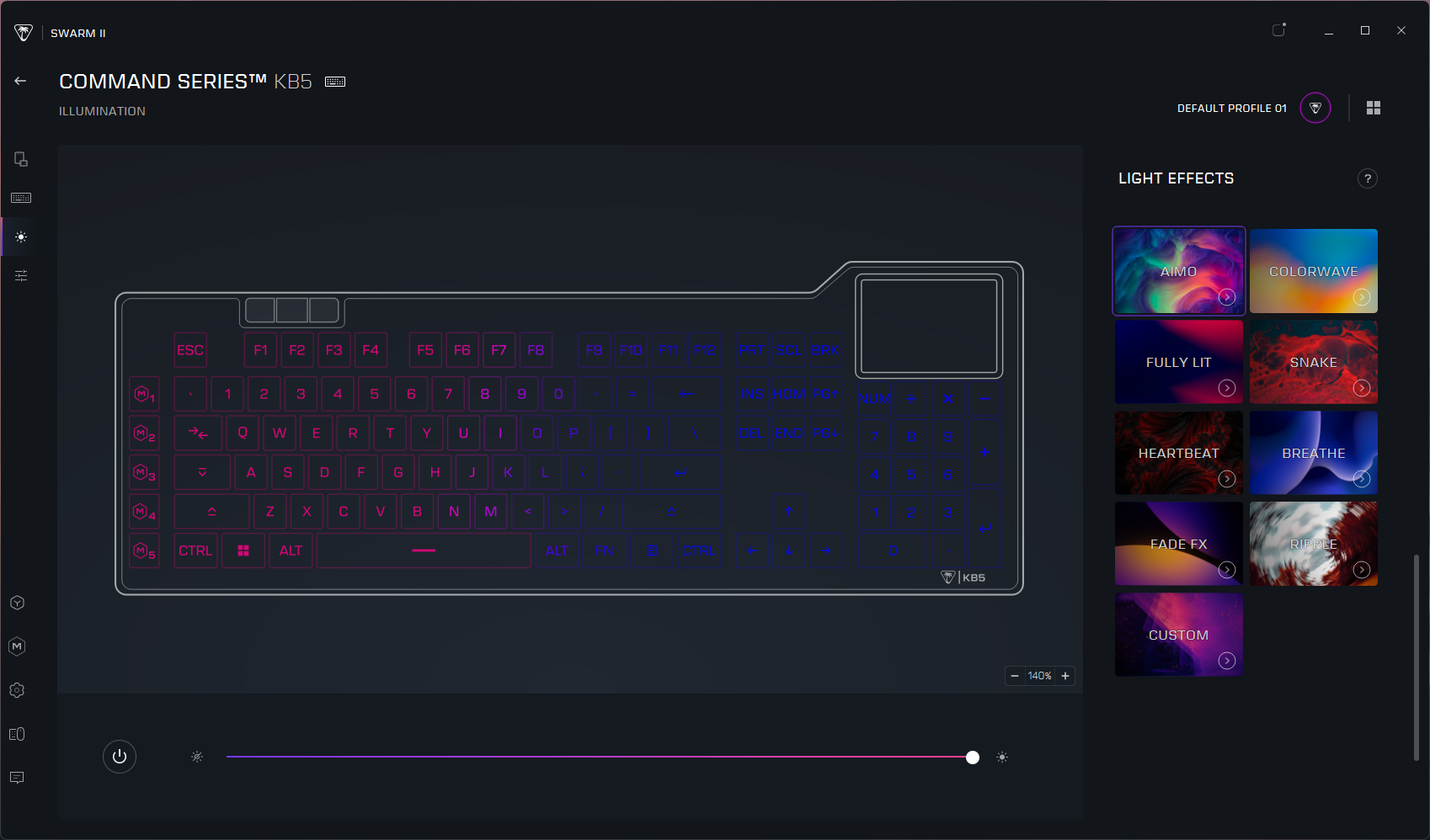
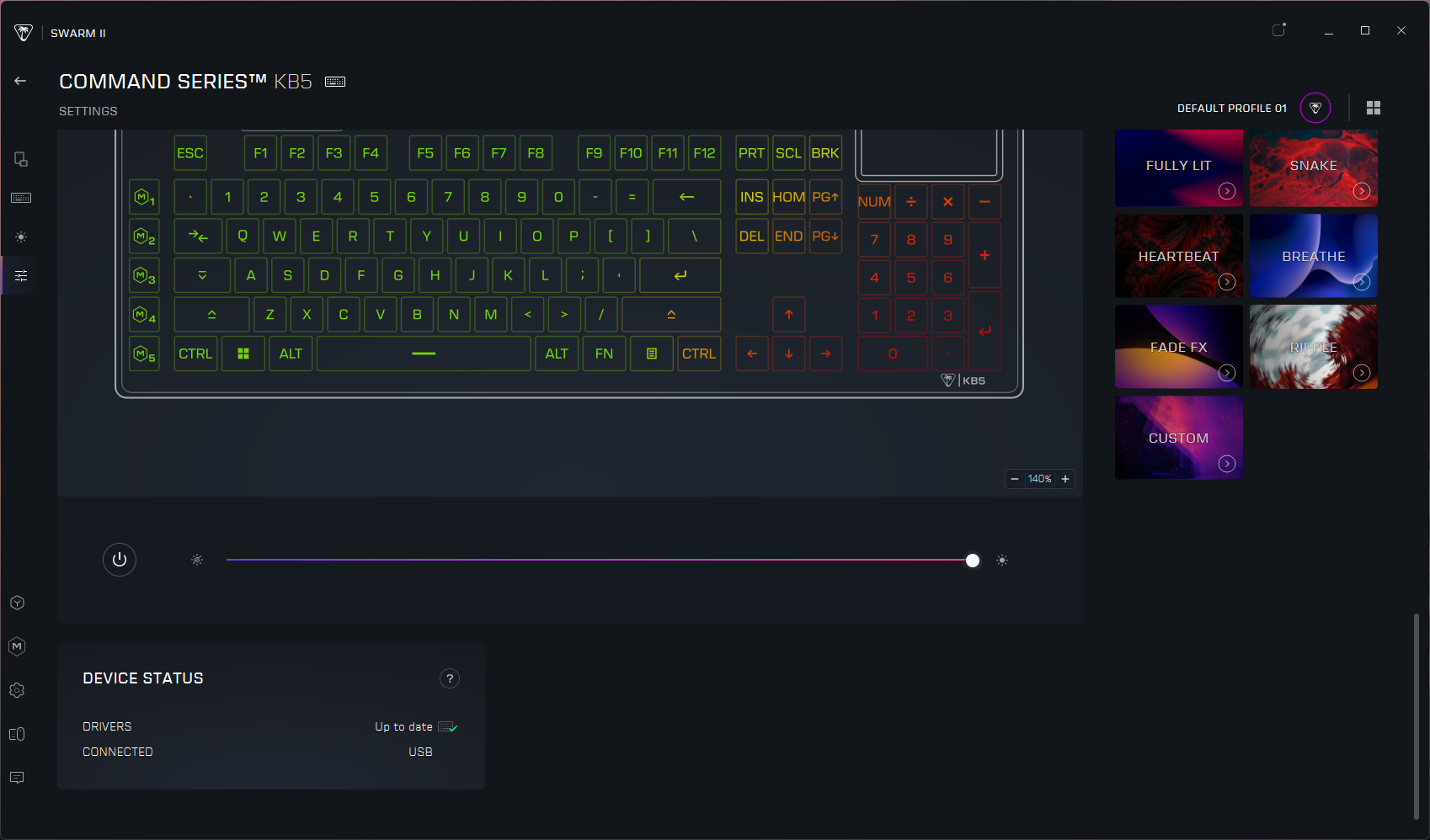
Once I managed to get the KB5 up to date on firmware (and Swarm II up to date on software), I was able to customize the touchscreen, keyboard, and lighting. Swarm II is kind of mandatory for this keyboard, as you can't really customize the touchscreen without it — and the touchscreen is a large part of the selling point here. There's not a ton you can do with the touchscreen that you can't do with regular keys, at the moment. There are options for keyboard / Windows / multimedia functions, opening apps and websites, and assigning macros. And there are a couple of "dynamic" options such as a timer setting and performance monitoring, but it's not a robust ecosystem like that of Elgato or Loupedeck. Still, it's probably enough to get you started, and the Swarm II app includes a handful of templates in case you're out of ideas.
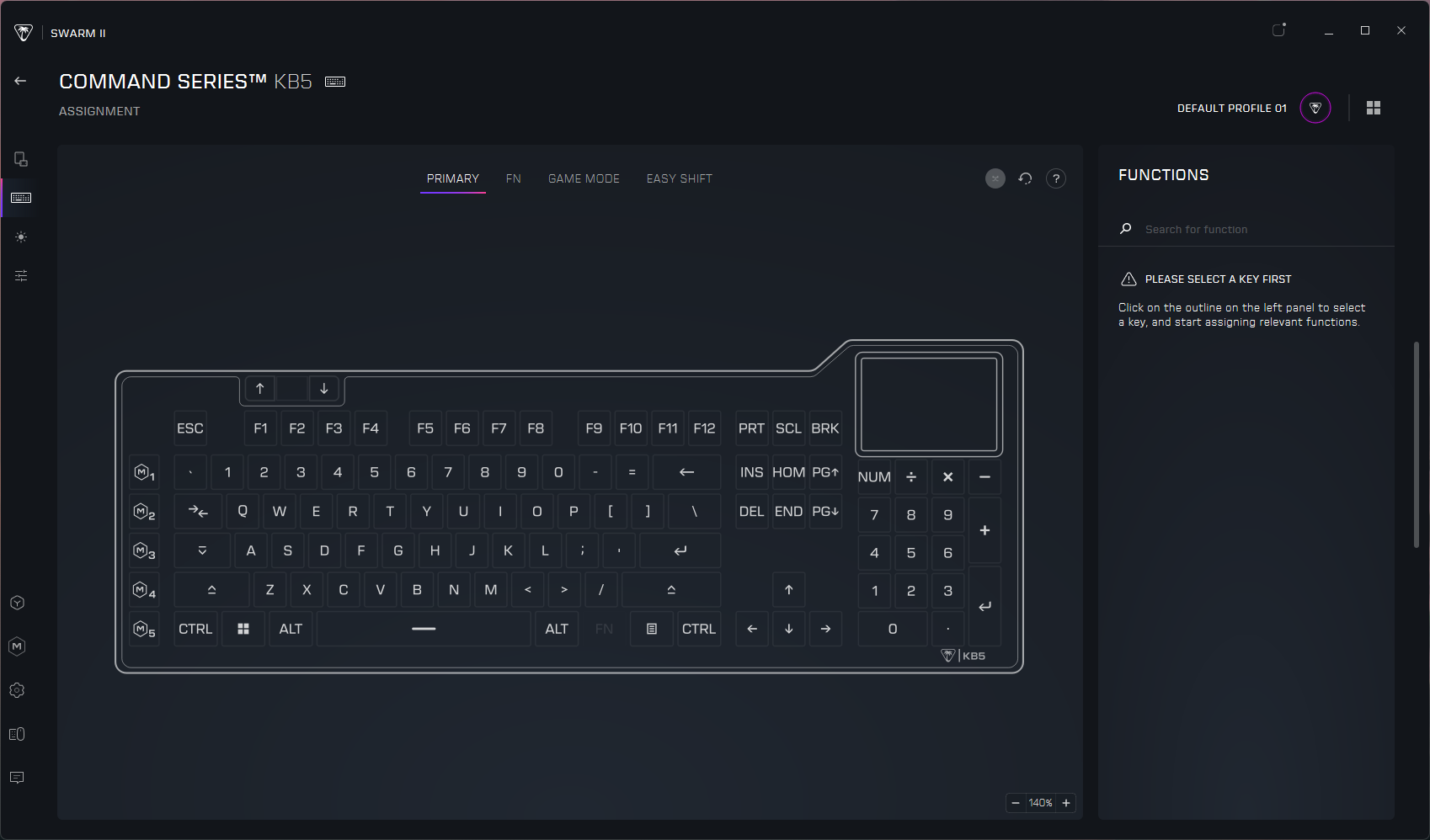
Keymapping is pretty straightforward, and you can map keys to do most of what you can map the touchscreen to do (save for visual things, such as performance monitoring, obviously). You can record and save macros in the app and configure ReacTap. You can also customize the lighting from a handful of presets (or per-key, if you so desire). The keyboard can save up to five onboard profiles, which you can switch between by tapping the profile number in the upper-left corner of the touchscreen.
The Bottom Line
The KB5 is actually a pretty nice compromise, and I like it better than the pricier (and fancier) Turtle Beach KB7. I love having a built-in numberpad that doesn't cost an extra $100 to snap onto the side of the board, and the smaller touchscreen is actually more manageable to use quickly and without (really) looking. The KB5 may not have magnetic Hall Effect switches, but its low-profile linear switches feel and sound pretty good for a mainstream gaming keyboard. And at $150, it's basically half the price of the combined KB7 keyboard and KP7 numberpad.
Of course, if you're really dedicated to making your keyboard a streaming deck substitute, the Corsair Galleon 100 SD is the only real option. Not only does it have physical buttons, it also has knobs — and it's supported by Elgato's Stream Deck software, which is still the real differentiating factor for macropad and touchscreen devices these days.
Local government resistance to data center development accelerated this summer, a warning sign for big AI companies such as Anthropic, Google and OpenAI that are pinning their compute ambitions on data center expansion.
In July alone, more than 150 towns and counties passed temporary or permanent bans on data centers, many adopted in emergency meetings. That brings the nationwide total to more than 500 active data center bans at the start of August, according to The Information’s analysis of thousands of legal documents and local news reports. When we first published our tracker of these bans in late June, we had found more than 300.
Cuando un árbol comienza a morir, algo inesperado puede ocurrir bajo el suelo. Sus raíces están conectadas a una red invisible capaz de transportar recursos entre distintos ejemplares.
The release also adds compatibility with devices running iOS 16.5.1 through iOS 17.3.1. That widens the range of iPhones, iPads, and Apple silicon devices that can run Dopamine, particularly older firmware versions that were not previously covered.
Noctua is known for making high-end, high-quality fans and air coolers, which it has been doing for over 20 years, recently expanding into AIOs. However, it appears that there were a few questions regarding its PC case compatibility database, which some PC DIYers say don’t match the data from the manufacturer’s website. The company cleared this up in a blog post, saying that it has undertaken its own measurements and it has determined that 56 of the more than 100 cases it has tested showed significant deviation from the details officially listed online.
The company gave two diverging situations of inaccurate official measurements. The first one is when the case is larger than what is actually written, which would allow PC builders to attach a larger cooler. Noctua said that the deviations aren’t minor, either. For example, the NZXT H2 Flow case is listed as being compatible with a maximum 75mm CPU cooler height, but the actual case can accommodate an air cooler up to 79mm. There’s also the Thermaltake TR100, which is 2.7mm larger than what the Thermaltake website says, and the Corsair Frame 4000D, which gives you 10mm of extra clearance.
This is a good thing, as any cooler you bought based on their website’s measurement means that it will definitely fit, but Noctua said that this is a missed opportunity. That’s because you could’ve bought a larger cooler that delivered more performance in the same case.
On the flip side, the company warned that there were also some cases that were actually smaller versus the numbers in their specifications. It cited two examples — the Asus Prime AP201 and the Lian Li B4-mATX. The former is 1.7mm shorter while the latter is 3.5mm shorter than what’s listed on their specific product pages.
This could to be a major issue, especially if you bought items that fitted the available space exactly, based on the manufacturer’s measurements. It would mean that these parts would either be touching the case panels, or worse, not allow them to close at all. If that’s the case, you’ll have to spend extra effort to return either the part or the case and get something that fits better.
The safest solution to this is for you to buy the PC case before you shop for the remaining parts of your build. This is especially true if you’re looking at the best mini-ITX cases, as the tight tolerances mean that you don’t have much margin if the numbers aren’t accurate. But by having the case physically available and measuring it yourself, you’re at least confident that what you’re buying will fit. Alternatively, you can check out Noctua’s compatibility search page, with the clearances of the cases in its database verified by its team.
This compatibility tool will give you peace of mind when shopping for the best cooler and is useful for confirming measurements even if you end up buying from another brand. But this begs the question — are the variations between official and actual measurements limited to the air coolers? Or are the numbers for other components, like the GPU, PSU, and other key components also inaccurate? Noctua’s website only covers coolers, so you’ll have to rely on other pages (or your own measurements) if you want some confirmation of a case’s specifications and clearances for other parts like GPUs and PSUs.
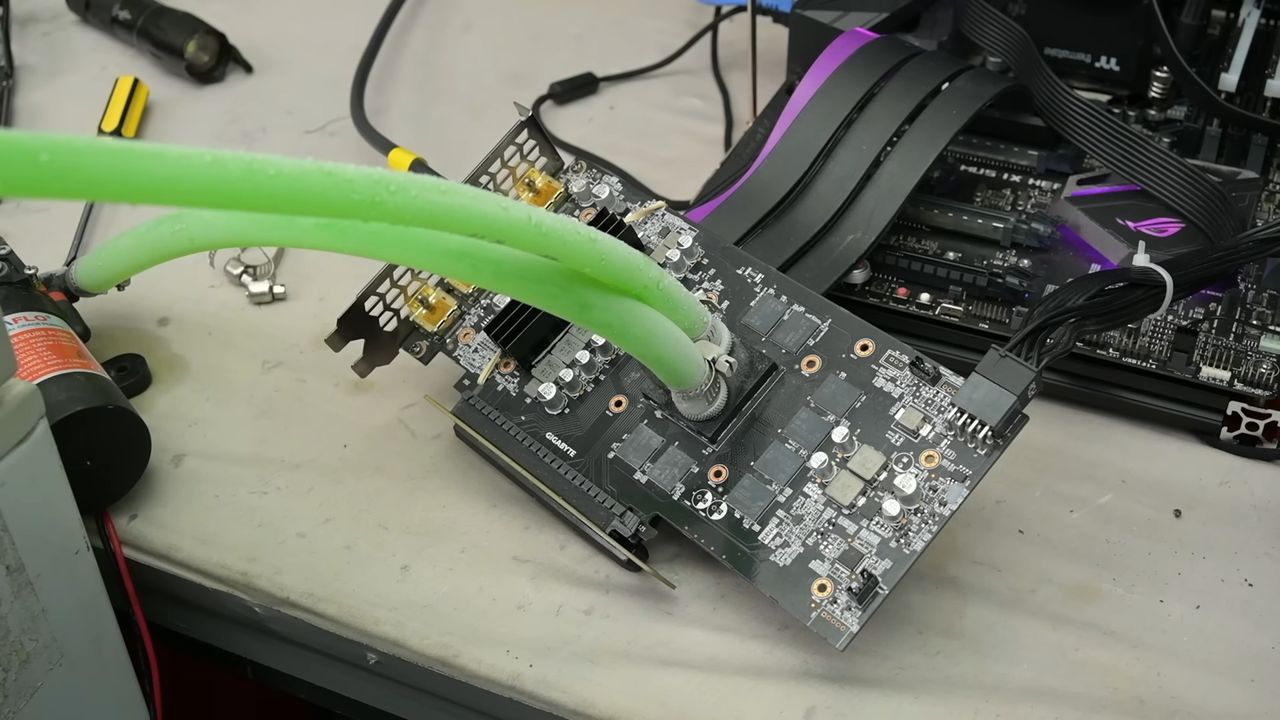
The fearless TrashBench has been testing direct die water cooling of graphics cards. The inevitable twist here is that they removed the metal waterblock from the equation. Despite initial leaky results and much concern of water damage to the expensive parts thrown into the mix, some of the end results are eyebrow-raising in a good way.
“In my pursuit of the perfect water block, I realized, why do we need metal at all?” queried the antipodean host of the punk-rock GPU death lab. “Why can't we just pump water directly over the bare silicon? Makes sense to me.”
TrashBench began this project well aware that leaks might be a problem. Thus, a non-working GeForce RTX 3060 was chosen for the initial feasibility tests. It was measured up for a 3D printed water block which would direct the coolant directly over the GPU die. Our hardware adventurer covered any surface-mount components beside the GPU with nail polish to prevent water damage/shorting.
Some tried and trusted plumbing measures were then applied, with the design incorporating washers, gaskets, and hose clamps (worm-screw equipped jubilee clips). Water pipe fittings were melted into the block, which was fastened using the retaining clamp mechanism that the air cooler had previously used.
This initial test sprang a leak, or two, so TrashBench decided to add epoxy adhesive to secure and seal the 3D printed block to the GPU. This worked, but then some water was spotted oozing from the tube fittings, so they got a dose of epoxy too. At last, we had the first non-leaky prototype…
After some live runs using a powered-up GTX 980 were successful, it was time for the main event with fitting, testing, and benchmarking using an RTX 2060 Super. On the way, it was noticed that the choice of 3D print material used on TrashBench’s Bambu Lab 3D printer wasn’t trivial. Some materials leaked from the edges, and others were actually slightly porous. During live power tests, the TechTuber wisely used a PCIe riser cable so any leaks wouldn’t immediately drip onto the motherboard.
Was it worth it?
If you like to live dangerously, it could be argued that the TrashBench results show some value in this cooling methodology. The headlining technique was compared against the stock cooler and a clamped-on AiO cooling solution.
Going by the numbers above, you can see that direct water cooling could be interesting, as long as you can ensure long-term confidence about leakage. In the video, you can also see some interesting extras, like running this system using -28°C coolant. The same trick is also tested using an Intel i5-7600K CPU. That was chosen as “it’s not a particularly hot CPU, but if it dies, I don’t care.”
The eventual conclusion was that chamber size matters (most clearly illustrated by the CPU cooling test), but pumping water directly over silicon can work.
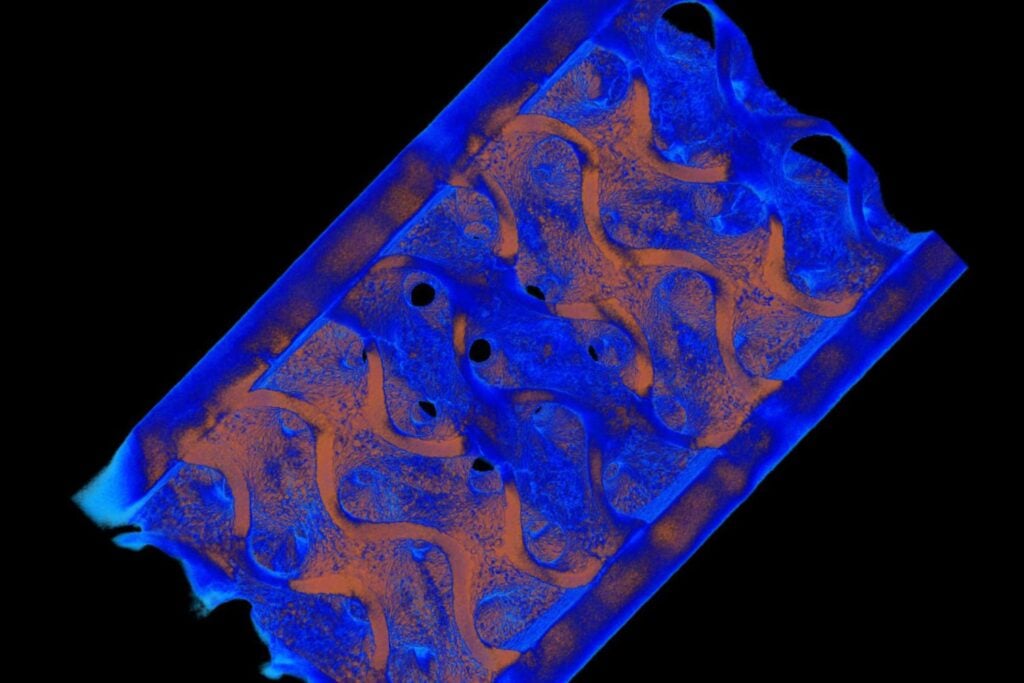
Investigadores de Penn State lograron depositar acero inoxidable y bronce capa por capa dentro de una misma pieza compleja. La técnica evita soldaduras, reduce defectos y permite combinar propiedades térmicas, mecánicas y eléctricas justo donde cada material resulta más útil.

 Login
Login