Staying up to date has never felt more overwhelming.
Between websites, newsletters, podcasts, social media feeds, and specialized publications, valuable information is scattered across countless apps and platforms. The challenge is no longer finding content – it’s keeping up with it without wasting time or missing what matters.
That’s where Inoreader comes in.
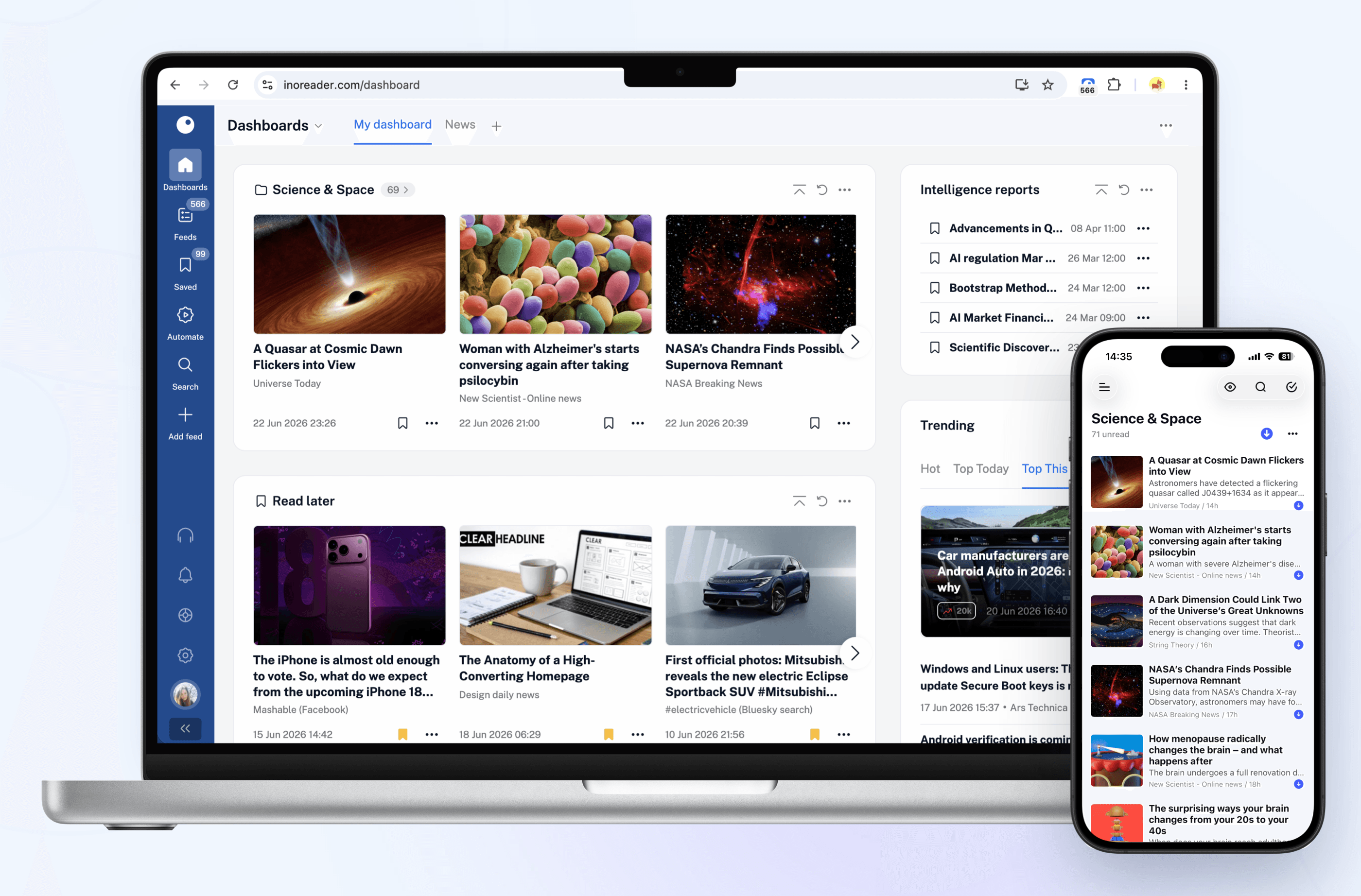
Inoreader helps you build your own personalized newsfeed by bringing together the sources you care about in one place. Instead of jumping between websites, inboxes, and apps throughout the day, you can keep up with everything from a single interface designed to help you stay informed while cutting through the noise.
Unlike algorithm-driven feeds, Inoreader puts you in control. Follow the websites and creators you trust and receive their updates directly. No engagement-driven recommendations and endless scrolling, just the content you’ve chosen to follow.
For those who need more than a traditional feed reader, Inoreader offers powerful monitoring tools. Create custom feeds to track keywords, brands, companies, competitors, products, or industry trends across the web and receive updates automatically whenever something new appears.
As your reading list grows, Inoreader helps you organize and revisit important information. Save articles for later, highlight key passages, add notes, and build a searchable archive of knowledge and insights that remains accessible long after you’ve finished reading.
To help you process larger volumes of content, Inoreader’s Intelligence features can summarize articles, extract key insights, and help you make sense of information faster. Whether you’re following daily news, researching a topic, or monitoring developments in your industry, Inoreader helps you stay informed without getting overwhelmed.
Advanced filtering and automation tools can further streamline your workflow by automatically organizing incoming content, surfacing what matters most, and reducing distractions – saving you time while ensuring important updates never slip through the cracks.
Inoreader is available on the web, iPhone, iPad, and Android devices, with offline reading support on mobile, so your newsfeed is always available when you need it.
You can get started with Inoreader for free, or explore everything the Pro plan has to offer with a 14-day free trial and no credit card required. New Pro subscribers can also get 30% off their first year.
Learn more and get started at inoreader.com.
Our thanks to Inoreader for sponsoring MacStories this week.

 Login
Login