Login
Login
Keynote 15.4, Numbers 15.4, and Pages 15.4





A new section in the iOS 27 privacy policy shows that Apple has reversed its stance on using customers’ data to train its AI models. Previously, the company assured customers that it had no need for customer data, and would figure out how to make Siri AI work well without it.
Apple maintains that it “takes steps to ensure that personal data is not stored or used by Apple.” But as Heise points out, and Apple has said in the terms of service for a few years now, the audio material may be listened to by Apple employees after anonymization.
[…]
It also admits that data collected may be reviewed by “review personnel.” It is unclear if “review personnel” are Apple employees or a third-party company contracted to read conversation transcripts, as it has historically been.
Starting today, when a user enables Siri AI, they will see a setup screen asking whether they want to opt in to “improve Siri and Apple Intelligence,” with two options: “Share Audio and Text” or “Not Now.”
[…]
What’s important to note here is that nothing is changing about the type of data Apple collects if you opt in to this setting. What’s changing is that Apple will now use the data to train and refine its Foundation Models, as well as Siri and Dictation like before.
iOS 26 had a toggle you could select to disable all Apple Intelligence features.
That toggle was removed for iOS 27. Every AI feature has to be turned off individually.
Previously:
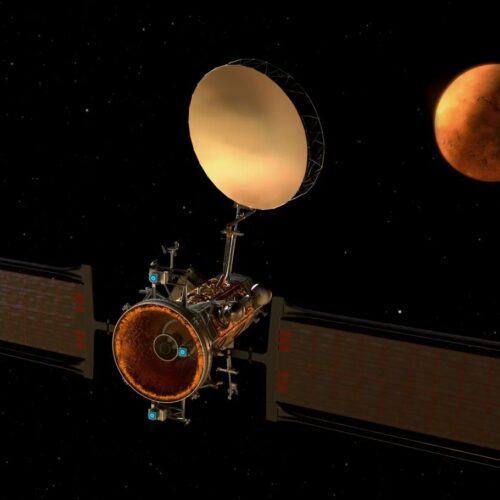
In theory, developing a spacecraft that will fly to Mars, insert itself into orbit around the red planet, and relay transmissions back and forth to large satellite dishes on Earth is a relatively straightforward proposition.
NASA's procurement of a "Mars Telecommunications Network" spacecraft, however, has turned out to be one of the most engrossing dramas of the year for the US space agency.
The agency finally reached a decision earlier this month, selecting Blue Origin to develop, launch, and operate a $700 million spacecraft at Mars. However, the main competitor for the award, Rocket Lab, was not happy—at all. On Friday, the company filed a protest of NASA's decision with the US Government Accountability Office.
© Blue Origin
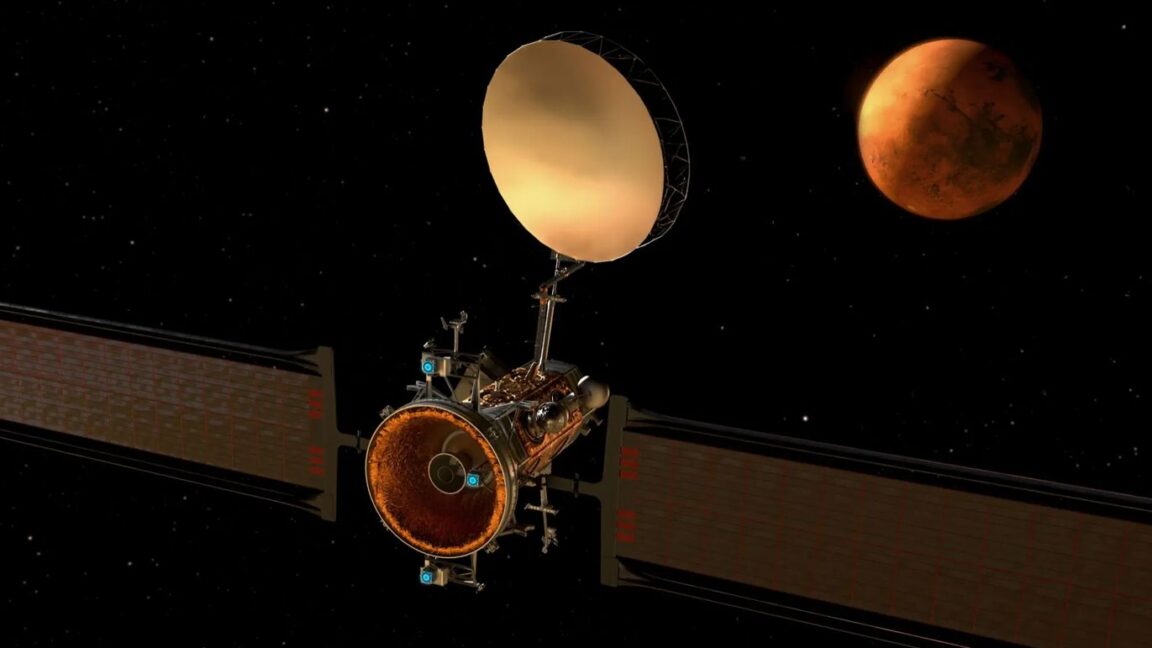
In theory, developing a spacecraft that will fly to Mars, insert itself into orbit around the red planet, and relay transmissions back and forth to large satellite dishes on Earth is a relatively straightforward proposition.
NASA's procurement of a "Mars Telecommunications Network" spacecraft, however, has turned out to be one of the most engrossing dramas of the year for the US space agency.
The agency finally reached a decision earlier this month, selecting Blue Origin to develop, launch, and operate a $700 million spacecraft at Mars. However, the main competitor for the award, Rocket Lab, was not happy—at all. On Friday, the company filed a protest of NASA's decision with the US Government Accountability Office.
© Blue Origin
A OpenAI anunciou recentemente uma série de novidades para o ChatGPT, incluindo uma atualização muito bem-vinda para usuários do ChatGPT Voice.
Agora, o assistente pode usar os modelos GPT-5.6 ou GPT-6 Astra quando precisa pesquisar ou raciocinar sobre questões mais difíceis — e o usuário pode escolher qual usar com um seletor.
Posts relacionados
Além disso, a empresa também simplificou os limites de uso diários do GPT-Live:
Com essas mudanças, os planos Plus e Pro não mudam mais para o GPT-Live-1 mini depois de atingir o limite de uso do Voice. Além disso, os níveis separados de inteligência do Voice (Instant, Medium e High) foram descontinuados.
A OpenAI anunciou também que a Deep Research está agora disponível no ChatGPT Work e no Codex para os planos Plus, Pro, Business, Enterprise e Edu. Basta ao usuário digitar @Deep Research ou pedir explicitamente para usá-la no comando.
Outra novidade chegando aos dois recursos é o plugin Data, que ajuda a analisar dados de negócios conectados. É possível fazer uma pergunta sobre um negócio, investigar mudanças ou até mesmo criar um dashboard interativo sobre o conteúdo analisado.
Now everyone can put data to work.
— ChatGPT (@ChatGPT) September 10, 2026
We’re introducing a new Data agent in ChatGPT Work so you can turn your company’s data into answers, interactive dashboards, and action—just by asking.
Just add the Data Plugin in ChatGPT Work, connect to the data sources and context you… pic.twitter.com/R7N3I2NFCN
Agora também é possível compartilhar arquivos e pastas no ChatGPT pela Biblioteca. É possível compartilhar com pessoas específicas ou com integrantes do workspace, com opções de gerenciamento de acesso e uma visualização dos conteúdos compartilhados.
Por fim, a Biblioteca também suporta agora o Box, o Dropbox e o SharePoint, que se juntam ao Google Drive para permitir que o usuário pesquise com facilidade por arquivos e pastas disponíveis nessas plataformas e os usem como contexto em conversas.


A OpenAI acaba de anunciar o ChatGPT Images 2.5, pouco mais de quatro meses após a última versão do seu modelo de geração de imagens avançado.
Enquanto Images 2 foi um update mais corpulento, o Images 2.5 chega com novidades incrementais (detalhes mais nítidos, geração de imagens até 50% mais rápida, edição mais precisa e ferramentas de criação/compartilhamento avançadas).
ChatGPT Images 2.5—faster, sharper, smarter, with better tools for creating whatever you can dream of.
— OpenAI (@OpenAI) September 8, 2026
– Faster image generation to keep your ideas flowing
– Improved fidelity for more natural, recognizable images
– Consistent details across multiple edits
– Comment-based… pic.twitter.com/SjHITKJUSV
Em seu post de anúncio, a OpenAI explicou que o novo modelo produz “luz mais natural” e “texturas mais ricas”, além de seguir instruções de edição mais fielmente ao longo de várias tentativas. Ele também estaria melhor na hora de preservar o assunto principal de uma imagem de referência.
Além dessas melhorias, também foi introduzido o recurso “Sketch”, que permite ao usuário desenhar uma imagem de referência diretamente no ChatGPT, bem como predefinições (templates) de formatos populares de imagens, compartilhamento de prompts e mais.
Some ideas are easier to draw than describe.
— OpenAI (@OpenAI) September 8, 2026
Use Sketch to draw right in ChatGPT and show it exactly what you have in mind.
Just type “@ Sketch” in ChatGPT. pic.twitter.com/gx6fw0xy3K
Por fim, a OpenAI anunciou duas versões do Images 2.5 voltada a desenvolvedores: o GPT-Image-2.5 Flare e o GPT-Image-2.5 Sunburst, os quais estarão disponíveis por meio da API 1Application programming interface, ou interface de programação de aplicações. do ChatGPT (com o Flare como opção padrão). Enquanto o primeiro traz uma oferta de recursos mais comum, o segundo é voltado para “workflows visuais premium” que demandam um maior nível de controle.
Use-o [GPT-Image-2.5 Sunburst] para fluxos de trabalho criativos e de edição, como campanhas publicitárias prontas para produção ou imagens de produtos com acabamento profissional.
O Images 2.5 já foi liberado para usuários de todos os planos do ChatGPT, do ChatGPT Work e do Codex em todas as plataformas suportadas.
via 9to5Mac




In a study of 2,266 workers in Finland, evening-type people, or night owls, were up to three times more likely to be treated for depression or anxiety than morning types, with poor work-life balance identified as a key contributing factor.
The post Study: Night Owls Face Higher Mental Health Risks Tied to Work-Life Balance appeared first on Sci.News: Breaking Science News.

© Jason Gulley for The New York Times
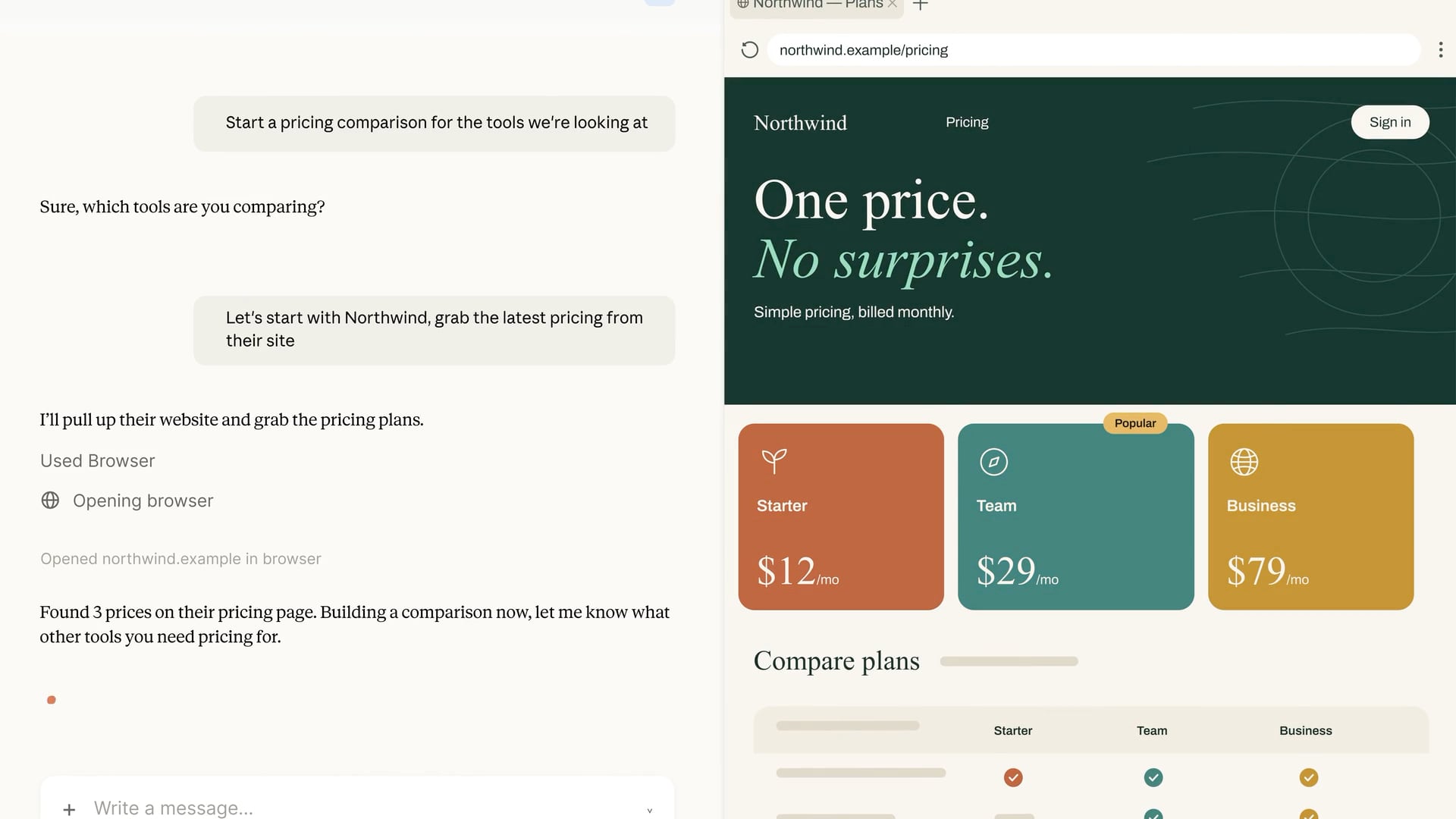
Hot on the heels of OpenAI’s addition of a cloud-based browser to ChatGPT Work, Anthropic has added an in-app browser to Claude Cowork in its desktop app. What’s interesting about the two browser implementations is that while both ChatGPT Work and Claude Cowork are meant to be used for general knowledge work, Claude Cowork’s browser is something of a hybrid that mixes aspects of OpenAI’s Codex built-in browser with its ChatGPT Work cloud-based browser.
First of all, I do not yet have access to Claude’s in-app browser, so the following is based solely on Anthropic’s announcement and other documentation. Still, the differences are worth understanding since the tools are aimed at different workflows.
Like Codex’s in-app browser, Claude Cowork’s in-app browser is built into the desktop app itself. That ties Claude’s browser to the instance of its app running on your Mac. Turn your Mac off or close the Claude app, and the browser becomes unavailable. Leave the Claude app running, and you’ll be able to control the browser session remotely through the Claude mobile app or the web.
From there, however, the browsers diverge. As you’d expect, the Codex implementation is developer-oriented, with tools to build, inspect, and annotate web pages along with access to a terminal, repos, and diffs. In contrast, Claude Cowork’s in-app browser opens automatically as needed for general-purpose web tasks instead of development tasks.
Also, while both ChatGPT Work’s and Claude Cowork’s browser implementations benefit from being isolated from your other day-to-day browser use outside those apps, their handling of login credentials is a little different. As I wrote in greater detail yesterday, ChatGPT separates the login process from the model’s activity and evaluates the login page for things like phishing schemes. Claude Cowork’s in-app browser offers two ways to log in: manually, or by importing cookies from logged-in sessions in another browser. Currently, Claude supports cookie imports on the Mac from Chrome, Edge, and Firefox, but not Safari. In addition to the security benefits that come with a browser that runs isolated from your everyday browser, Claude also requests permission before acting on a site for the first time, blocks high-risk sites, checks actions against the your requests, and uses the same prompt injection protections as its Chrome extension.
My first-run experience with ChatGPT Work’s cloud browser was a mixed bag but showed promise. Although I haven’t tried Claude Cowork’s browser yet, I’m glad to see Anthropic moving in the same direction as OpenAI here. Isolating agent browsing by bringing the browser into Claude and ChatGPT doesn’t solve every security issue, but it’s a good starting point. I expect we’ll see both Anthropic and OpenAI iterate quickly on this theme in the coming months.
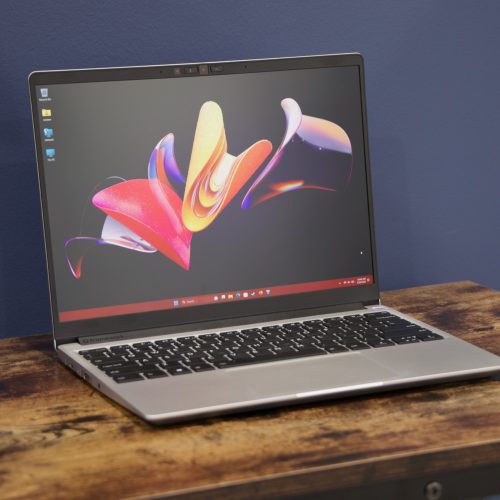
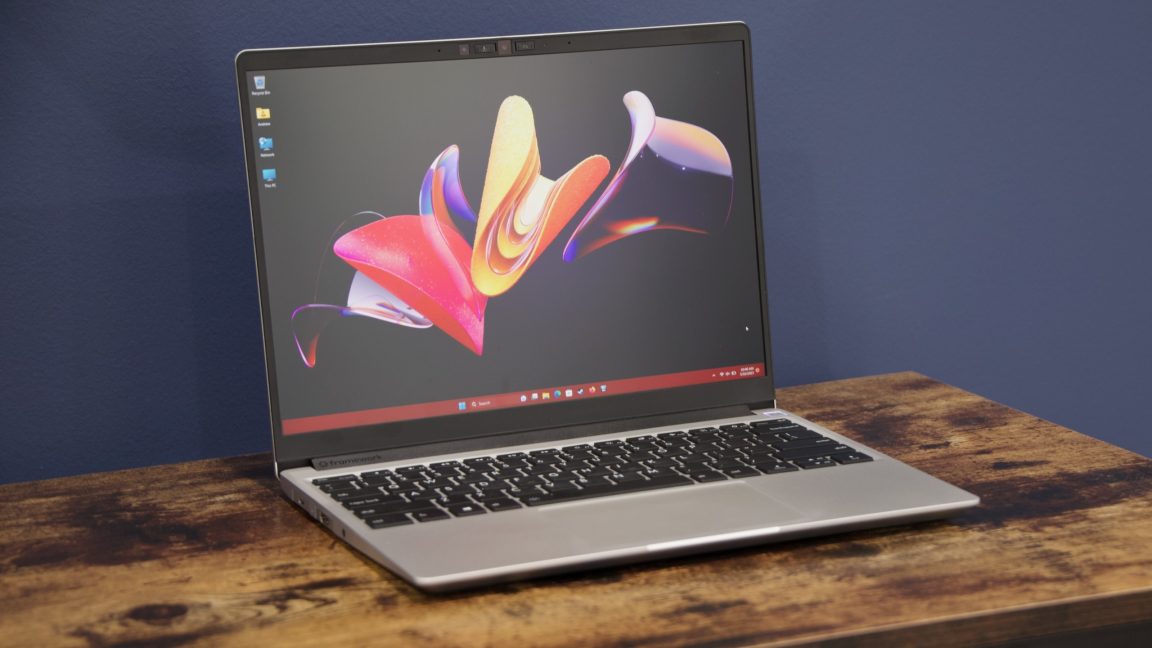
A BIOS update for the Framework Laptop 13 with AMD Ryzen 7040-series processors is bricking the systems, multiple users have reported online.
Framework started shipping pre-built Ryzen 7040-based Framework Laptop 13 computers and compatible motherboards in 2023. In June 2026, Framework released BIOS 3.20 for the devices. The update adds mainboard support for features, including a haptic touchpad and new speakers, for the higher-end Framework Laptop 13 Pro and fixes issues, including one “where the Battery Extender status was reported incorrectly following a reboot, hibernation, or shutdown after the timer had expired," per a post on Framework’s forum from an employee.
Some users say that they installed the update successfully.
© Andrew Cunningham