A modder has taken the innards of a Steam Deck and put them into a Game Boy-style case
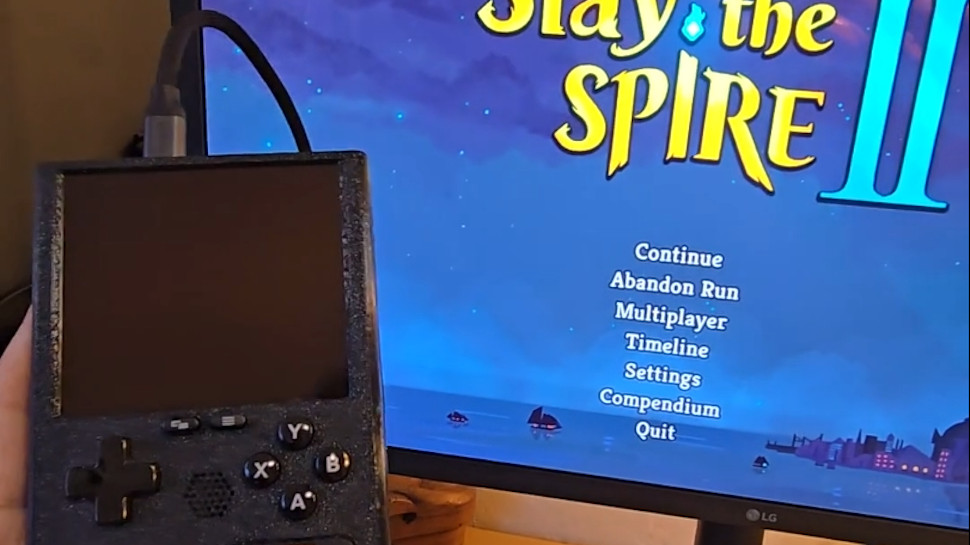
The end result is the 'SteamBoy', although it's not quite finished (the screen doesn't yet work)
There's a lot of excitement about this DIY project, and some gamers have even said they'd be keen to buy a retro handheld like this
Ever wished the Steam Deck looked a bit more retro — or indeed a lot more retro? Meet the 'SteamBoy', which takes the innards of Valve's handheld and transplants them into a case styled on the Game Boy.
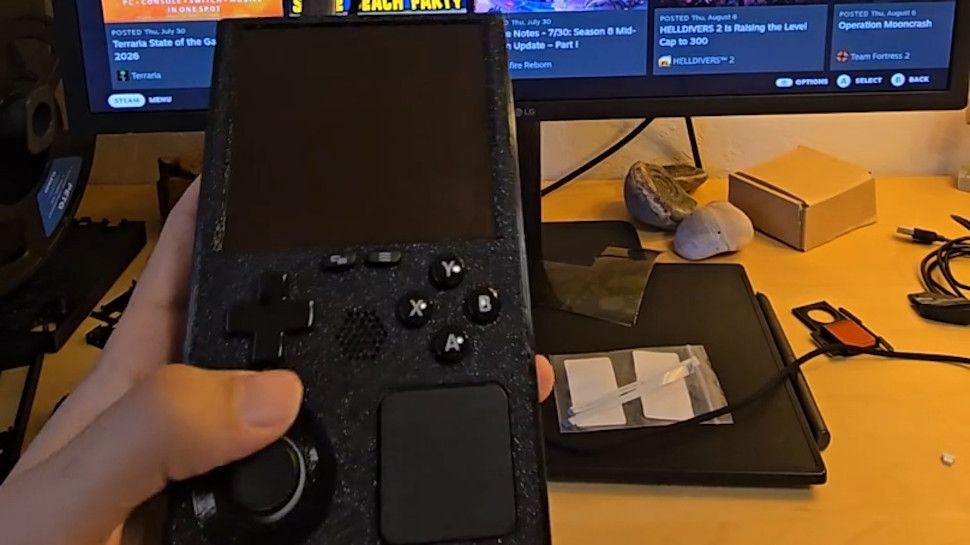
The SteamBoy uses the motherboard, controller, buttons, speakers, and battery from the Steam Deck, fitting the components into a case which the maker says is the same dimensions as an original Game Boy, with a thickness of 32mm (yes, it's thick).
PhyFawkes explains: "The battery is the original battery, and it basically takes up the whole width of the device on the inside. It's sandwiched between the motherboard and the display. The motherboard and controller boards are completely intact as well."
The only element that isn't functional yet is the screen, so this device is still a work in progress. The Redditor has demonstrated it working on an external monitor, though.
Analysis: next stop Kickstarter?
(Image credit: PhyFawkes on Reddit)
The snag with getting the screen going is that the motherboard firmware reports the display properties directly to SteamOS, and so the firmware details must be updated with the info for the new screen. The Redditor says it hopefully it won't take too long to sort this out.
Another part of the recipe that's missing is the triggers, but PhyFawkes says that they might be able to add them eventually, but that space constraints with the case could make this too tricky a proposition.
Apparently the handheld runs cool enough with some slight under-volting. All in all, this a very smart-looking project, and I'm seriously impressed. The case itself is 3D-printed, with the Redditor noting that they're going to provide the details on how to make one for those who might want to try their hand at this enterprising piece of handheld DIY.
Of course, constructing something like this is well beyond the scope of your average gamer, and there are fans of this concept out there who'd be willing to pay money for a SteamBoy of their own. Plenty of them, in fact, as the reception for this project has been nothing short of glowing.
As someone on Reddit put it: "This is legitimately so cool. I would totally back something like this on Kickstarter."
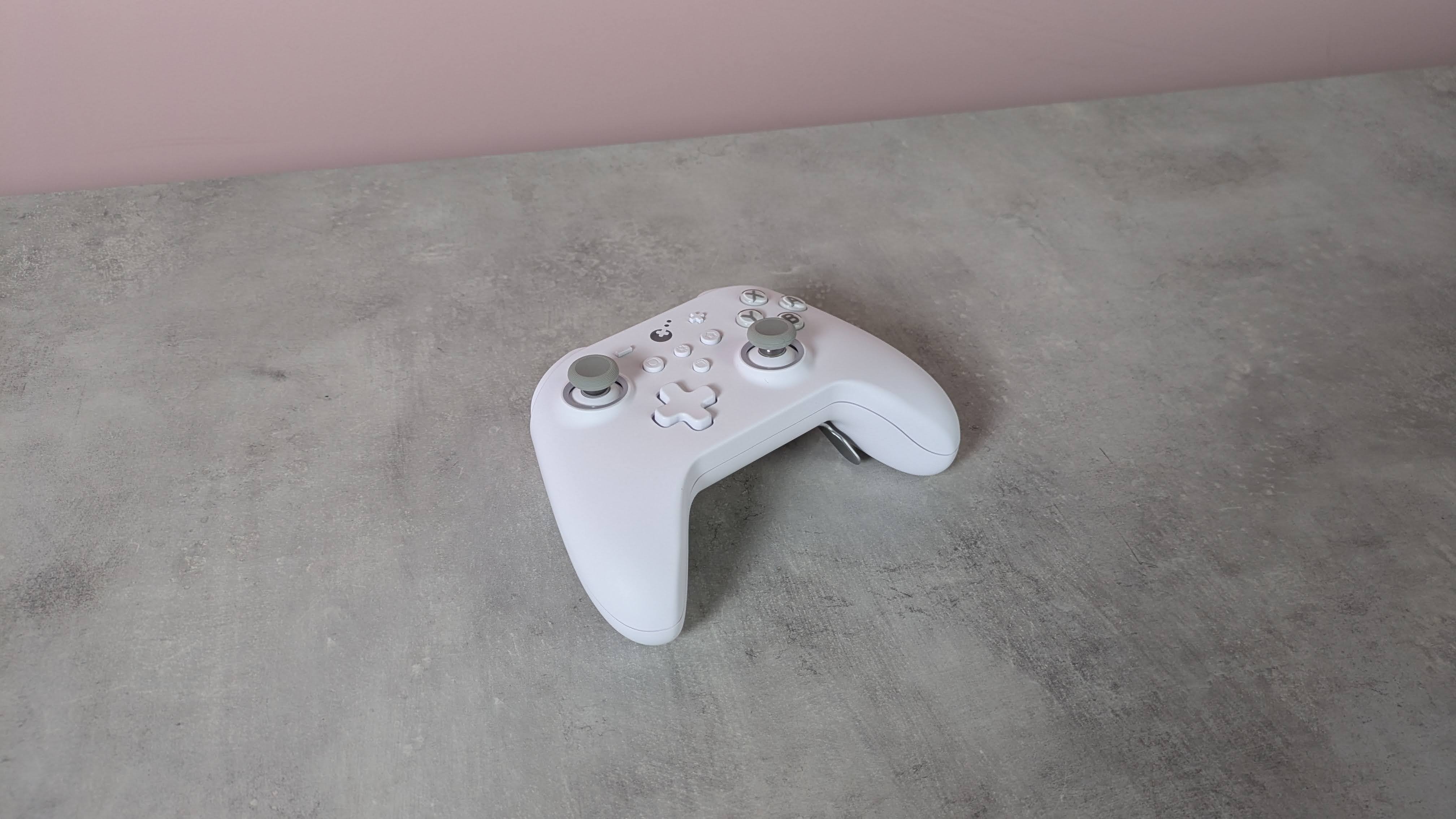
The GuliKit KK3 Max might look like a standard controller, but it has plenty of extras and features on board.
Adopting the familiar form of the Xbox’s gamepad, the KK3 Max doesn’t exactly push the boundaries in terms of design. But given how comfortable and convenient the shape and layout are, it’s hard to complain about its lack of originality.
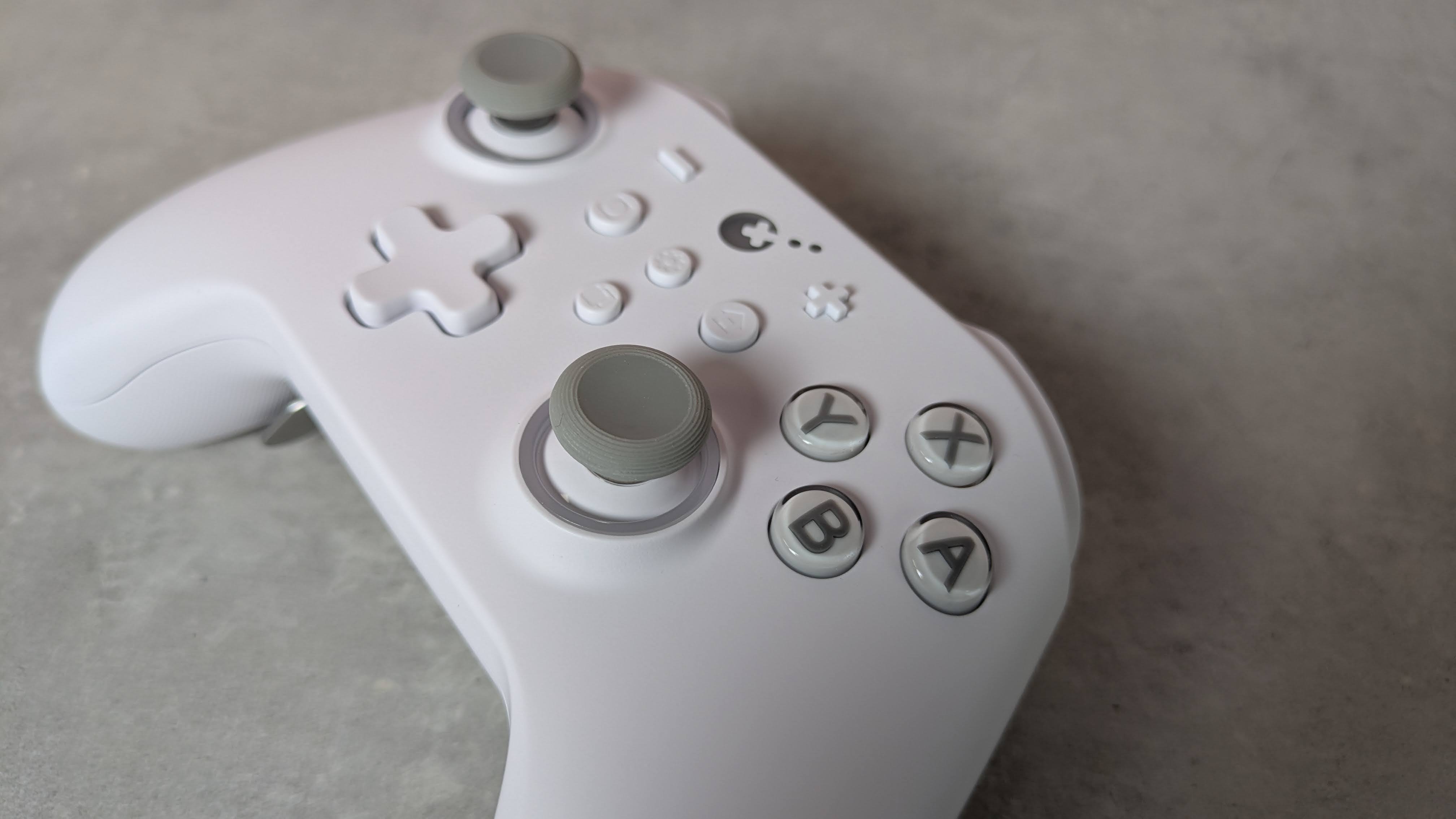
There are also a few extra flourishes that add some interest. The matte white finish of my review unit was rather fetching, while the front panel is incredibly smooth, smoother than any other I’ve felt before. Its construction also feels quite solid, rivaling the builds of the best PC controllers.
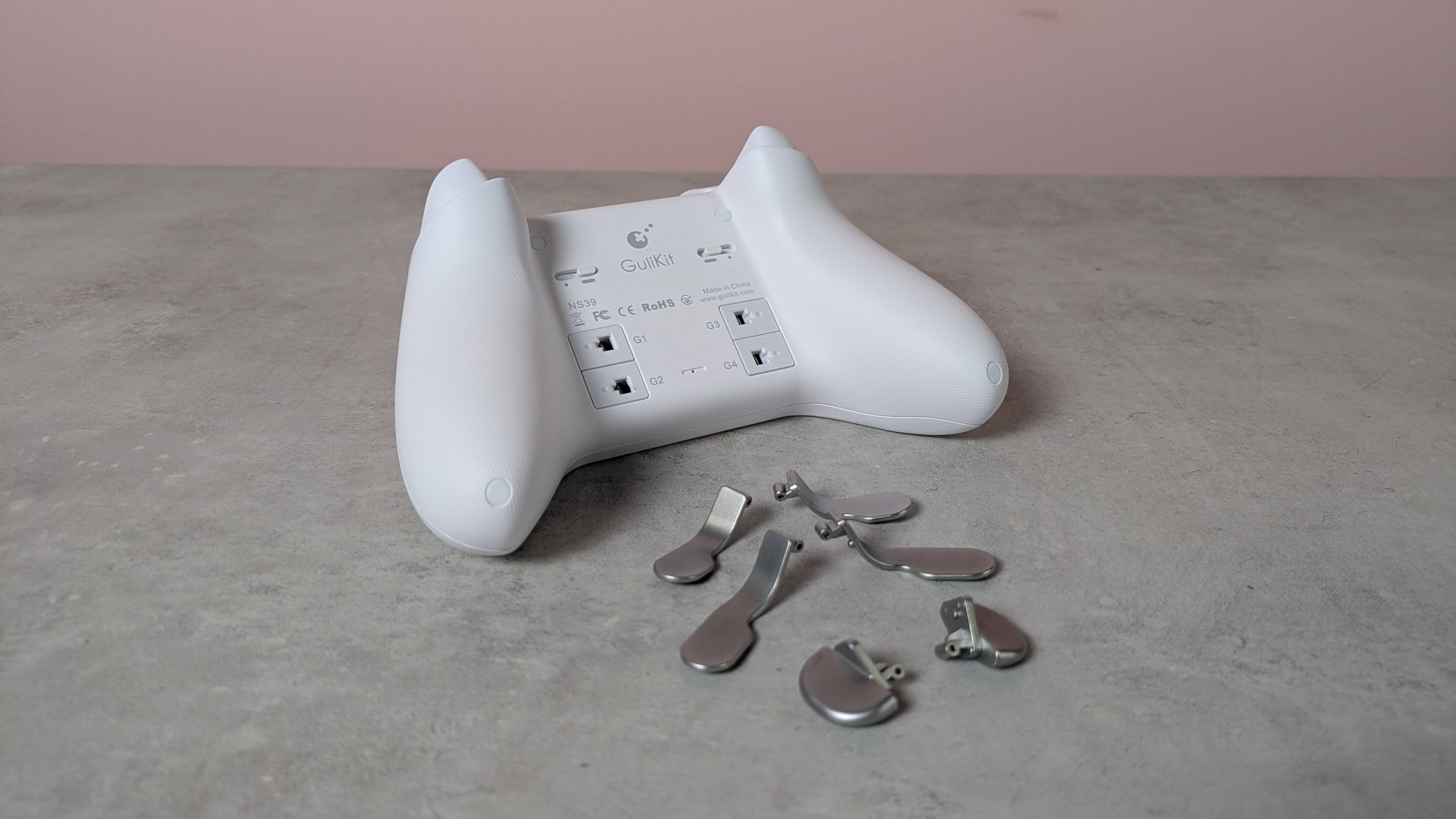
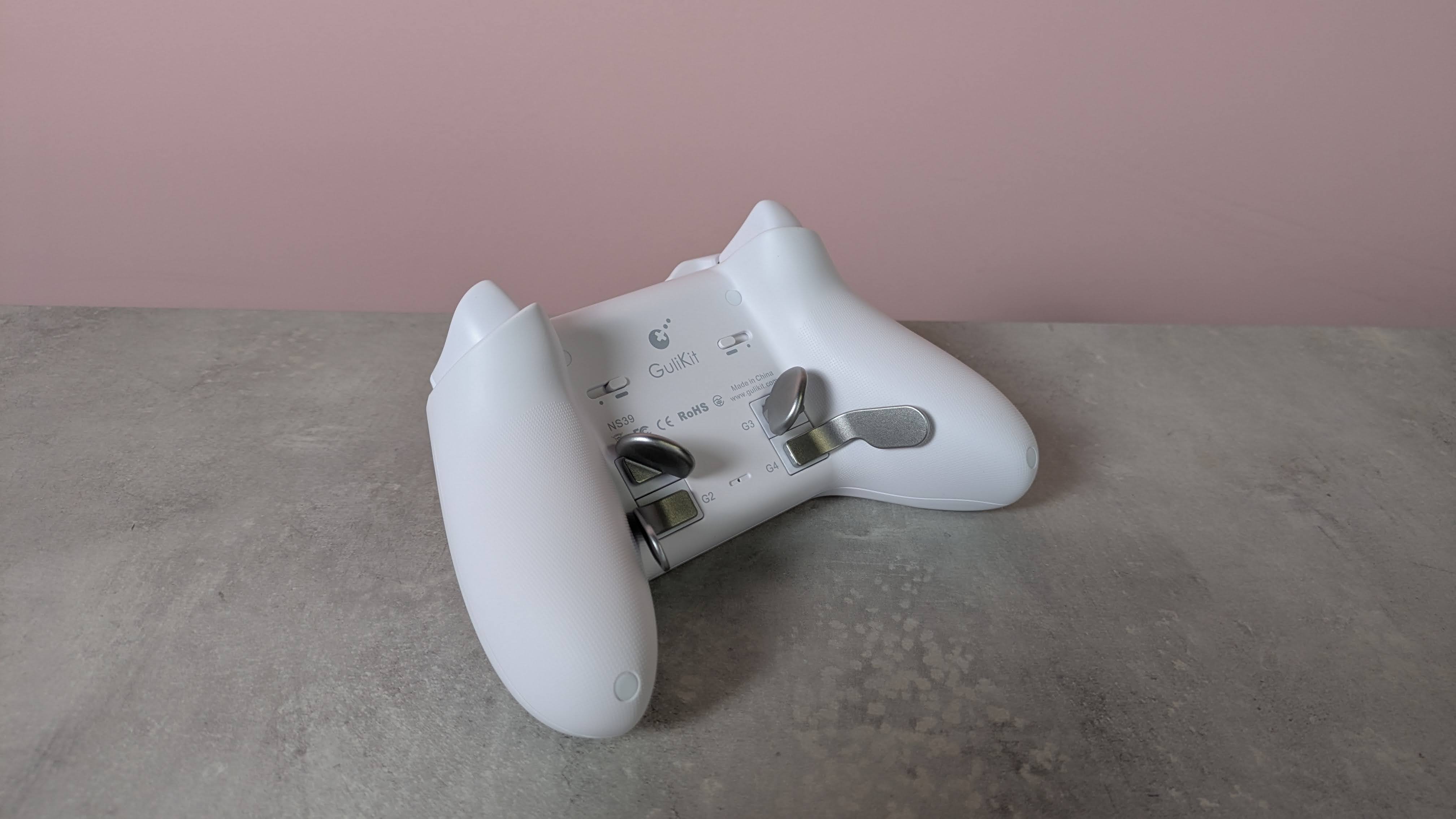
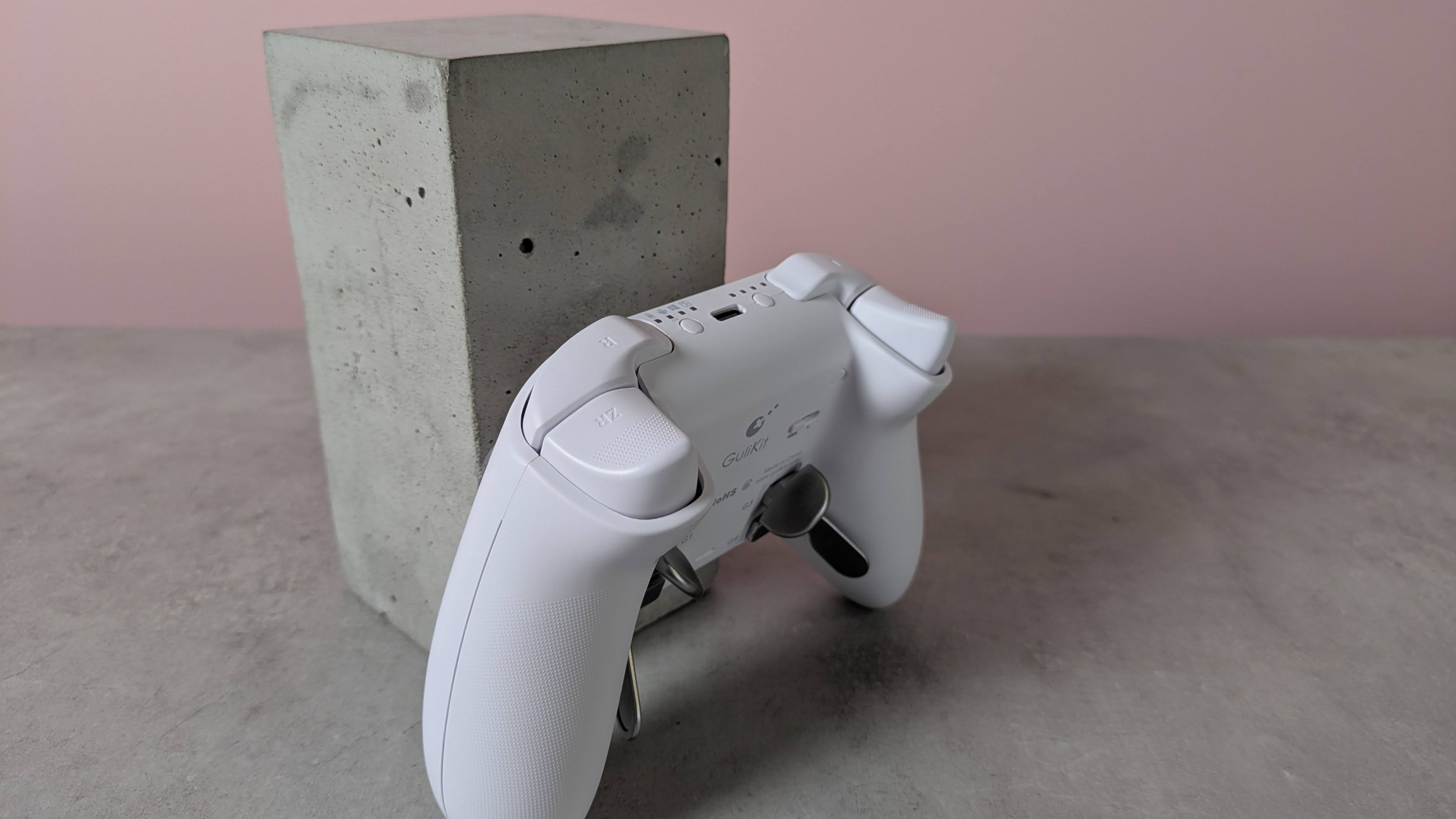
This premium feel extends to the buttons, since there’s very little wobble to any of them. The same can be said of the various sets of levers for the four back buttons, although a fair amount of force is required to insert them.
(Image credit: Future)
Despite the lack of software, there are still plenty of input-related customizations and settings available via various button combinations. These range from basic adjustments, such as the vibration intensity and stick sensitivity, to more advanced features, such as motion control and macro recording.
The overall performance of the KK3 Max is pretty good. Most of the buttons are responsive and satisfying to press. The triggers offer a fair amount of control, although I found their travel distance a little too short for my preferences. The sticks also lack the precision of the best, although they move easily and quickly. Motion controls are also inconsistent: I found they performed well with Nintendo Switch games, but were less effective on PC and mobile titles.
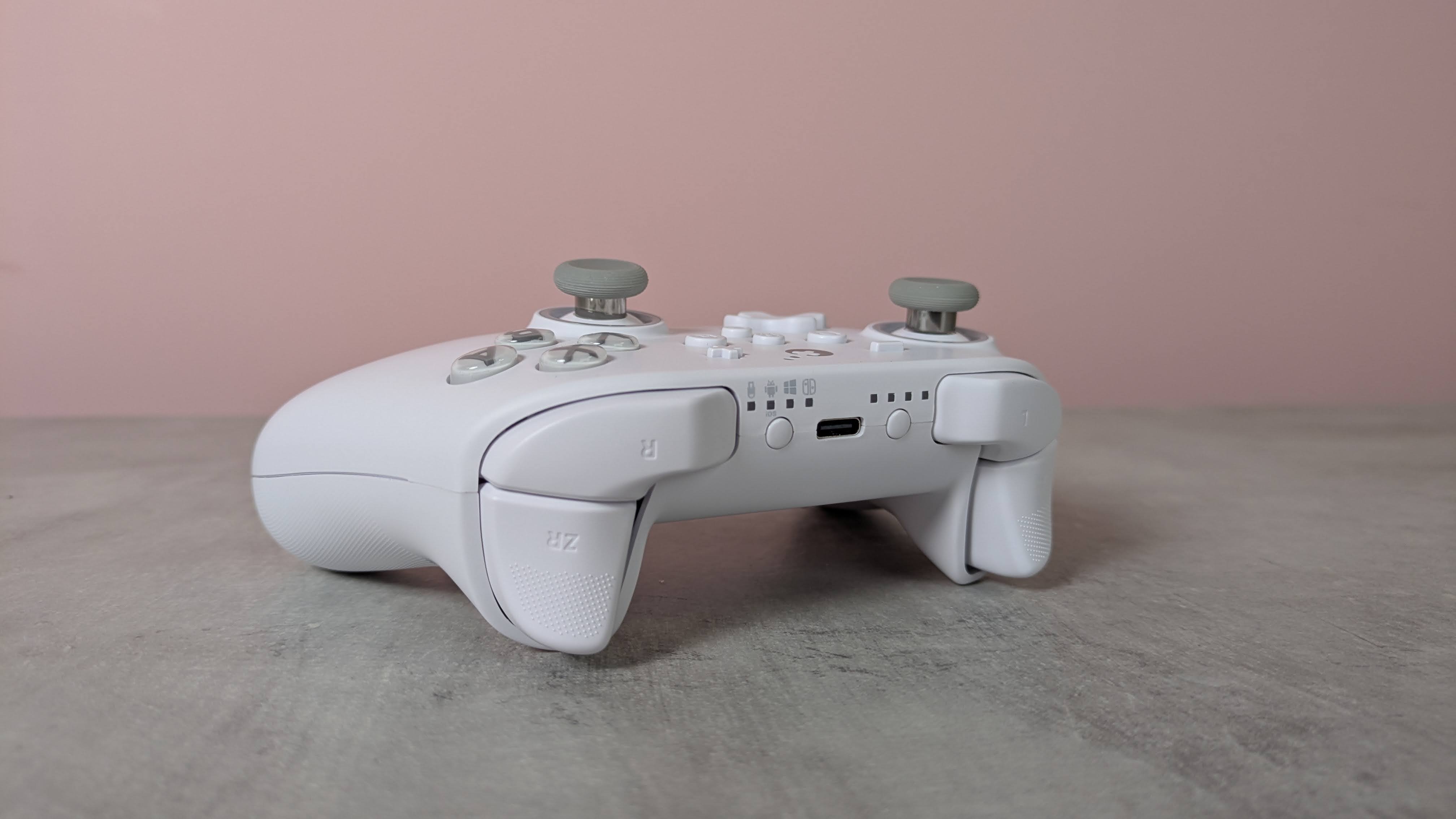
I’m happy to report that I had no issues with connectivity on any system I tried the KK3 Max with. Whether it was to my PC via the USB dongle or to my Switch and Android tablet via Bluetooth, the KK3 Max connected quickly to them all and I didn’t experience any dropouts or lag. Hotswitching between devices is also easy thanks to the dedicated button for this purpose, although it can take several presses for the button to respond.
The current multiplatform controller market is certainly a competitive one, with an increasing number of entrants offering increasingly better value. At $79.99 / £65.99 / AU$113.95, the KK3 Max is dangerously close in price to some real standouts, such as the Steam Controller and the GameSir G7 Pro 8K, and more expensive than the 8BitDo Pro 3, another highly capable controller. It mightn’t quite match up to its cohort, but the KK3 Max is still a gamepad to consider if you prefer onboard adjustments and like to have plenty of back buttons.
(Image credit: Future)
Gulikit KK3 Max review: Price & availability
$79.99 / £65.99 / AU$113.95
Available now in various colorways
Premium pricing puts it against big hitters
The GuliKit KK3 Max costs $79.99 / £65.99 / AU$113.95 and is available now from Amazon. Three colorways are available: black, white, and grey.
This pricing places the KK3 Max at the premium end of the market. It comes close to some big names in this space, such as the new Steam Controller. This has the advantage of touchpads for controlling the mouse cursor, and we found its gyroscope controls performed very well, unlike the KK3 Max’s. It isn’t compatible with the Switch or Switch 2, though.
The KK3 Max is also more expensive than the 8BitDo Pro 3, which has class-leading performance. We particularly loved its smooth analog sticks and triggers, as well as its phenomenal D-pad. It’s very customizable, too, thanks to its accompanying software — something the KK3 Max lacks.
Gulikit KK3 Max review: Specs
Gulikit KK3 Max
Price
$79.99 / £65.99 / AU$113.95
Weight
9.7oz / 275g
Dimensions
6 x 4.3 x 1.3in / 154.7 x 108.1 x 32.4mm
Compatibility
PC, Switch, Switch 2, Android, iOS
Connection type
Wireless (2.4GHz, Bluetooth), Wired (USB-C)
Battery life
15-28 hours
(Image credit: Future)
Gulikit KK3 Max review: Design and features
Super smooth surface
No extra D-pad hats or stick caps
No software
The KK3 Max has a simple and conventional design, replicating the form and layout of the best Xbox controllers. This is no bad thing, though, since such gamepads are among the most ergonomic and comfortable out there. Along with many others, I’m also particularly fond of the asymmetric analog sticks, since this moves the D-pad to a position that makes it easier to use with either thumb.
What may prove more divisive, however, is the relatively small size of the entire unit. I don’t have particularly large hands, but both my thumbs and forefingers tended to overhang the sticks and triggers respectively. I was able to adjust my grip to compensate without sacrificing comfort or security, but others might find this more of a problem.
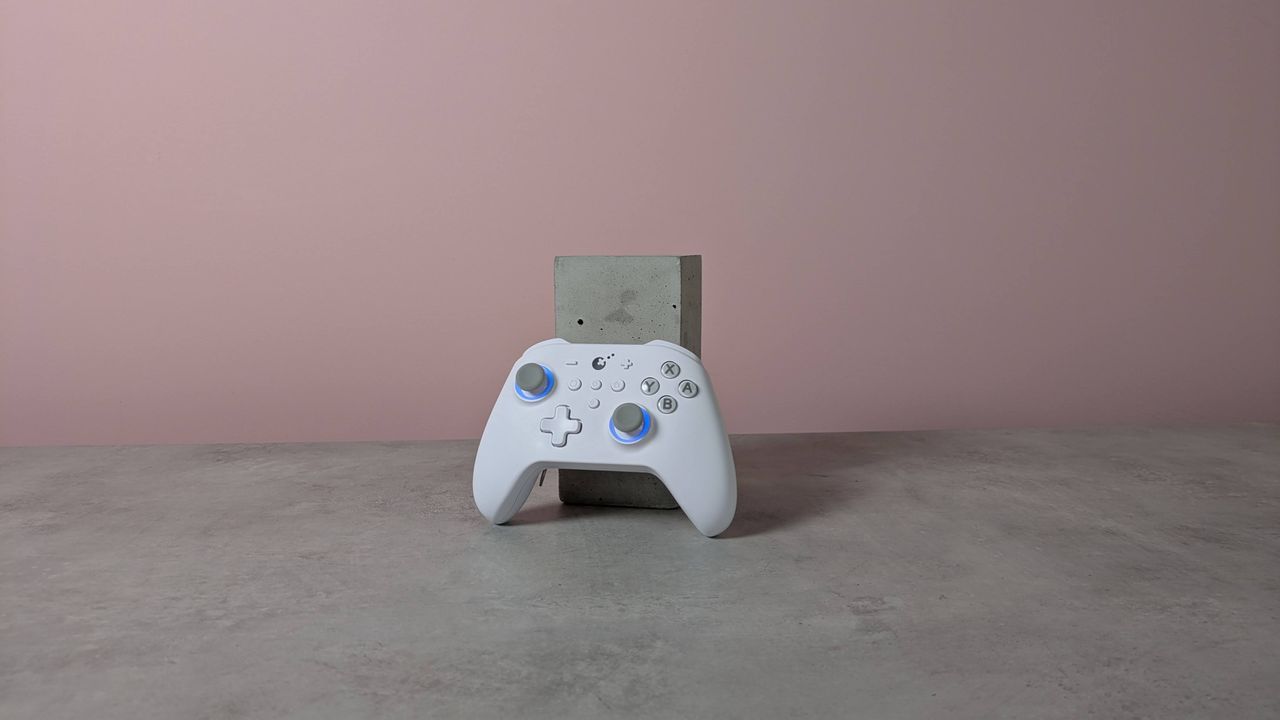
There are some extra touches to the KK3 Max’s design that set it apart from the crowd. The brilliant white matte finish of my review unit is quite eye-catching, as is the subtle yet effective RGB lighting around the sticks, which also has a practical function that I’ll come to later.
(Image credit: Future)
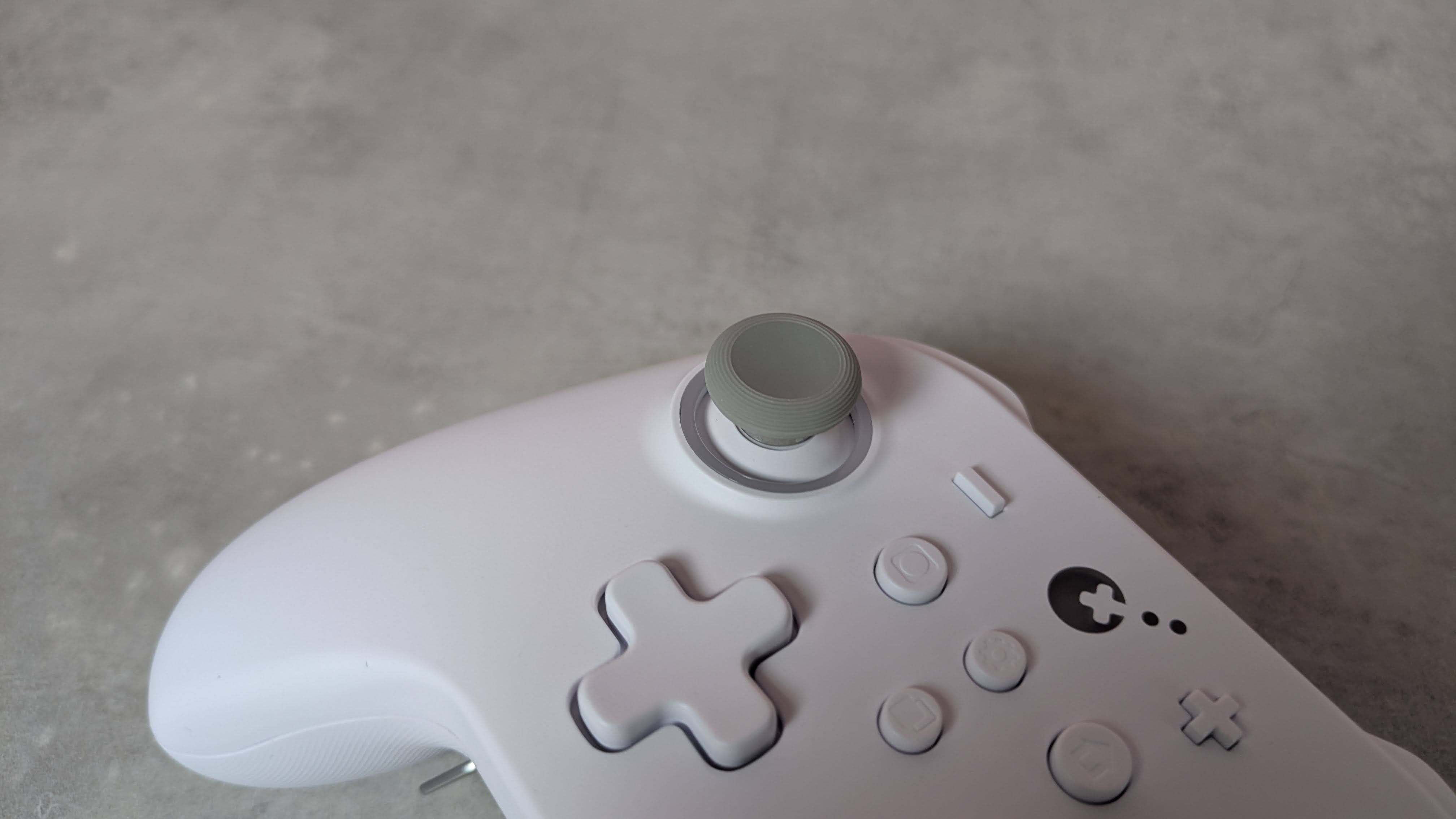
The front plate is incredibly smooth to the touch, smoother than any other controller I’ve experienced. However, this plate isn’t magnetically attached as it is on other gamepads, allowing for easy removal for the sake of customization and reordering or replacing buttons.
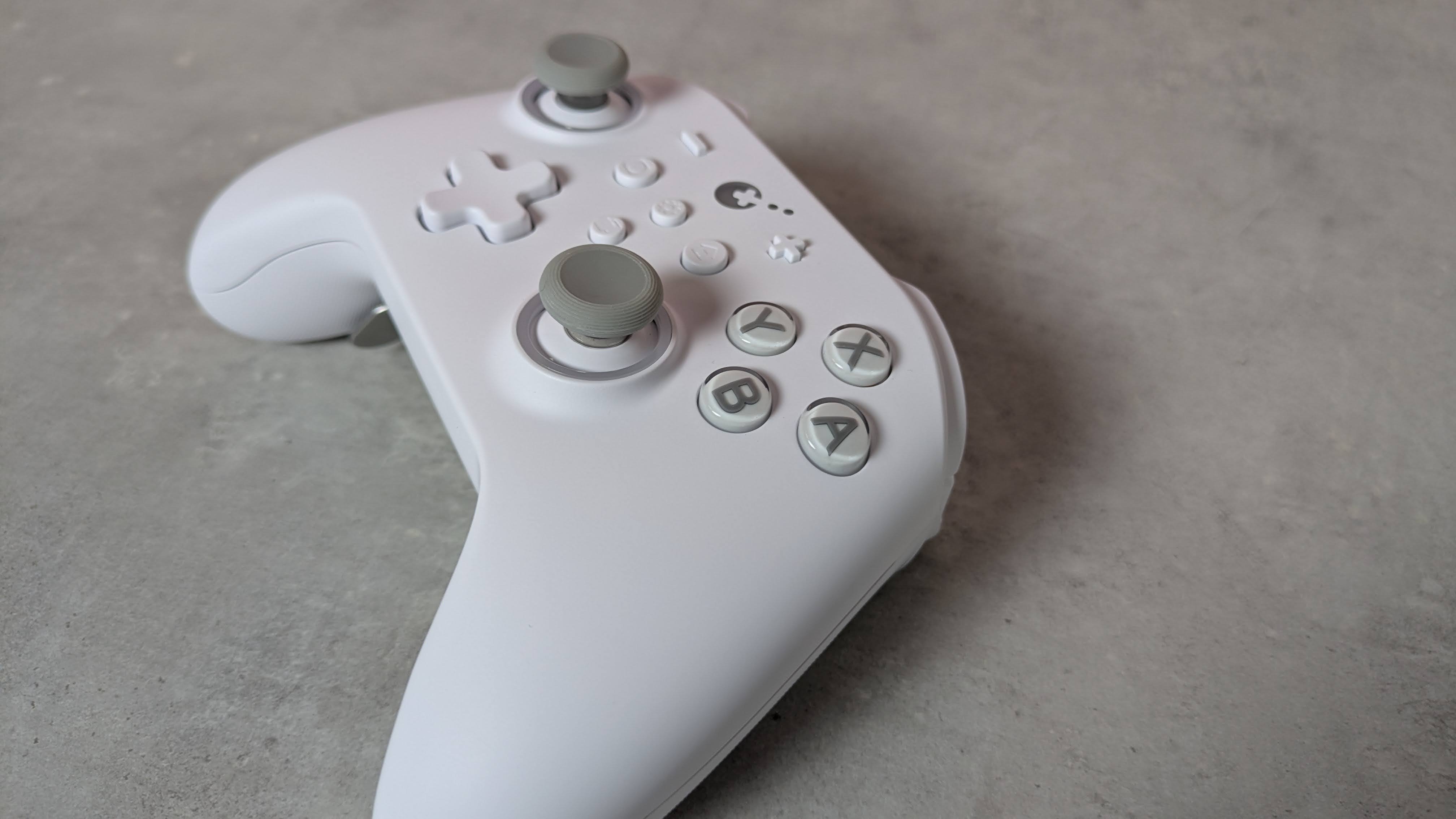
You can still remove the KK3 Max’s face buttons — you’ll just need to use the included puller to do so, which is thankfully easy to use. You can’t directly swap the X with the Y button or the A with the B, though, since they have different depths and curvatures. Rather, duplicates of each button are included in the box with the appropriate depth and curvature for swapping their position. This seems like a rather inefficient solution to me, and just means you have more bits of plastic in your life than you otherwise would.
I can’t complain about their quality, though. They’re pleasantly smooth and stable, with only a marginal amount of play, while their transparent design is quite fetching. The D-pad also feels stable, although it’s a shame you can't replace the hat, as different designs can make a real difference to feel and performance, and would cater to more preferences. Fortunately, I found it quite ergonomic; even though it adopts the traditional four-point shape, its rounded edges make it better for rolling between directions.
(Image credit: Future)
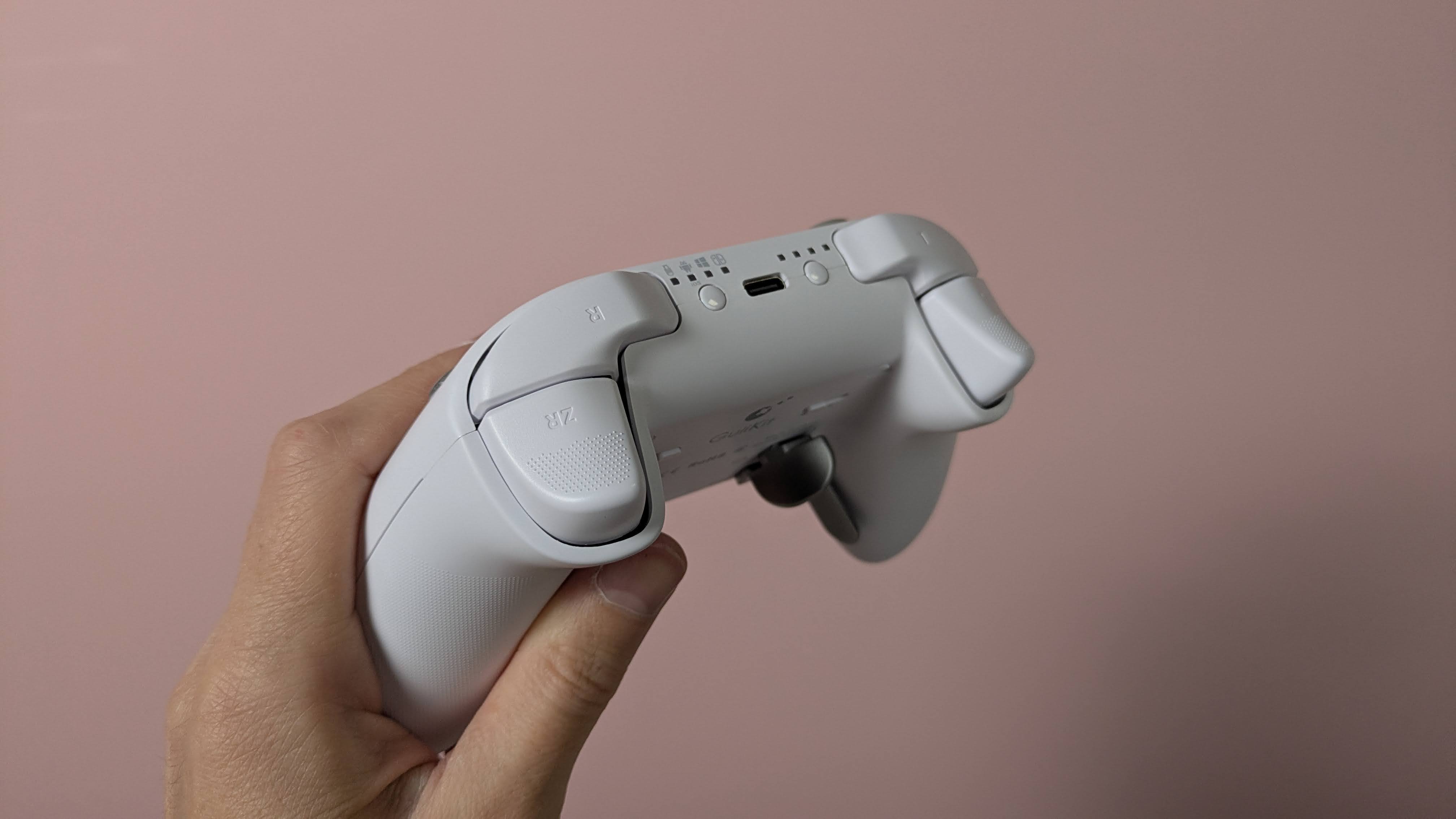
The triggers are also comfortable. They have rounded outside edges, which makes them soft on the finger, as well as a dotted texture to provide grip. The analog stick caps are reasonably small but have an ergonomic shape and a soft finish. Their edges are slightly textured, although this is less prominent than other examples, so those with sweaty thumbs might slip off them. They are removable, but GuliKit doesn’t provide any extra sets in the box, which is a shame. The sticks themselves are quite tall and suitably planted, with a negligible amount of play.
More solid are the back button levers. Despite how they look, they’re not made from metal, but they are reassuringly sturdy. They actually require a fair amount of force to insert in their slots, but once in place, I felt pretty confident that they weren’t going to come loose. They come in different shapes, with two sets of paddle-like levers and a set that looks more like bumpers.
(Image credit: Future)
There’s no software for customizing the inputs of the KK3 Max, which is a shame. However, there are still plenty of adjustments you can make and features to enable using various button combinations. You can alter the sensitivity of the analog sticks, with three levels to choose from, as well as toggle Dead Zone mode for them. You can also enable the Motion Aim Assist mode, letting you assign gyroscopic controls when either the left stick or the left trigger is held. Again, there are three levels of sensitivity to choose from here.
Other settings include a toggle for the D-pad between four- and eight-direction modes, A and B and X and Y swaps, and a Rapid Trigger function with two modes to choose from: one where the chosen input triggers repeatedly when held, and the other when it’s merely pressed. An autopilot mode and a macro recorder are available, too.
All these adjustments are quite easy to make, and there are some useful indicators that let you know what settings have been selected. For instance, the sticks light different colors depending on which of the three sensitivity levels is set, and the pad rumbles once, twice, or thrice depending on which of the three sensitivities of the Motion Aim Assist is set. However, I still would’ve preferred software for convenience's sake; it’s always nice to see your settings represented graphically, and having to remember all the button combinations is a hassle I could do without.
(Image credit: Future)
Gulikit KK3 Max review: Performance
Solid button feel
Slightly imprecise sticks
Motion controls are mixed
In action, the KK3 Max acquits itself rather well. The face buttons are tactile and well-damped, and only require a light touch to press, which makes them feel snappy. However, they don’t provide the best feedback, and there are times when it can be difficult to feel them actually being pressed. Thankfully, however, this didn’t result in presses failing to register, in my experience.
The bumpers are more clicky, but still have enough dampening to make presses satisfying. However, I found their position a little too high, which can make reaching them a little difficult. I should say that I encounter this problem on quite a few gamepads, but here it’s particularly acute.
In fact, I found the back buttons more usable than the bumpers, which isn’t something I can say about a lot of other controllers with back buttons. Their travel might be shallow, no matter which lever you decide to attach, but there’s enough dampening and feedback to make them viable as replacements for other inputs. I didn’t accidentally trigger them when gripping the KK3 Max tightly, either. The shapes of the various levers are easy to use, although I did find that the lower paddles were best used with two fingers rather than one.
(Image credit: Future)
The triggers are resistant enough to provide adequate control when performing graduated presses, something I especially appreciate when playing racing games such as Assetto Corsa that require precise acceleration and braking inputs. Their relatively shallow travel does negate this aspect somewhat, but I still found them just about up to the task. They’re also light enough to perform rapid inputs when needed, and to prevent fatigue from setting in during prolonged holds.
The sticks move freely and quickly, with a fast rebound that makes them feel snappy. Aiming was quite accurate when I played 007 First Light, although they don’t offer the smoothest motion, with small but frequent jumps and unexpected accelerations affecting my accuracy. Thankfully, their aforementioned height didn’t pose a problem when moving them around, although it did cause some instability when pressing in the L3 and R3 buttons, with accidental directional movements often accompanying them.
The gyroscopic motion controls are mixed in terms of their performance. When I played The Legend of Zelda: Tears of the Kingdom on my Switch, they were smooth when aiming the bow, and on a par with the best Nintendo Switch controllers. However, with games on other platforms, such as First Light on PC and Hitman Blood Money — Reprisal on Android, they were jerky and restrictive in terms of movement. No matter how many times I recalibrated them using the onboard function to do this, they didn’t improve on these systems.
I had no issues connecting the KK3 Max to my Windows 11 PC, Switch, or Android tablet via Bluetooth or the USB dongle. The handy button for hot-switching between devices is also useful, and hot-switching itself proved quick in my experience. However, the button doesn’t operate that well, taking a few too many presses to actually respond.
Should I buy the Gulikit KK3 Max?
Buy it if…
You want a comfortable gamepad The ergonomic shape of the KK3 Max, combined with the super smooth front panel and rounded triggers, make it comfortable to use — although those with particularly large hands might struggle with it.
You want plenty of back buttons With four back buttons and three different kinds of lever attachments for them, the KK3 Max is great for those who like to trigger inputs with their fingers rather than their thumbs.
Don't buy it if…
You want software Even though you can customize the inputs of the KK3 Max, you’ll need to do this with button combinations, as there’s no companion app.
You want the best stick performance The sticks aren’t quite as smooth or precise as those in the best gamepads.
Gulikit KK3 Max review: Also consider
GuliKit KK3 Max
8BitDo Pro 3
Valve Steam Controller (2026)
Price
$79.99 / £65.99 / AU$113.95
$59.99 / £40 (around AU$84)
$99 / £85 / AU$149
Weight
9.7oz / 275g
8.5oz / 242g
10.3oz / 292g
Dimensions
6 x 4.3 x 1.3in / 154.7 x 108.1 x 32.4mm
6.1 x 3.9 x 2.6in / 154 x 101 x 65mm
4.4 x 6.3 x 2.2in / 111 x 159 x 57mm
Compatibility
PC, Switch, Switch 2, Android, iOS
Switch, Switch 2, PC, Android, iOS
PC, Mac, Android, iOS
Connection type
Wireless (2.4GHz, Bluetooth), Wired (USB-C)
Wireless (2.4GHz, Bluetooth), Wired (USB-C)
Steam Controller Puck, USB, Bluetooth
Battery life
15-28 hours
15-20 hours
35+ hours
Valve Steam Controller (2026) Valve’s latest iteration of the Steam Controller was highly anticipated, and in our view it didn’t disappoint. We found it offered great all-round performance, thanks to its TMR analog sticks and excellent gyro controls. Unlike other controllers, it also features touchpads for controlling cursor movement, making it a real boon for PC players. It doesn’t have the wide-ranging platform support of others, though.
8BitDo Pro 3 If you want to spend less on a controller but still want great performance, look no further than the 8BitDo Pro 3. We loved the performance of its sticks, triggers, and D-pad, and we found its shape supremely comfortable, while still staying faithful to the old SNES gamepad it’s keen to emulate. It also has great software with plenty of customizations.
I tested the Gulikit KK3 Max for a few days, during which time I played a number of games on most of the platforms the controller is compatible with. I used it on my Windows 11 PC via the 2.4GHz wireless USB dongle, and on my Switch and Samsung Galaxy Tab S11 tablet via Bluetooth.
I made sure to play a variety of games across these platforms to test every facet of the controller’s performance. I played 007 First Light on PC, which is a good test for the accuracy and precision of analog sticks, as well as Hitman: Blood Money — Reprisal on my tablet for the same purpose. I also played Assetto Corsa, which is not only a good test for the sticks but also for the control offered by the triggers. I also played The Legend of Zelda: Tears of the Kingdom on Switch, primarily to test the motion controls, as the game and console handle such controls very well.
I’ve been gaming for decades, and have used numerous gamepads with numerous systems in that time. I’ve also reviewed a number of other controllers, from budget offerings to high-performing premium models.
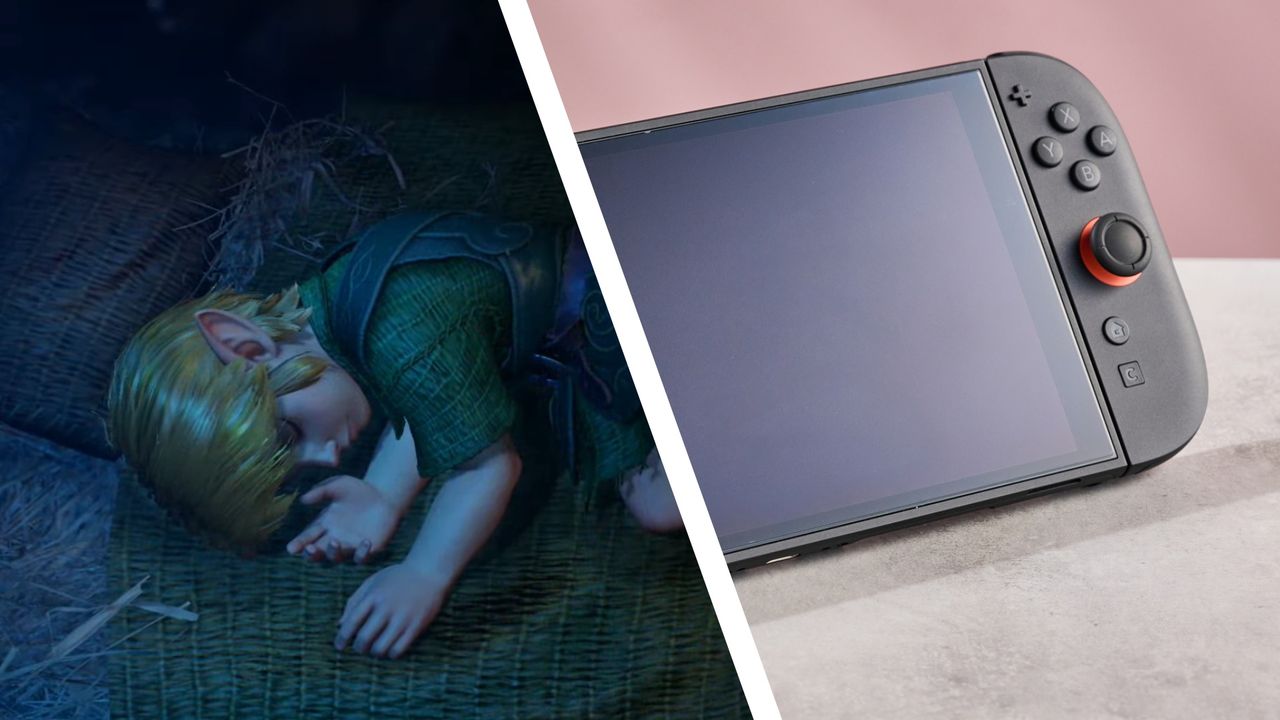
My love of all things Zelda is no secret to my colleagues, friends, and family. In fact, when The Legend of Zelda: Ocarina of Time (OoT) remake was first announced, our Global Editor-in-Chief, Marc McLaren, immediately messaged me to ask if I intended to take time off to play it (I do).
When the 40th anniversary of the franchise rolled around earlier this year, I was a little blue to see little-to-no news of a new game or remake, but my long-read ode to the lasting impact of Link's adventures through Hyrule at least gave me a distraction. Now, however, with months to go until I finally make my grand return to the Kokiri forest, my hype has reached new heights.
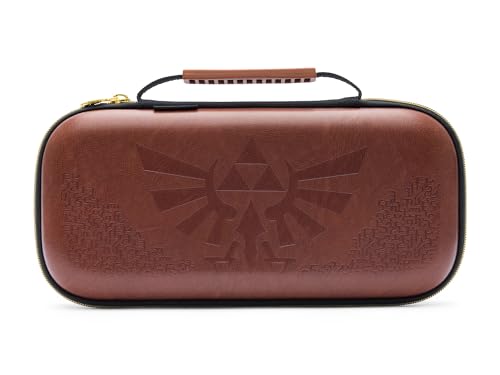
To pass the time, I plan to spend my money on, you guessed it, even more Zelda merchandise and Switch 2 accessories to accommodate my upcoming increase in playtime. In the current Amazon Prime Day deals, there's a wide selection of cases, storage, merchandise, and more to shop; I've included some of the best below, as well as the essential gear my gaming station will be decked with come OoT's release later this year. Not everything I've linked below is on sale, so look for the percentage-off badge if you're only looking for good deals.
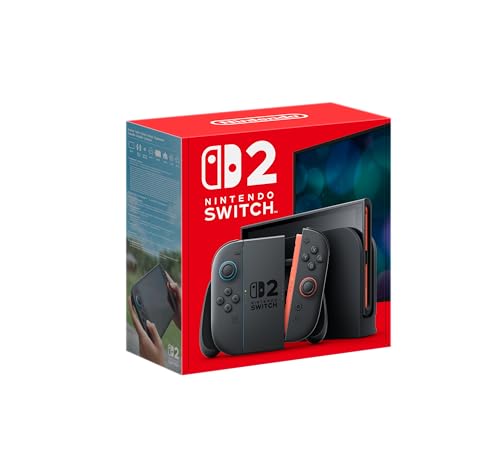
Switch 2 Essentials
Nintendo
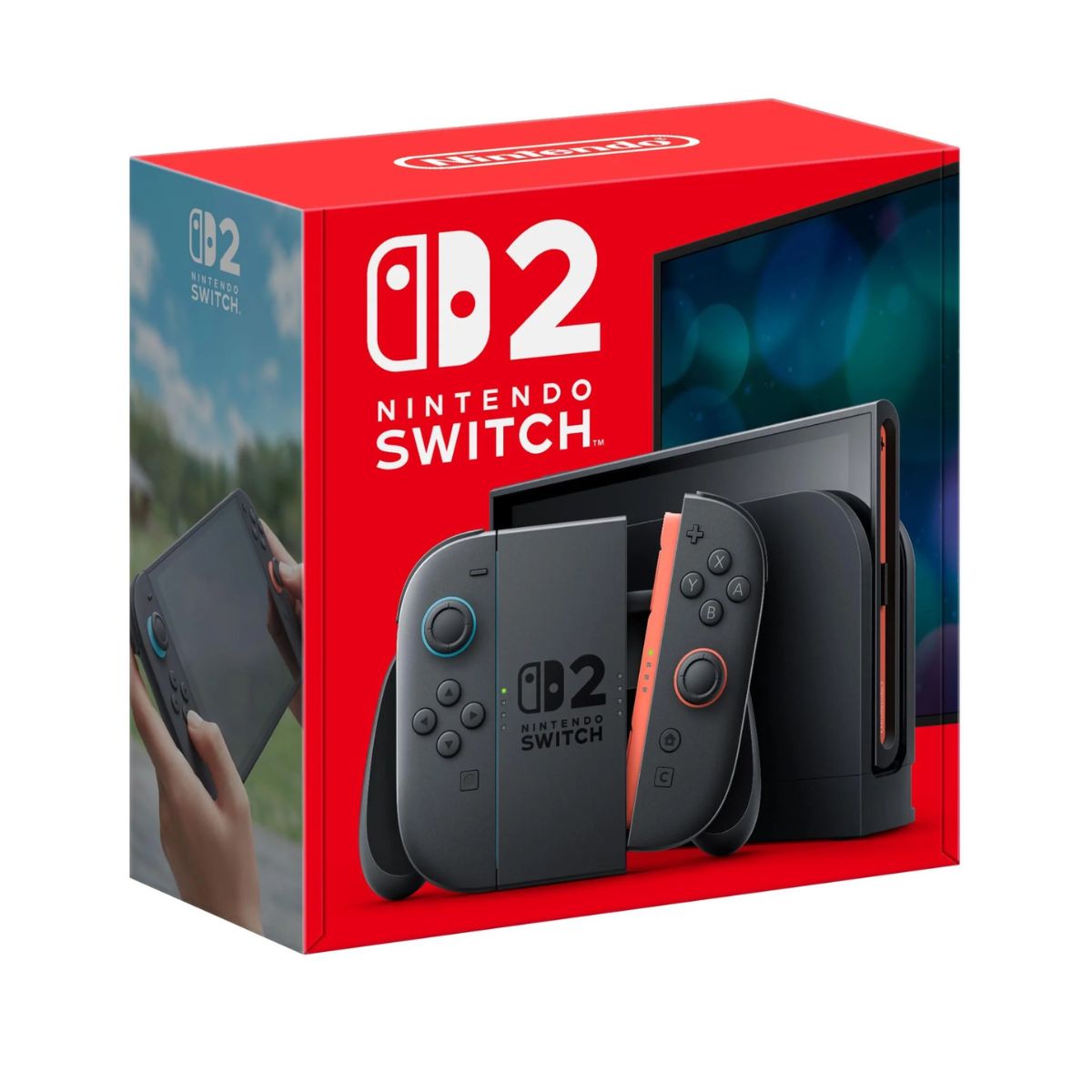
Switch 2 Console
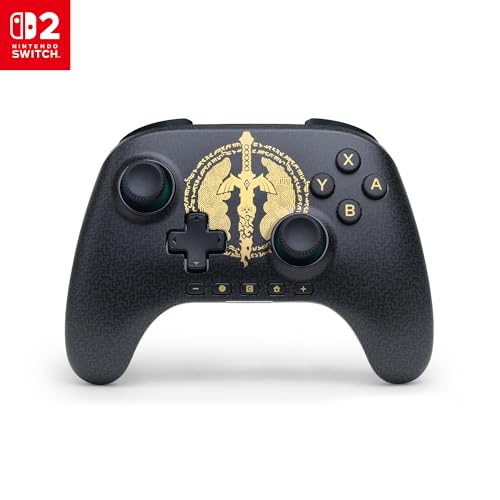
PowerA
Advantage Wireless Controller for Nintendo Switch 2
SanDisk
MicroSD Express Card
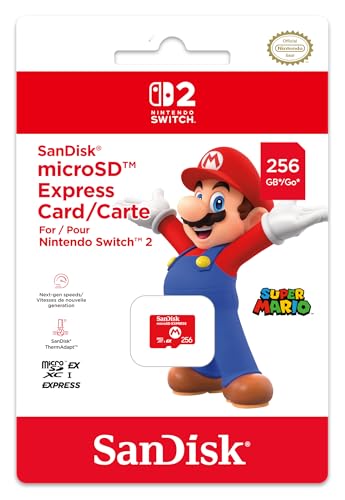
Nintendo
SanDisk MicroSD Express Card for Nintendo Switch 2
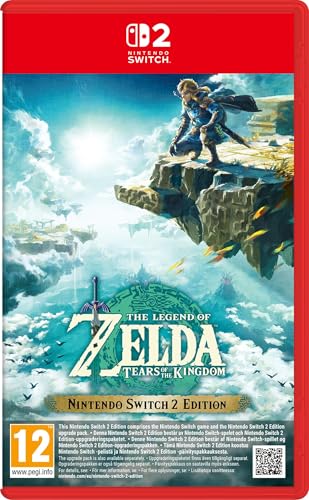
If you're not caught up on the latest and greatest Switch generation Zelda games, you've got plenty of time ahead of the Ocarina of Time's remake releasing to pour some hours into adventure.
Nintendo
The Legend of Zelda: Tears of the Kingdom
Nintendo
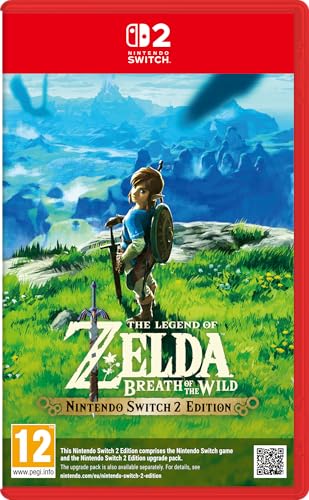
The Legend of Zelda: Breath of the Wild
Nintendo
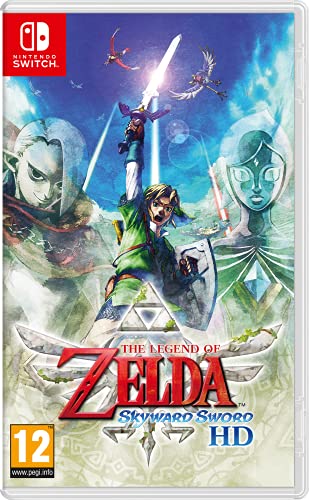
The Legend of Zelda: Skyward Sword
Nintendo
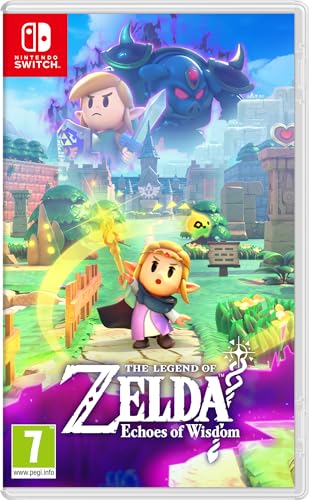
The Legend of Zelda: Echoes of Wisdom
Nintendo
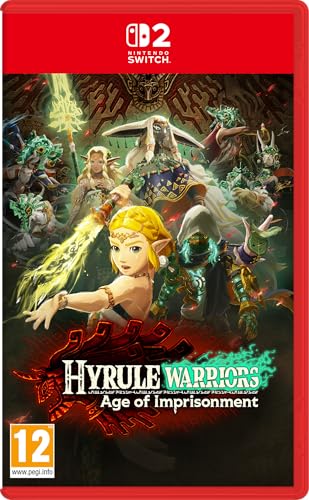
Hyrule Warriors: Age of Imprisonment
Nintendo
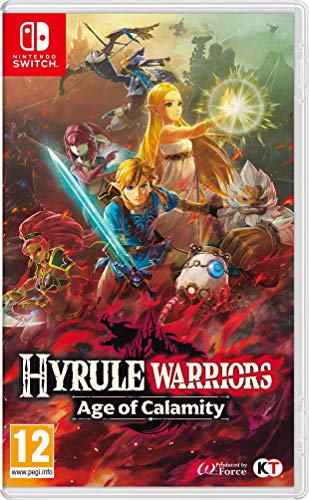
Hyrule Warriors: Age of Calamity
Nintendo
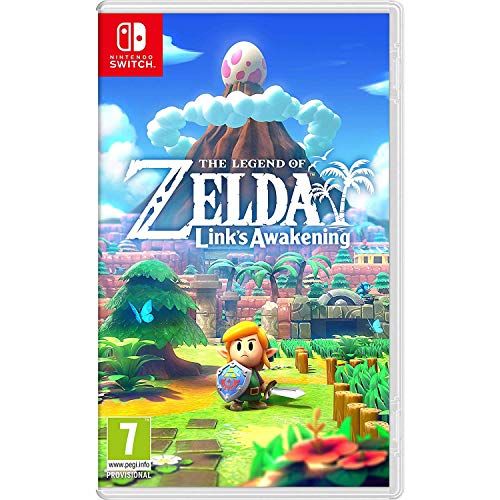
The Legend of Zelda Link's Awakening
Essential Zelda merch
From Lego sets to card games and novelty toys, there's a lot of great Zelda merch out there. I own a lot (really, an embarassing amount) of the below merchandise already; join me in my submission to capitalism's whim.
LEGO
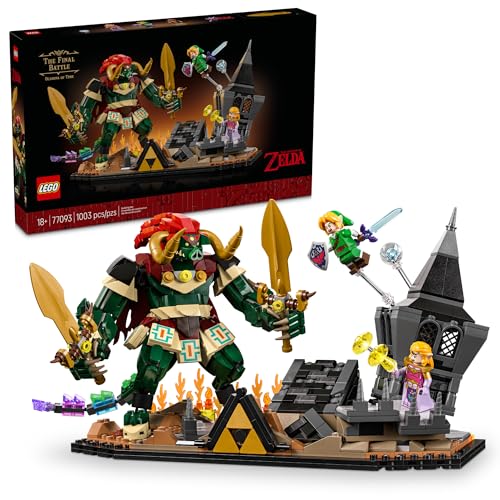
The Legend of Zelda: Ocarina of Time – the Final Battle
LEGO
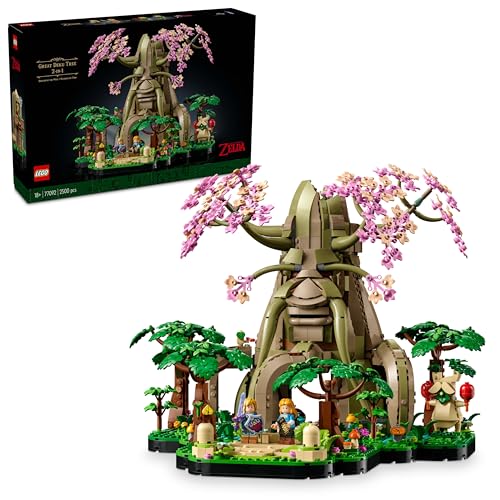
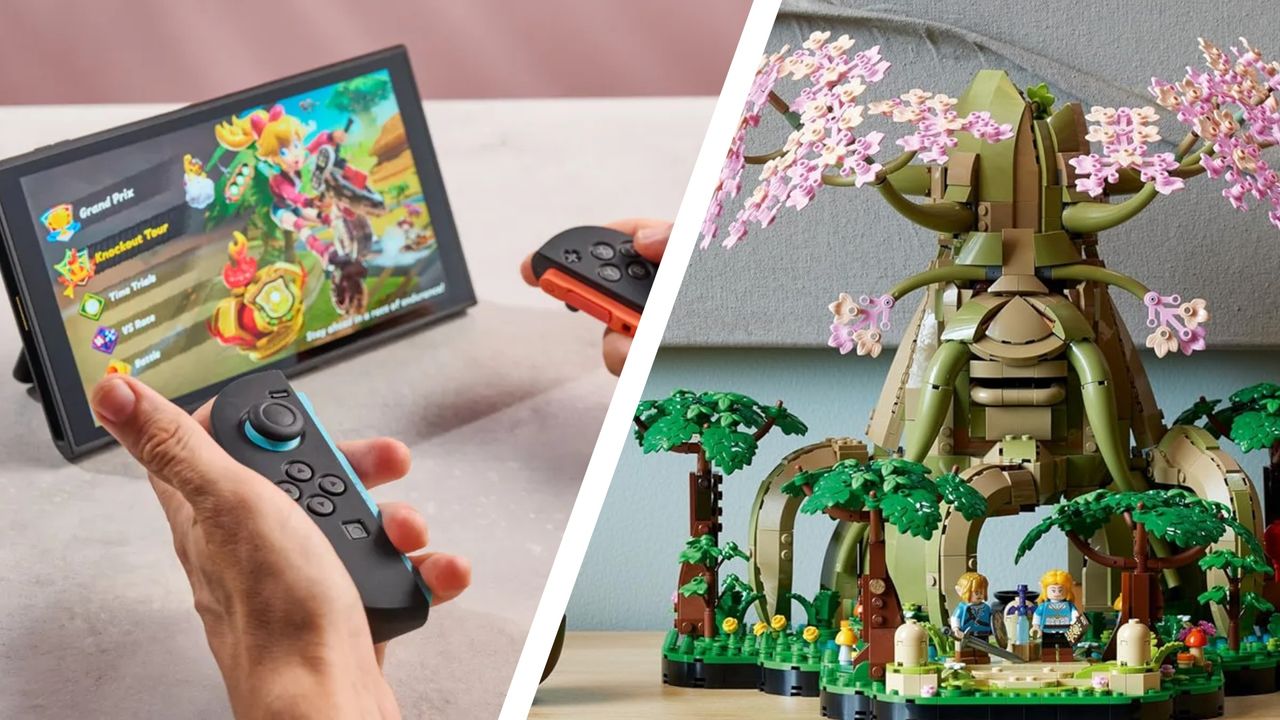
Great Deku Tree 2-In-1
LEGO
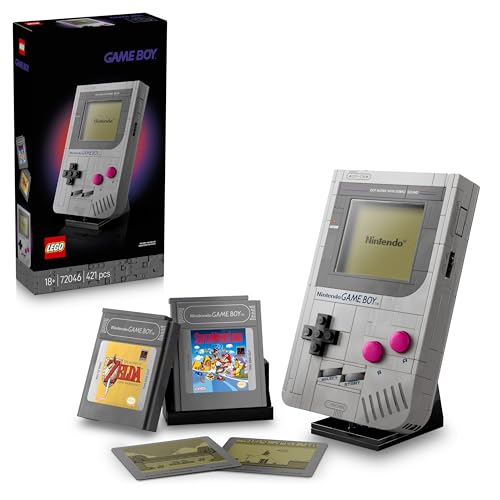
Super Mario Game Boy
Paladone
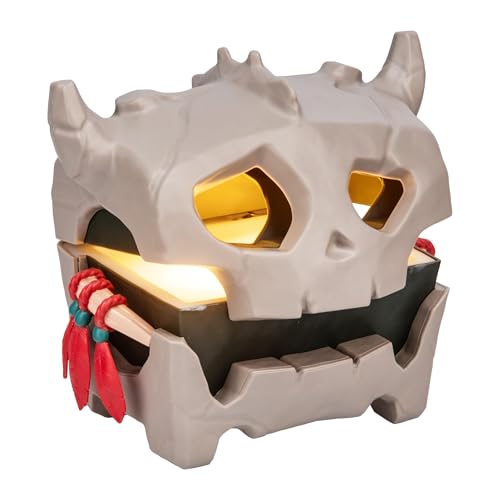
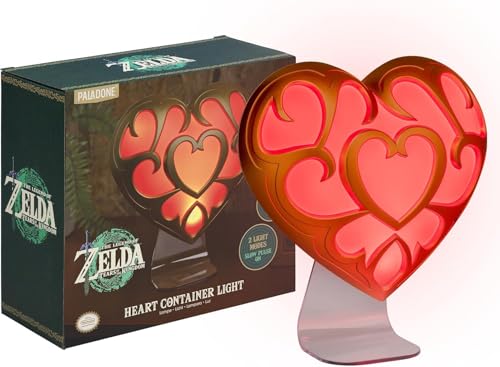
Bokoblin Chest Light
USAopoly
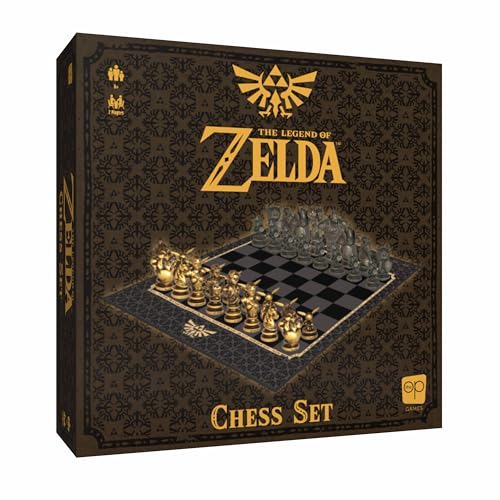
The Legend of Zelda Chess
TAMASHII NATIONS
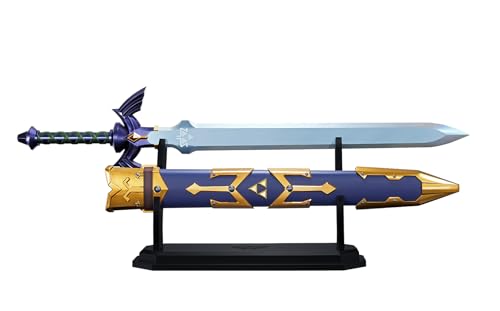
The Legend of Zelda Réplique Proplica Master Sword 105 Cm Black
I know we're all buzzed about the imminent opening of pre-orders for GTA VI. But for me, that ties for most exciting gaming news this month, after Nintendo announced The Legend of Zelda: Ocarina of Time remake is also dropping later on this year. So if you're as into Zelda games as I am and have a decent chunk of cash spare, I'd absolutely recommend you pick up a Nintendo Switch 2 this Prime Day.
As an ardent fan, The Legend of Zelda series lives absolutely rent-free in my head. I cut my teeth on the sublime pixel art of A Link to the Past on the SNES, donned many mantles in Majora's Mask, and banished the gloom in Twilight Princess. But it's almost certainly Ocarina of Time that made the biggest impression on me at the time, thanks to its epic time-hopping story and, at the time, groundbreaking 3D visuals.
So even though I've played the game to completion an almost shameful number of times, you better believe that I'll be picking up the remake on day one of its release. If you're similarly set on reliving one of the greatest games of all time but don't yet have a Nintendo Switch 2, I have one piece of advice for you: grab your console now.
While epic Prime Day discounts are pretty thin on the ground, there's still a good reason to pick one up now. Thanks to the ongoing RAM crisis, Nintendo has already revealed that price rises are coming to the Switch 2. It's been confirmed that, come September, the price US buyers will pay is increasing from $449 to $499 — and while the exact price rise hitting the UK market is yet to be revealed, expectations are that it will be in roughly the same ballpark as in the US.
With its larger, gorgeously vivid 1080p display, silky smooth performance and more sturdy build, the Switch 2 feels every bit the upgrade over its predecessor. And while you can't currently get it for much of a discount, with the price increasing by $50 in September, this may well be the best deal you'll get for a long while.
Not only is its screen flat out gorgeous, packing plenty of brightness and vibrant colors, but it's silky smooth, hitting highs of 120Hz for compatible games. And performance is impressive — even a much more demanding title like the recent Indiana Jones and The Great Circle port feels great, despite being locked at 30fps rather than the 60fps (or above) hit by other platforms. That's an impressive feat for a handheld console this compact.
And the roster of games available for the Switch 2 has expanded massively since release. Donkey Kong Bananza feels like the exact breath of fresh air the series needed, adding a fun new gimmick in its landscape-smashing shenanigans, while I've genuinely been hoping to see a Metroid Prime 4 for almost two decades now. But it's Pokémon Pokopia that has most thoroughly hijacked my brain's dopamine system, allowing me to pour countless hours into building mansions and amusements for my 'mons.
However, if I hadn't already upgraded, there's no doubt that The Legend of Zelda: The Ocarina of Time remake would have pushed me over the top. Getting to relive my nostalgia-soaked memories of one of the greatest adventures of all time with a fresh new coat of paint is a compelling hook indeed. And for any fan dead set on experiencing it, I'd honestly recommend you getting your Switch 2 ordered now before you have to fork out for that extra markup.
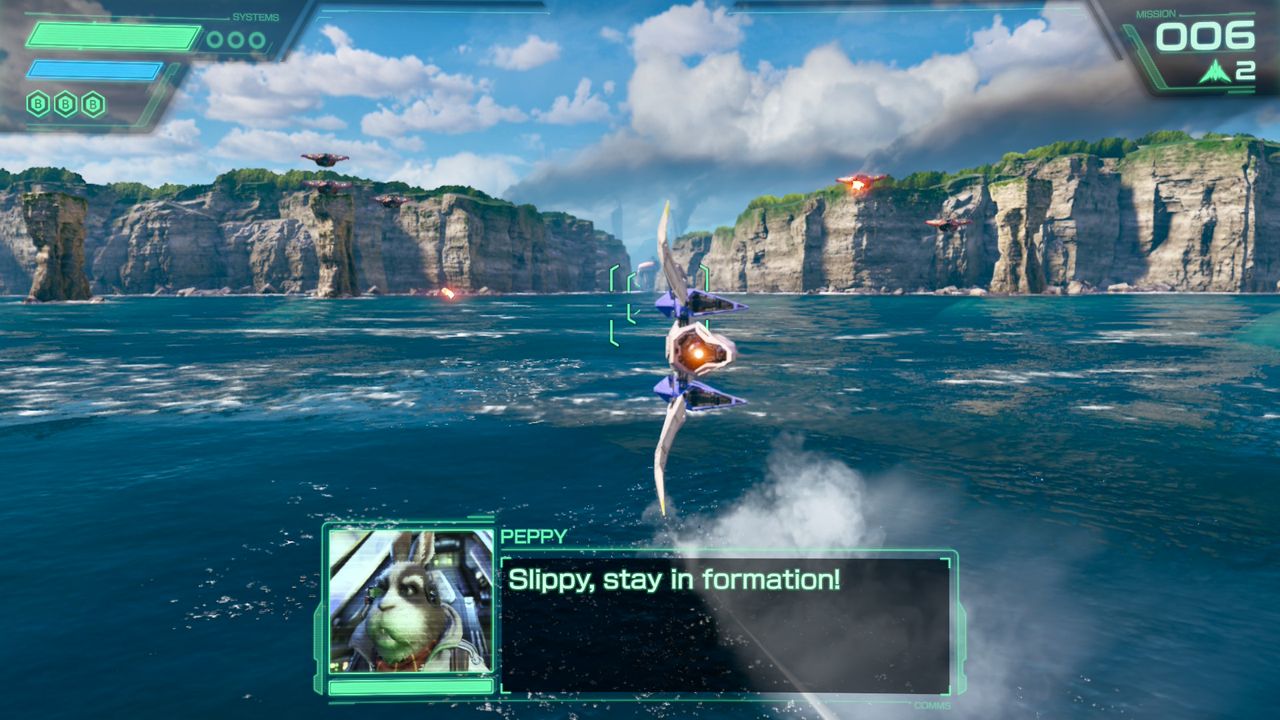
With protagonist Fox McCloud appearing in a surprise cameo in the recent Super Mario Galaxy Movie, it’s clear that Nintendo wants to bring its niche on-rail space shooter series to a wider audience. To that end, this new Star Fox makes a lot of sense. It’s a remake of the 1997 title Star Fox 64, which is beloved by fans and a good starting point if you’ve never played one of the games before.
Review info
Platform reviewed: Nintendo Switch 2 Available on: Nintendo Switch 2 Release date: June 25, 2026
The problem for me is that this is far from the first time that Nintendo has brought Star Fox 64 back. I grew up with the Nintendo 3DS, and experienced it as Star Fox 64 3D. This was followed by some hands-on time with the Wii U reimagining Star Fox Zero,and then finally a playthrough of the original release when it came to Nintendo Switch via Nintendo Switch Online.
Every single mainline Star Fox game that’s come out since I was about eight years old has been a version of Star Fox 64, and now, as an adult, I’m getting yet another one in Star Fox for Nintendo Switch 2.
I really wish the gaming giant had been a little bolder with this release, adding even just a smidge of new gameplay to freshen up the old campaign. Still, Star Fox 64 is a cult classic for a reason, and thanks to its strong base, this remake is still plenty of fun to play through for what is, hopefully, one last time
Into the Lylat Wars
(Image credit: Nintendo)
The premise is simple, if a little unconventional. You’re a dashing fox in a universe populated by anthropomorphic animals where civilization has managed to crack space colonization despite an apparent lack of opposable thumbs.
Rather than rooting through sci-fi bins, you’re the leader of a mercenary squad (staffed by you, the bird-like Falco, the lagomorphic Peppy, and slimy Slippy toad) that lends its services to the highest bidder — in this case an intergalactic army that’s waging war against the evil scientist dictator Andross.
Fully voiced and animated cutscenes to convey all this information are one of this remake’s biggest new additions, and they feel like a natural inclusion. They’re not super long or expansive by any means, but all flow well and are decently acted throughout even if there are a few moments where the animation can look a bit cheap.
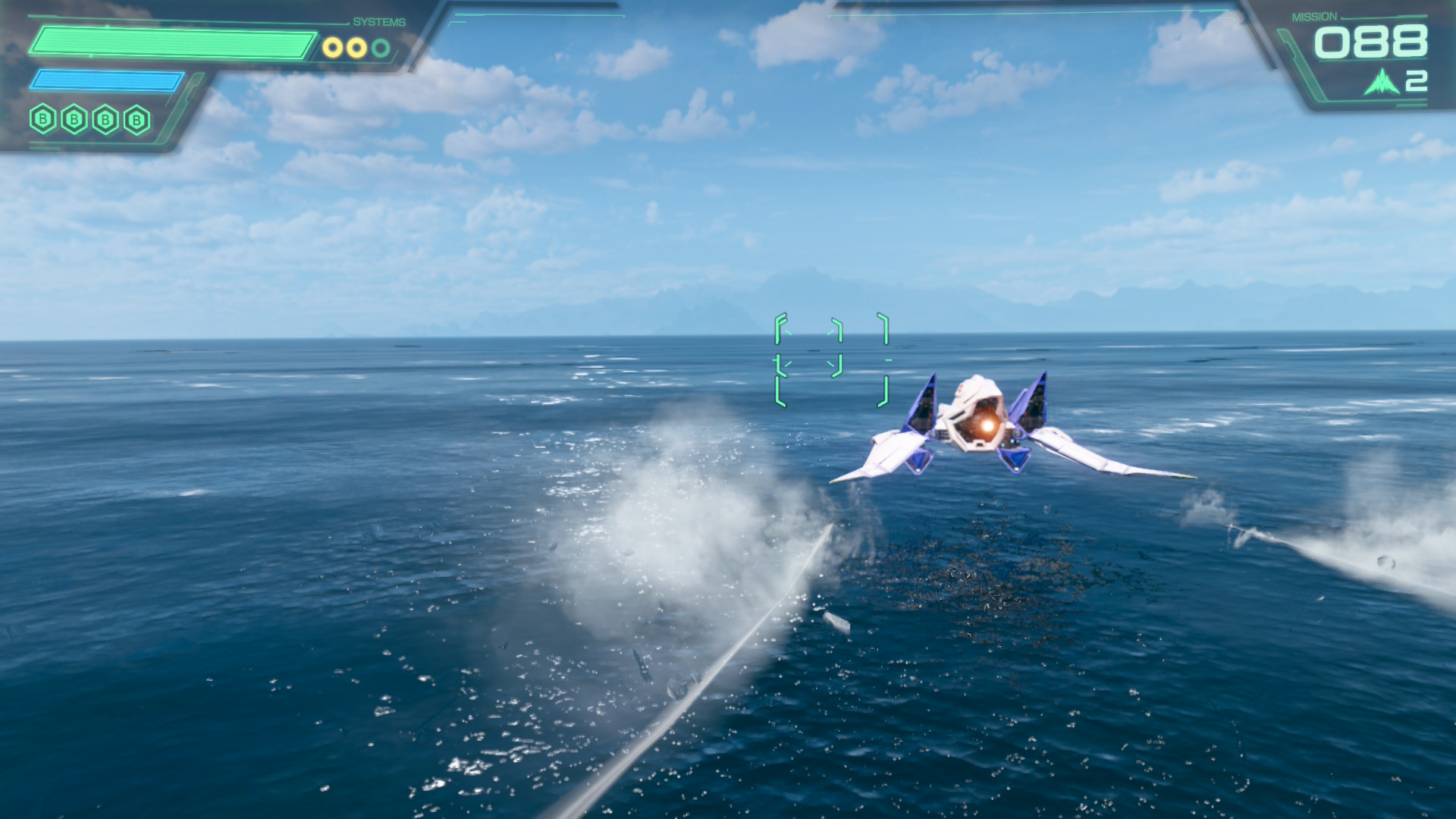
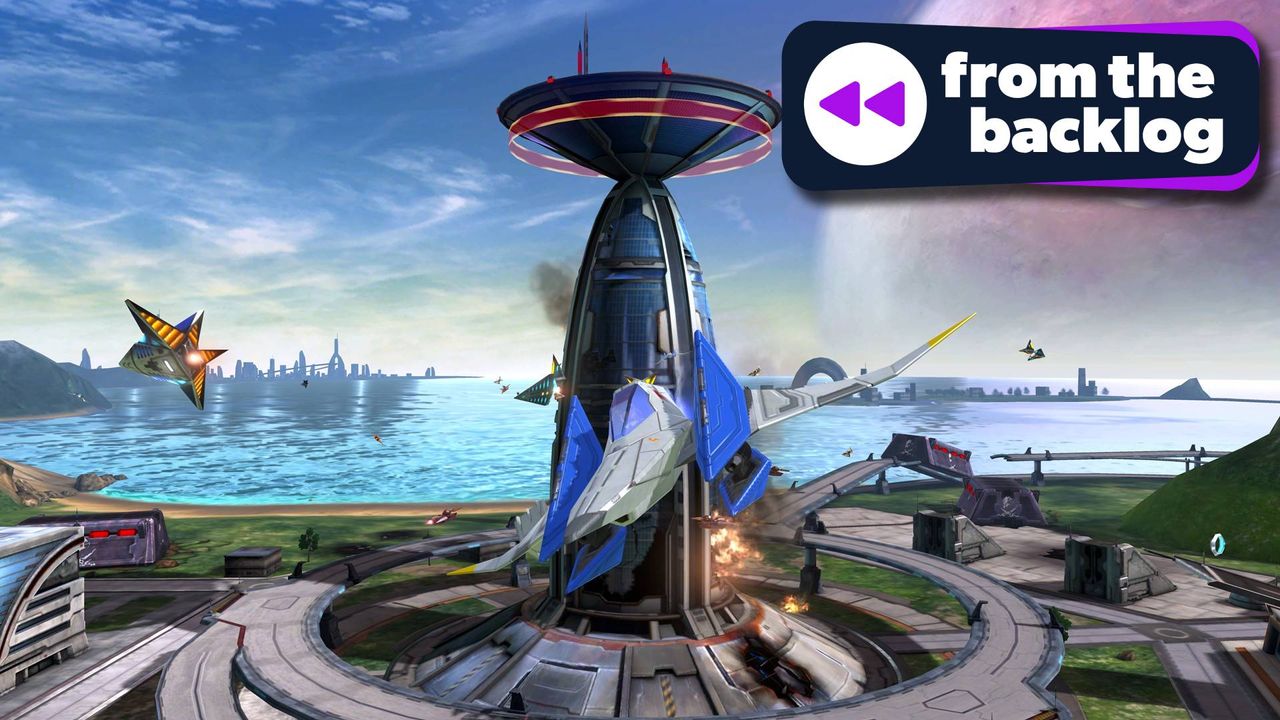
They provide some much-needed downtime in between each of the levels, which are hectic, high-score challenges that see you steering your ship, the Arwing, through intense battles. The action unfurls in a largely on-rails format, but that doesn't mean that this isn’t a degree of strategy to it.
(Image credit: Nintendo)
You can swerve all across the screen, hitting barrel rolls to deflect incoming fire and blasting your laser canons. Your craft very much exists in a 3D space, so enemies often come up behind you, requiring evasive maneuvers like somersaults or hitting the brakes.
There's a boost too, which, deployed at the right time, can see you zooming under falling debris or through closing gaps — often picking up a power-up or two in the process. It’s all remarkably smooth to control, and sections where you pilot other vehicles keep the stages feeling fresh.
Each campaign is extremely short, taking just over an hour to complete, and has you working your way through a map of the galaxy littered with 16 unique planets.
Best bit
(Image credit: Nintendo)
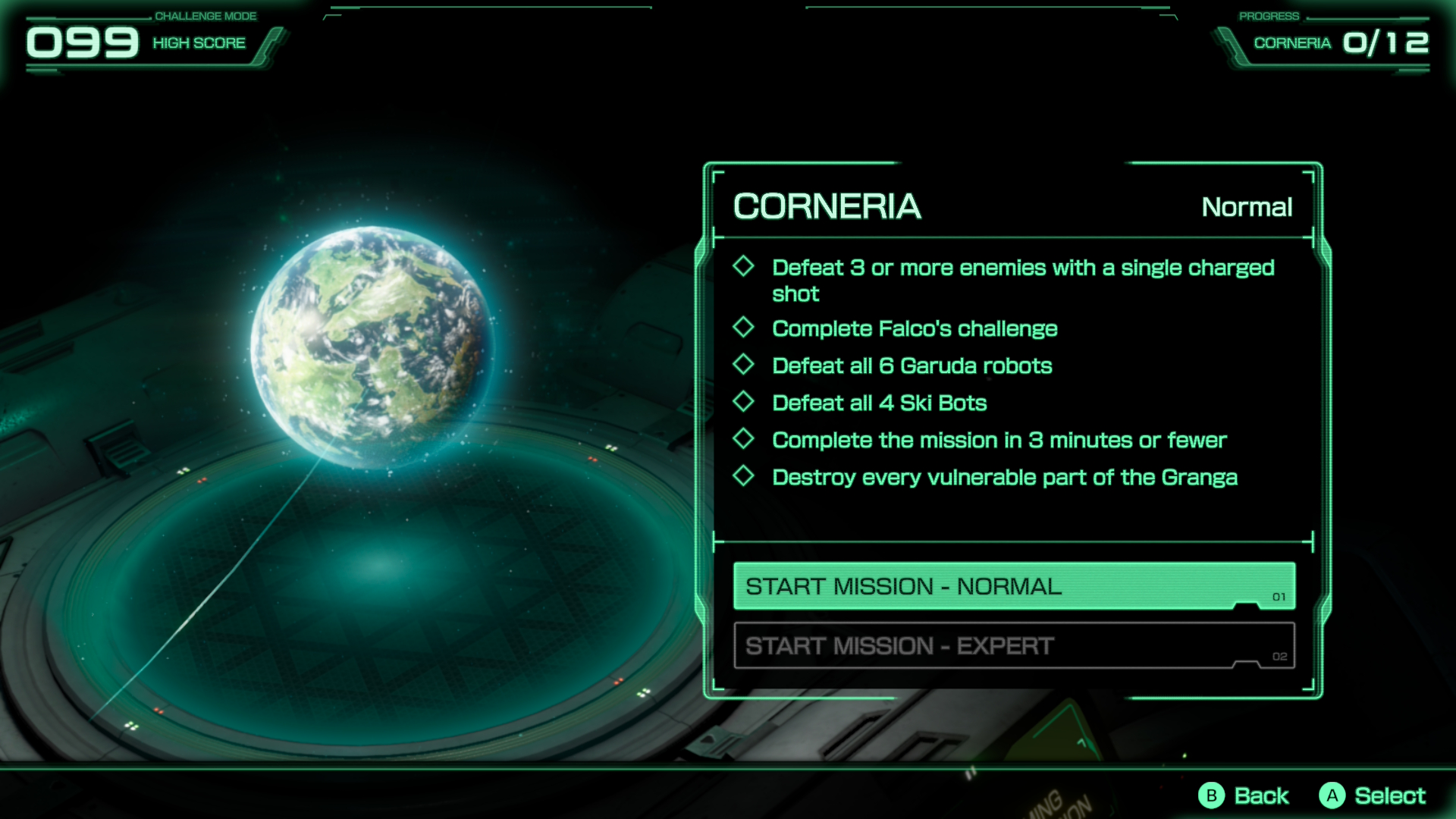
The challenge mode lets you replay all of the levels from the campaign but with some new tricky objectives. These reward you with unlocks like profile badges and lore to read, and I can already see it being a huge hit with completionists.
You can’t visit all of them in one playthrough, which, alongside the two main story paths, gives you plenty of reasons to replay it at least a couple of times. That said even when you bear that in mind, the experience is still pretty fleeting and doesn’t feel befitting of the $49.99 / £41.99 / AU$84.95 digital (or $59.99 / £44.99 / AU$99.95 physical) asking price.
This is especially true if you’ve played all the other versions of Star Fox 64, as you’re basically just paying for a new, admittedly quite pretty, coat of paint.
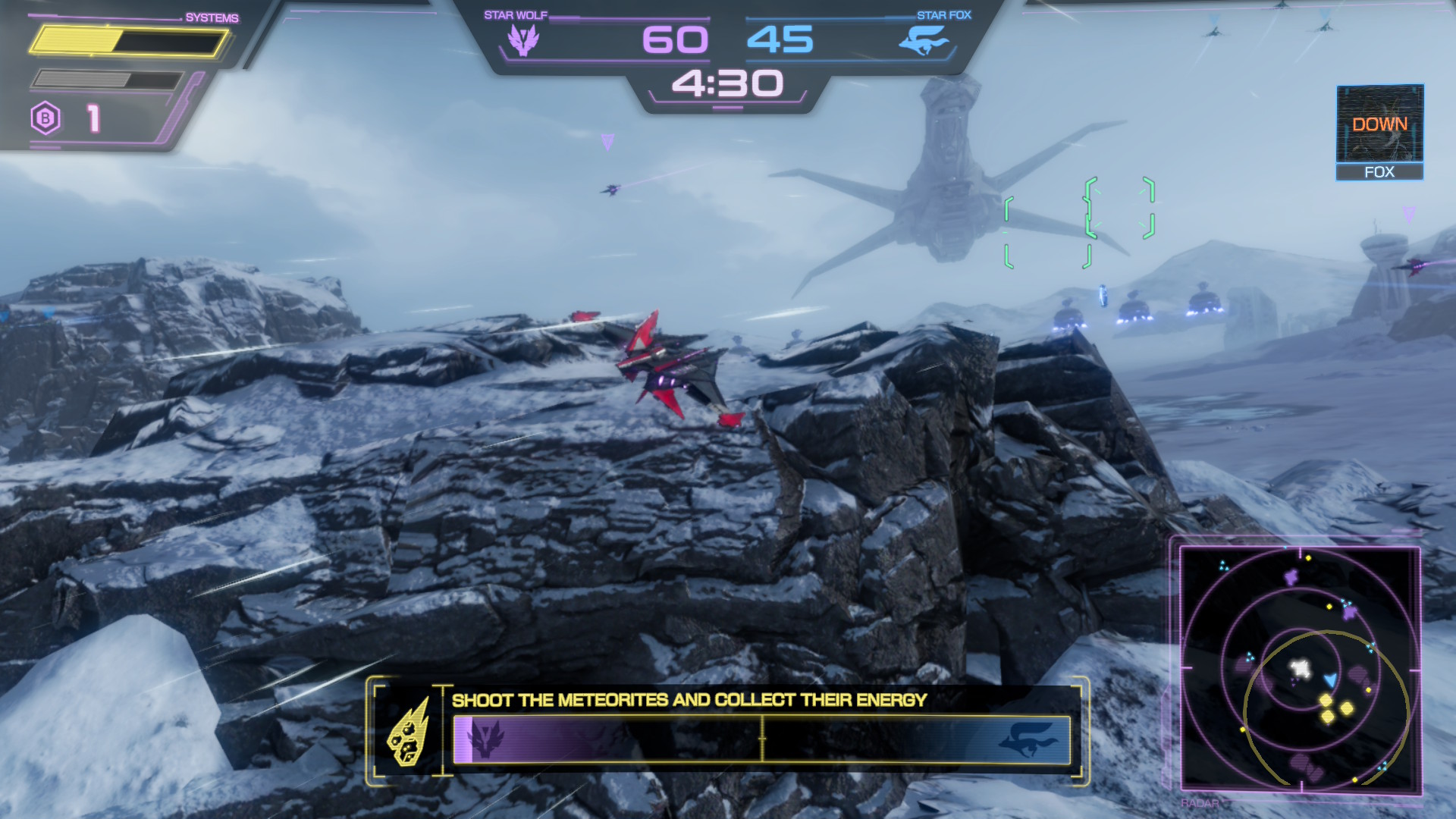
There is thankfully a new battle mode to try out, and it’s pretty good on the whole. It’s in an online 4v4 player versus player (PvP) format, with one team playing as the Star Fox squad and the other cast as their rivals Star Wolf. Each of the three maps has its own associated game mode, ranging from simple control point capture to fighting to drag limited space cargo back to base.
I’ve had a great time with it so far, though I can imagine that online populations will quickly dwindle given the small map pool. Hopefully a post-launch update will add some more.
Should I play Star Fox?
Play it if...
You’ve never tried Star Fox 64 If you’ve never experienced Star Fox 64 before, then Star Fox is the best version that’s readily available right now. The updated graphics are pleasant, and it feels fantastic to control.
You find it on sale My main issue with Star Fox is its high asking price. If you can find it heavily discounted, then it’s well worth picking up.
Don't play it if...
You’re sick of the Nintendo 64 game If you’ve played the previous Star Fox 64 remakes, then I would recommend skipping Star Fox. It looks pleasant, sure, but it really doesn't add much new beyond its cutscenes.
Accessibility features
As with most first-party Nintendo releases, the accessibility features here are thin. Subtitles are used throughout the game, though their appearance cannot be customized. You can invert the axis of the control scheme and disable features like controller rumble, but that’s basically it.
How I reviewed Star Fox
I played Star Fox on Nintendo Switch 2 for roughly eight hours, experiencing all of its major campaign routes, unlocking every planet, and trying out challenge mode.
I also dived into its multiplayer offering, using my earlier hands-on experience with other players when trying it at Nintendo HQ and testing matches against bots. I mainly played the game in handheld mode using the Joy-Con 2 controllers, though I did briefly test it in docked mode on a 4K Samsung TV to ensure the performance and Nintendo Switch 2 Pro Controller support is up to scratch.

 Login
Login