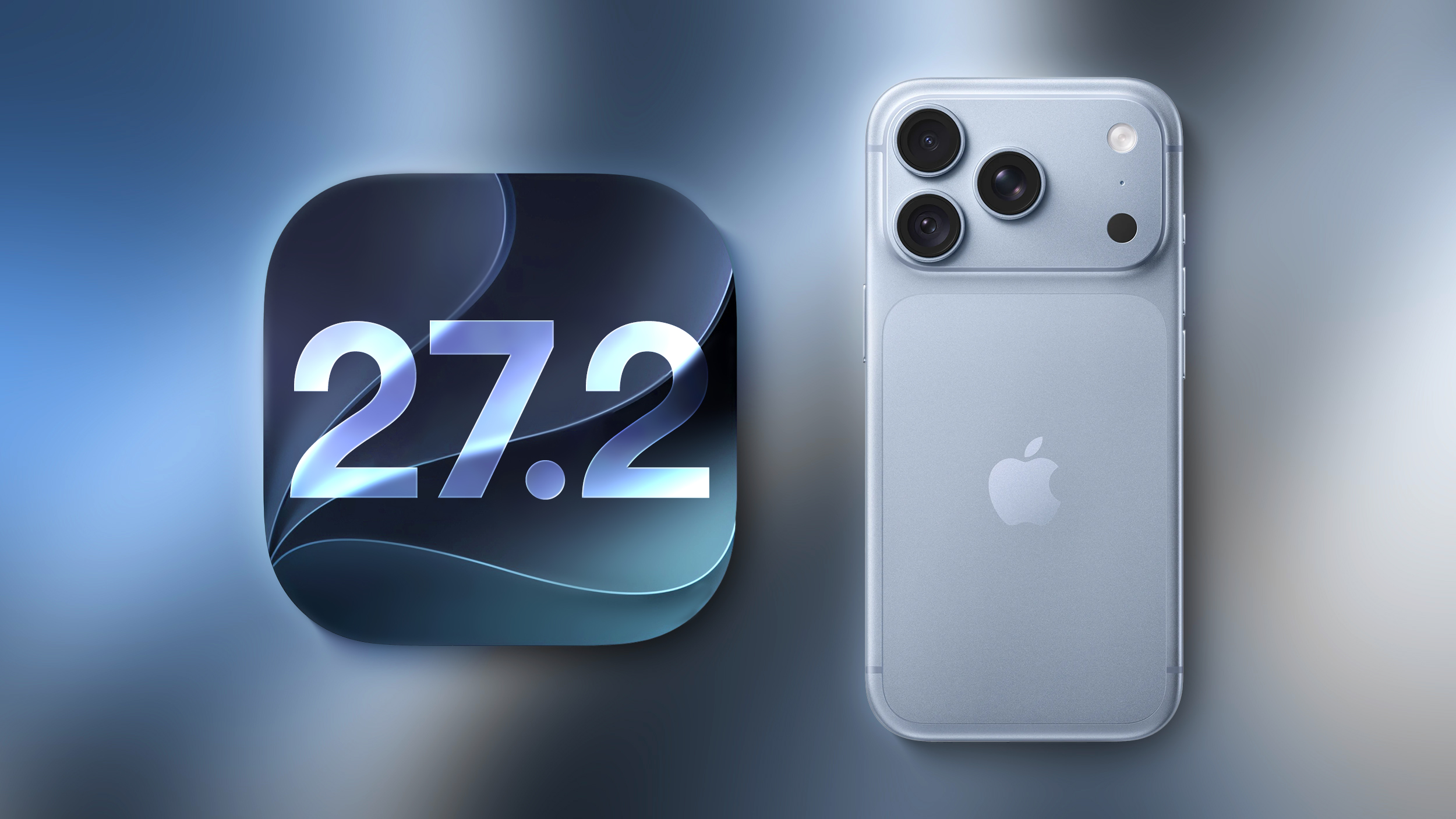
Apple just seeded the first beta of iOS 27.2 to developers for testing. Yes, you read that correctly: iOS 27.2, not iOS 27.1.
Why no iOS 27.1 beta? The answer likely relates to the iPhone Duo.
Apple previously announced that the iPhone Duo will ship with iOS 27.1, which means that software version will contain all sorts of references to the device hidden within the code. If an iOS 27.1 beta were to have been released today, it could have spoiled some smaller iPhone Duo details that did not make it into Apple's event.
The earlier iOS 27.2 beta versions at a minimum will likely have little to no iPhone Duo references within the code to prevent leaks.
Eventually, the iOS 27.1 and iOS 27.2 codebases will presumably converge, but we will have to wait and see how Apple goes about this exactly.
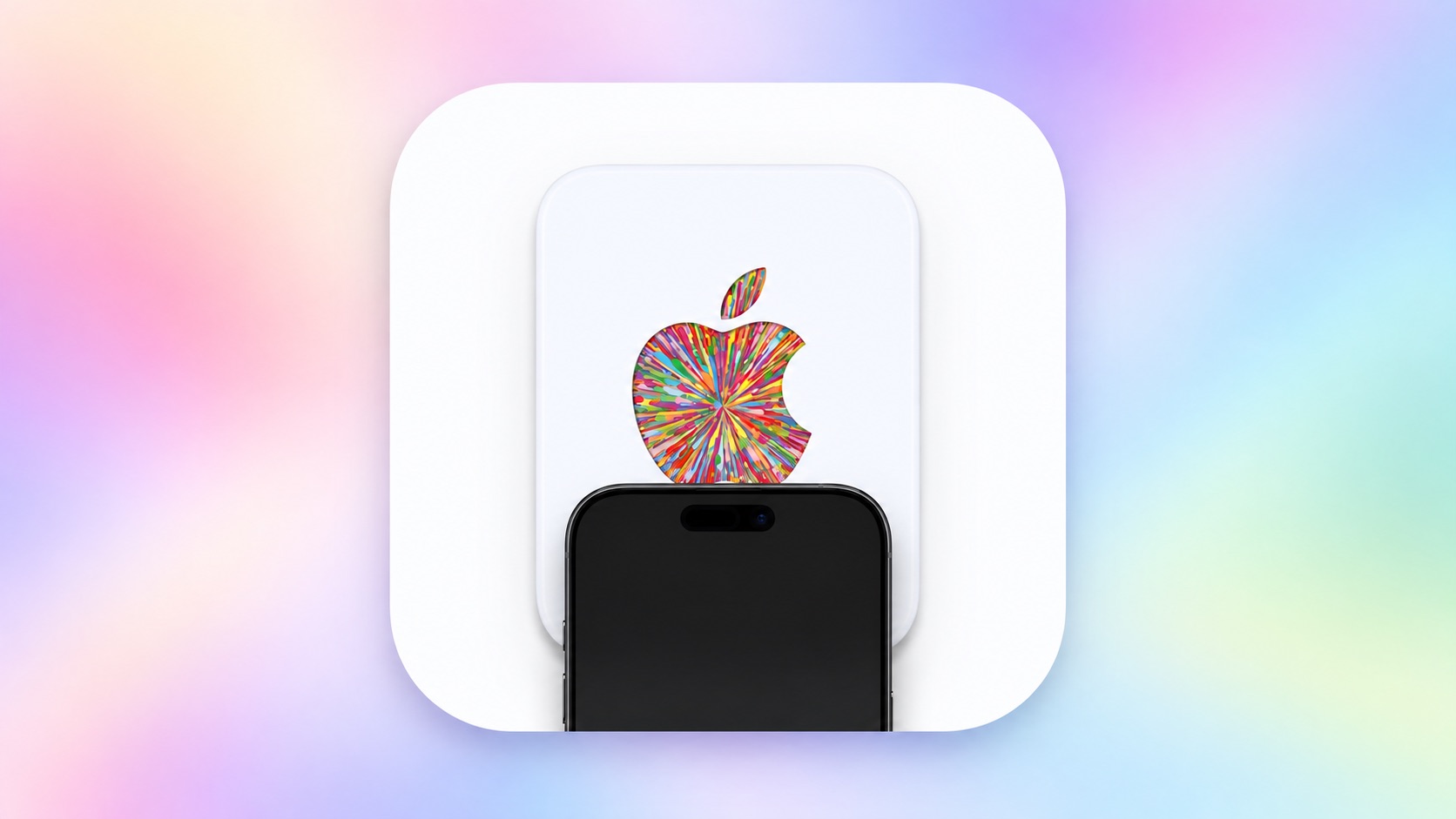
Last week, our team discovered code in the iOS 27 Release Candidate that revealed there will be a new NFC-based way to redeem Apple gift cards by tapping them on the back of a compatible iPhone, and now a demo of the feature has surfaced.
While the functionality does not appear to be live yet, Karta co-founder David Anderson figured out a workaround to get the new gift card interface to appear on iOS 27 and shared a video of it in action on his LinkedIn page today.
Apple's new gift cards will have fine print on the bottom of the card that says "hold iPhone here to redeem," and then a redemption flow will automatically pop up on iOS 27. You can then proceed to check the balance of the card and redeem it. Alternatively, the fine print says that customers can still visit apple.com/redeem for manual redemption.
Specifically, customers will be instructed to hold the top, rear side of their iPhone near the bottom of the Apple gift card to initiate NFC-based redemption.
NFC-based redemption will seemingly help to combat Apple gift card scams, but we do not have all of the details yet. During the redemption process, Apple will verify that the card is authentic and unspent, according to iOS 27 code. For security reasons, the interface may show "this card has been blocked" or "cancelled" if necessary.
iOS 27 is compatible with the iPhone 11 series and newer, all of which support NFC, so this new Apple gift card redemption method should be widely available. However, the feature has yet to be announced by Apple and we do not know when it will launch.
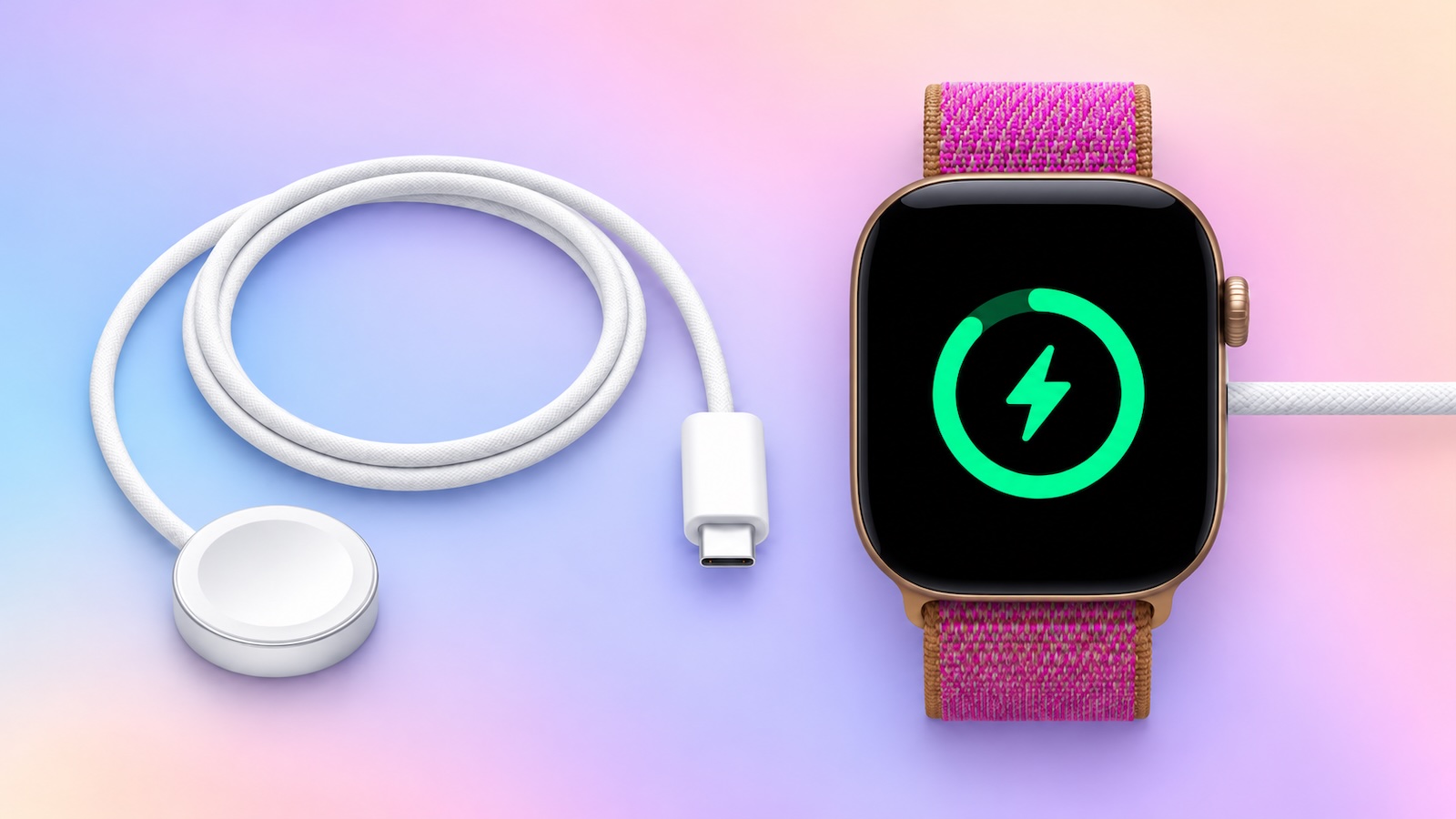
The new Apple Watch Series 12 and Apple Watch Ultra 4 have hardware changes that allow for faster charging, but you will need to use the new version of the Apple Watch Magnetic Fast Charger included in the box in order to achieve this boost. If you need extra ones for your own charging stands or travel or so forth, Apple released the new version of the charger on its online store last week, with U.S. pricing set at $29.
We have confirmed that the new version of the Apple Watch charging puck — model A3277 — can deliver up to 10W of power to enable the faster charging speeds. The previous version of the charger is limited to 5W. Accordingly, you will also need to use a USB-C Power Delivery charger that is rated 10W or higher for the fastest charging.
With just 15 minutes of charging, Apple said the new charger can add 12 hours of battery life to the Series 12 and 18 hours of battery life to the Ultra 4.
The previous Apple Watch Series 11 and Apple Watch Ultra 3 can get 8 hours and 12 hours of battery life respectively with a 15-minute charge, according to Apple. Using the new charging puck will not speed up these times, as the Series 12 and Ultra 4 have hardware changes, so you need both a new watch and the new charger for the fastest charging.
The first iPhone 18 Pro and iPhone 18 Pro Max reviews have been published today by selected tech websites and YouTube channels, ahead of the devices beginning to arrive to customers and launching in stores this Friday, September 18.
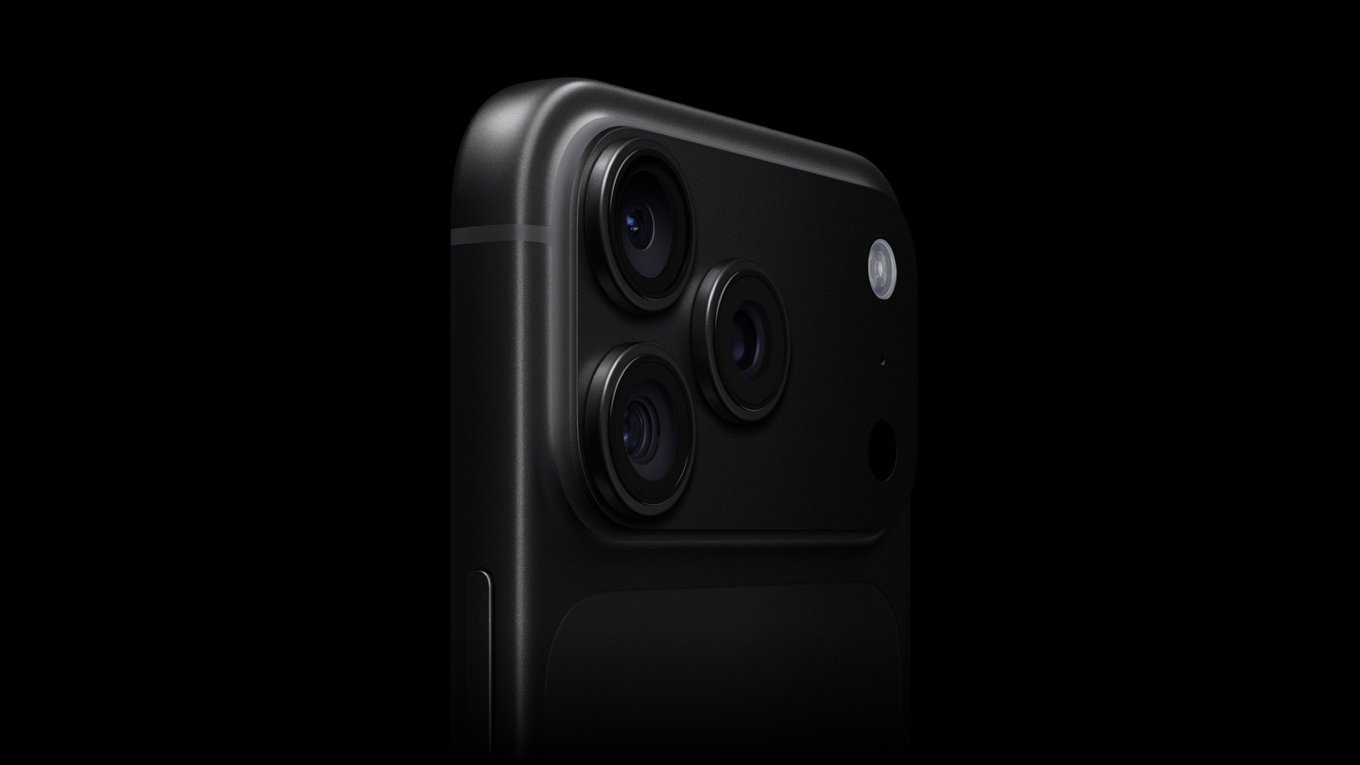
While the iPhone 17 Pro models featured a major design overhaul last year, the iPhone 18 Pro models look the same overall and have a set of more incremental year-over-year upgrades related to the cameras, battery life, and performance.
With the new A20 Pro chip, the first 2nm chip in a smartphone, Apple said the iPhone 18 Pro models deliver up to 20% faster CPU performance and up to 40% faster graphics performance compared to the A19 Pro chip in the iPhone 17 Pro.
I ran Geekbench 7's CPU benchmark on the iPhone 18 Pro and compared results with the iPhone 17 Pro. Both phones were running the official iOS 27 release. The iPhone 18 Pro scored 4,027 for single-core and 11,540 for multi-core, and the iPhone 17 Pro mustered 3,258 on single-core and 9,167 on multi-core. That works out to a 24% boost for single-core performance and a 26% boost for multi-core.
A revamped vapor chamber cooling system in the iPhone 18 Pro models is three times larger than the one in the iPhone 17 Pro models, for better heat dissipation. This allows the A20 Pro to achieve peak, sustained performance for longer.
Wong on the iPhone 18 Pro's thermal management:
I don't think the iPhone 18 Pros got hot once doing anything normal that would cause it to heat up. Not even shooting 4K resolution video at 60 fps under the heatwave that baked Cupertino during the Apple launch event could overheat it.
Both of the iPhone 18 Pro models have longer battery life compared to the previous generation — especially the iPhone 18 Pro Max. If we go by Apple's offline video playback metric, the iPhone 18 Pro Max has up to 15% longer battery life compared to the iPhone 17 Pro Max. Fast charging to 50% now takes 15 minutes, down from 20 minutes.
Tom's Guide published its typical battery life test, in which the iPhone 18 Pro Max achieved around half an hour longer battery life compared to the iPhone 17 Pro Max:
OnePlus 15: 25 hours and 13 minutes
iPhone 18 Pro Max: 18 hours and 27 minutes
iPhone 17 Pro Max: 17 hours and 54 minutes
Galaxy S26 Ultra: 16 hours and 40 minutes
iPhone 18 Pro: 16 hours and 17 minutes
iPhone 17 Pro: 15 hours and 21 minutes
iPhone 18 Pro models have a slightly smaller Dynamic Island at the top of the screen that supports up to three Live Activities at once, up from two.
In my testing, what I've actually appreciated most is what happens when you have two Live Activities running at the same time. Thanks to the smaller Dynamic Island, the second Live Activity that appears on the right side can now show more information.
The popular flight-tracking app Flighty showed this off:
Flighty for iOS 27 is here
🏝️ Refined Dynamic Island 💫 New flight progress arc 📱 Support for all new sizes 🎨 New app icons ✨️ "Ask Flighty" with Siri AI
Flying's most useful Dynamic Island. Now even better.
The main 48-megapixel Fusion camera on both the iPhone 18 Pro and iPhone 18 Pro Max has variable aperture, allowing you to adjust the amount of light that reaches the image sensor for greater control over depth of field. Apple says this upgrade will allow for improved low-light photography and crisper details in the back of group photos.
Variable aperture options include ƒ/1.48, ƒ/1.8, ƒ/2.8, and ƒ/4.0.
I think Apple's choice not to lock us to the wider aperture was very smart, because sharpness takes a hit when shooting wide open. We noticed that while the center is about as sharp as last year's iPhone 17 Pro when shooting at night, the edges quickly degraded — this is not unusual for a wide-open lens, even on a full-size camera. When you're that wide open, image quality tends to fall off without a bunch of additional glass elements to counteract it. However, the image cleans up nicely at f/1.8 and sharpness peaks at f/2.8. At f/4, sharpness dips again, this time from diffraction, but not substantially. In order from sharpest to softest, it goes: f/2.8, f/1.8, f/4, and f/1.48.
In the Camera app, iPhone 18 Pro users can manually adjust shutter speed, white balance, and aperture, and there is an option to use a histogram. These new "Pro controls" are exclusive to the iPhone 18 Pro and iPhone 18 Pro Max.
I enjoy these controls, as I have when they've appeared on Android phones. My big criticism is how they're accessed: I use the lens aperture and shutter speed controls quite a bit, but they are located at the bottom of the camera controls drawer. When shooting one-handed, I have to tap, then expand the drawer to get to the bottom. I wish I could customize the position of the icons like I can with settings in the phone's control center. Also, why can't I assign any of these to the Camera Control button on the side of the phone? Imagine focus pulling in a video recording by sliding your finger.
For 5G and LTE, the iPhone 18 Pro is equipped with Apple's second-generation C2 cellular modem worldwide, while the iPhone 18 Pro Max has the C2 modem in every country except the U.S., where it is reportedly still equipped with a Qualcomm modem, perhaps for contractual reasons. Apple said the C2 modem delivers "meaningfully faster uploads" compared to its previous C1X modem while consuming 15% less energy. In the U.S., the C2 is Apple's first modem with mmWave 5G support.
We have not yet found any reviews that tested the C2 modem in a scientific way, but anecdotally most reviewers found 5G performance to be very adequate.
iPhone 18 Pro and iPhone 18 Pro Max color options: a classic Silver, the return of Black, and special new Burgundy and Glacier finishes.
In our view, there is no massive reason to upgrade to the iPhone 18 Pro models if you are coming from an iPhone 17 Pro or perhaps even an iPhone 16 Pro. If you have an iPhone 14 Pro or older, though, upgrading to the iPhone 18 Pro is worth it to catch up on years of enhancements and bump up to a model that supports the new-and-improved Siri, which truly is a lot better and is available on the iPhone 15 Pro and newer.
That's the reality with most iPhone launches nowadays: the devices remain excellent, yet the year-over-year upgrades can sort of feel "meh."
In the iPhone Duo's shadow, the iPhone 18 Pro certainly feels like an "S" device. But S-year iPhones were never bad iPhones. They were simply unexciting. Similarly, while none of the iPhone 18 Pro's latest features are things you should run out the door to spend money on, it's certainly a meaningful improvement for anyone on an iPhone 16 Pro or older. Of all the iPhones you can buy now, it has the best camera setup, and anyone with the slightest interest in manual photography will appreciate the new variable aperture controls.

 Login
Login