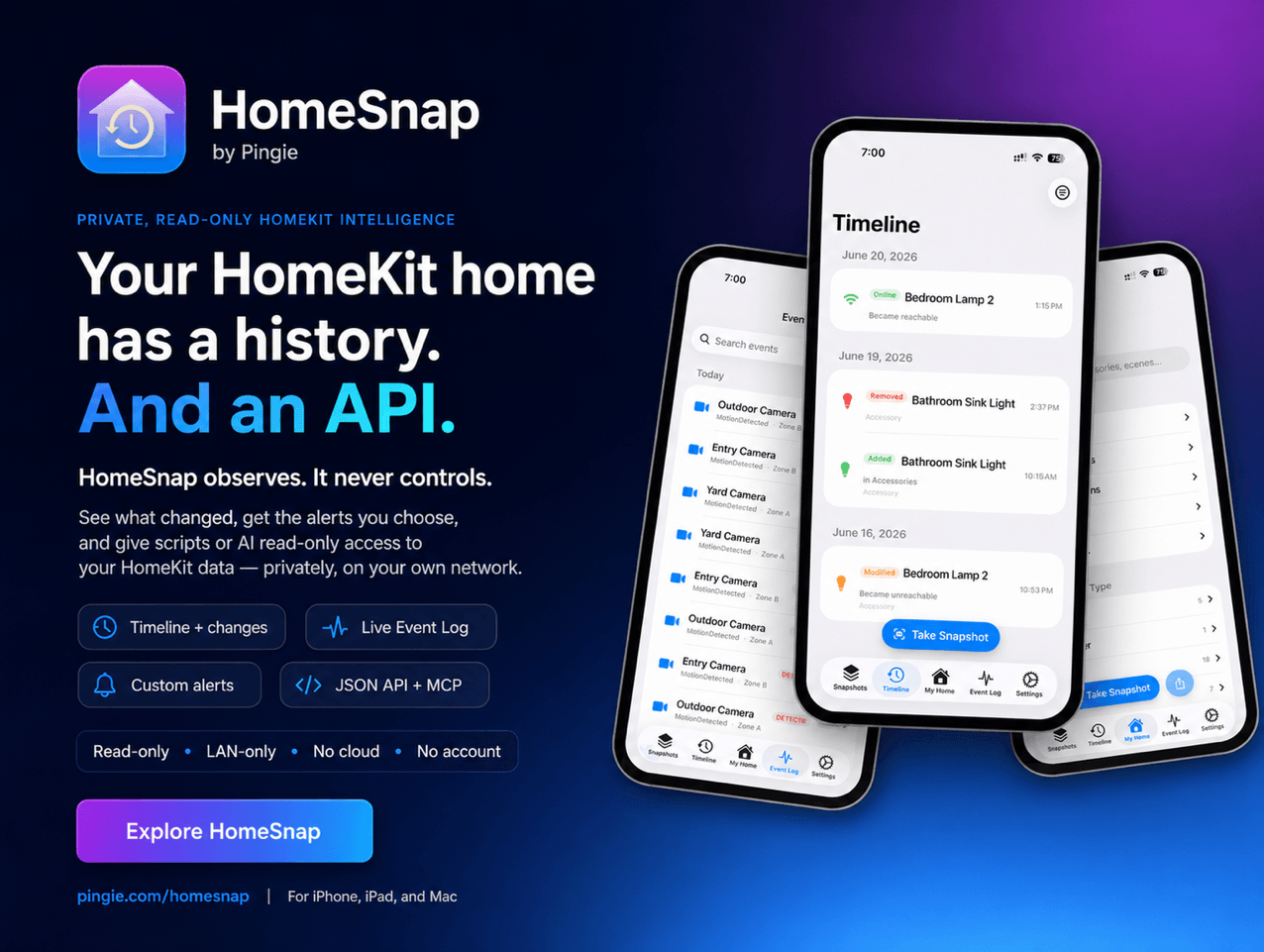
HomeSnap remembers everything your HomeKit home does, shows you its live status, and tells you the moment something needs attention, right from your iPhone, iPad, or Mac. No accounts, no third-party servers, and your data stays private to you.
Your Home, Remembered
Apple’s Home app shows you this instant. HomeSnap shows you the whole story. It quietly captures a snapshot of your entire setup about once a day and tells you exactly what changed, room by room and device by device. A Timeline and a live Event Log let you scroll back through motion, lights, locks, and doors as they happened, so “did the garage really open at 2 a.m.?” finally has an answer.
Your Home Has an API
This is the part power users tend to love. Flip one switch in Settings and HomeSnap serves your home over your own Wi-Fi, off by default, LAN-only, no cloud and no account involved:
- A local web dashboard you can open from any laptop, phone, or tablet on your network: live status tiles, an activity heatmap, charts, and per-room and per-device pages.
- A read-only JSON HTTP API with real endpoints for your home, rooms, accessories, scenes, automations, events, change history, health, and battery and temperature trends. Point a script, a shortcut, or a Home Assistant REST sensor at it and pull structured data out of HomeKit without touching a single Apple framework.
- An MCP server (Model Context Protocol), so you can connect the AI assistant you already use, like Claude, and ask about your home in plain language: “which batteries will die first?”, “what happened in the garage last night?”, “which lights were on longest this week?” The assistant reads your home, read-only, over your own network.
- Markdown and JSON exports of your home and its history, plus live updates over WebSocket for anything you want to build on top.
Everything here is read-only and stays on your network. Nothing about your home is sent to a third party, and you can put a password on it.
Live Status and Smarter Batteries
The My Home tab is your home exactly as it is right now: which lights are on, which doors are open, what every sensor reads. Battery-powered devices are ranked most-urgent-first, and HomeSnap estimates how long each one will last (“about 3 weeks”) from its own history, so a dying sensor never catches you off guard.
Alerts You Actually Want
Build your own notification rules: pick an accessory, pick a trigger (a light turns on, a garage door opens, a fan passes a speed you set), and get told when it happens. Add freeze and overheat temperature alerts, low-battery warnings, and quiet hours so nothing pings you overnight.
Insights Into How Your Home Lives
A native Insights screen shows an activity heatmap of your busiest hours, your most active devices and rooms, each light’s total on-time, and recent door and lock activity. The same numbers power a private web dashboard you can open from any device on your Wi-Fi.
A Vault for Your Setup Codes
HomeSnap saves your HomeKit and Matter pairing codes so you can re-pair a device after a reset. Scan a code or type it in, and it comes back later as a scannable QR or a large, readable number, safely stored in iCloud.
Our thanks to HomeSnap for sponsoring MacStories this week.

 Login
Login