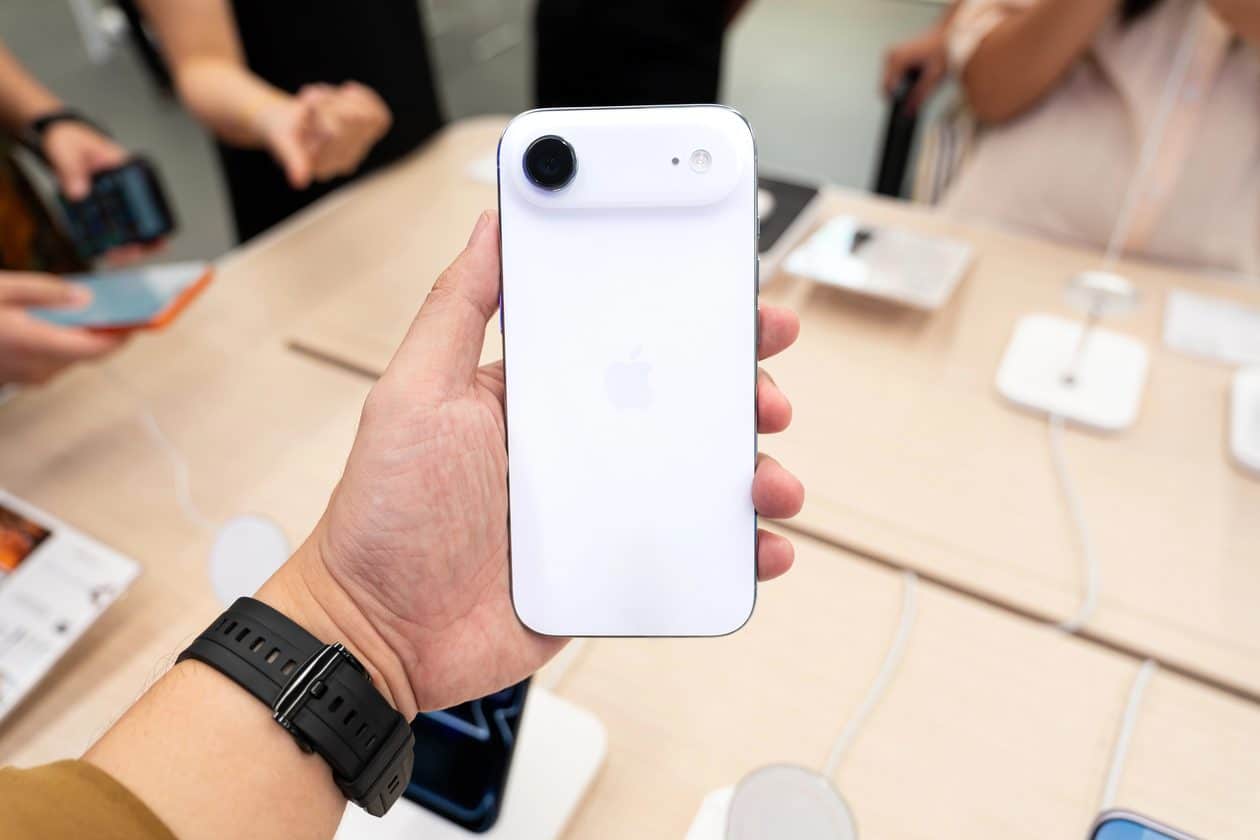
Mesmo não sendo o modelo mais popular da mais recente safra de telefones da Apple, o iPhone Air certamente foi o modelo que roubou as atenções.
Com um design ultrafino de 5,64mm de espessura, ele traz vários recursos poderosos, como o processador A19 Pro (com uma GPU 1Graphics processing unit, ou unidade de processamento gráfico. de 5 núcleos), uma câmera 2-em-1 Fusion de 48 megapixels, o botão de Ação (Action Button) e o Controle da Câmera (Camera Control).
Se você está atrás desse modelo, hoje a Amazon está com uma promoção excelente. Trata-se da versão com a maior capacidade disponível (1TB), nas cores branco-nuvem ou dourado-claro. Ele está saindo por R$8.499, parceláveis em até 12x no cartão de crédito!
iPhone Air de 1TB
Parcelado: de R$13.499,00 por R$8.499,00 em até 12x À vista no Pix: de R$12.149,10 por R$7.609,10
🛍️ Produto vendido pela Amazon; o preço aparece na finalização do pedido💰https://t.co/PFQtc7pgoC
Considerando que o preço tabelado desse modelo aqui no Brasil é de R$13.499, estamos diante de um desconto de incríveis 37%!
Para quem preferir pagar à vista no Pix, o valor fica ainda melhor: ele cai para R$7.609,10 — também um desconto de 37% em comparação com o valor cobrado pela Apple na mesma modalidade de pagamento, de R$12.149,10.
Para chegar a esses valores, basta adicionar o iPhone Air no carrinho para garantir mais R$400 de desconto sobre o preço anunciado.
Todos os descontos de promoções divulgadas pelo MacMagazine são calculados com base nos preços sugeridos pela Apple ou por outras fabricantes. Pode ser que um determinado produto seja comumente encontrado por valores inferiores em redes varejistas, mas a nossa base de comparação é sempre em cima das tabelas oficiais.
Se você não é louco, é claro que gosta de economizar. E, para isso, o MacMagazine tem diversas opções para ajudar você a conseguir comprar o seu produto Apple pagando menos!
NOTA DE TRANSPARÊNCIA: O MacMagazine recebe uma pequena comissão sobre vendas concluídas por meio de links deste post, mas você, como consumidor, não paga nada mais pelos produtos/serviços usando os nossos links de afiliado.
Notas de rodapé
1
Graphics processing unit, ou unidade de processamento gráfico.
Avec une flotte de douze Canadair vieillissants, dont le renouvellement ne débutera pas avant 2028 avec l'arrivée de deux premiers nouveaux modèles, la France transforme un A400M militaire en bombardier d'eau expérimental, tandis que les start-up françaises Hynaero et Positive Aviation...
Les PFAS ont des propriétés chimiques exceptionnelles qui ont trouvé de nombreuses applications industrielles et sont devenus indispensables dans la lutte contre les incendies. Si ces substances ont renforcé la sécurité des interventions, leur persistance dans l'environnement et leurs effets...
MacBook Air Flexgate is an unofficial name increasingly used for screen problems that appear when the laptop lid reaches a particular angle. The display may flicker, lose its backlight, show colored lines or turn completely black even though the computer continues running.
The term can be misleading. The original Flexgate controversy involved certain 13-inch MacBook Pro models from 2016, not MacBook Air. Apple later created a display backlight service program for eligible MacBook Pro units after determining that a small percentage could develop uneven lighting or lose the backlight entirely.
No equivalent MacBook Air repair program currently appears among Apple active service programs. Individual Air models can still experience failures involving display cables, connectors, backlight components or the LCD panel, but that does not establish one confirmed defect affecting every generation.
Owners therefore need to identify the symptom before assuming the screen has the same problem associated with the earlier MacBook Pro.
MacBook Air Flexgate Is Not the Original Flexgate
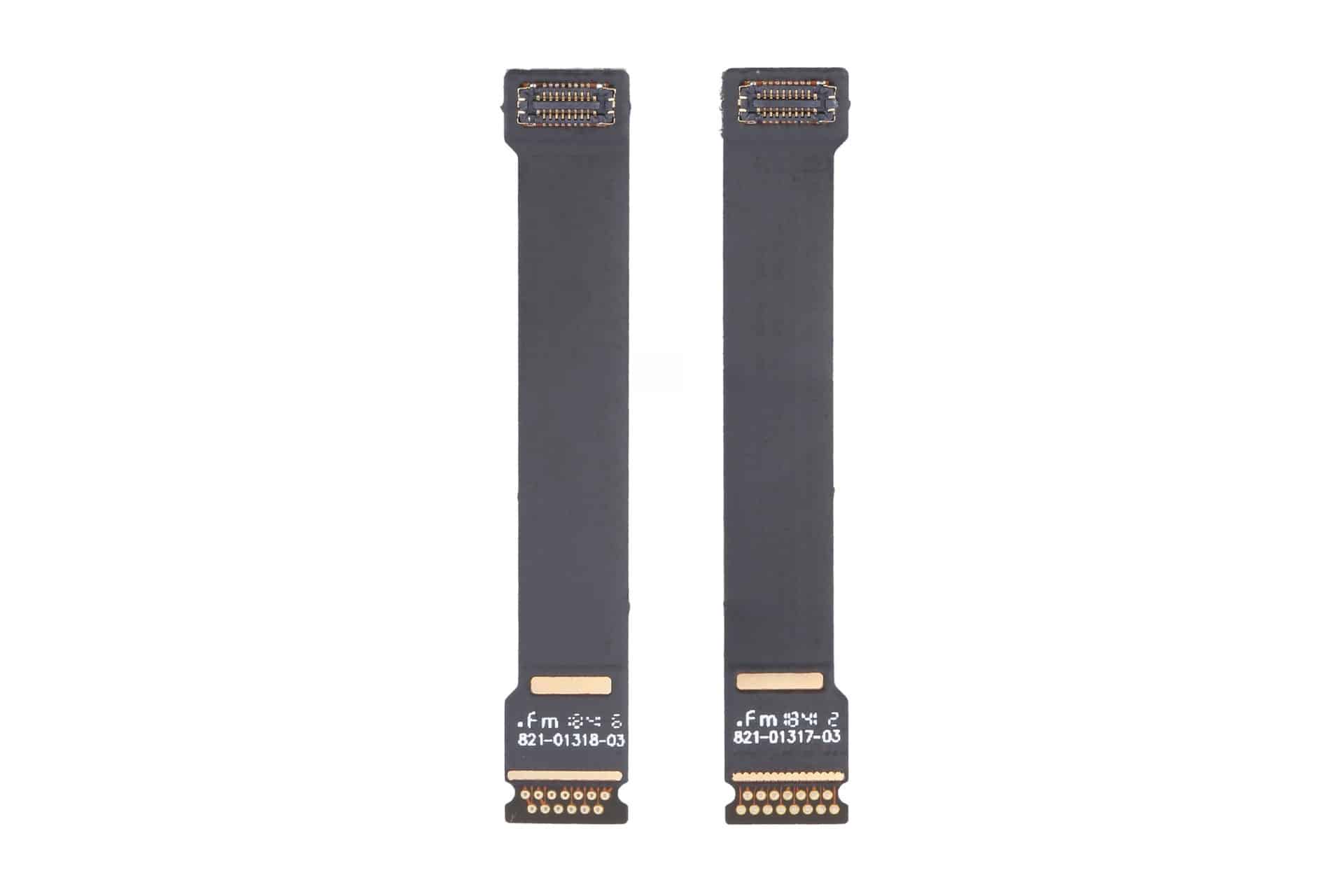
MacBook Air Flexgate usually refers to damage or wear affecting the thin cables carrying display information and power between the computer body and the screen.
These cables must flex every time the lid opens or closes. When a cable, connector or bonded section begins failing, the problem may initially appear only at certain screen angles. Moving the lid can restore the image temporarily, followed by another blackout when the display opens farther.
The original MacBook Pro issue became associated with a short backlight cable integrated into the display assembly. Repeated movement could place stress on the cable, producing a stage-light effect along the bottom of the screen before the backlight eventually stopped working.
MacBook Air designs also use compact display connections routed through the hinge area, but the internal construction differs across generations. A cable-related Air failure should not automatically be treated as evidence that Apple reused the exact defective MacBook Pro component.
The distinction matters during repair. A technician may use “Flexgate” as convenient shorthand, while the written diagnosis may identify a damaged display cable, backlight circuit, panel connection or complete display assembly.
Customers should ask which component has failed and how the conclusion was reached rather than accepting the nickname as the diagnosis.
Image Source: Google
Which MacBook Air Models Are Mentioned Most
Reports of angle-dependent MacBook Air display failures most commonly involve Retina models introduced from 2018 onward.
The 2018 and 2019 Intel MacBook Air share a thin Retina design with display connections running through the hinge area. The early 2020 Intel version and late 2020 M1 MacBook Air use closely related chassis designs, making symptoms across these machines look similar even when the failed component is not identical.
Owners describe displays that work when opened slightly but flicker, develop lines or turn black when moved toward a normal viewing position. Some units recover after the lid is partly closed, strongly suggesting a physical connection affected by movement.
The M1 MacBook Air receives particular attention because it sold in large numbers and remained available for several years. A greater number of public complaints does not necessarily mean it has a higher failure rate, but many of these computers are now old enough for wear, accidental pressure and repeated hinge movement to become relevant.
The redesigned M2 MacBook Air introduced in 2022 uses a different enclosure and display assembly. M3 and later versions continue that flatter design. Individual screen and cable failures can occur, but there is no established evidence of a single Flexgate defect covering those generations.
Older wedge-shaped MacBook Air models released before the 2018 Retina redesign can also develop display cable problems. They are not normally included in the Flexgate discussion because their screen architecture predates the MacBook Pro controversy and their failures follow different repair patterns.
The exact model can be checked through:
Apple menu > About This Mac
The model year and screen size are more useful than the date the Mac was purchased. Retailers may sell an earlier generation long after its original release.
How to Recognize a Display Cable Failure
A strong Flexgate-style symptom is a display that changes immediately when the lid moves.
The screen may operate normally below a particular angle, then flicker or disappear as it opens farther. Returning the lid to the previous position restores the picture without restarting the Mac.
Uneven illumination along the bottom edge can point toward a backlight connection. Several bright or dark patches resembling stage lights are especially associated with cable or backlight distribution problems.
A completely dark screen may still contain a faint image. Shining a flashlight toward the display in a dark room can sometimes reveal the desktop beneath the failed backlight. This test should be performed gently without pressing against the panel.
Colored vertical lines, black bands or duplicated images can involve the display data connection, but they may also indicate panel damage. Lines that remain unchanged at every lid angle are less characteristic of a flex-related failure.
Cracks do not always appear on the outer glass. Pressure from a webcam cover, keyboard protector, plug, pen or other object left between the keyboard and display can damage the internal LCD while leaving the surface relatively smooth.
Liquid exposure may create lines, discoloration or intermittent operation around the hinge and display connectors. In those cases, repeatedly opening the lid can spread contamination or worsen damaged connections.
An external monitor provides one of the most useful tests. When the external image remains normal while the built-in screen fails, the graphics processor is probably still generating the picture correctly. Attention then moves toward the internal display assembly, cable or connector.
A screenshot can provide another distinction. Capture the screen while the fault is visible, then inspect the file on another device or external monitor. When the screenshot looks normal, the problem is likely occurring after macOS generates the image.
What Owners Should Do Before Paying for Repair
Back up the Mac as soon as an intermittent display problem begins. A screen that works at one angle today may become completely unusable after another cable movement.
Avoid repeatedly opening and closing the lid to demonstrate the fault. Each movement can place further stress on an already damaged connection.
Record a short video showing the display at different angles. Intermittent failures can disappear when a Mac reaches a repair counter, and clear documentation helps the technician reproduce the condition.
Apple Diagnostics may identify some hardware problems, although a clean result does not rule out a damaged display cable. Testing in macOS Recovery or during startup can help exclude an ordinary application problem.
Apple and authorized providers commonly replace the complete display assembly when the cable is integrated with the screen. That approach can make an out-of-warranty repair expensive even when the visible fault involves a small cable.
Independent repair specialists may offer component-level cable work for certain models. The quality and durability of those repairs vary considerably, and newer Air displays can require specialized equipment, adhesives and calibration.
Before authorizing work, request a written estimate identifying the model, suspected component, warranty on the repair and whether the replacement display is new, used, refurbished or genuine.
AppleCare+ may reduce the cost when coverage remains active, particularly if the screen shows accidental damage. Standard warranty coverage depends on the diagnosis and whether Apple determines that impact, liquid or external pressure caused the failure.
The current Apple service-program list should also be checked before paying. A MacBook Air display program could be introduced or changed later, while consumer-protection laws may provide additional rights in some countries even after the limited warranty ends.
Owners using the Mac with an external monitor can often continue working while evaluating repair options. FileVault credentials, backups and any essential recovery codes should be confirmed before service because a technician may need to erase, reset or retain the computer during inspection.

 Login
Login