 Login
Login It makes more sense than you might think.
 A crucial milestone.


NGC 7253A and NGC 7253B are joining forces
The post “Twin Spirit” Galaxies Are on a Collision Course appeared first on Nautilus.
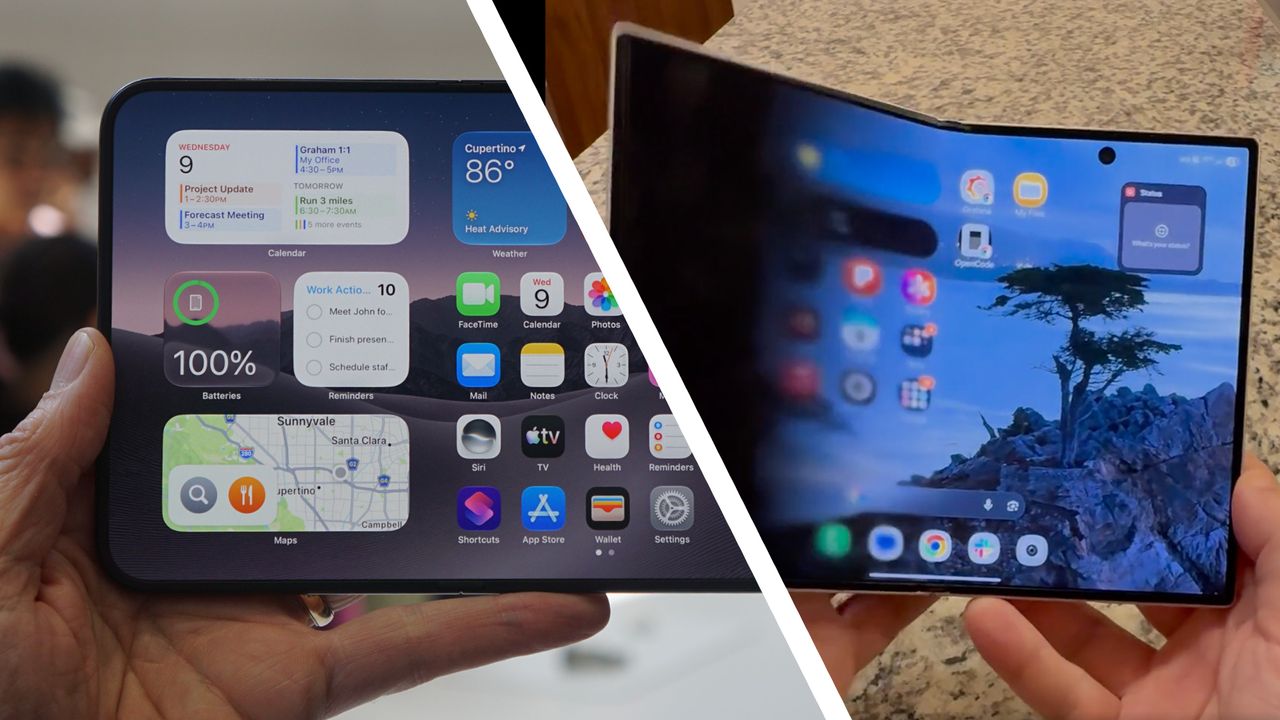
The initial reactions to Apple's new, foldable iPhone Duo seem to be largely positive, with a lot of praise for the various software tweaks that have been implemented in iOS 27 for the new form factor — including a cool transition animation that shows up when you switch between the inner and outer screens.
As you open up or close the main 7.6-inch display, the wallpaper dissolves and seems to pass through the moving half of the screen to reappear on the other side. It's a neat effect, and one Android user has wasted no time in recreating the effect on their Samsung Galaxy Z Fold 8 foldable.
"Felt a bit of FOMO seeing that cool iPhone Duo animation Apple showed off today, so I poked around and found that the Z Fold 8 has a really accurate hinge sensor," explains the user in question on Reddit. "I realized it would be pretty simple to take the hinge sensor values and use them to drive a transition animation on both screens."
It works really nicely too, as you can see from the video embedded below. The half of the display that's opening and closing looks like it becomes semi-transparent as it moves, revealing what's underneath — though as with the iPhone Duo, it's all trickery involving motion sensors and gradients.
Tried to recreate the iPhone Duo animation on my Fold 8from r/GalaxyFold
Unfortunately, this is only a demo for now — as in, an app that screenshots the display, then shows how an open/close animation could potentially work. It's not actually something you can apply at the system level and use across all your apps, and the developer says only Samsung would have the necessary access for that.
The reactions in the Reddit thread are overwhelmingly positive, nevertheless. The hack gets described at various points as "great", "awesome", and "so cool" — and it's genuinely impressive that it was created so soon after Apple's event. It seems a lot of Samsung foldable owners would want this on their phones.
There is perhaps a word of warning here for iPhone Duo buyers. When asked about using the effect, the original poster says "honestly, it looks cool for the first minute, but it gets really annoying after that", adding that "the effect is also only convincing head on" and "any difference in viewing angles really breaks the illusion".
Whether or not that's the case on Apple's foldable remains to be seen, but it's worth considering. For the time being at least, the iPhone Duo is the only folding handset that has this particular animation — and if you've really got to have it, pre-orders open on Friday, October 16, with prices starting at $1,999 / £1,999 / AU$3,499.

Brand new Apple CEO John Ternus has hosted his first ever Apple launch event — we'll miss you, Tim Cook — and he had a lot to introduce. We got Apple's first foldable phone, the iPhone 18 Pro and iPhone 18 Pro Max, two new smartwatches, and plenty more.
To help you make sense of the 78-minute event, here's your essential rundown of everything important that Apple talked about. As well as the main headlines, there are some smaller reveals that you might have missed.
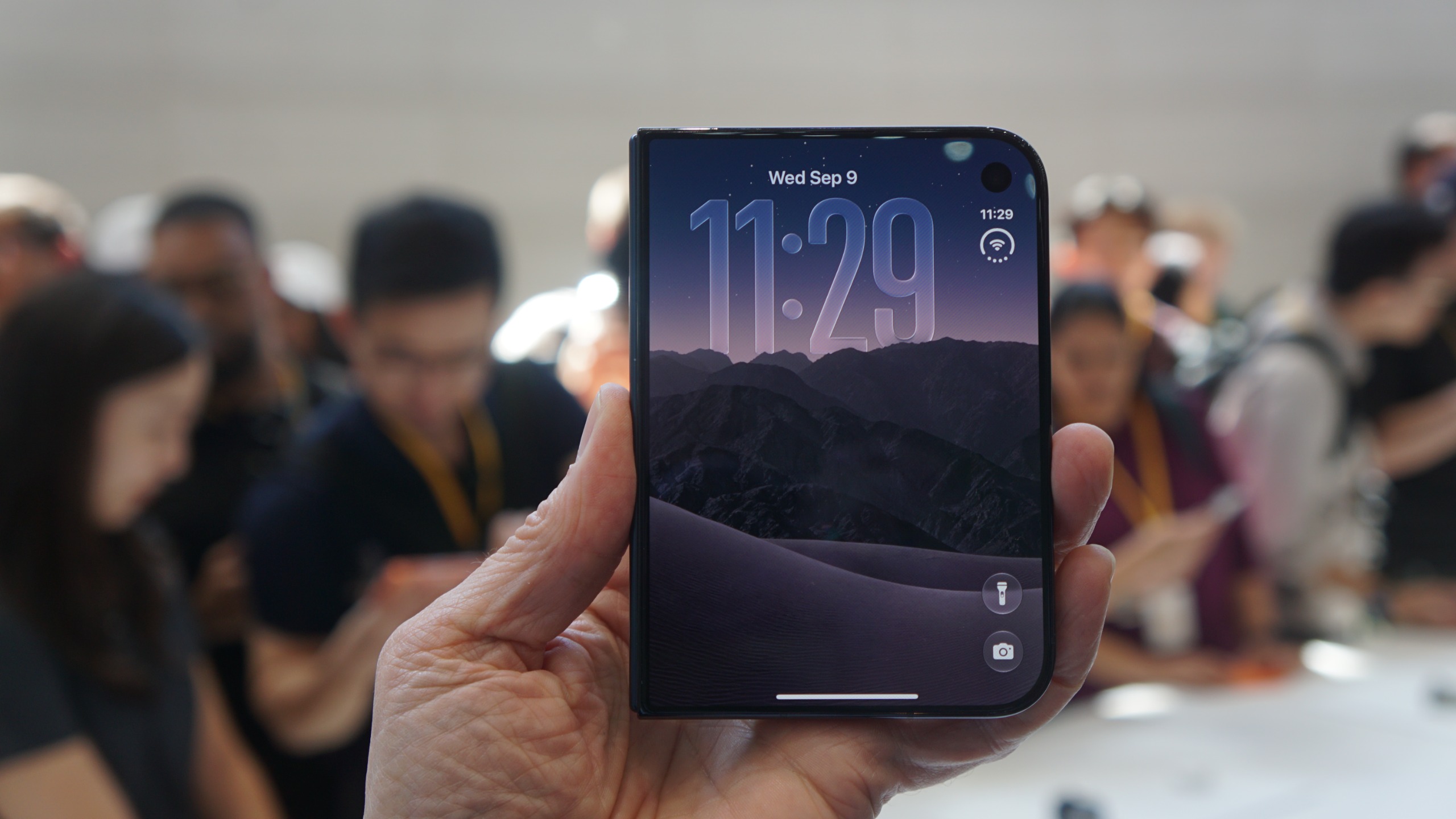
The big one: after many years of rumor and counter-rumor, Apple has released its first foldable phone, ready to compete with the likes of the Samsung Galaxy Z Fold 8 and the Google Pixel 11 Pro Fold. Like the Galaxy Z Fold 8, it uses a wider, 'passport' style form factor that gives you a more tablet-like experience (measuring 7.6 inches corner to corner) when it's opened out.
You can get the iPhone Duo in star white and night sky, with pre-orders opening on Friday, October 16, and full availability on Friday, October 23. Hopefully, you've been saving up: it starts at $1,999 / £1,999 / AU$3,499 with 256GB of storage.
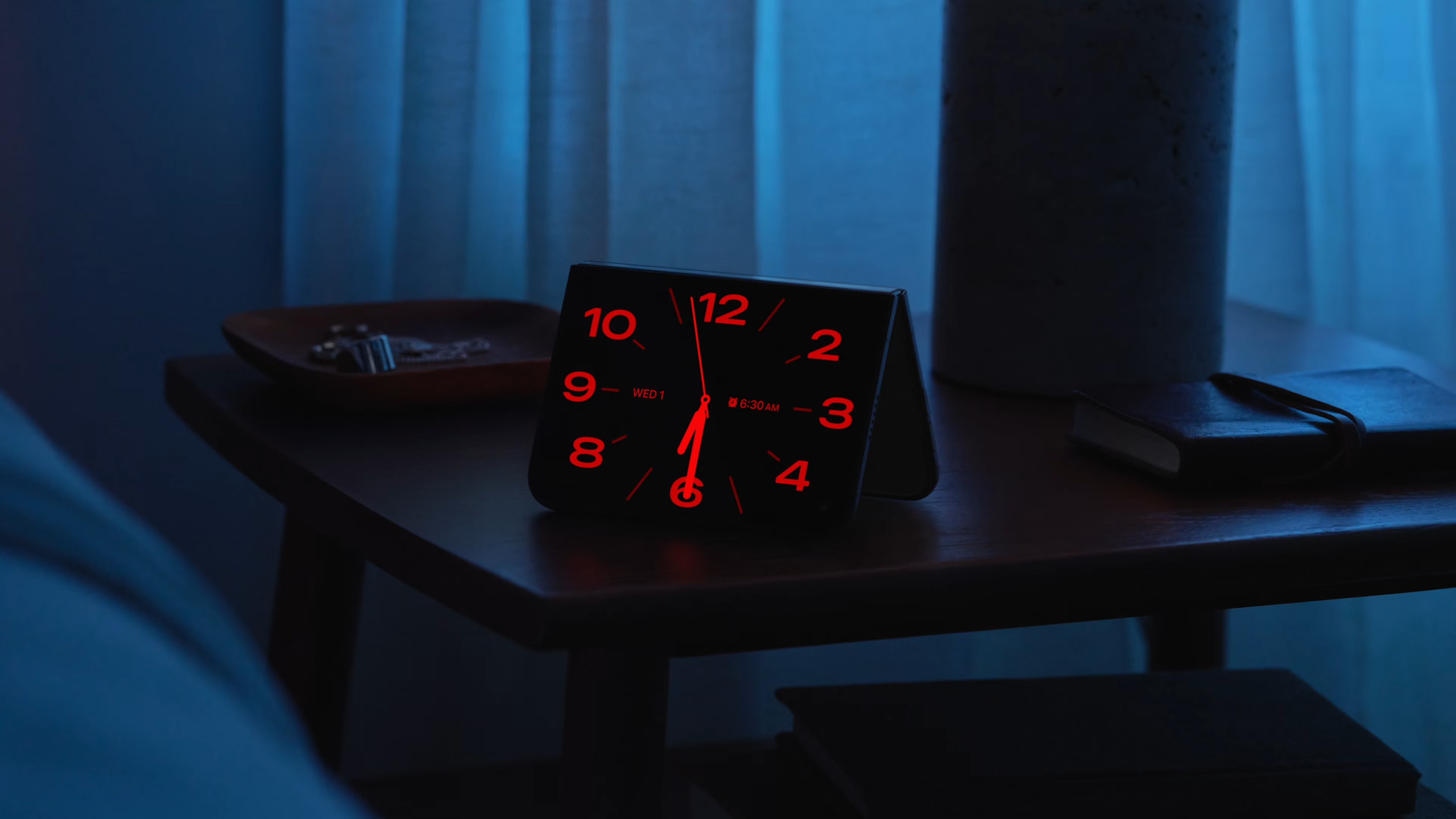
Apple has clearly put a lot of thought into the iPhone Duo experience, and that extends to iOS 27 and the native apps that run on top of it. When the phone is folded closed for example, the key navigation buttons shift to the right of the screen so they're easy to tap with your thumb.
You can put apps side-by-side on the big screen, and pin pairs of apps together to make it easier to get back to them. Apple has included some clever camera tricks as well including a selfie preview that uses the outer screen in combination with the rear cameras.
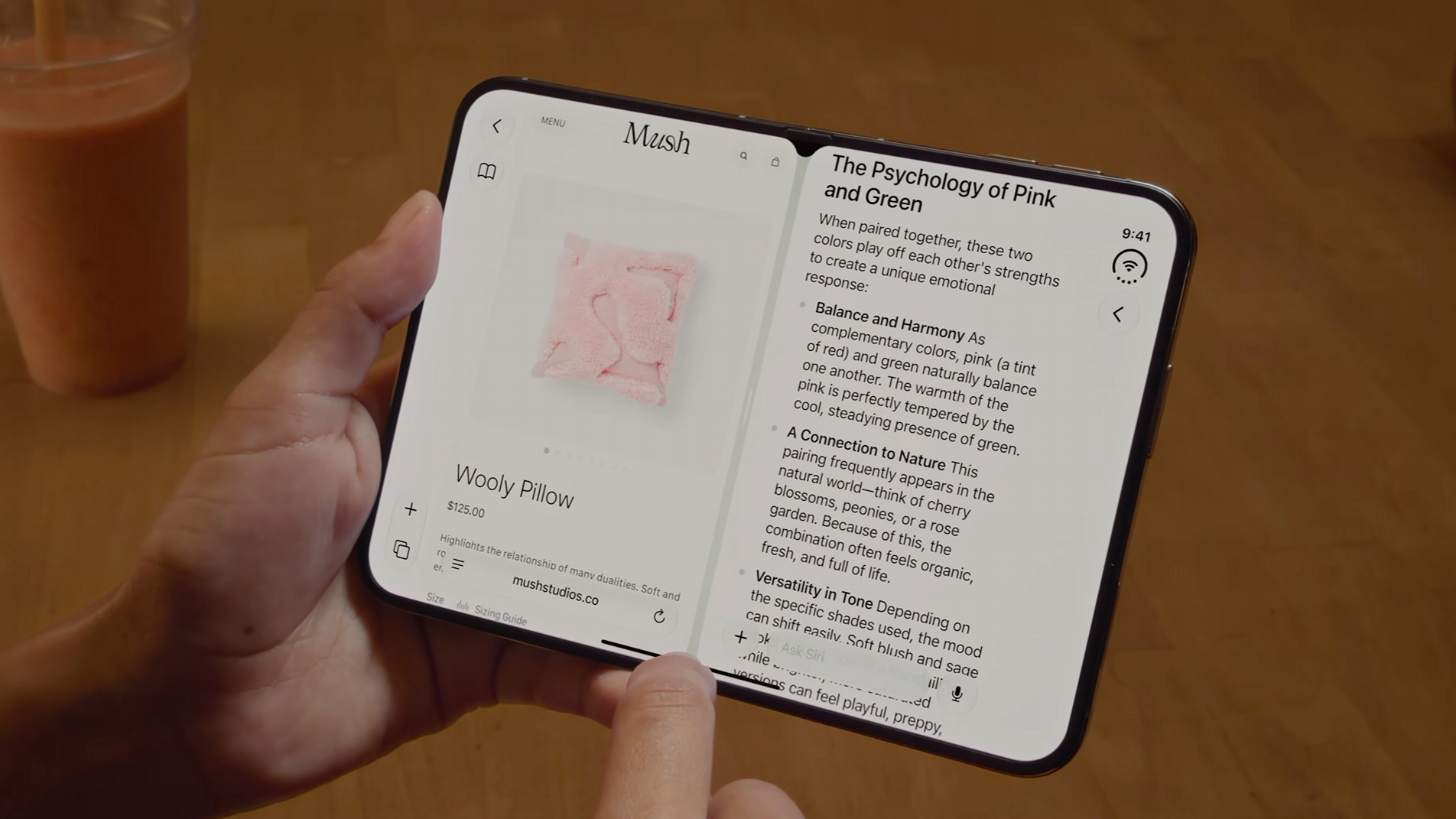
Squint a little, and the iPhone Duo looks like an iPad mini when it's opened out. Adding to that impression is Apple Pencil support for the handset — it's the first time you've been able to use a stylus with an iPhone (apologies to Steve Jobs).
You don't get the Apple Pencil bundled with the iPhone Duo, and there's no storage slot as there is on the Samsung Galaxy S26 Ultra, but you'll be able to use the accessory on either screen to make selections or get creative.
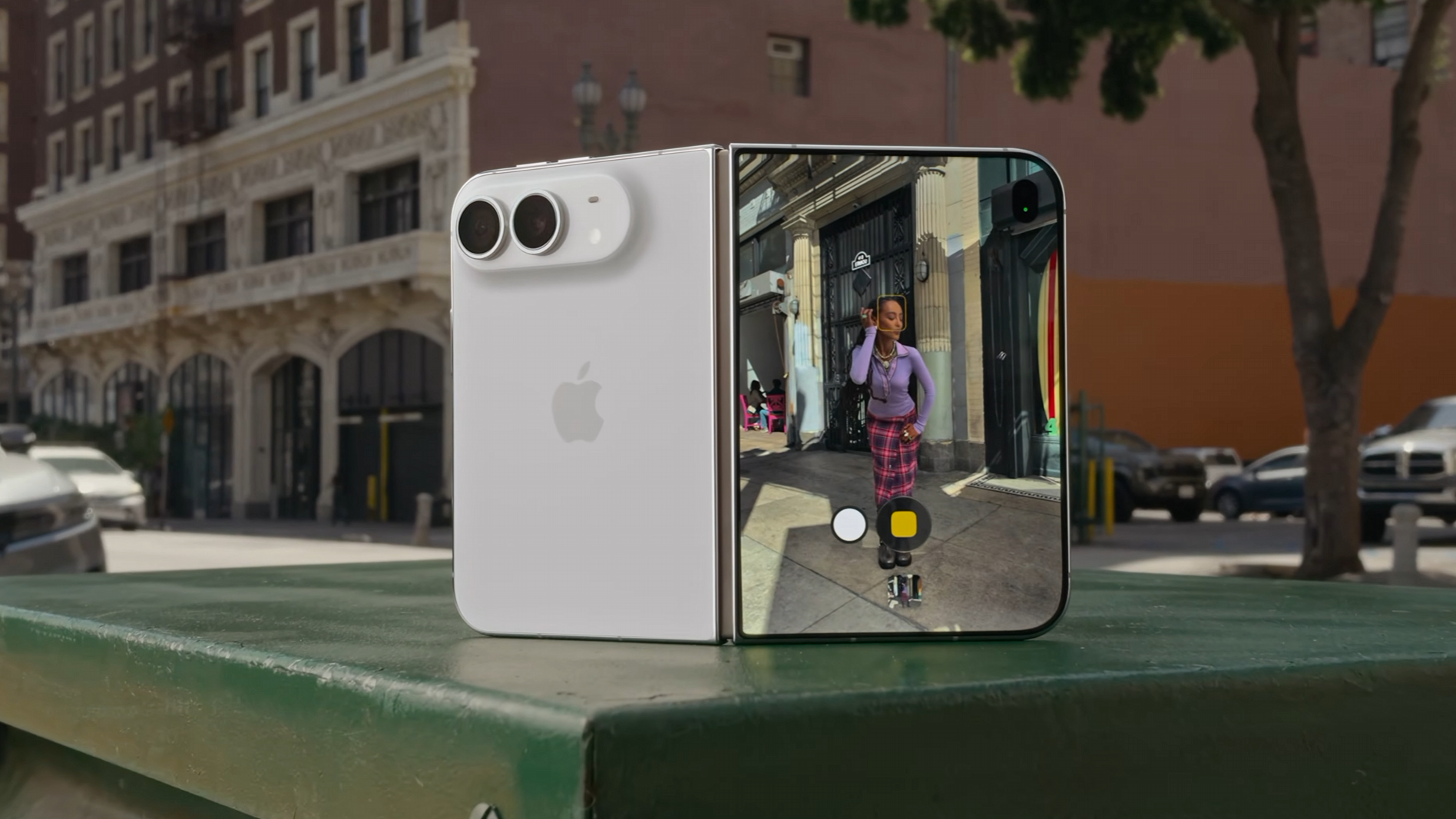
Another nice touch we've noticed with the iPhone Duo: both the 5.4-inch outer screen and the 7.6-inch have the same aspect ratio, which Apple says ensures "visual continuity" as you open up the phone and close it again.
The aspect ratio in question is 1:1.4, and should mean that you don't have a jarring experience switching between the displays. The larger main display can also be used in portrait as well as landscape mode, with apps adjusting to fit.
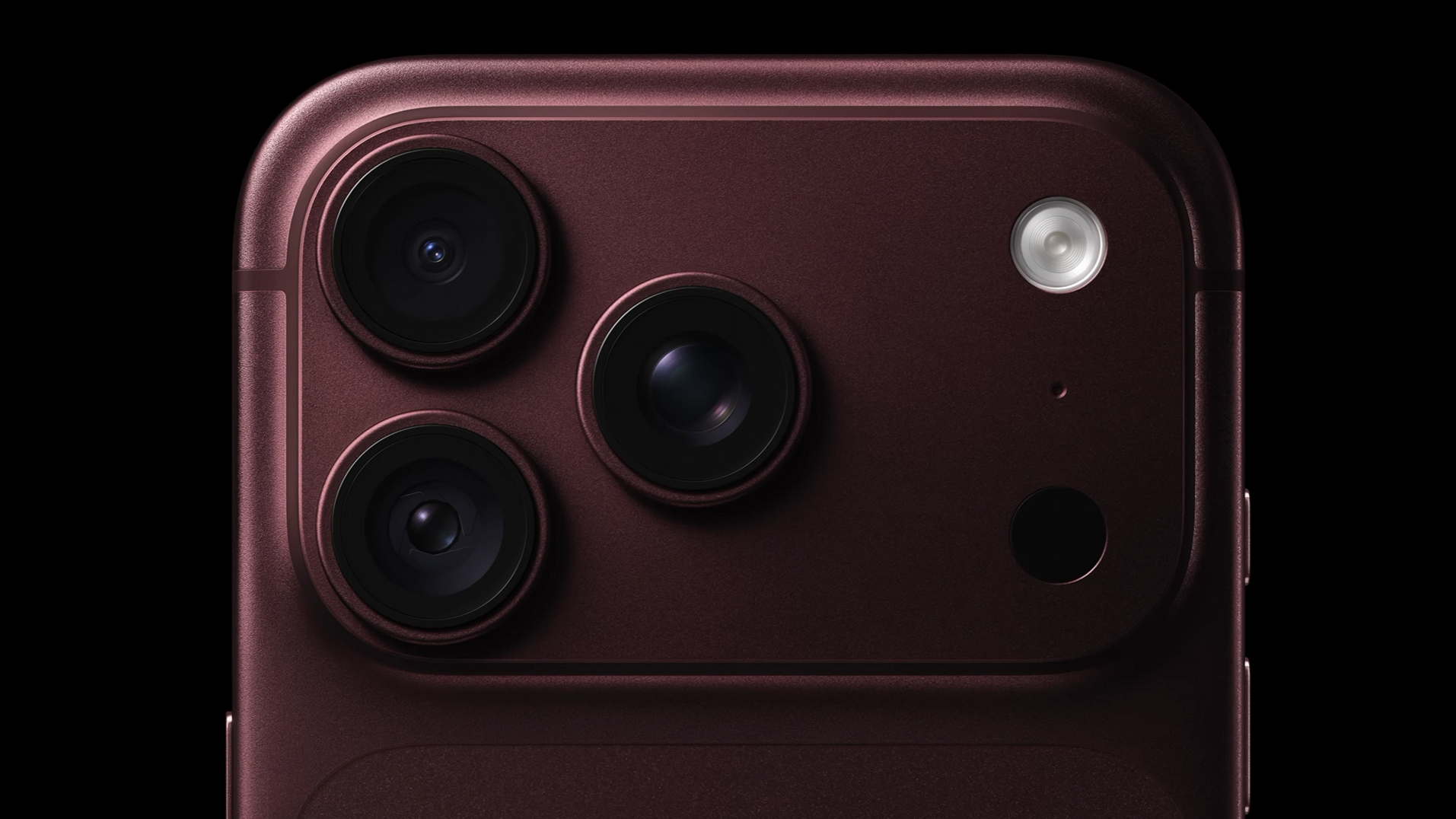
During Apple's reveal of the iPhone 18 Pro and Pro Max, the cameras took center stage. We've got a 48MP main camera that adds a variable aperture for the first time on an iPhone (for better light control), as well as a new sensor behind it.
Apple is also talking up a new "computational imaging pipeline", improved Photographic Styles, and extra professional controls in the Camera app, enabling you to take more control over how your images are captured.
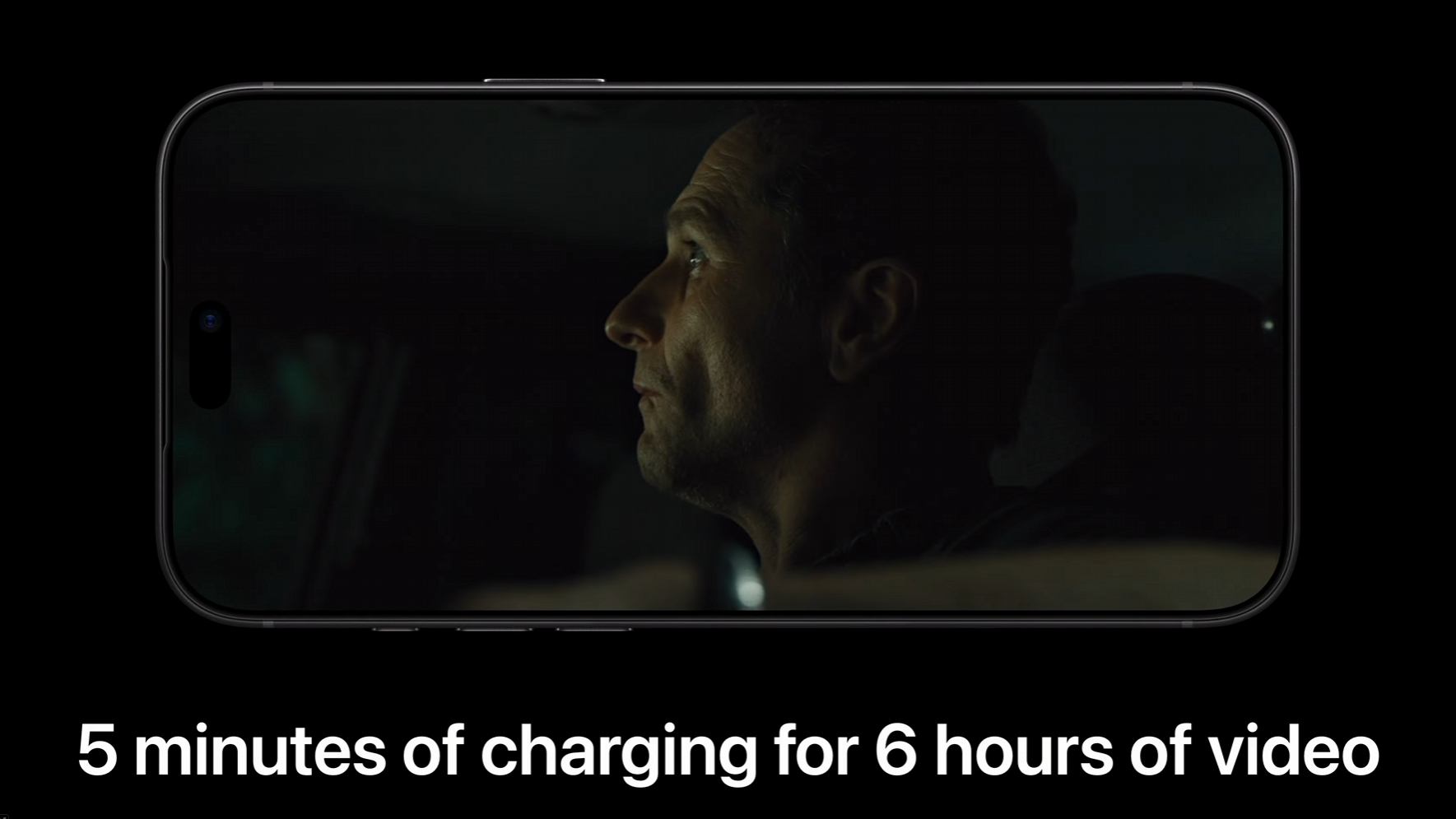
Another plus point on the iPhone 18 Pro Max: it's very much the iPhone to get if you value battery life above everything else. You can get up to 45 hours of video playback on the eSIM version of the iPhone 18 Pro Max between charges, a new iPhone record.
The iPhone 18 Pro is no battery slouch either, and can manage up to 36 hours of video playback on a single charge if you're using the eSIM version. Charging speeds have been upped over last year's models as well.
At the center of the iPhone Duo, the iPhone 18 Pro, and the iPhone 18 Pro Max we've got the brand new A20 Pro chipset. It boasts a 6-core CPU, a 7-core GPU, and two 16-core Neural Engines for all your AI needs.
Add in an upgraded vapor chamber, and we can expect major performance upgrades over the 2025 models. Apple says there's as much as a 40% sustained performance gain on the iPhone 18 Pro compared to the iPhone 17 Pro.
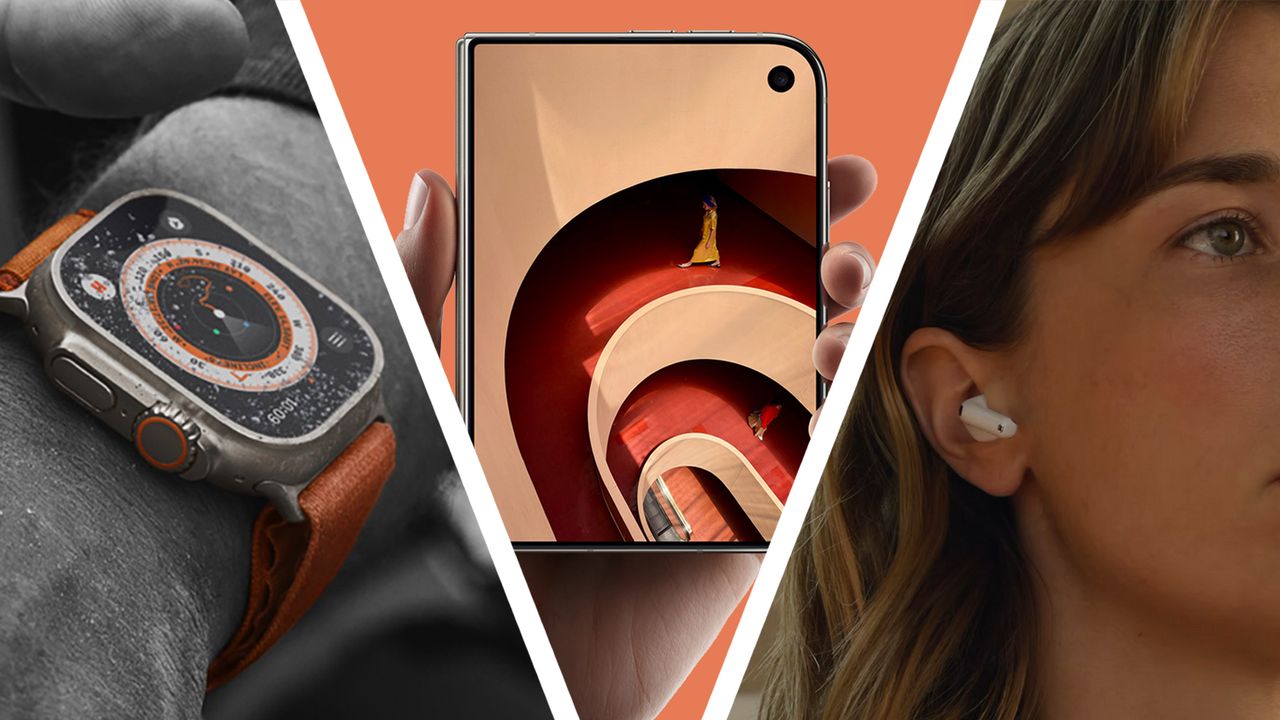
On to the new open-ear AirPods 5, which come in two different versions, both of which have Active Noise Cancellation (ANC) that Apple is calling "best-in-class". Thanks to changes in the design of the earbuds and the algorithms they're using, you can expect up to 50% more noise removal compared to the AirPods 4 with ANC.
The improvements don't stop there, because the Transparency mode has been upgraded as well, so when you need to hear voices and nearby sounds through your AirPods, they should be more accurately represented.
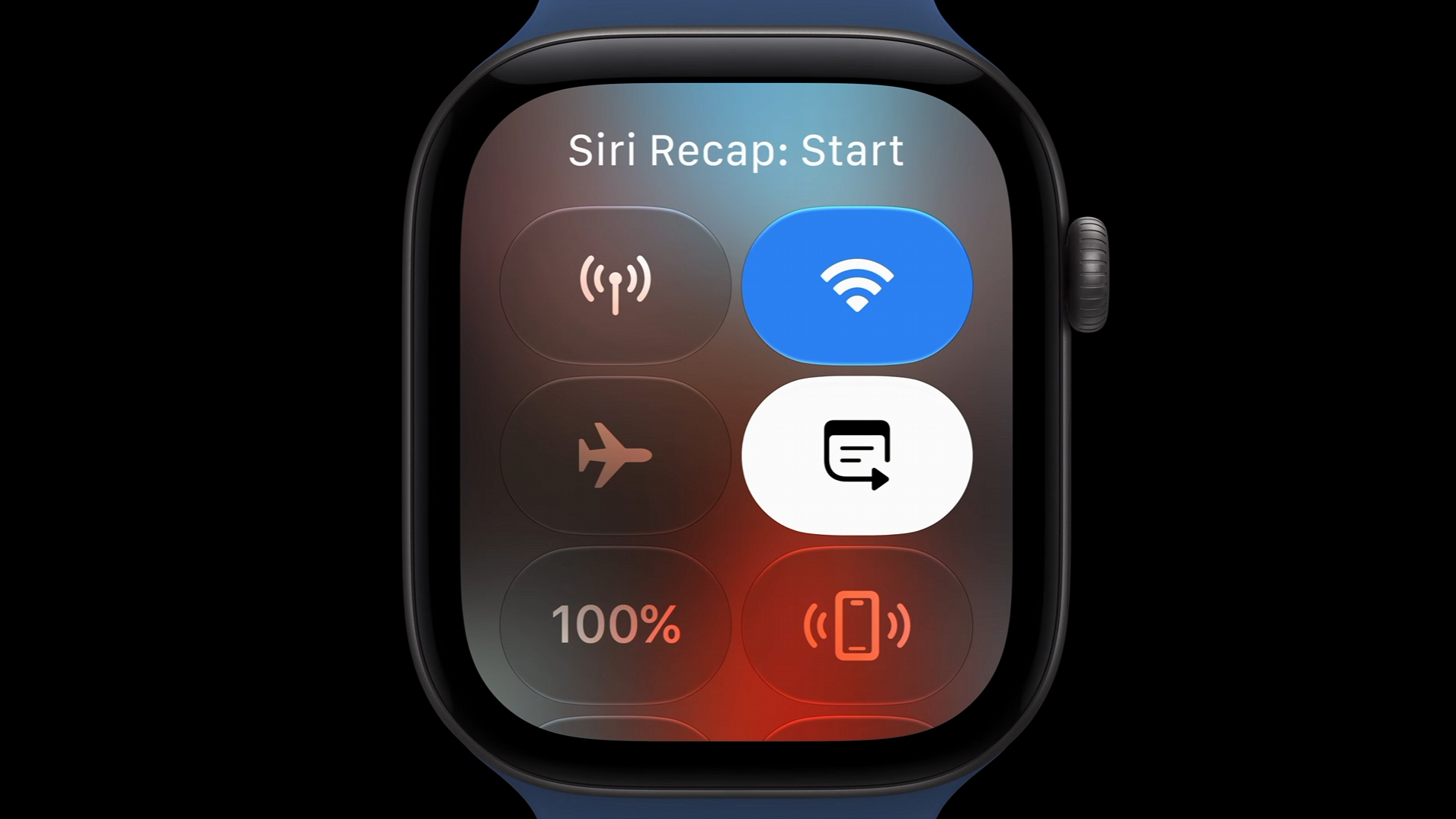
Here's one feature we're a little less sure about: the Apple Watch 12 comes with a Siri Recap feature that essentially listens to the conversations you're having and lets you see a summary of them later, just in case there are details you need to remember.
It might come in handy in certain situations, but we can see users having a few concerns. Apple says Siri Recap processes audio in real-time and never recordings anything, and that no one — not even Apple — can access the audio feed.
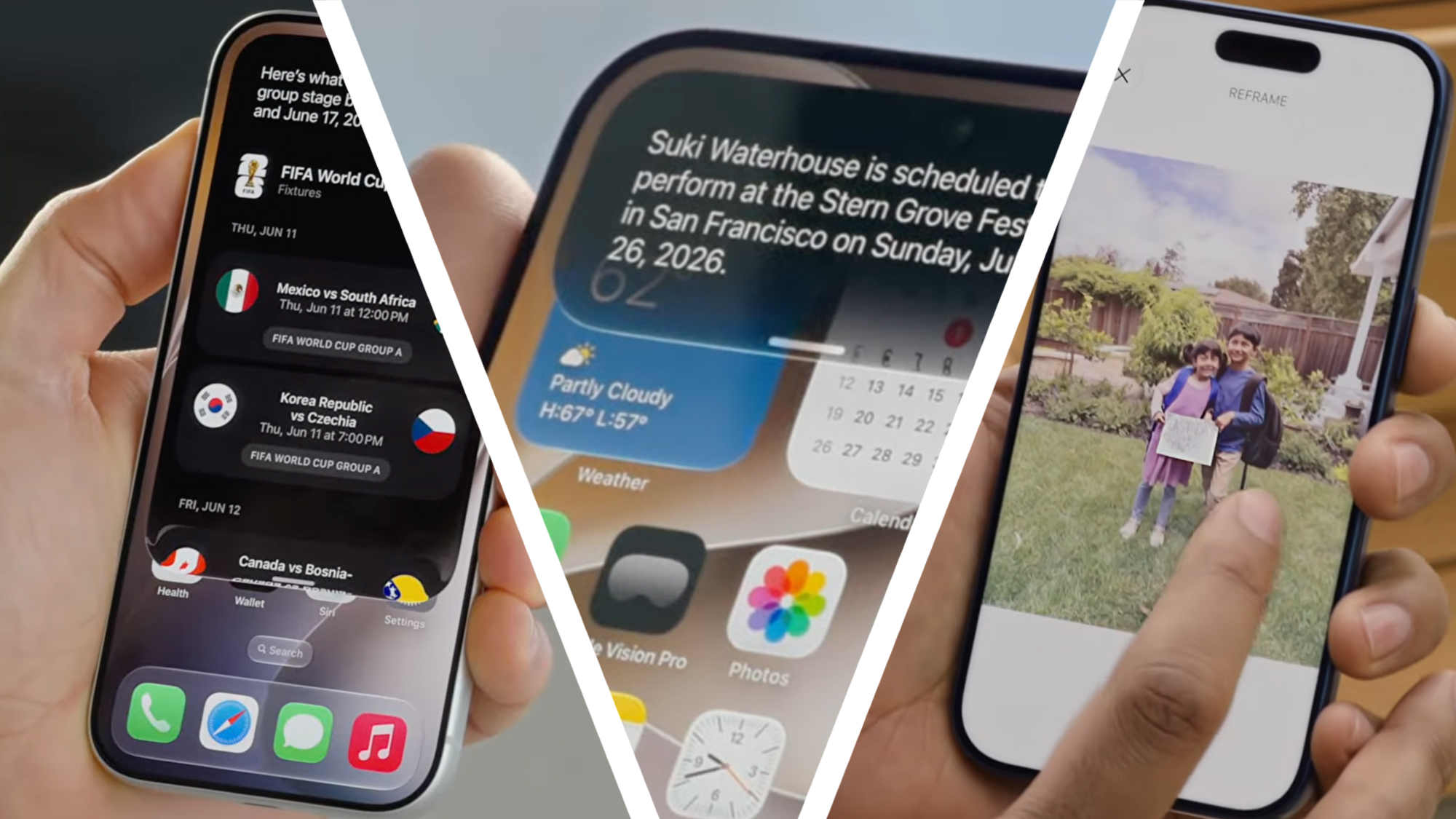
It's been a long wait for iOS 27 since Apple first announced it back in June, but the operating system update is finally going to make its way to millions of iPhones worldwide from Monday, September 14.
The headline new feature is of course that big Siri AI upgrade — we've been waiting for that for even longer. Expect a digital assistant that's more on a par with ChatGPT and Gemini, able to interact with your apps and give comprehensive answers.
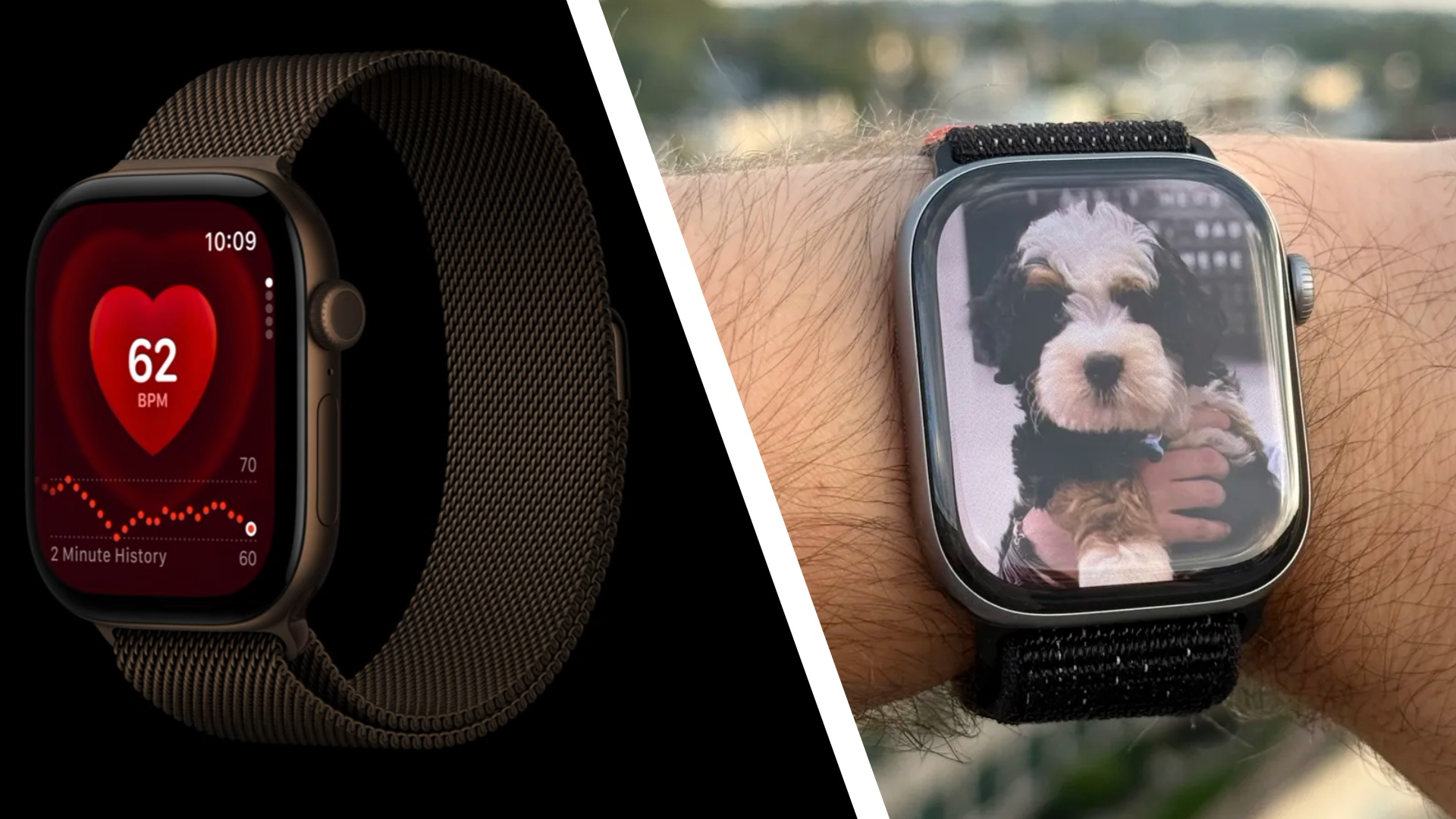
Apple didn't neglect its smartwatches during the event, and says that the Apple Watch 12 and Apple Watch Ultra 4 both offer "the most accurate heart rate sensing in a wearable", which is quite the claim.
That's achieved through higher-frequency heart rate and heart rate variability (HRV) measurements, via new optical and electrical heart sensors. It's part of a wider Health Sensing System that gives users a more detailed look into their fitness.
To match the new features on the latest Apple Watch wearables, as well as some other changes (including Apple Intelligence upgrades), the Health app on the iPhone is getting a redesign — including a new Insights tab with "timely health information".
There's also a new Longevity tab, which shows you deeper health insights over a longer period. There's a Health Age reading here, for example, which shows how certain fitness metrics are matching up with your actual age.
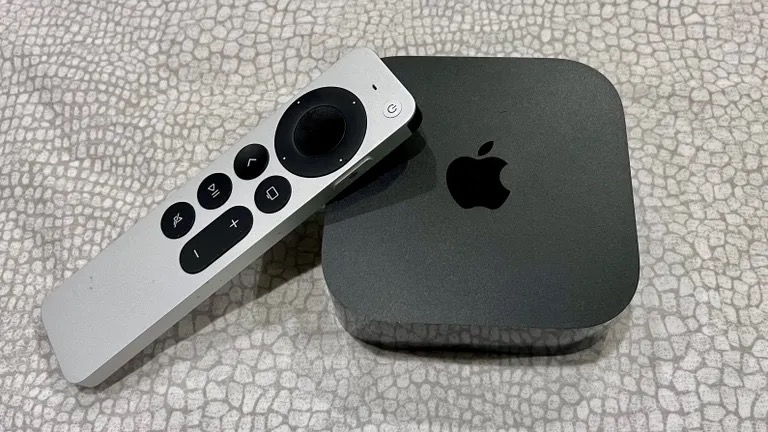
One of the no-shows at the 'Surprise and Shine' event was a new Apple TV 4K. As a reminder, the last model (the third generation) was launched all the way back in 2022, so we're overdue a new one.
Some of the pre-show rumors had suggested Apple would refresh its streaming box, but there's nothing yet. A new device has been showing up in Apple software code, so it shouldn't be too long before it appears.
Wondering where the iPhone 18 is? Well, we don't think it's been canceled. Rumors have been swirling all year that the standard model phone would be pushed back to March-ish, to launch with the iPhone Air 2 and the iPhone 18e.
There are multiple reasons, according to the leaks: Apple wants to spread out its revenue more evenly across the year, reduce the pressure to get hardware and software out every September, and better compete with manufacturers who launch their handsets earlier in the year (looking at you, Samsung).
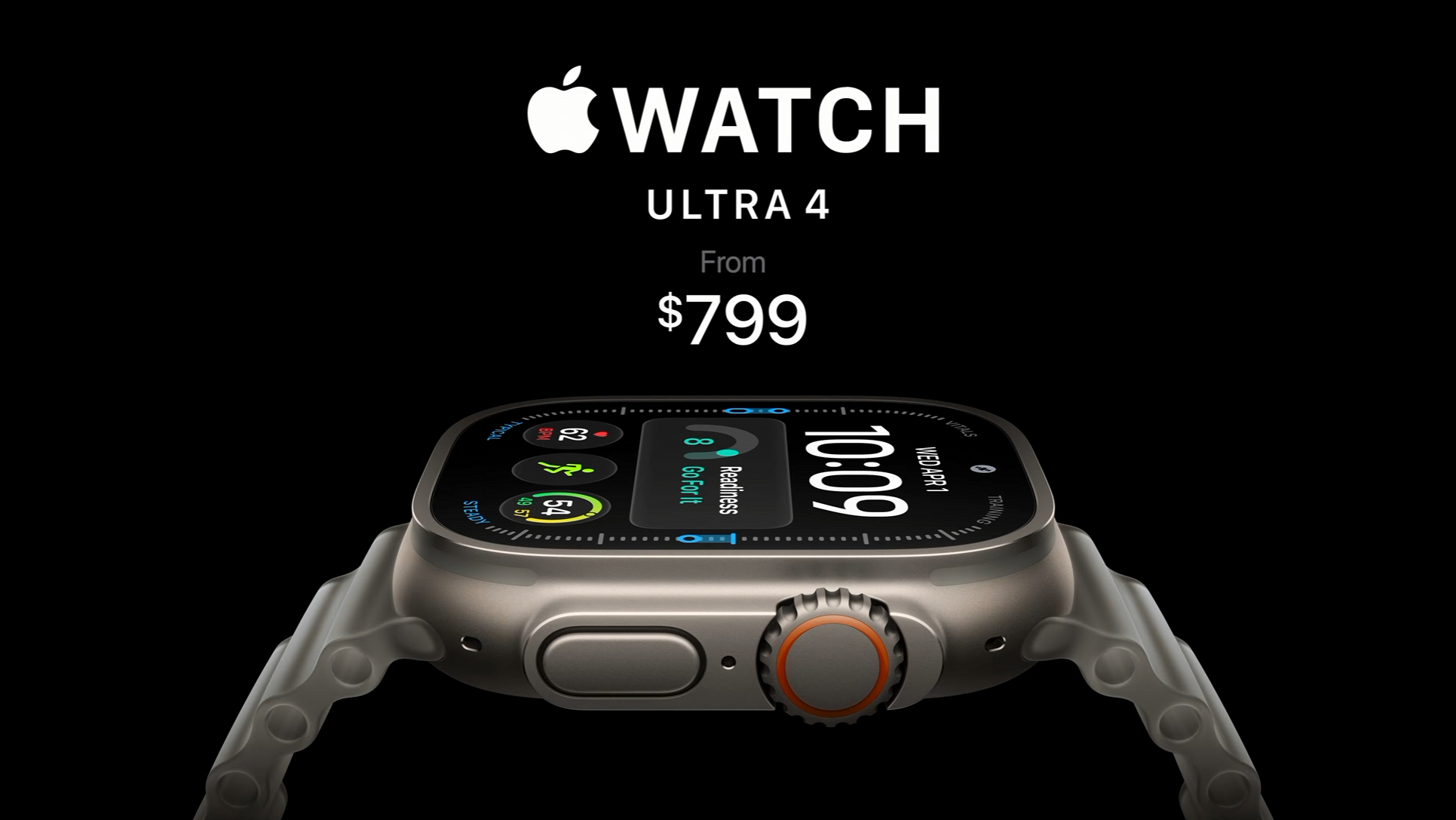
It was a mixed bag in terms of pricing at the Apple event, though it's fair to say that the price hikes we did see weren't quite as severe as we might have expected given the ongoing memory shortage affecting the whole industry.
Both the iPhone 18 Pro and the Pro Max are starting at a $100 higher price than their immediate predecessors, but the new Apple Watch models are sticking to the same prices as last time, while the AirPods 5 are actually cheaper than the AirPods 4 were at launch.
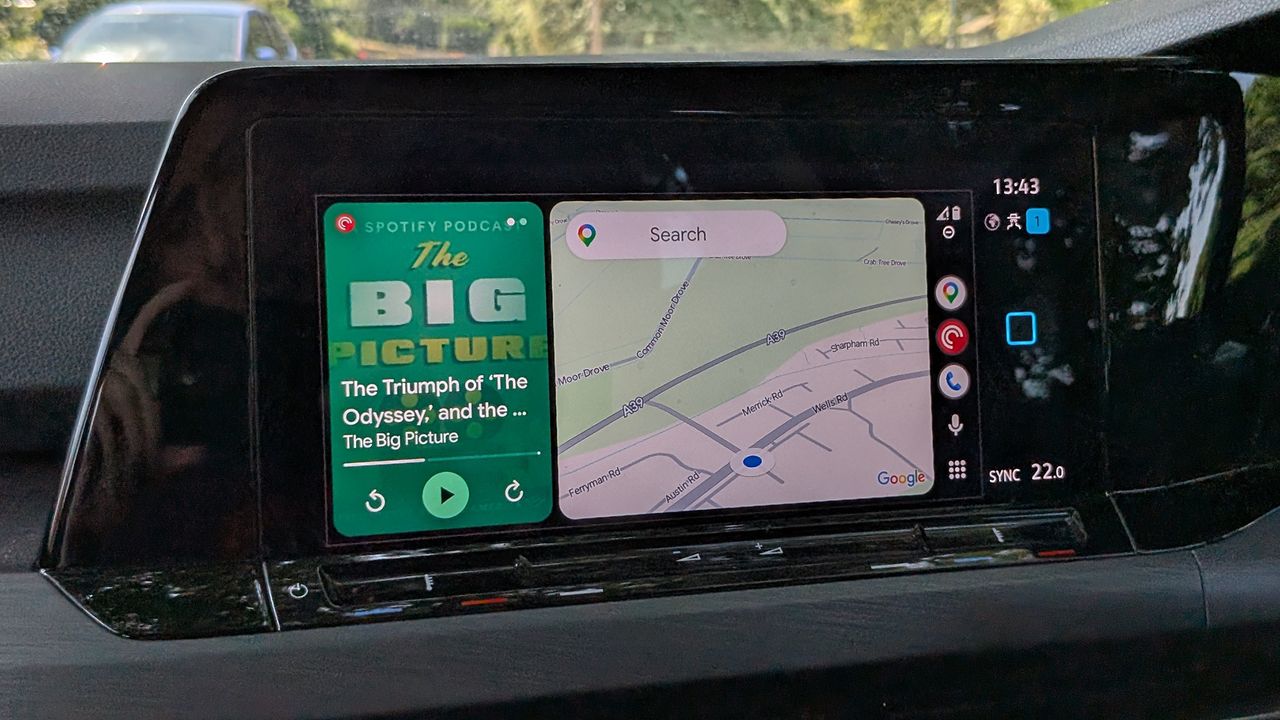
Google Maps has only recently started showing speed limit information on Android Auto screens — so recently that it hasn't reached everyone yet — but now users are reporting that the speedometer has started disappearing unexpectedly, together with real-time traffic data in some cases.
Reports appearing on Reddit (via 9to5Google) suggest the problem isn't affecting everyone, and comes and goes intermittently, but is definitely a real issue. Stop signs and traffic signals also appear to be affected by the same bug.
Some commenters on Reddit are saying that the speedometer shows up in Android Auto when connected to the phones of some family members but not others. That might indicate the problem is related to a specific Android or app version somehow.
Other users say the bug is connected to switching to or from the beta versions of Android Auto and Google Maps, which could be another explanation of what's happening. For now though, Google hasn't officially acknowledged that there's an issue.
Google Maps: feature lossfrom r/AndroidAuto
The problem of real-time traffic information not showing up has actually been going on for longer, and seems to be sticking around. Again, it doesn't look like a vast number of users are affected, but the bug is definitely having an impact for some.
With so many different Android device models, software versions (including betas), and vehicle types involved, it's perhaps no surprise that annoyances like this crop up from time to time — but that doesn't make the experience any less frustrating for users.
At least one Redditor in the main complaints thread has already quit Google Maps over the decision to rename Lake Ontario as Lake America in the app, under the direction of the White House, which does mean no need to worry any more about these bugs.
The good news for everyone who's sticking around is that Google regularly rolls out updates for Android, Google Maps, and Android Auto, and so we're hoping that these problems are sorted sooner rather than later. In the meantime, if you're seeing these issues, you'll just have to sit tight and wait for a fix to appear.
The most carefully packed embryo of all the vertebrates
The post Why Snake Embryos Form in Spirals appeared first on Nautilus.

It’s a rare plant with an “enigmatic and devil-like essence”
The post This New “Devil Flower” Species Doesn’t Photosynthesize appeared first on Nautilus.



Whether you’re on Windows or macOS, a desktop or a laptop, you’ve got options when it comes to how your computer uses power. On laptops, these can help you save battery life; on desktops, you can save energy and reduce your electricity bill.
It’s therefore worth familiarizing yourself with the options and what they do, so you can make the most of them. You may have always left the defaults in place and never considered making any changes—but here we’ll set out the settings you’ll see in your operating system.
These settings apply to the latest versions of Windows 11 and macOS 27 Golden Gate at the time of writing. If you’re using older or newer software, the screens may differ.
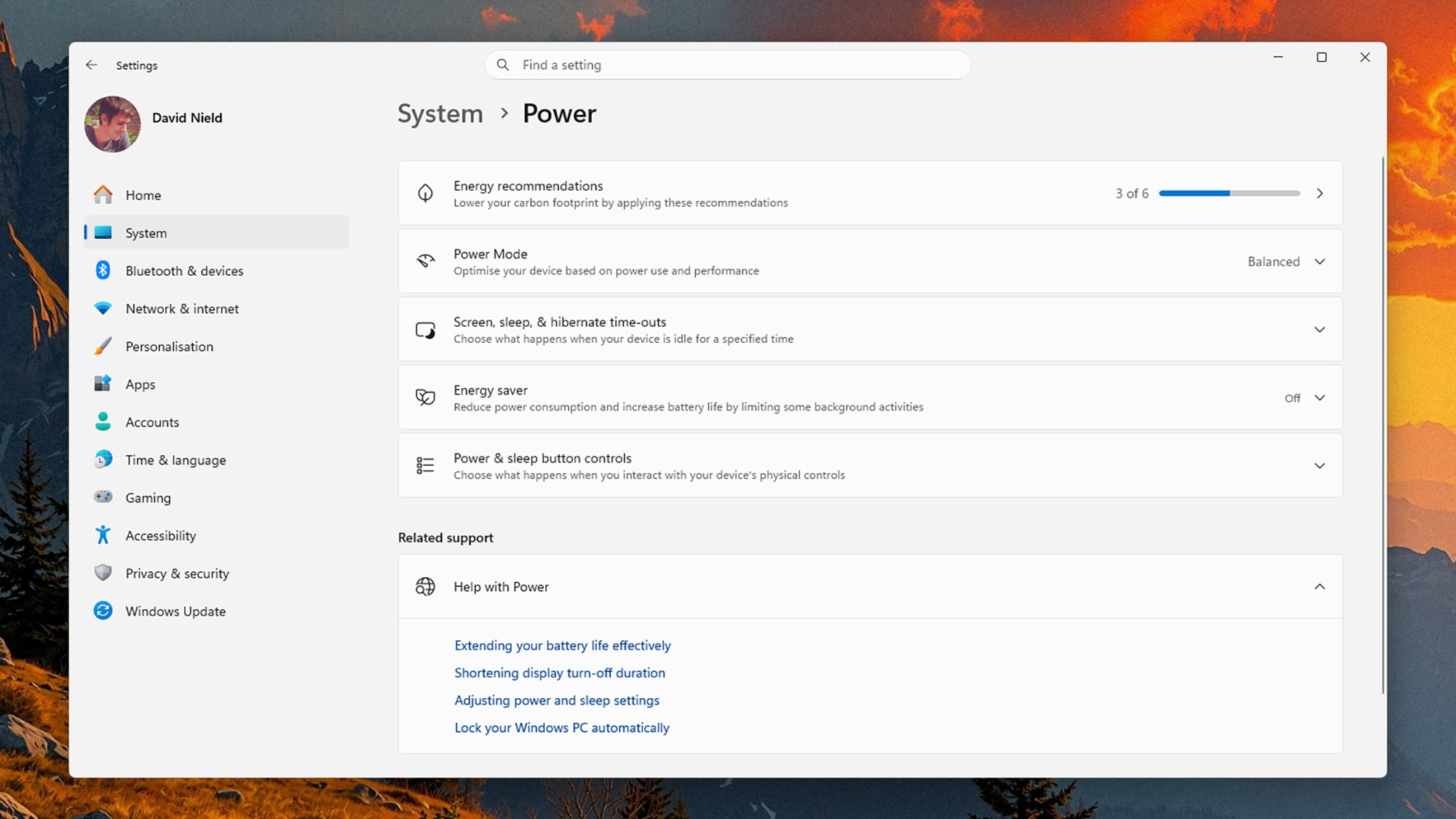
You can find the power options in Windows by opening up Settings from the Start menu, then choosing System > Power (desktop) or System > Power & battery (laptop). At the top, you’ll see Energy recommendations, which should put your system in the most energy-efficient mode—you can use these recommendations as quick shortcuts to the best settings, if you’d like.
Then, from the top, we’ve got Power Mode first. This gives you three choices for both battery power and when your system is plugged in or charging (on a desktop you’ll obviously only see the latter). Best Power Efficiency, Balanced, and Best Performance let you choose how Windows balances power demands and system performance, with Balanced as a decent compromise.
Next up is Screen, sleep, & hibernate time-outs. You can choose how long Windows waits before these modes kick in, both when your system is plugged in and (if you’re on a laptop) when you’re running on battery. In all three cases, shorter time-outs mean less energy usage.
Then there’s Energy Saver, which puts your Windows system into an economical, low-power mode. Background activity is reduced, display brightness is dialed down, updates are paused, and some visual effects are disabled. On a desktop or laptop, you can toggle this on or off manually, and on a laptop you can also set it to turn on automatically when your battery gets down to a certain level.
The last entry here you need to know about is Power & sleep button controls, which set what the physical buttons on your computer do. Make sure these are configured in the way you want—so you’re not, for example, thinking that you’re fully powering down your laptop or desktop when you’re actually just putting it to sleep.
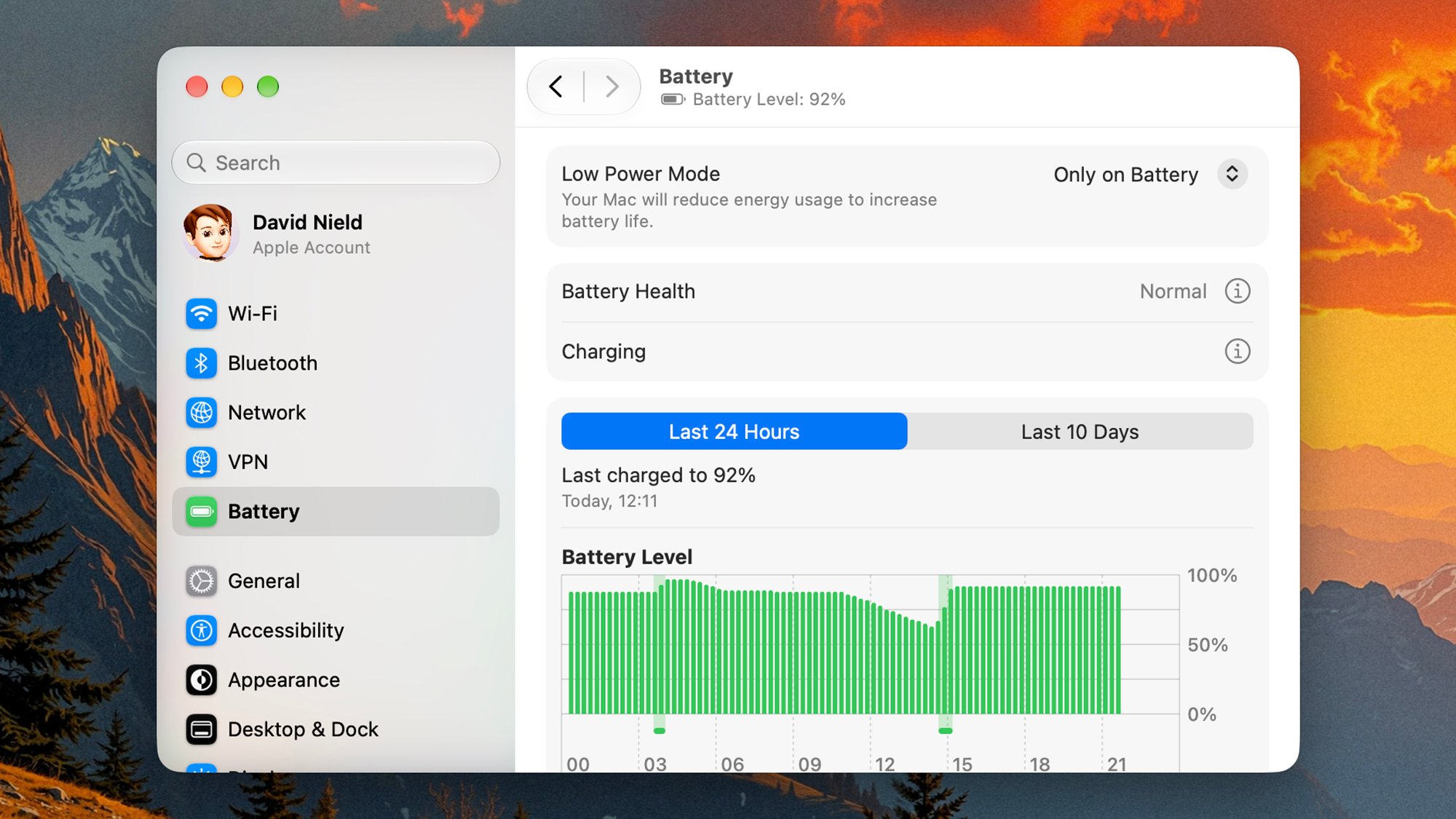
Over on macOS, the desktop and laptop separation is more distinct. Open up System Settings from the Apple menu on a desktop Mac and you’ll see an Energy menu, whereas if you do the same on a MacBook laptop you get a Battery menu.
The options are broadly similar, although on a laptop you’ve got battery-usage statistics and a choice of configurations for both battery and plugged-in power. The first drop-down, Low Power Mode, reduces some background activity, dims the screen, and applies a few more tricks to reduce energy use.
Some Macs—primarily those with the latest, fastest Apple Silicon processors, also offer you an Energy Mode drop-down. From here you can choose your preferred balance between power draw and Mac performance, and the options are Low Power, Automatic, and High Power (on a laptop, you can have a different setting depending on whether your MacBook is charging or not).
Behind the Options button there are a few more settings you can take advantage of, including one for preventing the system from automatically going to sleep when left idle, and (if you’re on a laptop) dimming the screen and optimizing video streaming performance when you’re on battery power. Again, these let you choose the mix you want between performance and energy use.
The screen time-out settings aren’t here; they’re actually under Lock Screen in System Settings. You can set the delay between your system being left idle and the display turning off, and the shorter that delay, the less power your Mac will be drawing (though with a really short delay, you’ll find the screen turns off when you’re still looking at it).
The post These are the best power settings for your Windows or Mac system appeared first on Popular Science.
 New secrets are surfacing from a gruesome episode at sea.
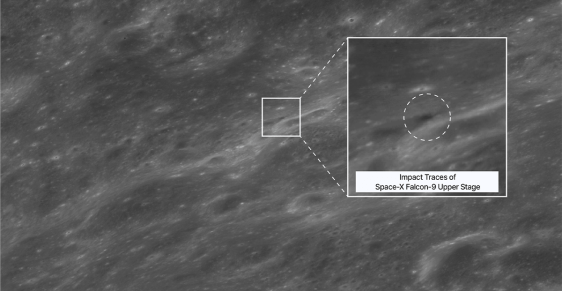
The crater could measure 100 feet in diameter
The post Here’s the Crater SpaceX’s Rocket Left on the Moon appeared first on Nautilus.
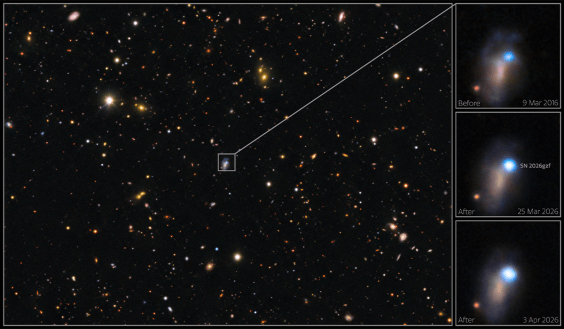
An unexpected way to go for a star 20 times the size of our sun
The post This Supernova Death of a Star Broke All the Rules appeared first on Nautilus.
Dunes and lakes as far as the eye can see
The post This Paradoxical Desert Landscape Is Filled with Fresh Water appeared first on Nautilus.

It marked the city's first smog incident. Here’s what it looked like—back then and over the years that followed.
The post A “Hellish Cloud” Descended on Los Angeles in 1943 appeared first on Nautilus.


 It's complicated.
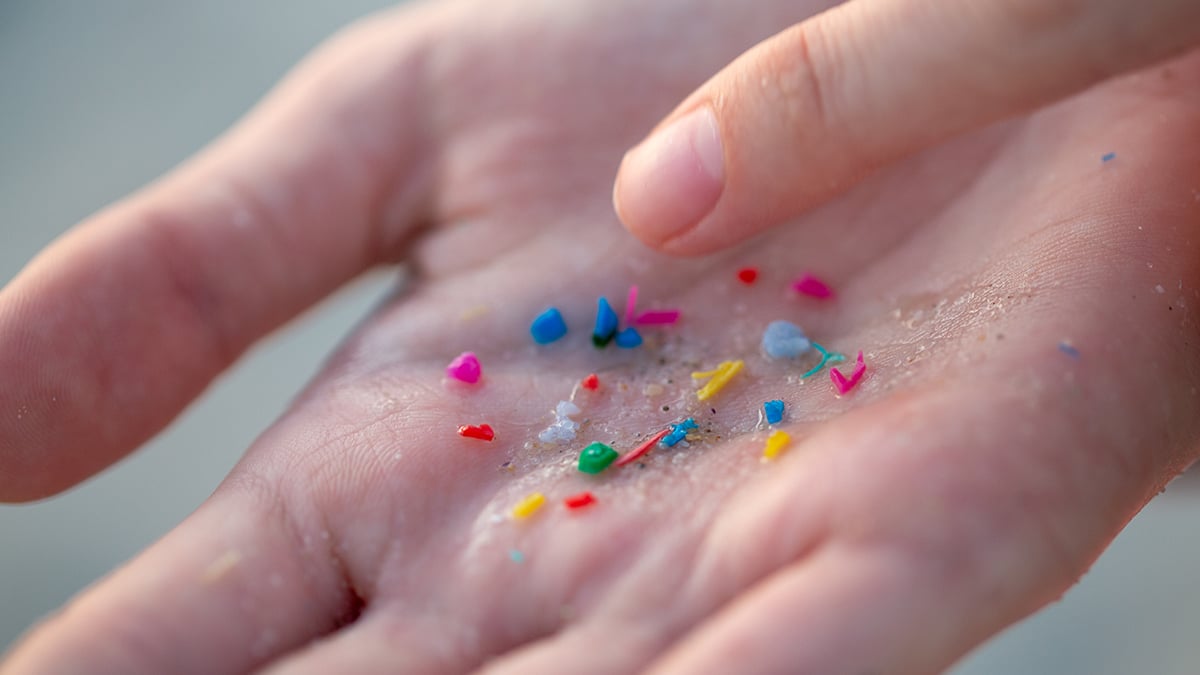 There's no avoiding microplastics.
 There's really no escape.