Cory Solovewicz receives more unwanted emails than you. Seriously—it’s a lot more. Since December 2024, one of the domains at which the security researcher receives email has registered 401,796 messages—by his calculations that’s an average of 699.99 pings per day.
This deluge isn’t the regular flood of spam, newsletters, and unwanted deals that fill many people’s inboxes. Instead, companies and other organizations are inadvertently sending Solovewicz other people’s private information and company secrets. Over the last few years, he’s received injury reports from a city government, confirmation of people’s pizza orders, and account setup emails from a school platform. “I get service orders for people that need repairs. I get lots of test platform credentials,” says Solovewicz, a security researcher and consultant.
Solovewicz is receiving the avalanche of messages as he’s the owner of the domains noreply.us and noreply.net, which he purchased in 2020 and 2024, respectively. After originally planning to use the noreply.us domain as a catch-all email—which receives mail sent to any @ address on that domain—to filter messages and enhance his privacy, the researcher quickly noticed that other systems were sending mail to @noreply.us addresses. “I created an accidental honeypot,” Solovewicz tells WIRED. “I had no idea it was going to turn into this.”
Na carta aberta, intitulada “Apple is getting this wrong” (“A Apple está entendendo isso errado”, em tradução direta), a empresa de Sam Altman tenta demonstrar inconsistências na narrativa apresentada pela Apple aos tribunais, classificada por ela como “descuidada, agressiva e estranhamente pessoal”. A OpenAI também diz que a prática não faz jus à grandeza histórica da Maçã.
Quanto às questões endereçadas na carta, a acusação principal — de que Tang Tan, líder de hardware da OpenAI e ex-designer da Apple, utilizou seu conhecimento sobre os procedimentos internos da Apple para repassar informações confidenciais sobre os seus produtos — foi contestada, com a versão oficial da OpenAI alegando que Tang sempre foi enfático quanto à falta de intenção em fazer uso de segredos industriais de outras empresas. A confusão sobre a revogação de acesso já havia sido mencionada em uma reportagem do The Information.
Sobre Chang Liu, cuja acusação envolvia a retenção de dispositivos e acessos para baixar arquivos internos, a réplica à Maçã, caso verdadeira, é um tanto reveladora: na carta, foi mencionado que funcionários da Apple entraram em contato com Liu mesmo após a sua saída para localizar os arquivos de projetos internos, revelando uma fragilidade no processo de revogação do acesso a arquivos internos. As mensagens trocadas entre Chang e um funcionário da Maçã via iMessage foram divulgadas junto da carta.
Já tratando sobre a alegada ciência da OpenAI quanto aos temas do processo, a dona do ChatGPT expôs emails de advogados externos que representavam a Maçã admitindo um erro no envio das mensagens, ocasionado por uma confusão entre os sobrenomes de Che Chang (conselheiro geral da OpenAI) e de um funcionário de sobrenome Wang — a quem, alegadamente, se referia a mencionada conversa por telefone, que nunca aconteceu, de acordo com a carta e com uma confissão feita em um dos emails divulgados.
A carta não cobriu, no entanto, as acusações de que a OpenAI vinha incentivando funcionários da Apple a realizar entrevistas para os seus cargos e fornecer detalhes sobre dispositivos ainda não lançados, e nem o suposto contato feito por parte da OpenAI com fornecedores da Apple sob o apoio de dados internos importantes.
Solicitação de liminar
Ontem, a Apple solicitou, de maneira preliminar, uma liminar para impedir que Liu e Tan possam acessar, obter, utilizar ou divulgar informações confidenciais. O pedido foi rebatido na carta:
O pedido da Apple por uma liminar preliminar é baseado em informações falsas e é completamente desnecessário, porque não temos, nem queremos ter, nenhum de seus segredos comerciais. Estamos muito mais interessados em construir produtos e tecnologias inovadores que ampliem as fronteiras do que é possível.
Até o momento, a Maçã não se pronunciou sobre a resposta da OpenAI.
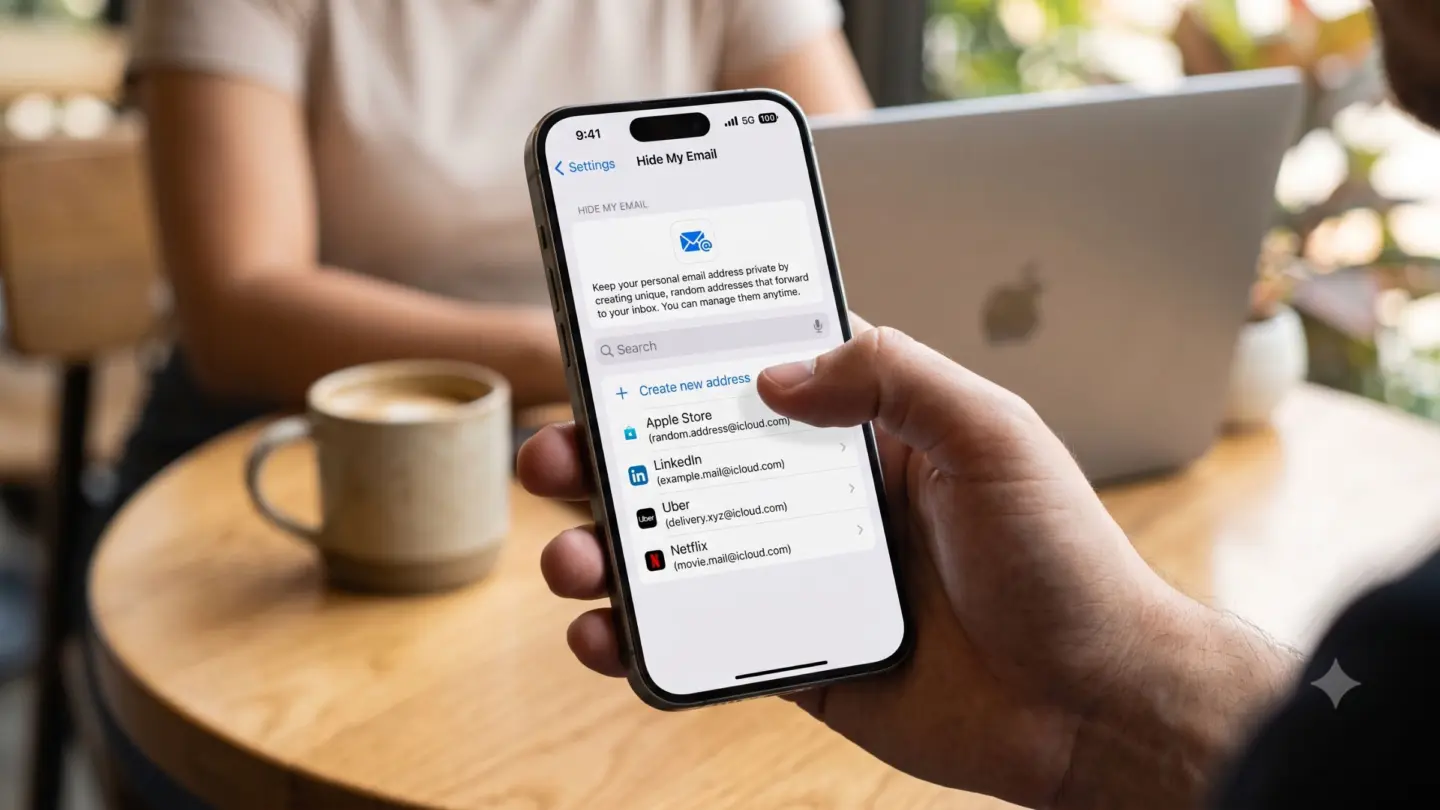
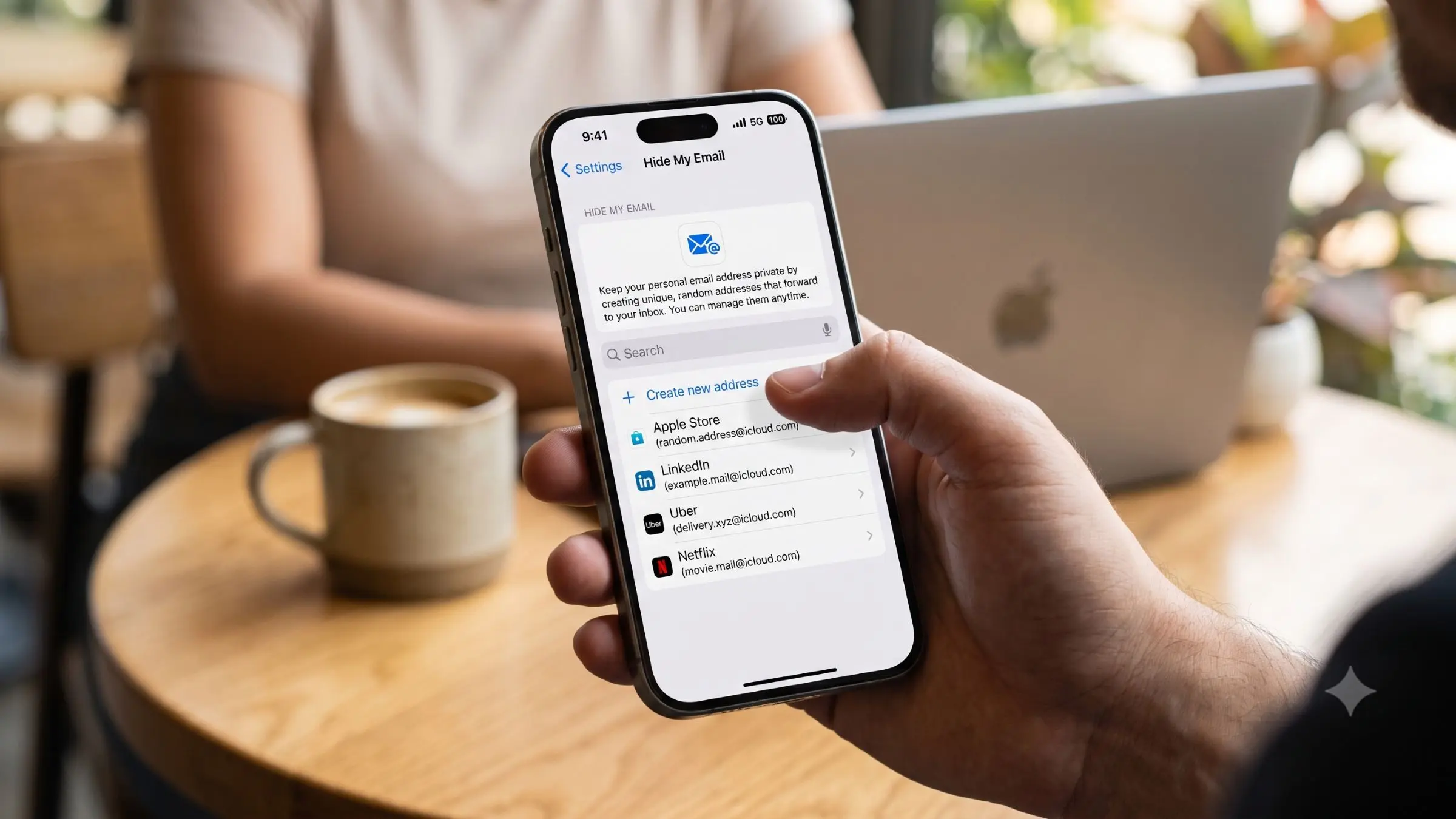
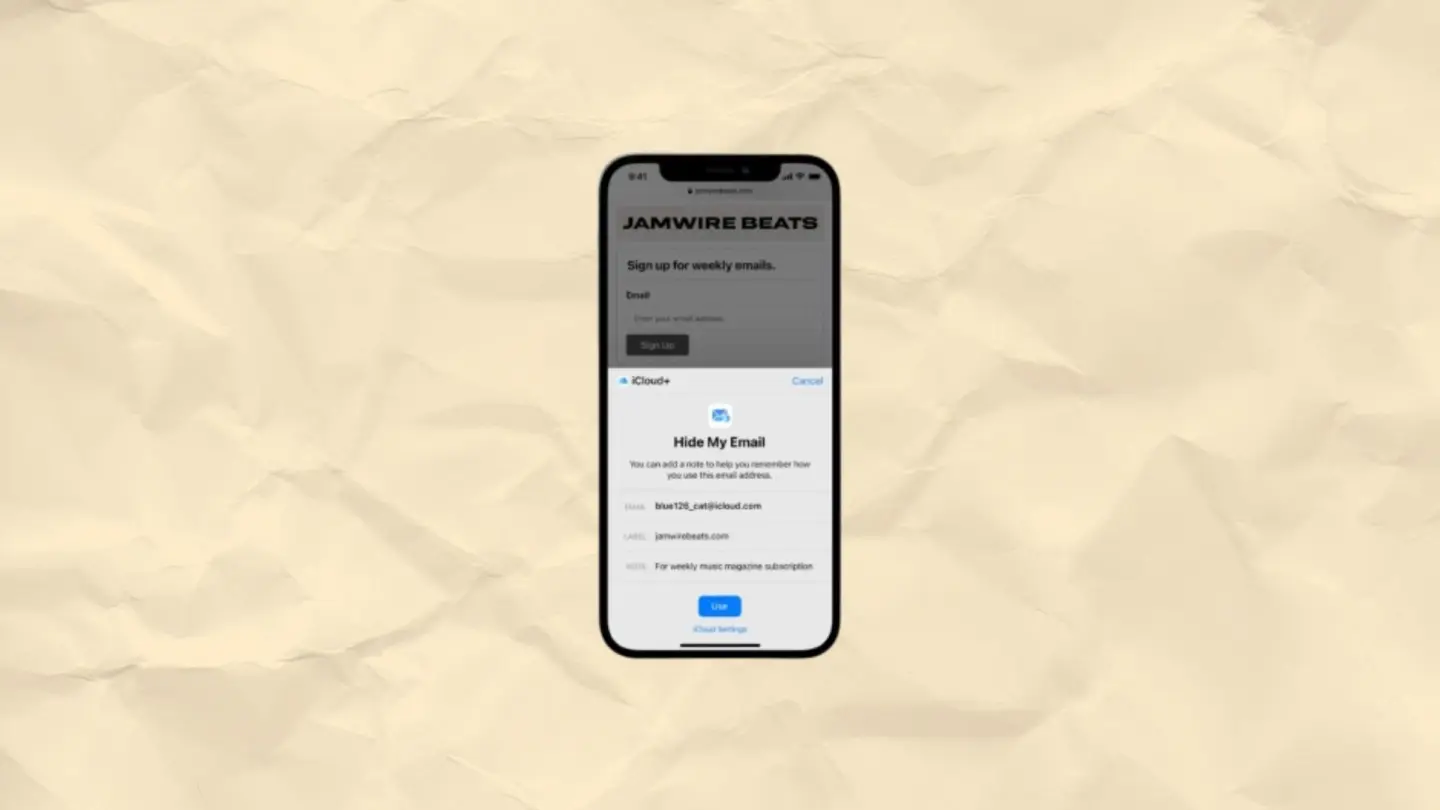
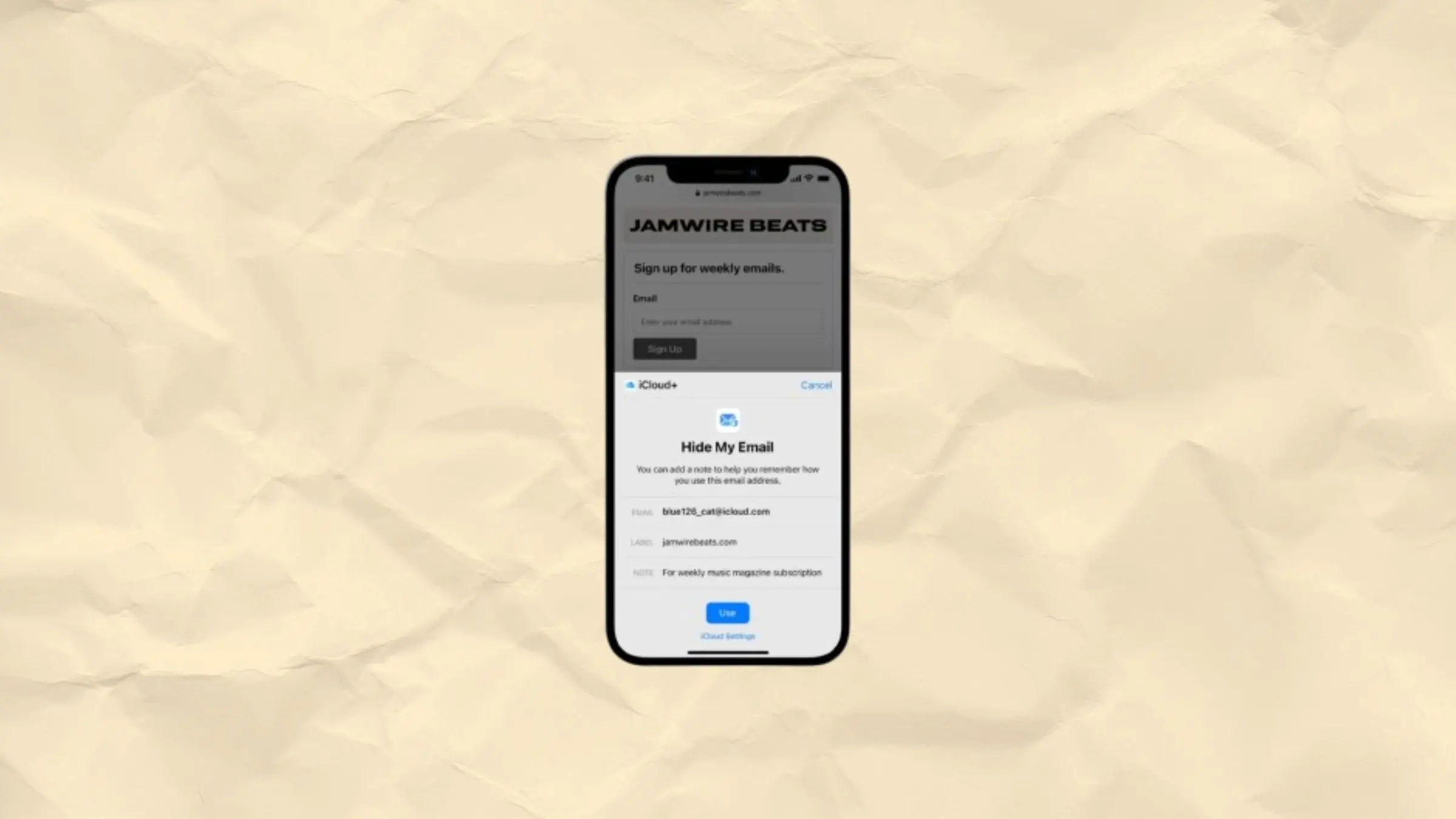
A vulnerability in Apple’s “Hide My Email” tool lets almost anyone discover a person’s real email address that is supposed to be hidden by the feature, and Apple has failed to fix it for more than a year, according to a security researcher and 404 Media’s own tests.
[…]
“Apple Hide My Email is leaking email addresses that are supposed to be hidden. We reported the issue and replication instructions to Apple over a year ago. We don’t know why it hasn’t been fixed, but we don’t feel comfortable waiting any longer. Hide My Email users deserve to know that it may be possible for attackers to discover their hidden email addresses,” Tyler Murphy, the co-founder of EasyOptOuts, which discovered and reported the issue to Apple, told 404 Media.
“Free, publicly accessible people-search sites make it easy to link an email address to other personal details, so people relying on Hide My Email for safety may be at risk,” Murphy added.
[…]
To test the issue I generated a new Hide My Email address and provided it to Murphy. Around five minutes later, he replied with my real email address linked to my Apple account which was supposed to be hidden.
Murphy said that he reported the issue to Apple in June of last year, and the company told him it was looking into it. Apple said it had been fixed in March of this year, but Murphy found that wasn’t the case. He again contacted Apple, with the company saying that it would appreciate him not revealing the existence of the flaw until it had been resolved.
Apple then said it planned to address the issue in June, but since it still hasn’t been fixed[…]
March 19, 2026: Using the reproduction instructions from our initial report, we determined that the vulnerabilities hadn’t been fixed.
May 22, 2026: We realized that the vulnerabilities may have greater severity and scope than we thought initially and reported this to Apple. Apple never acknowledged the report of increased severity.
June 30, 2026: Apple again reported that the vulnerabilities were fixed and asked us to verify. We determined that the vulnerabilities hadn’t been fixed.
Very few details are available right now. I have seen speculation that the original email address is revealed when someone replies using their hidden email address, but the impression I get from Cox’s reporting is that no user interaction is necessary[…]
[…]
I am also unclear about how, as of May, the EasyOptOuts guys found the “vulnerability may have greater severity and scope” than initially reported. Ominous, though.
I don’t know whether I’ve accidentally stumbled upon that vulnerability, or perhaps in this case the Hide My Email user just messed up in some way, but I’ve definitely discovered a bizarre and troubling Hide My Email bug in Mail app (on macOS Sequoia 15.7.7).
[…]
Bizarrely, however, Mail app displayed an alert that I’ve never seen before, “This message was forwarded to you by Hide My Email,” despite the fact that I have previously received many emails from people using Hide My Email.
[…]
Why I am seeing two different @icloud.com email addresses, one of which appears to be the sender’s unhidden address?
Why are the To: and From: fields in my reply disabled?
Why is my reply not from my @underpassapp.com email address but rather displayed falsely as from the sender’s @icloud.com address and really from my unrelated Apple Account address?
Apple this week was sued over a reported “Hide My Email” flaw that could expose a user’s real email address. The proposed class action lawsuit alleges that Apple violated California’s false advertising law and other consumer protection statutes by knowingly offering a feature that does not work as advertised.
This is interesting in that the June 2025 bug report is the evidence that Apple “knew” the feature didn’t work, while “Apple continued to represent to consumers that Hide My Email
would actually hide users’ email.” How long are they supposed to get to fix a bug?
The misleading user interface elements in Mail app are a bug, but by themselves they’re not a vulnerability. The vulnerability is that when I send a reply to my maliciously crafted email, my Apple account email address is disclosed in the “From” field of the sent reply! In other words, the Mail app interface lies, fails to show the true sent value of the “From” field.
There are a couple of crazy aspects to this information disclosure vulnerability:
It does not require that the victim actually use Hide My Email! I never use it. As I mentioned in my previous blog post, I don’t even have an icloud.com email account.
It does not matter which of the victim’s email accounts receives the email from the attacker. If your Apple account email address is a@foo.com, but you receive a maliciously crafted email addressed to b@bar.com, Mail app will still send your reply from a@foo.com, thereby disclosing your Apple account address.
Apple addressed a vulnerability in Hide My Email that exposed a user's real email address, reports 404 Media. Apple told the site the issue was fully fixed in a patch released on July 3.
[…]
While the bug has now been addressed, email logs that pre-date the fix could still expose user email addresses.
Later this summer, Apple will unify the email domains used by Sign in with Apple and iCloud+ Hide My Email under a single, shared domain: private.icloud.com.
New addresses generated for both features will be issued on the new domain.
[…]
Existing addresses on the legacy domains will continue to work and forward mail to users without interruption.
It’s unclear to me what the benefit of this is. Is there a reason to migrate legacy addresses?
This makes it much easier to ban all aliases without affecting non-relay mailboxes on iCloud mail.
This is certainly a big hit for iCloud privacy, since some plausible deniability together with Apple’s backing made banning iCloud aliases costly. But now a lot of services will just refuse to accept these emails, just like what happens with free temporary mailboxes.
But my retort is that a service that won’t accept these email addresses is one that I probably don’t want to have anything to do with. The only reason not to accept private.icloud.com email addresses is if you want to do something invasive with users’ actual email addresses.
The main problem I have with Hide My Email is that some customers use it and then have no way to look up their purchase info via e-mail because they don’t know which address they used. Of course, I wouldn’t reject such addresses, but I wonder if services will start using the new domain to recognize that Hide My Email is being used and nudge the user to provide a different address.
Agora, o mesmo veículo informou que a Apple corrigiu a vulnerabilidade em questão em uma atualização (muito provavelmente remota) lançada em 3 de julho — mais de um ano após ter sido alertada sobre a falha.
Tyler Murphy, cofundador da EasyOptOuts e responsável por relatar a falha à Apple inicialmente, disse ter sido informado de que o caso estava sob investigação. A Apple afirmou a ele que a vulnerabilidade havia sido corrigida em março de 2026, o que não aconteceu. Nos meses seguintes, a Apple disse estar analisando o problema novamente […] por isso, Murphy contatou o 404 Media para tornar o caso público.
Como já informamos, o envio de um email para um usuário que possuía o recurso de privacidade ativado — email esse que acabava sendo rejeitado como spam — fazia com que o endereço real da pessoa aparecesse nos registros do remetente.
O 404 Media confirmou que a vulnerabilidade foi corrigida, mas ainda aponta que os usuários devem ser cautelosos.
A falha que fazia com que o recurso Ocultar Meu E-mail da Apple vazasse endereços ocultos para os remetentes foi corrigida. No entanto, não acreditamos que o risco para os usuários do recurso tenha sido eliminado. Como emails legítimos podiam ser rejeitados (gerando uma devolução ou bounce), revelando seu endereço oculto, e como os registros de transferência de email são frequentemente armazenados, presumimos que qualquer endereço oculto vinculado a um endereço do Ocultar Meu E-mail criado antes de 7 de julho de 2026 pode ter sido exposto e ainda pode constar em registros de terceiros.
A Apple, vale lembrar, já foi alvo até mesmo de uma ação judicial devido à falha, com os autores da ação buscando o reconhecimento de uma ação coletiva. Eles alegam que a Apple violou uma lei da Califórnia sobre publicidade enganosa e outras normas de proteção ao consumidor, pois a empresa sabia que o recurso não funcionava conforme anunciado.
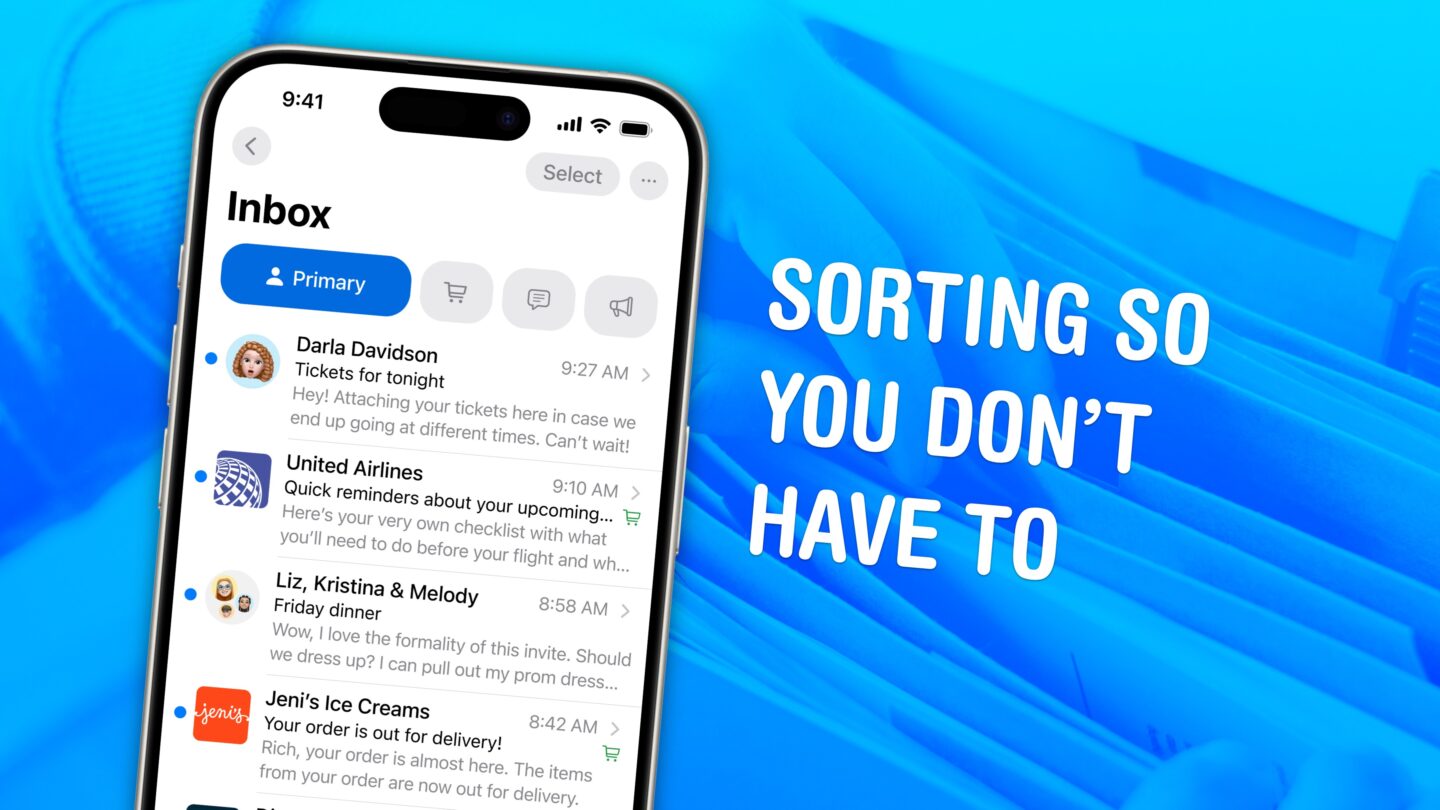
Tired of clunky email triage on your iPhone? Avec’s swipe-based interface lets you quickly sort important messages from noise, using AI to prioritize what matters. It’s Gmail-only and iPhone-only for now, but IMAP support is promised and a desktop version is coming.
Apple’s Hide My Email feature has a vulnerability that does exactly what the name says it shouldn’t: reveal your real email address. Worse, Apple has ignored reports of the flaw for over a year.
Call forwarding on iPhone is a simple feature with a specific job: it sends incoming calls from your iPhone number to another phone number. That can be useful when you are traveling, using a temporary phone, separating work and personal calls, covering a business line or making sure important calls reach someone else when you cannot answer.
The feature is built into iOS, but it depends on carrier support. Apple notes that call forwarding can be set up on iPhone if cellular service is through a GSM network. If the service uses a CDMA network, users may need to contact the carrier for setup details. That means the option may not appear for every user, every carrier or every plan.
For most supported iPhones, the path is quick:
Settings > Apps > Phone > Call Forwarding
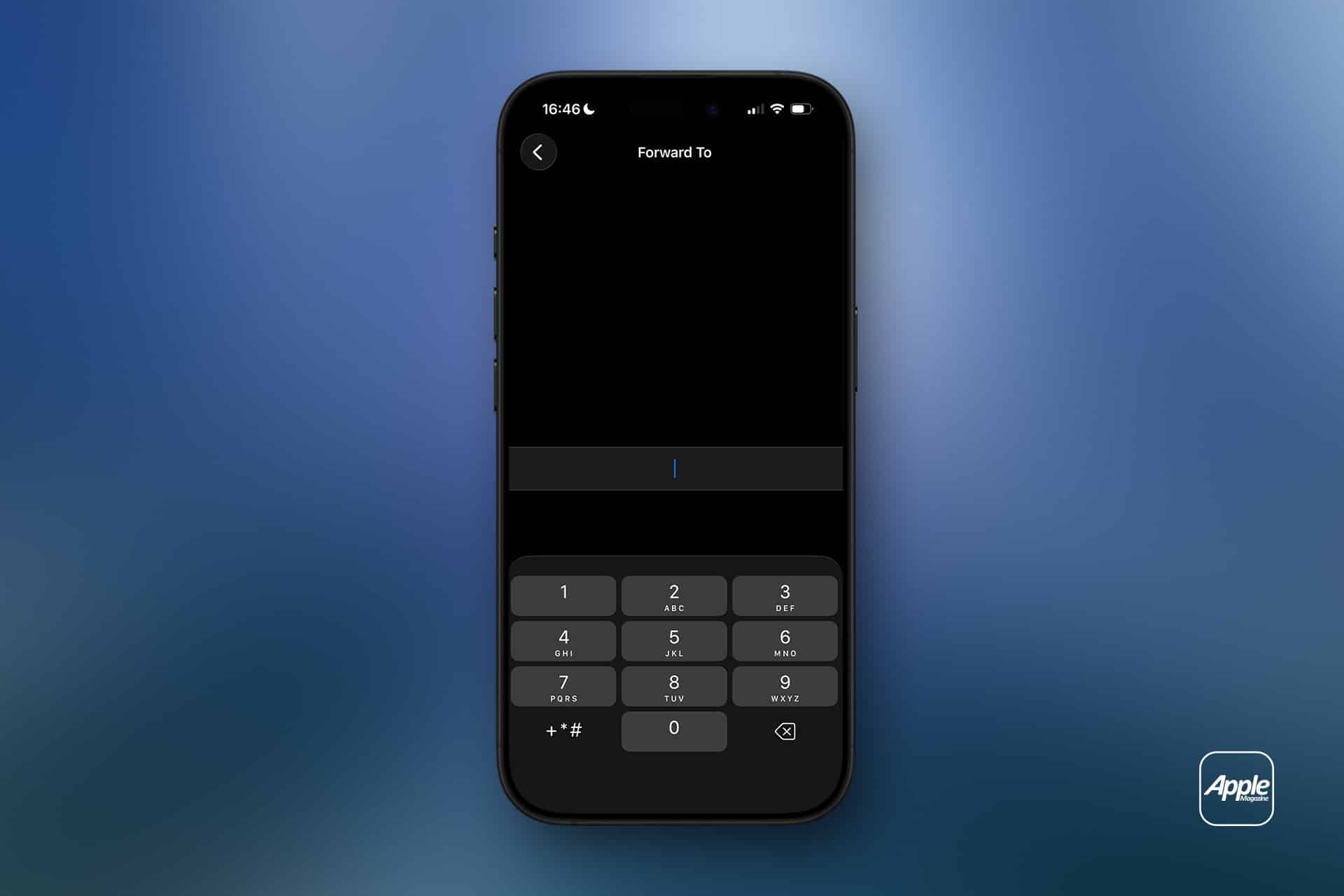
Turn on Call Forwarding, then enter the phone number where calls should be sent. When call forwarding is active, an icon appears in the status bar so the user can see that incoming calls are being routed elsewhere.
Image Credit: AppleMagazine
Call Forwarding on iPhone Sends Calls Elsewhere
Call forwarding on iPhone does not move messages, FaceTime calls, app notifications or voicemail settings by itself. It only redirects standard cellular phone calls. If someone calls your iPhone number, the carrier routes that call to the number you entered.
That distinction is important. If you forward calls to another phone, text messages still arrive on the original iPhone unless other settings or services are involved. FaceTime calls may still ring on Apple devices signed into the same Apple Account. Messaging apps such as WhatsApp, Signal, Telegram or Messenger are unaffected.
Call forwarding is also different from Silence Unknown Callers, Focus modes or Do Not Disturb. Those features control how calls appear or interrupt you. Call forwarding changes where the call goes.
This makes the feature useful in a few common situations. A business owner can send calls to an office line. A traveler can forward calls to a local number. Someone with a damaged iPhone can temporarily send calls to another device. A freelancer can route calls to a partner during time off. A parent can forward calls to a spouse for a short period.
How to Turn On Call Forwarding
To turn on call forwarding:
Settings > Apps > Phone > Call Forwarding
Turn on Call Forwarding
Tap Forward To
Enter the phone number
Go back to save the setting
Use the full phone number, including area code. If forwarding to an international number, include the correct country code. After setting it up, test the feature from another phone. Do not assume it works until a test call rings at the forwarded number.
To turn call forwarding off:
Settings > Apps > Phone > Call Forwarding >Turn off
After turning it off, test again. A quick call from another phone confirms whether incoming calls are back to normal.
If the Call Forwarding menu spins, fails to load or does not save the number, restart the iPhone and check cellular service. If the problem continues, contact the carrier because the setting depends on the carrier network.
Why the Setting May Be Missing
Some users look for call forwarding and cannot find it. That usually means one of three things: the carrier does not expose the feature in iPhone settings, the plan does not support it, or the network requires carrier codes or account-level setup.
Apple’s guide says CDMA users should contact their carrier for call forwarding information. Some carriers also use special dialing codes for forwarding all calls, forwarding when busy, forwarding when unanswered or forwarding when unreachable. Those codes vary by carrier and country, so guessing is not a good idea.
The best path is to check the carrier’s support page or app. Many carriers let users manage forwarding from the account dashboard, especially for business lines or multi-line plans.
If the option is missing, the iPhone is not necessarily broken. The carrier may simply handle forwarding differently.
What Happens to Voicemail
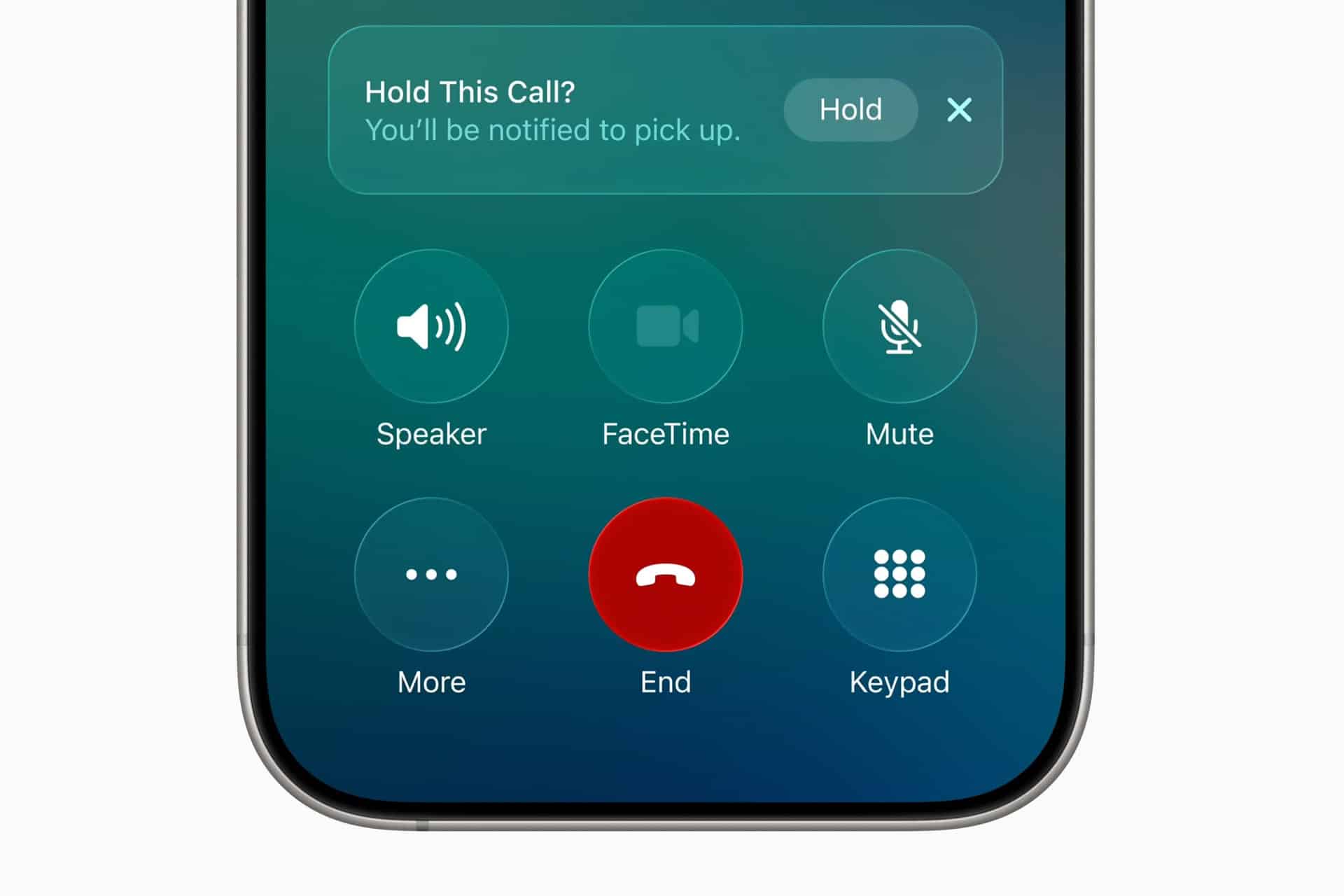
Call forwarding can affect voicemail behavior depending on the carrier and destination number. If the forwarded phone does not answer, the call may go to the voicemail of the forwarded number instead of the original iPhone voicemail. In some cases, carrier rules may still send it back to the original mailbox, but users should not assume that.
This is another reason to test. Call the iPhone from another number, let it ring, and see where the missed call lands. If the goal is to preserve the original iPhone voicemail, carrier support may be needed.
For work numbers, this can be especially important. A forwarded business call going to a personal voicemail greeting can look unprofessional. A personal call going to a shared office voicemail can create privacy problems. Check before relying on it.
Image Credit: Apple Inc.
Call Forwarding and Dual SIM
iPhone users with Dual SIM or eSIM setups should pay attention to which line is being forwarded. A personal line and business line can have separate carrier settings. Forwarding one does not automatically forward the other.
To check lines:
Settings > Cellular >Select the line you want to manage
Then return to:
Settings > Apps > Phone > Call Forwarding
The available settings may vary by carrier and line. If one line supports call forwarding and the other does not, that is usually a carrier difference, not an iPhone problem.
Dual SIM users should also test both numbers separately. Call the personal number, then call the business number, and confirm each behaves as expected.
When Call Forwarding Is Useful
Call forwarding works best when the goal is temporary coverage. It is useful during travel, device repairs, vacations, business handoffs, office moves, event coverage or times when another person needs to answer calls.
It can also help people who use a landline or desk phone during work hours. Calls can be forwarded from the iPhone to the office line, then turned off at the end of the day. The reverse can also work if the carrier supports it.
For small businesses, call forwarding can help avoid missed calls without adding a full phone system. A company can route calls to whoever is available. For individuals, it can be a quick fix when an iPhone battery is failing, a device is being repaired, or cellular reception is better on another phone.
The feature is less ideal as a permanent business phone solution. If multiple people need to answer calls, if calls need menus, if calls need recordings, or if voicemail needs to stay organized, a dedicated phone service may be better.
Privacy and Cost Considerations
Call forwarding may create charges depending on the carrier, plan and destination number. Forwarding calls to an international number can be expensive. Forwarding to another domestic mobile number is usually simpler, but users should still check the plan.
Privacy also deserves attention. Once calls are forwarded, the person or device receiving them may hear personal, business or sensitive conversations meant for the original number. Do not forward calls to a shared phone unless that is intentional.
Before forwarding a work line to a personal number, check company policy. Some organizations do not allow business calls to be routed to unmanaged personal devices.
Image Credit: Freepik
How to Troubleshoot Call Forwarding
If call forwarding does not work, start with the basics. Confirm the iPhone has cellular service. Restart the device. Check that the forwarding number is entered correctly. Turn call forwarding off, wait a few seconds, then turn it on again.
Then test from another phone. A test call is the fastest way to know whether the carrier accepted the setting.
If calls still do not forward, check whether the carrier supports call forwarding through iPhone settings. Some carriers require account-level activation, carrier codes or a business calling feature. If the iPhone setting is missing or stuck, carrier support is usually the right next step.
Also check Focus modes and blocked numbers if the issue is not forwarding but missed calls. A call may fail to ring because of Focus, Silence Unknown Callers, a blocked contact, poor signal or voicemail settings rather than call forwarding.
A Simple Feature Worth Testing
Call forwarding on iPhone is easy to use when the carrier supports it. Open iPhone settings, turn on Call Forwarding, enter the destination number and test it. Turn it off when the temporary need is over.
The feature is most useful when it is deliberate and short-term. It can keep calls moving during travel, repairs, work coverage or busy periods, but it should be checked carefully because voicemail, costs and privacy can change once calls are routed to another number.
The iPhone makes the setting simple. The carrier decides how far that simplicity goes.
Com quase 17,7 mil milhões de contas comprometidas indexadas e mais de mil fugas de dados catalogadas, o Have I Been Pwned é a referência mundial para saber se o seu endereço de e-mail ou password já caíram nas mãos erradas. É totalmente gratuito.
In February 2024, Notion bought Skiff, an encrypted email and productivity software startup. Within a year, Notion shut down Skiff’s email service (taking @skiff.com email addresses with it). And in April 2025, the San Francisco-based company released Notion Mail, a Gmail client primarily built by people who joined Notion through the Skiff acquisition. Today, Notion announced that it’s shutting down Notion Mail, effectively killing what little remained of Skiff email.
In an X post (first spotted by 9to5Mac) today, Notion said that it will shutter the Notion Mail “inbox across web, desktop, and iOS on September 22.”
The post claimed that most Notion users don’t use email clients anyway and instead rely on AI agents to handle their electronic correspondence. It reads:

 Login
Login