Da domani, mercoledì 12 agosto 2026, iniziano ad applicarsi nell’Unione europea le prime disposizioni del nuovo regolamento sugli imballaggi e i rifiuti di imballaggio, il cosiddetto PPWR. La novità più immediata riguarda i PFAS negli imballaggi destinati al contatto con gli alimenti. Non potranno più essere immessi sul mercato europeo prodotti che contengono queste sostanze oltre i limiti previsti dal regolamento.
Gli PFAS sono i cosiddetti gli "inquinanti eterni”, dei composti chimici estremamente persistenti che possono accumularsi nell’ambiente e purtroppo anche nell’organismo. Negli imballaggi vengono utilizzati soprattutto per rendere carta e altri materiali resistenti a grassi e acqua: possono quindi trovarsi, ad esempio, in contenitori da asporto, involucri dei fast food, sacchetti per popcorn da microonde, carta da forno e cartoni della pizza.
La stretta sui PFAS è solamente una parte di un regolamento ampio. Da domani vengono armonizzate a livello europeo anche alcune definizioni relative a produttori e soggetti responsabili degli imballaggi, mentre diventano applicabili nuovi obblighi informativi che devono permettere di identificare e contattare produttore o importatore.
Ciarra amplia la propria offerta per il riscaldamento domestico con una nuova serie di radiatori e termoconvettori elettrici. Sono già disponibili in Europa (in un periodo non favorevole al riscaldamento domestico, ma del resto le ristrutturazioni si fanno anche, forse soprattutto, d'estate, ndr) nelle versioni da 1, 1,5 e 2 kW.
La gamma comprende radiatori a inerzia ceramica, modelli a inerzia secca con sistema dual-core e un termoconvettore con elemento riscaldante in alluminio a forma di X. A seconda della potenza, Ciarra li indica per ambienti compresi indicativamente tra10 e 20 m2, posto che isolamento e disposizione della stanza incidono parecchio sul risultato. Il modello di punta è CBHTD15A-W, da 1.500 watt e con connettività Wi-Fi. Utilizza un nucleo ceramico abbinato a una pellicola riscaldante in alluminio, e secondo l'azienda raggiunge la temperatura di esercizio in meno di cinque minuti.
Tramite la connessione Wi-Fi è possibile controllarlo da remoto, impostare temperature diverse e creare una programmazione settimanale. Ci sono inoltre termostato digitale, display LCD, indicatore dei consumi, rilevamento della finestra aperta e protezione contro il surriscaldamento. C'è anche la certificazione IP24 che consente l'installazione in bagno a condizione che vengano rispettate le distanze e le norme di sicurezza previste per gli ambienti umidi.
The KitchenAid KF2 Fully Automatic Espresso Machine is the entry-level model in the company’s six-strong range of automatic coffee machines, and was launched in mid-2026 alongside the KF3 and KF4.
It adopts the exact same slim build as its two siblings, making any of them ideal for smaller kitchens. It also benefits from the exact same Intelligrind coffee bean grinder, which automatically determines the best grind size depending on the beans you’ve put in. The brewing unit is the same also, and in my taste tests, I couldn’t notice any obvious difference between the three. That means you’re going to get a wonderful, tasty espresso with each use.
What sets the KF2 apart — and where KitchenAid has made cuts to bring the cost down — is its feature set regarding drink presets and general usability. It’s also the only model in KitchenAid’s entire fully automatic coffee machine range to rock a steam wand for foaming milk — the others all use a hose-based system. While this may seem like a drop down in specification, I personally found the steam wand to perform the best when making foamy lattes and cappuccinos. What’s more, a steam wand is inherently going to perform better with non-dairy milk as it allows for greater control over temperature.
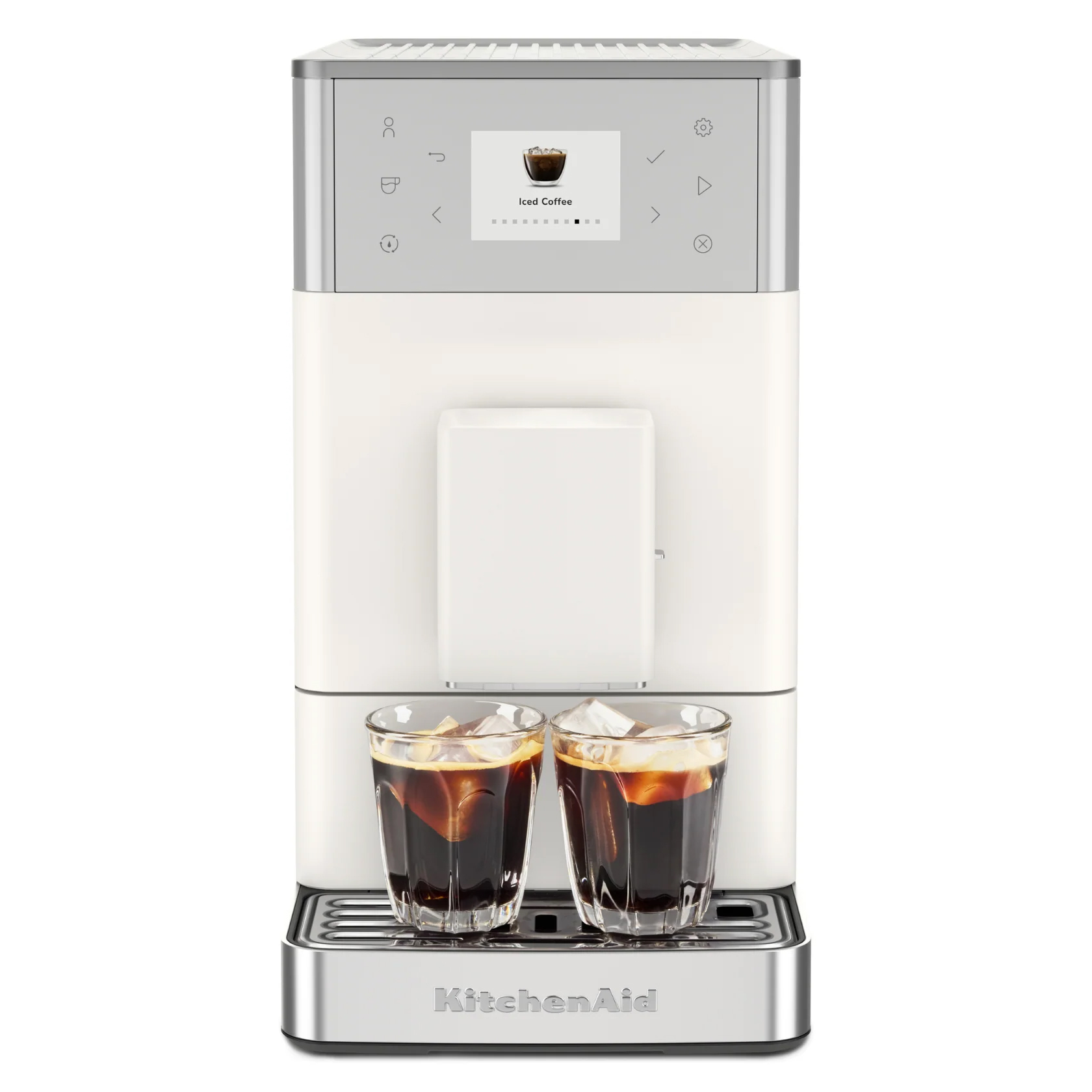
As with the KF3 and KF4, the KitchenAid KF2 is capable of making iced-coffee drinks, although as I found in my KitchenAid KF3 review, the results are a little underwhelming. This is because the brewed espresso is hot enough to quickly melt the ice in your cup or glass, despite KitchenAid claiming it’s brewed at a lower temperature.
Where the KitchenAid KF2 loses points slightly is the fact it doesn’t offer user profiles. I’ve been used to having profiles for some time at home, as I currently use the KitchenAid KF4 and have previously used the Philips LatteGo 4400, which offer four profiles and two profiles, respectively. Having them makes brewing a coffee incredibly quick and simple: just select a profile, select a drink and that’s it.
The fact the KF2 doesn’t have profiles means that brewing a variety of coffees will take longer, as you’ll have to select the drink and adjust any settings each time. It therefore might not be the best option for larger households, but for households of one or two people it’s still worthy of consideration.
The other slight niggle I have, which affects the KF3 and KF4 also, is that the unit can go through water relatively quickly due to it running a rinse cycle on start up and shutdown. The shutdown cycle I can understand, but I find the start-up cycle to be a little redundant.
All things considered, the KitchenAid KF2 Fully Automatic Espresso Machine is another fantastic option from the brand. It brews a well-extracted espresso each and every time and the steam wand works wonders for milk-based drinks.
KitchenAid KF2 review: Price & availability
Launched in UK and US April 2026, Australia in July 2026
List price $799.99 / £699 / AU$1,099
The KitchenAid KF2 Fully Automatic Espresso Machine launched in the US and UK in April 2026, before making its way to Australia in July 2026. It has a list price of $799.99 / £699 / AU$1,099, making it the company’s most affordable fully automatic machine.
The step-up KF3 adds a small color display to improve navigation and usability, four customizable profiles and a larger menu of drink presets, with a list price $999.99 / £749 / AU$1,349.
The top-tier model, the KF4 ($1,299.99 / £899 / AU$1,599) offers much of the same functionality as the KF2 with regard to grinder and brewing unit. It gains even more recipes, a large color touchscreen and KitchenAid’s hose-based milk-foaming system, complete with milk carafe.
I’m of the opinion that the KF2’s steam wand is the best option for expertly-frothed milk and for using with non-dairy milk varieties, instantly giving the machine a leg up over its siblings. And, since the actual coffee-brewing process is the same across all three machines, the KF2 represents excellent value.
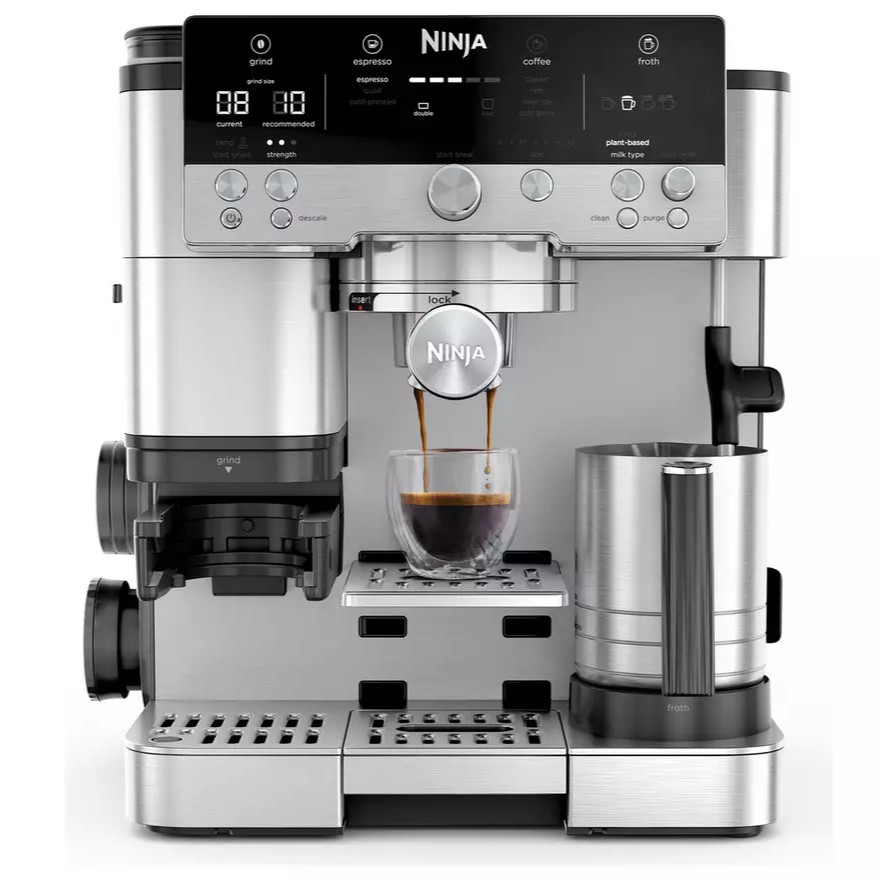
That being said, the Ninja Luxe Cafe Premier offers more in the way of features, including a dedicated cold brew setting and cold-extraction for improved iced-coffee results, along with intelligent grind and dosage settings. Its list price is less than the KF2’s at $599.99 / £549.99 / AU$799.99, although it too doesn’t offer user profiles either and requires more hands-on input.
Value score: 4 / 5
KitchenAid KF2 review: Specifications
Name
KitchenAid KF2 Fully Automatic Espresso Machine
Type
Bean-to-cup
Dimensions (H x W x D)
14.2 x 7.7 x 18.5 inches / 361 x 196 x 470mm
Weight
19.8lbs / 9kg
Water reservoir capacity
1.9 quarts / 1.8 liters
Milk frother
Yes, Pannarello steam wand
Bars of pressure
15
Noise level
72dB grinding, 60dB brewing
User profiles
0
KitchenAid KF2 review: Design
Compact size will suit smaller space
Steam wand suits plant-based milks
No dishwasher-safe components
(Image credit: Future)
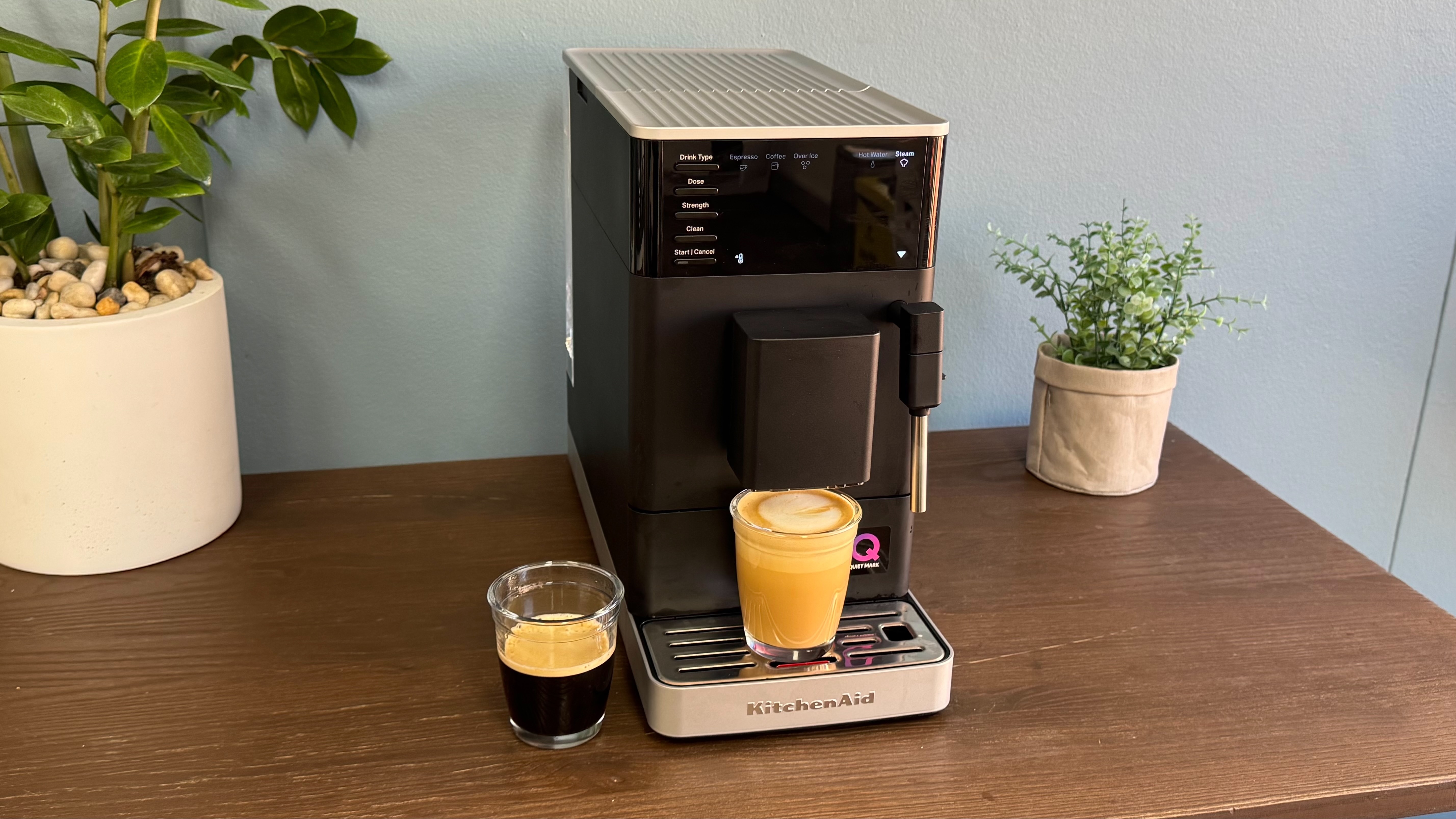
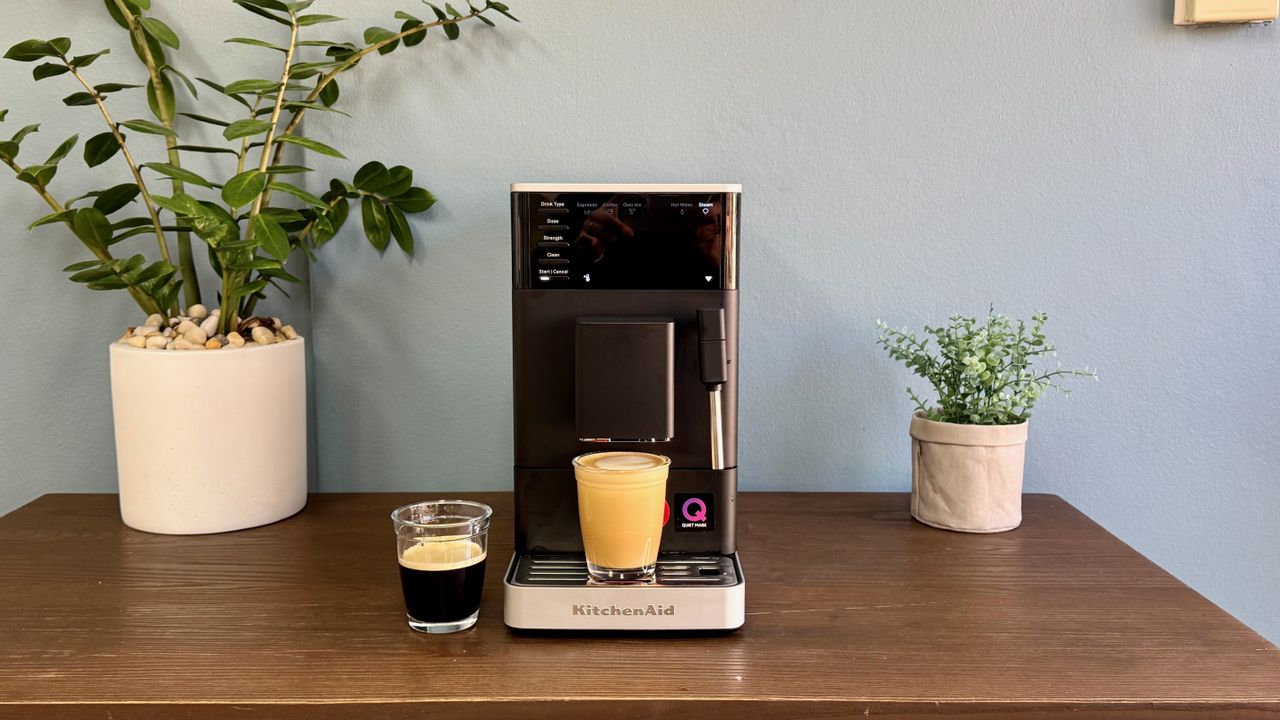
Of the three new compact automatic models, the KitchenAid KF2 sticks out the most for a couple of reasons. Firstly, it’s only available in a matte black finish (the KF3 and KF4 also come in Porcelain White, which I’m personally a fan of), and secondly there’s no color display.
The matte black finish is still sleek and smart-looking, it must be said, although there is a shiny, fingerprint-loving panel on the front at the top. You’ll want to keep a cloth nearby to keep it looking its best.
I don’t consider the lack of a color display to be a huge negative against the KF2, as the backlit panel is bright and clear when selecting a drink and adjusting settings. The color screens on the rest of KitchenAid’s espresso machine range do offer useful assistance with features like images of the drink you want to make, but it’s not something I missed when testing the KF2.
Physically the KitchenAid KF2 is the same as the other two compact models released in 2026, measuring 14.2 x 7.7 x 18.5 inches / 361 x 196 x 470mm (H x W x D). This compact form makes it easy to place the unit on a kitchen counter, and should be especially ideal for those with smaller kitchens. A couple of built-in wheels on the bottom at rear of the machine aid with manoeuvring into position.
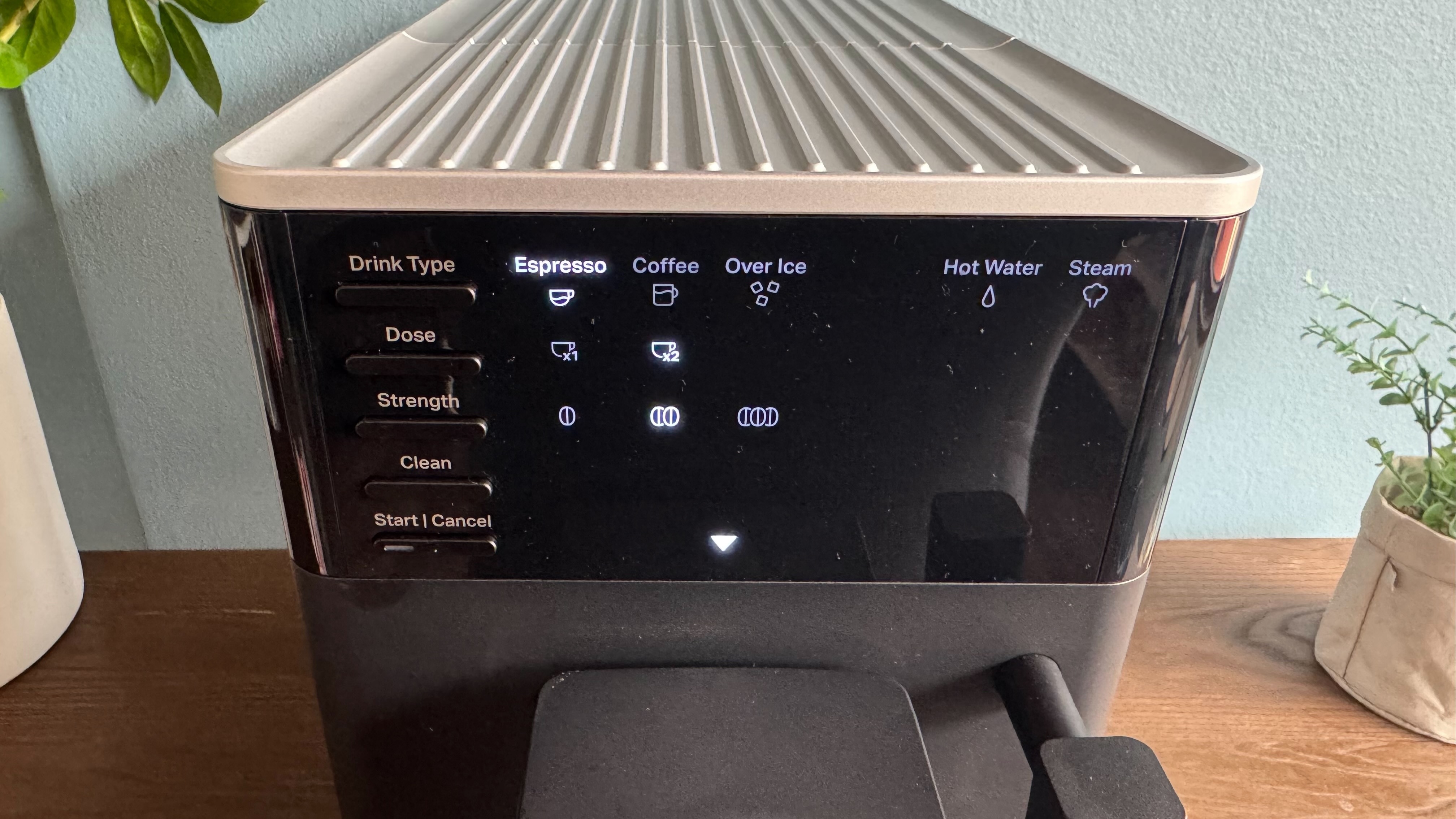
Interacting with the KF2 is done via five buttons on the front panel. These select the drink type, dosage and strength — each of which can be pressed multiple times to cycle through options — one to activate cleaning cycles and a final button to initiate and cancel brewing. Each button press reveals a different backlit symbol on the front panel which are relatively self-explanatory.
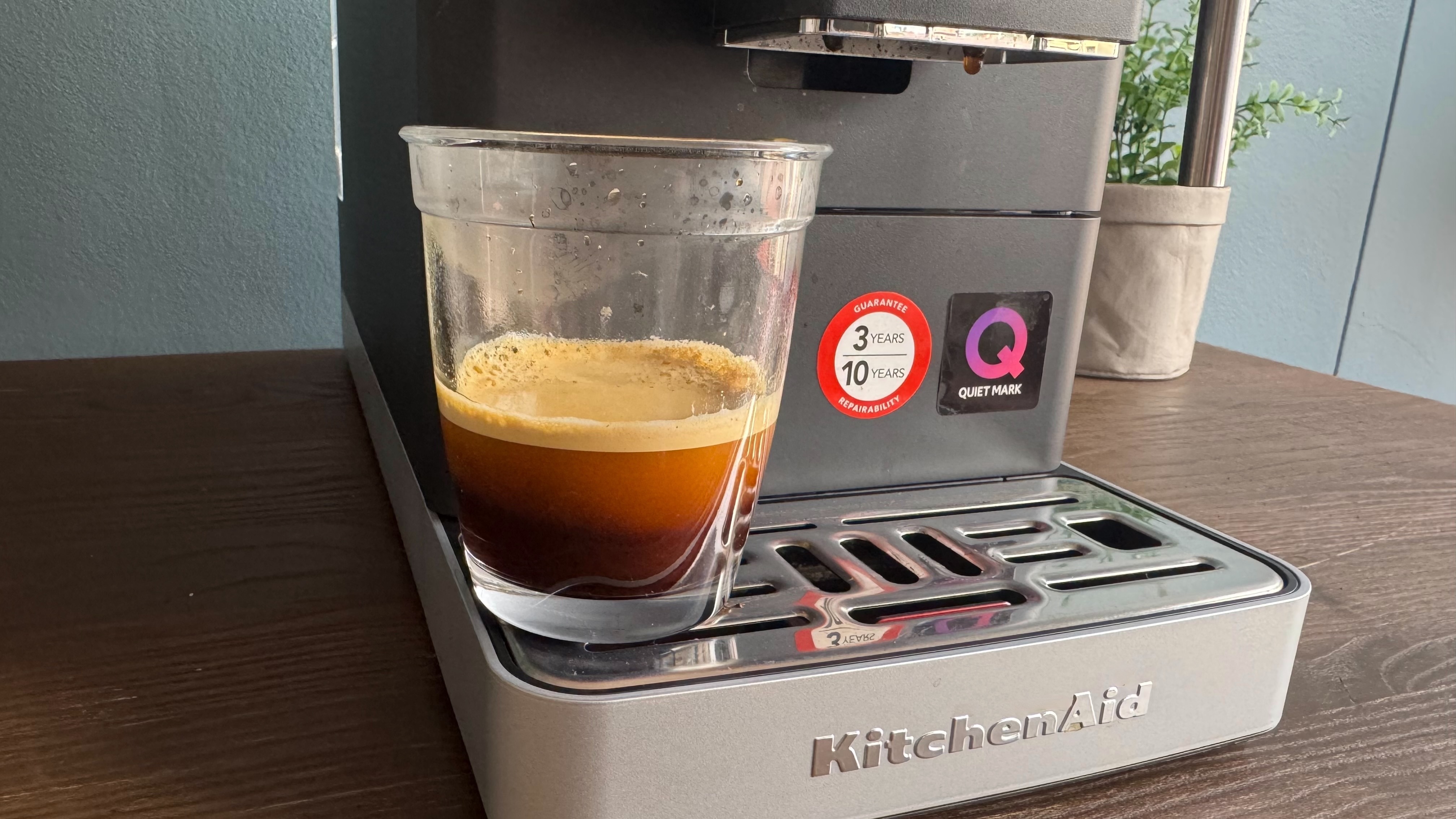
Drink type cycles between espresso, coffee and over ice, dose lets you choose between one or two servings (either two cups under the dispenser or one for a double serving), and strength is a scale of one to three. This refers to how much coffee is ground into the brewing unit, from 7g (setting one) to 14g (setting three).
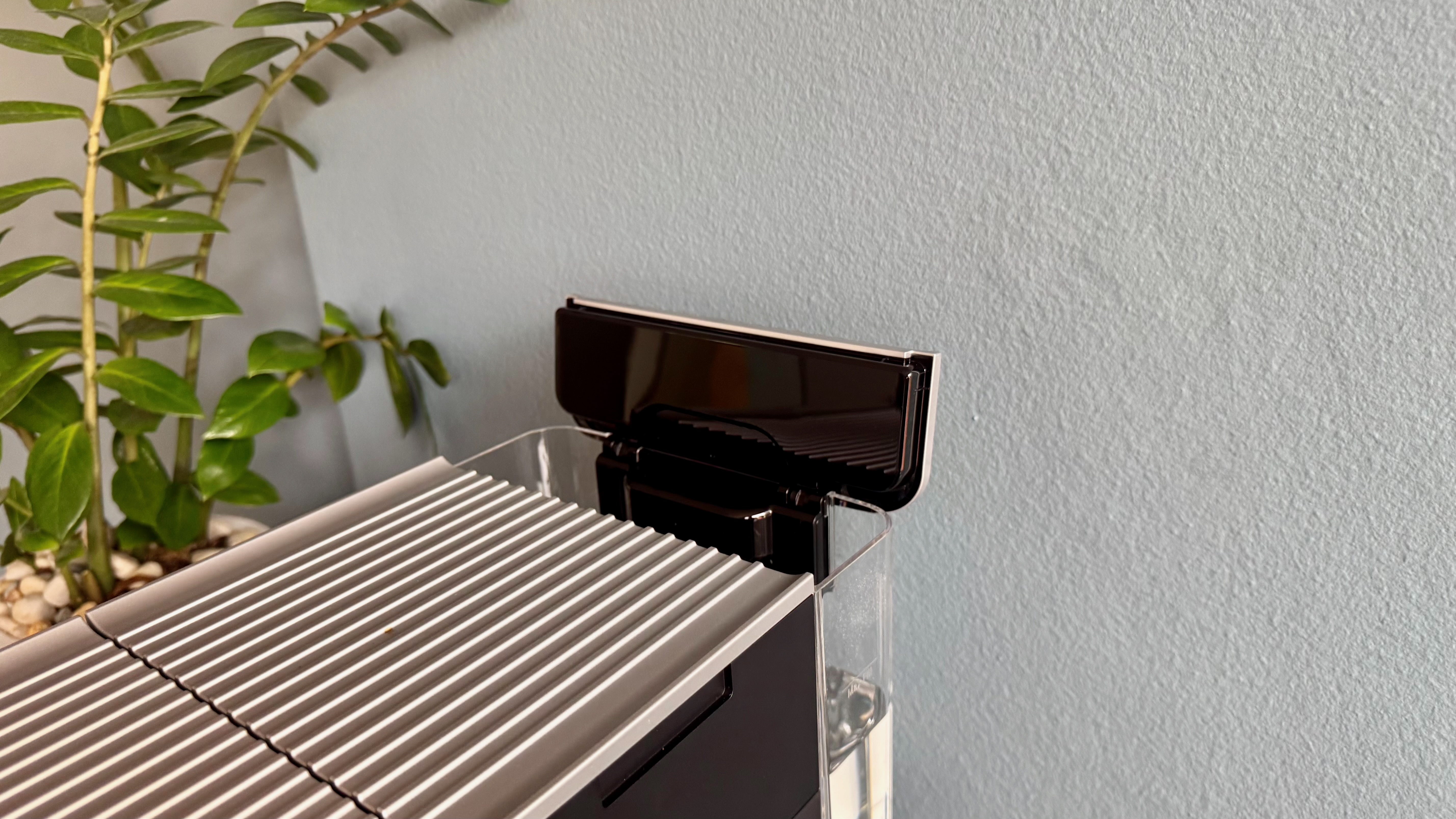
The bean hopper recessed into the top of the KF2 is large enough to hold 250g worth of coffee beans, which is accessed via a removable lid. While this does mean there’s no visual indication as to how many beans are left, it does at least mean the beans are kept airtight and away from light, helping to retain their freshness. There’s also a small chute for pre-ground coffee, and a scoop is included in the box.
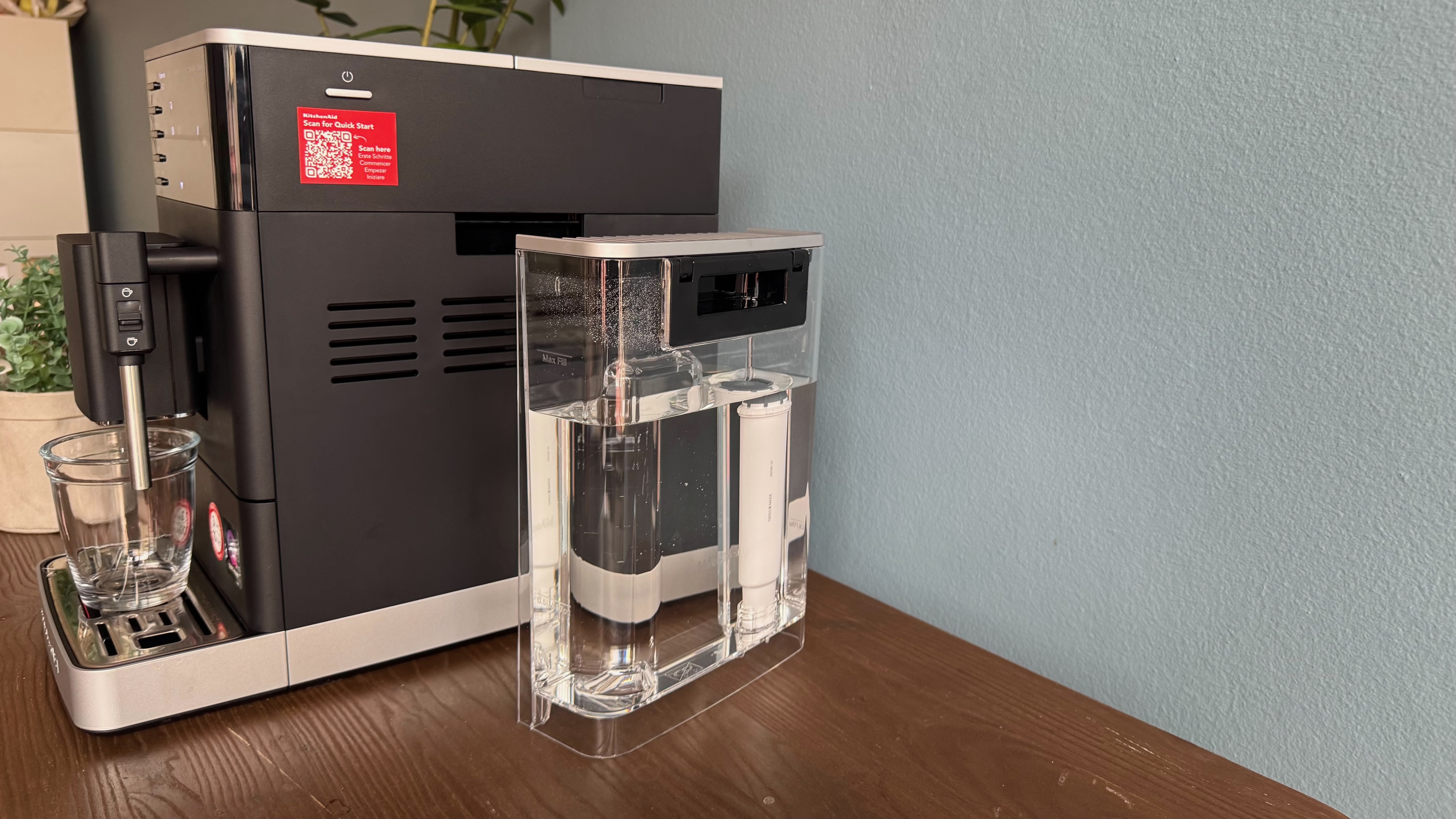
The 1.8L water tank slides in and out the rear of the machine and has an integrated handle to make the process simple, although I personally prefer a side-mounted tank like the one found on the Philips LatteGo 4400 as I find it makes refilling that little bit easier. However, the KF2’s tank does at least feature a hinged lid, allowing you to fill it up from a jug if you wish.
FutureFuture
KitchenAid supplies a water filter with the KF2 that it claims lasts up to two months when used with standard tap water. If you use filtered water, its life can extend to up to six months. The filter can seem to be a little fiddly to install due to the water tank being so tall. Thankfully the included coffee scoop doubles up as a tool that clips onto the filter, giving you the extra length needed to screw it into place.
The drip tray is deep and extends virtually the full depth of the KF2, and has a large spout integrated into its rear for easy emptying. However, as I found with the KF3 and KF4, when you pour water out it can occasionally spill onto the front panel section as it can’t be removed. It’s not a huge dealbreaker, just prepare for a little extra clean up. Used coffee grounds are deposited into a removable bin in the center that can be tipped out when full. An icon will light up on the front panel to let you know when it’s time.
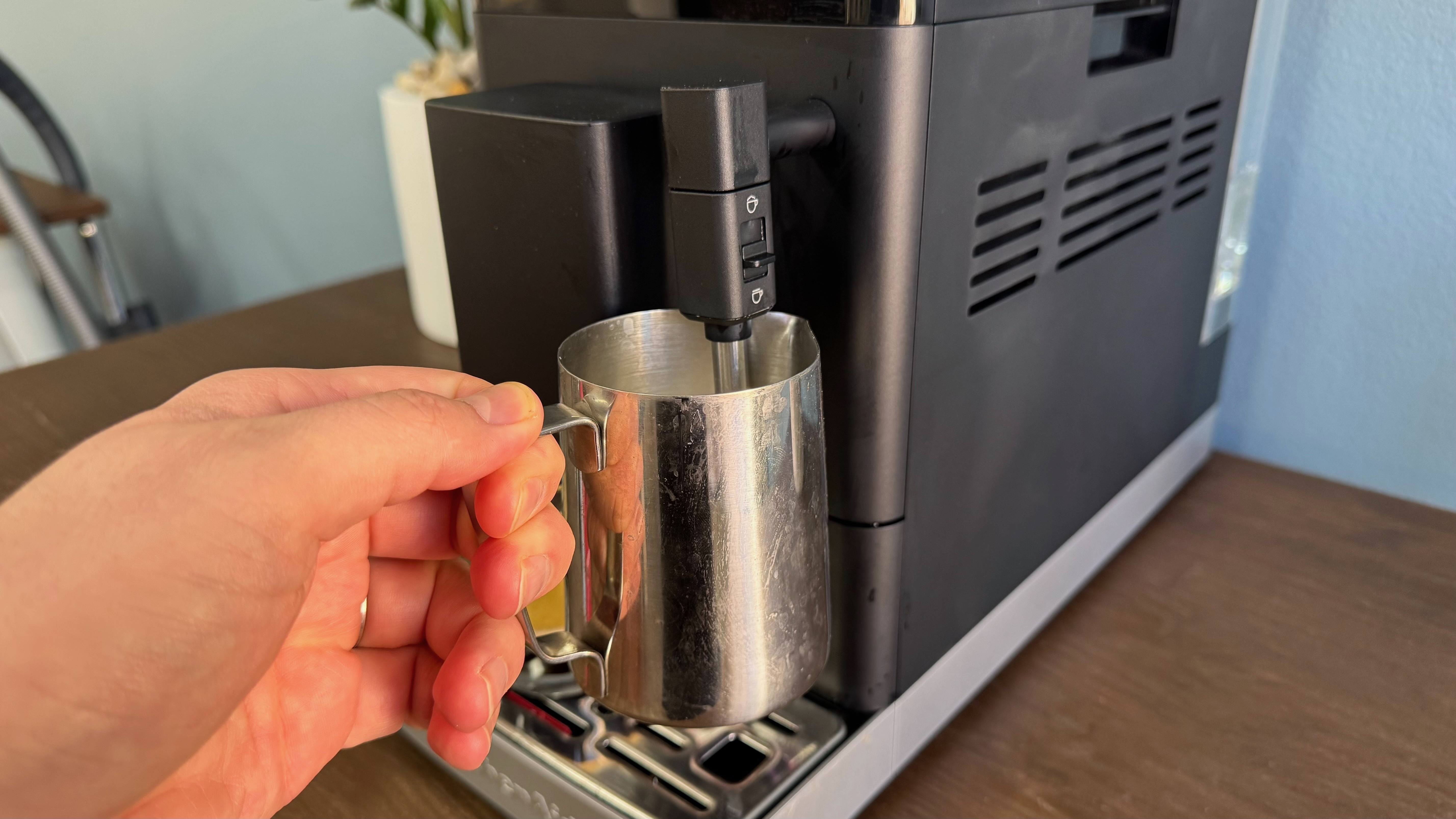
One of the standout features of the KitchenAid KF2, in my opinion, is its Pannarello steam wand used for milk foaming. I was surprised to find one used, not only because KitchenAid uses a proprietary hose-based system in the KF3 and KF4, but also because other brands such as De’Longhi and Philips have also turned their backs on steam wands (in general) in the pursuit of an entirely automatic coffee-making process.
Personally, I appreciate KitchenAid's choice to include a steam wand here, as it enables you to create genuine milk foam, even when using non-dairy alternatives. In my experience, the hose system on the KitchenAid KF3 and KF4, the LatteGo system on the Philips 4400, and the LatteCrema system on the De'Longhi Magnifica Evo Next all fell short of producing a satisfactory level of milk foam for my taste.
The use of the steam wand does mean there’s some hands-on input required, as you need to hold the jug (which isn’t included in the box) under the steam outlet until the foam reaches your desired level. There’s also no built-in thermometer, so unless you use a third-party thermometer, you’ll have to judge when the milk is ready based on touch.
Whether you are crafting a flat white or a cappuccino, the wand features a small slider for 'more foam' or 'less foam' to ensure you get the perfect texture. By opening and closing the integrated air intake, this slider regulates the airflow: increasing the intake pumps more air into the milk, which creates a more voluminous and aerated foam. Keeping it closed is ideal for texturizing milk for lattes that don’t require as high a level of foam.
The KF2 features thorough cleaning cycles, including the ability to completely evaporate the internal system of water. There are also programs for descaling and cleaning the brewing unit, which require you to press a variation of buttons to initiate. A complete set of useful instructions is included in the box. Do note that none of the removable parts are dishwasher safe.
Design score: 4.5 / 5
KitchenAid KF2 review: Performance
Consistently well-extracted espresso
Steam wand delivers silky, well-foamed milk
Lower brewing temperature for iced drinks still too hot
(Image credit: Future)
Having already reviewed the KF3, and knowing it uses the exact same brewing unit, I was expecting the same excellent results from the KitchenAid KF2. Fortunately my expectations were realised, as the compact KF2 produced a great-tasting espresso with each use.
Much of its success can be attributed to the IntelliGrind system that automatically determines the ideal grind size depending on your chosen beans. You can’t see the grinder at work, nor does the unit tell you what grind setting it’s chosen, you just have to put your trust in it to deliver optimal results. Your trust is rewarded.
However, if you're not completely satisfied with the crema or taste of your espresso, then the KF2 does offer the ability to manually adjust the grind to a finer or coarser level by way of a lever behind a compartment on the right-hand side of the machine. A finer setting is recommended for light-roast beans, while dark-roast beans benefit from a coarser setting. Since I was using medium-roast beans, I left the slider at the default setting in the middle.
Before you consider adjusting the grind level, you’ll first want to experiment with the strength of either the espresso or coffee drink presets. As mentioned earlier, there are only three coffee-based drink recipe presets: espresso, coffee and over ice. If you move up to the KF3 or KF4 you’ll gain recipes including latte macchiato, flat white and caffe latte, to name a few.
You can also adjust the volume of water used for each drink type, and the temperature it’s brewed at, by pressing and holding a specific set of buttons. You’ll find the full details in the supplied user manual. I was perfectly satisfied with the default settings, but it’s good to know KitchenAid offers the ability to personalize each drink.
Do note that if you do adjust any default settings, they will become the new norm until you change them again. Since there are no user profiles, you may want to consult with other people in your household before you make any tweaks.
FutureFutureFuture
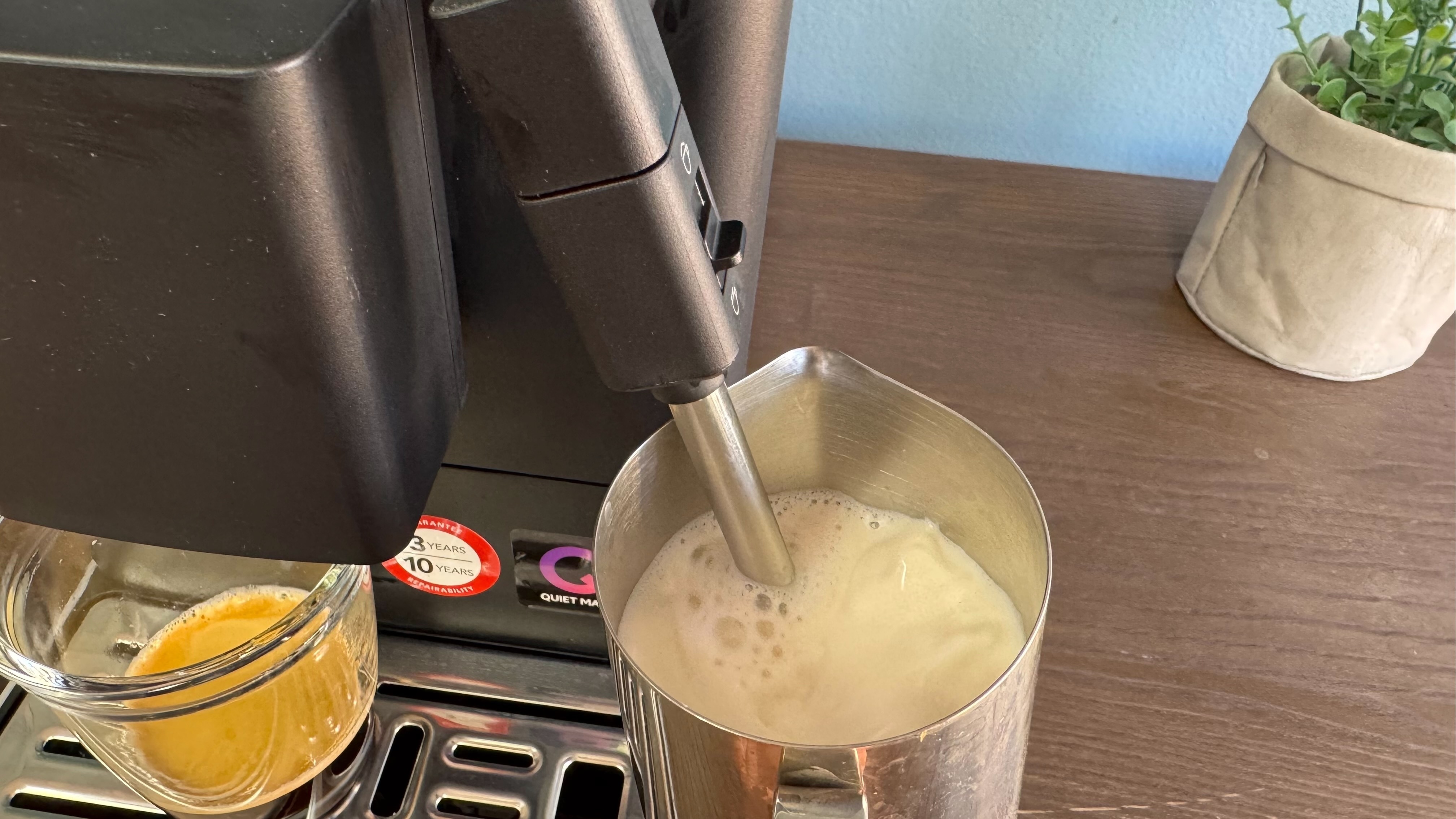
If you want milk with your coffee, then the Pannarello steam wand is capable of producing thick, velvety foam that’s perfect for lattes, macchiatos and cappuccinos. It’s semi-automatic in use, as all you need to do is hold a milk pitcher under the wand and press the start button on the main unit (once you’ve cycled the ‘drink type’ menu through to ‘steam’). A word of warning, make sure you already have the steam wand submerged in milk. I pressed start with the pitcher still on the drip tray and ended up with milk all over the counter and myself.
A small slider on the side of the steam wand housing can be used to adjust the level of foam you achieve, either ‘less’ or ‘more’. In my tests this worked a charm, with the ‘more’ setting aerating the milk to such a high level that it nearly overflowed from the pitcher.
I much prefer the use of a steam wand compared to the hose systems used on the KF3 and KF4, as it’s capable of producing a much better level of froth. It’s also a hell of a lot easier to keep clean, as it doesn’t require constant rinse cycles to ensure the hose is free of residue. I actually wish the steam wand was featured on the company’s other machines.
Do note however that there’s no built-in thermometer to automatically detect when milk reaches your desired temperature. You’ll either have to invest in a dedicated one, or go off touch to determine when to shut the steam off. Also note that a milk pitcher isn’t included in the box. You can buy one directly from KitchenAid for $19.99 / AU$29. I wasn’t able to find a listing on the company’s UK store, but in all honesty, the pitcher available is relatively basic, so you could always get one from Amazon for the same or less money.
Where the KitchenAid KF2 falls down slightly — in a similar fashion to the KF3 and KF4 — is with its iced drinks function. KitchenAid has designed the KF2 to brew an espresso shot at a lower temperature compared to a regular shot when you select the ‘over ice’ drink type.
For starters, iced coffee fanatics will likely prefer a genuinely cold shot of coffee as opposed to having to pour a cooler shot of espresso over ice. Admittedly KItchenAid isn’t the only company to employ this function, as the Philips LatteGo machines also ask you to put some ice into a cup or glass before brewing an espresso.
However, I can’t agree with KitchenAid’s claim that the iced coffee espresso shot brews at a lower temperature, as I used a thermometer to check the temperature of a regular shot and iced shot, and both returned a measurements between 45ºC/113ºF and 50ºC/122ºF, which was hot enough to quickly melt the ice I had in my glass. It’s not necessarily a huge dealbreaker, but the fact remains there are other machines such as the De’Longhi Dedica Duo and the Jura J10 that are able to pour proper cold-extracted espresso for longer-lasting iced drinks.
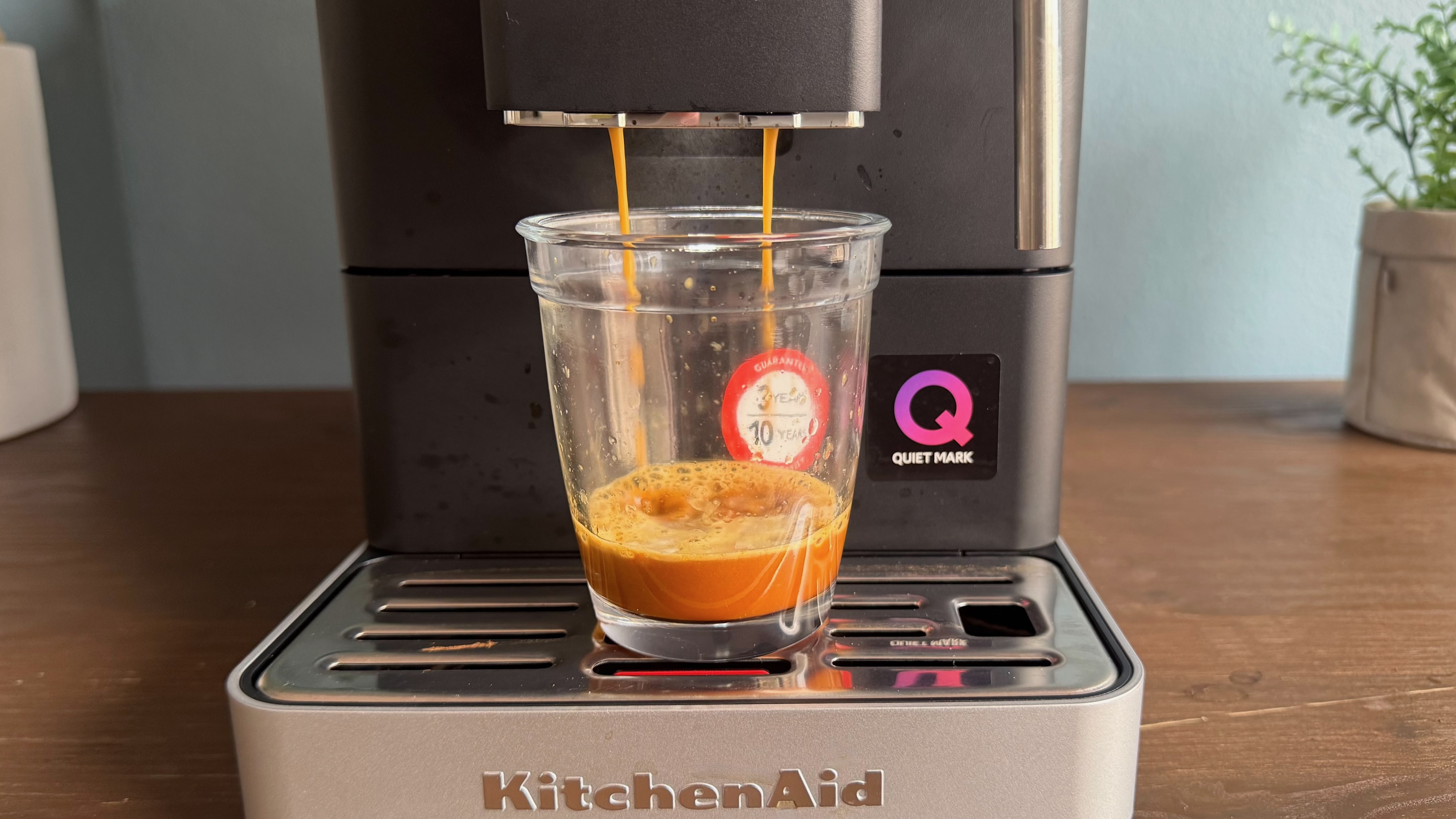
It is, however, pleasing to find the KF2, like other KitchenAid espresso machines, is QuietMark-certified, signifying it should be whisper-quiet when grinding and brewing. And in reality, that’s certainly the case. I was able to record an average of 70dB while the machine was grinding and an average of 60dB when brewing. That, perhaps expectantly, puts it on par with the KF3 and KF4. That being said, we found the flagship KF8 to be quieter still with an average of 44dB during the entire coffee-making process.
(Image credit: Future)
Performance score: 4.5 / 5
Should you buy the KitchenAid KF2?
KitchenAid KF2 score card
Attribute
Notes
Score
Value
KitchenAid's most affordable fully auto machine offers the best combination of features in my opinion.
4.5/5
Design
Compact form will suit smaller kitchens, although lack of user profiles can add time to brewing process.
4/5
Performance
Excellent coffee and milk frothing, but iced options are a little disappointing.
4.5/5
Buy it if...
You’re short on space
The KF2 is one of the more compact coffee machines we’ve tested, and will slot nearly into smaller kitchen spaces.
You want the essentials done well
The KF2 might not offer an extensive menu of preset drink recipes, but it nails the basics of espresso and coffee.
You drink lattes and cappuccinos
The Pannarello steam wand works wonders to produce thick, velvety foam that’s perfect for milk-based coffee drinks — and it’s great for non-dairy varieties too.
Don't buy it if...
You want a more hands-off approach
With no user profiles and manual input needed for milk, the KF2 isn’t as ‘set and forget’ as many other fully automatic coffee machines.
You don’t like the color black
The KitchenAid KF2 is only available in a matte black finish, which could clash with your kitchen decor.
You like to drink cold brew
The KitchenAid KF2 can’t make it, and its iced coffee espresso shot is still hot enough to quickly melt ice cubes.
KitchenAid KF2 review: Also consider
KitchenAid KF3
This step-up model offers a wider range of drink presets and can automatically foam milk for you via a hose-based system. It also offers four user profiles to save personalized drinks.
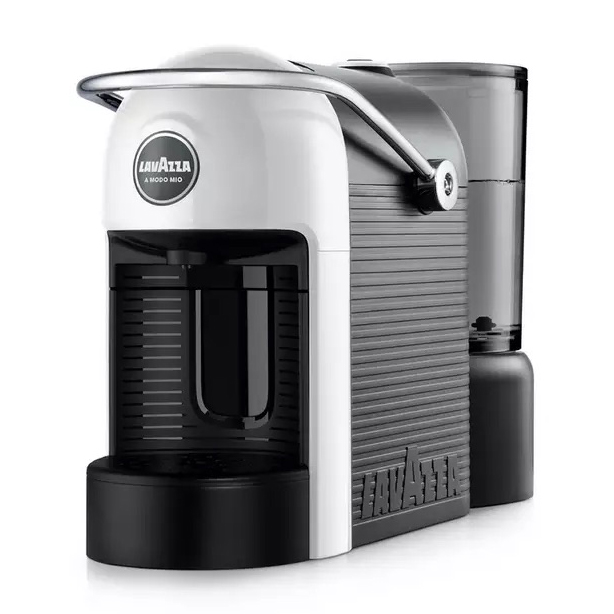
If you have a small kitchen and just want a fuss-free coffee, this Lavazza pod coffee machine could be just the thing for you. Espresso is superb and it’s incredibly simple to use.
This 3-in-1 bean-to-cup espresso machine can handle virtually any coffee-based drink you could wish for, including filter and cold brew. It takes care of most of the leg work for you, and is regularly discounted.
I used the KitchenAid KF2 over a one-week period. I was confident knowing how to use the machine, having previously reviewed the KF3 and from using the KF4 on a daily basis at home.
I prepared all of the available drink recipes — espresso, coffee and over ice — and used a thermometer to test the temperature of the ‘over ice’ espresso shot to determine if it was actually brewed at a lower temperature, as KitchenAid claims.
I also used the integrated steam wand in both its ‘less foam’ and ‘more foam’ settings to determine if there was indeed a difference in results. I also tested it with dairy milk and a barista-style oat milk to find out if it worked well with non-dairy milk varieties.
As I write this, I have 78 devices connected to my home network, including phones, tablets, Windows machines, Android TVs, way too many Govee lights, and other smart home tech. The most important device, however, is my network-attached storage (NAS) system; it houses all my data, acts as my media and music server, and essentially runs my smart home.
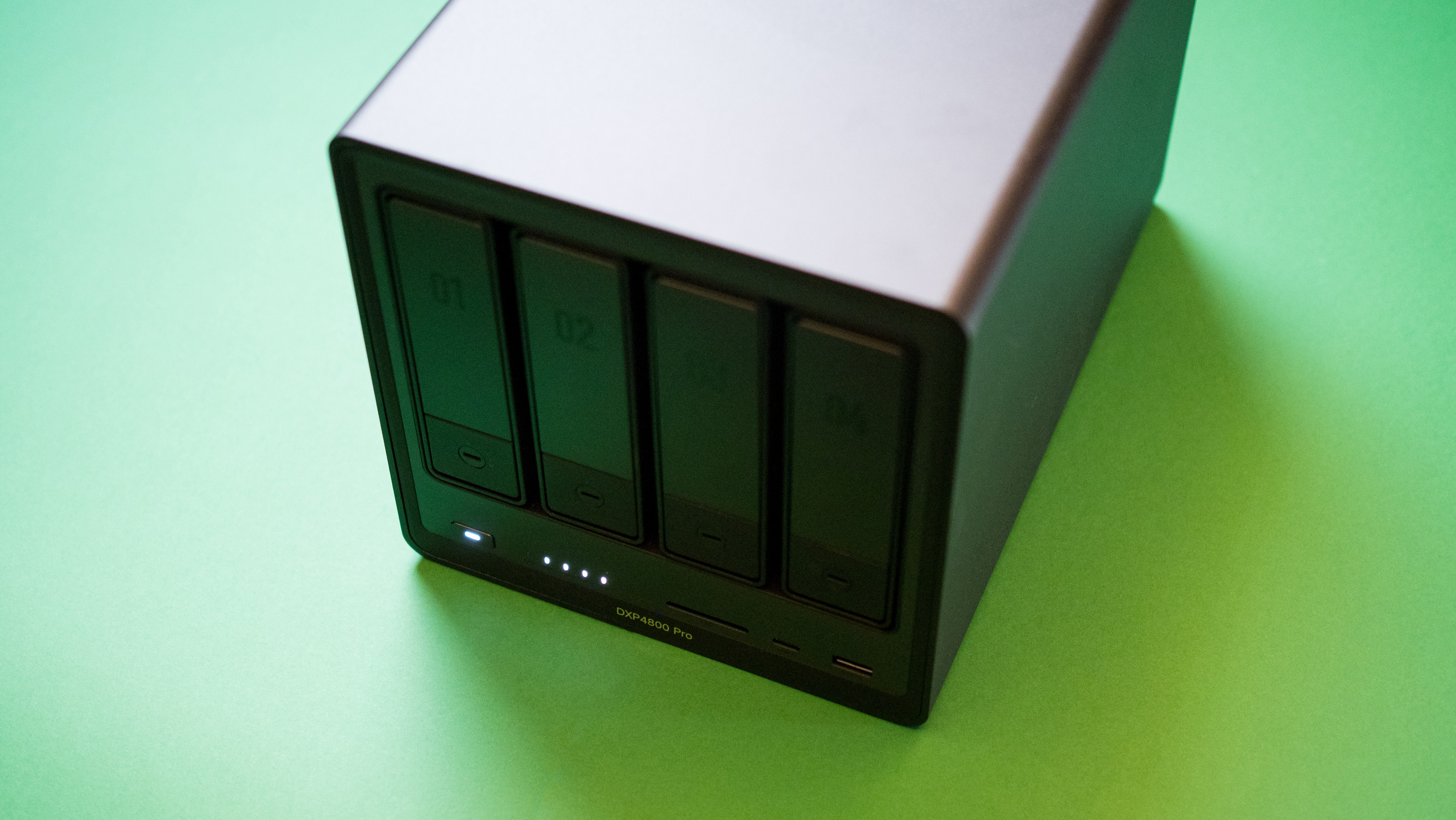
So when it comes to selecting a new NAS, I'm exacting in my needs. I'm still using the 100TB home server I set up two years ago with the DiskStation DS1823xs+, but I wanted a new NAS solely as a media server, and there was an obvious choice: UGREEN's DXP4800 Pro.
I tested the DXP4800 Pro when it came out, and it became clear to me that it is a powerful Plex NAS. After the review, I slotted in two 24TB Seagate Exos X24 along with two 22TB IronWolf Pro NAS HDDs, and began transferring media and installing all the utilities and services I rely on every day.
After three and a half months of extensive testing — totaling well over 2,500 hours of use — streaming 4K Plex content on well over a dozen devices, and writing 54TB of data to the drives, I can state with confidence that the DXP4800 Pro is the best all-round media server you can buy in 2026. I'll go into plenty of detail about how I tested the NAS over the last three months, but before I get started, here's a high-level overview of the hardware.
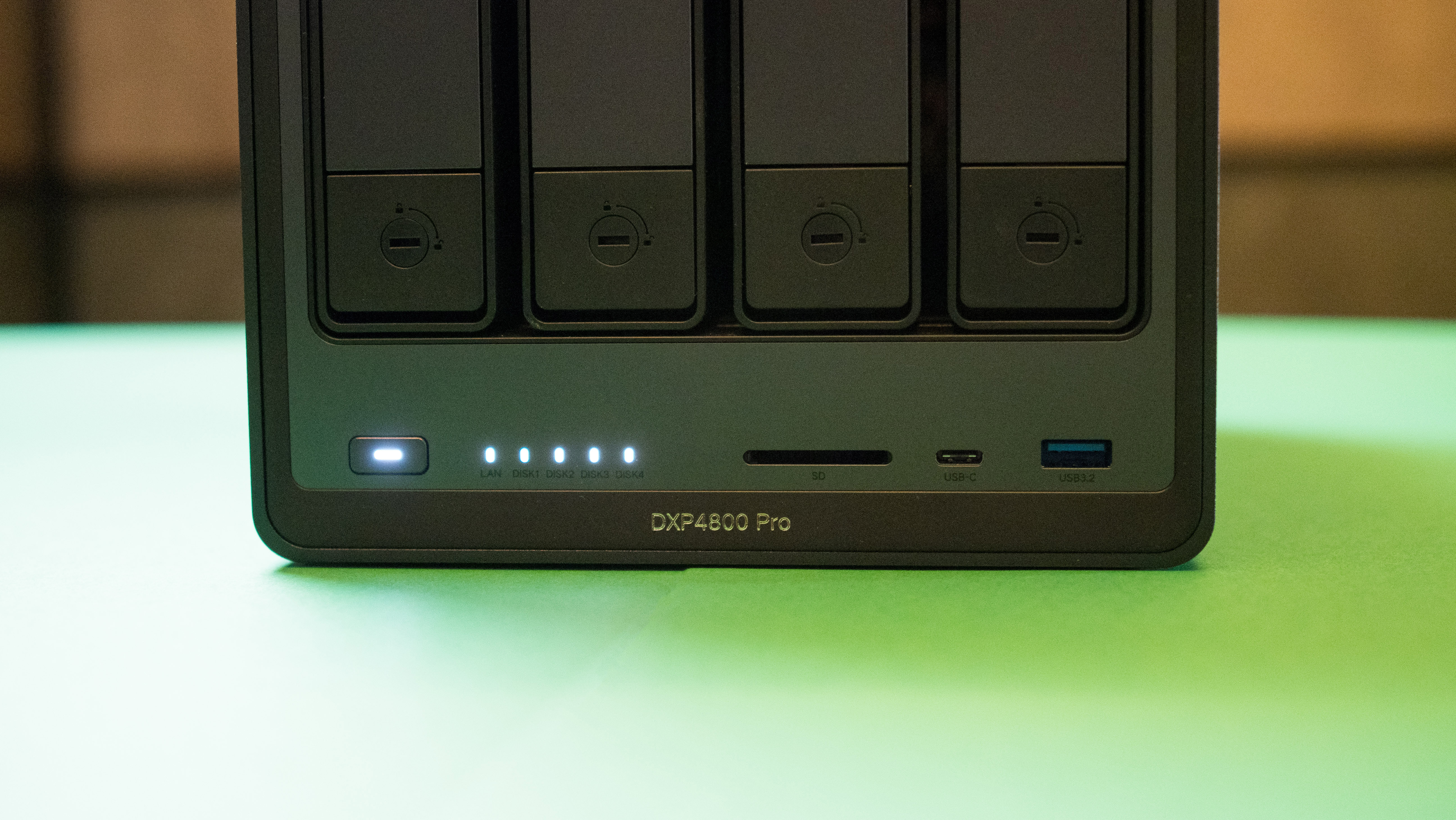
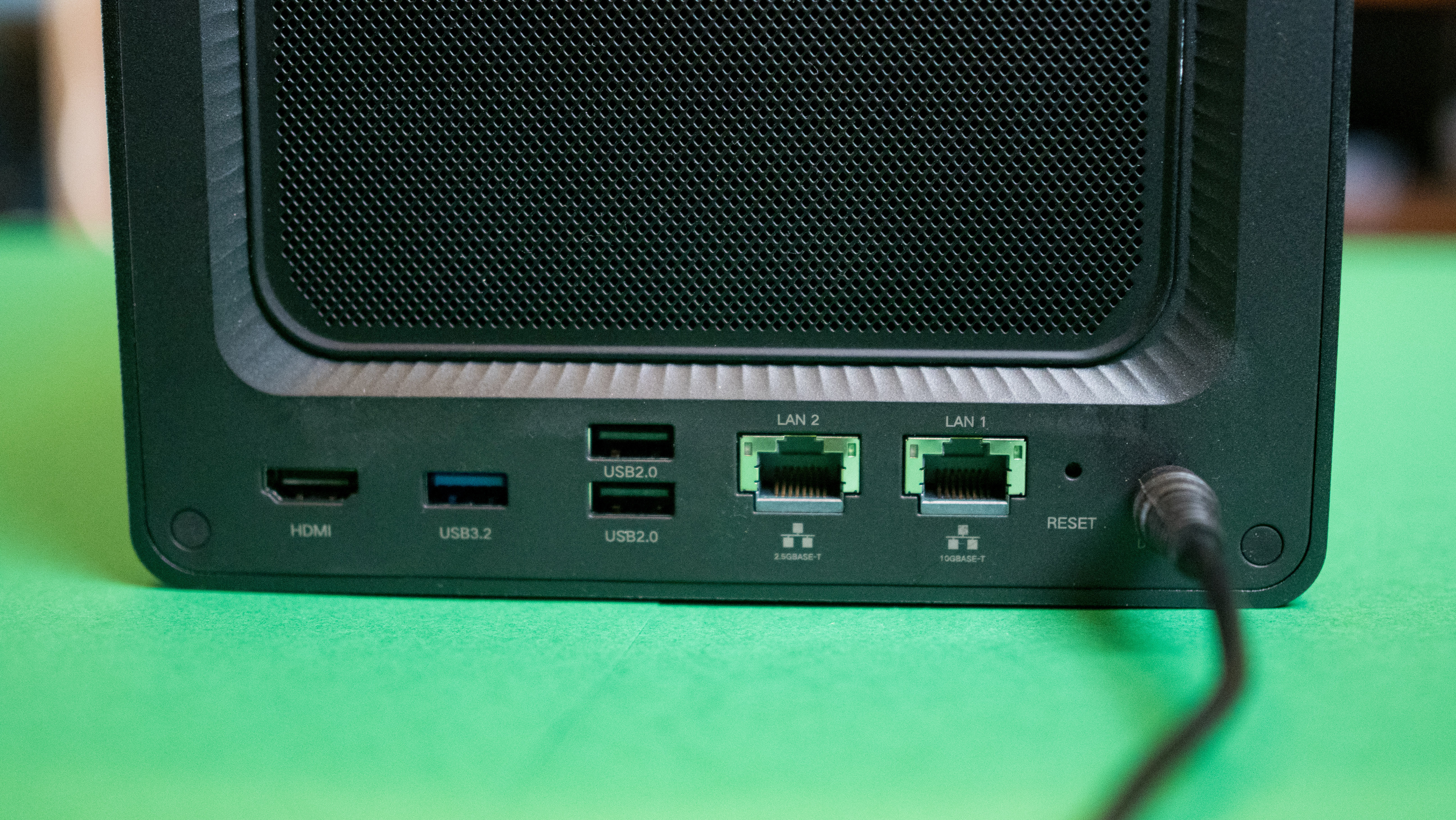
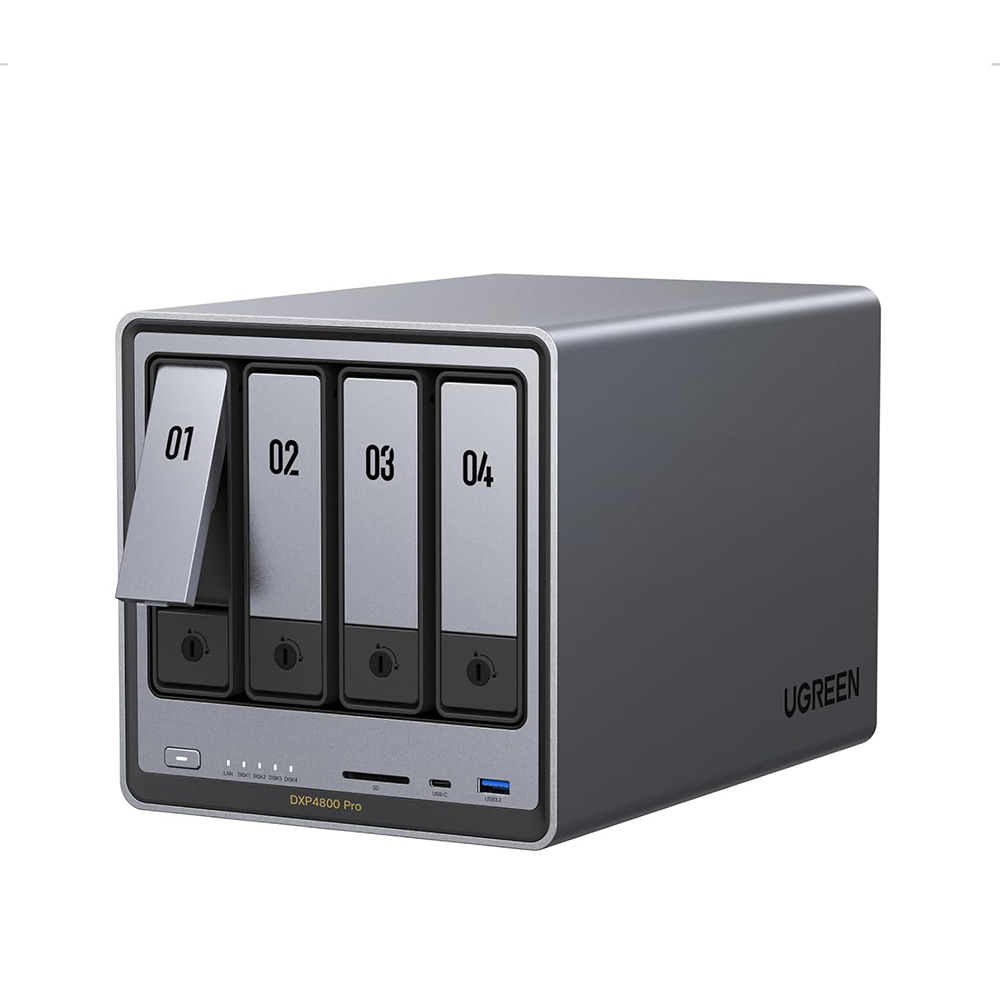
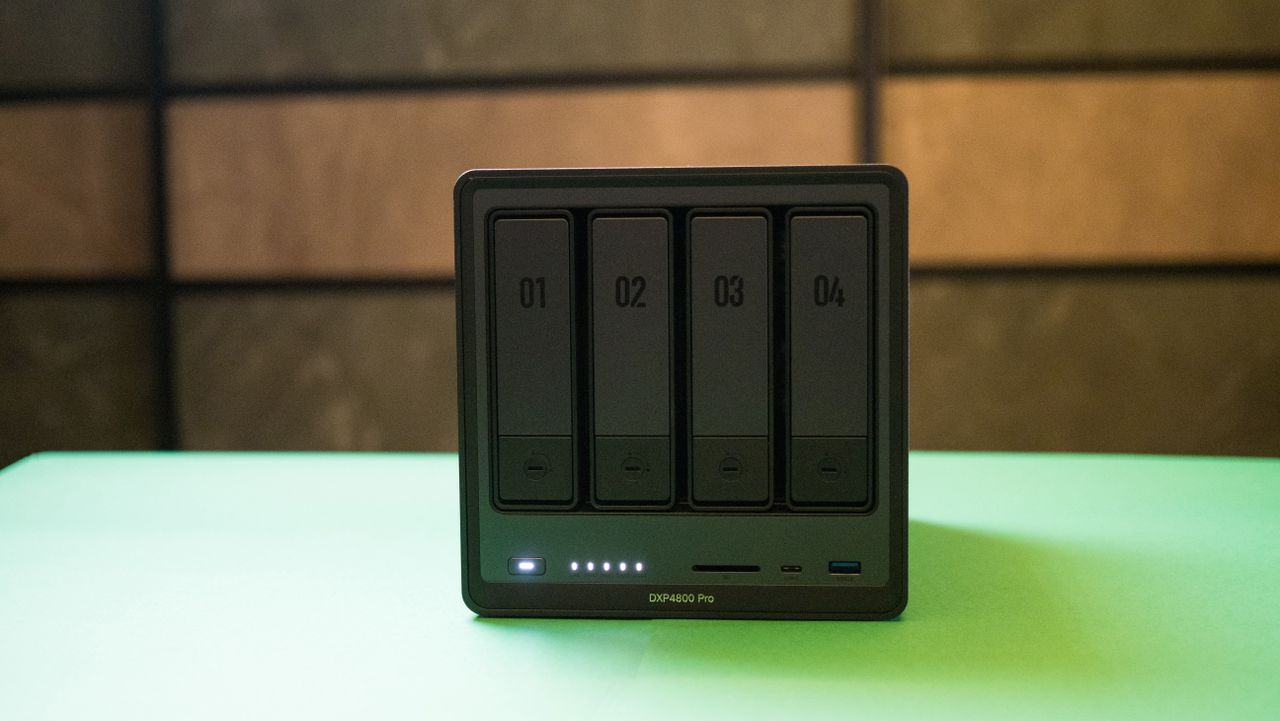
The DXP4800 Pro is a 4-bay NAS with the best internals in its class. It's powered by an Intel Core i3-1315U and has hardware transcoding (ideal for Plex and Jellyfin), 10 Gigabit Ethernet connectivity and a 2.5 Gigabit connection, 8GB of memory, a 128GB built-in SSD, and two NVMe M.2 SSD slots. The Intel Core i3-1315U platform is a solid choice for NAS servers, and it's no surprise that most manufacturers are using it in their enthusiast models. The DXP4800 Pro is available for $719 on Amazon, and you can also buy it on UGREEN's site.
Putting the DXP4800 Pro through its paces
I started testing the DXP4800 Pro by installing UGOS Pro, UGREEN's web-based software. It has come a long way in the last 12 months and is now at a point where you don’t feel like you’re missing out on any of the basics. After installation, I created a storage pool with the four drives; I recommend using a mirrored configuration if you’re looking to set up a NAS, as that way you’ll maintain data integrity should a drive fail. As I had this data in at least two other locations (I’m obsessive about storage), I just went with JBOD.
(Image credit: Future)
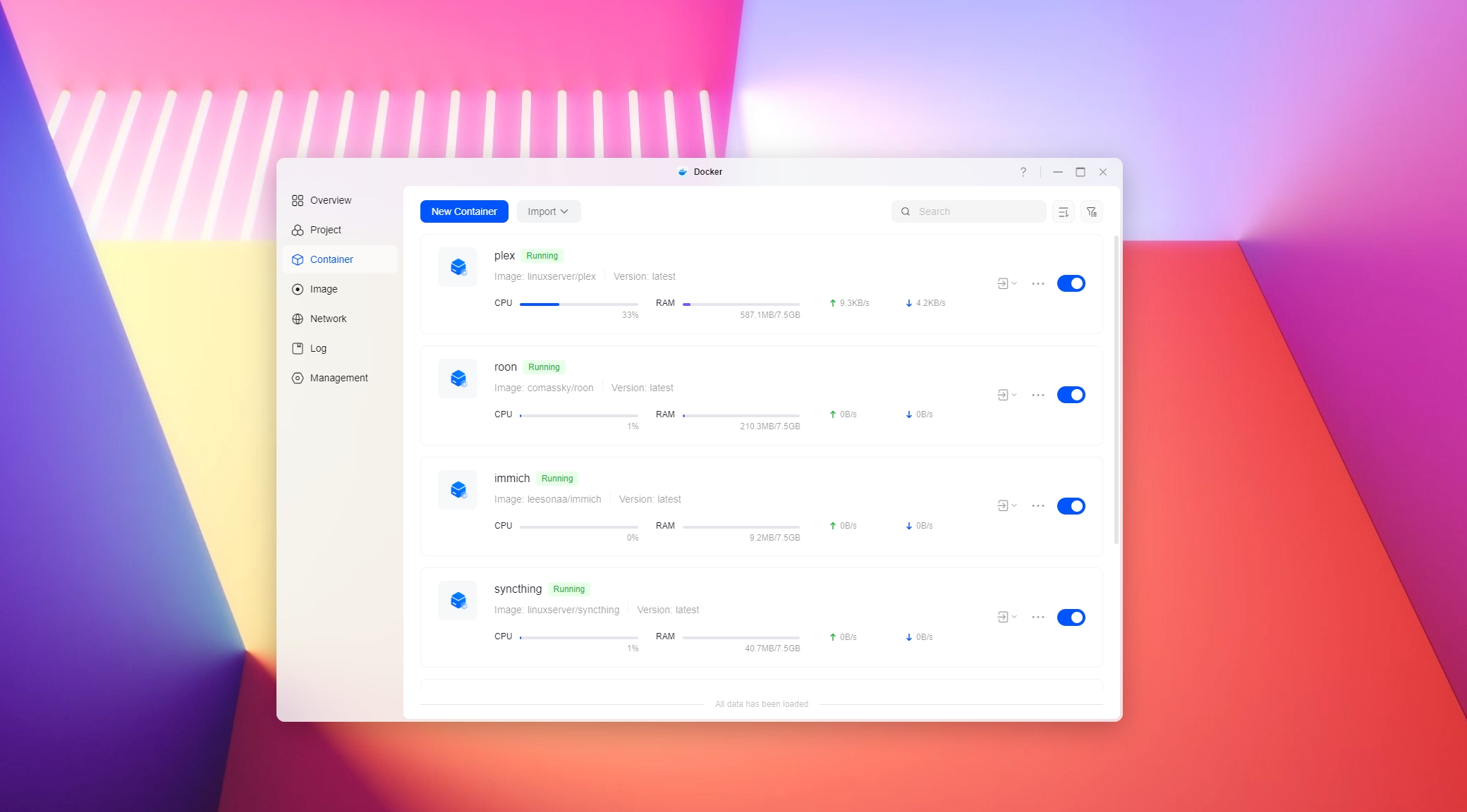
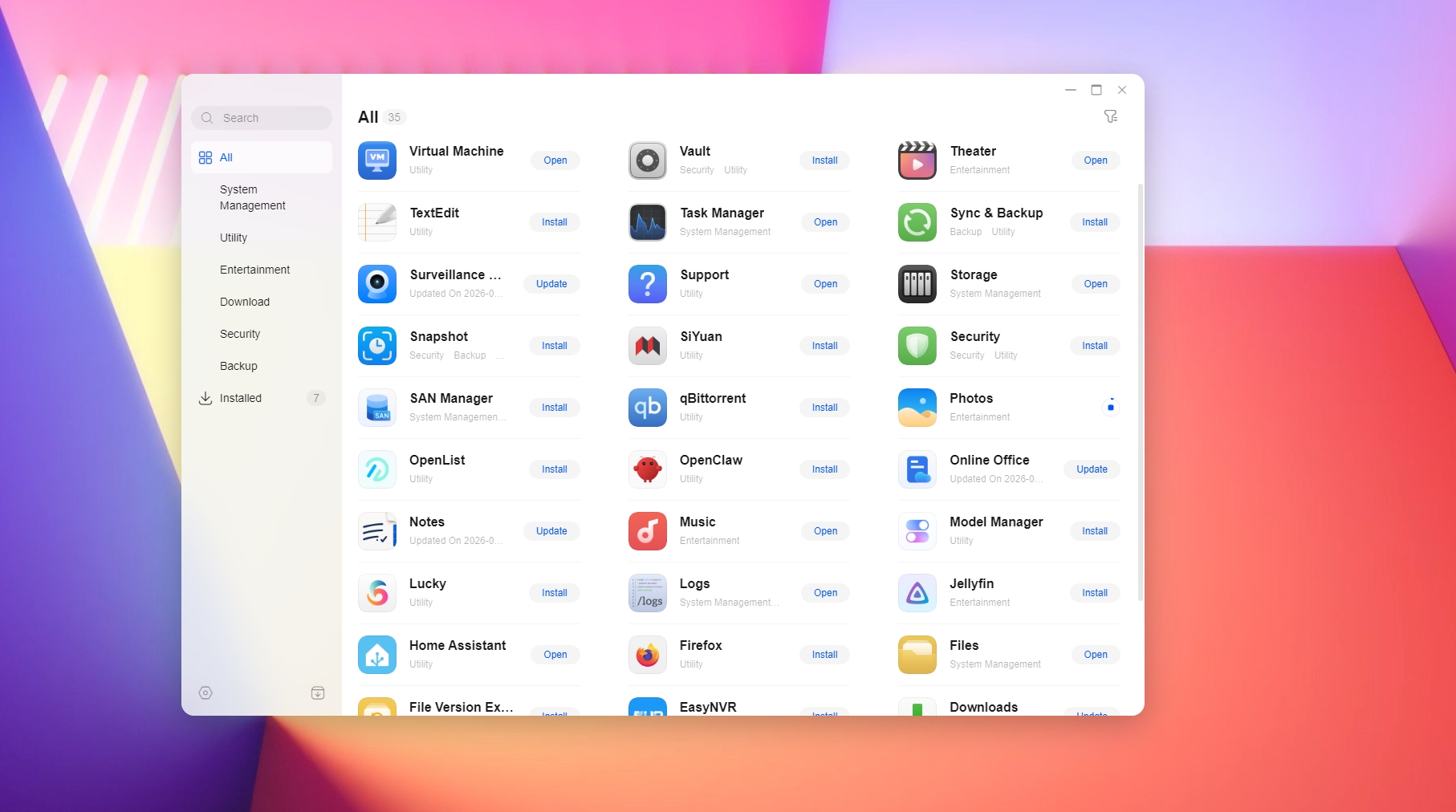
Then came setting up all the services I use, and this constituted the bulk of the testing. I installed Plex and Jellyfin to manage media, an instance of Roon to manage my music library, Immich to handle photos, and Tailscale to access the NAS remotely. While Jellyfin and Home Assistant are listed in UGREEN’s app store, they’re installed as containers anyway, so I just relied on Docker to install everything. It’s easier to manage, and I get better insights into how much system resources each service is using.
I prefer installing utilities like Plex and Jellyfin via Docker. I find these instances more stable, and I get the flexibility to make any configuration changes I need. On that note, the 8GB of pre-installed memory makes a big difference. Even with eight services running 24/7 within containers, I had 3.2GB of usable RAM left, with enough headroom to run a VM by allocating 2GB of memory.
That said, I subsequently installed a 16GB DRAM module, boosting the memory to 24GB and giving me much better headroom to work with VMs and other containers. Even if you don't want to go this route, know that the built-in 8GB of memory is more than adequate for most homelab hobby projects.
I took ten days to move the data to the DXP4800 Pro, transferring over 54TB in that time. I was conservative in this regard, as I didn’t want to transfer the entire dataset in one go, and I used rsync to move each category — photos, music, documents, and media — individually. A big chunk of that was my music production library that includes VST instruments and their associated media.
I connected the DS1823xs+ to the DXP4800 Pro using a 10GbE switch to take full advantage of the 10GbE connectivity available on both servers, and I was able to saturate the NAS HDDs' bandwidth quite easily. I got close to the 280MB/s maximum bandwidth of the Exos X24 and IronWolf Pro drives, and I saw aggregate transfers hit as high as 580MB/s — both NAS systems could easily handle six times that bandwidth, so this wasn't a problem at all. This was while moving bigger files; images and documents generally transferred at a much more modest average of around 120MB/s.
Thermal management can become an issue with sustained file transfers, and thankfully, it didn’t prove to be a problem on the DXP4800 Pro. The 140mm fan was effective at moving heat away from the internals, and the drives didn’t exceed 48 degrees Celsius.
What I like about Seagate's NAS HDDs is that they’re designed to run 24/7, and they come with unique features like vibration resistance, which is necessary in a NAS system.
But more than anything else, it’s long-term reliability that matters. While the drives I used in the DXP4800 Pro have now clocked just under 3,000 hours (I still count that as almost new), I've had several IronWolf Pro HDDs in the last decade that have clocked over 50,000 hours of usage, and I haven’t run into any issues with any of these drives yet (thankfully).
(Image credit: Future)
After the data transfer came the real test: media streaming. I used Plex predominantly, and the DXP4800 Pro delivered three high-bitrate 4K transcodes simultaneously, which is no small feat. Hardware-assisted transcoding via the built-in Intel Quick Sync platform is limited to Plex Pass users, and if you have older client devices like an early-gen iPad, this feature will come in handy.
However, most newer devices have the requisite media containers and codecs to play media files, so you don't actually need to transcode content most of the time — outside of testing how the NAS holds up in this area, I only had to rely on direct play. That said, if your video is encoded using H.265 and you have a TV or streamer that can't handle the codec, it will need to be transcoded to H.264 to play on the client device, and all of this is done automatically.
After playing dozens of hours of footage via Plex and Jellyfin over the last three months, it became clear that the DXP4800 Pro is the best 4-bay Plex NAS.
I did notice higher-than-usual power draw in general, with the NAS idling at 24—28W, going up to 60W when the drives are in use, and exceeding 85W under load. There is plenty of headroom, though, given that you get a 150W power brick, so this is not a problem as such. Averaged over three months, the power usage was well within the limits of a powerful 4-bay server, so I didn't worry about it too much.
Overall, the DXP4800 Pro is without a doubt one of the best 4-bay NAS servers around. The combination of powerful hardware and UGREEN's sensible software choices gives it a leg up over its rivals, and after extensive testing, it has consistently proven to be reliable, which is what I look for the most in a media server.
Ugreen
DXP4800 Pro
The DXP4800 Pro does everything I want in a Plex NAS, and if you need a new media server, this is the one I recommend.
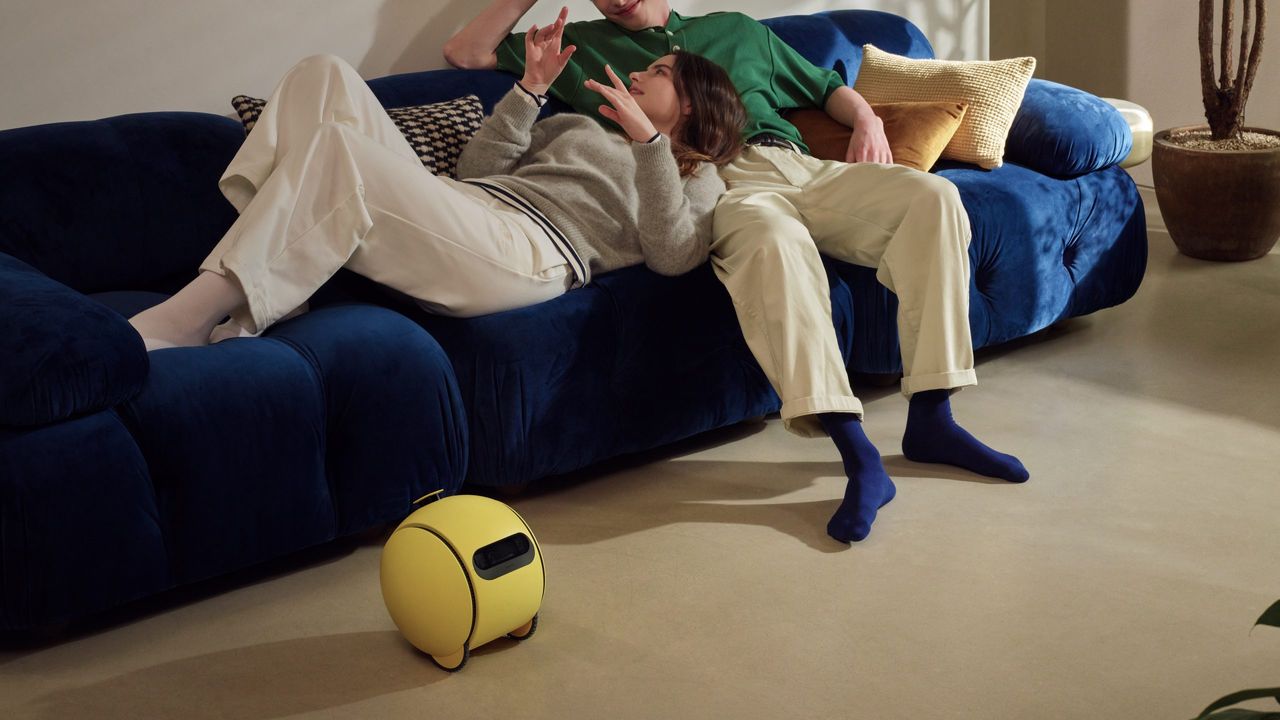
A rumor claims to have discovered early "design illustrations" for a Ballie app from Samsung.
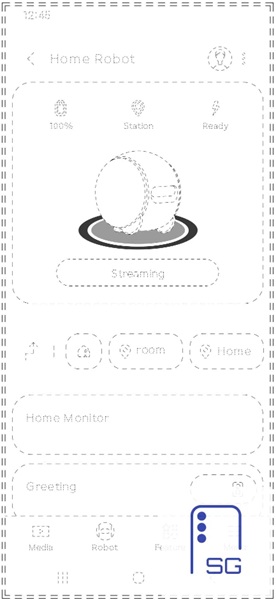
The illustrations lay out Samsung's supposed plans for an app, showing battery, location, status icons, as well as a "Streaming" button for the robot's built-in camera.
It's unclear if this means that Samsung hasn't completely abandoned Ballie, as the last report said the company "delayed" Ballie to figure out "its place in the home" and to likely handle that intense price point.
This certainly wasn't on our bingo card. A leak has surfaced online, offering a glimpse of what could be Samsung's companion app UI for its smart home assistant, Ballie.
Earlier today (July 30), SammyGuru posted a series of alleged "UI design sketches" for what would be Samsung Ballie's companion app. The illustrations give us a good look at the app's main screen. Taking up the center is Ballie's circular frame with its battery percentage, location, and an "Error"/"Ready" icon. There's a chance this could be used in scenarios when the device gets stuck, since it rolls around. If everything's all green, users can likely launch Ballie.
There is a hard-to-miss "Streaming" button. Earlier info about Ballie suggested it would feature a camera. There's a chance this app could let users see what Ballie sees in real-time. "Home Monitoring" seems to be quite an important aspect of this app and of Ballie as a smart home assistant. According to the post, the "monitoring" aspect could involve a setup process in which Ballie maps out its routes, maps out your home for navigational purposes.
Taking another look at the initial icons: battery, location, Error/Ready icon, Home Monitoring might play more of a role than we think. This app could give users every ounce of information they need to view their home, understand where Ballie is, and handle any scenarios that might occur.
Oh, Ballie, Ballie
(Image credit: SammyGuru)
Android Central's Take
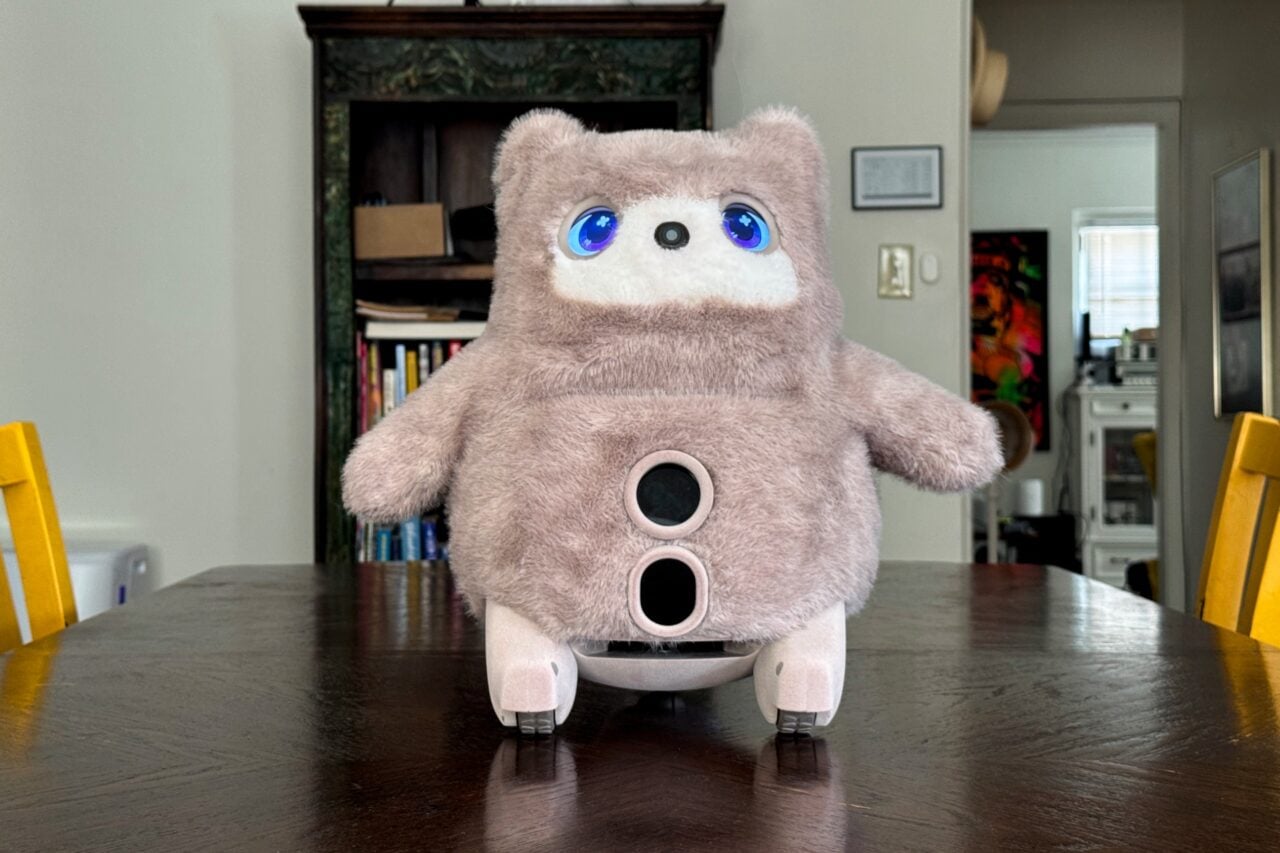
I never would've thought that Ballie would make a "return" via app design drawings. This isn't even a real app (yet?). Ballie looked cool. By that, I mean it reminds me of sci-fi movies where there's a robot that rolls around, quips, and beeps. I know that sounds like R2-D2. Maybe Samsung delaying it was the right call. You see that suspected price? A $2,000 price tag? I don't think I know anyone who would splurge on something like that for a little yellow ball.
This is quite surprising. The last time we heard anything about Ballie was when a report suggested Samsung delayed it to "find its place in the home." It gave the impression that Samsung was questioning the right place for Ballie within the home. The company reportedly expressed "caution" about the AI companion. Other concerns, such as a potential high price point and whether consumers would truly engage with Ballie or not, ranked high on its list of worries.
Speculation claimed Ballie could cost consumers ~$2,000, and with everything going on in the world, that might've been too steep a price. Samsung hadn't officially said anything about Ballie. This report was in July, and nothing more has come of the little rolling robot. However, if we want to get real, Ballie was first introduced at CES 2020. Samsung was said to have a "human-centric vision" for robots, and Ballie was the start of it. The company said Ballie "understands you, supports you, and reacts to your needs."
Its built-in camera would be its "eye" into your life, your home, and your needs. There was an announcement that saw Google and Samsung working together to bring Gemini into Ballie for enhanced AI support.
L’adozione dell’aria condizionata costituisce la misura più efficace contro le ondate di calore estive. Il suo impatto però, in termini di costi energetici diretti, resta considerevole per le singole famiglie.
Uno studio internazionale, condotto da un team di ricercatori dell'Università Ca' Foscari di Venezia e della Fondazione CMCC (Centro Euro-Mediterraneo sui Cambiamenti Climatici), in collaborazione con la Boston University, ha evidenziato l’incidenza del condizionatore sui consumi in bolletta fotografando la situazione a livello globale.
FRESCO IN CASA MA OCCHIO AI CONSUMI
L’indagine, pubblicata sulla rivista Journal of Environmental Economics and Management, ha confrontato i dati di 692.718 famiglie distribuite in 25 Paesi, coprendo circa il 62% della popolazione mondiale e oltre il 70% dei consumi globali di elettricità.
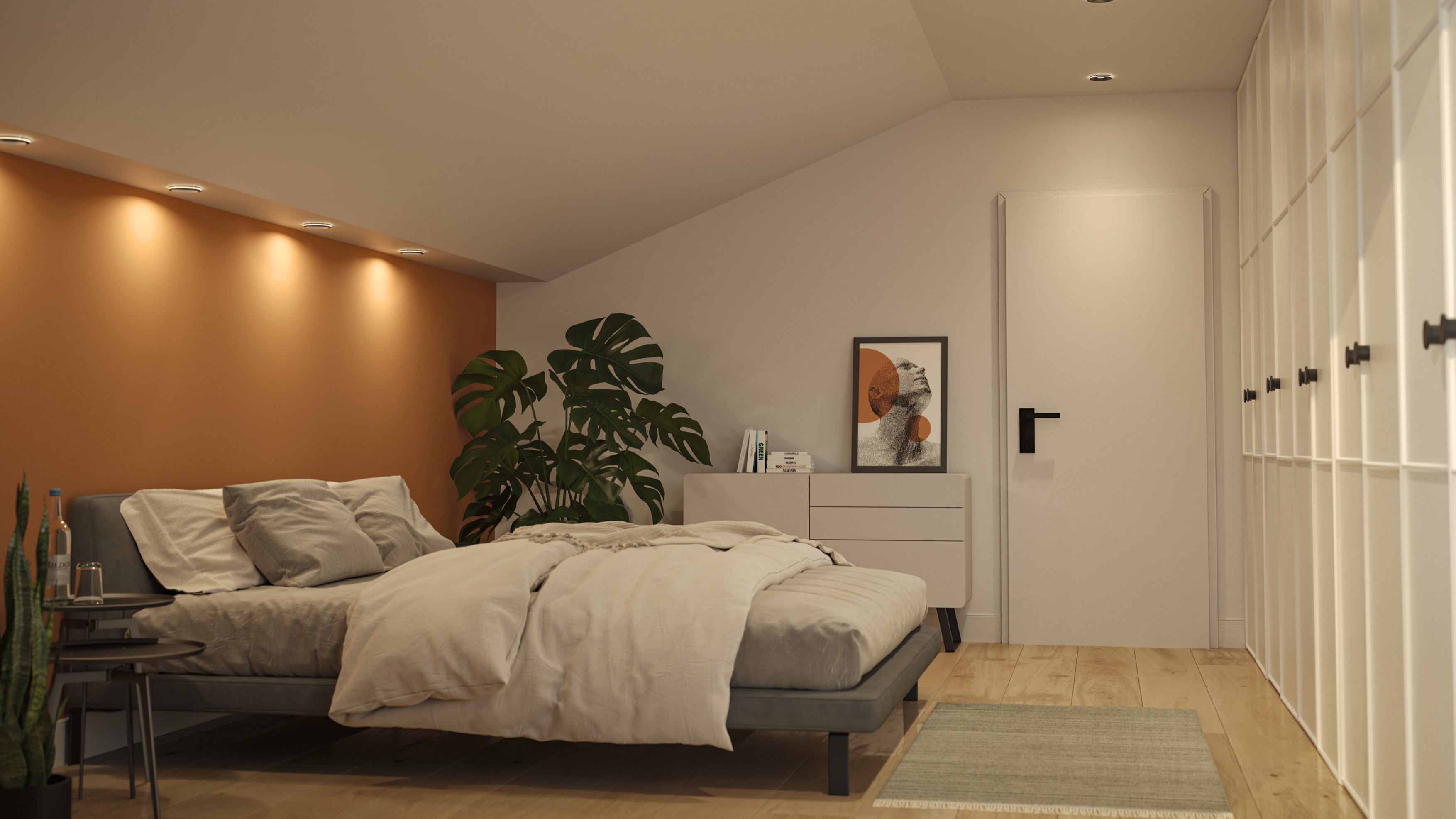
If you’ve not heard of layered lighting, you’re in for a treat. Sure, a single ceiling fixture is the easiest way to illuminate a room, but adding a variety of light sources in different places in a room — a technique known as layered lighting — can completely change the way your home looks and feels, making it more inviting and more practical, without the need to redecorate.
To find out why layered lighting is worth trying, and how you to get started, I spoke experts from lighting companies Paulmann, Govee, and Philips Hue . Hue and Govee are two of the biggest names in smart lights, while German company Paulmann produces a range of rechargeable lights that attach to backplates mounted on the wall with screws or adhesive — ideal if you rent or don’t want to get involved with wiring.
A well-designed environment combines different layers of light
Jerry Lin, Govee
“We believe lighting should do more than simply illuminate a room,” explains Jerry Lin, Product Manager at Govee. “A well-designed environment combines different layers of light to create depth, balance and atmosphere, helping people adapt their spaces for any moment of the day.”
Tom Amelung, Junior Product Manager at Paulmann Licht, agrees that lighting is about much more than just function. “It shapes mood, enhances texture and brings colors to life,” he says. “Without a considered lighting scheme, even the most beautifully designed interior can feel flat and uninspiring. When thoughtfully layered, however, lighting creates depth, adds warmth and brings balance and harmony to a room.”
Tom Amelung of Paulmann says layered lighting can bring a space to life (Image credit: Paulmann)
Think beyond the ceiling
So what are the layers that you should be thinking about? “At its core, layered lighting is about combining four key types of light: ambient, task, accent and decorative, so that they work together seamlessly,” explains Philips Hue’s spokesperson. “The result is a home that not only meets practical lighting needs, but one that also adapts effortlessly to different activities, moods and times of day.
Did you know TechRadar now has membership?
(Image credit: Future)
Become a TechRadar Insider by simply clicking 'Join Now' at the top of this page. Have a question? Please email membership@techradar.com
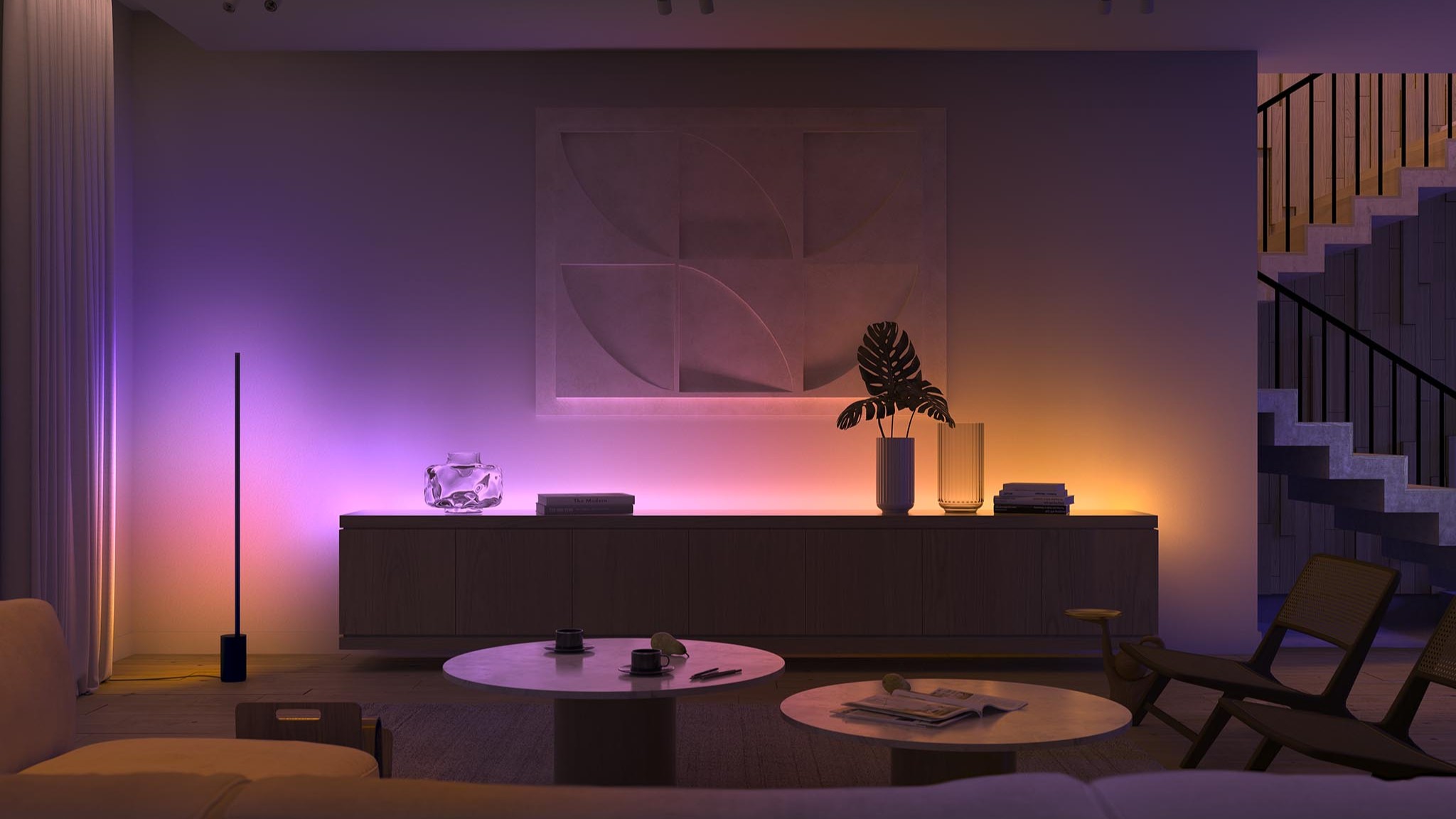
Your central ceiling light can be part of that mix, but you need to think beyond it. “Introducing table lamps, floor lamps, wall lights or light strips adds dimension, highlights architectural features and furnishings, and enhances the richness of colors and textures throughout the room,” adds Hue’s lighting expert.
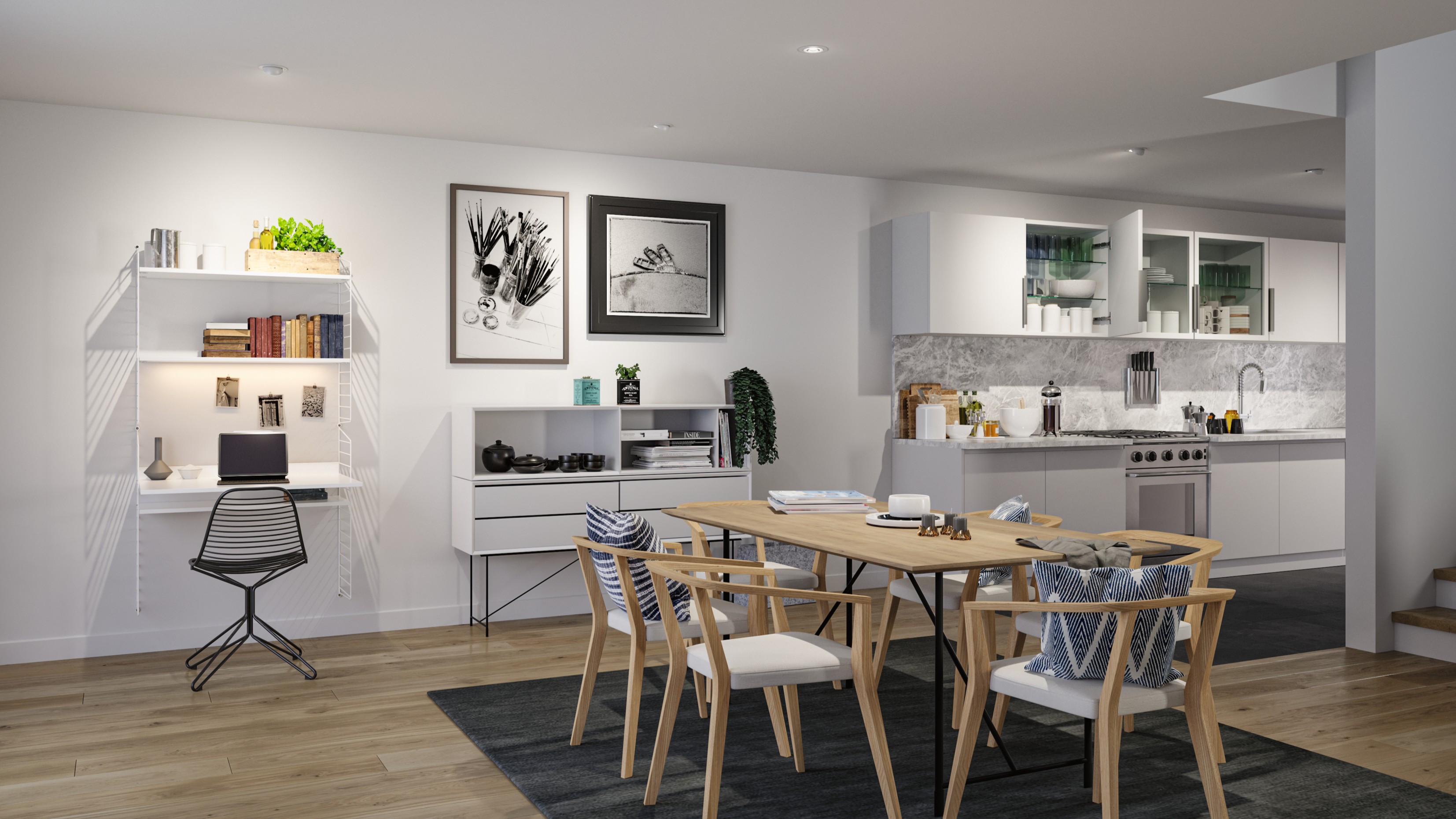
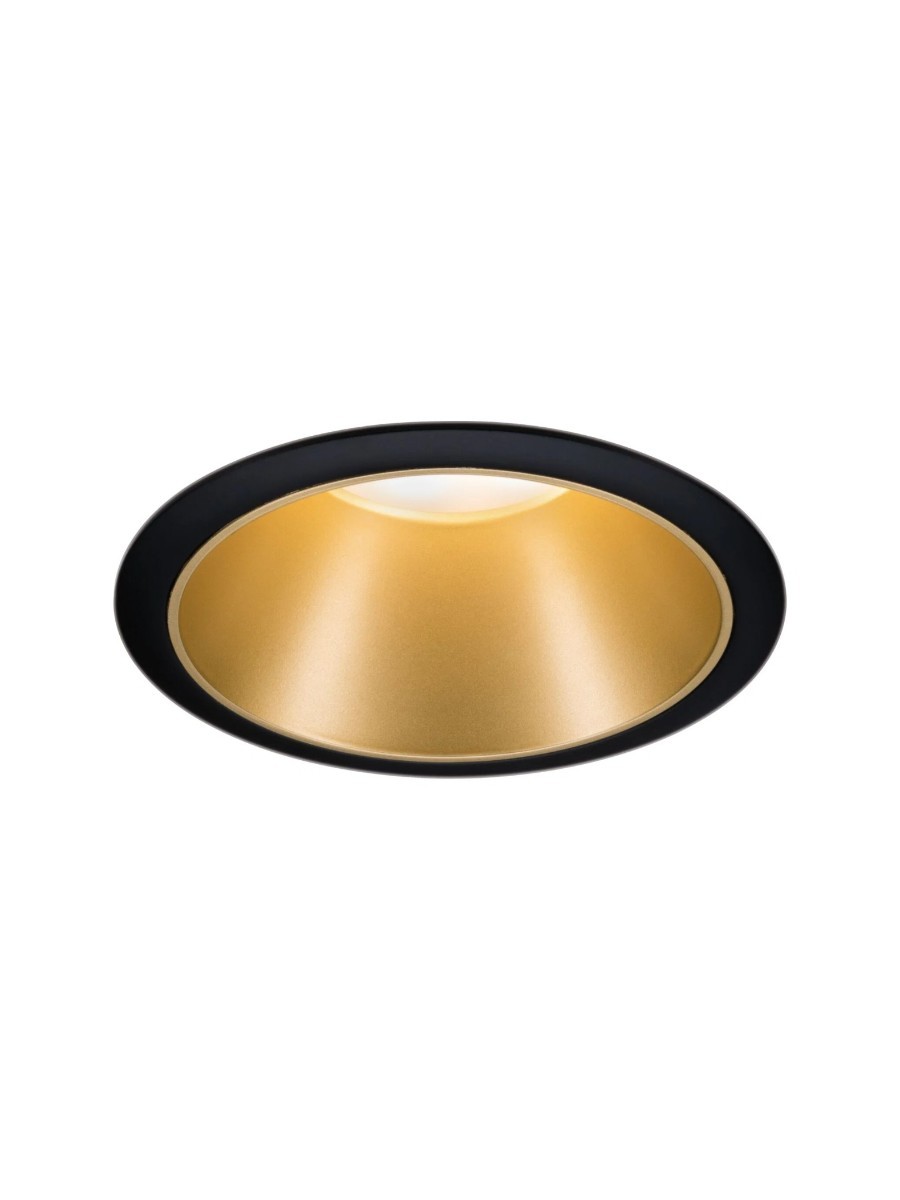
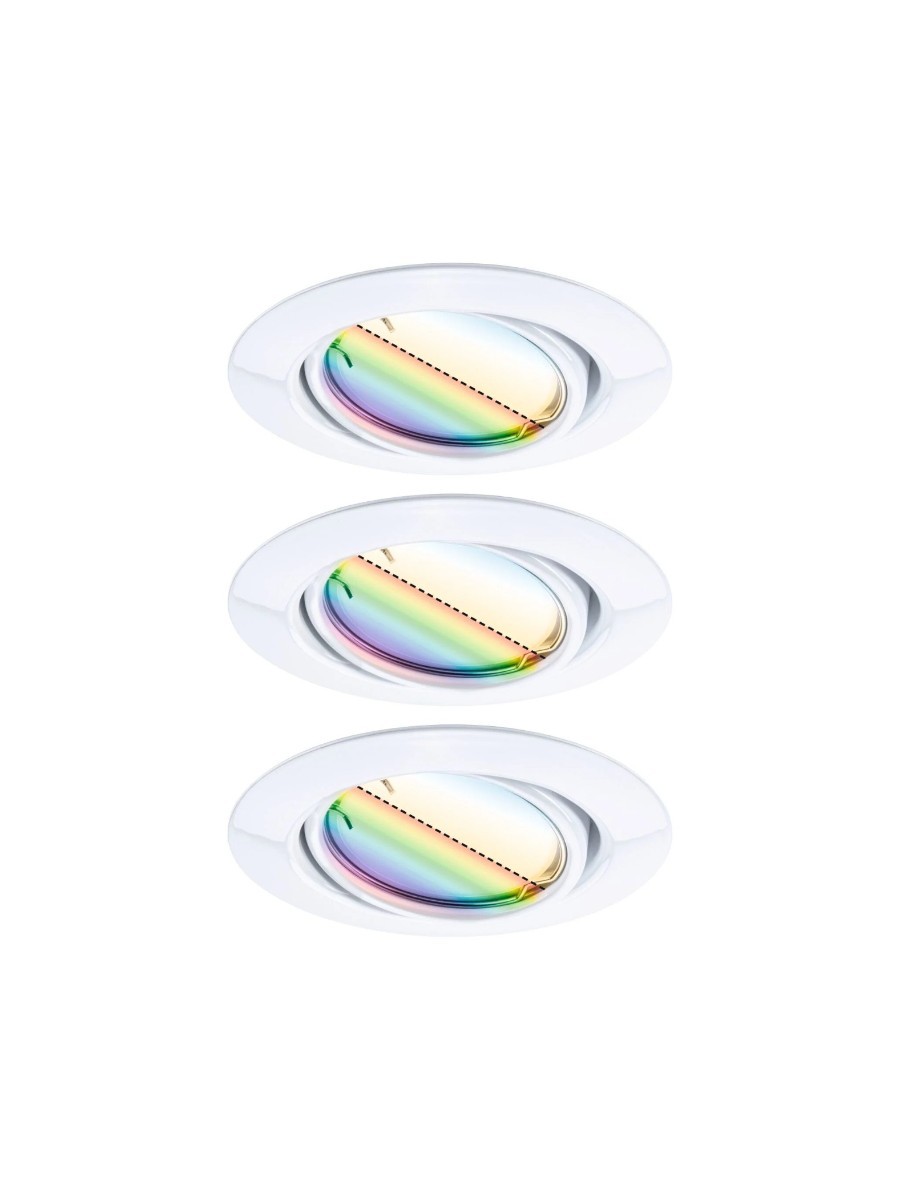
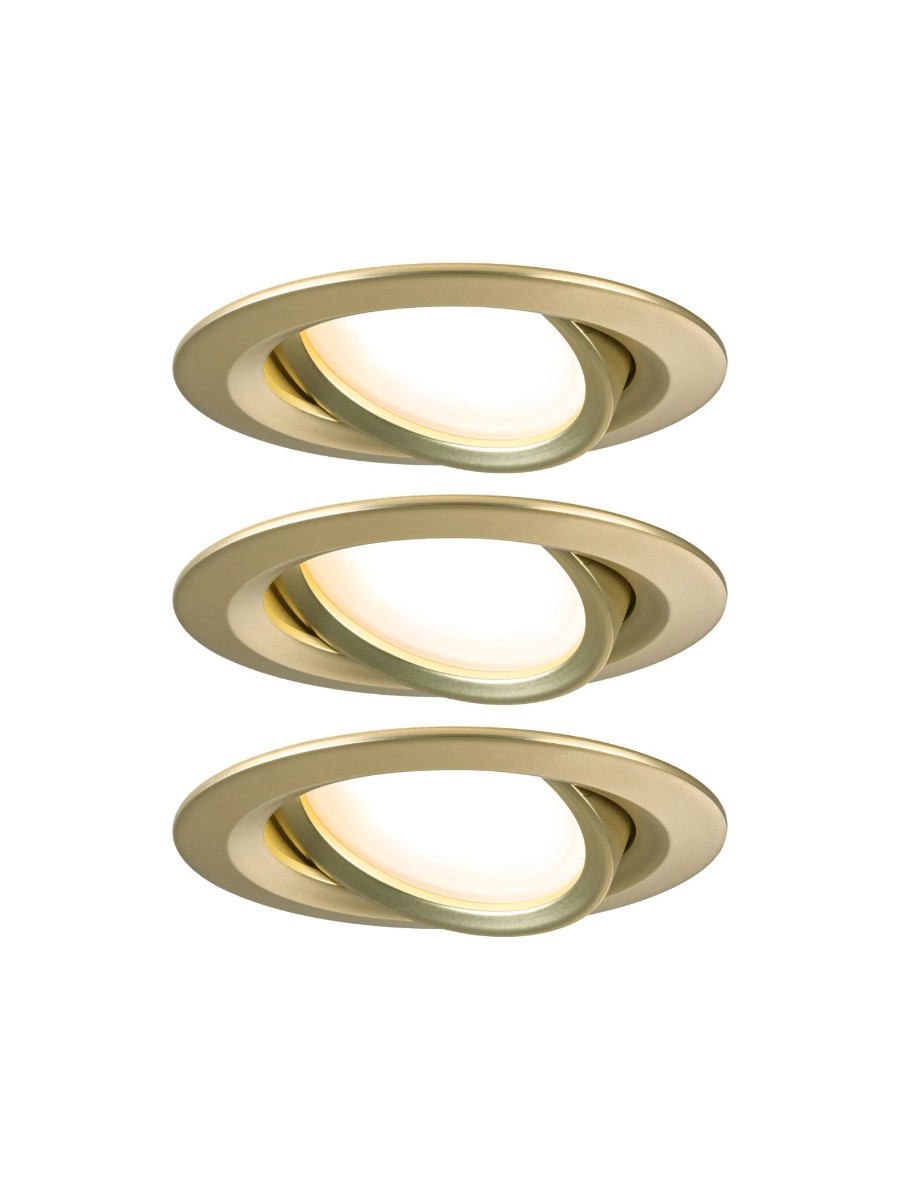
Amelung suggests trying spotlights as well, thinking outside of the standard grid arrangement that you might already have in your bathroom or kitchen. “A uniform grid of spotlights might feel like the easy option, but it often creates flat, overly bright spaces,” he says. “Instead, position lights based on how the room is used.”
Position lights based on how the room is used
Tom Amelung, Paulmann
That doesn’t mean placing lights directly above seating, though — lights placed directly over your sofa can be harsh and uncomfortable when you’re trying to relax. The same is true in a bedroom, where softer lighting is a better option to avoid making the space feel clinical.
“Place lights above worktops, not behind you, to avoid casting shadows while cooking,” adds Amelung. “Directional options, such as Paulmann’s directional recessed and spotlight options, are ideal for targeting key areas.”
Think beyond just a big central ceiling light to make the most of your space (Image credit: Signify)
Smart ideas
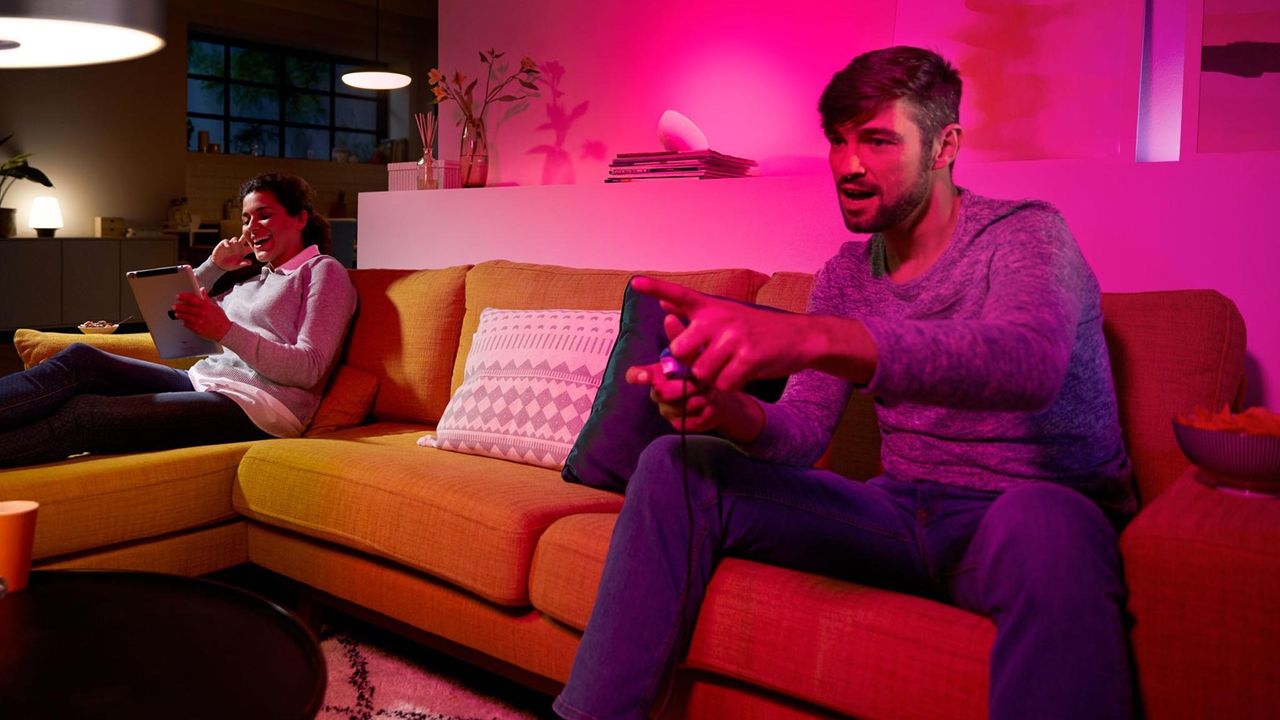
Smart lights are particularly effective for layering thanks to their versatility. Using connected light fittings lets you transform a space throughout the day without moving anything around. Want to use a corner of your living room as a study during work hours, then use the whole space for relaxing in the evening? With smart lights you can do exactly that, helping delineate spaces that serve multiple purposes.
“One of the greatest advantages of smart lighting is its ability to transform a space throughout the day without requiring any changes to the room’s layout,” says Philips Hue’s spokesperson. “Instead of moving lamps, changing bulbs or adjusting fixtures manually, smart lighting allows you to easily adapt brightness, color temperature and ambience to suit different activities and moods.”
Layered lighting lets you adapt your space depending on the time of day (Image credit: Paulmann)
Your home — and the way you use it — is unique, and smart lights let you personalize your layered lighting setup to suit the way you live.
“With intelligent features such as Govee DaySync, your lighting can automatically adjust its temperature and brightness to match your daily routine, shifting naturally from morning to evening,” says Govee’s Jerry Lin. “At the same time, advanced color management systems such as Govee LuminBlend+ let you explore more lighting experiences, from subtle pastel tones to immersive ambient scenes to strike the perfect mood every time.”
Ultimately, smart lighting gives people the flexibility to create spaces that feel more connected to the way they live,” says Lin.
Go for it!
Are you feeling inspired? I asked Philips Hue where I should start if I want to begin experimenting with layered lighting tonight.
“When layering a room, the use cases could be many,” said Hue’s spokesperson. “Say, for example, in a bedroom – a layered set-up might look like an overhead fixture for clarity, bedside lamps for reading, soft accent lights for atmosphere, and hidden strip lights that trace architectural lines.
“Once everything is dimmed, the room feels cohesive rather than cluttered, with each source playing a distinct role.”
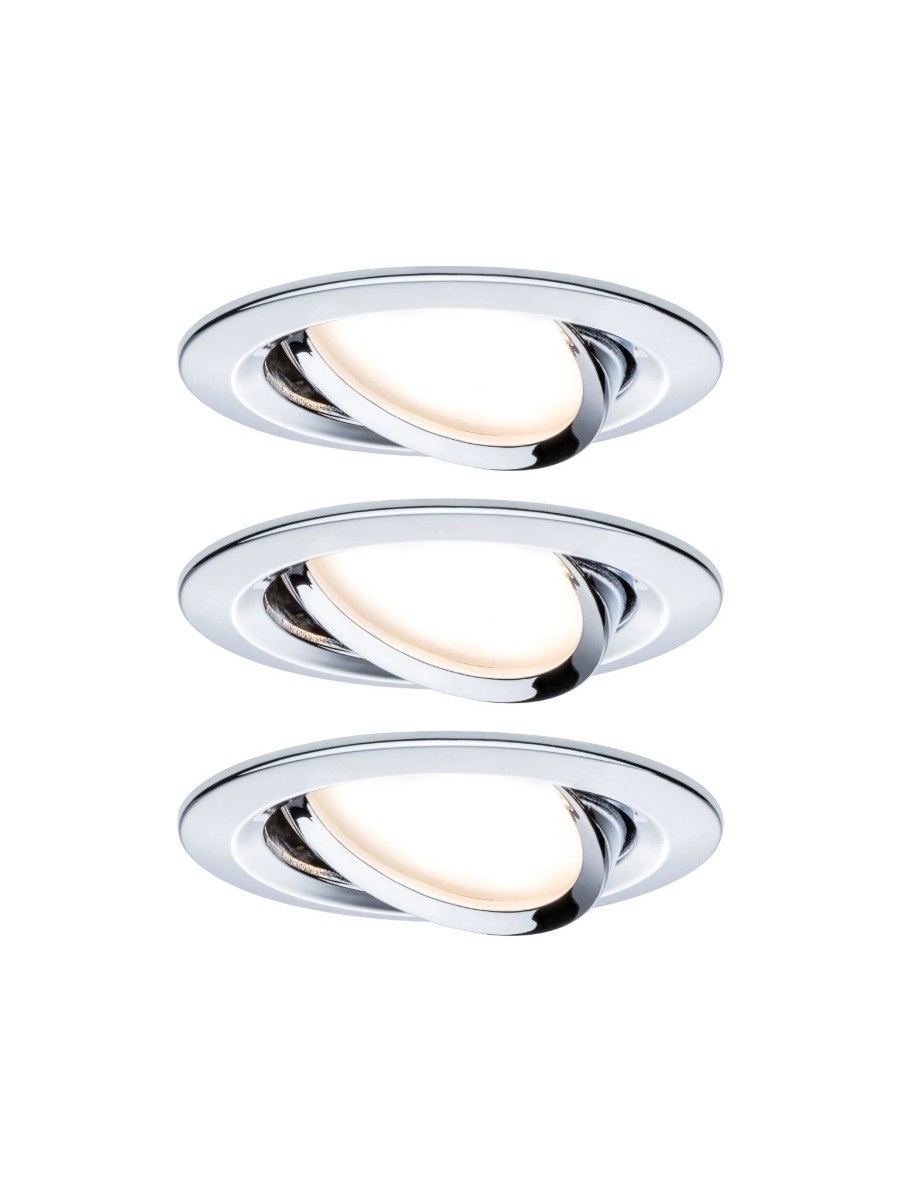
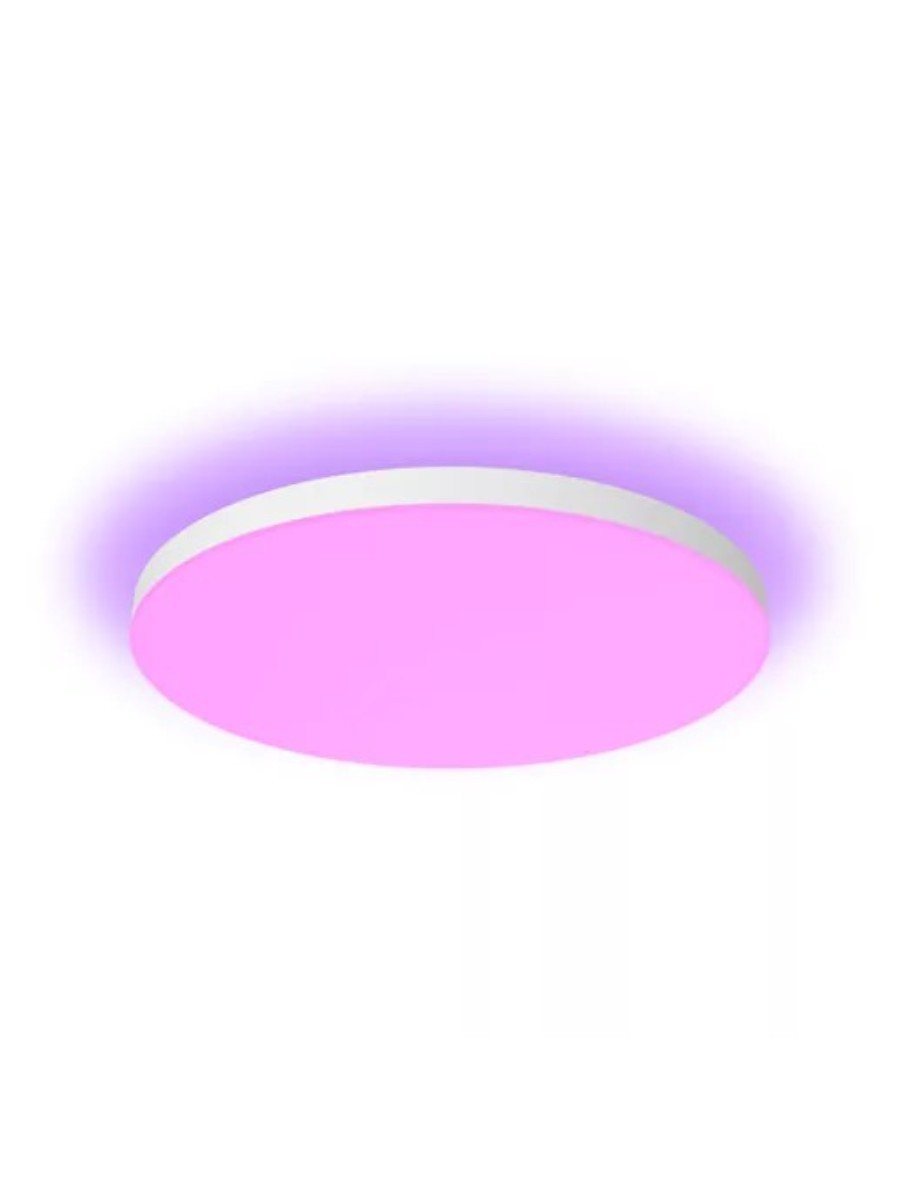
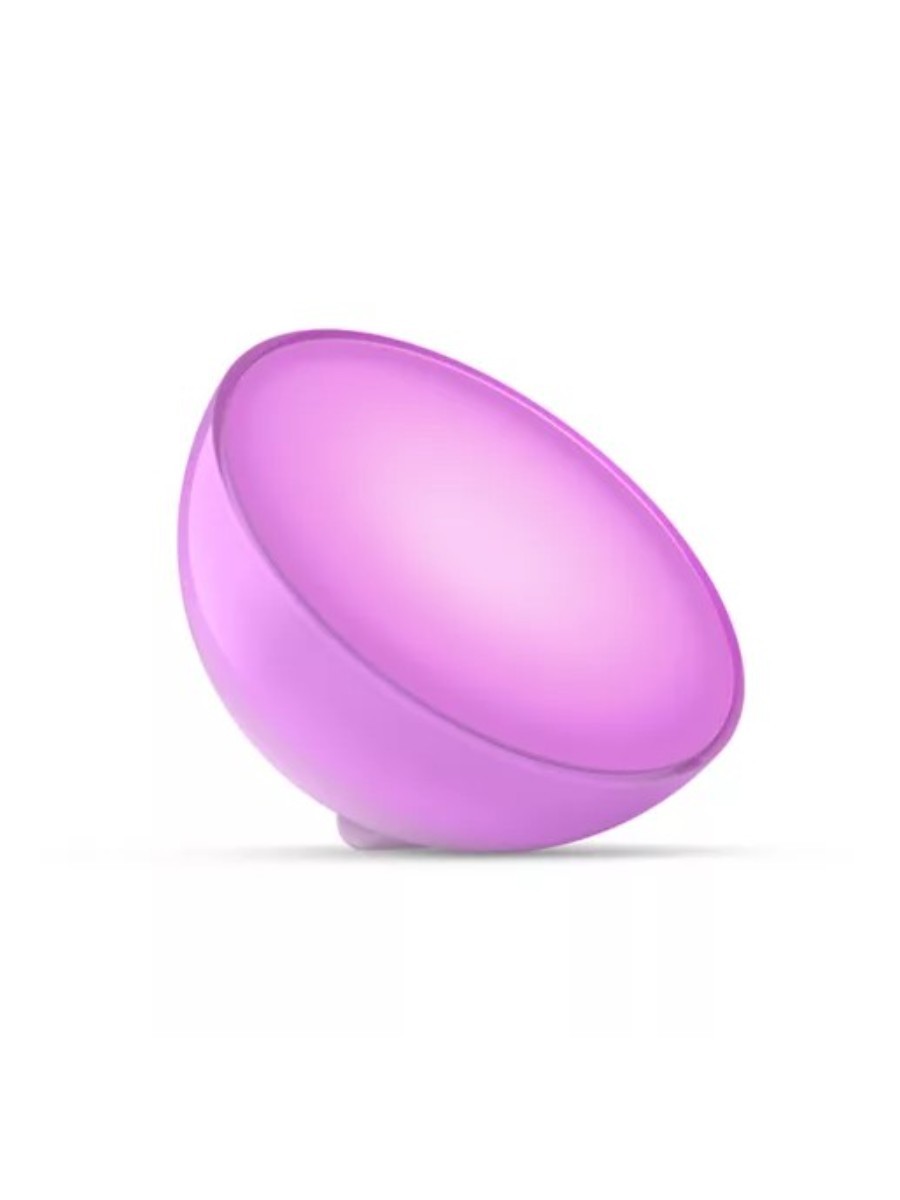
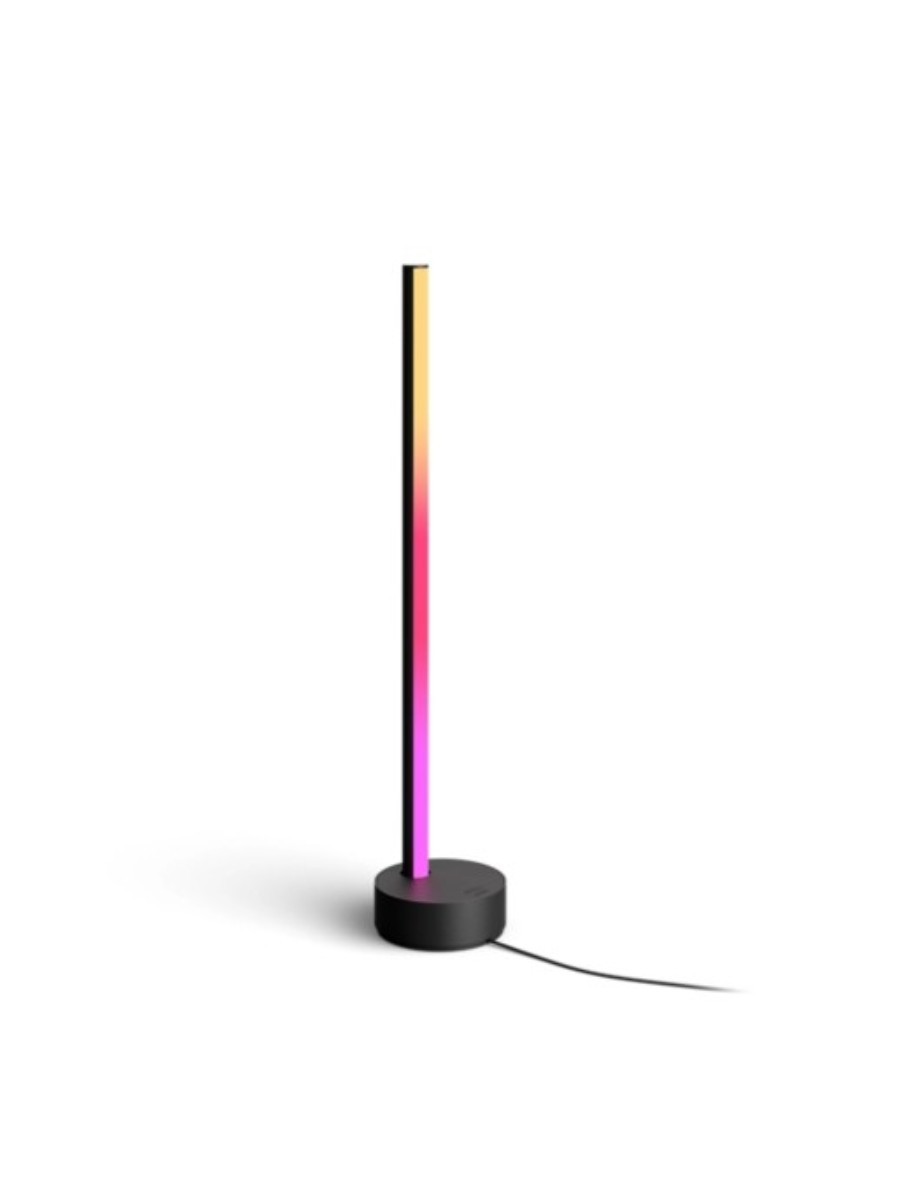
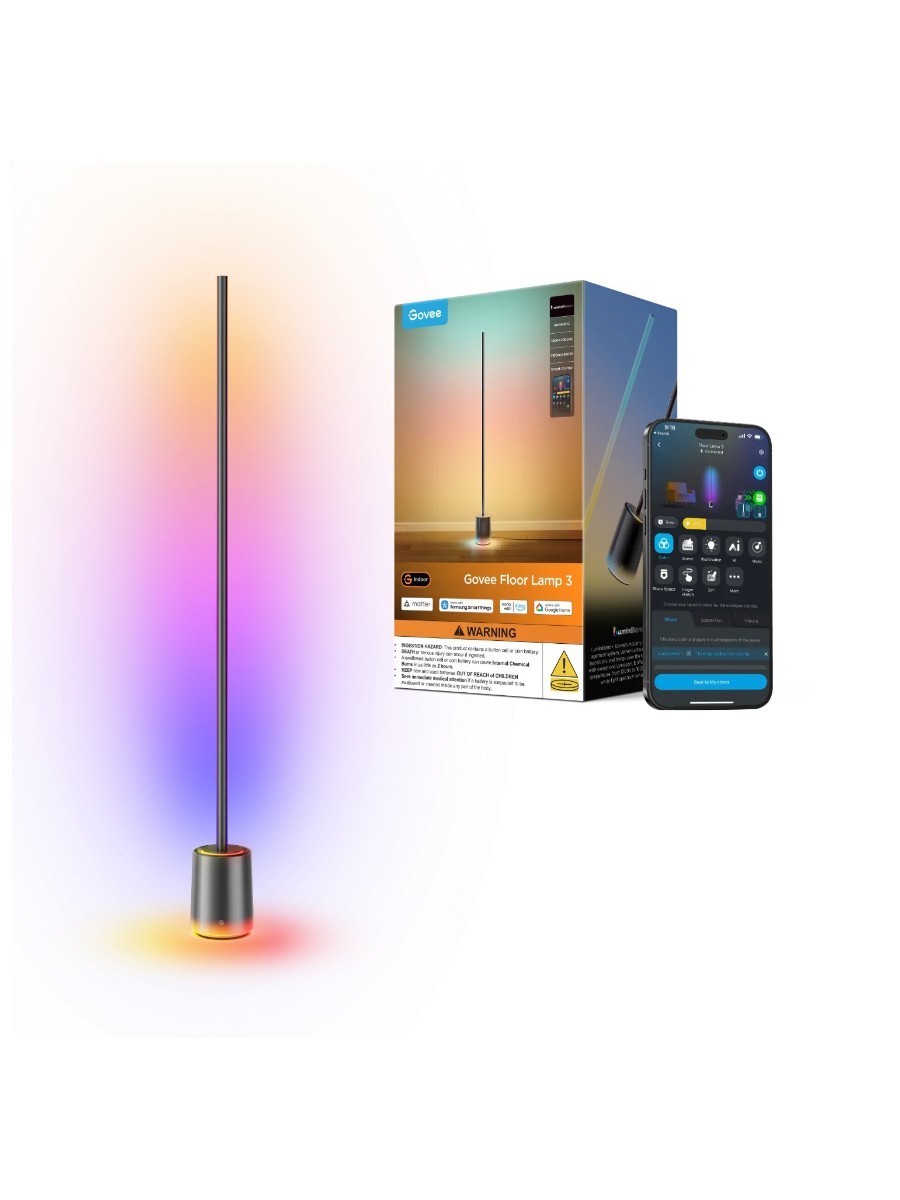
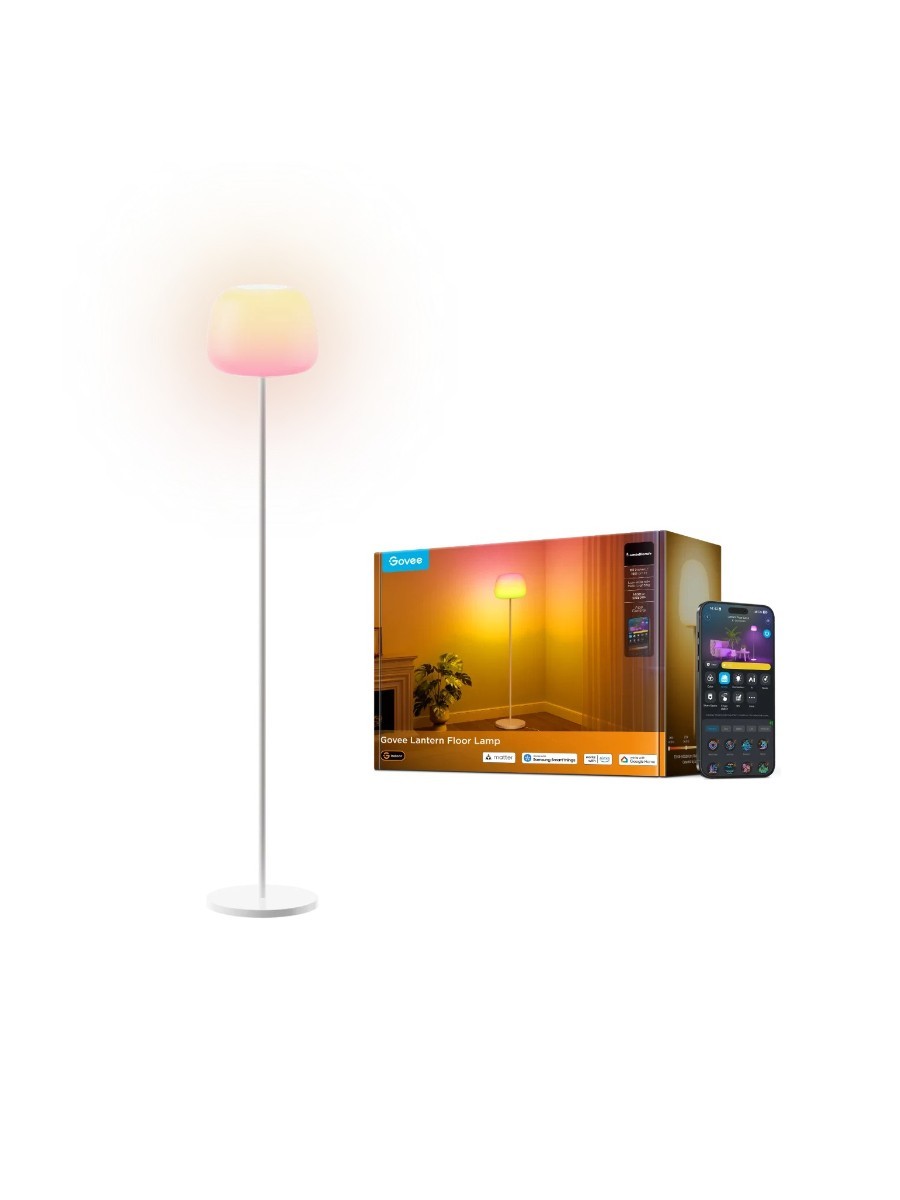
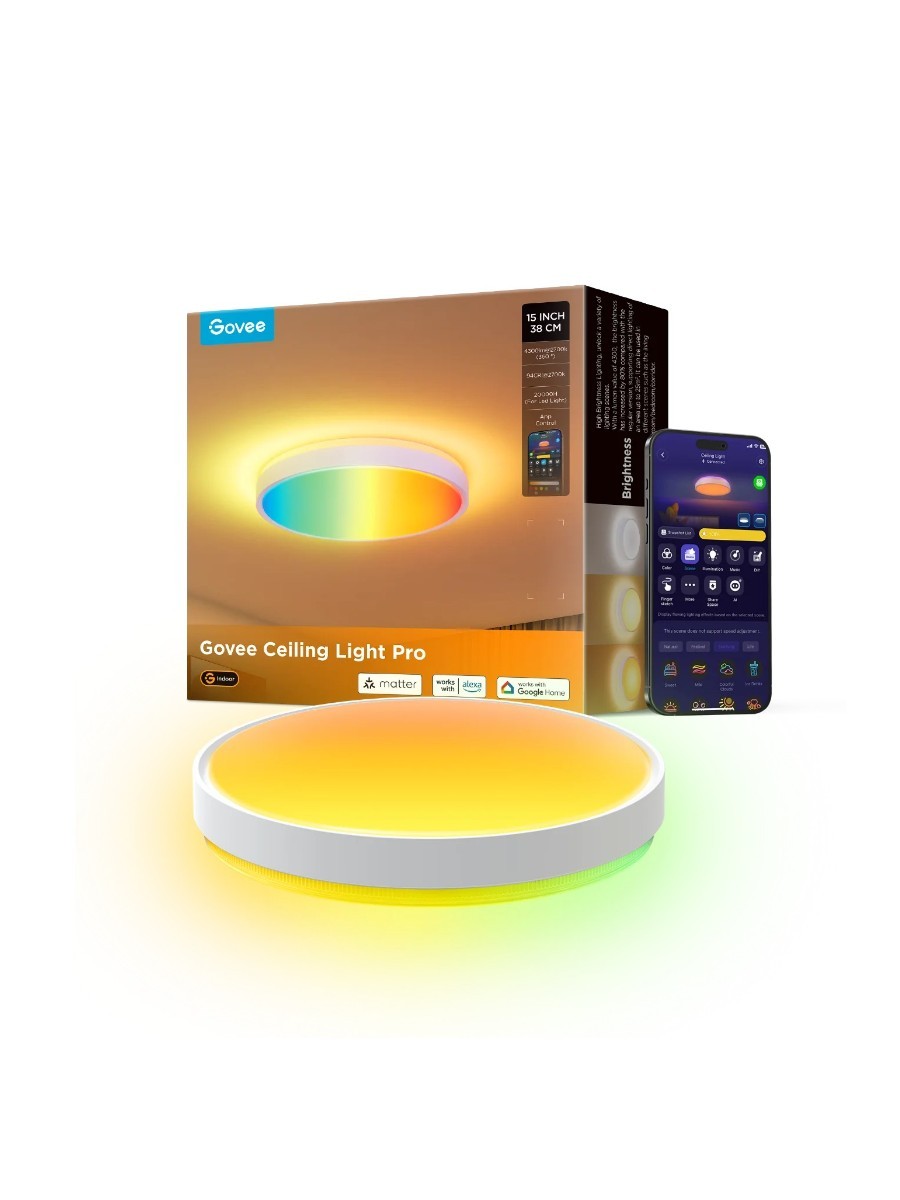
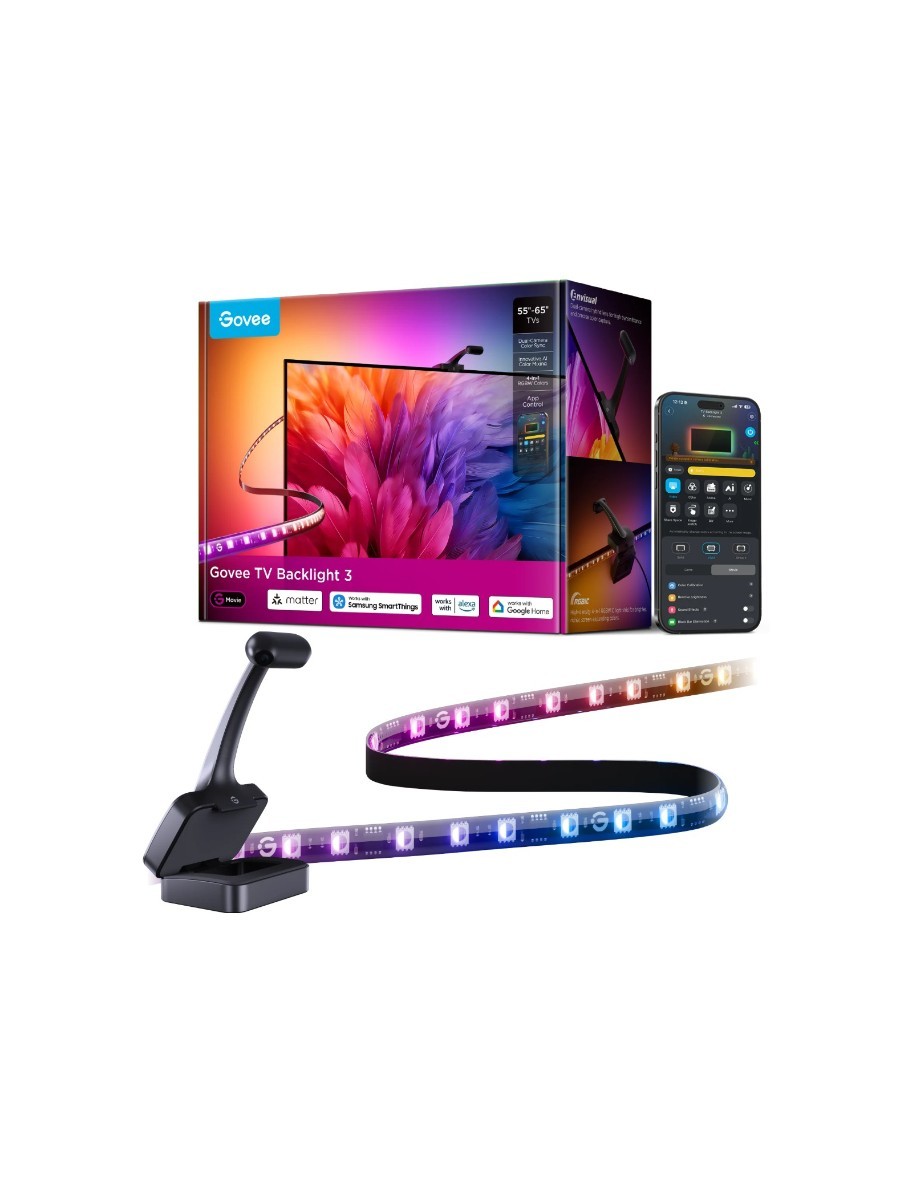
Ready to go? Each expert has suggested four products to help you begin experimenting with layered lighting, including recessed spotlights, table lamps, floor lamps, smart ceiling lights, and gradient light strips. Want even more inspiration? Take a look at our complete guide to the best smart lights.
OpenAI’s upcoming smart speaker will probably cost over $300, “people familiar with the matter” have told Bloomberg’s Mark Gurman.
The generative AI company has “discussed” charging up to $400, Bloomberg, which has been reporting on the yet-to-be-announced smart speaker since July, said today. The publication said that OpenAI is viewing the smart speaker as a smartphone replacement.
OpenAI has declined to comment on its product roadmap.
OpenAI’s upcoming smart speaker will probably cost over $300, “people familiar with the matter” have told Bloomberg’s Mark Gurman.
The generative AI company has “discussed” charging up to $400, Bloomberg, which has been reporting on the yet-to-be-announced smart speaker since July, said today. The publication said that OpenAI is viewing the smart speaker as a smartphone replacement.
OpenAI has declined to comment on its product roadmap.
ⓘWe may earn a commission when you buy through our links. This helps support MacSources and keeps our content free. Thank you!
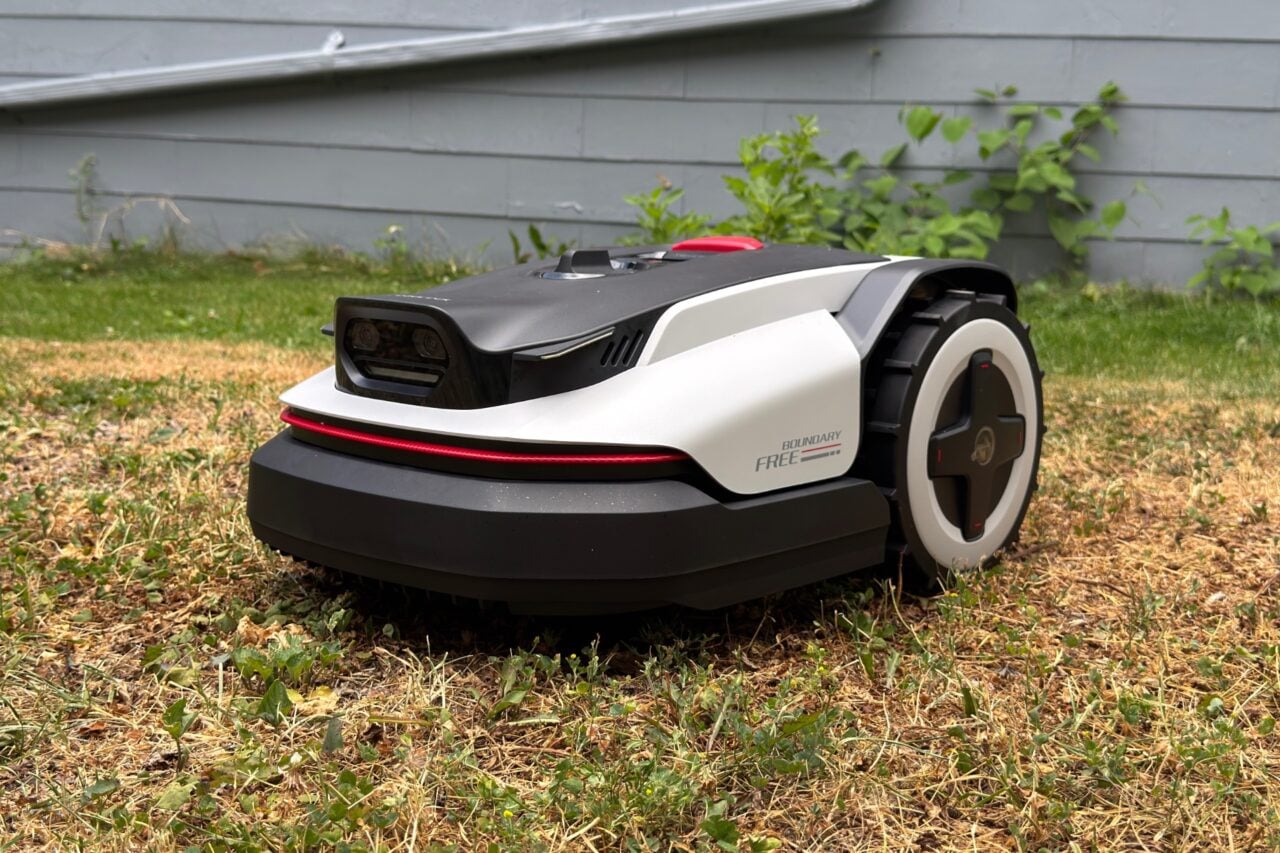
Discover how the Mammotion LUBA mini 2 AWD 1500 performed in real-world testing, from setup and mapping to mowing performance, obstacle avoidance, and whether its premium price is worth the investment.
Like most people with yards, I have a love/hate relationship with yard maintenance. After more than 30 years of mowing, I can honestly say it’s definitely not my thing. I know a lot of people take pride in maintaining their lawns, but I just don’t know how they find the time. There has to be an easier way to get a nicely manicured lawn without sacrificing so much time or dealing with the Midwest heat.
That’s where the Mammotion LUBA mini 2 AWD 1500 came into my life. I had looked at several robotic lawn mowers over the years, but I was always scared off by the price and concerns about reliability. I’d read reviews and heard plenty of horror stories. After a lot of consideration, I finally decided to give the LUBA mini 2 AWD 1500 a try.
Before it even arrived, I had three main criteria I wanted to judge it on: cost versus benefit, ease of use, and overall design.
Why I Chose the LUBA mini 2 AWD 1500
The first consideration was cost, or more accurately, cost versus benefit.
Around $2,000 sounds like a lot of money, and it certainly is. But when you factor in the cost of buying and maintaining mowing equipment, along with the value of your own time, it starts to make more sense. If you currently pay for lawn service, the math gets even more interesting. For an average-sized yard with weekly mowing over a 16 to 18 week season, the investment can come surprisingly close to paying for itself, depending on where you live.
It’s definitely a significant upfront investment, but if you’re already shopping for a robotic mower, you know they aren’t inexpensive. Compared to similar premium models, I found the LUBA mini 2 AWD 1500 to be priced right in the middle of the market.
Features and Specifications
Before I got too far into testing the LUBA mini 2 AWD 1500, I wanted to look at what made this mower different from the other robotic lawn mowers I had considered.
The biggest thing that caught my attention was that there are no boundary wires to bury and no external antenna to install. The LUBA mini 2 AWD 1500 uses a combination of 360° LiDAR and dual-camera AI vision to understand the yard and create its mowing map. For someone who doesn’t want to spend a weekend digging trenches just to install a robot mower, this is a huge advantage.
The LUBA mini 2 AWD 1500 is designed for yards up to 0.37 acres and can manage up to 20 different mowing zones. Since every yard has its own challenges, having the ability to create multiple zones is helpful if you have separate lawn areas, different grass types, or areas you want the mower to avoid.
Another big feature is the all-wheel-drive system. The LUBA mini 2 AWD 1500 can handle slopes up to 80% (38.6°), which is impressive for a residential mower. My yard definitely gave it some challenges, especially with my steep ditch, and while the mower handled the incline well, the muddy areas were still a challenge.
For cutting, Mammotion included both a main cutting disc and a dedicated edge-cutting disc. The edge cutter is designed to get closer to fences, walls, and flower beds, which means less time spent following behind with a string trimmer.
Feature
Specification
Lawn Coverage
Up to 0.37 acres
Mowing Zones
Up to 20 zones
Drive System
All-Wheel Drive
Maximum Slope
80% (38.6°)
Navigation
360° LiDAR + Dual-Camera AI Vision
Battery
6.1Ah
Cutting System
Main cutting disc + edge cutting disc
Connectivity
Bluetooth, Wi-Fi, and 4G
App
Mammotion App
Setup Experience
The second thing I wanted to evaluate was ease of use. How easy would it be for an average person to get it out of the box, set it up, and start mowing?
Some robotic mowers seem like they require a degree from NASA, SpaceX, or MIT just to get started. I’m none of those. While I consider myself fairly tech-savvy, there are still some areas where I struggle.
Fortunately, the LUBA mini 2 AWD 1500 wasn’t one of them.
Right out of the box, the mower comes fully assembled. There was no feeling like I was putting together an IKEA electronics kit. I simply unpacked everything and laid it out next to the large, easy-to-follow Quick Guide. Although Mammotion includes a detailed instruction manual, I honestly found the Quick Guide to be all I needed.
I downloaded the Mammotion app from the App Store, created an account, and started following the setup instructions. The app is straightforward and includes a digital user guide, FAQs, maintenance information, tutorial videos, and even winter storage instructions. It doesn’t double as a snowblower, though. That would’ve been pretty cool. Maybe in a future version.
Setting up the charging station was simple. You just need a flat location with access to power. My LUBA mini 2 AWD 1500 arrived with roughly a 60% battery charge, so I was able to connect it using Bluetooth and Wi-Fi almost immediately. I have an outdoor router, so the connection process was quick and painless, although it’s recommended to have your router or access point reasonably close.
Mapping the Yard
Once everything was connected, the fun really began.
The LUBA mini 2 AWD 1500 is capable of maintaining multiple lawns, but I decided to start with just my front yard because my backyard is separated by a privacy fence. Later, I even mapped and mowed my neighbor’s front yard across the driveway.
You can let the mower automatically map your property or manually drive it around the perimeter. I chose the manual option.
I have to admit, I probably looked like a kid on Christmas morning driving the mower around with the app like it was a remote-control car. My yard has a steep drainage ditch that often fills with water, so I wanted precise control over the boundaries.
I did attempt to include the ditch since the LUBA mini 2 AWD 1500 is rated for slopes up to 80%, but the muddy, bare areas proved to be too much. Honestly, I expected that, so it wasn’t a deal breaker.
After mapping the perimeter, I selected my mowing pattern. Naturally, I wanted that checkerboard look you see on perfectly manicured golf courses.
Before the first mow, I did have to install a firmware update. Thankfully, it didn’t take very long. I also configured my mowing schedule, selected a voice, and adjusted some sound settings.
One thing that immediately stood out was just how quiet the mower is. It’s quiet enough that I actually scheduled it to mow in the middle of the night.
Smart Navigation and Obstacle Avoidance
The technology behind the LUBA mini 2 AWD 1500 is probably one of the biggest reasons someone would choose this mower over a traditional robotic mower.
Instead of relying on a physical boundary wire, the mower uses LiDAR and AI cameras to understand its surroundings. This helps it navigate around obstacles, move through different areas of the yard, and make decisions about where it needs to go next.
I was especially interested to see how the obstacle avoidance would work because my yard has plenty of things that could potentially get in the way. Between pets, wildlife, and everyday yard surprises, a mower needs to know when to stop.
I didn’t have to wait long to see the obstacle detection system in action.
My four-legged furry friends were naturally curious about the strange new machine roaming the yard. Every time they approached, the LUBA mini 2 AWD 1500 stopped immediately before continuing once the area was clear.
That gave me a lot of confidence. Whether you have pets, kids, or unexpected wildlife wandering through your yard, it’s reassuring to know the mower is paying attention to its surroundings.
The Mammotion app also gives you a lot of control over the mower. You can create and adjust maps, manage up to 20 mowing zones, set schedules, and customize mowing patterns. The ability to make changes digitally instead of physically changing the yard setup is one of the things that makes a robotic mower like this appealing.
Mowing Performance
Once everything was configured, the LUBA mini 2 AWD 1500 went right to work.
The mowing pattern looked great, and I was impressed with how consistently it maintained the lawn. It handled tight spaces well thanks to its omni-directional front wheels and navigated around my yard with very little intervention from me.
The biggest benefit, though, was simply getting my time back. Instead of spending my weekends behind a mower in the summer heat, I could let the LUBA mini 2 AWD 1500 handle the work while I did something else.
App Experience
The Mammotion app ended up being one of my favorite parts of the overall experience.
Beyond the initial setup, it makes scheduling, mapping, and changing mower settings very straightforward. Everything from firmware updates to maintenance information is available within the app, along with tutorial videos and helpful documentation.
I never felt overwhelmed trying to figure out how to use it, and that’s saying something considering how many smart home products tend to overcomplicate things.
Design
When I said earlier that I was off to the races, I meant it.
The LUBA mini 2 AWD 1500 reminds me of an oversized futuristic remote-control Indy car. Five-year-old me would have thought it was the coolest thing ever, and honestly, adult me isn’t far behind. My neighbors certainly noticed it.
The LiDAR dome on top gives it a bit of a spaceship appearance, which only adds to its futuristic look.
Not only does it perform well, but it’s also a genuinely attractive piece of technology. Mammotion’s design team clearly put thought into both the appearance and functionality. I wish more companies approached product design this way.
Battery and Maintenance
One of the biggest benefits of a robotic mower is not having to constantly think about mowing, and the LUBA mini 2 AWD 1500 is designed around that idea.
The mower automatically returns to its charging station when needed and resumes mowing once it has enough power. The intelligent battery management system also includes features designed to help extend battery life, including charging limits and low-temperature protection.
Routine maintenance is straightforward. Mammotion includes extra blades and cleaning supplies, which means you have what you need for basic upkeep right out of the box.
Final Thoughts
At the end of the day, the Mammotion LUBA mini 2 AWD 1500 has saved me both time and effort while keeping my yard looking like it was maintained by a professional lawn care crew.
The only downside is that it still can’t trim around edges, so I have to get out the string trimmer every few weeks. Maybe Mammotion will come up with a trimmer attachment someday.
The company includes extra blades and cleaning supplies to help with routine maintenance, which is a nice touch.
Overall, I found the LUBA mini 2 AWD 1500 incredibly easy to set up, simple to operate, and impressively safety-conscious. Every time I see it quietly making its way across the lawn, I can’t help but smile. It brings out the kid in me all over again.
If you haven’t made the jump to a robotic lawn mower yet, the LUBA mini 2 AWD 1500 is definitely worth considering. Even if you already own another robotic mower, you may find yourself tempted to upgrade. As my father said, using it makes you feel a little like George Jetson.
During my years as a TechRadar Homes Editor, I tested an awful lot of vacuums. But the one that's been my constant companion throughout has been the Dyson V15 Detect. It's not a review sample — my partner bought it, and it's the vacuum we've been using at home for the past 21-plus months. It's been used to clean hard tile floors, carpets, lots of stairs, and a whole heap of dog hair.
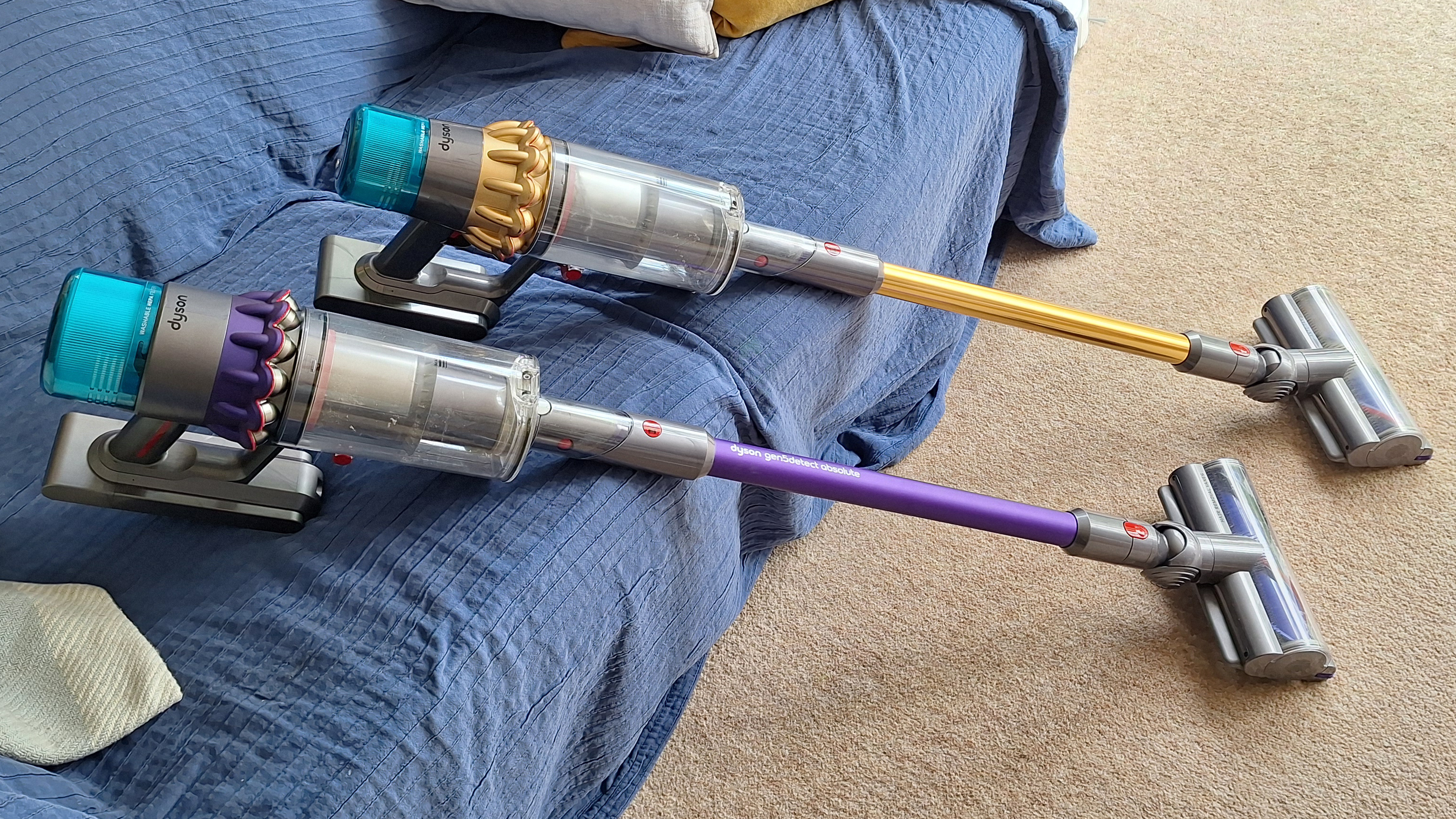
The V15 is not the newest Dyson vacuum. It came out in 2021 and there are now two newer flagship models: the Gen5detect (launched 2022) and the V16 Piston Animal (2025). However, despite not being the latest-and-greatest, it's still the model that sits atop our best Dyson vacuum guide.
So after nearly two years of regular cleaning with the V15, would I still recommend it? How does it match up against the rest of the best cordless vacuums on the market — and specifically, the newest models from Dyson's great competitor, Shark? Here's my long-term review.
Smooth mover
Let's start with what I love about our Dyson dust-sucker. The suction is excellent, and the Auto mode (where the suction will increase or decrease depending on how much dirt is detected on the floor) is a very welcome addition. I use this mode almost exclusively, and it can be relied upon to do a thorough job of clearing whatever debris has gathered on the floor. I haven't noticed a drop in cleaning performance over our two years of use.
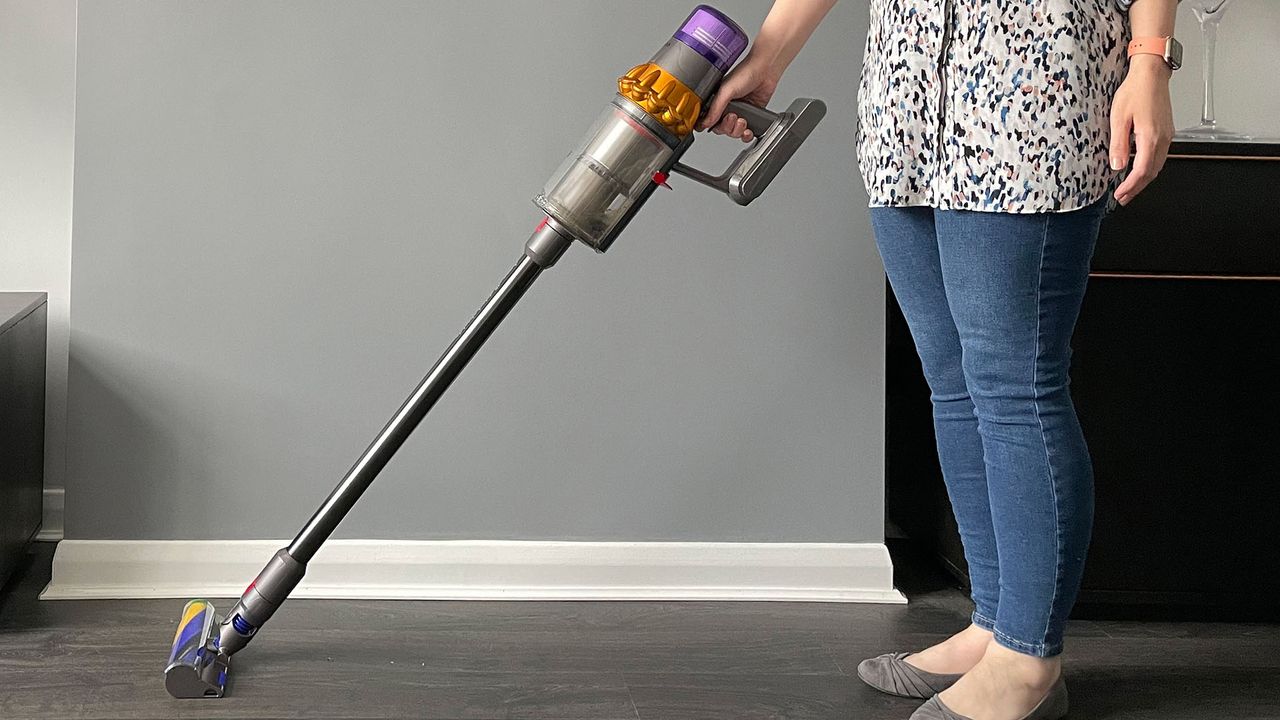
The V15 is also extremely easy to maneuver. Our home has lots of stairs, and plenty of nooks and crannies where dust and hair like to collect and lurk, and the V15 Detect does a great job of getting into all of them. I love how easily and smoothly the head pivots, and the fact it can lie completely flat to the ground for cleaning under beds.
Many of the newest Shark vacuums have a hinge on the vacuum wand, which enables it to bend forwards for cleaning under furniture. It works well, but adds bulk to the wand, and the whole thing is slightly unwieldy in its folded state. For my home, the Dyson setup works perfectly well, but if you're lacking in maneuvering room, perhaps Shark's 'MultiFlex' / 'Flexology' solution would be a better fit.
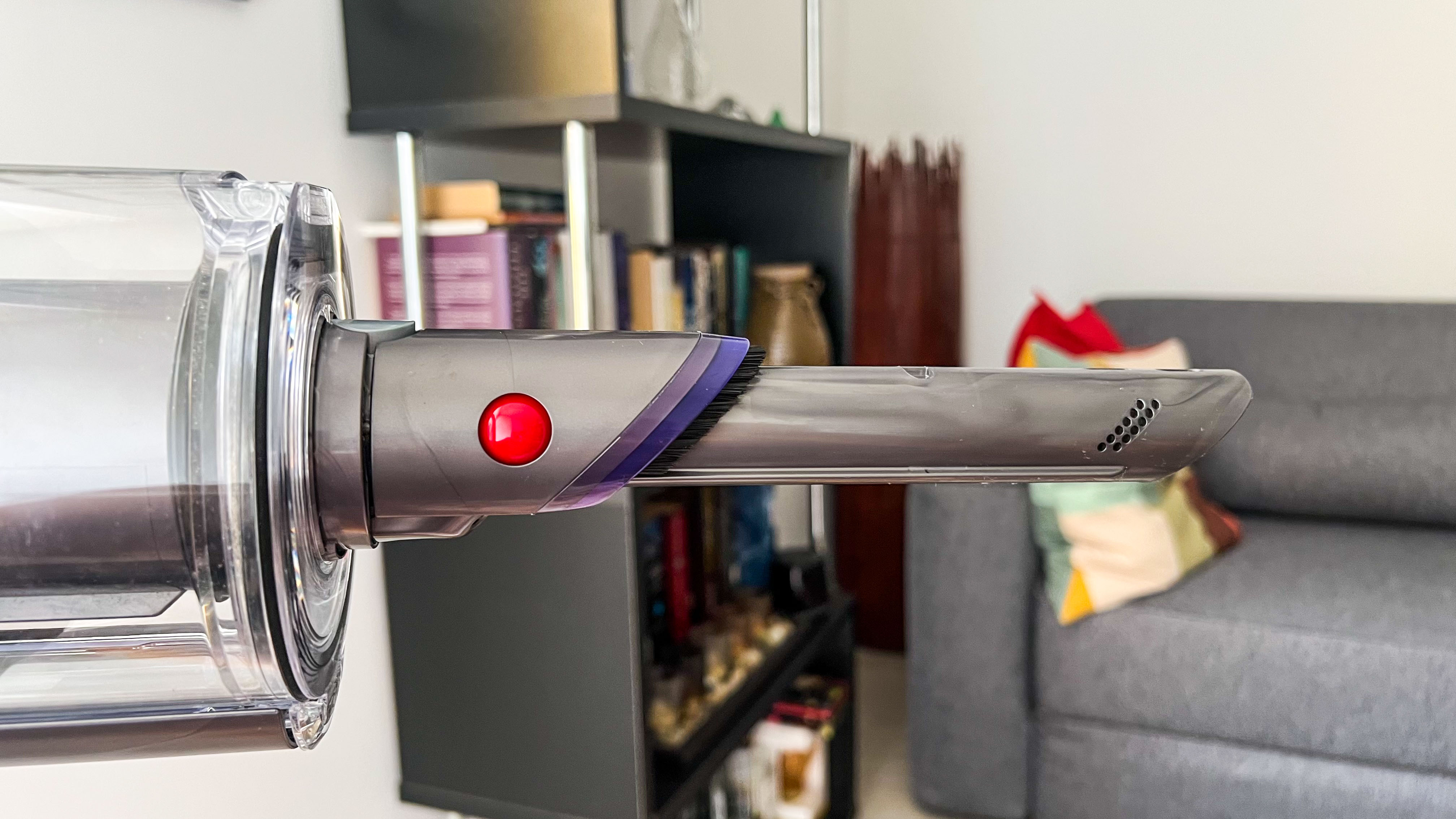
The hidden crevice tool is a lifesaver in my tall home (Image credit: TechRadar / Sharmishta Sarkar)
I'm also a huge fan of the Dyson V15's secret crevice tool. It's hidden in the wand, so I'm never without it. Our house is tall and thin, with four floors, and this built-in tool means that if I spot a dusty corner at the top of the house, I don't have to traipse all the way down to the utility room to fetch a detail tool to deal with it. As far as I'm aware, this feature is exclusive to Dyson at the moment.
Having tested a number of vacuums from Dyson and various other brands, I'm always struck by how consistently high quality and well-built the Dyson vacs feel. There's a strong attention to detail in the design, and they feel sturdy and reliable. That's still true of the V15 after nearly two years of use.
Lasers and data
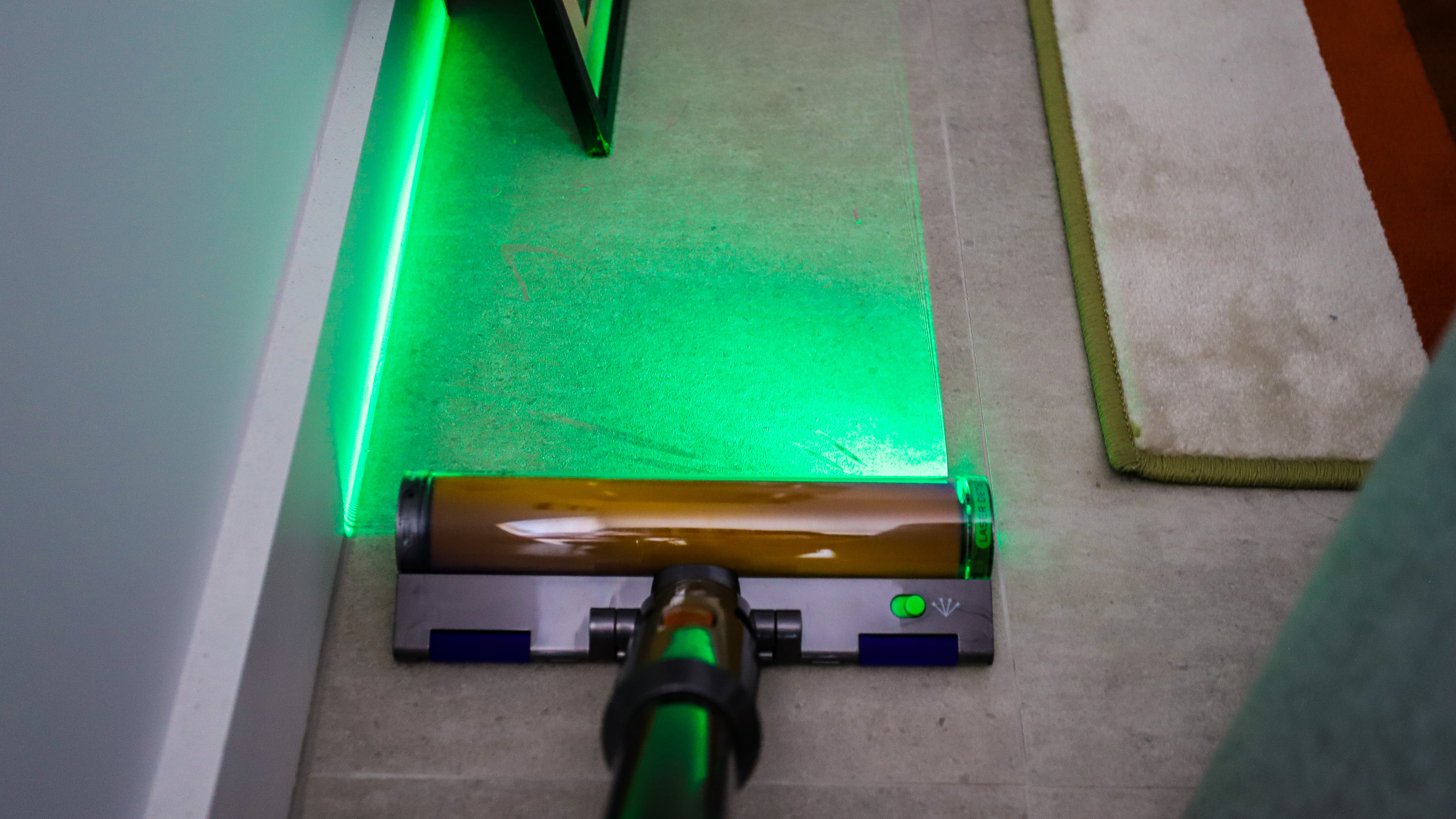
Now on to a couple of features that have divided opinion within my household. The V15 comes with a couple of different floorheads: the Digital motorbar head, which has bristles and is designed for use on any floor type, and the Fluffy optic head, which is entirely soft and built for use on hard flooring. The latter is equipped with a green light to illuminate dust.
I love using the light on the soft floorhead to chase down dust bunnies (Image credit: Future)
I'm very on board with the Fluffy floorhead. I love that it feels gentle on our tiled kitchen floor (and doesn't clatter over it as most vacuum cleaner heads will), and I appreciate the way the light draws attention to dust and hair lurking in dingy corners. I find it very satisfying to then whisk that dust away, and always feel I'm getting a far more thorough clean than I would without this feature.
However, my partner is not so enamored with the Fluffy floorhead. He feels the Digital motorbar floorhead works perfectly well on hard floors, and it's not worth the hassle of swapping the heads over.
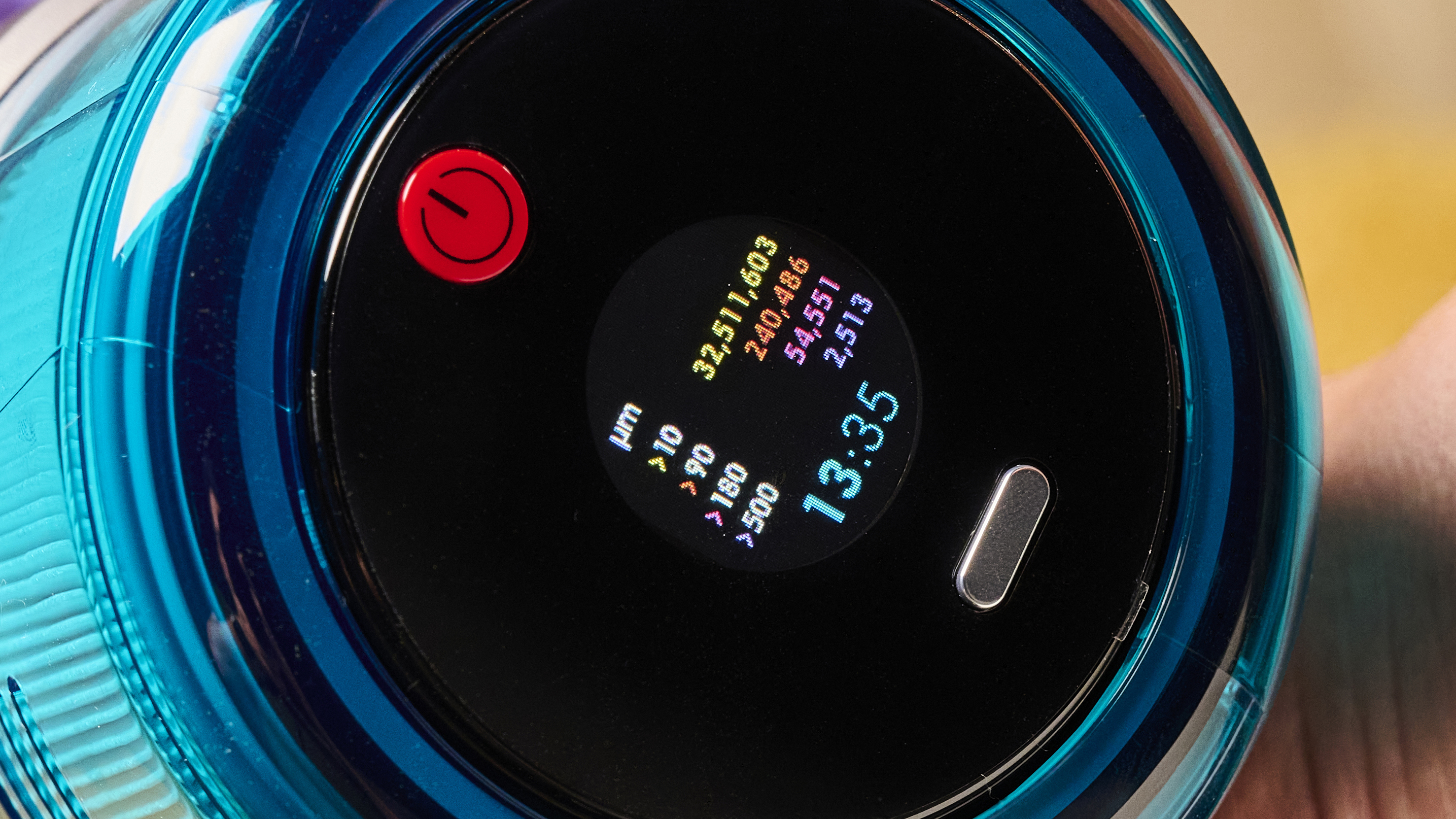
Both the V15 and the Gen5detect (pictured) have real-time dust reports (Image credit: Future)
Then there are the real-time dust reports on the screen. I find these endlessly fascinating, and I enjoy seeing the dust hotspots causing the bar graphs to spike. However, when I asked my partner for his thoughts, it became clear that not only was he not paying them any attention, but he didn't really know what they were. Is is possible the general public is just not as invested in the intricacies of vacuum cleaning as I am? Maybe.
Bulking up
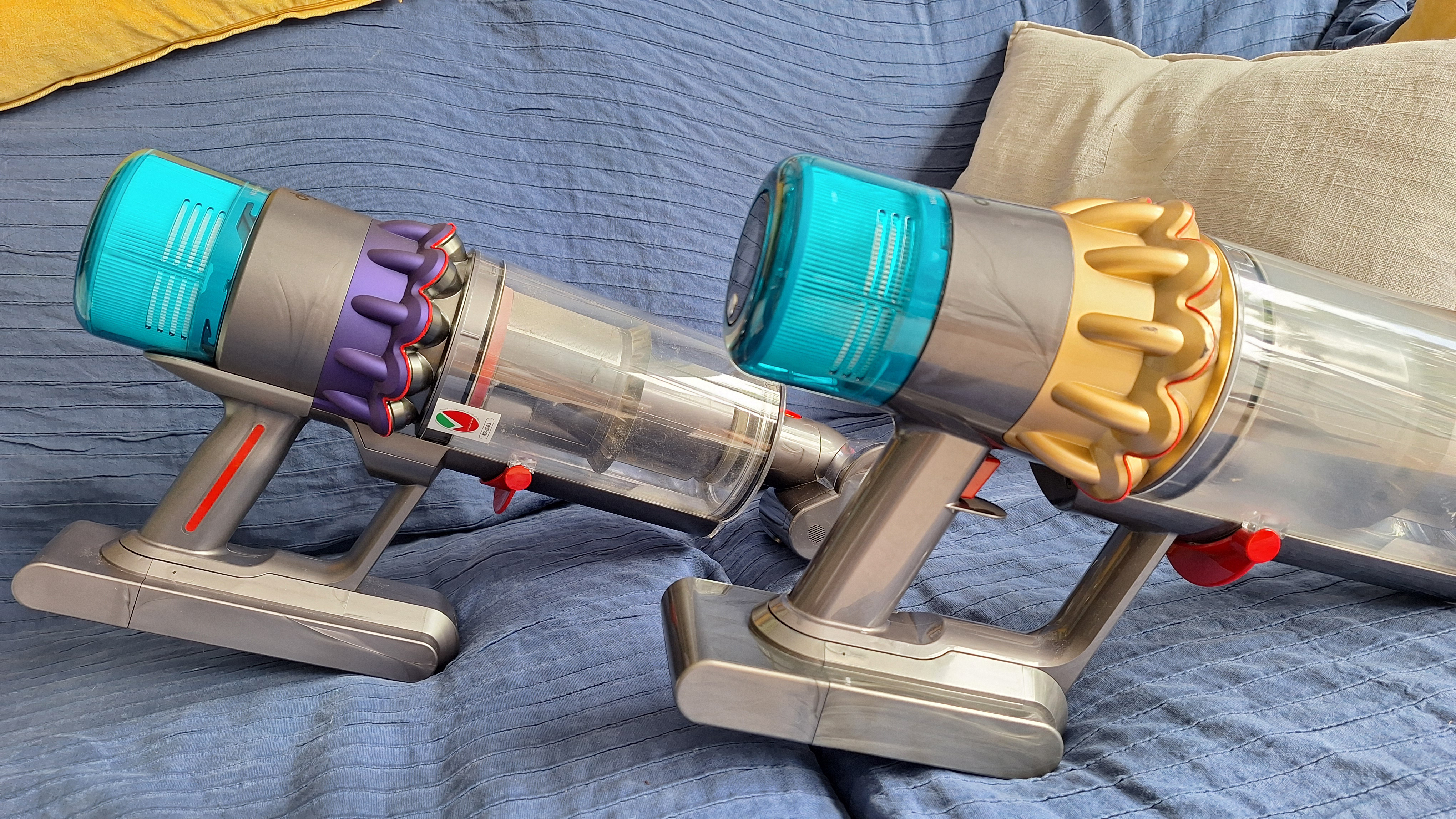
Moving on to the down-sides of the V15. The most significant complaint I have with it is that V15 Detect is that it's pretty heavy. Further to that, the weight is concentrated in the main motor section, which itself is rather elongated in shape. That makes it rather unwieldy, and especially when used in handheld mode.
The V15 (background) and newer Dyson vacuums have a rather heavy, elongated motor section, which can make them a little awkward to use (Image credit: Future)
All of Dyson's newer vacuums (I'd say from this model onwards — so the V15, the Gen5detect and the V16 Piston Animal) suffer from this weight distribution issue.
Looking to Shark's range, the fancier models, such as the PowerDetect Cordless, are actually heavier overall. However, the motor/handle section is more squat in shape, and there's more weight through the wand and into the floorhead. That means more even weight distribution, which can make for a more comfortable vacuuming experience.
A triggering issue
Another big complaint I have with the V15 is that it's trigger-operated, with no option to lock it for continual running. I find that irritating when I'm using the vacuum for long periods, or trying to get into awkward corners while keeping the trigger compressed.
I prefer the setup on Dyson's newer models, where there's a one-press power button. However, that's still not perfect — it requires you to have a hand free to turn the machine on and off, because the power button is not reachable from your holding hand.
Most modern Shark models use button operation, and just like the Dyson designs, you can't reach the button from your holding hand. My ideal design is one where the vacuum is trigger-operated but with a lock for continual running. No Dyson vacuum has this setup, and neither do any of Shark's newest stick vacs, although that brand's range is so sprawling you might find a trigger-plus-lock design somewhere.
The V15 (foreground) switches on and off with a trigger on the handle — which can be frustrating when using it for longer cleaning sessions (Image credit: Future)
One comment that I hear sometimes about Dyson stick vacuums is that they don't always last as long as customers expect. Our V15 is still going strong after just under two years (which is actually at the lower end of how long cordless vacuums are meant to last, although most people would probably hope for longer).
Prior to that, my partner had a Dyson Cyclone V10, which lasted over five years. At that point the battery conked out, and replacing it only fixed the issue for a few months. I think that's a decent lifespan for a vacuum, but your mileage may vary.
Is it worth it?
After two years using my Dyson V15, I'd still recommend it. Its cleaning powers are excellent with no signs of fading, its special features genuinely useful, and I love how maneuverable it is.
I personally also prefer it to Shark's newest models. I cover my main thoughts on this in my Shark vs Dyson article, but as a short overview, it's special features feel superior — Dyson's laser lights are far more effective than Shark's headlamps, and its Auto mode feels more precise. The Dyson also pivots more smoothly and the overall design feels sleeker and more high-end.
However, it's not a clear-cut decision. The Shark PowerDetect Cordless offers the best outright cleaning performance of any vacuum I've used, including all the Dyson models. Shark's models also arguably deliver better value for money — although its higher-spec models still sit in the premium price tier.
The bottom line? After using the V15 for a couple of years, and testing multiple other vacs from different brands including Shark, I'm still something of a Dyson fan-girl. When our at-home vac finally bites the dust, we'll probably end up buying another Dyson, although I will still be checking out what Shark has to offer...
The 15-inch Skylight Calendar 2 can stand on a table or mounted to the wall. | Image: Skylight
The start of a new school year can feel hectic, as parents juggle their kids’ classes, extracurriculars and sports on top of work, appointments, and other responsibilities. It’s easy for things to slip through the cracks, but Skylight’s shared smart calendars can help keep everyone on track, and from August 2nd through August 9th they’re up to $90 off.
The sale includes the 10-inch Skylight Calendar for $119.99 ($50 off), the 15-inch Skylight Calendar 2 for $259.99 ($20 off), and the 27-inch Skylight Calendar Max for $479.99 ($90 off). The 10-inch model takes up the least amount of space, though the newer, larger 15-inch Calendar 2 features faster performance, a brighter display, and swappable magnetic frames. The 27-inch Calendar Max, meanwhile, offers the sharpest and largest screen and must be mounted to the wall (the other models can stand on a table or be mounted), making it the easiest option for large families to view from across the room.
Regardless of which model you choose, every Skylight Calendar includes the same set of organizational features. Each member of your household can have their own color-coded profile, and each can sync events from Google, Outlook, Apple, Cozi, or Yahoo calendars. You can also create shared lists for groceries, chores, and other to-dos that everyone can access from the calendar or the companion mobile app, and even send your grocery list to Instacart with a couple of taps. Built-in weather forecasts also can help you plan around upcoming events, and you can also share calendar access with family members and trusted contacts.
You get even more perks if you subscribe to the $79 per year Plus Plan (the first month of the service is free to try). Skylight uses AI to automatically turn emails, photos, flyers, and spreadsheets into calendar entries. It also adds meal planning, tools for assigning and rewarding completed chores, and a mode that displays your photos like a digital picture frame.
Ninja Luxe Café Mini Espresso Machine: two-minute review
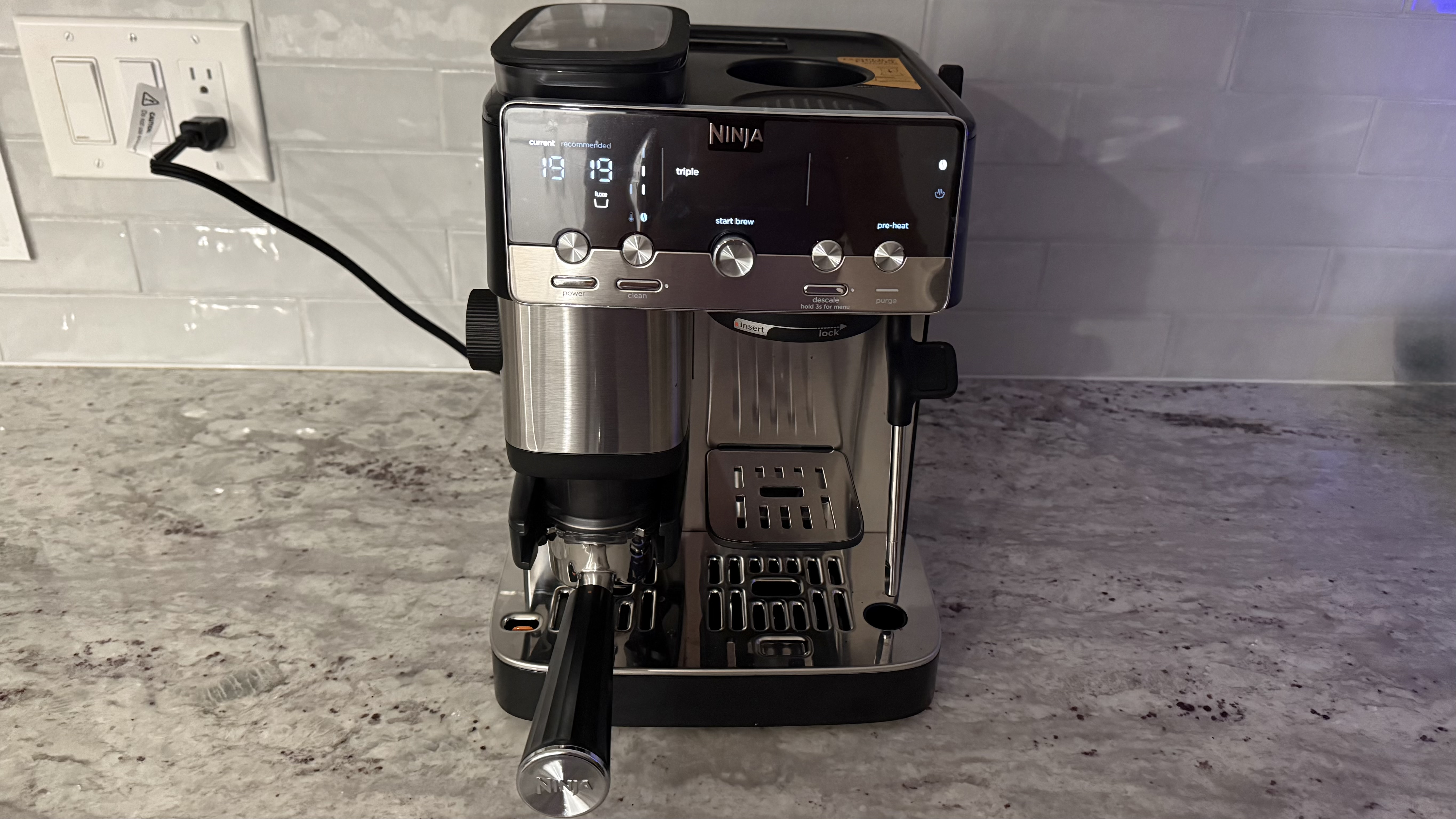
The Ninja Luxe Café Mini Espresso Machine is a compact version of the Ninja Luxe Café. It doesn't require an enormous amount of counter space, especially considering that this single machine grinds your whole beans directly into your filter, weighs your grinds, brews your espresso or drip coffee, and froths your milk. You won't need any other coffee accoutrements on your counter.
While I did brew some absolutely delicious coffee with the Ninja Luxe Café Mini, there is definitely a learning curve. In fact, I wouldn't say I have mastered the espresso settings yet, even after brewing many cups. Even with the identical espresso settings, sometimes I get just an ounce or so and sometimes I get a lot more. Drip coffee comes out consistently well; no issues there. I also had some trouble frothing the milk; with just a minimum amount of milk in the jug it overflowed onto the counter.
Note that even though this is a semi-auto machine, you do need to have some manual strength and dexterity to get the portafilter properly into place. Be ready for some trial and error. If you're prepared to take on a project, I think you'll be well-rewarded for your efforts.
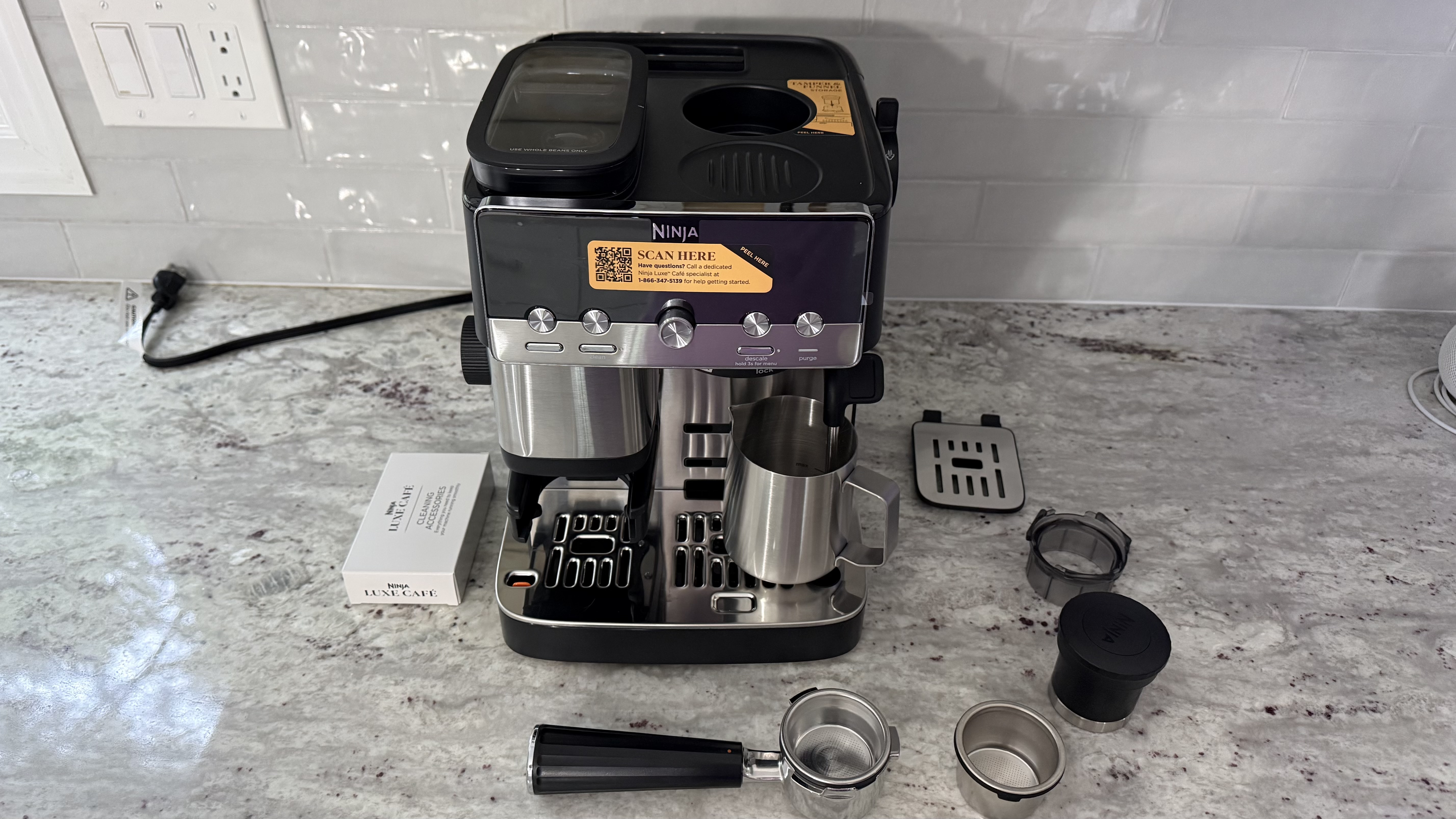
(Image credit: Karen Freeman / Future)
Ninja Luxe Café Mini Espresso Machine: price and availability
Widely available both in store and online
Retails for $449.99 USD (£338.50 GBP, $643.73 AUD)
Only sold in the black and chrome colorway
You can find the Ninja Luxe Café Mini Espresso Machine at many brick and mortar stores and websites, including Amazon, Best Buy, Kohl's, Target, and Ninja's own site. It retails for $449.99 USD (£338.50 GBP, $643.73 AUD) and comes in just the one color, black and chrome.
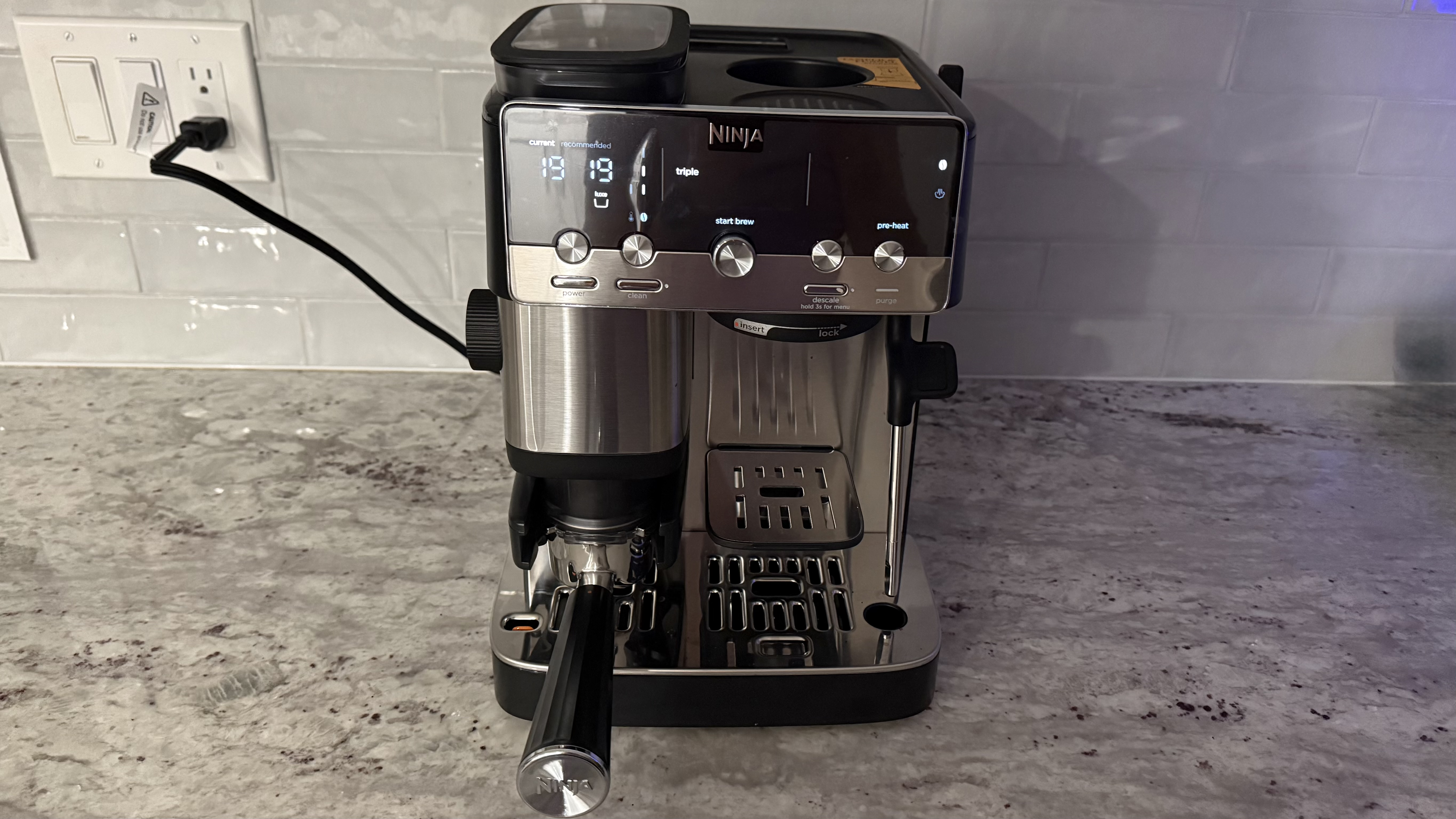
(Image credit: Karen Freeman / Future)
Ninja Luxe Café Mini Espresso Machine: specs
Name
Ninja Luxe Café Mini Espresso Machine
Type
Semi-automatic
Dimensions (L x W x H)
10.24 in L x 12.17 in W x 13.43 in H / 26.01 cm L x 30.91 cm W x 34.11 cm H
Weight
18.96 lbs / 8.6 kg
Brew styles
Espresso (double), Triple (espresso), Classic (coffee), Rich (coffee), and Over Ice (coffee)
Milk frother
Yes
Connected device
No
Ninja Luxe Café Mini Espresso Machine: design
Efficient design gives it a smaller footprint
Aesthetically pleasing, goes with any decor
Five brew styles
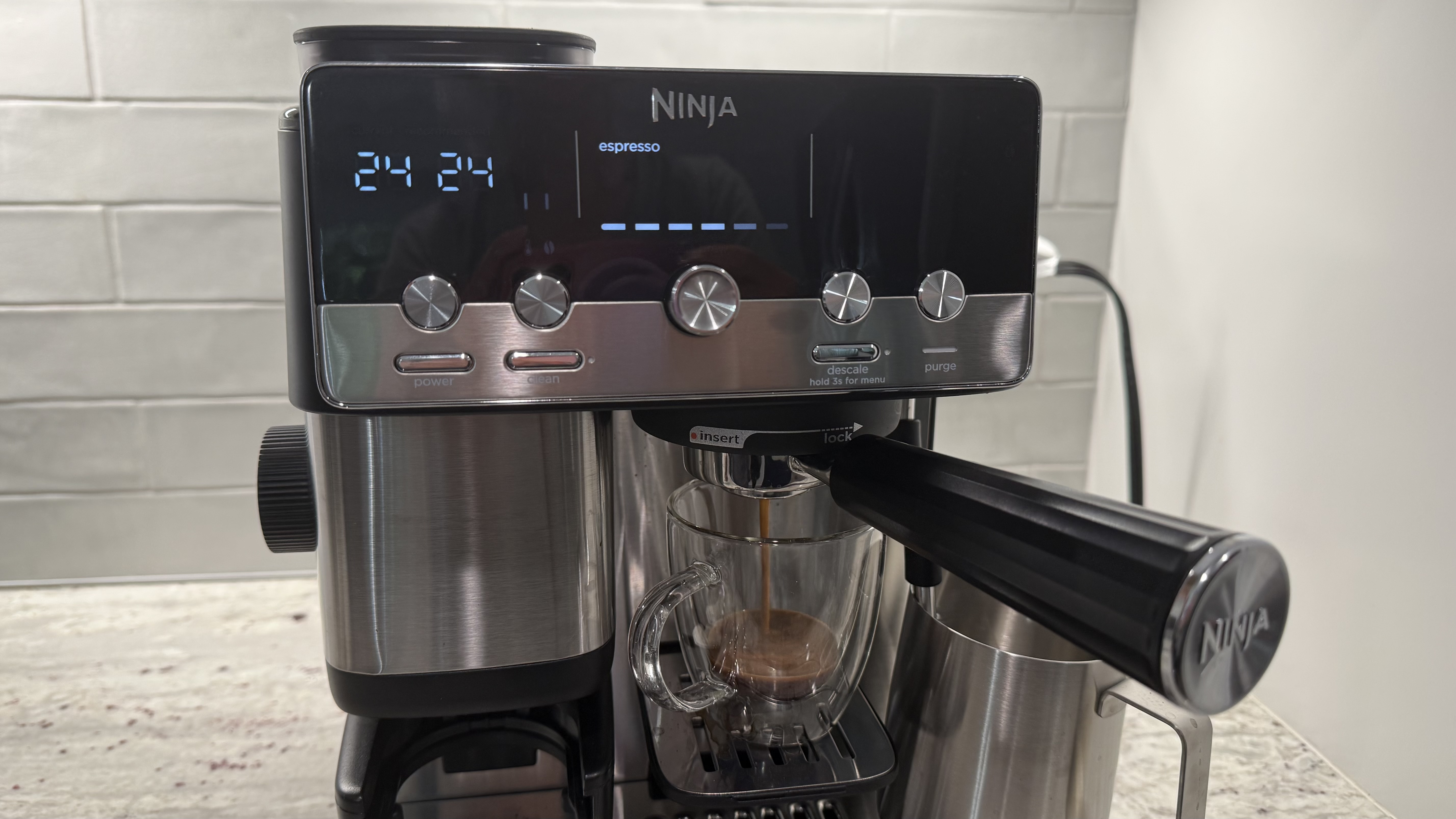
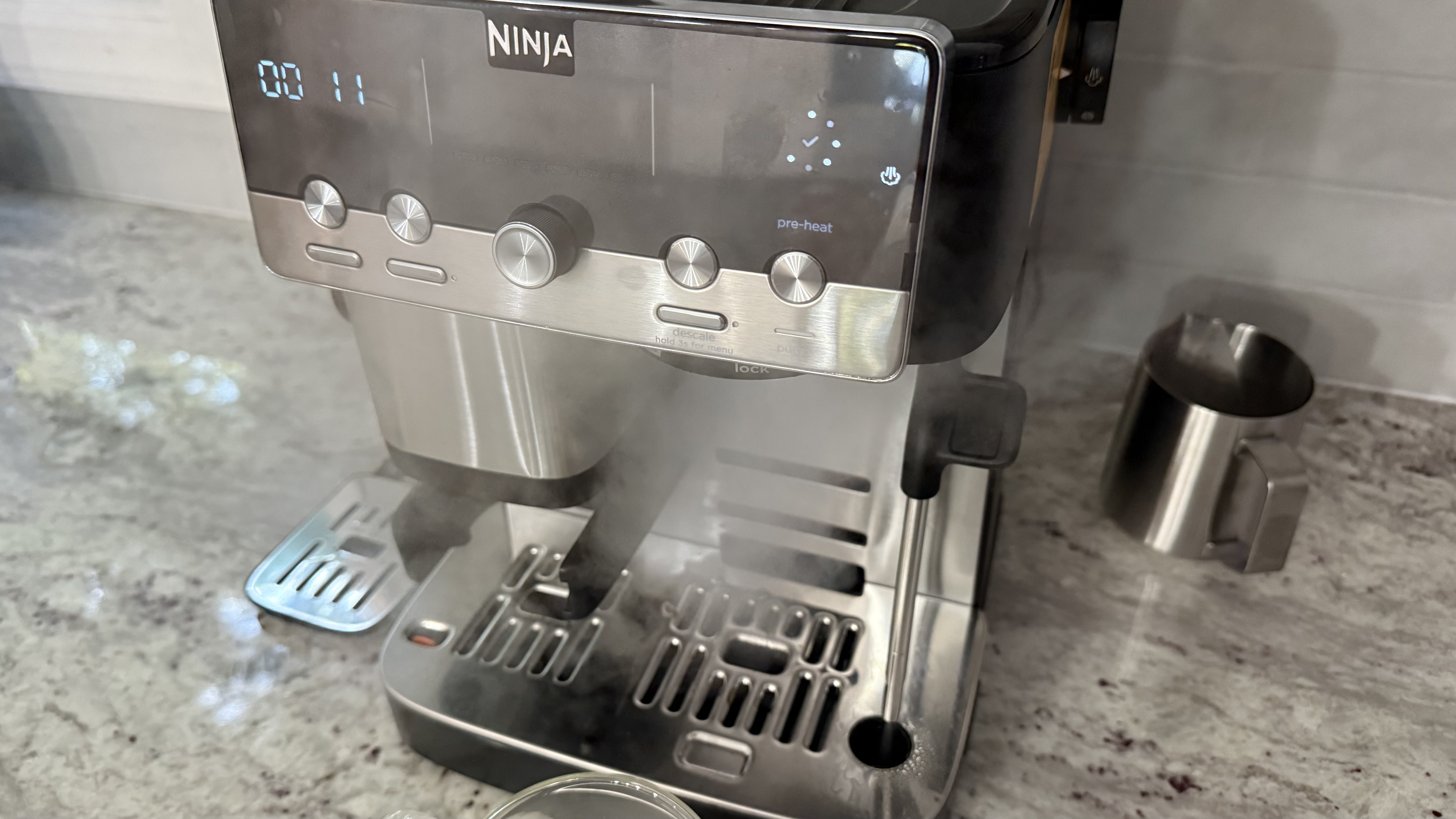
The Ninja Luxe Café Mini is efficiently designed to house everything you need to make just about any sort of coffee drink in a relatively small package. When you first unpack it, you will need to determine your water hardness with the enclosed test strip and set your machine accordingly. Run a flush cycle and then you're ready to start brewing.
The machine has a conical burr grinder, a brewing system that makes both espresso and coffee, and a steam wand. It comes with two filter baskets:, a smaller 'double' and a larger 'luxe' basket (unlike most espresso machines, there's no basket for pouring a single shot).
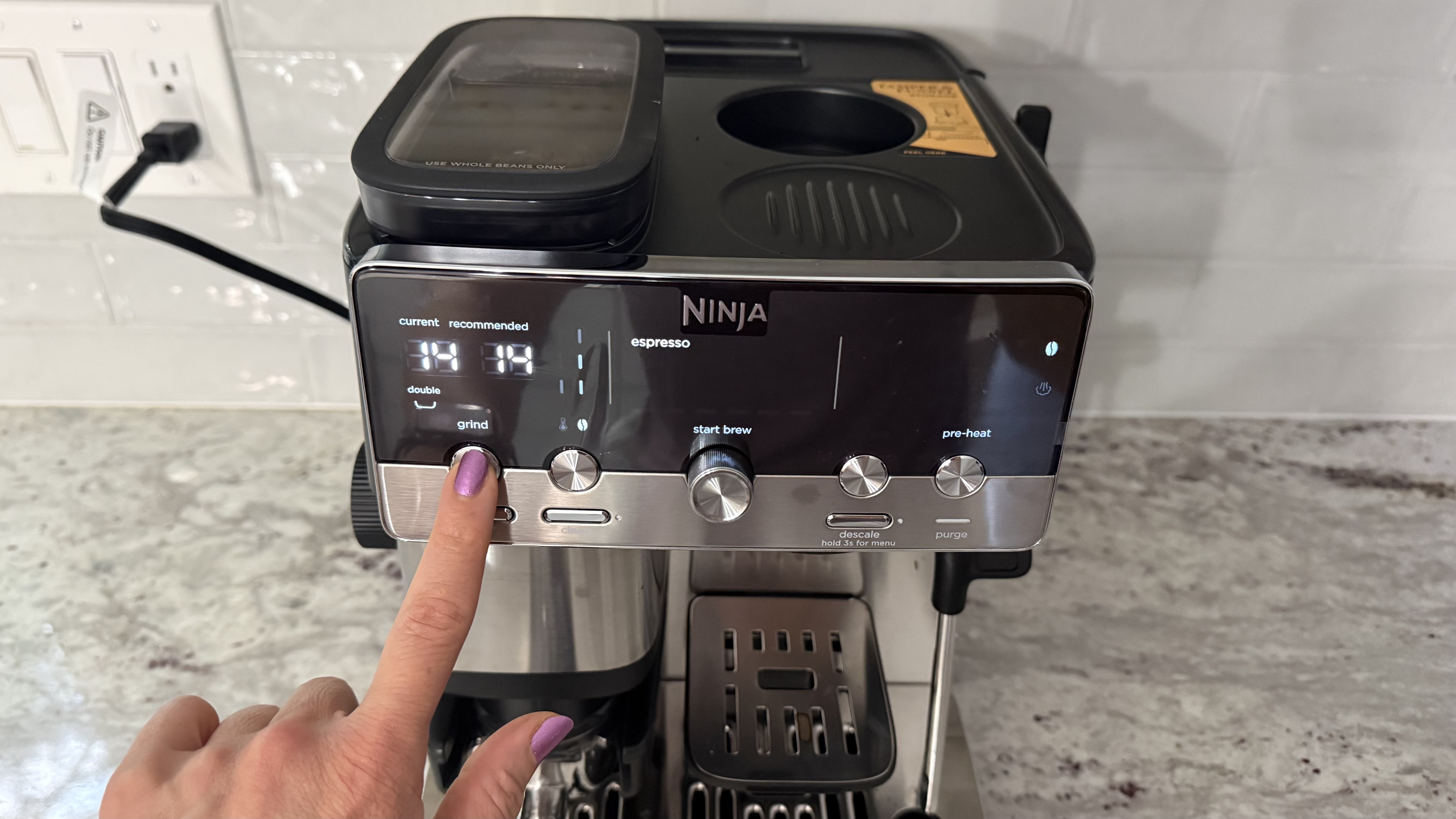
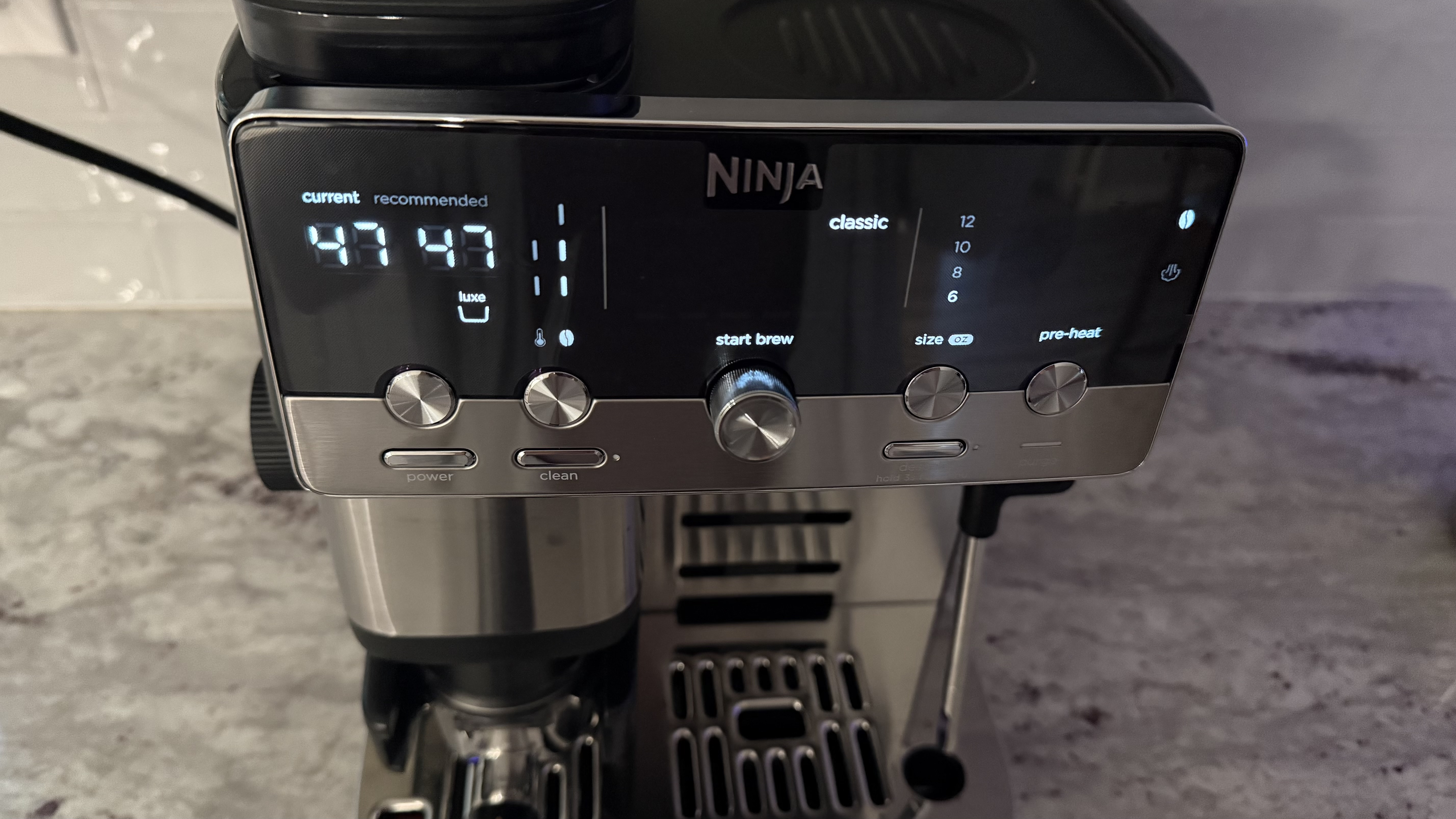
Place the basket into the portafilter, the funnel on top of that, and then slide it into the grinding cradle. Choose your brew style. The machine evaluates your beans and determines a recommended grind size. Turn the grind dial to meet the recommended number and hit the grind button.
(Image credit: Karen Freeman / Future)
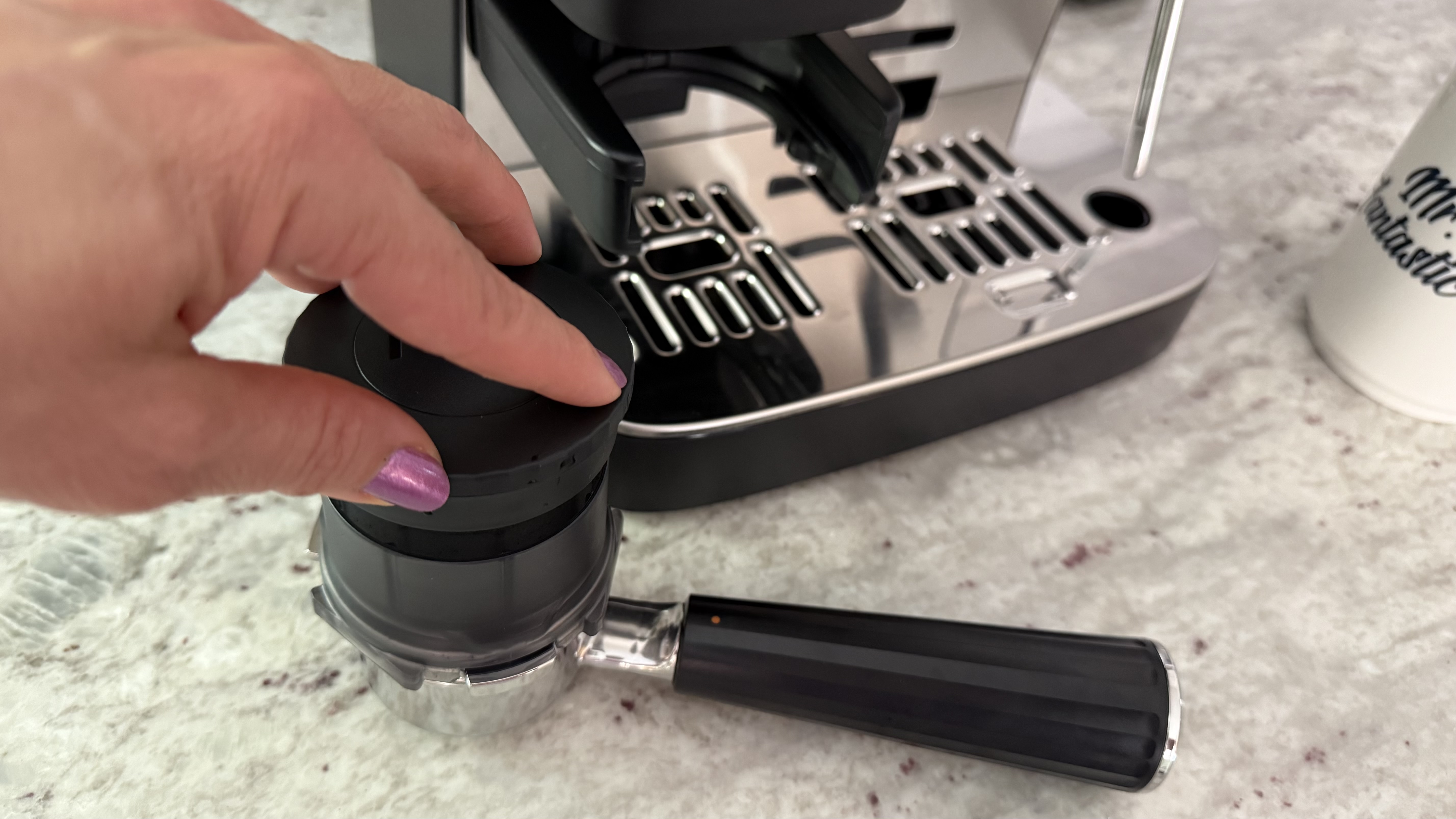
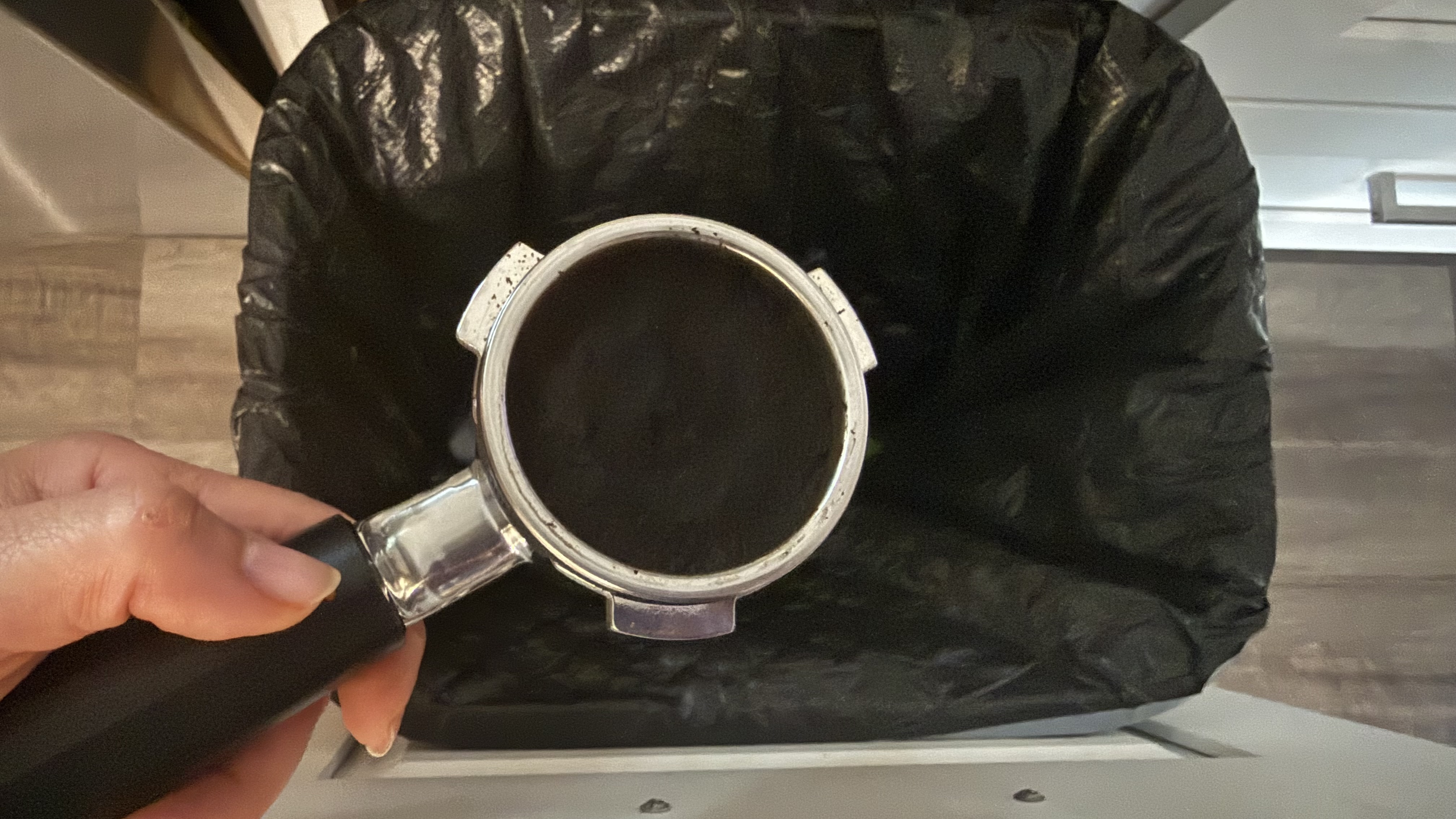
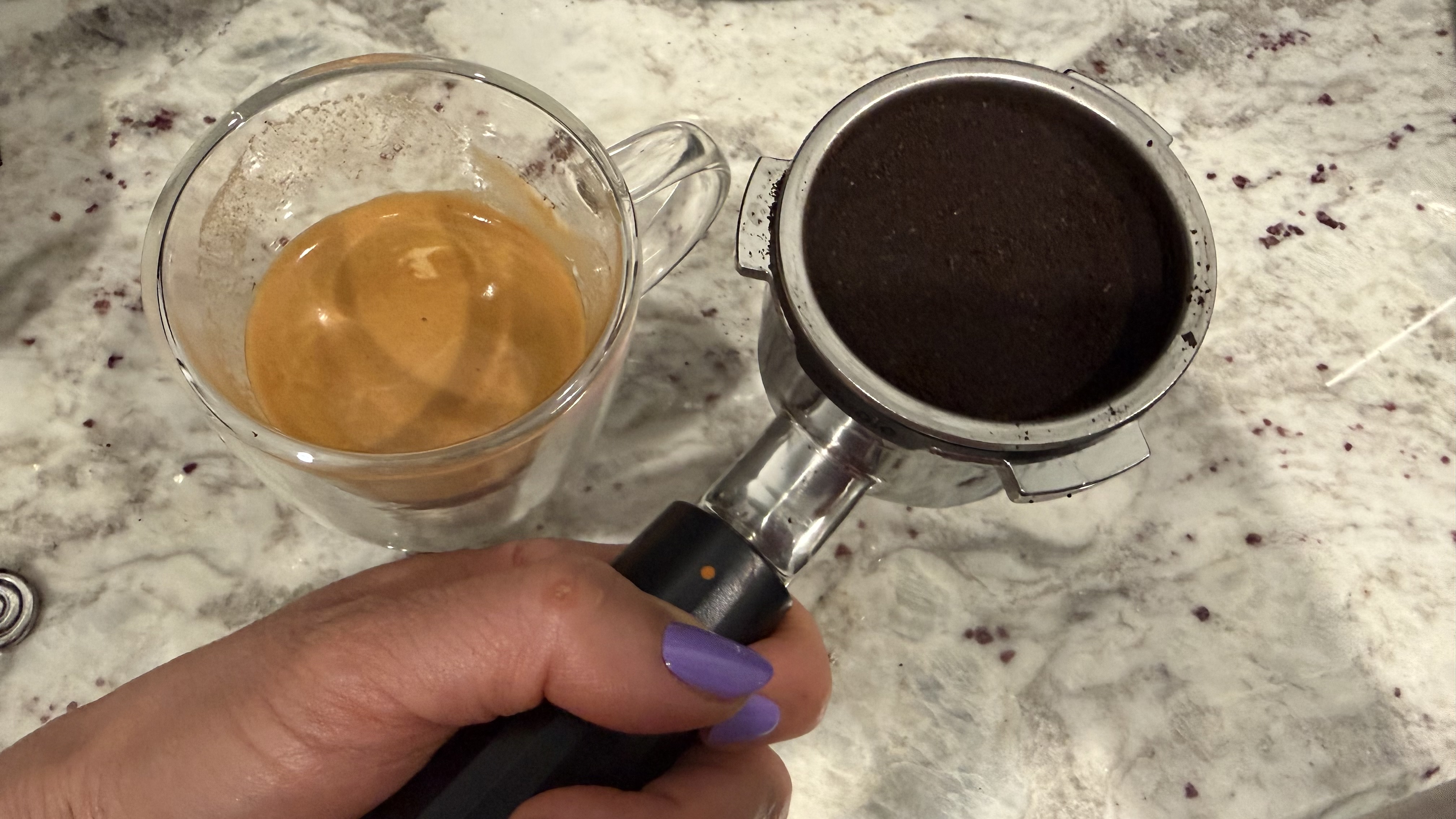
Once your ground coffee is the basket, remove the portafilter and tamp down the grinds with the assisted tamper. It has a spring inside so you'll apply just the right amount of pressure.
(Image credit: Karen Freeman / Future)
Then you can remove the funnel, place the portafilter under the Ninja Luxe Café Mini's group head and turn it until it locks into place. This takes some manual strength and dexterity, and the machine's relatively light weight means you have to brace it in place so it doesn't slide around, though it does get easier with repeated use.
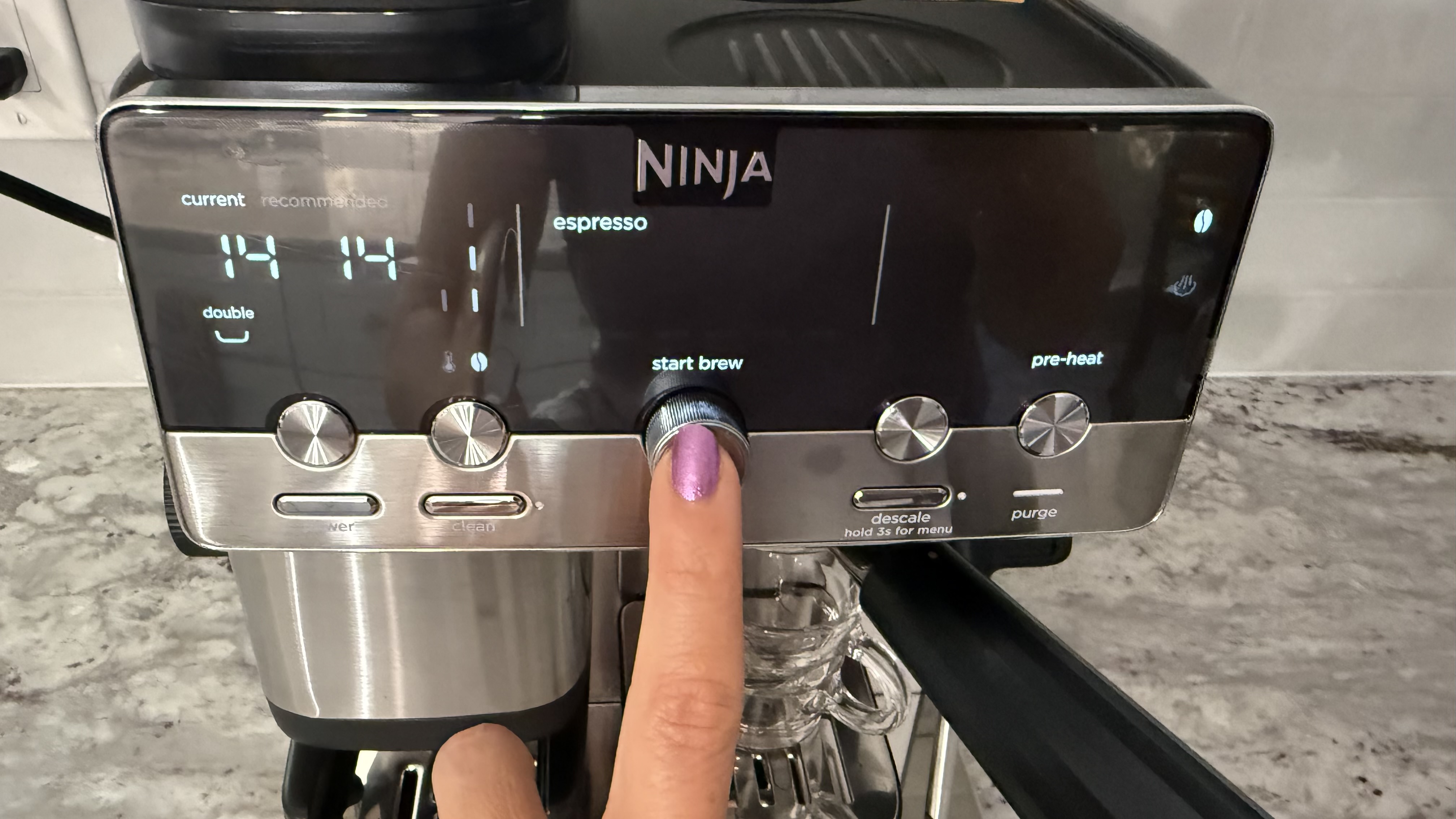
You can manually select your level of strength (represented by one, two, or three beans) and temperature or just use the default. When you're done brewing, dispose of the puck of used coffee grounds, and clean the dirty components.
(Image credit: Karen Freeman / Future)
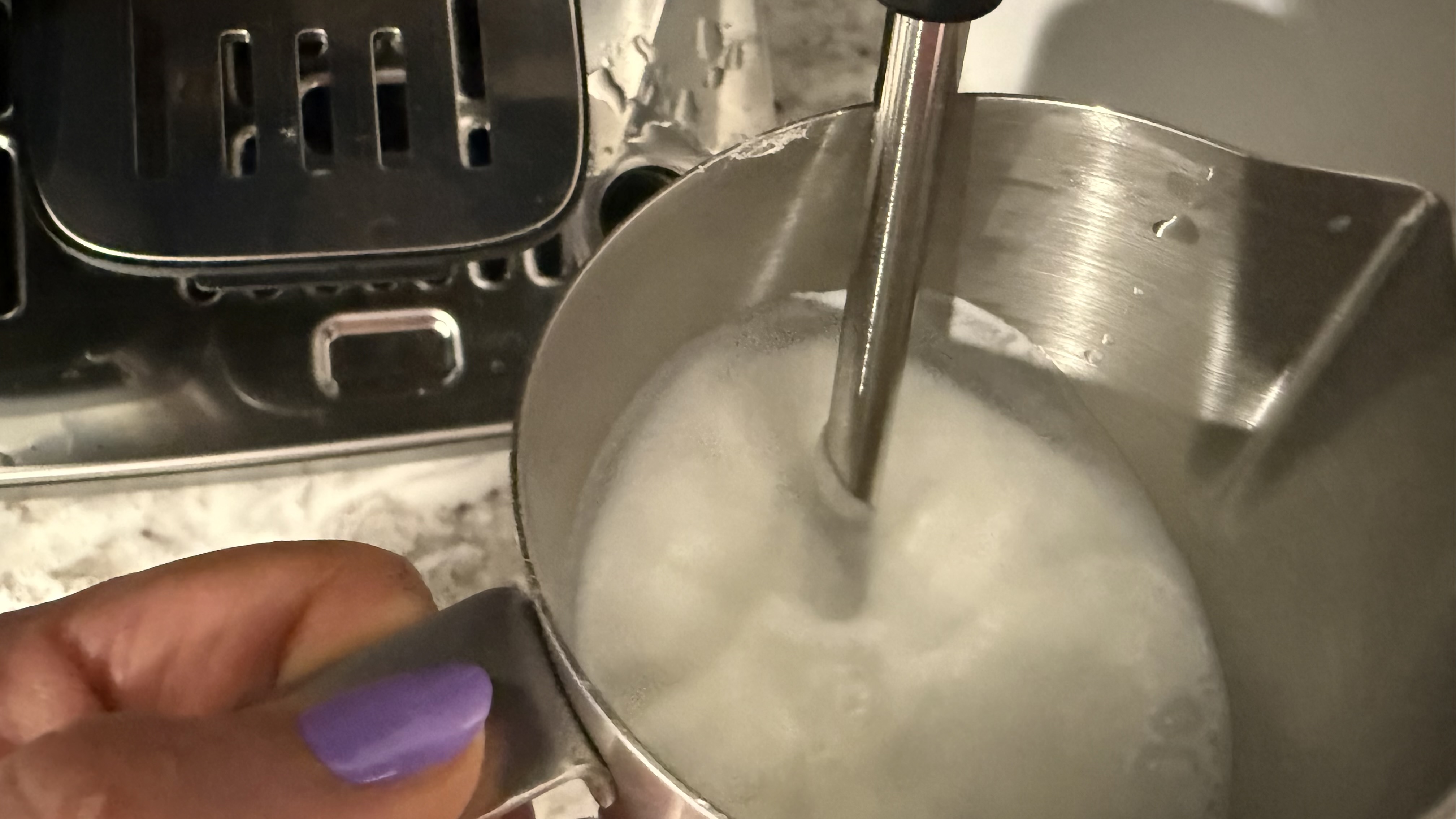
There is also a milk jug and steam wand. To use it, turn the manual valve on the side from brewing mode to frothing mode. The owner's manual includes detailed instructions of how to get the most froth from your milk of choice.
(Image credit: Karen Freeman / Future)
You'll need to clean the tamper, funnel, basket, portafilter, steam wand and jug after each use. You'll also need to empty and clean out the drip tray every few brews, and every time you froth milk. Additionally, you'll need to descale the machine periodically. However, there is no obvious way to get in and clean the grinder. That part never gets wet, but coffee oils will build up there over time.
Design score: 4.5/5
Ninja Luxe Café Mini Espresso Machine: performance
There is definitely a learning curve
You need manual strength and dexterity
Brew amounts are not consistent
Did you know TechRadar now has membership?
(Image credit: Future)
Become a TechRadar Insider by simply clicking 'Join Now' at the top of this page. Have a question? Please email membership@techradar.com
Overall, I think you'll find that the Ninja Luxe Café Mini will make you some great coffee and espresso drinks. There's definitely a learning curve, but if you have the patience you'll figure it out. Of bigger concern was that sometimes the brewing seemed to just stop short of a full yield, and I'm not sure why. The same beans brewed at the same setting just didn't always yield the same size espresso. This only happened to me while brewing espresso; all three of the drip coffee settings yielded perfect results every time.
There are five different brew settings: Espresso (which is actually a double espresso), Triple (espresso), Classic (drip coffee), Rich (a richer drip coffee), and Over Ice (drip coffee brewed at a lower temperature). I tested all five of them multiple times.
Espresso
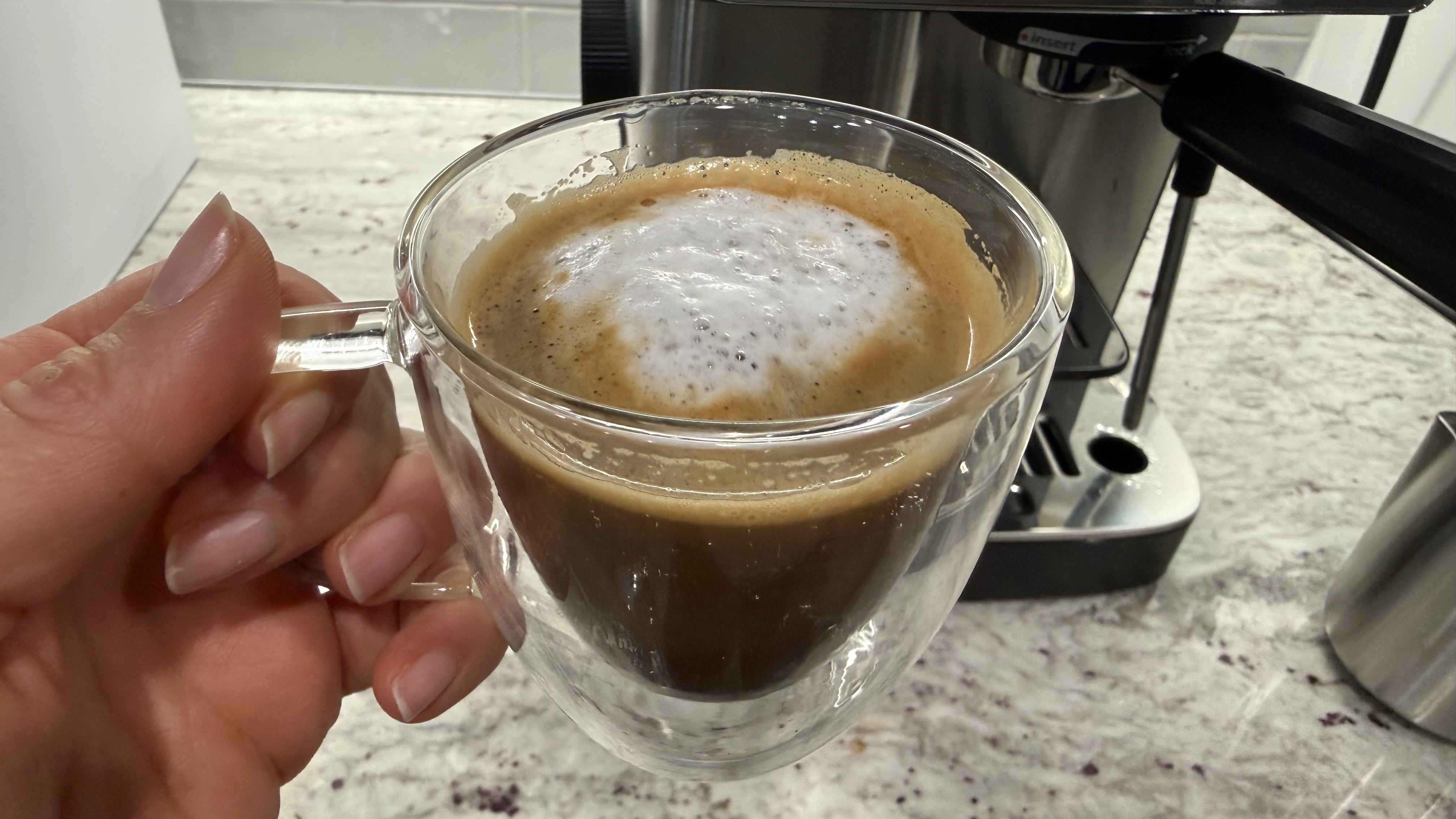
The smallest drink you can make is a double espresso, there is no single espresso setting on this machine. The owner's manual says to throw away the first espresso you brew each time you put new beans into the hopper because it takes a couple of brews for the machine to dial in correctly. I tasted it anyway and yes, you should toss it. After that first one, the espresso tasted good though sometimes it would randomly give me a shorter brew. I did notice that I consistently got a beautiful crema.
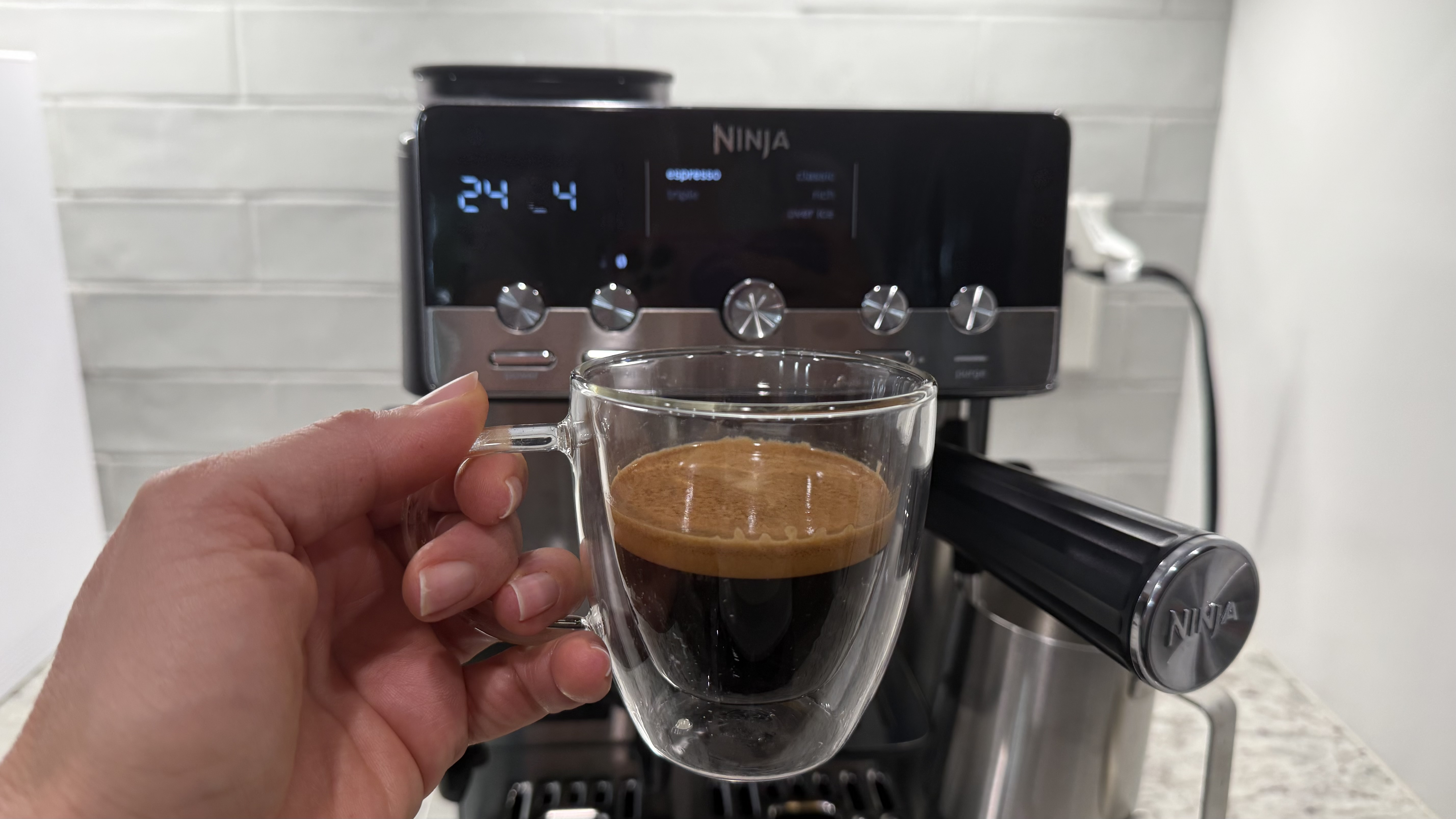
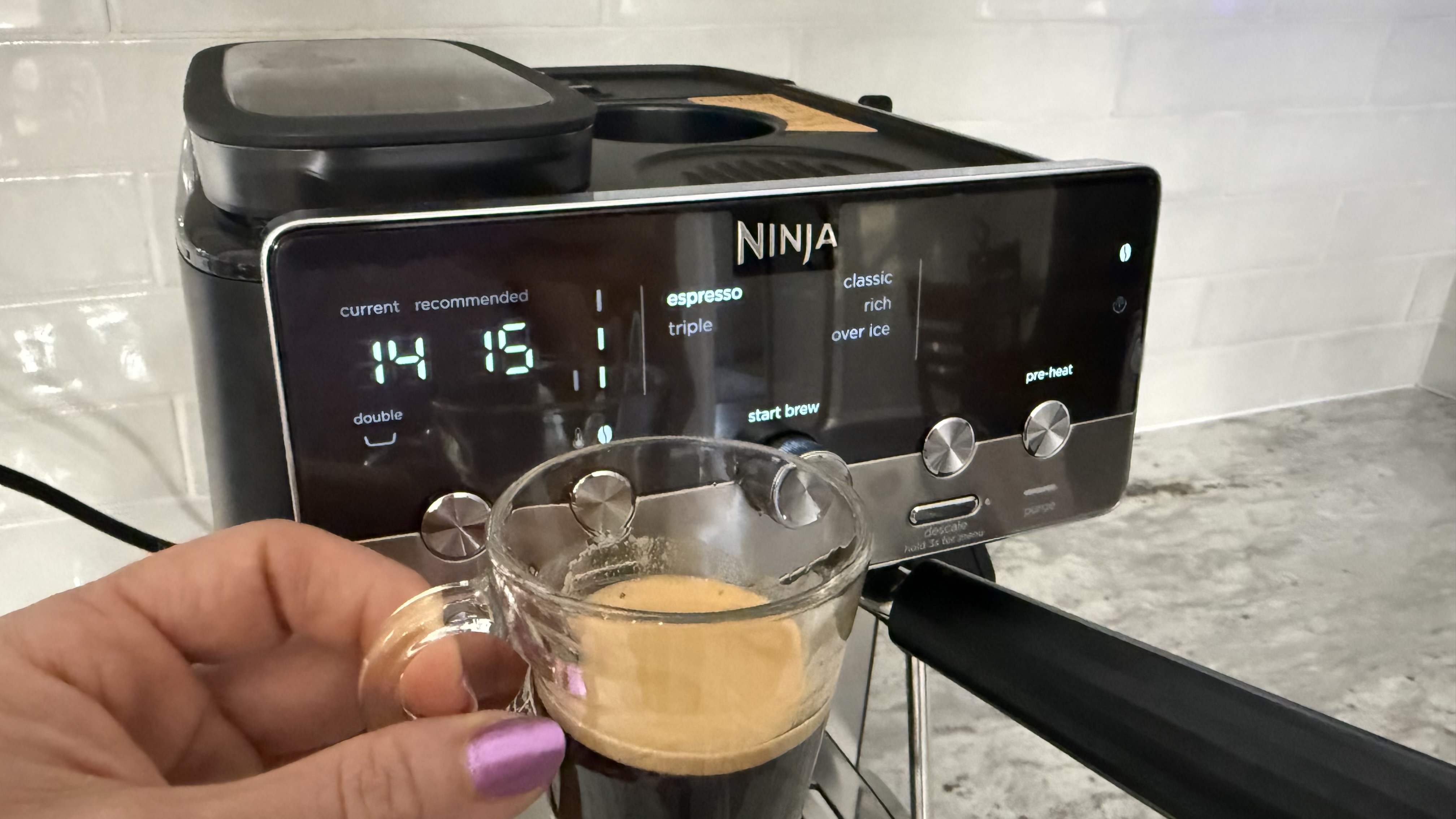
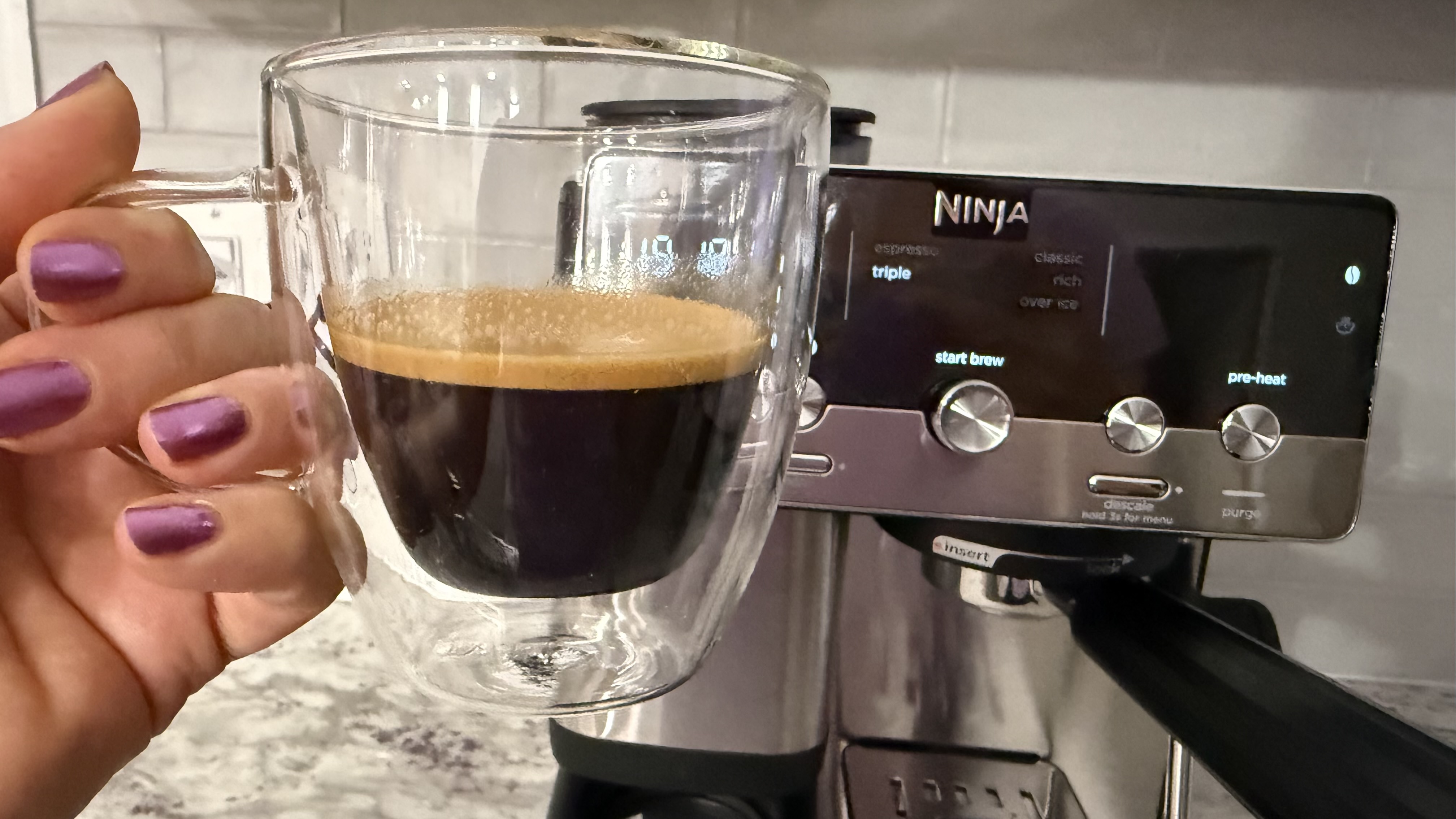
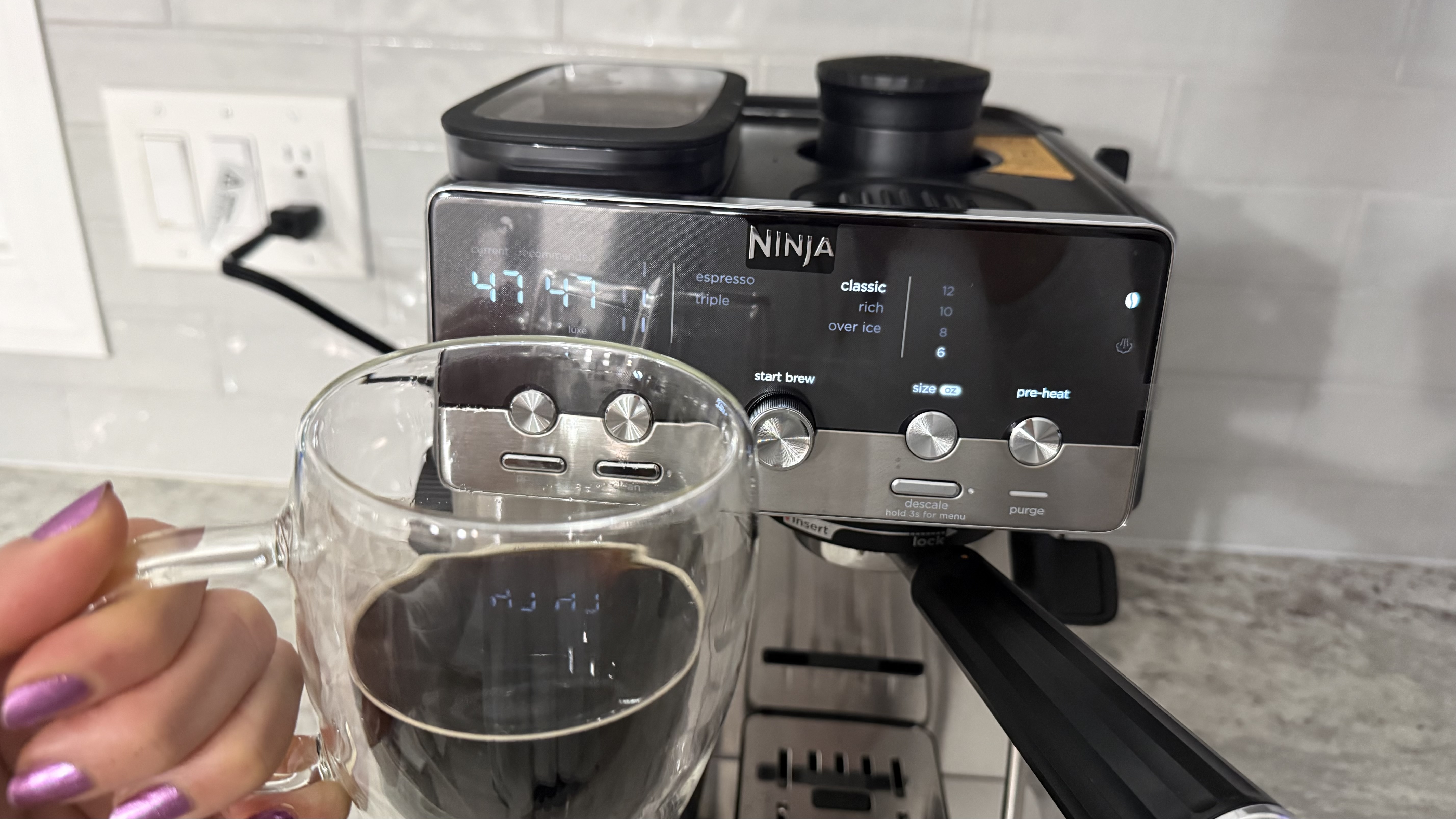
The experience of brewing the triple espresso is just like brewing the regular (double) one, only you use the Luxe basket instead of the smaller one. Again, the machine would sometimes give me a tiny brew. Pictured below is one of the smaller triples; other times it was much larger. Otherwise, the espresso was good and always had a lovely crema.
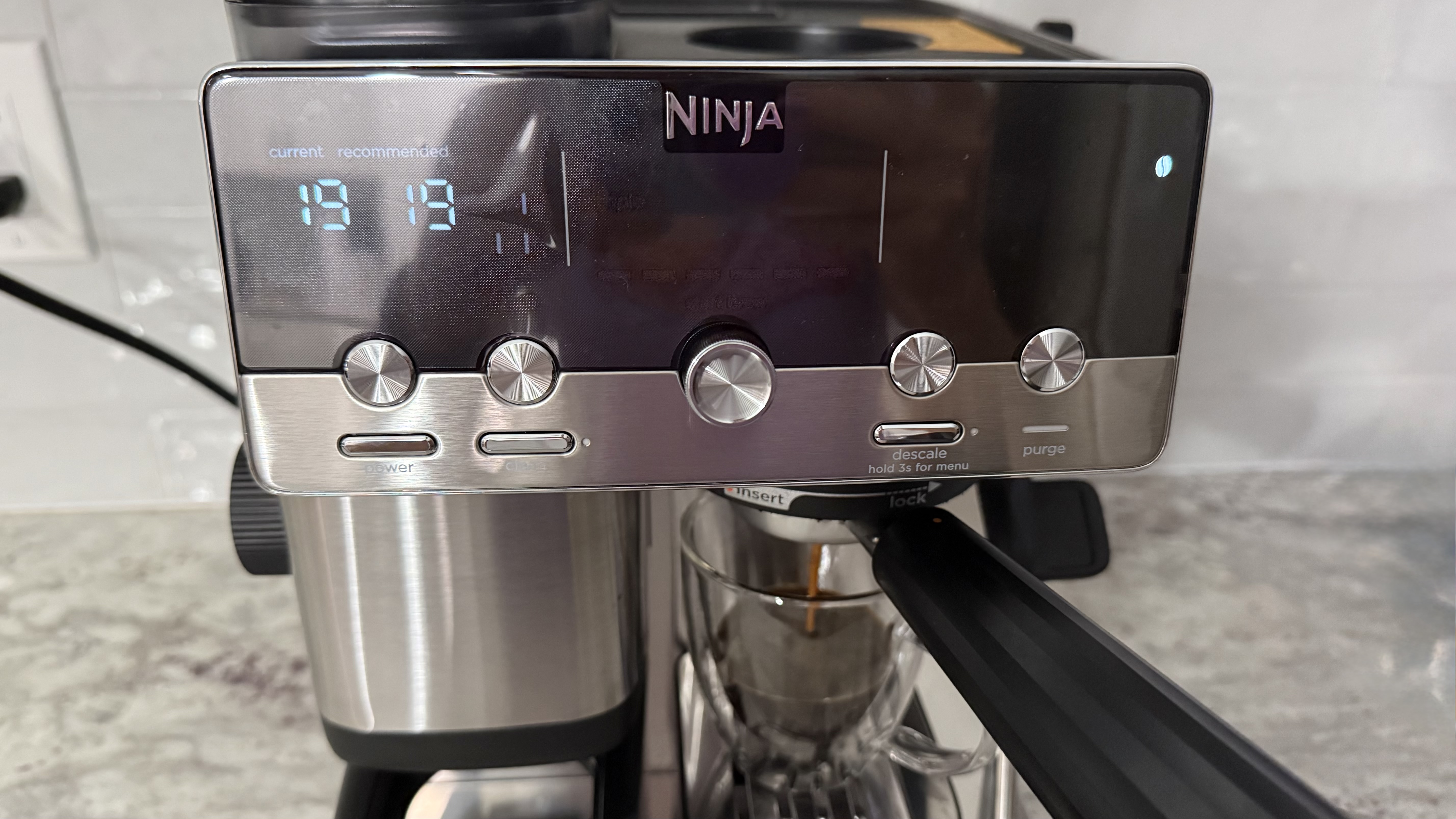
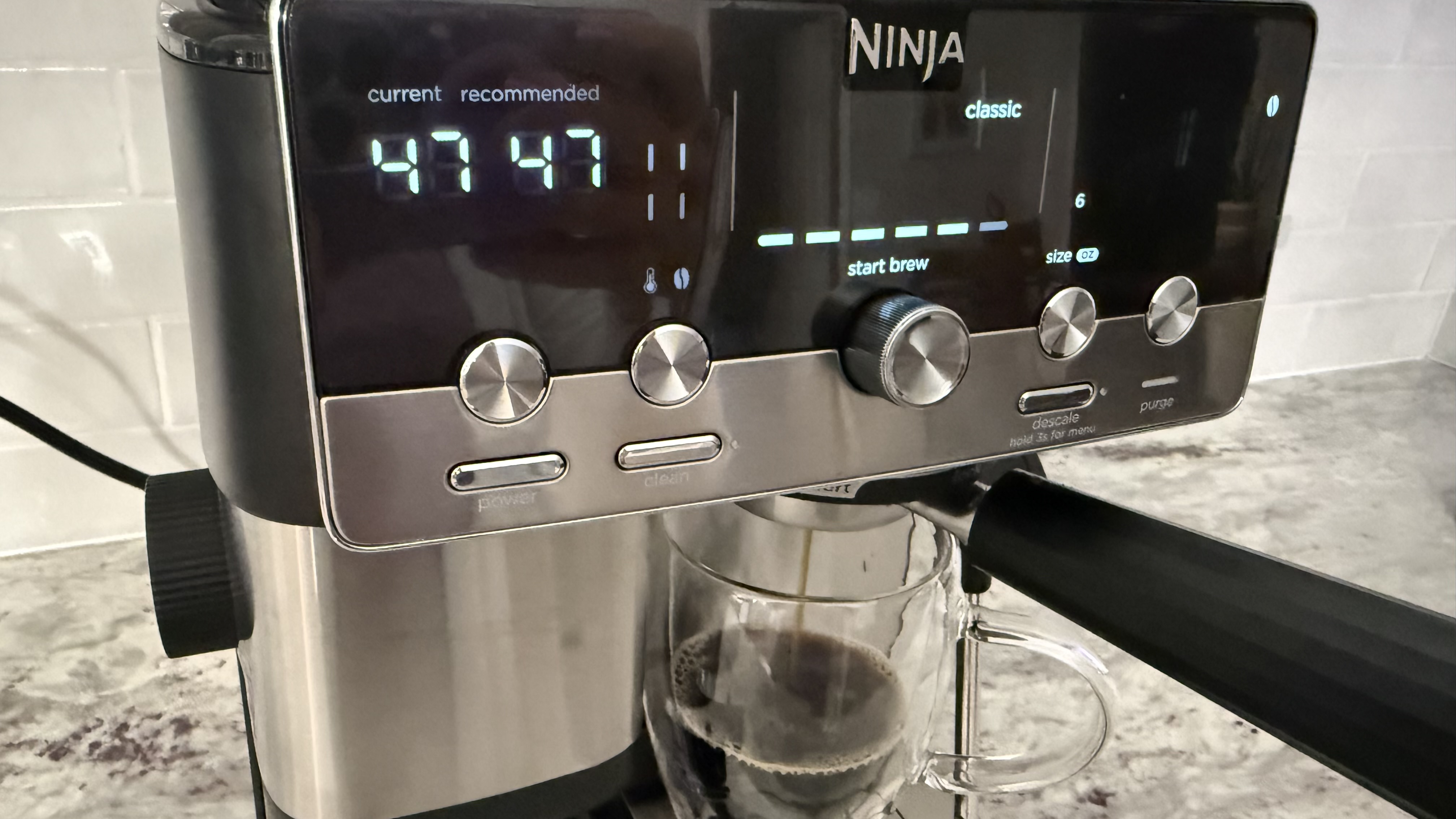
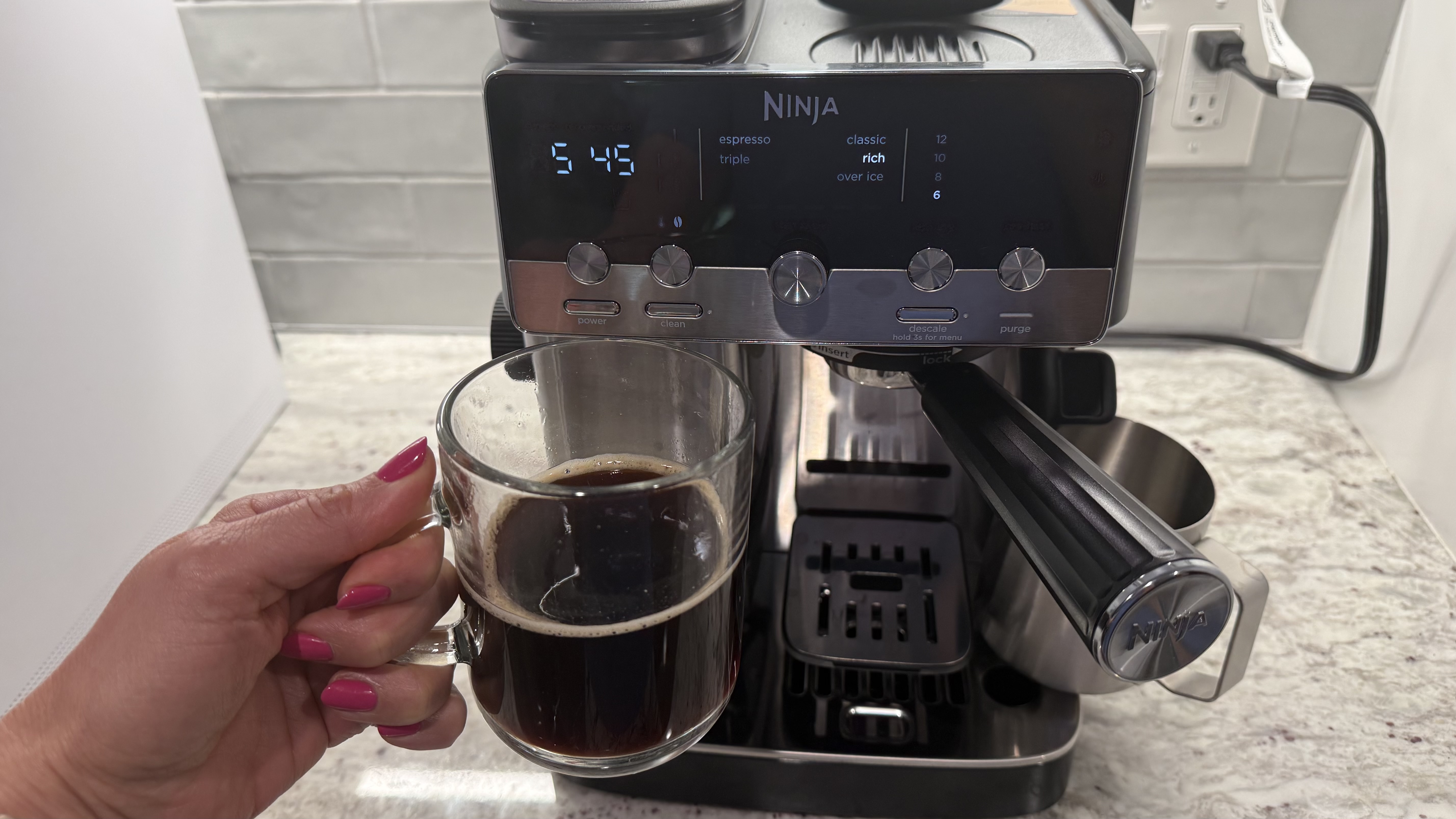
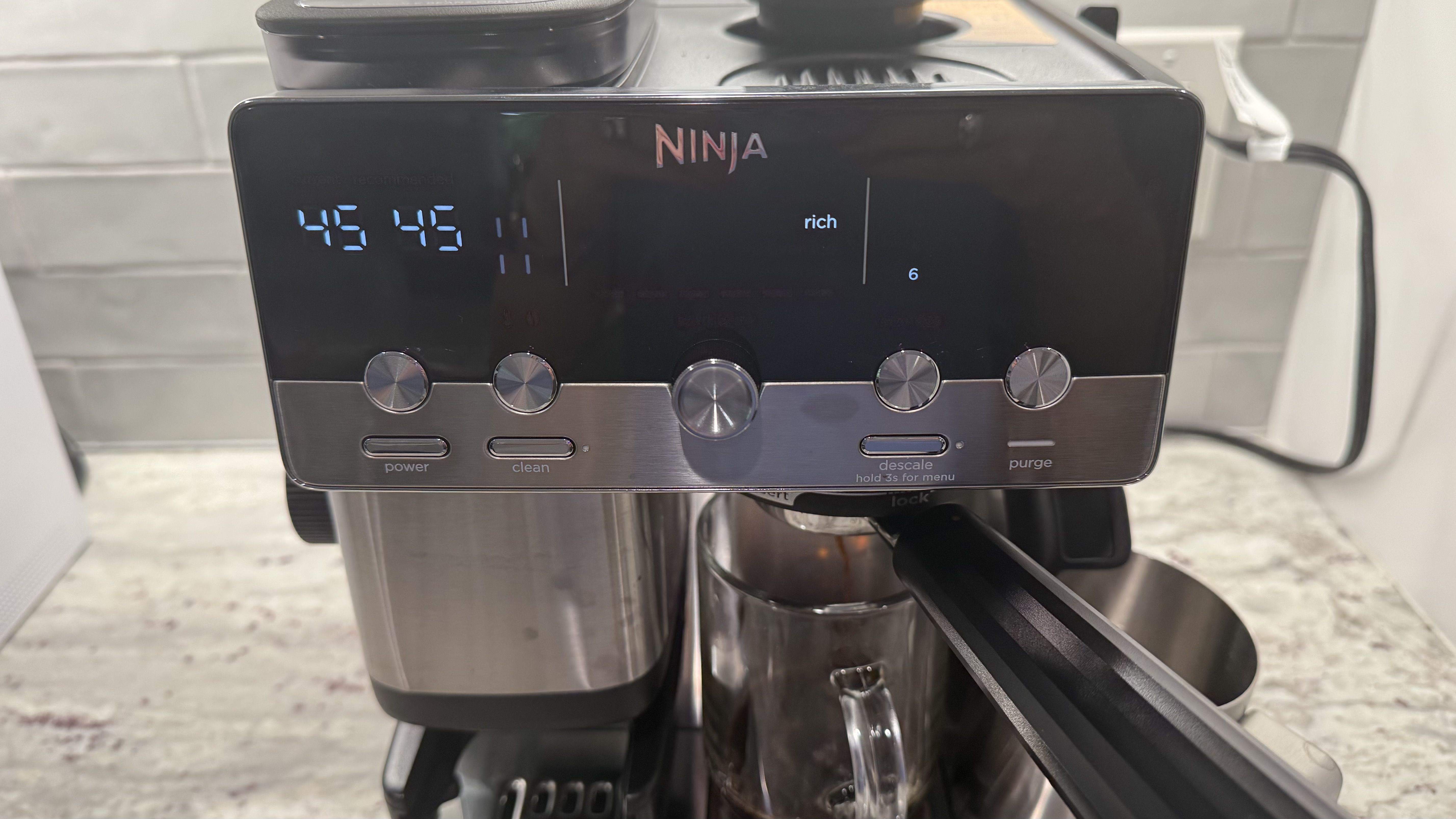
The Classic drip coffee setting yielded consistently good results. In addition to adjusting the grind size, brew temperature, and strength if you like, you can also choose to brew 6, 8, 10, or 12 ounces of coffee. The user experience of brewing the drip coffee is the same as brewing espresso, except that you skip the tamping step. The machine does something totally different on the inside. You get no crema. And when you go to throw the puck away, it's very wet, as opposed to the drier, crumbly puck you get with espresso.
The rich drip coffee setting works just like the classic, only it yields a richer brew. I find I prefer the classic, as I found it a bit smoother and less bitter, but your tastes may differ.
Karen Freeman / FutureKaren Freeman / Future
Over ice
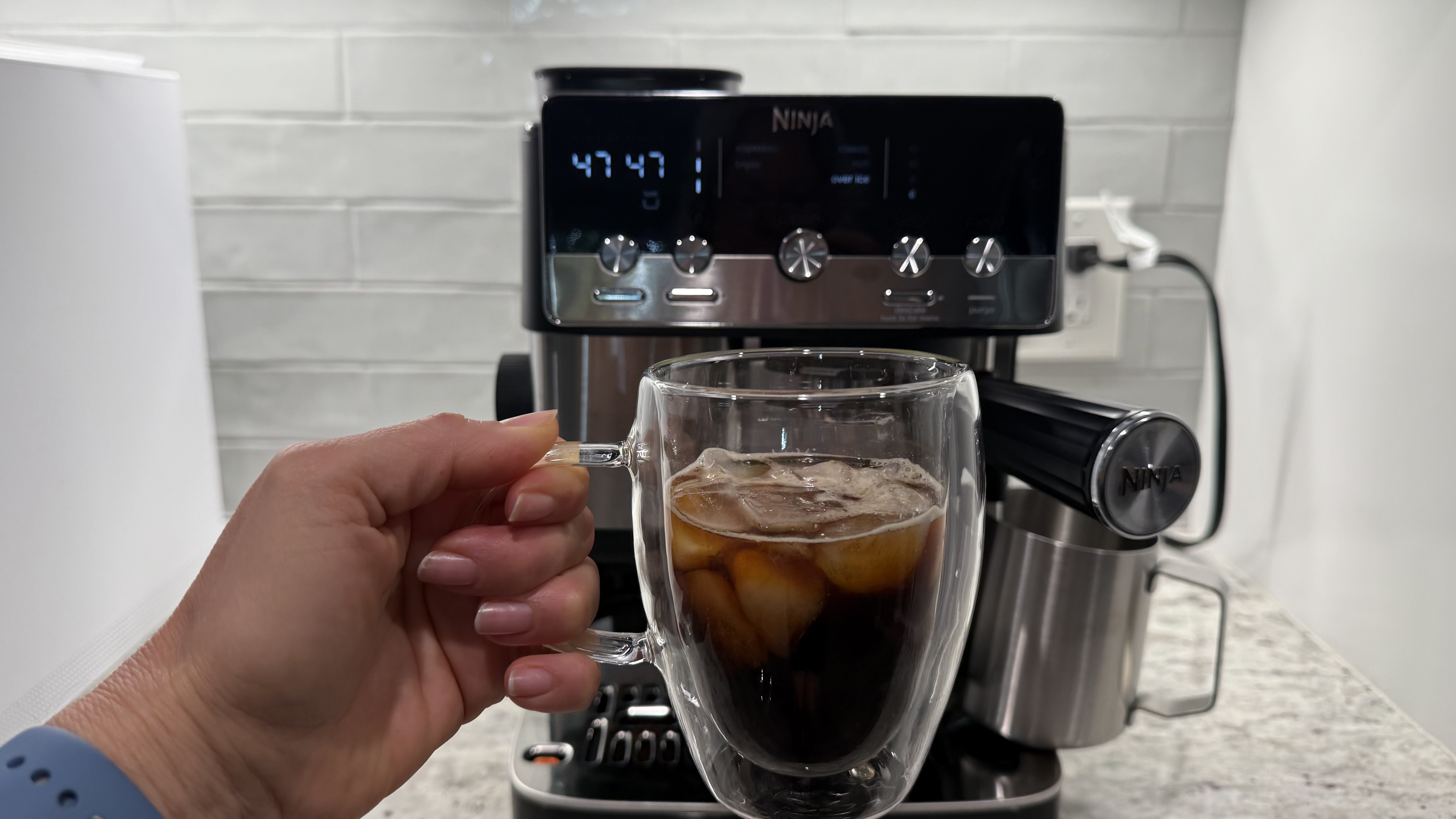
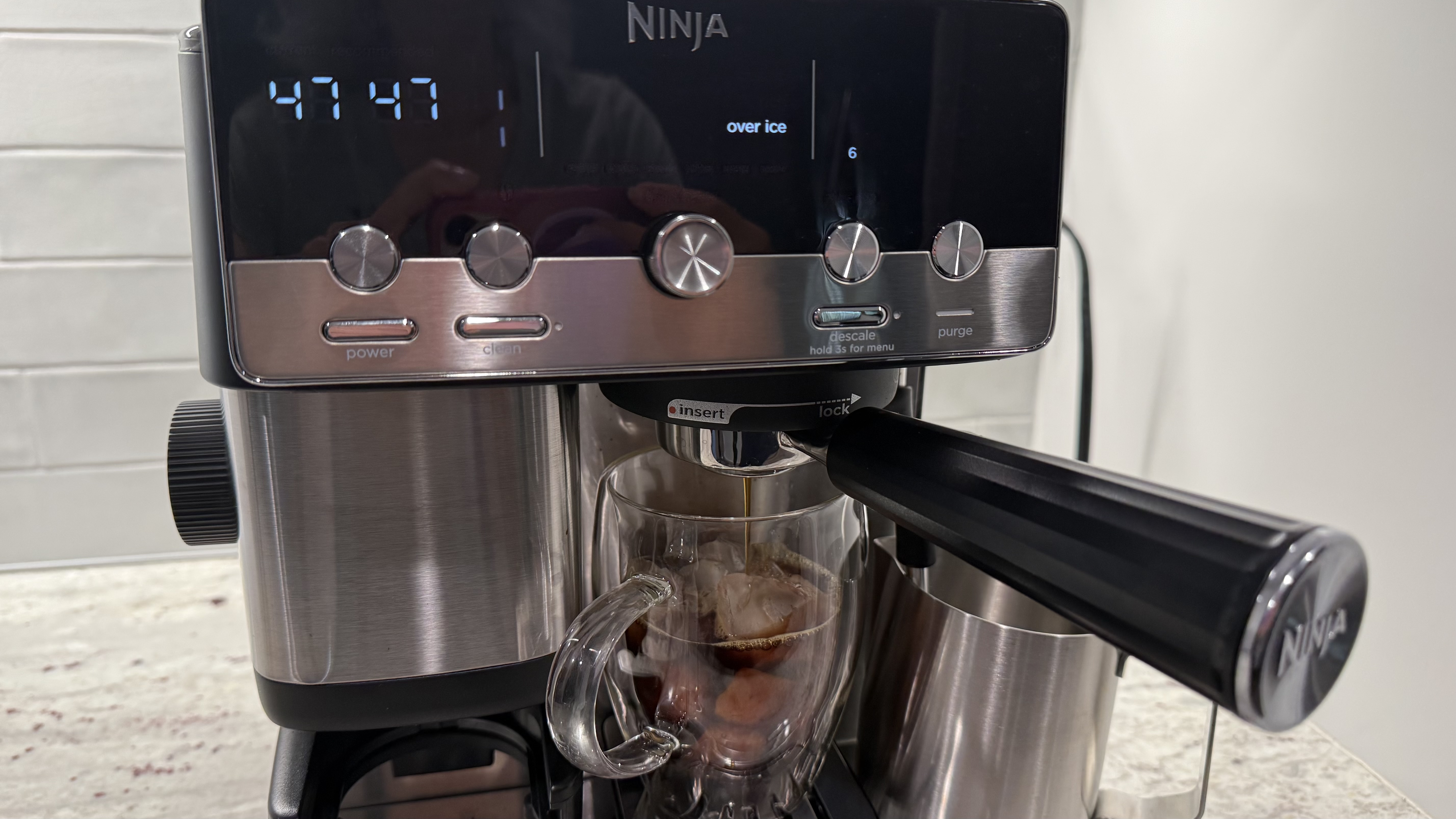
The drip coffee over ice setting might have been my favorite. I found it very smooth and it didn't taste too diluted from the ice.
Karen Freeman / FutureKaren Freeman / Future
Steam wand
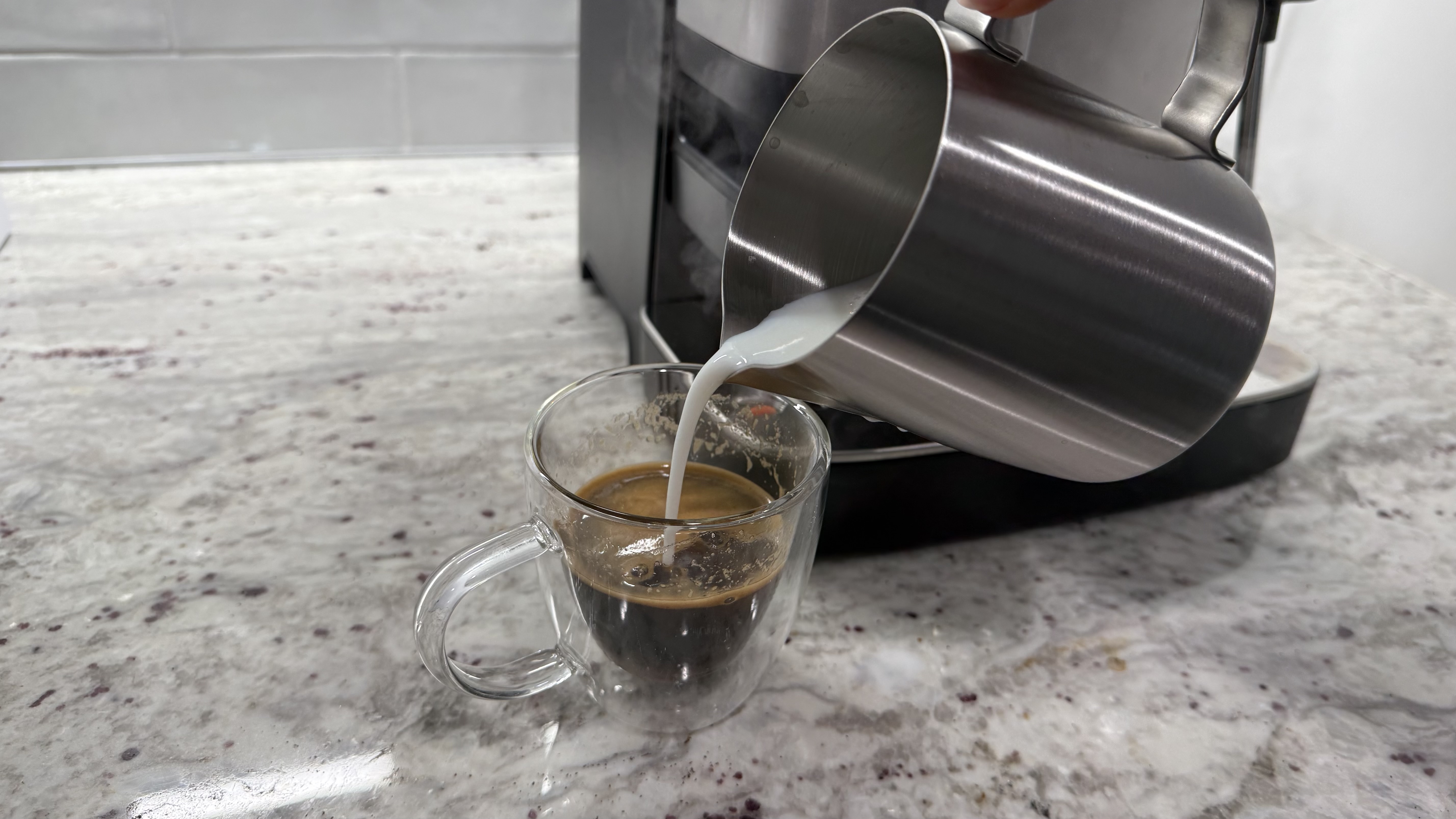
I found that it took some practice to get the milk frothing just right. I tried just leaving the jug in place and frothing it from there, and it works ok but doesn't produce much foam. I tried following the instructions about angle and movement in the owner's manual, and got too much foam.
The wand will purge itself right after frothing, and you'll want to wipe off the milk from the outside of the wand right away. Otherwise it sticks on there pretty good, requiring a bit of scrubbing to get it off.
Should you buy the Ninja Luxe Café Mini Espresso Machine?
Ninja Luxe Café Mini Espresso Machine score card
Attribute
Notes
Score
Value
While not cheap, it does replace five machines: conical burr grinder, coffee scale, espresso machine, coffee machine, and milk frother.
4/5
Design
It looks great on the counter and has a relatively small footprint for all it does.
4.5/5
Performance
There's definitely a learning curve and my results were not consistent, but the coffee drinks especially were quite tasty and the espresso crema was perfect every time.
3.5/5
Buy it if
You want to be the barista
You'll need to put the effort in, but you can be the barista at home with this machine. You control the settings and the results, with help from the machine's sensors.
You want all the coffee accoutrements in one smallish machine
Forget having a separate grinder, scale, brewer, and frother spread out over your countertop. Just one little machine does it all.
You can't decide between espresso and drip coffee
Now you don't even need two different machines for espresso and drip coffee. The Ninja Luxe Café Mini Espresso Machine does both, plus iced coffee and milk drinks too.
Don't buy it if
It's not in your budget
While you'll likely make fewer trips to the coffee shop, and you don't have to buy five separate machines, it's still not cheap.
You don't have great manual dexterity and/or strength
It takes some coordination and muscle to get the portafilter correctly installed in the group head for brewing.
You expect perfectly consistent results with the touch of a button
This machine isn't a fully automatic touch-of-a-button machine. It's not always consistent and there is a learning curve.View Deal
Ninja Luxe Café Mini Espresso Machine: also consider
De'Longhi La Specialista Touch
This one is a little bit more automated and beginner-friendly than the Ninja Luxe Café Mini Espresso Machine while still being pretty small and lightweight. It's also a bit more expensive.
Ninja AutoBarista Pro Fully Automatic Espresso Machine
While almost double the price of the Ninja Luxe Café Mini, it's worthwhile if you want a one-touch, super easy-to-use machine. It makes about a dozen different beverages including coffee, espresso, iced drinks, and milk drinks.
This fully automatic coffee and espresso machine does it all with a touch of a button or even a voice command to Alexa. Custom design your own beverages. It's the priciest of the bunch, but an amazing machine.
How I tested the Ninja Luxe Café Mini Espresso Machine
I brewed and drank every drink on the menu: (double) Espresso, Triple (espresso), Classic (coffee), Rich (coffee), and (coffee) Over Ice more than once. I used two different kinds of beans for each beverage, first going all the way through the menu with a dark french roast and then again with a medium-dark roast. I frothed two different kinds of milk (almond and skim dairy) several times and added the milk to espresso shots. I cleaned all of the parts that touch the coffee after each use.

 Login
Login