 Login
Login
How to increase the text size on Apple TV in tvOS 27



A white spot on iPad screen can appear as a bright patch that remains visible while browsing, watching videos or using apps. It may be small and easy to ignore at first, then become distracting whenever the screen shows a white, gray or lightly colored background.
The spot may come from a temporary software problem, but a fixed bright area is more commonly connected to the display hardware. Pressure inside the iPad, a damaged backlight layer, display separation or an impact can create uneven illumination that no setting can remove.
Before arranging a repair, a few simple checks can reveal whether the spot belongs to the image being displayed or to the physical screen itself.
A white spot on iPad screen is often described as a bright spot, pressure mark or backlight patch. On iPads with LCD displays, light passes through several internal layers before reaching the glass. When one of those layers becomes damaged, separated or compressed, light can concentrate in one area.
The mark may be more visible against pale backgrounds and almost disappear when the screen displays black or dark content. This is different from a dead pixel, which usually appears as a tiny fixed dot rather than a larger cloudy patch.
Pressure is one possible cause. Carrying an iPad in an overloaded bag, placing heavy objects on it or using a tight case can place stress on the display. A drop may also disturb the internal screen layers without cracking the front glass.
Battery swelling can create similar pressure from inside the device. If the screen is lifting from the frame, the iPad feels unusually warm or the body appears bent, stop using it and seek service. A swollen battery should not be pressed back into place or handled as an ordinary screen defect.
The problem can also appear after a display replacement involving a poorly fitted or lower-quality part. Apple notes that nongenuine displays may produce inconsistent brightness, color or touch behavior.
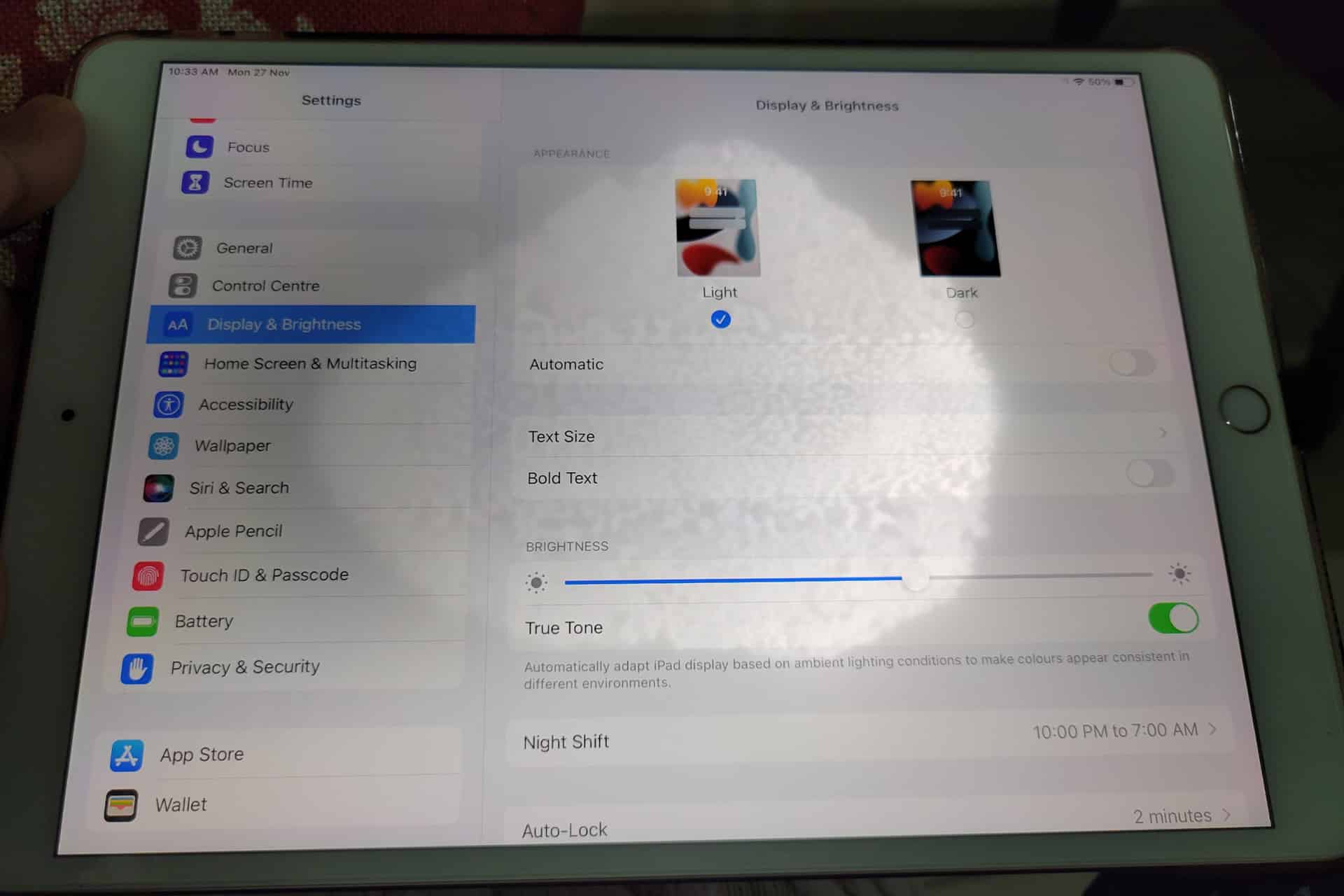
Begin by opening several different apps. Look at the spot over a white webpage, a gray Settings screen, a dark photo and a full-screen video. A hardware-related mark normally stays in the same physical location regardless of what appears underneath it.
Rotate the iPad. If the content changes orientation but the bright patch remains in the same part of the glass, the display is the likely cause.
Taking a screenshot provides another useful test. A physical screen defect will not normally become part of the screenshot file.
Top button + either volume button
Top button + Home button
Open the screenshot on another device or send it to a trusted computer. If the white spot does not appear there, the image generated by iPadOS is normal and the problem is probably inside the display assembly.
If the mark appears in the screenshot, it may belong to an app, image, accessibility setting or software effect rather than the panel.
A restart is worth trying because it clears temporary display and system behavior without affecting personal files. It is unlikely to repair physical backlight damage, but it can eliminate a short-lived graphical problem.
Press and hold the top button and either volume button > Drag the power slider > Wait approximately 30 seconds > Hold the top button until the Apple logo appears
Press and hold the top button > Drag the power slider > Wait approximately 30 seconds > Hold the top button until the Apple logo appears
After restarting, return to the same pale background and check the area again. A spot that remains fixed is unlikely to be caused by a temporary iPadOS issue.
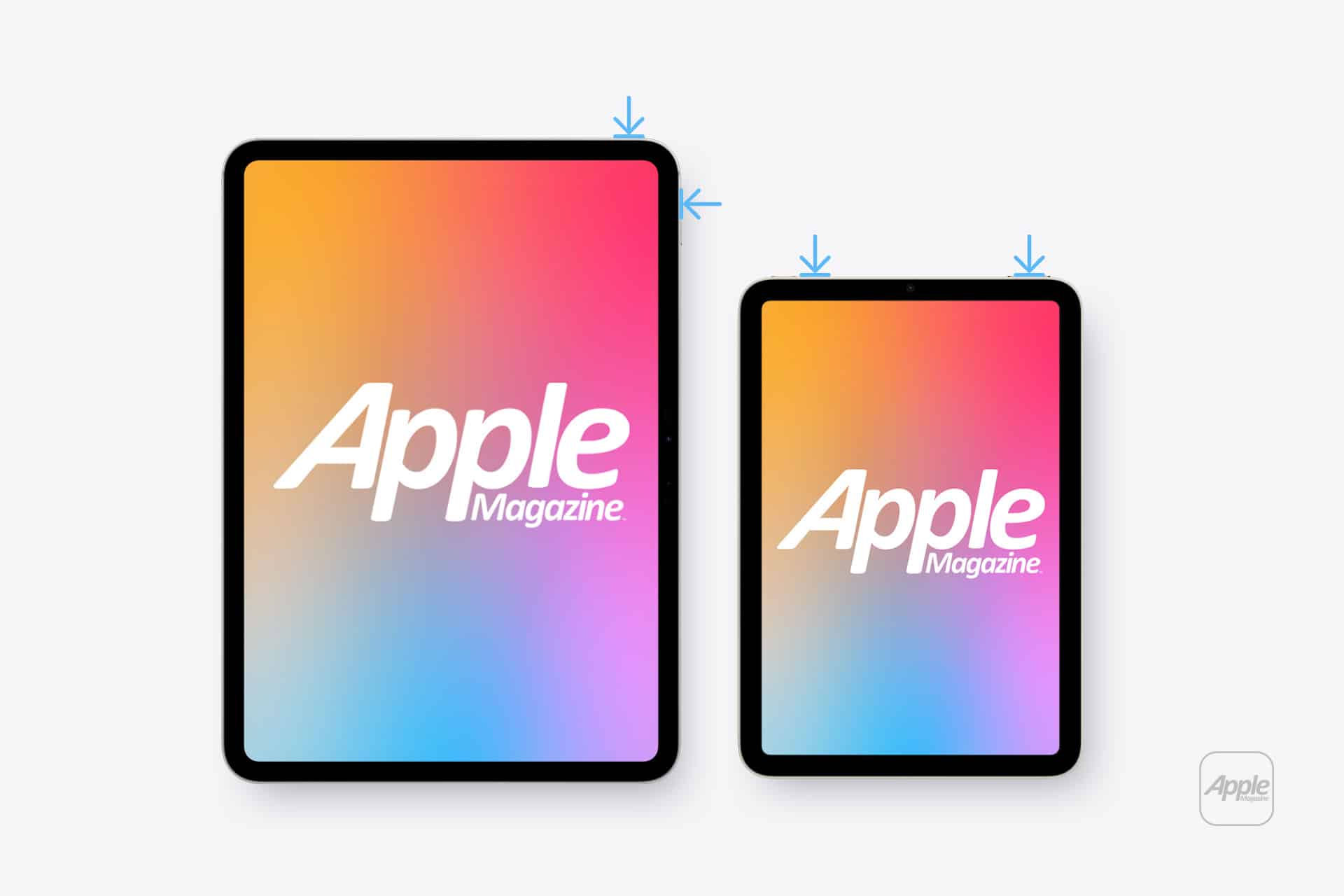
Lowering brightness may make a bright patch less distracting, but it does not repair the underlying display. The same applies to Dark Mode, Night Shift and Reduce White Point. These settings can change how noticeable the mark becomes without removing it.
Settings > Display & Brightness > Brightness
Test the iPad at several brightness levels. A backlight-related spot may become easier to see as brightness increases. Photographing the screen against a plain background at medium and high brightness can also help document the defect before requesting service.
Avoid pressing or rubbing the affected area. Pressure may temporarily change the appearance, but it can damage the display further. Internet advice suggesting that users massage bright spots out of a panel should be ignored.
Remove any rigid case that appears unusually tight or has been damaged. A poorly fitted case can place uneven pressure around the frame, particularly if the iPad has been dropped while inside it.
A screen protector normally cannot create a true illuminated patch beneath the display. It can, however, produce bubbles, trapped moisture or reflective marks that resemble a screen defect. Examine the iPad with the display turned off. If the mark is visible on the surface even when the screen is black, the protector or glass may be involved.
Do not remove a properly installed protector solely as an experiment unless the mark clearly appears close to its surface. A bright patch visible only while the display is illuminated usually comes from deeper inside the screen.
A persistent white spot generally requires display service when it remains after restarting and does not appear in screenshots. There is no iPadOS setting that can realign a damaged diffuser, remove internal pressure or repair separated display layers.
Back up the iPad before service so photos, documents and app data remain protected.
Settings > your name > iCloud > iCloud Backup > Back Up Now
Apple can inspect the device and determine whether the defect qualifies for warranty coverage, AppleCare service or paid repair. Coverage depends on the device, purchase date, condition and whether the problem resulted from accidental damage.
Settings > General > AppleCare & Warranty
Apple or an Apple Authorized Service Provider may replace the display assembly or the iPad, depending on the model and available service process. The final repair estimate normally requires inspection.

A stable white spot that has not changed for months may remain only a visual annoyance. A spot that is expanding, accompanied by screen lifting or followed by unusual heat needs faster attention.
Stop using the device if the display separates from the enclosure, the iPad becomes visibly swollen or pressure marks spread across the panel. Do not puncture the device, force the display closed or continue charging it unattended.
For an ordinary fixed bright patch, the practical path is simpler: confirm it does not appear in screenshots, restart the iPad, remove any case applying pressure and arrange display service if the mark remains.
A white spot on iPad screen rarely affects the information stored on the device, but it can indicate physical damage that software cannot correct. A brief check can rule out the easy causes. After that, repair is usually more effective than repeatedly changing display settings and hoping the light disappears.
The post White Spot on iPad Screen: What to Do appeared first on AppleMagazine.
 Studies see a pattern, but sunscreen is not the villain yet.
New findings published in PLOS Digital Health highlight the challenges public health experts face in combating misleading health information on social media, particularly amid ongoing debates over whether sunscreen is truly beneficial.
To investigate how sunscreen is portrayed online, researchers at the University of Alberta analyzed 971 of the most-viewed TikTok videos associated with five popular sunscreen-related hashtags: #sunscreen, #sunscreenviral, #spf, #sunscreenreview, and #sunprotection.
The researchers examined how sunscreen was represented in the videos and measured audience engagement through views, likes, shares, and comments.
“Sunscreen misinformation may attract disproportionate attention,” says Alessandro Marcon of the University of Alberta, Canada, and colleagues in a statement.
The findings showed that most of the TikTok videos analyzed promoted sunscreen use, accounting for 86.8% of the content. Only 6% contained health-related criticism, including claims that sunscreen is harmful (1.5%) or that it interferes with the benefits of sun exposure, such as vitamin D production (1.2%). Despite representing only a small fraction of the content, these videos attracted disproportionately high levels of engagement, receiving more likes, shares, and comments on average than pro-sunscreen videos.
“Sunscreen misinformation on TikTok constitutes an area of concern not for the total sum of overarching influence in terms of content production but rather in how strongly some sunscreen misinformation ideas resonated among particular audiences,” adds Marcon.
The researchers suggest that the elevated engagement may be driven by the controversial and attention-grabbing nature of the content, which can help videos spread more widely on social media platforms.
They also found that even videos promoting sunscreen often omitted key public health messaging. Most focused on beauty and skincare benefits rather than health outcomes, with only 6% specifically mentioning sunscreen’s role in reducing skin cancer risk.
“Our analysis showed TikTok is not necessarily flooded with sunscreen misinformation, but TikToks that dangerously claim that sunscreen is harmful or unnecessary receive comparatively high levels of audience engagement. TikTok content creators commonly promoted sunscreen as part of skincare regimens where sunscreen benefits were more commonly related to beauty rather than health,” said Marcon.
“It was surprising to see so many TikToks promoting sunscreen use without specifically mentioning the important role it plays in cancer prevention. Only 6% of the TikToks analyzed explicitly mentioned the benefits of reducing the risk of skin cancer.”
The study suggests that misinformation can spread widely not because it is more common, but because it is often more controversial and attention-grabbing. It also highlights a broader communication gap, as many creators emphasize sunscreen’s cosmetic benefits while overlooking its well-established role in preventing skin cancer.
Chrissy Newton is a PR professional and the founder of VOCAB Communications. She currently appears on The Discovery Channel and Max and hosts the Rebelliously Curious podcast, which can be found on YouTube and on all audio podcast streaming platforms. Follow her on X: @ChrissyNewton, Instagram: @BeingChrissyNewton, and chrissynewton.com. To contact Chrissy with a story, please email chrissy @ thedebrief.org.
