❌

Reading view

Forget Sony and Bose β€” Jabra's Evolve3 85 is my new meeting headset

If you need a headset to use at work, Bose's QuietComfort Ultra Gen II and the Sony WH-1000XM6 are undoubtedly good choices. I prefer the Bose because of its comfort and sound quality, and it is the headset I use while traveling.

But I found out recently that there is a better choice: Jabra's Evolve3 85. It is positioned as a work headset, but it does so much more; I used it for the better part of three months now, and I'm convinced that it is better than what Bose and Sony have to offer. Coming in at $475, it is on the higher end of the scale, but it has meaningful advantages over its immediate rivals.
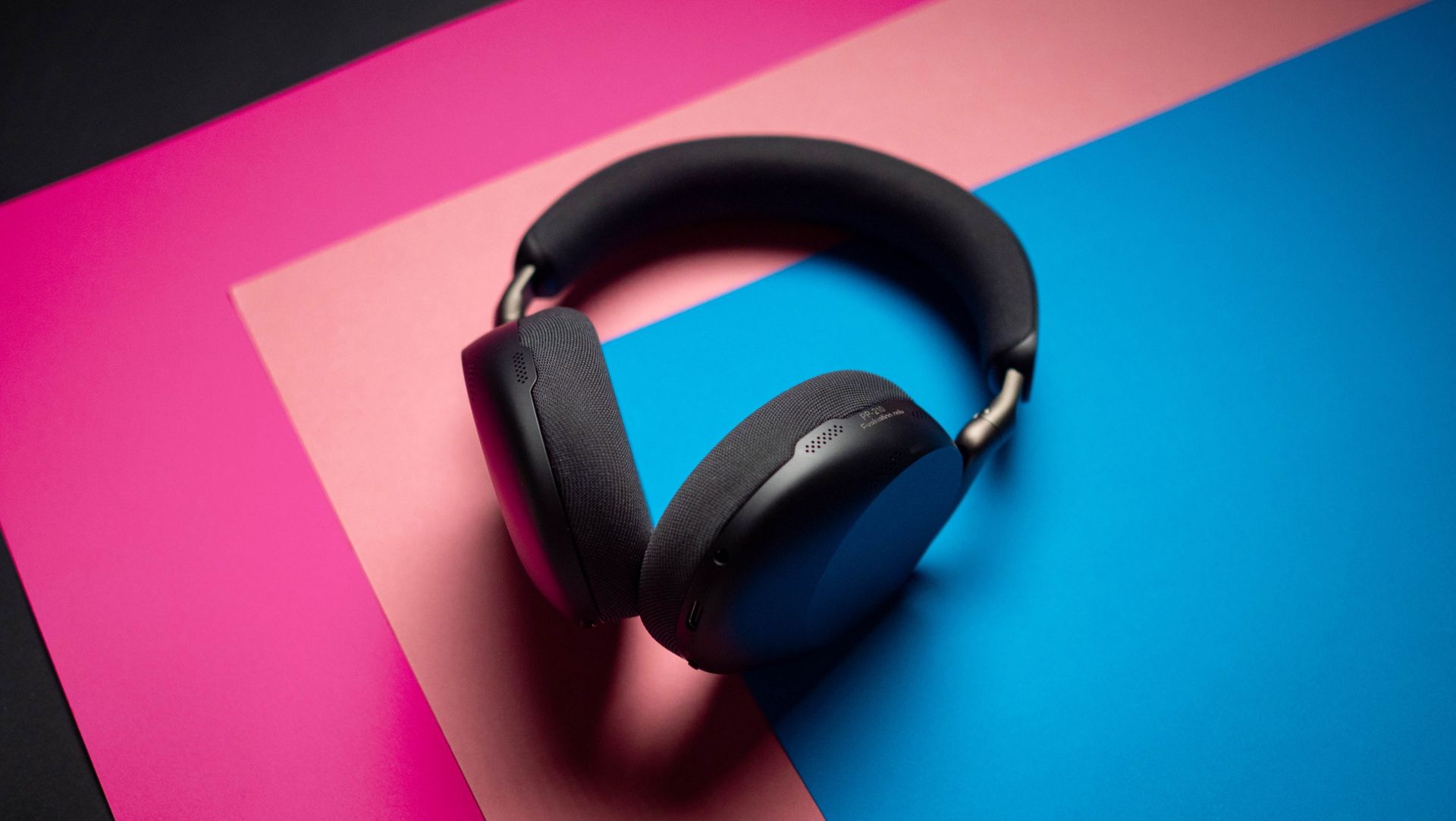
Jabra Evolve3 85 review on Android Central

(Image credit: Apoorva Bhardwaj / Android Central)

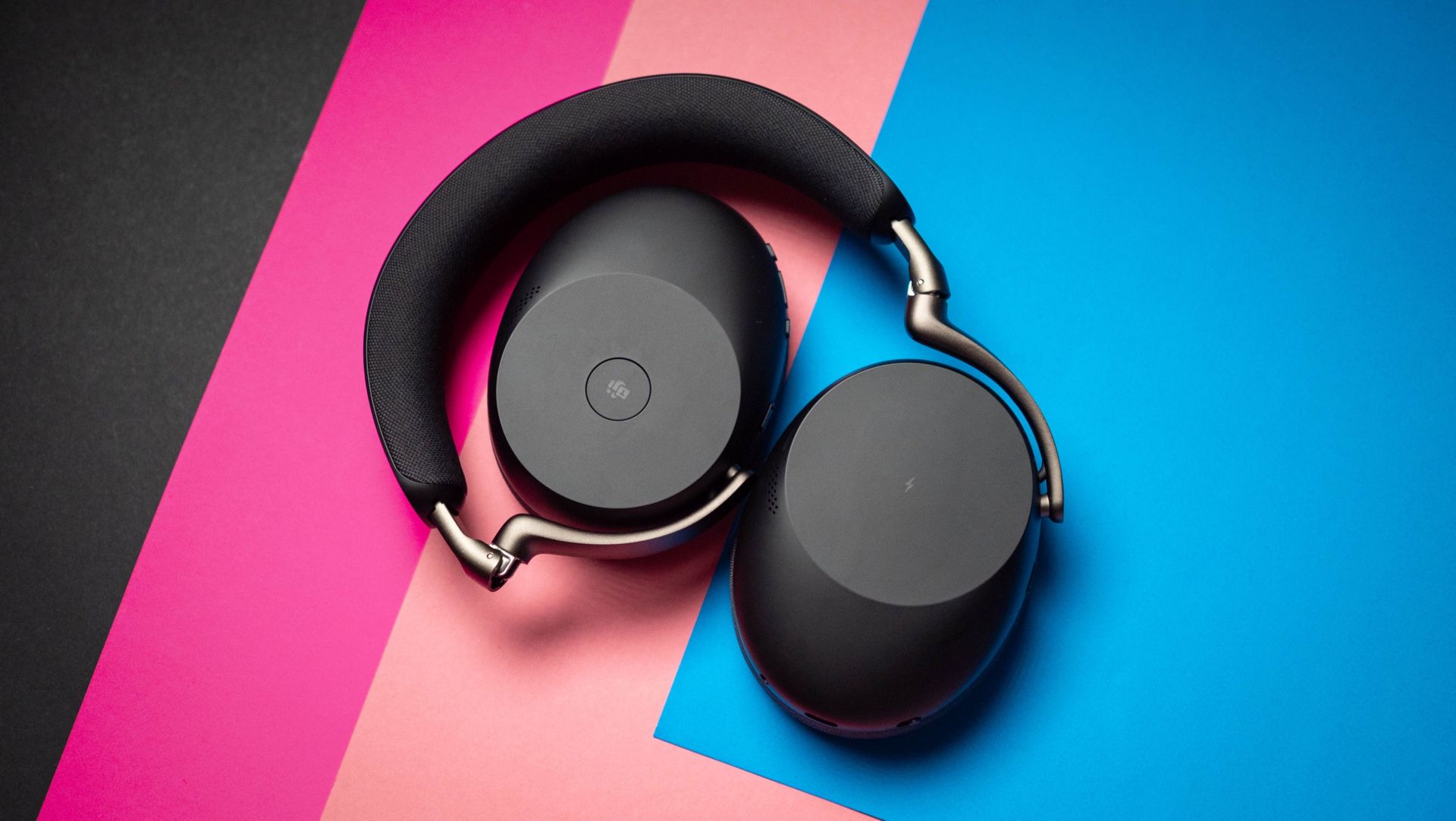
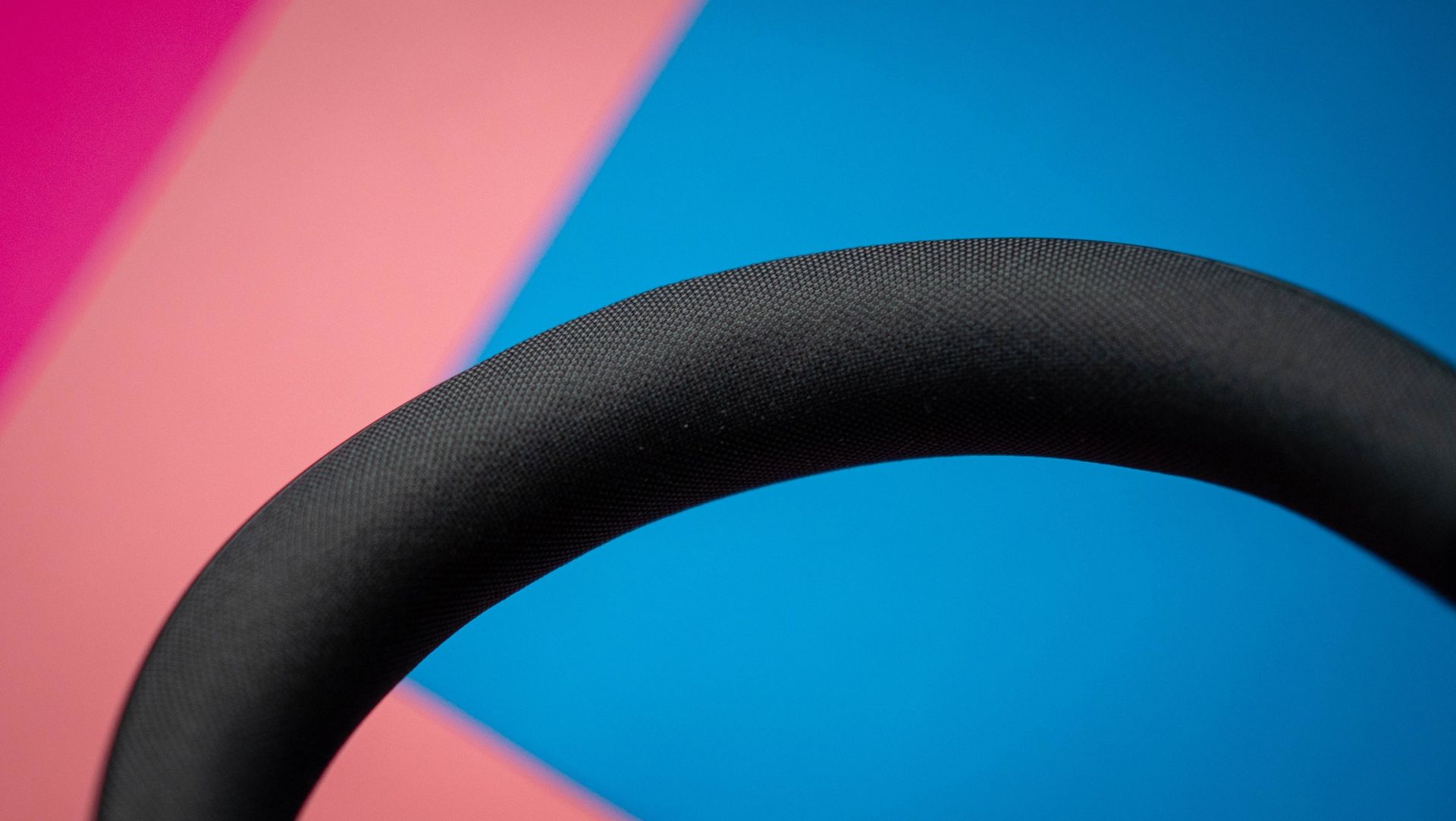
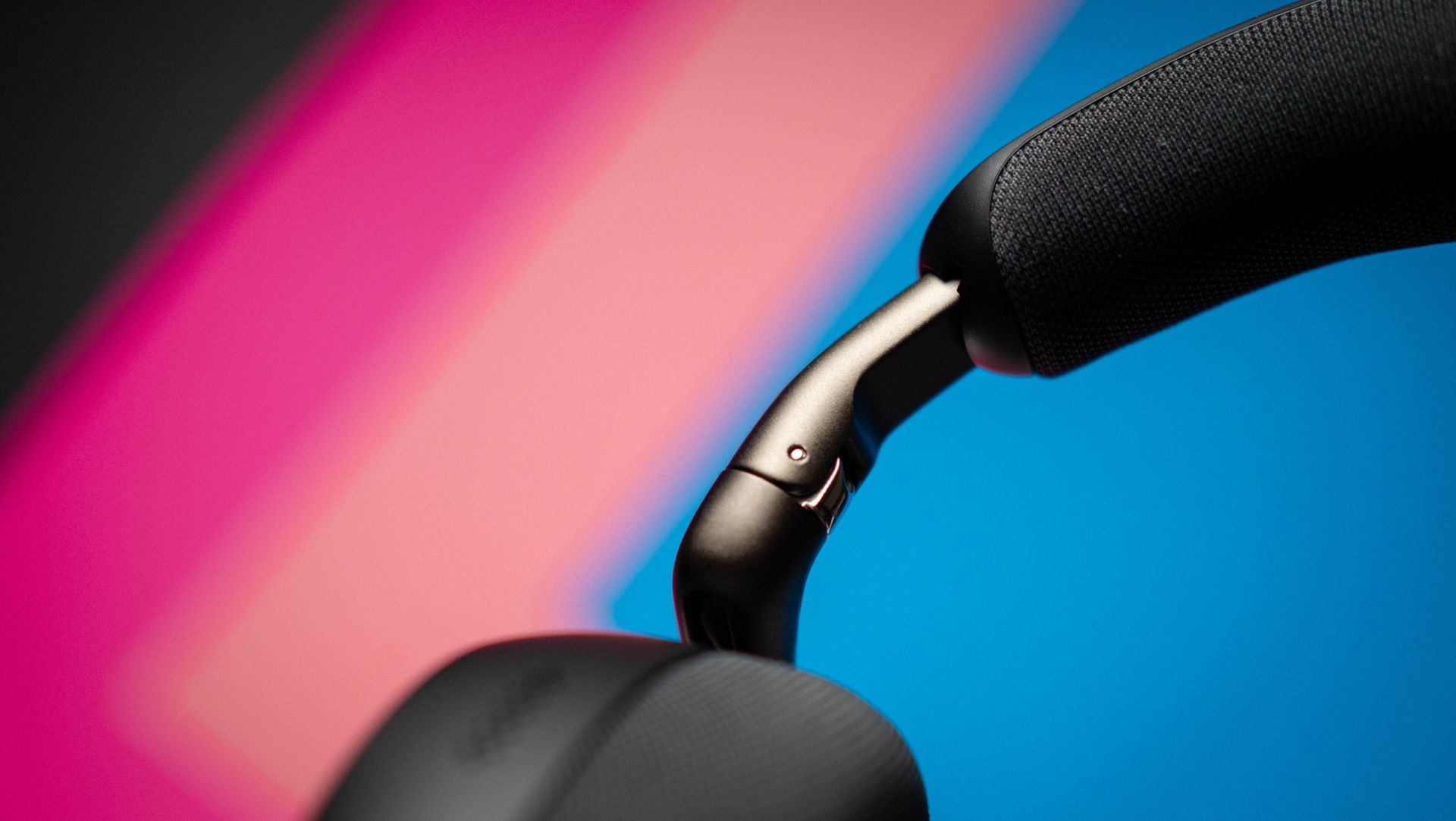
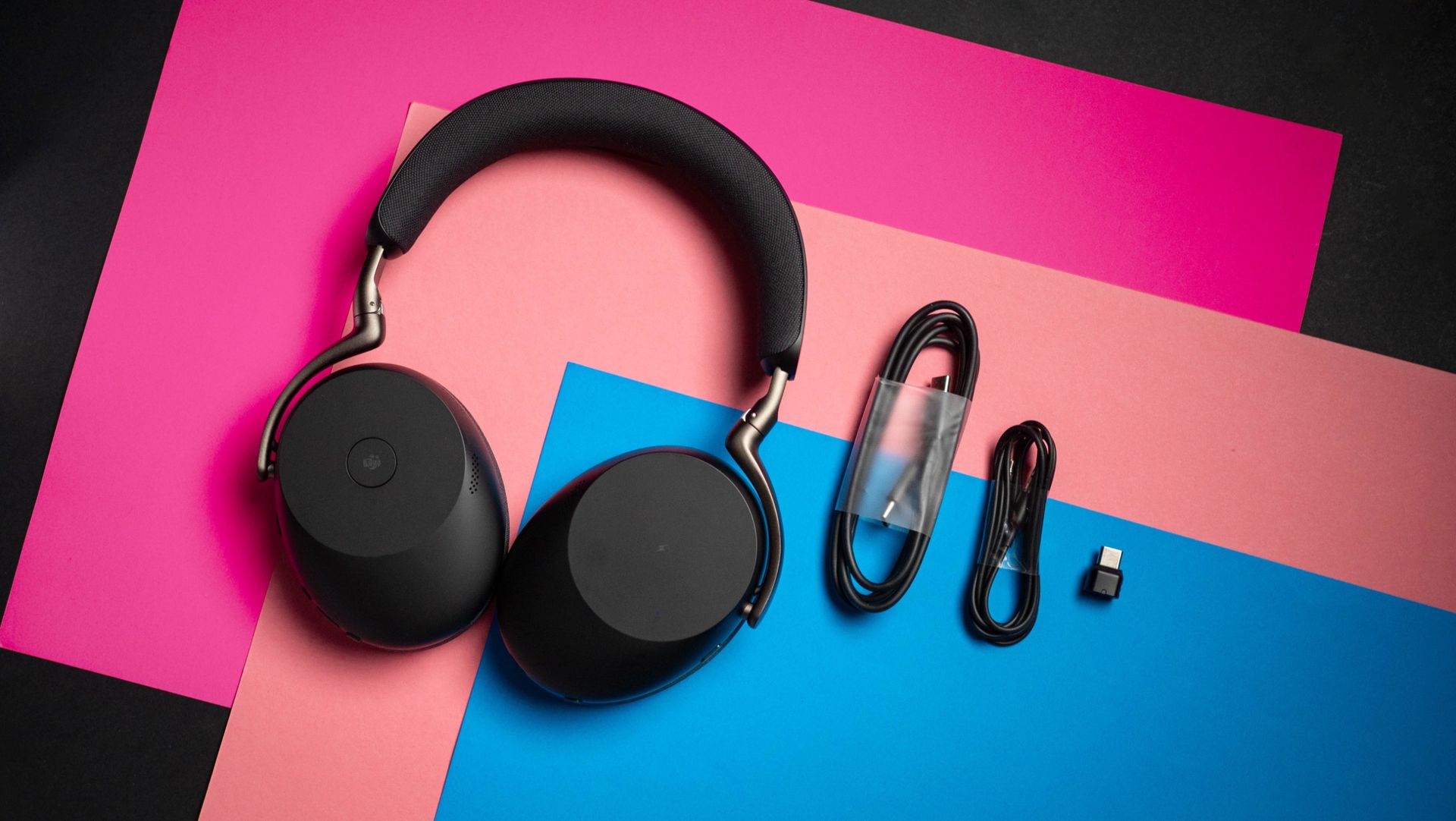
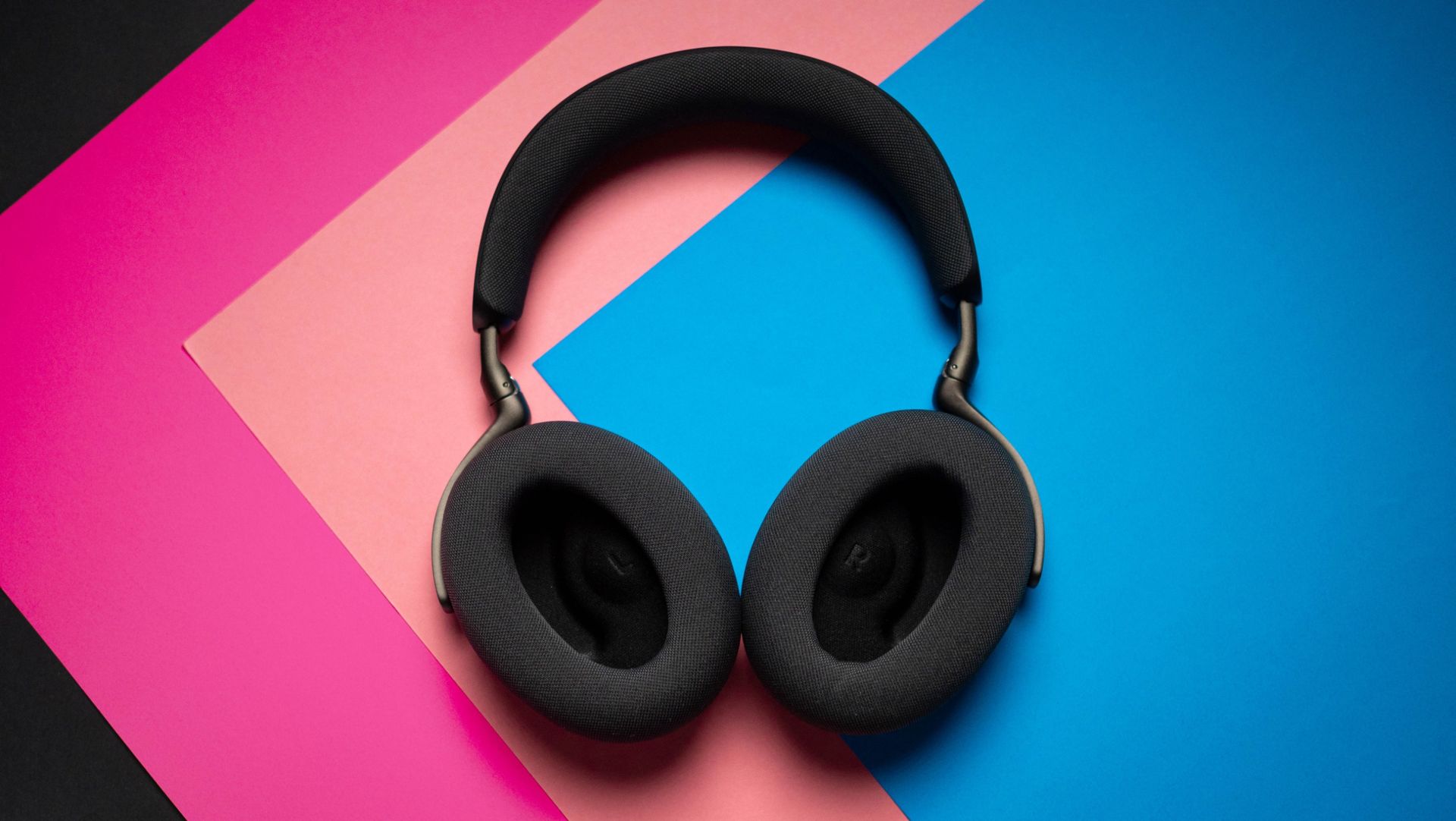
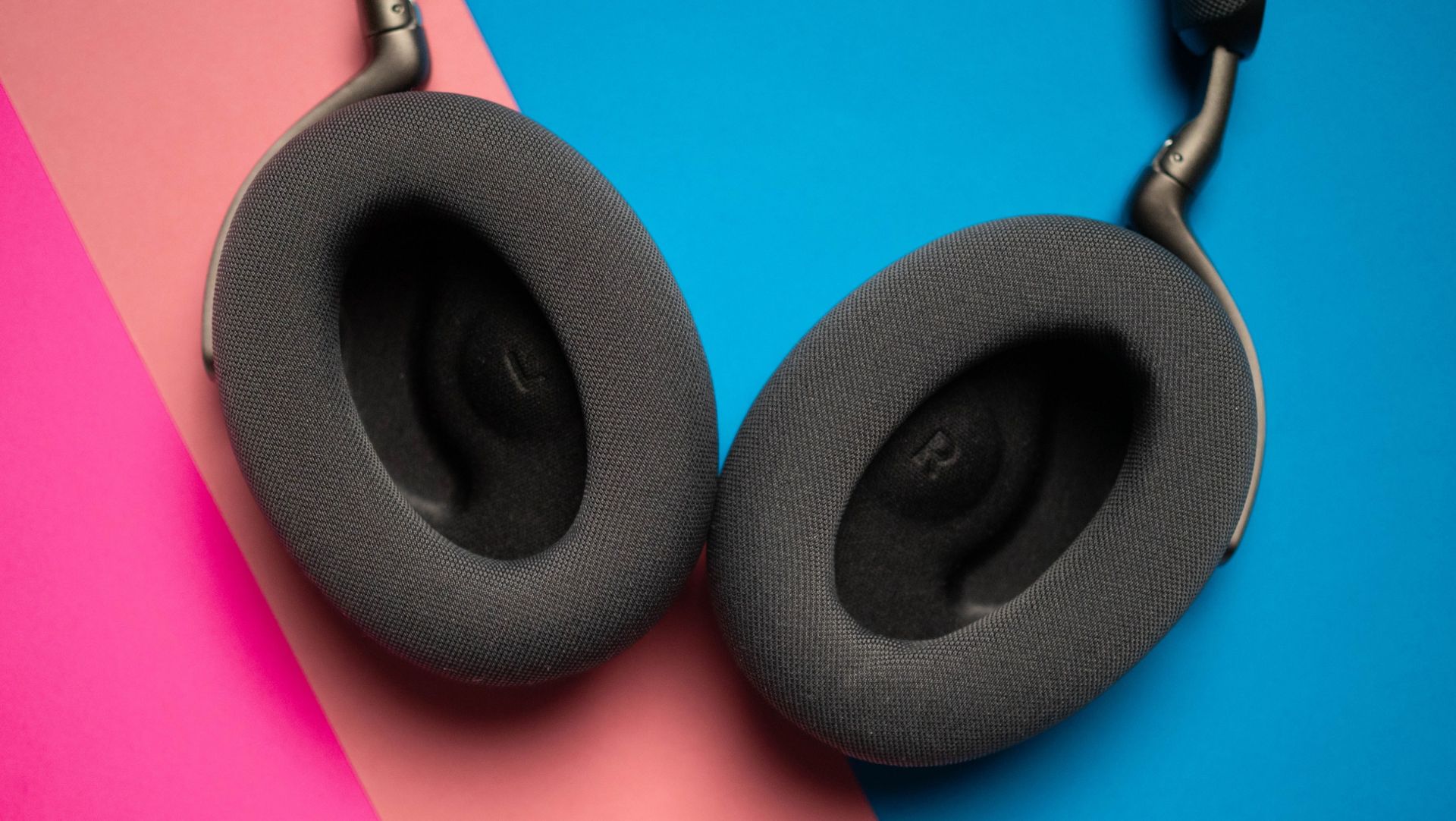
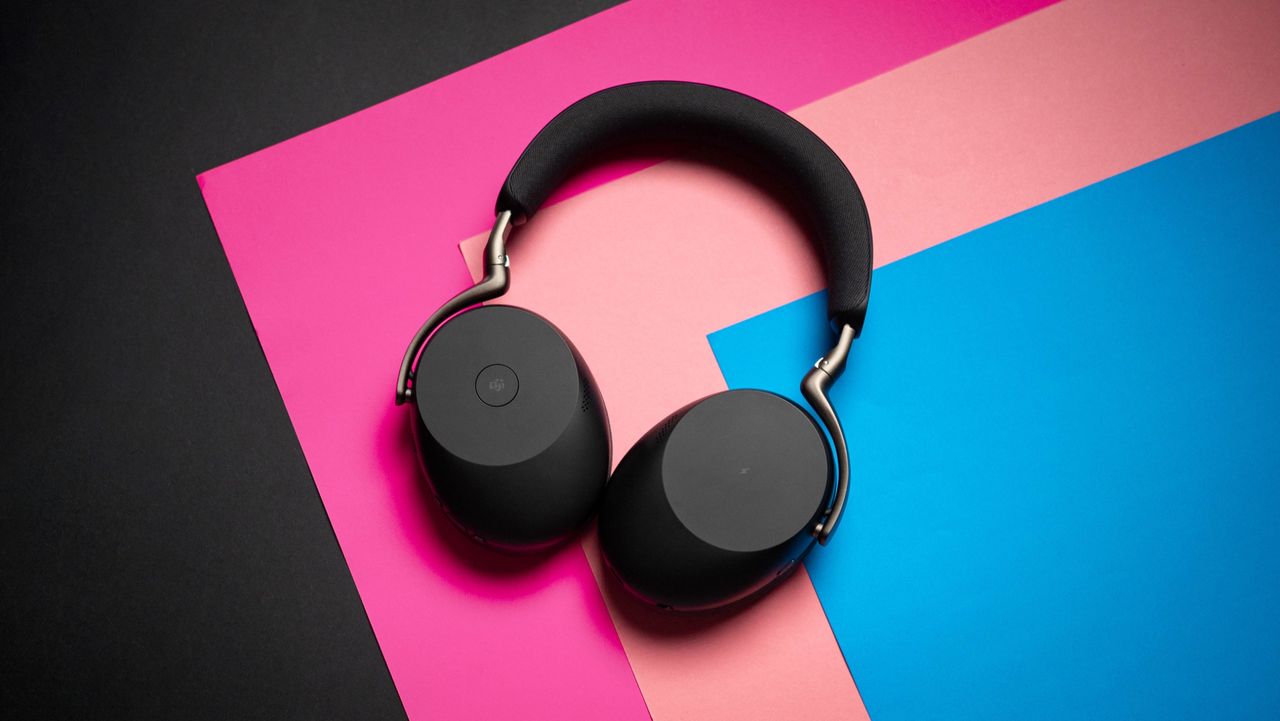
Let's start with the design. The Evolve3 85 is the lightest headset in its category at 220g, and I immediately noticed the difference. Bose and Sony's headsets are at least 30g heavier, and switching between the QC Ultra Gen II and the Evolve3 85, it's clear that Jabra nailed the comfort. The lightweight design ensures you get a fit that doesn't lead to any fatigue even with all-day use.

The ear cushions have a breathable design, and that extends to the headband as well. Build quality is great, and while it is light, you never get a feeling that it is flimsy β€” it's built to last. Another positive is the case; the headset folds flat and fits snugly into the bundled case, which is significantly smaller than what you get with Bose and Sony. This is a big deal in and of itself, as the Evolve3 85 doesn't take up anywhere as much room in your bag.
Jabra Evolve3 85 review on Android Central
Apoorva Bhardwaj / Android Central
Jabra Evolve3 85 review on Android Central
Apoorva Bhardwaj / Android Central
Jabra Evolve3 85 review on Android Central
Apoorva Bhardwaj / Android Central
Jabra Evolve3 85 review on Android Central
Apoorva Bhardwaj / Android Central

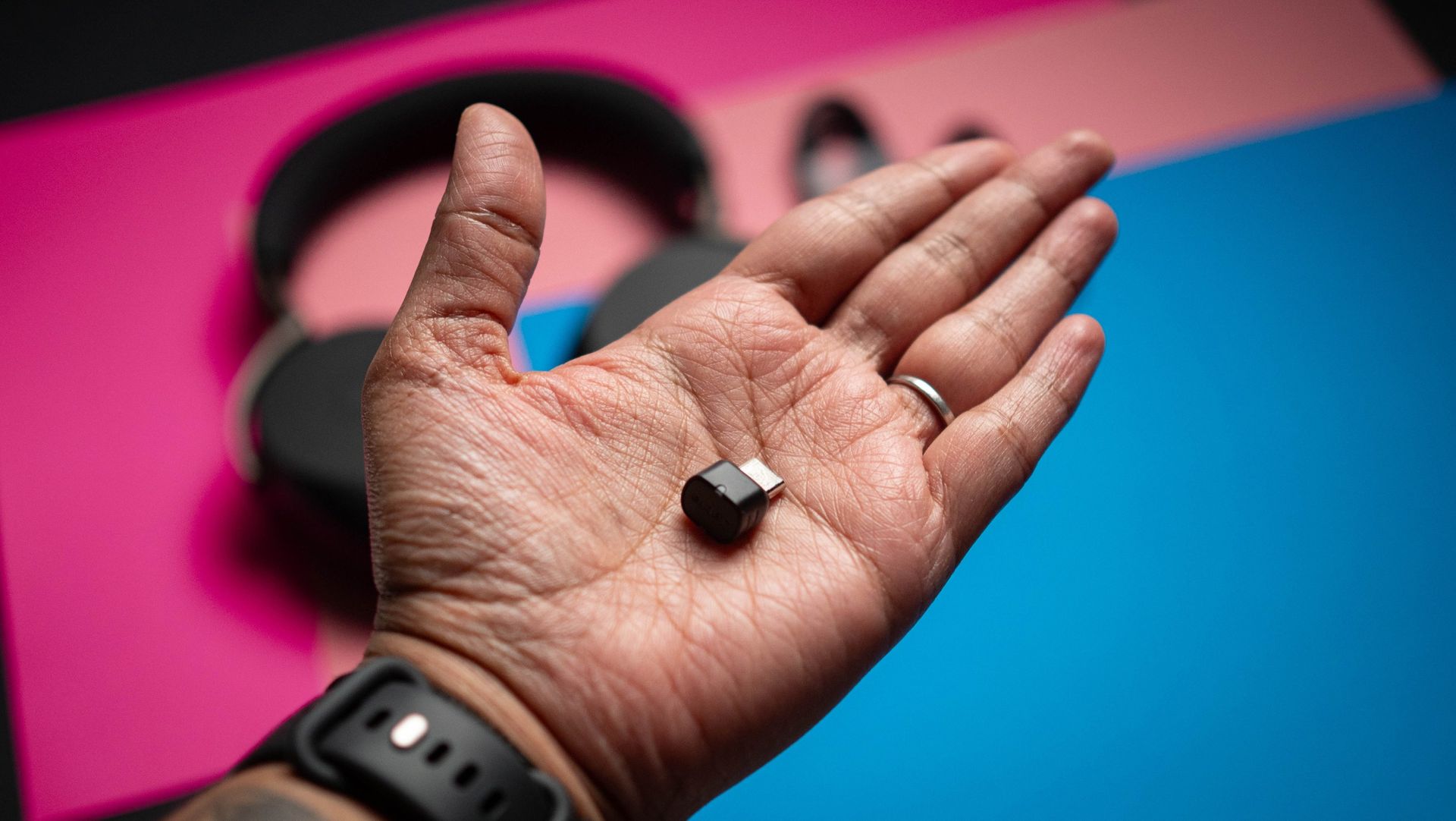
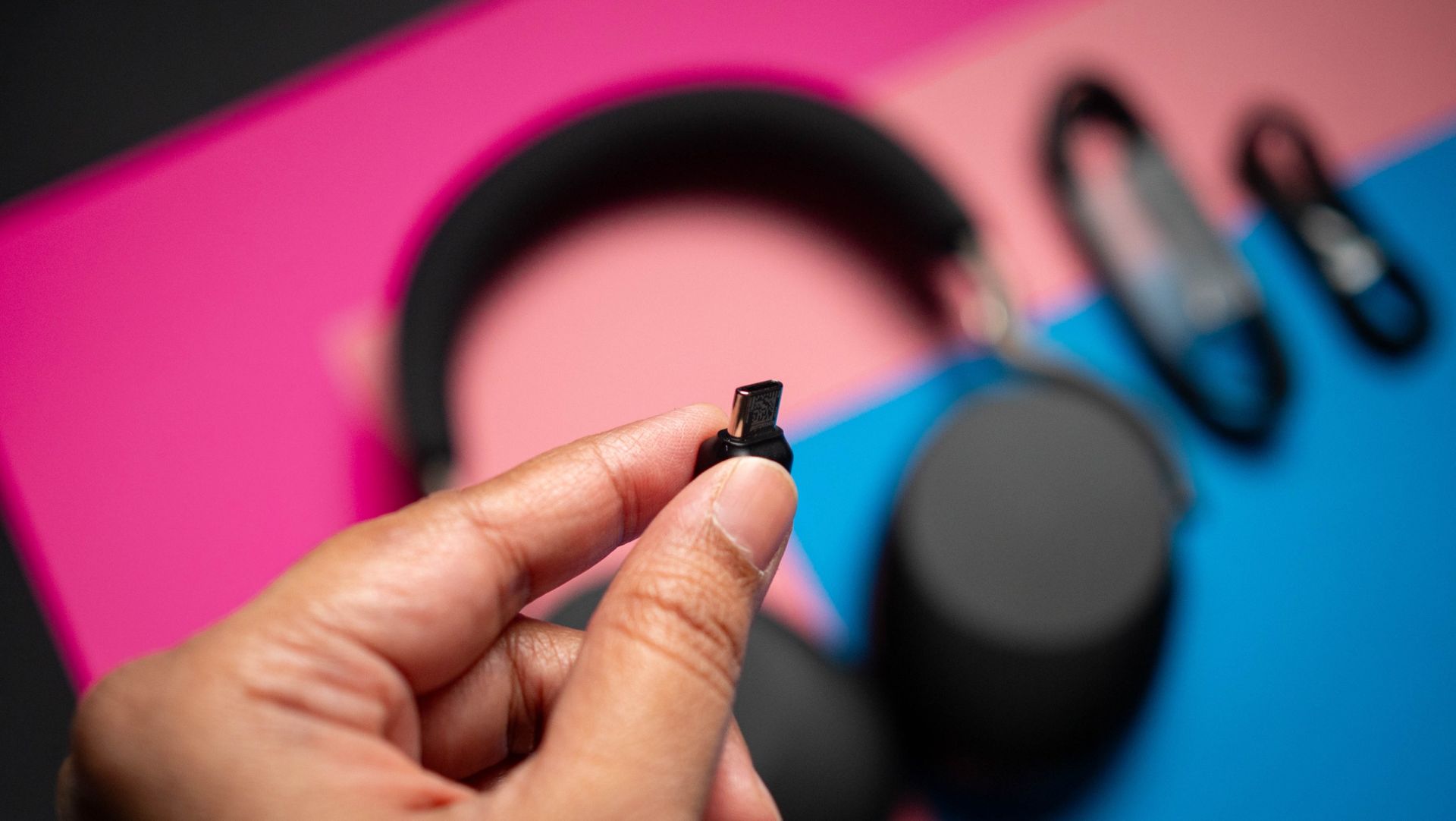
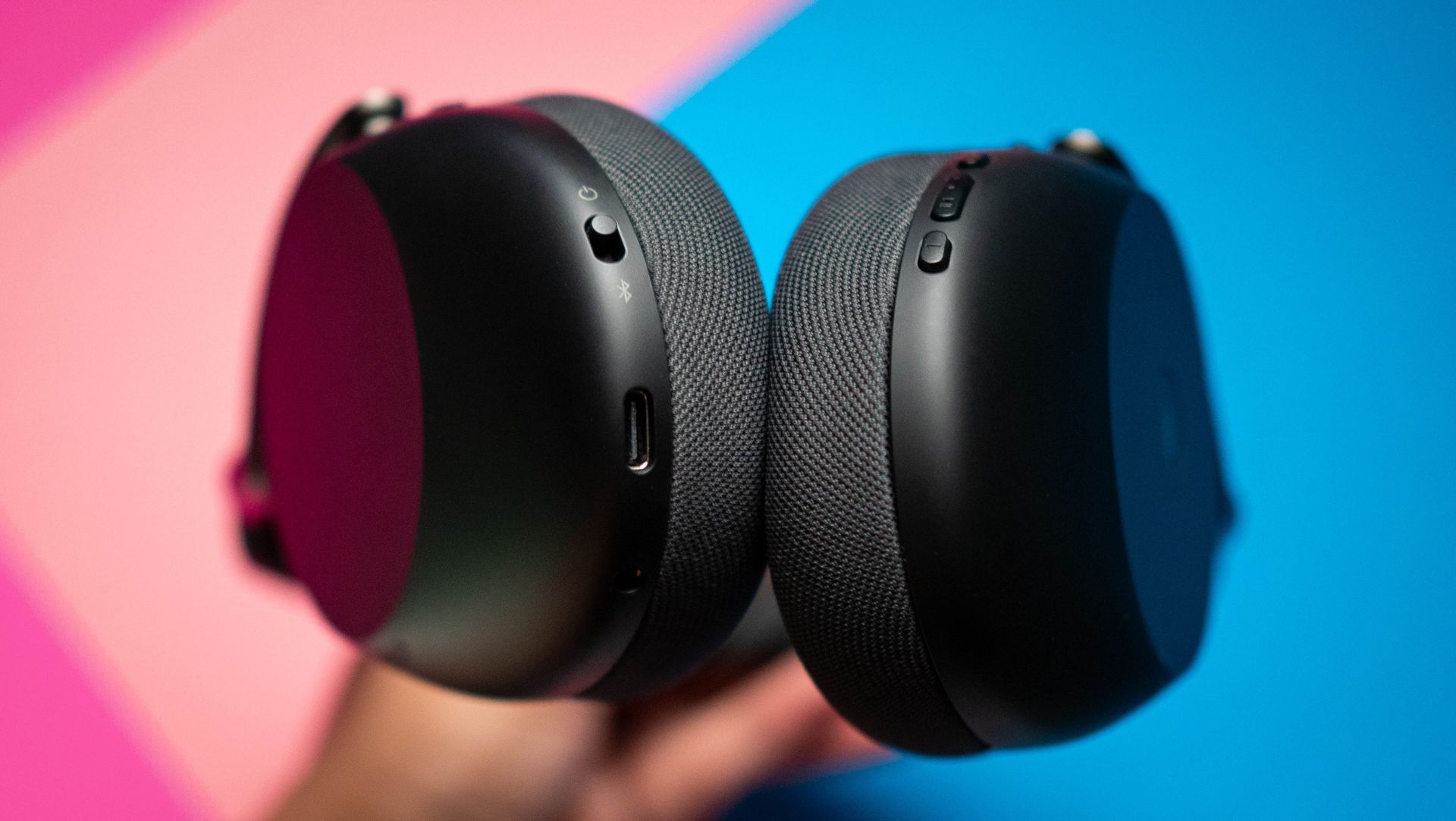
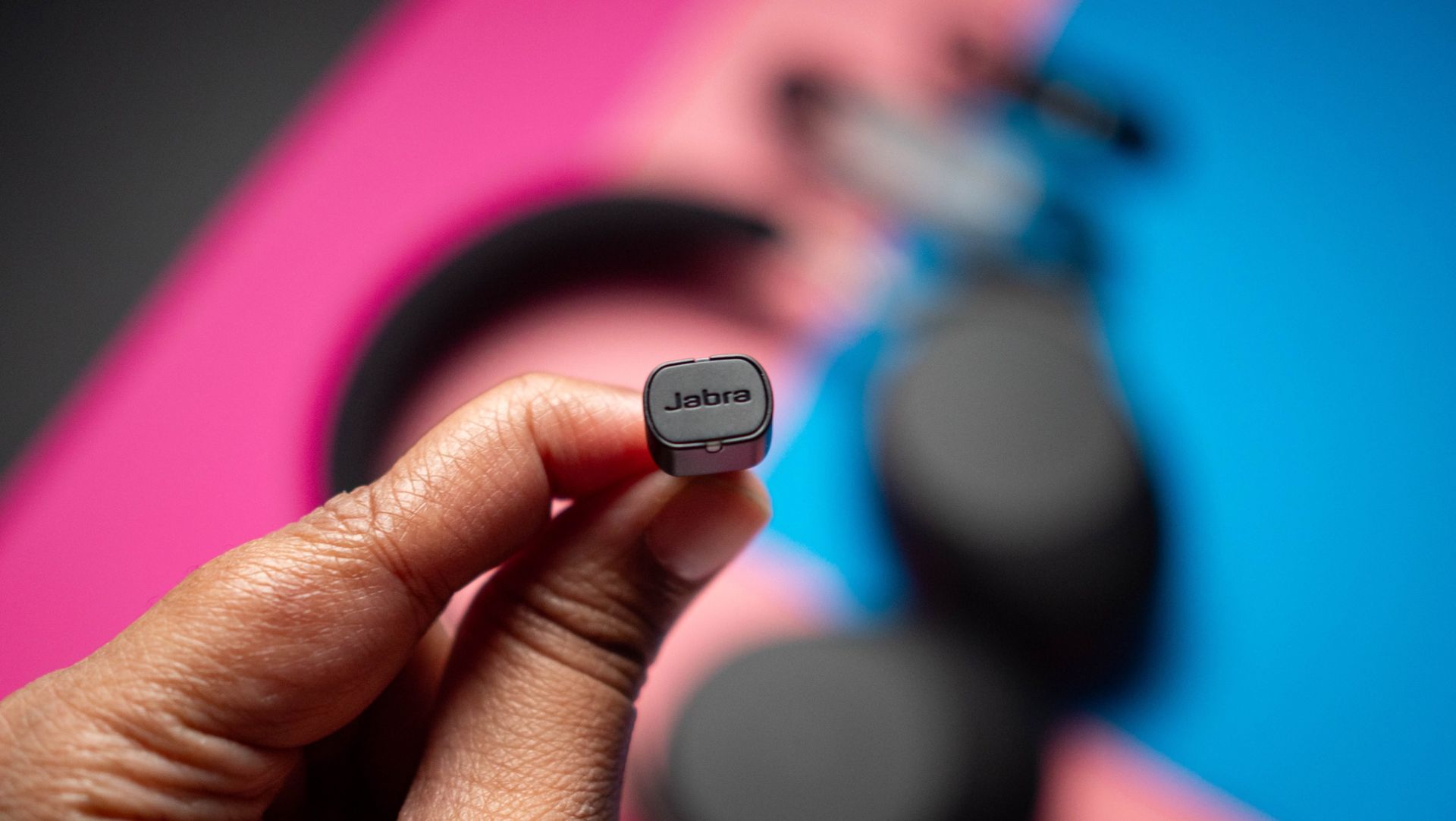
I also like the connectivity on offer. The Evolve3 85 uses Bluetooth 5.3, and I didn't see any issues pairing the headset with my Pixel 11 Pro XL, Find X9 Ultra, X9 Pro, Galaxy Z Fold 8 Ultra, iPhone 17 Pro, or the iPad Pro M4. It has Fast Pair, so it's about as easy to connect it to an Android device. There's also USB-C and 3.5mm connectivity if you want to plug the headset in, and my favorite inclusion is a USB-C receiver that lets me use the headset with my Windows machine.

I don't like using Bluetooth with Windows; my Gigabyte motherboard has a Bluetooth modem that's built clearly as an afterthought, because it is flaky at the best of times. As such, the convenience of being able to use a receiver to connect the headset with Windows is just great, and I like that Jabra went with USB-C. You also get USB-C and 3.5mm cables in the box, and I like the attention to detail that the brand lavished when it comes to connectivity.
Jabra Evolve3 85 review on Android Central
Apoorva Bhardwaj / Android Central
Jabra Evolve3 85 review on Android Central
Apoorva Bhardwaj / Android Central
Jabra Evolve3 85 review on Android Central
Apoorva Bhardwaj / Android Central
Jabra Evolve3 85 review on Android Central
Apoorva Bhardwaj / Android Central

Connectivity is a big part of what makes a work-related headset stand out, and the Evolve3 85 excels in this area. Oh, and you can easily change the battery itself, should you need to down the line. I like tech that's built to last, and given that batteries tend to degrade over time, they're usually the biggest point of failure in a headset, so it's good to see Jabra addressing the issue.

There are other niceties as well; Jabra's ClearVoice does a good job tuning out ambient noises when you're talking, and it holds up astonishingly well. I use NVIDIA Broadcast to do the same, but ClearVoice is a good enough alternative. On that note, it has dedicated ANC as well, and it does an effective job blocking sounds in your surroundings if you're in a meeting or outdoors. The headset pairs with whichever digital assistant you use on your phone, and there are physical controls.
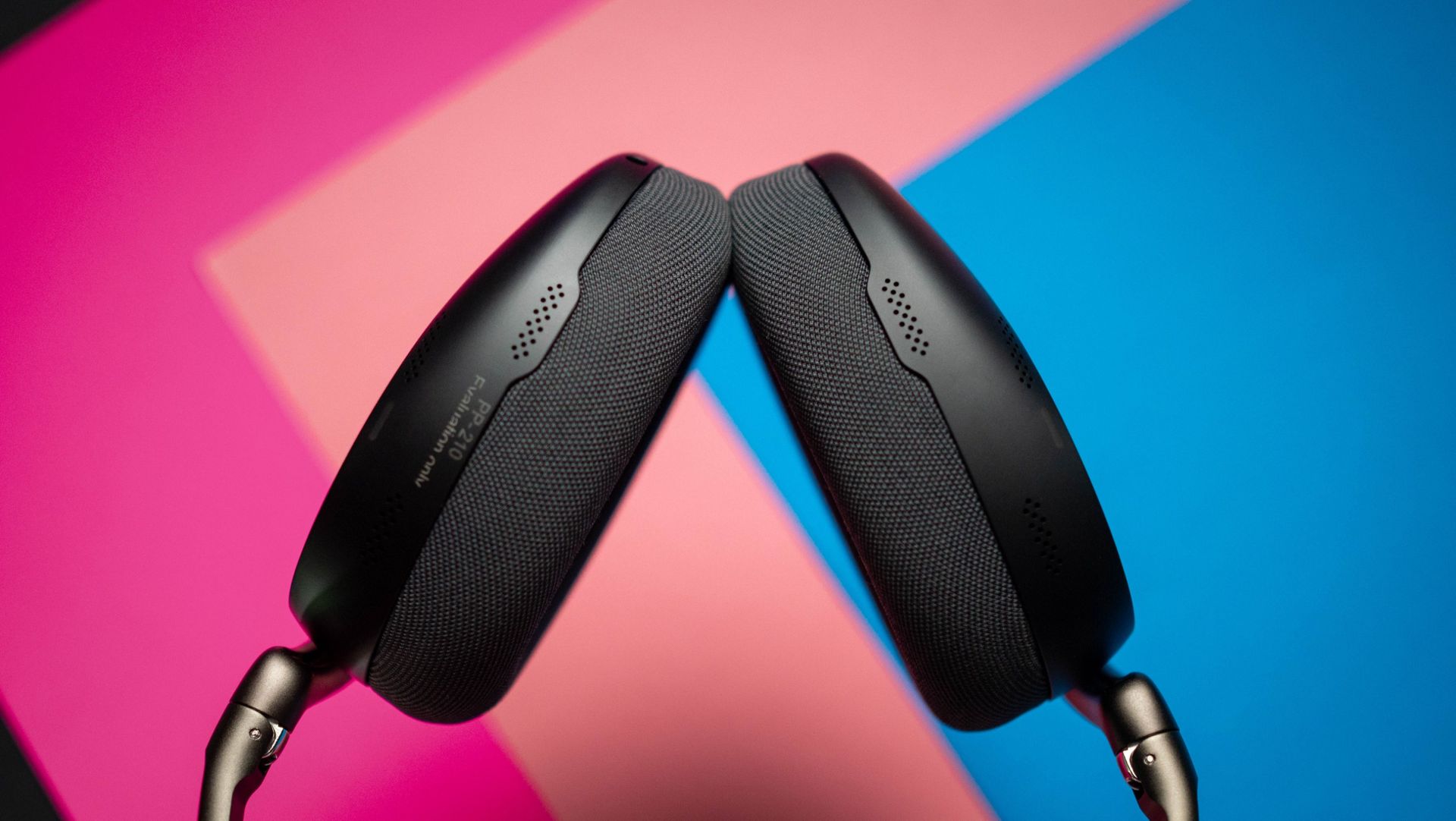
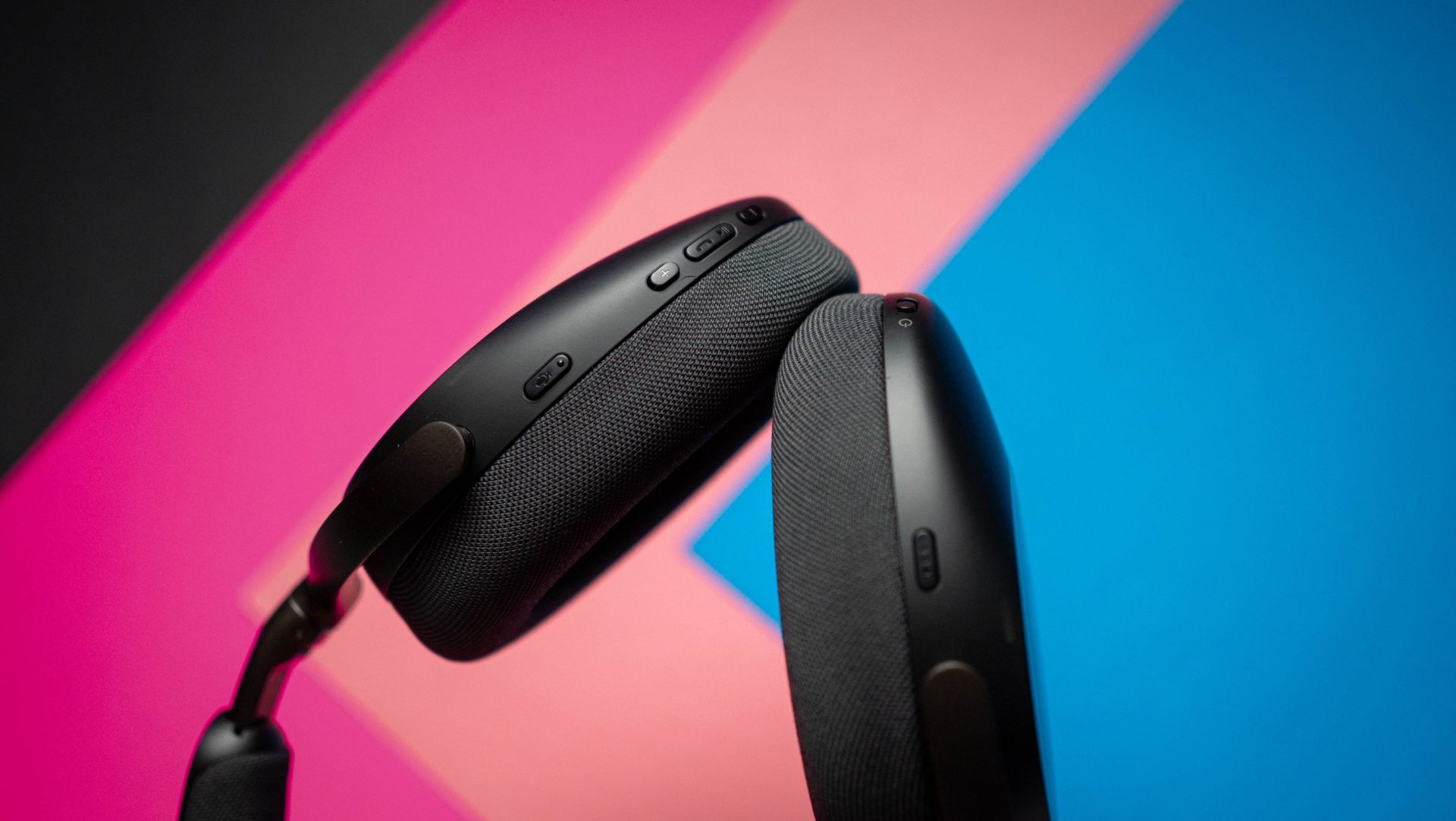
Jabra Evolve3 85 review on Android Central
Apoorva Bhardwaj / Android Central
Jabra Evolve3 85 review on Android Central
Apoorva Bhardwaj / Android Central
Jabra Evolve3 85 review on Android Central
Apoorva Bhardwaj / Android Central
Jabra Evolve3 85 review on Android Central
Apoorva Bhardwaj / Android Central

Sound quality is pretty good, too. Honestly, given how much Jabra positioned this as a work headset, I didn't think it would sound as good as its rivals, but the 32mm drivers do a great job. You get a detailed sound with plenty of bass, clean mids, and a tight treble. It's obviously built for meetings, but the headset is just as effective at extended music listening sessions. In fact, the only problem is that you don't get AptX codecs β€” it is limited to SBC and AAC.

Another thing Jabra does well is charging tech; the Evolve3 85 includes wireless charging, and I didn't realize just how convenient this is until I used the headset β€” I now want all of my Bluetooth headsets to have this as standard. There's fast charging too, with a 5-minute charge delivering five hours of power. The headset lasts well over 23 hours of meetings, with regular music listening at 60 hours β€” double that of Bose and Sony. Basically, you'll only need to charge it once a week even if you use it all day.
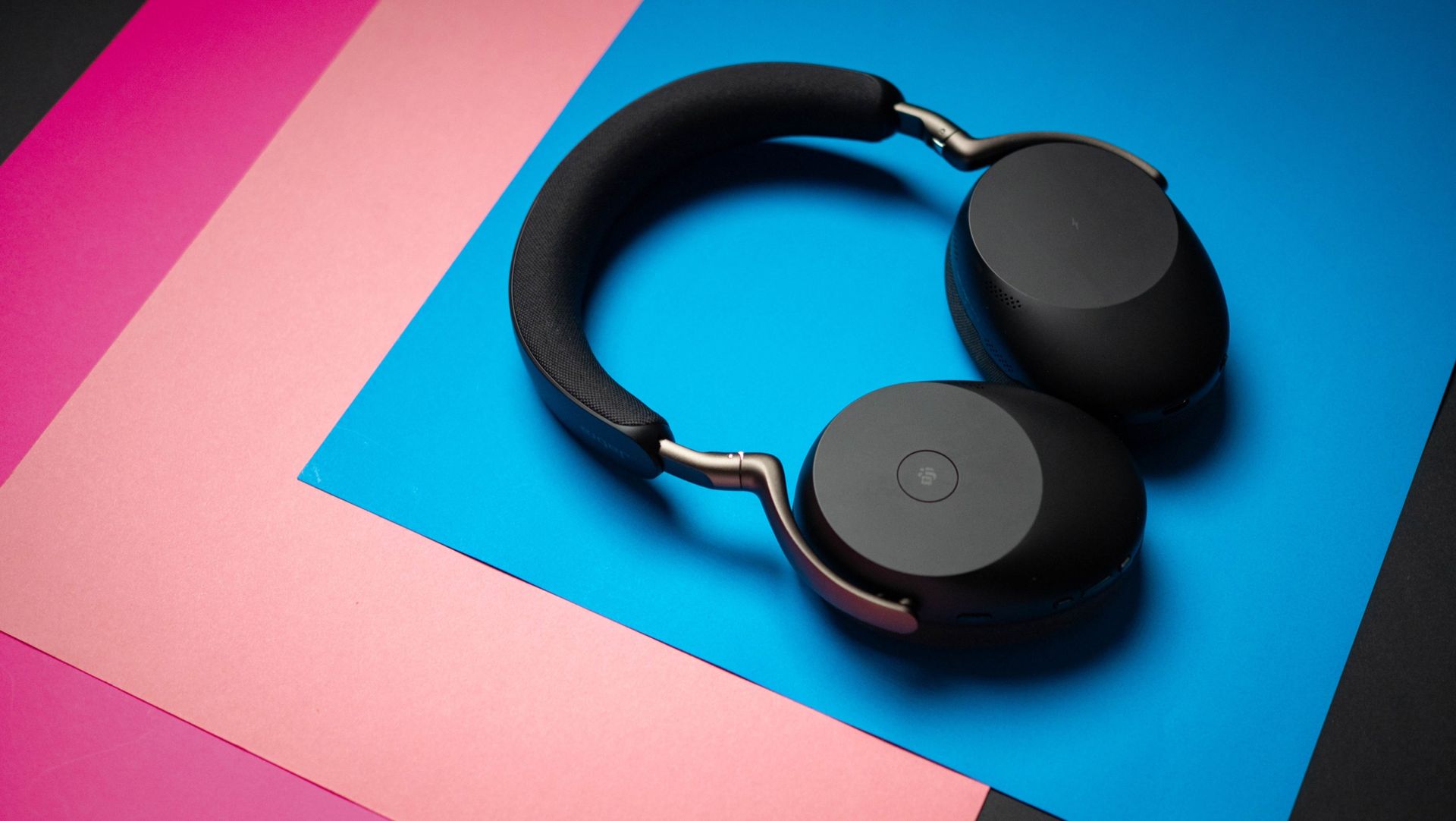
Jabra Evolve3 85 review on Android Central

(Image credit: Apoorva Bhardwaj / Android Central)

You get six mics in total, and they use MEMS solid-state tech, delivering better fidelity and low distortion. I attended dozens of meetings with the Evolve3 85 over Google Meet, Zoom, and Microsoft Teams, and the headset did a brilliant job.

While the Evolve3 85 is targeted as a work headset, it is just as great to listen to music or podcasts, and the lightweight design combined with all the extra features gives it a unique advantage you just don't see in this category.
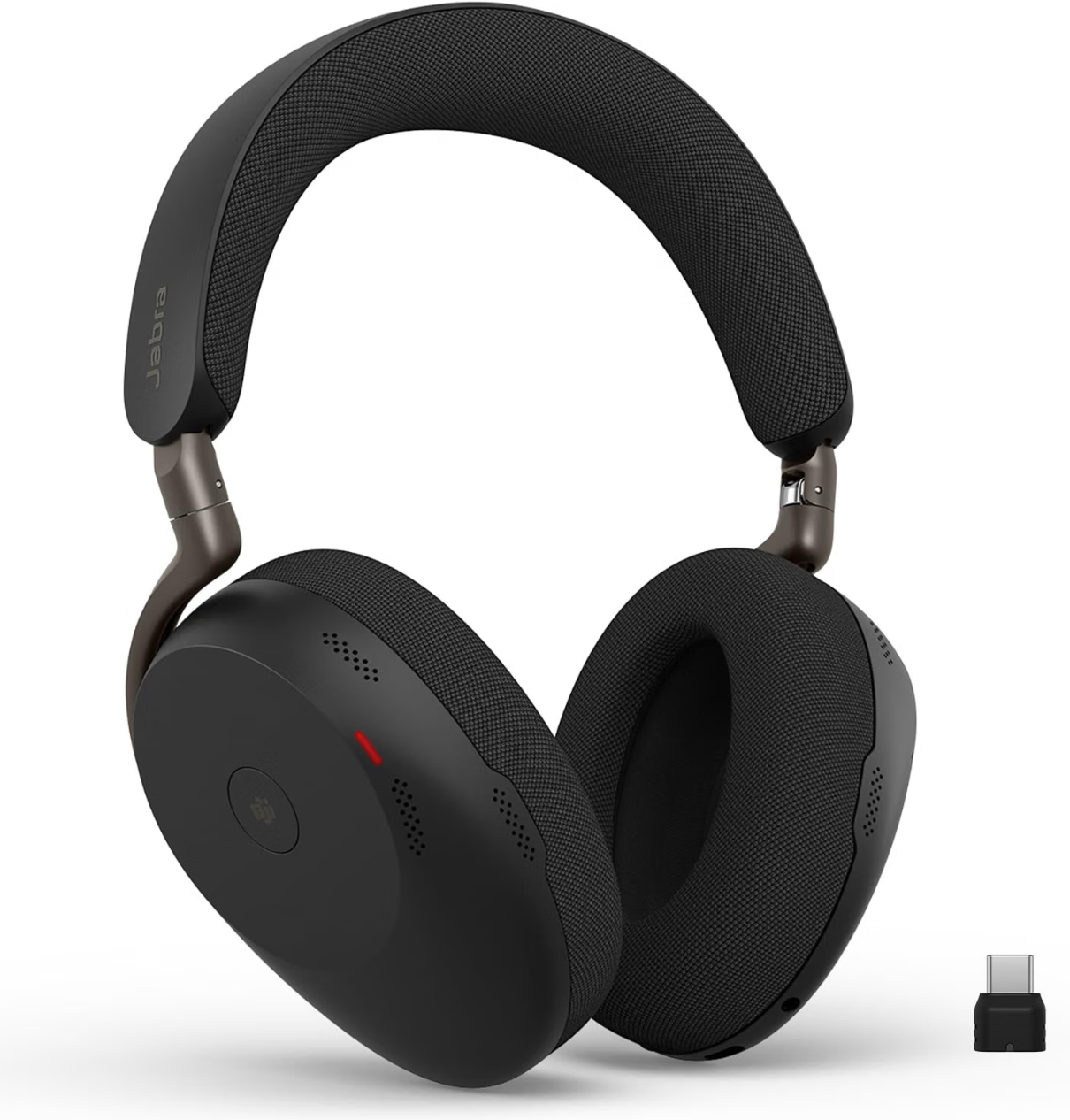
Jabra Evolve3 85 headset render

Jabra
Evolve3 85

With a highly comfortable design, great sound quality, and unique features designed for meetings, the Evolve3 85 is the best work headset around.
  •  

BMX's GaNsta 140W may just be the 4-port GaN travel charger you need

It was when I started running out of storage boxes that I realized I may have too many GaN chargers. I joke that if you casually throw a GaN charger in my home, you're bound to hit another one. Anyway, I have dozens of these things lying around, and having tested just about every major charger released in the last three years, I know what a good charger needs to offer.

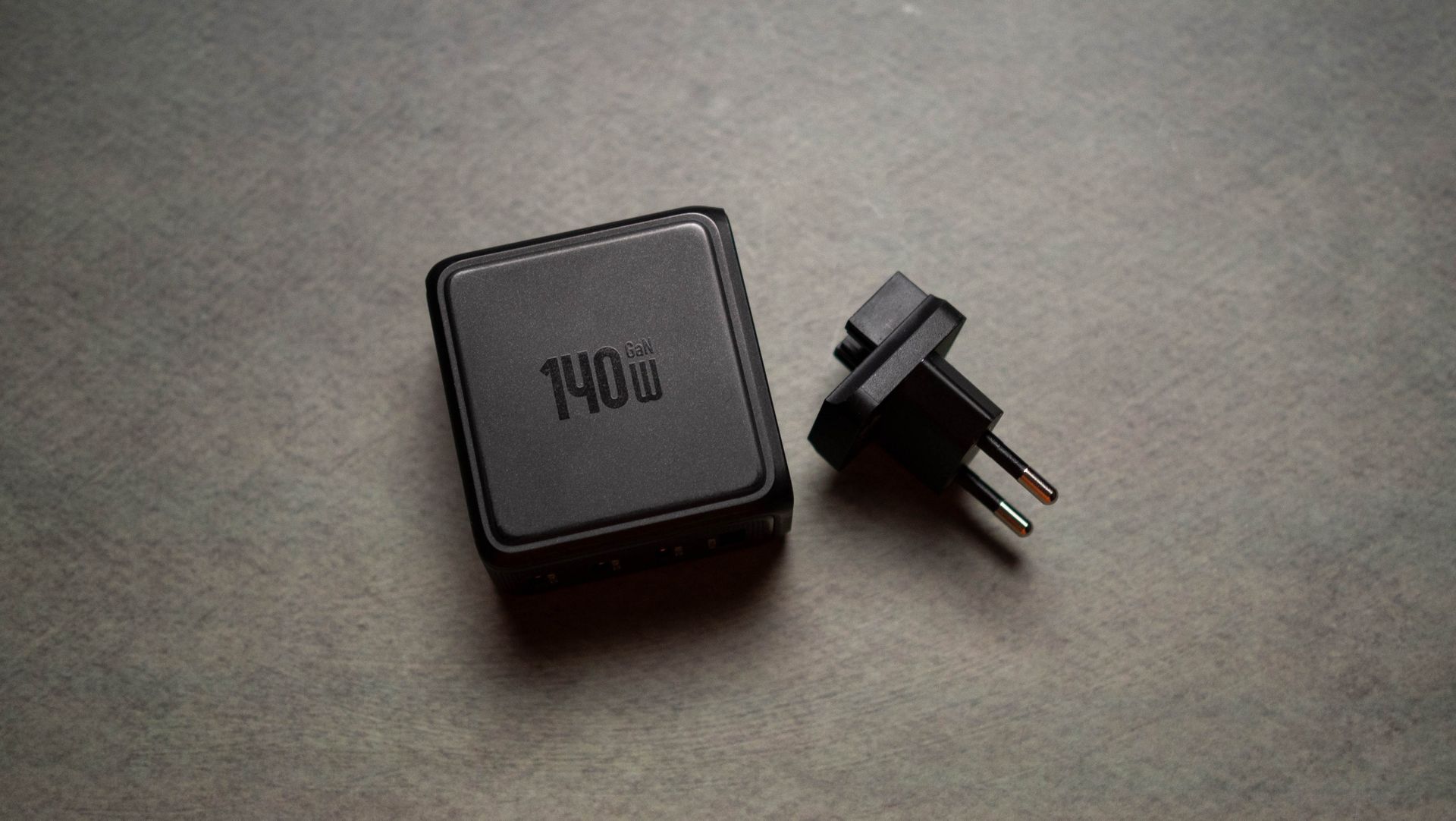
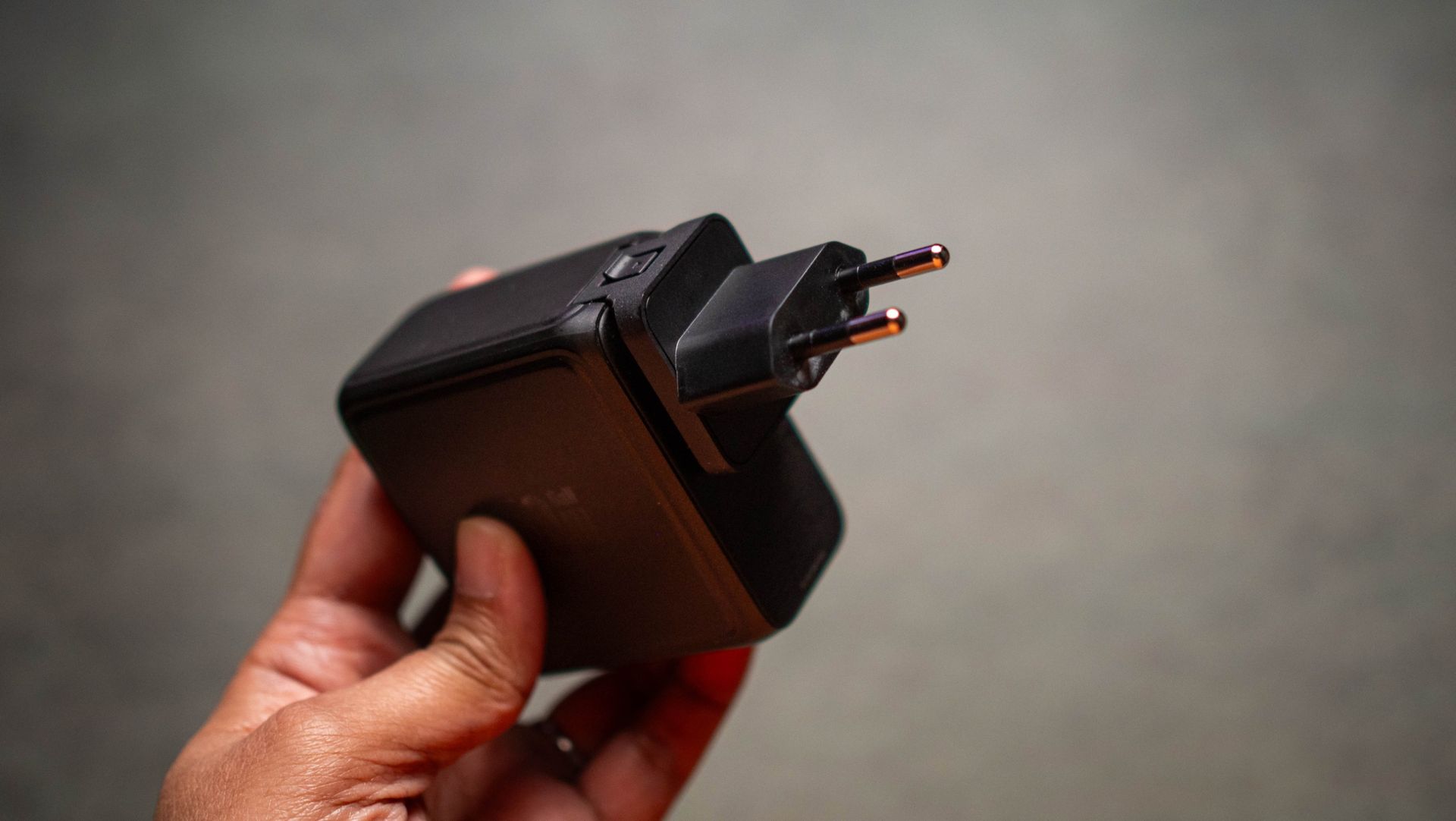
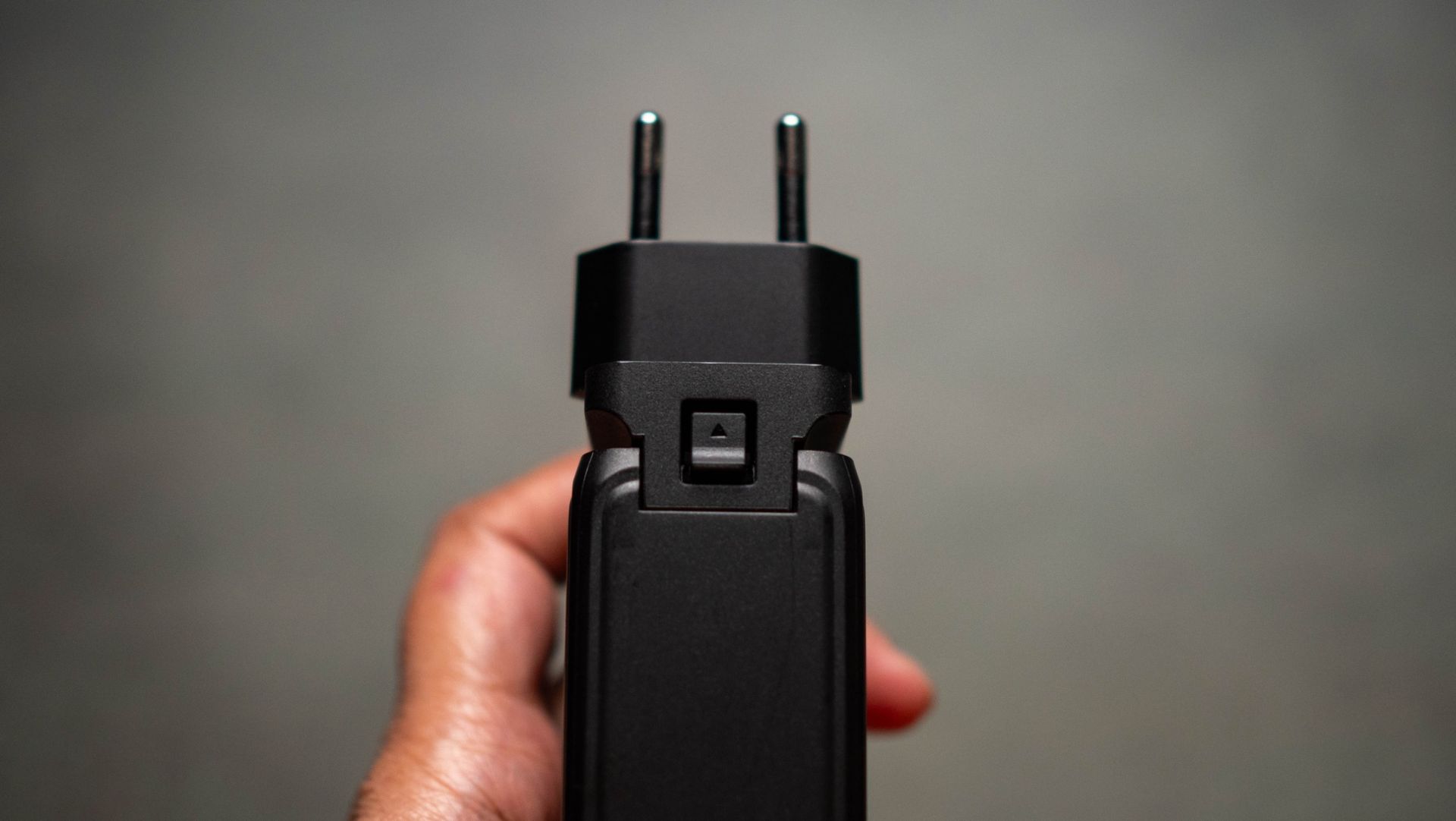
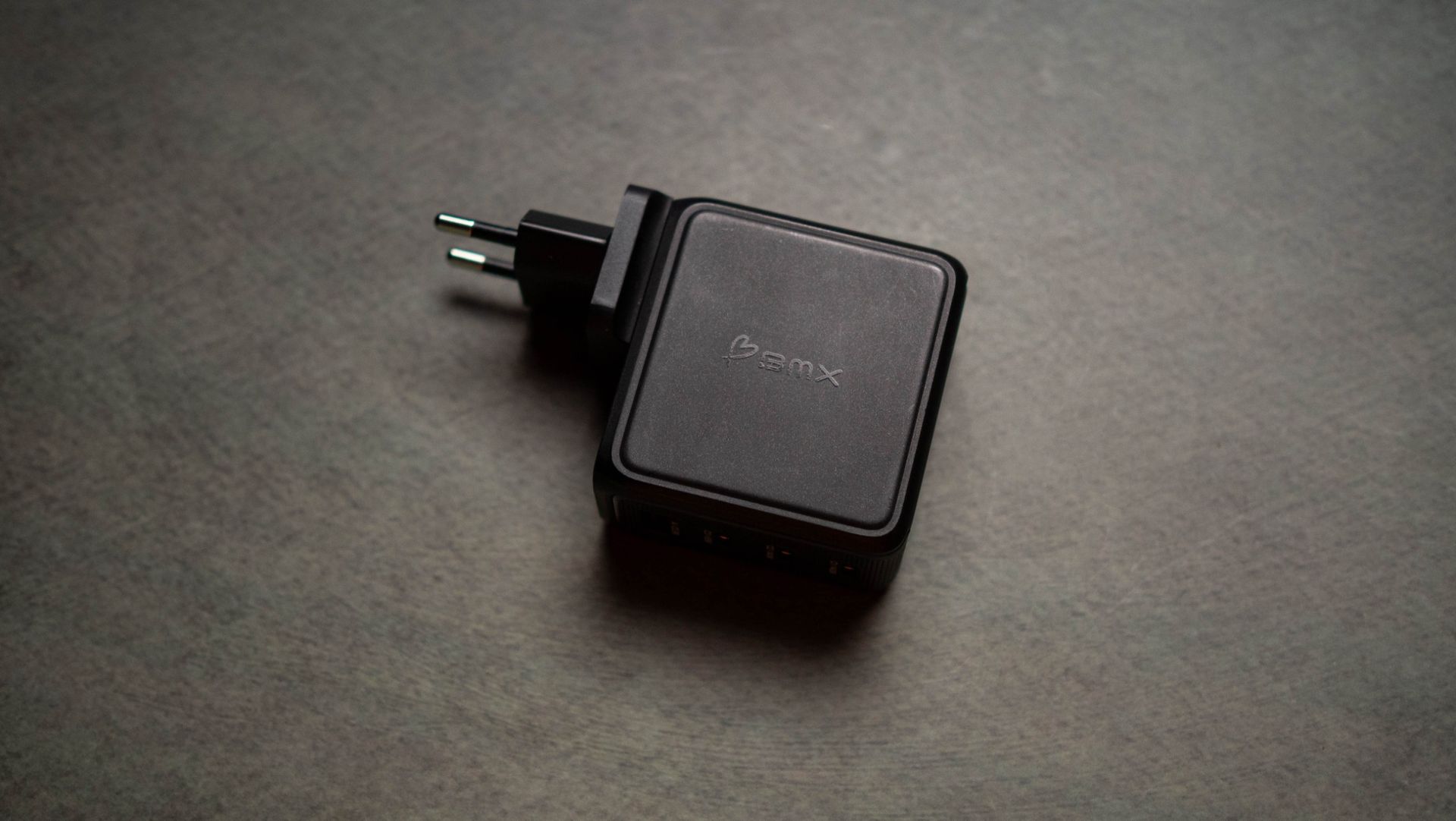
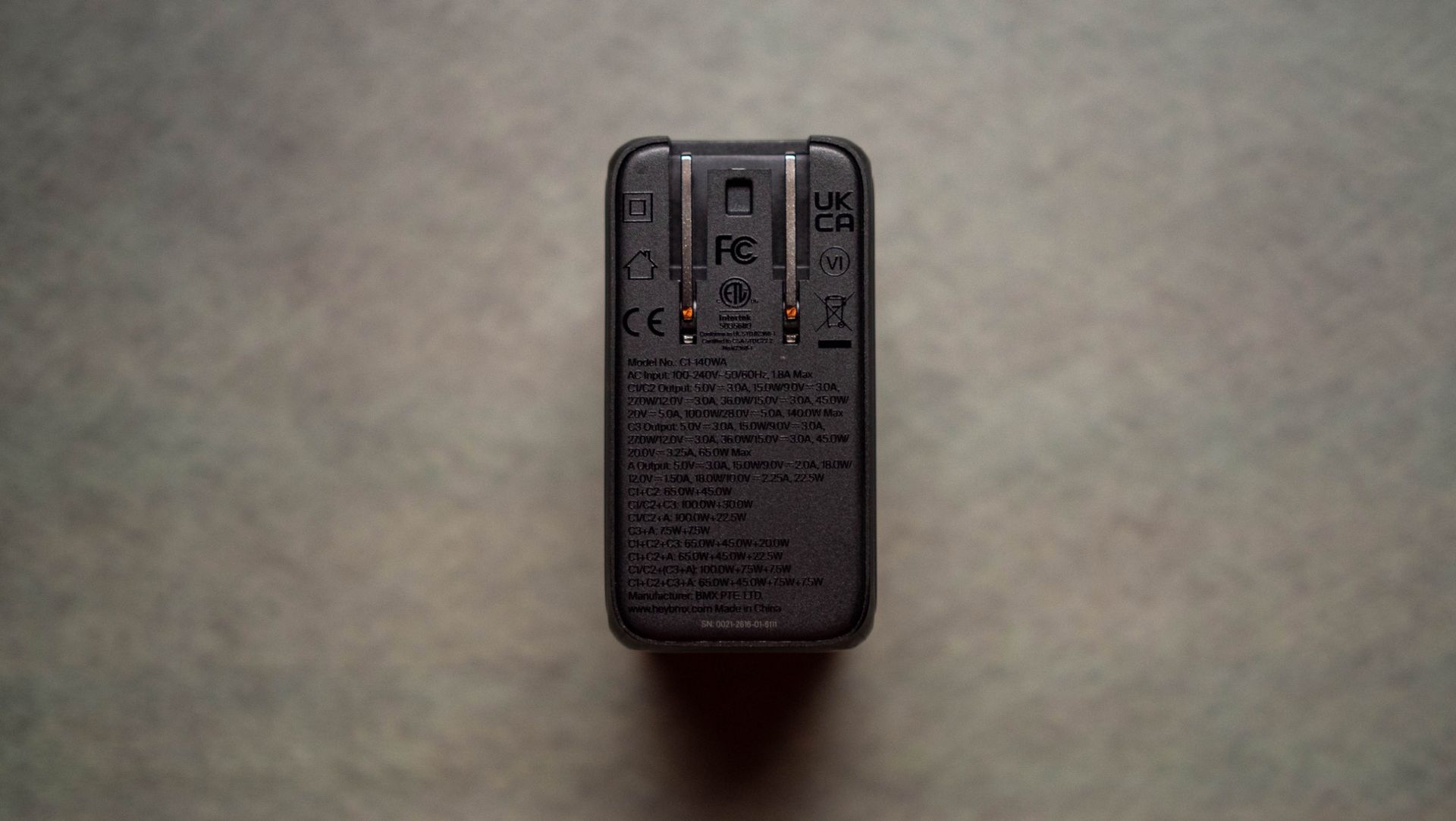
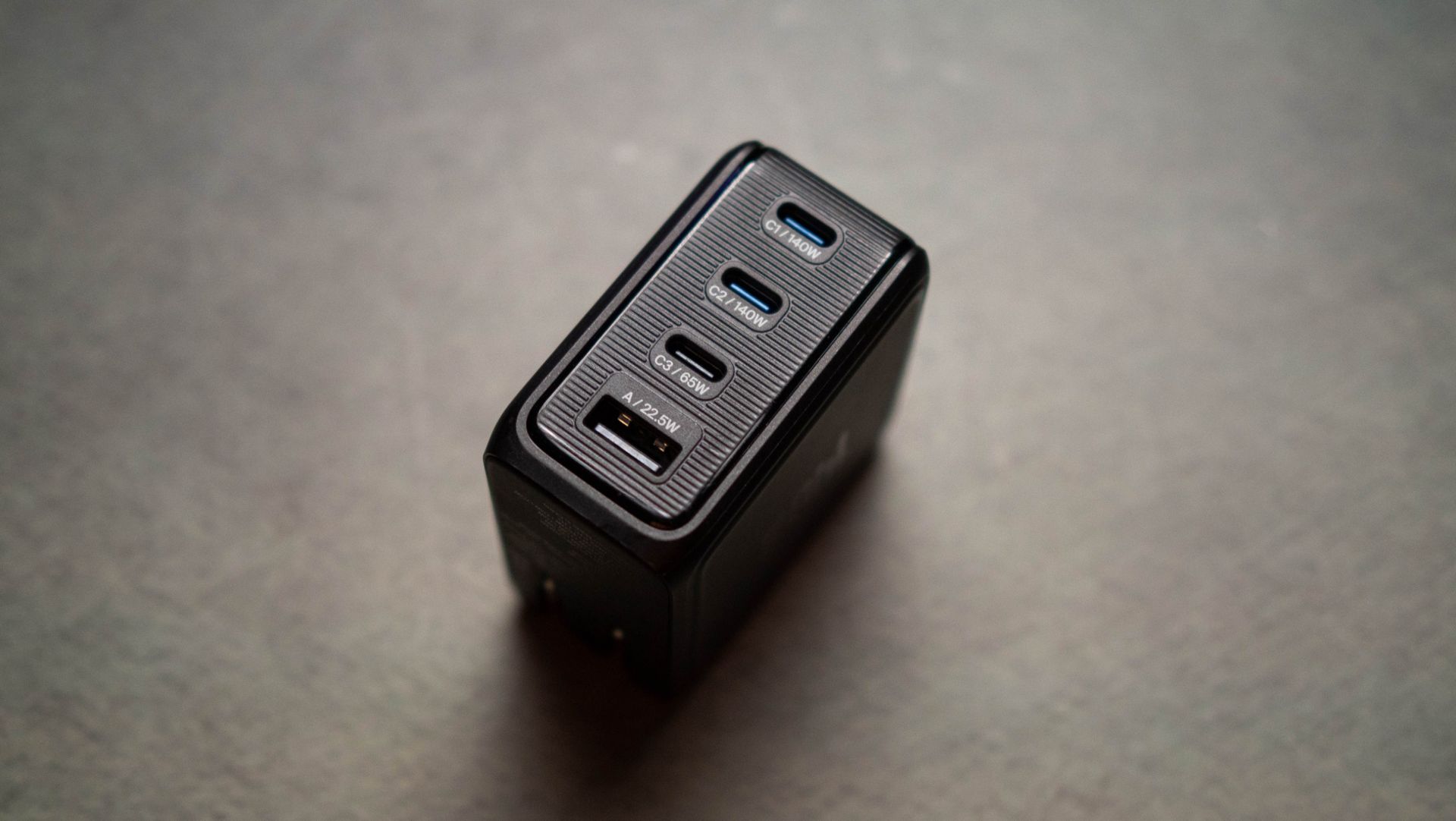
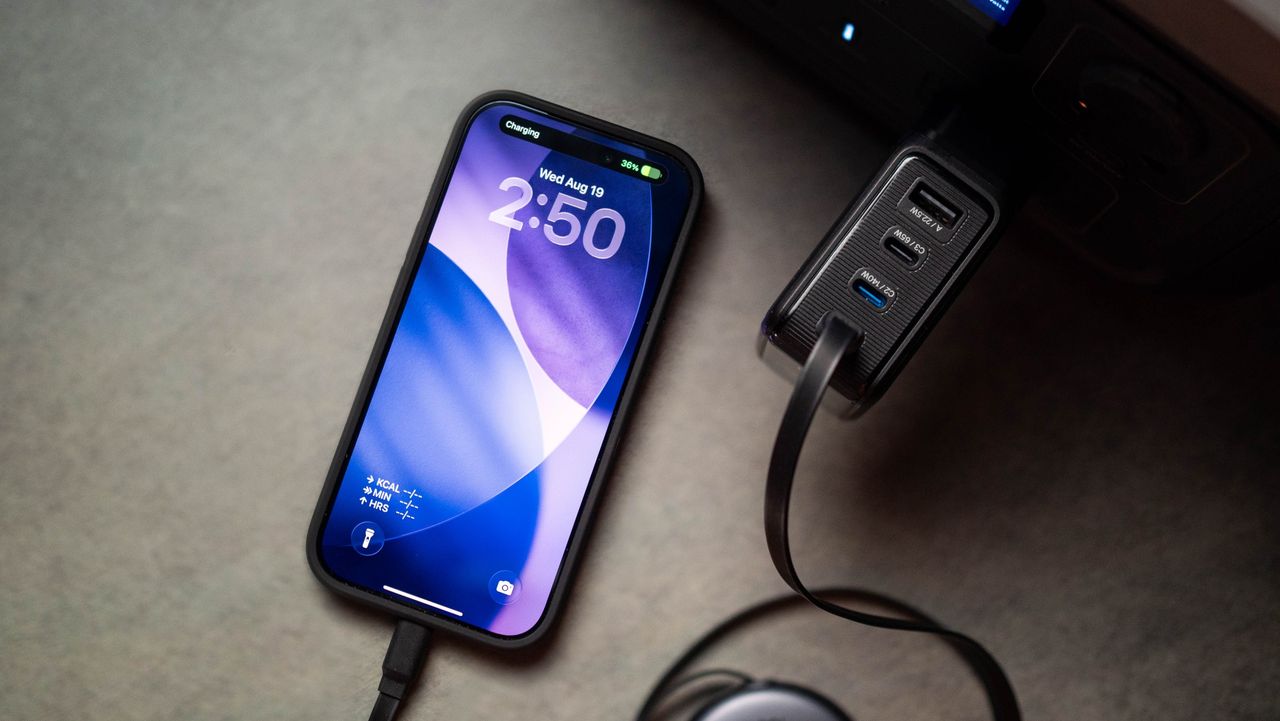
So when I got started with the BMX GaNsta 140W (as puns go, the name gets an 8/10), it was clear that the charger ticked a lot of the right boxes. It has three USB-C ports, a USB-A port, foldable blade pins with EU, UK, and AU converters that make it easy to travel with, and 140W power over USB PD 3.1.

BMX GaNsta 140W GaN charger testing

(Image credit: Apoorva Bhardwaj / Android Central)

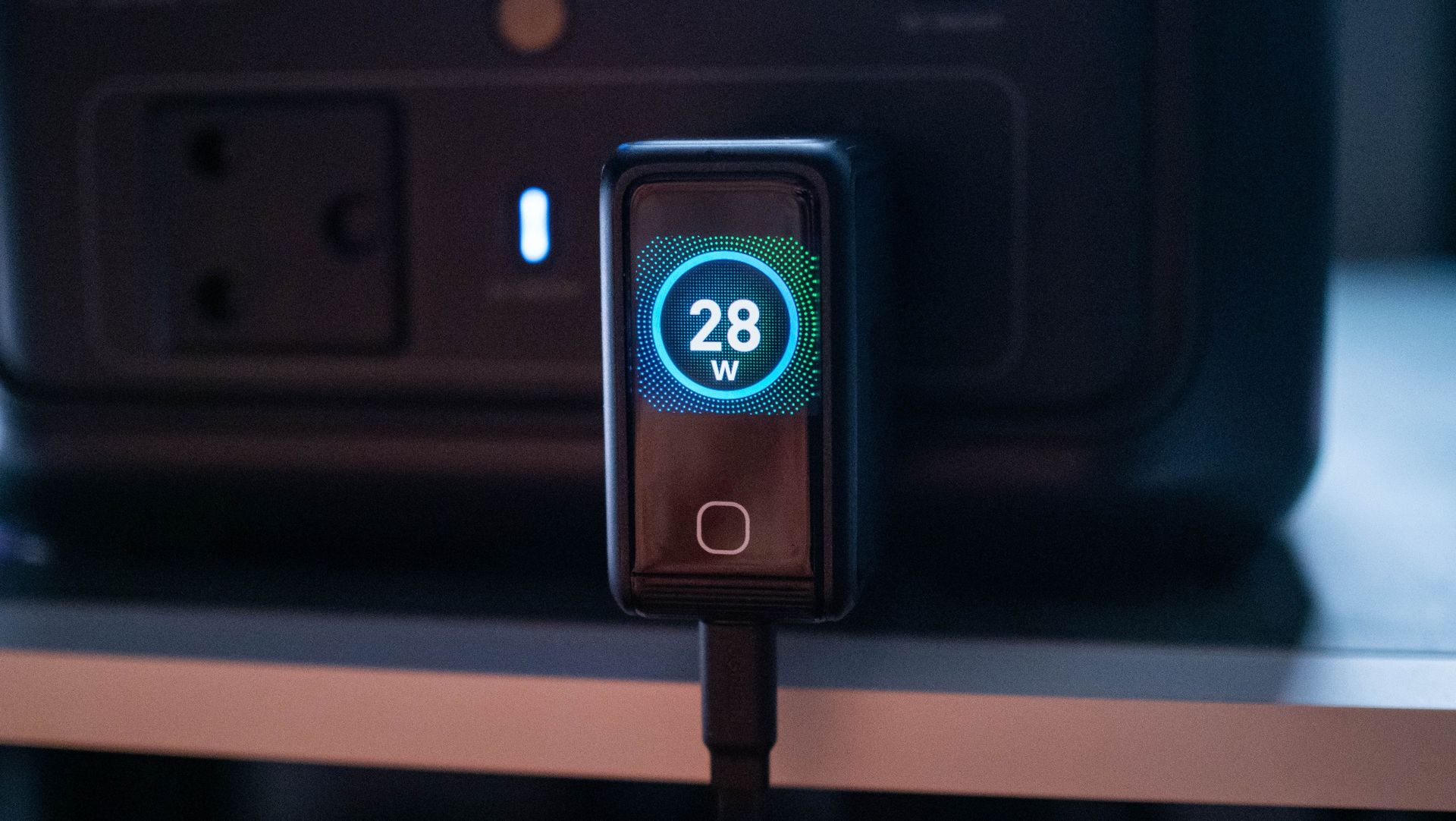
Oh, and it gets an LCD panel that shows real-time charging details out of each port, which is a must-have in a GaN charger in 2026. The GaNsta costs $89 as of writing, which is $10 pricier than Anker's charger, and $30 more than the last-gen 160W UGREEN Nexode Pro, both of which also have LCD screens.

The GaNsta is a little smaller than other 4-port chargers, but not enough that you'd notice the difference. Build quality is decent, and I didn't see any issues in the two months I used it. I tested the charger with my Find X9 Ultra, Pixel 11 Pro XL, iPhone 17 Pro, iPad Pro M4, and a dozen or so accessories β€” including 160W power banks β€” and it turned out to be reliable in day-to-day use.

BMX GaNsta 140W GaN charger testing
Apoorva Bhardwaj / Android Central
BMX GaNsta 140W GaN charger testing
Apoorva Bhardwaj / Android Central
BMX GaNsta 140W GaN charger testing
Apoorva Bhardwaj / Android Central
BMX GaNsta 140W GaN charger testing
Apoorva Bhardwaj / Android Central

I like that each port's power output is clearly labeled, and it takes a lot of the guesswork out of figuring out which port to use. The USB-C1 and C2 ports individually go up to 140W over the USB PD 3.1 protocol, and I tested this using a standalone power meter (Power-Z KM003C). I also like that the area around the ports has a slotted design to prevent scratches; this is a thoughtful design choice that makes a difference.

BMX GaNsta 140W GaN charger testing
Apoorva Bhardwaj / Android Central
BMX GaNsta 140W GaN charger testing
Apoorva Bhardwaj / Android Central
BMX GaNsta 140W GaN charger testing
Apoorva Bhardwaj / Android Central
BMX GaNsta 140W GaN charger testing
Apoorva Bhardwaj / Android Central
BMX GaNsta 140W GaN charger testing
Apoorva Bhardwaj / Android Central

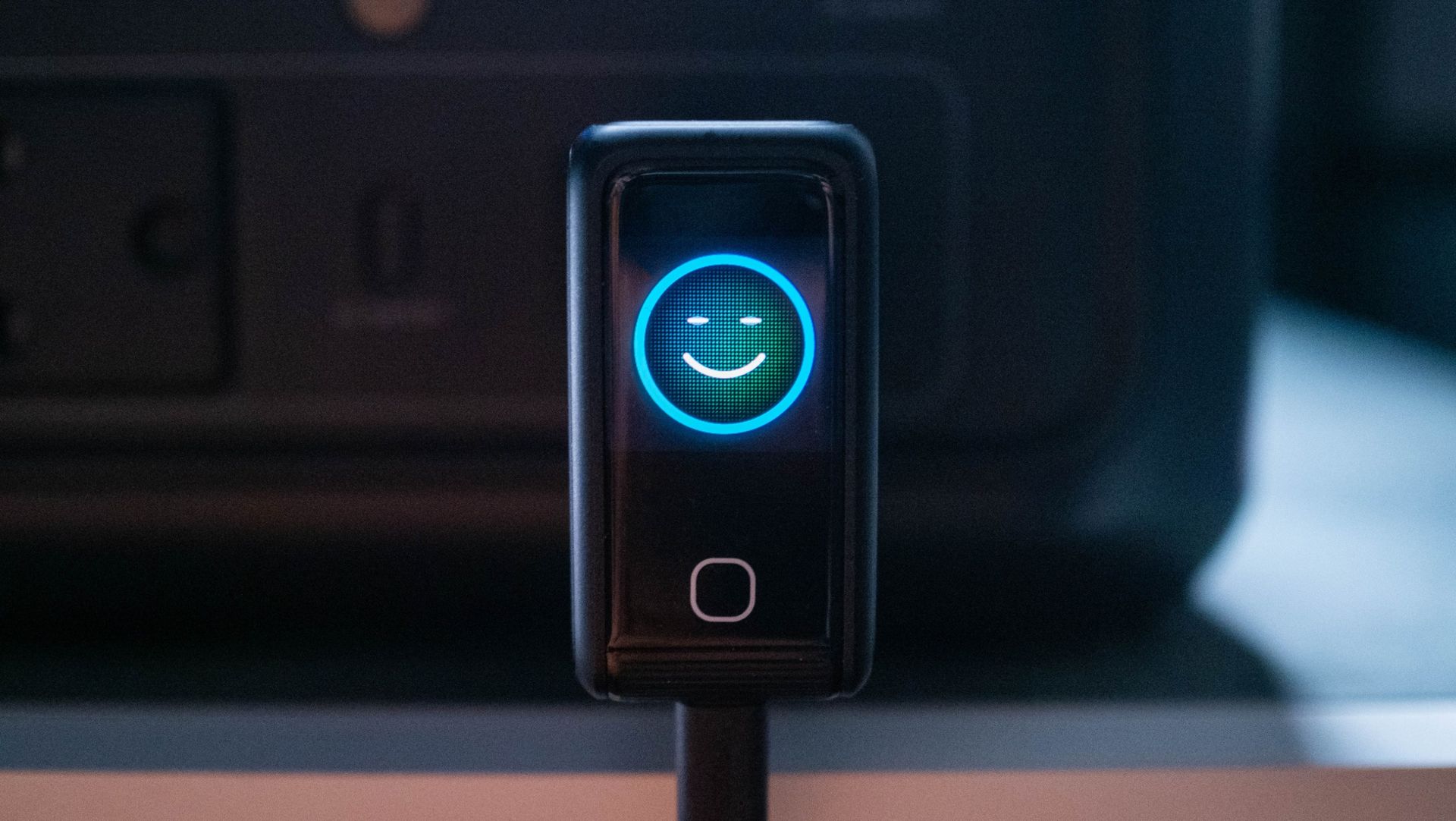
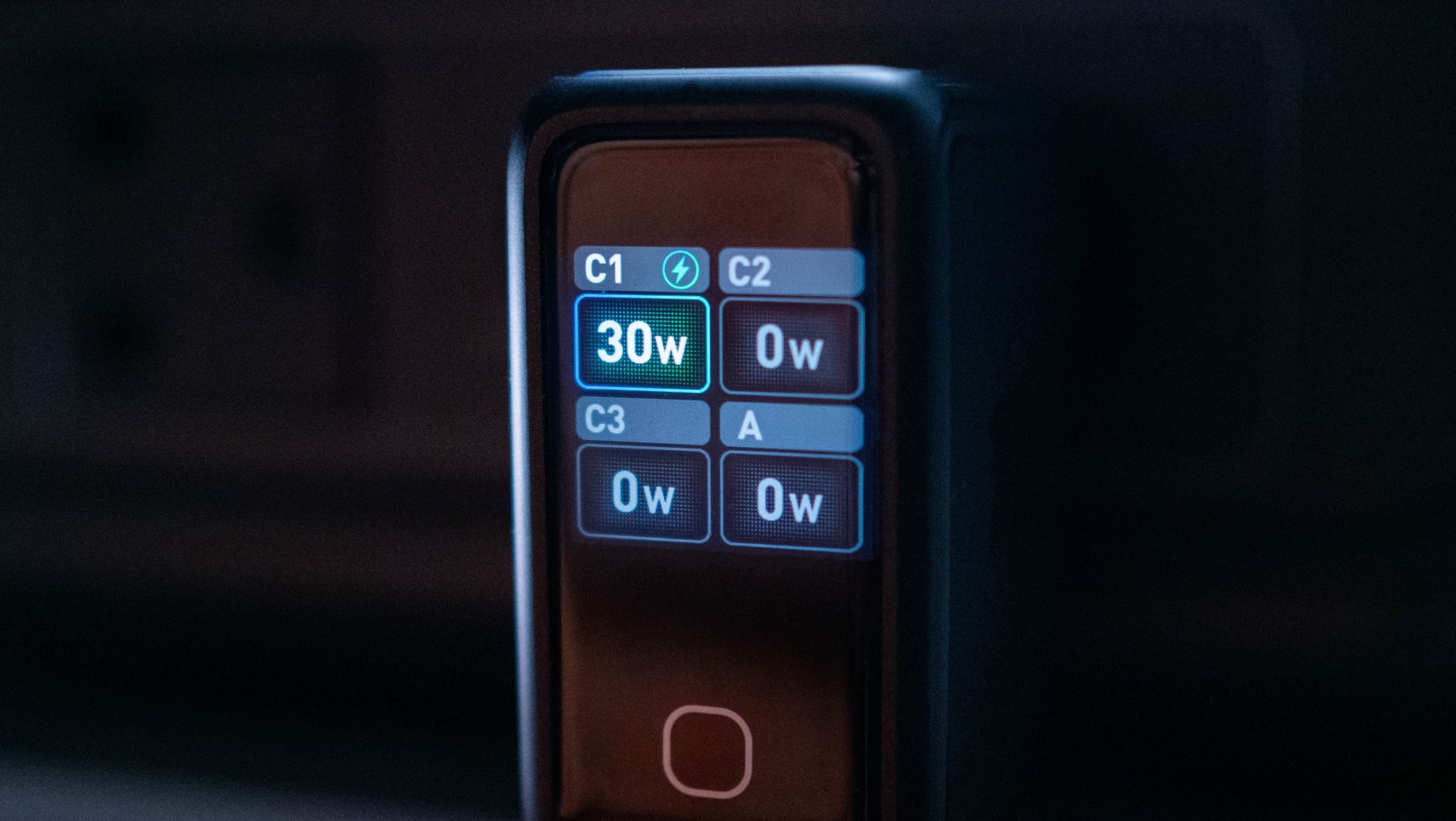
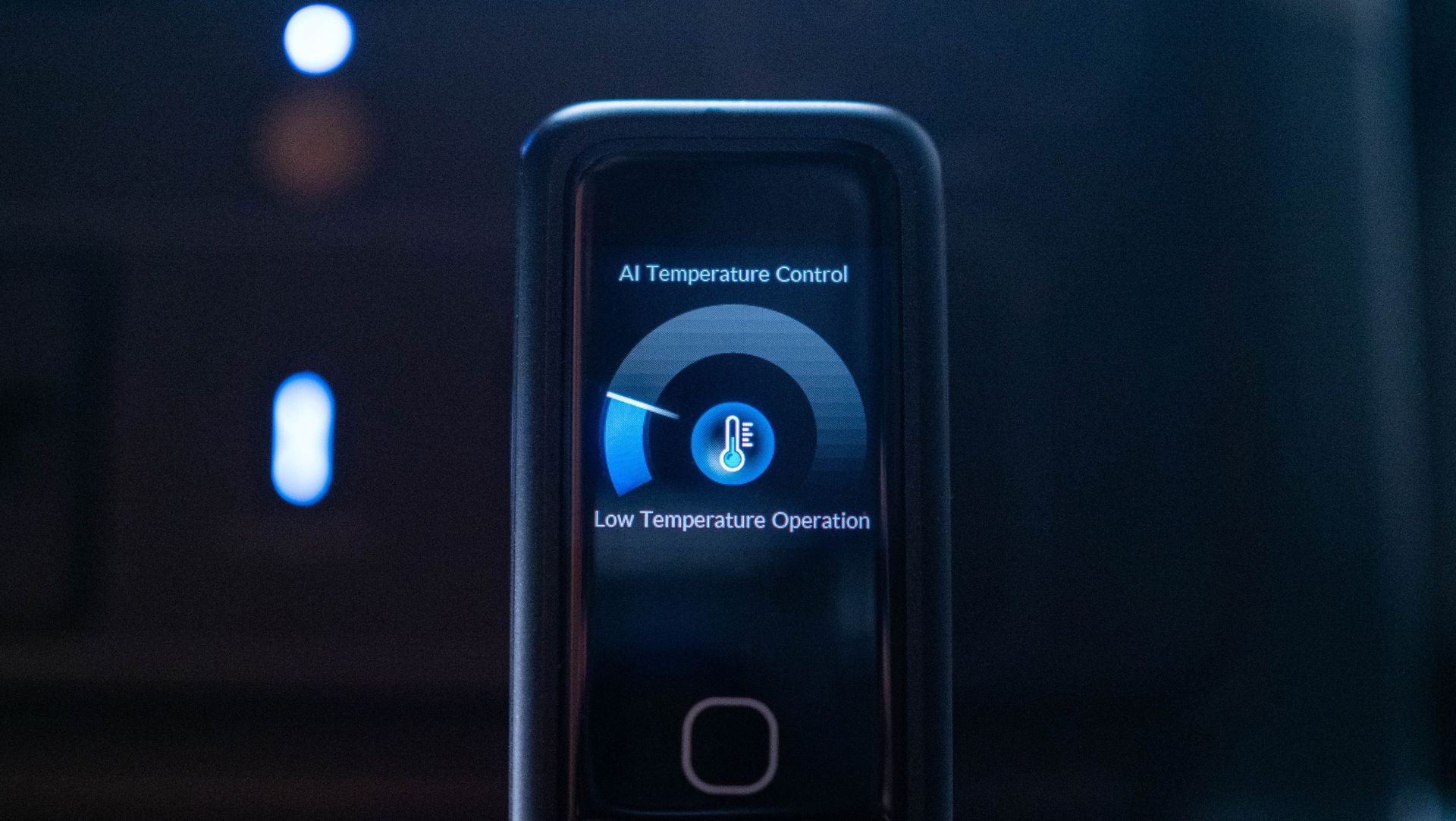
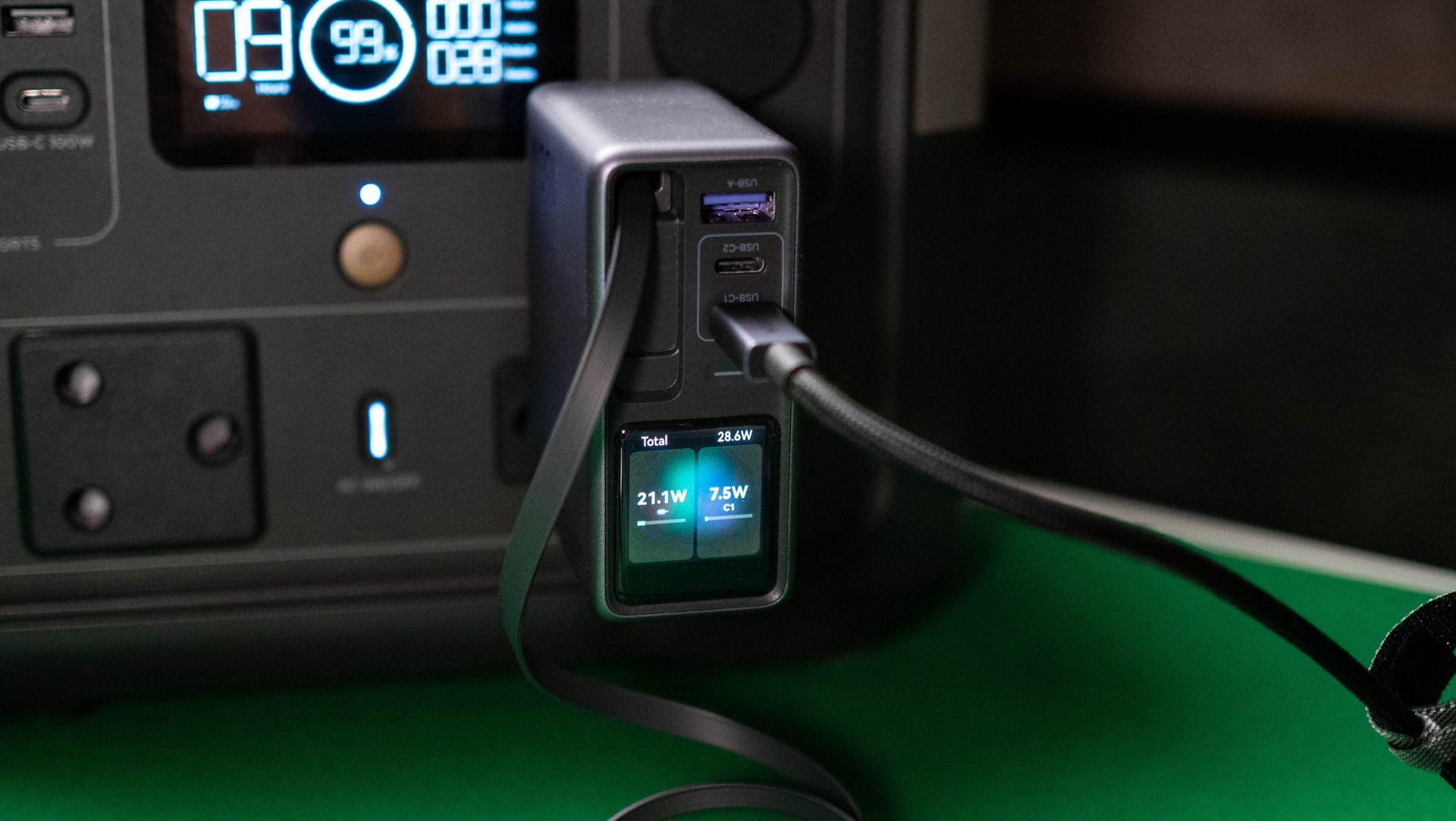
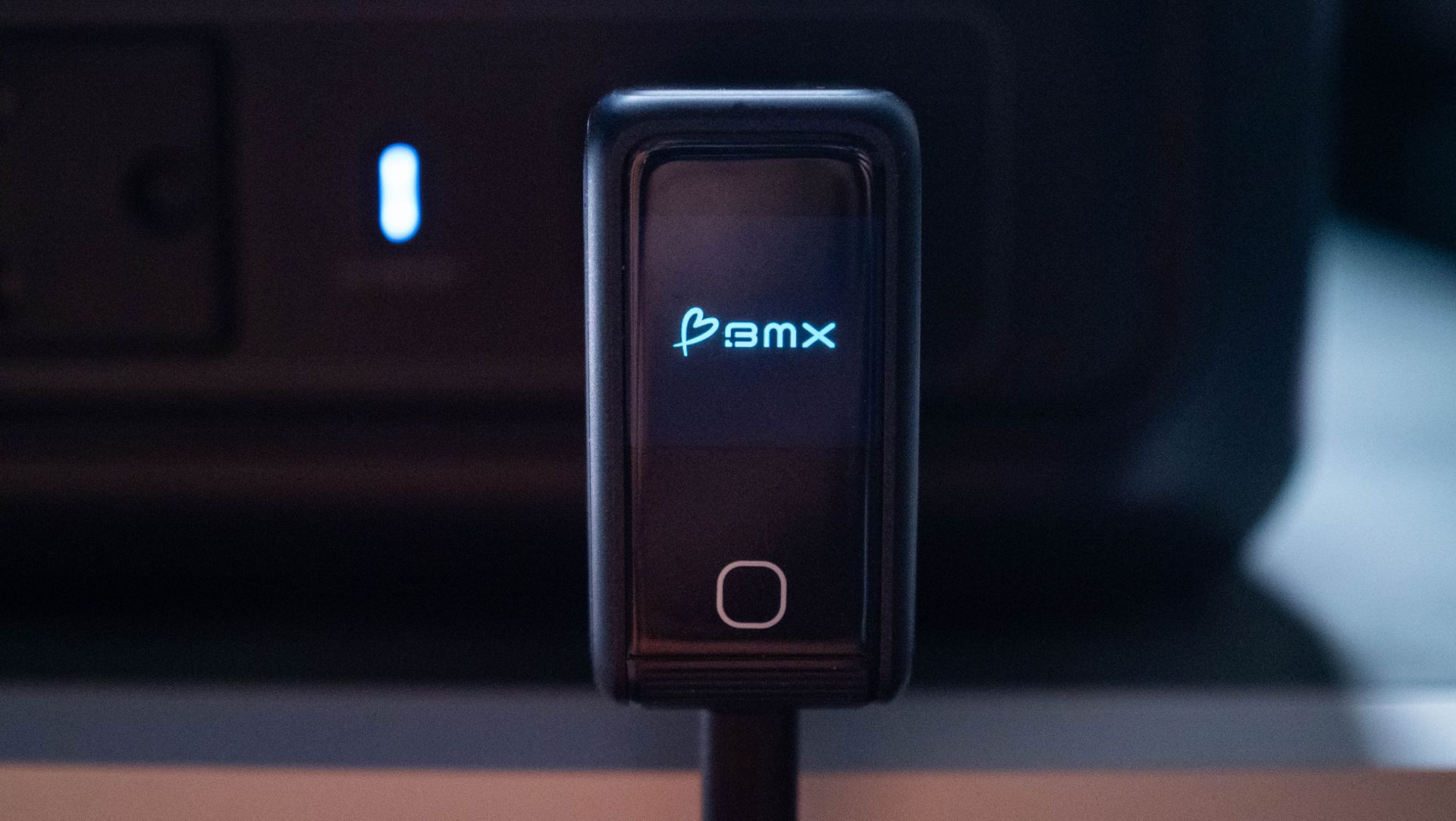
The LCD screen is the real star of the show. It shows real-time charging details, power going out of each port, and heat levels. The latter isn't quite as useful as you don't normally see thermal issues on a 140W charger, but it's there. And as AI needs to be shoehorned into every product these days, this thermal management feature is assisted by AI (however that works). Anyway, what you need to know is that even with all ports in use, the GaNsta doesn't have any issues with overheating.

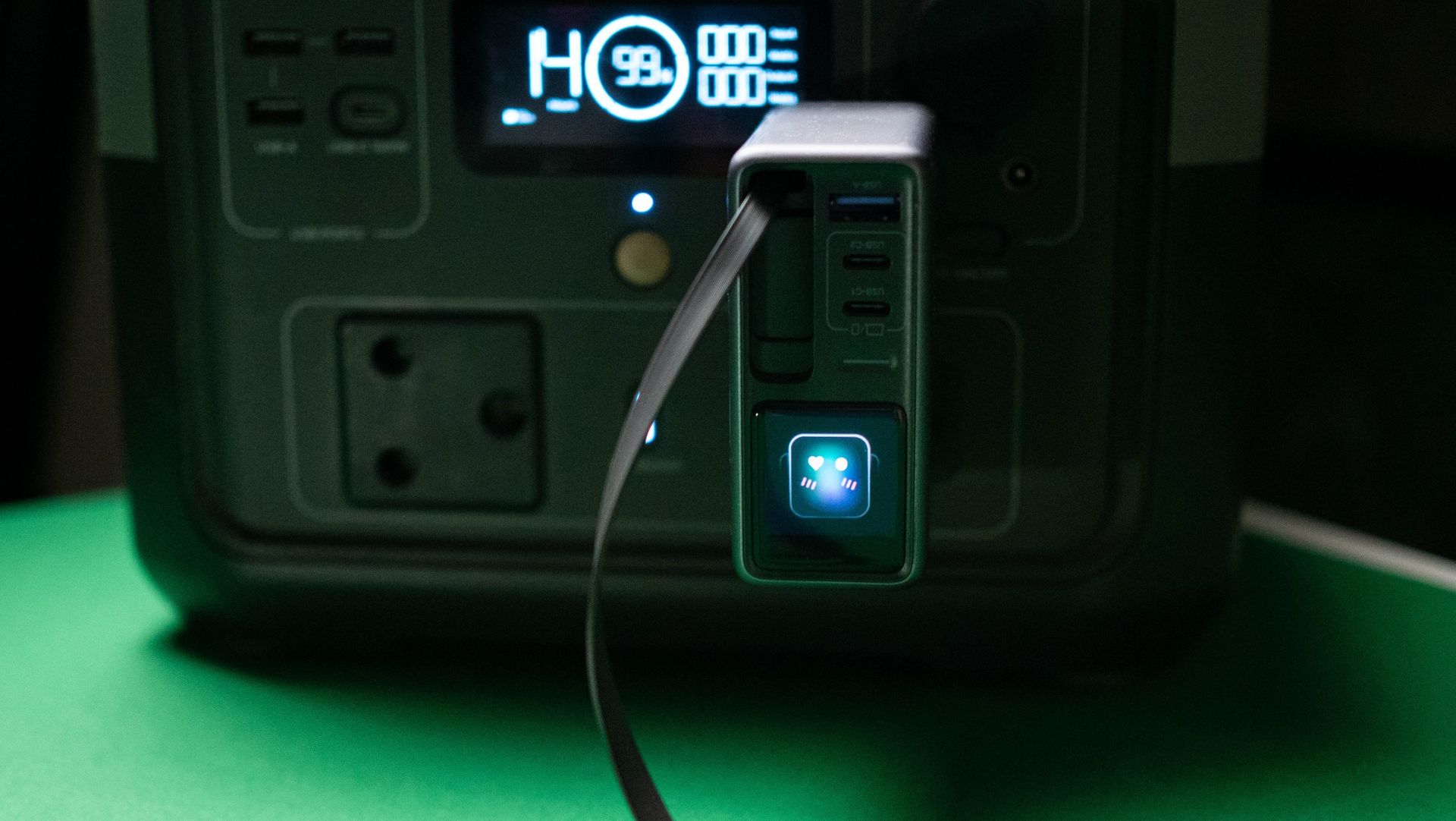
You also get emoticons on the panel, and you can easily cycle through the various menus via the button at the bottom.

BMX GaNsta 140W GaN charger testing

(Image credit: Apoorva Bhardwaj / Android Central)

With four ports available, you get the ability to charge four devices at once. Of course, the total power budget is limited when all ports are in use, and with the GaNsta, you get 125W cumulatively: 65W + 45W + 7.5W + 7.5W. I would've liked to see 65W on both the C1 and C2 ports β€” like the latest Nexode Pro 160W charger β€” but that isn't the case.

That said, if you're just going to leave four devices to charge overnight, the GaNsta 140W does a decent enough job. The inclusion of a USB-C to USB-C cable along with travel plugs is a good move, and the size of the charger means you can easily throw it into a travel bag. What I'm not too sure about is the pricing; it is costlier than its rivals, and if you're willing to shell out $89, the new Nexode Pro 160W is a better deal at $99 as it has a retractable cable. If you don't need the built-in cable and like the travel-related accessories, the GaNsta 140W is a good choice.

  •  

OPPO just confirmed a major Find X10 Pro Max detail, and I'm excited

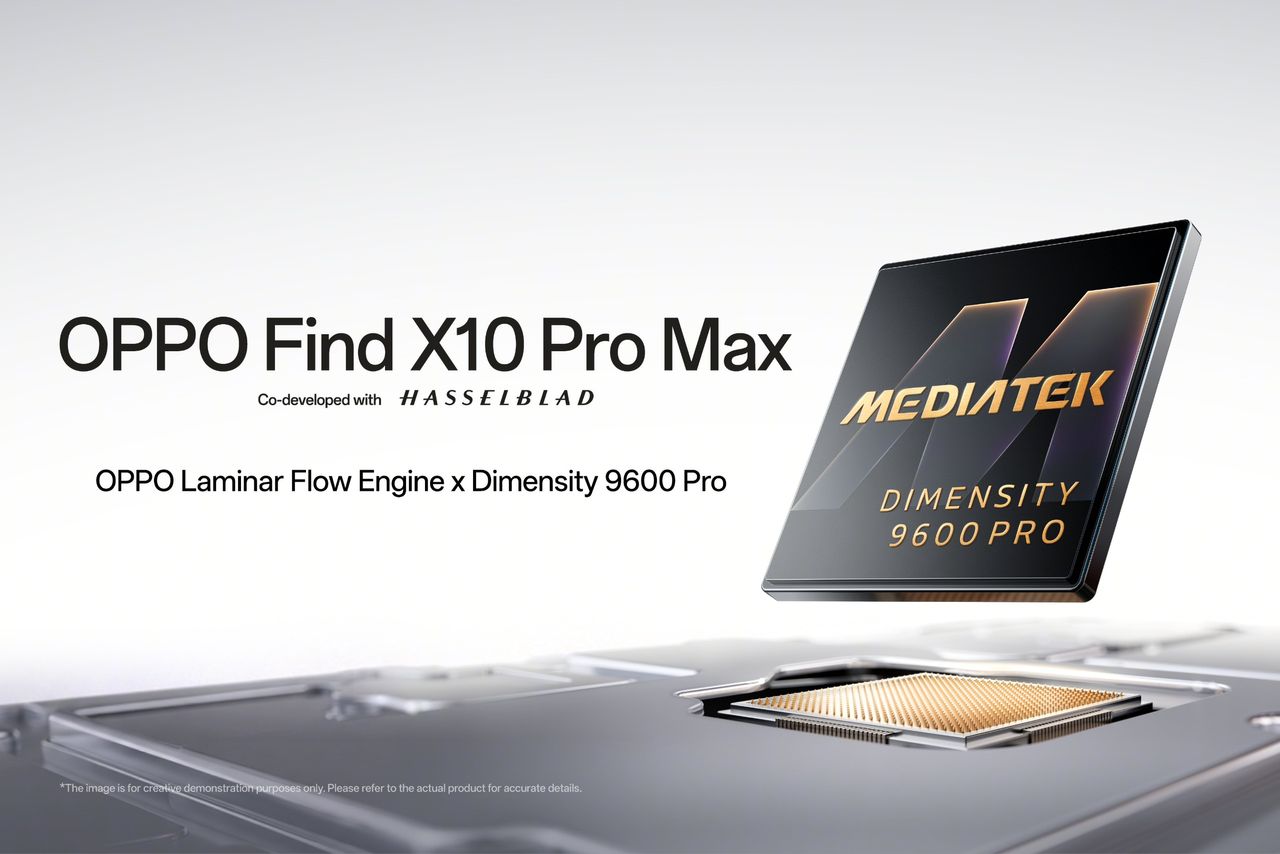
OPPO is all set to unveil its 2027 flagship, and the brand has confirmed that the Find X9 Pro Max will be powered by MediaTek's latest 2nm Dimensity 9600 Pro platform. It was a good bet that the phone would be powered by MediaTek silicon considering the last two models featured Dimensity platforms, and it's good to see OPPO continuing that collaboration into 2027.

Also, OPPO confirmed that the Find X10 Pro Max will debut globally, which is welcome news if you're interested in a new phone. While the X9, X9 Pro, and X9 Ultra launched outside China, continued availability of OPPO's flagships in western markets was always in doubt, so I'm glad the brand is clarifying global availability of its next-gen phone well ahead of time.

The Dimensity 9600 Pro is interesting in a lot of ways. It is built on TSMC’s 2nm N2P node, and it brings huge upgrades in just about every area. OPPO is touting a single-core uptick of 17% over the Dimensity 9500-powered Find X9 Pro, which is just ridiculous.

The 9600 Pro once again utilizes the all-big-core configuration, and it comes with two 4.55GHz Arm C2-Ultra cores alongside three C2 Pro cores at 4.3GHz, and another three C2 Pro cores at up to 3.1GHz. Cumulatively, they have 61% better energy efficiency, and the G2-Ultra NX GPU has ray tracing and utilizes Arm's new neural engine tech and is 27% faster while consuming 24% less power. And when it comes to on-device AI, the Dimensity 9600 Pro is 51% faster than its predecessor.

Clearly, there's no shortage of power on offer, and that is good news, as the Find X10 Pro Max is touted to have a trio of 200MP cameras. There's also the Laminar Flow Engine, and OPPO says it worked closely with MediaTek to tweak the "underlying rendering architecture and coordinating it more closely with system scheduling, the technology achieves a better balance between ultra-smooth system responsiveness and low power consumption"

I used OPPO's phones the longest this year, and a lot of that has to do with the groundbreaking cameras on the Find X9 Ultra and X9 Pro. There's also the small matter of the software, and ColorOS 16 has a clean design with great fluidity and customizability, and there's no doubt that the Find X9 Ultra is one of my favorite phones of 2026. I'm excited to see what the X10 Pro Max brings to the table, and it doesn't look like we will have to wait too long to see the device in action.

  •  

I used Huawei's Watch GT 7 Pro, and it beats Samsung and Google in this key area

Huawei knows a thing or ten about making a great smartwatch, and the Watch Ultimate 2 is still one of my favorite smartwatches. After releasing the Watch Fit 5 Pro a few months ago, Huawei has now introduced the Watch GT 7 Pro, and it is now available in the U.K. for Β£379 ($511), and as is the case with every new launch, there are decent launch incentives that bring the cost down to Β£329 ($443), and the brand is bundling the Huawei Scale 3 along with Huawei Care+ as free gifts when you buy the smartwatch.

The Watch GT 7 Pro has a lot of great features, but I'm starting with the one I like the most: battery life. While the Pixel Watch 5 and Galaxy Watch 9 manage to last just over two days between charges, the Watch GT 7 Pro delivers a week of usage before you'll need to charge it. This is with heavy use involving daily exercise monitoring, always-on panel, and 24/7 health monitoring.

Huawei Watch GT 7 Pro testing on Android Central

(Image credit: Apoorva Bhardwaj / Android Central)

This is the main reason why I continue to wear Huawei smartwatches, and not having to worry about charging the watch every other day is just plain refreshing. You can make the GT 7 Pro last longer by not using the always-on mode, and in that situation, you get around 10 days of battery life.

At the outset, the GT 7 Pro doesn't look too different to last year's GT 6 Pro, and that's a good thing. Just like Samsung and Google's smartwatches, Huawei has a clearly-defined visual aesthetic, and it makes sense to continue the same design language across generations.

Huawei Watch GT 7 Pro testing on Android Central
Apoorva Bhardwaj / Android Central
Huawei Watch GT 7 Pro testing on Android Central
Apoorva Bhardwaj / Android Central

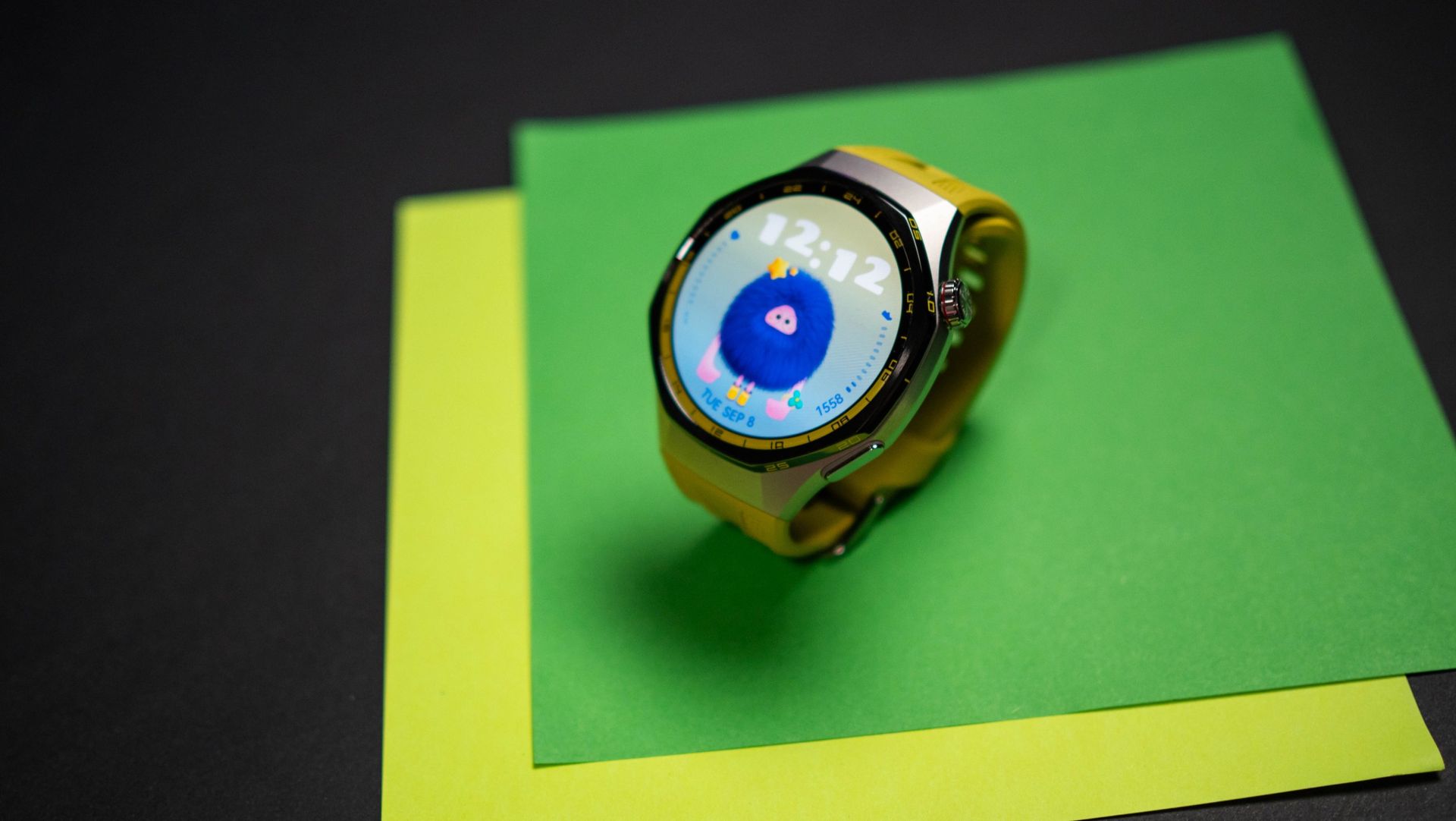
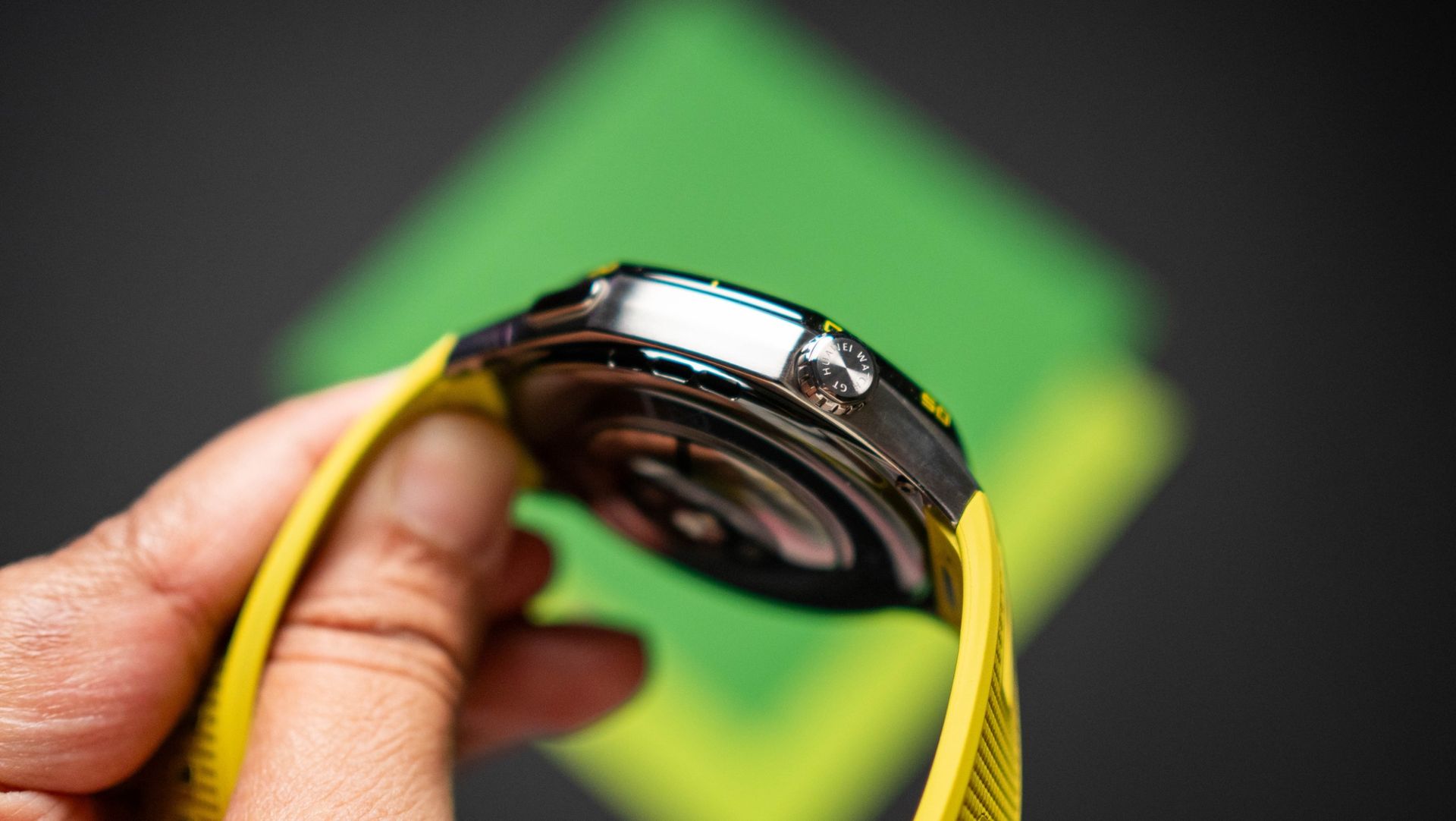
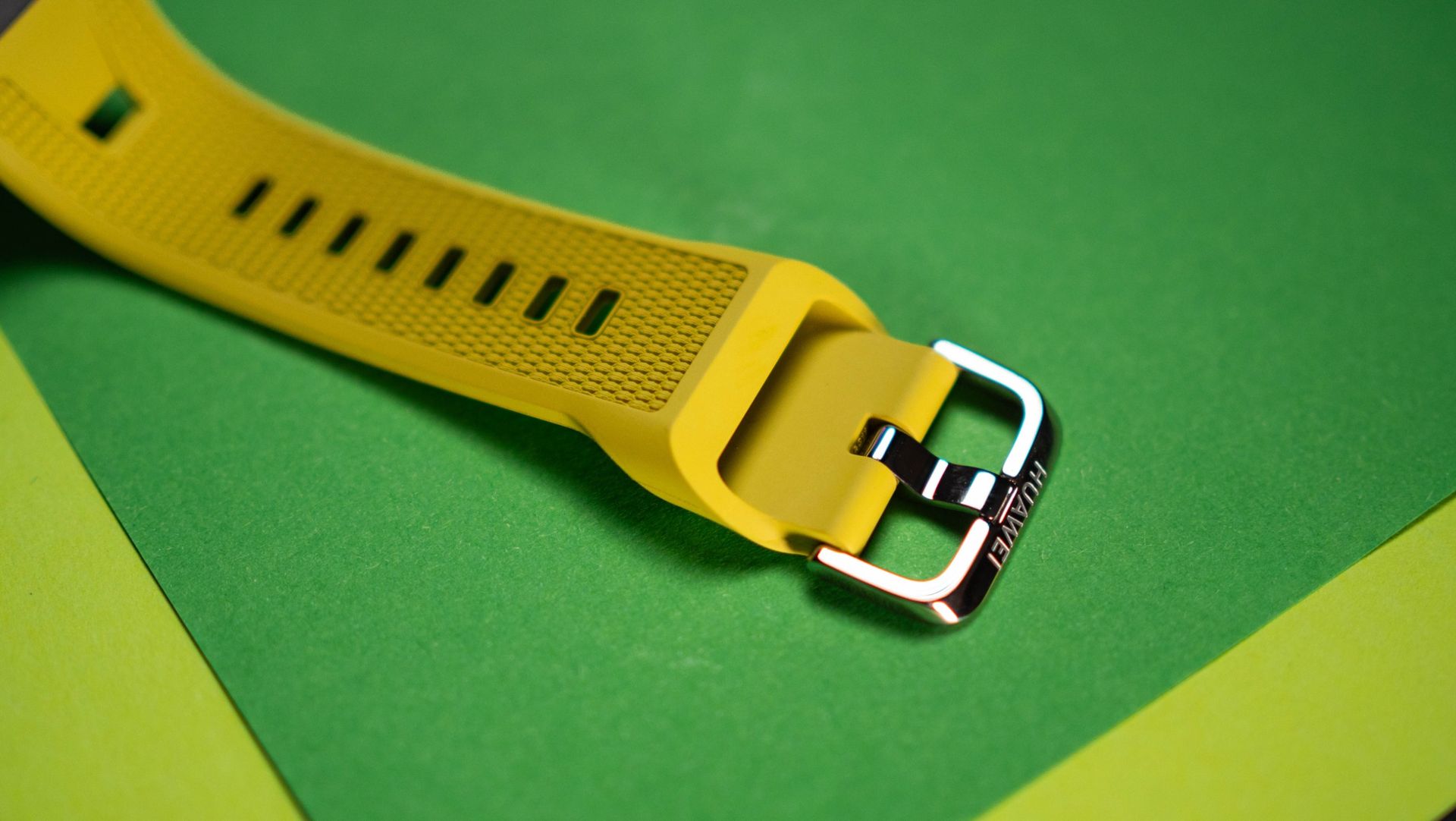
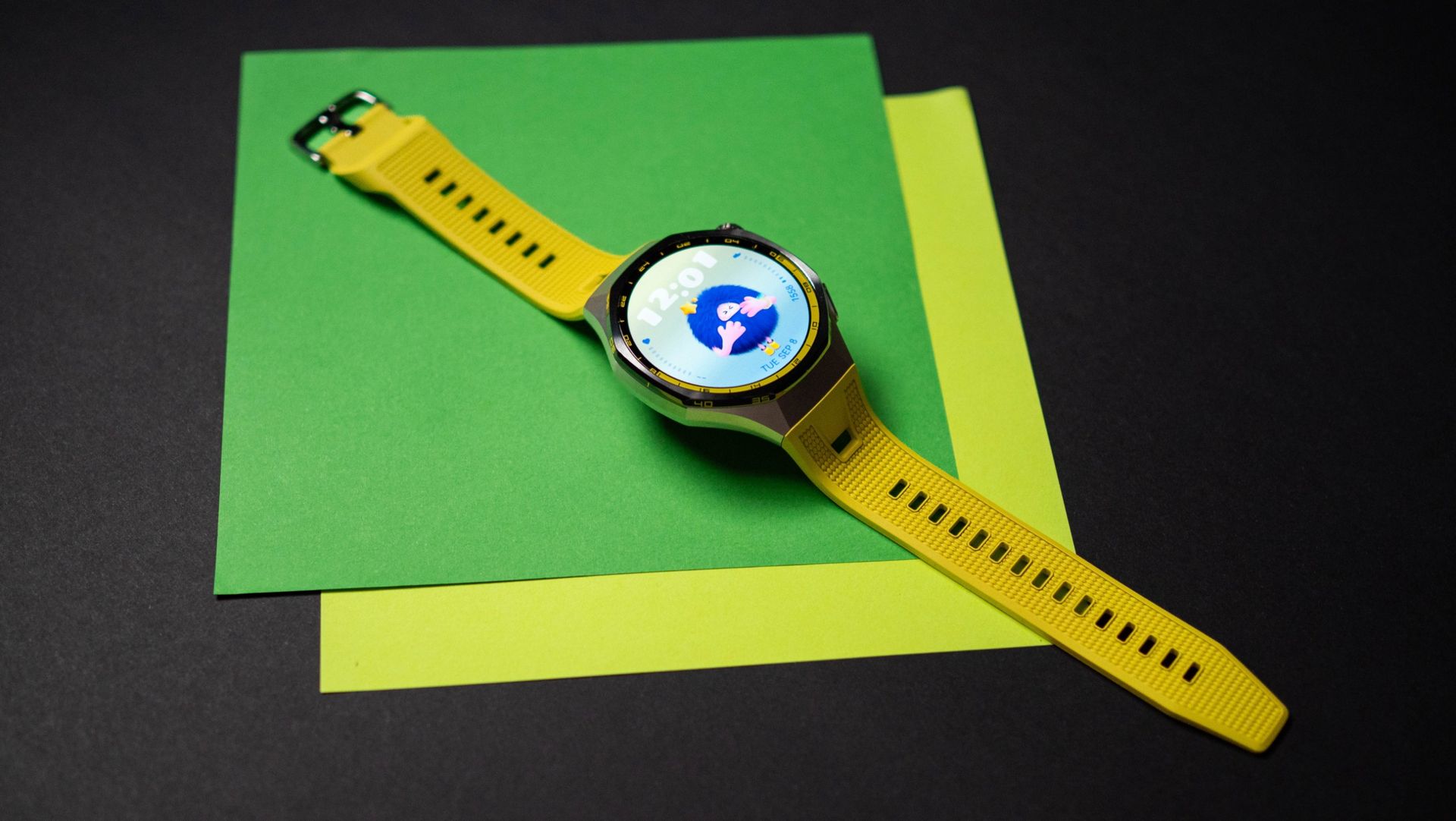
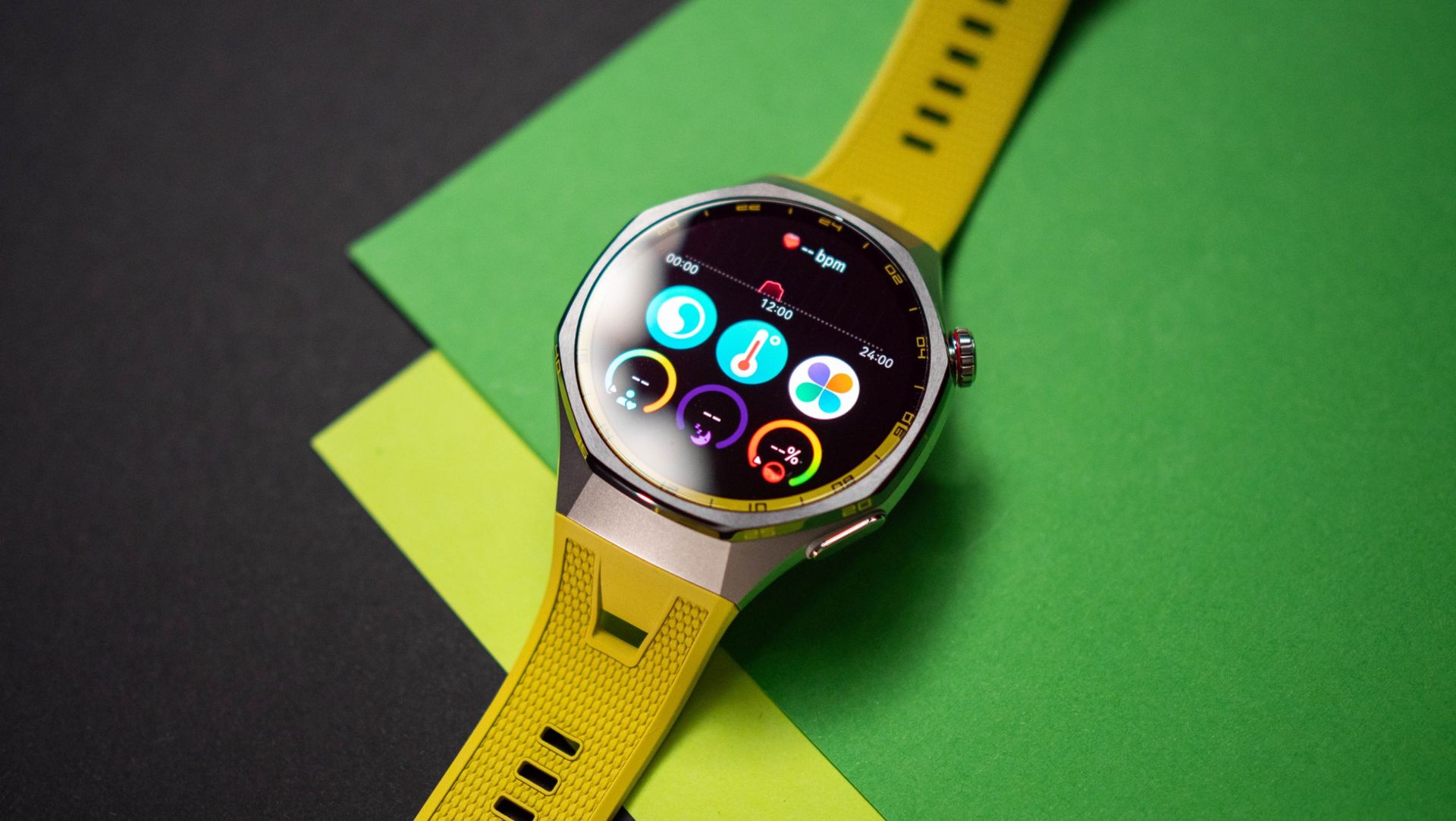
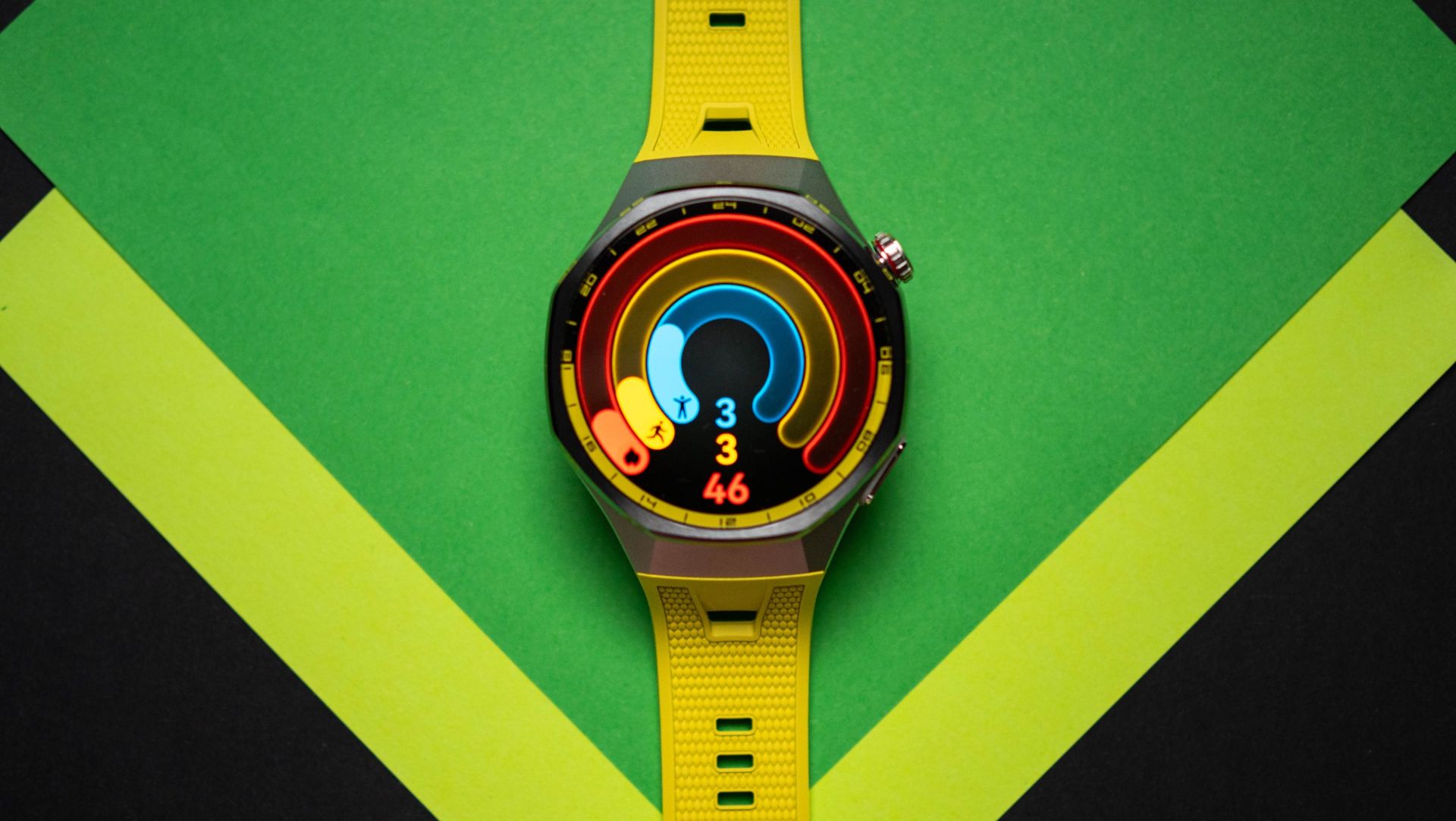
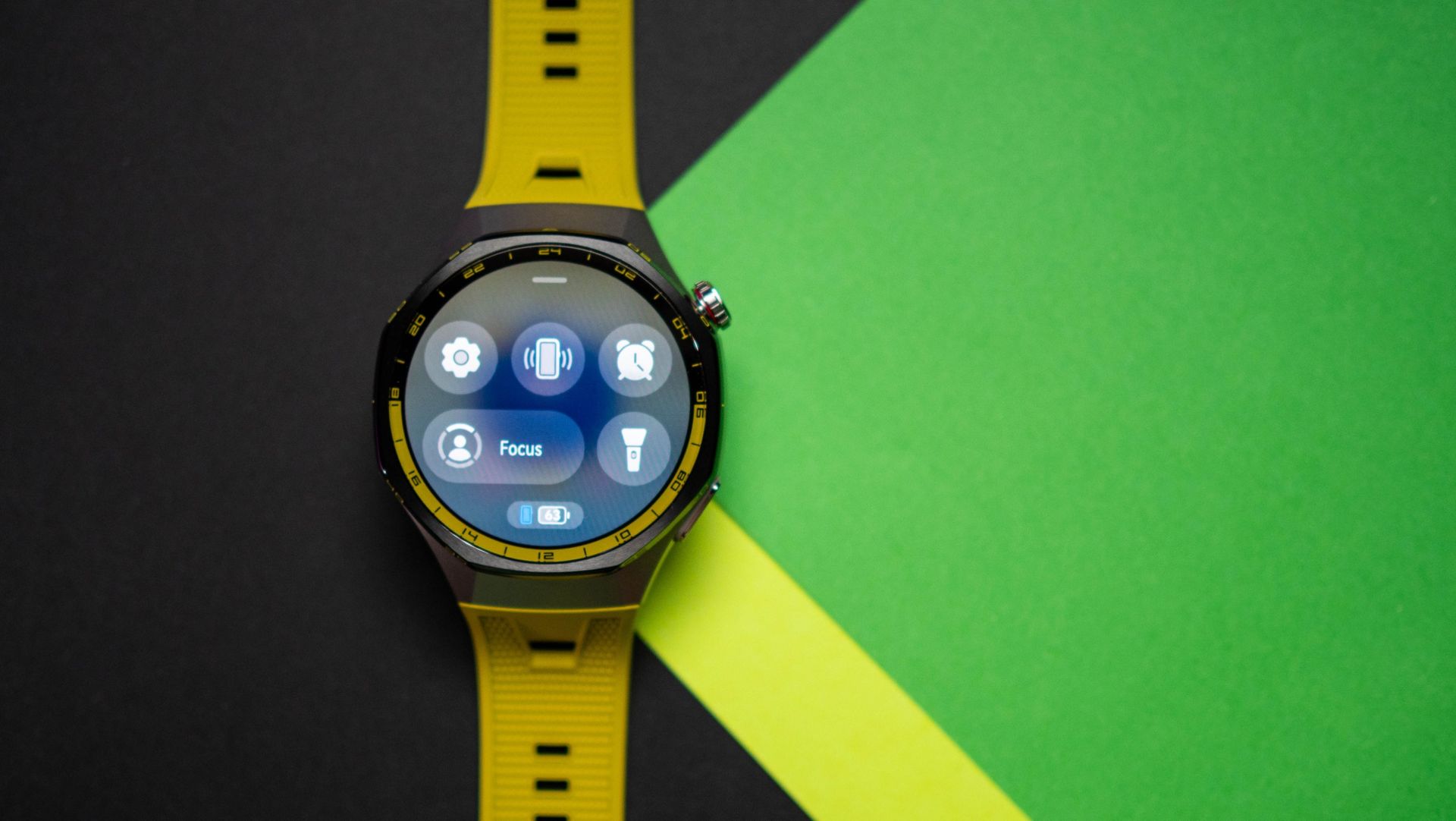
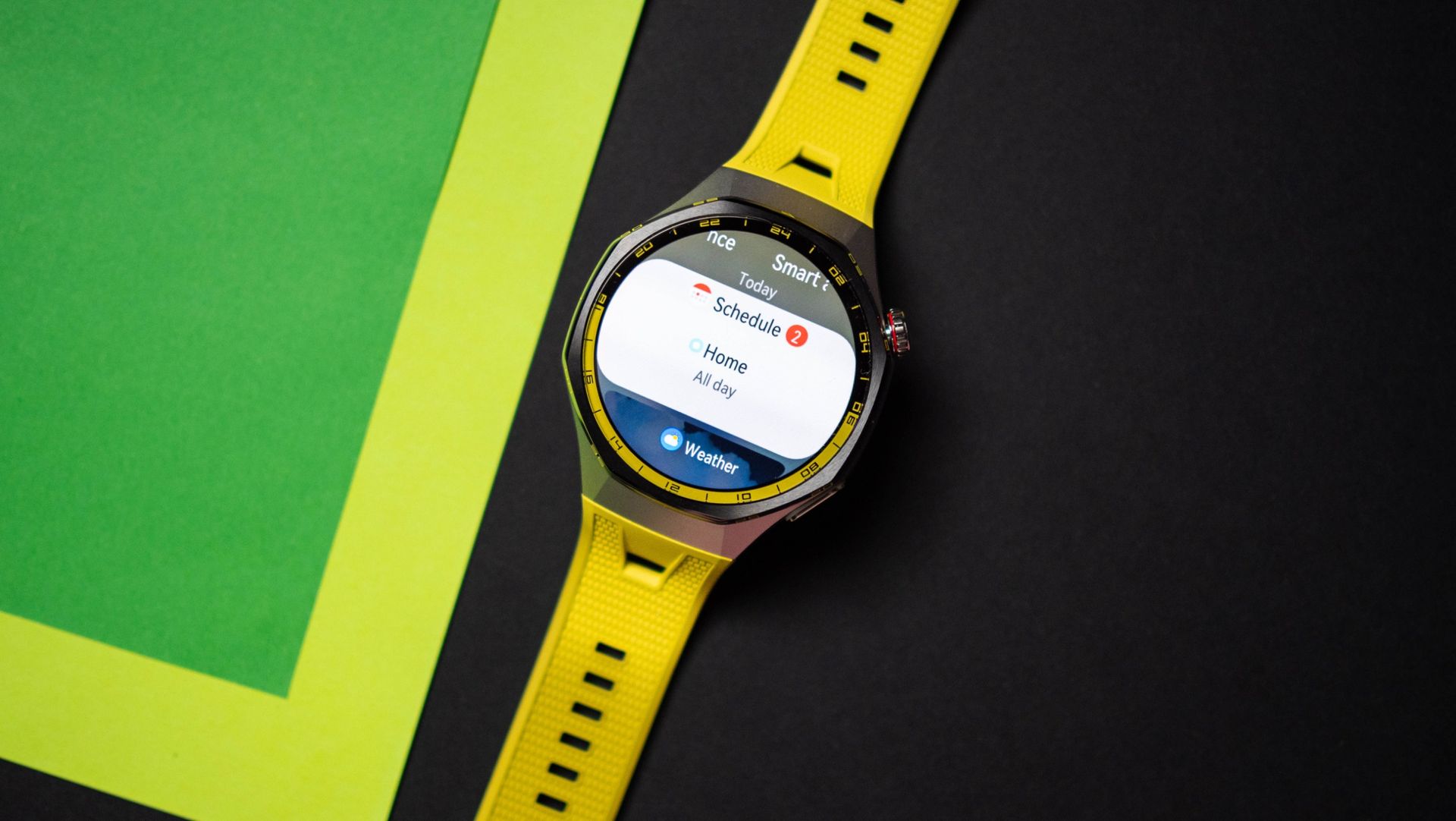
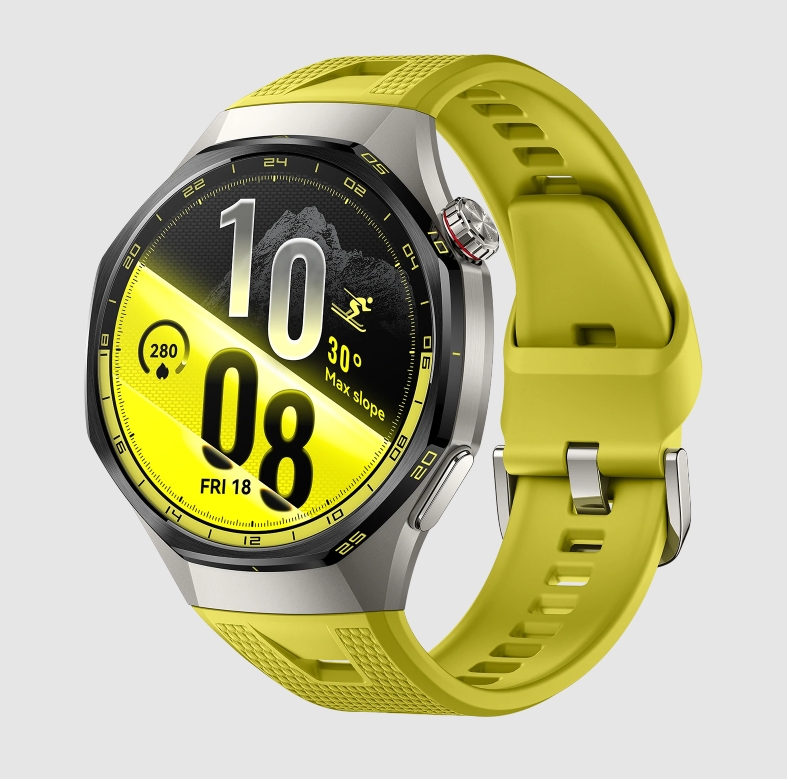
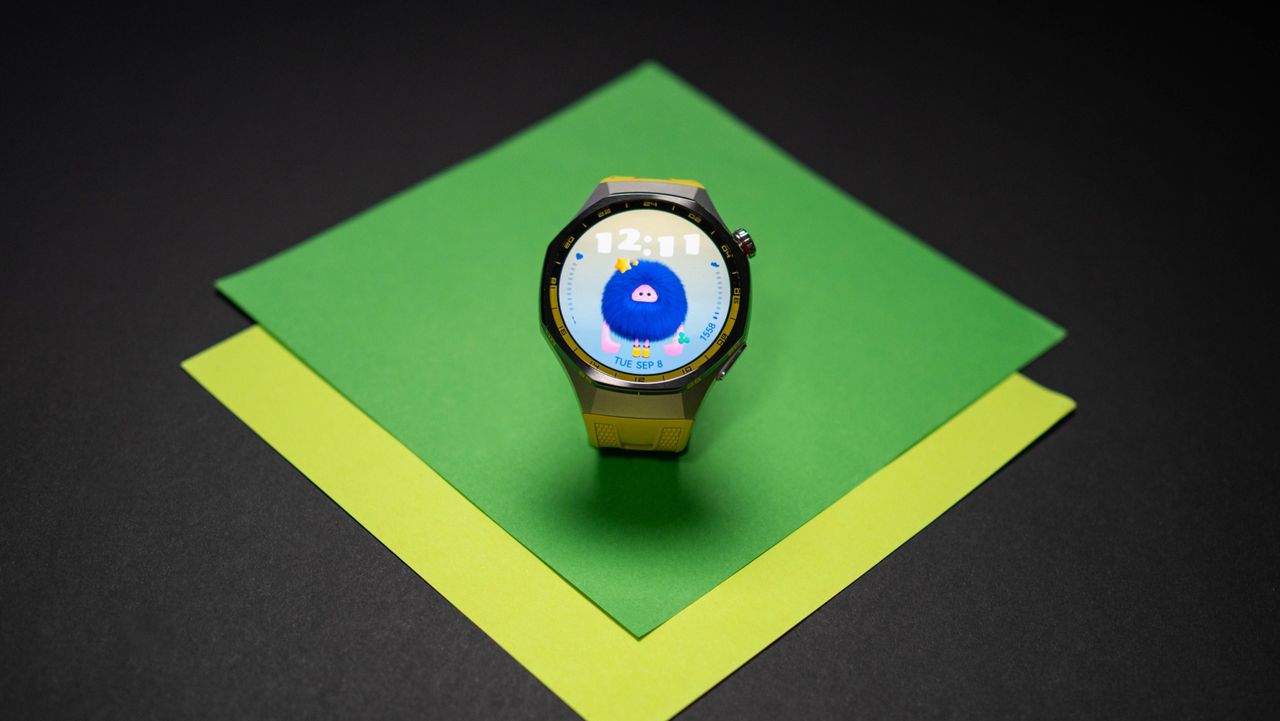
You still get a design that stands out quite a bit, and the new color choices give the GT 7 Pro an added dash of vibrancy; I'm using the yellow model, and it looks pretty great. It looks quite sporty, but you can switch out the bands if you need to wear it with a dress shirt.

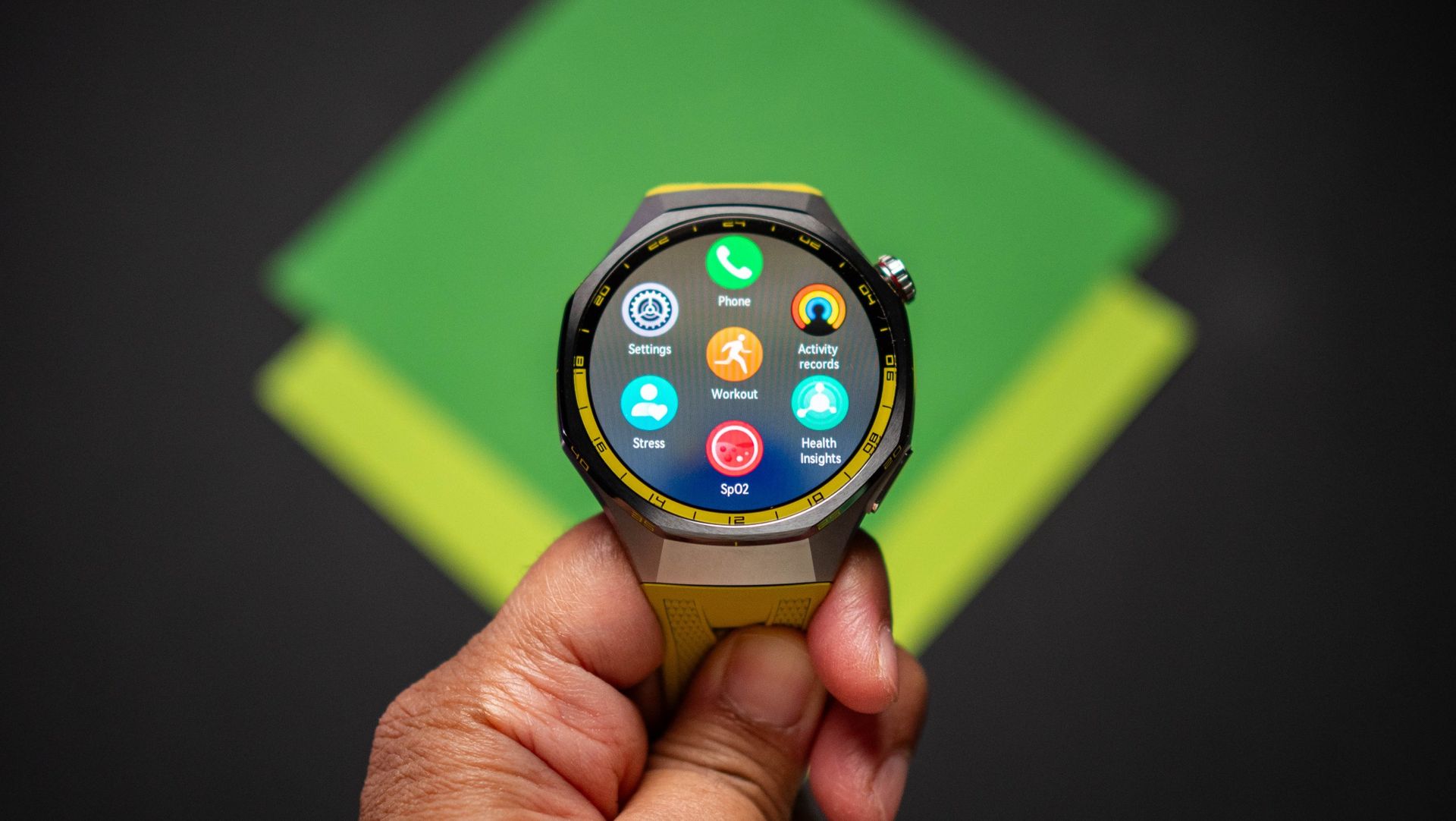
The GT 7 Pro is sold in a single variant with a 46mm case, and while it is a little heavier at 55g (the Pixel Watch 5 is 37g), I actually like the heft as it makes the smartwatch feel like a regular watch. The build quality is among the best in this category, and the titanium alloy chassis with a ceramic bezel gives the GT 7 Pro a level of elegance that's missing with its immediate rivals. Huawei retained the rotating crown, and it is a good way to navigate the interface and scroll through unread notifications.

Huawei Watch GT 7 Pro testing on Android Central

(Image credit: Apoorva Bhardwaj / Android Central)

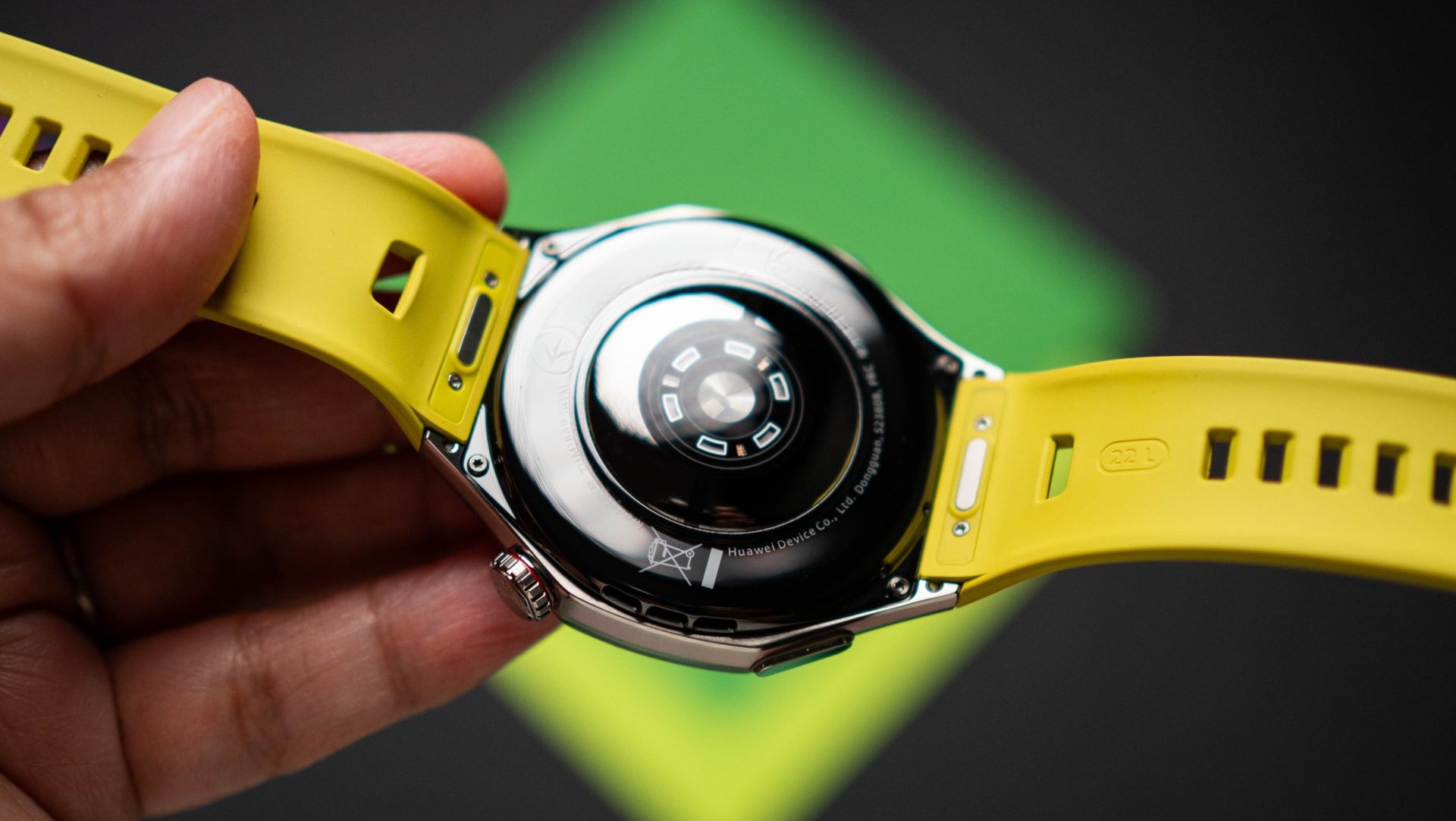
The band is much better this time as well; Huawei calls it EasyCross, and the band essentially tucks underneath, and it looks cleaner. The quality of the fluoroelastomer band itself is great, and I didn't see any problems in this area in the two weeks I used the Watch GT 7 Pro.

You get a 1.47-inch AMOLED panel with decent pixel density, and it gets bright β€” I had no issues viewing the contents on the screen under harsh sunlight. There's 5ATM along with IP69 water resistance, the GT 7 Pro is dive-ready up to 40 meters, and you get dual-band GPS as well as NFC.

Huawei Watch GT 7 Pro testing on Android Central

(Image credit: Apoorva Bhardwaj / Android Central)

Coming to health monitoring, Huawei has all the requisite sensors to monitor heart rate and blood oxygen levels, and it gets ECG, A-fib analysis, emotional wellbeing, and sleep tracking. What I like is that there's now a readiness score that takes all the disparate health metrics and gives you an overall score, similar to what Google does.

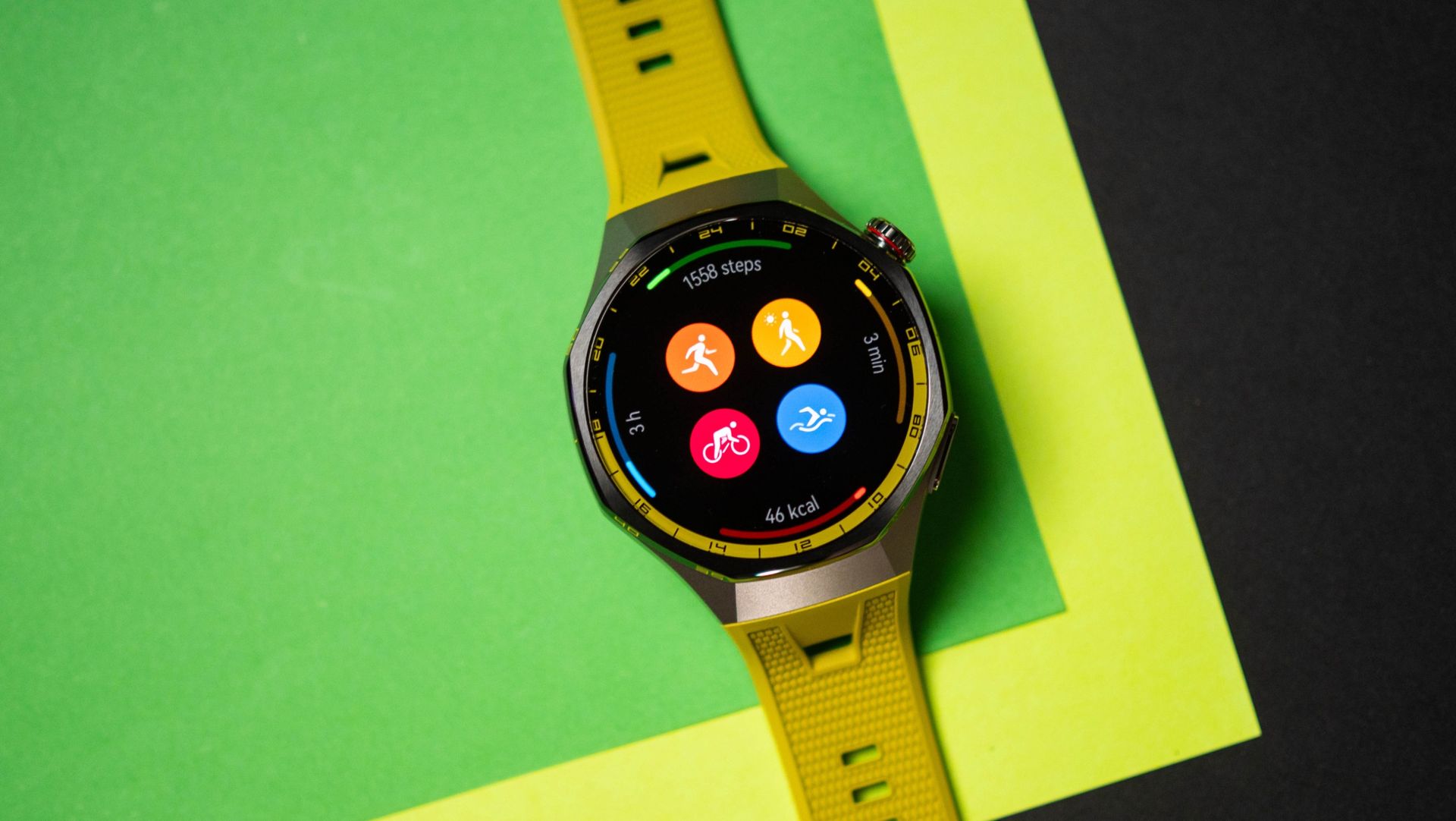
The GT 7 Pro has extensive fitness monitoring as well, with Huawei focusing on skiing and cycling this generation. Now, I don't do those activities (there's a distinct dearth of snow in India), but I wore the smartwatch to the gym, and it did a good job with HRV monitoring in HIIT workouts and treadmill runs.

Huawei Watch GT 7 Pro testing on Android Central
Apoorva Bhardwaj / Android Central
Huawei Watch GT 7 Pro testing on Android Central
Apoorva Bhardwaj / Android Central
Huawei Watch GT 7 Pro testing on Android Central
Apoorva Bhardwaj / Android Central

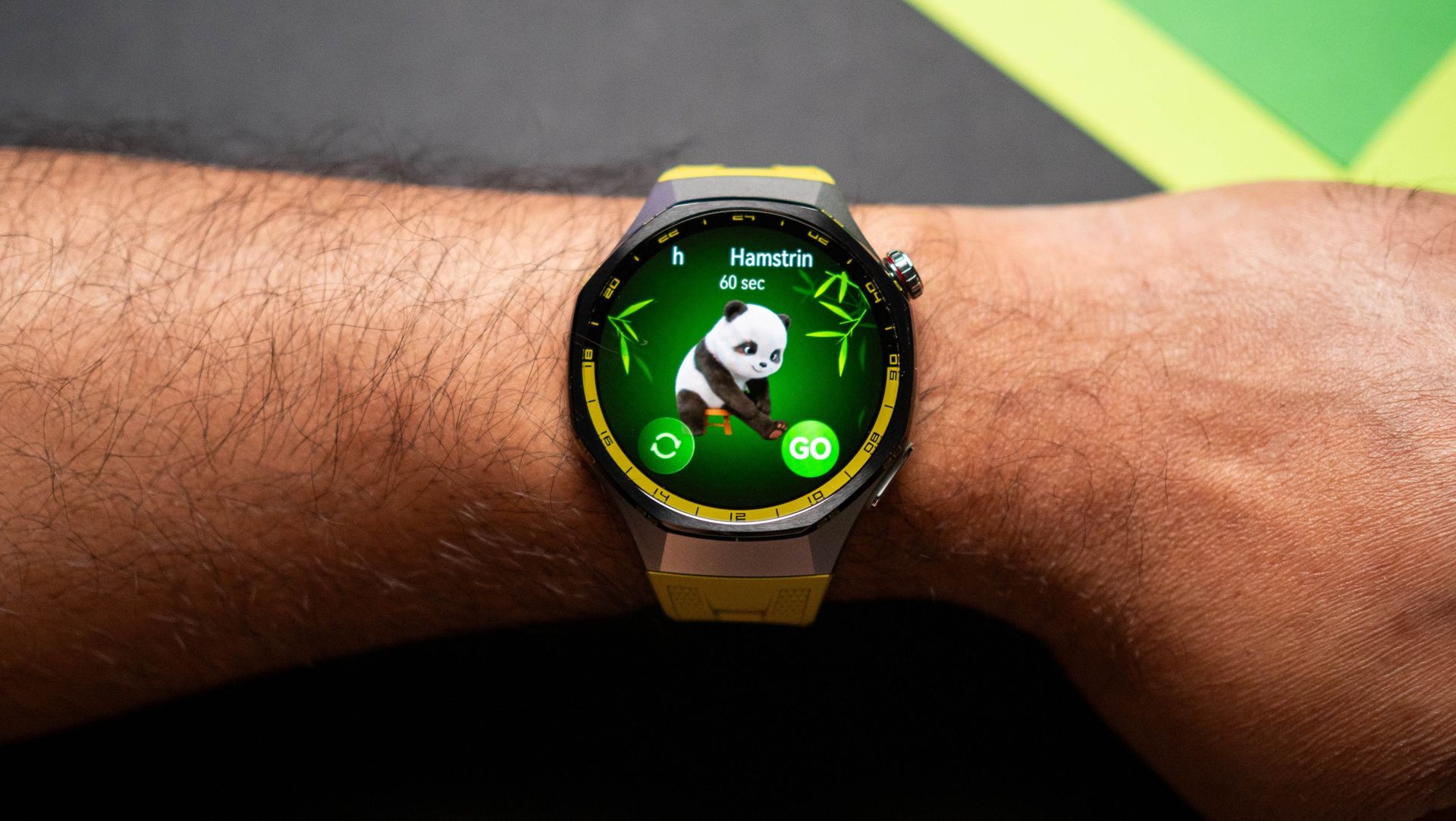
As the smartwatch is running a lightweight RTOS, you don't get the ability to install apps. While this is an issue with other smartwatches, Huawei does a great job delivering most of the things you need, and I particularly like the mini-workouts that are new this year. The idea is that instead of an extensive workout session, you can do small workouts right at your desk, with these targeting 10 key body parts with 30 guided workouts available. Oh, and the panda animations are adorable.

Huawei Watch GT 7 Pro testing on Android Central

(Image credit: Apoorva Bhardwaj / Android Central)

There are no problems in day-to-day use; the GT 7 Pro mirrored notifications to my wrist, and I was able to take calls as well. You get a good selection of watch faces, and Huawei Health pairs with Android as well as iPhones. There's no Google Wallet, but Huawei collaborated with Curve Pay to bring NFC payments to select western markets. This is a good move, and while I wasn't able to test it out (it needs a card issued in these countries), it is a viable alternative to Google Wallet.

Huawei Watch GT 7 Pro testing on Android Central
Apoorva Bhardwaj / Android Central
Huawei Watch GT 7 Pro testing on Android Central
Apoorva Bhardwaj / Android Central
Huawei Watch GT 7 Pro testing on Android Central
Apoorva Bhardwaj / Android Central

Overall, Huawei did all the right things with the Watch GT 7 Pro. It may not have a brand-new design, but the new colors are quite good, and you get a lot of software-focused additions that make a difference. Of course, the battery life continues to be the star of the show, and if you want a full-fledged smartwatch with standout battery life and all the extras, the Watch GT 7 Pro is a great choice.

Huawei Watch GT 7 Pro

Huawei
Watch GT 7 Pro

The Watch GT 7 Pro combines a stylish design with useful health and fitness features, and the week-long battery life is easy to get used to.

  •  

This one feature convinced me to use the Pixel 11

The Pixel 11 isn't notably different to its predecessor, and it doesn't even get new cameras β€” unlike the Pro models. That's annoying to say the least, but to its credit, Google added a decent number of software and camera features.

The one I like the most is Magic Capture; it makes taking photos of fast-moving subjects effortless, and it isn't gated to the Pro models β€” the standard Pixel 11 gets it too.

What is Magic Capture on the Pixel 11?

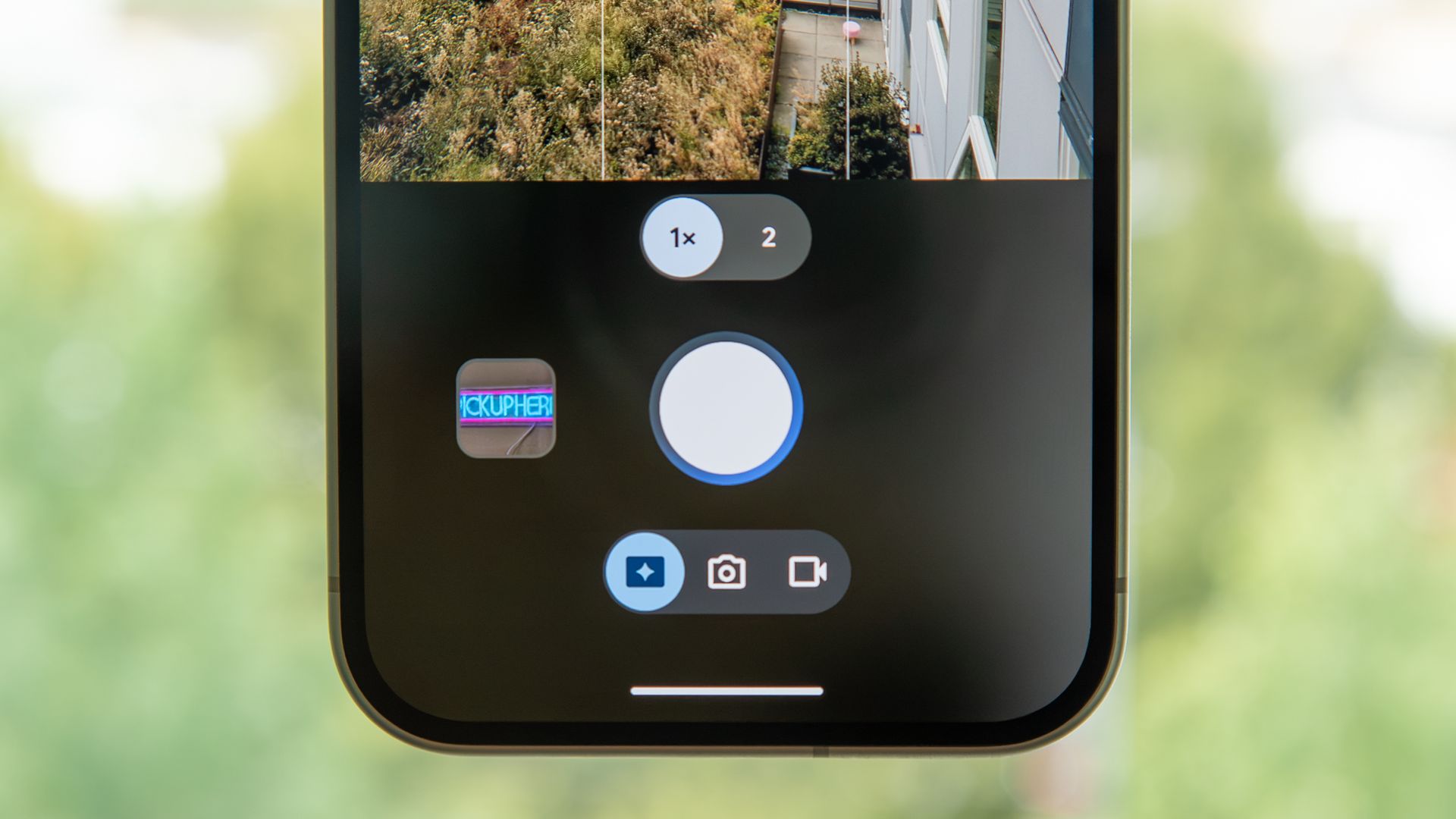
Magic Capture is a dedicated camera mode on the Pixel 11. It starts taking a video when you hit the shutter button, and then uses on-device AI models to analyze the frames and find the best still photo. That image is then turned into a high-resolution HDR photo.

Basically, the feature is designed to make it easy to take photos of fast-moving objects. If you have kids that are constantly on the move, the mode ensures you get images that aren't blurry. It genuinely makes a big difference, and having used it extensively on my Pixel 11 Pro XL, I'm glad that the feature is just as usable on the standard Pixel 11 as well.

You get a set of images when using Magic Capture, and the video that's shot is also available if you need it. The video itself isn't shot in 4K, so you don't quite get the best definition if that's what you're after β€” the goal with the mode is to deliver HDR photos of the best moments in the video. All of it is done on-device, and it doesn't take much time either.

How to use Magic Capture on the Pixel 11

Magic Capture button on the Pixel 11

(Image credit: Derrek Lee / Android Central)

Google needlessly made the viewfinder controls convoluted to use, and instead of having a Video mode like every other brand, it clubbed it into a toggle in the Photo mode. Magic Capture adds to that, with the mode available as another toggle within the Photo mode. This is how to access it:

  1. Launch the Camera on your Pixel 11.
  2. Choose Photo.
  3. In the bottom row, choose the left-most toggle to enable Magic Capture.

I prefer the cameras on the Pixel 11 Pro XL (obviously), but it's good to see the Pixel 11 getting all the new software features. Also, while the camera modules haven't changed this year on the Pixel 11, the phone takes better photos thanks to tweaks to Google's camera algorithms. Then there are features like Camera Looks that go a long way in changing the look and feel of the photos.

  •  

I changed one setting on the Galaxy Z Fold 8 Ultra and got better battery life

There's a lot to like in the Galaxy Z Fold 8 Ultra, and although Samsung didn't make too many changes this year, the bigger 5,000mAh silicon battery means the foldable lasts considerably longer than its predecessor.

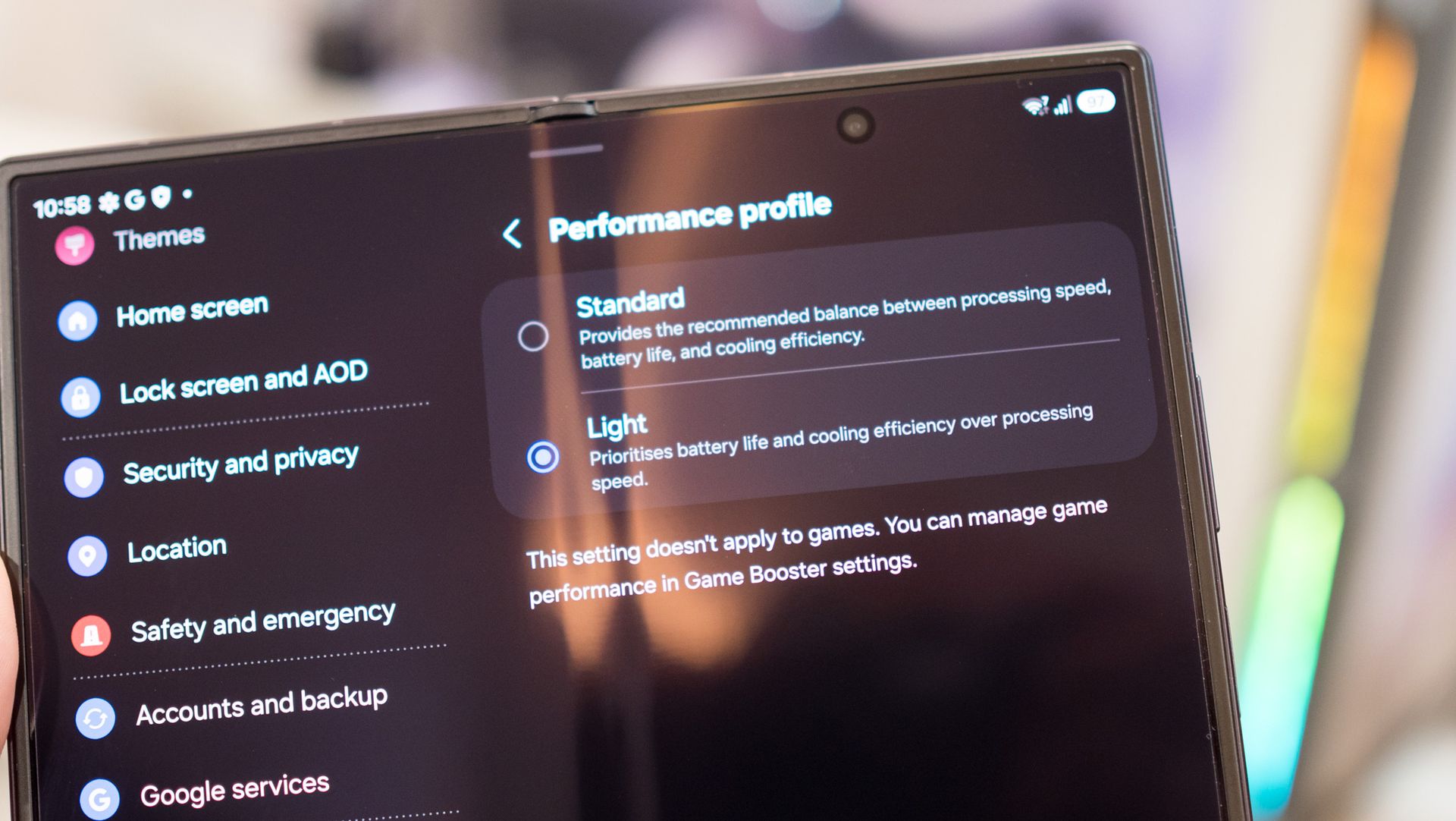
Thankfully, there's an easy way to boost the battery life even more. Samsung offers performance profiles within One UI, and I switched over to the Light mode, netting me a decent uptick in battery life. So let's take a look at what the mode has to offer, and why you should consider using it.

Standard vs. Light profiles: Is there a difference?

By default, all Samsung phones run the Standard profile out of the box, but there's a Light mode that's designed to prioritize battery life and thermal efficiency. These performance profiles are located in the Device care section, and you can easily switch between the two as needed.

Unlike Energy Saver mode, the Light profile doesn't actually make a difference in regular daily use. You still get 120Hz refresh and similar levels of fluidity when navigating the UI or browsing. What is does instead is reduce the clock frequencies of the processor, so it isn't using as much power all the time. This is absolutely fine on a high-end foldable, as Qualcomm's latest-gen silicon has plenty of power to spare.

As I said, I didn't see any difference after switching to the Light profile, and the device continued to be lag-free even while multitasking. Notably, the profile is only active in regular use; if you launch a game, it uses Game Booster (which is another thing entirely), so you don't need to limit the hardware if you play games regularly.

There's a clear benefit to using the Light profile. I got close to an additional hour of usage (not SOT) over the course of a day, and it meant I didn't need to plug in the phone until the end of the day. It particularly makes a difference with outdoor use, as the profile does a good job balancing thermals.

How to enable the Light profile

One UI 9 settings

(Image credit: Harish Jonnalagadda / Android Central)

Switching between the Standard and Light modes is as easy as it gets. This is how to do it:

  1. Go to Settings.
  2. Navigate to Device care.
  3. Select Performance profile.
  4. Choose Light.

That's all there is to it. The best part about this is that the feature is available on all Samsung devices, so if you're using an older Galaxy phone and need it to last a little longer, you should give it a try.

  •  

Apple iPhone Duo vs. Xiaomi 18 Fold: Software matters

Apple iPhone Duo

Apple
iPhone Duo

Heavyweight

The iPhone Duo is heavier and thicker than Android foldables, but that isn’t going to make too much of a difference in day-to-day use. The plus point is that it has IP68 ingress protection, and a build quality that’s different to anything else we’ve seen on Android. Also, the software is the biggest differentiator, and the little I’ve seen of this makes me highly interested to use the iPhone Duo.

Xiaomi 18 Fold

Xiaomi
18 Fold

Sublime

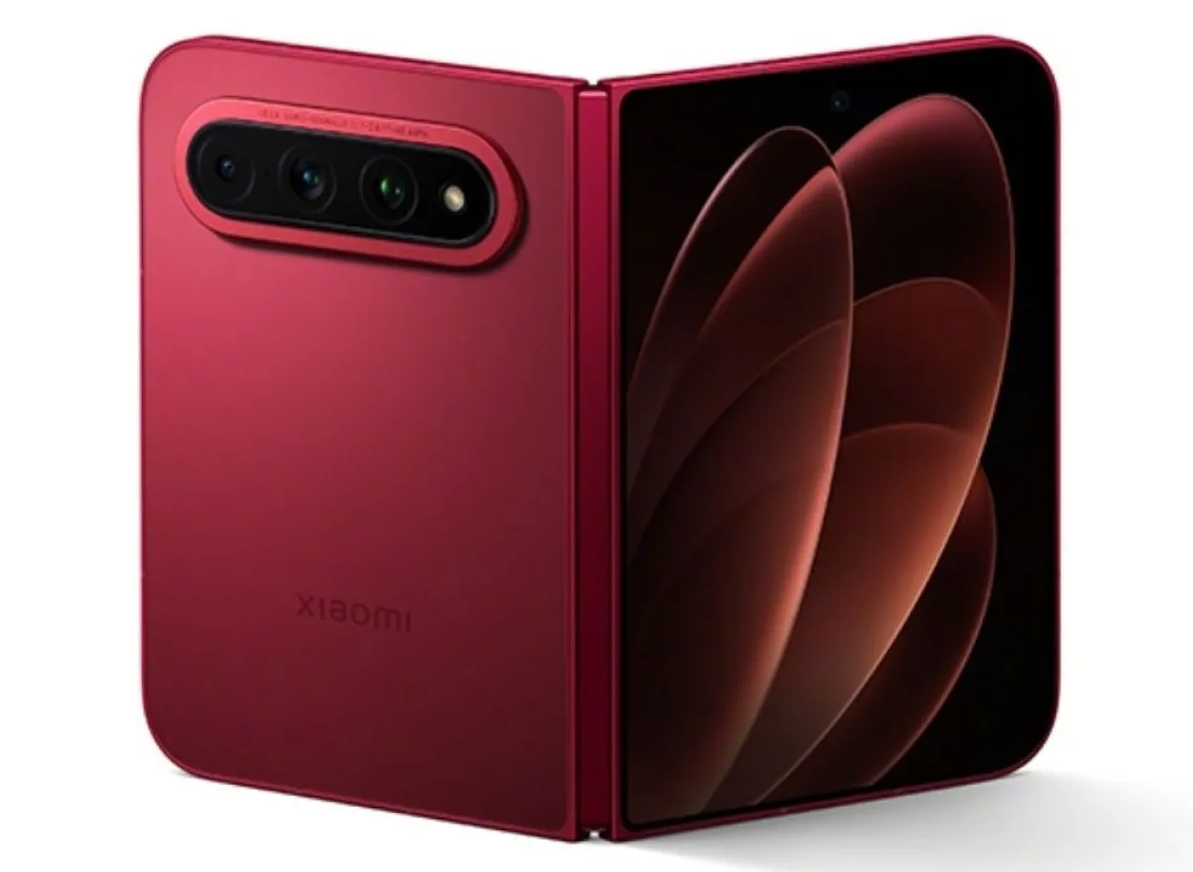
Make no mistake: the Xiaomi 18 Fold has the best design of any wide foldable, and Xiaomi deserves credit for slotting in a dedicated tele lens into the device. It is a full 35g lighter than the iPhone Duo, but you still somehow get a huge 6,000mAh battery. The custom Xring 03 silicon is intriguing, and the only issue with the 18 Fold is that it is limited to China, so you don’t get the best software β€” there’s no Play Store or other Google services.

Apple iPhone Duo vs. Xiaomi 18 Fold: Design and display

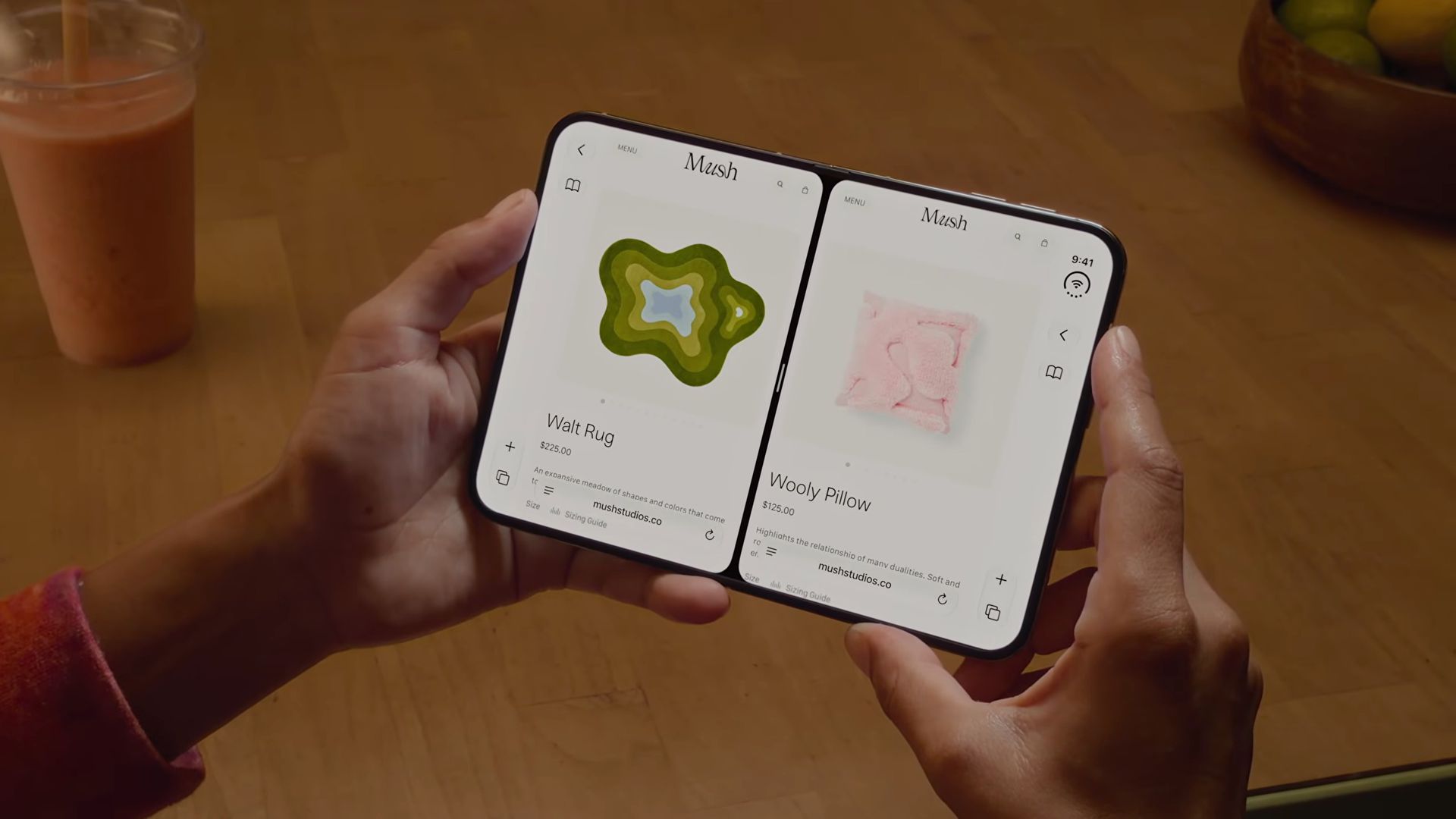
Split View multitasking on the iPhone Duo

(Image credit: Apple)

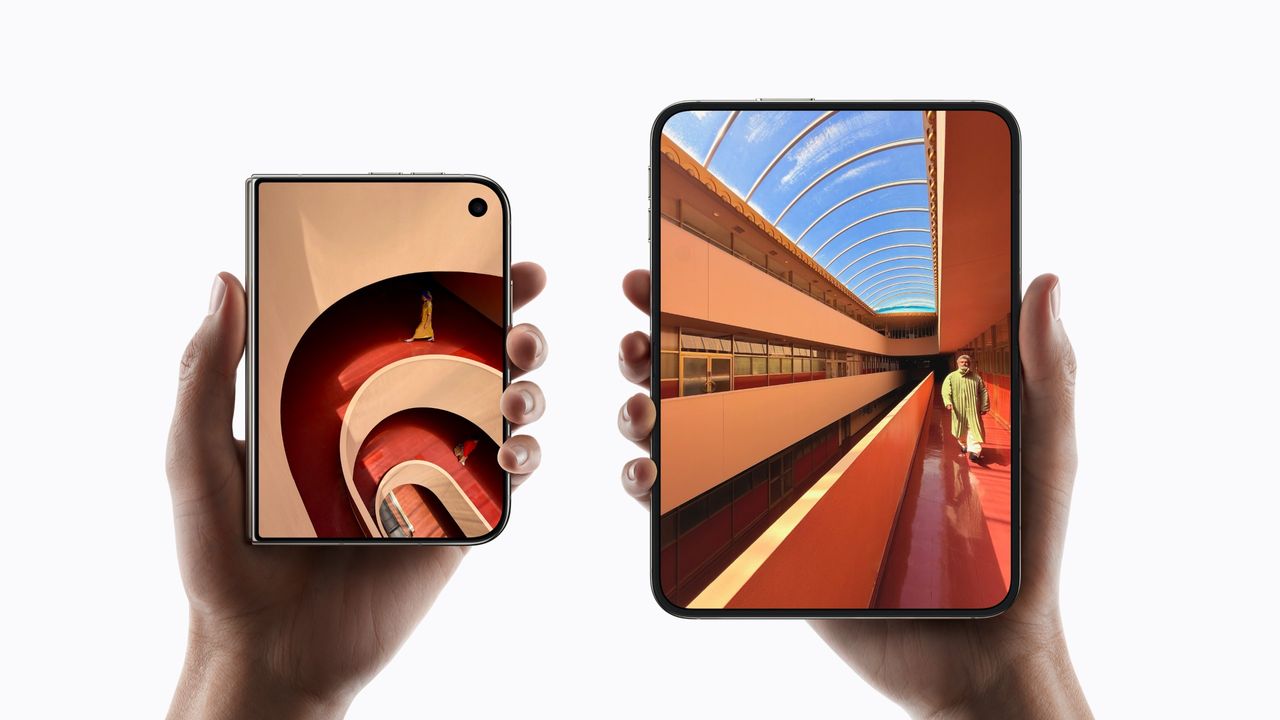
I like the design of wide foldables as they’re much easier to hold and use than traditional book-style devices like the Galaxy Z Fold 8 Ultra and Pixel 11 Pro Fold. The iPhone Duo looks interesting thanks to the 5.4-inch outer panel, and it unfolds to a 7.6-inch inner panel. The Xiaomi 18 Fold has similarly-sized displays as well, but when it comes to resolution, the iPhone Duo comes out ahead.

That said, the biggest issue with the iPhone Duo is the weight; at 254g, it is the heaviest of any 2026 foldable, and the Xiaomi 18 Fold is 35g lighter. Now, to give you some context, it is 5g heavier than the iPhone 18 Pro Max, but the point stands that it is a hefty device. Obviously, we’ll need to see how that makes a difference in daily use; weight distribution matters a lot on a foldable, and I’ll share findings once I used the Duo.

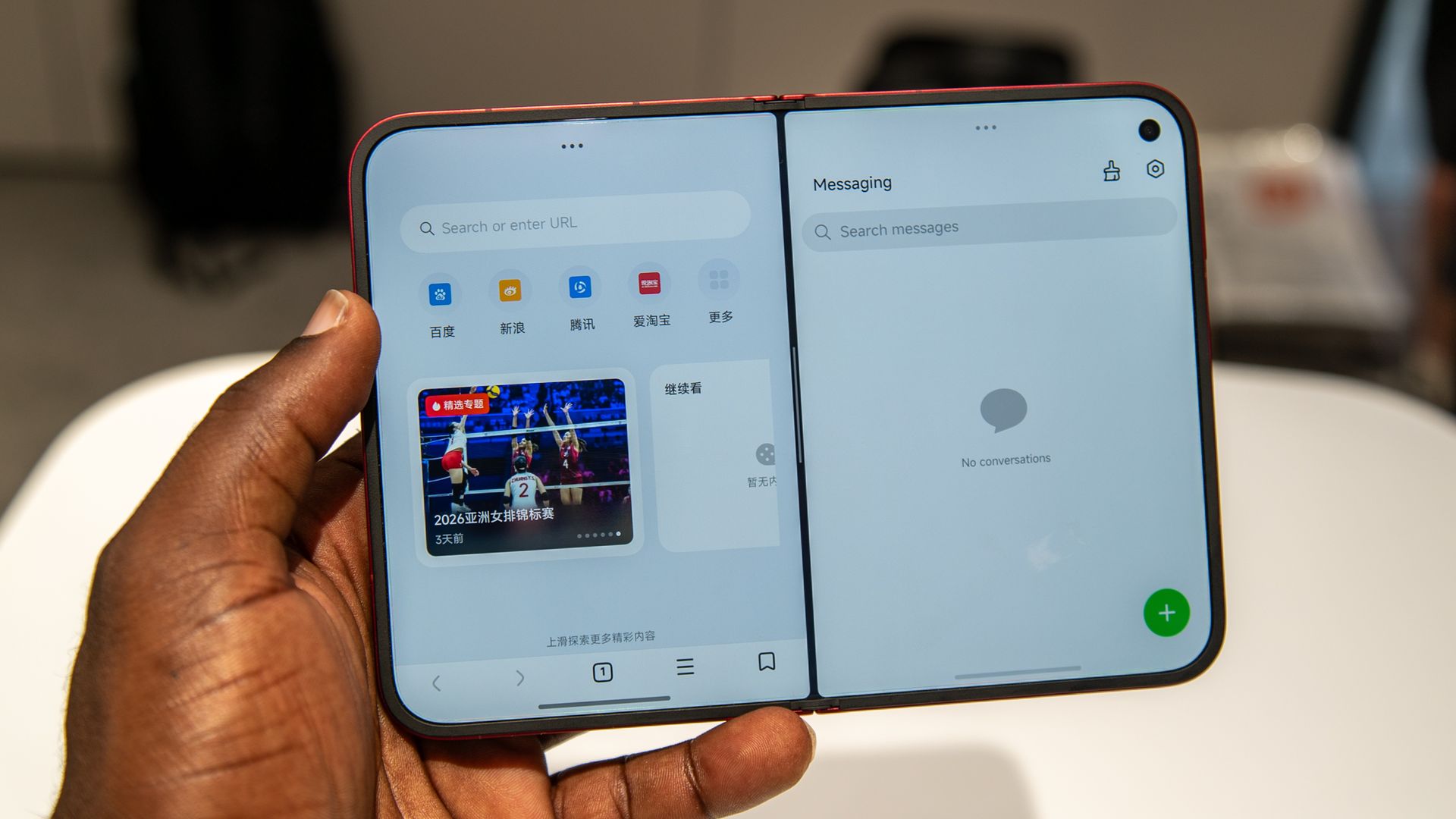
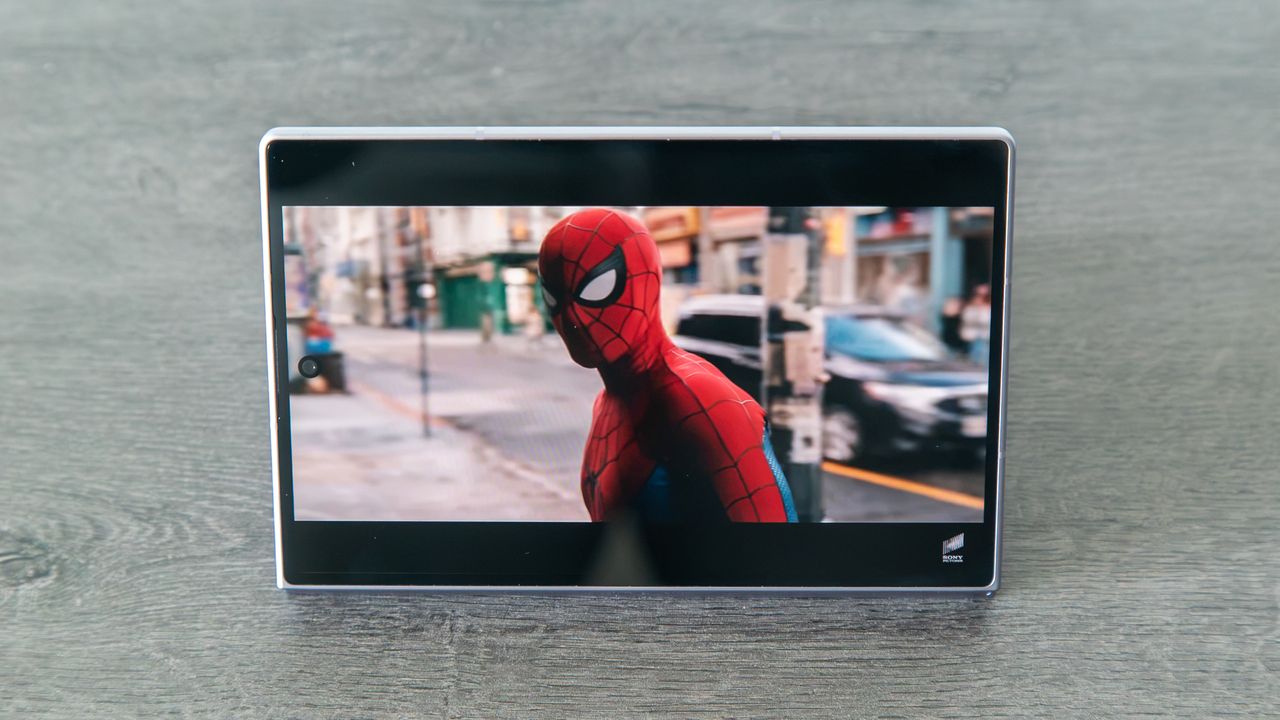
The Xiaomi 18 Fold split screen apps

(Image credit: Derrek Lee / Android Central)

What I like is that the Duo gets IP68 dust and water resistance. It is the only foldable other Google’s Pixel 11 Pro Fold and 10 Pro Fold to have this feature, and it will make a genuine difference in regular use. The 18 Fold has IP58 and IP59 ingress protection, and it should do a good enough job in outdoor use.

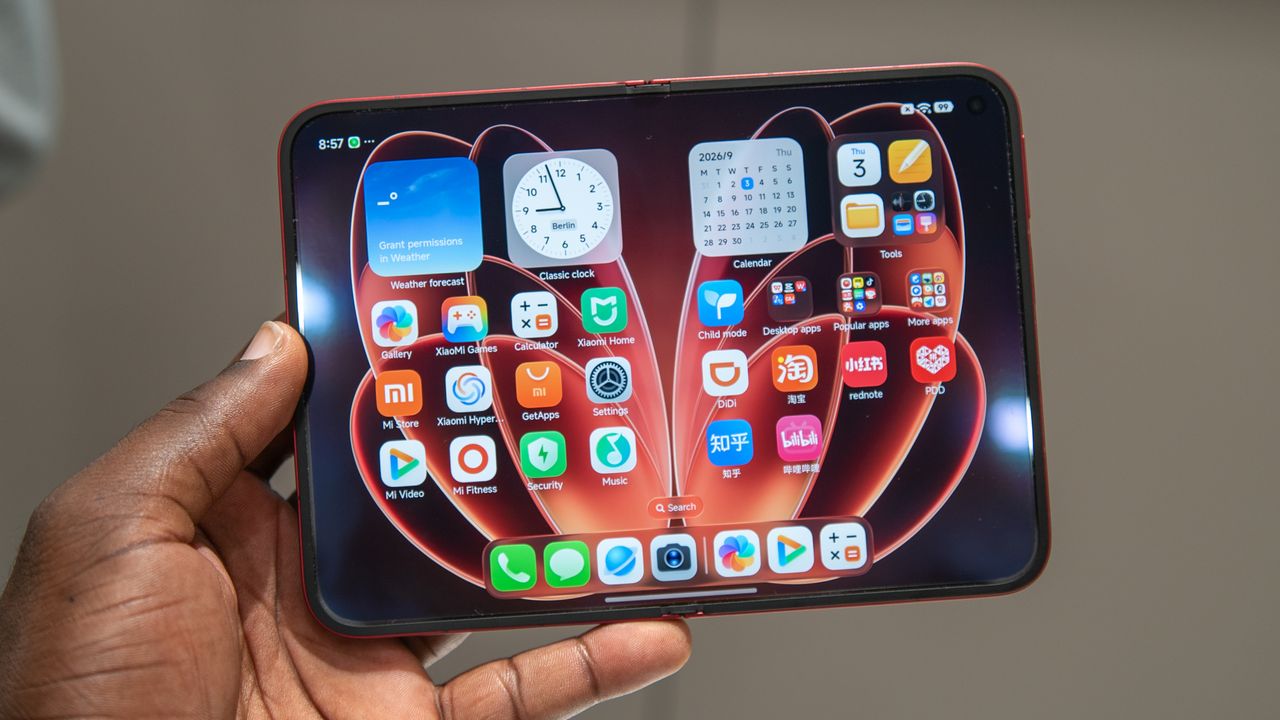
Also, the design itself is exquisite on the Duo, and the blue color looks stunning. Something you don’t see (but will make a difference) is the inner panel. The iPhone Duo uses layers of ultra-thin glass sandwiched over the panels, and it should give it much better resilience against deformation β€” which is an issue with most foldables. Xiaomi, to its credit, delivered what is arguably the best-looking wide foldable in the 18 Fold, and the svelte design along with the bright red hue is brilliant.

Apple iPhone Duo vs. Xiaomi 18 Fold: Hardware

The Xiaomi 18 Fold external display

(Image credit: Derrek Lee / Android Central)

What’s notable about the internals is that both foldables use custom silicon. The iPhone Duo uses the latest A20 Pro, and the 2nm platform has much better power than last year, and it should deliver meaningful upgrades on the battery side of things. Xiaomi is using the Xring 03 silicon with the 18 Fold, and I’m excited to get my hands so I can test it β€” it’s not often we get a new player that can beat Qualcomm at its own game.

Xiaomi also has a distinct advantage with the battery, and the 18 Fold has a 6,000mAh battery that easily lasts over a day. the iPhone Duo should last a day as well, but this is something I’ll need to test. The 18 Fold has 67W USB PD charging tech, but what I like is that the iPhone Duo has 25W MagSafe, making it that much more convenient to use. Annoyingly, Xiaomi doesn’t have built-in magnets, so you can’t just use a Qi 2.2 charger with the device.

Category

Apple iPhone Duo

Xiaomi 18 Fold

Display

Outer: 5.4-inch ProMotion LTPO OLED, 2034x1398

Inner: 7.6-inch ProMotion LTPO OLED, 2670x1878

Outer: 5.38-inch LTPO AMOLED, 1712x1168

Inner: 7.58-inch LTPO AMOLED, 2364x1672

Operating System

iOS 27, at least seven updates

Android 17

Chipset

Apple A20 Pro, 2nm

Xiaomi XRing O3, 3nm

RAM

12GB

12GB/16GB

Storage

256GB, 512GB, 1TB, 2TB

256GB, 512GB, 1TB

Rear cameras

Main: 48MP f/1.6, sensor-shift OIS

Wide-angle: 48MP f/2.2

Main: 200MP f/1.7, OIS

Tele: 50MP f/2.8, 3x tele

Wide-angle: 50MP f/2.4

Front camera

12MP

16MP

Ingress Protection

IP68

IP58/IP59

Battery

4,700mAh

6,000mAh

Charging

40W, 25W MagSafe/Qi 2

67W PD 3.0, 50W HyperCharge

Dimensions

Folded: 117.8 x 84.1 x 11.3mm

Unfolded: 117.8 x 164.6 x 5.2mm

Folded: 83.6 x 117.8 x 10.7mm

Unfolded:163.8 x 117.8 x 5.0mm

Weight

254g

219g

Colors

Night Sky, Star White

Red, Rose gold, Silver, Grey

The iPhone Duo has two 48MP cameras β€” a main camera and wide-angle lens β€” but you don’t get a telephoto lens. This is annoying, as the tele lens is the one I use the most. That’s why it’s refreshing to see Xiaomi providing the lens on the 18 Fold; its foldable has a 200MP main camera, 50MP tele lens with 3x optical zoom, and a 50MP wide-angle lens. Just having a tele lens gives the device a huge advantage, and Xiaomi is the only brand doing so on a wide foldable.

Apple iPhone Duo vs. Xiaomi 18 Fold: Software

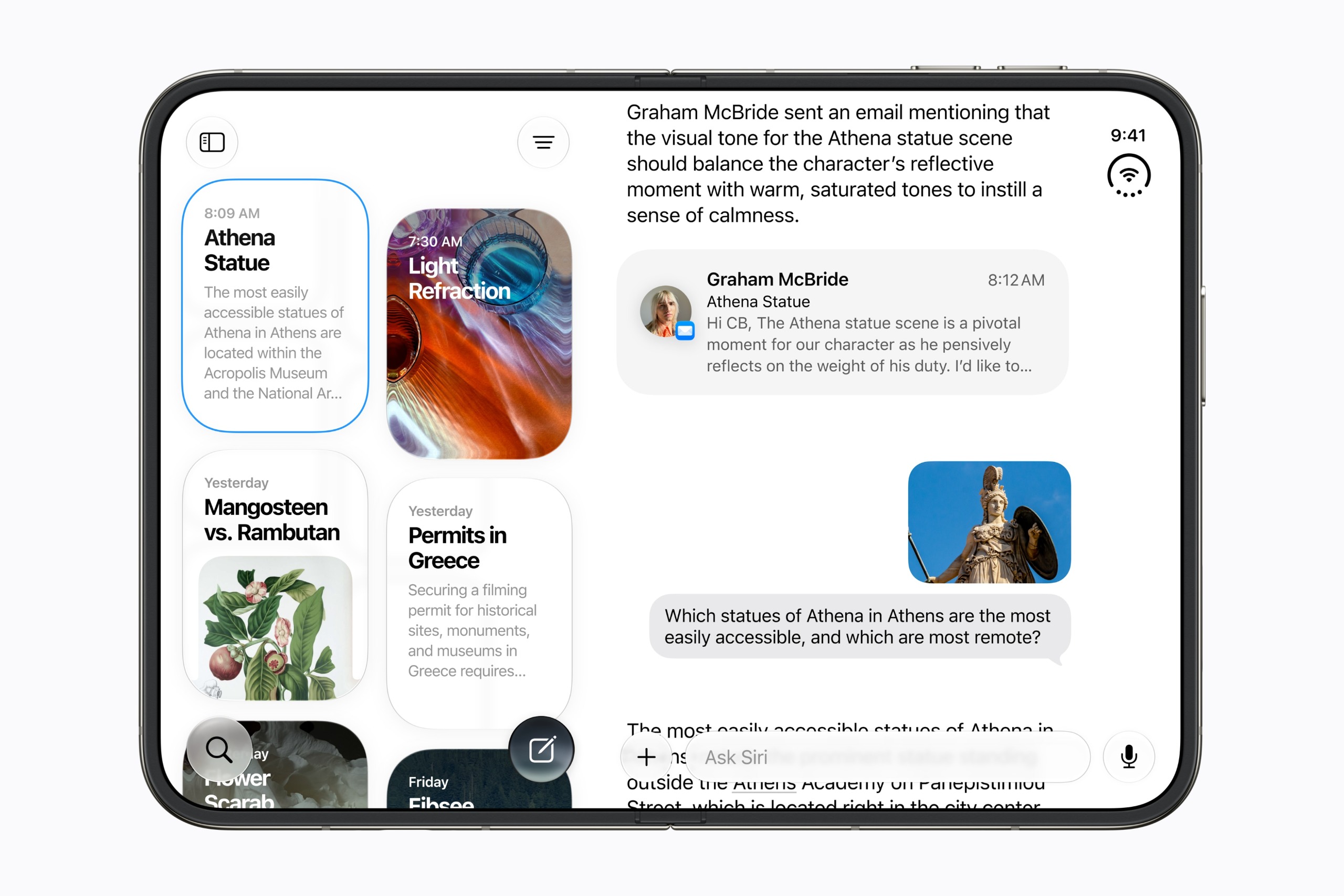
Split screen multitasking on iPhone Duo

(Image credit: Apple)

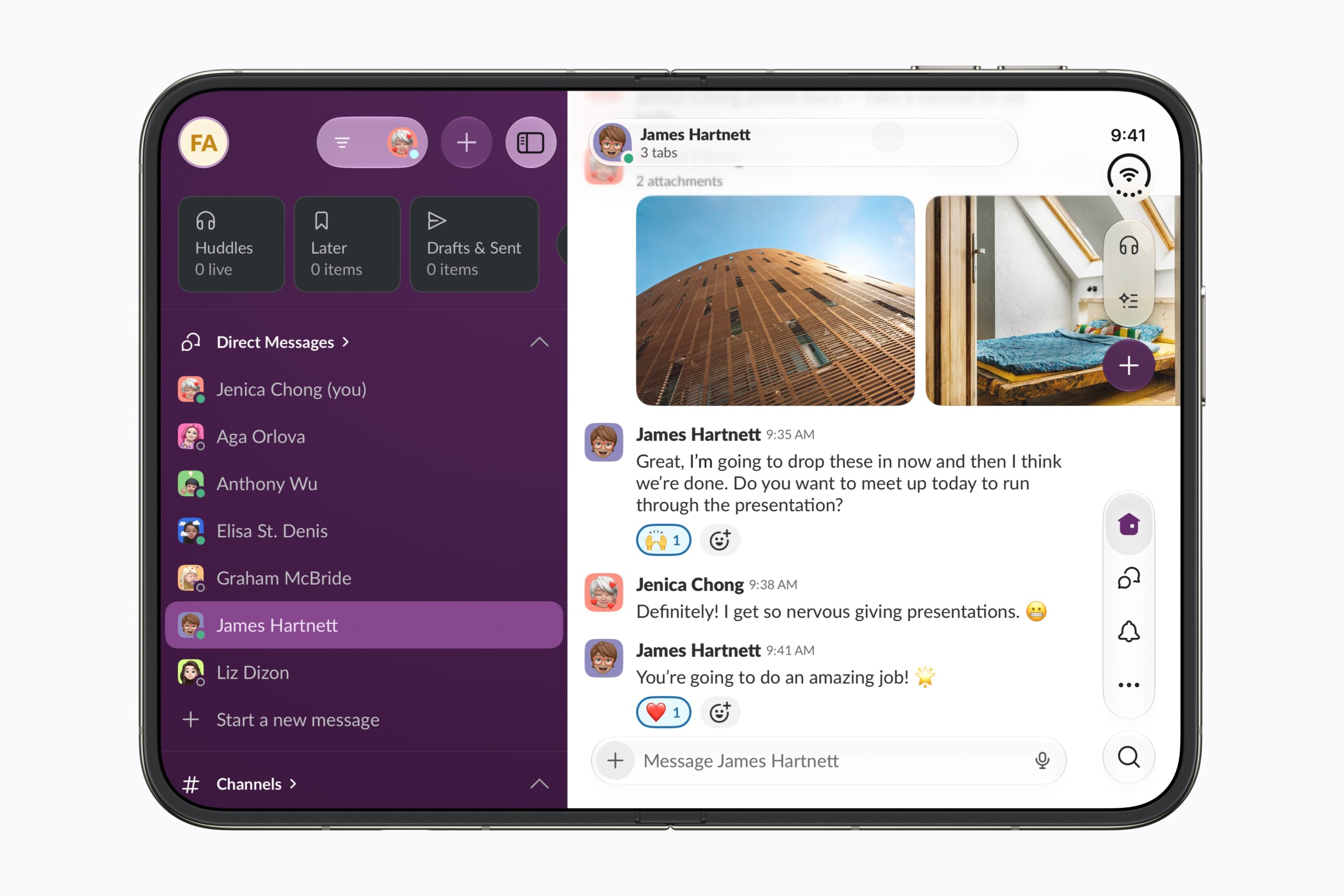
Where the iPhone Duo has a sizable lead is the software; it’s clear that iOS 27 has plenty of custom features to maximize the real estate on the foldable. What’s great to see is that the toggles and the taskbar are oriented on the right, and while it’s a small thing, it makes a difference in usability.

The main problem with the Xiaomi 18 Fold is that it is limited to China, so you have to use the Chinese iteration of the brand’s skin. There are issues with push notifications, aggressive memory management, and there’s no Play Store or Google services out of the box. If you're an enthusiast and have used Chinese software previously, you can wrangle the 18 Fold to work the way you want (I plan on doing that), but it is a hassle.

Apple iPhone Duo vs. Xiaomi 18 Fold: Which should you buy?

Dual view photo capture on iPhone Duo

(Image credit: Apple)

I’ll make this easy: if you like the look of a wide foldable, you should get the iPhone Duo. Although the Xiaomi 18 Fold has arguably better internals, the software is not ideal, and I wouldn’t recommend getting it as a result. Xiaomi needs to do a better job bringing its foldables to global regions, because the 18 Fold deserves a wide rollout.

Of course, the iPhone Duo is costlier than any other iPhone, but not by too much than the latest Pro models. There's no doubt that the 18 Fold gives you a better overall value (as these things go), but with Xiaomi choosing not to launch the foldable globally, this is a moot point.

Apple iPhone Duo

Apple
iPhone Duo

Heavyweight

The iPhone Duo is the default choice if you need a wide foldable. The Xiaomi 18 Fold has better internals, but the Duo arguably has the better software, and it is launching in over 75 countries.

  •  

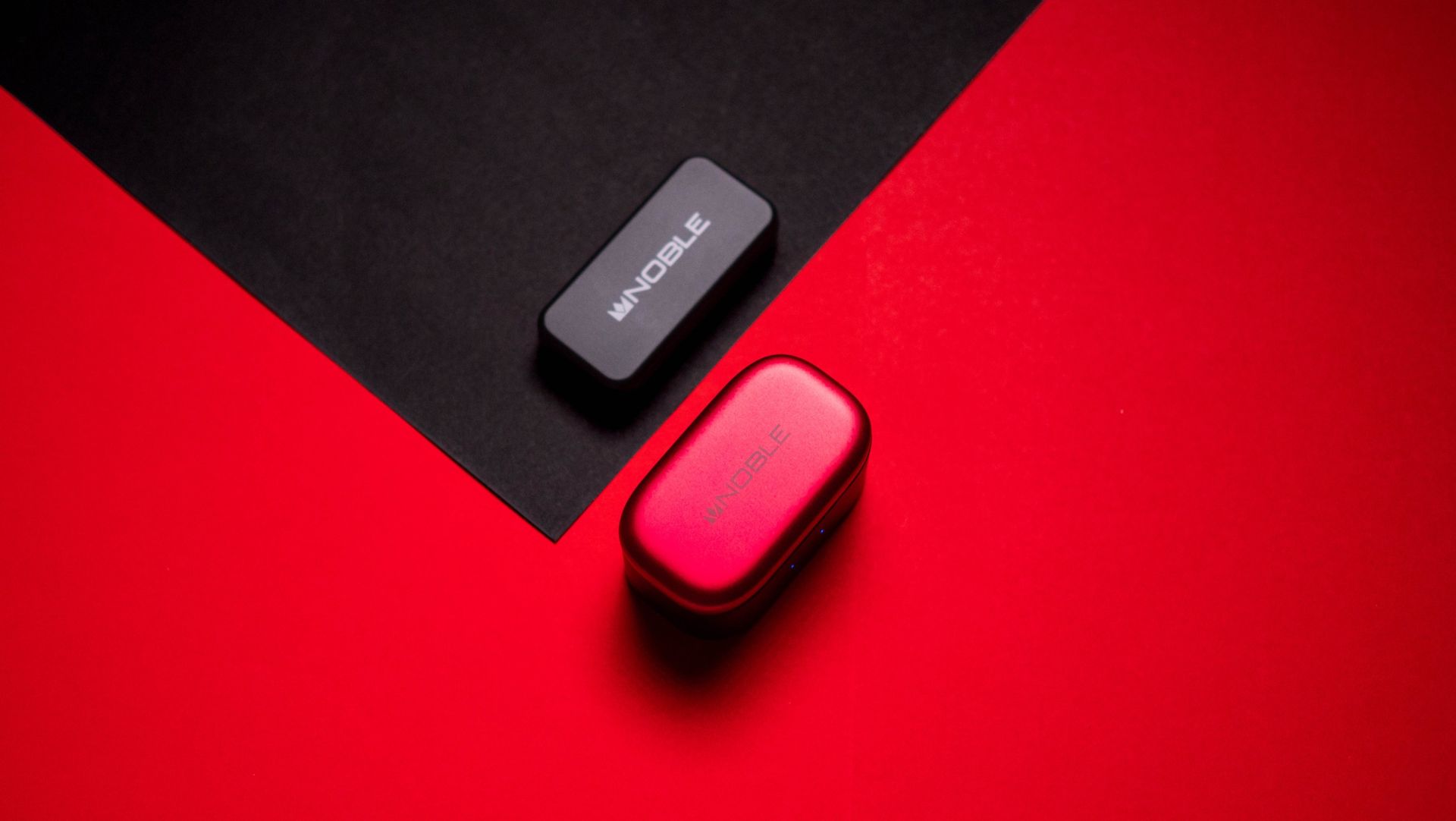
I found something better than the Bose QC Ultra Gen II: meet Noble's FoKus Amadeus

There's extensive choice if you want to get a pair of decent earbuds. Bose, Sennheiser, and Sony continue to be heavy-hitters in this category (I use my Bose QuietComfort Ultra Gen II while traveling), and phone brands also a good job with their earbuds β€” Google's Pixel Buds Pro 2 and Samsung Galaxy Buds 4 Pro deliver a vibrant sound with plenty of useful features.

But if you want the best sound quality, you'll need to turn your attention to Noble Audio. The boutique brand is known for its IEMs, and it has ventured into wireless earbuds in recent years. I've heard plenty of great things about the brand, so I was excited to get my hands on the FoKus Amadeus. Retailing for $320 on Amazon, the Amadeus is in the similar price bracket as the Bose QC Ultra Gen II and Sony WF-1000XM6, but what you're getting here is markedly different.

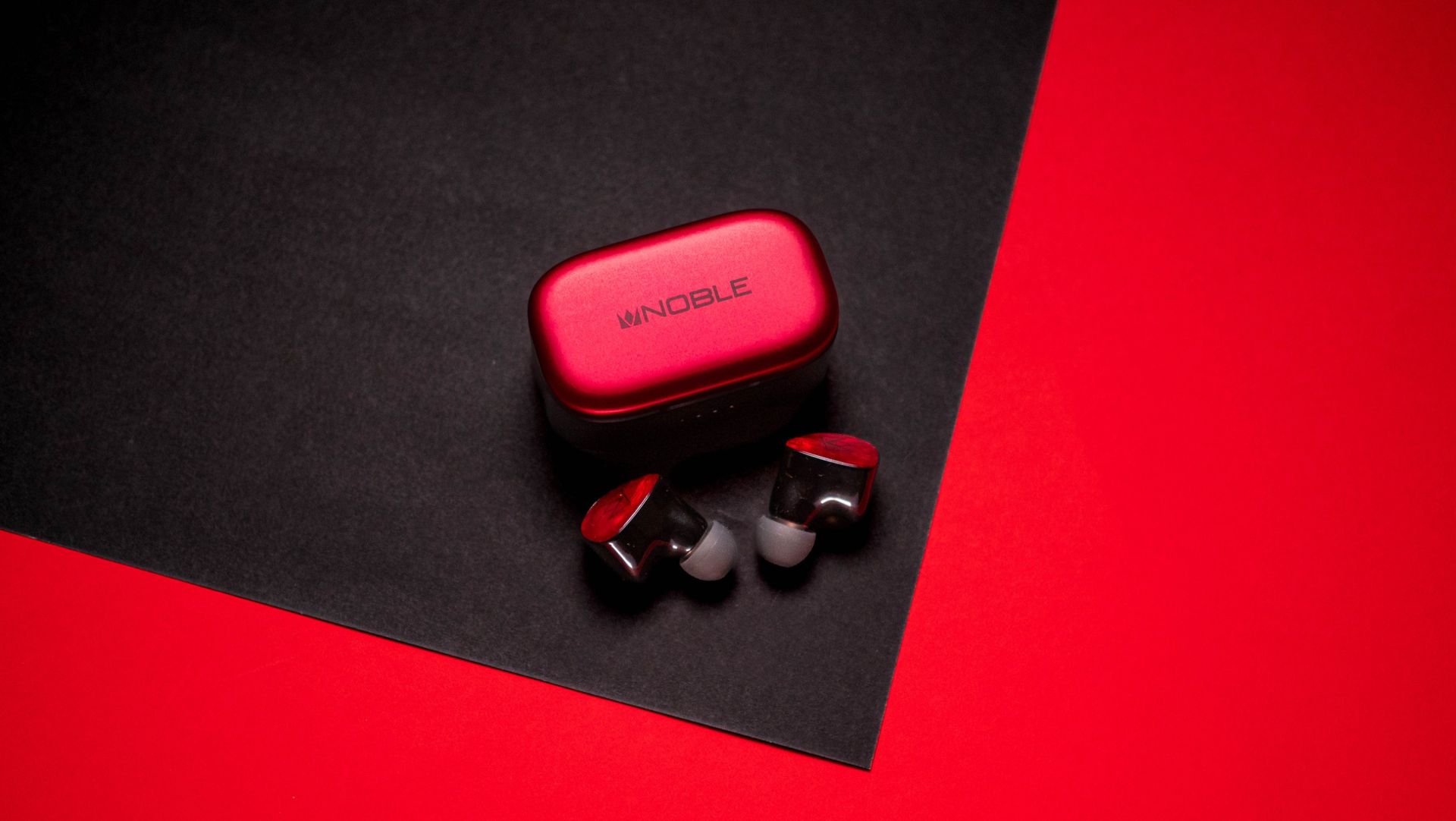
Noble FoKus Amadeus review on Android Central

(Image credit: Apoorva Bhardwaj / Android Central)

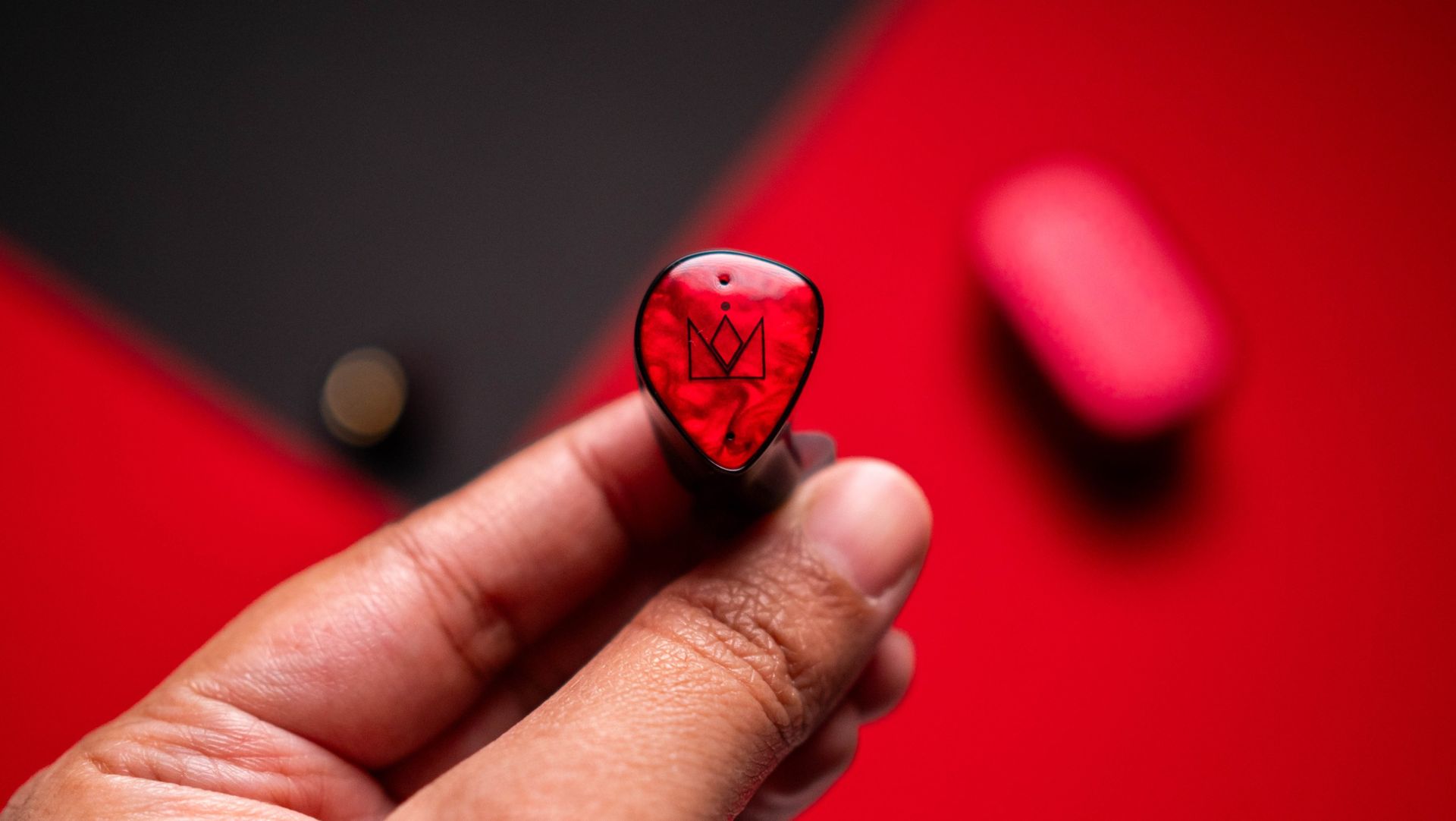
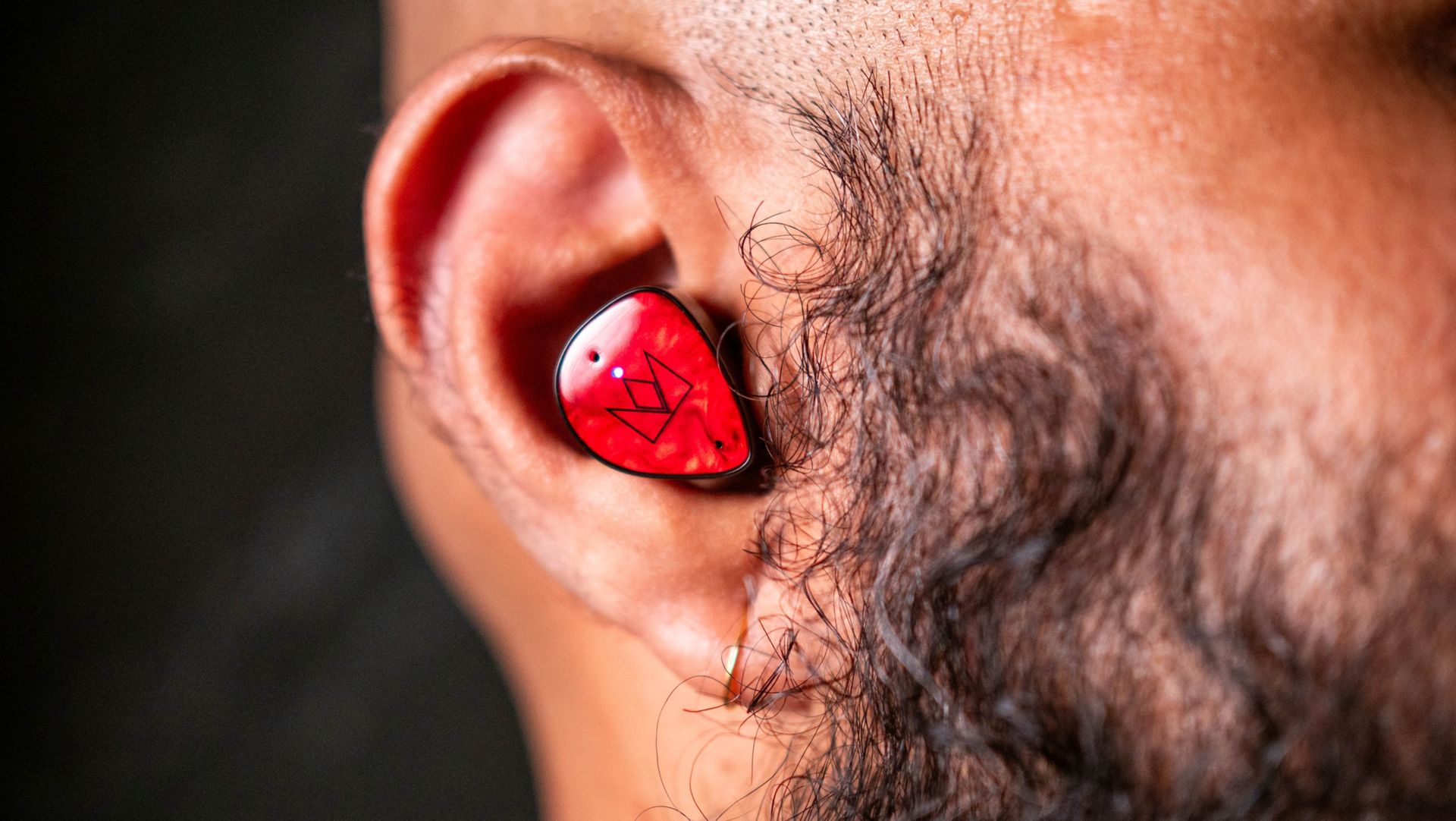
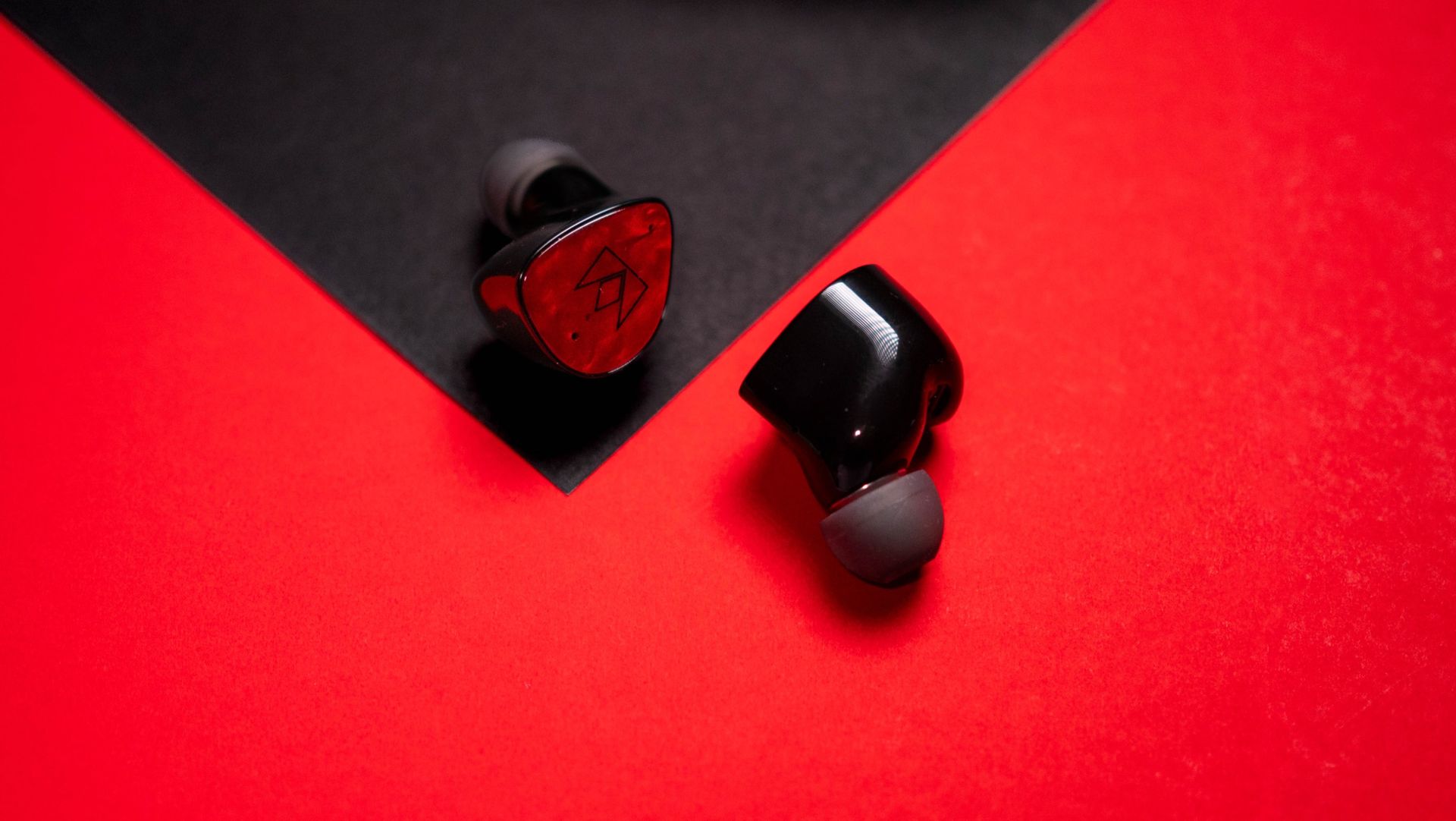
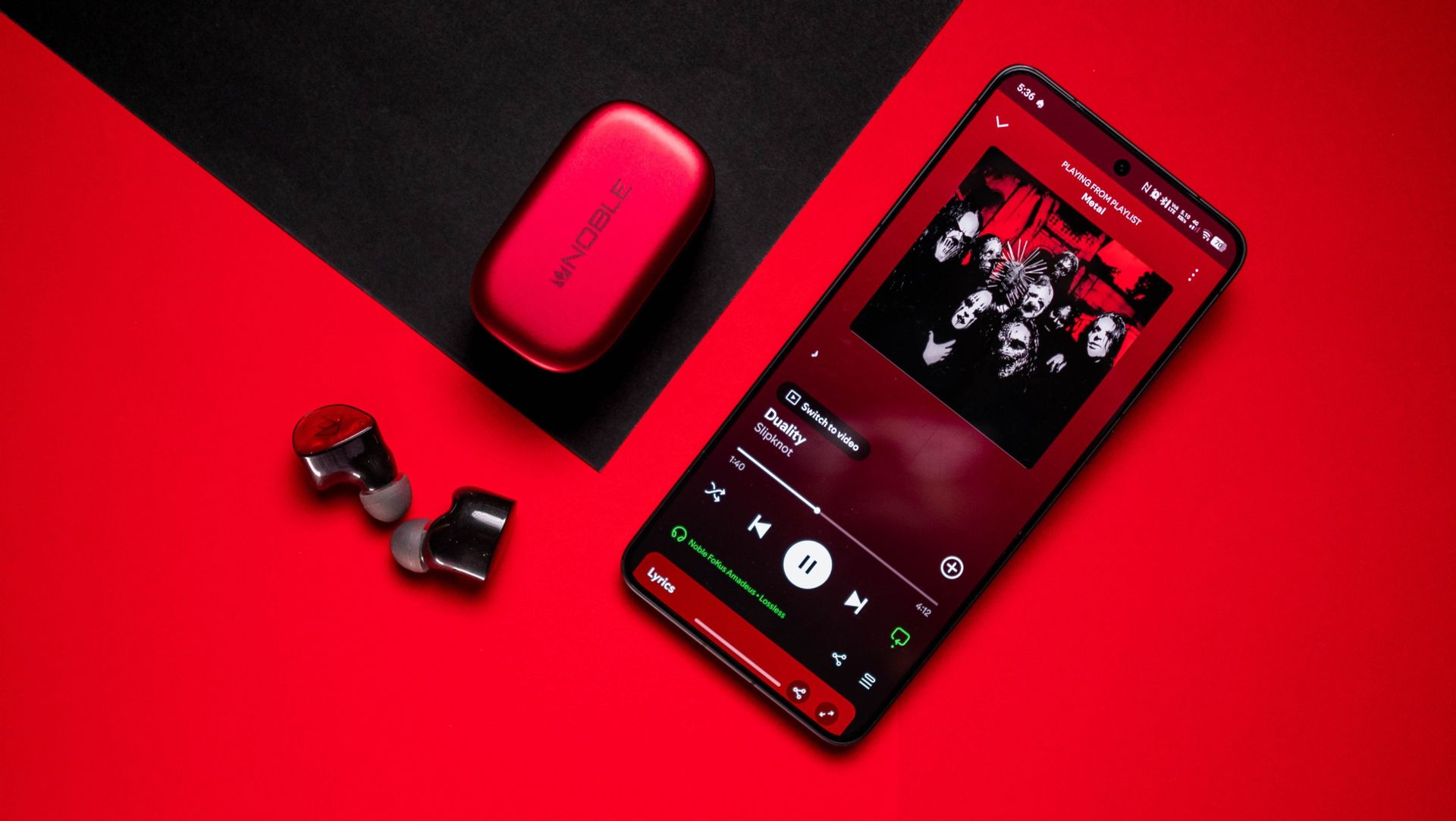
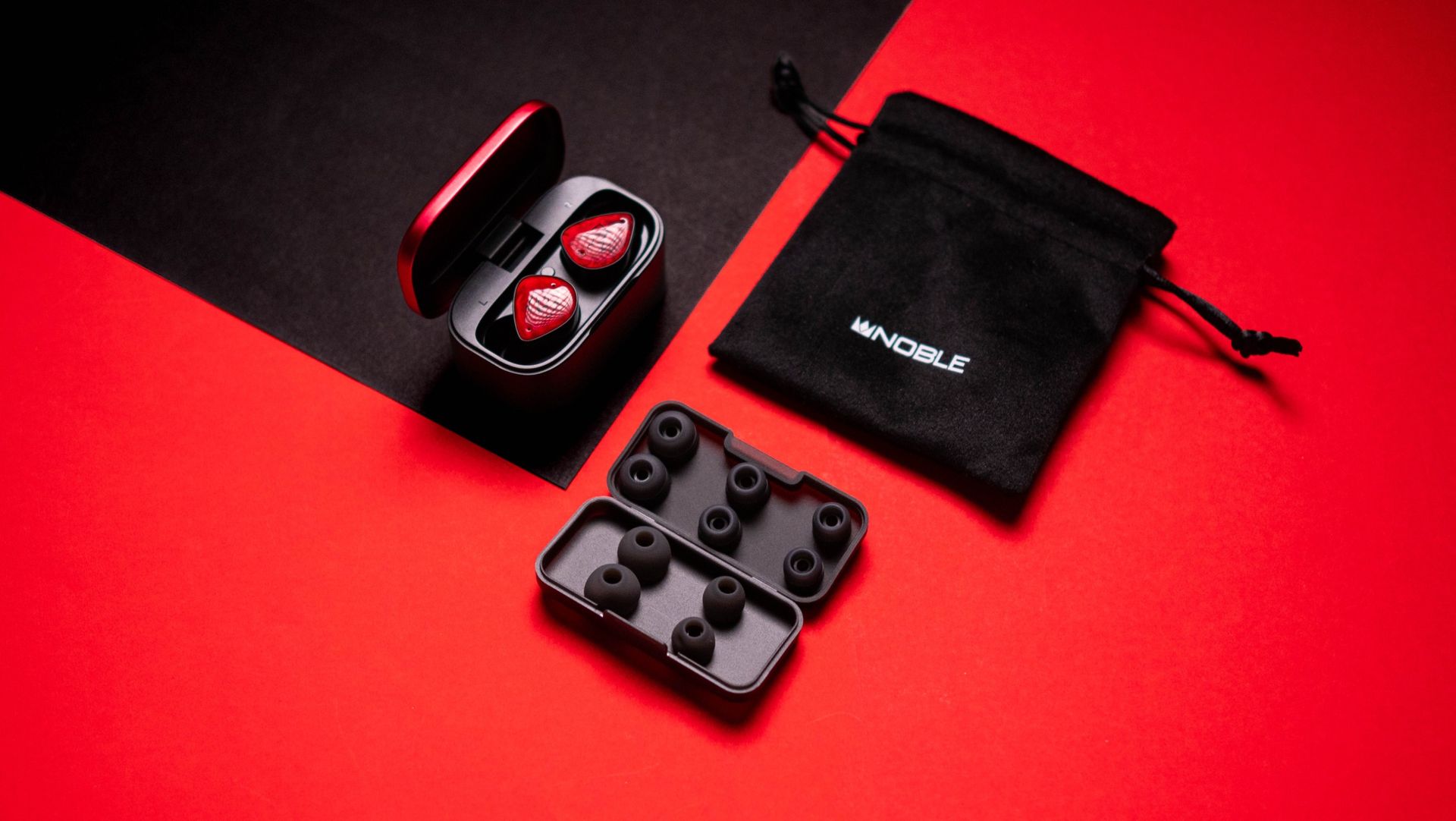
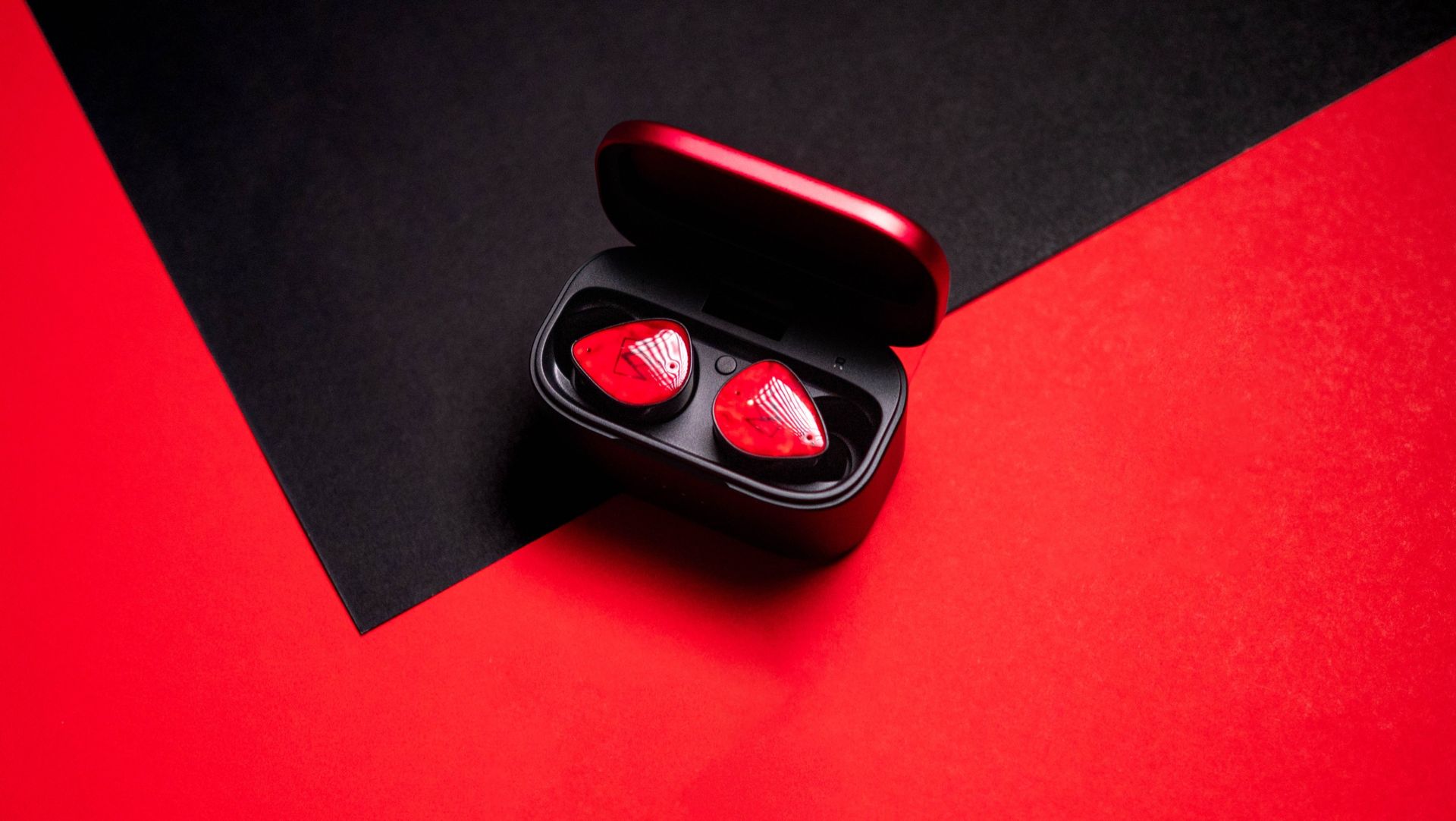
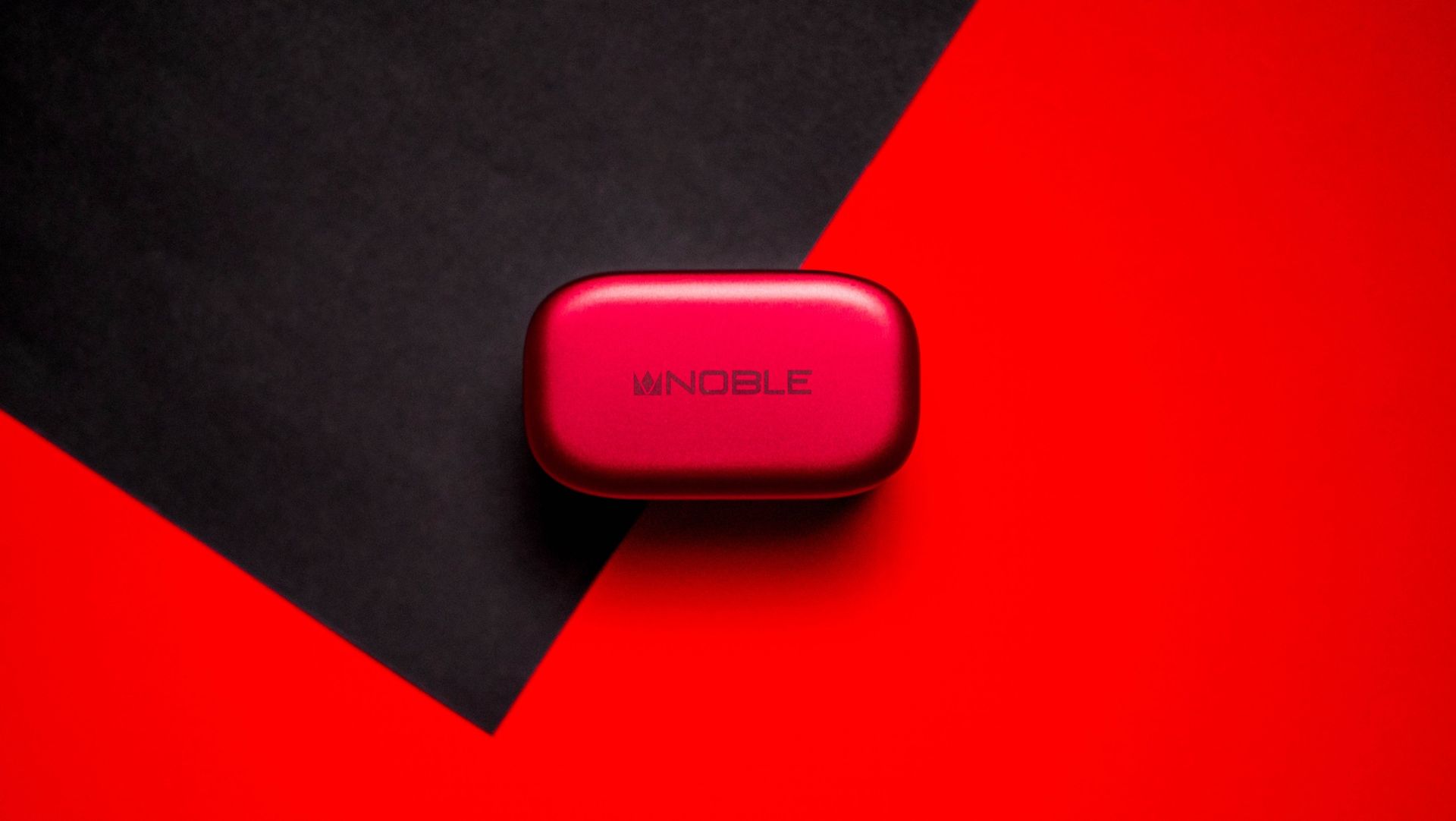
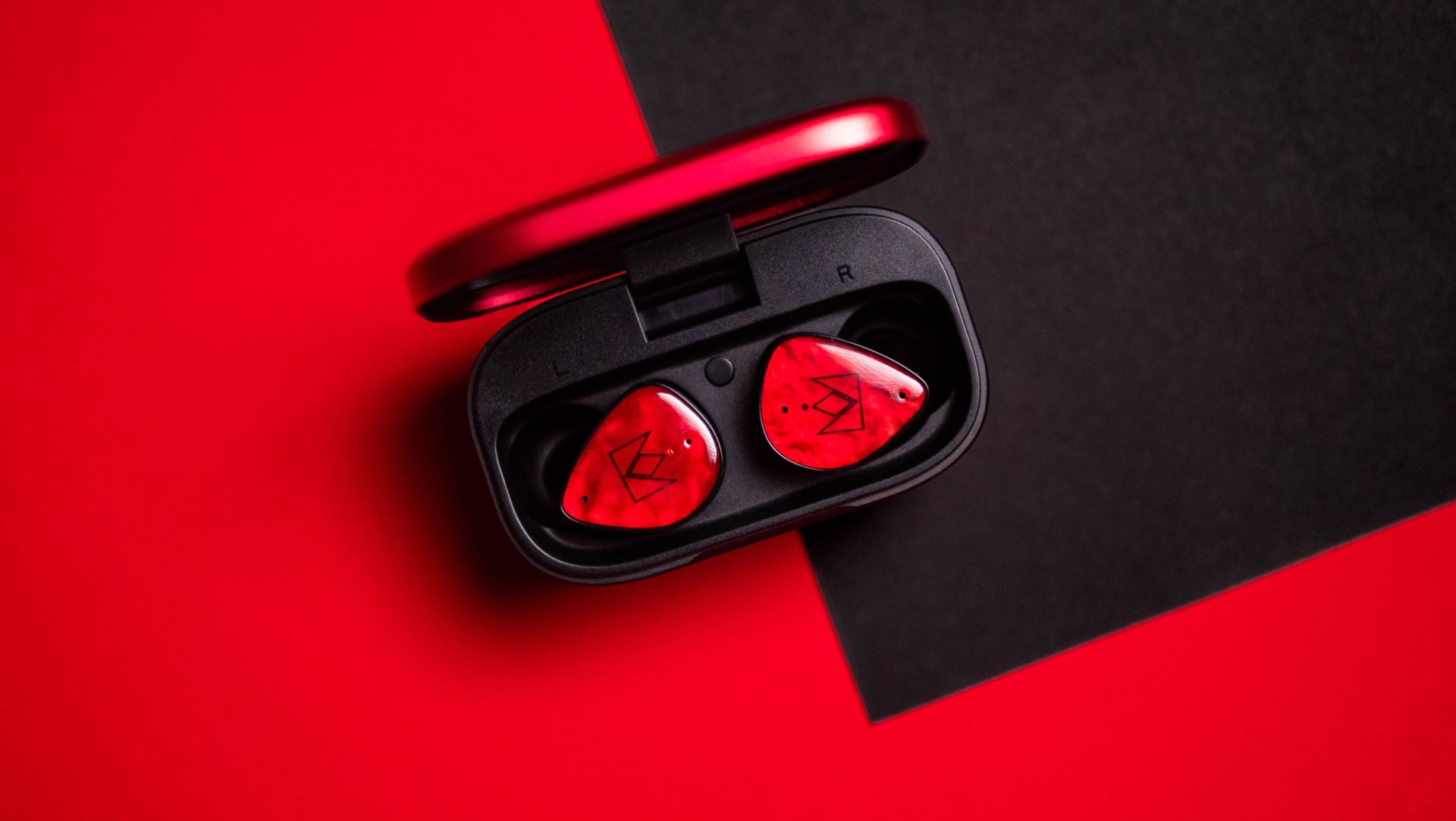
For starters, the design of the FoKus Amadeus is unlike any other earbuds around. Mainstream brands play it pretty safe with their designs, and they're not meant to stand out β€” that isn't the case here. With a bright red design and a custom shell that's bigger than most earbuds, these are guaranteed to grab attention.

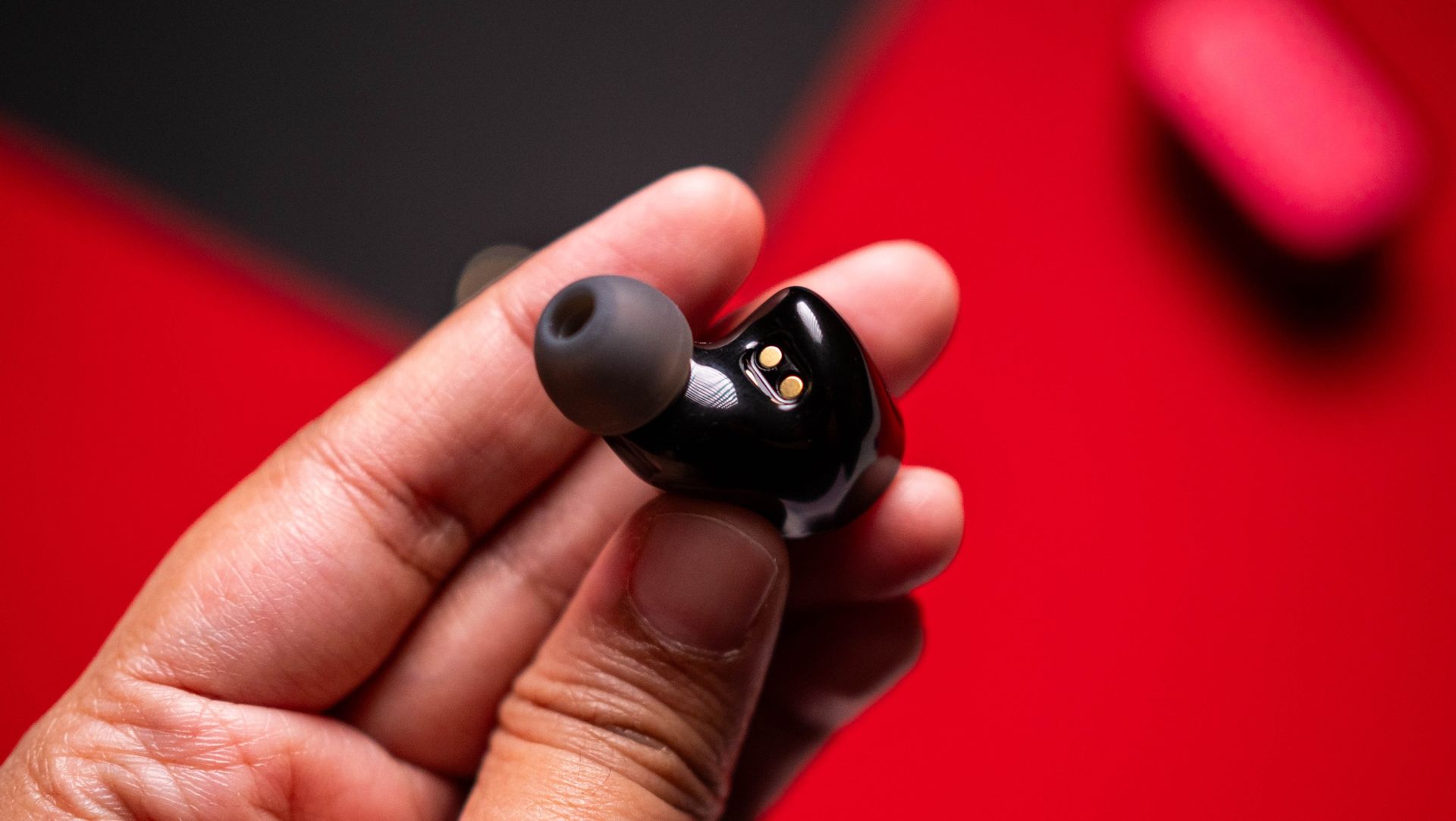
Like the Amadeus name, the red design is an homage to Mozart’s signature tailcoat, says Noble. Build quality is great, and while the size of the shell means the earbuds jut out, I didn't see any issues with comfort. Each bud weighs 7g, and that's in line with other products in this category. The only omission is ingress protection, so I wouldn't suggest using these at the gym. Just like the buds, the case itself is bigger, but the square design makes it easy to take anywhere.

Noble FoKus Amadeus review on Android Central
Apoorva Bhardwaj / Android Central
Noble FoKus Amadeus review on Android Central
Apoorva Bhardwaj / Android Central
Noble FoKus Amadeus review on Android Central
Apoorva Bhardwaj / Android Central
Noble FoKus Amadeus review on Android Central
Apoorva Bhardwaj / Android Central

Coming to connectivity, the Amadeus gets Bluetooth 5.4 via Qualcomm’s QCC3091 modem, and there's SBC, AAC, LDAC, and AptX Adaptive. The buds connect to two devices at once, and I had no problems pairing with my Pixel 11 Pro XL, Find X9 Ultra, and iPad Pro M4. There's good ANC as well, and the buds did a great job tuning out the ambient sounds in my surroundings.

Obviously, sound quality is where the Amadeus excels. The sound signature from the 8.3mm dynamic driver is tuned towards musicality, and you get a good bass rumble with clean mids and a nice treble extension. These are particularly great with vocals, and the soundstage is significantly wider than any other earbuds in this category. There's a level of dynamism to the sound that you just don't get with Bose or Sony, and that ultimately makes the Amadeus enjoyable even in extended listening sessions.

Noble FoKus Amadeus review on Android Central

(Image credit: Apoorva Bhardwaj / Android Central)

Another thing I like is the sheer level of customizability to the sound. Noble uses Audiodo to tune the sound of the Amadeus to your individual preferences. This is done by a listening test that lasts up to three minutes, and then you get a custom EQ that's tailored to your ears. The tech works exceedingly well, and it makes a big difference to the sound. In addition to Audiodo, you get a 10-band EQ and custom modes that let you tweak the sound profile to a granular degree.

Then there's the app; the Noble FoKus app has to be the best of any buds I used. You get a minimal interface without any overt styling (looking at you, Sennheiser), but there's an extensive amount of customizability when it comes to adjusting the sound.

Noble FoKus Amadeus review on Android Central

(Image credit: Apoorva Bhardwaj / Android Central)

I got good battery life as well. The Amadeus lasted close to eight hours between charges, and each bud has a 65mAh battery. The case provides an additional 2.5 times charge via a 500mAh battery, so you get just around 40 hours before you'll need to plug in the case. There is fast charging that gives you two hours of music with a 10-minute charge, and a full charge takes just over 90 minutes.

Noble FoKus Amadeus review on Android Central
Apoorva Bhardwaj / Android Central
Noble FoKus Amadeus review on Android Central
Apoorva Bhardwaj / Android Central
Noble FoKus Amadeus review on Android Central
Apoorva Bhardwaj / Android Central
Noble FoKus Amadeus review on Android Central
Apoorva Bhardwaj / Android Central

I know that's $320 is at the higher end of the scale when it comes to earbuds, and to its credit, Noble Audio didn't omit anything in the FoKus Amadeus. The design stands out quite a bit, but the earbuds are comfortable to wear, and the sound quality is outstanding; if you've used Bose's QC Ultra or any of Sony's earbuds, you will see an immediate difference when switching to these β€” I did.

Noble FoKus Amadeus render

Noble
FoKus Amadeus

The FoKus Amadeus is designed to stand out, and the sound quality is immersive like no other earbuds in this category.

  •  

3 reasons the UGREEN Nexode Pro 160W is now my go-to GaN charger

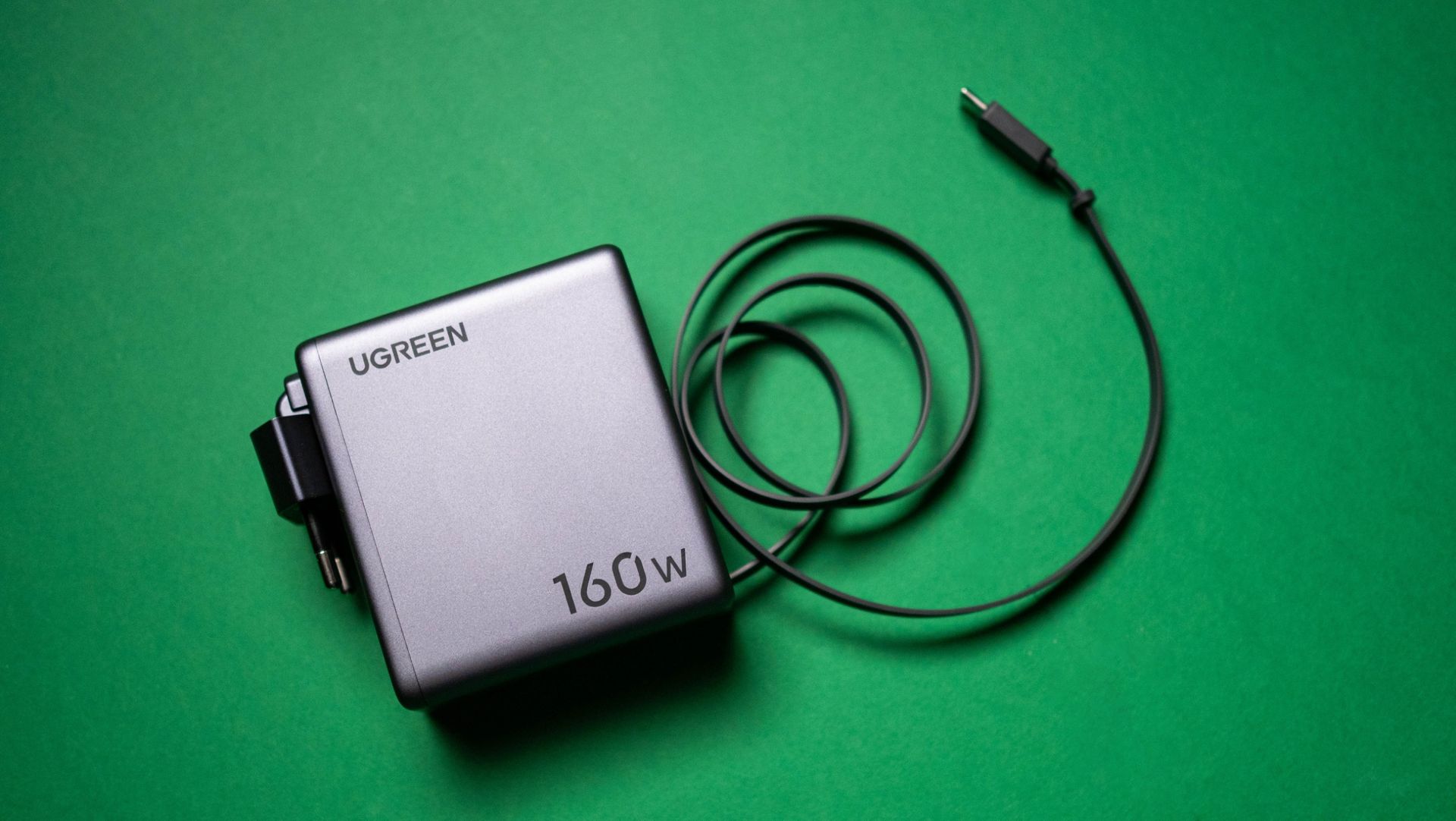
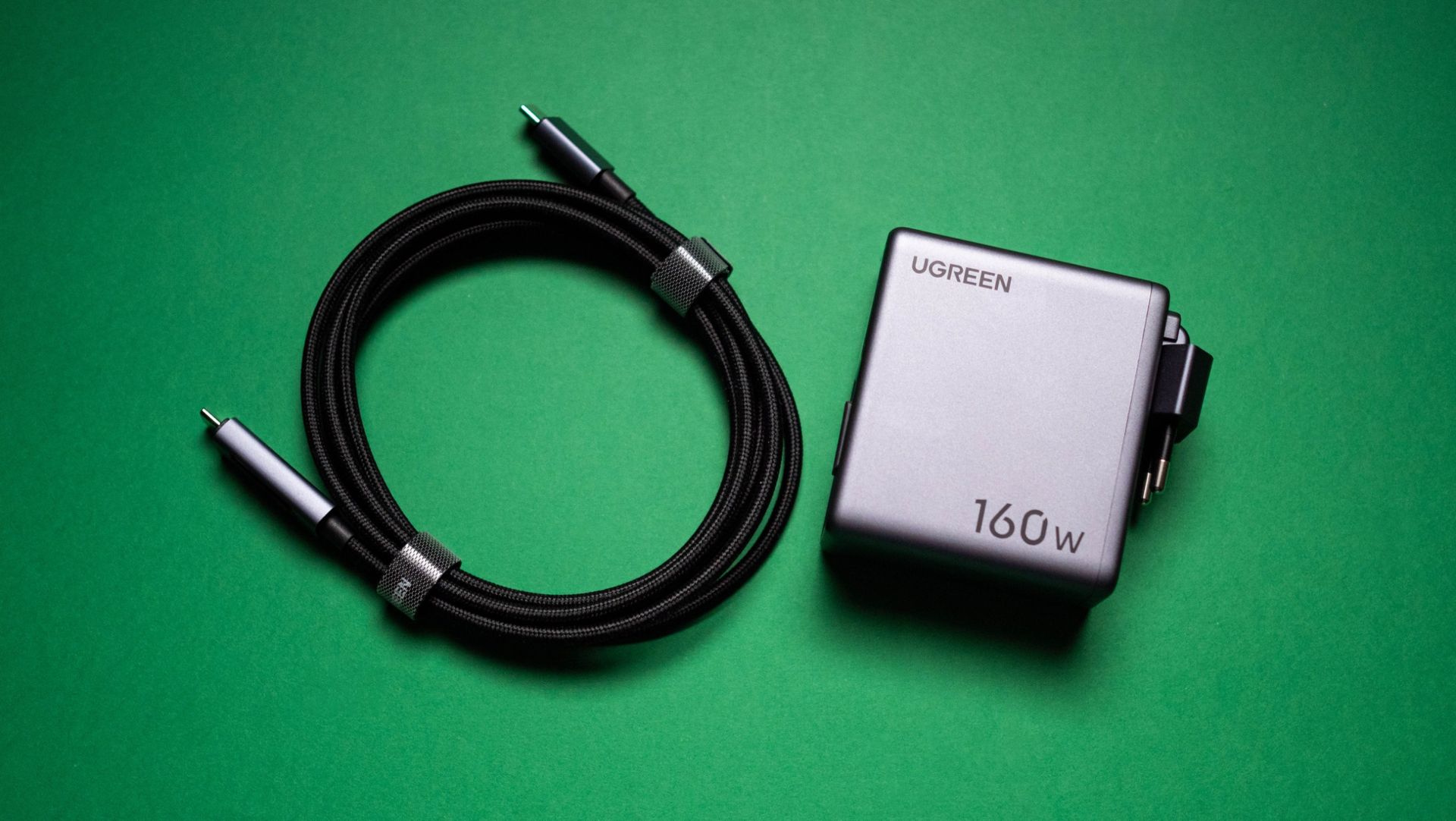
I've been using UGREEN's Nexode Pro chargers while traveling for well over two years now. These charges don't take up much room thanks to GaN tech, and they have all the ports I need. The latest iteration of the product β€” the UGREEN Nexode Pro 160W Charger with Retractable Cable β€” adds a retractable cable, built-in panel, and foldable pins, and while it is a little bigger than its predecessor, it the new features provide much better convenience in daily use.

The Nexode Pro 160W charger is now available for $99 on Amazon, and I think that's a reasonable price when you look at everything on offer. I the Nexode Pro 160W for the better part of three months, and I'm outlining three reasons why it is now my go-to GaN charger.

The built-in LCD panel takes guesswork out of charging

UGREEN Nexode Pro 160W GaN Charger with Retractable Cable

(Image credit: Apoorva Bhardwaj / Android Central)

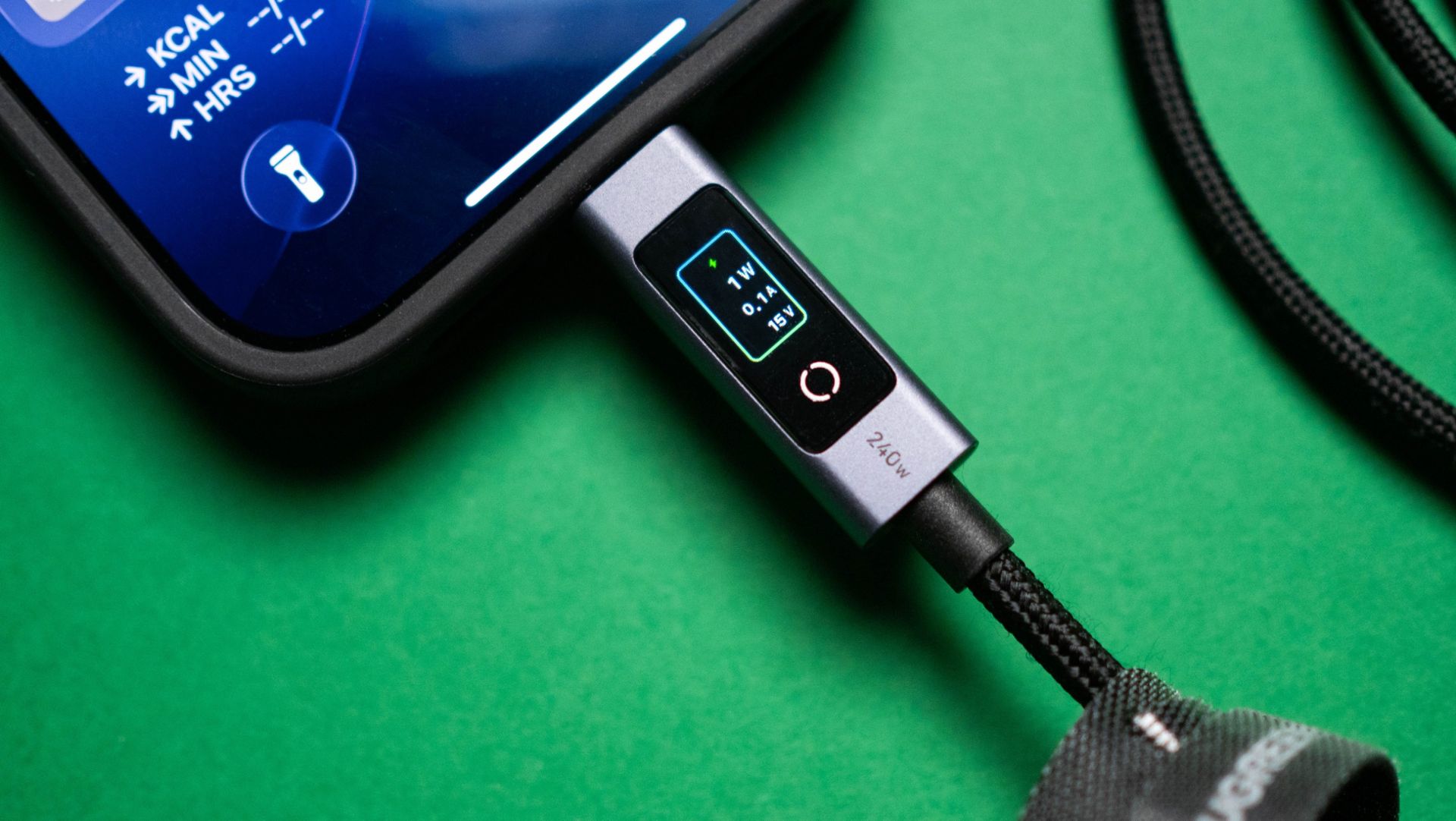
While the Nexode Pro 160W isn't the only charger to come with a built-in LCD screen, it makes a big difference in my usage. I connected a lot of accessories and phones to the charger in the last three months, and knowing just how long it takes to fully charge these devices takes all the guesswork out of charging.

UGREEN Nexode Pro 160W GaN Charger with Retractable Cable
Apoorva Bhardwaj / Android Central
UGREEN Nexode Pro 160W GaN Charger with Retractable Cable
Apoorva Bhardwaj / Android Central

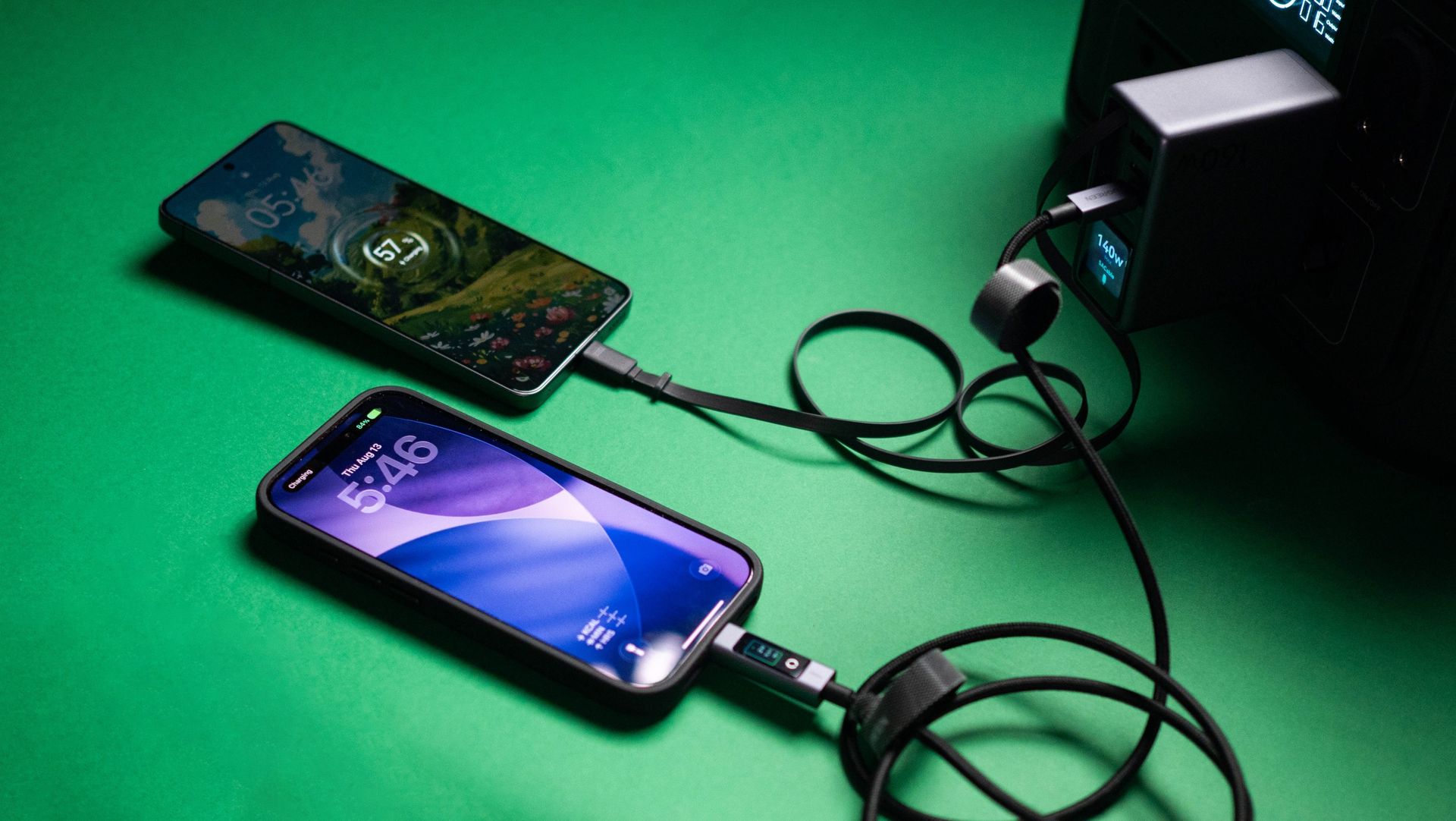
The screen also shows real-time charging speeds, including wattage, voltage, and which charging protocol is being used. This is particularly useful for me, as I tend to use phones like the Find X9 Ultra and Vivo X300 Ultra that use their own charging standards. Thankfully, these phones rely on USB PD at up to 50W, and that's what I ended up using. The screen rotates based on the orientation of the charger, which is a nice addition.

The retractable cable is an added bonus

UGREEN Nexode Pro 160W GaN Charger with Retractable Cable

(Image credit: Apoorva Bhardwaj / Android Central)

Retractable cables in charging products became a thing around two years ago, and since then, I didn't use a power bank that didn't have it. They're just so useful, and I'm excited to see brands adding these cables to chargers. The retractable cable on the Nexode Pro 160W goes up to 140W, and is ideal for charging phones, notebooks, and power banks.

UGREEN Nexode Pro 160W GaN Charger with Retractable Cable

(Image credit: Apoorva Bhardwaj / Android Central)

The cable has four preset lengths, and goes up to 70cm with a full extension. The USB-C connector has a built-in magnet that ensures the cable is attached to the GaN charger when not in use, and after three months of extensive use, I didn't see any issues with the retractable motor.

It has all the ports I need

UGREEN Nexode Pro 160W GaN Charger with Retractable Cable

(Image credit: Apoorva Bhardwaj / Android Central)

With three USB-C ports (including the retractable cable) and a USB-A connector, the Nexode Pro 160W has all the ports I need in daily use. The USB-C1 and retractable ports go up to 140W over the USB PD 3.1 protocol, the USB-C2 port hits 100W, and the USB-A port goes up to 22.5W, which is ideal to use with accessories.

It has a total power budget of 160W when using all three USB-C ports β€” 65W + 65W + 30W β€” and it's a decent choice if you're like me and need to charge several devices at once. I also like that the plug is foldable; that's the case with U.S.-style blade plugs anyway, but I'm using the EU model, and it's just easier to have a plug that folds β€” it makes the Nexode Pro 160W just that little bit better as a travel charger.

UGREEN Nexode Pro 160W GaN Charger with Retractable Cable

(Image credit: Apoorva Bhardwaj / Android Central)

Overall, the Nexode Pro 160W has all the features I need in a GaN charger, and the build quality combined with the extras make it a good choice if you need a new charger to use at home or on the road.

UGREEN Nexode Pro 160W 4-Port Charger

UGREEN
Nexode Pro 160W 4-Port Charger

The Nexode Pro 160W GaN charger has all the ports you need, goes up to 140W via USB PD 3.1, and the built-in cable adds a lot of convenience. The LCD panel makes it easier to know just how long it takes to charge a connected device, and the overall build quality is among the best. If you need a new 160W GaN charger, this is the one to get.

  •  

The iPhone Duo is here, and it will convince you to buy a foldable

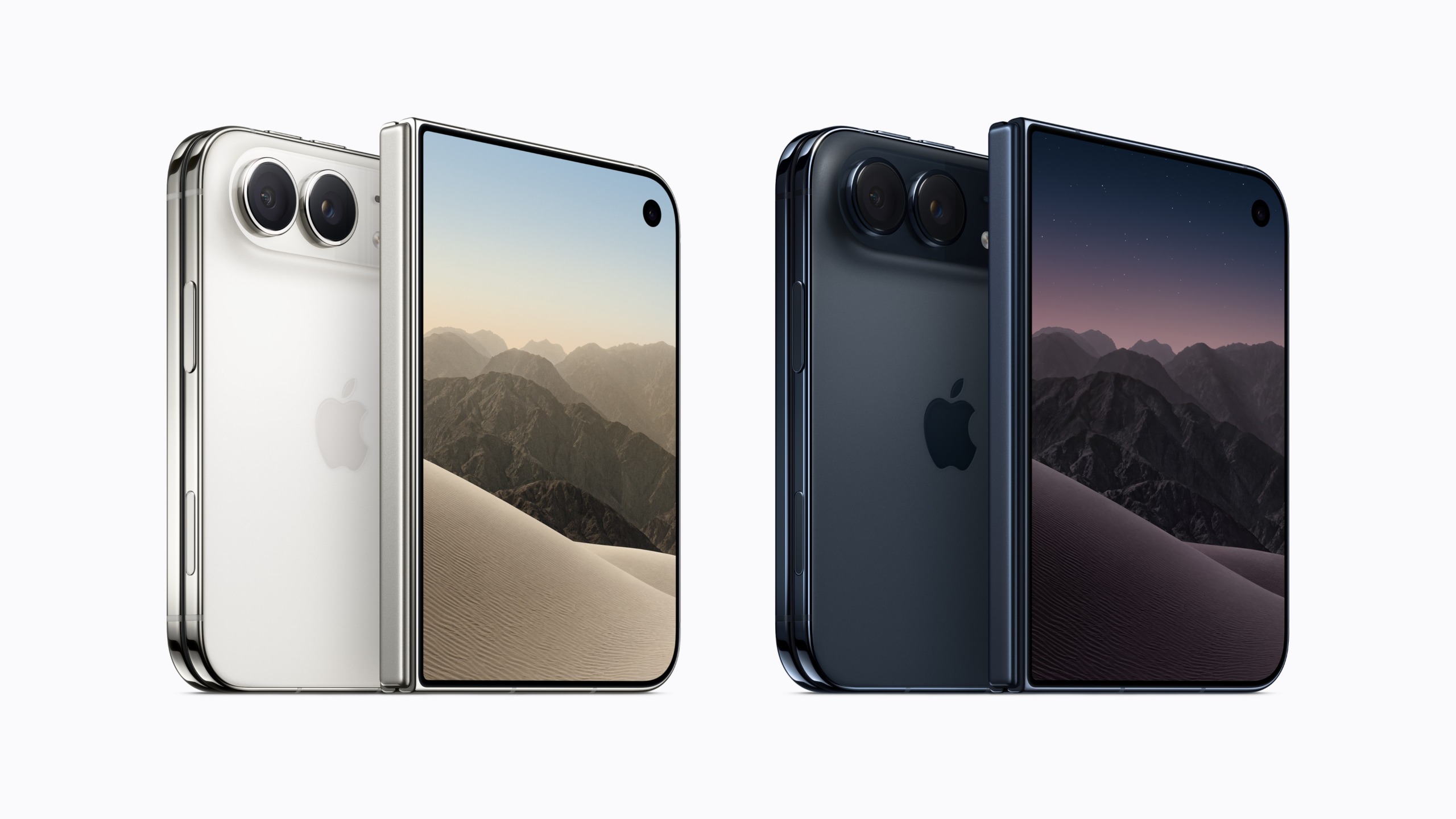
The iPhone Duo is finally official, and there's plenty of cool features in the wider-style foldable. Apple says it combined a "thoughtful design with breakthrough engineering," and that the name signifies how the foldable is basically two products in one β€” a phone and a tablet. The naming makes that patently clear, but it isn't the most original β€” Microsoft may have something to say about that.

Anyway, the iPhone Duo isn't like the usual book-style foldables, instead following a wider and shorter design that Apple says is intuitive to use. This is essentially identical to the Galaxy Z Fold 8 and the Xiaomi 18 Fold, and now that the iPhone Duo is official, I'd wager we get a lot of similar Android-based foldables that follow a similar style.

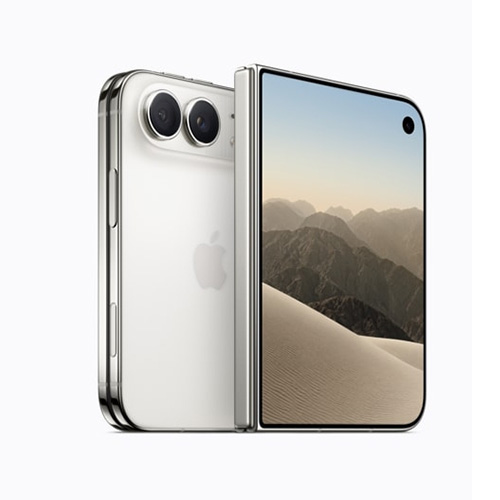
There's a 5.4-inch outer panel and a 7.6-inch inner panel, and the chassis is made out of titanium. At 5.3mm unfolded and a weight of 254g, it isn't quite as thin or light as the latest generation of Android foldables β€” even the Pixel 11 Pro Fold is lighter by 15g β€” but the iPhone Duo has IP68 dust and water resistance, and that in itself is a big deal.

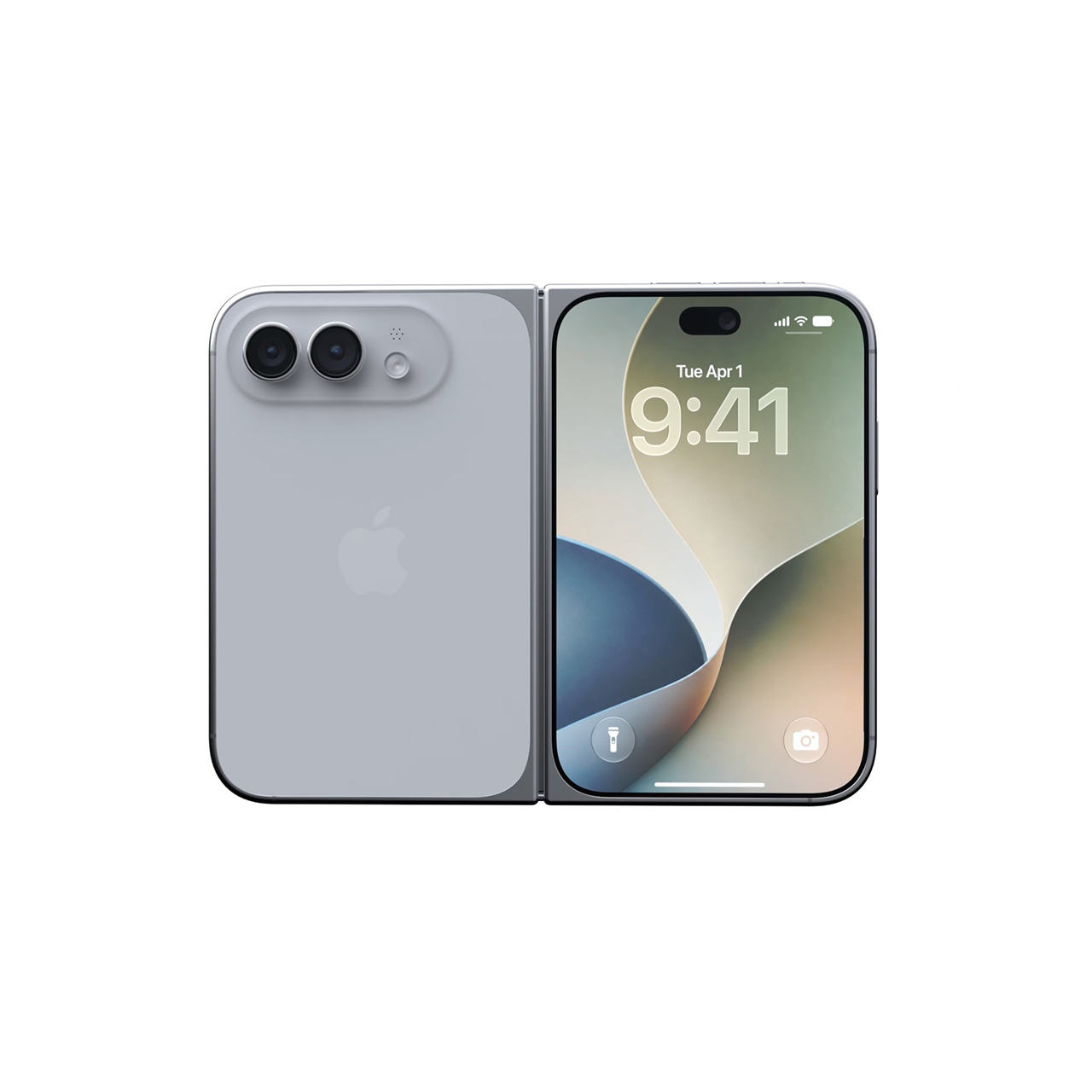
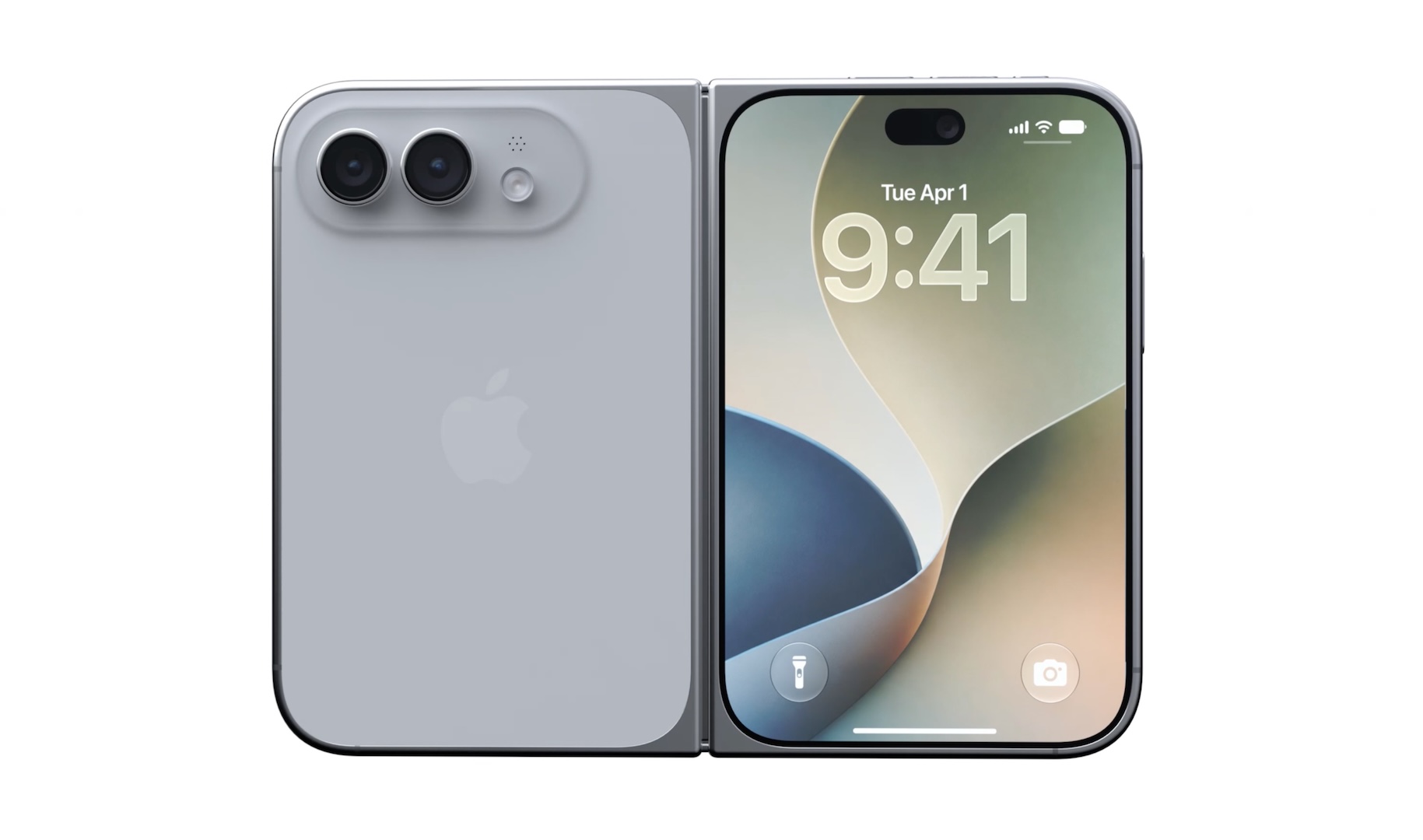
Apple iPhone Duo official renders

(Image credit: Apple)

What's unique with the inner panel is that Apple is using two layers of glass sandwiched together, and this ensures that the panel doesn't deform with long-term use. This is a big enough problem on foldables, and it's good to see Apple coming up with a novel solution immediately; we should see a similar system used by at least Google on the Pixel 12 Pro Fold next year. There's also a nano-texture coating on the inner panel to reduce glare, and this is bound to make a difference.

The iPhone Duo will be available in Star White and Night Sky colors, with the latter delivering a blue hue that looks great. The hinge itself is touted to have a smooth articulation and a custom torque profile, and it is designed to fold fully flat β€” something that took Samsung six years to get right.

The hinge stays open at various angles, and that's good to see as well as it unlocks new use cases while taking photos or viewing content on the go. You can even use the iPhone Duo as a glorified bedside clock, and I like that it has a new StandBy mode that's usable even when it isn't being charged.

Apple iPhone Duo official renders

(Image credit: Apple)

There's no Face ID; instead, you get Touch ID that's baked into the power button, similar to the iPad Mini and most Android foldables. Another thing that's good is the camera on the inner panel; it's visible when you're making calls, but otherwise hidden away.

What I like is the ability to use the Apple Pencil with the iPhone Duo; that feature will come later in the year, and as someone who uses the stylus constantly, I'm excited about this.

The software in general looks great; the Liquid Glass interface switches effortlessly between the outer and inner panels, and Apple moved UI elements to a vertical position to accommodate the unique size of the iPhone Duo. The dock is located vertically, giving you better real estate when using the inner panel, and there's good multitasking features β€” you get split-screen multitasking similar to the iPad.

Apple iPhone Duo official renders

(Image credit: Apple)

Coming to the internals, the iPhone Duo is powered by the latest A20 Pro silicon, which is built on a new 2nm node that delivers much better efficiency. It starts with 256GB of storage, going up to 2TB.

What isn't so great is the camera system; you get a 48MP main camera and a 48MP wide-angle lens, but there's no dedicated telephoto camera on the device. This was the case on the Z Fold 8 as well, and it's annoying that the lens that most of use regularly is missing on the device.

The iPhone Duo will go on pre-order starting October 16 for $1,999. Thankfully, it is getting a global launch and will be available in more than 70 countries on launch day, and heading to 28 additional regions by the end of October. What isn't great is the pricing; the iPhone Duo costs a lot more in other regions β€” it starts at closer to $2,700.

  •  

5 reasons the Pixel 11 Pro XL is my daily driver

I've always enjoyed using Pixels, and that hasn't changed in 2026. I switched over to the Pixel 11 Pro XL from the Find X9 Ultra, and while Google doesn't have the best cameras or battery life, the 11 Pro XL is meaningfully different to its predecessor β€” something I realized after two weeks of use.

I have all major phone releases of 2026 on hand, but it's the Pixel 11 Pro XL that houses my SIM card. I obviously like Google's vision of Android, but the 11 Pro XL excels in a lot of other areas, so I'm outlining five reasons why the phone is now my daily driver.

There's a lot to like with the software

Google Pixel 11 Pro XL product photos

(Image credit: Apoorva Bhardwaj / Android Central)

I'm not a big fan of AI in general, and Google's insistence of shoving AI-assisted features into every nook and cranny of its software is a bit tedious. That said, Proactive Intelligence does a good job providing contextual information, and Rambler in particular has made me use voice dictation again β€” I like just how easy it is to take notes. There's no doubting that the Pixel 11 Pro XL has the best on-device AI suite of any phone.

Even if you don't plan on using any of these AI features, there's a lot to like with the software. The interface is clean and modern, and you get extensive customizability when it comes to styling it to your tastes. I get that not everyone's a fan of the Material you aesthetic, but I like the vibrancy of the UI, and it's great to see Google constantly roll out new features.

The hardware is actually good

Google Pixel 11 Pro XL product photos

(Image credit: Apoorva Bhardwaj / Android Central)

It's annoying that Google's Tensor efforts have focused so heavily on the NPU that it ignores baseline performance, but the Tensor G6 is better than previous models. It still isn't quite as fast as the latest-gen Qualcomm and MediaTek rivals, but it is better in day-to-day multitasking, and there is a noticeable difference in the overall fluidity. The G6 still struggles with visually-demanding games, but in all other scenarios, it is a pretty reliable platform.

The 6.8-inch OLED panel, on the other hand, is one of the best around. It has great colors and gets brighter than most phones I used in 2026, and it held up astonishingly well in India's punishing heat. The 11 Pro XL doesn't have high PWM dimming β€” unlike Chinese phones β€” so if you're sensitive to it, you should get the Find X9 Pro or Vivo X300 Pro.
Cameras are better than I thought

Google Pixel 11 Pro XL product photos

(Image credit: Apoorva Bhardwaj / Android Central)

While earlier Pixels had the best cameras, that hasn't been the case for a while now. Thankfully, the Pixel 11 Pro XL makes amends in this area, and the new sensors combined with camera tuning tweaks deliver much better photos and videos.

Image quality in general is better than last year, and while the 11 Pro XL may not be as good as the Find X9 Pro or Vivo X300 Pro, it stands above the S26 Ultra and iPhone 17 Pro. I like Camera Looks a lot as it gives me plenty of flexibility in tailoring my photos.

Magic Capture in particular is a standout addition; it does a great job producing clean photos of fast-moving subjects, and I used it extensively in the last two weeks. While it isn't new, Add Me is a feature that gets a lot of usage.

Qi 2 continues to be a big deal

Google Pixel 11 Pro XL product photos

(Image credit: Apoorva Bhardwaj / Android Central)

I only started using Qi 2 in earnest last year, and a lot of that had to do with the Pixel 10 Pro XL. I don't use cases in general, so to have Qi 2 magnets integrated into a phone body made using the tech all the more easy, and it's great to see Google continue this in the Pixel 11 Pro XL.

While 25W charging isn't a lot β€” particularly when there are phones that charge at 80W β€” the convenience is hard to counter. There are so many sleek Qi 2 power banks these days that I always have one on hand to use with the 11 Pro XL when I'm outdoors.

The battery life in general is good enough that I don't need to charge the phone before the end of the day, but if I'm shooting outdoors and need to top up the battery, this comes in handy. Also, it's just easier to plonk the 11 Pro XL on a Qi 2 charger on my desk (like the Nomos 245W) than plugging in a cable.

It's great to hold and use

Google Pixel 11 Pro XL product photos

(Image credit: Apoorva Bhardwaj / Android Central)

I like Google's hardware design, and the Pixel 11 Pro XL looks clean and elegant. The new camera bar is modern, and it doesn't jut out too much from the body. Best of all, there's no wobble when using the 11 Pro XL on a table (take note, Samsung).

But in classic Google fashion, the brand doesn't have all colors in all storage sizes (outside the U.S., at least), so I got the 512GB variant in Obsidian. I much prefer the look of the Canyon model, and if you're considering getting the 11 Pro XL, that is the color to buy.

The phone has similar dimensions to its predecessor, but it is a little lighter, and the tweaks to the design make it easier to hold and use. Day-to-day durability is excellent; the phone took six tumbles β€” two onto a tiled surface β€” and came away unscathed.

I didn't use the Pixel 10 Pro XL as much as previous Pixels, and that's because other brands made bigger strides this year. Chinese brands have much better cameras β€” the Find X9 Pro, X9 Ultra, Vivo X300 Pro, and X300 Ultra are on another level β€” but the software wasn't anywhere as good to use as a Pixel. That isn't the case in 2026; ColorOS and OriginOS have gotten a visual makeover, and they combine a modern UI with extensive customizability and fluidity; they no longer feel like second-best software.

That's one of the reasons the Find X9 Pro and X9 Ultra became my most-used devices of 2026. Having said that, the Pixel 11 Pro XL is still better when it comes to the software, and I like that the cameras are no longer the limiting factor. I'm not saying that the phone is without issues; the battery doesn't last two days, and you don't get anywhere as much power as Chinese phones that use Qualcomm and MediaTek silicon. In spite of all that, the Pixel 11 Pro XL is a great choice if you value clean software and cameras that are fun to use.

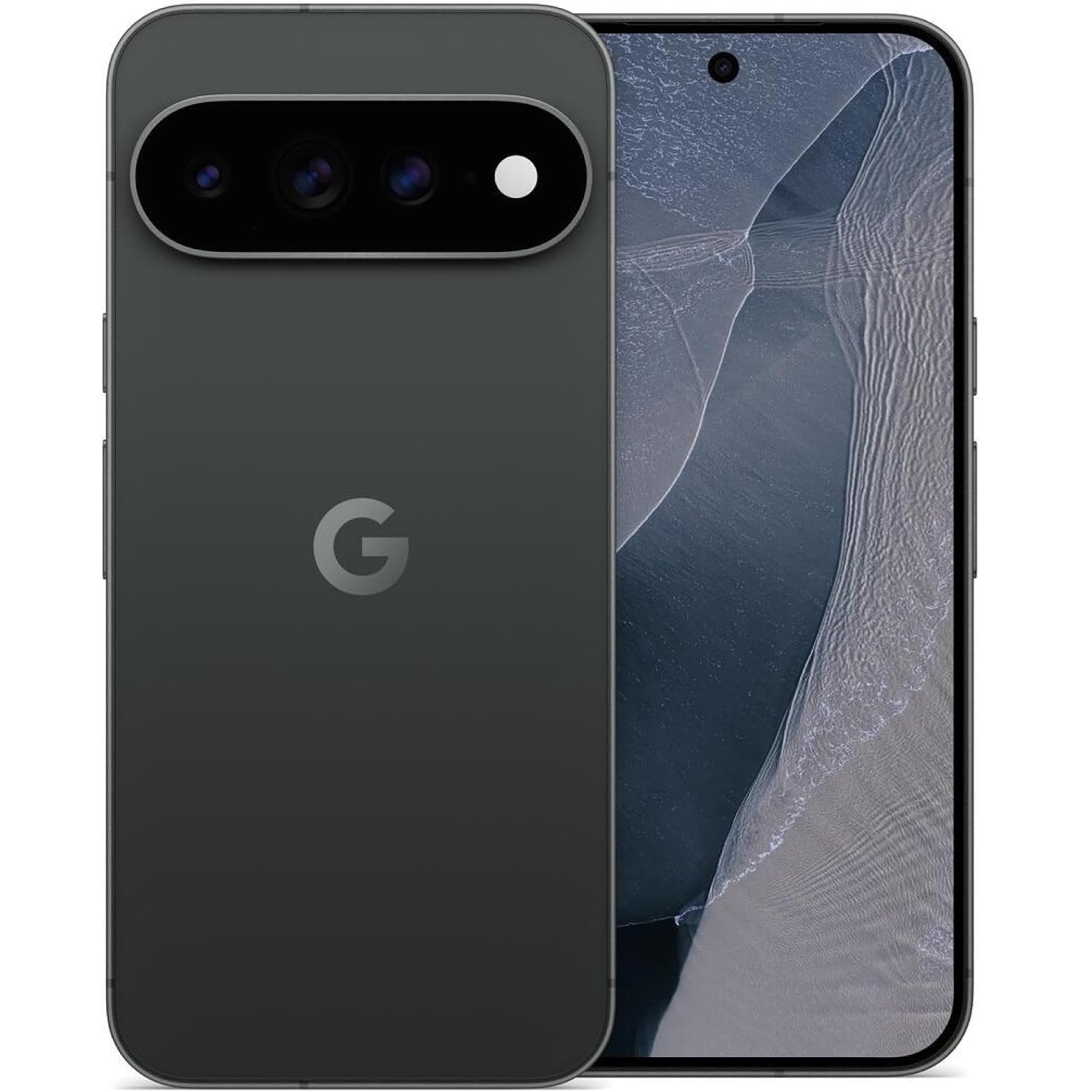
Google Pixel 11 Pro and Google Pixel 11 Pro XL in Obsidian

Google
Pixel 11 Pro XL

The Pixel 11 Pro XL is meaningfully different to its predecessors, and the combination of clean software and great cameras and better battery life make it a good all-rounder.

  •  

Huawei just showed Samsung how a tri-fold should be done

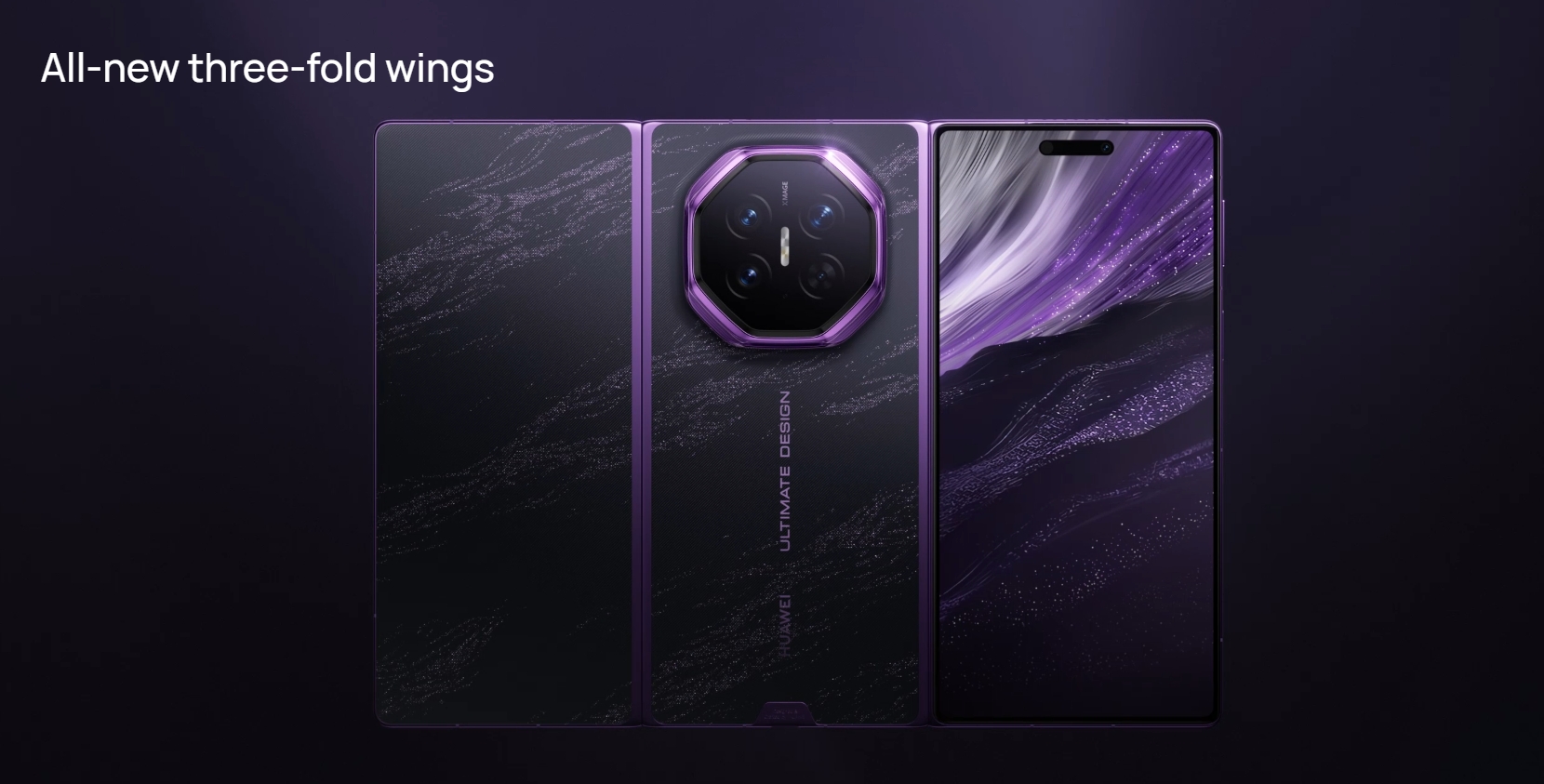
Huawei's tri-fold Mate XT was a revelation last year; with an outward-facing hinge and a 10.2-inch panel that folds into a phone-sized 6.4 inches, it was a phenomenal showcase of foldable tech. Samsung's Galaxy Z TriFold didn't feel quite that special, but I'll admit that the inward-folding hinge came with inherent benefits.

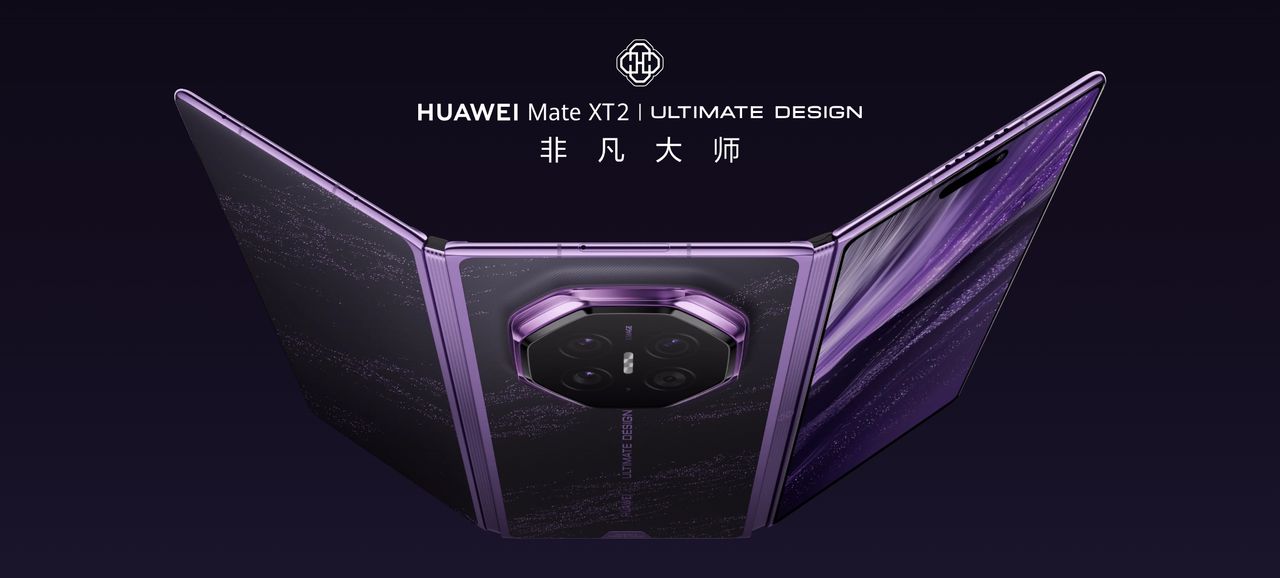
It looks like Huawei took notes, because the manufacturer switched to a similar inward-facing hinge with the Mate XT 2 Ultimate Design, which just debuted in China. As you'd imagine, this is a costly phone; the base model with 16GB of RAM and 256GB storage costs the equivalent of $2,945, and the high-end 16GB/2TB variant comes out closer to $4,500. You can buy the Pixel 11, 11 Pro XL, 11 Pro Fold, and the Pixel Watch 5 with that cash.

Huawei Mate XT 2 Ultimate Design launch in China

(Image credit: Huawei)

The Mate XT 2 has similar dimensions as its predecessor, and it retains the same 5,600mAh silicon battery. That means an ultra-thin 4.0mm silhouette when unfolded, going up to 12.3mm while folded. At 299g, it is still an absolute unit, but it gets IP58 and IP59 dust and water resistance this time. Oh, and the purple color looks absolutely gorgeous.

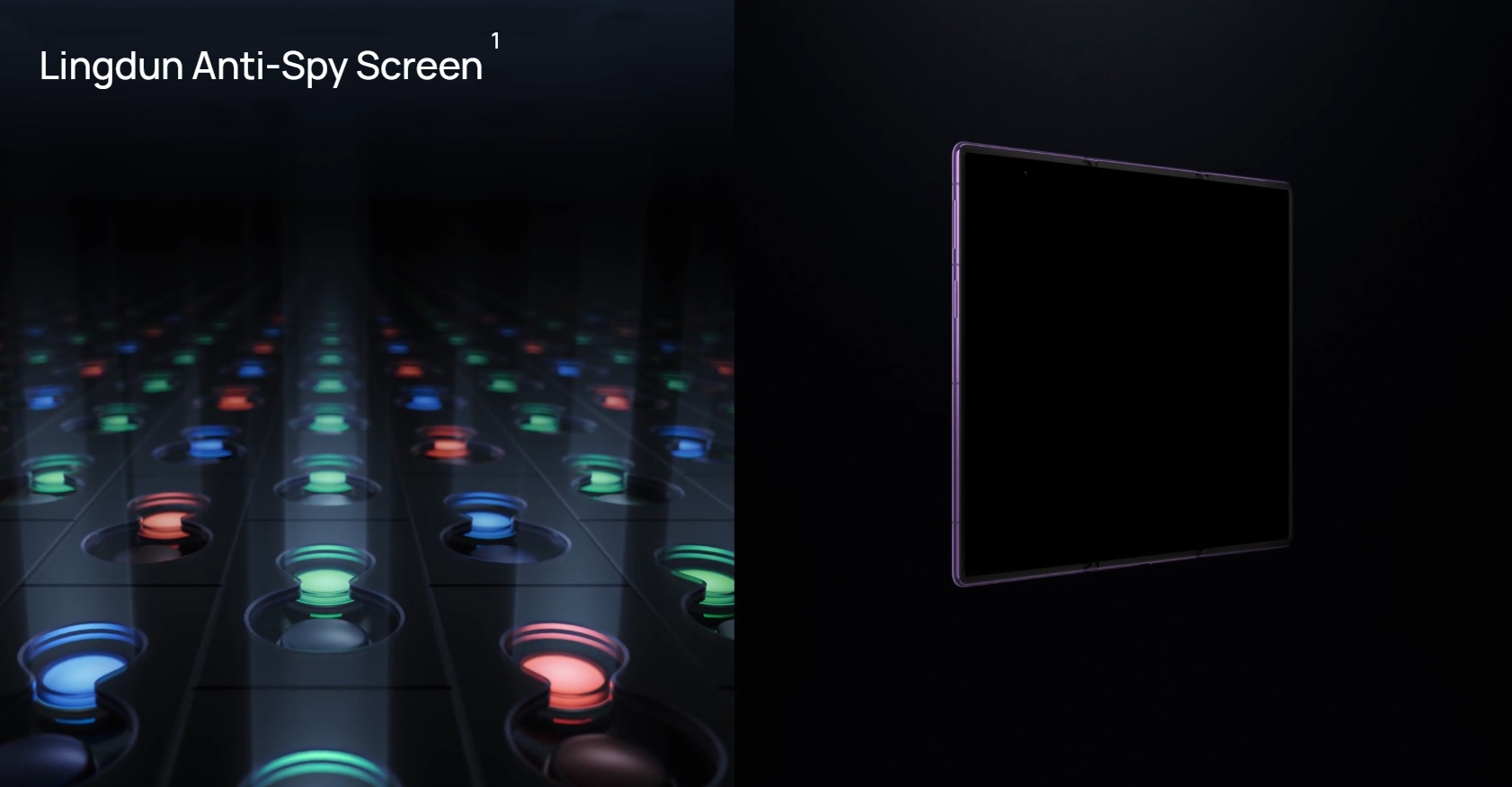
The biggest difference is the inward-folding G hinge, which should do a better job protecting the inner panels. Interestingly, Huawei is using a privacy screen that's similar to what Samsung did with the Galaxy S26 Ultra, where the contents on the screen will be hidden if you're viewing it at an off-axis.

Huawei Mate XT 2 Ultimate Design launch in China

(Image credit: Huawei)

Another upgrade is the Kirin 9050 Pro, which brings a slew of tweaks to the hardware. I'll have to get my hands on the Mate XT 2 to see what's changed this year, but I like that it has the latest connectivity. The outer 120Hz panel now goes up to 6.5 inches, with the inner panel the same 10.2-inch 90Hz OLED as last generation.

Cameras have also received a boost, with the Mate XT 2 touting a new 50MP LOFIC main camera, 50MP tele lens with 3.5x optical zoom, and a 40MP wide-angle lens. The tri-fold runs HarmonyOS 7.0 out of the box, with Huawei modernizing the UI.

At this point, Huawei hasn't detailed whether the Mate XT 2 Ultimate Design will launch globally, like its predecessor. With Samsung shelving the Z TriFold, it would be a win for Huawei to bring the foldable outside China, but we'll have to wait and see if that turns out to be the case.

  •  

Google Pixel 11 vs. Motorola Edge 2026: There's an obvious winner

Official Google Pixel 11 render

Google
Pixel 11

An easy win

The Pixel 11 is a good choice if you need a phone that's designed to last. The metal mid-frame is durable, the panes of glass get Corning's best Gorilla Glass protection, the OLED panel is brighter than other phones in this category, and you get great cameras. The software is the clear star of the show; you get a clean interface with high customizability, and all the AI features you need. Oh, and it will get seven years of Android OS updates.

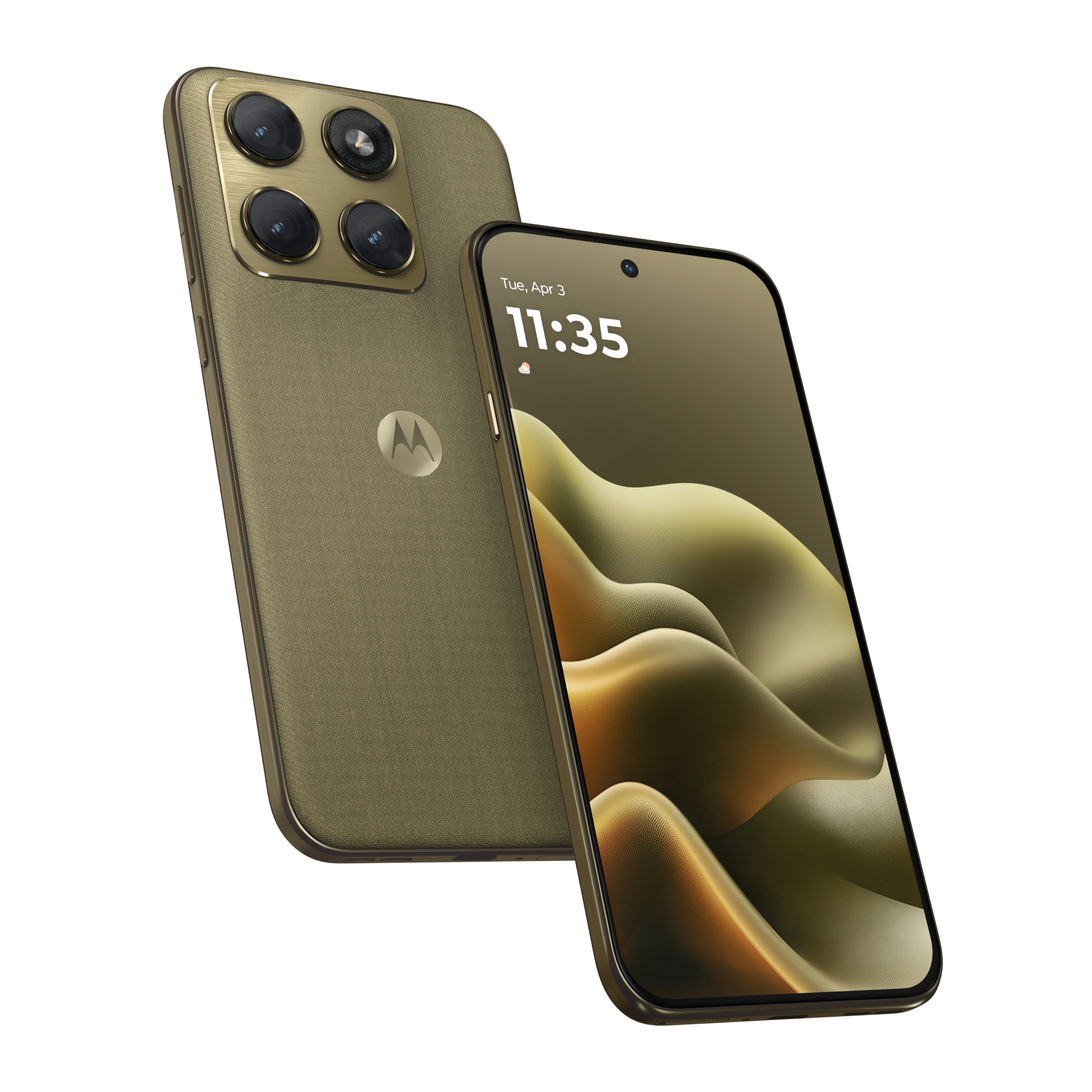
An official product render of the green Motorola Edge 2026

Motorola
Edge 2026

Doesn't have an edge

The Edge 2026 has great durability, good-sized battery, and a vibrant AMOLED panel, but it misses out in other areas. It comes with just 128GB of storage, the plastic design isn't as premium as the Pixel 11, and it will just get two Android OS updates β€” and that's just not good enough on a $600 phone in 2026.

Google Pixel 11 vs. Motorola Edge 2026: Design

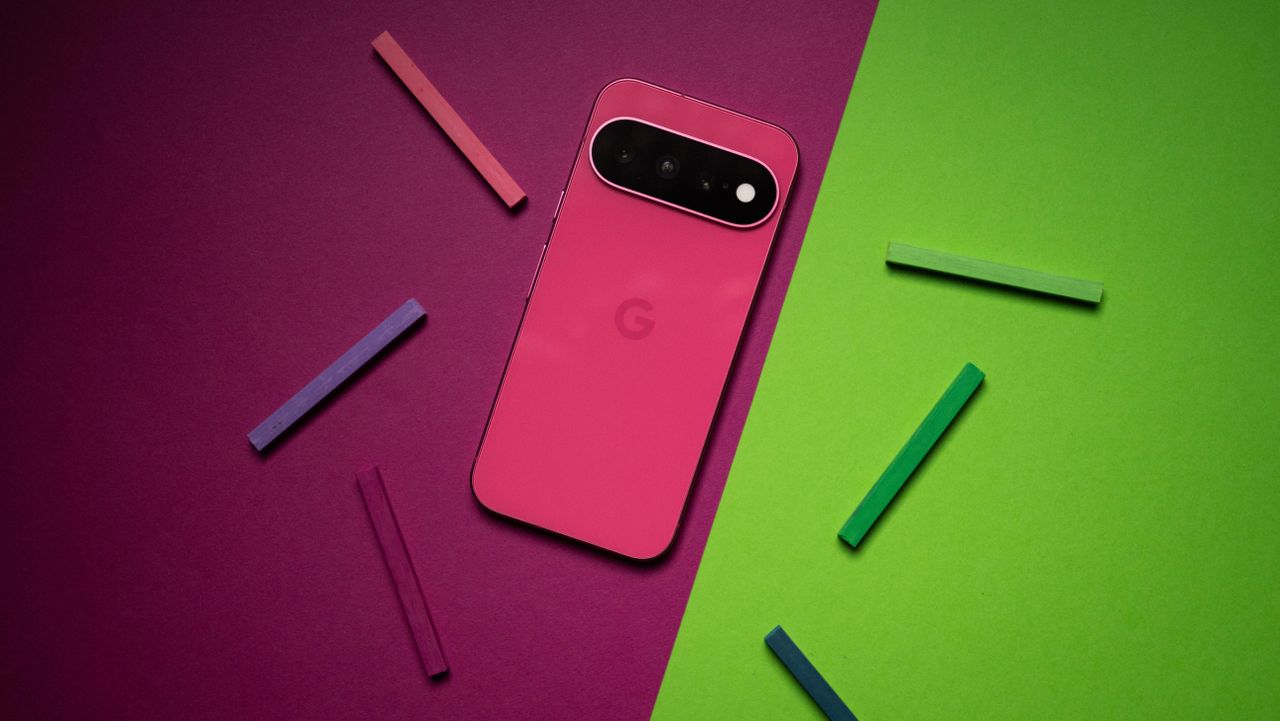
Google Pixel 11 product photos on Android Central

(Image credit: Apoorva Bhardwaj / Android Central)

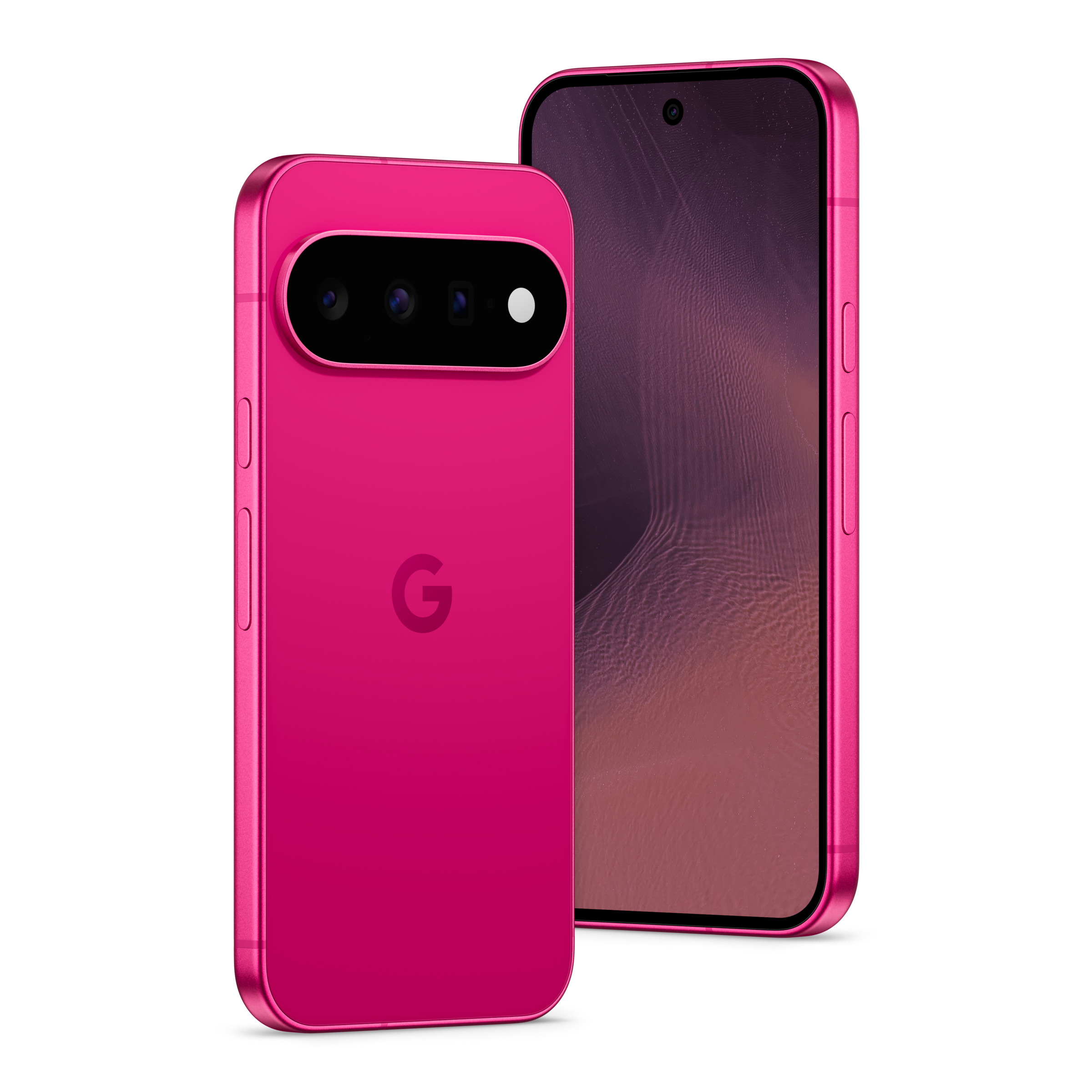
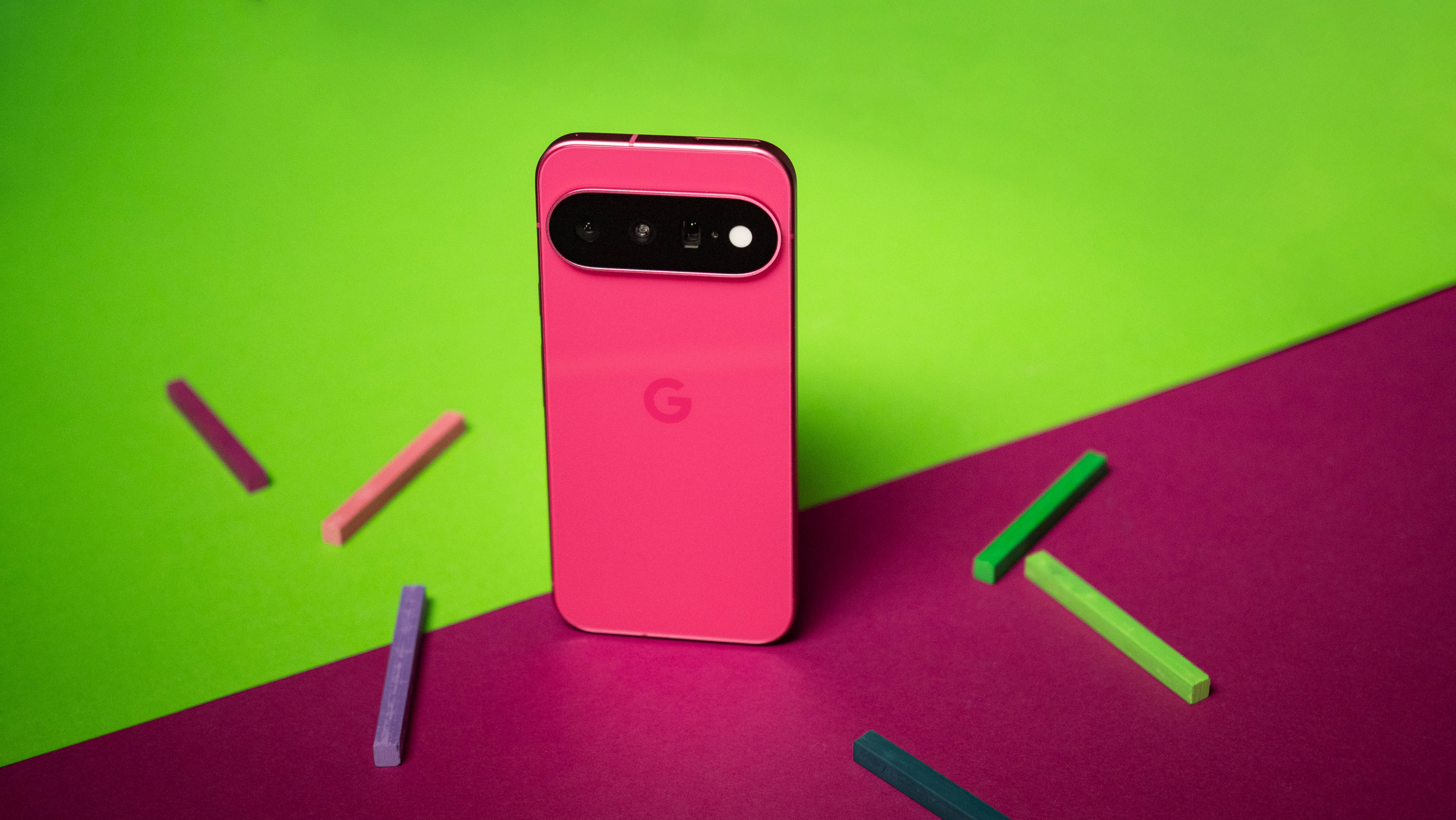
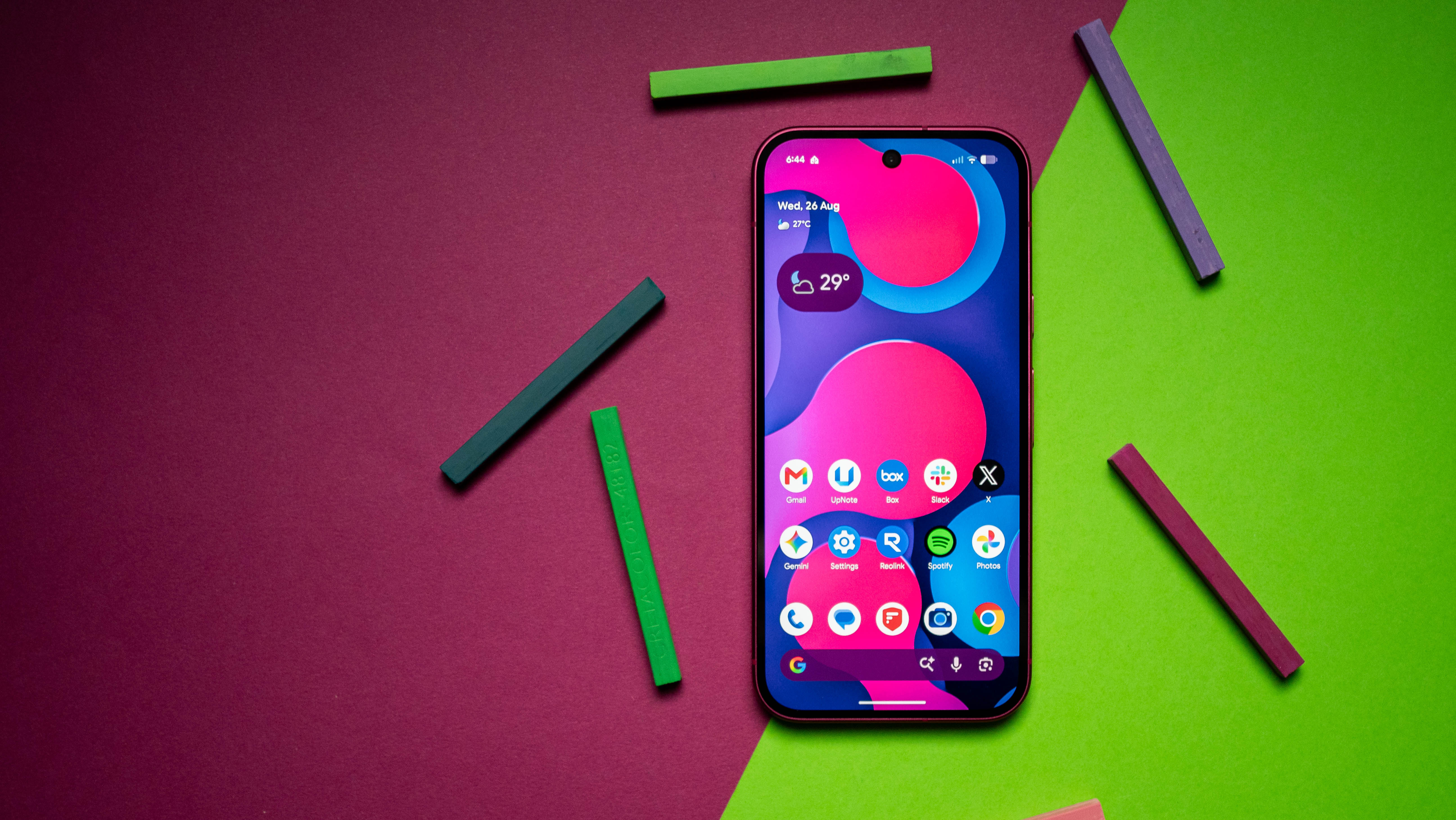
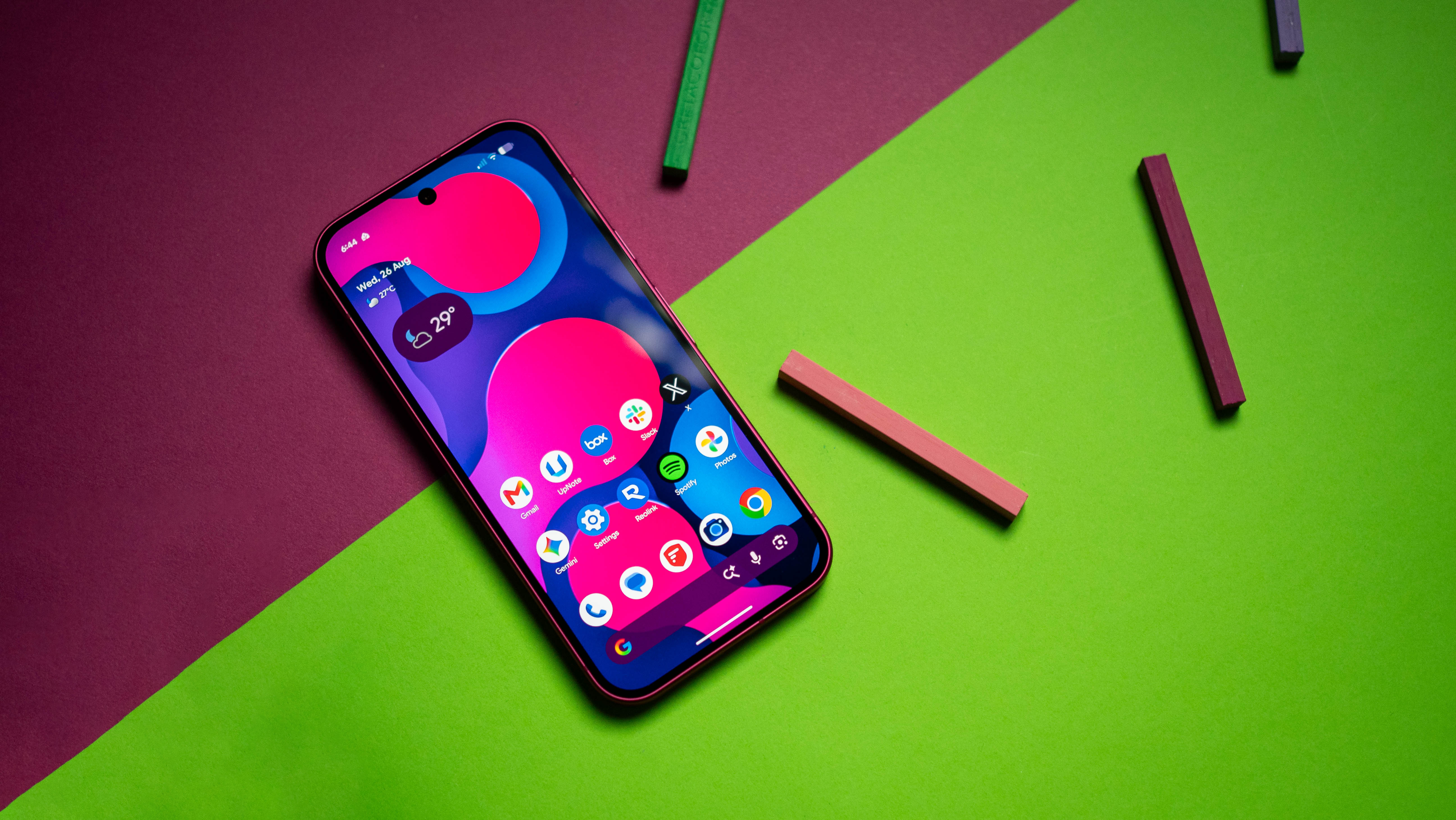
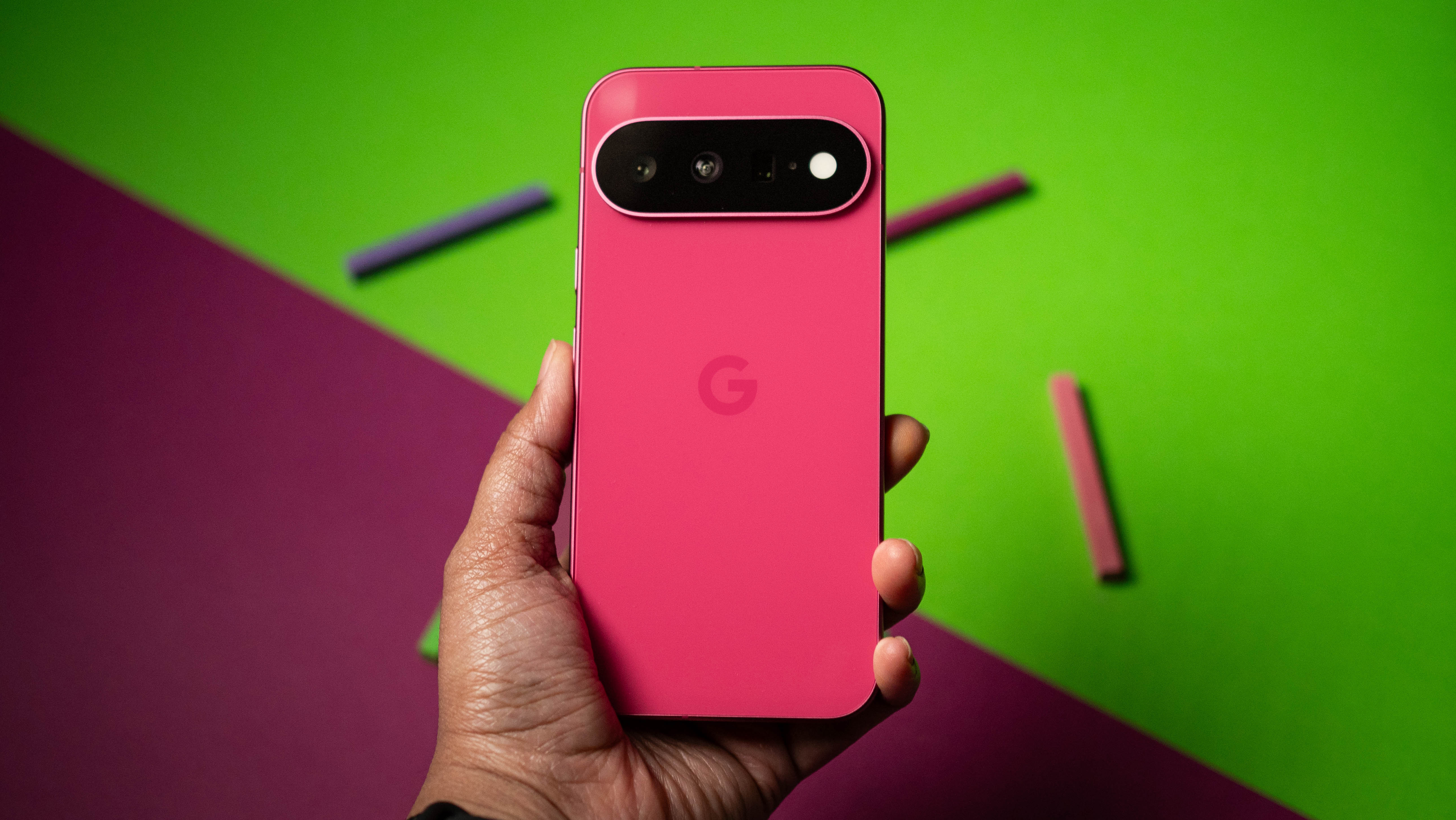
Google's phones have a distinct visual identity, and I like that the Pixel 11 doesn't deviate too much from its predecessor. Google did a good job with the color choices this year; I got the Hibiscus model, and it's just fun to hold and use.

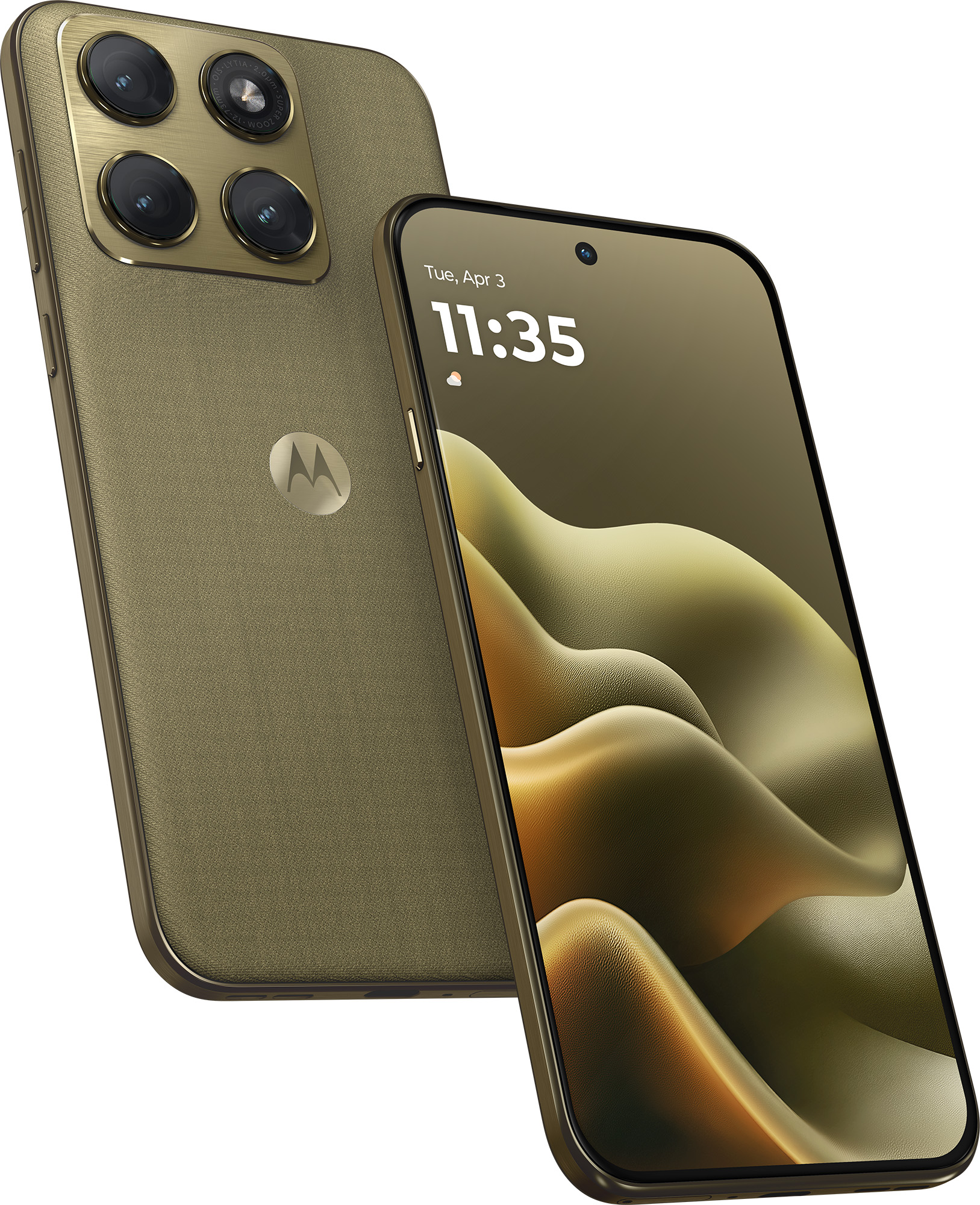
The Edge 2026 has an immediately-recognizable design as well, but it doesn't quite feel as good to hold. A lot of that is down to the plastic chassis, but the upside is that you have IP68 and IP69K dust and water resistance as well as MIL-STD-810H durability. Google provides IP68 as standard, but Motorola has the edge in this area. Another factor to consider is the weight, and the Edge 2026 is 36g lighter than the Pixel 11.

Google Pixel 11 vs. Motorola Edge 2026: Hardware and cameras

Google Pixel 11 product photos on Android Central

(Image credit: Apoorva Bhardwaj / Android Central)

The Pixel 11 is nearly identical to its predecessor, but the Tensor G6 platform gets a lot right, and it is noticeably faster in daily use. It still isn't good at gaming, but you'll only notice this while playing visually-demanding games. Otherwise, it is reliable.

Motorola went with MediaTek's Dimensity 7450 in the Edge 2026, and it is clearly showing its age. It has ancient Cortex A78 and A55 cores, and they're not anywhere as efficient as the newer Arm cores that you get in most other phones in this category. The result is that even though the Edge 2026 has a slightly bigger 5,000mAh battery, the Pixel 11 lasts longer in regular use.

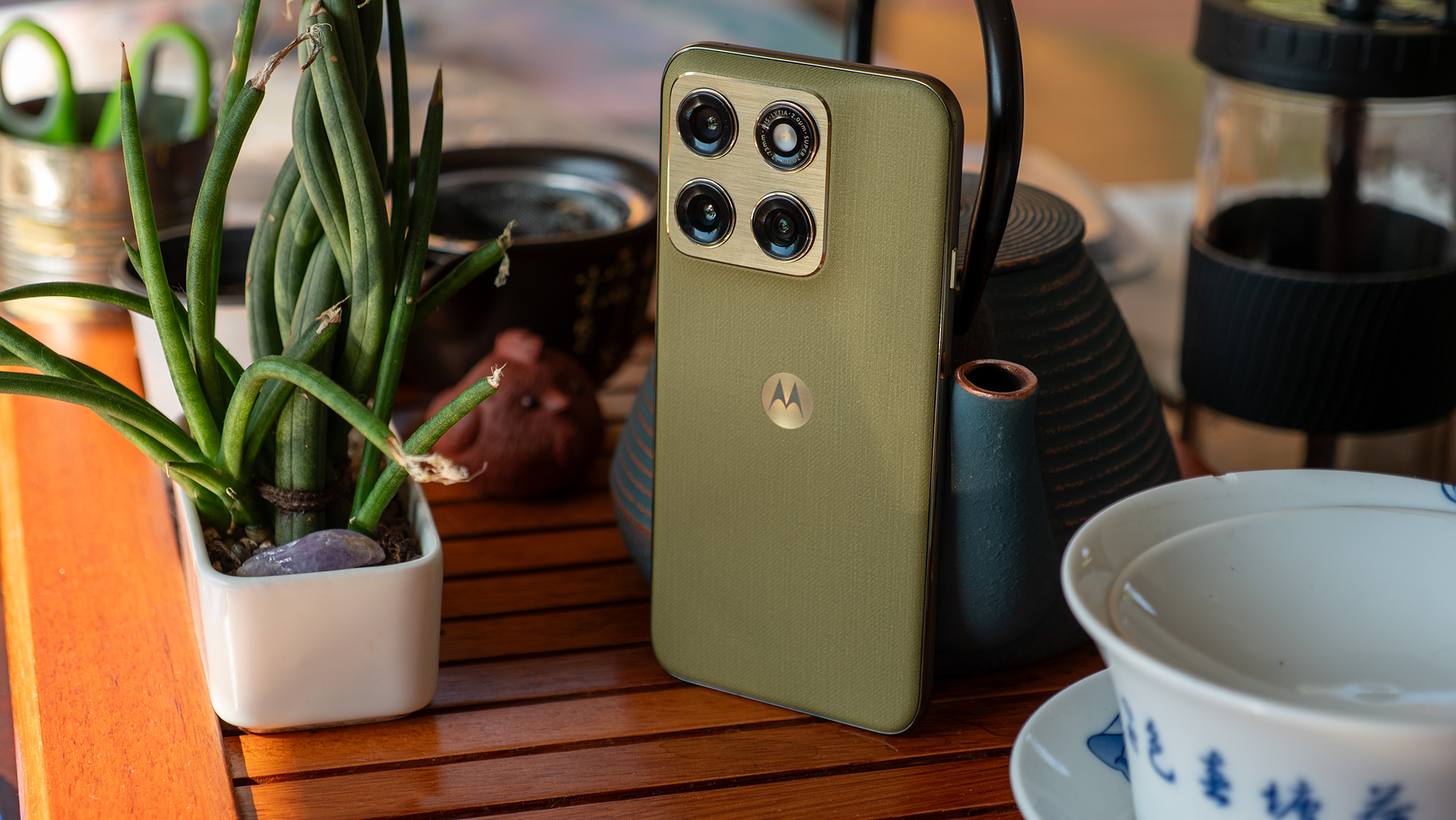
The back of the olive green Motorola Edge 2026 on a tea table next to a potted plant

(Image credit: Nicholas Sutrich / Android Central)

While Motorola has the edge with 68W charging, Google's decision to put Qi 2 magnets in the Pixel 11 gives it a clear advantage in my book. It's just easy to be able to charge the device using any Qi 2 charger without needing an additional case.

Also, it's annoying that the Edge 2026 has just 128GB of storage, and there's no 256GB model either β€” Motorola just sells one model in the U.S. The Pixel 11 comes with 256GB of storage as standard, and there is a 512GB model if you need additional storage.

Category

Google Pixel 11

Motorola Edge 2026

Operating System

Android 17, seven years of software updates

Android 16, two years of software updates

Display

6.3-inch 120Hz OLED, 2424 x 1080, Corning Gorilla Glass Victus 2, HDR10+, 3000 nits max

6.3-inch 120Hz AMOLED, 2640 x 1260, Corning Gorilla Glass 7i, HDR10+, 5200 nits max

Chipset

Google Tensor G6, 3nm TSMC

Mediatek Dimensity 7450, 4nm

RAM

12GB/16GB

8GB

Storage

256GB/512GB/1TB UFS 4.0

128GB

Rear cameras

Main: 48MP f/1.7, OIS

Tele: 10.8MP f/3.1, OIS, 5x zoom

Wide: 13MP f/2.2 wide-angle

Main: 50MP f/1.8, OIS

Tele: 10MP f/2.0, OIS, 3x zoom

Wide: 48MP f/2.0 wide-angle

Front camera

10.5MP, f/2.2

50MP

Battery

4985mAh

5000mAh

Charging

30W wired, PPS

25W Qi 2.2 Pixelsnap wireless

68W wired

15W wireless

Connectivity

Wi-Fi 6e, Bluetooth 6, NFC, Dual-band GPS, 5G mmWave (NA only), 5G Sub-6 (global), LTE

Wi-Fi 6e, Bluetooth 5.4, NFC, GPS, 5G Sub-6, LTE

Ingress protection

IP68 dust and water resistance

IP68/IP69K dust and water resistance

Dimensions

152.8 x 72 x 8.6mm

152.3 x 72 x 7.2mm

Weight

197g

160g

Colors

Hibiscus, Frost, Pistachio, Obsidian

Pantone: Martini Olive

The Edge 2026 has a trio of cameras, and the dedicated tele lens is good in its own right. That said, I prefer the cameras on the Pixel 11; while the physical sensors are unchanged, Google made plenty of tweaks to the tuning, and features like Camera Looks give you a greater customizability over how your photos look. There's also the fact that the Pixel 11 takes better photos with its trio of cameras, and it holds up a lot better in low-light situations.

Google Pixel 11 vs. Motorola Edge 2026: Software

Google Pixel 11 product photos on Android Central

(Image credit: Apoorva Bhardwaj / Android Central)

The Pixel 11 debuted with Android 17, and it comes with a clean interface with a lot of unique features you don't get on other phones. While I don't use most of the AI-assisted features that Google has to offer, things like Rambler in Gboard make a big difference.

The Edge 2026, meanwhile, launched with Android 16, and with Motorola only providing two Android OS updates, it will only go up to Android 18. By contrast, the Pixel 11 will get the Android 14 update (if Google continues its numbering scheme) seven years down the line.

Motorola's software is clean and uncluttered, but it's clear that the brand needs to do more to stand out. One thing that needs to change is software updates; it just isn't enough for a $600 phone to get two Android OS updates in 2026.

Google Pixel 11 vs. Motorola Edge 2026: Which should you buy?

Google Pixel 11 product photos on Android Central

(Image credit: Apoorva Bhardwaj / Android Central)

The Pixel 11 is priced at $899 in the U.S., which is $300 more than the Motorola Edge 2026. While that is costlier, you are getting better features in just about every area: the Pixel 11 is faster, has higher memory and storage, lasts longer, takes much better photos, and gets five additional years of software updates, which is a huge deal.

Also, Google is known to heavily discount phones a few months after launch, so if you like the look of the Pixel 11, just wait a bit until the holiday sales start (it isn't a long wait), and you won't need to pay quite as much to get your hands on the phone.

If you're on a budget and need a mid-ranger, I'd suggest looking at the Pixel 10a instead of the Edge 2026. You don't get a tele lens, but outside of that, it is a better choice than the Edge 2026, and it costs less.

Official Google Pixel 11 render

Google
Pixel 11

The Pixel 11 may not be too different to last year, but it continues to be the best device in this category. If you want a budget-focused choice, get the Pixel 10a instead.

Motorola Edge 2026 render

Motorola
Edge 2026

The Edge 2026 is a decent device, but Motorola's decision to shortchange buyers when it comes to the software and storage means it is not as good as the Pixel 11.

  •  

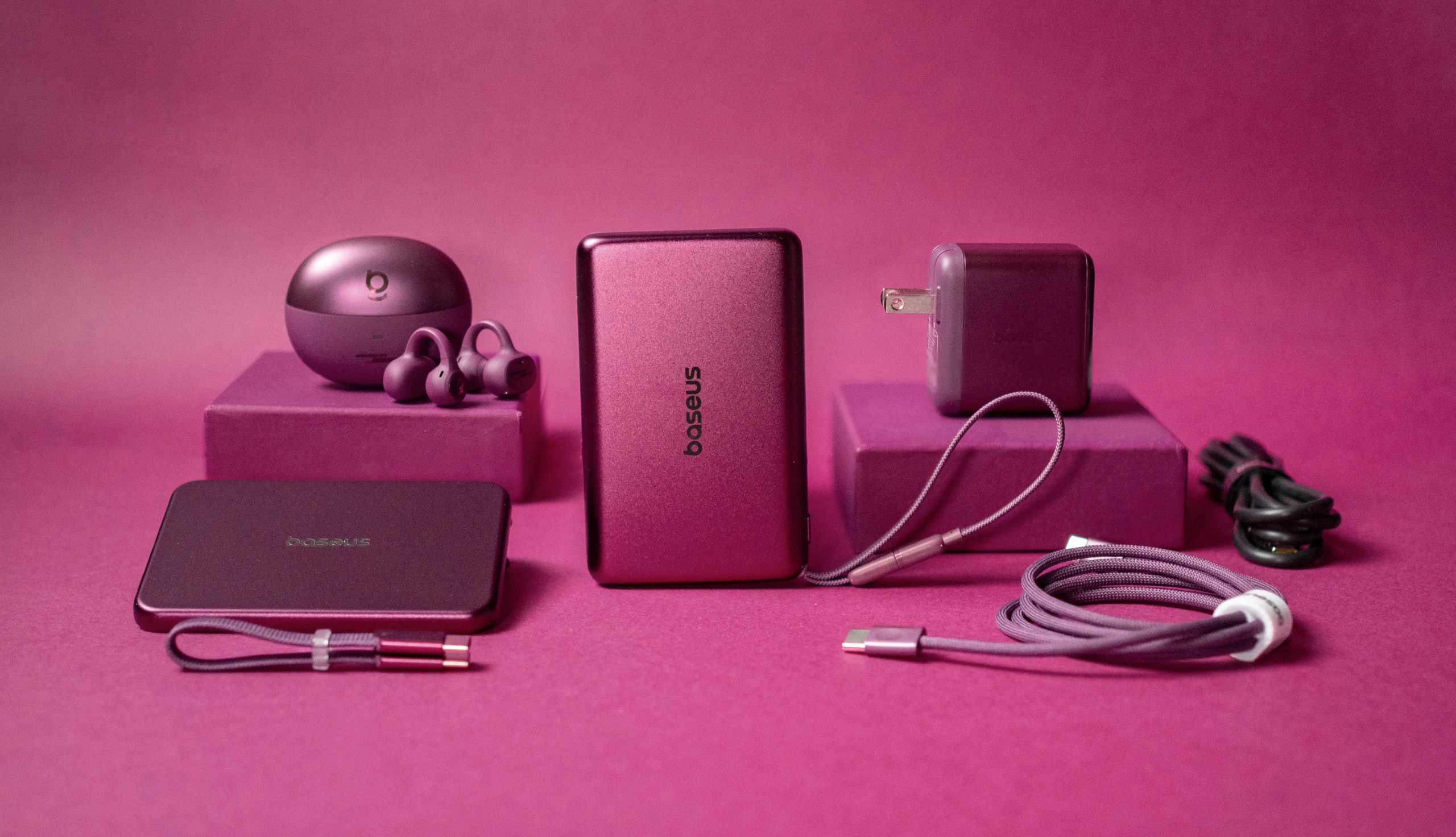
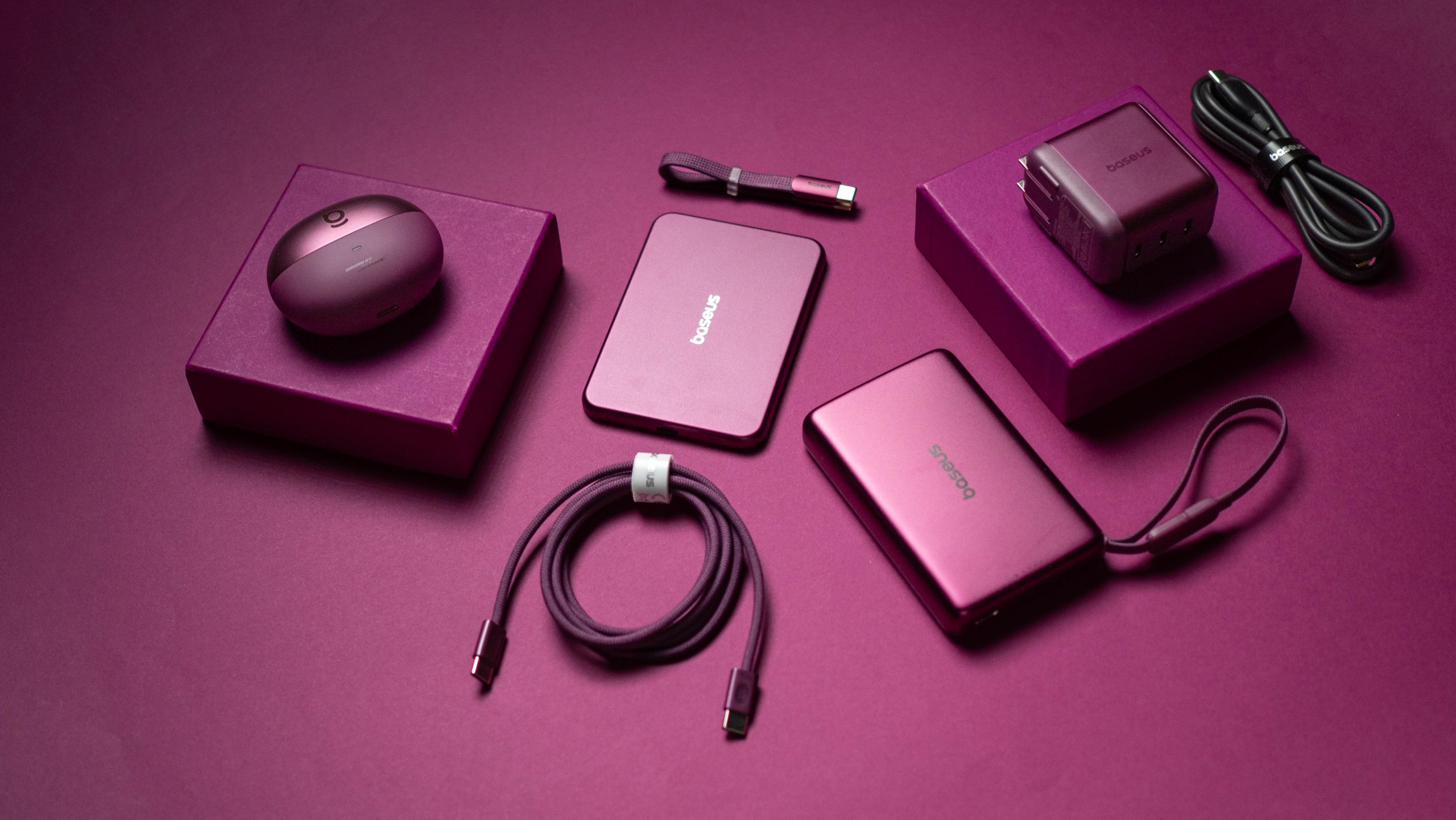
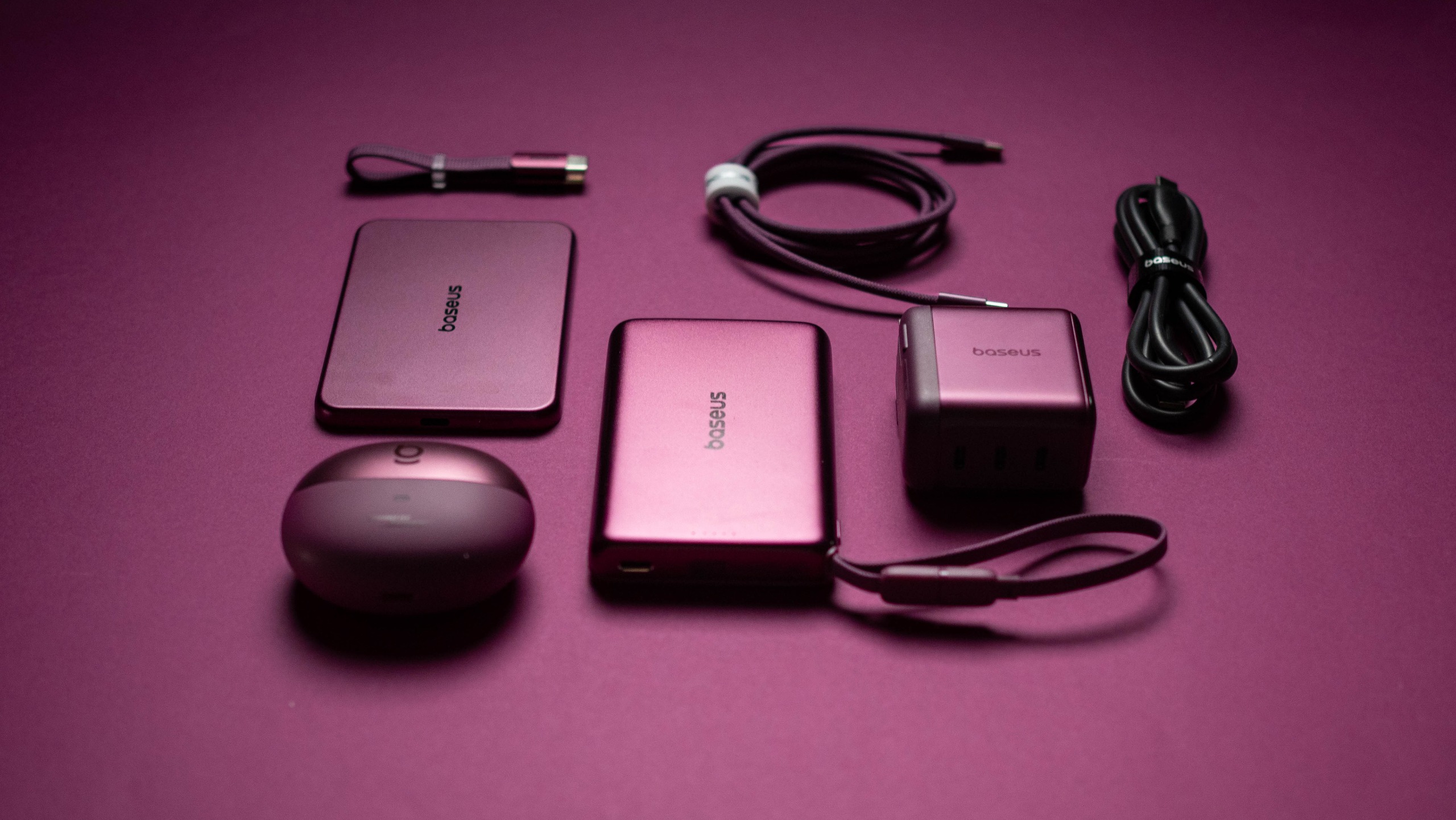
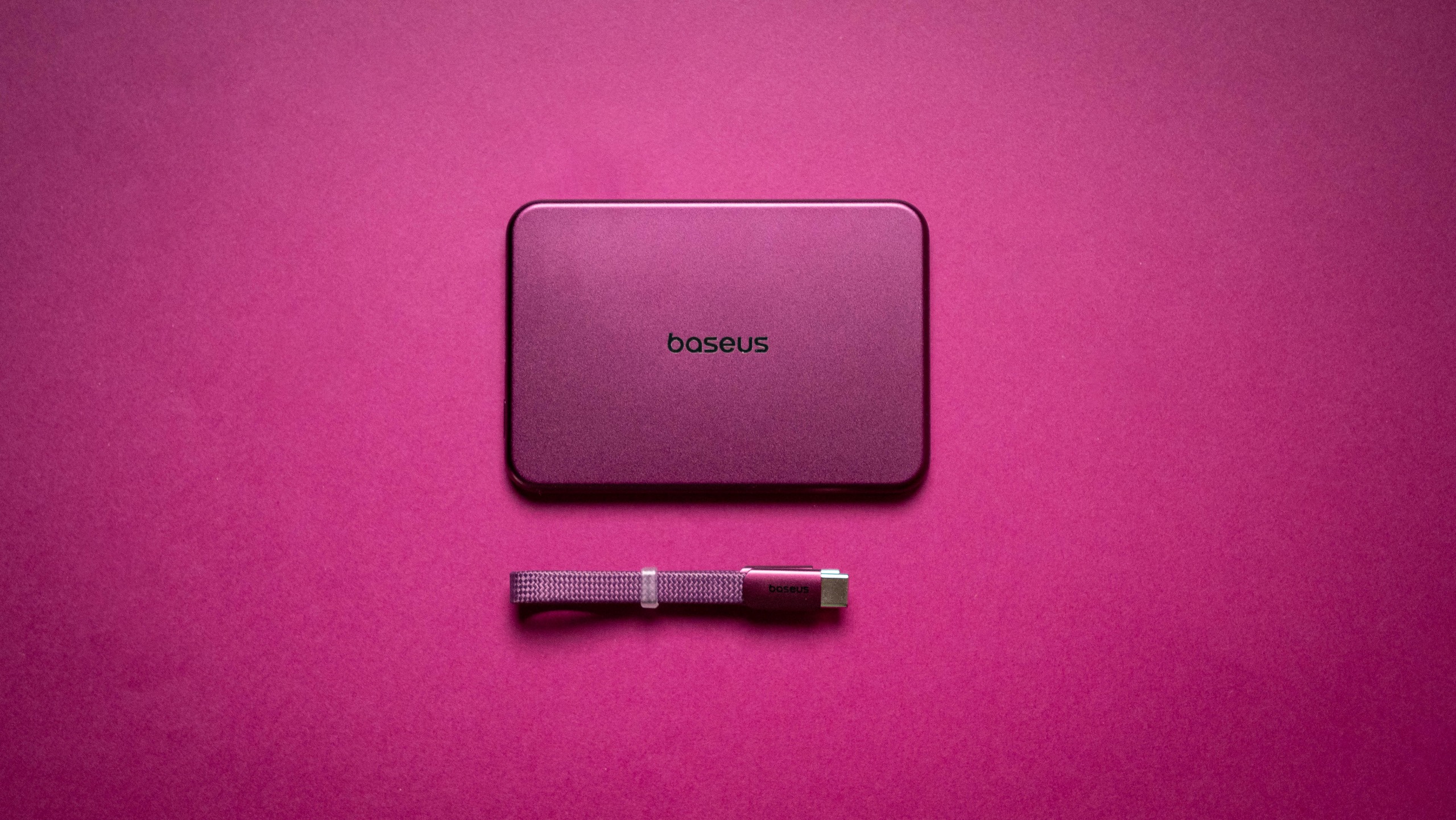
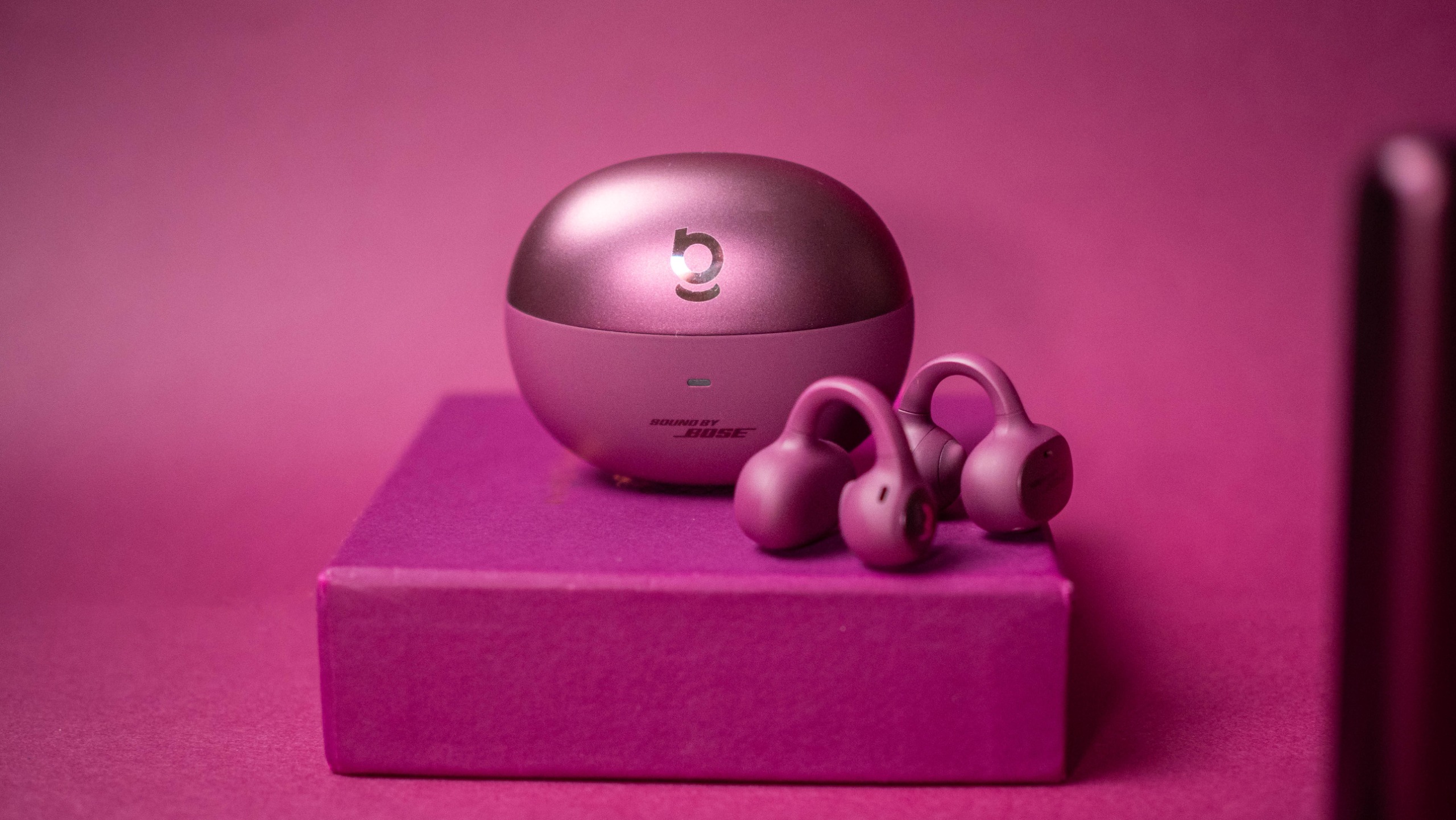
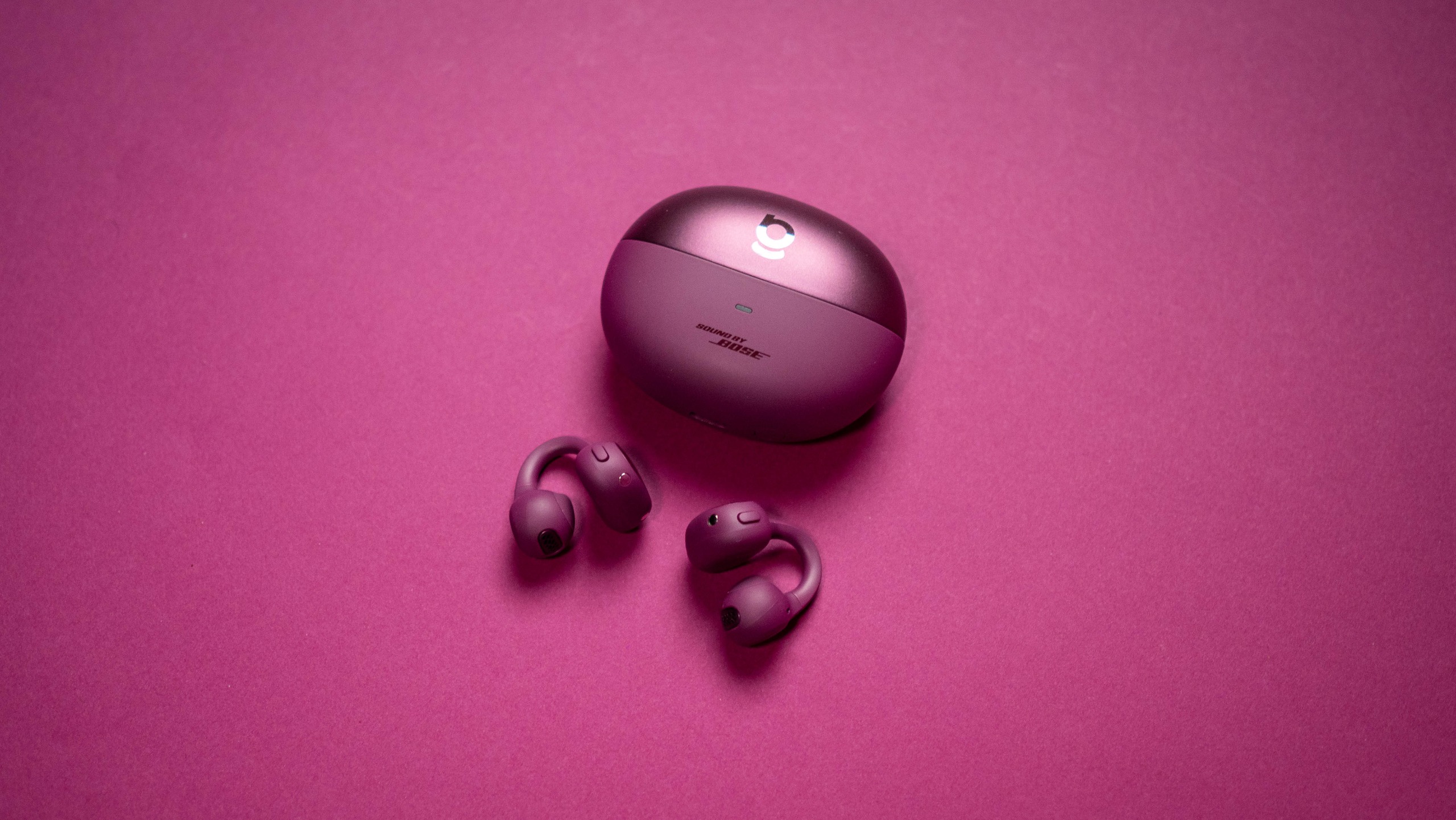
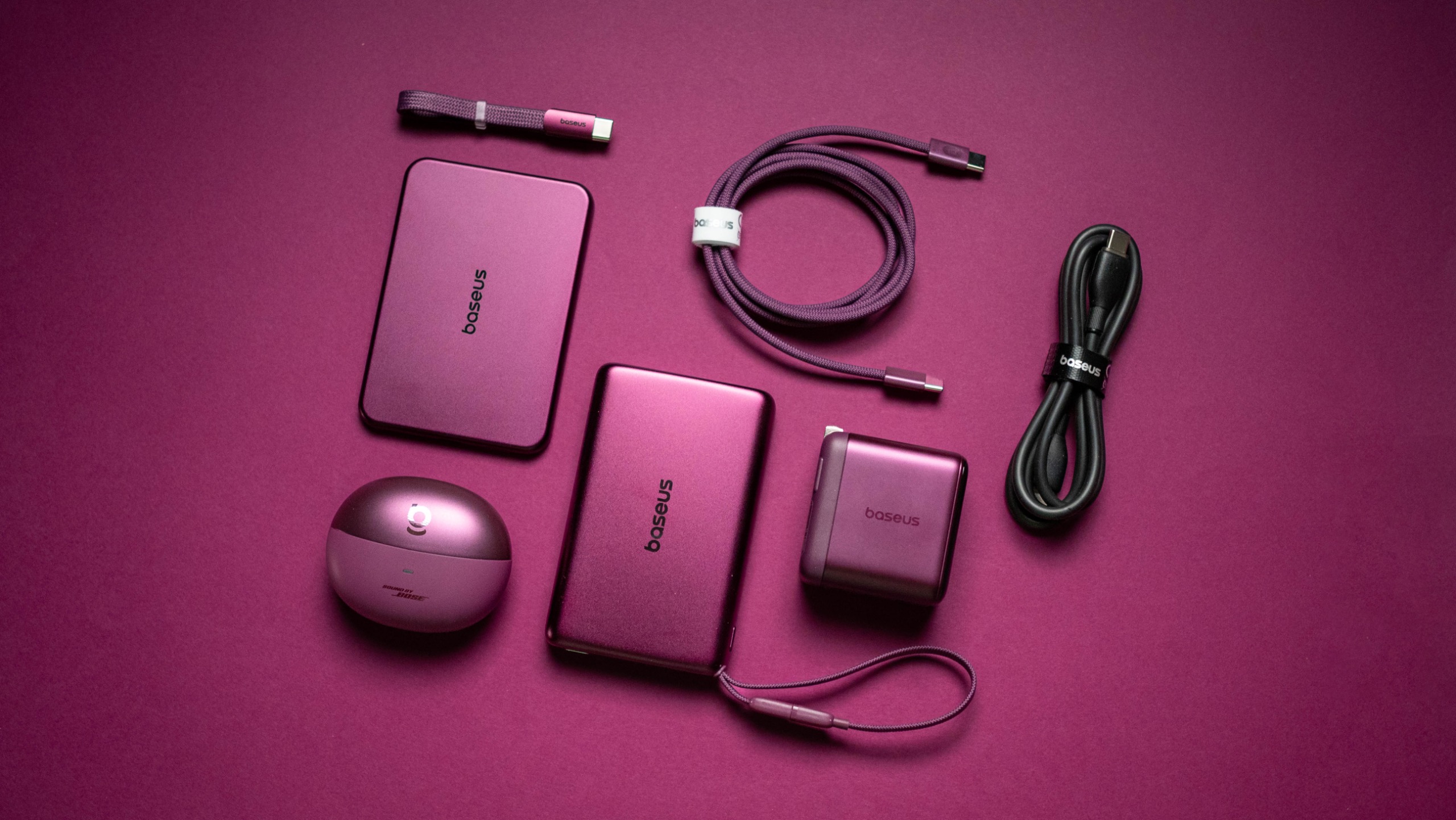
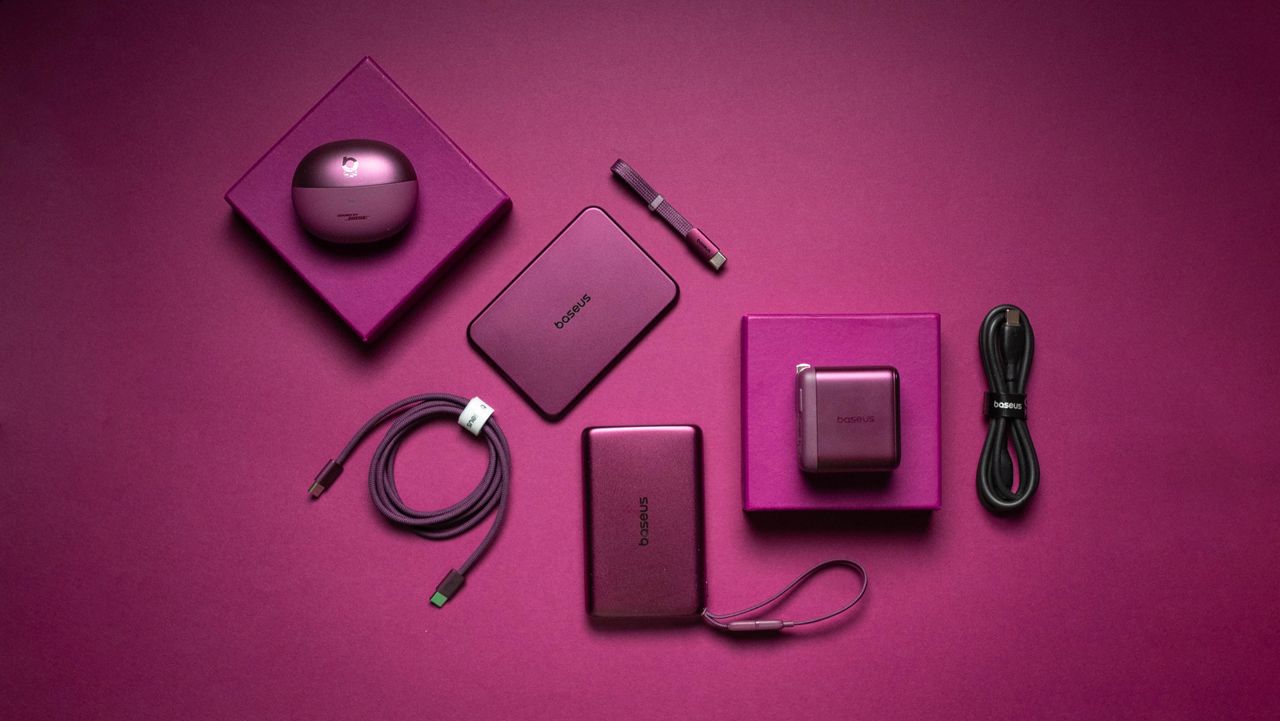
I used Baseus' Dark Cherry iPhone 18 Pro accessories, and they're stunning

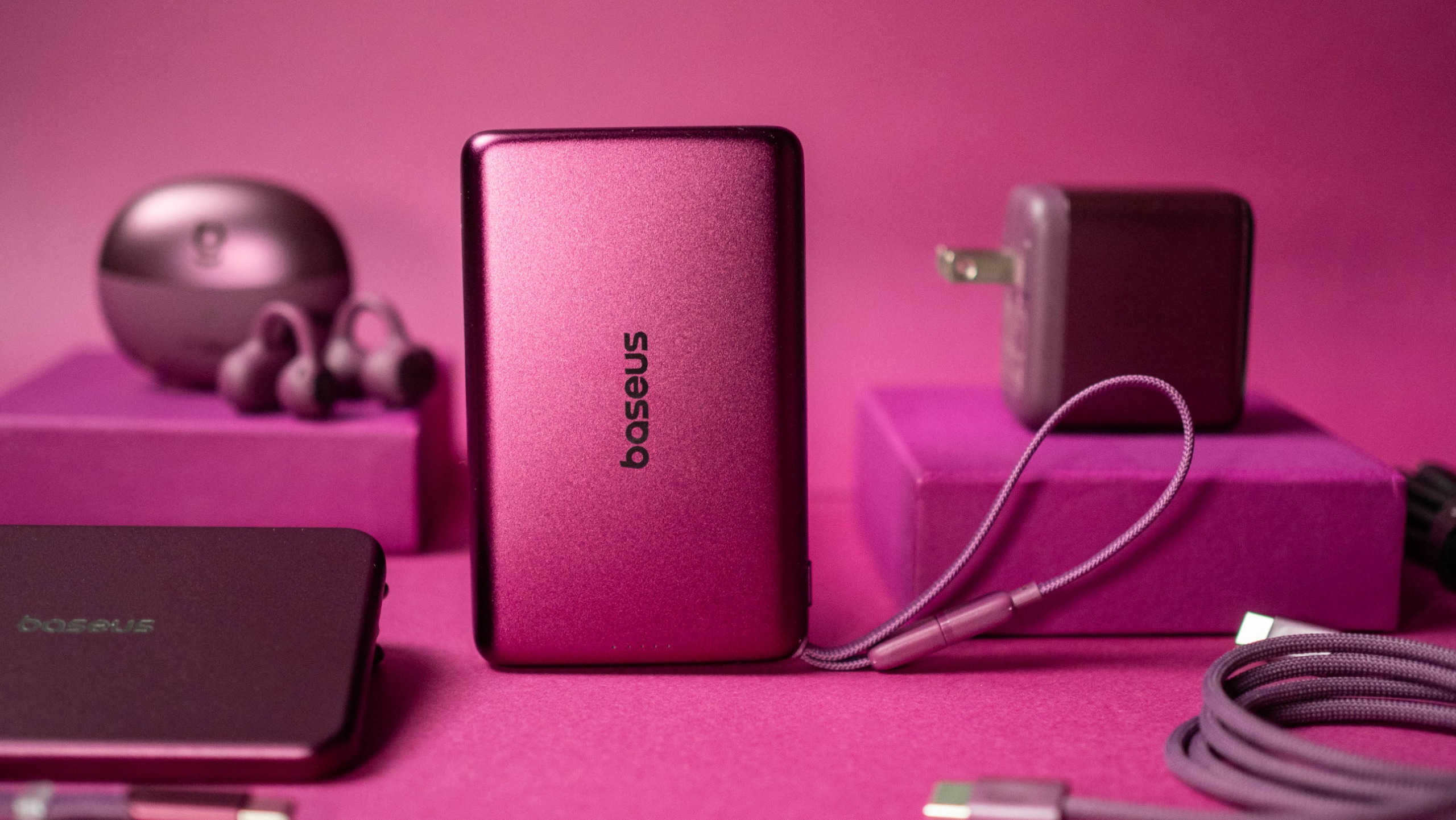
Baseus knows how to make great charging and audio accessories, and the brand is going all-out ahead of the iPhone 18 Pro launch. The Dark Cherry collection includes five products that are debuting in a bold new cherry red colorway designed to match the Dark Cherry variant of the upcoming iPhone 18 Pro.

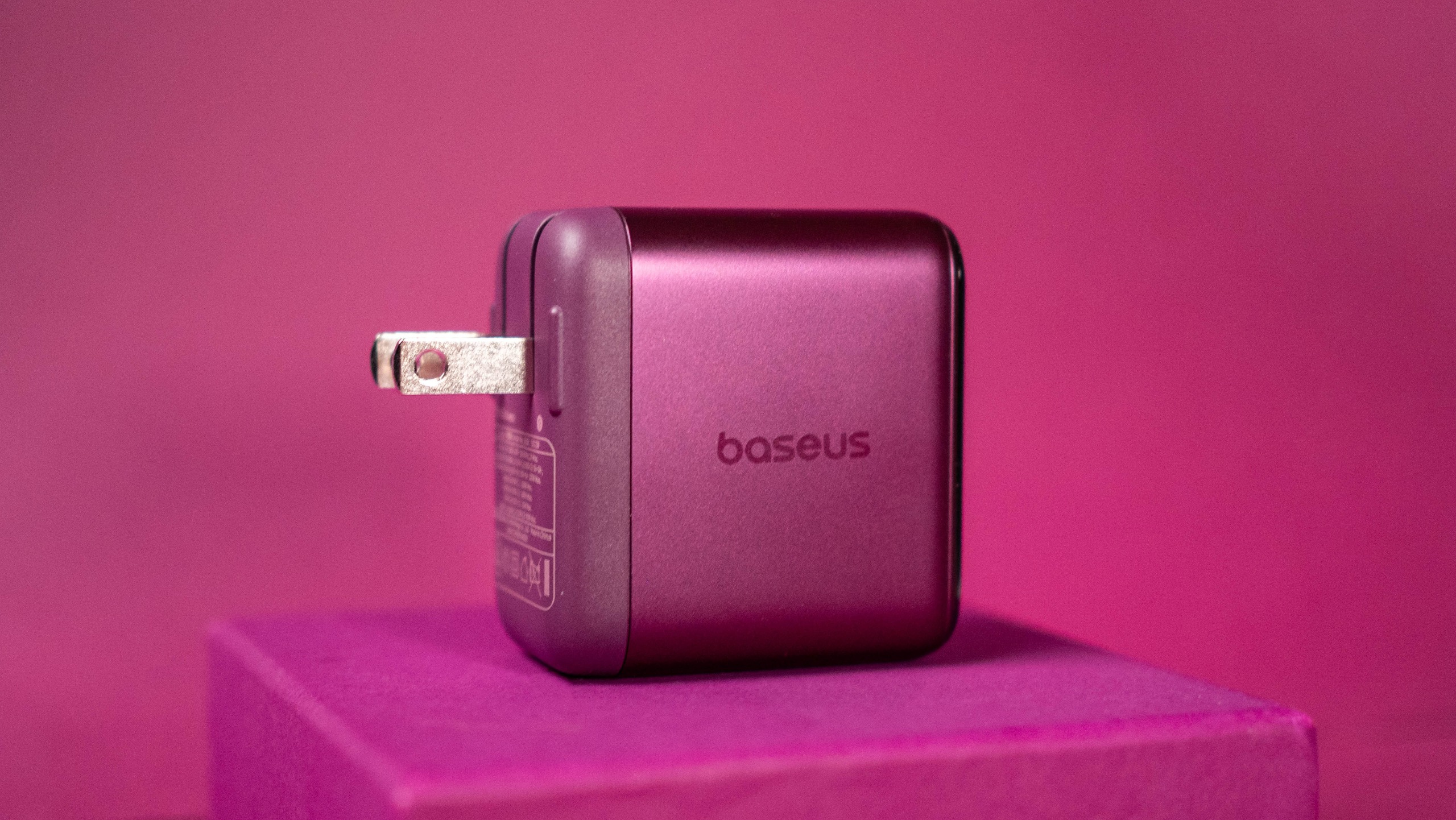
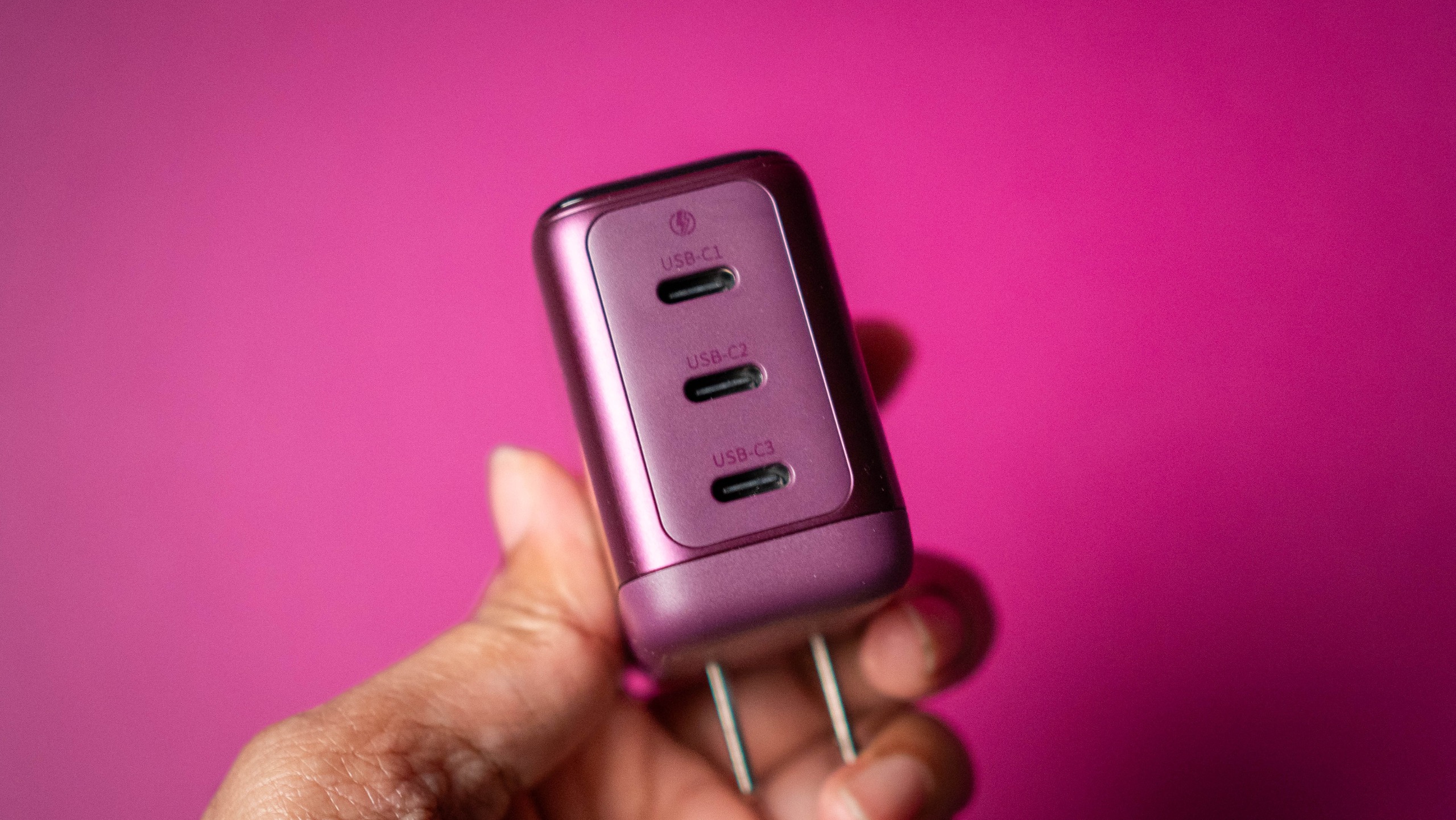
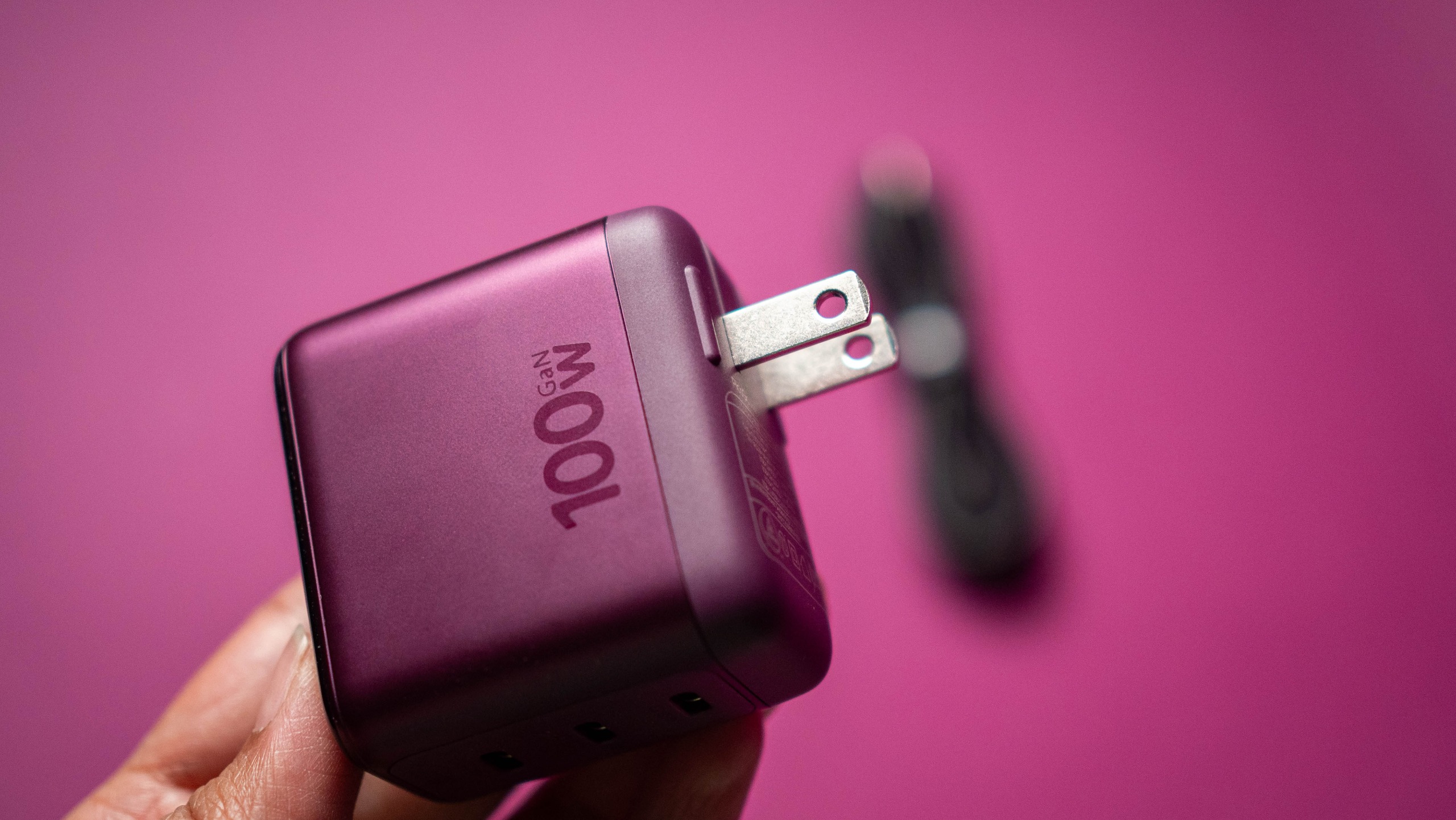
The highlight of the new collection is the PicoGo Pro AH22, the smallest 100W GaN charger with three USB-C ports. It comes with a built-in panel that shows real-time charging details, and it is now available for $59 on Amazon.

Baseus Dark Cherry iPhone 18 Pro collection review
Apoorva Bhardwaj / Android Central
Baseus Dark Cherry iPhone 18 Pro collection review
Apoorva Bhardwaj / Android Central
Baseus Dark Cherry iPhone 18 Pro collection review
Apoorva Bhardwaj / Android Central

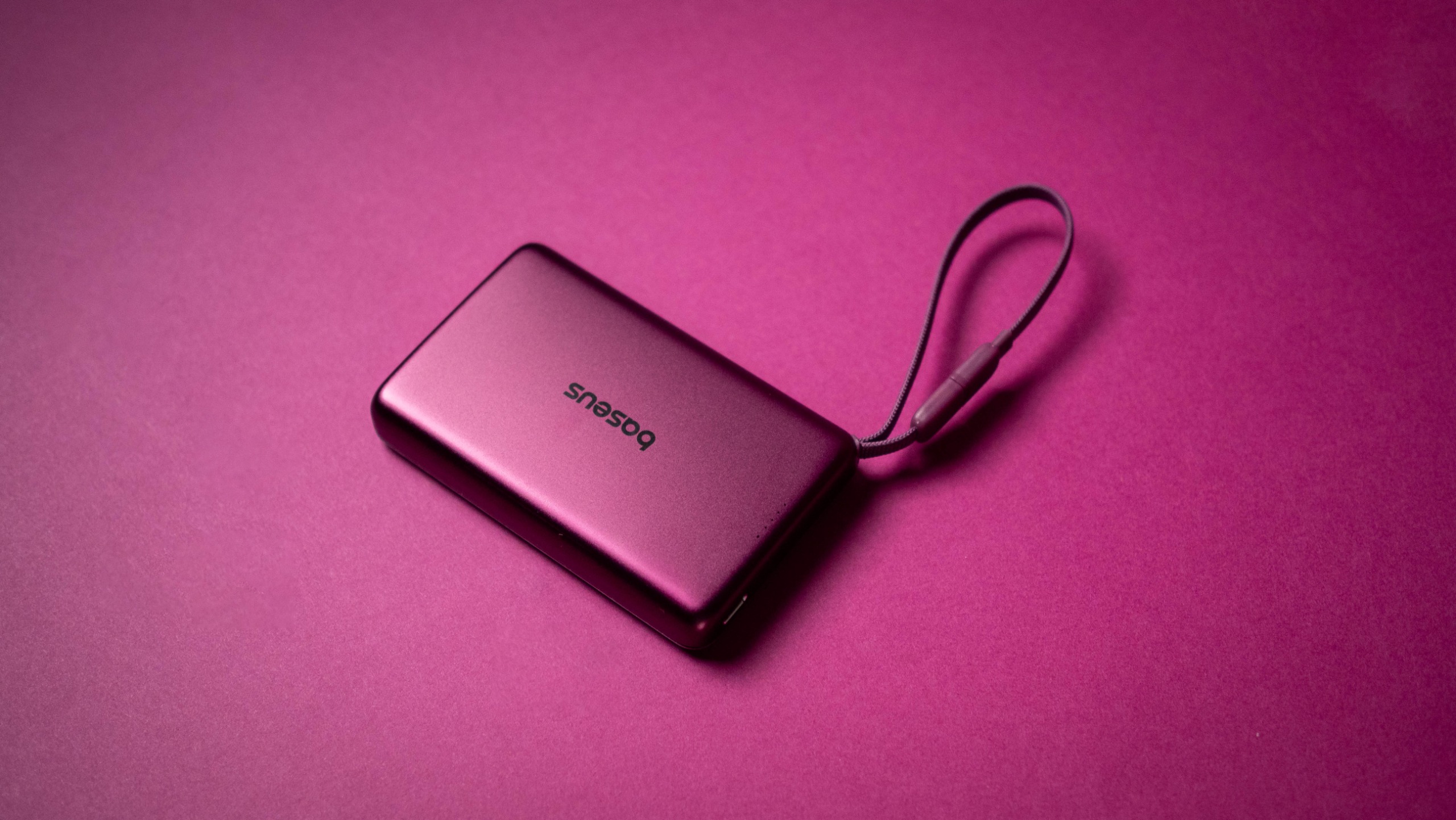
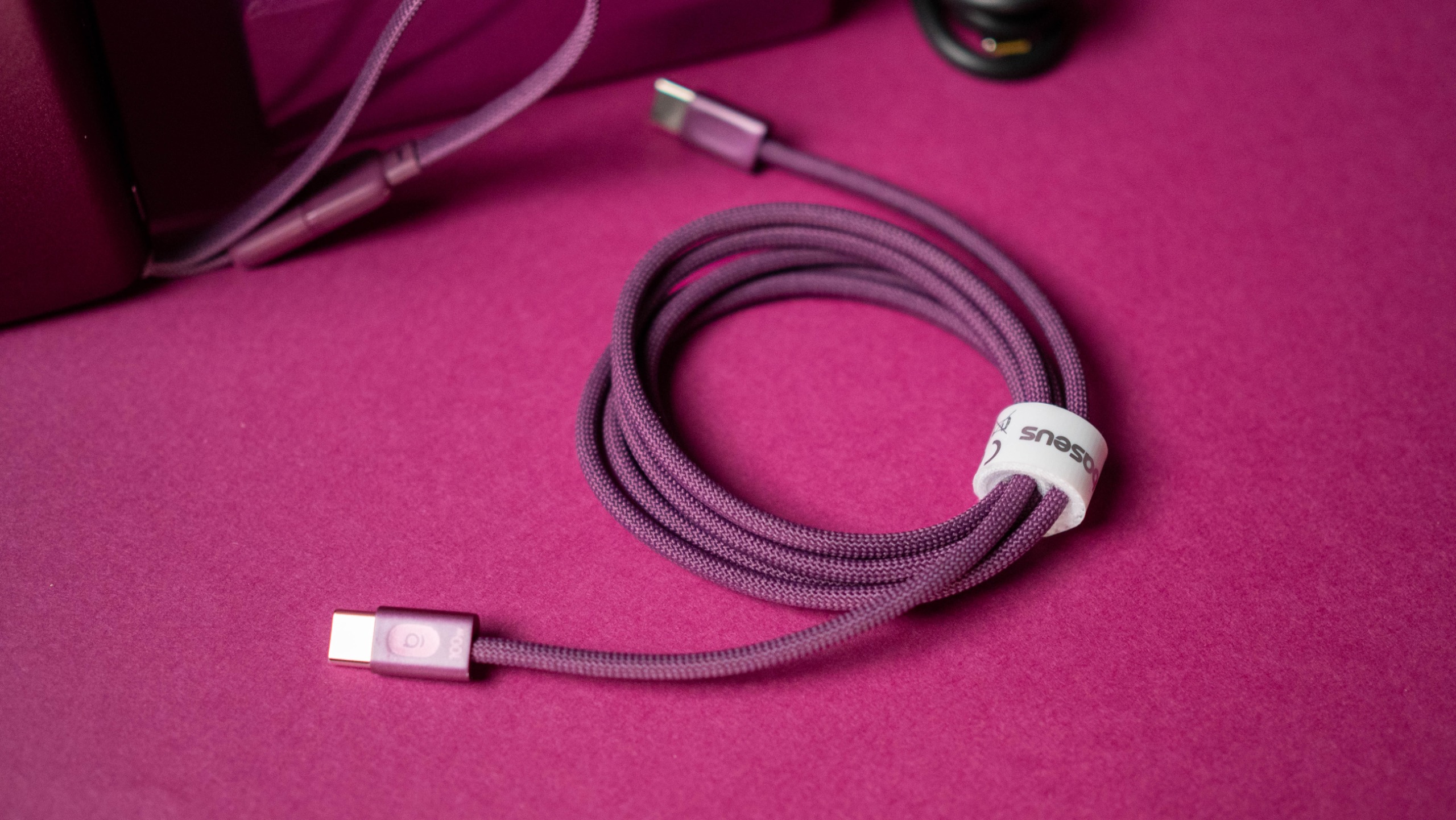
There's also the PicoGo AM52, a 25W Qi 2.2 power bank with 10,000mAh battery that's available for $79, and the ultra-thin PicoGo Air AM71 5,000mAh power bank that costs $69. The Bose-tuned Inspire XC1 earbuds get the Dark Cherry makeover as well, and they're $149. Rounding out the list is the 100W USB-C to USB-C cable, and it costs $12.

Baseus has an exclusive deal for AC readers that is live now and runs until October 31, 2026:

Baseus 100W PicoGo Pro AH22: This is the GaN charger you want

Baseus Dark Cherry iPhone 18 Pro collection review

(Image credit: Apoorva Bhardwaj / Android Central)

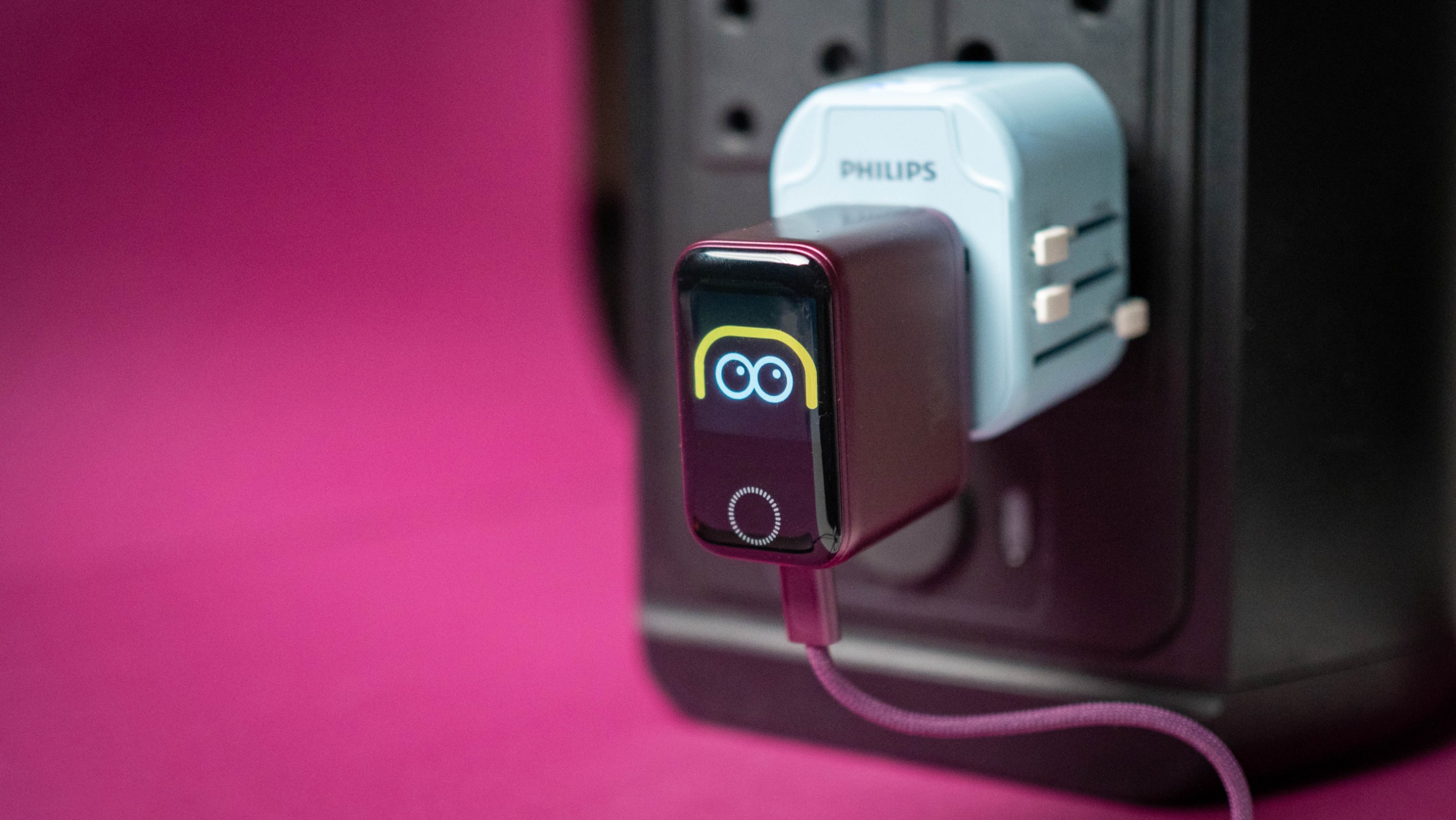
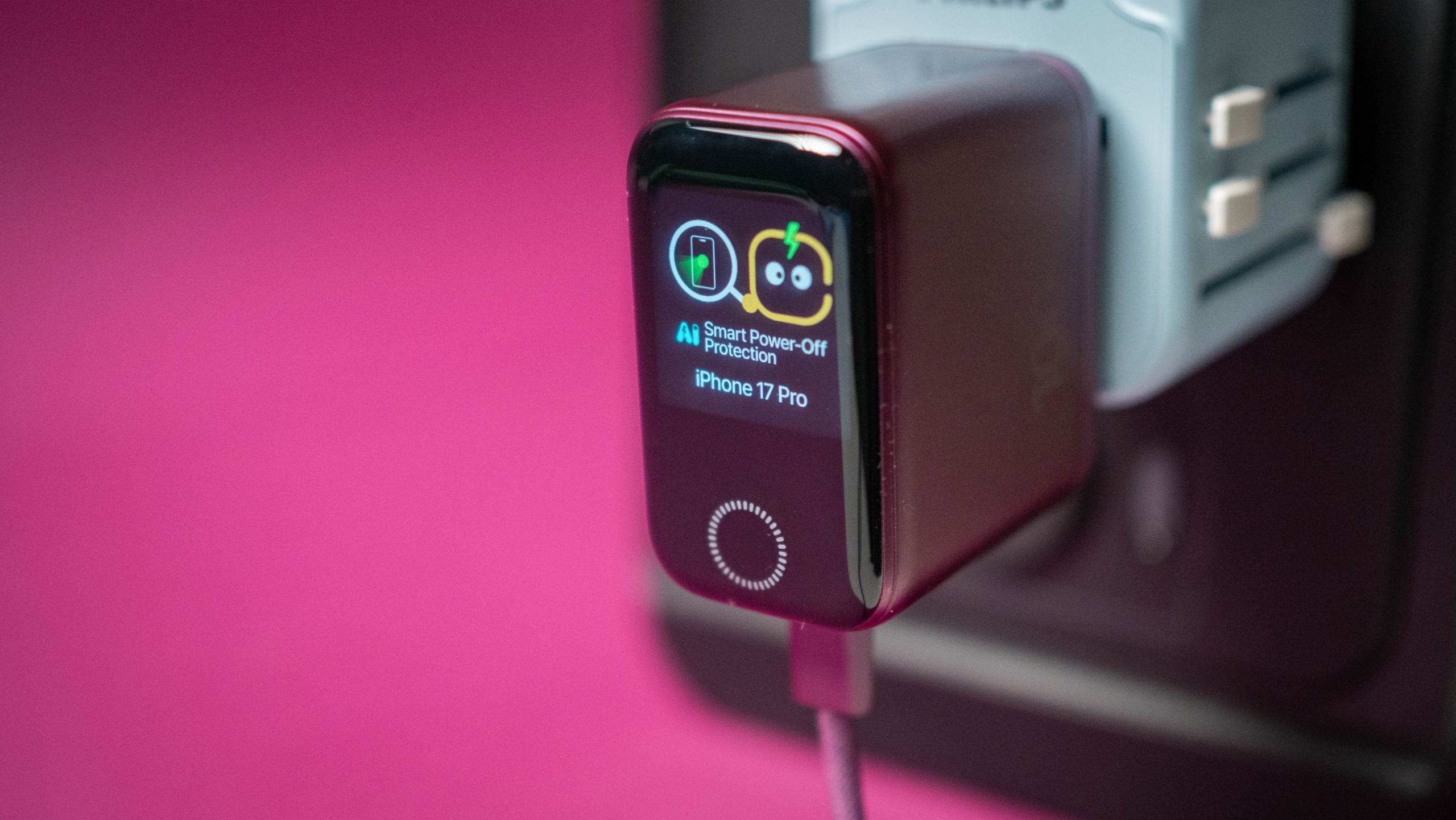
I used the PicoGo Pro AH22 as my go-to charger for the last month, and there's a lot to like. It is noticeably smaller than other 100W chargers I have on hand, and it still has three USB-C ports. The smaller size and the vibrant color makes it a great choice for travel (it's going straight into my tech bag), and I like that it has a built-in screen that shows real-time charging details, time left to charge, and what protocol a connected device is using.

Baseus Dark Cherry iPhone 18 Pro collection review
Apoorva Bhardwaj / Android Central
Baseus Dark Cherry iPhone 18 Pro collection review
Apoorva Bhardwaj / Android Central
Baseus Dark Cherry iPhone 18 Pro collection review
Apoorva Bhardwaj / Android Central
Baseus Dark Cherry iPhone 18 Pro collection review
Apoorva Bhardwaj / Android Central

It has three charging modes β€” Smart, Gentle, and Turbo β€” and the Smart mode is useful while charging several devices at once. The Gentle mode is what you need for overnight charging, and Turbo prioritizes the C1 port to 100W.

There's intelligent device recognition, and I like this feature a lot. Baseus also added a set of fun effects that show up while charging. The individual USB-C ports go up to 100W, and with all three in use, you get a 95W power budget. I used it with my Pixel 11 Pro XL, Find X9 Ultra, Galaxy Z Fold 8 Ultra, iPad Pro M4, and a few dozen accessories, and the charger did a great job.

Baseus PicoGo AM52 25W Qi2.2 10,000mAh Power Bank: Charge anything with ease

Baseus Dark Cherry iPhone 18 Pro collection review

(Image credit: Apoorva Bhardwaj / Android Central)

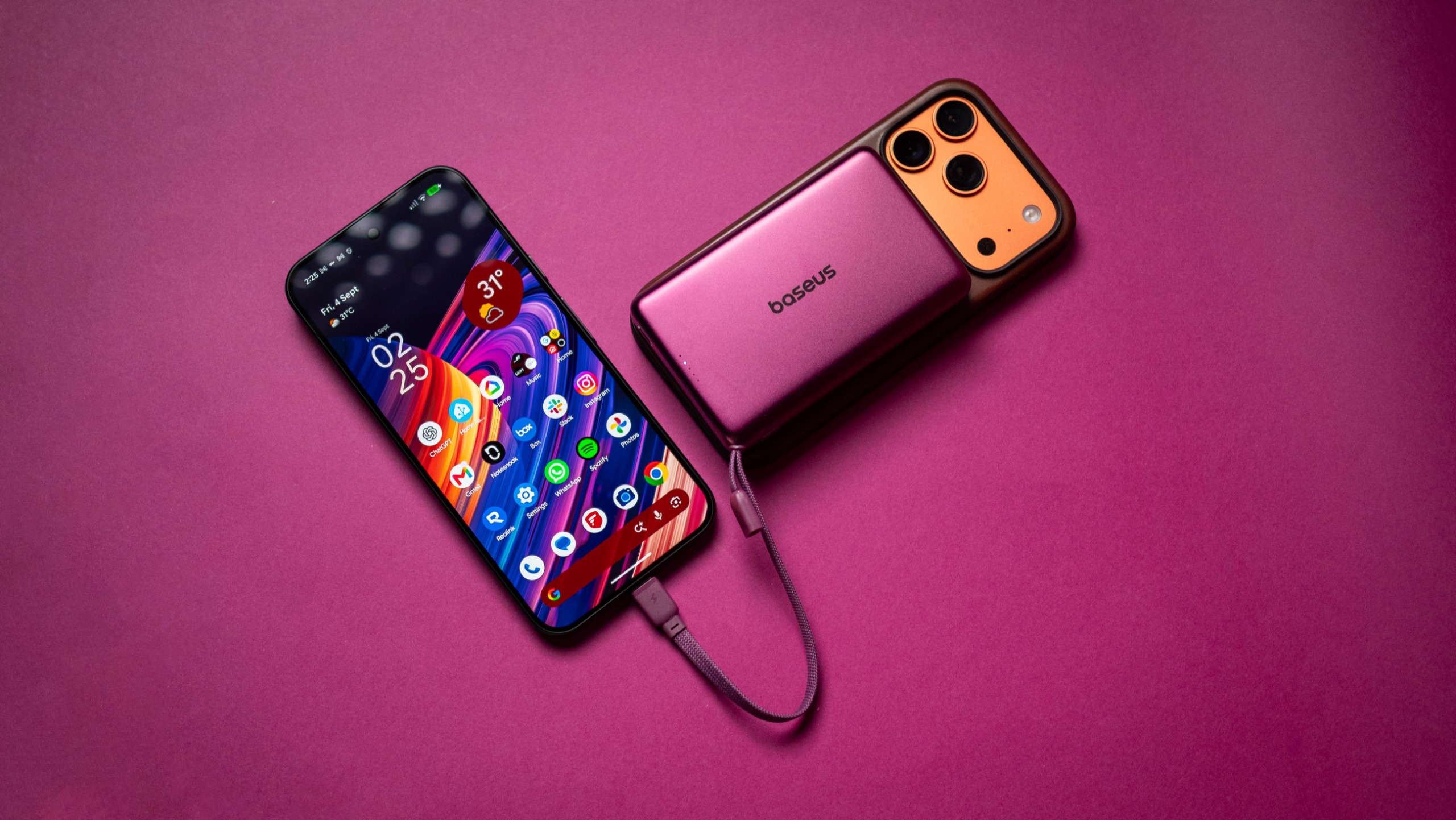
The PicoGo AM52 isn't a new product, and I've been using the power bank for the better part of a year. The Qi 2.2 tech allows it to charge phones at 25W, and it's great to use with the iPhone 17 Pro and Pixel 11 Pro XL.

Baseus Dark Cherry iPhone 18 Pro collection review
Apoorva Bhardwaj / Android Central
Baseus Dark Cherry iPhone 18 Pro collection review
Apoorva Bhardwaj / Android Central

There's no doubt that the cherry color looks much better than the standard grey model I've been using all this time. The 10,000mAh battery is able to charge the iPhone 17 Pro and Pixel 11 Pro XL to full, and it has a built-in USB-C cable if you need to plug in other devices, going up to 45W.

Baseus PicoGo Air AM71 5,000mAh Power Bank: The thinnest power bank

Baseus Dark Cherry iPhone 18 Pro collection review

(Image credit: Apoorva Bhardwaj / Android Central)

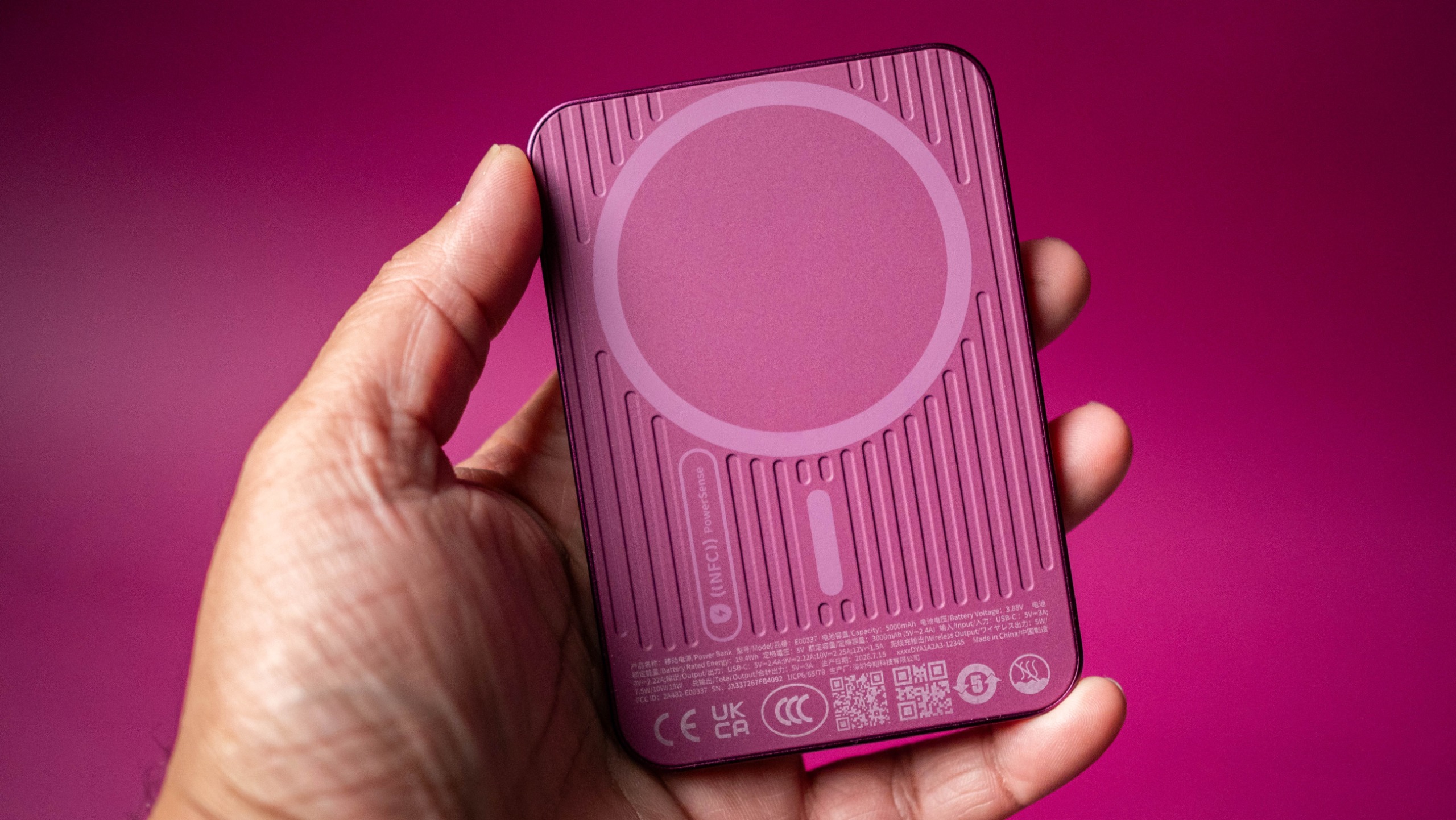
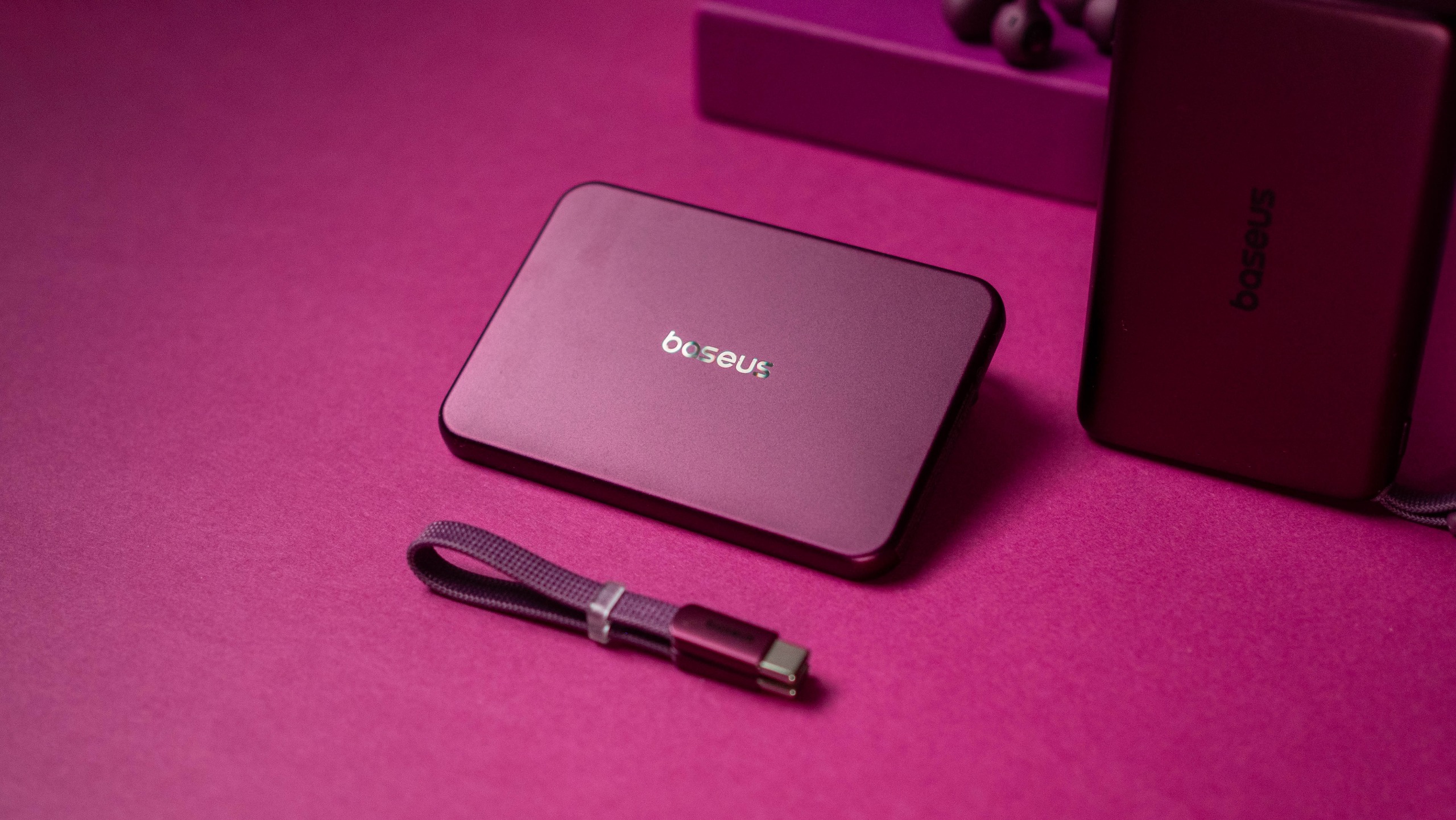
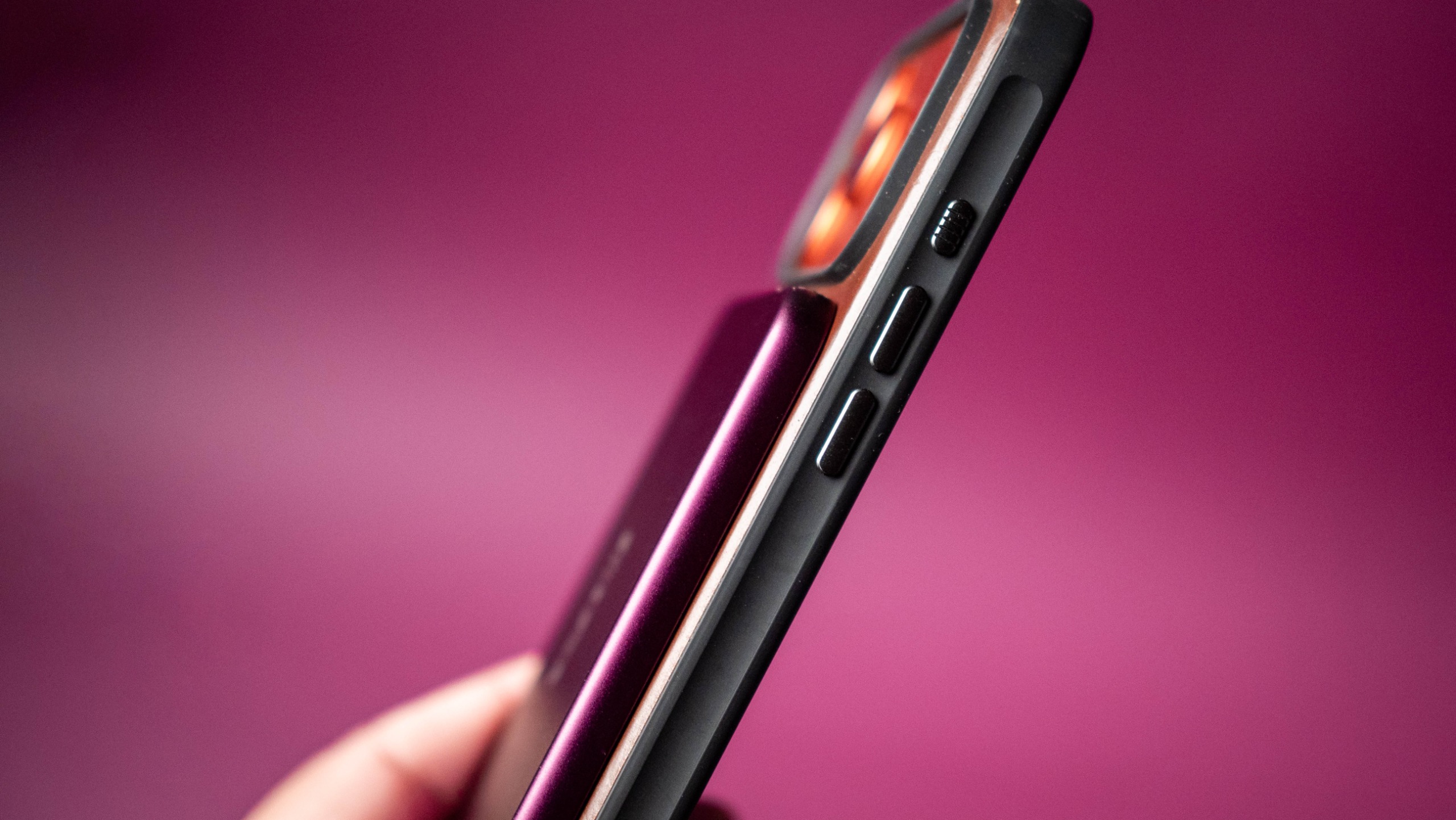
The PicoGo Air AM71 is a 5,000mAh magnetic power bank, and it is one of the thinnest I've used yet. It doesn't have 25W charging, instead using the standard Qi standard to deliver a 7.5W charge. There is a USB-C port that gets you 22.5W, and the power bank recharges at 20W.

Baseus Dark Cherry iPhone 18 Pro collection review
Apoorva Bhardwaj / Android Central
Baseus Dark Cherry iPhone 18 Pro collection review
Apoorva Bhardwaj / Android Central
Baseus Dark Cherry iPhone 18 Pro collection review
Apoorva Bhardwaj / Android Central
Baseus Dark Cherry iPhone 18 Pro collection review
Apoorva Bhardwaj / Android Central

While I'm not a huge fan of ultra-thin power banks, I will admit that the AM71 has unmatched portability. It's just 0.3 inches and weighs 105g, and is easy to slot into a bag or trousers β€” I have one in my tech EDC bag. The 5,000mAh battery isn't enough to charge a phone to full, but it will get your iPhone 17 Pro Max to the halfway point. This is down to energy conversion, and is true of all power banks.

Baseus Inspire XC1: Bose sound for less

Baseus Dark Cherry iPhone 18 Pro collection review

(Image credit: Apoorva Bhardwaj / Android Central)

I like the Inspire XC1 because of the open ear design, and they're a good choice if you have issues getting a good fit with regular buds. The cherry color makes these buds stand out a lot from the regular model, and they definitely get a lot of attention while outdoors.

Baseus Dark Cherry iPhone 18 Pro collection review

(Image credit: Apoorva Bhardwaj / Android Central)

The Bose-tuned sound quality is terrific, and the buds have meaningful bass along with a clean mid-range and good treble. They're pretty great with calls as well, and have LDAC and IP66 ingress protection. I get over seven hours of battery life between charges, and that's more than adequate in daily use. The only point of contention is that the cherry variant is $149, which is a sizeable increase over the $99 that the regular model costs these days.

Baseus FrostCool: A reliable 100W USB-C cable

Baseus Dark Cherry iPhone 18 Pro collection review

(Image credit: Apoorva Bhardwaj / Android Central)

I have a lot of these cables in the house, and they're reliable in everyday use. The cherry color is the only difference here, and other than that, it's the same cable: it can deliver a 100W charge over USB PD, is 6.6ft in length, and the braided design is built to last.

Baseus Dark Cherry iPhone 18 Pro collection review

(Image credit: Apoorva Bhardwaj / Android Central)

Baseus is going all-in on Dark Cherry, and I like that the brand has an entire range of accessories available in the new colorway. While there's a little bit of a wait before we know all about the iPhone 18 Pro, you can get a head-start by grabbing the accessories you need.

  •  

The world's thinnest portable SSD is just as impractical as you think

I like portable SSDs a lot, and I have one always on hand in my EDC tech bag. I look for two things in a portable drive: fast transfers, and long-term durability. I don't really think about the size or weight, as SSDs tend to be smaller and lighter than mechanical drives anyway.

But Lexar clearly felt like this was an area to focus on for its next SSD, the Muse. Dubbed the world's thinnest SSD, the Muse is 3.8mm at its thickest point, going down to just 1mm at the edges. Lexar says it used an "ultra-thin PCB architecture, high-density NAND stacking, and an integrated internal structure" to maximize the internal space.

Lexar Muse portable SSD
Lexar
Lexar Muse portable SSD
Lexar

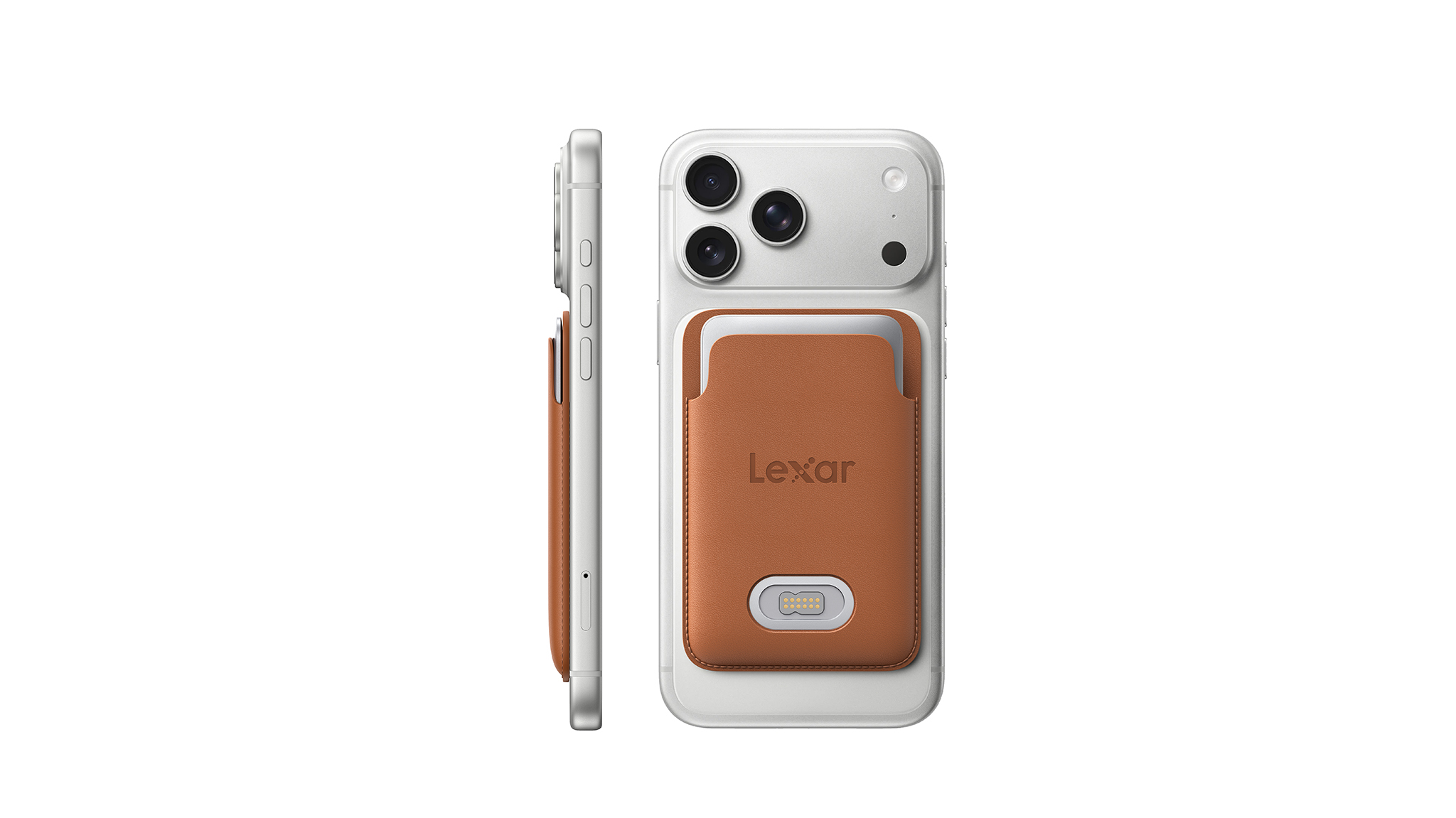
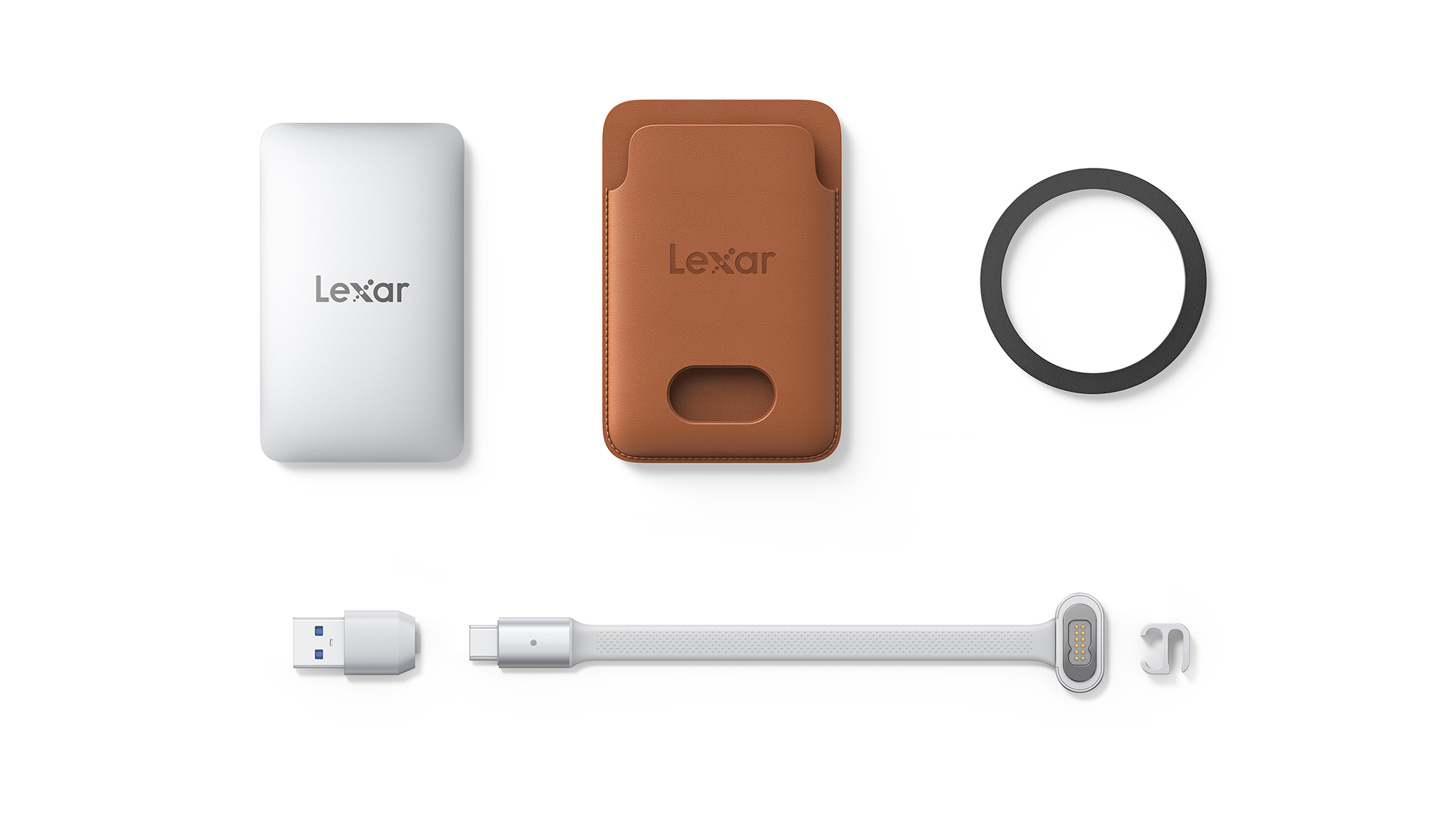
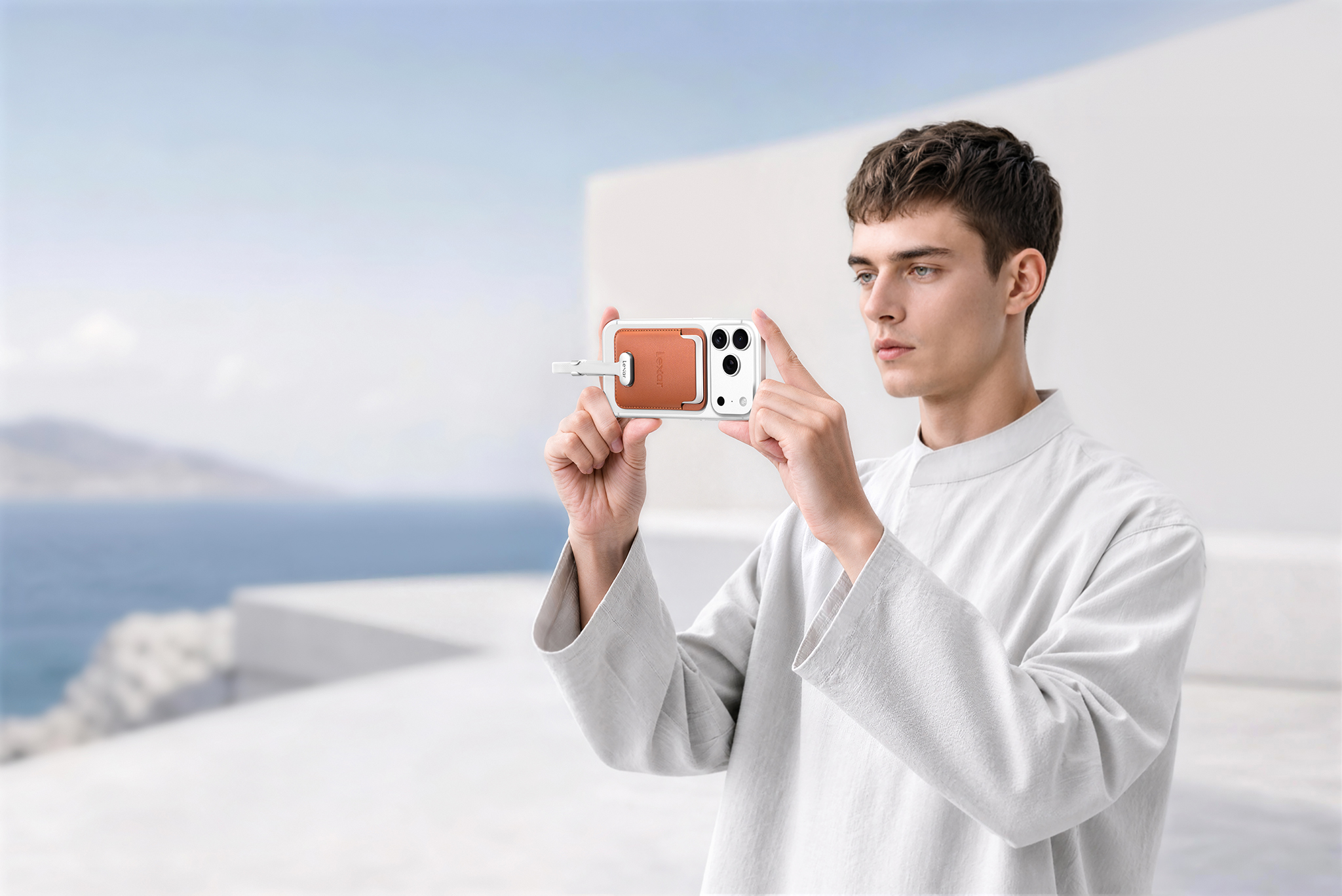
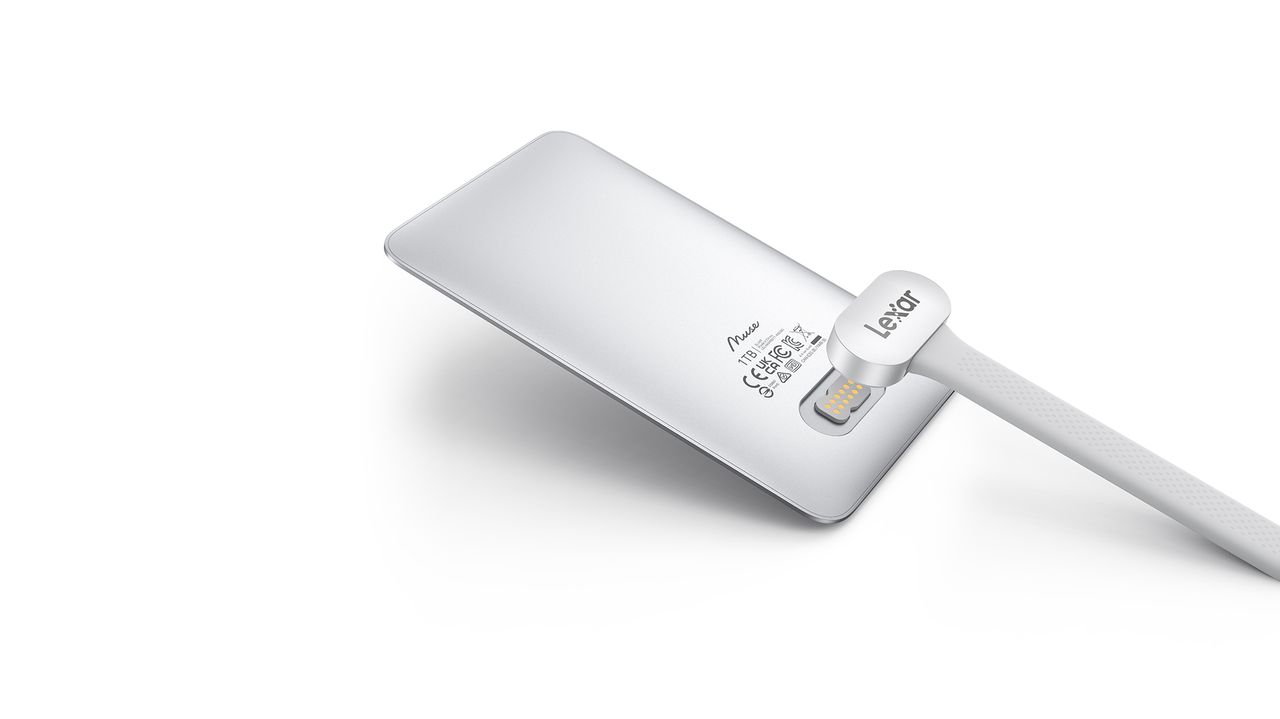
The Muse has 1,050MB/s read and 1,000MB/s writes and can handle ProRes content at 4K120, which is in line with most portable SSDs. What isn't usual is the connector; instead of a regular USB-C port like every other SSD, the Muse uses a proprietary PogoPin magnetic connection, and you'll need to use the bundled cable in the box to connect the drive to your phone.

Oh, and it doesn't have the requisite magnets built-in (obviously), so you'll need to put it in a magnetic carry sleeve to attach it to a phone. Lexar notes portable SSDs can add "bulk and cable clutter," so it created the Muse to deliver a more "considered approach." It doesn't quite feel that way when you consider that you have three things to manage when using the Muse: the SSD itself, the magnetic sleeve, and the proprietary cable, which will inevitably get left behind when you're out and about.

Lexar Muse portable SSD

(Image credit: Lexar)

I just don't get the need to tech industry's obsession to make products thinner. A regular-sized portable SSD doesn't have these limitations, and if anything, I like using drives like the LaCie Rugged SSD4, which are chunky but can take an absolute beating. The Muse adds a layer of complexity you don't need in a storage device, and that's before you factor in overheating. With such a small size and a sealed chassis, where does the heat go? There doesn't seem to be any room to manage the heat that builds up in a drive, so it will likely get quite hot when moving data.

Anyway, the Muse is coming out in Q4 2026, and it will be sold in 512GB and 1TB variants. Lexar didn't share pricing details, but it is bound to be on the higher side. Don't want to wait that long to get a magnetic SSD? This is the one I use.

  •  

Apple iPhone Ultra vs. Samsung Galaxy Z Fold 8: It could just come down to one thing

Apple iPhone Ultra leak

Apple iPhone Ultra

A bold new entrant

The iPhone Ultra is set to usher in the age of the foldable iPhone, and leaks point to a device that has the potential to be truly noteworthy.

Samsung Galaxy Z Fold 8

Samsung
Galaxy Z Fold 8

Short and sweet

The Z Fold 8 is uniquely interesting, and while it may not have the best cameras, it makes foldable fun to use.

Apple iPhone Ultra vs. Samsung Galaxy Z Fold 8: Pricing and availability

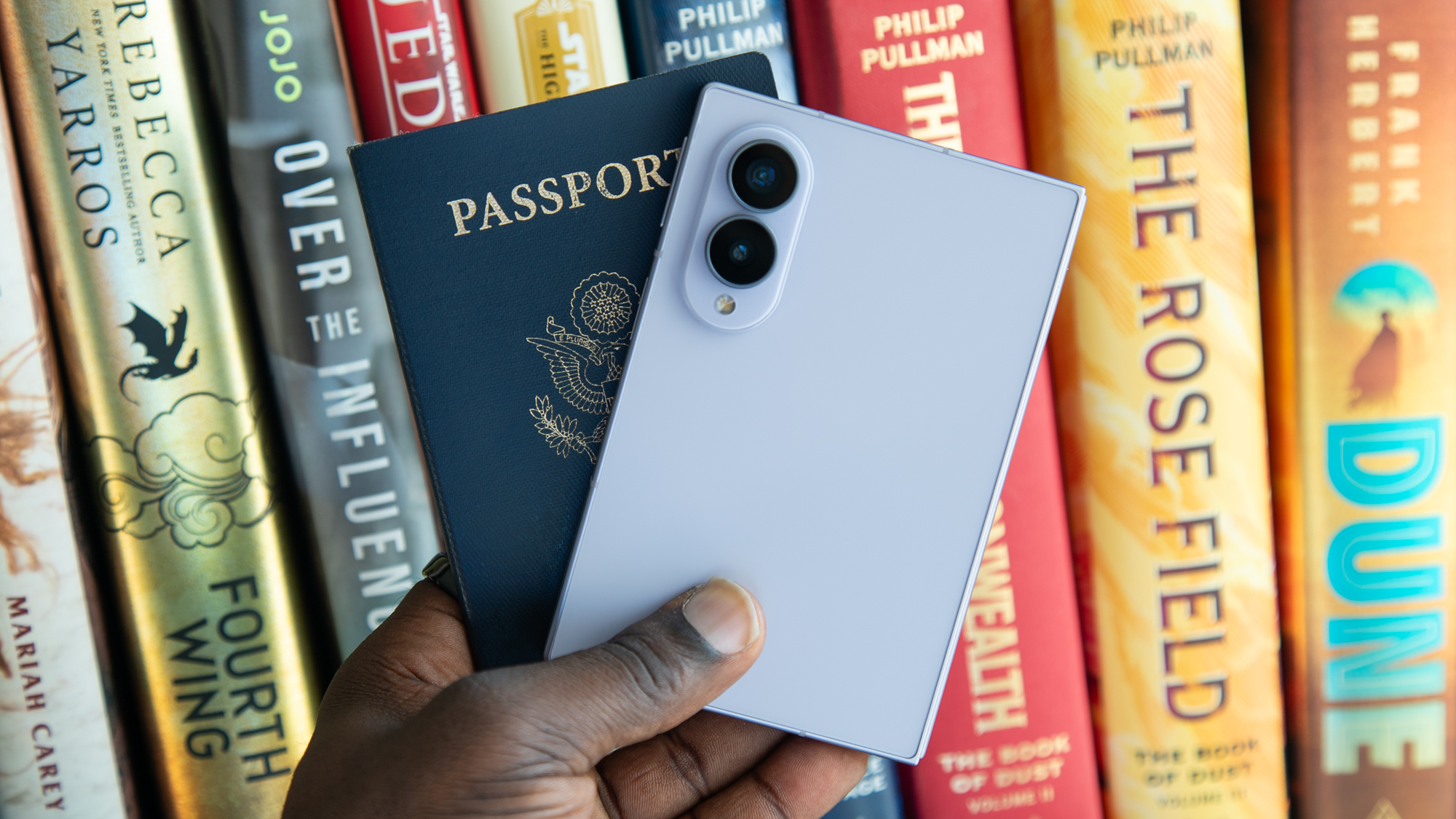
The Galaxy Z Fold 8 with a passport

(Image credit: Derrek Lee / Android Central)

The iPhone Ultra is slated to make its debut at Apple's launch event on September 9, 2026. The foldable could cost anywhere between $2,000 to $2,500, and we'll have to wait until the event to know the official pricing. But with Apple hiking prices on most of its products in the last two months, it's a given that this year's iPhones will see price increases across the board.

Even if the iPhone Ultra is unveiled alongside the iPhone 18 Pro and Pro Max, it may not actually show up at the same time β€” the latest leaks point to general availability later in the year. Again, that's something we will know definitely on September 9. Given the cost, it is projected that the foldable will be available in limited quantities β€” much like the Galaxy Z TriFold β€” and it remains to be seen if it will be sold in all regions simultaneously.

Samsung unveiled the Galaxy Z Fold 8 on July 22, 2026, and the foldable retails at $1,899. This is the base model with 256GB of storage, and there's also a 512GB edition that costs $2,099 in the U.S., and a 1TB model that is $2,499.

Apple iPhone Ultra vs. Samsung Galaxy Z Fold 8: Design

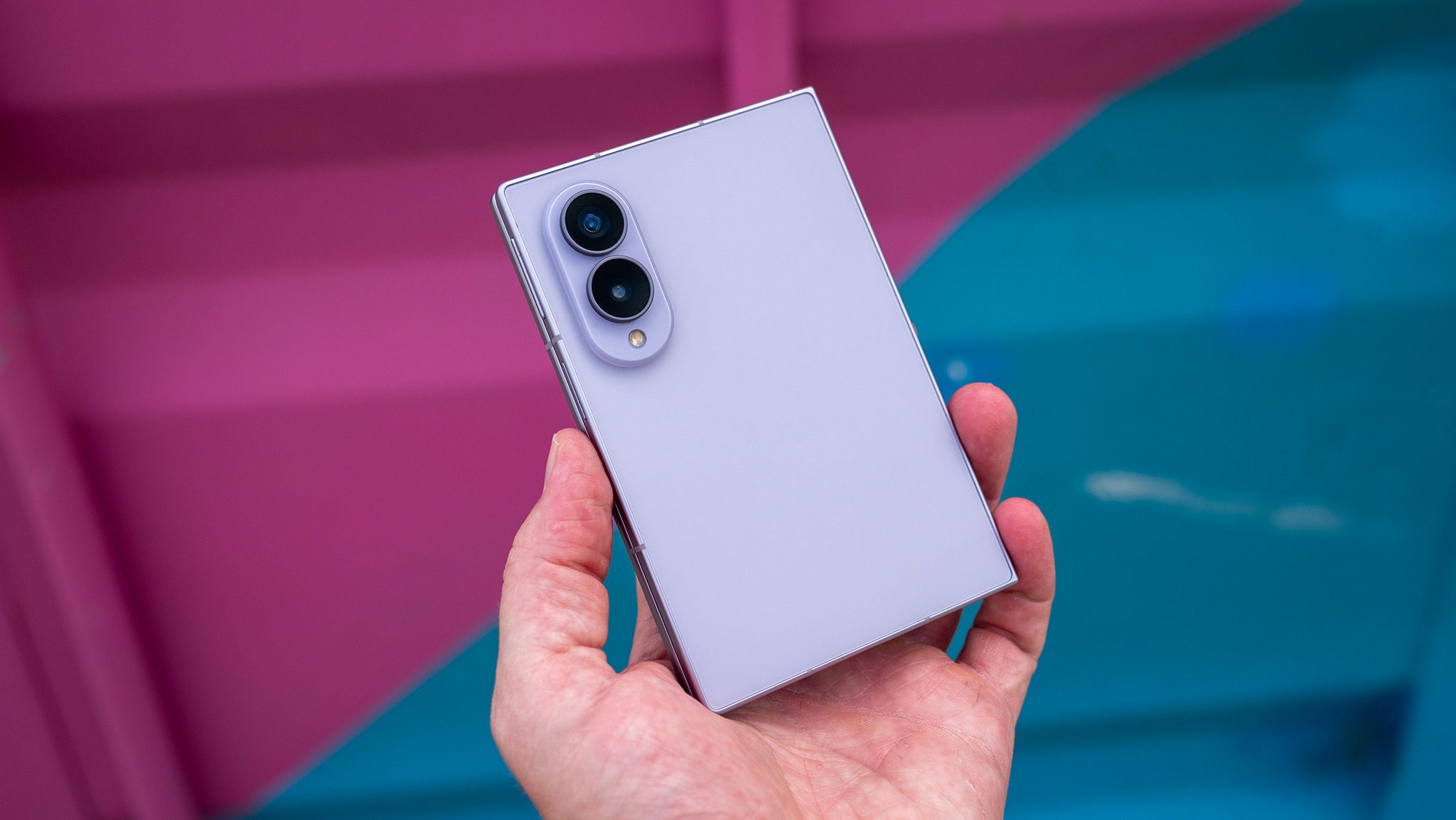
Holding a Samsung Galaxy Z Fold 8

(Image credit: Nicholas Sutrich / Android Central)

The iPhone Ultra will be different to every other iPhone thus far, with the foldable design ushering in an entirely new form factor for iOS. Leaks point to the iPhone Ultra having a similar wide-and-short configuration as the Galaxy Z Fold 8, and the passport-style design is definitely intriguing β€” there's no wonder that other Android manufacturers are emulating a similar style.

Leaks point to a 5.5-inch cover panel and a 7.8-inch inner panel, and the iPhone Ultra could be as thin as 4.5mm while unfolded, bringing it in line with the Z Fold 8 and other Android foldables. The design looks a lot like the Pixel 11 Pro Fold, with rounded edges and a flatter profile along the hinge. While Apple introduced a bright orange color with the iPhone 17 Pro, the iPhone Ultra is said to be available in muted colors, including white and black.

Just like Android foldables, the iPhone Ultra may see Touch ID housed within the power button as the standard mode of authentication instead of Face ID. The Z Fold 8 gets a 5.5-inch cover panel and a 7.6-inch inner screen, and Samsung managed to deliver IP48 dust and water resistance.

Interestingly, one of the biggest selling points of the iPhone Ultra could be a display without anu visible crease. The Find N6 and Vivo X Fold 5 do a fabulous job in this regard β€” they're better than the Galaxy Z Fold 8 and Fold 8 Ultra β€” and with the iPhone Ultra touted to use two layers of ultra-thin glass and a liquid-metal hinge, it is entirely possible that Apple's foldable will debut with a creaseless design, outshining Samsung's Z Fold 8 in this key area.

Apple iPhone Ultra vs. Samsung Galaxy Z Fold 8: Hardware

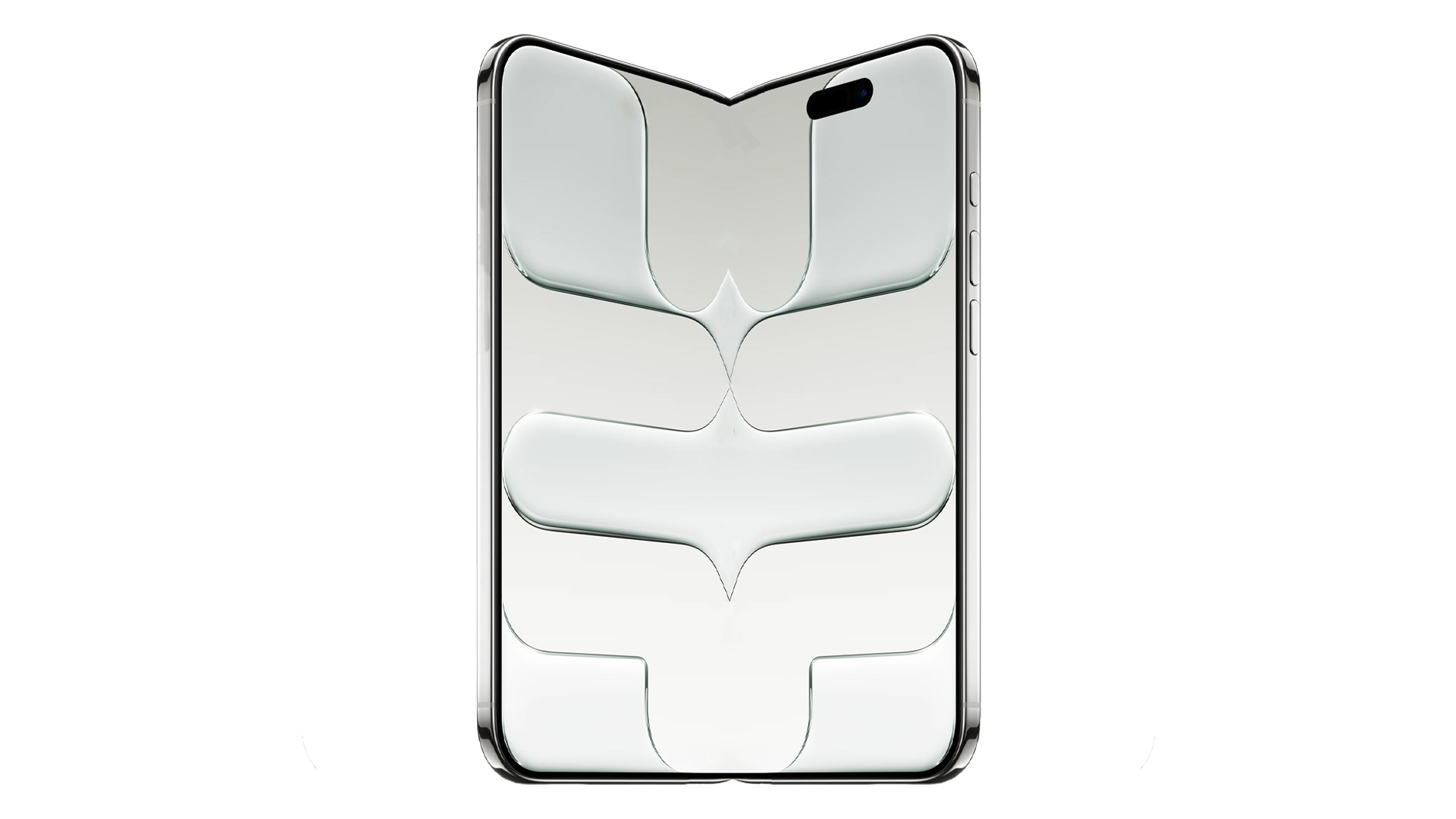
Mockup of iPhone Fold based on iPhone Air

(Image credit: Apple / Android Central)

The iPhone Ultra will see the biggest battery of any iPhone, and that in itself is exciting. Leaks point to a 4,883mAh battery, and that's similar to what's available on the Z Fold 8. That said, iOS has much better efficiency in general, so the iPhone Ultra should have better battery life, and with Apple touted to switch to a 2nm node, battery life could get an additional boost.

Category

Apple iPhone Ultra (based on leaks)

Samsung Galaxy Z Fold 8

Display

Outer: 5.5-inch ProMotion LTPO OLED, 2088Β x 1422

Inner: 7.8-inch ProMotion LTPO OLED

Outer: 5.5-inch 120Hz LTPO AMOLED, 1972 x 1248

Inner: 7.6-inch 120Hz LTPO AMOLED, 2448 x 1848

Operating System

iOS 27, at least seven updates

One UI 9 (Android 17), seven updates

Chipset

Apple A20, 2nm

Snapdragon 8 Elite Gen 5 for Galaxy, 3nm

RAM

12GB

12GB/16GB

Storage

256GB, 512GB, 1TB, 2TB

256GB, 512GB, 1TB

Rear cameras

Main: 48MP f/1.8, sensor-shift OIS

Wide-angle: 48MP f/2.2

Main: 50MP f/1.8, OIS

Wide-angle: 50MP f/1.9

Front camera

24MP

10MP (internal), 10MP (external)

Battery

4,883mAh

4,800mAh (dual 2,400mAh cells)

Charging

40W iPhone 17 Pro, 25W MagSafe/Qi 2

45W wired, 20W wireless

Dimensions

Folded: 120.6 x 83.8 x 9.2mm

Unfolded: 120.6 x 167.6 x 4.5mm

Folded: 123.9 x 81.9 x 9.7mm

Unfolded: 123.9 x 161.4 x 4.5mm

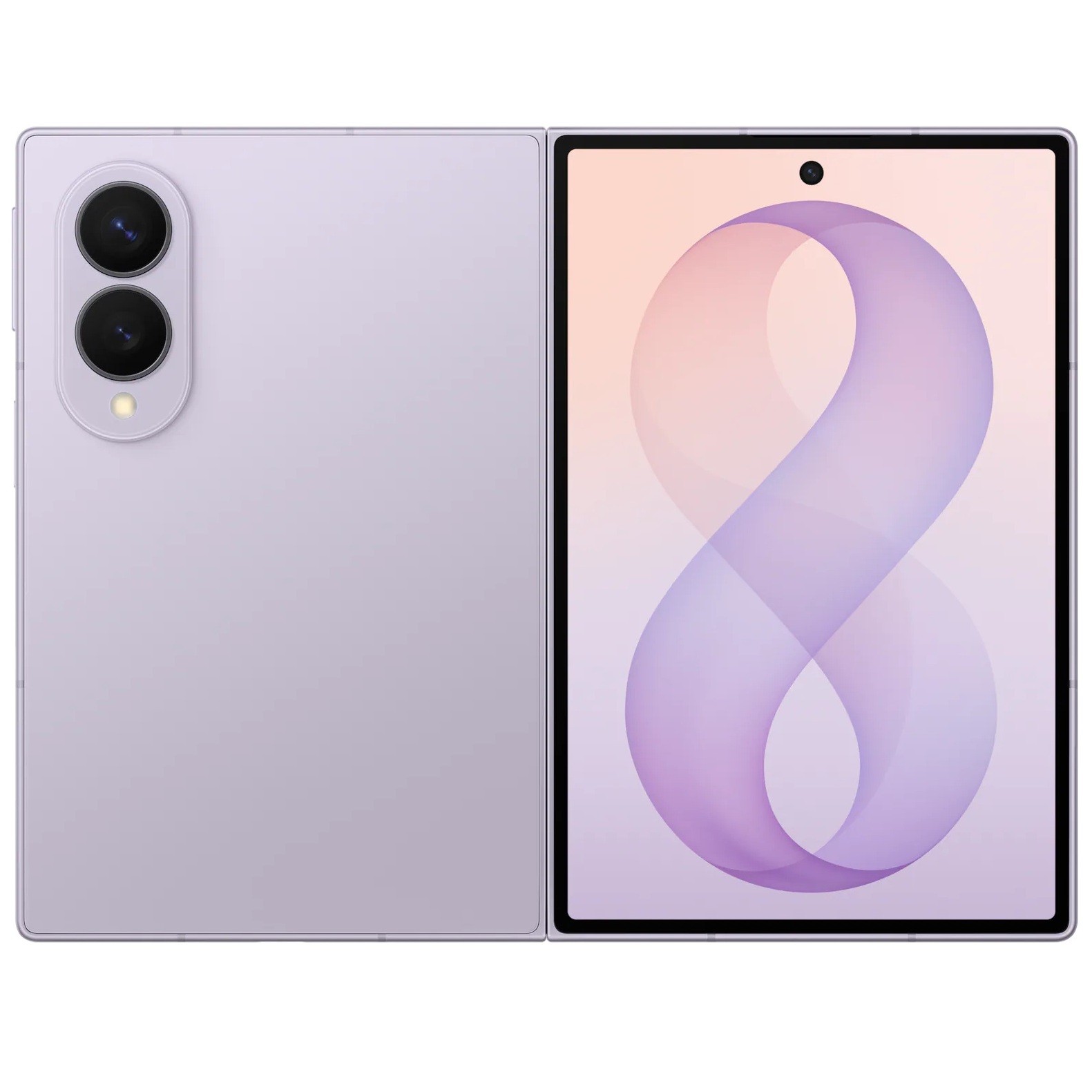
Wide foldables are smaller than book-style devices like the Galaxy Z Fold 8 Ultra, and as a result, Samsung just went with two cameras on the Galaxy Z Fold 8: a 50MP main camera and 50MP wide-angle lens.

The iPhone Ultra is likely to use a similar arrangement, and leaks point to two 48MP cameras, without a dedicated tele lens. We'll need to wait and see if that pans out, but as someone who uses the telephoto lens constantly, I would like to see this on the foldable.

Apple iPhone Ultra vs. Samsung Galaxy Z Fold 8: Software

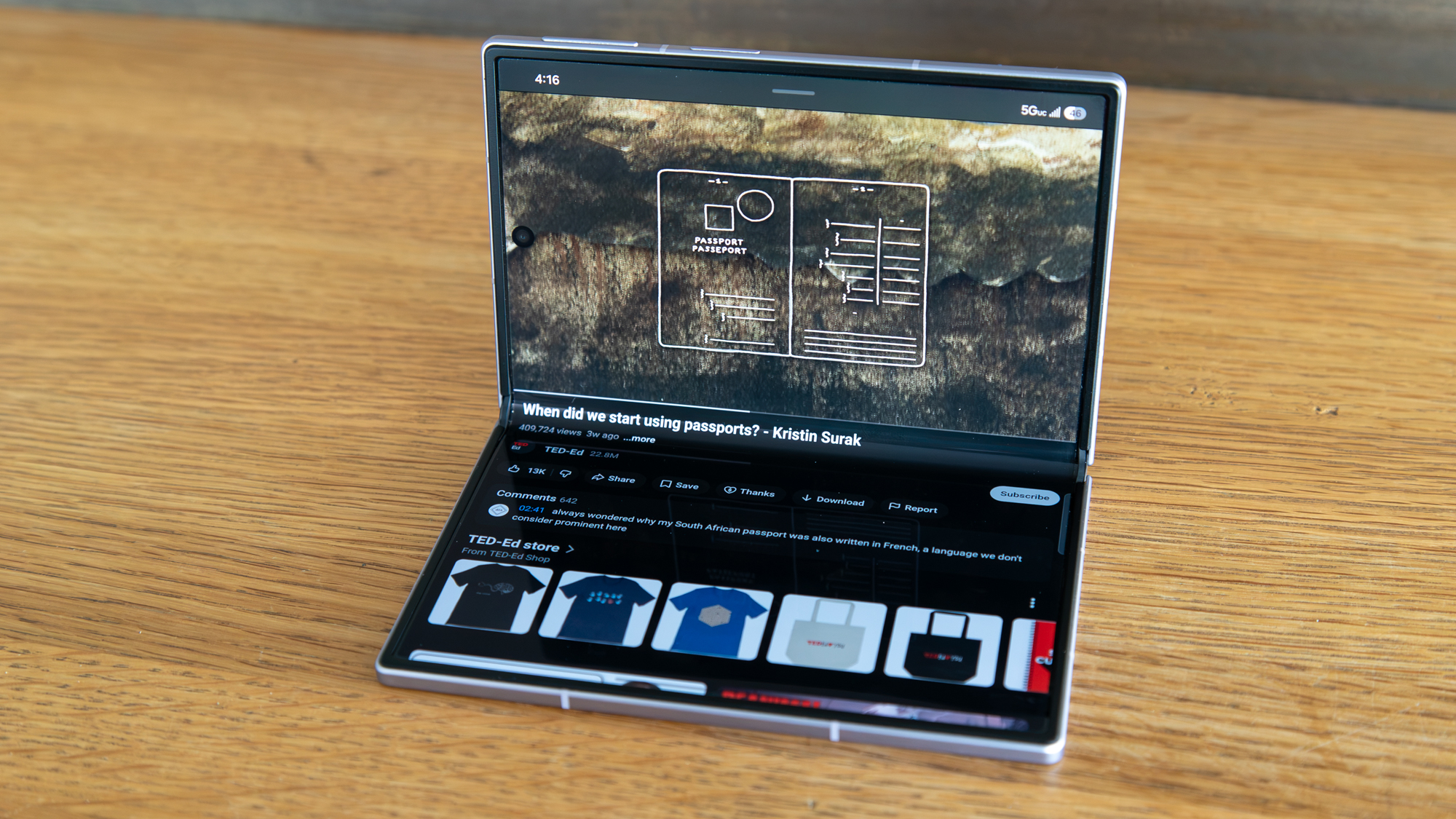
A YouTube video on a folded Galaxy Z Fold 8

(Image credit: Derrek Lee / Android Central)

Software makes a big difference on a foldable, with the added real estate ideal to multitask. This is a priority in iOS 27, and there's no doubt that the iPhone Ultra will get a lot of the same features that we've seen on Android foldables over the last two years, including a task bar, floating windows, and multitasking features.

Samsung does a good job in this area with the Galaxy Z Fold 8, and I'm interested in seeing how the iPhone Ultra will hold up against Samsung's foldable.

Apple iPhone Ultra vs. Samsung Galaxy Z Fold 8: Which should you buy?

Apple iPhone Ultra leak

(Image credit: AppleTrack)

While foldables have been around for the better part of a decade now, they're still pretty niche. That will change with the introduction of the iPhone Ultra; say what you will about Apple, but the brand has an unmatched ability to grab attention, and interest in foldables will skyrocket following the iPhone Ultra launch.

Now, whether this will translate to sales is another thing entirely, but if you're an iPhone user and wanted to switch to a foldable, you don't need to wait long to get one running iOS. While Samsung got a lot right with the Z Fold 8, it doesn't do nearly enough to convince iOS users to move to Android in any meaningful numbers.

Apple iPhone Ultra leak

Apple iPhone Ultra

A bold new entrant

The iPhone Ultra is set to launch soon, and with a similar design as the Z Fold 8 but with iOS, it could just be the device that convinces iPhone users to switch to a foldable.

Samsung Galaxy Z Fold 8

Samsung
Galaxy Z Fold 8

Short and sweet

Samsung nailed the brief with the Galaxy Z Fold 8, and the unique size of the foldable makes it stand out.

  •  

Here's how Samsung is safeguarding silicon batteries in the Galaxy Z Fold 8 and Fold 8 Ultra

Hardwired

Android Central's LLoyd with a bionic eye

(Image credit: Nicholas Sutrich / Android Central)

In Hardwired, AC Senior Editor Harish Jonnalagadda delves into all things hardware, including phones, audio products, storage servers, and networking gear.

Samsung didn't change too many things with the Galaxy Z Fold 8 Ultra, but a key area of differentiation is silicon-carbon battery tech. This is one of the reasons how Samsung managed to slot in a bigger 5,000mAh battery in the foldable while retaining a similar svelte design as the Z Fold 7. In fact, all of Samsung's latest foldables use silicon batteries, but it's the Z Fold 8 and Fold 8 Ultra where the difference is immediately noticeable. I asked Samsung a list of questions around its implementation of silicon-carbon tech, and it is interesting to see how the brand is going about integrating the tech into its latest foldables.

As a refresher, a silicon battery has a small mixture of a silicon-carbon material in the anode, leading to an increased energy density. The amount of silicon content in the anode varies by brand, and Samsung didn't share how much it is using in its foldables. To give you some context, most brands use around a mixture of 10% silicon by weight in the anode, with some β€” like Xiaomi's Redmi Note 17 Pro Max that has a 9,210mAh battery β€” going with a slightly higher 16% silicon ratio to provide greater energy density.

Samsung Galaxy Z Fold 8 Ultra review images

(Image credit: Apoorva Bhardwaj / Android Central)

Why don't brands just use an anode that's entirely made out of silicon-carbon? That's because while silicon has much better energy density β€” ten times as much as graphite β€” it undergoes expansion and contraction during charging, something you don't want in a phone battery. As there is a greater risk of long-term stability or battery swelling with extended use, it is mixed with carbon to deliver a mechanically stable structure while offering better electrical conductivity.

Brands are being (justifiably) cautious of the tech, and a Samsung spokesperson said the brand "reengineering the battery system" to facilitate the use of silicon-carbon in the anode, and to ensure that the higher-density batteries it is using this year are just as safe to use as traditional lithium-ion batteries:

"On the anode side, a thin carbon coating helps manage the reactivity of silicon-carbon particles, helping mitigate sudden volume changes during charge and discharge and supporting long-term stability," said Samsung. "On the cathode side, coating and doping help maintain surface stability and structural integrity, even under higher voltage conditions."

Another thing to consider is long-term durability, and Samsung says it added "additives" to the electrolyte to "help form a protective layer on the silicon surface, reducing silicon reactivity and supporting long-term cell stability."

Samsung also made tweaks to the separator β€” a polymer sheet that sits between the cathode and anode β€” which has a "high-porosity structure" to "improve ion movement while maintaining strength and thermal stability."

Samsung Galaxy Z Fold 8 Ultra review images

(Image credit: Apoorva Bhardwaj / Android Central)

What's interesting is that Samsung is using different battery architectures for its foldables. The Galaxy Z Fold 8 and Fold 8 Ultra use a "dual-path charging architecture that distributes power more efficiently across the battery system, enabling faster, more stable and reliable charging while improving heat management." This system enables 45W charging on both devices, but with the Flip 8, Samsung "separately optimized for the unique spatial and thermal requirements" of the compact foldable, so it has a battery size and charging tech that's unchanged to last year.

With Samsung just getting started with silicon-carbon batteries, it's understandable that it is playing it safe. While foldables like the Razr Fold, Vivo X Fold 5, and the Find N6 come with 6,000mAh silicon batteries, the Z Fold 8 Ultra has a much more modest 5,000mAh unit. It is still considerable progress from last year, and I'm glad to see Samsung leveraging this tech β€” I can't wait to see how it evolves with the Galaxy S27 next year.

Samsung Galaxy Z Fold 8

Samsung
Galaxy Z Fold 8

The unique size of the Galaxy Z Fold 8 makes it exciting in its own right, and it is a delightful foldable.

  •  

I put this NAS through 2,500 hours of testing and 50TB of writes β€” it's the only one I trust with my data

As I write this, I have 78 devices connected to my home network, including phones, tablets, Windows machines, Android TVs, way too many Govee lights, and other smart home tech. The most important device, however, is my network-attached storage (NAS) system; it houses all my data, acts as my media and music server, and essentially runs my smart home.

So when it comes to selecting a new NAS, I'm exacting in my needs. I'm still using the 100TB home server I set up two years ago with the DiskStation DS1823xs+, but I wanted a new NAS solely as a media server, and there was an obvious choice: UGREEN's DXP4800 Pro.

I tested the DXP4800 Pro when it came out, and it became clear to me that it is a powerful Plex NAS. After the review, I slotted in two 24TB Seagate Exos X24 along with two 22TB IronWolf Pro NAS HDDs, and began transferring media and installing all the utilities and services I rely on every day.

How I tested the DXP4800 Pro

UGREEN DXP4800 Pro 4-bay NAS testing

(Image credit: Harish Jonnalagadda / Android Central)

After three and a half months of extensive testing β€” totaling well over 2,500 hours of use β€” streaming 4K Plex content on well over a dozen devices, and writing 54TB of data to the drives, I can state with confidence that the DXP4800 Pro is the best all-round media server you can buy in 2026. I'll go into plenty of detail about how I tested the NAS over the last three months, but before I get started, here's a high-level overview of the hardware.

The DXP4800 Pro is a 4-bay NAS with the best internals in its class. It's powered by an Intel Core i3-1315U and has hardware transcoding (ideal for Plex and Jellyfin), 10 Gigabit Ethernet connectivity and a 2.5 Gigabit connection, 8GB of memory, a 128GB built-in SSD, and two NVMe M.2 SSD slots. The Intel Core i3-1315U platform is a solid choice for NAS servers, and it's no surprise that most manufacturers are using it in their enthusiast models. The DXP4800 Pro is available for $719 on Amazon, and you can also buy it on UGREEN's site.

Putting the DXP4800 Pro through its paces

I started testing the DXP4800 Pro by installing UGOS Pro, UGREEN's web-based software. It has come a long way in the last 12 months and is now at a point where you don’t feel like you’re missing out on any of the basics. After installation, I created a storage pool with the four drives; I recommend using a mirrored configuration if you’re looking to set up a NAS, as that way you’ll maintain data integrity should a drive fail. As I had this data in at least two other locations (I’m obsessive about storage), I just went with JBOD.

UGREEN DXP4800 Pro UGOS software

(Image credit: Future)

Then came setting up all the services I use, and this constituted the bulk of the testing. I installed Plex and Jellyfin to manage media, an instance of Roon to manage my music library, Immich to handle photos, and Tailscale to access the NAS remotely. While Jellyfin and Home Assistant are listed in UGREEN’s app store, they’re installed as containers anyway, so I just relied on Docker to install everything. It’s easier to manage, and I get better insights into how much system resources each service is using.

I prefer installing utilities like Plex and Jellyfin via Docker. I find these instances more stable, and I get the flexibility to make any configuration changes I need. On that note, the 8GB of pre-installed memory makes a big difference. Even with eight services running 24/7 within containers, I had 3.2GB of usable RAM left, with enough headroom to run a VM by allocating 2GB of memory.

That said, I subsequently installed a 16GB DRAM module, boosting the memory to 24GB and giving me much better headroom to work with VMs and other containers. Even if you don't want to go this route, know that the built-in 8GB of memory is more than adequate for most homelab hobby projects.

UGREEN DXP4800 Pro 4-bay NAS testing

(Image credit: Harish Jonnalagadda / Android Central)

I took ten days to move the data to the DXP4800 Pro, transferring over 54TB in that time. I was conservative in this regard, as I didn’t want to transfer the entire dataset in one go, and I used rsync to move each category β€” photos, music, documents, and media β€” individually. A big chunk of that was my music production library that includes VST instruments and their associated media.

I connected the DS1823xs+ to the DXP4800 Pro using a 10GbE switch to take full advantage of the 10GbE connectivity available on both servers, and I was able to saturate the NAS HDDs' bandwidth quite easily. I got close to the 280MB/s maximum bandwidth of the Exos X24 and IronWolf Pro drives, and I saw aggregate transfers hit as high as 580MB/s β€” both NAS systems could easily handle six times that bandwidth, so this wasn't a problem at all. This was while moving bigger files; images and documents generally transferred at a much more modest average of around 120MB/s.

Thermal management can become an issue with sustained file transfers, and thankfully, it didn’t prove to be a problem on the DXP4800 Pro. The 140mm fan was effective at moving heat away from the internals, and the drives didn’t exceed 48 degrees Celsius.

What I like about Seagate's NAS HDDs is that they’re designed to run 24/7, and they come with unique features like vibration resistance, which is necessary in a NAS system.

But more than anything else, it’s long-term reliability that matters. While the drives I used in the DXP4800 Pro have now clocked just under 3,000 hours (I still count that as almost new), I've had several IronWolf Pro HDDs in the last decade that have clocked over 50,000 hours of usage, and I haven’t run into any issues with any of these drives yet (thankfully).

UGREEN DXP4800 Pro UGOS software

(Image credit: Future)

After the data transfer came the real test: media streaming. I used Plex predominantly, and the DXP4800 Pro delivered three high-bitrate 4K transcodes simultaneously, which is no small feat. Hardware-assisted transcoding via the built-in Intel Quick Sync platform is limited to Plex Pass users, and if you have older client devices like an early-gen iPad, this feature will come in handy.

However, most newer devices have the requisite media containers and codecs to play media files, so you don't actually need to transcode content most of the time β€” outside of testing how the NAS holds up in this area, I only had to rely on direct play. That said, if your video is encoded using H.265 and you have a TV or streamer that can't handle the codec, it will need to be transcoded to H.264 to play on the client device, and all of this is done automatically.

The verdict is clear

UGREEN DXP4800 Pro 4-bay NAS testing

(Image credit: Harish Jonnalagadda / Android Central)

After playing dozens of hours of footage via Plex and Jellyfin over the last three months, it became clear that the DXP4800 Pro is the best 4-bay Plex NAS.

I did notice higher-than-usual power draw in general, with the NAS idling at 24β€”28W, going up to 60W when the drives are in use, and exceeding 85W under load. There is plenty of headroom, though, given that you get a 150W power brick, so this is not a problem as such. Averaged over three months, the power usage was well within the limits of a powerful 4-bay server, so I didn't worry about it too much.

Overall, the DXP4800 Pro is without a doubt one of the best 4-bay NAS servers around. The combination of powerful hardware and UGREEN's sensible software choices gives it a leg up over its rivals, and after extensive testing, it has consistently proven to be reliable, which is what I look for the most in a media server.
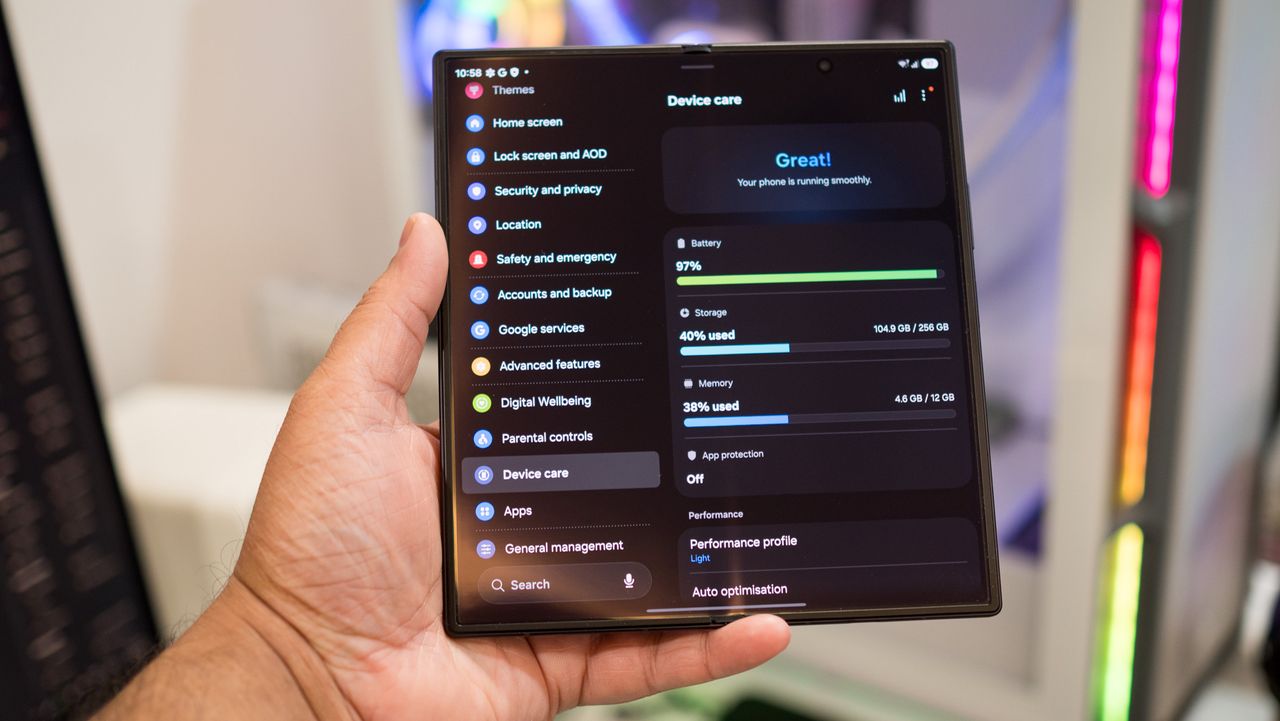
UGREEN DXP4800 Pro render

Ugreen
DXP4800 Pro

The DXP4800 Pro does everything I want in a Plex NAS, and if you need a new media server, this is the one I recommend.
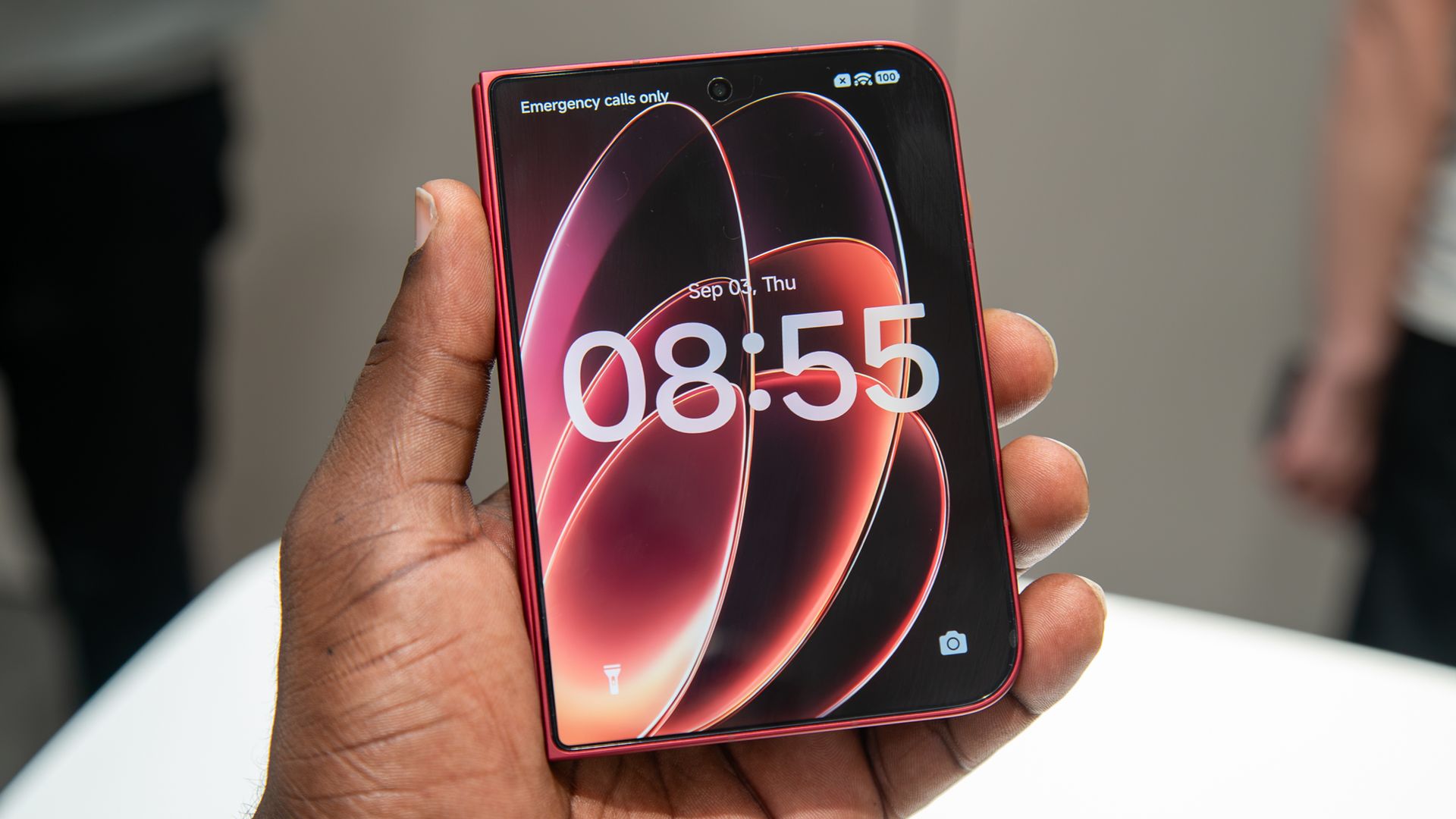
  •  

Should you wait for the Google Pixel 11 Pro Fold?

There's a decent amount of choice if you're looking to buy a foldable right now. But if you're into Google's ecosystem and are mulling a switch, you should wait until the Pixel 11 Pro Fold becomes available. Google will unveil the foldable alongside the Pixel 11 models on August 12, and the foldable should go on sale shortly thereafter.

Between the Motorola Razr Fold, Samsung's all-new Galaxy Z Fold 8 Ultra and the wide Z Fold 8, and the upcoming Pixel 11 Pro Fold, you're pretty much covered if you want a solid book-style foldable. It's a little annoying that the Find N6 and the Vivo X Fold 5 β€” two of my favorite foldables β€” aren't available in the U.S., but it's clear by now that these brands don't want to branch out into North America.

There's also the Pixel 10 Pro Fold, and I like Google's foldable quite a lot even though it doesn't take the best photos, isn't the lightest, or the fastest. It has delightful software, and I like the build quality and durability. That said, I wouldn't recommend buying one at this moment in time β€” Google is set to roll out decent upgrades this year to the Pixel 11 Pro Fold.
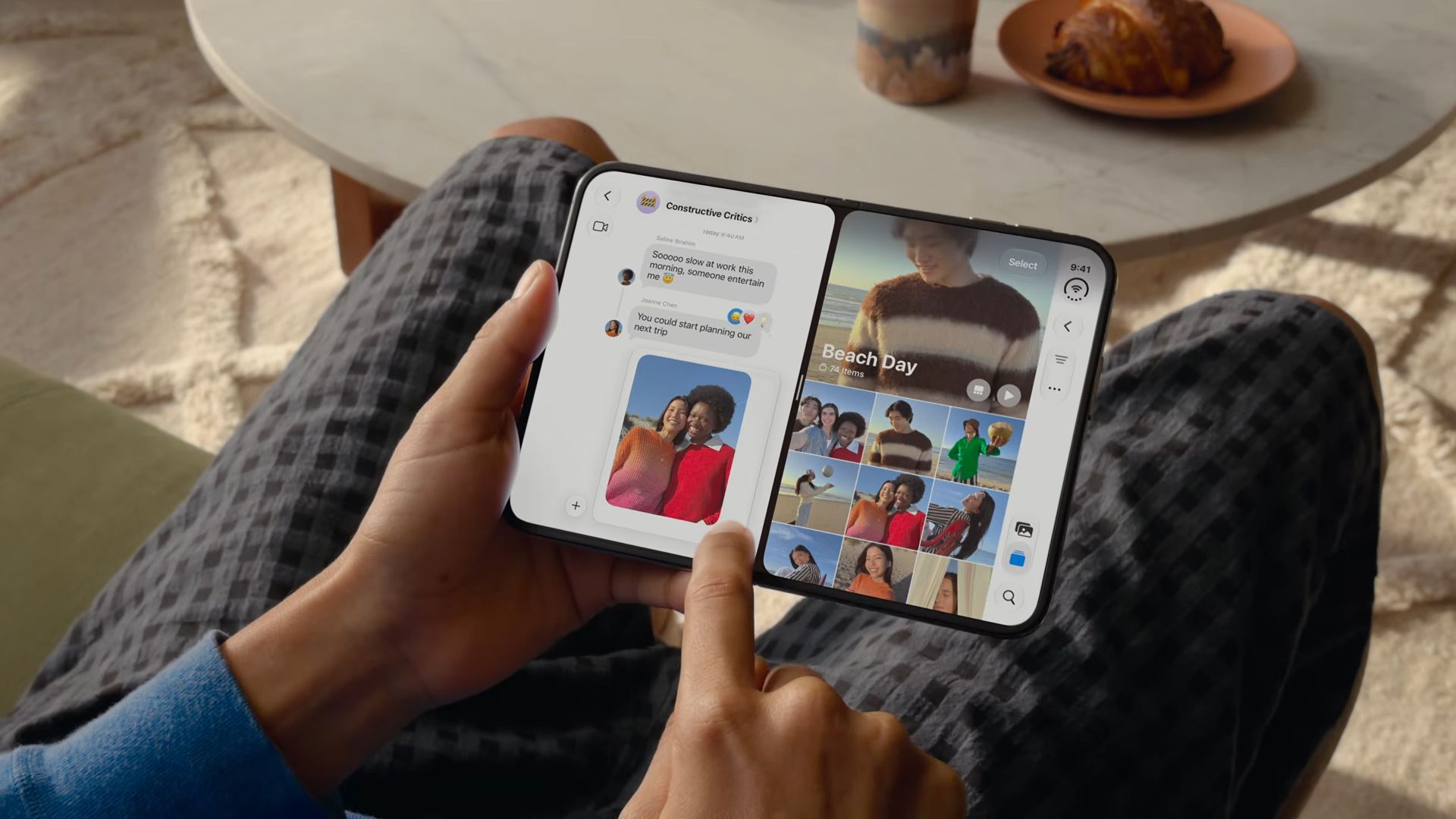
Pixel 11 Pro Fold in Pine showing the back
Evan Blass / Leakmail
Pixel 11 Pro Fold in Pine showing its hinge
Evan Blass / Leakmail
Pixel 11 Pro Fold in Pine showing the external screen
Evan Blass / Leakmail
Pixel 11 Pro Fold in Pine showing the rear camera
Evan Blass / Leakmail

Recent leaks point to a thinner design, which is honestly something Google should have done last year itself. The rest of the industry made huge strides in this area, and even Samsung started using silicon-carbon battery tech to slot in a 5,000mAh battery in a body that's roughly the same size and weight as last year's Z Fold 7 (which had a 4,400mAh unit).
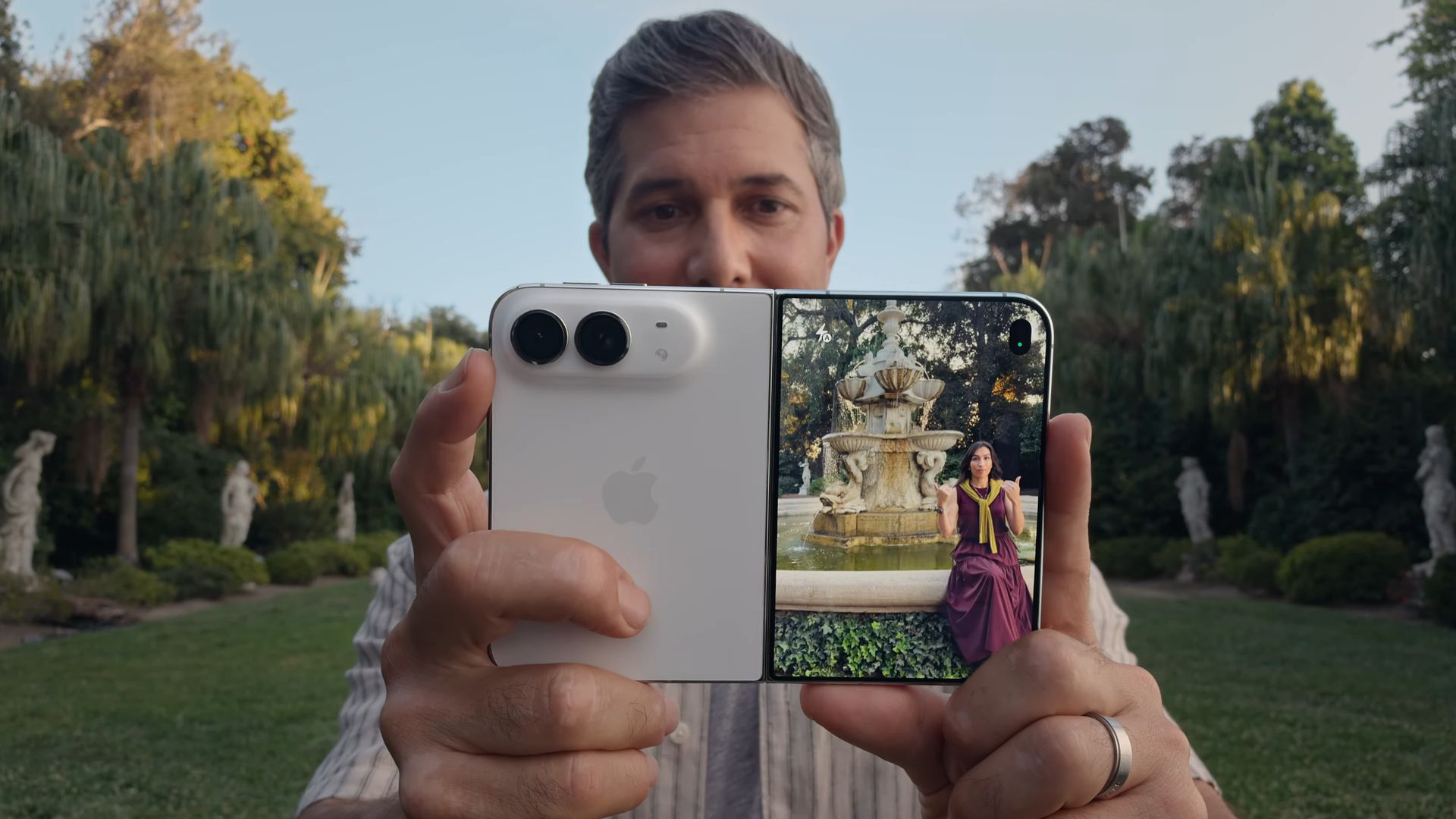
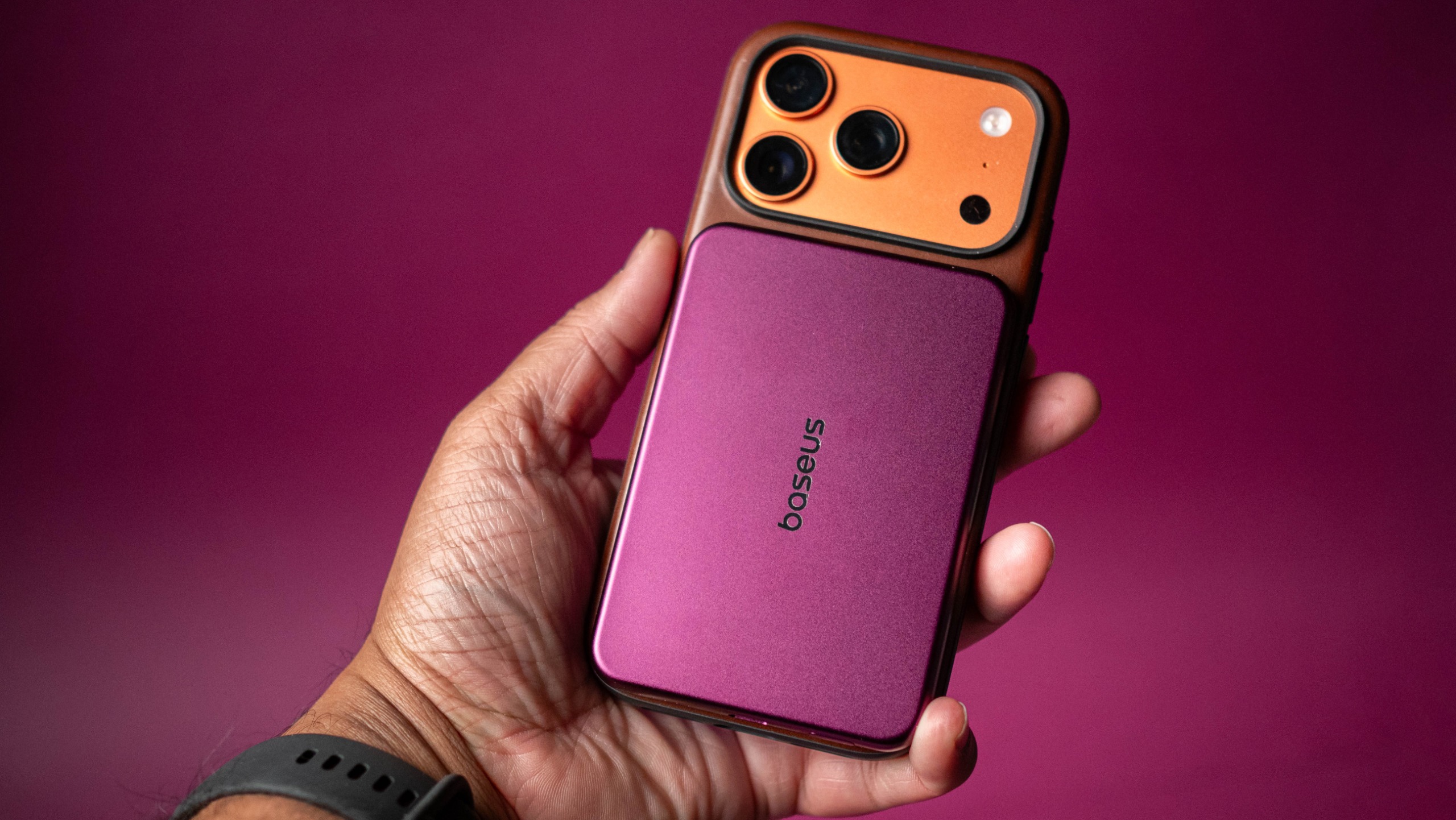
Google absolutely needs to have a noticeably-thinner and lighter foldable, and it needs better cameras. Thankfully, the leaks point to Google delivering a new main camera, so the Pixel 11 Pro Fold should take better photos out of the box. I also want to see a bigger battery, but information has been light on that β€” what we do know is that Google is using a brand-new Tensor G6 platform that's built on a 2nm node, so it should have better energy-efficiency, allowing the foldable to last longer.

Pixel 11 Pro Fold in Pine showing the phone in partially unfolded state

(Image credit: Evan Blass / Leakmail)

Where Google absolutely nailed the brief with the Pixel 10 Pro Fold is with the inner and outer OLED panels. They're calibrated well, have vibrant colors, and get brighter than other foldables, and I want this to continue with this year's device. Where Google needs to do better is the crease; OPPO showcased how to make a foldable with no visible crease in the Find N6, and Samsung came mighty close to it with the Z Fold 8 Ultra, and Google now has to show how its efforts in this category have panned out over the last 12 months.

If you don't want to wait and want a foldable right now, the Galaxy Z Fold 8 Ultra would be the obvious choice. It has the best design, an extensive feature-set, and great cameras. But if you prefer Google's software and are ready to finally switch to a foldable, I'd suggest waiting until the Pixel 11 Pro Fold goes on sale β€” we don't have to wait too long.

Samsung Galaxy Z Fold 8 Ultra

Samsung
Galaxy Z Fold 8 Ultra

Like previous years, the Galaxy Z Fold 8 Ultra is the go-to choice if you need a foldable and like using Samsung's software. Otherwise, I'd recommend waiting to see what Google has in store with the Pixel 11 Pro Fold this year.

  •  
❌