Volkswagen reveals all about the upcoming ID.3 GTI
It’s the second model in the lineup to wear the marque’s famous badge
Rear-wheel drive and its weight could deter the faithful
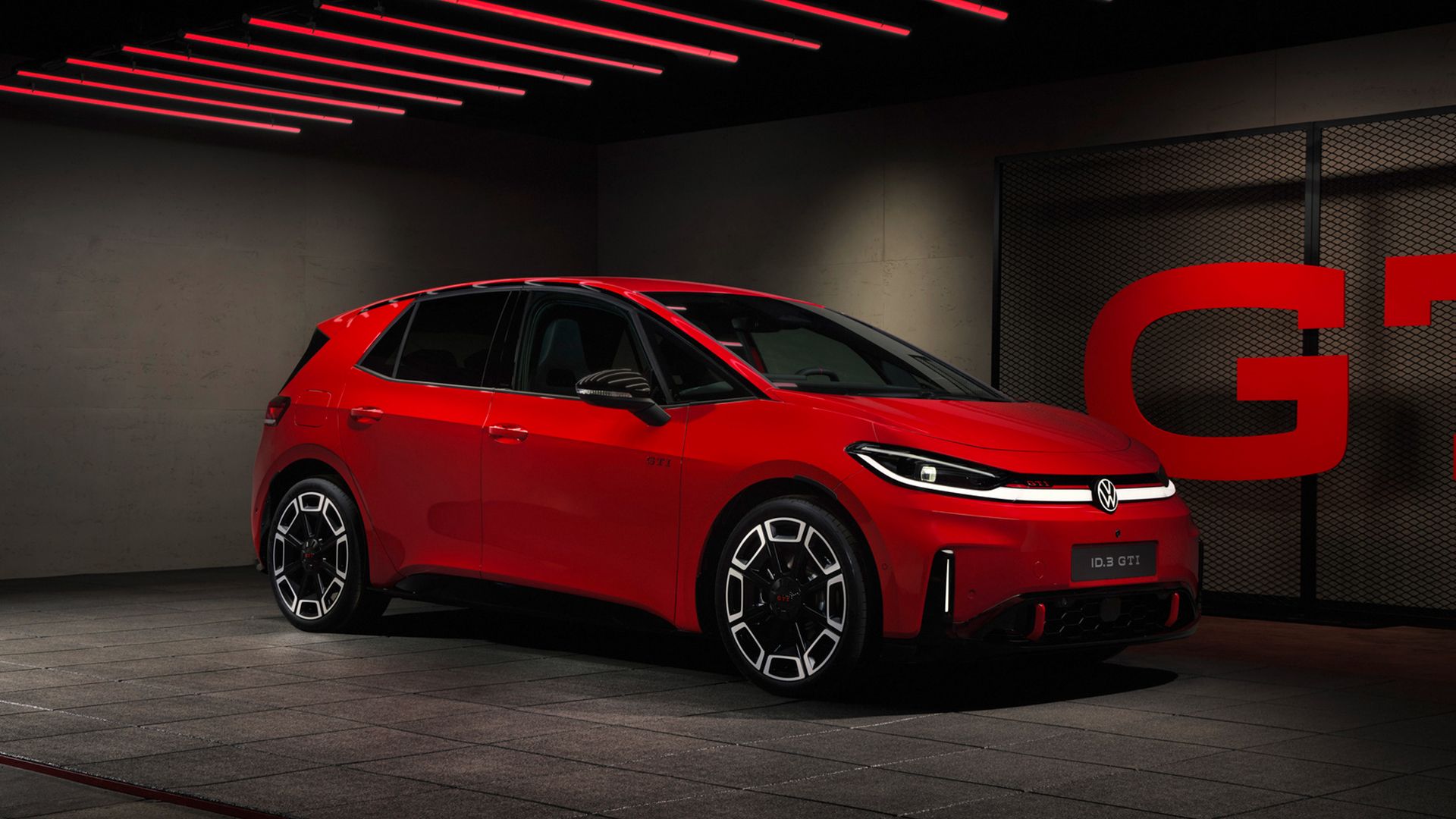
Volkswagen has taken the wraps off its highly anticipated ID.3 GTI, arguably the closest thing we will get to a fully electrified Golf GTI until the German marque decides to make one.
This is the second model in the lineup to wear the famous performance badge, after VW announced that the smaller ID. Polo would also be given the red-hot treatment.
Volkswagen says the ID.3 GTI will follow the ID. Polo GTI into production, with the former due to launch in the first quarter of 2027.
It’s also a sign that Volkswagen is getting more serious about this high-performance electric stuff, after pussyfooting around with the slightly warmer but very confusing GTX badging on earlier ID.3s and, perhaps most bizarre of all, the ID. Buzz.
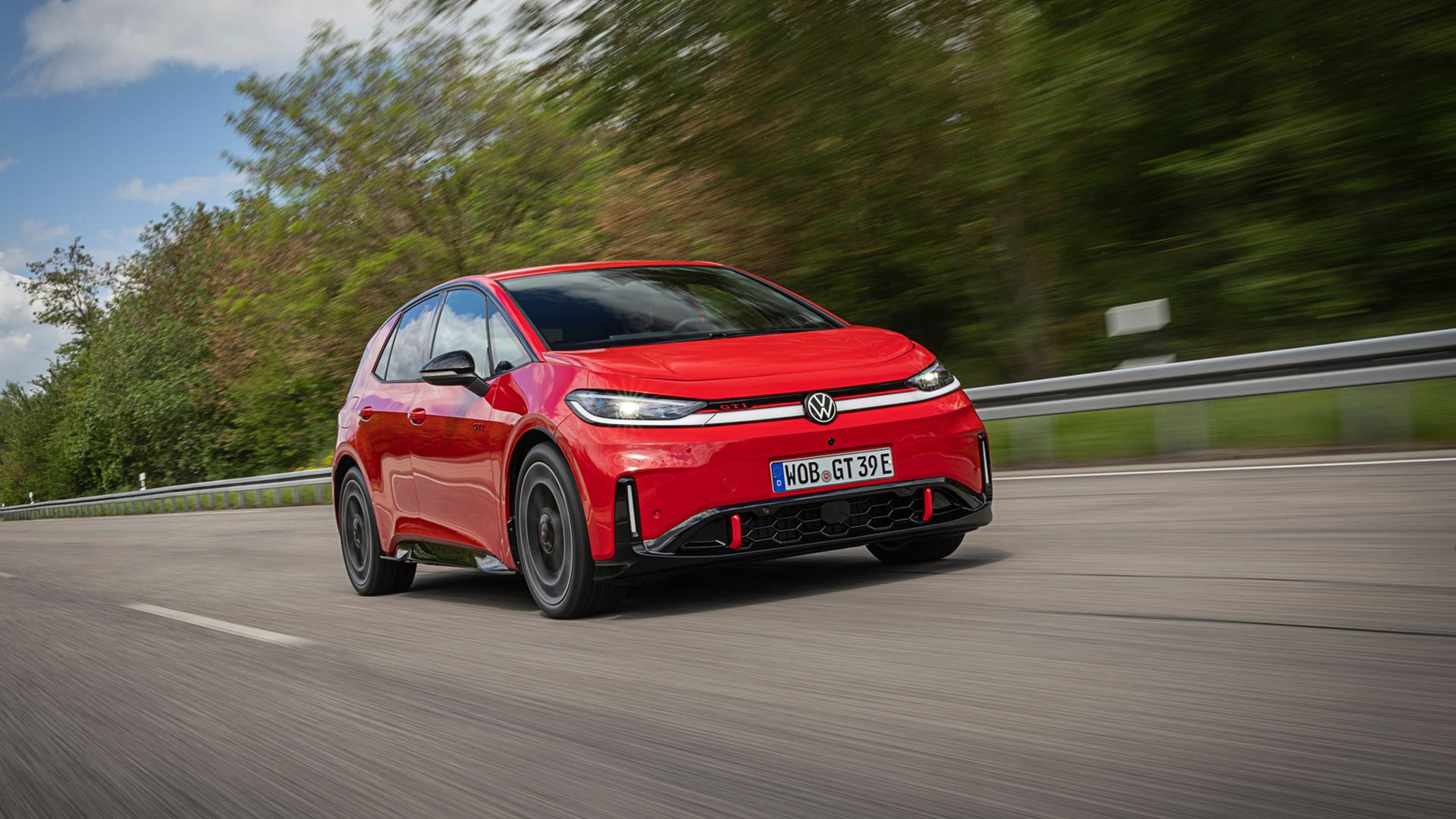
But soon, customers will be able to get behind the wheel of an all-electric hatchback that boasts 240 kW (326 hp), 545 Nm (403 lb-ft) of torque and a 0-62 mph sprint time of just 5.6 seconds. As a show of defiance, the ID.3 GTI has one horsepower more than the previously most potent Golf GTI Edition 50.
But unlike any other GTI model in history, power from the single motor is delivered to the rearwheels, while engineers told Evo Magazine that they tweaked the software to prevent those rear tires from spinning up when the full force of the torque is unleashed, even with traction control deactivated.
(Image credit: Volkswagen)
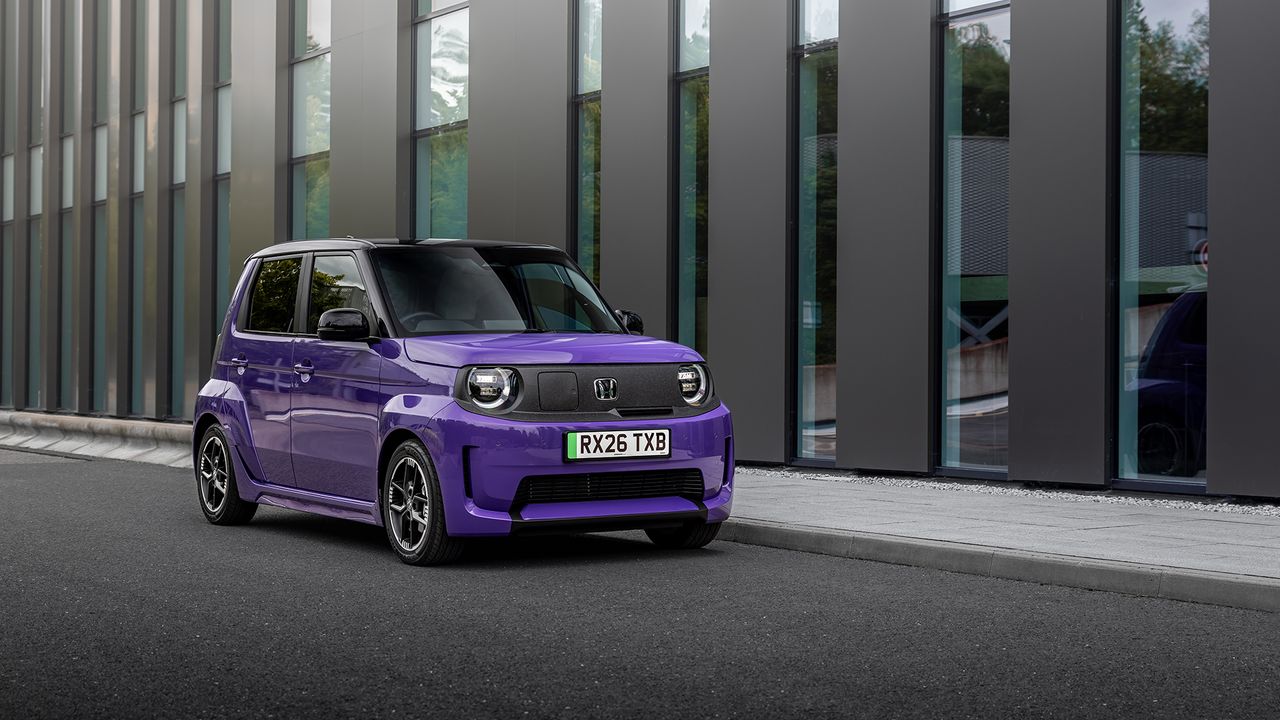
Unlike the Hyundai Ioniq 5 N and 6 N, as well as the cheeky little Honda Super N, Volkswagen hasn’t decided to offer simulated gear shifts to increase driver engagement, but it has introduced fake engine noise into the cabin to crank up the sportiness.
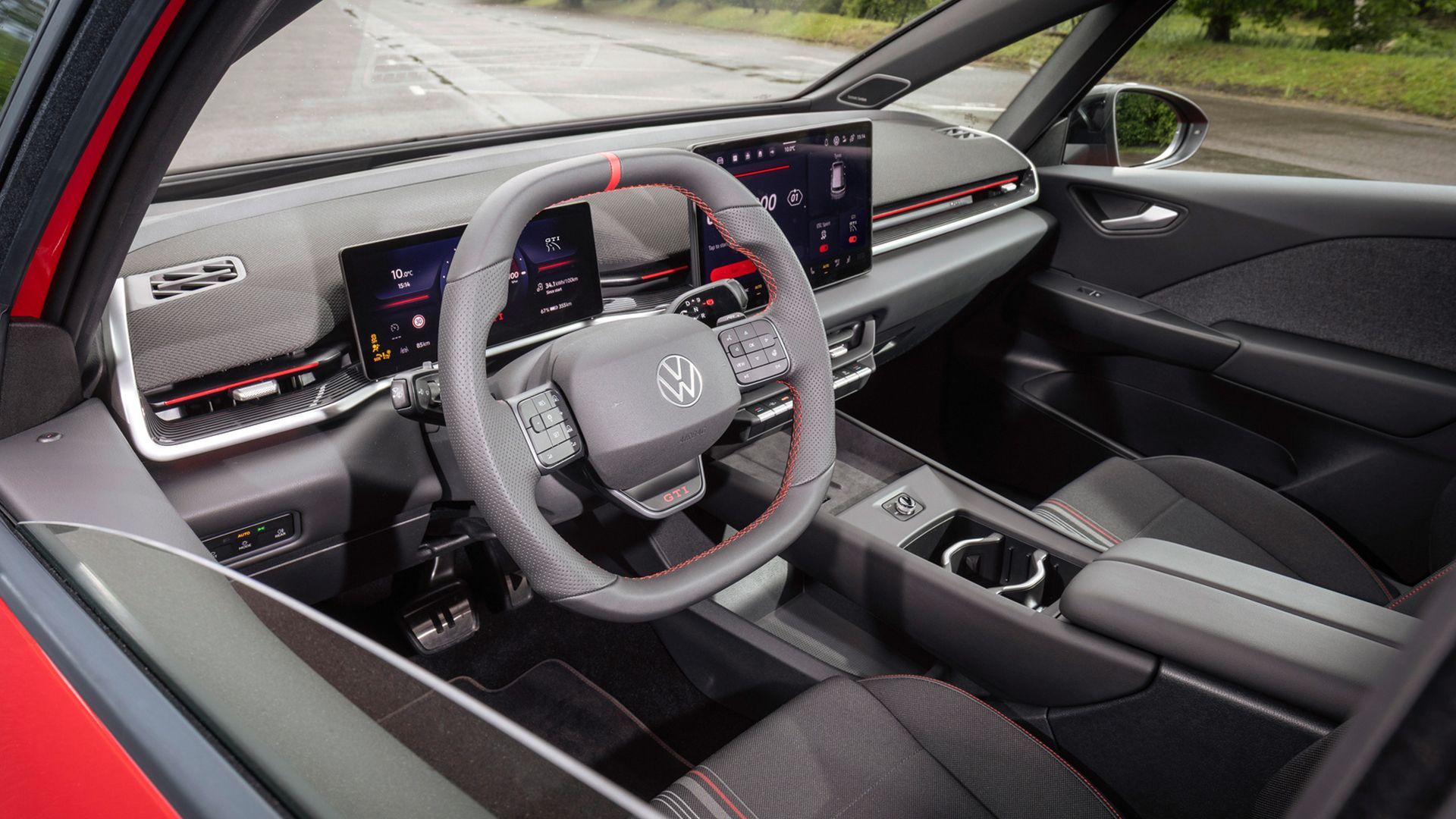
While the exterior now comes in the famous Tornado Red GTI paint color and sports some bespoke 20-inch alloy wheels, the majority of the performance touches have been added inside the cabin, where tartan-style upholstery and a big GTI button on the steering wheel give the game away.
Volkswagen claims that despite the performance on tap, its ID.3 GTI will still manage 373 miles on a single charge, although peak charging speeds are capped at 183 kW, making it difficult to perform the sort of rapid, track-day battery top-ups that Hyundai’s high-performance EVs are capable of.
Analysis: A tough crowd to please
(Image credit: Volkswagen)
Volkswagen has more than 50 years of GTI history, and nearly all of those vehicles sporting the famous badge have been celebrated by fans, owners and journalists alike.
From the first Golf GTI in 1975 to the more recent Edition 50, they’ve all delivered scampering, front-wheel-drive thrills alongside Volkswagen’s comfort, build quality, usability and purposefully restrained styling. Fans can argue all day long about which iteration was the GOAT, but it’s generally agreed that they are all some of the best hot hatches ever made.
Attempting to transfer this badge into the electric era was always going to be a tough ask, as everything that made some of the best GTIs legendary is missing here.
According to Top Gear, the new ID.3 GTI weighs around two tons, which is a good 500kg heavier than even the weightiest ICE Golfs, while the decision to send power to the rear wheels will fundamentally alter the way this electric GTI behaves.
Couple this with the lack of synthesized (or real) gear shifting and other technological wizardry that makes Hyundai and Honda’s performance EVs feel more engaging, and what we are left with might be the fastest and most powerful ID.3, but is it really a true Golf GTI successor?
I’d love to be proven wrong, but I feel Volkswagen is going to have a tough time convincing petrolheads to ditch their Mark 7 Golf GTIs and climb into this.
Garmin has redesigned its Drive sat-nav with a new display
EV drivers are now catered for
Optional Truck and Camper Pack adds specialist routing
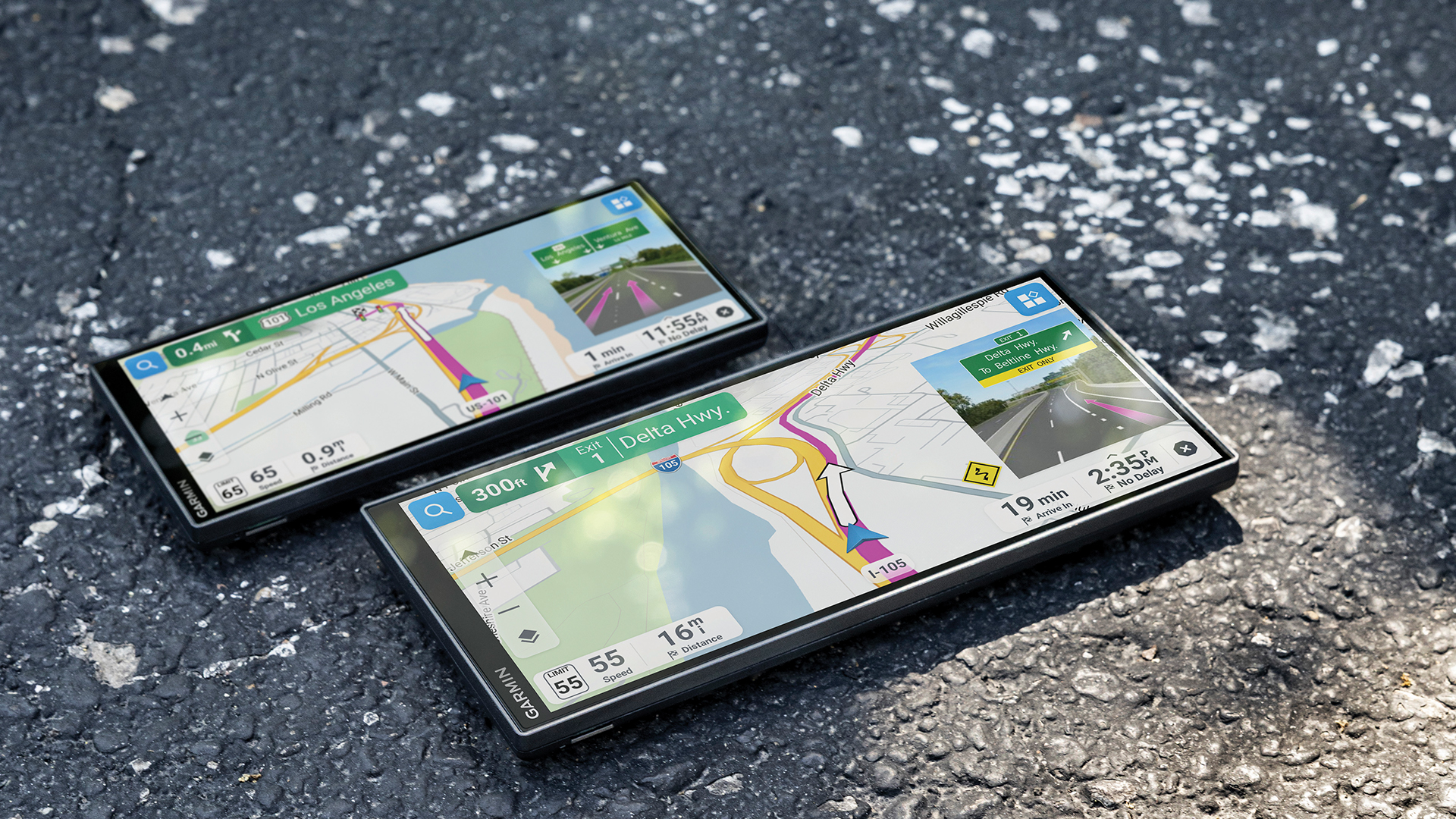
Despite the seemingly unending rise in the use of Android Auto and Apple CarPlay, as well as smartphone apps like Waze and Here WeGo for navigation, Garmin has seen fit to completely redesigned its Drive automotive GPS unit. It's just given the traditional dashboard navigation device a much-needed modern makeover with an ultra-wide display, more connected features and dedicated tools for EV drivers.
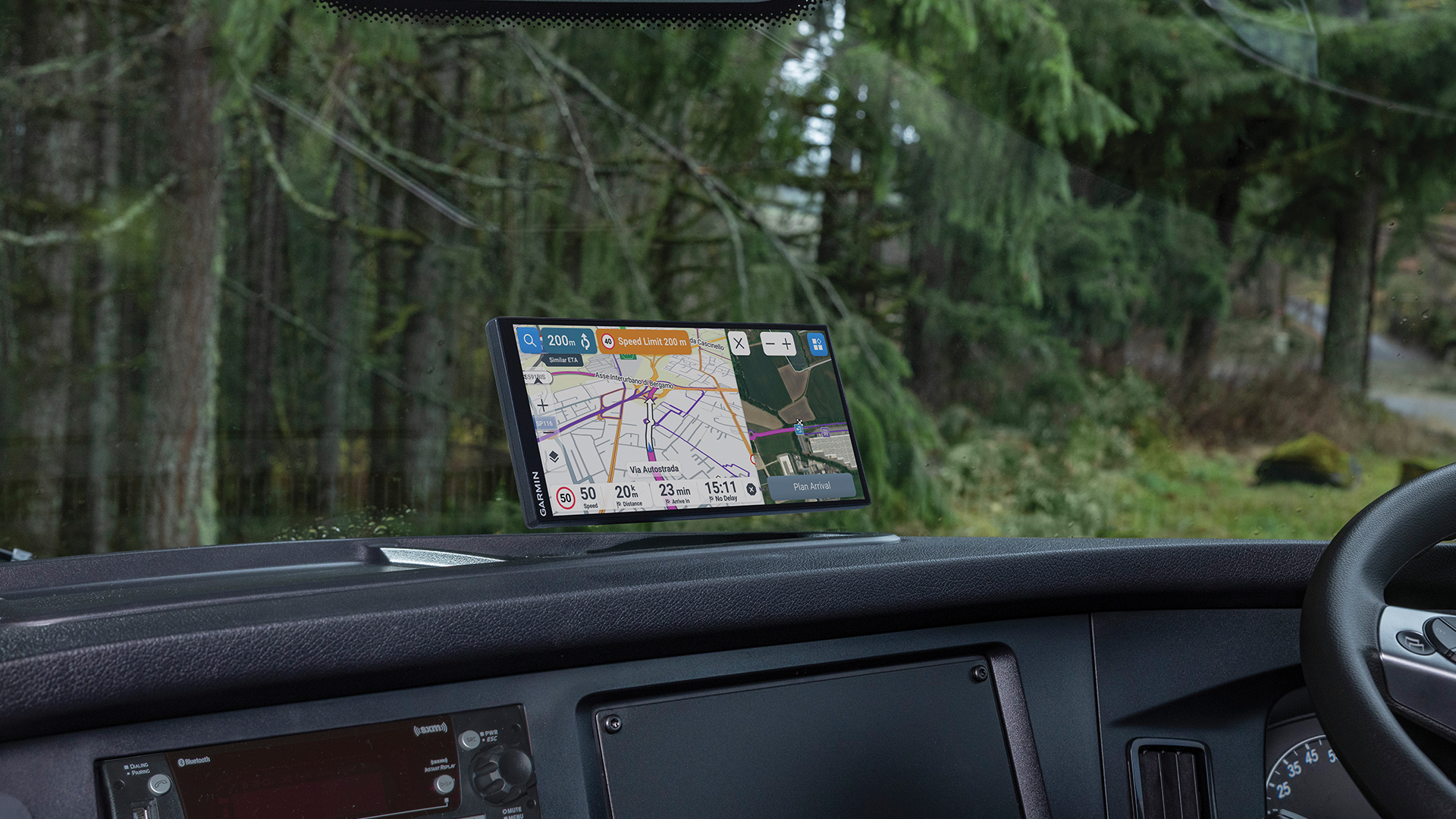
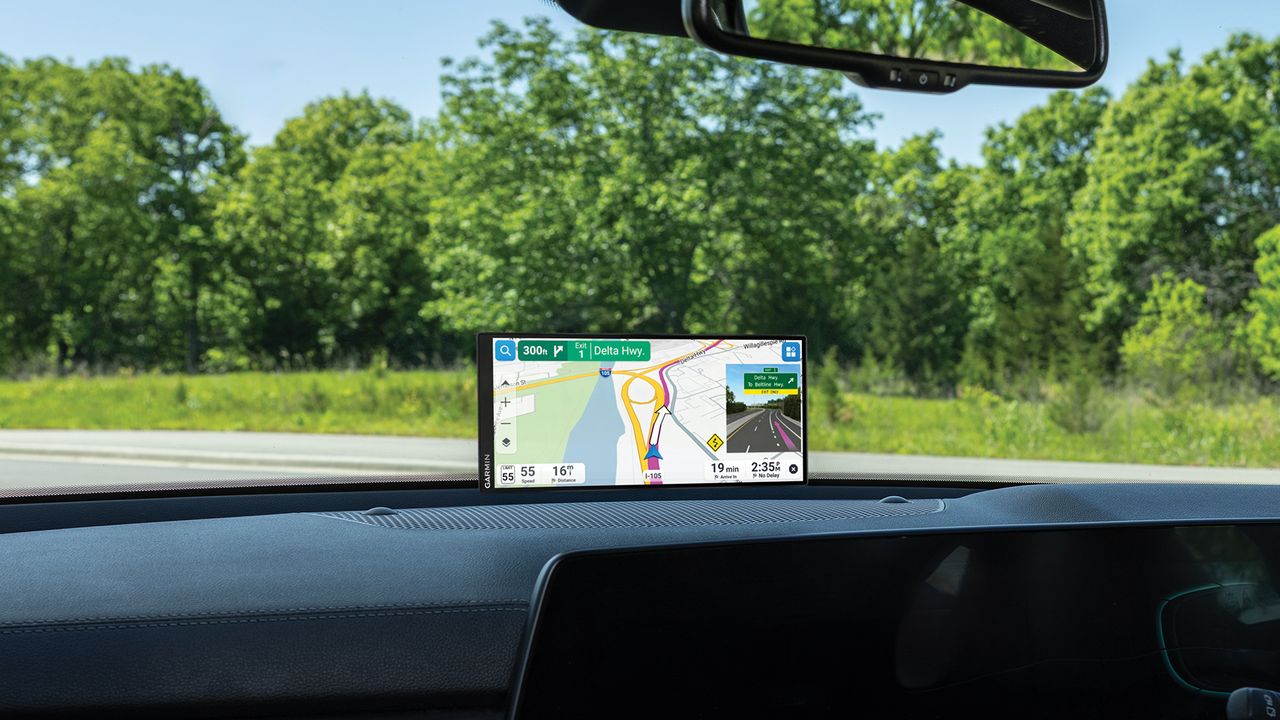
The new device comes in 7.1-inch and 8.8-inch versions, both using a high-resolution ultra-wide display with edge-to-edge glass. Garmin says the low-profile design is intended to be "unobtrusive to the driver’s line of sight", while making it easier to see the route and upcoming road information at a glance.
It is sleeker, crisper and generally nicer to look at than Garmin’s existing car navigation range, which includes devices such as the 5-inch Garmin Drive 53 and the 6-inch DriveSmart 66.
The new Drive models are designed to put considerably more information into the driver’s eye line without making the device taller or bulkier. The new Drive is also considerably more connected than the basic satellite navigation systems of old, which often required a SIM card to receive the latest traffic data.
(Image credit: Garmin)
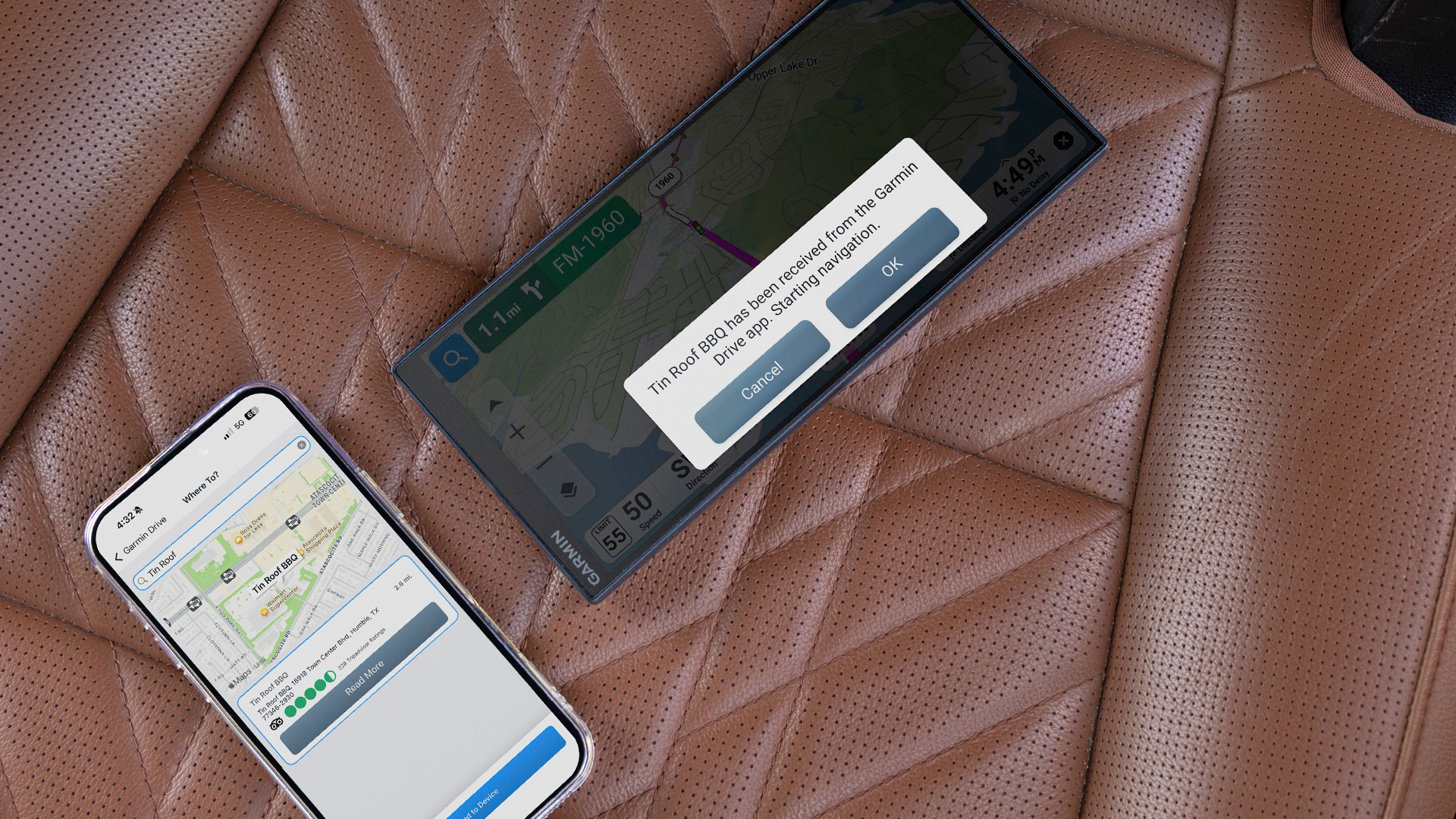
Now, Garmin says drivers can select routes and destinations directly from the map, with voice commands and touch controls available for navigation via a connected smartphone (with data) and the Garmin Drive app.
The device can also highlight upcoming traffic lights and stop signs, while also warning about sharp curves in the road, changes in speed limits, school zones and other potential hazards.
There’s live traffic and weather information, as well as the ability to search for and share points of interest. TripAdvisor ratings are on board for hotels, restaurants and attractions, and the maps and software can be updated over Wi-Fi, too.
(Image credit: Garmin)
The biggest change for EV drivers, though, is the addition of more detailed charging information.
Garmin Drive can locate EV charging stations along a route, with the ability to filter them by charging power and see live availability. For drivers of gasoline-powered cars, meanwhile, the connected Garmin Drive app can provide dynamic fuel prices.
The Garmin Drive units are available in both 8.8-inch and 7.1-inch sizes and suggested retail prices start from $299.99 / £249.99 (or around AU$415).
Keep on truckin'
(Image credit: Garmin)
Garmin has increased the breadth of the Drive’s capabilities with optional packs that are aimed at professional drivers and more specialist motoring requirements.
Owners can purchase the optional Truck and Camper Pack for a one-time $149.99 / £129.99 / (around AU$208) fee, unlocking features aimed at professional truck drivers and people traveling in campers, motorhomes and caravans.
The pack adds routing based on a vehicle's height, weight, length and load, as well as warnings for steep grades, sharp curves and weight restrictions. It also adds high-resolution satellite imagery that can help drivers identify loading docks, truck entrances, security gates and campsites before they arrive.
There's a dedicated directory of motorhome and caravan parks and services, plus a wind-speed overlay that can warn about potentially hazardous crosswind conditions. Truck drivers can also access Dēzl Community ratings to find preferred truck stops and parking locations.
While the standard Google Maps app doesn’t account for large vehicles, the tech company does offer software developer kits that cater for this sort of thing, while there are several dedicated route-planners online for oversized vehicles.
Plus, there’s an argument that says Google Maps, Apple Maps and Waze all offer the same — if not more — functionality than Garmin’s Drive unit.
But for those with older vehicles, or drivers that simply want a dedicated sat-nav or GPS device, the new Garmin Drive represents a sizable leap forward in design and technology.
Some Android Auto users are missing the Google Maps speedometer
The feature only recently rolled out to a wider group of people
Real-time traffic data on the map has also vanished for a number of users
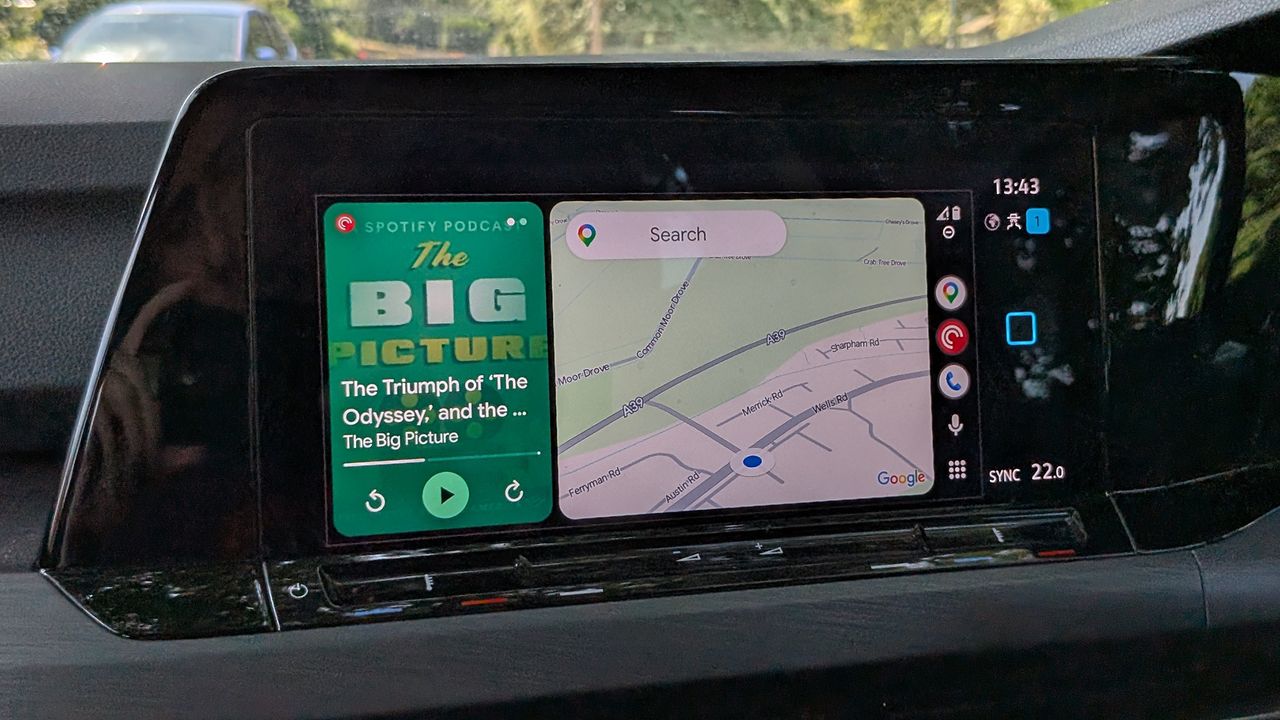
Google Maps has only recently started showing speed limit information on Android Auto screens — so recently that it hasn't reached everyone yet — but now users are reporting that the speedometer has started disappearing unexpectedly, together with real-time traffic data in some cases.
Reports appearing on Reddit (via 9to5Google) suggest the problem isn't affecting everyone, and comes and goes intermittently, but is definitely a real issue. Stop signs and traffic signals also appear to be affected by the same bug.
Some commenters on Reddit are saying that the speedometer shows up in Android Auto when connected to the phones of some family members but not others. That might indicate the problem is related to a specific Android or app version somehow.
Other users say the bug is connected to switching to or from the beta versions of Android Auto and Google Maps, which could be another explanation of what's happening. For now though, Google hasn't officially acknowledged that there's an issue.
The problem of real-time traffic information not showing up has actually been going on for longer, and seems to be sticking around. Again, it doesn't look like a vast number of users are affected, but the bug is definitely having an impact for some.
With so many different Android device models, software versions (including betas), and vehicle types involved, it's perhaps no surprise that annoyances like this crop up from time to time — but that doesn't make the experience any less frustrating for users.
At least one Redditor in the main complaints thread has already quit Google Maps over the decision to rename Lake Ontario as Lake America in the app, under the direction of the White House, which does mean no need to worry any more about these bugs.
The good news for everyone who's sticking around is that Google regularly rolls out updates for Android, Google Maps, and Android Auto, and so we're hoping that these problems are sorted sooner rather than later. In the meantime, if you're seeing these issues, you'll just have to sit tight and wait for a fix to appear.
This year has already proved bountiful for brilliant EV releases, with the likes of BMW unleashing the debut models from its groundbreaking Neue Klasse series, Mercedes-Benz unveiling the impressively efficient CLA and Hyundai pushing electric high performance to the max with its Ioniq 6 N.
Granted, I haven’t been able to drive absolutely everything that has gone on sale globally this year, but I have done my best to get behind the wheel of what, to me, feels like a crop of groundbreaking electric vehicles that push the powertrain forward.
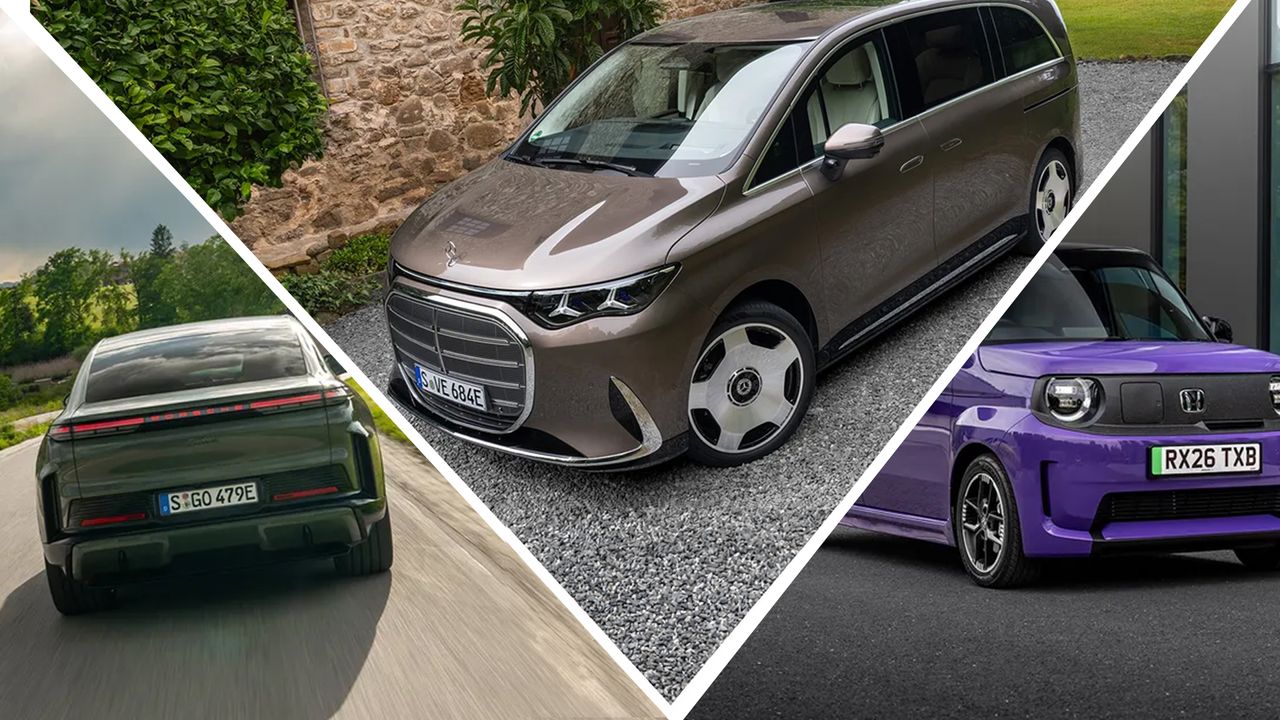
From enormous, opulent vans to arguably the first 'kei car' to be sold in the UK, the spectrum of brilliant, battery-powered vehicles is as wide and as interesting as any internal combustion engine counterpart. Here’s my pick of the bunch.
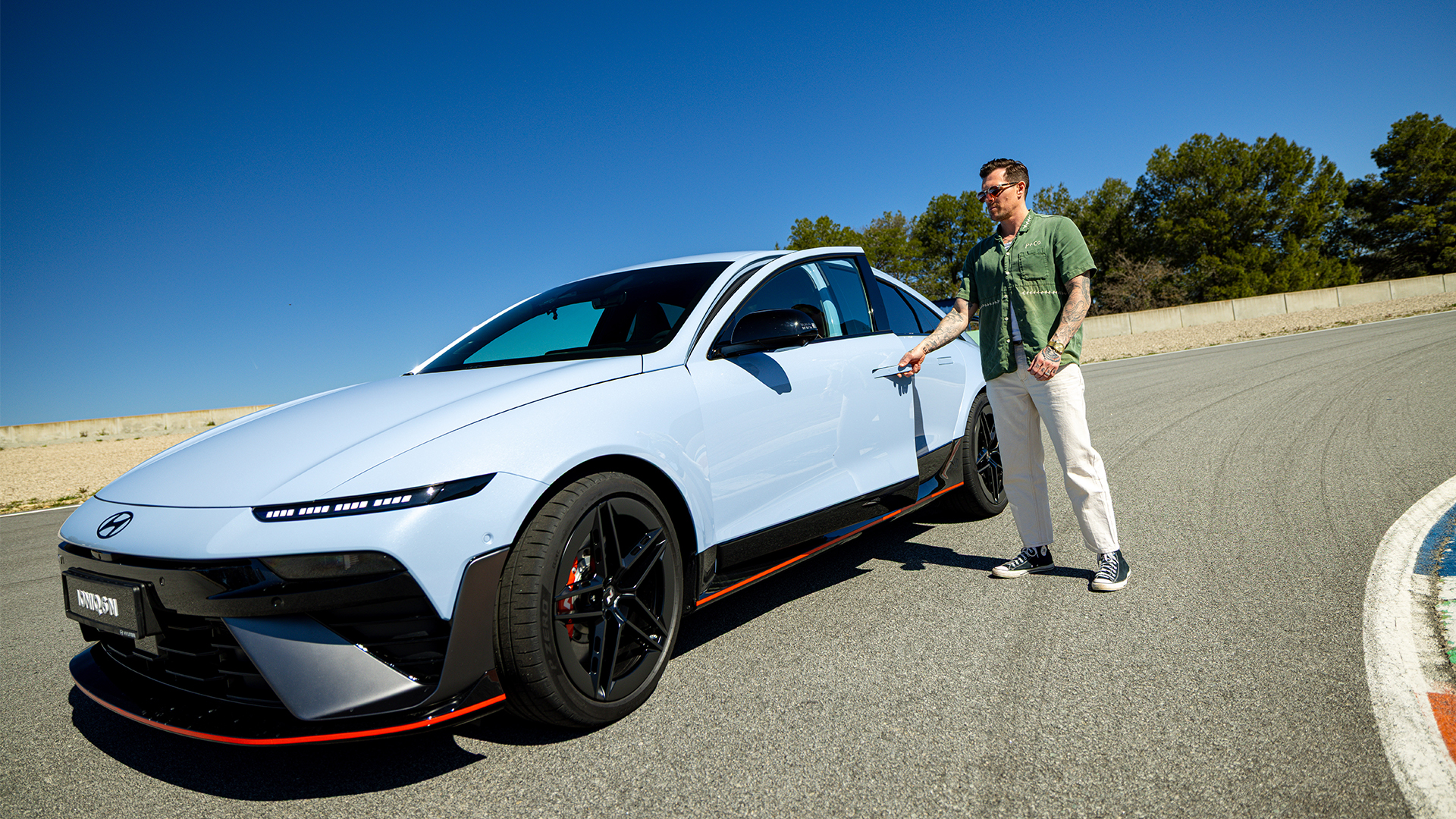
6. Hyundai Ioniq 6 N
(Image credit: Hyundai)
I didn’t think Hyundai could improve much on the brilliant Ioniq 5 N, but the Ioniq 6 N seemingly takes everything that was great about the Korean marque's super hatch and seemingly turns performance up to eleven, while somehow making it more practical.
It takes the same recipe of simulated gears, synthesized engine noise and absurd straight-line performance and packages it in a more mature, long-distance-friendly sedan.
With 650 hp, 770 Nm of torque and a 0-62mph time of 3.2 seconds, it is seriously quick, but the revised suspension geometry and lower roll center make it considerably more composed at speed than its hot-hatch sibling.
The N e-Shift system now adds another simulated gear, while the upgraded sound system makes the artificial pops, bangs and revs remarkably convincing.
Yet it can switch back into a quiet, comfortable cruiser when the fun is over. Add 291 miles of WLTP range and 350 kW charging, and this might be the most complete performance EV I've driven, erm, ever.
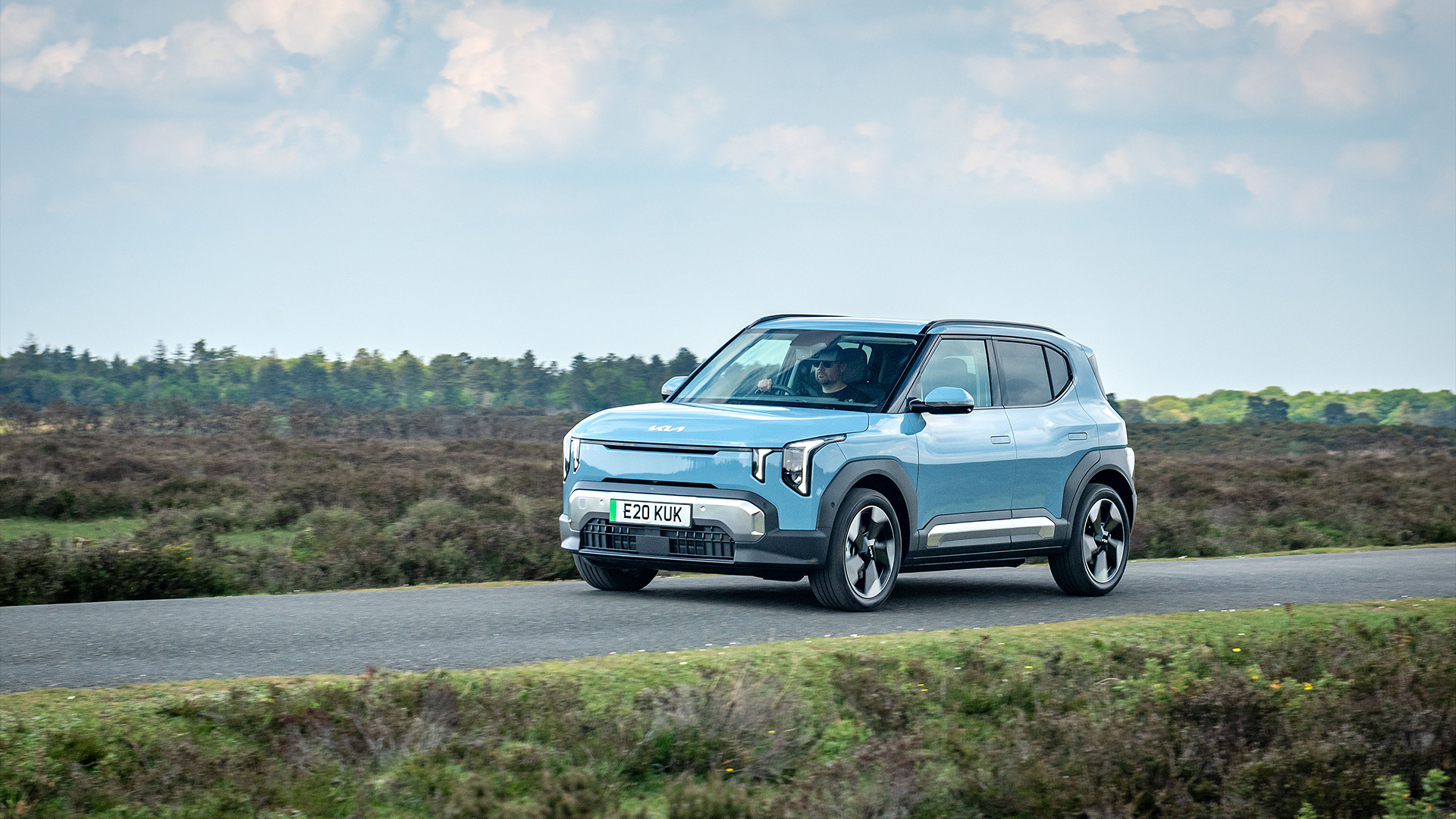
The Kia EV2 might be small, but it has the sort of big-car technology and practicality that makes it surprisingly easy to live with. At just over four meters long, it packs a slick triple-screen infotainment setup, a huge array of driver-assistance systems and an interior that feels considerably roomier than its dimensions suggest. Imagine an EV5 or EV9 that’s been hit with a shrink ray and you’re not far off.
The 144 bhp version I drove didn’t feel particularly sporty, taking almost nine seconds to reach 62mph, but that isn't really the point. Its ride is excellent, it remains impressively composed at highway speeds and the Long Range version should comfortably break out of the usual urban EV routine.
Charging is also respectable, with a 10-80% session taking just under 30 minutes. Best of all, it makes a compelling case for ignoring that massive, heavy SUV for daily driving duties and settling for something that will happily slot into a supermarket parking space.
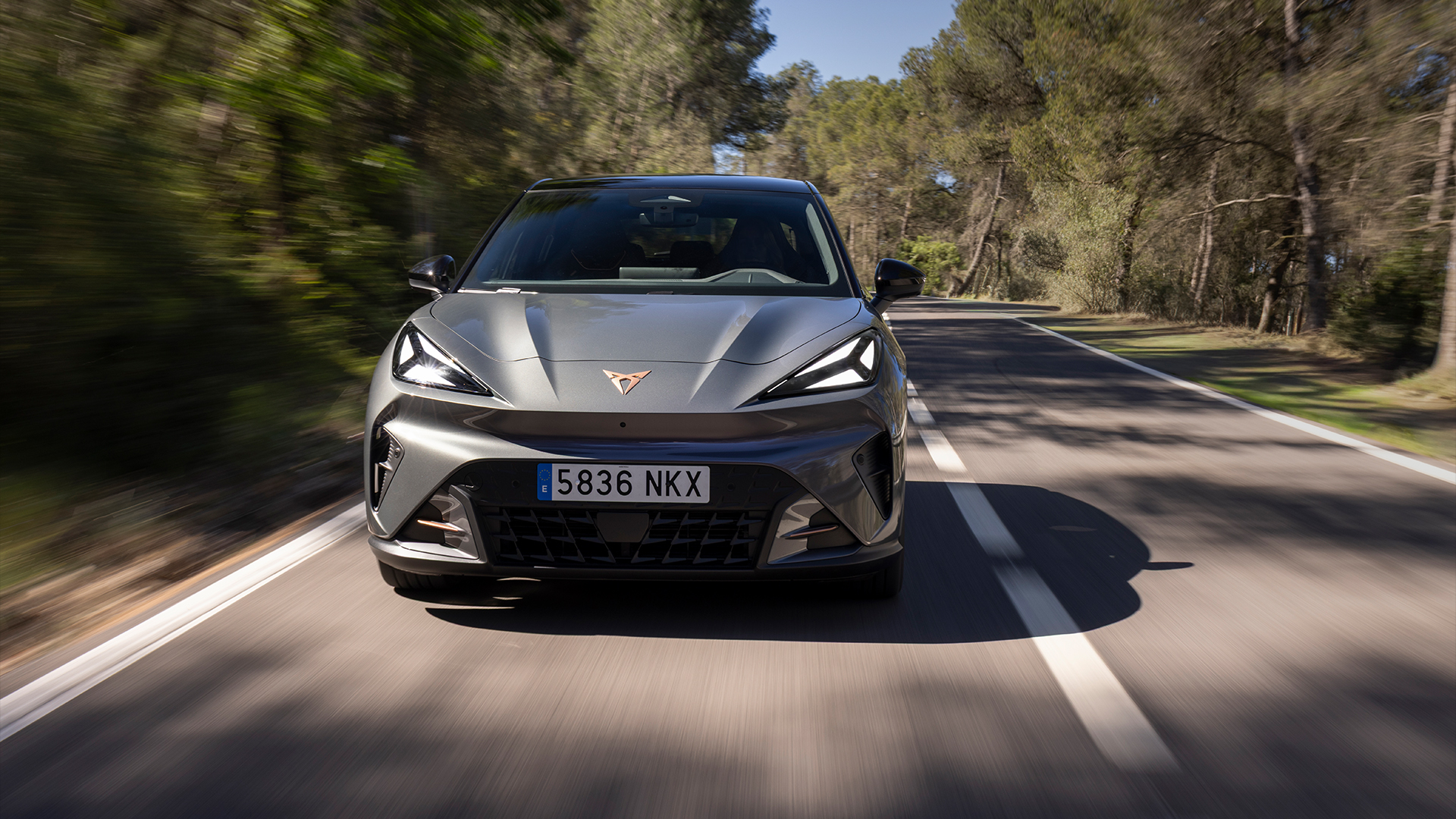
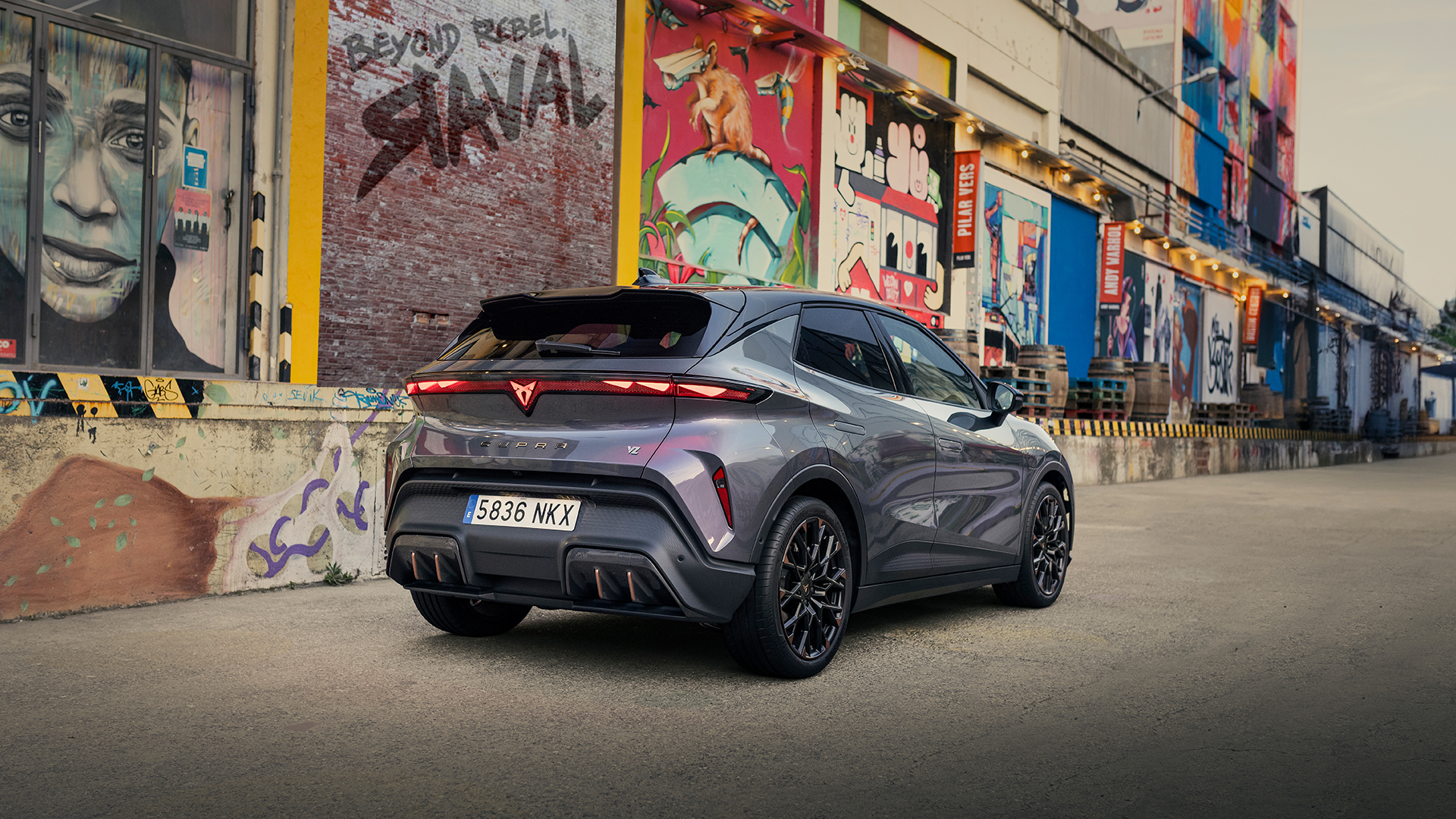
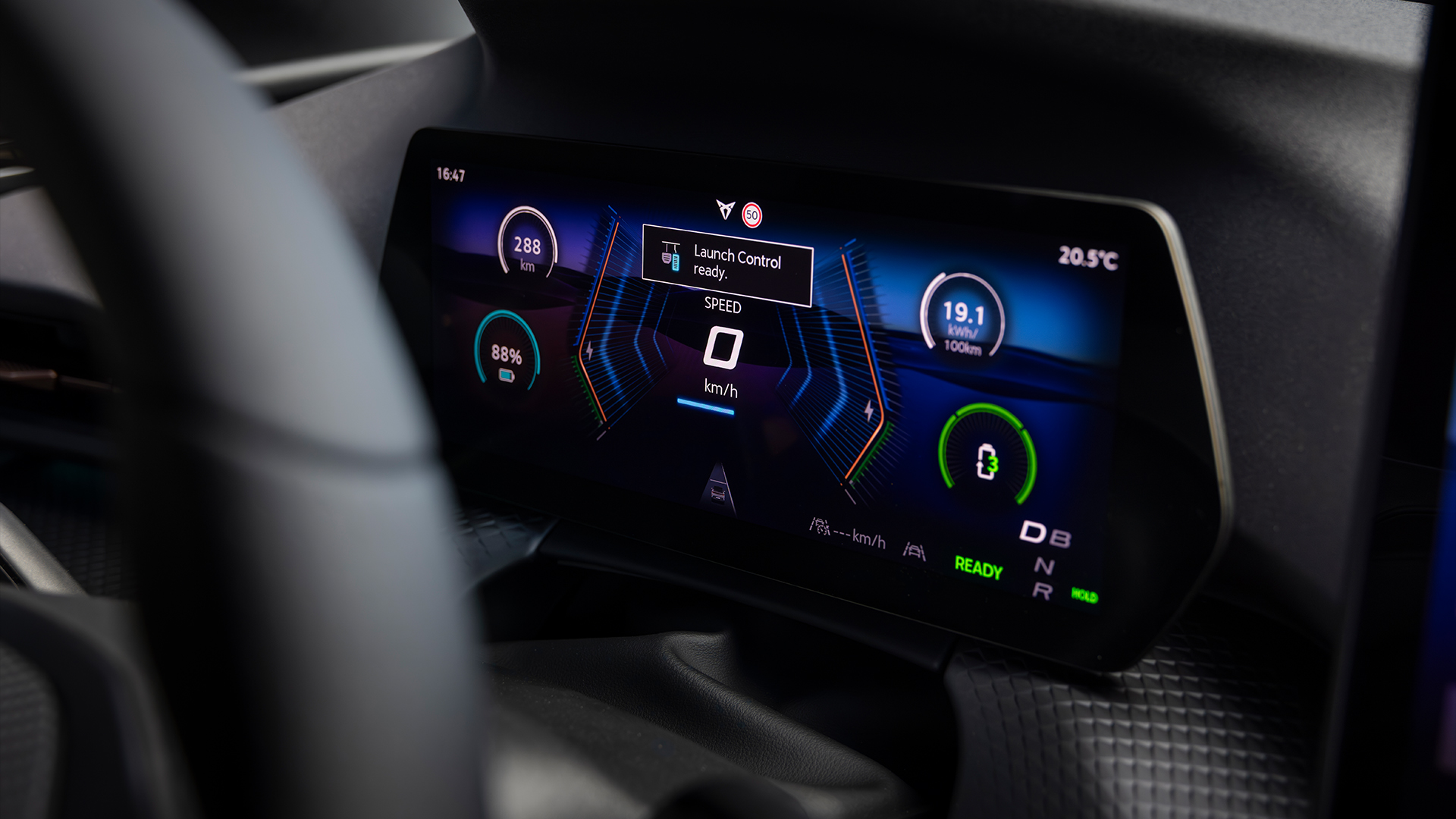
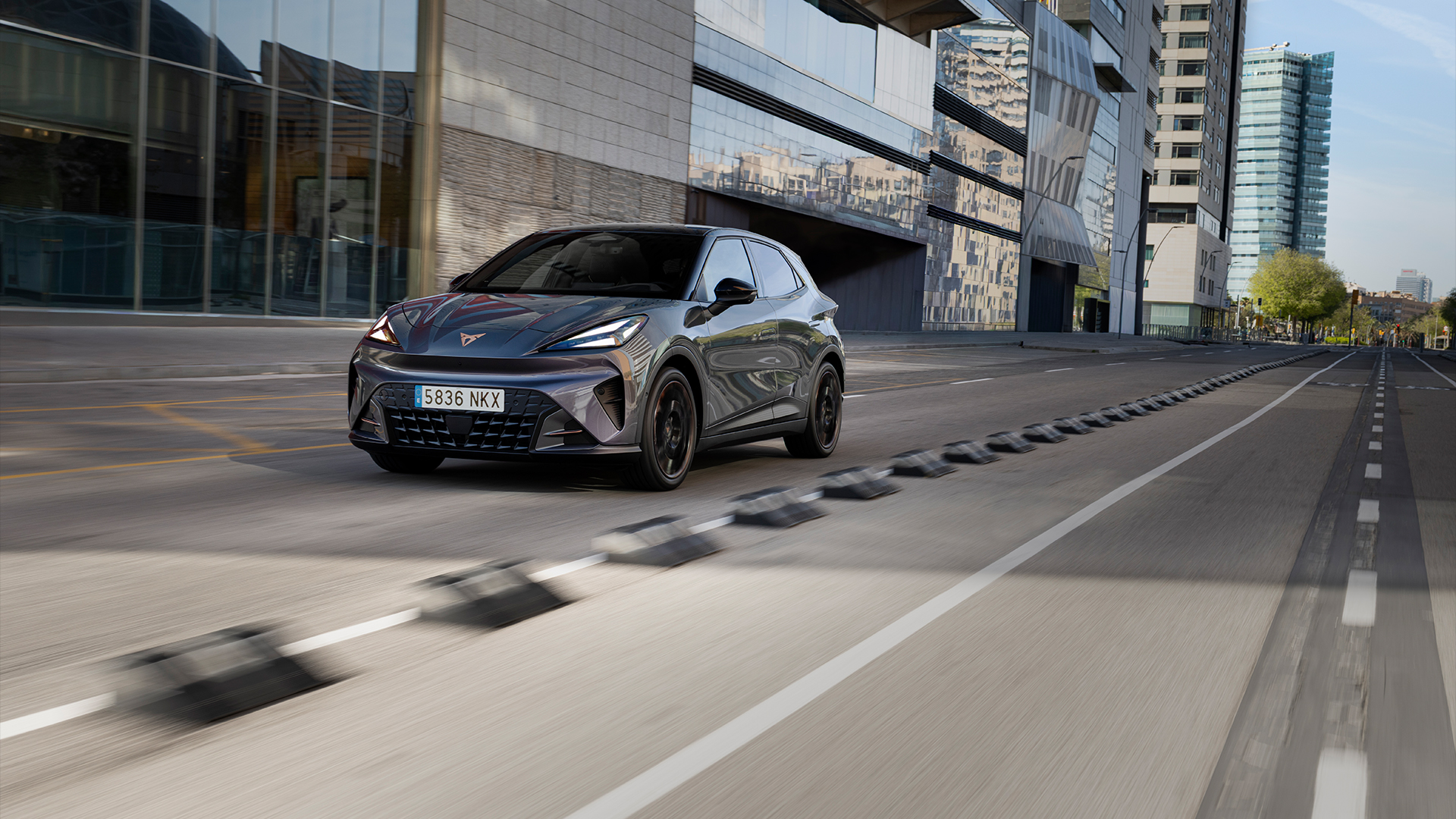
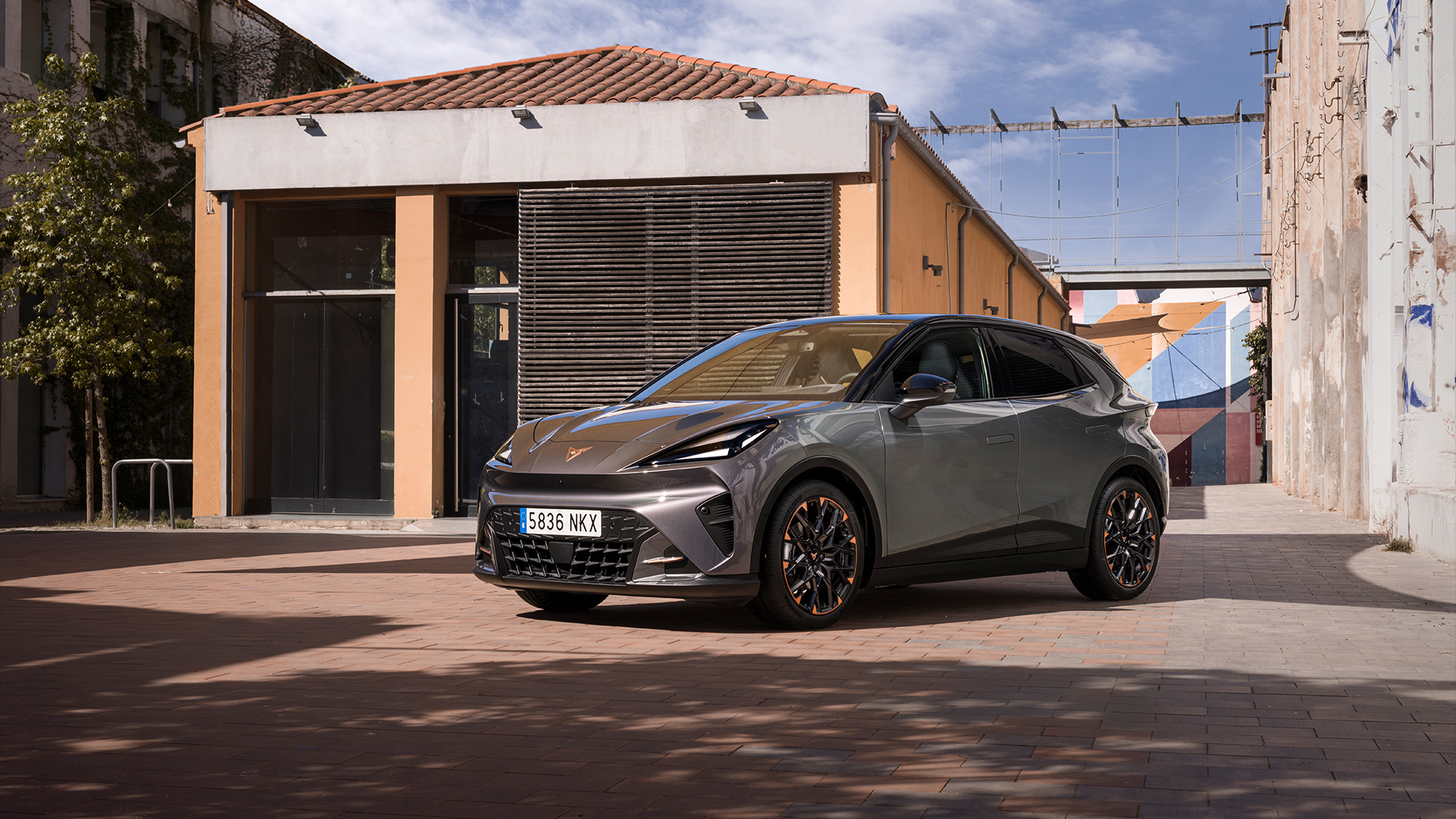
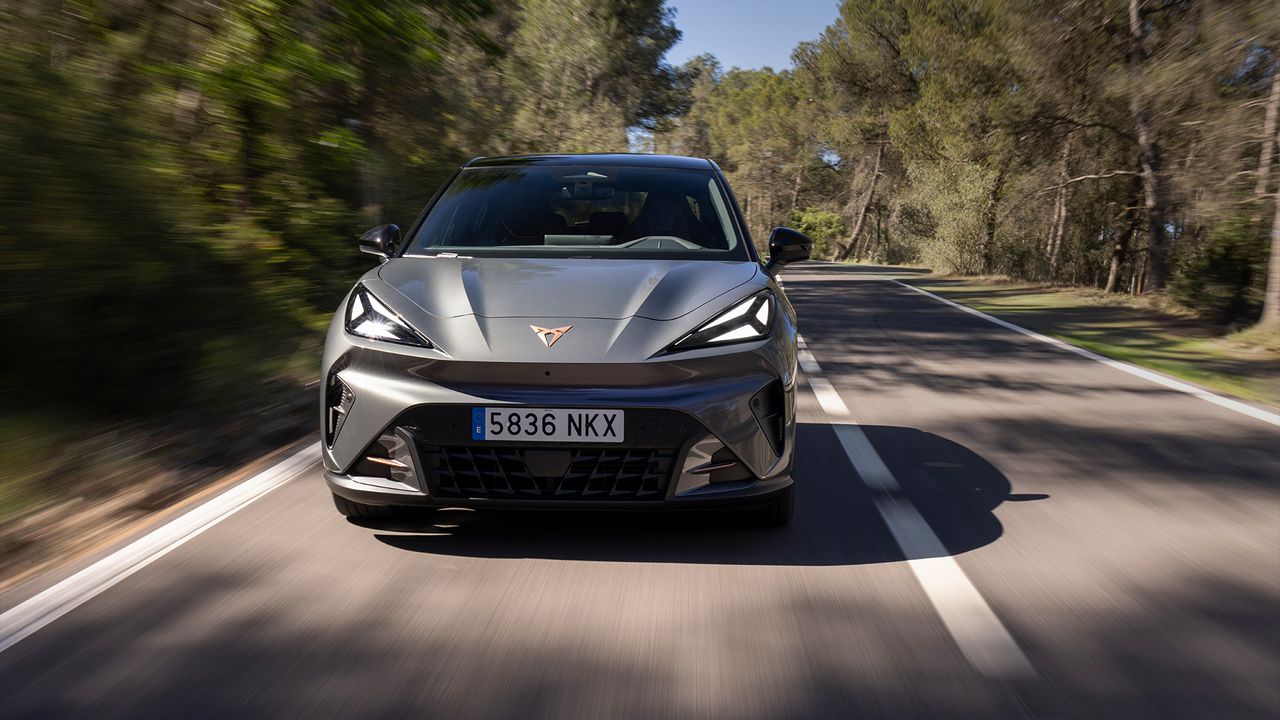
The Cupra Raval VZ is proof that small EVs don't have to be sensible or boring. With its squat proportions, aggressive styling and 19-inch wheels, it looks like a proper hot hatch, and the driving experience backs that up.
The 222 bhp front-wheel-drive powertrain can deliver 0-62 mph in 6.8 seconds, while Cupra mode brings huge amounts of grip, adjustable dynamic chassis control and a synthesized soundtrack to the party.
Yet it can settle down into a surprisingly comfortable and refined cruiser when required. I averaged around 4.5 miles per kWh during a day of enthusiastic driving, suggesting more than 200 miles of real-world range from the 52 kWh battery.
There's also a surprisingly spacious cabin and useful trunk, making the Raval an unusually convincing blend of fun and practicality — like all great hot hatches should be.
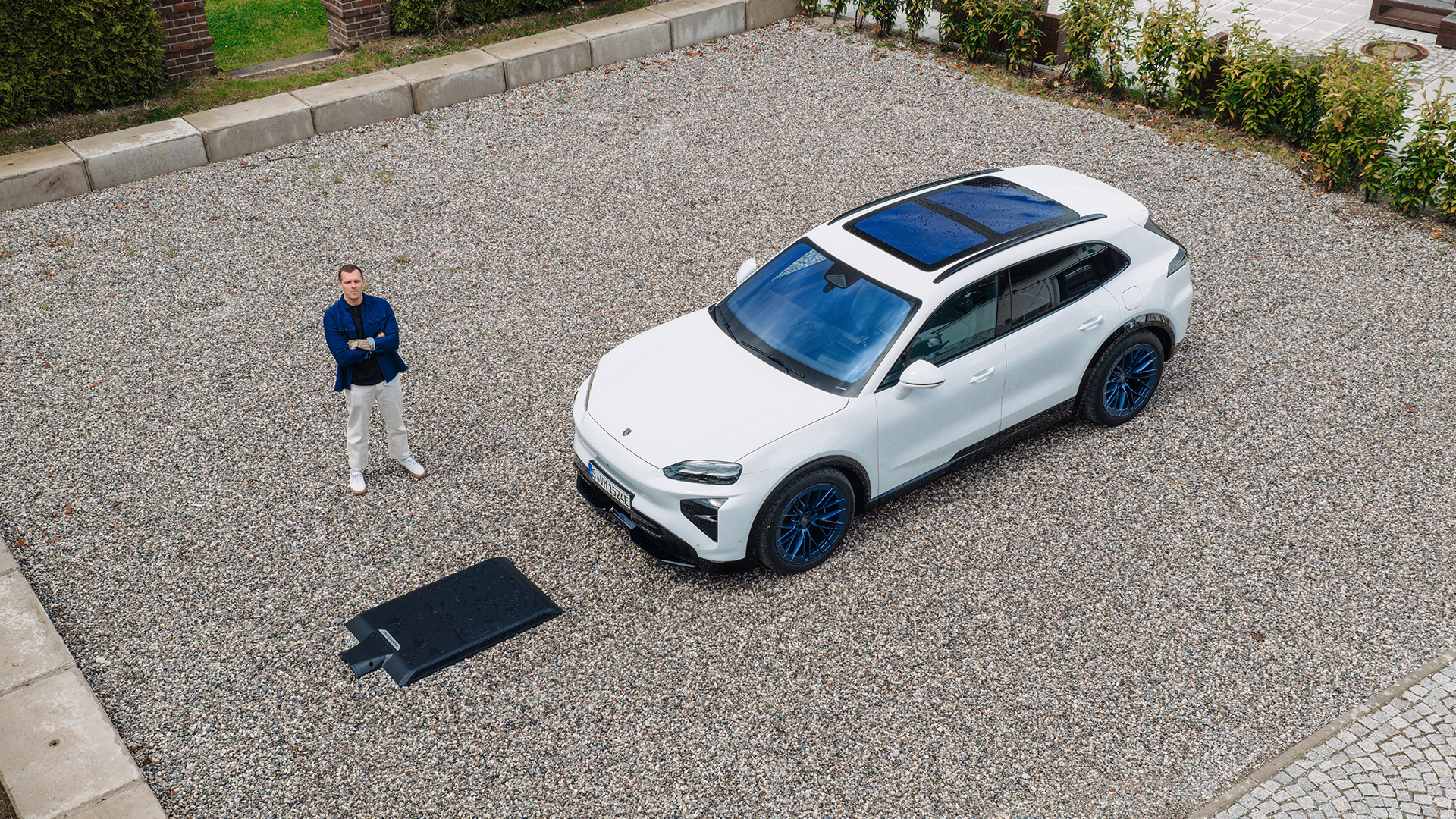
The Porsche Cayenne Turbo Electric is a handsome demonstration of just how far EV performance has come. With up to 1,156 hp available using Launch Control, it can hit 62 mph in just 2.5 seconds and reach 162 mph, making it the most powerful production Porsche yet.
Those figures are astonishing, but what impressed me most was how effectively Porsche hides the car's considerable bulk. Despite weighing around 2.5 tons, it feels remarkably composed through corners, with superb feedback through the steering wheel, active suspension and optional rear-axle steering helping shrink its footprint on the road. It is also a seriously capable long-distance EV, with up to 415 miles of range in Coupe form and 390 kW charging capable of delivering a 10-80% top-up in as little as 16 minutes.
Oh, and the world’s first 11 kW wireless charging functionality is far from a gimmick, showcasing just how effortless life with an EV can be if you can afford it.
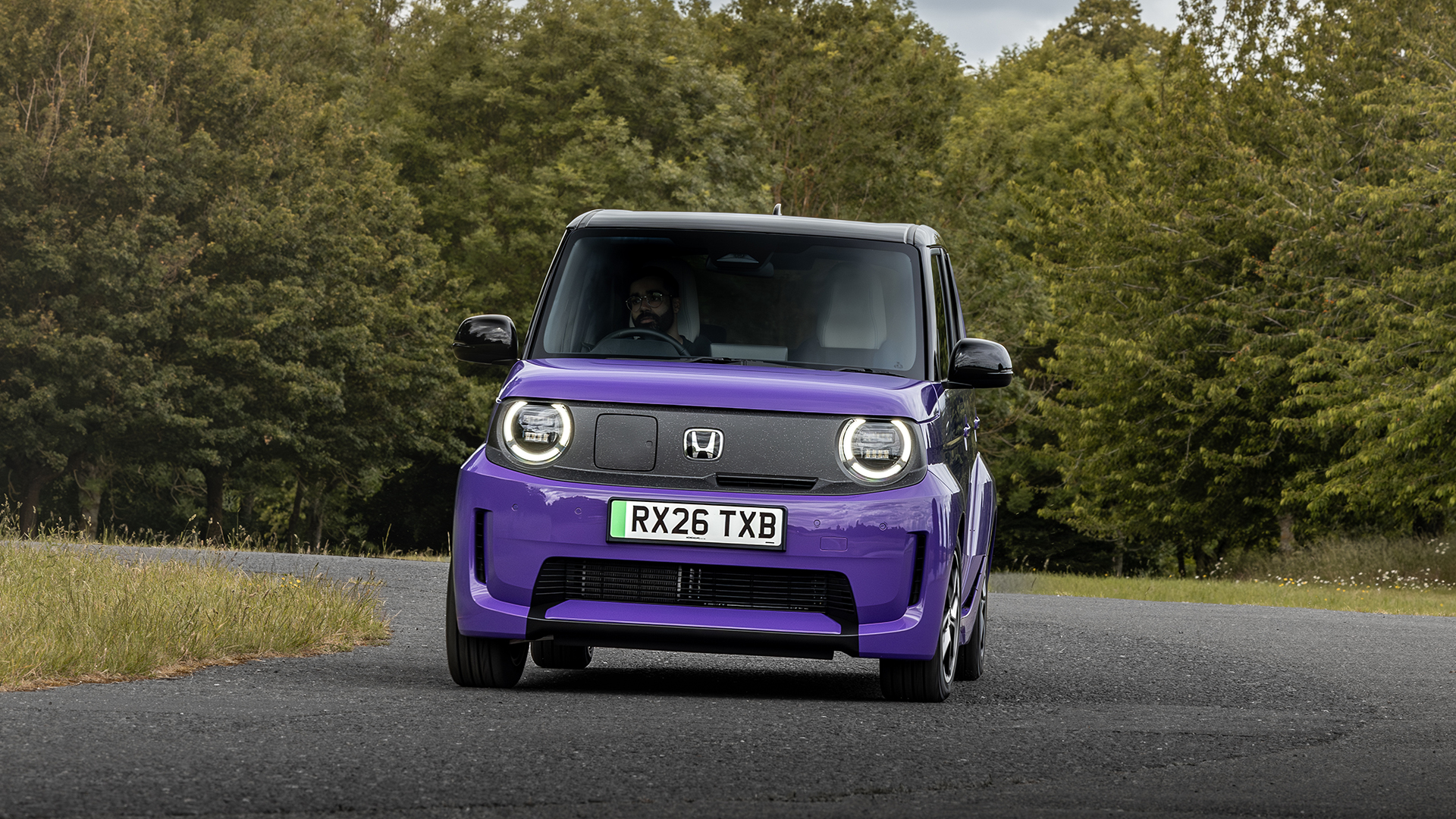
The Honda Super-N might be one of the least practical cars I've driven this year on paper, but that's completely missing the point. This tiny electric runaround is an absolute riot, with 94 bhp sent through the front wheels, a perfectly composed chassis and a big Boost button that encourages you to attack corners with old-school hot-hatch enthusiasm.
At just 1,097 kg, it feels wonderfully light and responsive, while clever regenerative braking and virtual gear changes add to the fun. The 29.6 kWh battery only offers around 128 miles of range and charging tops out at 50 kW, so it's hardly a road-trip machine. But for urban driving, it makes a brilliant case for small EVs, proving that you don't need huge power or battery capacity to have a genuinely entertaining car.
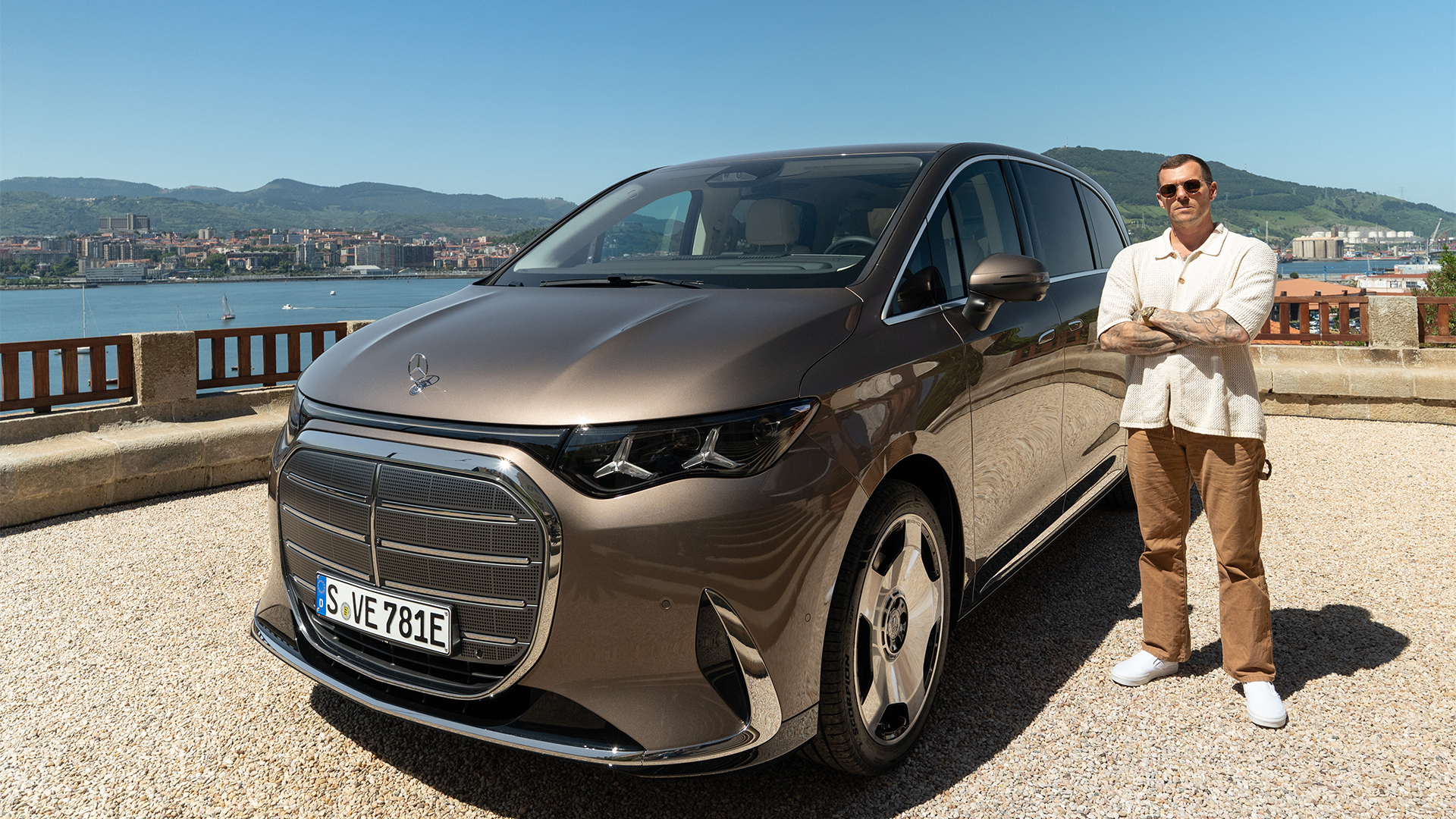
It’s the posh electric van that makes you wonder if that massive family SUV is really the right vehicle for your daily needs. Mercedes’ all-new VLE combines huge amounts of space with the sort of refinement more commonly associated with an S-Class, while the excellent air suspension delivers an exceptionally smooth, quiet ride.
The clever Roll & Go rear seats are by far my favorite feature, sliding along built-in rails and rolling out of the vehicle on their own wheels when removed — transforming the plush people-mover from a seven-seat bus into the ultimate transportation for active outdoor lifestyles.
Range is impressive, too, with the single-motor VLE 300 capable of a claimed 435 miles thanks to its 115 kWh battery, while 300 kW charging makes long-distance driving much more realistic. Add superb infotainment technology, rear-wheel steering and limousine levels of comfort, and this is a hugely compelling EV for large families… so long as said families have a healthy vehicle budget.
Anyone with a keen interest in the European car market will know that Cupra parted ways with its sister company Seat way back in 2018 to become the high-performance, funky standalone brand to attract the attention of a more youthful buyer.
The gamble paid off, as Cupra now outsells Seat in most regions, thanks to its heady line-up of handsomely styled SUVs and sporty hatchbacks, all with a fine selection of electrified powertrains.
This latest edition to the family, the relatively diminutive Raval, is the first of its kind to sit on parent company VW’s MEB+ platform, which will also underpin the upcoming and equally spicy ID Polo (including the GTI), the ID Cross and Skoda’s more crossover focused Epiq.
(Image credit: Cupra)
But Cupra being Cupra has seen fit to endow the Raval with almost comically sporty proportions, a fabulously appointed interior and the sort of electric powertrain that is designed to have true driving fans won over.
Having driven the top spec VZ models out on the beautifully flowing roads of northeastern Spain, it’s clear that there is still room for the compact, agile hot hatch in the often soulless world of modern EVs.
Seriously styled
(Image credit: Cupra)
You only have to take a look at one of the many recent Cupra events to realize that the company approaches new product launches a little differently.
These shindigs are typically held in warehouses and other industrial settings, often involve world-class DJs and incorporate faces from fashion, sports and culture.
The overemphasized creases on the bonnet, super aggressive front lamps and chunky rear diffuser on this VZ model signal its racy intentions.
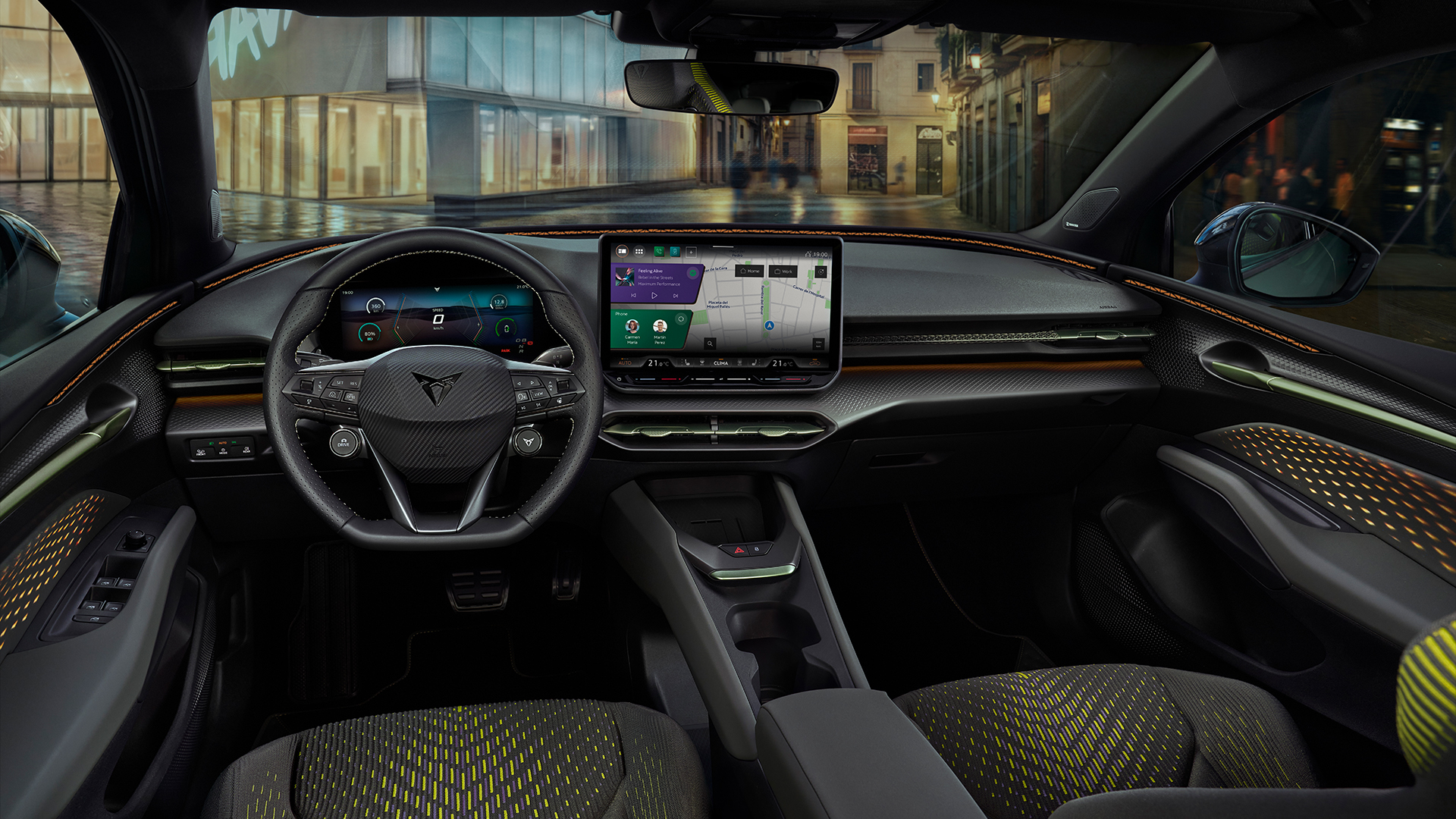
The Raval is all of this stuff distilled into a diminutive hatchback, with copper accents and contrast flourishes on the outside, myriad on-trend materials throughout the cockpit and the latest technology taking care of infotainment duties.
On the outside, the Raval rides low to the ground (well, as low as any modern EV can) and wears its squat proportions with pride.
The over-emphasized creases on the bonnet, super aggressive front lamps and chunky rear diffuser on this VZ model signal its racy intentions.
It also rides on 19-inch ‘Rebel’ rims and crams vegan leather bucket seats into the cockpit, as well as a 12.9-inch Android Automotive central display and a separate 10.25-inch digital cockpit that takes care of speed and whatnot.
(Image credit: Cupra)
Considering the Raval VZ starts at £34,9995 in the UK (that’s around $47,000 / AU$65,000), it feels like a generous dose of premium car for the money.
But for those happy with the smaller wheels and smaller battery pack (more on that later), the range actually starts from £23,785 (around $32,000 / AU$45,000) for the 115hp, 37kWh models.
Nice and spicy
(Image credit: Cupra)
Clearly, the VZ version driven here is a little ‘spicier’ when it comes its performance credentials, as it features the larger 52kWh battery pack and a powertrain that delivers 222bhp and 214lb ft to the front wheels in proper hot hatch fashion.
Prod the accelerator and the little Raval wants to move, whisking drivers and passengers from rest to 62mph in a respectable 6.8 seconds.
It even has a quasi launch control mode that sends little shudders and vibrations through the seat to make the process of accelerating feel more exciting.
Prod the accelerator and the little Raval wants to move, whisking drivers and passengers from rest to 62mph in a respectable 6.8 seconds.
Granted, it feels a little gimmicky but Cupra has done an excellent job of making the Raval feel as sprightly as its exterior lines would suggest.
Flick it into Cupra mode via a dedicated button on the steering wheel and, alongside a growling synthesized soundtrack, you’re treated to massive levels of grip.
This results in the ability to round corners with all the thrills of a go-kart, while the dynamic chassis control fitted to this VZ model keeps things flat and firm when the mood takes. Thankfully, it is adjustable through 15 stages, so you can easily get a set up that suits.
But when settling back down into Eco of Comfort modes, the Cupra does its best impression of a sensible, grown-up VW Group product, proving almost perfectly quiet and comfortable when cruising along the highway. The ride quality really is excellent.
Fuel for thought
(Image credit: Cupra)
Having driven almost too many EVs to remember, I have got into the habit of always checking battery efficiency after an event like this.
It’s a great indication of real-world driving, often taking in faster, flowing sections of road (where the regen will help top-up batteries), slower city driving and battery-sapping highway miles.
The Cupra Raval revealed that we averaged around 4.5 miles per kWh after a day of driving, which means we could have happily racked up over 200-miles from a single charge of the relatively small 52kWh NMC battery packs.
Cupra’s official WLTP rating has this pegged at 239-miles, which feels honest and achievable if driving sensibly… which I wasn’t during this particular test.
(Image credit: Cupra)
Raval’s recharging game is strong too, with a 10-80% session taking just 24-minutes from a 105kW DC public charger. It’s slightly longer than close rivals, such as the recent Renault 5 and Kia EV2, but neither of those cars can really be described as feisty.
But perhaps the most striking thing to note from the small, sporty hatchback is that there’s a decent amount of room inside. Two adults can very comfortably sit up front and there’s just enough room in the back for a few friends.
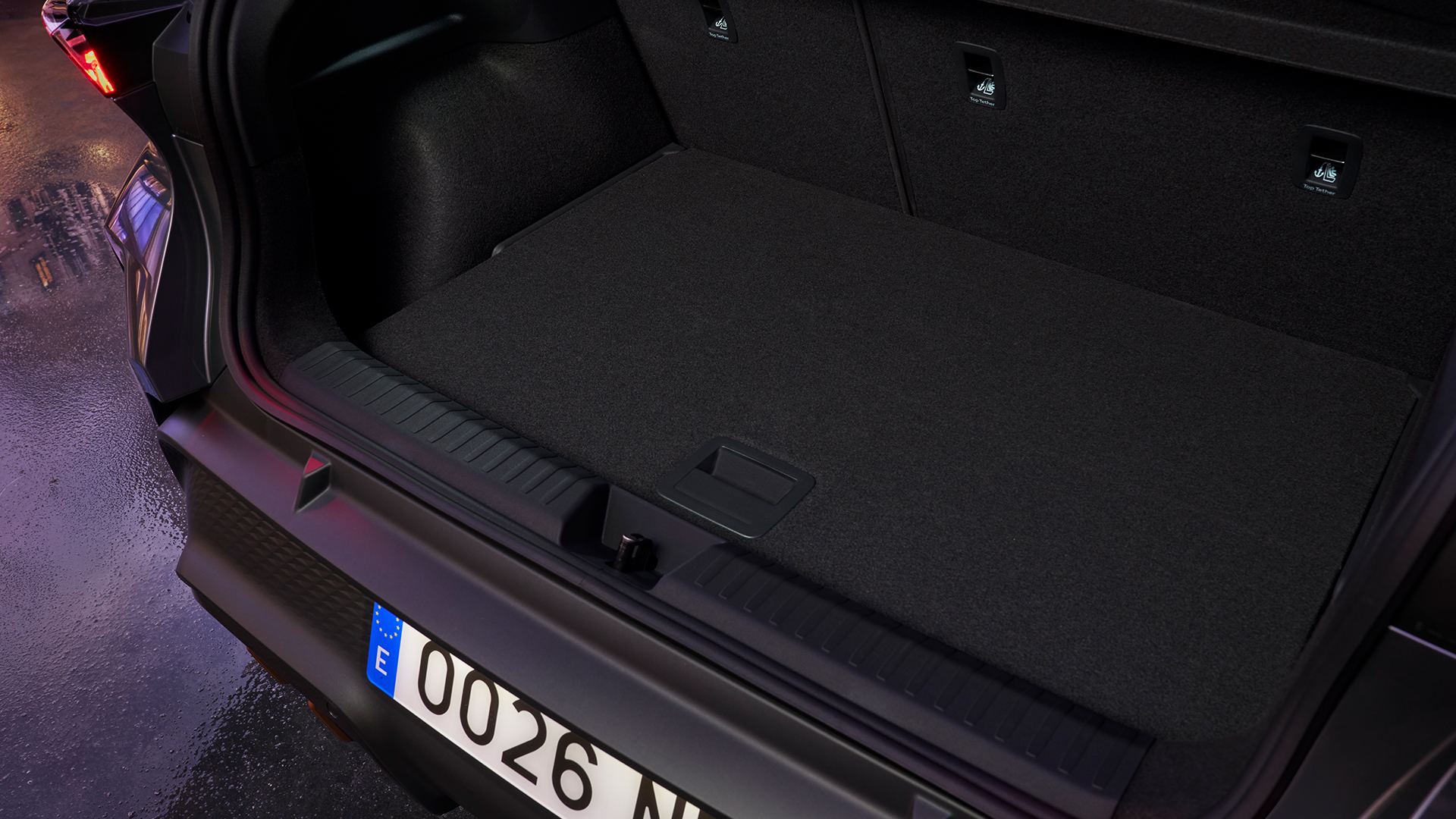
Admittedly, leg room in the rear isn’t exactly generous, but it’s very good in this segment, while the rear trunk is positively cavernous. Mounting the motor at the front results in an impressive amount of space to store bulkier items.
(Image credit: Cupra)
There’s even a clever folding floor that can be set at various levels, making it easier to throw in shopping when space isn’t required or free up a deeper hole for those weekend trips away.
The Cupra Raval offers a beguiling mix of sensible, grown up elements — such as the responsive Android Automotive-based infotainment system, practical interior space and premium-feeling fabrics — and laces it with a hefty dose of fun.
Granted, this isn’t the all-out hot hatch that we might be used to from the ICE era, but it gets very close.
Plus, with VW set to unleash an ID Polo GTI later this year with eerily similar performance figures, it makes you wonder if it’s worth holding out for that revered badge when the Raval VZ is this good.
I bought my first Tesla Model 3 in June 2019. It was my dream car. The promise of getting in, selecting a destination, and the car taking care of the rest was one I bought into.
I originally bought the Model 3 without Full Self Driving (FSD), which at the time cost $6,000. Then about a month later, Elon Musk announced the cost would start going up by $1,000 every few months. So, I bought FSD outright before that happened. I even ordered custom license plates to make it very clear to other drivers my car was driving itself.
A couple of years later, the first beta arrived, and during the next few years, after many updates, it got good. Really good.
I know headlines love to point out when an accident happens during FSD use — and rightfully so — but my overall experience with it as of a year ago was that I felt safe when using it. I could get in, tell it where to take me, and the majority of the time, I only had to babysit.
I used FSD probably 95% of the time; I was behind the wheel. I no longer hated driving.
Goodbye FSD, hello Comma 4
(Image credit: Jason Cipriani/Future)
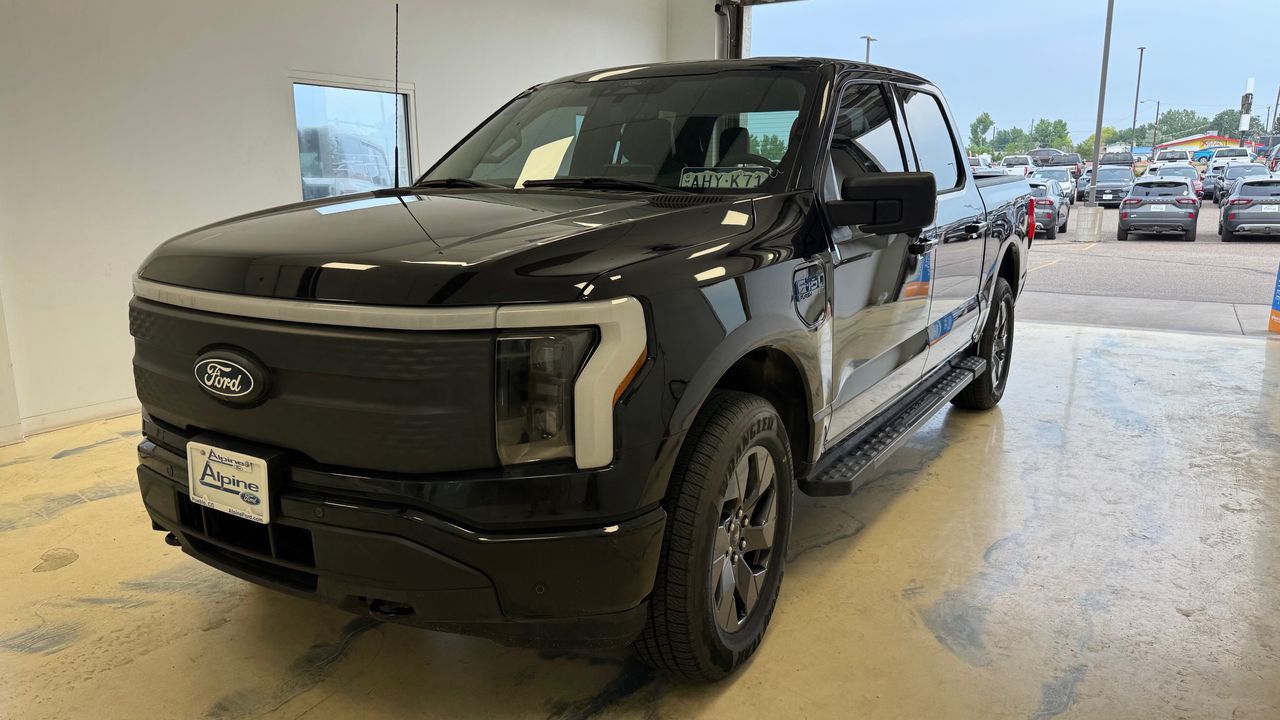
Then, life changed. My wife and I decided to open a pizza food truck, and we quickly learned the truck we planned on using wasn't up for the job of towing our trailer. So, I traded in my Model 3 for a 2025 Ford F-150 Lightning Flash. Bye-bye FSD.
My Lightning came with three free months of BlueCruise, Ford's hands-free driver-assist system that only works on highways. When you're on standard roads, Ford has a basic lane-keeping feature that keeps you within the lines, and that's about it.
After my BlueCruise trial ended, I opted not to pay the $50 a month/$500 a year subscription fee, mainly because it's limited to highways and I wasn't doing a lot of highway driving at the time. In town, I was still able to use lane keep and deal with the super annoying "Keep Your Hands on The Wheel" nag that goes off all the time.
I didn't miss the more advanced self-driving-like features of BlueCruise at all. I got by.
Then, in January, I had shoulder surgery. The extended recovery process meant driving an hour away for physical therapy at least once a week, and I'm still making that same drive. So, I decided to turn my Ford Rewards points into a couple of free months of BlueCruise to help me get back and forth.
Only this time, I loved it. I could cruise up and down the highway at 80 miles per hour, tap the blinker to start an automatic lane change and just relax — all hands free.
With a few weeks left in my extended trial, I decided to sign up for the $500-per-year subscription. While I waited for the charge to hit my credit card, a friend reminded me about Comma.ai, the small dash cam-like device that helps control your vehicle.
In Comma's own words: "It's upgraded active driver assistance for your Toyota, Hyundai, Ford, and more." Comma states it supports over 300 different vehicles.
Knowing I was about to commit to $500 per year for BlueCruise, curiosity got the best of me, and I spent over a week reading everything I possibly could about Comma and how it works.
The overly simplified explanation is that you need to install the device and a wire harness specific to your vehicle. The two components then intercept and send driver assistance commands to your vehicle, enabling hands-free driving on any marked road — not just highways.
I also spent more than a few days reading through and asking far too many questions in the Ford-specific Discord channel. The group there was amazing and patiently answered every single one.
I'll admit I felt very uneasy about random people on the internet writing software that can control my car. I still do, to an extent, but eventually I felt comfortable and curious enough to order the $1,000 gadget.
Install, setup and daily use
(Image credit: Comma)
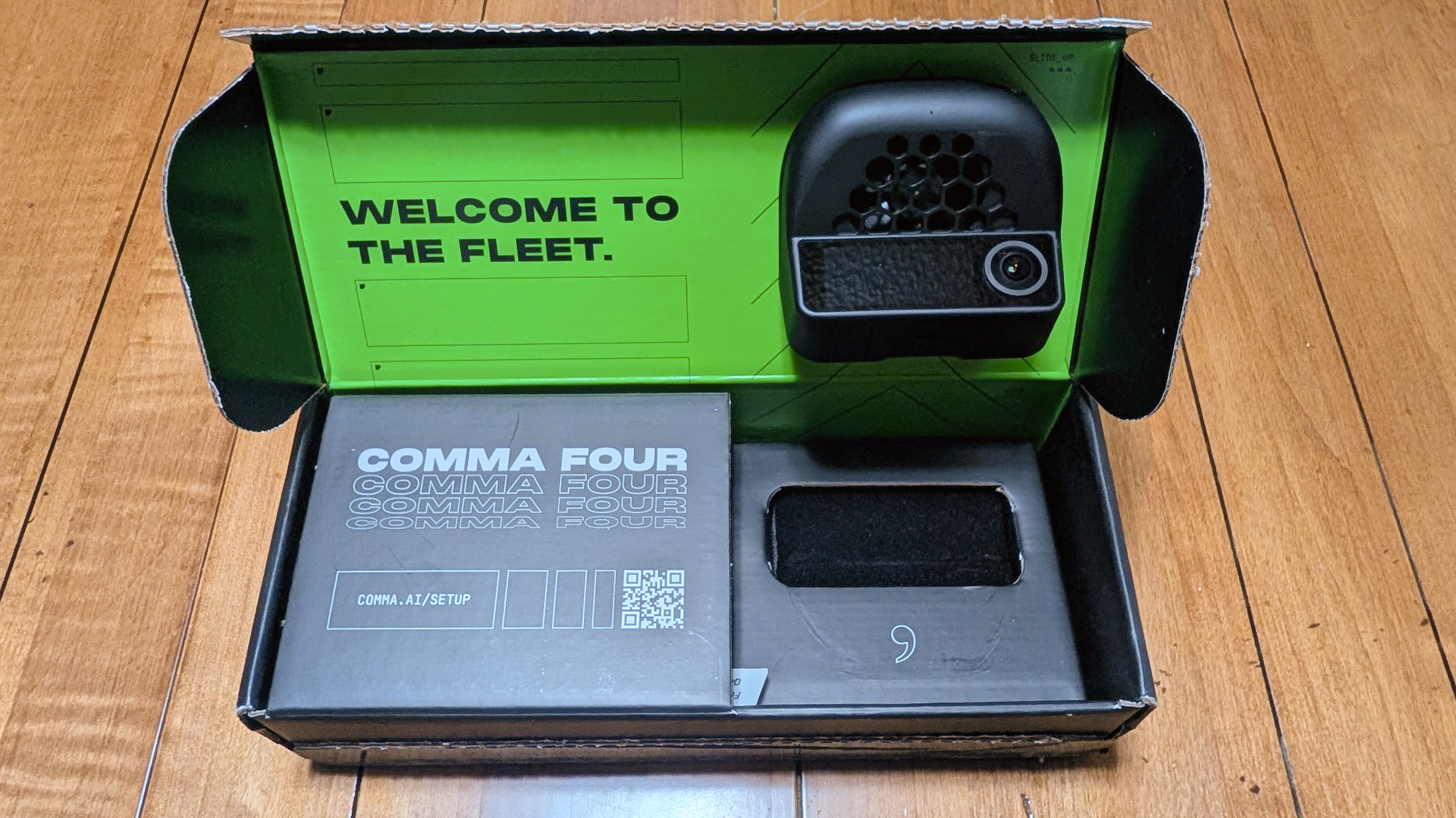
A few weeks later, a small box arrived with the camera, the Ford-specific wiring harness, and zero instructions.
Thankfully, there are quite a few YouTube videos detailing the installation process. That process requires installing the wiring harness under the dash, where my truck's Image Processing Module A (IPMA) is located. I had to remove some paneling to get to it, then route the included OBD-C cable from under the dash to my rear-view mirror where the Comma 4 is mounted.
The install process took about an hour, with the most difficult part being connecting the wiring harness to the IPMA — it's such a tiny space and hard to get to, but eventually I got it.
With the harness connected, the Comma 4 mounted, and the cable run, the next thing I needed to do was install an operating system.
The Comma 4 comes with a bare-bones operating system installed, able to do just enough to help facilitate whatever version of driving software — commonly referred to as forks — you want to use.
OpenPilot is Comma's own driving software, but it's not optimized for every vehicle. For my Ford Lightning, I have to use BluePilot, a Ford-specific fork that's customized and optimized to handle quirks in driver-assistance commands, for the best experience.
I went through the software setup process in about 10 minutes, and then it was ready for me to take a short calibration drive. Once that was done, I had my very own self-driving assistant, ready to begin driving me around.
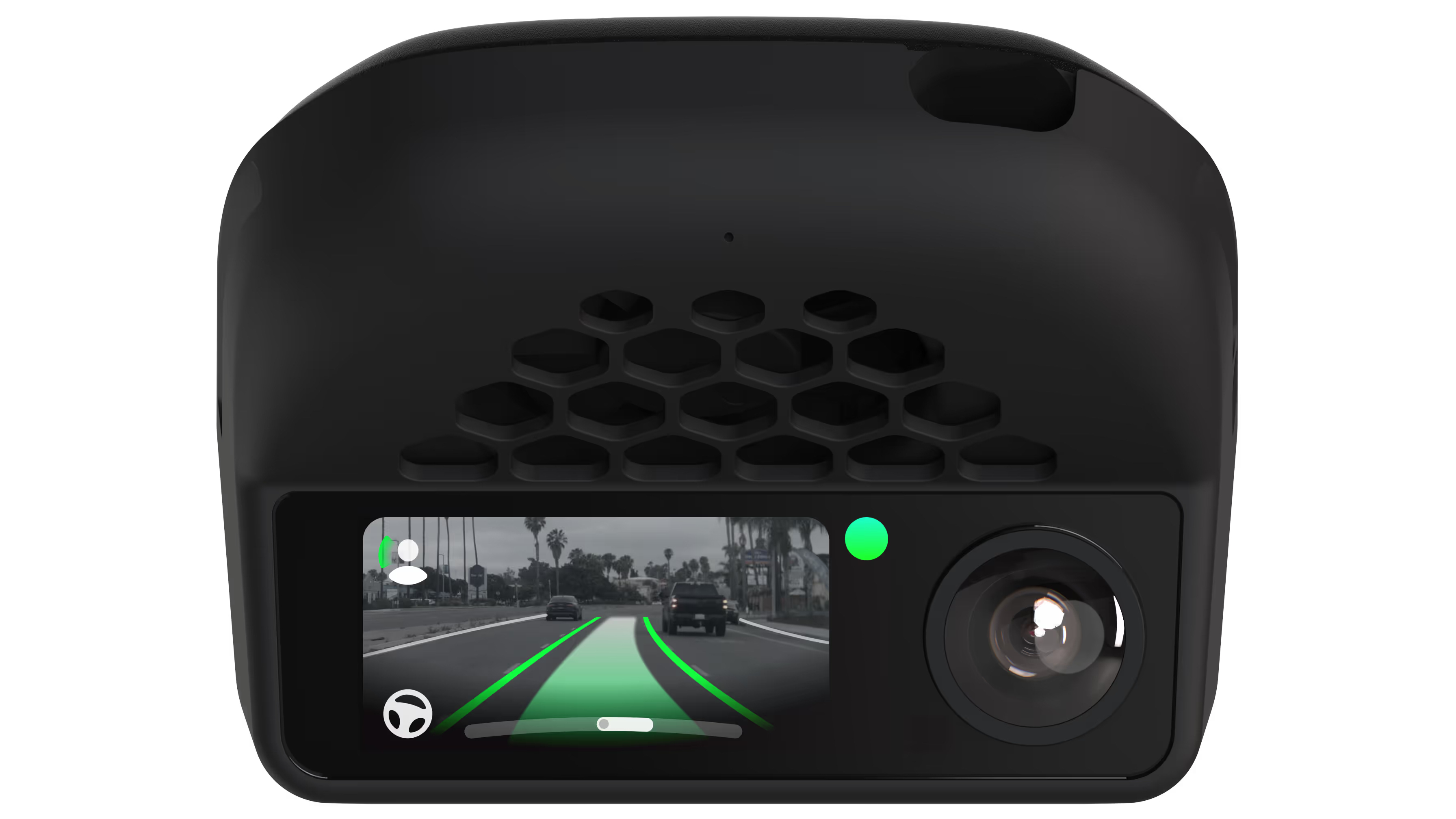
Activating Comma is done using the same buttons I would use to turn on BlueCruise or Ford's lane-keeping features. I can see when Comma is active by looking at the Comma 4's screen for green border indicators where the edges of the lane are, and a solid green line in the middle showing that path the truck is going to take.
It took me a few days of tweaking features and settings to fine-tune how the Comma controls my truck. For instance, out of the box it doesn't handle lane changes for you. You have to enable lane changes, and even then it'll only perform a change when you activate your blinker — it won't do it on its own.
You can even customize how aggressive it is during the lane change, how long it will wait after activating the blinker before changing, so you need to confirm the change by nudging the wheel in that direction before it fully commits. It's really cool stuff.
What's taken me the longest to get just right is adjusting my truck's alignment in a lane. With default settings, my truck was consistently riding the left side of every lane I was in. It wouldn't go over it, but it was too close for my comfort. I spent some more time figuring out the proper setting to adjust and started tweaking. A few minutes later, my truck is almost perfectly centered.
I'm still tweaking different settings, but for the most part it drives just like I want. I continue to experience some very slow ping-ponging — when the car goes from one side of the lane to the other and then back — but it's easily remedied if I just place my hand on the wheel. From what I understand, I may never get fully rid of it.
I've learned a lot along the way, too. In my Ford, the Comma 4 only controls lateral movements to keep you centered in the lane, not longitudinal controls such as speeding up and braking. Ford's ACC system still handles the latter feature – something I found reassuring.
(Image credit: Jason Cipriani/Future)
A couple of disclaimers you need to know
There are a few things I want to make clear, should you decide to get a Comma 4 (or one of the older models).
First, you, as the driver, are responsible for your vehicle at all times. The Comma 4 is an assistance device, not a fully-take-over-all-controls device. It hasn't tried to steer me unexpectedly into another lane, but I've seen reports and feedback about a recent update doing just that.
Second, Comma 4 will never offer a Full Self Driving-like point-to-point experience. There are just too many variables to how a third-party device can interact with and control various vehicles. In a Ford, for example, Comma 4 has limits in how aggressively it can steer, which makes tight corners difficult if not downright impossible. A recent update to BluePilot has made progress in this regard, but a 90-degree turn is all but out of the question.
1,000 miles and no regrets
My original intent was to take full advantage of the 30-day no-questions-asked return policy and send the Comma 4 back if I had any reservations after testing it. And, well, that window closed a few weeks ago.
All told, I'm nearing 1,000 miles over 97 driving sessions and 26 total hours since installing the Comma 4 in my truck. Not all of that is with it activated, but I'd wager that 75% or more of those miles were driven by Comma.
It's earning my trust with every drive and scenario I throw at it. The system has built enough confidence that I'm now going fully hands-free on longer drives.
Even with its quirks and limitations, the trade-off is a no-brainer for me. The Comma 4 handles backroads and standard city streets where BlueCruise simply gives up.
Best of all, I don't have to pay Ford $500 a year for a highway-only feature on top of what I already pay for premium connectivity. For a one-time $1,000 hardware investment, I got a sliver of my FSD experience back, saved money in the long run, and gained a system that continuously gets better thanks to an active community.
It’s pretty clear that EVs and software defined vehicles (SDVs) go hand-in-hand these days, and while Tesla paved the way with the Model 3 back in 2017, Rivian, Lucid, and Chinese manufacturers quickly followed. The legacy car manufacturers are taking a while longer to get on board, but are finally catching up. Companies like Hyundai Motor Group, General Motors, BMW, and Mercedes-Benz are starting to launch full SDVs.
SDVs for the win
(Image credit: Myriam Joire)
SDVs are cars with functions and features that are primarily enabled through software and can improve over time via over-the-air (OTA) software updates. I’m not just talking about updating navigation or infotainment, here. Thanks to their zonal architecture, full SDVs use a holistic approach to software updates where every hardware module can be updated OTA, which enables diagnostics and even recalls without a dealer visit.
The cynical view is that SDVs allow greedy car manufacturers to extract revenue from customers via needless subscriptions, but that's short-term thinking. When done right, there are many benefits to SDVs. Companies like Rivian and Tesla issue free monthly OTA updates to fix bugs and add new features to their EVs, to the delight of their customers, while only charging an optional subscription for higher data connectivity and ADAS tiers.
SDVs go beyond EVs
Myriam JoireMyriam Joire
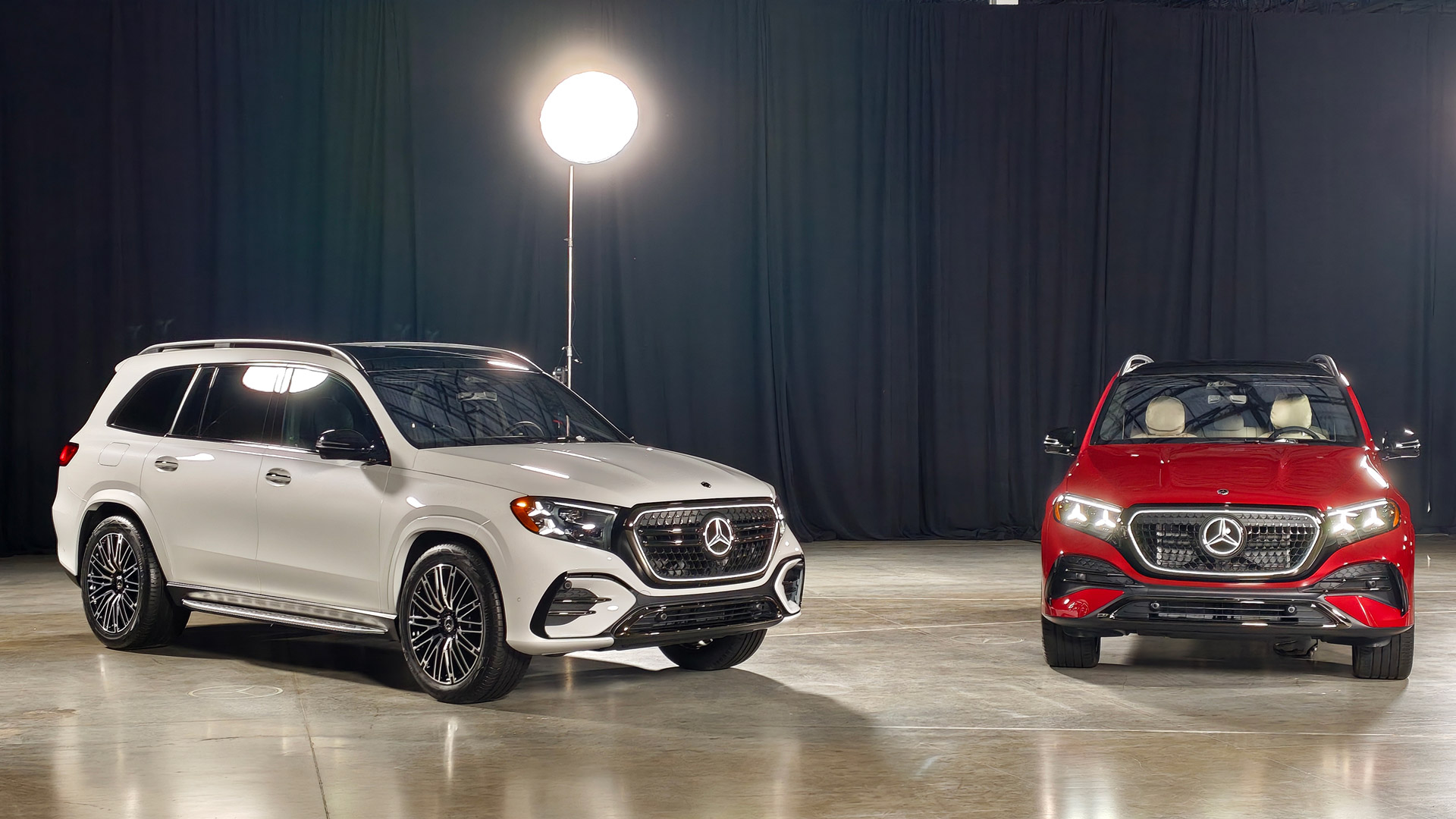
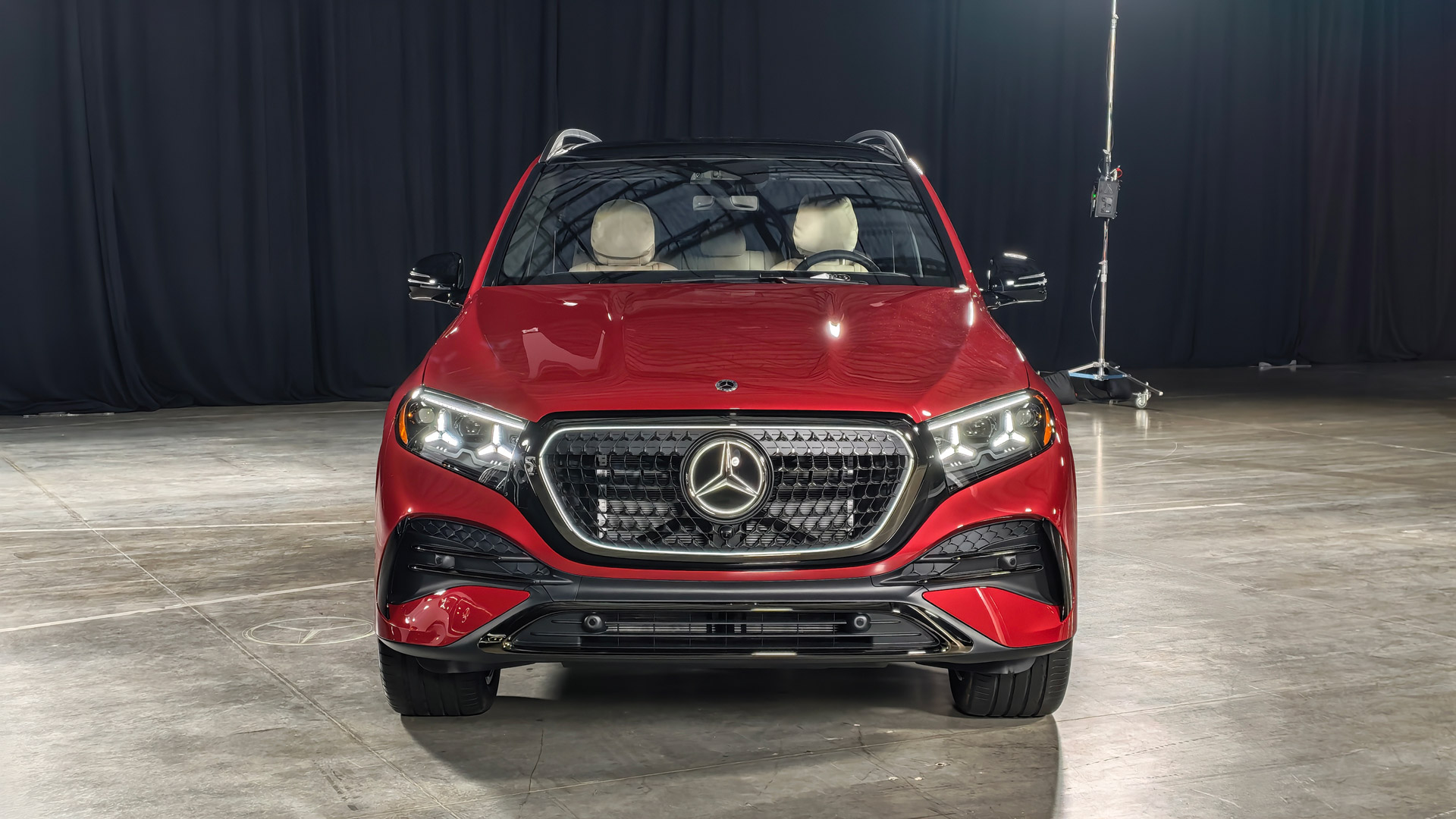
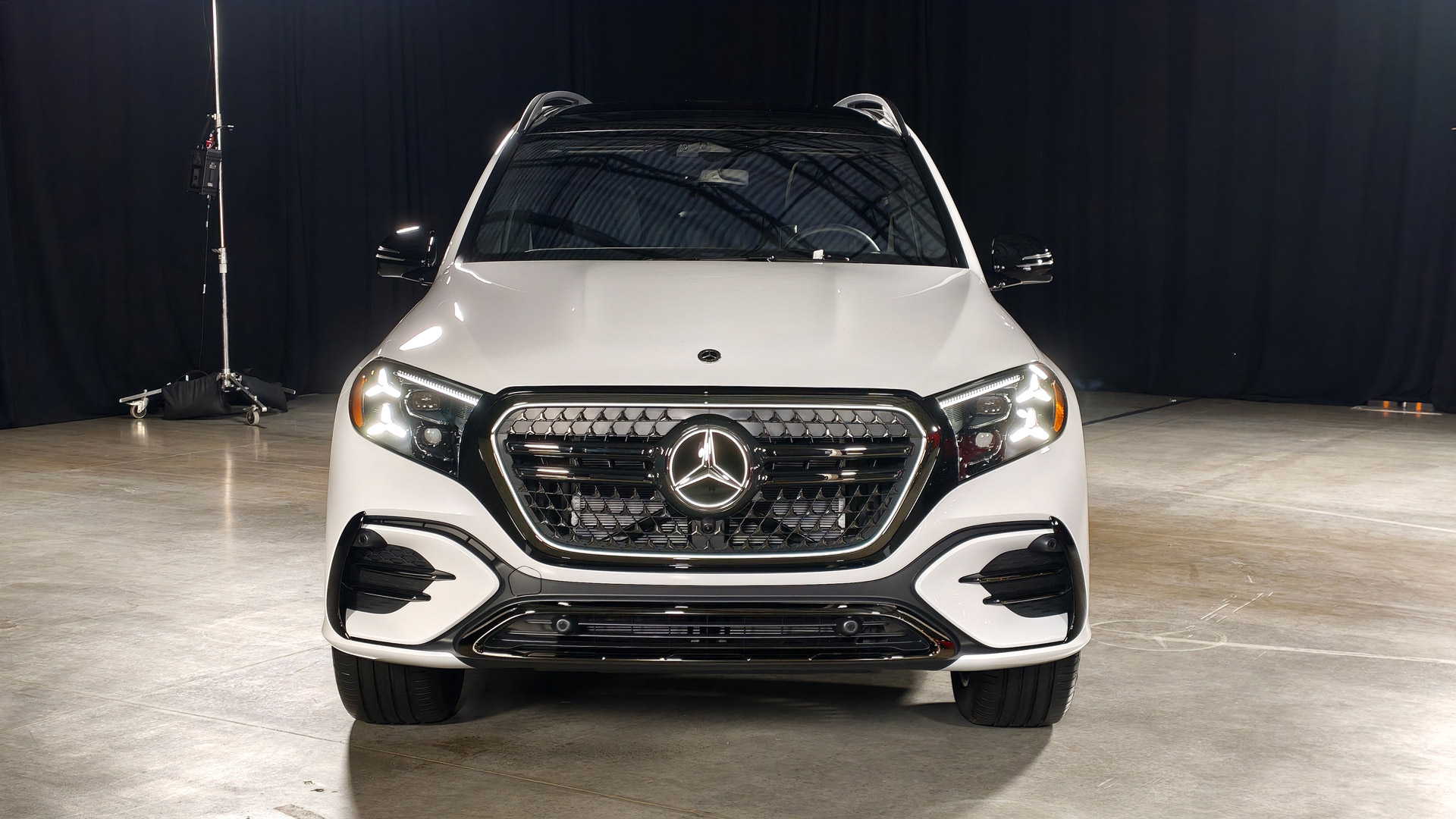
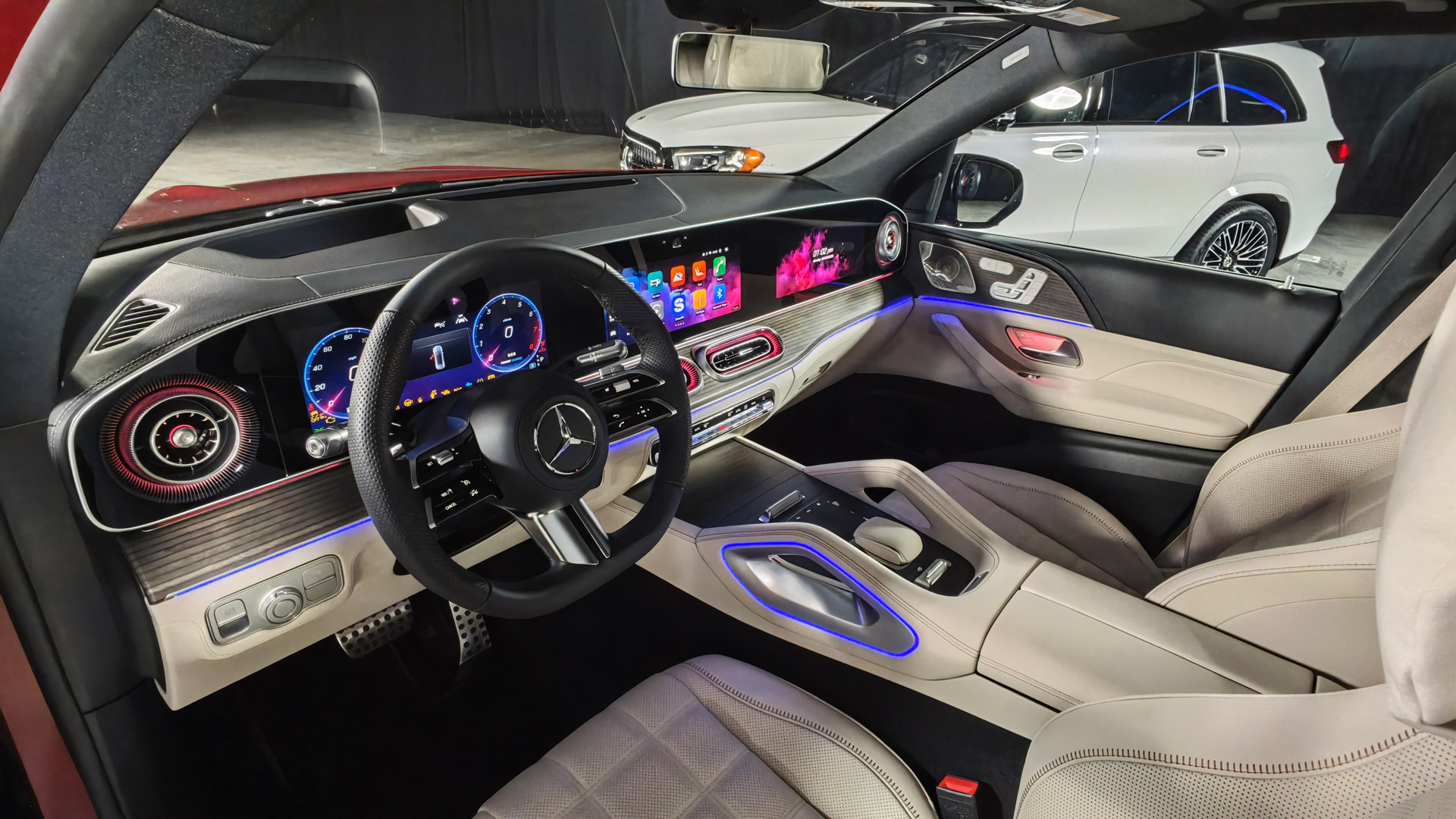
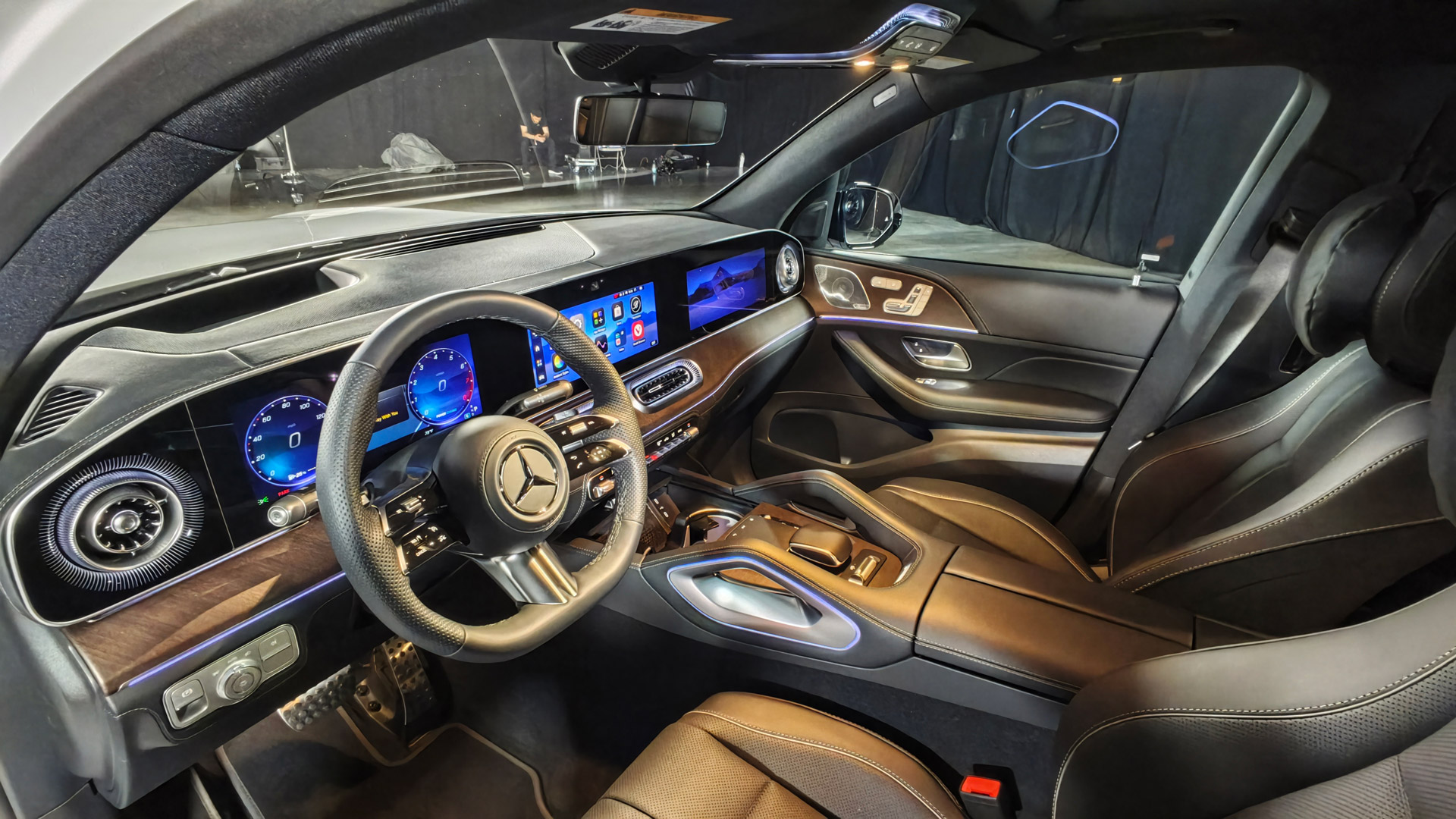
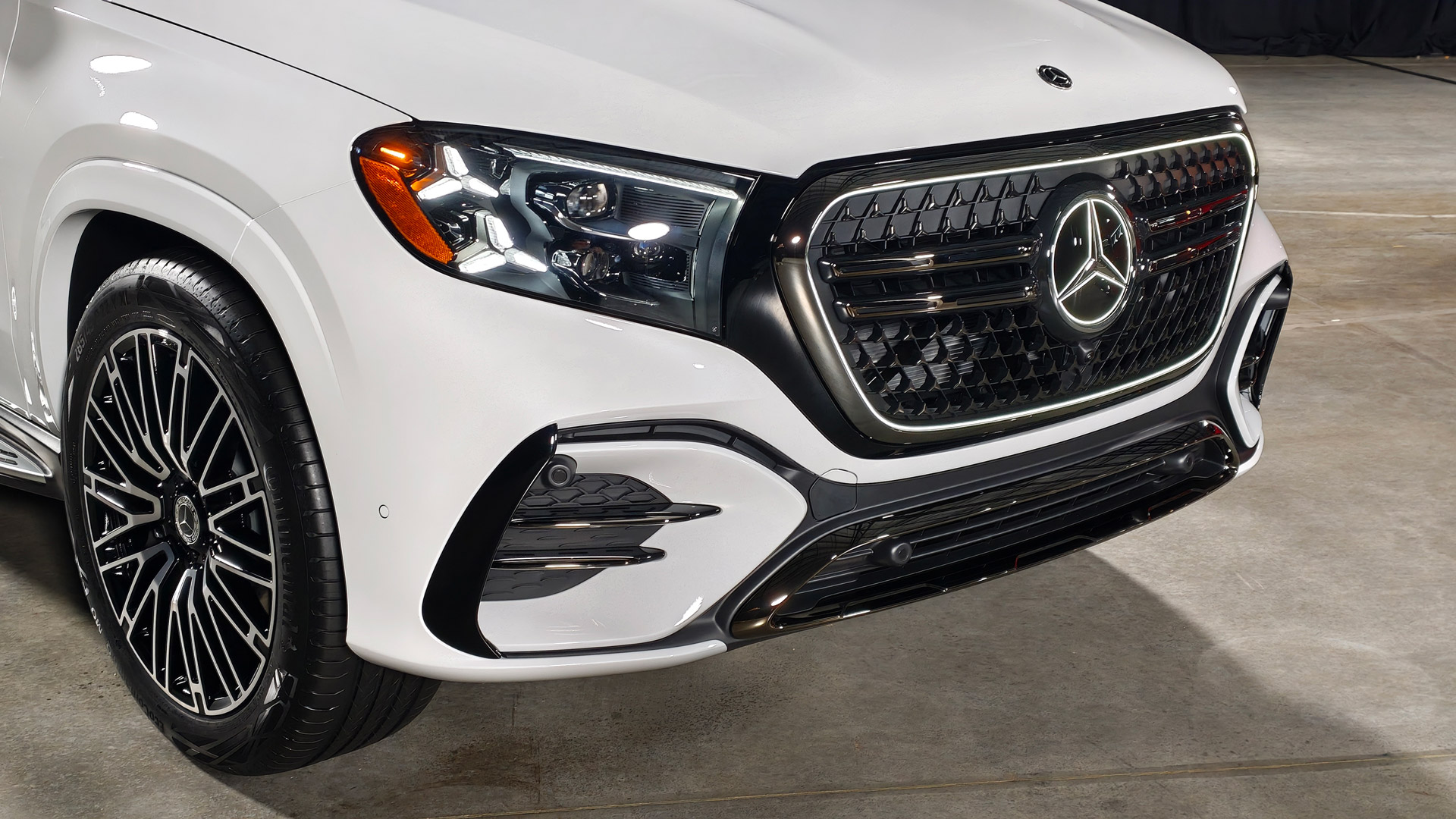
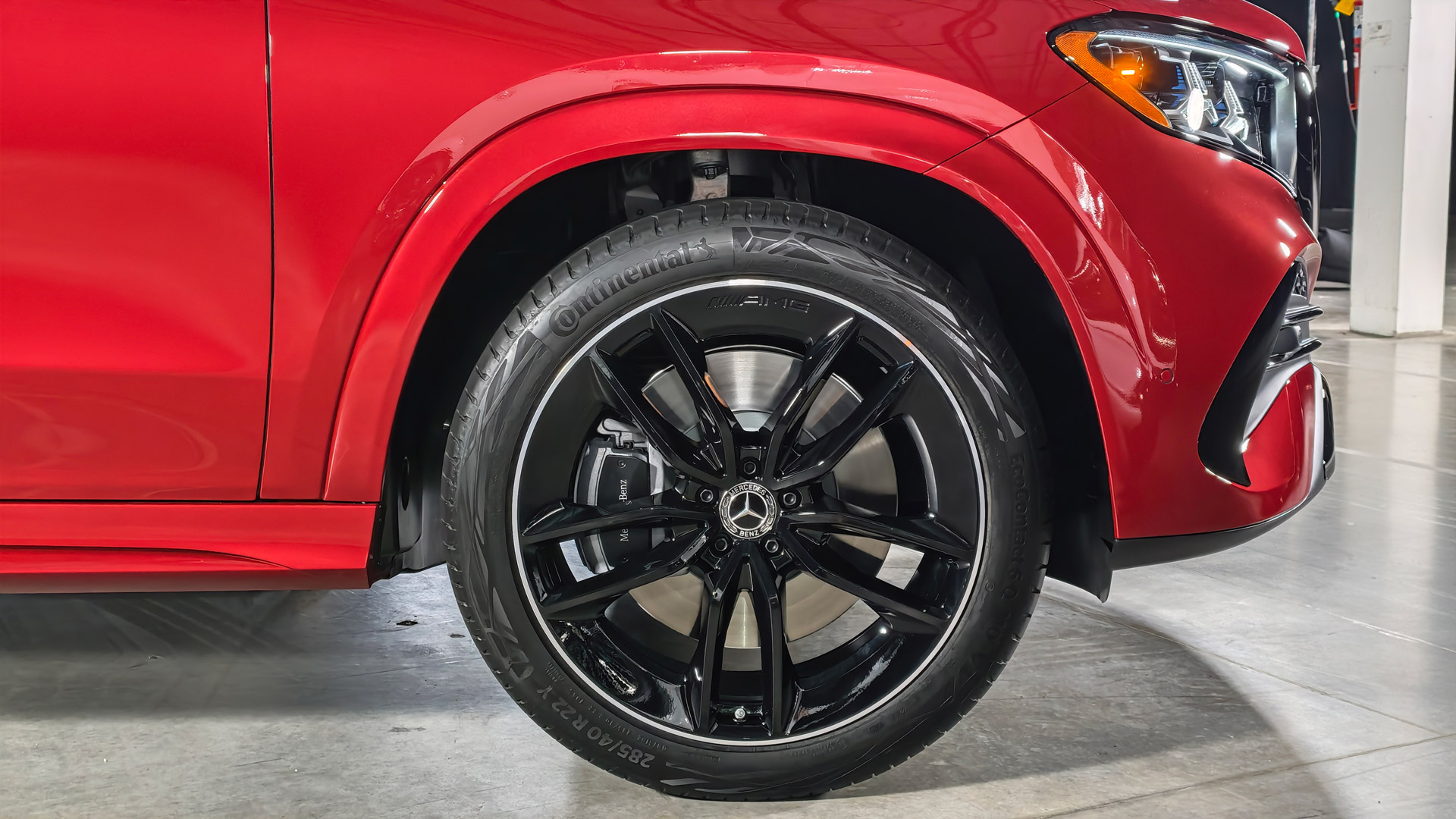
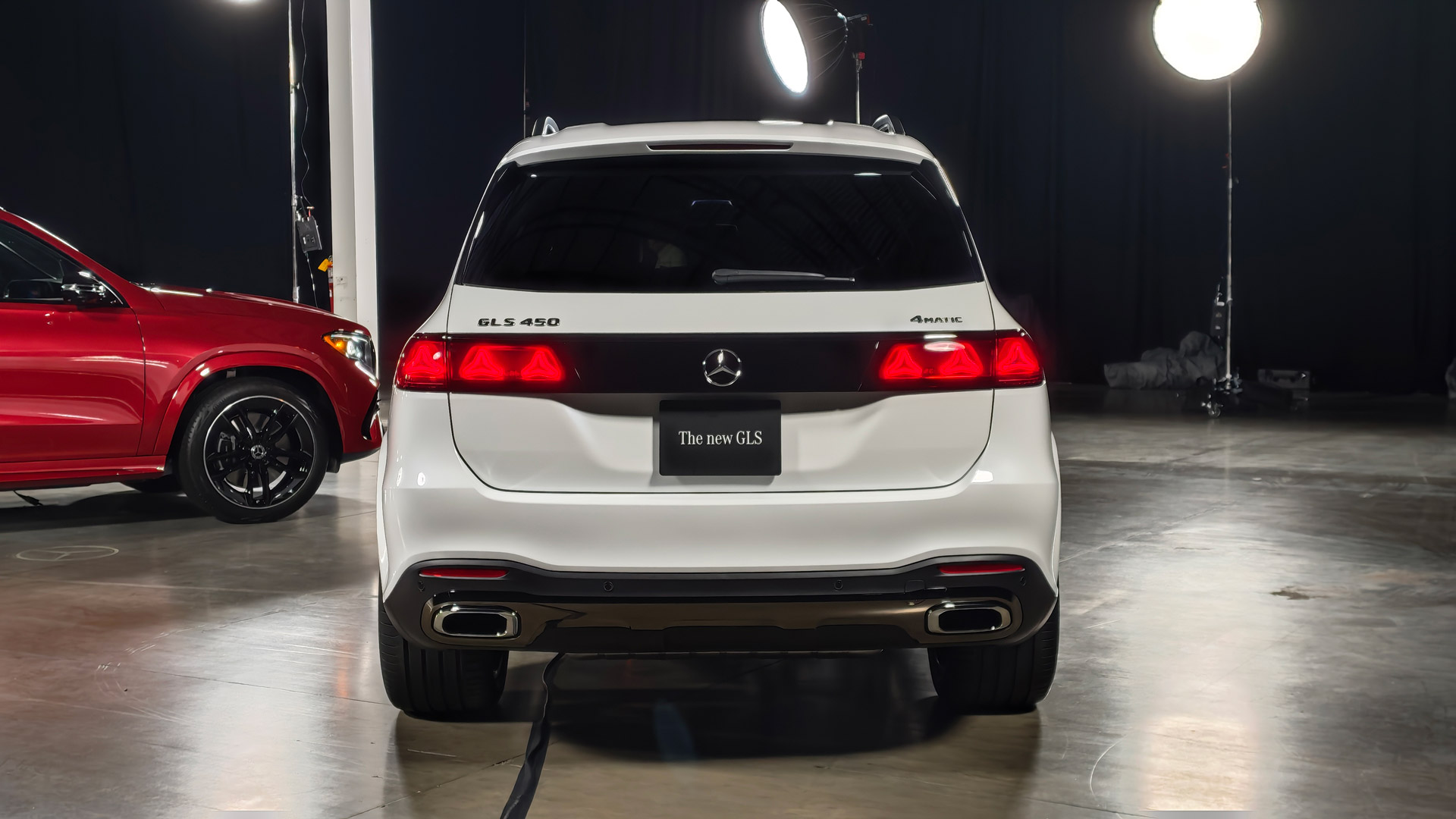
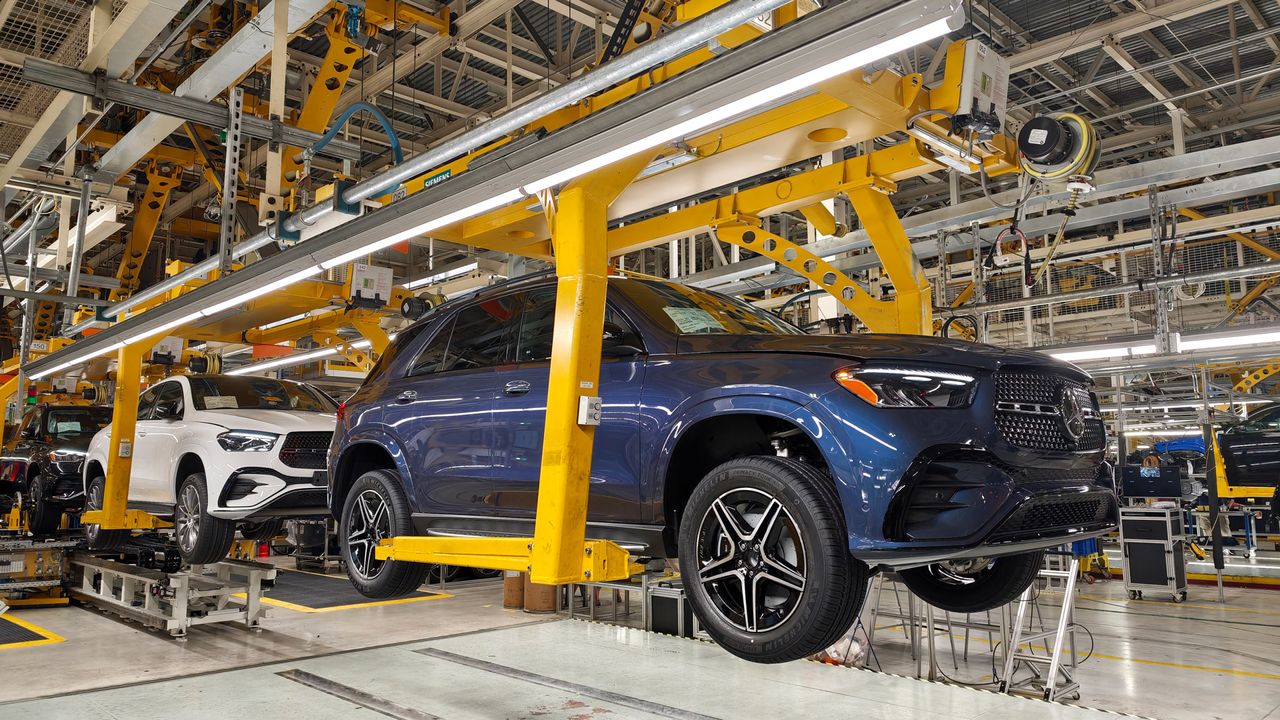
What happens when you extend SDVs beyond EVs to hybrid and combustion vehicles? A few weeks back, I visited Mercedes’ factory near Tuscaloosa, AL, where the company manufactures most of its global SUVs, to get a first look at the refreshed GLE and GLS SUVs. Beyond more powerful engines and the usual mid-cycle cosmetic upgrades inside and out, these SUVs are Mercedes’ first hybrid and combustion SDVs. Well, almost.
Unlike their predecessors, the 2027 GLE and GLS run the company’s MB.OS across all four domains — infotainment, automated driving, body & comfort, and driving & charging — just like Mercedes’ first full SDVs, the all-electric CLA and GLC. Previously, MB.OS was only implemented for navigation and infotainment, like in the current E-Class sedan and wagon. As such, those cars weren’t SDVs. But there’s a catch.
Mercedes notes, however, that “while all of these vehicles leverage MB.OS principles and a domain-oriented software architecture, the underlying hardware, communication systems, software capabilities, and OTA deployment approaches vary by vehicle platform.” As such, the refreshed GLE and GLS, while only partial SDVs, are closer to full SDVs than any other hybrid or combustion car before them.
The 2027 GLE and GLS feature Mercedes’ pillar-to-pillar Superscreen as standard, which consists of three 12.3-inch displays (driver, center, and passenger) behind a single glass surface, and includes a selfie camera for video calls (when stopped) and for selfies, naturally. Video calls require apps like Zoom, which you can download from Mercedes’ own app store. A 3D instrument display and head-up display are available as an option.
Myriam JoireMyriam Joire
Like the all-electric CLA and GLC, the refreshed GLE and GLS feature a generative AI-powered voice assistant which uses OpenAI’s ChatGPT4o, Microsoft Bing Search, and Google Cloud’s Automotive AI Agent (for navigation) — depending on context. The MBUX Virtual Assistant can handle a whole range of natural language requests, from adjusting the climate and music to navigation and even general knowledge queries.
Mercedes’ MB.Drive Assist Pro, the company’s NVIDIA-powered point-to-point level 2+ advanced driver assistance system (ADAS), which launched on the all-electric CLA and GLC, is coming to the 2027 GLE and GLS, first in China, then in the US later this year. This ADAS is similar to Tesla’s ill-named full self-driving (FSD), but in addition to using ten cameras, it also uses five radar sensors and twelve ultrasonic sensors.
In all, the refreshed GLE and GLS show that drivetrain variations aside, it’s possible for all-electric, hybrid, and combustion vehicles to reach parity as SDVs when it comes to infotainment, navigation, comfort, and ADAS. Let’s hope that Mercedes fully embraces this exciting new technology and follows in Rivian and Tesla’s footsteps by releasing free monthly OTA updates to fix bugs and add new features to these new SDVs.
SDVs for all
Myriam JoireMyriam JoireMyriam Joire
What’s even more important is that SDVs are starting to extend beyond EVs and luxury cars. Manufacturers like Hyundai Motor Group are launching more affordable hybrid and combustion vehicles that are SDVs. The zonal architecture used by SDVs makes cars inherently less expensive to manufacture since it requires fewer hardware modules and much simpler wiring harnesses (less copper means less cost and less weight).
The South Korean Grandeur sedan and Europe-bound IONIQ 3 SUV are Hyundai’s first proper SDVs. Both cars run the company’s new Android Automotive-based Pleos Connect navigation and infotainment platform, and include Hyundai’s App Market and large language model (LLM)-powered Gleo AI voice assistant. Pleos Connect, the App Market, and Gleo AI will also be coming to Hyundai Motor Group’s future Kia and Genesis cars.
...while I believe that the future is all-electric, hybrid and combustion vehicles will be sticking around a little while longer
Right now, most of the affordable full SDVs being developed outside of China are EVs. Ford is working on its Universal Electric Vehicle (UEV) SDV platform which will initially underpin an all-electric small truck priced around $30,000. Volkswagen’s upcoming ID.1 city car, destined for Europe and priced below €20,000, is the company’s first SDV. Its zonal architecture and software stack are a direct result of VW’s partnership with Rivian.
Hopefully, these new EV-first platforms can also be adapted to manufacture more affordable hybrid and combustion SDVs. Because while I believe that the future is all-electric, hybrid and combustion vehicles will be sticking around a little while longer, at least here in the US. And considering the cost and feature benefits of SDVs, it would be a shame if manufacturers didn’t deploy this technology across all their upcoming vehicles.
My takeaway
Between 2018 and 2024, I owned two Tesla Model 3s, so I was able to enjoy the benefits of SDVs firsthand. There’s something utterly wonderful about finding an OTA software update waiting in your car every month, ready to deliver new functionality for free. Rivian aside, I have missed this on every other EV I’ve driven since, and because of this positive experience, I will forever associate SDVs with EVs.
But as Mercedes has shown with the refreshed GLE and GLS SUVs, the benefits of SDVs also extend to hybrid and combustion vehicles. SDVs allow the company to provide a consistent and modern user experience across its entire lineup, regardless of drivetrain. Not to mention, SDVs reduce costs and complexity for all manufacturers. As such, I’m looking forward to SDVs becoming the norm for more cars going forward.
Modern cars are becoming increasingly good at reminding drivers about speed limits, upcoming safety cameras and potential hazards. So much so, driving is now soundtracked by a cacophony of irritating bleeps and bloops.
But unless you've bought something new in the past few years, there's a good chance your car is missing many of these features altogether.
Even if it isn't, many factory-fitted systems are far from perfect. Speed camera databases aren't always comprehensive, speed limit recognition can be caught out by temporary signs, while built-in alerts often arrive too late or are buried beneath layers of infotainment menus.
That's where dedicated speed camera detectors come in. These discreet dashboard companions warn of fixed cameras, average-speed zones, changing speed limits and road hazards without requiring you to constantly glance at a navigation or smartphone screen.
(Image credit: Future/Leon Poultney)
Unlike apps such as Google Maps or Waze, most of these gadgets are designed to fade into the background. Once paired with your phone, they quietly monitor your journey, without the need to plumb a destination into the navigation, only piping up when there's something worth knowing about.
Some even integrate with Apple CarPlay and Android Auto, playing alerts through your car's speakers while leaving your preferred navigation app to handle directions.
It is worth noting that the tested and models (below) are available to purchase and are perfectly fine to use in the UK and much of Europe, but aren't widely available in the US and other regions. These are five of the best dedicated speed camera detectors we'd recommend.
You might also like to check out our best dash cams guide, which is packed with buying advice, FAQs and lists the top models available in all regions today, with links to the best deals. These on board cameras can record journeys and provide you with the assurance and legal evidence needed should you get into any incidents, plus act as a security camera for parked vehicles.
1. Ooono Co-Driver NO2
(Image credit: Future/Leon Poultney)
Price: £69.99 / $95 / AU$143
Rating: 5/5
Design
The Ooono Co-Driver NO2 sets the benchmark for one simple reason: it makes almost every rival feel unnecessarily complicated.
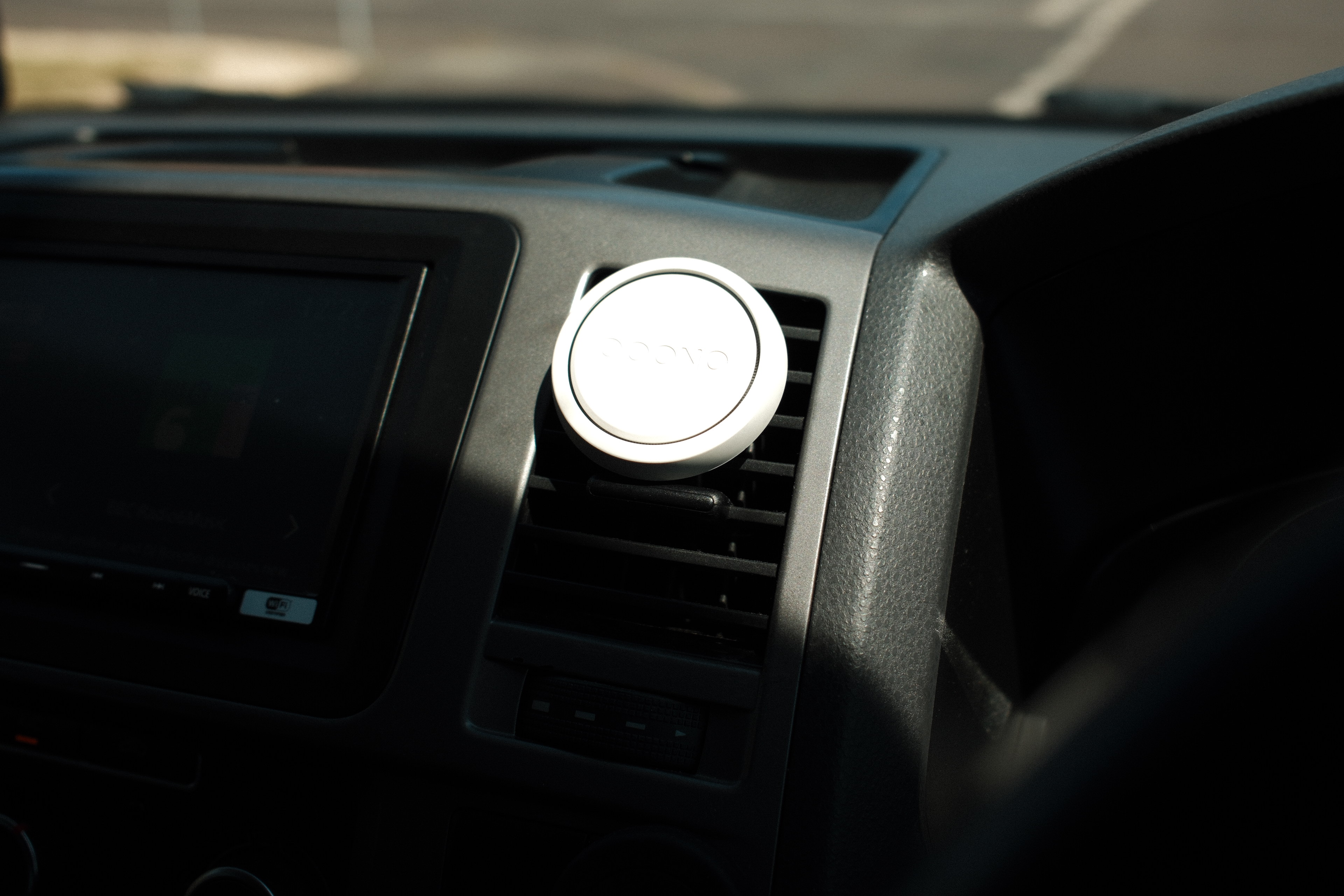
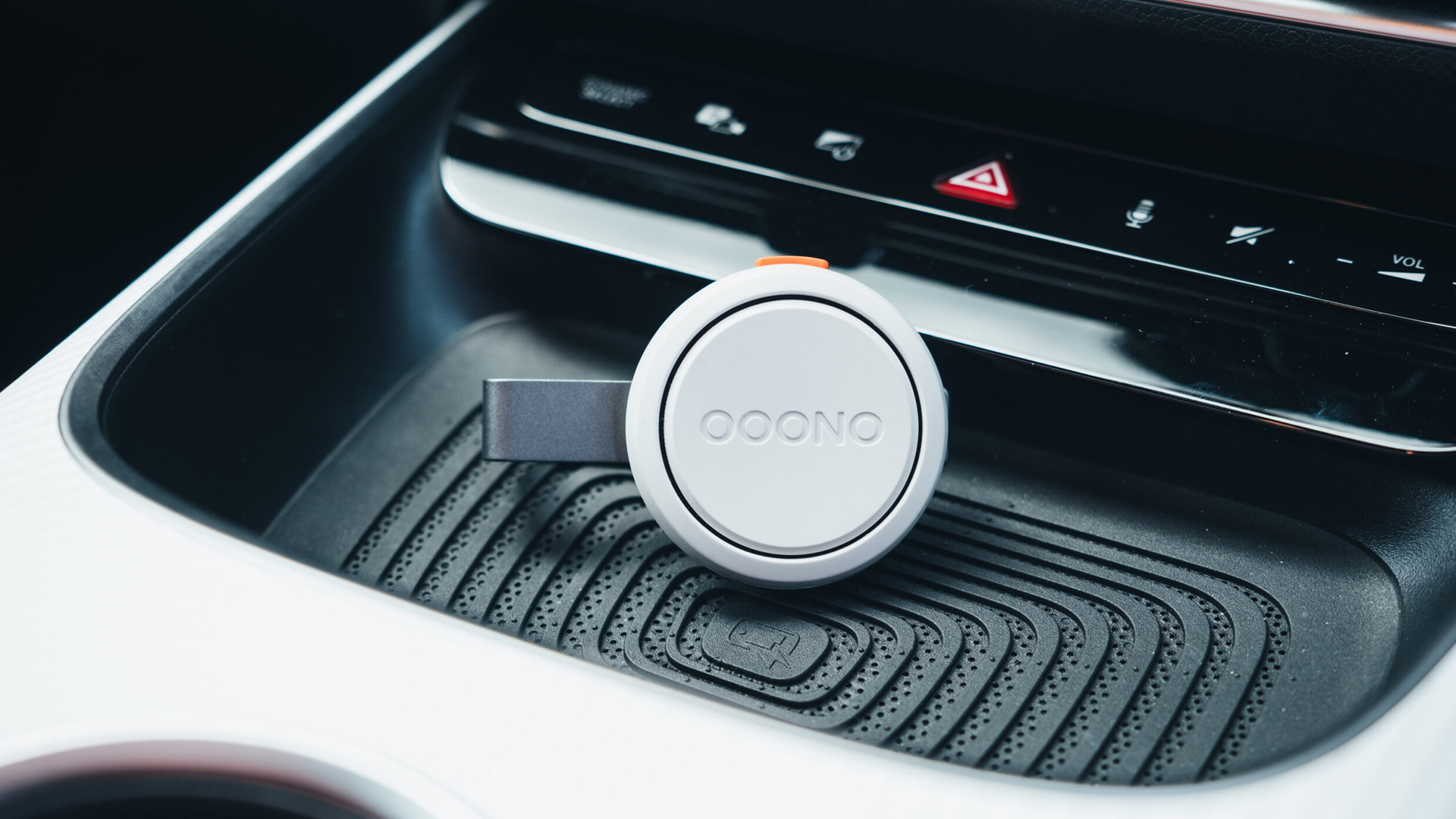
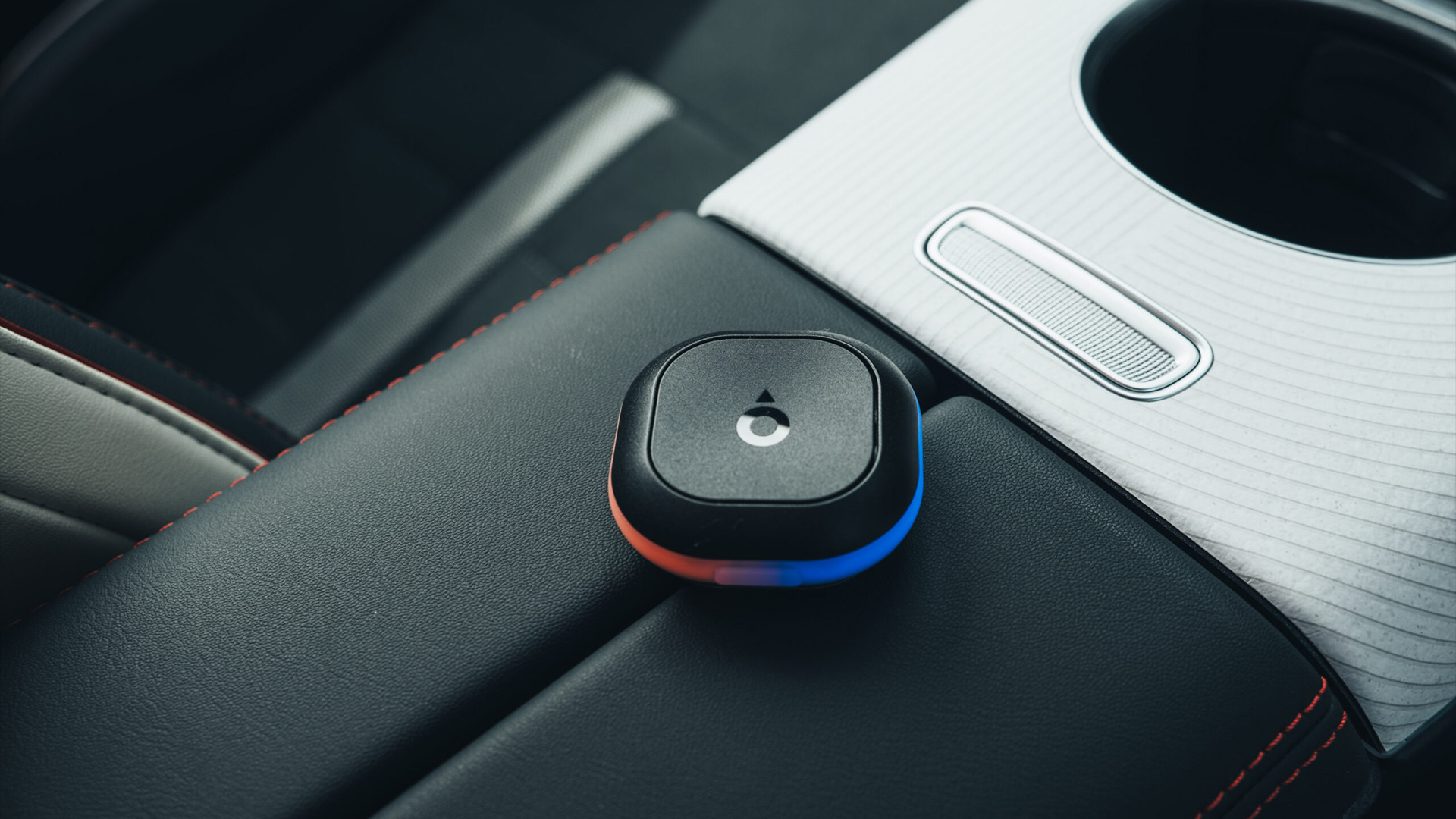
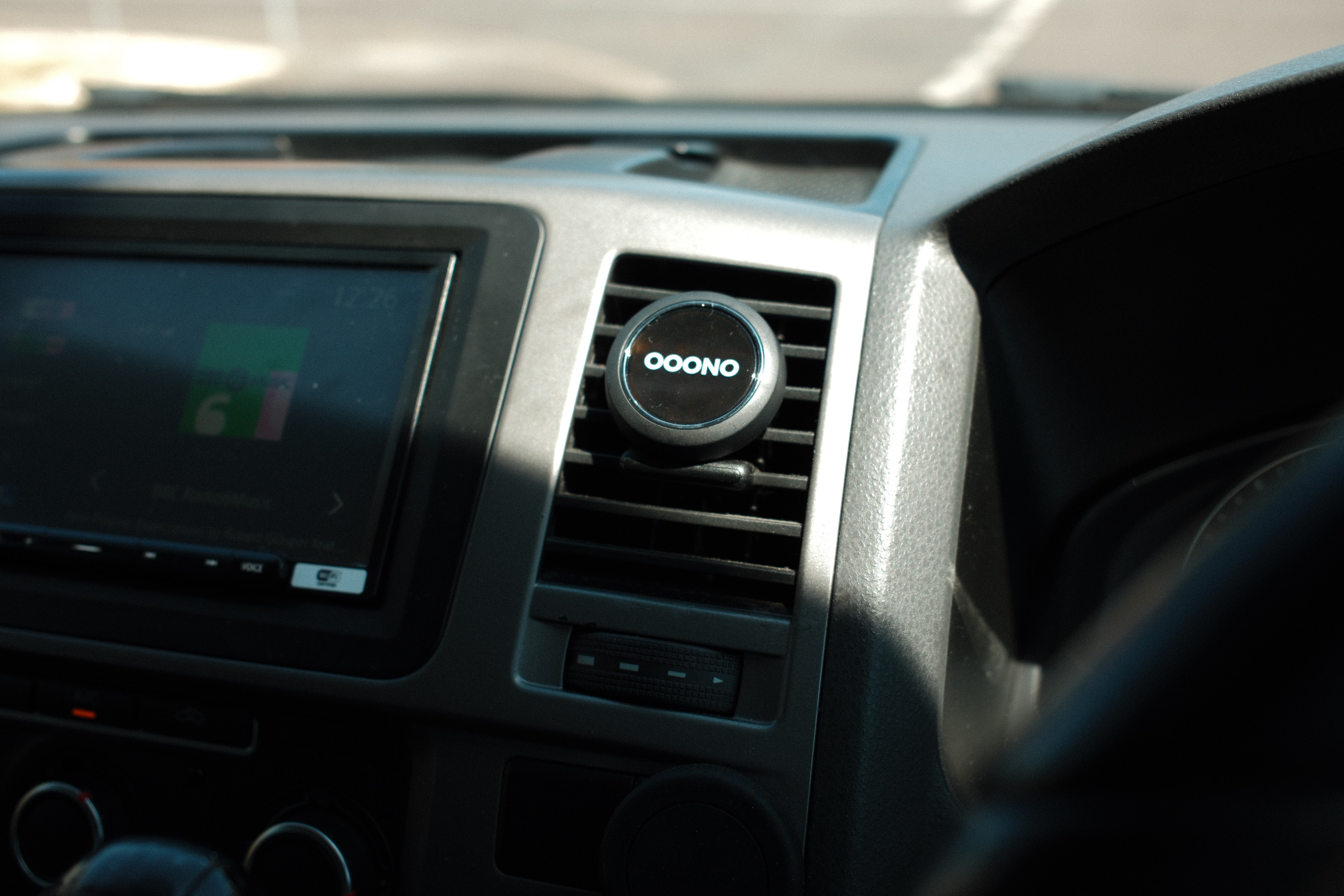
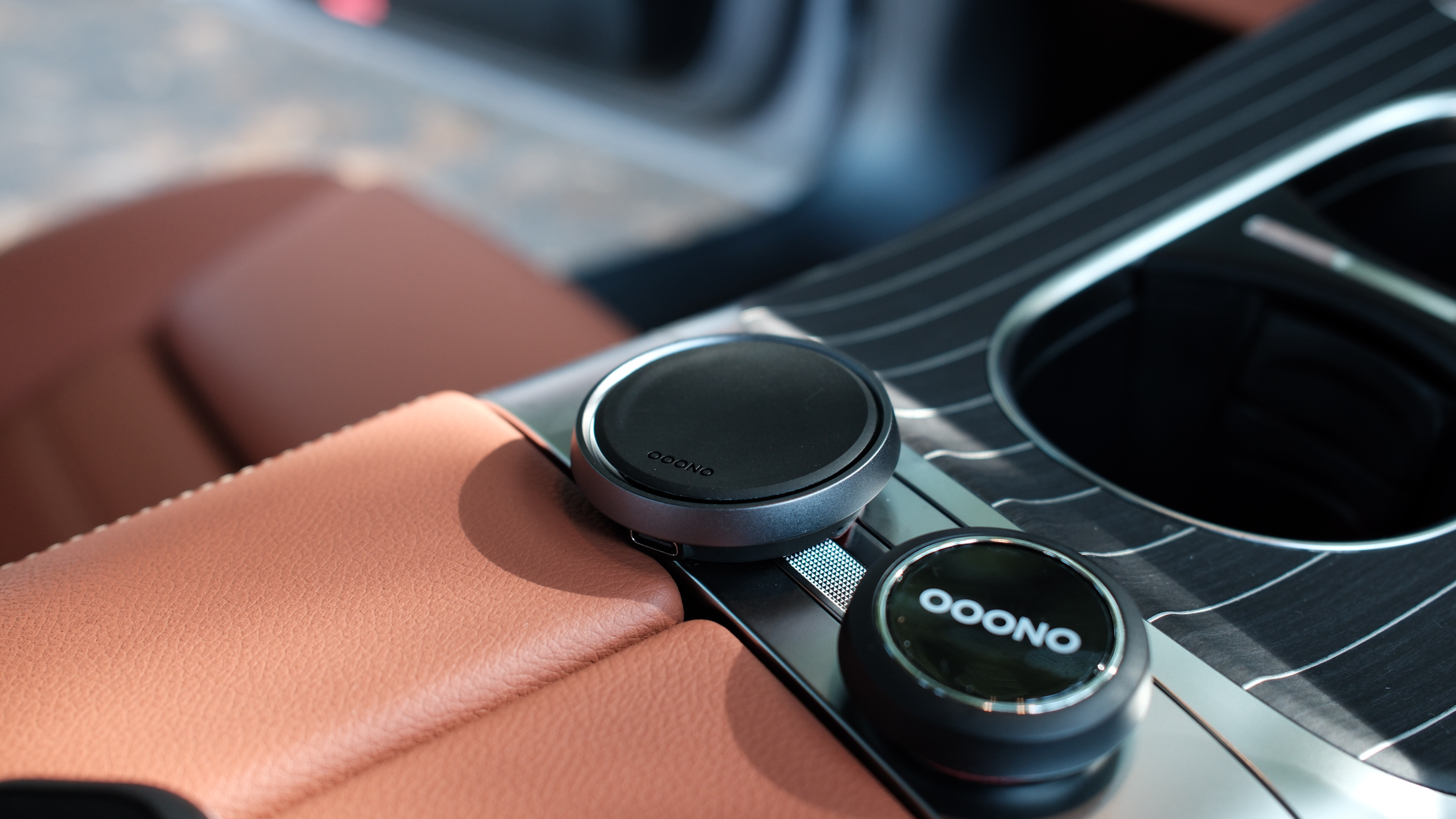
Designed in Denmark, the compact puck-shaped device looks more like a premium smart home accessory than a piece of automotive hardware. A subtle aluminum outer ring, bright wraparound LED indicator and minimalist styling mean it blends neatly into almost any dashboard without drawing attention to itself.
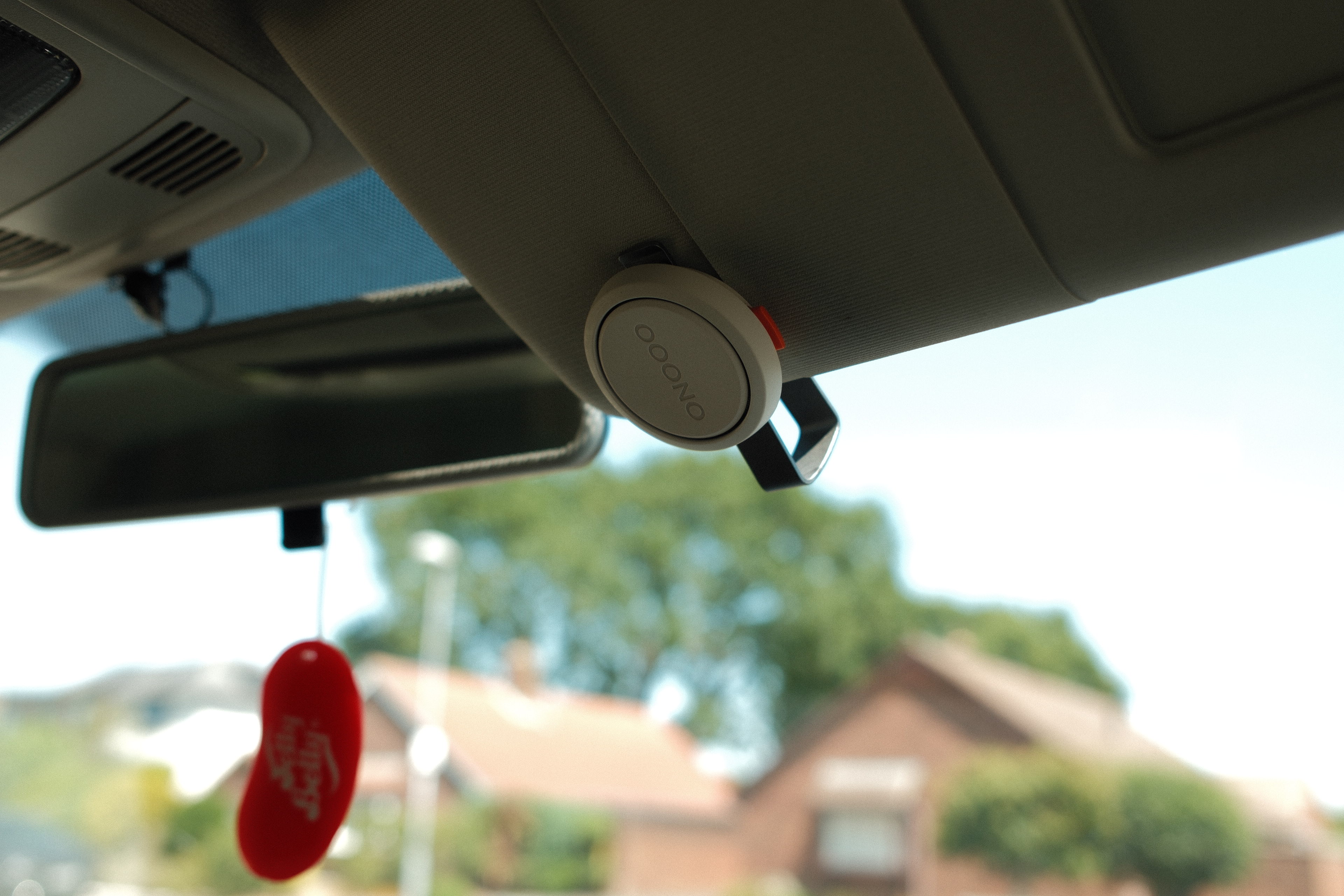
Its mounting system remains one of the smartest available. Rather than relying on a large adhesive pad, Ooono supplies two tiny magnetic mounting points with discreet 3M backing. Once installed, the device simply snaps into place magnetically and can be removed in seconds for charging or swapping between vehicles. An optional sun-visor mount also allows it to be positioned completely out of sight while remaining within easy reach.
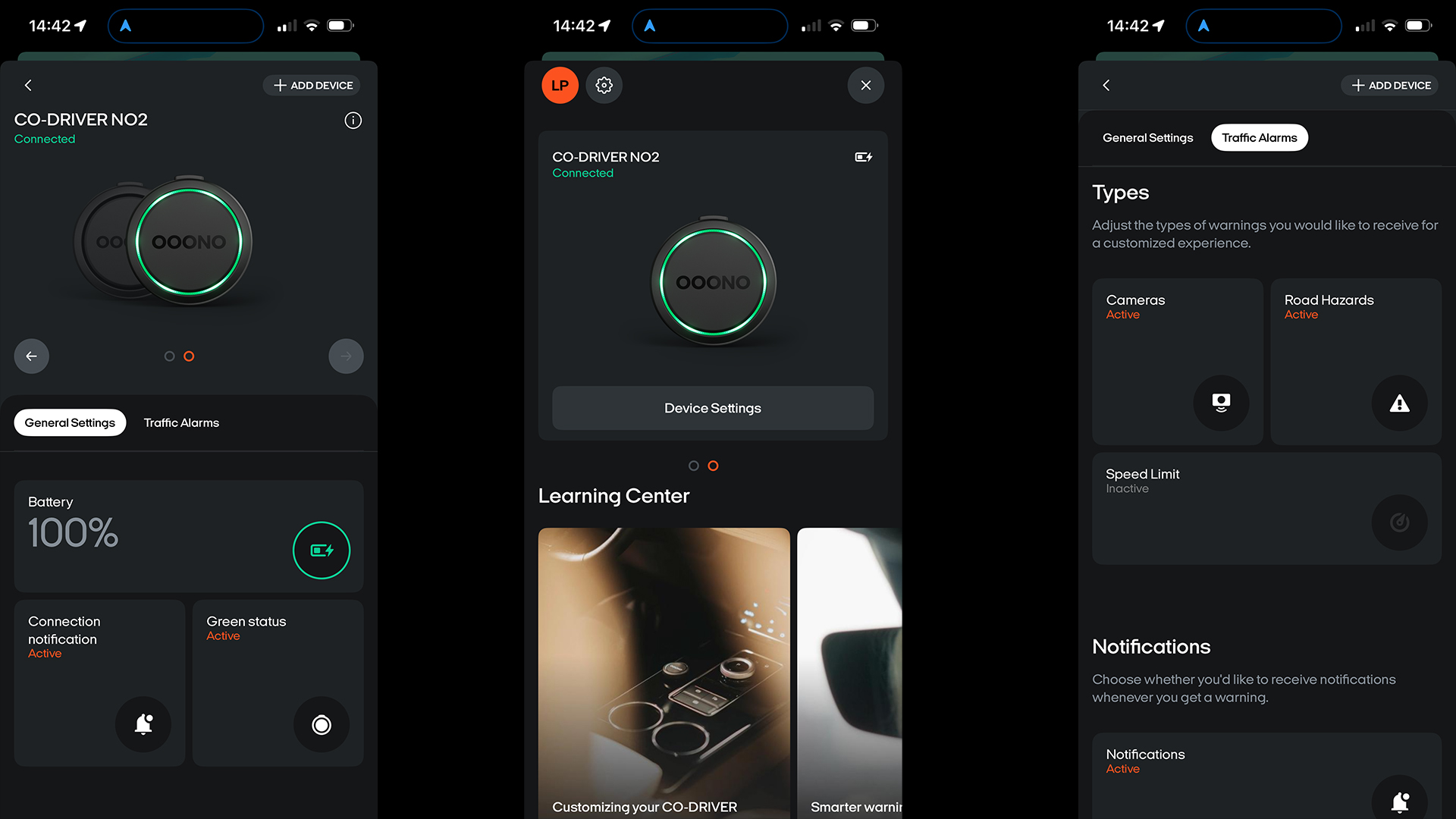
Unlike the original Co-Driver, the second generation features a rechargeable battery that lasts around a month between charges and tops up via USB-C, eliminating the need for disposable batteries or permanent power cables.
(Image credit: Future/Leon Poultney)
The Ooono Co-Driver NO2 sets the benchmark for one simple reason: it makes almost every rival feel unnecessarily complicated
Setup
Getting started takes a few minutes. Download the free Ooono app, pair the device over Bluetooth and grant the necessary permissions. Once configured, it automatically wakes whenever it detects your smartphone nearby, meaning there's very little to think about before setting off.
The latest generation also adds native compatibility with both Apple CarPlay and Android Auto, allowing alerts to play directly through the vehicle's audio system while your preferred navigation app continues handling directions. It feels like a small upgrade but makes a noticeable difference during longer journeys, especially if you prefer keeping your phone tucked away.
Perhaps best of all, there are no subscriptions or premium membership tiers to worry about. Once you've bought the hardware, everything else is included. Bonus.
(Image credit: Future/Leon Poultney)
Performance
Fixed speed camera alerts arrive with plenty of notice, accompanied by bright LED flashes and clear audible warnings that are difficult to miss without becoming too irritating. Optional speed limit notifications can also be enabled, providing a gentle reminder whenever you creep above the posted limit.
Now, these can get annoying, but there’s plenty of adjustability and personalization within the accompanying smartphone app, so you can get blend just right.
Reporting hazards is also dead easy. A couple of button presses allows drivers to report mobile speed cameras, accidents or broken-down vehicles, while a dedicated cancel button quickly dismisses false alerts. The controls become second nature after only a few journeys and, crucially, never require you to look away from the road.
The only area where Ooono still trails the biggest smartphone navigation apps is community reporting. While its network continues to grow rapidly across the UK, services such as Waze can still provide more comprehensive reports for temporary hazards and mobile enforcement in some regions.
That said, Ooono's verified speed camera database is very good and rarely got things wrong during testing. Plus, its combination of stylish design, thoughtful ergonomics and genuinely useful alerts makes it the easiest dedicated speed camera detector to recommend.
2. Tom by TomTom
(Image credit: Future/Leon Poultney)
Price: £69.99 / $95 / AU$143
Rating: 4/5
Design
If the Ooono is the minimalist Scandinavian option, the awkwardly-named Tom by TomTom is the slightly more extrovert cousin.
Build quality is decent, although the plastics don't feel quite as premium as the Ooono's aluminum-trimmed shell
The overall concept is basically the same: a small dashboard-mounted unit with LED alerts and physical buttons for reporting incidents. The TomTom device is a little larger and uses a full adhesive ring mount rather than Ooono's tiny magnetic points, which makes it feel more permanent once installed. There is no visor-mount option either, so it is clearly intended to live on the dashboard full-time.
The upside is visibility. The bright LEDs are among the easiest to spot while driving, particularly in strong sunlight, and the rechargeable battery lasts roughly a month between charges, meaning there is no need for a permanent power cable snaking across the cabin.
Build quality is decent, although the plastics don't feel quite as premium as the Ooono's aluminum-trimmed shell. Plus, there are fewer limited edition finishes like Ooono offers.
(Image credit: Future/Leon Poultney)
Setup
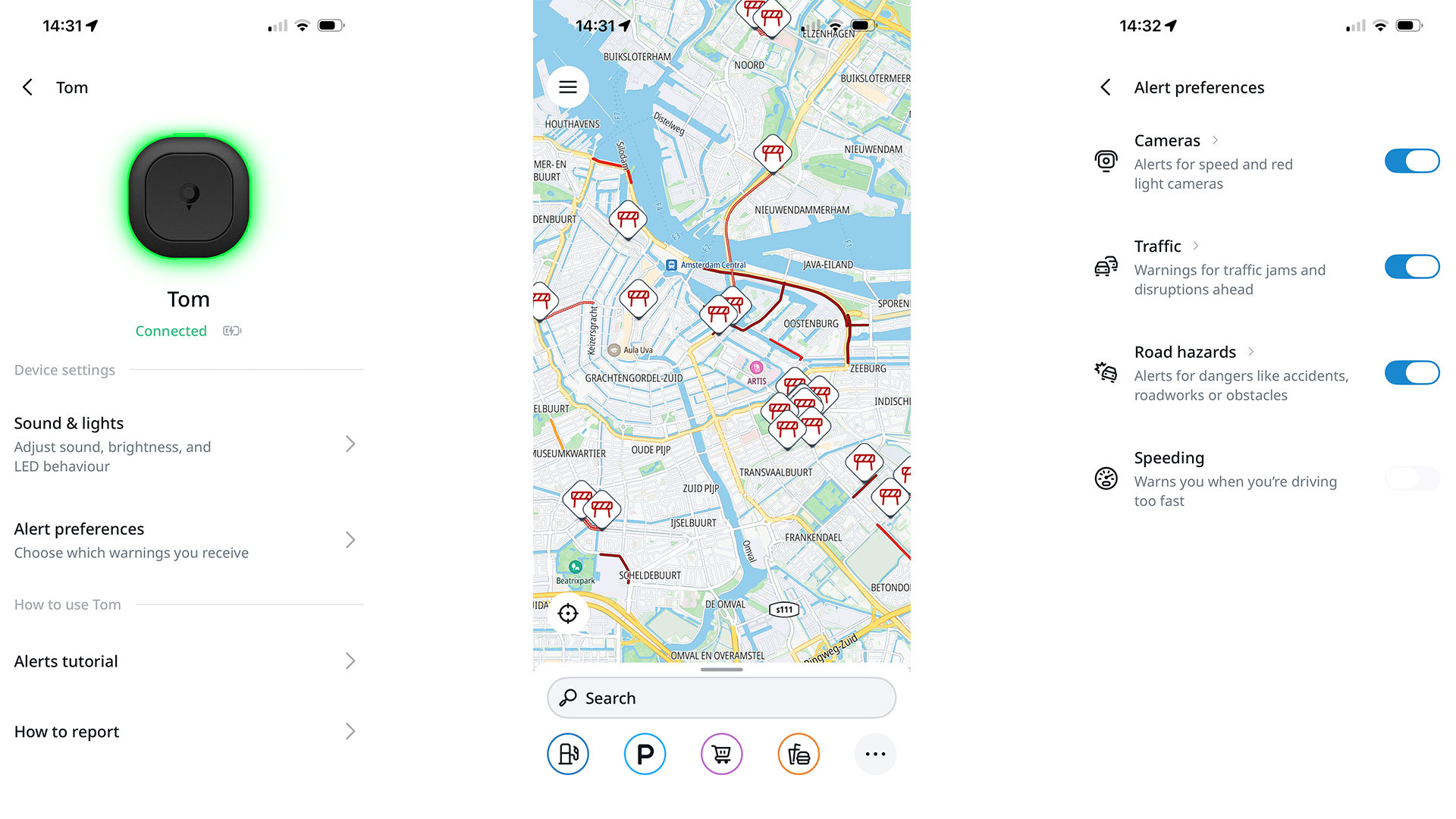
TomTom deserves credit for making the onboarding process almost foolproof. Again, it’s all handled through an app, where users create a free account, pair the device over Bluetooth and you're essentially ready to go. There are no subscription tiers, no payment details to enter and very little opportunity for things to go wrong.
The device automatically reconnects when you get in the car and, because it relies on your phone's data connection, camera and hazard information stays up to date without requiring manual downloads.
(Image credit: Future/Leon Poultney)
Performance
In daily use, the Tom by TomTom runs the Ooono devices surprisingly close. Fixed camera alerts are timely and accurate, average-speed zones are handled well and the visual warnings strike a good balance between noticeable and distracting.
The device also warns when you exceed the limit, using a combination of color changes and audible alerts that are difficult to ignore without becoming overbearing.
Reporting incidents is straightforward, with single and long presses assigned to different hazard types, although the button layout isn't quite as intuitive as Ooono's oversized top-mounted control. Finding the correct button by touch occasionally requires a little more finger fumbling than ideal.
TomTom's greatest strength remains its mapping and traffic data expertise. The camera database proved consistently accurate during testing, and the overall experience felt polished, reliable and refreshingly low-maintenance.
For many drivers, it will come down to a simple question: whether you prefer TomTom's brighter, LEDs or Ooono's more discreet industrial design and slick Apple CarPlay or Android Auto integration.
3. Road Angel Pure Sync
(Image credit: Future/Leon Poultney)
Price: £99.99 / $135 / AU$205
Rating: 3.5/5
Design
The Road Angel Pure Sync takes a very different approach from the puck-shaped devices above.
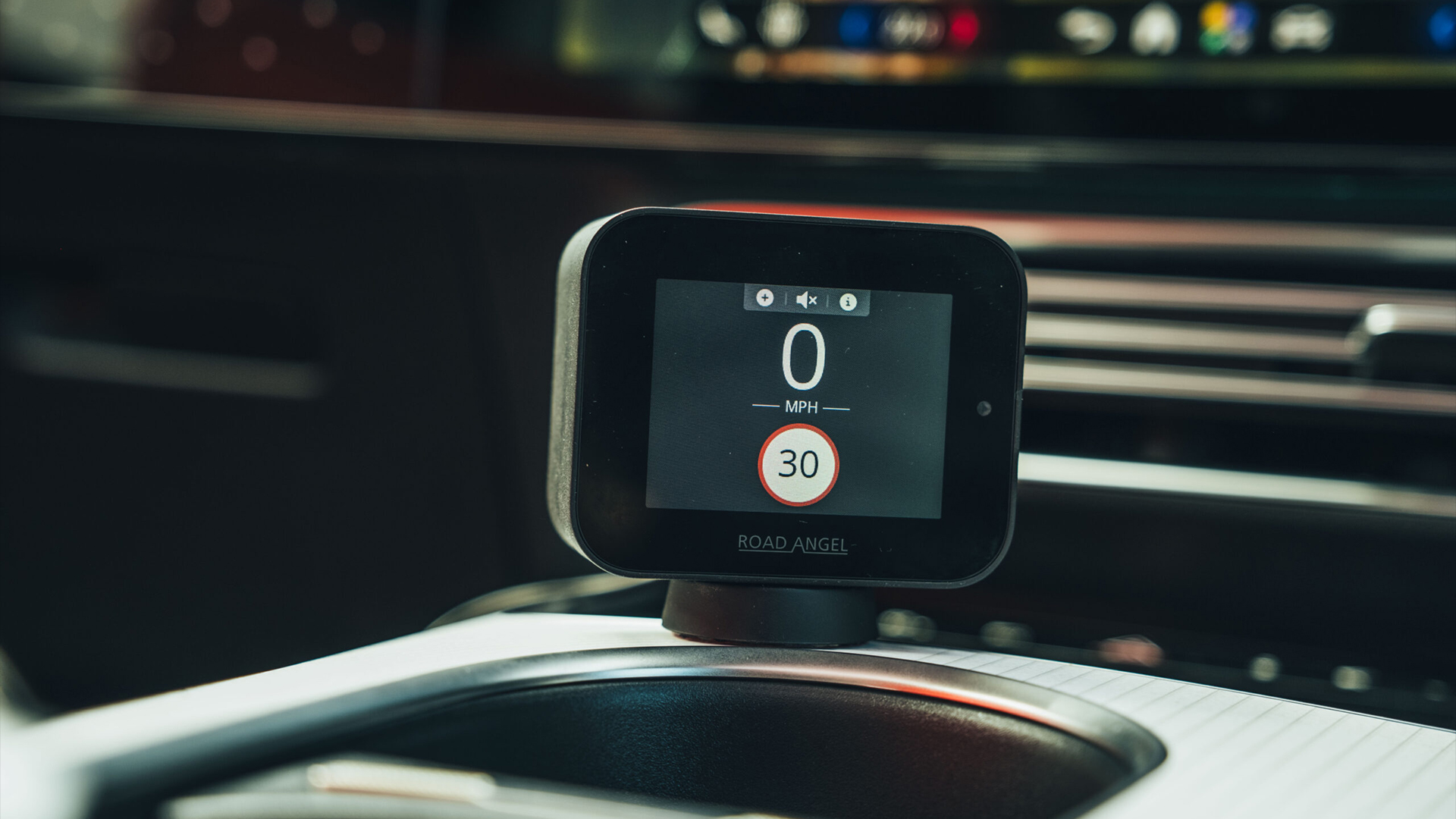
Instead of disappearing into the dashboard, it places a small color display front and center, showing GPS speed, speed limits and camera warnings at all times. The magnetic mount is neatly integrated with the USB-C power connection, helping to keep cable routing tidier than many older dashboard gadgets.
Unfortunately, the device still requires constant power, so there is always a cable to manage somewhere in the cabin. Build quality is also less convincing than the price suggests, with a noticeably plasticky shell and a screen that can become difficult to read in direct sunlight depending on where it is mounted.
(Image credit: Future/Leon Poultney)
Camera warnings arrive with plenty of notice, while the speed limit system is impossible to miss
Setup
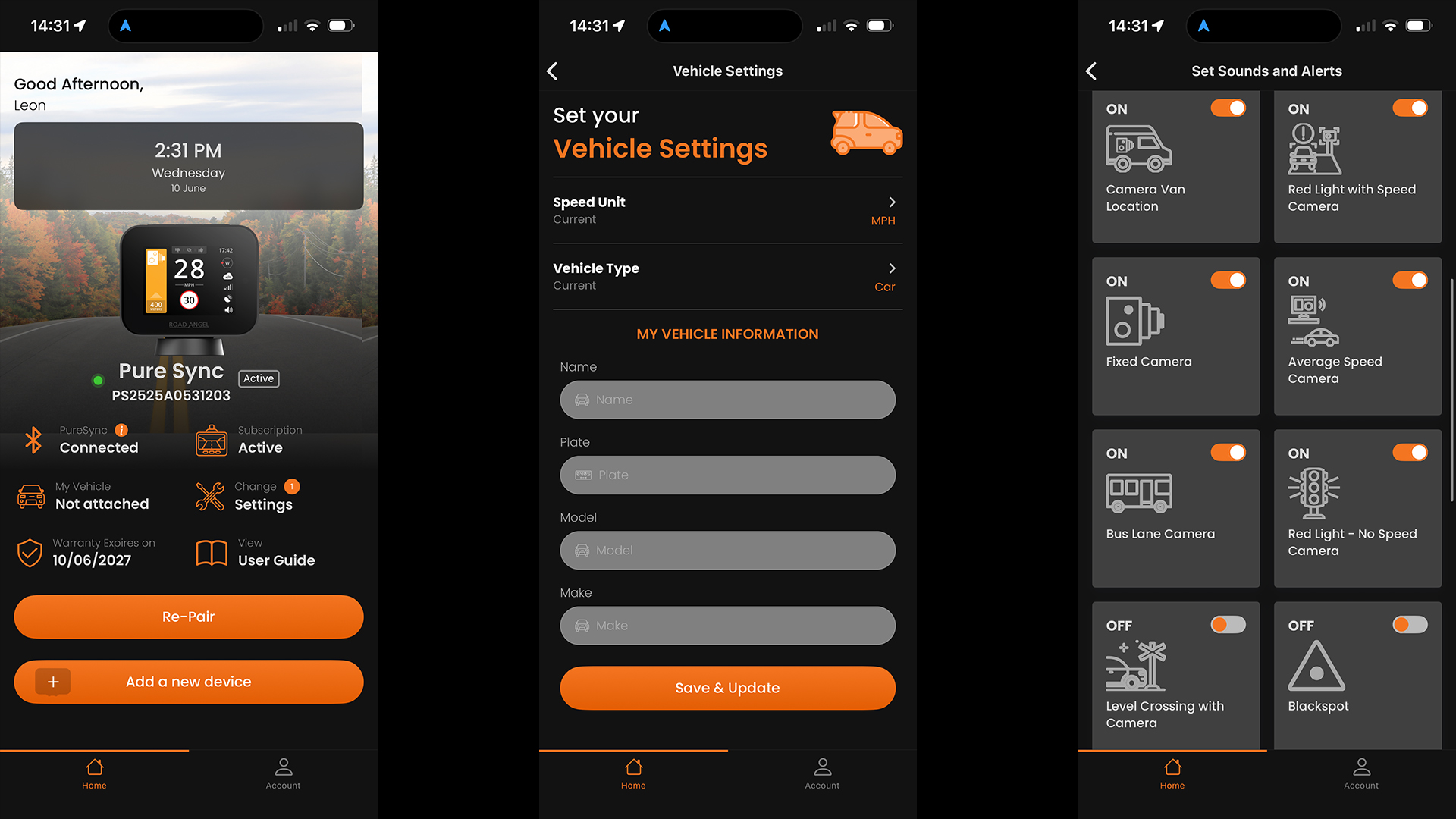
This is, by far and away, the weakest link in the Road Angel's armor. Despite the included 12-month subscription, registration still requires payment details, which feels unnecessarily complicated when rivals simply ask you to download an app and pair a device.
Bluetooth pairing also proved temperamental during setup, requiring several attempts before the phone and hardware consistently connected. Once configured, however, the system generally behaved itself and reconnects automatically when you start the car.
(Image credit: Future/Leon Poultney)
Performance
Camera warnings arrive with plenty of notice, while the speed limit system is impossible to miss: the screen flashes red and the device emits a loud voice warning whenever you drift above the posted limit. In fact, the default volume is so aggressive that most drivers will probably dive into the settings menu and turn it down after the first journey.
The live GPS speed display is genuinely useful in older vehicles with optimistic analogue speedometers, although it feels less essential in modern cars that already provide accurate digital speed readouts.
Hazard reporting works well once you've memorized the controls, with incidents submitted to the Road Angel community for verification before being distributed to other users. As with all cloud-connected systems, coverage still depends on local user numbers, and Waze, Ooono and the TomTom device all remain stronger for temporary hazards in some parts of the UK.
The Pure Sync ultimately feels like a halfway house between a traditional sat-nav camera alert unit and the newer minimalist Bluetooth devices. If you value a permanent speed display and don't mind the subscription model, it remains a capable option. If simplicity is the priority, the Ooono and TomTom solutions are easier to live with.
4. Ooono Co-Driver NO1
(Image credit: Future/Leon Poultney)
Price: £19.99 / $27 / AU$41
Rating: 4/5
Design
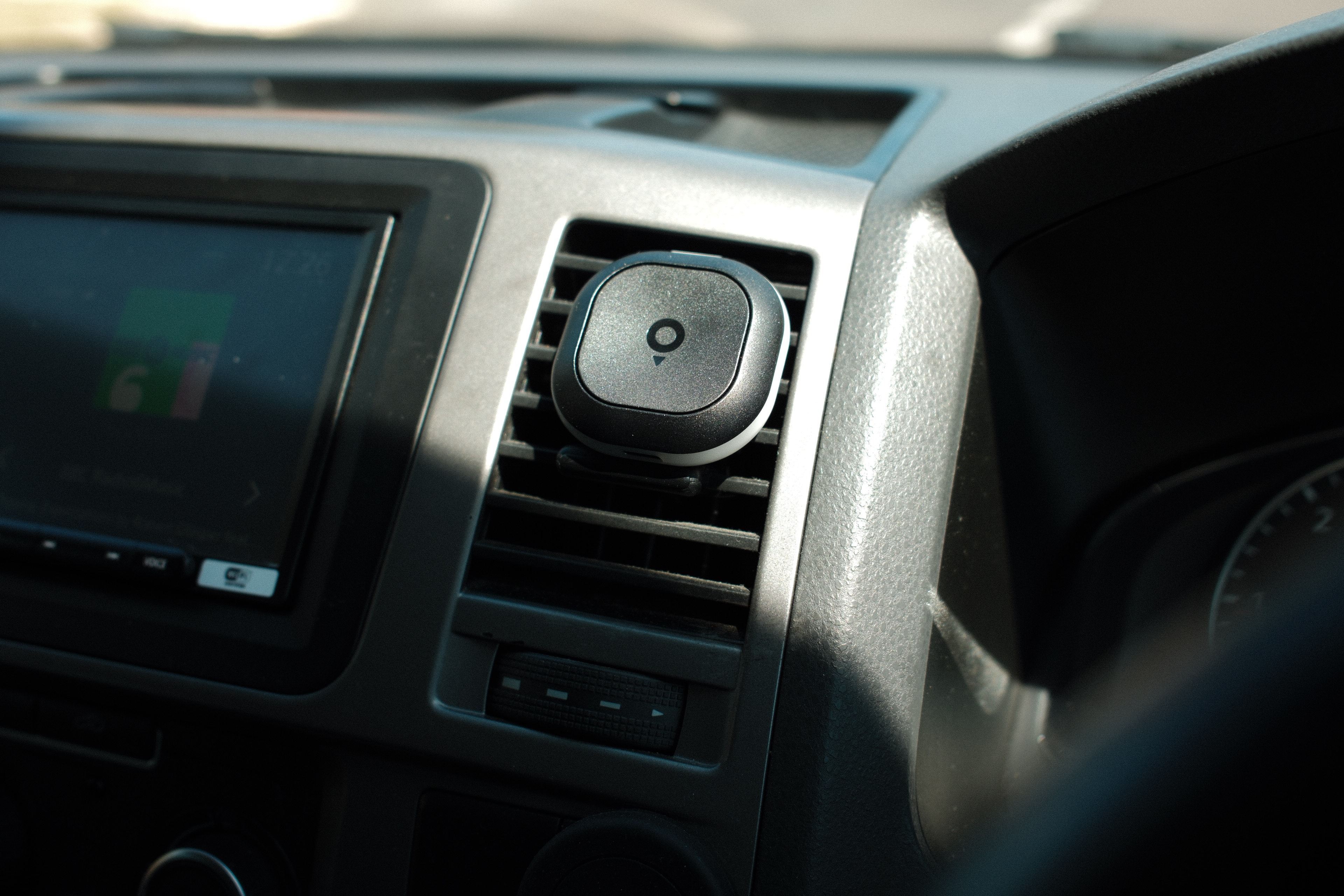
The original Ooono Co-Driver remains available and, placed beside the newer NO2, it is immediately obvious how much the design has evolved.
The first-generation unit is noticeably smaller and arguably even more discreet, blending into the dashboard almost completely once installed. However, it uses a fixed adhesive mount rather than the newer magnetic system, making it less convenient to remove or transfer between vehicles.
It also relies on a coin-cell battery rather than a rechargeable pack, although Ooono claims around a year of battery life before replacement is needed.
(Image credit: Future/Leon Poultney)
Setup
As before, setup is very simple and anyone can have it up and running in a matter of minutes. The device pairs with the Ooono app over Bluetooth and then quietly runs in the background using the phone's data connection and GPS. There are no subscription fees and no complicated menus to navigate.
(Image credit: Future/Leon Poultney)
For the core job of warning about speed cameras, the NO1 still performs remarkably well
Performance
For the core job of warning about speed cameras, the NO1 still performs remarkably well. It uses the same Ooono camera database and community reporting network as the newer model, so alert accuracy remains strong.
What you lose are the convenience features: there is no Apple CarPlay or Android Auto integration, no rechargeable battery and no dedicated false-alert cancellation button.
For drivers who simply want reliable camera warnings in the smallest possible package, the original Co-Driver remains one of the cheapest and most discreet options on sale.
5. Snooper My-Speed Plus
(Image credit: Future/Leon Poultney)
Price: £199.99 / $270 / AU$410
Rating: 3/5
Design
After spending time with the smartphone-connected devices above, the Snooper My-Speed Plus feels like a product from a different era — and that is not necessarily a criticism.
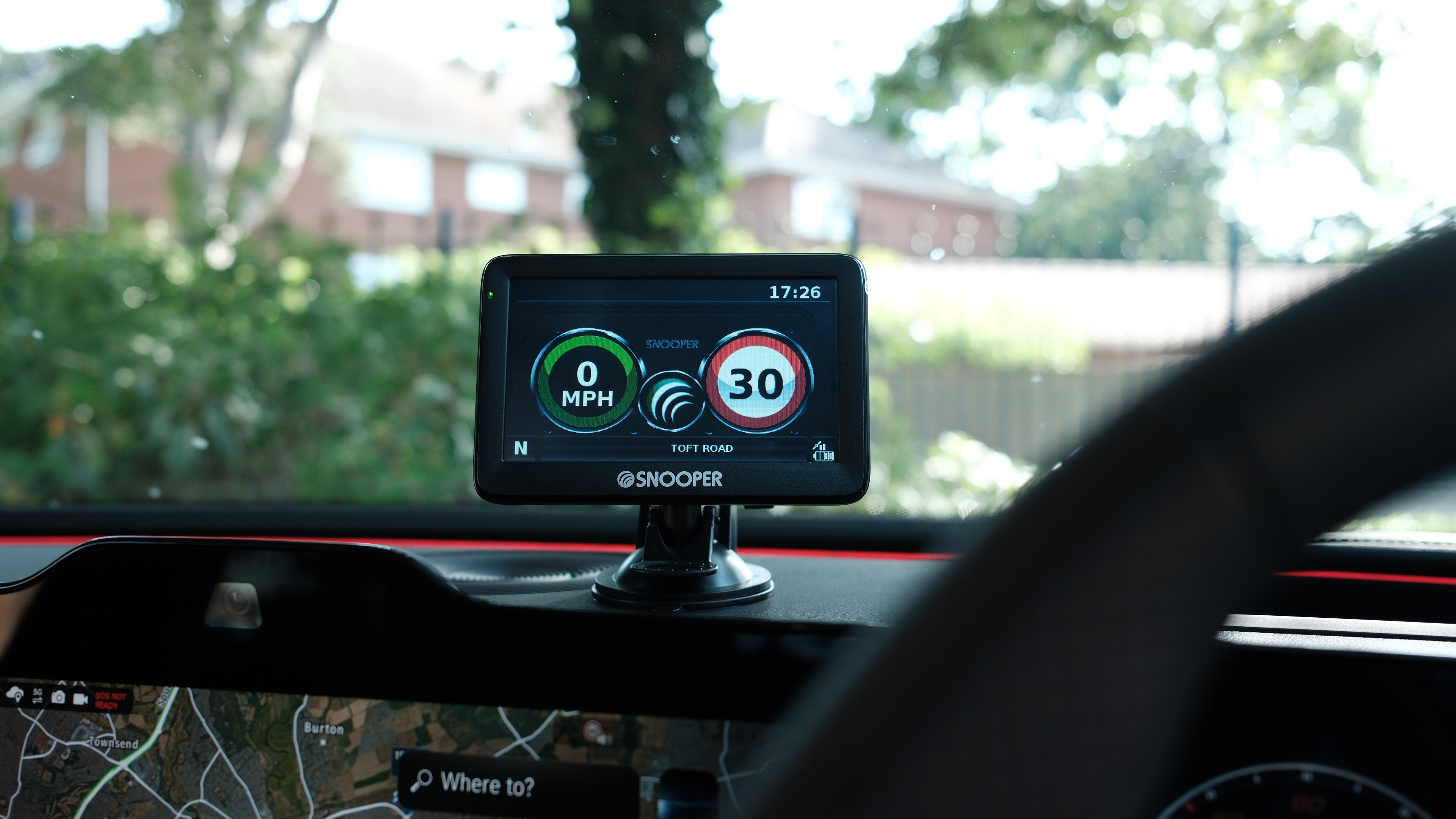
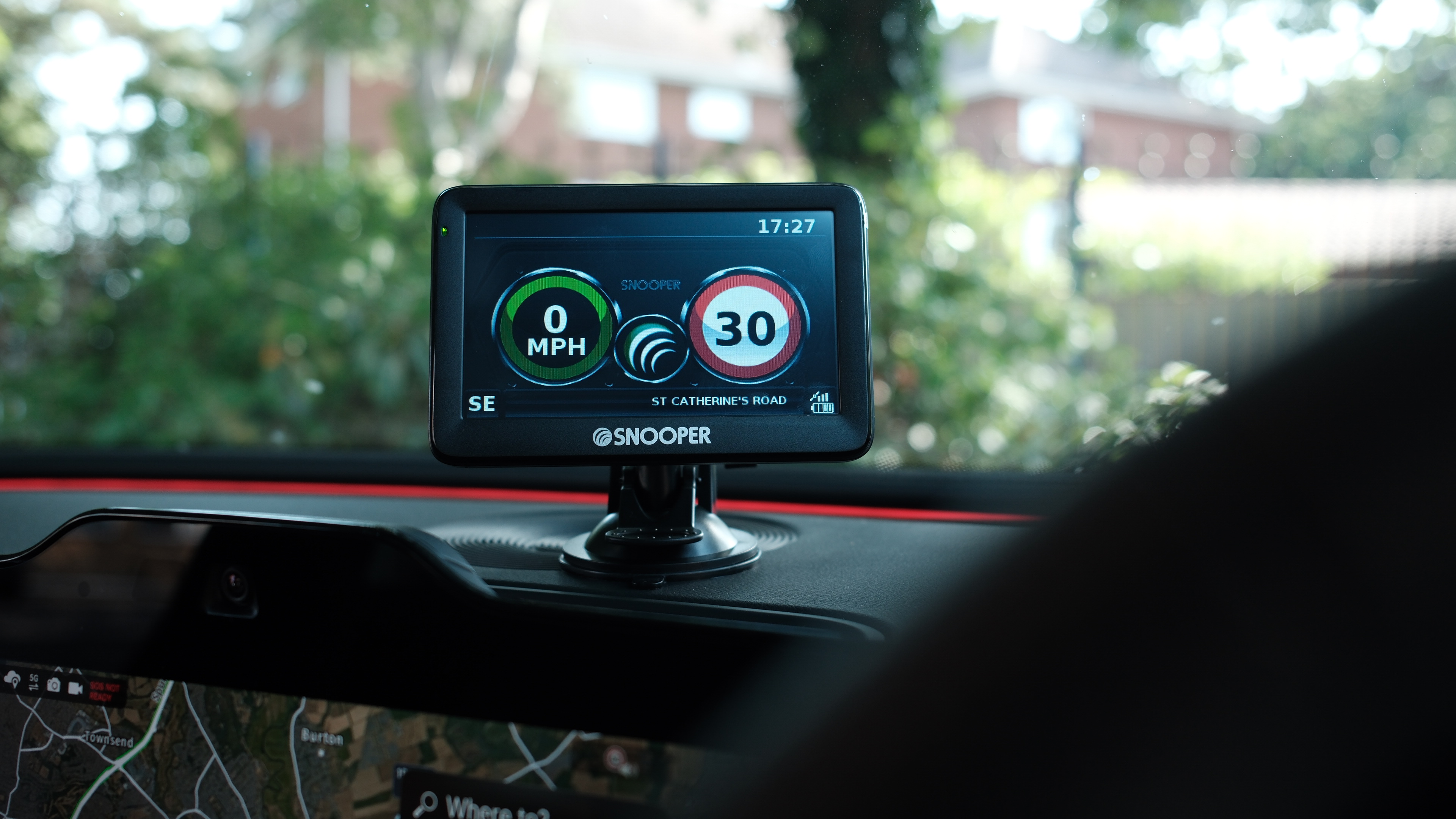
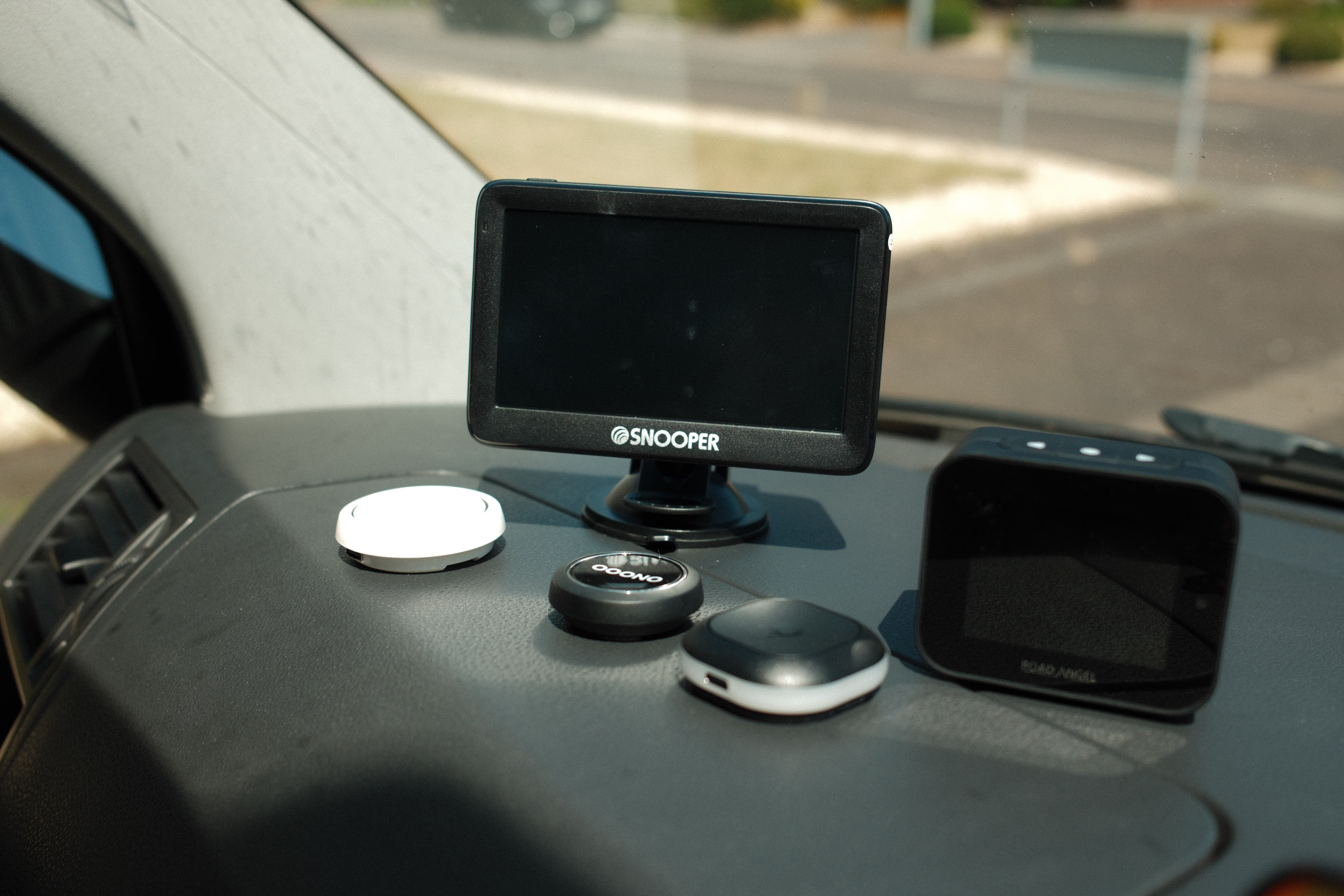
Rather than a tiny puck on the dashboard, Snooper gives you a full 5-inch color display mounted to the windshield or dash, complete with speed readouts, camera warnings and traffic information. It looks more like a compact sat-nav than a modern Bluetooth accessory, and it occupies a lot more real estate as a result.
The larger screen does have advantages. Speed limits and GPS speed are visible at a glance, while the red-and-green graphics make it very obvious when you have drifted above the limit.
(Image credit: Future/Leon Poultney)
The Snooper My-Speed Plus feels like a product from a different era
Setup
Unlike the other products here, the Snooper operates independently of your smartphone. The device contains its own GPS receiver and uses Snooper's AURA camera database, so there is no need to keep a phone connected during journeys. Initial setup is straightforward, but keeping the database current requires occasional manual updates via USB using a Windows PC or Mac.
That feels decidedly old-school in 2026, but some drivers will appreciate the complete independence from apps, Bluetooth connections and mobile data.
(Image credit: Future/Leon Poultney)
Performance
Once updated, the Snooper's camera coverage is excellent. Fixed camera warnings are reliable, average-speed zones are handled well and the large display provides far more information than the minimalist LED-based rivals.
The trade-off is size and cost. At £199.99, it is by far the most expensive device in this guide, requires permanent power from a 12V socket and occupies a significant portion of the windshield compared with the almost invisible Ooono or TomTom units.
For drivers who want a dedicated, easy-to-read display without relying on a smartphone, the Snooper remains a compelling niche option. For everyone else, the newer Bluetooth-based devices generally deliver a cleaner, more modern experience.
Which should you buy?
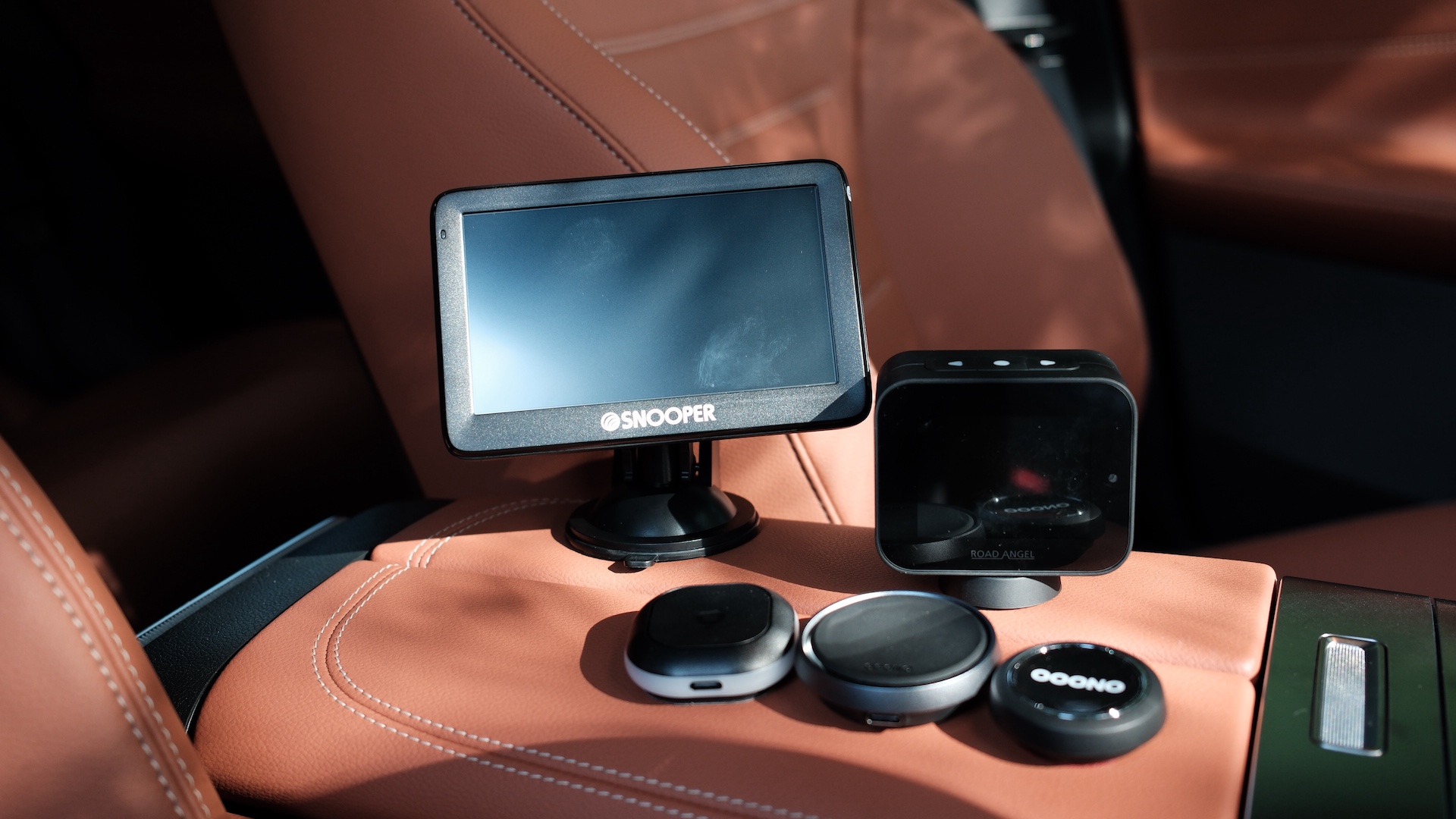
(Image credit: Future/Leon Poultney)
If you simply want the best all-round experience, the Ooono Co-Driver NO2 remains the device I'd recommend. Its combination of elegant design, effortless setup, strong camera database and CarPlay and Android Auto integration makes it the easiest product here to live with every day.
The Tom by TomTom runs it surprisingly close and offers excellent value for drivers who prefer bright, visible alerts from the built-in LEDs. Road Angel Pure Sync will appeal to owners of older vehicles who value the permanent GPS speed display, while the Ooono NO1 remains a brilliant budget entry point.
The Snooper My-Speed Plus, meanwhile, occupies its own category entirely. It is larger, more expensive and more old-school than the others, but its standalone GPS operation means it doesn’t blitz data on your smartphone. Regardless, it’s absolutely massive and feels OTT compared to the others.

 Login
Login