❌

Reading view

Grok is now in Microsoft Copilot, but don't expect snark in your spreadsheets

Microsoft Copilot will soon support Grok models from xAI. Word, Excel, and PowerPoint users in the Microsoft Frontier Program can test Grok models now, with general support expected to roll out in the future.

Grok models are being added to Microsoft's Online Services Subprocessor list. By offering different models as subprocessors, Microsoft can give customers access to those models without people having to switch away from the overall Copilot experience.

For example, Researcher Agent in Microsoft Copilot works with Claude AI models from Anthropic. Other Copilot experiences may use multiple AI models to complete tasks.

"Our multi-model strategy gives customers access to leading AI models while maintaining the trusted Copilot experience," said Microsoft in a Tech Community post.

For different models to appear as options, admins need to enable them through the settings of their respective organization.

During the testing period, Grok models will not be available in the European Union, European Free Trade Association, or the United Kingdom.

Blank Pixel

What is a subprocessor?

Subprocessors are third-party providers that help Microsoft deliver online services. Microsoft has an expansive list of subprocessors used for everything from powering data centers to completing tasks in Copilot.

Using Grok as a subprocessor helps Copilot tackle different tasks and provides redundancy that protects against outages or issues with other subprocessors. But users should not expect the witty or irreverent tone and style that Grok has become known for on X.

Subprocessors sit under Microsoft's system prompts and enterprise guardrails, so the generated responses will still be professional. Essentially, you get the benefit of Grok's multi-step logic and mathematical prowess but within Copilot.

Once an admin enables the integration, you can set Copilot in apps like Word, Excel, and PowerPoint to automatically pick the best model for a task, or manually pick between GPT, Claude, or Grok directly from a drop-down menu in the interface.

Click to join us on r/WindowsCentral

Join us on Reddit at r/WindowsCentral to share your insights and discuss our latest news, reviews, and more.
  •  

Google's Gemini app for Windows 11 uses the same keyboard shortcut as Copilot

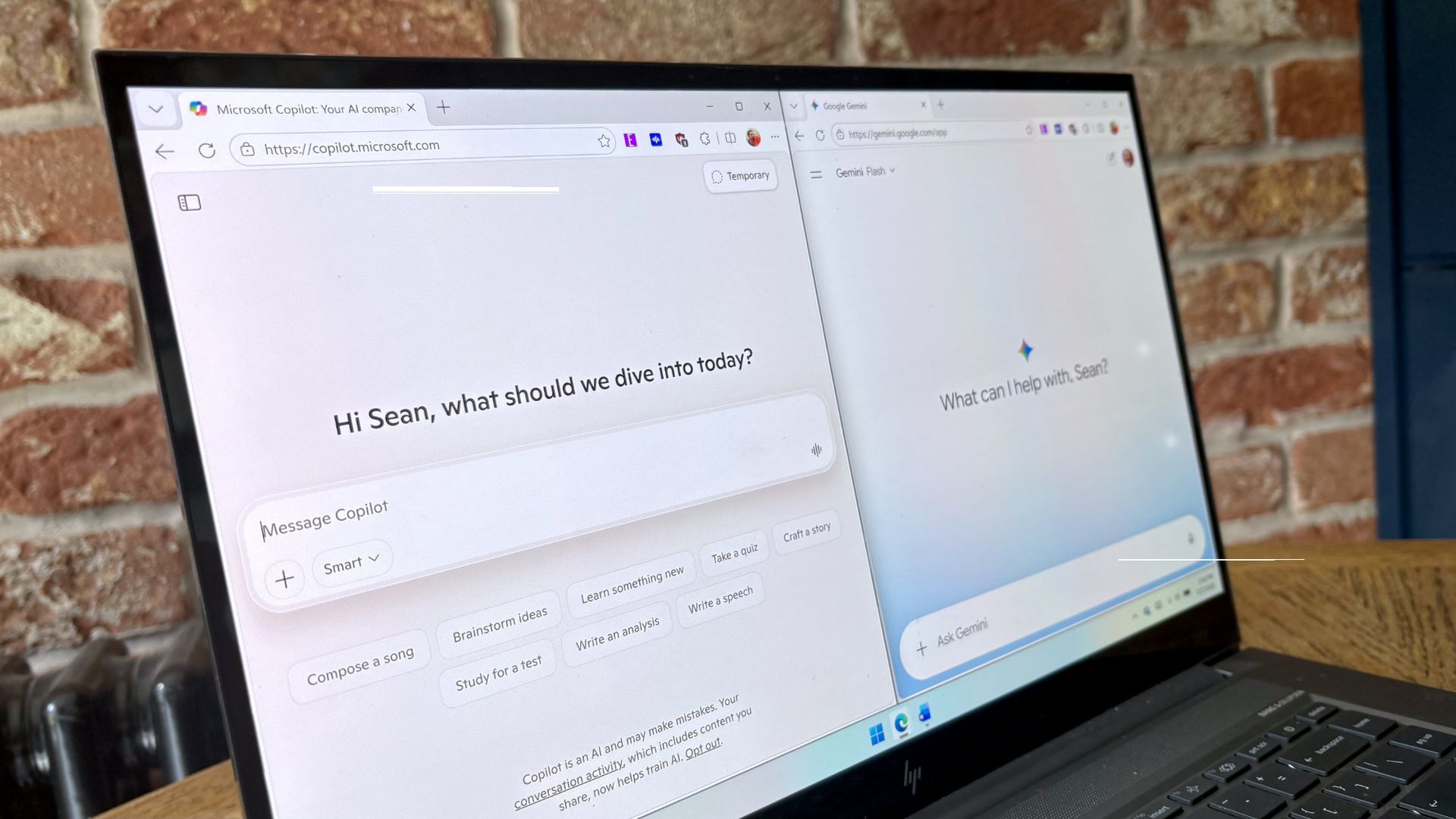
Google Gemini now competes with Microsoft Copilot for space on your keyboard. Google just released Gemini for Windows, and that app uses the same keyboard shortcut as Copilot (Alt + Space).

That shortcut is popular and those hoping to use Gemini may have to remap some shortcuts to perform other tasks. In addition to summoning Copilot, Alt + Space opens PowerToys Run.

The Gemini app is available for both Windows 11 and Windows 10. You can download it through Google's website.

The general functionality of the Gemini app is similar to Gemini's web experience. One key difference is that you can summon the AI tool with a keyboard shortcut, which allows you to launch it quickly.

The macOS version of Gemini supports sharing your screen and other native capabilities, such as dictating by pressing both Command keys. Google explains that more native features will ship to the Windows version of Gemini in the future.

Blank Pixel

I prefer Gemini over Copilot for many tasks. I recently swapped to Google's AI tool for a month to see how it performed as an editor. While Copilot felt more personal, Gemini was often more accurate when it came to correcting tasks.

"In my specific use case, Gemini felt like an upgraded Microsoft Editor while Copilot felt like a modern Clippy," I said a couple months ago.

Both Copilot and Gemini have their strengths and weaknesses, but Google's option is better for my workflow. Our readers disagreed.

21% of those who voted in our poll about proofreading with AI use Microsoft Editor. Another 29% of participants use Microsoft Copilot. Only 11% of voters rely on Gemini to proofread documents.

Of course, Gemini and Copilot can do a lot more than proofread documents. Google recommends the new Gemini app for fact-checking documents, coming up with titles for a presentation, and creating images and videos.

For more complex tasks, you can hand things off to Gemini Spark within the app.

Click to join us on r/WindowsCentral

Join us on Reddit at r/WindowsCentral to share your insights and discuss our latest news, reviews, and more.

  •  

Linux users finally get a real Copilot app, and Microsoft didn't even make it

It's the year of Linux, haven't you heard? You may as well pack up your PC, study your favorite distro, and get ready to evangelize the open-source platform that will run on all systems in the future.

Joking aside, Linux has grown a bit in popularity and Microsoft continues to embrace it. While the tech giant has several apps and projects on Linux, Microsoft has not released an official Copilot app for Linux.

Sure, you could use Copilot on the web. Heck, you could even open up Microsoft Edge for Linux and install Copilot as a PWA (Progressive Web App). But where is the fun in that?

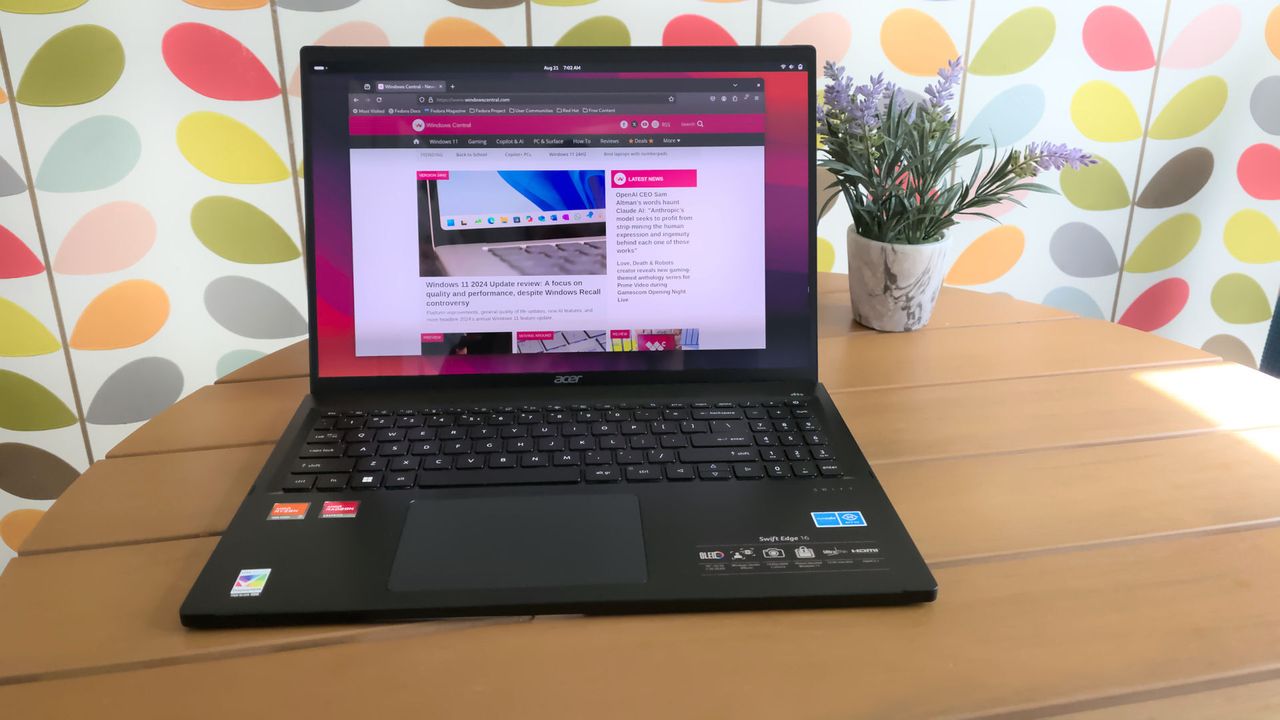
Instead, you could install the unofficial Copilot app for Linux built by Hayden Barnes. The app opens the Copilot web app in a dedicated GTK window and keeps your login session safely on disk. It also integrates with the desktop for autostart, system downloads, app launcher execution, and accessing hardware permissions like the microphone.

Barnes shared the project on X alongside a link to the app's GitHub page.

pic.twitter.com/XoHA21dRXBAugust 4, 2026

Many of the unofficial Copilot app's features overlap with using the web version of Copilot since Microsoft's AI tool is the center of the experience. But building the unofficial app as a native GTK application means its developer can deeply integrate system shortcuts, allow it to run quietly in the system tray, and trigger native OS notifications as opposed to relying on browser notifications.

Other benefits include native support for desktop accent colors and system dark themes. Overall, the app looks and feels far more natural on a Linux desktop than a standard browser window, and keeping Copilot isolated prevents it from slowing down if your main browser gets bogged down with dozens of open tabs.

The unofficial Copilot app for Linux is new, so we'll have to use it for a while to determine its long-term stability and performance. The first publicly available release of the app shipped this week.

We have a few systems running Linux spread across our team, so we'll let you know how the unofficial Copilot app performs over time.

Blank Pixel

Click to join us on r/WindowsCentral

Join us on Reddit at r/WindowsCentral to share your insights and discuss our latest news, reviews, and more.

  •  
❌