Login
Login
Friday Night Baseball Goes Immersive August 28 on Apple Vision Pro
Source: Apple.
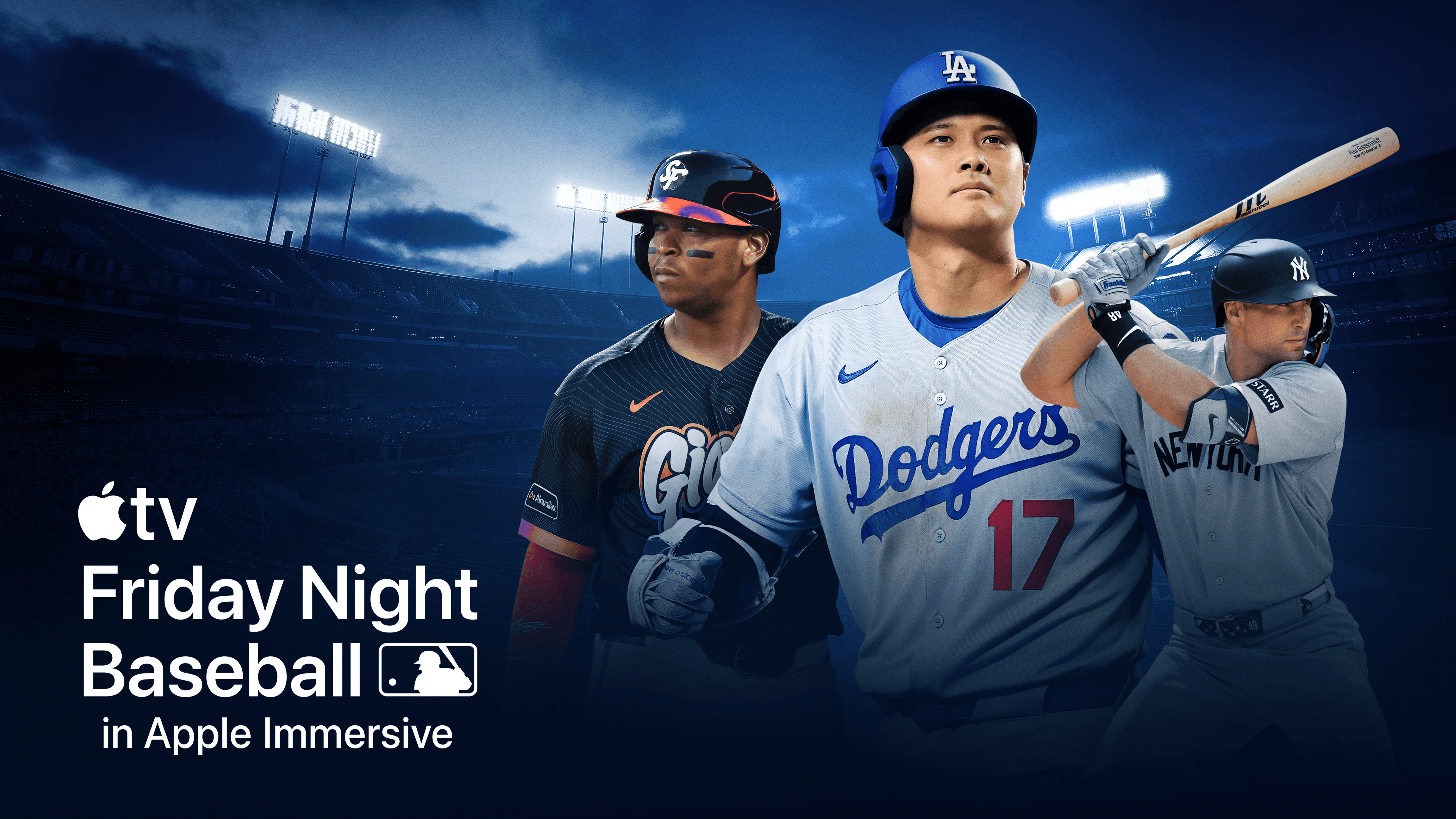
The next big push for Apple Immersive Video on Vision Pro has been revealed: live baseball games. Starting August 28 and running through the rest of the regular MLB season, the company will stream one real-time immersive matchup per week exclusively on Vision Pro as part of its Friday Night Baseball lineup on Apple TV.
Immersive games will feature an in-stadium experience with Spatial Audio captured by ambisonic microphones, special graphics like team lineups and stats floating in view, and a dedicated commentary team made up of play-by-play commentator Paul Severino, analyst Xavier Scruggs, and sideline reporter Michelle Margaux. If you’ve seen any of the immersive Lakers basketball games broadcast this year, you have an idea of how these elements come together with Immersive Video to create a rich, lifelike experience.
Source: Apple.
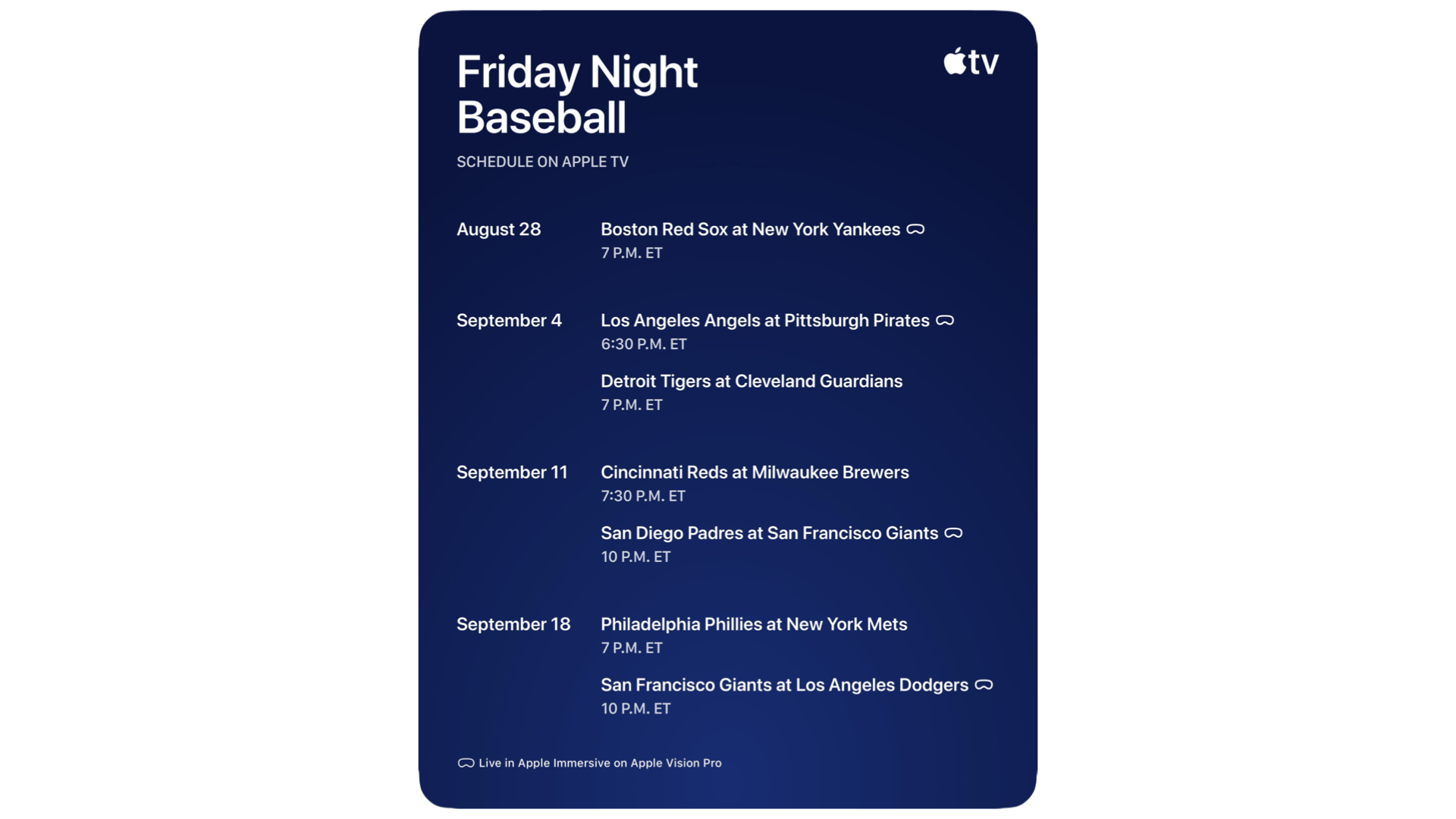
The first immersive baseball game will pit the Boston Red Sox against their rivals, the New York Yankees, at 7:00 p.m. PT on August 28. Weekly immersive games will continue into September:
Friday, September 4
Los Angeles Angels at Pittsburgh Pirates
6:30 p.m. ET
Friday, September 11
San Diego Padres at San Francisco Giants
10 p.m. ET
Friday, September 18
San Francisco Giants at Los Angeles Dodgers
10 p.m. ET
Live immersive games will be available to Apple TV subscribers via the TV app on Vision Pro in Australia, Canada, Germany, Hong Kong, Japan, South Korea, Taiwan, the UK, and the U.S. Full game replays and highlights will be made available after the games are over as well.
Streaming Friday Night Baseball in Apple Immersive Video seems like a natural move for Apple to make. The company has been airing baseball games on Friday nights for four years now and has worked to integrate more of its technology into the broadcasts. Plus, MLB has already won many baseball fans over with a fantastic enhanced viewing experience for baseball games in its own visionOS app. Just as Apple is beefing up its sports offerings in the Apple TV service with MLS and F1, so it’s rounding out its sports strategy on the Vision Pro with a regular output of live baseball.
To me, there’s nothing that quite matches the energy and sense of camaraderie you feel when you walk into a baseball stadium. Apple Immersive Video is a powerful medium for recreating in-person experiences, so I’m very keen to watch one of these live games for myself. If Apple’s immersive baseball games can offer a taste of what it’s like to actually be in the stadium – and based on what we’ve seen from the format before, I think it’s likely – this will quite a compelling way to watch some baseball.
We’ll find out exactly what it’s like on August 28, so stay tuned for more details once Friday Night Baseball in Apple Immersive officially debuts.