There are some very good and obvious reasons why a VPN should be part of your summer holiday plans.
Anyone who's ever had to rely on crawling hotel Wi-Fi speeds or faced blocks on their regular home streaming services while abroad will understand the frustration, and a VPN is a great solution for both of those.
A VPN will mask your online activities to make sure you can access whatever you like on public Wi-Fi without the network restricting your bandwidth or recording the sites and services you go to.
You can also use a VPN to supply you with an IP address of any country in the world, of course. That means that your device can appear to be connecting from back home and you won't get blocked from accessing iPlayer, Sling or any of your other regular streamers.
All good VPNs offer these things, and for a few dollars a month, it's well worth downloading one for this year's summer vacation.
If you are going to give that a try, then you should have a think about IPVanish. It's a very good VPN – not the best VPN, but a very good one – but the reason it's a good choice for your travels this time is that an IPVanish subscription currently comes with a free eSIM to use for 30 days too.
Get a 3GB eSIM with IPVanish: $2.19 per month IPVanish is only one of two recommended VPNs that come with a free eSIM. ExpressVPN is the other one. But the deal is far better with IPV's. For $2.19 per month, the Essential plan includes use of a 3GB eSIM for 30 days. With ExpressVPN, it's around twice the price, and you only get 3 days of usage. Try IPV's Advanced plan if you want to up the data to 5GB. Try out IPVanish with a 30-day money-back guarantee.View Deal
Compare that to ExpressVPN – the only other recommended VPN company that offers a free eSIM right now. First, ExpressVPN's plans are twice as expensive ($2.19 per month vs $4.49 per month) but, secondly, you only get access to your eSIM for 3 days with ExpressVPN!
Sign up to the IPVanish Essential plan ($2.19 per month) and you'll get 3GB for 30 days. If you go for the Advanced plan ($3.29 per month), then it's 5GB for 30 days.
The other good reason to try Advanced is that it comes with access to a cloud based browser called Secure Browser. This means that you'll do all your browsing and service accessing from IPVanish's cloud servers, instead of your own device, while on shared Wi-Fi networks. There's no way that any restricting network will have any idea of what you're doing and that should mean you're scot-free to access whatever you need with minimal disruptions.
You can read more about IPVanish and Secure Browser here. Have a great vacation and happy travels!
Emergency SOS via satellite is now available in Andorra and Iceland, allowing supported iPhone and Apple Watch users to contact emergency services when cellular and Wi-Fi coverage are unavailable.
Apple added both countries to an updated support document, expanding the feature to 20 supported markets. Users in Andorra and Iceland can call or text 112 before choosing the satellite option when an ordinary emergency connection cannot be completed.
The expansion covers every iPhone 14 or later model running iOS 26.4 or newer. Apple Watch access requires Apple Watch Ultra 3 with watchOS 26.4 or later.
Emergency SOS does not turn the devices into conventional satellite phones. The system is designed for short emergency exchanges in locations where normal communication networks cannot be reached. Users must remain outdoors with a sufficiently clear view of the sky and follow onscreen directions while the device establishes and maintains a connection.
Emergency SOS via Satellite Reaches 20 Markets
Emergency SOS via satellite first launched in the United States and Canada in November 2022 with the iPhone 14 lineup. Apple gradually added European countries, Australia, New Zealand, Japan and Mexico as regulatory approval and emergency-service support became available.
Andorra and Iceland now join Australia, Austria, Belgium, Canada, France, Germany, Ireland, Italy, Japan, Luxembourg, Mexico, the Netherlands, New Zealand, Portugal, Spain, Switzerland, the United Kingdom and the United States.
The addition is particularly relevant for travelers and residents exploring mountainous or remote terrain.
Andorra contains extensive hiking, cycling and skiing areas across the Pyrenees, where cellular coverage can become unreliable beyond populated valleys and resorts. Iceland presents a different but equally demanding environment, with large rural areas, volcanic landscapes, glaciers and routes far from conventional infrastructure.
Satellite availability does not guarantee a connection everywhere. Mountains, deep valleys, dense tree cover and tall structures can obstruct the line between the device and a passing satellite. Apple also warns that satellite connectivity may not function in locations above 62 degrees latitude, which can affect some northern regions.
Most of Iceland lies below that threshold, although environmental conditions and the position of surrounding terrain can still influence performance.
International travelers can generally use Emergency SOS while visiting a supported country, even when the feature is not offered in their home market. Exceptions apply to devices purchased in certain countries or regions where Apple satellite connectivity is restricted.
iPhone 14 and Newer Models Gain the Expansion
Every version of iPhone 14 and later contains the hardware required for Apple satellite features. Users in Andorra and Iceland must install iOS 26.4 or a newer release before relying on Emergency SOS.
The system appears only when the iPhone cannot reach cellular service or Wi-Fi. Apple recommends trying the local emergency number first because another carrier network may still be able to complete the call even when the user own provider shows no coverage.
When the call fails, the iPhone offers Emergency Text via Satellite. The user answers a short series of questions describing the emergency, including the type of assistance needed and whether anyone is injured.
The compressed questionnaire reduces the amount of information that must be transmitted through the limited-bandwidth satellite connection. Once connected, the iPhone sends the responses and location to an emergency dispatcher or an Apple-supported relay center capable of contacting local responders.
In Andorra and Iceland, the applicable emergency number is 112.
Users can also choose to notify emergency contacts. When Medical ID and emergency contacts have been configured in the Health app, selected details can be shared during the incident.
The conversation does not operate at the speed of an ordinary text exchange. Under ideal conditions, a message may require approximately 30 seconds to send. Light or moderate foliage can extend that delay beyond one minute, while heavier obstructions may prevent a connection entirely.
The iPhone displays guidance showing which direction to turn or move as satellites pass overhead. The phone can remain connected while the screen is locked, but it should not be placed inside a pocket or backpack during the exchange.
Apple Watch Ultra 3 Works Without an iPhone Nearby
Apple Watch Ultra 3 brings similar protection directly to the wrist, allowing users to contact emergency services even when an iPhone is not available.
Emergency SOS via satellite on Apple Watch Ultra 3 does not require an active carrier plan. Apple includes the service at no additional charge for two years following activation of the watch.
When cellular and Wi-Fi connections are unavailable, users can attempt an emergency call or open Messages and text 112. If the message cannot be delivered through an ordinary network, the watch presents the satellite emergency option.
Apple Watch Ultra 3 also guides the wearer toward the satellite connection. The device can remain in its normal position on the wrist rather than being held above the head, although the user may be instructed to turn or move away from an obstruction.
A wet watch may have more difficulty maintaining satellite communication, an important limitation for swimmers, boaters and users caught in severe weather.
The watch can send the emergency questionnaire, location, elevation, Medical ID information and battery level. Emergency contacts can also receive information about the incident when the user has enabled that option beforehand.
Crash Detection and Fall Detection add another layer. If iPhone 14 or later or Apple Watch Ultra 3 detects a severe crash or hard fall and the user remains unresponsive, the emergency notification may be transmitted over satellite when cellular and Wi-Fi networks are unavailable.
Image Credit: Apple Inc.
Preparation Matters Before Going Off-Grid
Apple provides a connection demonstration that allows users to practice finding a satellite without contacting emergency services.
On iPhone, the demonstration can be opened through the Satellite controls or the Emergency SOS section in Settings. Apple Watch Ultra 3 users can add the Satellite control to Control Center or place a satellite complication on the watch face.
Testing the process before a remote trip helps users understand how quickly conditions can affect the connection. A clear field may establish contact rapidly, while a canyon or heavily wooded trail may require movement toward more open terrain.
Medical ID and emergency contacts should also be completed before leaving network coverage:
Health > Profile > Medical ID
A Medical ID can provide responders with information such as allergies, medical conditions, medications and emergency contacts. Users remain responsible for deciding which personal details they want stored and shared.
Emergency SOS via satellite is included free for two years after activating an iPhone 14 or newer model. Apple provides the same two-year period with Apple Watch Ultra 3, although the company has not established the long-term price that may apply after promotional access ends.
The arrival in Andorra and Iceland gives hikers, drivers, skiers and other travelers another route to help, but the safest preparation still includes checking weather conditions, sharing an itinerary and carrying adequate power before moving beyond ordinary network coverage.
This to me is proof that Apple leadership is suffering from cognitive dissonance over their slide into advertising. They’re conflating cause and effect. The Apple brand stands for high-quality superior user experiences because the devices and software Apple makes traditionally deliver high-quality superior user experiences. The work Apple ships is what makes the brand what it is. But now they’re stricken with the mindset that it’s the Apple brand that makes something a high-quality superior experience.
[…]
If you refuse to admit that the ads make these services worse, you also can’t admit that there’s a reason to offer an ad-free experience. So the thinking is something like “Apple always focuses on the user experience, and never deliberately makes the user experience worse. Therefore, if an Apple service shows ads, those ads are high quality and don’t detract from the quality of the product or the experience of using it. Therefore, there’s no reason to offer users a paid ad-free tier, because there’s no reason to want to avoid Apple’s ads.”
What a brand stands for can change over time. It’s eventually determined by the products, not the mantras.
“It just works.”
“A thousand no’s for every yes.”
“What happens on your iPhone, stays on your iPhone.”
I feel bad admitting it, because some of my friends are betting on iAd revenue to feed their family, but I’m just not on board with Apple running an advertising network. I don’t want to see ads in my apps, and I don’t want Apple to ever lose even a little of what it means to be a product-driven company.
The whole thing is funny because at a fundamental level we all just know in our bones that Apple never even considered putting “Intel Inside” stickers on Macs.
[…]
Apple still treats its hardware with that level of respect. With reverence. iPhones don’t even say “iPhone” on the hardware. No model or serial numbers. No small print. Just an Apple logo on the back.
[…]
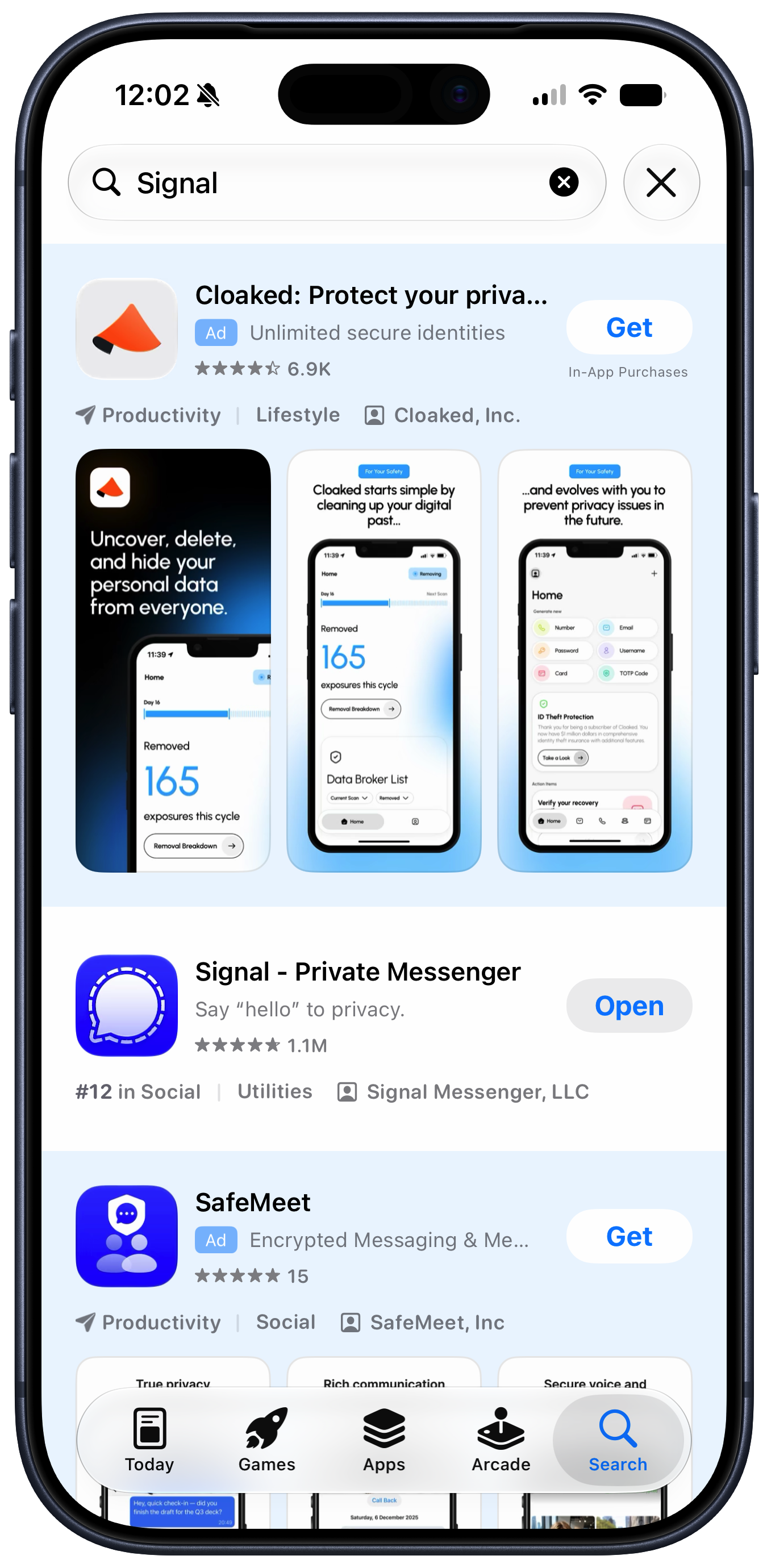
Putting themselves in customers’ shoes today, how many ads do Apple’s executives want stuck in the results when they search for an app in the App Store? We know the honest answer. But the answer evidenced by the actual App Store is “Two really big ones, including one in the first spot.”
While Apple can spin adding ads to Apple Maps as a revolutionary new way for businesses to be discovered, it’s telling that its initial announcement was hidden inside a press release about an entirely different product, and introduced as “Enhanced Discoverability in Apple Maps.” Those choices show that this isn’t something Apple is actually proud of—and that the people in charge of communicating and explaining Apple’s decisions to the world are at odds with those who are making the decisions about expanding revenue.
[…]
To this day, you’re confronted with an ad for Creator Studio every time you create a new document in those apps, and their default toolbars contain buttons that won’t work unless you subscribe to the bundle. As a result, Apple has essentially turned its free productivity suite—software that was designed to enhance the inherent value of Apple’s products—into a freemium package with upsell to a creative professional subscription bundle that’s irrelevant (and a terrible value!) for most of its existing users.
[…]
There are many more examples. Using notifications to promote subscriptions and badging the Settings app to push AppleCare plans are among the ways Apple has chosen to intervene in the user experience to drive revenue. I’m actually not opposed to the idea that Apple should communicate opportunities for its customers to get more out of their devices—but it should be careful not to cross the line into actively annoying those customers. If someone doesn’t want to see what you offer, you need to accept that and go away—not keep needling them. Apple often falls on the wrong side of that line.
[…]
It makes me wonder if the people making these decisions at Apple have lost track of the Apple brand and what it stands for.
What Snell’s column makes clear is that the incremental revenue Apple is gaining from putting shitty ads in its software comes at a price. They’re withdrawals from Apple’s brand equity. And I would argue that the value they’re detracting from the brand far out-values the dollar amount they’d padding to Apple’s bottom line.
[…]
If your competitors’ stores all smell like dogshit, don’t aim to have the store that smells the least like shit. Aim to have a store that smells pristine. “Our stores only carry a vague whiff of dogshit” is not insanely great.
The people haven’t changed, but Apple has. Strong leaders inevitably shape the personality — the spirit — of organizations over time. Apple in 2011 was peak Steve Jobs Apple. Apple in 2026 is peak Tim Cook Apple. But it was Cook who popularized the “you’re not the customer, you’re the product” argument against “free with ads” online services. But that was in 2014.
“Slippery slope” is a perfect term. But I wanted to add something here. In my experience, in the realm of UI, there is no middle notch. I’ve seen it time and time again… the moment you open the door to One, Infinity starts exerting its pull[…]
I HATE, HATE, HATE having ads pop up when I’m trying to do something else. It’s bad enough on Web sites where at least they have the excuse of having to make money some how but it rises to intolerable when they put them up on a device I’ve already paid for.
The annoyance is reason enough to dislike Apple’s ads but for me the worst thing is that they’re corrupting and inevitably lead to the user being replaced by the advertiser as the customer.
A report by security developers Talal Haj Bakry and Tommy Mysk explains a new bug found in macOS that sounds scary. In a post titled “Silent Replacement of Trusted macOS App Executables,” the researchers describe a security vulnerability that allows an attacker to “secretly replace trusted apps you already have installed from the web with malicious versions.” However, it requires the attacker to jump through so many hoops it’s almost impossible to see any Mac ever being infected.
In simple terms, the bug allows an attacker to bypass macOS’s ability to protect apps from being tampered with. The attack itself involves deleting the app, then copying an altered version of the app to the Mac that has been archived as a tar file. When the app is unarchived, macOS does not detect that the app is a tampered version. Eventually, the user sees the app, thinking it’s a proper version, launches it, and activates the malware.
However, for an attacker to copy the tar file to the Mac, they need access to the machine to delete the authentic app that’s already installed. The attacker needs to physically access the Mac and be able to log in, or they’d have to perform some involved social engineering to persuade the user to perform the necessary tasks.
Bakry and Mysk said they “accidentally” discovered the bug and reported it to Apple. “Apple concluded that the reported behaviour does not constitute a security issue,” said Bakry and Mysk, who also created a video explaining their findings.
How to protect yourself from malware
The easiest way to protect yourself from malware is to avoid downloading software from unfamiliar download sites. Never open links in emails or texts you receive from unknown and unexpected sources. If you get a message that looks like it is from an entity that you do business with, check the sender’s email address and inspect the URL carefully. If you see a link or button, you can Control-click it, select Copy Link Address, and then paste it into a text editor to see the actual URL to check it there.
Apple has vetted software in the Mac App Store, and it is the safest way to get apps. If you prefer not to patronize the Mac App Store, then buy software directly from the developer and their website. If you insist on using cracked software, you will always risk malware exposure.
Here are the best delivery services and meal kits in 2026, including the Martha Stewart meal service, a GLP-1–supportive plan, and a budget-friendly option.
A client called me last week with a problem I have been hearing about more often lately. They had made significant reserved instance commitments with a major cloud provider, overbuying for what they thought would be heavy AI training workloads. Now they were sitting on thousands of dollars in idle capacity every month. Their plan was simple: resell it to someone else. Except they couldn’t.
I have been doing cloud consulting for a long time, and this situation once had a straightforward solution. You went to the marketplace, listed your unused reservations, and found a buyer. The process was a bit clunky, but it worked. These days, the answer is far more complicated, and my client learned this the hard way.
AI has made this problem increasingly common. Companies initially committed to compute capacity based on ambitious training plans. Prototype projects were expected to scale, and inference workloads were projected to grow substantially. Then reality hit. Some projects did not materialize. Some models trained faster than expected. Some inference patterns were lighter than anticipated.
Many organizations now hold reserved capacity they can’t use, discard, or share without a complex, increasingly restricted process. This reality is something every company with significant cloud spend needs to clearly understand.
The history of cloud resale
There was once a functioning resale market for cloud reserved instances. AWS, for example, maintained a Reserved Instances Marketplace where companies that had purchased reserved capacity could sell those reservations to other AWS customers. This was a legitimate, AWS-sanctioned process. Companies would register as sellers, list their unused reservations with pricing and terms, and if a buyer appeared, the marketplace would facilitate the transaction.
The resale market was useful for companies that had overestimated their needs or whose business changes reduced their cloud consumption. Instead of simply absorbing the cost of unused commitments, they could recoup some of that investment by selling to other organizations with unmet demand. It created a secondary market that added liquidity to what was otherwise a rigid financial arrangement.
My client had some experience with this resale market a few years ago and assumed they could use it again. They were unpleasantly surprised to learn that the rules had changed.
AWS changes the rules
In January 2024, AWS implemented a significant policy change that effectively shut down the resale of EC2 Reserved Instances on its platform. AWS stopped allowing companies to resell their unused reserved capacity through the Reserved Instance Marketplace or any other official channel. If you have a reserved instance commitment with AWS, you are essentially stuck with it unless you can use it yourself or modify your reservation.
This change had a real impact on companies that had relied on resale as part of their cloud financial management strategy. It reduced flexibility and increased the risk of long-term reserved commitments. When I explained this AWS policy change to my client’s representatives, I could hear the frustration in their voices. They had made their commitment in good faith, carefully modeled their expected AI workloads, and now faced the reality that there was no easy exit.
The reasoning behind this change is not entirely clear, but AWS likely viewed capacity resales as something that complicated their billing and commitment models without providing enough benefit to the overall ecosystem. Regardless of the company’s reasons, the primary resale path for the largest cloud provider has been effectively closed.
What options still exist?
What can companies do now when they find themselves with reserved capacity they no longer need? The first possibility is to work directly with the cloud provider to modify or exchange the reservation if it is convertible. Some reservation types allow modifications, such as changing the instance type, region, or tenancy. This will not eliminate the commitment, but it may help companies better align their reservations with actual workload needs.
The second option is to use third-party brokers and marketplaces that operate independently of the cloud providers. Although AWS has shut down its official resale channel, brokers and marketplaces still facilitate resale arrangements for other cloud providers and for some AWS scenarios. These arrangements can be more complex and carry more risk, but they remain a possibility for companies determined to move unused capacity.
The third alternative is to optimize usage. Companies can invest in better utilization monitoring, workload placement, and automation to ensure that reserved capacity is used as efficiently as possible. This does not recover the money already spent, but it reduces future waste.
My client explored all three alternatives and found that each had significant limitations. Modifications were possible, but only within a narrow range. Third-party brokers were interested, but the process was opaque and uncertain. Optimization helped, but it could not eliminate the fundamental overcommitment they had already made.
The broader implications
Cloud commitments are more rigid than many enterprises initially realize because they lack a liquid market and because providers control modifications, transfers, or cancellations. Right now, I see this pattern most often in the AI space. Companies commit to massive amounts of compute for training and inference based on projections that rarely reflect the actual workloads. Then they are surprised to find themselves locked into payments. The AI boom has led to significant overcommitment because enterprises remain unaware that the resale mechanisms that once existed have been largely shut down.
This is why cloud financial management has become such an important discipline. Companies need to be far more thoughtful about how they commit to cloud resources, how they model their future consumption, and how they build flexibility into their cloud strategies. The days of assuming you can always resell your way out of an overcommitment are effectively over, at least with AWS.
For Azure and Google Cloud, the resale landscape is slightly different, but the same general principles apply. These providers have their own capacity transfer policies and, like AWS, those policies can change at any time. Companies should understand their options before making large, committed purchases and build contingency plans in case their actual usage diverges from their projections—or if resale policies change.
The bottom line is that reselling unused reserved cloud instances is far more complicated than it sounds. The market is not as open as it once was, the options are limited, and the providers themselves hold most of the cards. My client got burned, and I doubt they will be the only one. Companies that want to optimize their cloud spending should focus on accurate forecasting, thoughtful commitment sizing, and ongoing optimization rather than relying on resale as a safety valve. That approach worked at one point, but those days are largely gone.

 Login
Login